iMac HDMI Cables
Find the perfect iMac HDMI cable to connect your devices with ease and reliability. Whether you’re setting up a home office, enhancing your entertainment system, or expanding your display options, the right cable ensures smooth and high-quality connections between your iMac and external monitors, TVs, or projectors. Explore a variety of lengths and styles designed to fit your setup and deliver seamless performance for both work and play. Discover the ideal iMac HDMI cable to meet your connectivity needs today.
Sort
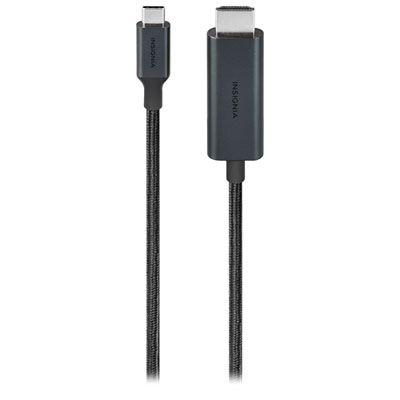
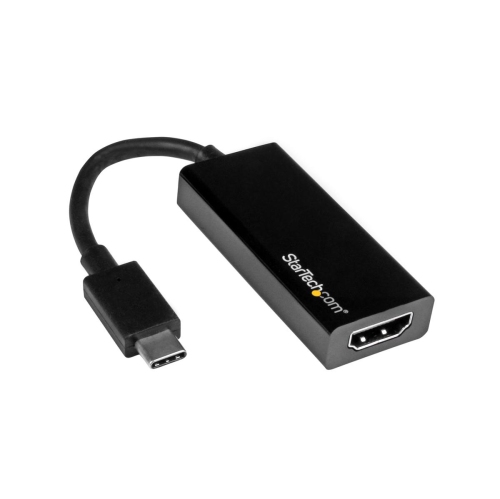
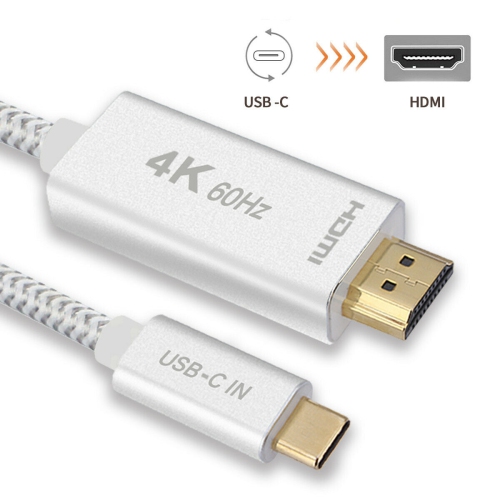
Modern iMacs often require USB-C to HDMI connections
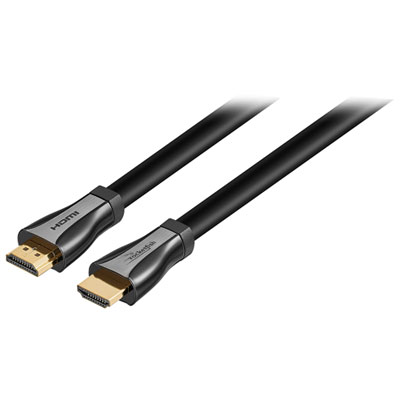
When considering iMac HDMI cables, it’s important to understand the unique connection requirements of modern iMac models. Most iMacs released from 2017 onward are equipped with Thunderbolt or USB-C ports rather than traditional HDMI outputs, so connecting your iMac to an external display, TV, or projector often requires a specialized USB-C to HDMI cable or adapter. These cables are designed to deliver crisp, high-resolution video—often supporting 4K at 60Hz for smooth, detailed visuals—making them ideal for creative professionals, students, and anyone who enjoys streaming movies or sharing presentations. Whether you’re setting up a home office, creating an immersive entertainment space, or preparing for a summer of family movie nights, the right cable ensures you get the most out of your iMac’s stunning display capabilities. As the weather warms and gatherings become more frequent, having a reliable HDMI connection makes it easy to showcase vacation photos, play games, or collaborate on projects with friends and colleagues. These cables can also make thoughtful gifts for recent graduates, tech enthusiasts, or anyone upgrading their workspace, offering a practical way to expand their device’s functionality.
Selecting the best iMac HDMI cable involves more than just matching ports; it’s about ensuring compatibility with your specific iMac model and the display you plan to use. Look for cables or adapters that clearly indicate support for the latest video resolutions and refresh rates, especially if you plan to use your iMac for graphic design, video editing, or gaming. Durability is another key factor—choose cables with reinforced connectors and flexible yet sturdy sheathing to withstand frequent plugging and unplugging, especially in busy households or shared workspaces. For those who need even more versatility, consider a multiport USB-C hub that includes HDMI alongside additional USB-A or SD card slots, offering a convenient all-in-one solution for expanding your iMac’s connectivity. As outdoor movie nights and collaborative projects become more popular during the longer days, having the right HDMI cable or adapter ensures you’re ready for any scenario—whether you’re hosting a backyard slideshow or connecting to a conference room display. If you use both a MacBook and an iMac, or want to explore compatible options, visit our dedicated page for HDMI Cables for MacBook to find additional choices that may suit your setup. No matter how you plan to use your iMac, investing in a quality HDMI connection opens up a world of possibilities for work, play, and everything in between.
Selecting the best iMac HDMI cable involves more than just matching ports; it’s about ensuring compatibility with your specific iMac model and the display you plan to use. Look for cables or adapters that clearly indicate support for the latest video resolutions and refresh rates, especially if you plan to use your iMac for graphic design, video editing, or gaming. Durability is another key factor—choose cables with reinforced connectors and flexible yet sturdy sheathing to withstand frequent plugging and unplugging, especially in busy households or shared workspaces. For those who need even more versatility, consider a multiport USB-C hub that includes HDMI alongside additional USB-A or SD card slots, offering a convenient all-in-one solution for expanding your iMac’s connectivity. As outdoor movie nights and collaborative projects become more popular during the longer days, having the right HDMI cable or adapter ensures you’re ready for any scenario—whether you’re hosting a backyard slideshow or connecting to a conference room display. If you use both a MacBook and an iMac, or want to explore compatible options, visit our dedicated page for HDMI Cables for MacBook to find additional choices that may suit your setup. No matter how you plan to use your iMac, investing in a quality HDMI connection opens up a world of possibilities for work, play, and everything in between.
Top selling and popular products
-
 Your price for this item is $39.99
 -
 Your price for this item is $24.99
 -
 Your price for this item is $19.99
 -
 Your price for this item is $29.99
 -
 Your price for this item is $29.99
 -
 Your price for this item is $19.99
 -
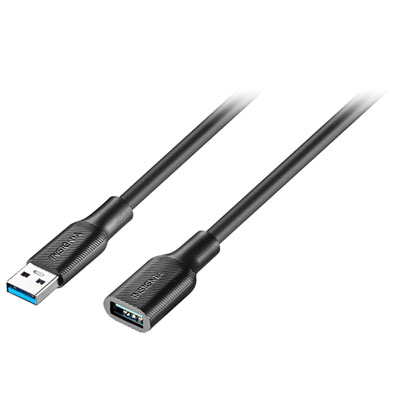 Your price for this item is $24.99
 -
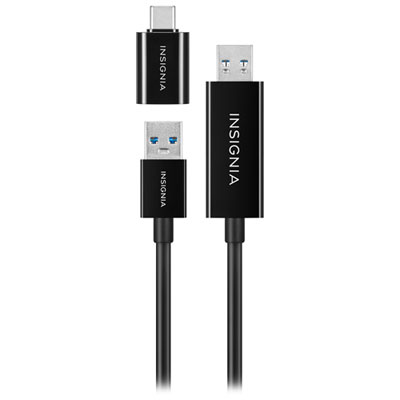 Your price for this item is $44.97
Discover more categories related to iMac HDMI Cables
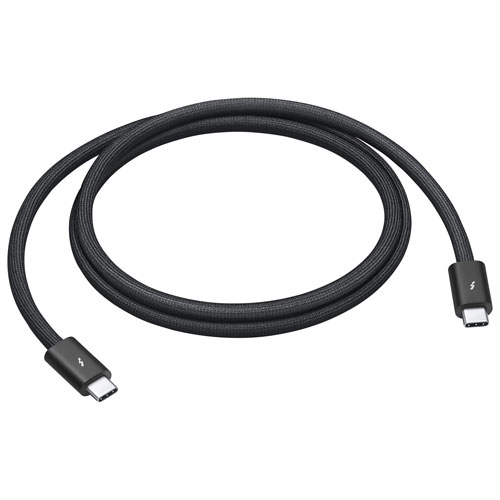

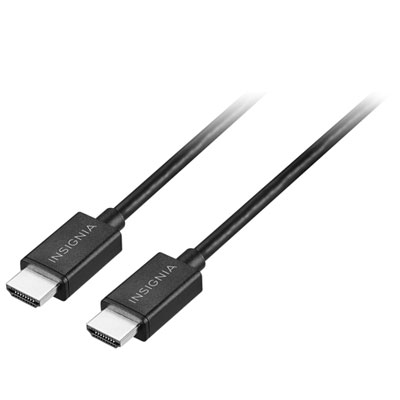
Top Collections:
Pokemon Centers, Kindle Devices, Best Budget Office Chairs, Apple iPhones 16, Best Laptops for Writers, iPhone 15 Apple, Canon G7X Cameras, Refurbished Apple Laptops, Alarm Clock, Motorola Razr Phones
Some products may be subject to Environmental Handling Fees
(EHF) depending on your province.
Learn more about EHFs.