iPads Compatible With Apple Pencil
Explore a wide selection of iPads Compatible With Apple Pencil, perfect for creative tasks, note-taking, and everyday productivity. Whether you're a student, professional, or looking for an intuitive device for personal use, these iPads offer seamless integration with Apple Pencil to enhance your digital experience. Browse options designed to support your workflow and unlock new possibilities in drawing, editing, and more. Find the ideal iPad that pairs effortlessly with Apple Pencil to suit your unique needs.
Sort
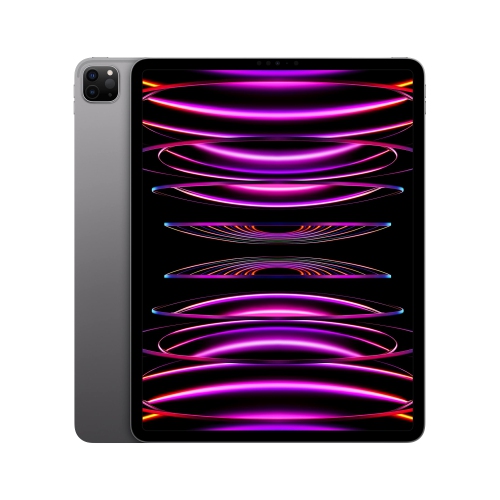
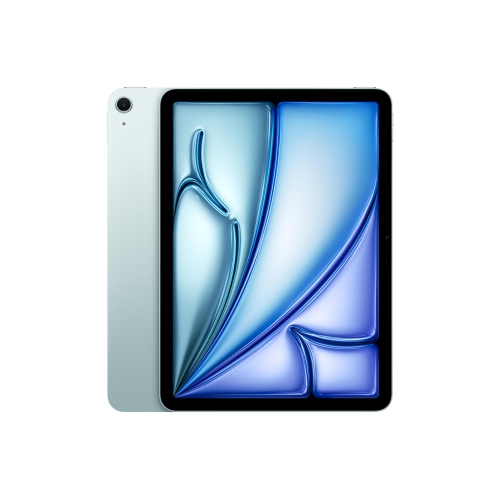
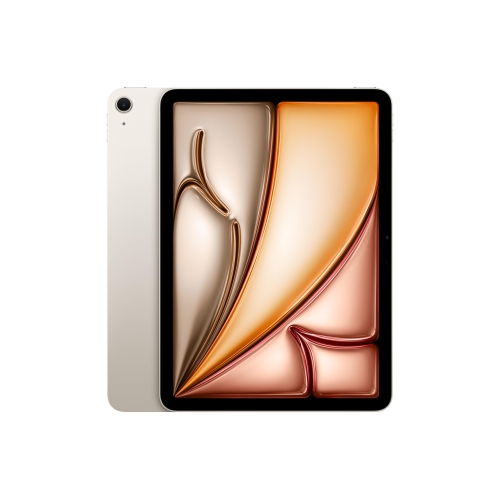
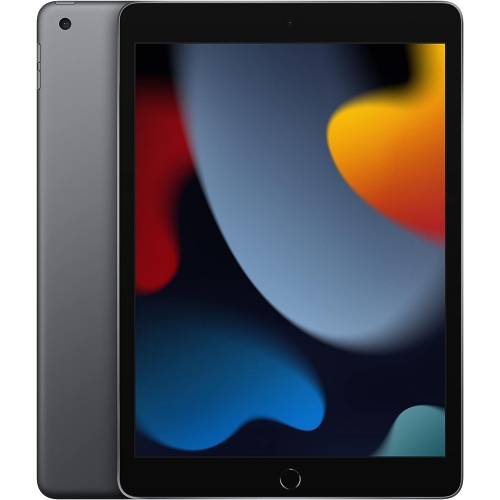
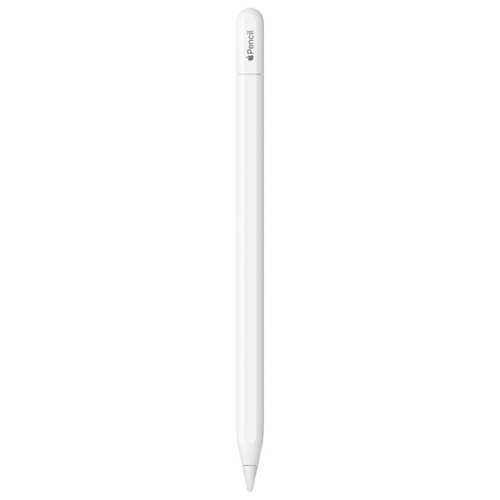
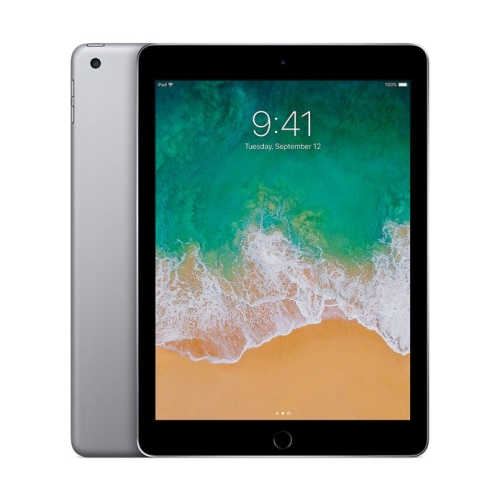
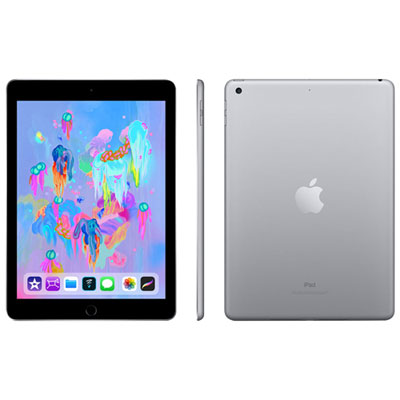
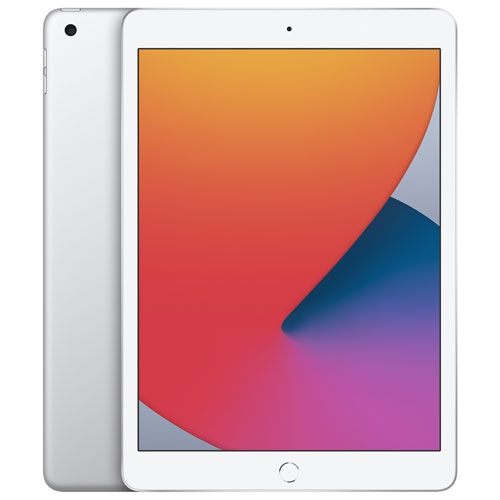
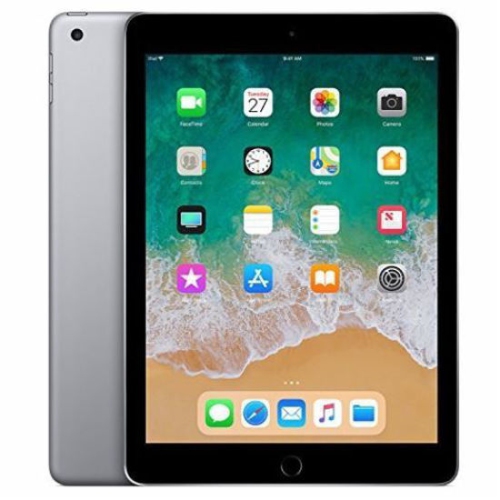
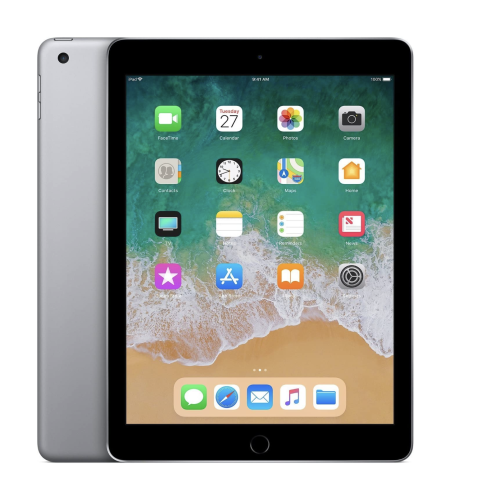

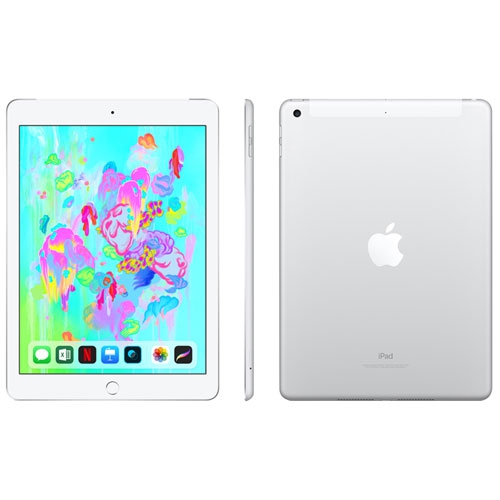
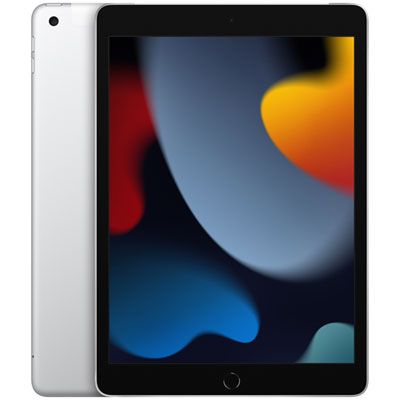
Apple Pencil adds precision to notes, sketches, and workflows
When exploring iPads compatible with Apple Pencil, it’s helpful to consider how these devices can elevate your daily routines, creative projects, and productivity goals. Whether you’re a student taking detailed lecture notes, a professional sketching out design concepts, or a parent searching for a versatile tablet for the family, an iPad that works seamlessly with Apple Pencil can open up new possibilities. The intuitive touch and precision of the Apple Pencil transforms the iPad into more than just a tablet—it becomes a digital notepad, canvas, and workstation. For artists, illustrators, and designers, the tactile response and pressure sensitivity of the Apple Pencil can replicate the feel of traditional drawing tools, making it easier to capture inspiration in the moment, whether you’re at home, in a studio, or enjoying the fresh energy of spring outdoors. Meanwhile, students and educators appreciate the ability to annotate documents, organize study materials, and collaborate on group projects with ease. The iPad’s compatibility with Apple Pencil brings a natural handwriting experience to digital workflows, perfect for those who prefer jotting down thoughts by hand or marking up PDFs with precision.
When choosing an iPad that supports Apple Pencil, it’s important to think about how you’ll use your device and which features matter most to you. If you’re often on the go, a lightweight model with a compact display might be ideal for slipping into a backpack or tote, ready for spontaneous note-taking or creative bursts during commutes. For those who need a larger screen for multitasking or detailed artwork, a bigger display can provide ample space for split-screen apps and immersive drawing sessions. Families may find that an iPad compatible with Apple Pencil is a thoughtful gift for children and teens, encouraging digital learning, art exploration, and interactive play. With the arrival of March and the promise of new beginnings, an iPad paired with Apple Pencil can be a practical companion for spring cleaning your digital life—organizing files, planning projects, or starting a fresh journal. Professionals in fields like architecture, engineering, and education often rely on the precision of Apple Pencil for marking up blueprints, grading assignments, or brainstorming ideas on the fly. The versatility of these devices makes them suitable for a wide range of users, from hobbyists and students to business travellers and creative professionals.
No matter your needs, ensuring compatibility between your iPad and Apple Pencil is key to unlocking the full potential of your device. With several generations of both iPads and Pencils available, it’s worth checking which model best fits your workflow and preferences. Many users appreciate features like magnetic attachment, wireless charging, and advanced gesture controls, which can streamline your experience and keep your tools ready at a moment’s notice. If you’re looking to enhance your iPad with a stylus, explore the range of options available at Best Buy Canada. For more information on which Apple Pencil is right for your iPad, visit our Pencils For iPad page for detailed compatibility and buying advice.
When choosing an iPad that supports Apple Pencil, it’s important to think about how you’ll use your device and which features matter most to you. If you’re often on the go, a lightweight model with a compact display might be ideal for slipping into a backpack or tote, ready for spontaneous note-taking or creative bursts during commutes. For those who need a larger screen for multitasking or detailed artwork, a bigger display can provide ample space for split-screen apps and immersive drawing sessions. Families may find that an iPad compatible with Apple Pencil is a thoughtful gift for children and teens, encouraging digital learning, art exploration, and interactive play. With the arrival of March and the promise of new beginnings, an iPad paired with Apple Pencil can be a practical companion for spring cleaning your digital life—organizing files, planning projects, or starting a fresh journal. Professionals in fields like architecture, engineering, and education often rely on the precision of Apple Pencil for marking up blueprints, grading assignments, or brainstorming ideas on the fly. The versatility of these devices makes them suitable for a wide range of users, from hobbyists and students to business travellers and creative professionals.
No matter your needs, ensuring compatibility between your iPad and Apple Pencil is key to unlocking the full potential of your device. With several generations of both iPads and Pencils available, it’s worth checking which model best fits your workflow and preferences. Many users appreciate features like magnetic attachment, wireless charging, and advanced gesture controls, which can streamline your experience and keep your tools ready at a moment’s notice. If you’re looking to enhance your iPad with a stylus, explore the range of options available at Best Buy Canada. For more information on which Apple Pencil is right for your iPad, visit our Pencils For iPad page for detailed compatibility and buying advice.
Top selling and popular products
-
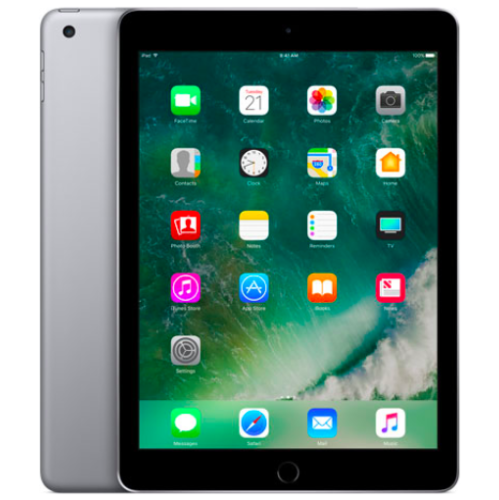 Your price for this item is $109.99
 -
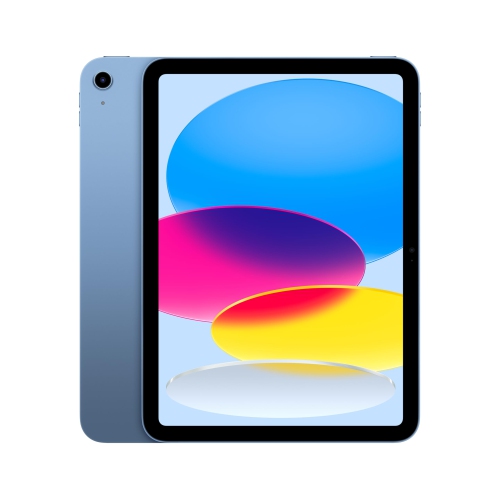 Your price for this item is $639.99
 -
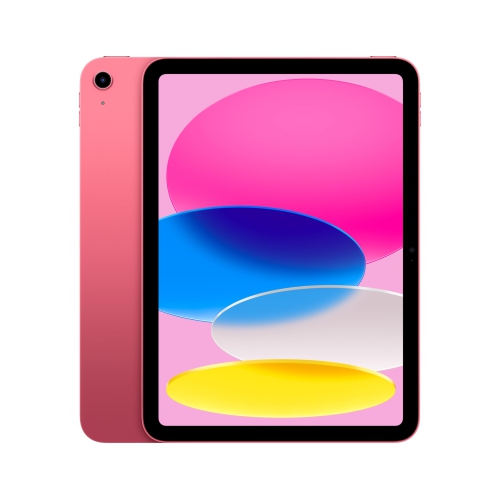 Your price for this item is $648.95
 -
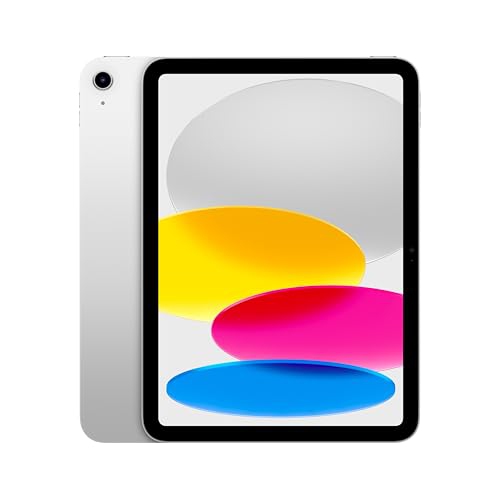 Your price for this item is $674.99
 -
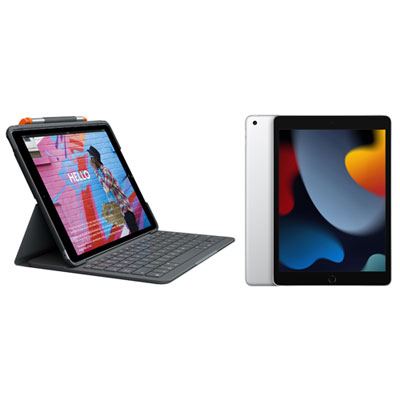 Your price for this item is $468.98
 -
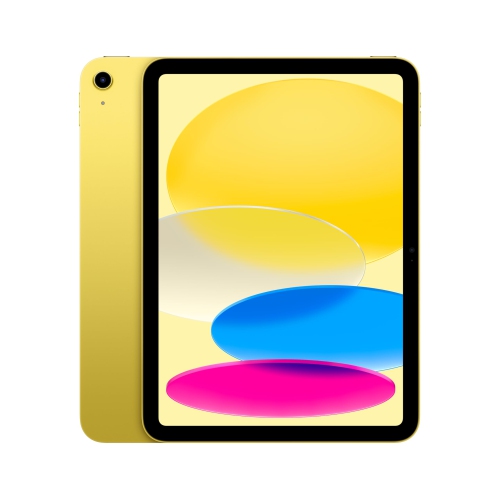 Your price for this item is $629.98
 -
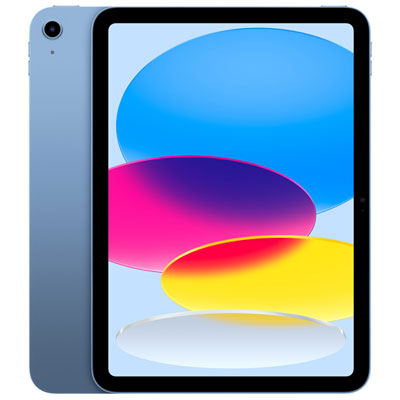 Your price for this item is $649.99
 -
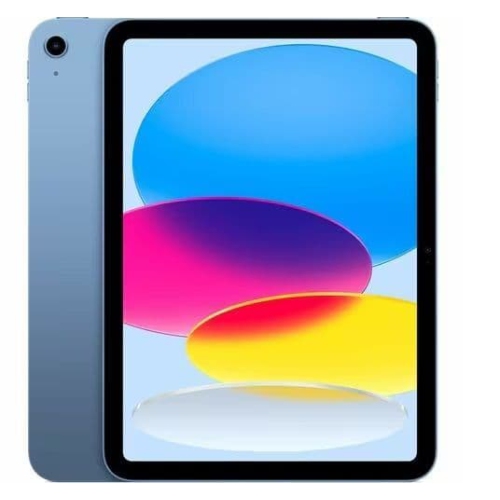 Your price for this item is $625.98
Discover more categories related to iPads Compatible With Apple Pencil
Top Collections:
Best Laptops for Video Editing, Pokemon Centers, Samsung Z Fold, Kindle Devices, Best Cell Phones Under $300, Best Laptop Computers for Students, iPhone 15 Apple, Best Cell Phones Under $500, Alarm Clock, Canon G7X Cameras
Some products may be subject to Environmental Handling Fees
(EHF) depending on your province.
Learn more about EHFs.