iPad For Virtual Meetings
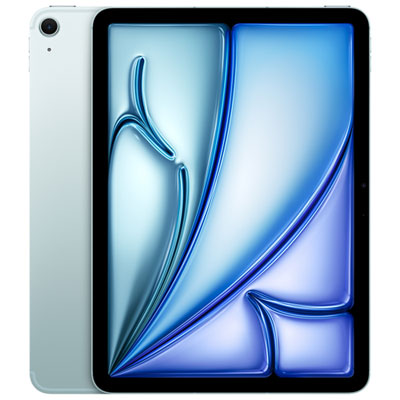
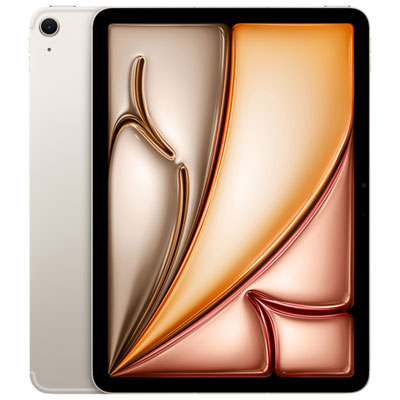
iPad For Virtual Meetings offers a convenient and portable way to stay connected with colleagues, friends, and family from anywhere. Whether you're working remotely or attending online classes, these tablets provide the flexibility needed for seamless communication. Explore a range of iPad models designed to support your virtual meeting needs with reliable performance and user-friendly interfaces. Find the right option to help you make the most of every virtual interaction.
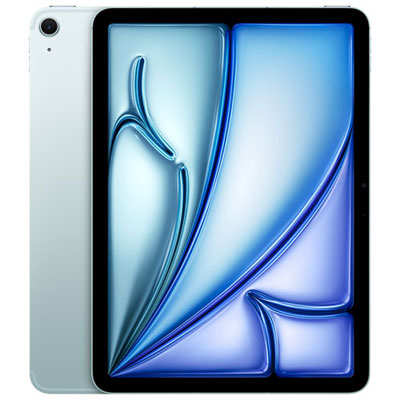
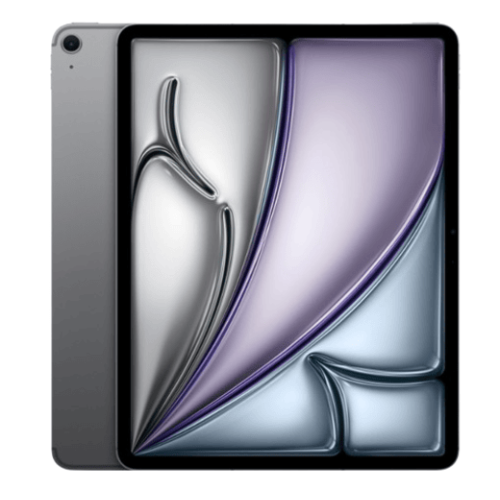
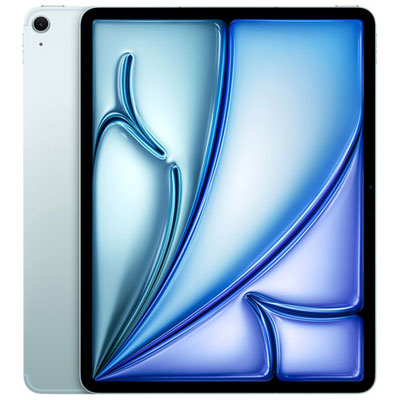
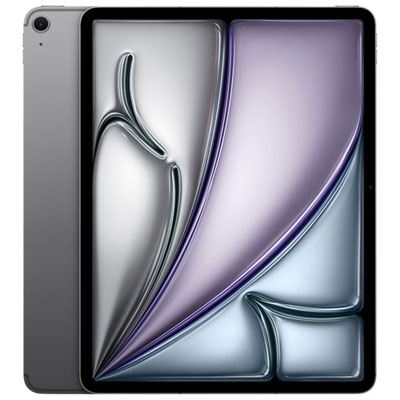
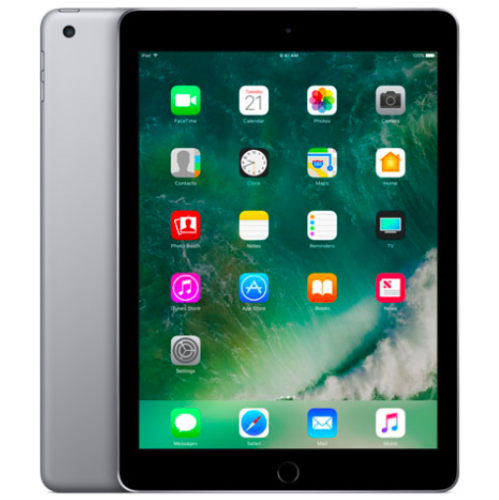
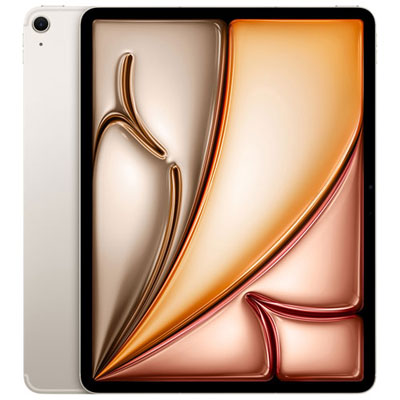
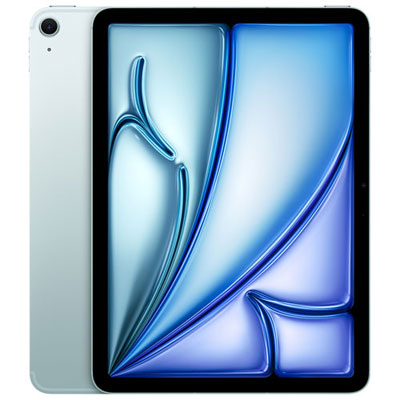
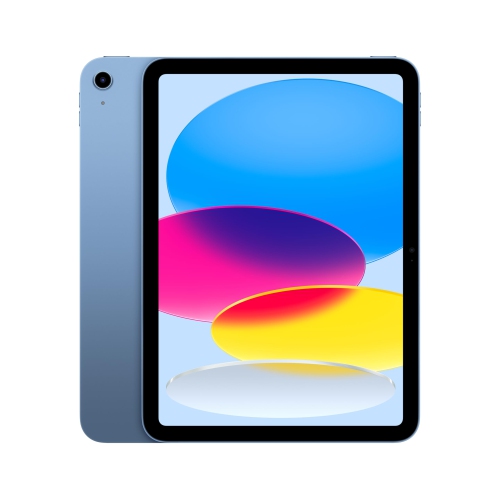
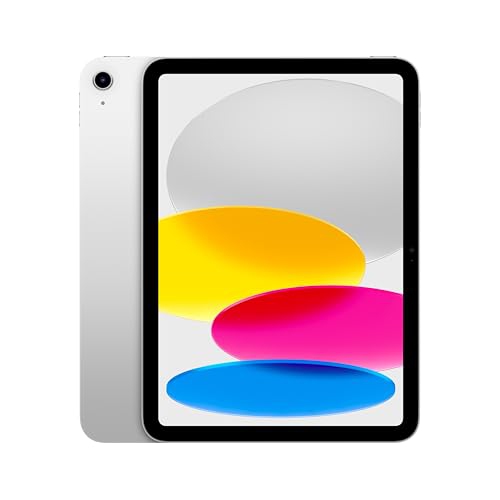
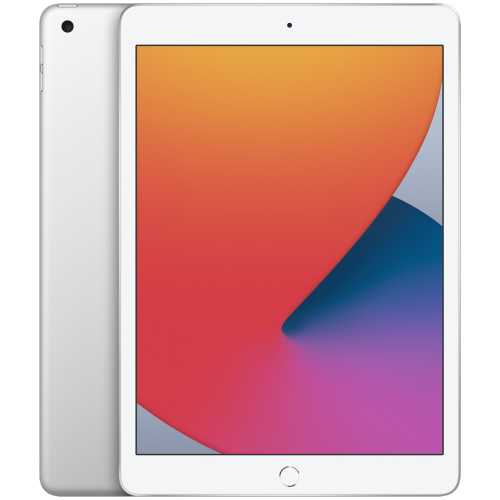
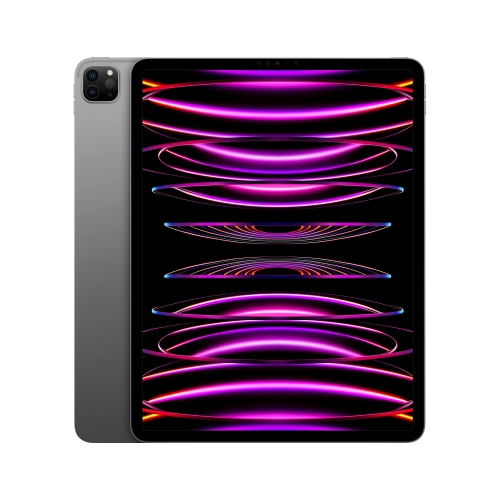
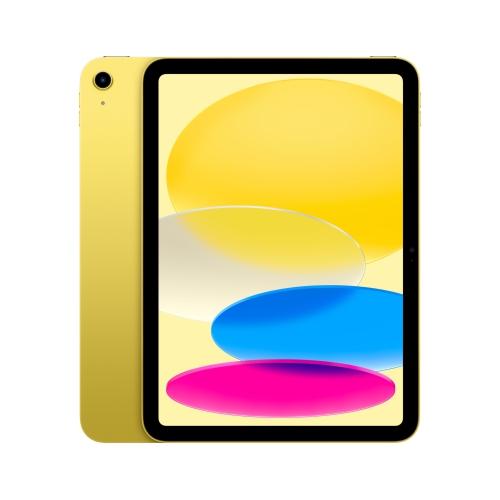

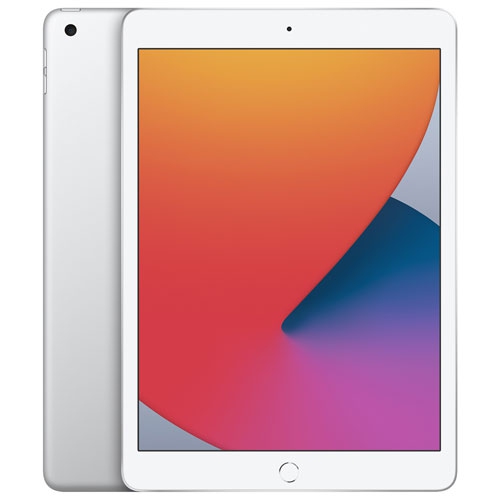

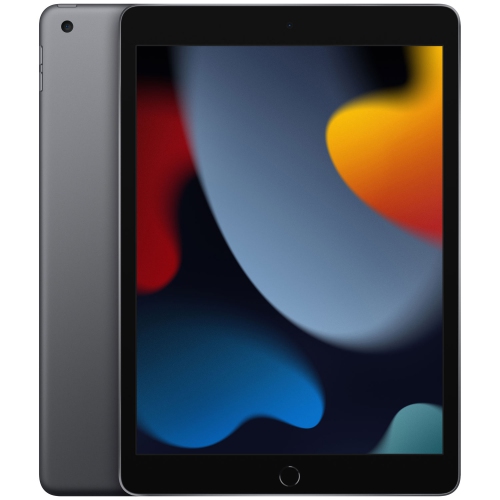
The features behind clearer calls wherever you work
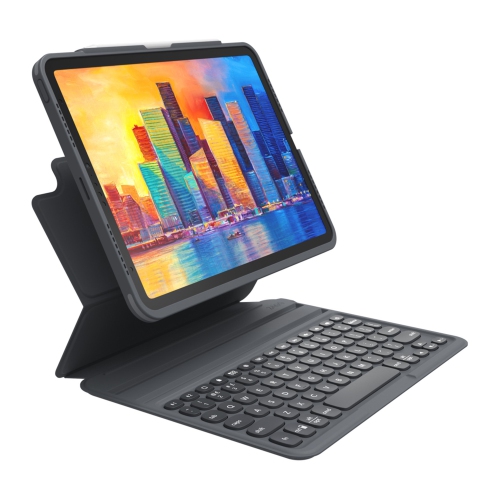
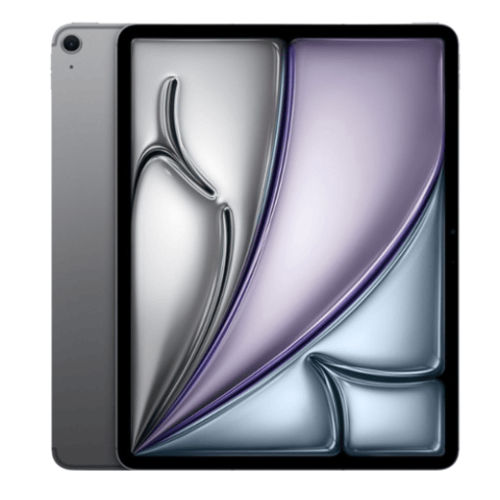
When considering which iPad is best suited for virtual meetings, a few key features stand out. A high-resolution front-facing camera is essential for presenting yourself clearly, whether you’re leading a discussion or catching up with loved ones. Look for models with advanced microphones and speakers to ensure your voice comes through naturally and you can hear others without straining. Reliable Wi-Fi and optional cellular connectivity are important for staying connected, especially if you’re joining meetings from locations with varying network quality. For those who take notes or share presentations during calls, compatibility with accessories like keyboards and styluses can transform an iPad into a powerful workstation. Many people find that an iPad also makes a thoughtful gift, especially for students heading off to university or professionals starting a new role, as it supports both productivity and personal connections. With intuitive interfaces and a wide range of compatible apps, an iPad can seamlessly integrate into any workflow, from quick daily check-ins to lengthy strategy sessions. If you’re interested in exploring more options tailored specifically to video conferencing, you can browse the dedicated selection of iPads For Video Calls to find the right fit for your needs. Whether you’re settling into a new season of remote collaboration or simply looking to stay in touch with friends and family, the right iPad helps you make the most of every virtual meeting, wherever you are.
FAQ
What features make an iPad suitable for virtual meetings?
iPads are equipped with high-quality cameras, clear microphones, and powerful processors that support smooth video calls. Many models also offer wide-angle front cameras and advanced noise reduction, making them ideal for virtual meetings.
Can I use popular video conferencing apps on an iPad?
Yes, iPads support a wide range of video conferencing apps such as Zoom, Microsoft Teams, Google Meet, and Skype. These apps are available for download from the App Store and work seamlessly on iPadOS.
How can I improve audio quality during virtual meetings on my iPad?
To enhance audio quality, you can use external headphones or Bluetooth earbuds with a built-in microphone. Additionally, many iPads have advanced audio processing features to minimize background noise during calls.
Is it possible to share my screen or present documents during a virtual meeting on an iPad?
Yes, most video conferencing apps on the iPad allow you to share your screen or specific documents. You can present slides, PDFs, or other files directly from your device during a meeting.
Can I connect accessories like keyboards or styluses to my iPad for virtual meetings?
Absolutely! iPads are compatible with Bluetooth keyboards and the Apple Pencil, which can help you take notes or interact more efficiently during virtual meetings.
Top selling and popular products
-
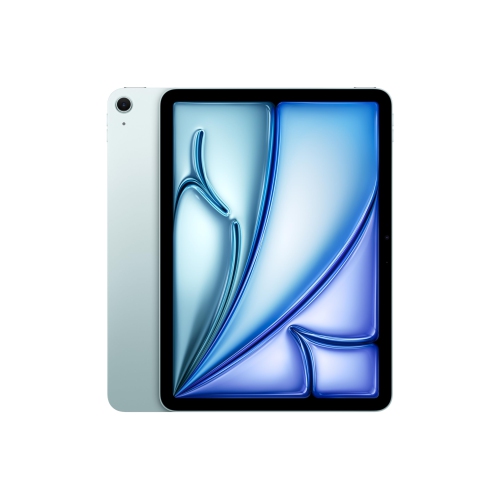 Your price for this item is $889.99
-
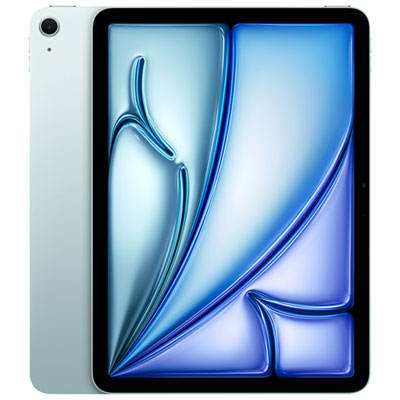 Your price for this item is $949.97
-
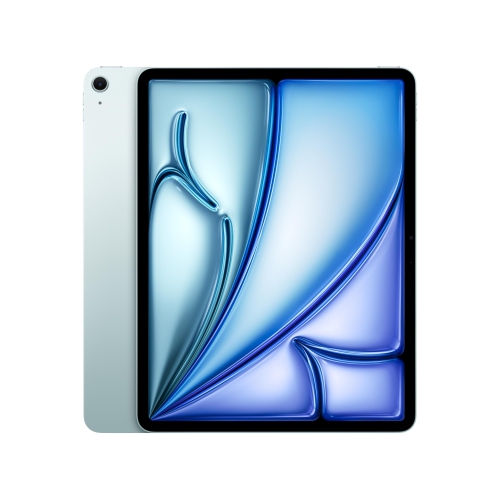 Your price for this item is $1549.99
-
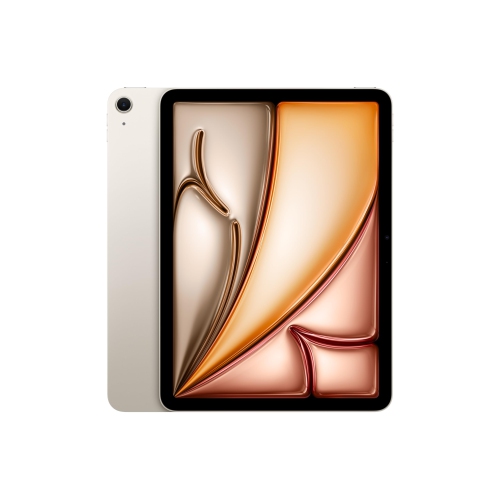 Your price for this item is $869.99
-
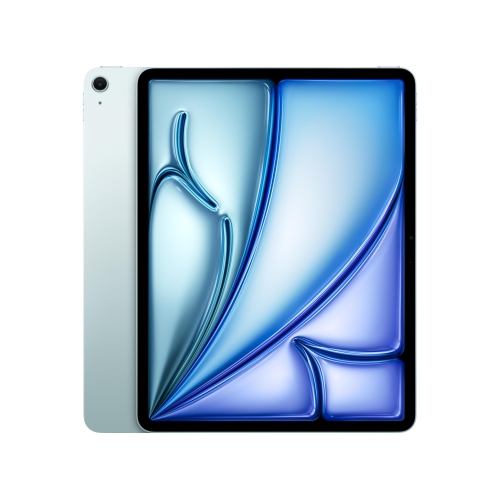 Your price for this item is $1195.99
-
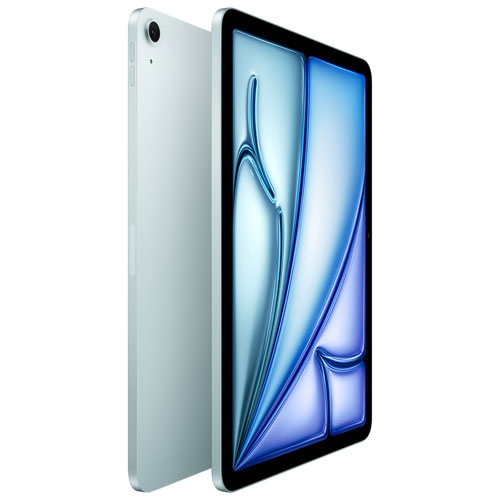 Your price for this item is $949.99
-
 Your price for this item is $949.98
-
 Your price for this item is $979.99