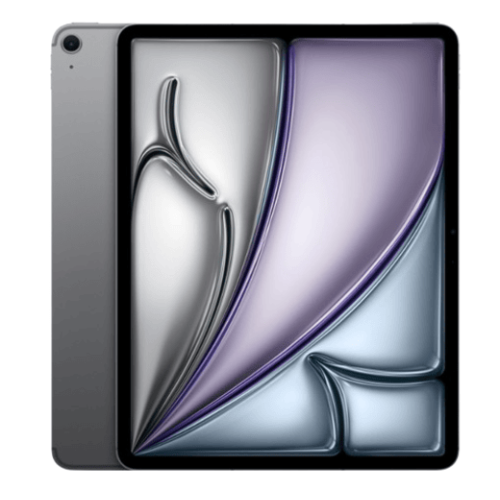
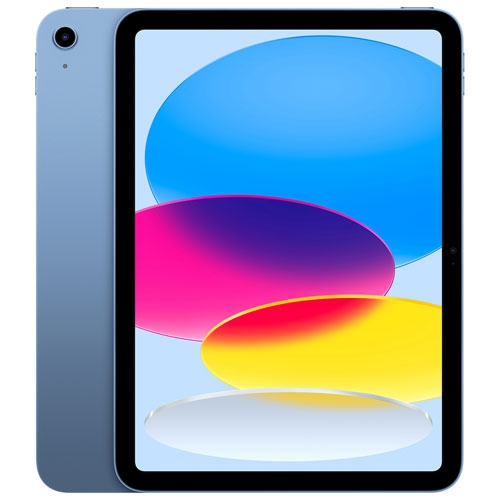
iPads For Video Calls And Meetings
iPads For Video Calls And Meetings offer a convenient way to stay connected with colleagues, friends, and family from virtually anywhere. With a range of models and screen sizes, iPads are designed to help you join video calls and attend meetings whether you’re at home, in the office, or on the go. Explore options that make it easy to participate in virtual conversations and collaborate efficiently using your favorite communication apps. Find the right iPad for your video calls and meetings needs today.
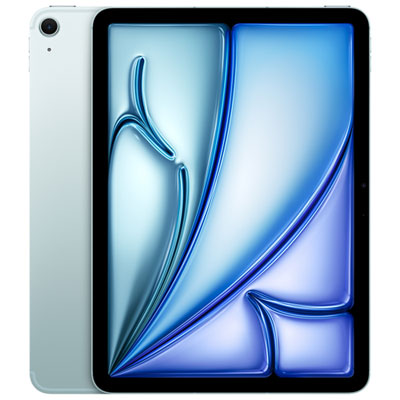
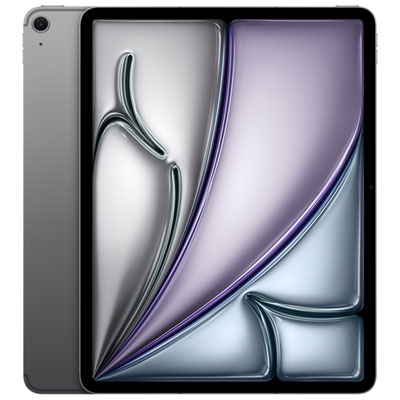
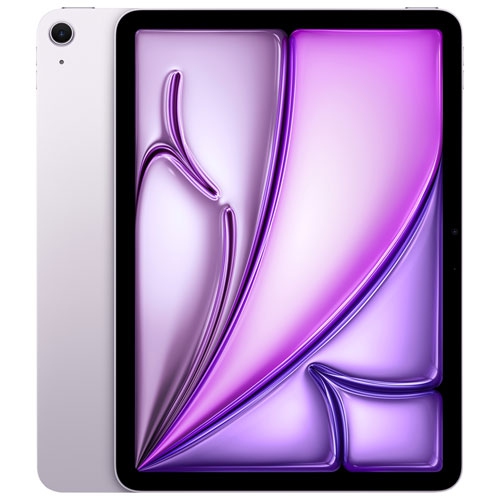
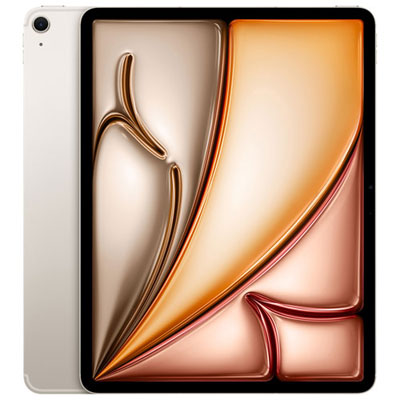
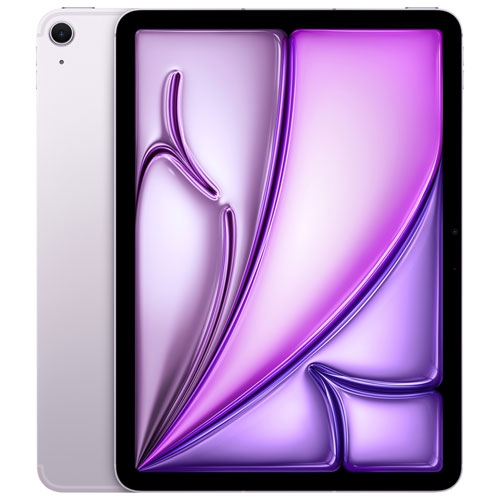
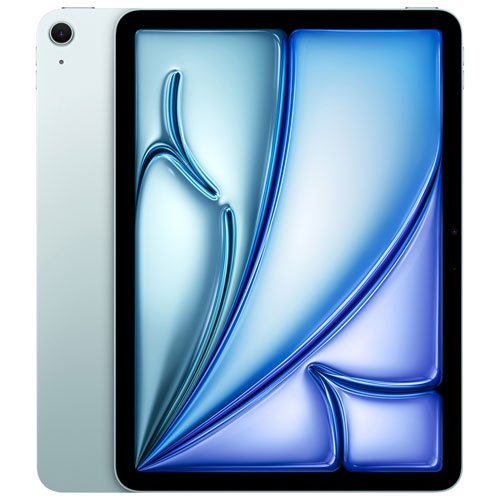

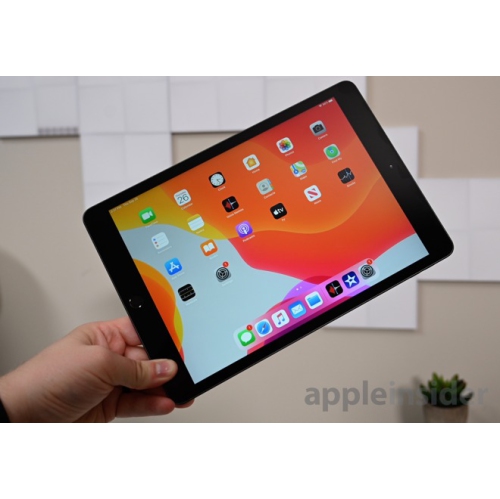
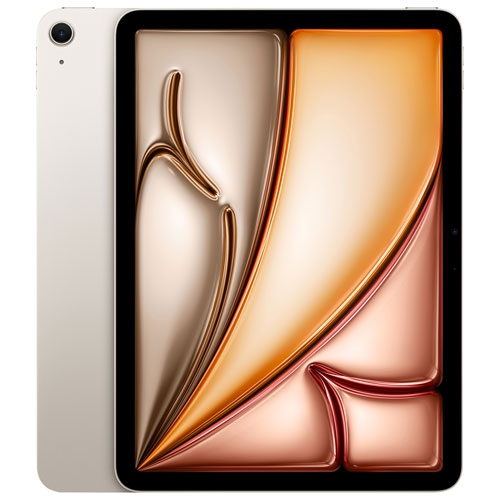
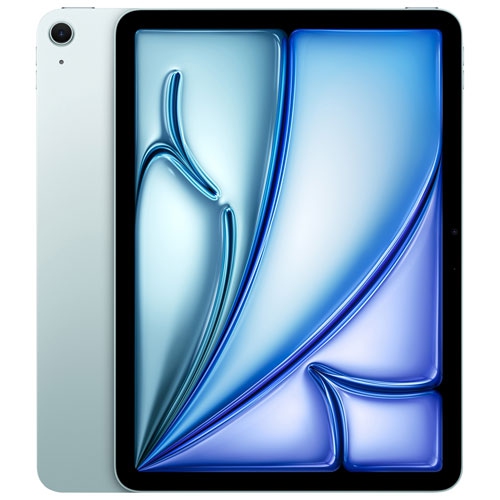
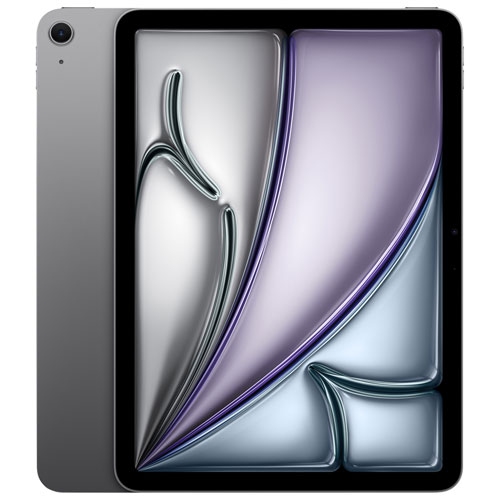
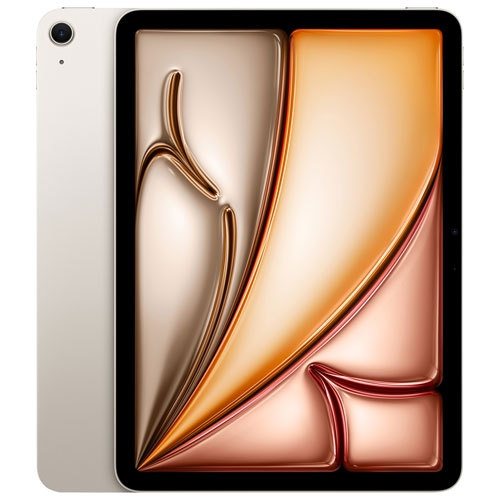
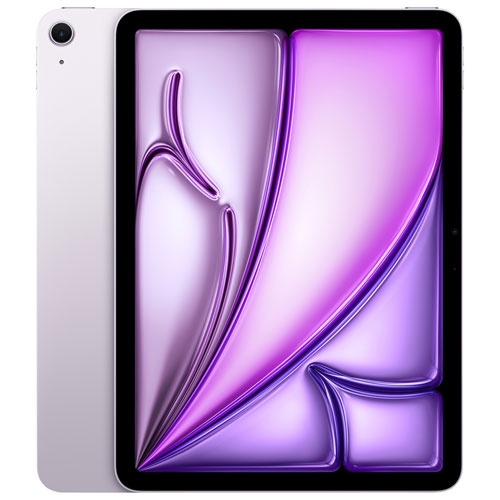
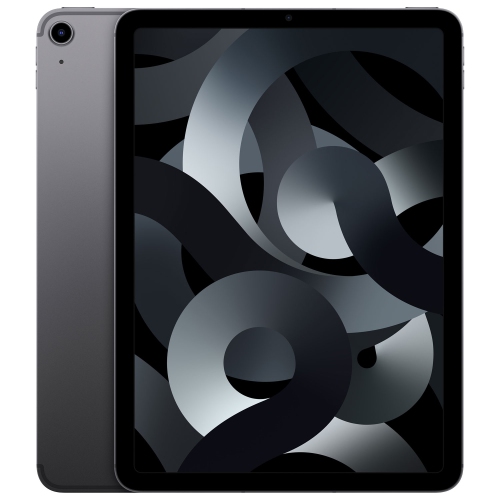
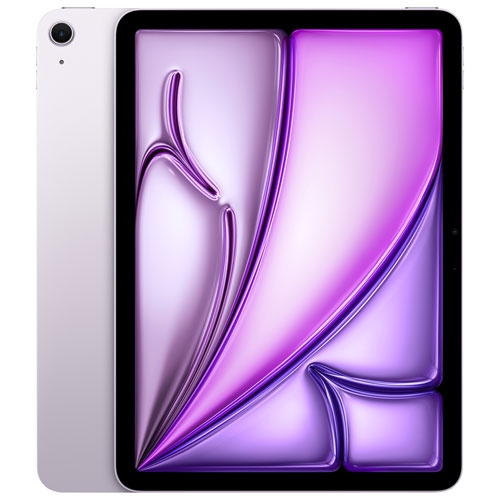
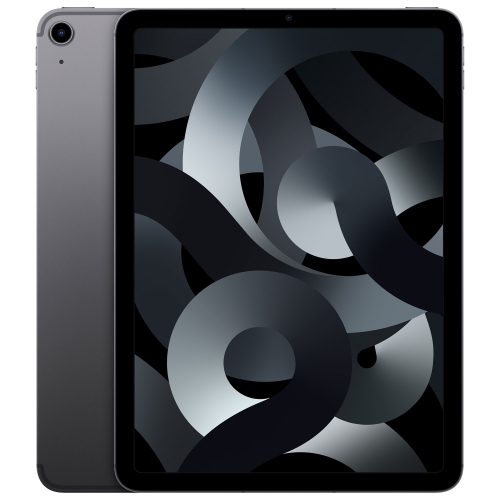
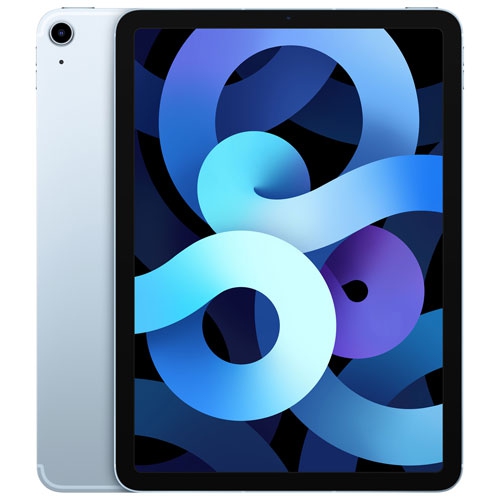

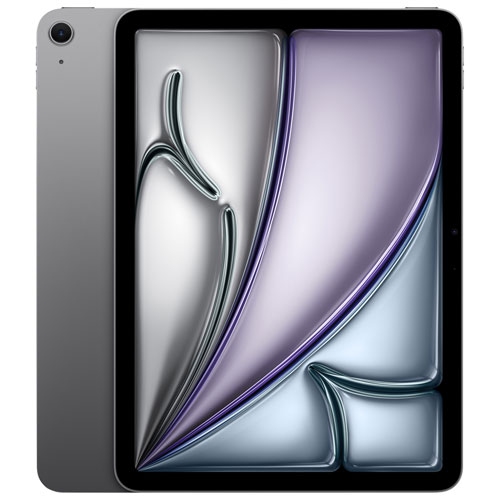
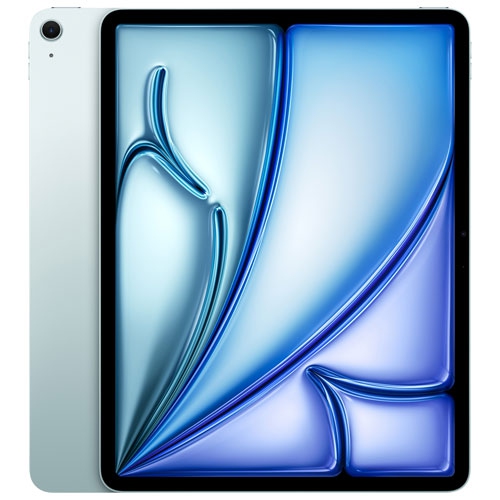
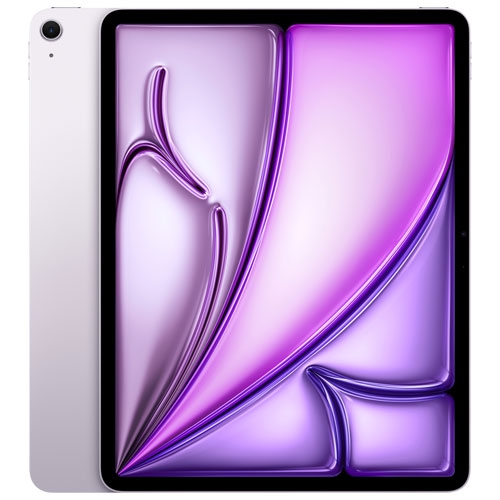
Flexible iPads support calls, classes, and family connections
When considering an iPad for video calls and meetings, it’s important to think about the features that matter most for seamless communication. A vibrant display ensures everyone’s expressions are crystal clear, while advanced microphones and speakers help every word come through without interruption. Reliable Wi-Fi connectivity is essential for smooth, uninterrupted calls, whether you’re working from a home office, attending an online seminar, or joining a virtual workout session with friends. Lightweight and portable, these devices fit easily into a backpack or tote, making them ideal for students heading to study groups, professionals who frequently travel for work, or parents coordinating busy family schedules. They also make thoughtful gifts for grandparents who want to keep up with family milestones, graduates preparing for their next chapter, or anyone embracing a more flexible, connected lifestyle. With a wide range of accessories available—like stands, keyboards, and styluses—users can customize their setup for hands-free meetings, note-taking during brainstorming sessions, or even creative projects between calls.
Whether you’re setting up a dedicated space for remote work or simply looking for a versatile device to connect with friends and colleagues, iPads built for video calls and meetings offer the adaptability to meet your needs through every season. As routines shift from the structured days of early summer to the busier pace of autumn, these tablets help you stay organized, productive, and close to the people who matter most. For those interested in optimizing their workspace for productivity and comfort, explore more options tailored to remote work on the iPads for Home Office page.
FAQ
What features make iPads suitable for video calls and meetings?
iPads offer high-quality front-facing cameras, built-in microphones, and clear speakers, making them ideal for video calls and virtual meetings. Their portability, long battery life, and compatibility with popular video conferencing apps like Zoom, Microsoft Teams, and FaceTime also enhance the experience.
Can I use accessories like headphones or external microphones with my iPad during video calls?
Yes, iPads support a wide range of accessories including Bluetooth headphones, wired earphones with compatible adapters, and external microphones. These can improve audio quality and provide a more private or professional setting for your calls.
How do I set up my iPad for the best video call experience?
For optimal video calls, ensure your iPad is connected to a stable Wi-Fi network, position it at eye level using a stand or case, and use good lighting. You can also enable 'Do Not Disturb' mode to prevent interruptions during meetings.
Are iPads compatible with business video conferencing platforms?
iPads are compatible with most major business video conferencing platforms such as Zoom, Microsoft Teams, Google Meet, Cisco Webex, and Skype. These apps are available for download from the App Store.
Can I share my screen or present documents during a meeting on an iPad?
Yes, many video conferencing apps on the iPad allow you to share your screen or present documents directly from your device. You can display presentations, PDFs, images, or other files stored on your iPad or in cloud services.
Top selling and popular products
-
 Your price for this item is $889.99
-
 Your price for this item is $949.97
-
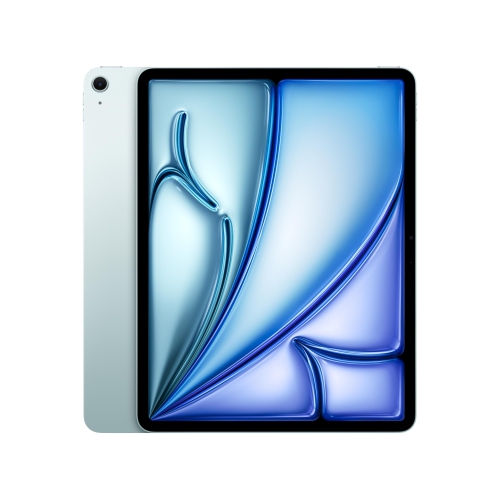 Your price for this item is $1549.99
-
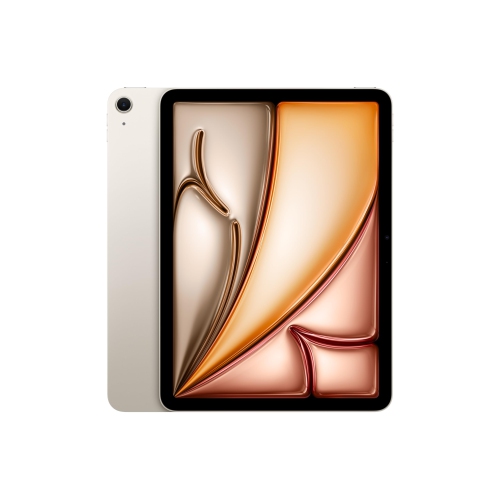 Your price for this item is $869.99
-
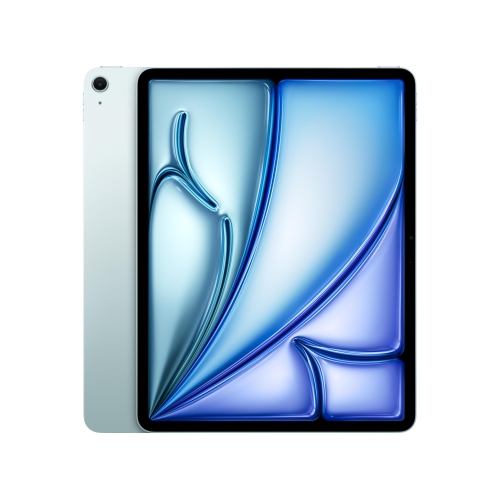 Your price for this item is $1195.99
-
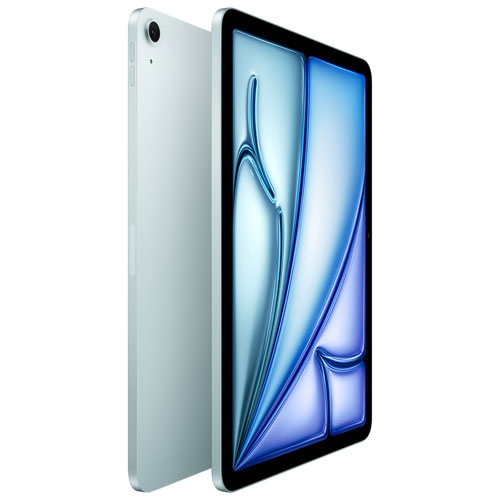 Your price for this item is $949.99
-
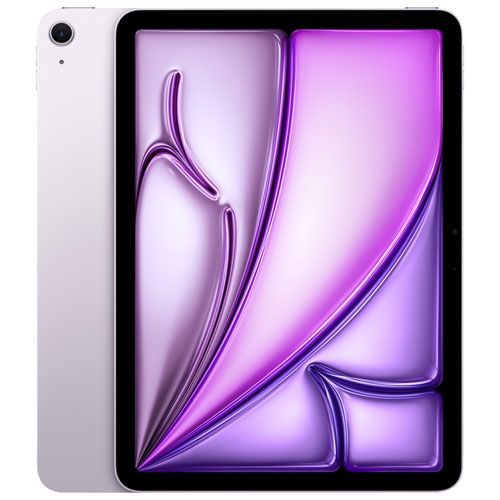 Your price for this item is $949.98
-
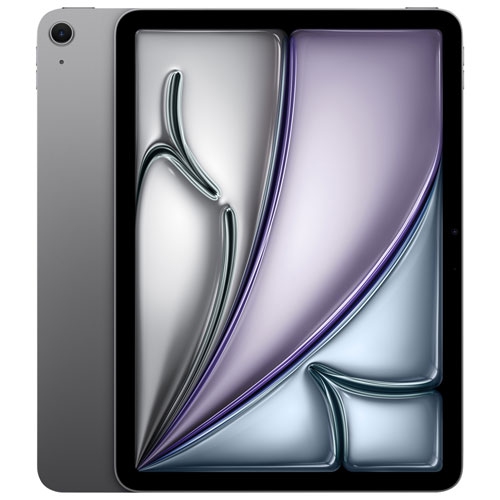 Your price for this item is $979.99