Laptop Elevation Stands
Looking for a way to improve your laptop experience? Look no further than our collection of laptop elevation stands. These innovative accessories are designed to elevate your laptop to a more comfortable viewing angle, reducing strain on your neck and wrists. Whether you're working from home, streaming your favorite shows, or gaming for hours on end, these stands provide the perfect solution for better ergonomics and enhanced productivity. With a variety of styles and features to choose from, finding the ideal laptop elevation stand has never been easier. Upgrade your setup today and take your laptop usage to new heights.
Sort
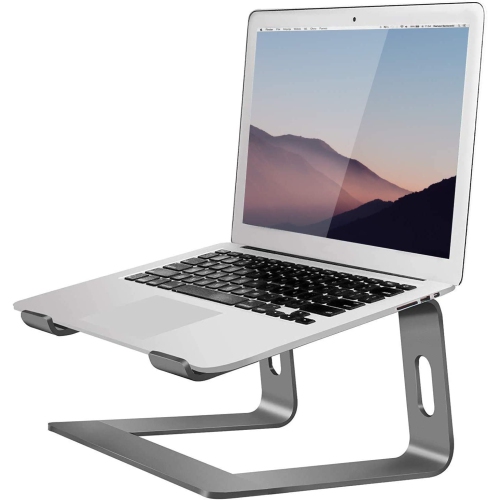
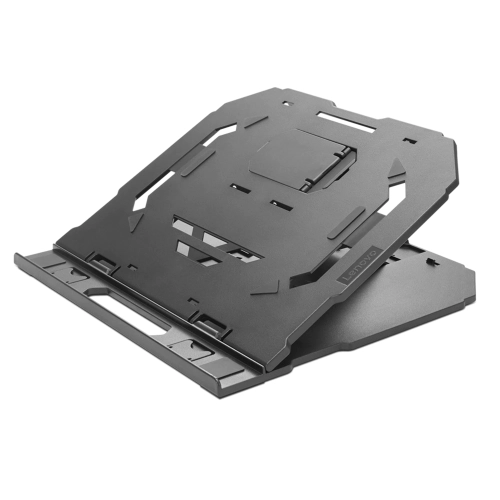
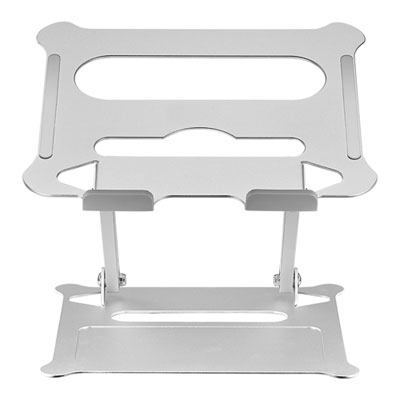
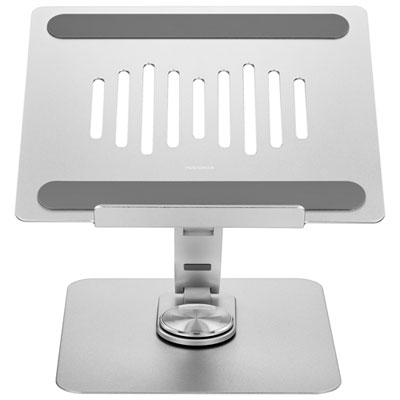
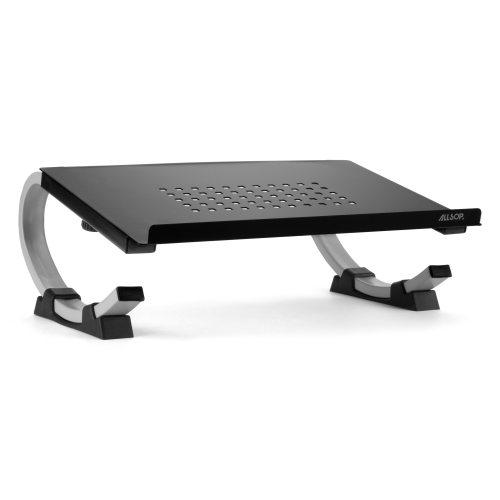
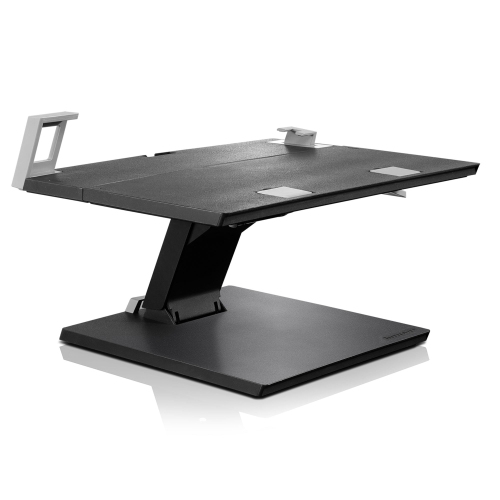
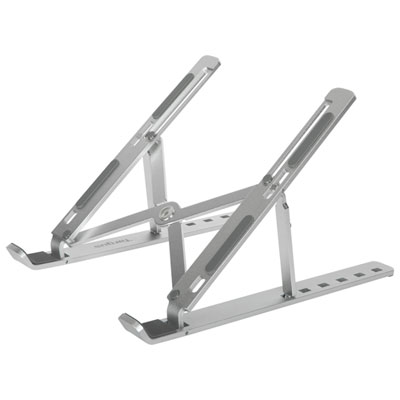
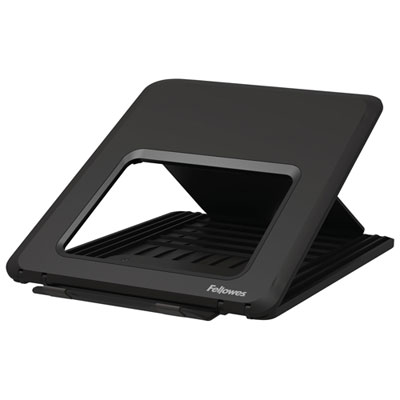
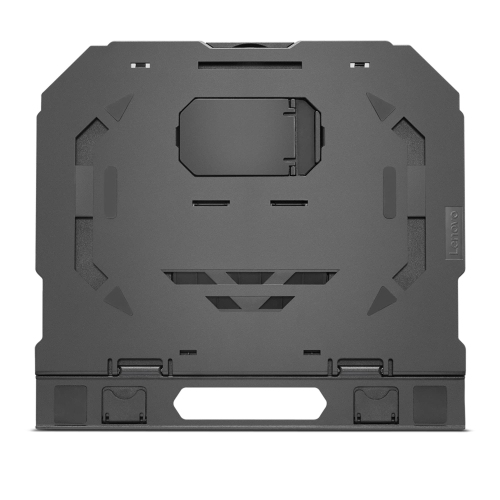

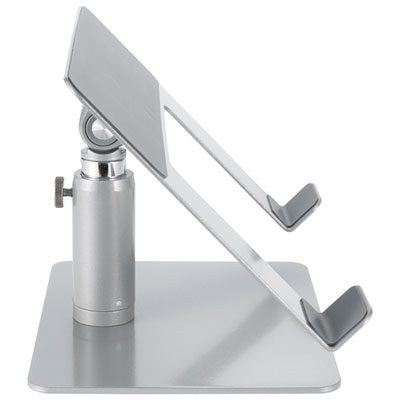
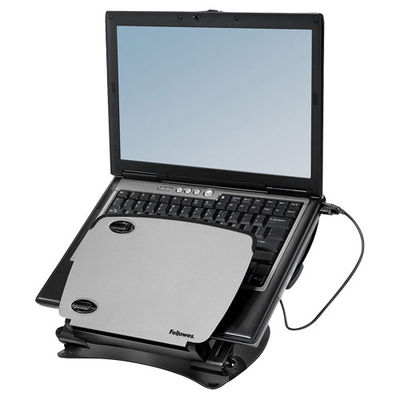
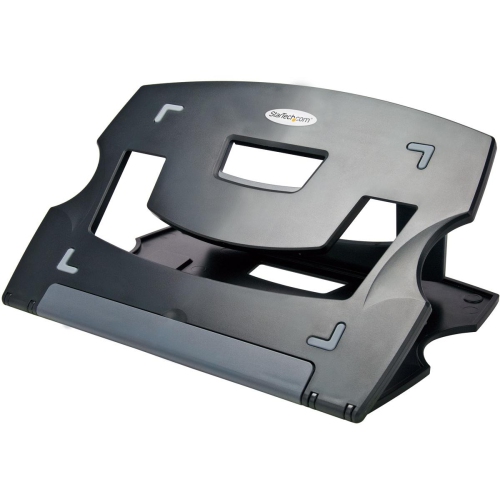
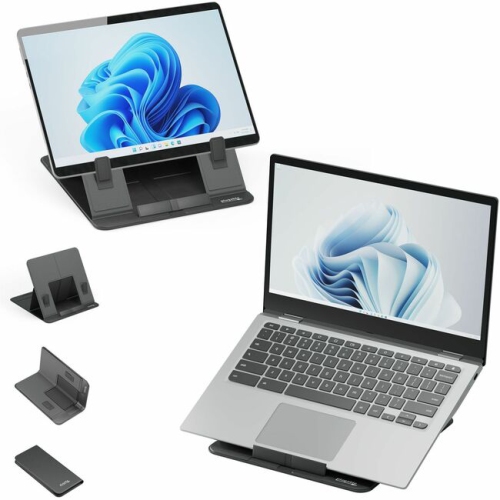
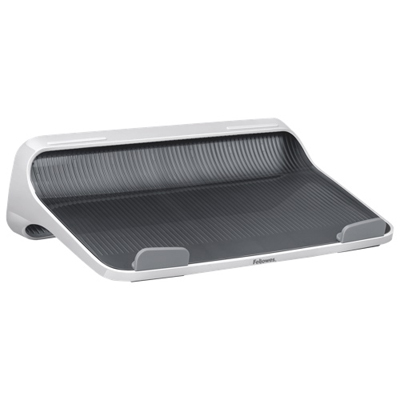
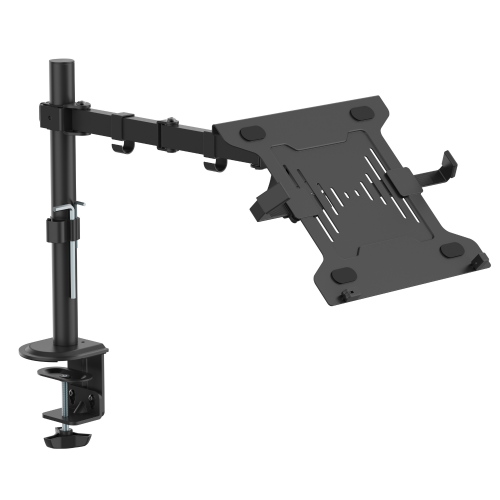
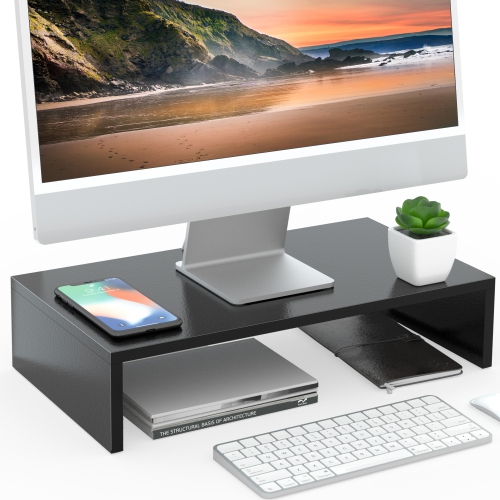
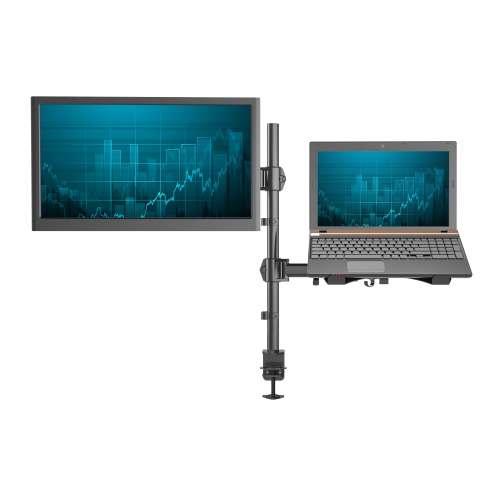
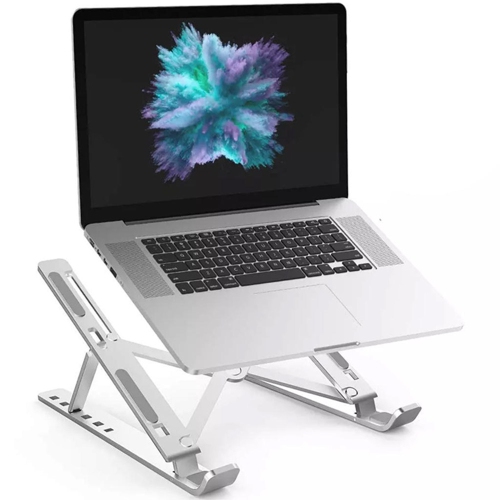
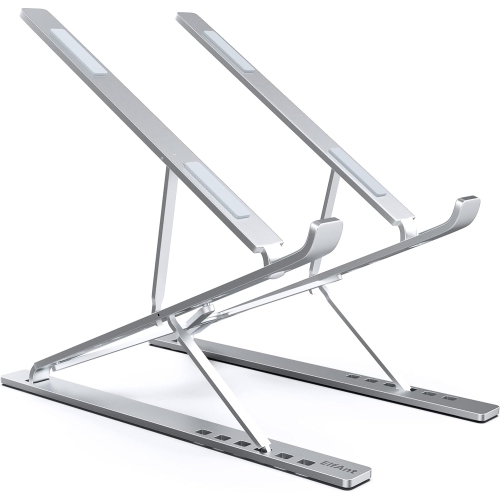
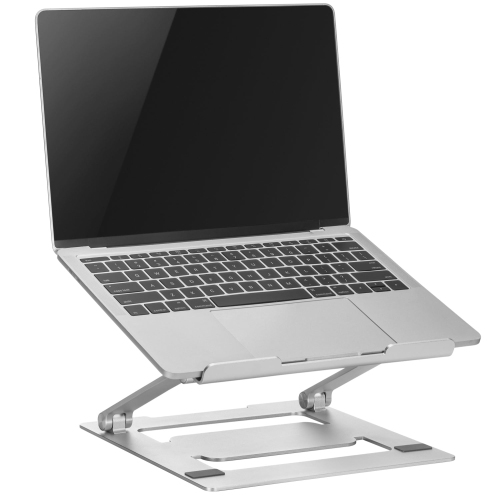
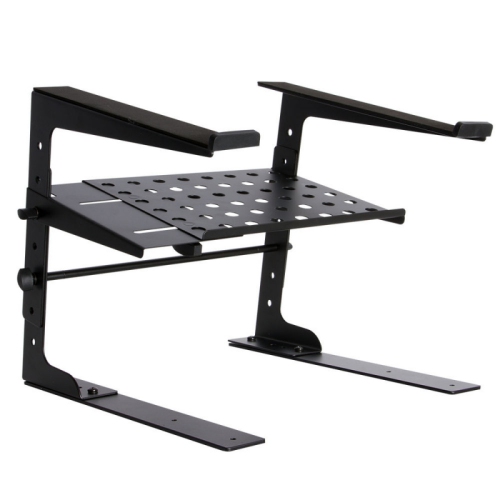

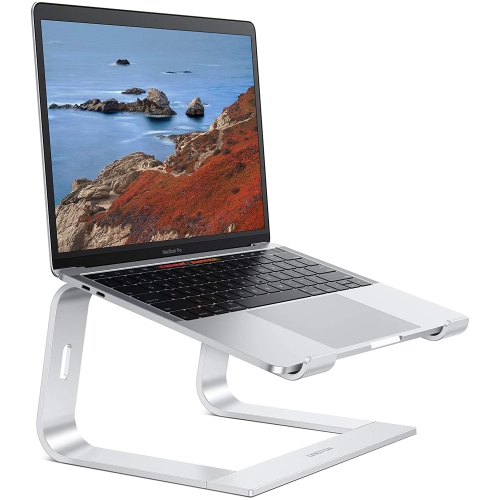
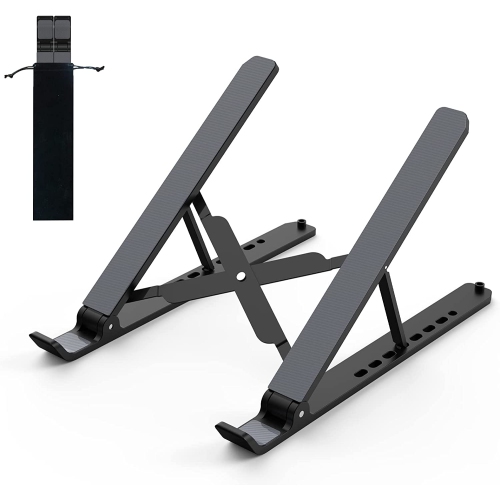
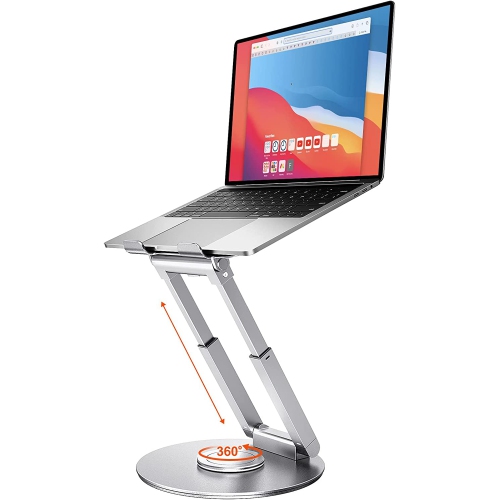
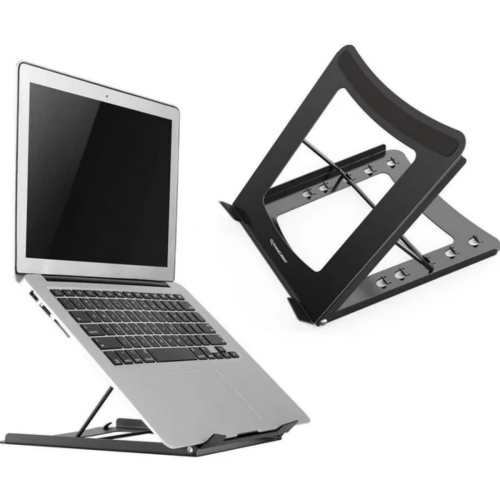
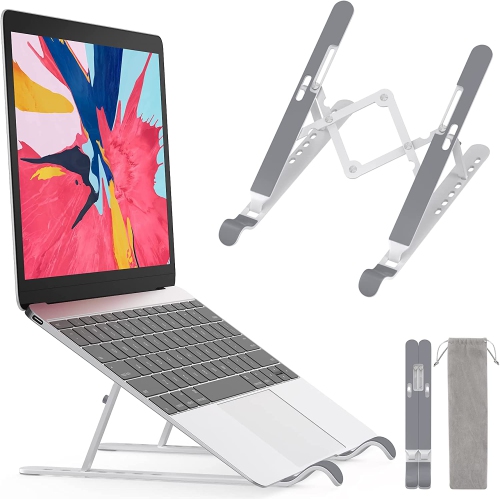
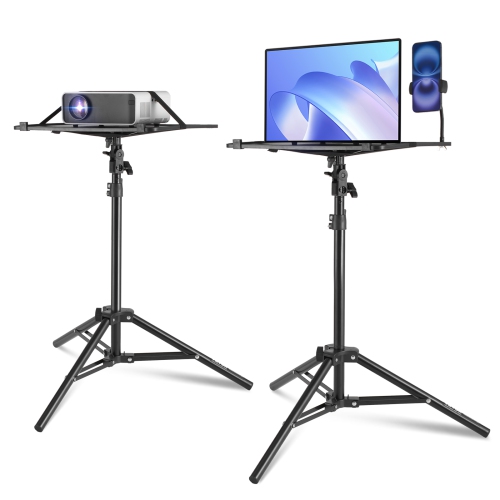
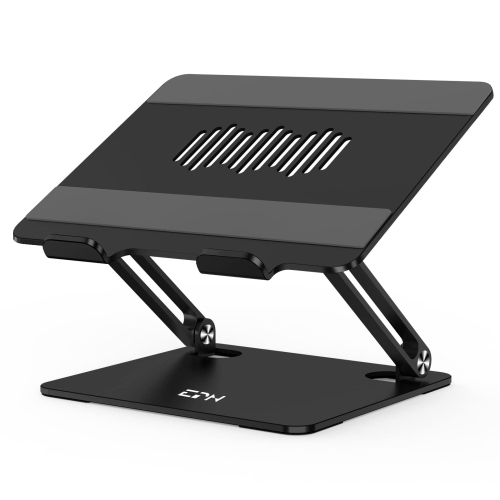
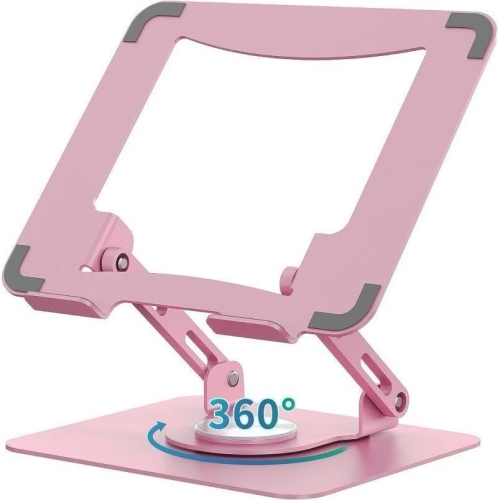

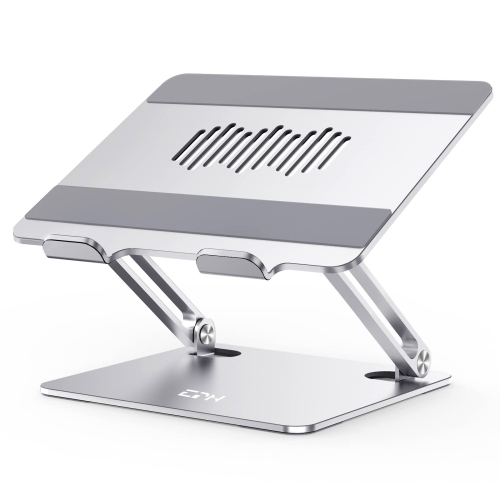
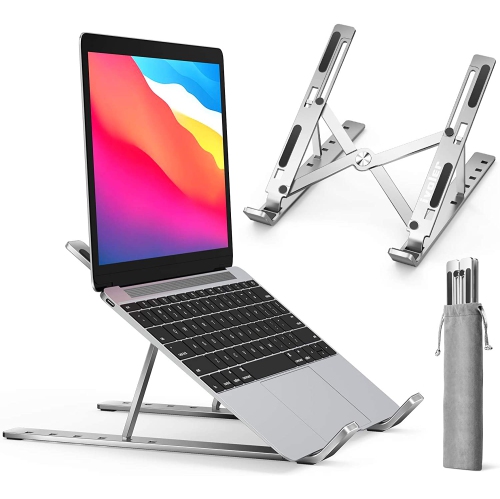
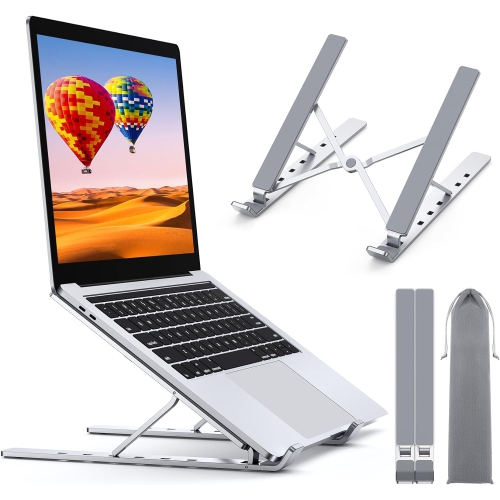
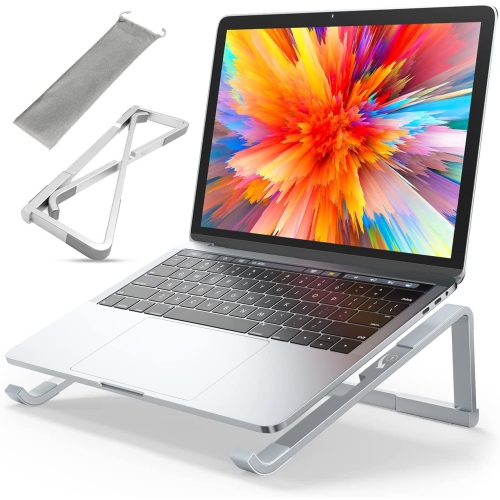
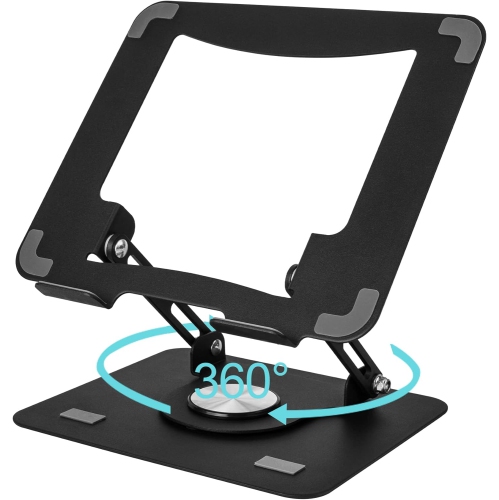
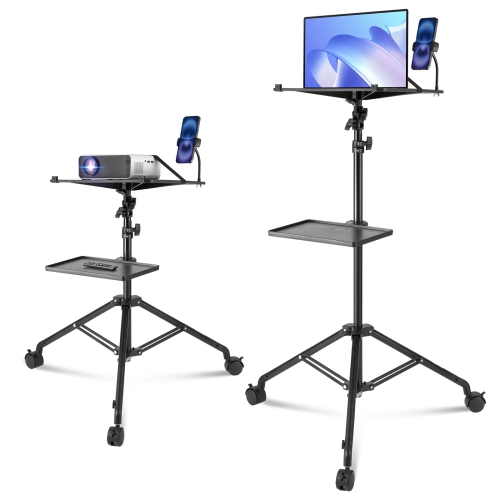
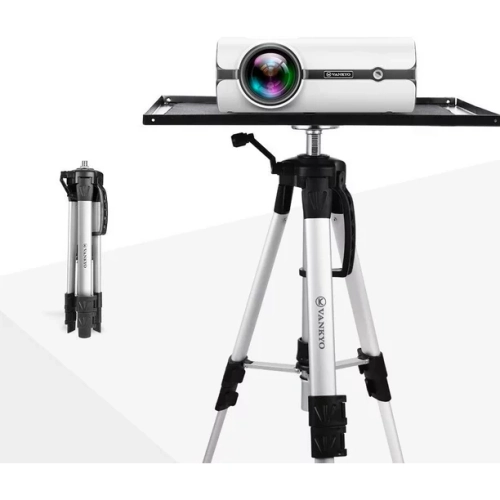
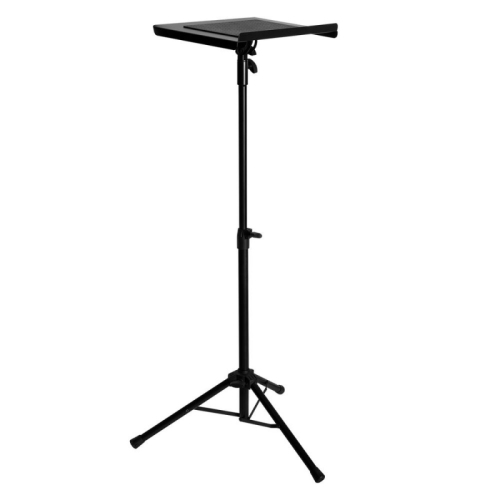
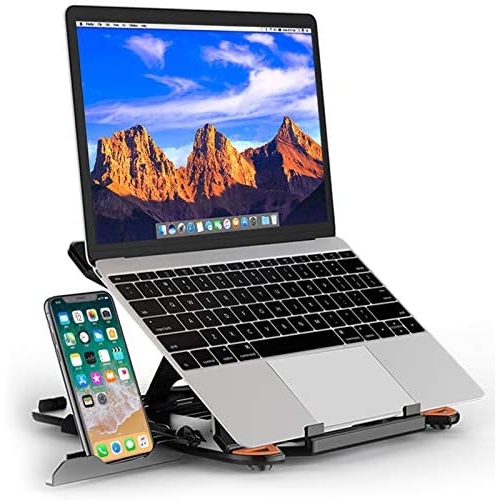


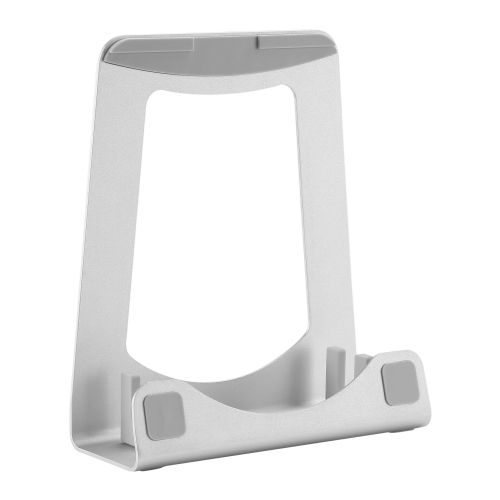
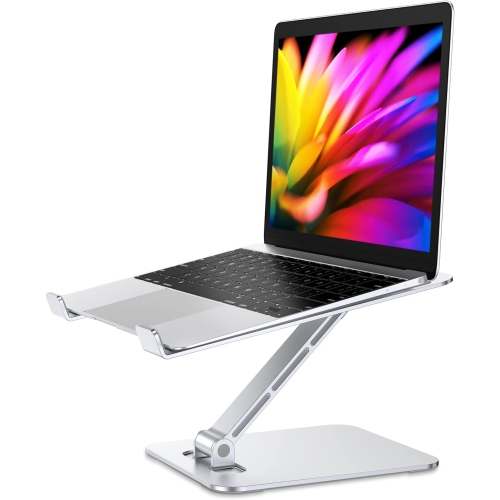
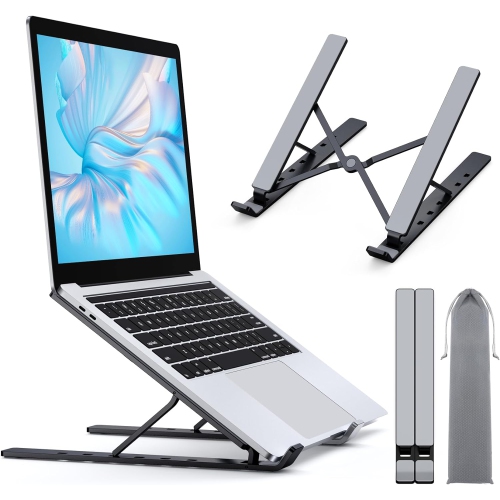
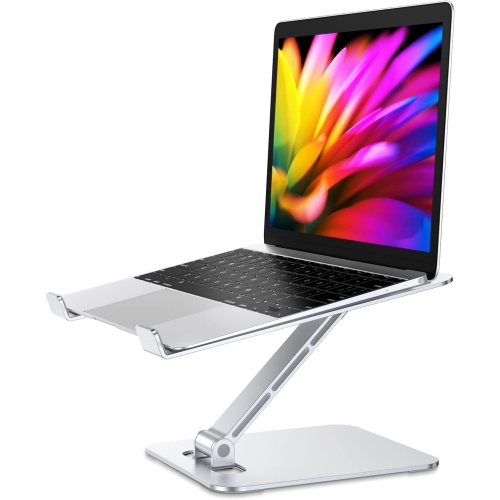
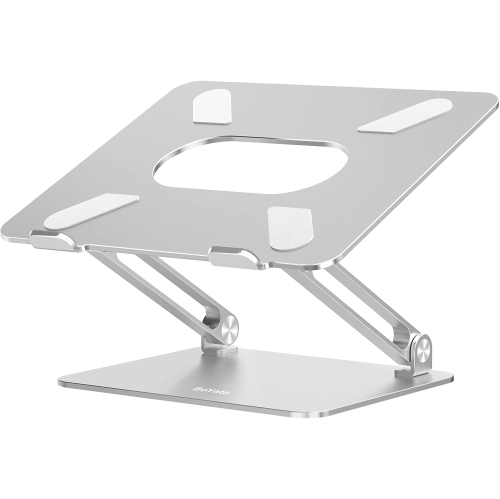
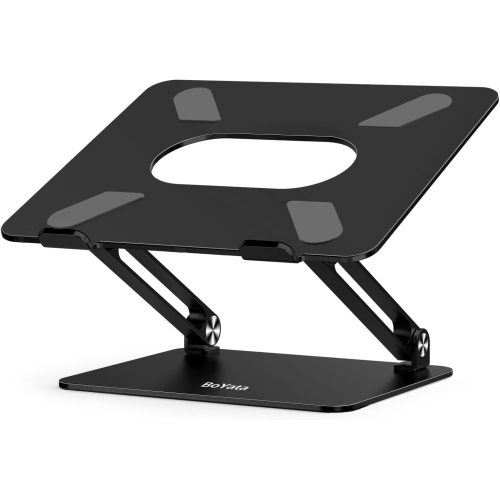
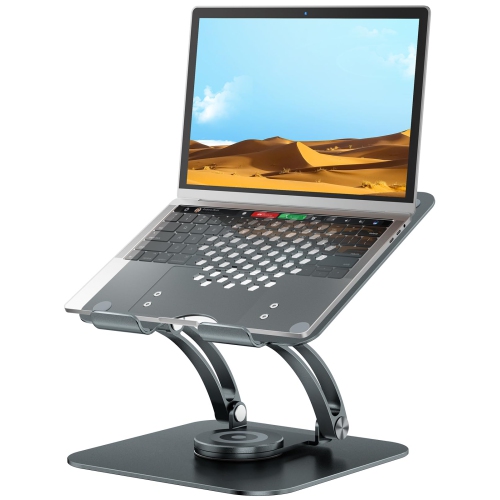
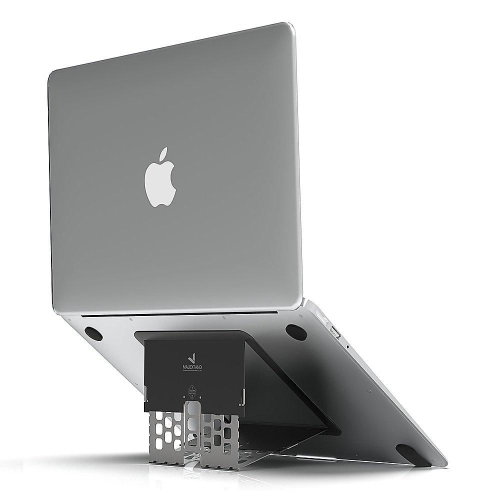
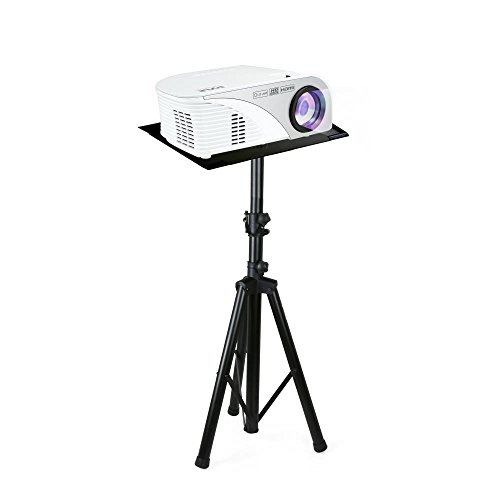
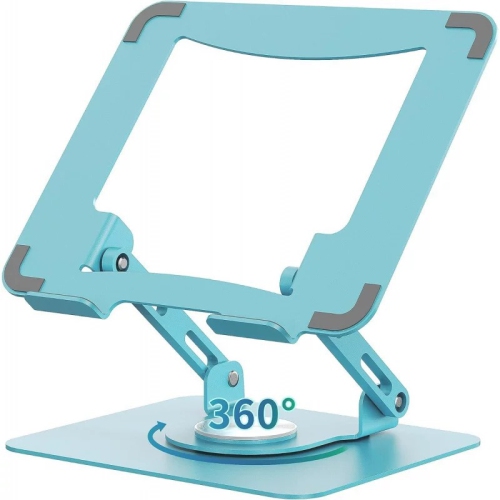
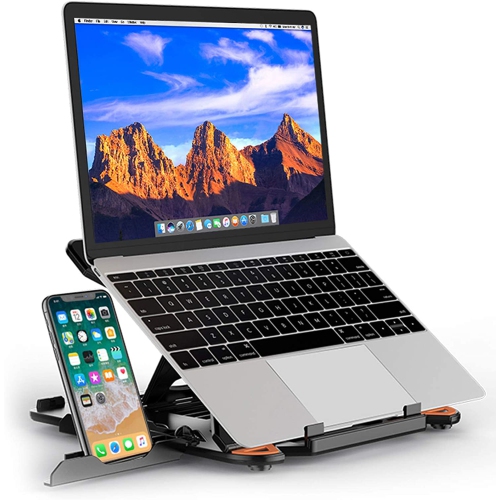
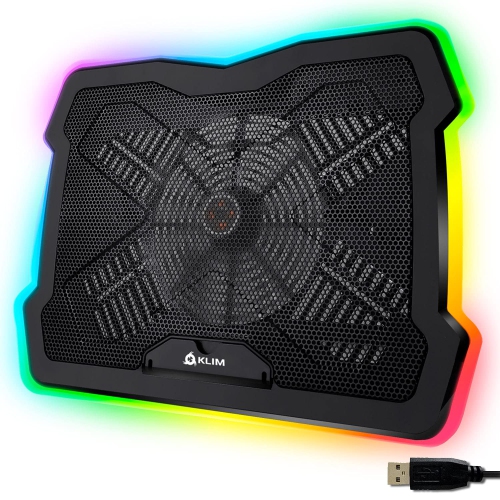
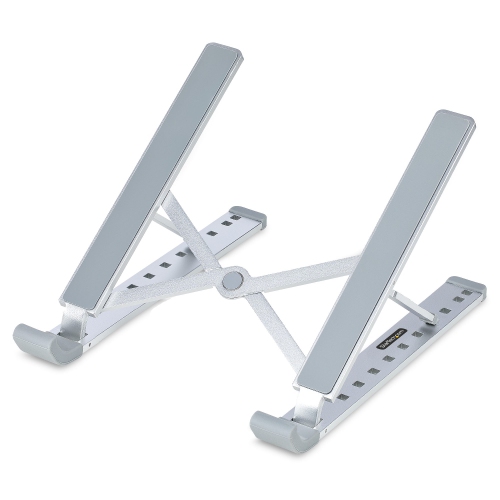
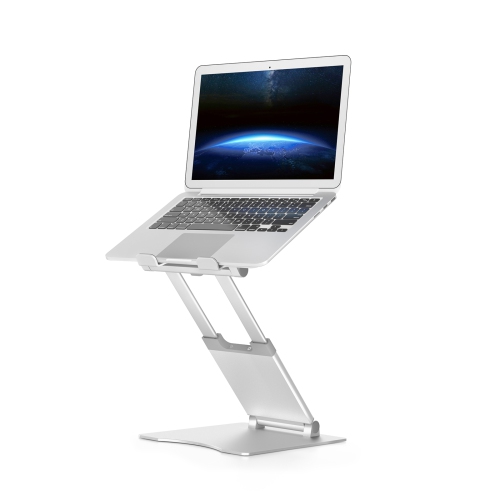

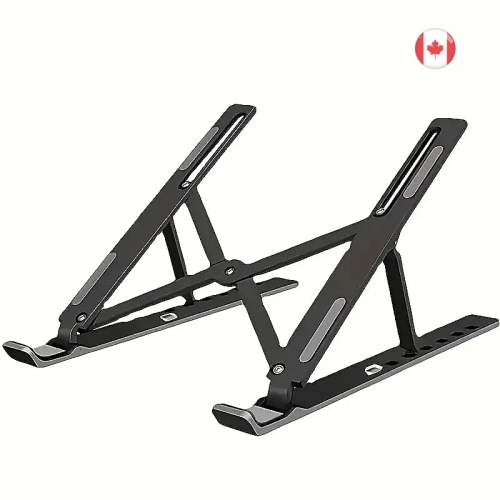

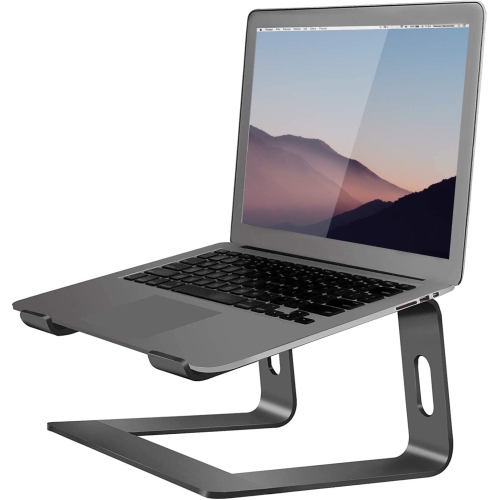
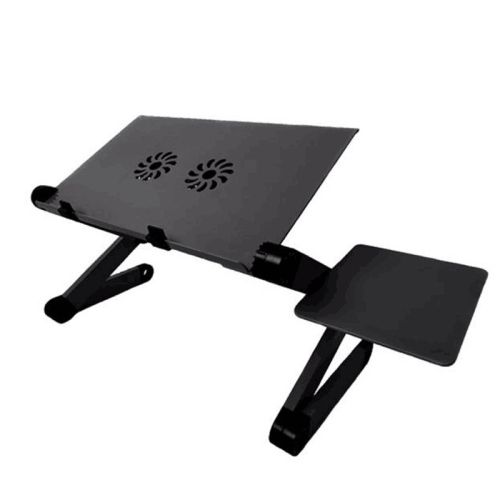
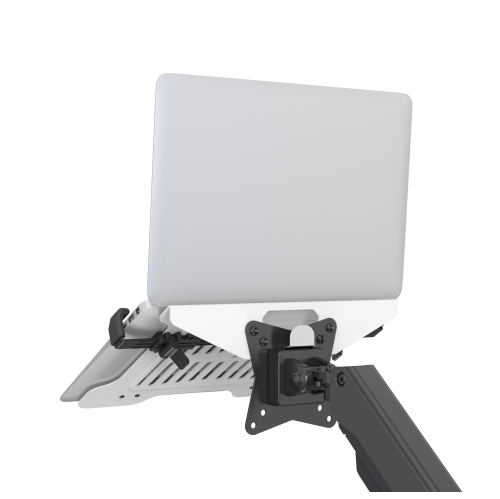
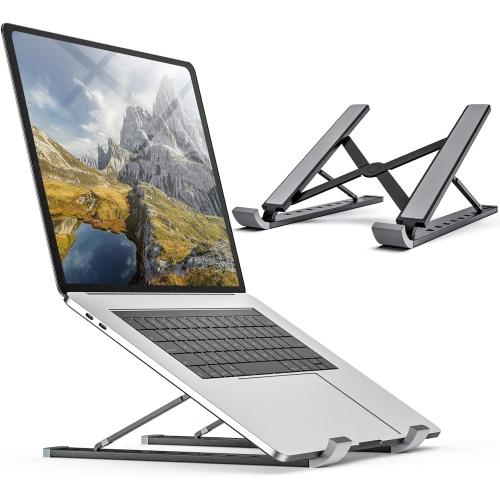
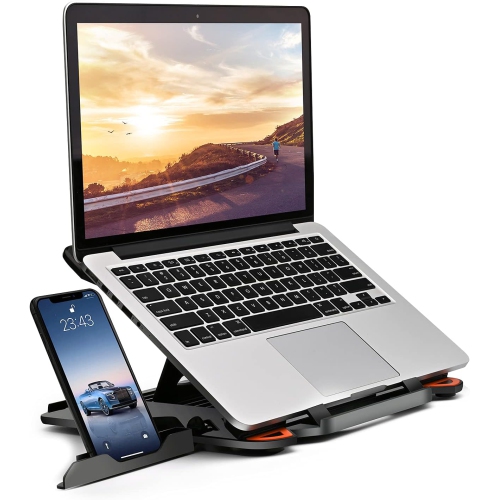
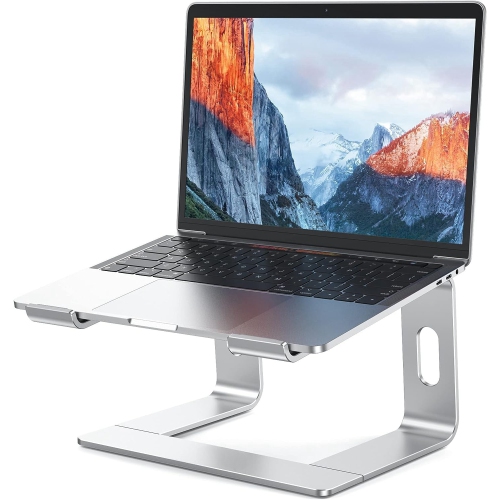
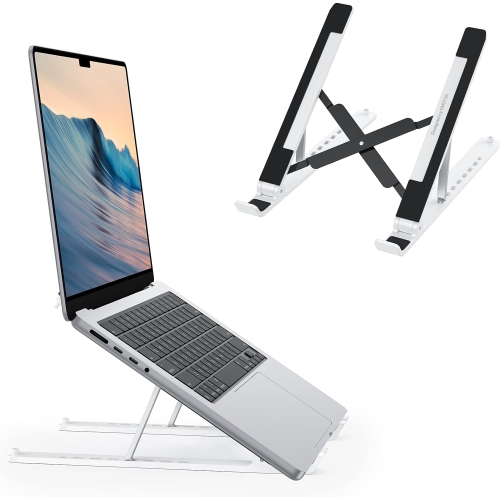
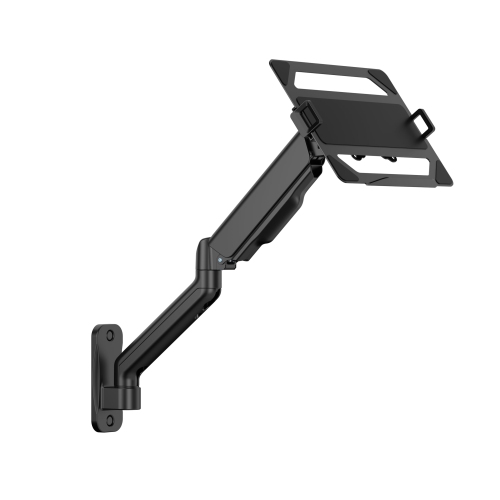
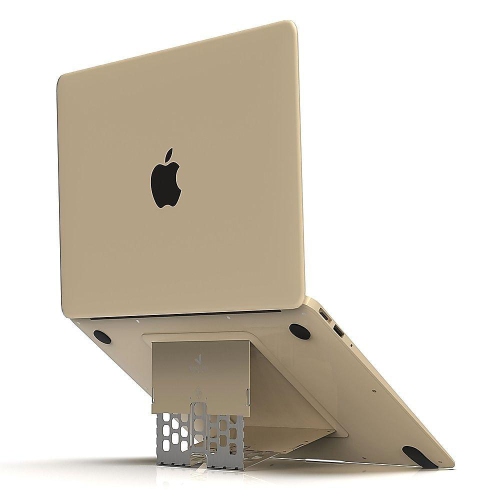


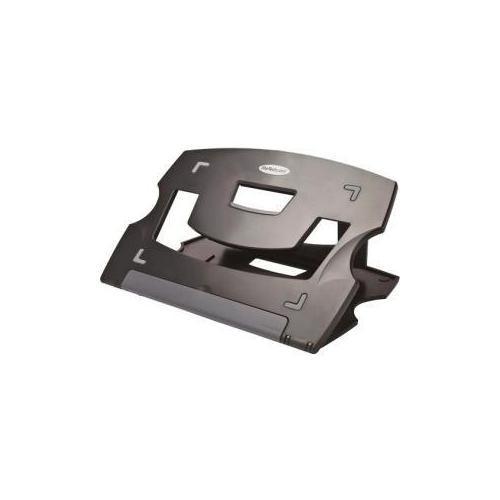
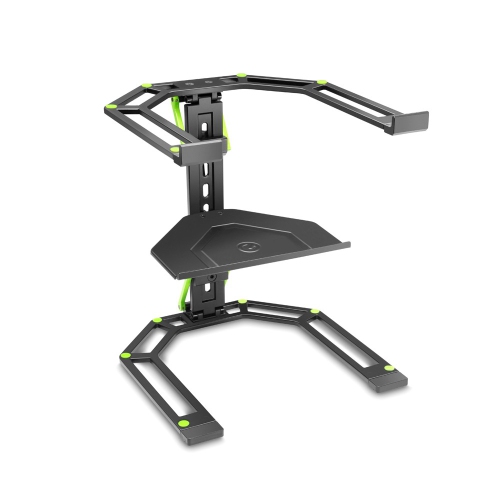
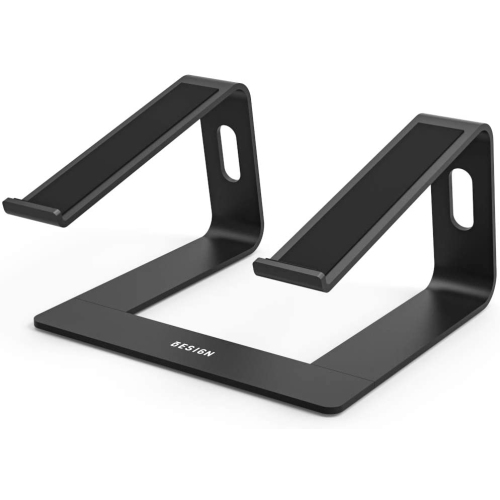
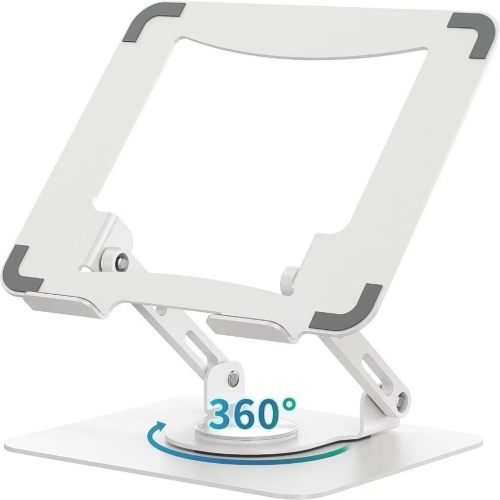

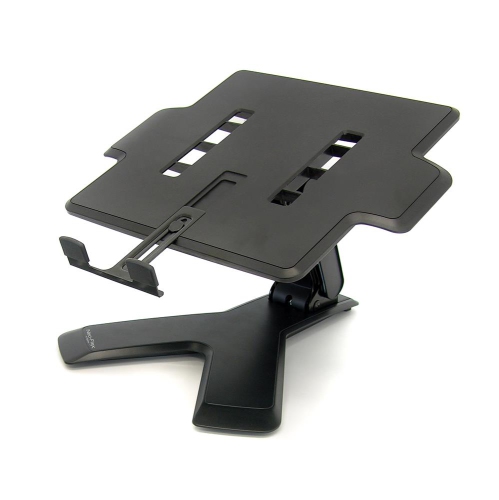
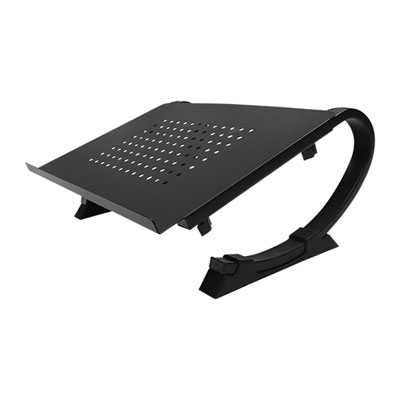
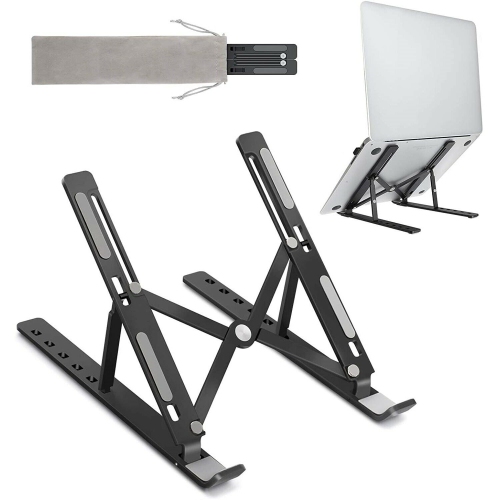
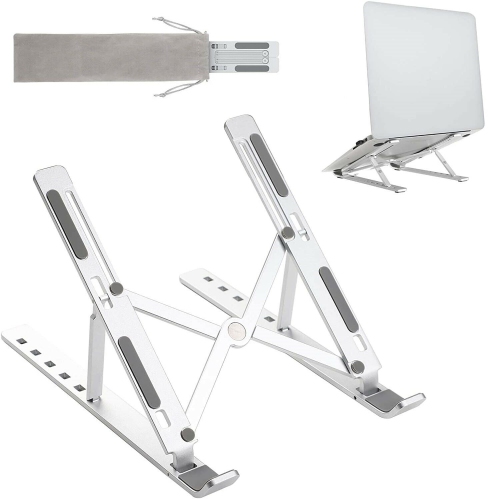
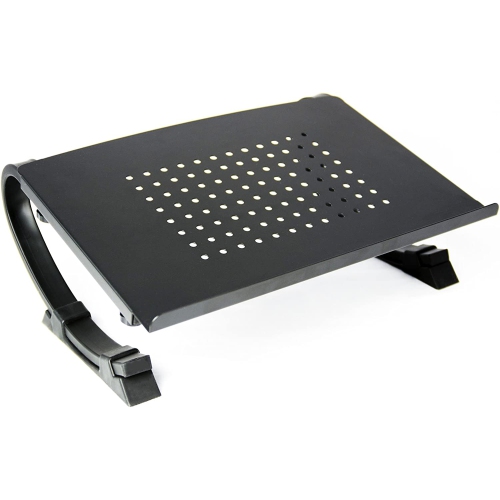
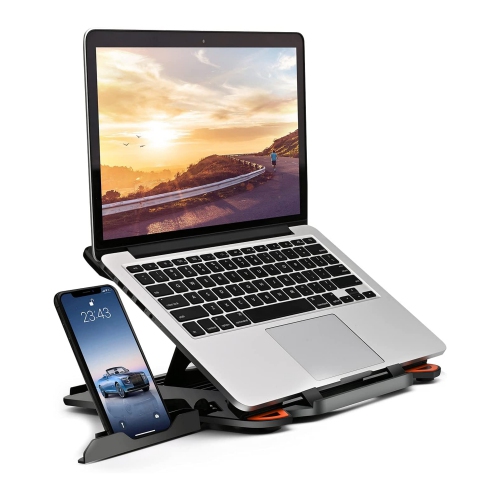
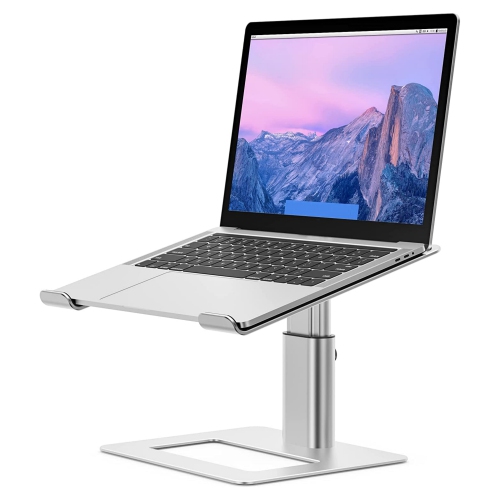
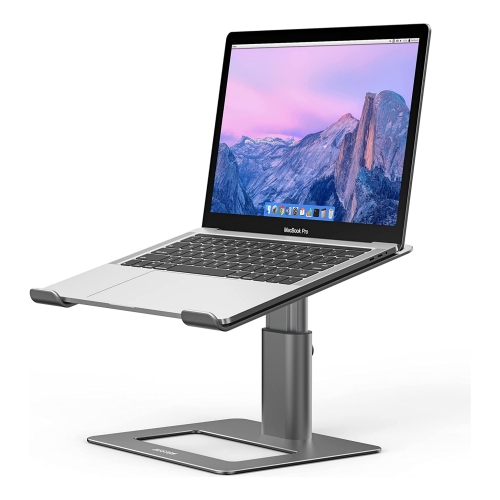
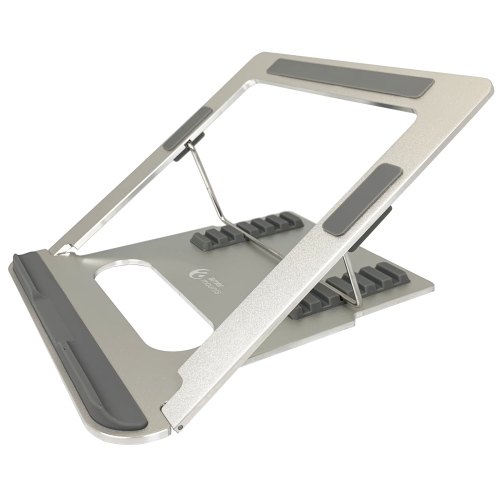
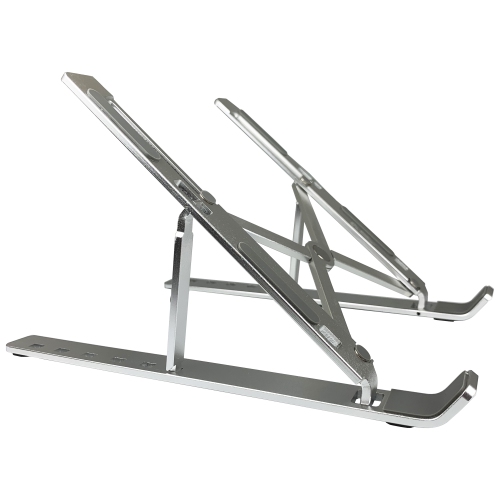

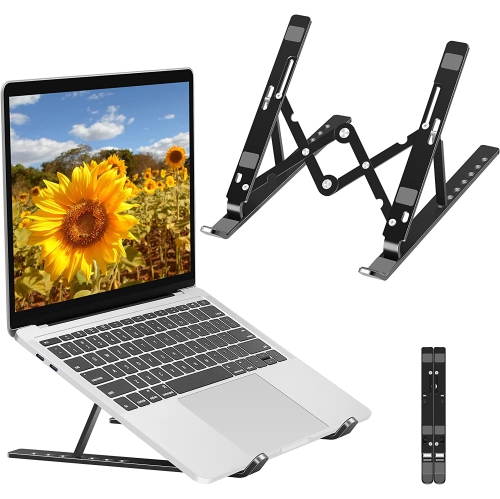
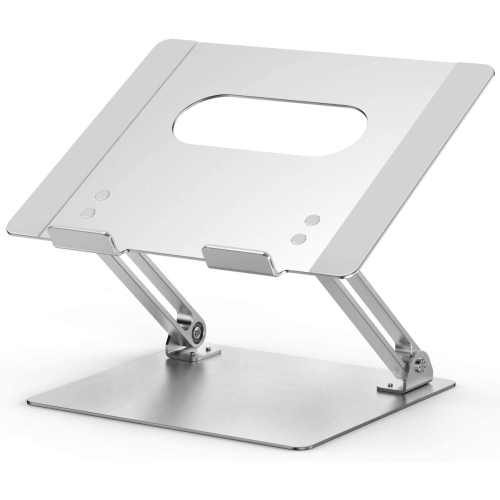
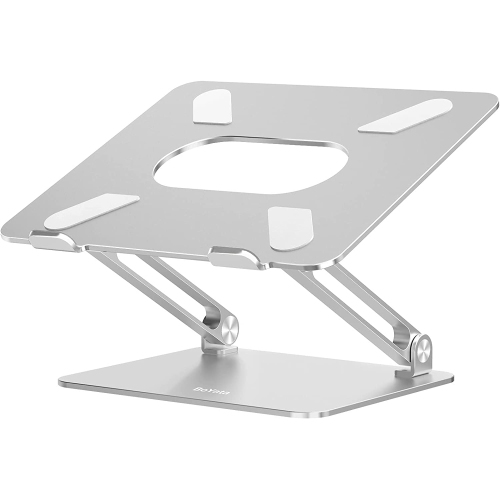
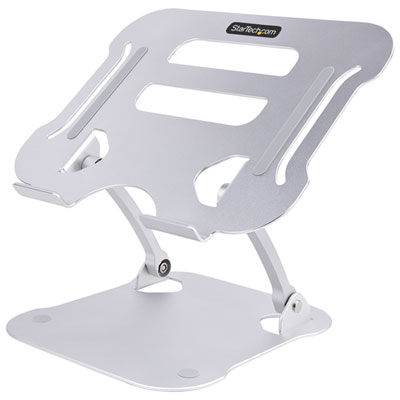

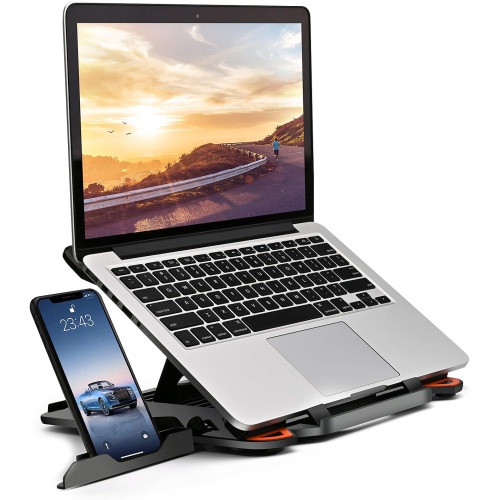
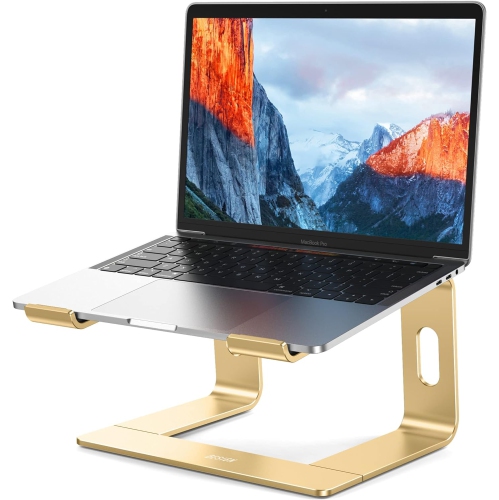
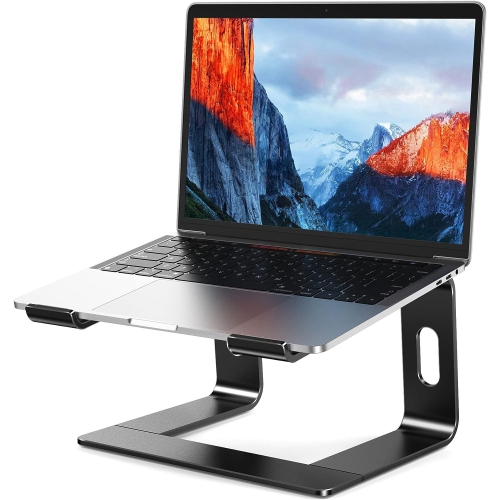
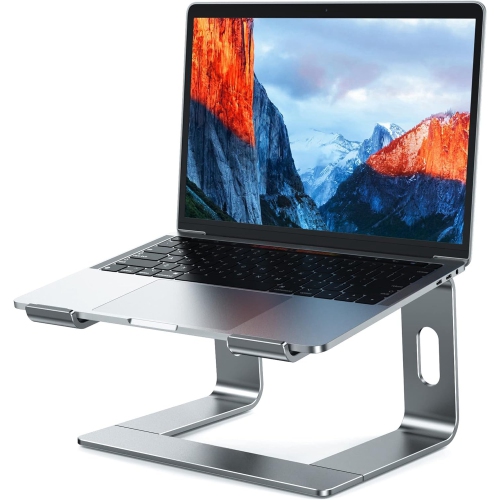
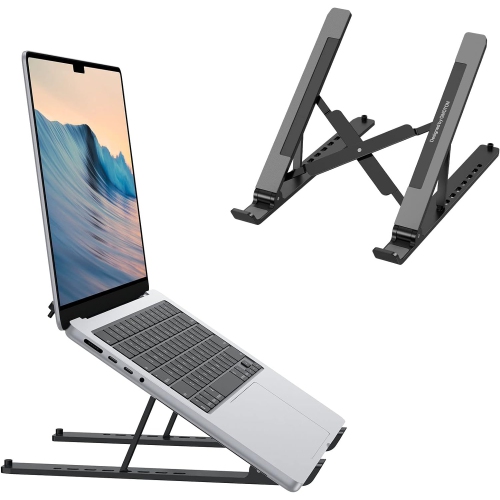
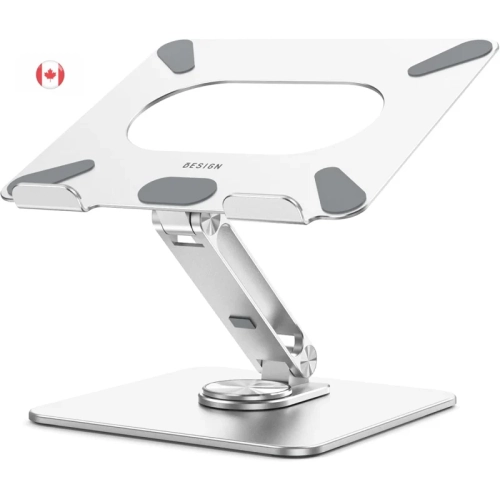
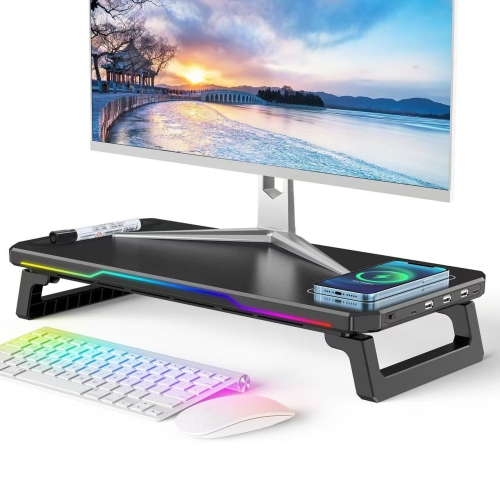
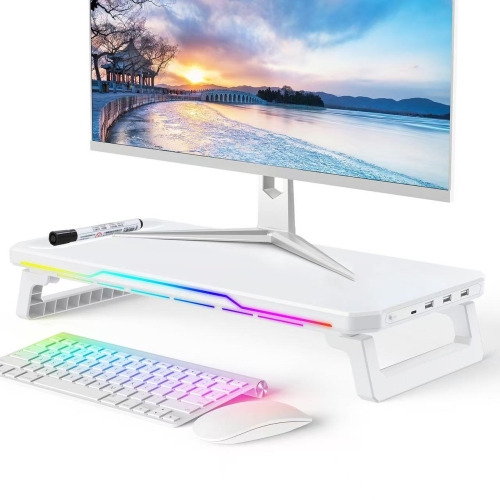
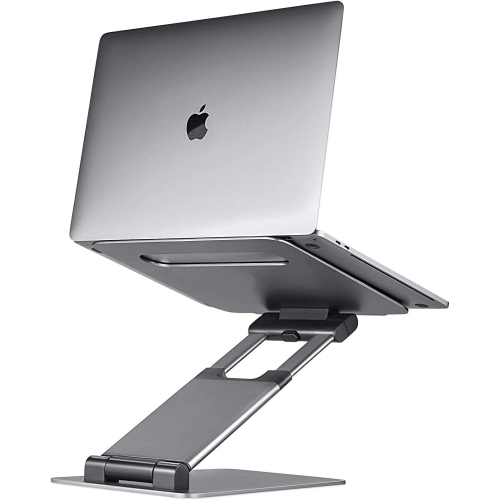
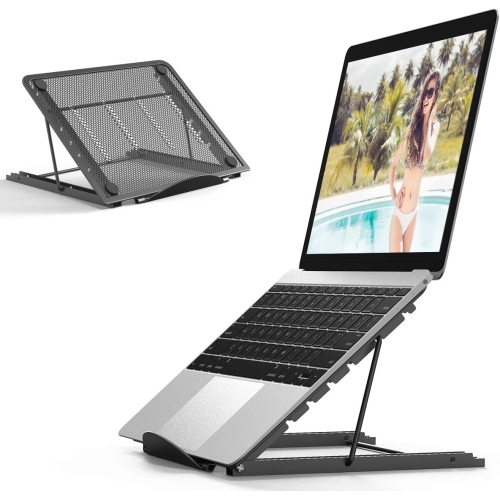

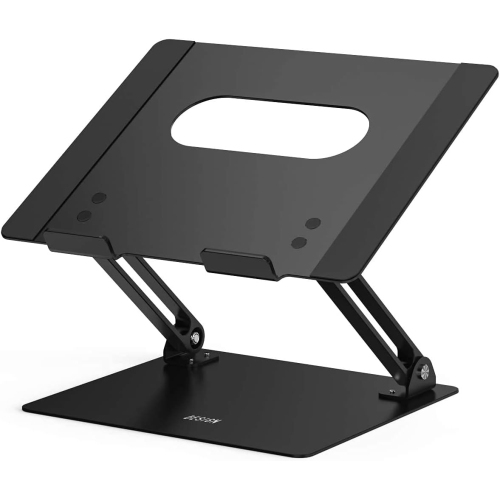
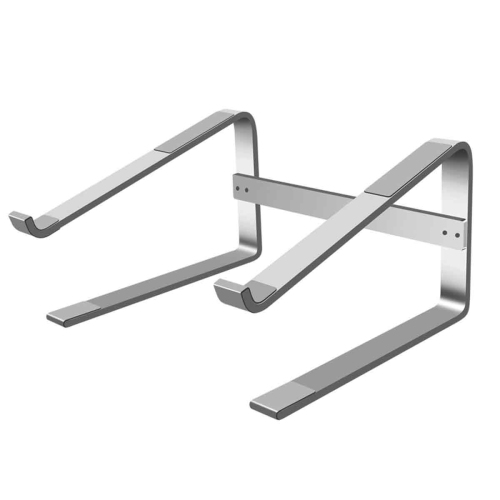
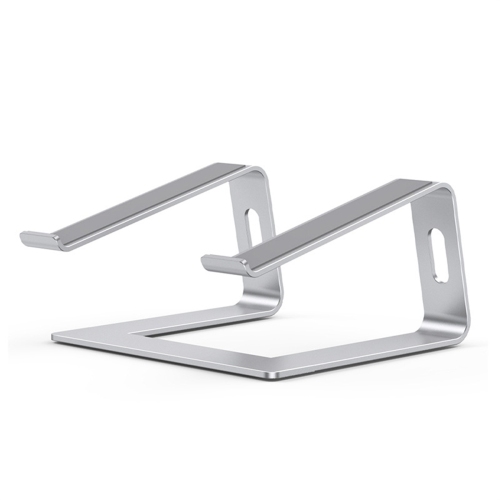
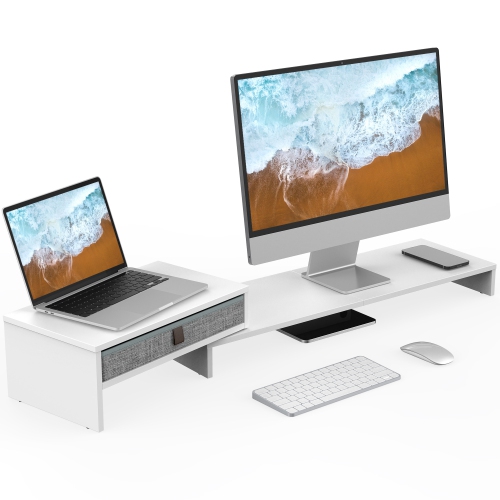
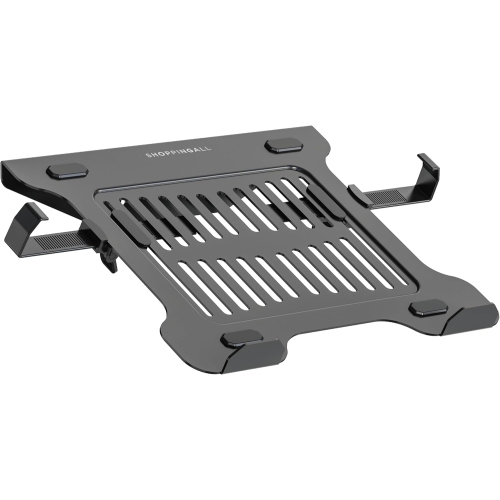
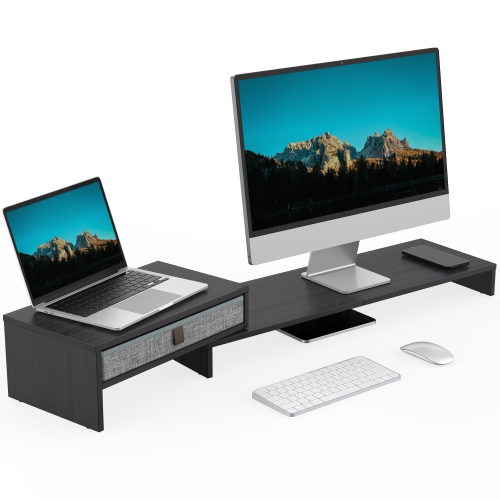
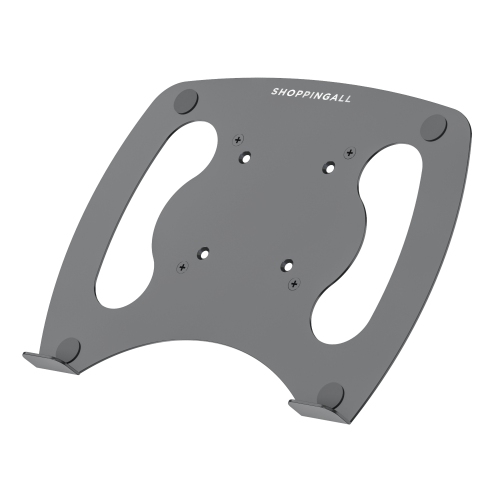
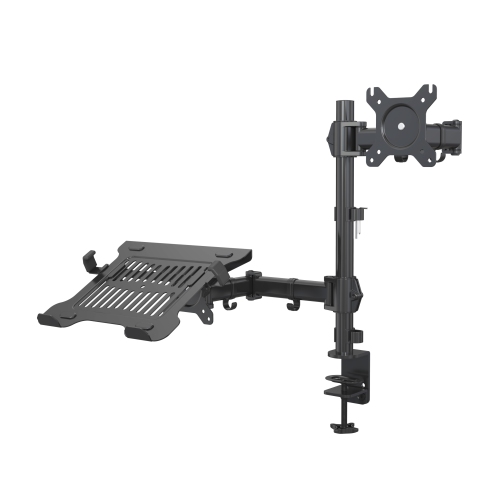
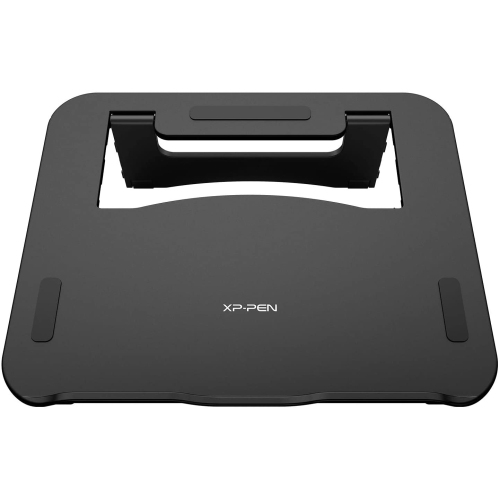
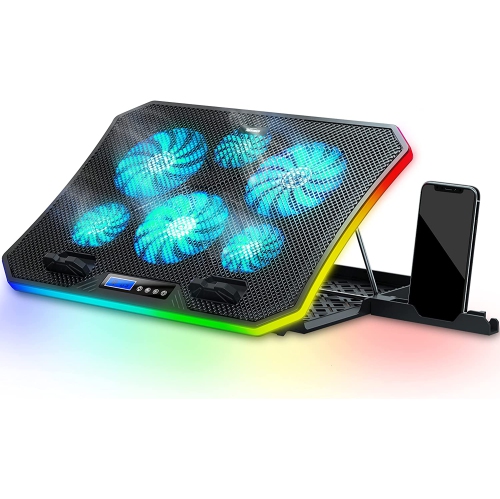
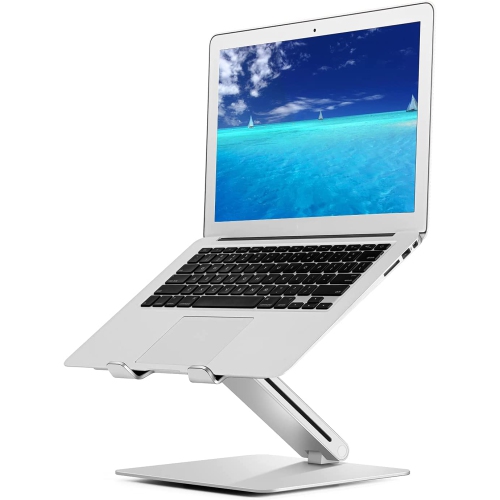
A higher screen supports more comfortable, adaptable desk sessions
Laptop elevation stands are designed to raise a laptop screen and create a more comfortable viewing position for work, study, creative projects, and everyday browsing. By lifting the display closer to eye level, a stand can help reduce the need to bend your neck towards the screen, particularly during long sessions at a desk, kitchen table, home office, or shared workspace. The best setup usually pairs the elevated laptop with a separate keyboard and mouse, allowing your hands and wrists to remain at a comfortable level while the display sits higher. This arrangement can make a noticeable difference during a full day of video calls, a late study session, or a weekend spent organizing photos and documents. When choosing a laptop elevation stand, consider the height range, angle adjustments, base design, and the size of the laptop it is intended to support. Some stands offer several viewing positions, making it easier to shift between sitting and standing or to accommodate different desk heights. Fixed-angle risers provide a simple, stable solution for users who prefer a consistent setup, while adjustable designs offer more flexibility for changing work habits. Check the stand’s listed device capacity and compatibility with your laptop’s screen size, including larger models measuring 15 inch, 16 inch, or 17 inch. A broad, well-padded platform can help keep the laptop secure, while front lips or retaining edges provide additional support when the stand is tilted. Open designs may allow air to circulate beneath the computer, which can be helpful during demanding tasks, although a stand should never block vents or replace the manufacturer’s recommended cooling practices. Cable openings and space beneath the platform can also keep charging leads, docks, and accessories from becoming tangled across the desk.
Portability is another important consideration for anyone who works in more than one place. A foldable laptop elevation stand can fit into a backpack, tote, or drawer when you move between a home office, classroom, library, meeting room, or shared workspace. Look for a folded profile that is easy to carry, along with a locking or firmly supported structure that feels steady when opened. Lightweight materials can make a stand convenient for commuting, while heavier construction may provide the reassuring stability preferred for a permanent workstation. If your laptop is used with an external monitor, a stand can help align both screens at a similar height and reduce the constant downward glance between displays. For a dual-screen arrangement, pay attention to the stand’s overall footprint so it leaves enough room for a keyboard, mouse, notebook, or other desk accessories. Users who regularly connect a laptop to a docking station may also appreciate clearance beneath the platform for cables and peripherals. A stand with non-slip feet or a weighted base can help prevent unwanted movement on smooth surfaces, while protective contact points help keep the laptop’s underside from rubbing against the platform. Materials, finish, and construction details matter as well: a clean, neutral design can blend into an office, bedroom, or study area, while a compact model may be better suited to smaller desks. For users who need a carry-friendly option, explore Portable Laptop Stands, where foldable and travel-ready designs can make it easier to create a raised screen setup away from home.
Laptop elevation stands can be useful for students, remote workers, freelancers, digital artists, customer service professionals, and anyone who spends regular time typing or viewing content on a laptop. They can also be a practical gift for someone setting up a first home office, preparing for a new school term, or refreshing a desk during the cooler months when more work and study may happen indoors. A stand can turn an ordinary table into a more intentional workstation without requiring a large piece of office furniture, making it suitable for apartments, dorm rooms, guest rooms, and multipurpose living spaces. Before purchasing, think about how the recipient or user normally works: someone who travels may value a slim folding design, while someone with a dedicated desk may prefer a sturdy adjustable riser with a wider base. Consider whether the laptop will be used on its own or with a separate display, keyboard, and mouse, and measure the available desk space to avoid crowding the work area. It is also worth checking the laptop’s weight, dimensions, port placement, and ventilation location against the stand’s specifications. A raised laptop can improve screen positioning, but it should remain stable and leave access to essential connections such as charging, USB, audio, and display ports. Adjustable height and tilt can help users find a position that suits their chair, desk, and line of sight, while a compact fixed stand may be the better choice for straightforward everyday use. Whether it is placed beside a window for morning work, on a dining table during a busy afternoon, or in a quiet corner for evening study, the right laptop elevation stand helps organize the space around the computer and supports a more comfortable, adaptable way to work.
Portability is another important consideration for anyone who works in more than one place. A foldable laptop elevation stand can fit into a backpack, tote, or drawer when you move between a home office, classroom, library, meeting room, or shared workspace. Look for a folded profile that is easy to carry, along with a locking or firmly supported structure that feels steady when opened. Lightweight materials can make a stand convenient for commuting, while heavier construction may provide the reassuring stability preferred for a permanent workstation. If your laptop is used with an external monitor, a stand can help align both screens at a similar height and reduce the constant downward glance between displays. For a dual-screen arrangement, pay attention to the stand’s overall footprint so it leaves enough room for a keyboard, mouse, notebook, or other desk accessories. Users who regularly connect a laptop to a docking station may also appreciate clearance beneath the platform for cables and peripherals. A stand with non-slip feet or a weighted base can help prevent unwanted movement on smooth surfaces, while protective contact points help keep the laptop’s underside from rubbing against the platform. Materials, finish, and construction details matter as well: a clean, neutral design can blend into an office, bedroom, or study area, while a compact model may be better suited to smaller desks. For users who need a carry-friendly option, explore Portable Laptop Stands, where foldable and travel-ready designs can make it easier to create a raised screen setup away from home.
Laptop elevation stands can be useful for students, remote workers, freelancers, digital artists, customer service professionals, and anyone who spends regular time typing or viewing content on a laptop. They can also be a practical gift for someone setting up a first home office, preparing for a new school term, or refreshing a desk during the cooler months when more work and study may happen indoors. A stand can turn an ordinary table into a more intentional workstation without requiring a large piece of office furniture, making it suitable for apartments, dorm rooms, guest rooms, and multipurpose living spaces. Before purchasing, think about how the recipient or user normally works: someone who travels may value a slim folding design, while someone with a dedicated desk may prefer a sturdy adjustable riser with a wider base. Consider whether the laptop will be used on its own or with a separate display, keyboard, and mouse, and measure the available desk space to avoid crowding the work area. It is also worth checking the laptop’s weight, dimensions, port placement, and ventilation location against the stand’s specifications. A raised laptop can improve screen positioning, but it should remain stable and leave access to essential connections such as charging, USB, audio, and display ports. Adjustable height and tilt can help users find a position that suits their chair, desk, and line of sight, while a compact fixed stand may be the better choice for straightforward everyday use. Whether it is placed beside a window for morning work, on a dining table during a busy afternoon, or in a quiet corner for evening study, the right laptop elevation stand helps organize the space around the computer and supports a more comfortable, adaptable way to work.
Top selling and popular products
-
 Your price for this item is $149.99
 -
 Your price for this item is $69.99
 -
 Your price for this item is $35
 -
 Your price for this item is $59.99
 -
 Your price for this item is $179.99
 -
 Your price for this item is $209.99
 -
 Your price for this item is $89.99
 -
 Your price for this item is $154.99
Discover more categories related to Laptop Elevation Stands
Top Collections:
Pokemon Centers, Kindle Devices, Best Budget Office Chairs, Apple iPhones 16, Best Laptops for Writers, iPhone 15 Apple, Canon G7X Cameras, Refurbished Apple Laptops, Alarm Clock, Motorola Razr Phones
Some products may be subject to Environmental Handling Fees
(EHF) depending on your province.
Learn more about EHFs.