Laptops for Video Editing and Multimedia Students
Laptops for Video Editing and Multimedia Students offer the performance and versatility needed to handle creative projects, coursework, and demanding software applications. Whether you are editing high-resolution videos, working with graphic design tools, or managing multimedia assignments, these laptops provide the power and reliability students need for a seamless workflow. Explore options that support your academic and creative ambitions, making it easier to bring your ideas to life both in and out of the classroom.
Sort





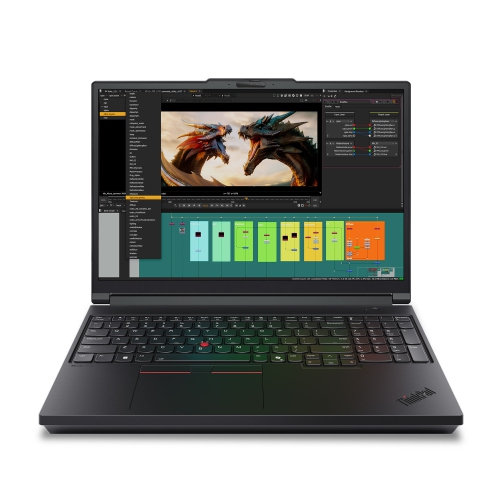
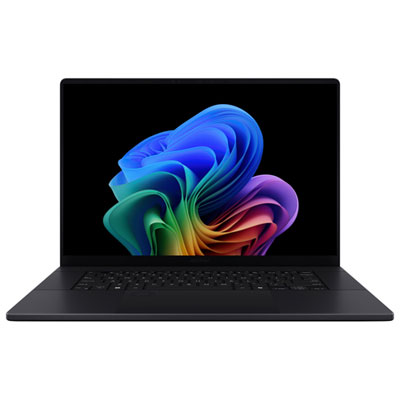
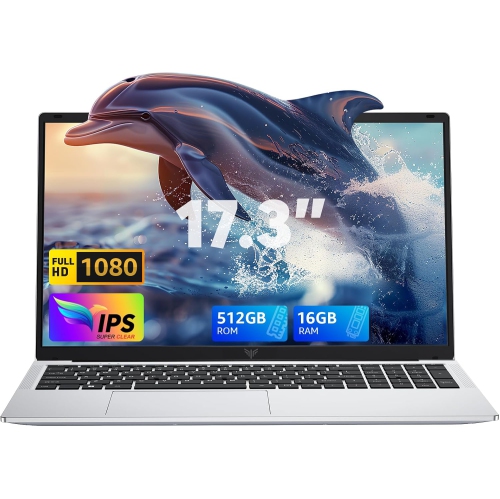
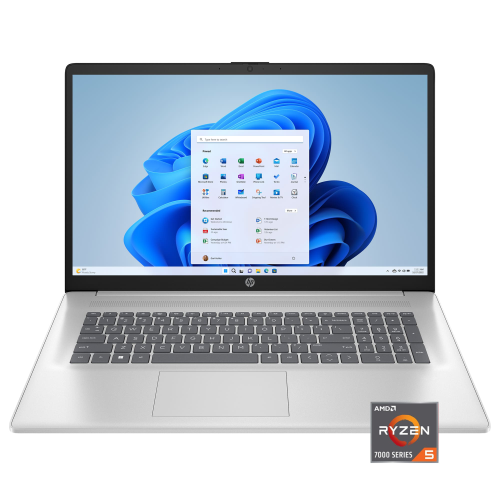
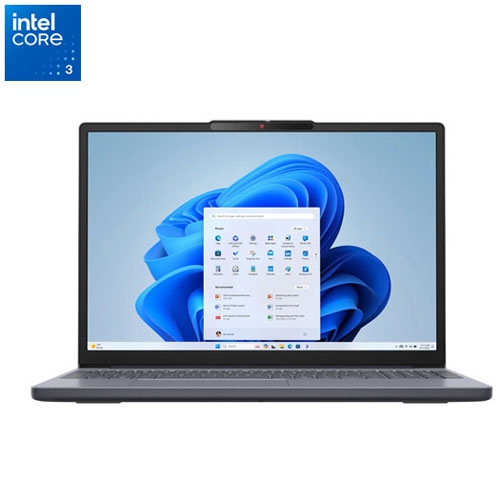
Built for editing, rendering, and creative study
Whether you’re preparing for a new semester, diving into creative projects as the weather warms, or planning to upgrade your tech setup before a busy fall, choosing the right laptop for video editing and multimedia studies is a decision that can shape your entire academic and creative experience. For students enrolled in film, animation, graphic design, or media production programs, a laptop is much more than just a device for taking notes; it’s a portable studio, a canvas for creativity, and a reliable companion for long nights spent editing footage or rendering high-resolution graphics. Even outside the classroom, these laptops are perfect for aspiring YouTubers, freelance editors, or anyone with a passion for storytelling through visuals and sound. They also make thoughtful gifts for recent graduates, students embarking on new academic journeys, or creative friends looking to turn their passion into a profession. The right laptop can empower them to bring their ideas to life, whether they’re editing a short film in a bustling café, refining a digital portfolio from home, or collaborating with classmates on multimedia group projects.
When searching for the best laptop for multimedia student needs, there are key features and specifications to keep in mind. Video editing and multimedia applications are demanding, often requiring a powerful processor, a dedicated graphics card, and a display that offers accurate colour reproduction and sharp resolution. Storage and RAM play a crucial role as well; when considering what storage and ram should a budget student laptop have for video editing and an ai powered pc assistant, look for options with at least 16GB of RAM for smooth multitasking and responsiveness, alongside a fast solid-state drive (SSD) of 512GB or more to handle large media files and software installations. A reliable battery and lightweight design are especially valuable for students who need to work on the go, whether they’re travelling between classes, attending workshops, or editing footage during a summer internship. Many of these laptops also come equipped with features such as multiple USB ports, SD card readers, and high-quality webcams, making it easy to connect peripherals, transfer files, or participate in virtual classes and meetings. As creative software continues to evolve and incorporate AI-powered tools, having a laptop that meets or exceeds recommended specifications ensures you won’t be held back by slow rendering times or lagging performance.
The demand for laptops tailored to video editing and multimedia students tends to rise as academic projects ramp up in late spring and early fall, making this an ideal time to invest in a device that will support your ambitions throughout the year. Whether you’re a student gearing up for a new term, a parent looking to support your child’s creative pursuits, or a mentor helping a talented protégé take the next step, the right laptop can make all the difference. For a curated selection of high-performance options designed to meet the needs of multimedia students and aspiring editors, explore the full range of Student Video Editing Laptops to find the perfect fit for your academic and creative goals.
When searching for the best laptop for multimedia student needs, there are key features and specifications to keep in mind. Video editing and multimedia applications are demanding, often requiring a powerful processor, a dedicated graphics card, and a display that offers accurate colour reproduction and sharp resolution. Storage and RAM play a crucial role as well; when considering what storage and ram should a budget student laptop have for video editing and an ai powered pc assistant, look for options with at least 16GB of RAM for smooth multitasking and responsiveness, alongside a fast solid-state drive (SSD) of 512GB or more to handle large media files and software installations. A reliable battery and lightweight design are especially valuable for students who need to work on the go, whether they’re travelling between classes, attending workshops, or editing footage during a summer internship. Many of these laptops also come equipped with features such as multiple USB ports, SD card readers, and high-quality webcams, making it easy to connect peripherals, transfer files, or participate in virtual classes and meetings. As creative software continues to evolve and incorporate AI-powered tools, having a laptop that meets or exceeds recommended specifications ensures you won’t be held back by slow rendering times or lagging performance.
The demand for laptops tailored to video editing and multimedia students tends to rise as academic projects ramp up in late spring and early fall, making this an ideal time to invest in a device that will support your ambitions throughout the year. Whether you’re a student gearing up for a new term, a parent looking to support your child’s creative pursuits, or a mentor helping a talented protégé take the next step, the right laptop can make all the difference. For a curated selection of high-performance options designed to meet the needs of multimedia students and aspiring editors, explore the full range of Student Video Editing Laptops to find the perfect fit for your academic and creative goals.
Top selling and popular products
-
 Your price for this item is $1500
 -
 Your price for this item is $749.77
 -
 Your price for this item is $699.77
 -
 Your price for this item is $549.77
 -
 Your price for this item is $699.77
 -
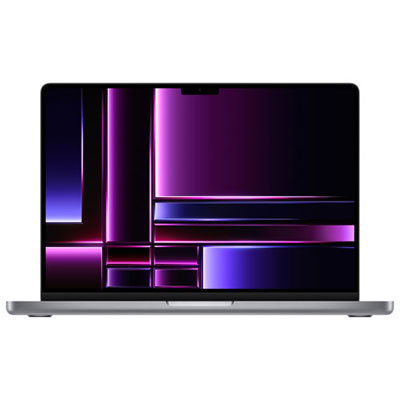 Your price for this item is $2299.97
 -
 Your price for this item is $699.77
 -
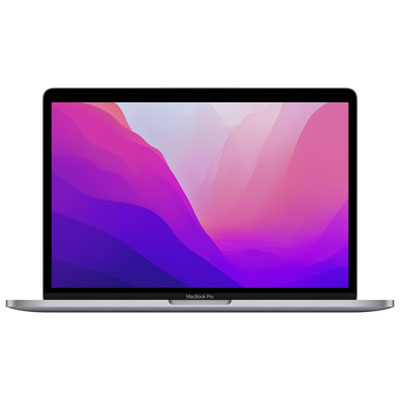 Your price for this item is $1599.97
Discover more categories related to Laptops for Video Editing and Multimedia Students
Top Collections:
Pokemon Centers, Budget 4K TVs, Best Budget Office Chairs, Kindle Devices, Canon G7X Cameras, Apple iPhones 16, iPhone 15 Apple, Laptops for Business Work, Xiaomi Phones, Flip Phones
Some products may be subject to Environmental Handling Fees
(EHF) depending on your province.
Learn more about EHFs.