Laptop Wireless Laser Mice
Enhance your computing experience with the convenience and flexibility of a Laptop Wireless Laser Mouse. Designed for seamless navigation and reliable performance, these mice offer a clutter-free workspace and effortless control whether you’re at home, in the office, or on the go. Discover a wide selection of styles and designs to suit your needs, making it easy to find the perfect Laptop Wireless Laser Mouse for work, study, or entertainment. Explore options that deliver comfort and precision for all your daily tasks.
Sort
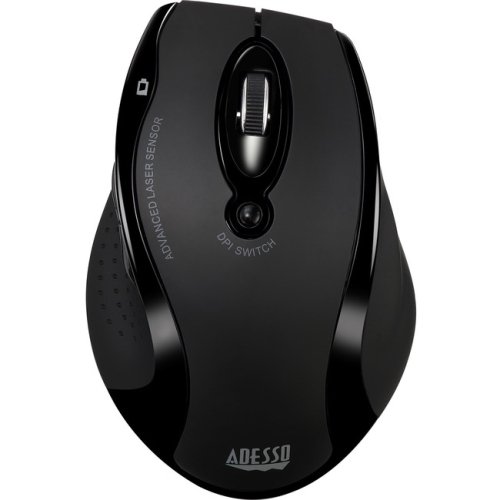

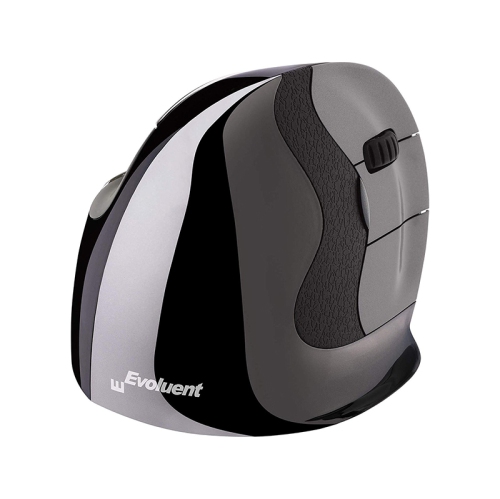
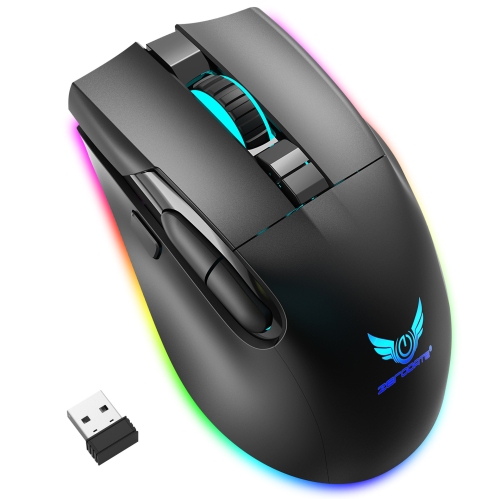
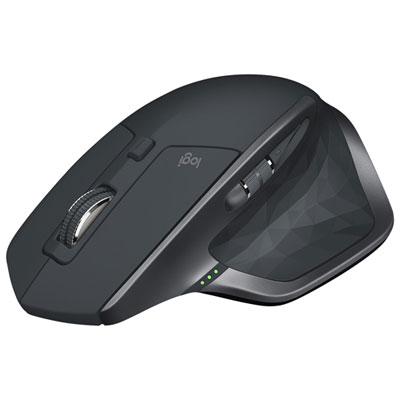


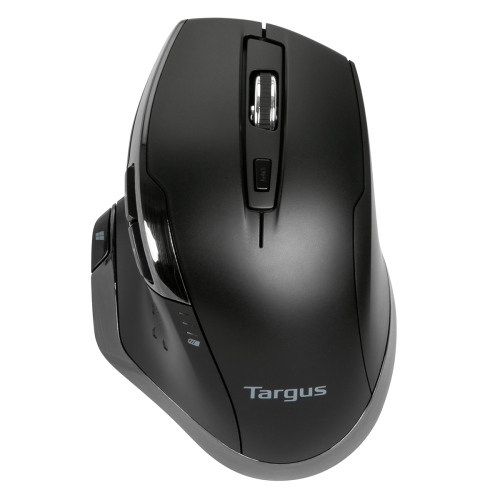
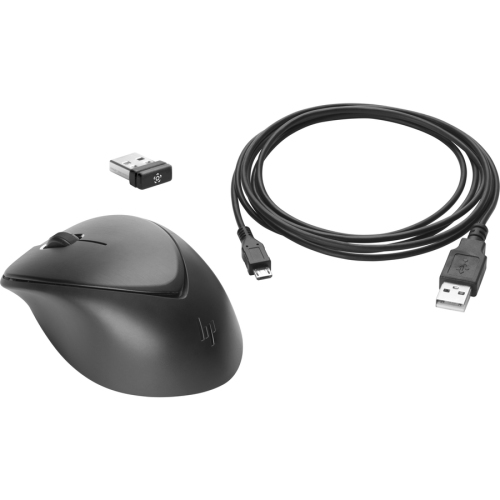
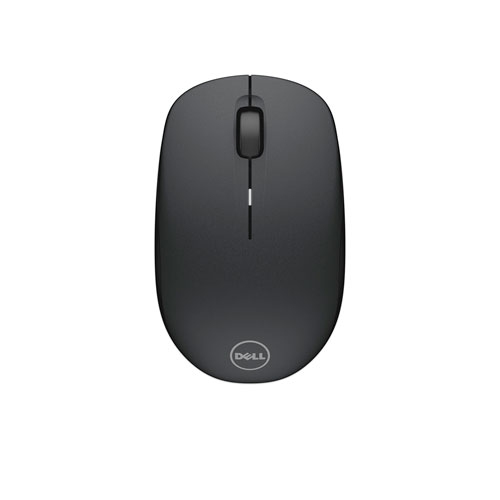

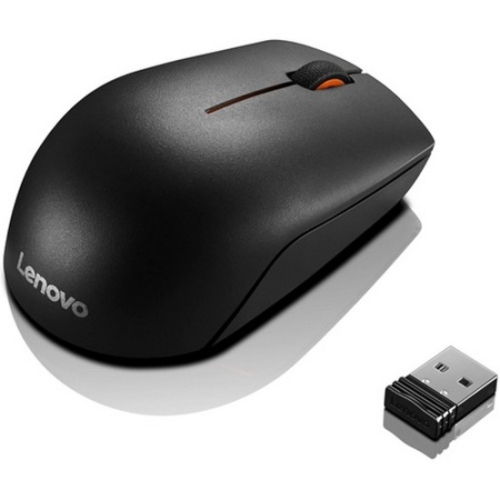
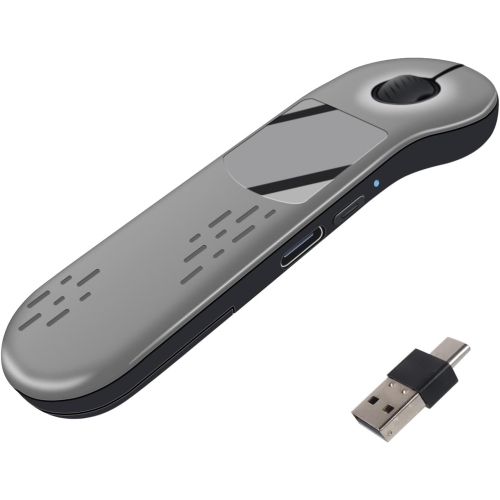
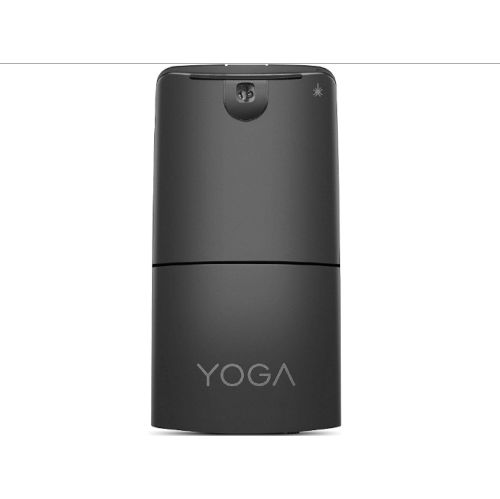
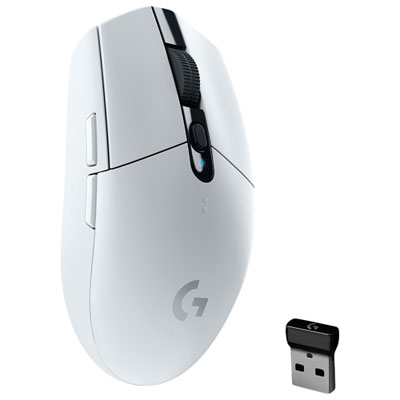
Laser tracking is only part of a good fit
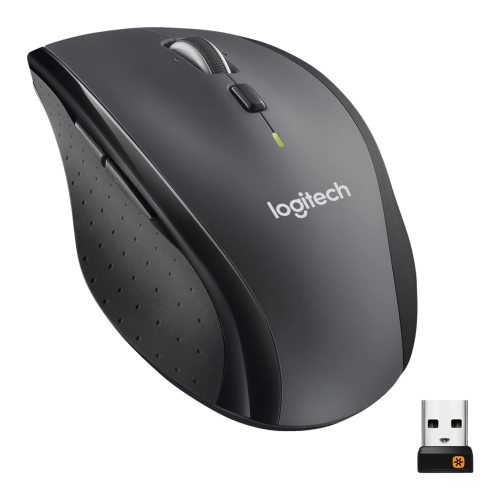
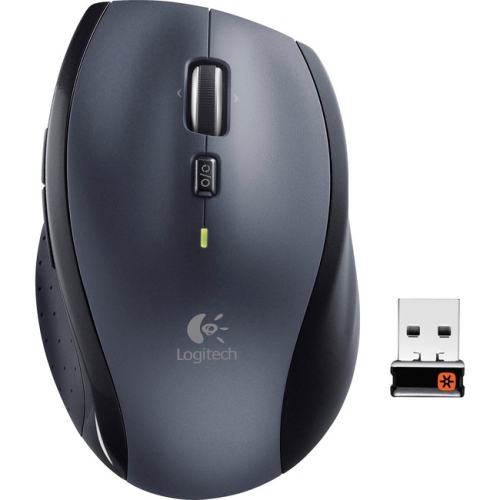
Wireless laser mice for laptops combine untethered cursor control with a familiar shape for everyday computing, from editing documents to moving between spreadsheets and browser tabs. A separate mouse can make a small laptop setup feel more comfortable, particularly when the computer sits on a stand beside an external keyboard. The term laser refers to the mouse’s tracking sensor, not its wireless connection: the sensor detects movement across a surface, while Bluetooth or a dedicated wireless receiver carries input to the computer. Those connection options suit different laptop setups. Bluetooth can leave USB ports free for storage drives and other accessories, provided the laptop and its operating system support the mouse. A receiver-based connection uses a small dongle plugged into a compatible USB port, so the connector matters on slim laptops with limited ports. A USB-A receiver may need an adapter or hub on a laptop equipped only with USB-C ports. Neither connection type requires a Wi-Fi network, making a wireless mouse useful at a library desk, in a meeting room, or beside a laptop at home. Compatibility also extends beyond getting the pointer to move. Basic clicking and scrolling may work without additional software, while button assignments, gesture functions, and advanced settings can depend on operating-system support or an optional application. For people using a work-managed laptop, that distinction matters because software installation may be restricted. Some mice can pair with more than one device and switch between them, which can suit a shared desktop setup or someone who alternates between a work laptop and a personal computer. This capability varies by design and is separate from simply supporting more than one connection method. A reliable everyday fit brings together the appropriate connection, accessible controls, and a shape that works comfortably within the space beside the keyboard.
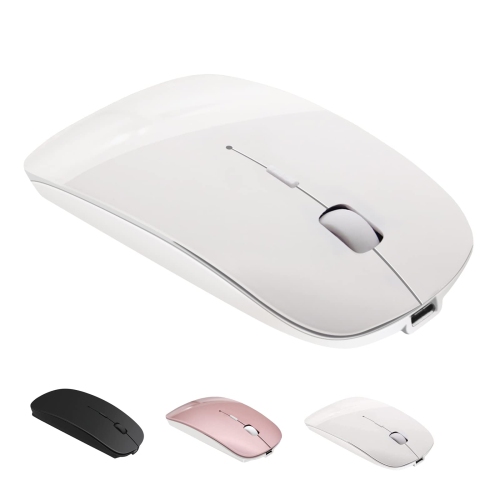
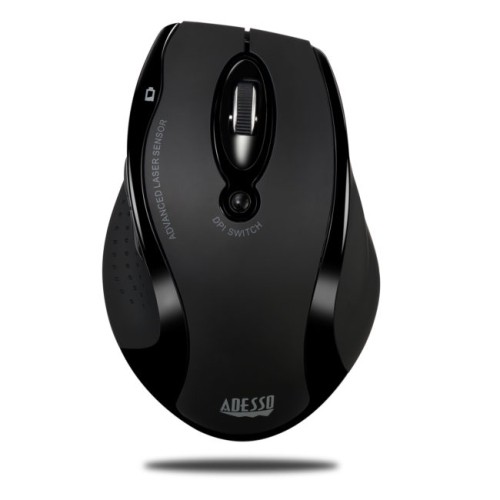
Size and shape have a noticeable effect on how a laptop mouse feels over a full day. A low-profile body slides neatly into a laptop sleeve or accessory pouch, while a fuller, contoured shape offers more contact beneath the palm. Neither style suits every hand. Hand length, finger position, and whether the mouse is held with the palm resting on top or mainly with the fingertips all influence comfort. A thumb rest can provide support, but strongly sculpted designs are often intended for one hand; a symmetrical outline does not necessarily mean the side buttons are equally accessible from both sides. Weight matters, too. A lighter mouse is easy to carry between classrooms or meeting spaces, while some people prefer a little more weight for deliberate movements across a desktop. For especially tight bag compartments or smaller hands, Mini Wireless Mice offer another size category to consider, although compact dimensions do not always provide the same palm support as a larger body. Most mouse housings use moulded plastic, sometimes paired with textured side panels, soft-touch finishes, or rubber grips. Texture can help maintain a steady hold, while seams, wheel openings, and recessed buttons can collect dust and debris. Gentle cleaning with a soft cloth, following the manufacturer’s care directions, helps keep contact surfaces comfortable without damaging coatings. Liquid should not be sprayed directly into the buttons, charging port, or sensor opening. Durability also involves the parts touched most often: the main buttons, scroll wheel, side grips, and battery cover. Quiet-click designs can be welcome in shared study spaces, while clearly defined wheel steps help with controlled scrolling through long documents. Side buttons may make repeated back-and-forward navigation easier, depending on software support. These practical details can make a wireless laser mouse a useful gift for a student, frequent traveller, or someone refreshing a home office, especially when the recipient’s preferred hand, laptop connections, and usual working habits are known.
Tracking performance depends on more than a high sensitivity number. Laser sensors measure movement using reflected laser light, and some can track on surfaces that are difficult for basic LED-based optical sensors. That does not mean every laser mouse works reliably on clear glass, mirrors, glossy finishes, or deeply textured materials. Surface compatibility is sensor-specific, and a consistent mouse pad remains a practical choice for predictable movement and reduced wear on the glide feet beneath the mouse. Those small feet help the body move smoothly; grit caught underneath can make movement feel scratchy and may mark a delicate work surface. Adjustable sensitivity, usually expressed in DPI, changes how far the pointer travels in response to physical movement. A higher setting can help cross a large display with less hand movement, while a lower setting can make small selections easier when cropping an image or positioning a cursor within a dense spreadsheet. The highest setting is not automatically the most useful one, and comfortable control depends on screen resolution, operating-system settings, and personal preference. Battery design is another everyday consideration. Replaceable batteries allow a fresh battery to be fitted when power runs low, while a built-in rechargeable battery needs access to a charging cable and a suitable power source. Some rechargeable mice support use while charging, but that feature should not be assumed. Battery-life estimates depend on usage, settings, and power-saving behaviour, so an automatic sleep function, accessible power switch, or battery indicator can be valuable for a mouse that travels regularly. A storage compartment for the receiver helps keep the small dongle with the mouse rather than loose in a bag. For wireless laptop setups, dependable tracking, manageable charging or battery changes, and controls that feel natural tend to matter more in daily use than an extensive feature list. The right combination supports comfortable navigation wherever a laptop has a suitable work surface.
Top selling and popular products
-
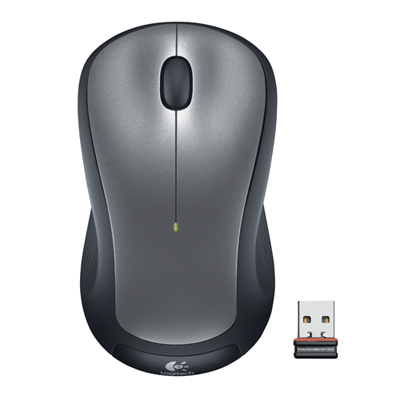 Your price for this item is $29.99
-
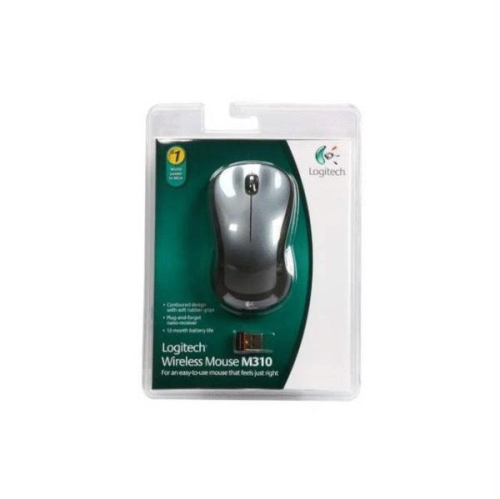 Your price for this item is $50.44
-
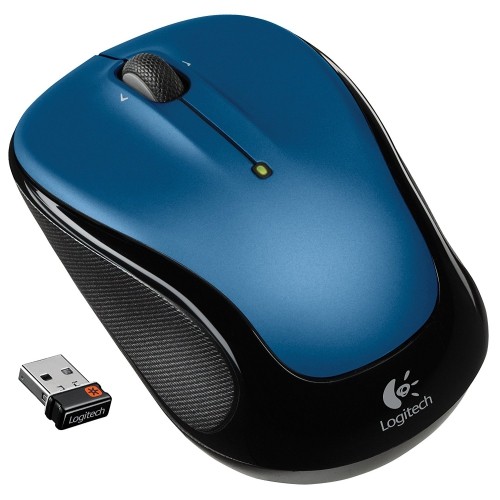 Your price for this item is $39.99
-
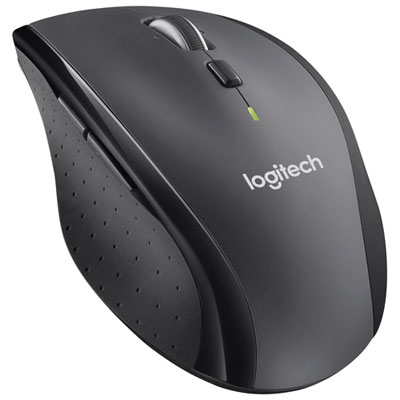 Your price for this item is $49.99
-
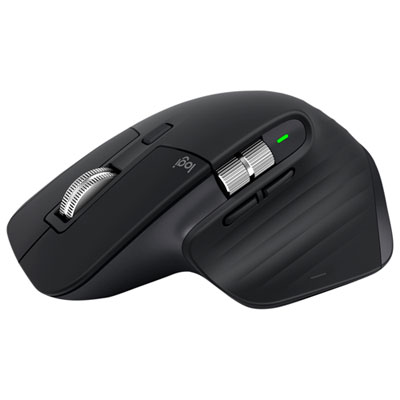 Your price for this item is $159.97
-
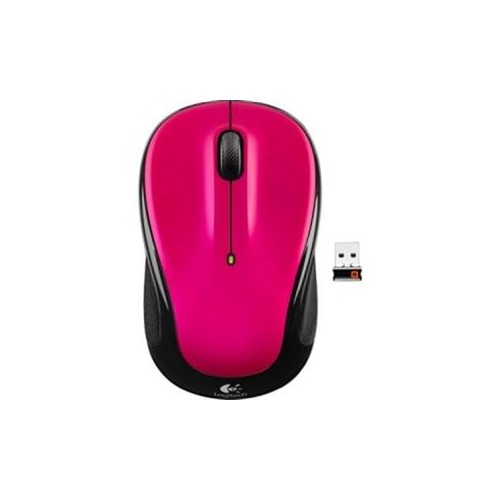 Your price for this item is $64.68
-
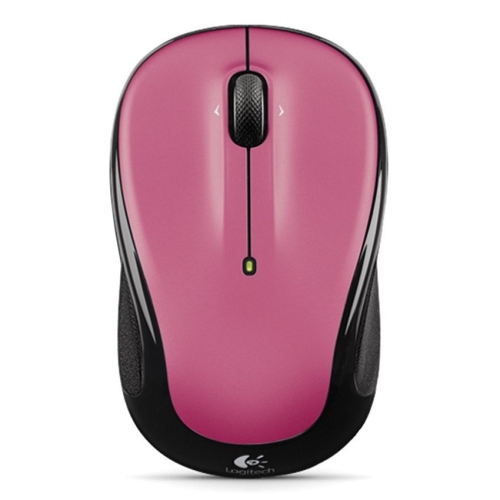 Your price for this item is $48.68
-
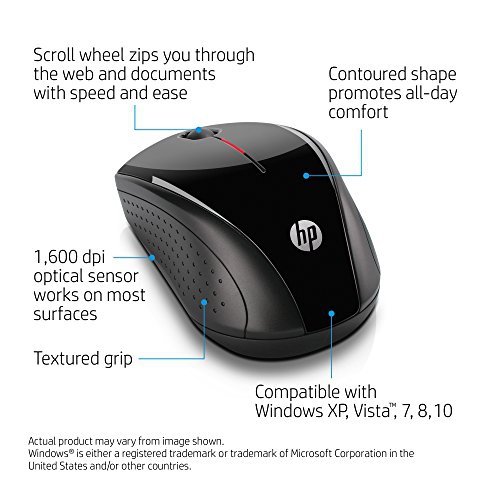 Your price for this item is $31
Discover more categories related to Laptop Wireless Laser Mice
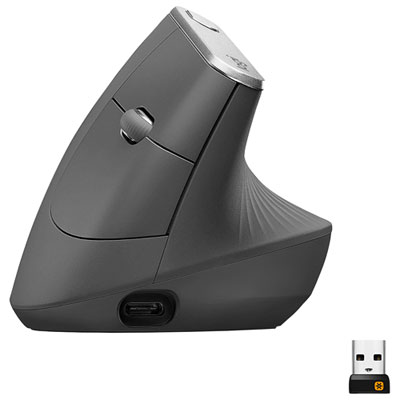
Top Collections:
Best Black Friday Deals This Year, Best Black Friday Deals On Electronics, Kindle Devices, Pokemon Centers, Best Black Friday Deals On Apple Products, Best Cameras for Sports Photography, Dyson Airwrap, Pokémon 30th Celebration Cards, Apple iPhone 17 Pro, Canon G7X Cameras
Some products may be subject to Environmental Handling Fees
(EHF) depending on your province.
Learn more about EHFs.