LED Gaming Keyboards
Upgrade your gaming experience with our selection of LED gaming keyboards. Designed to enhance your gameplay, these keyboards feature vibrant LED lighting that adds a touch of style to your setup. Whether you're a casual gamer or a professional eSports player, our LED gaming keyboards offer customizable lighting effects, responsive keys, and advanced features to take your gaming sessions to the next level. Explore our range of LED gaming keyboards and find the perfect one to suit your gaming style and preferences.
Sort



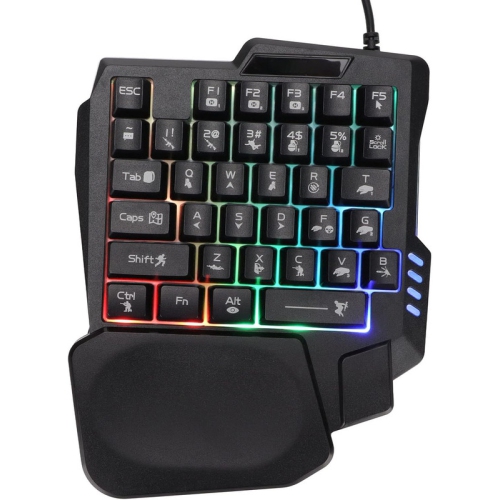
![HLD Mechanical Feeling One-Handed Left Handed Keyboard [Led Backlit] Portable Mini Gaming Keypad](https://multimedia.bbycastatic.ca/multimedia/products/500x500/134/13484/13484538.jpg)
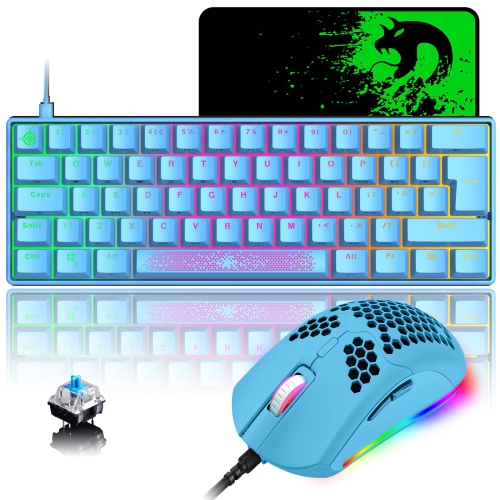
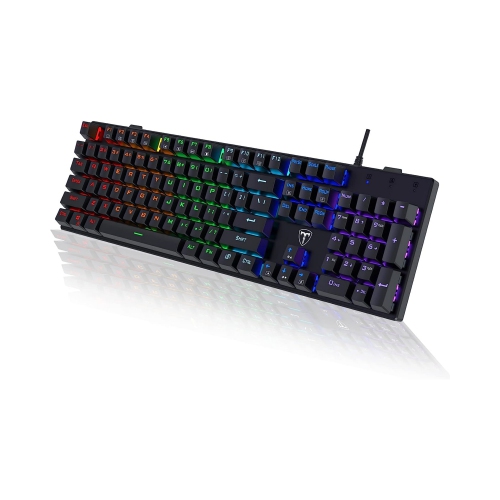

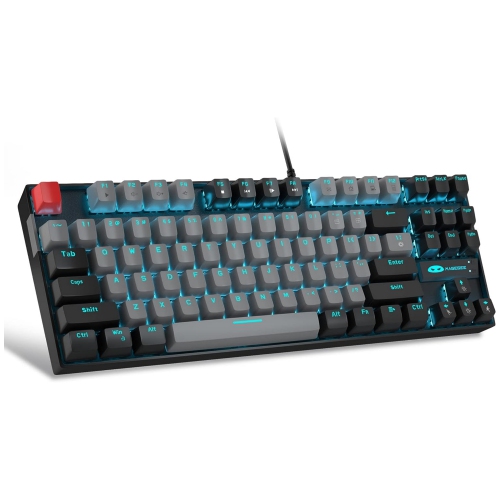
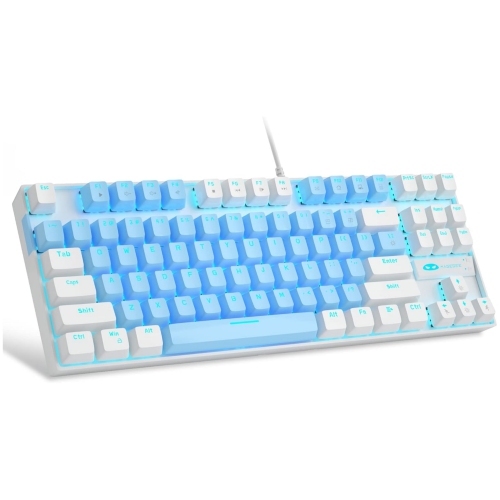
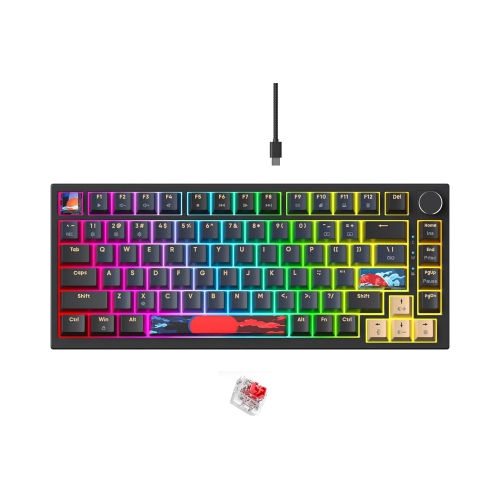

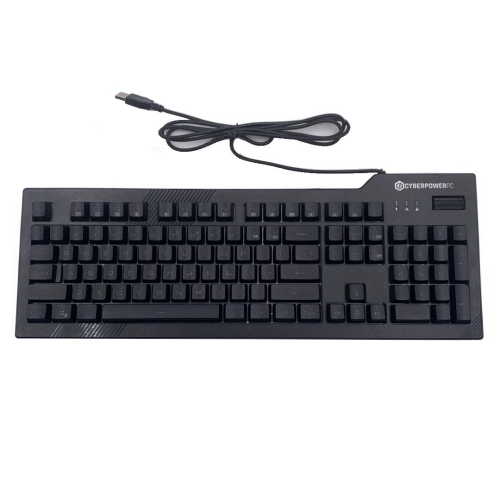
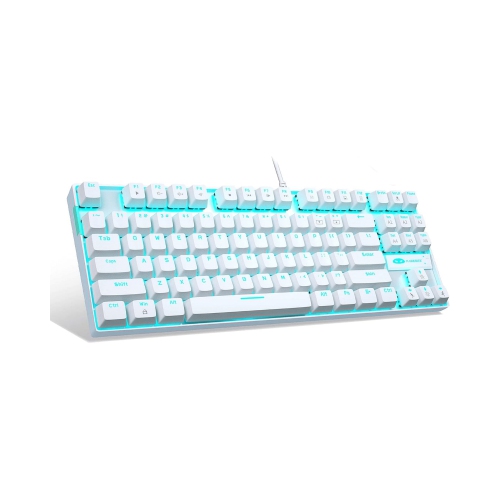
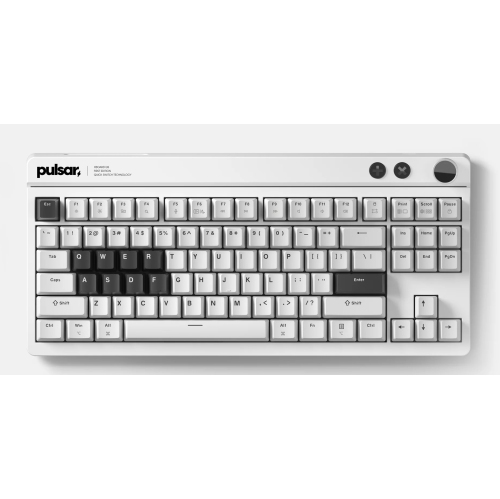

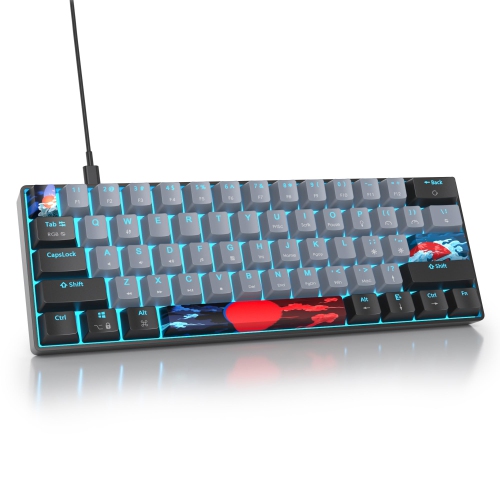

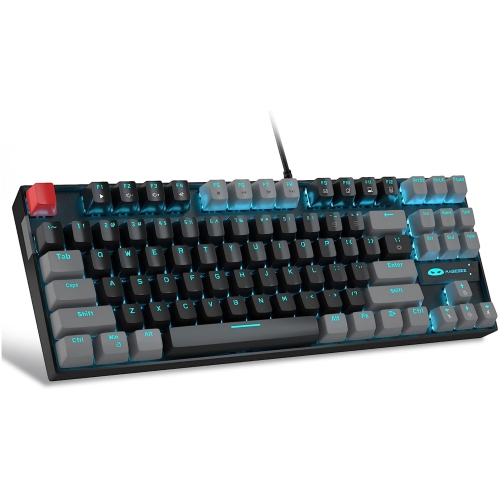
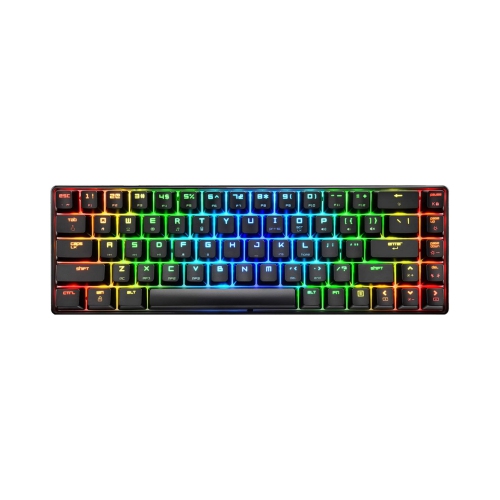
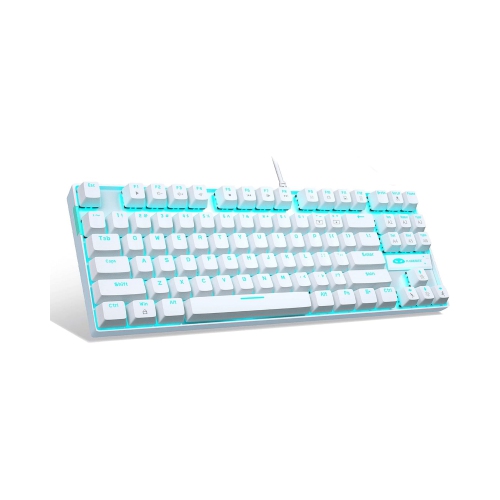
![GREEN SCENIC Side Engraved Black Ink [Wired] White Light - E-Sports Silver Axis Led Backlight Gaming Mechanical Keyboard In Blue](https://multimedia.bbycastatic.ca/multimedia/products/500x500/192/19282/19282627.jpeg)
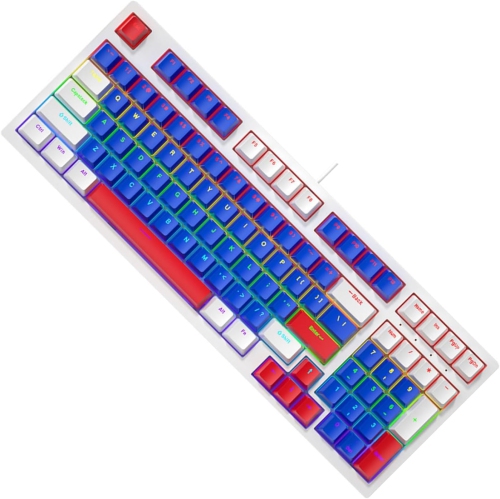
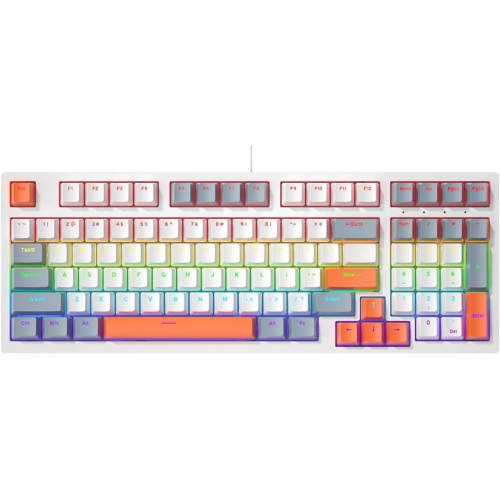
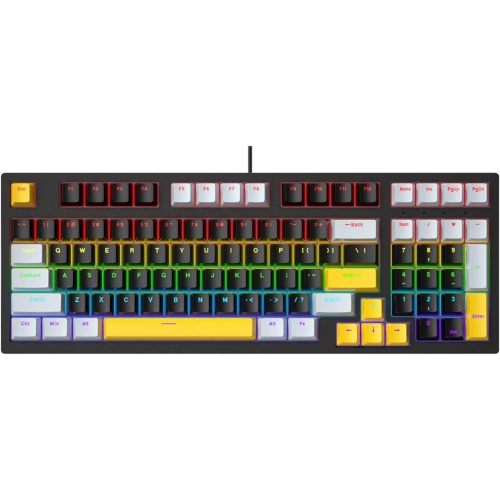
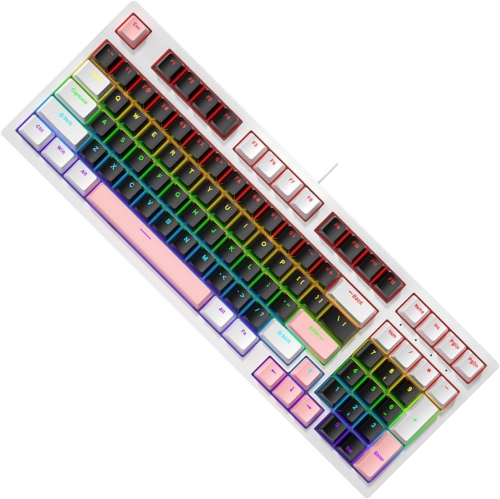
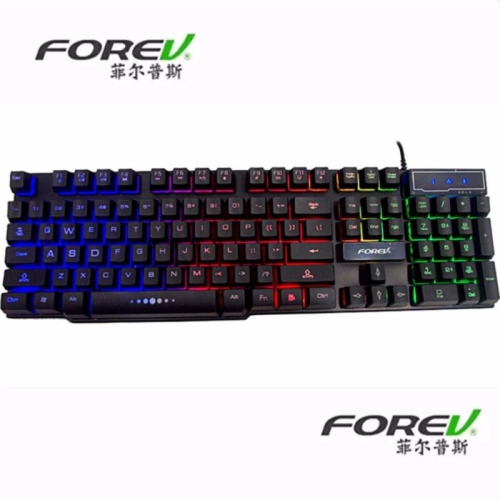

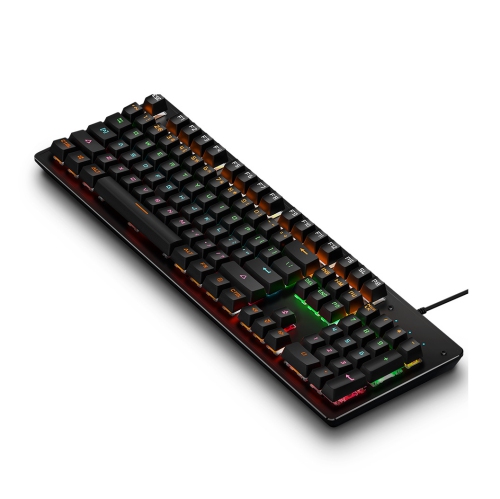
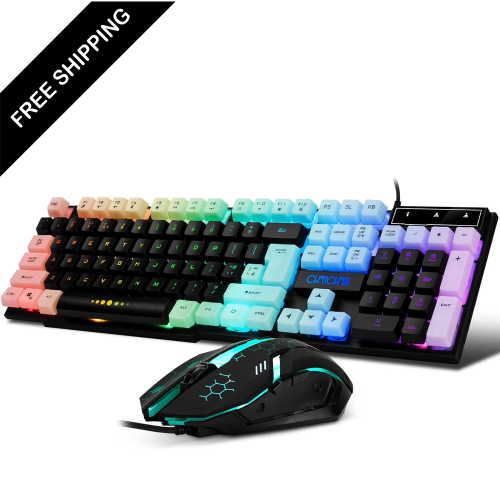
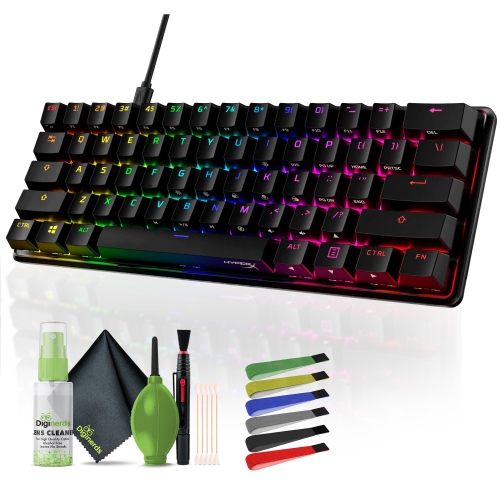
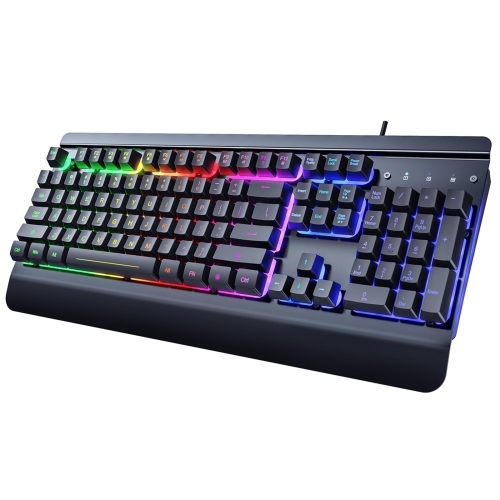
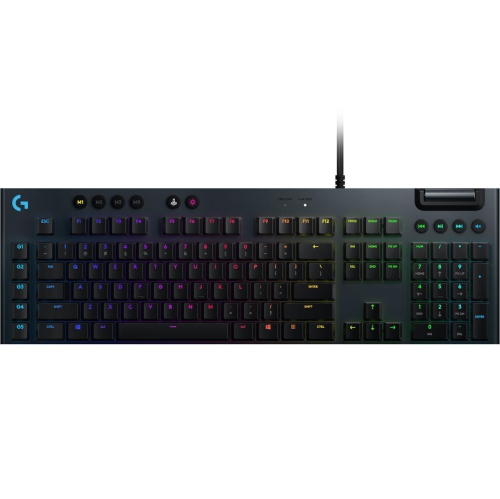
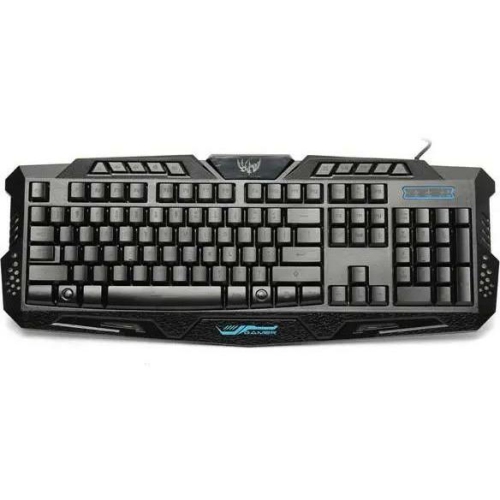
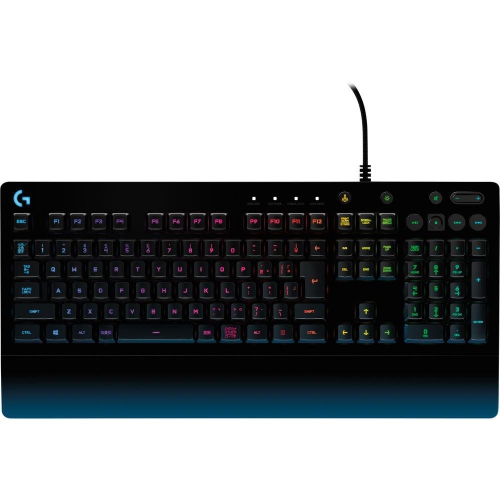
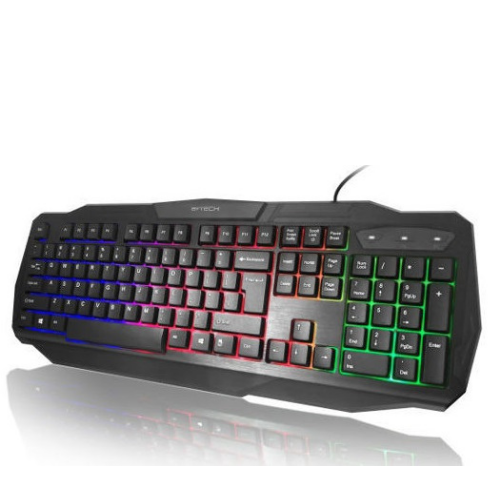
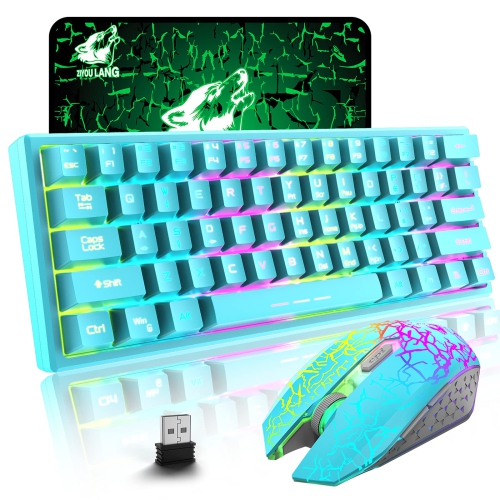
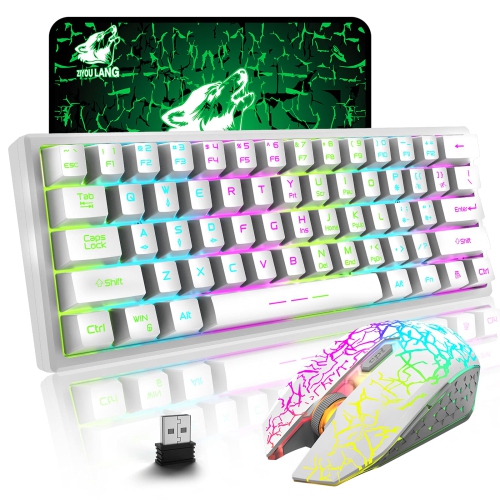
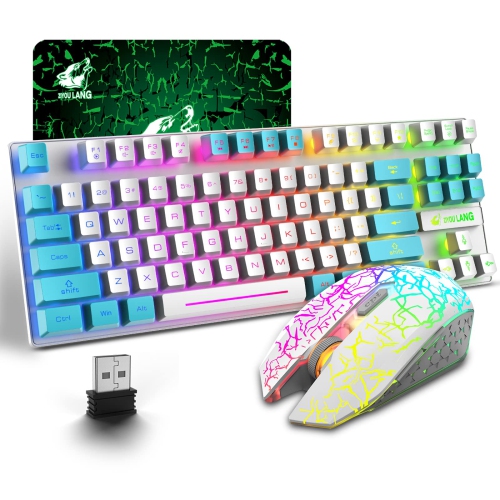
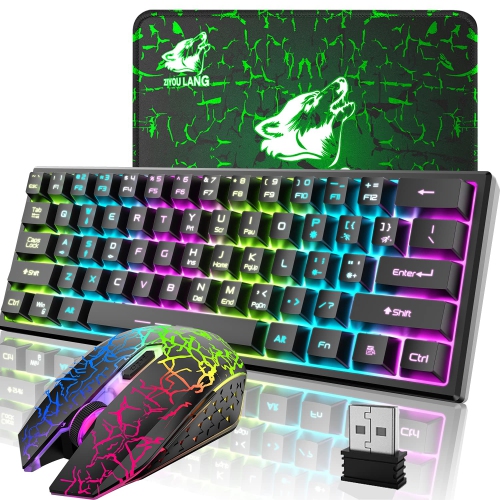
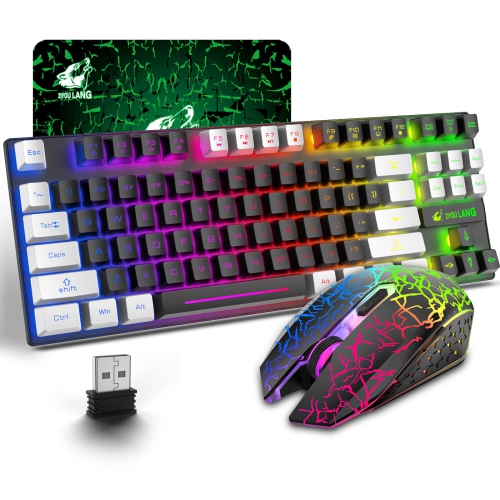
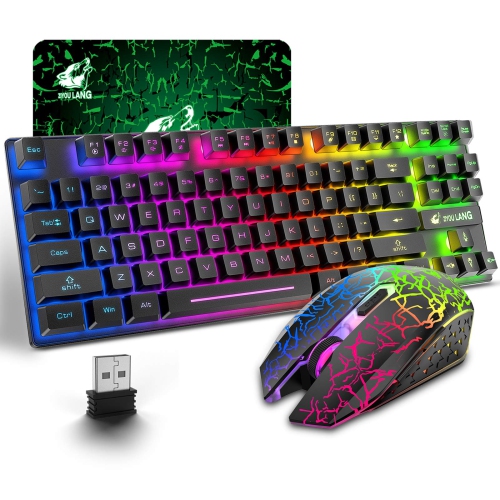
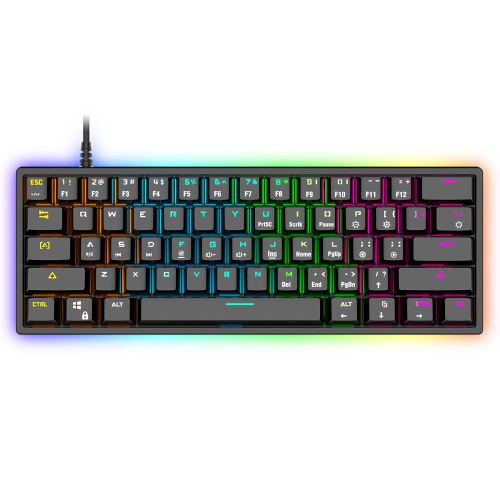
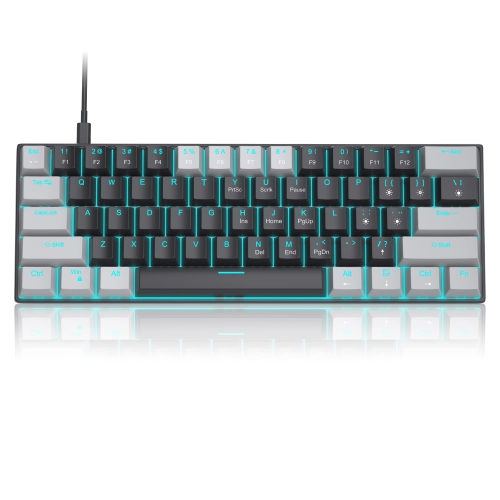
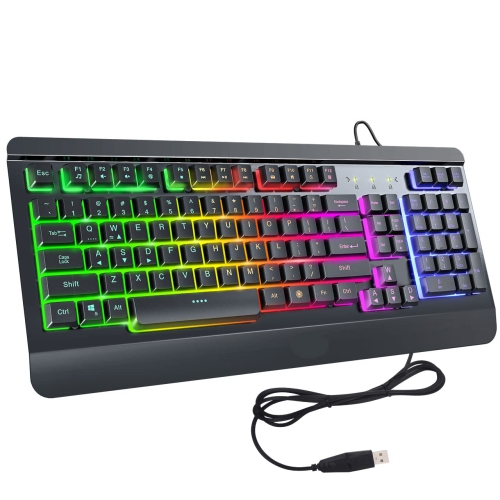
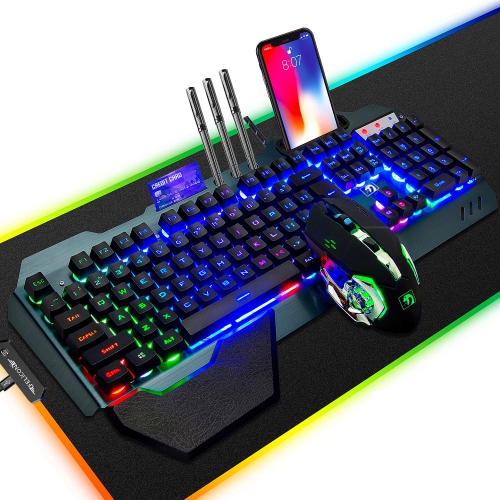
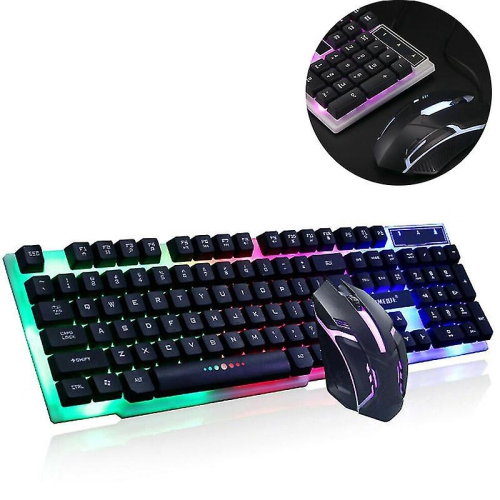
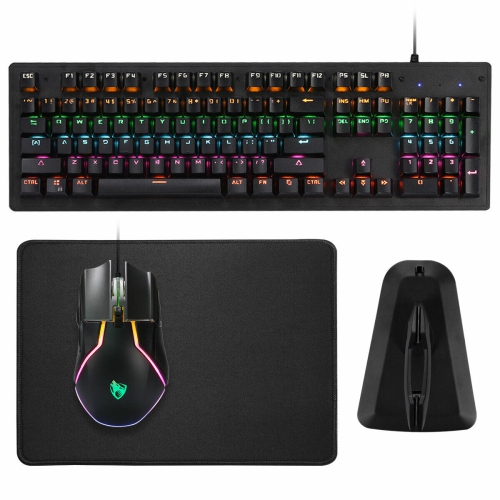
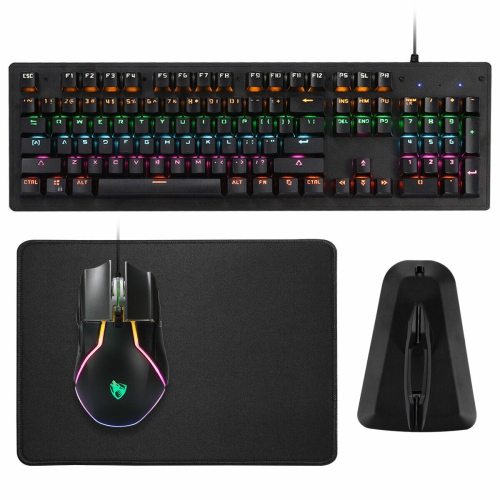
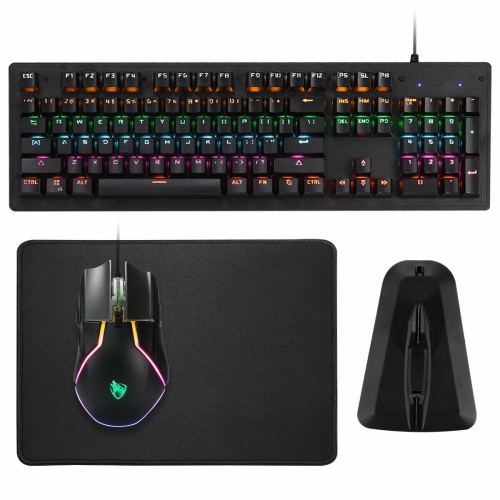
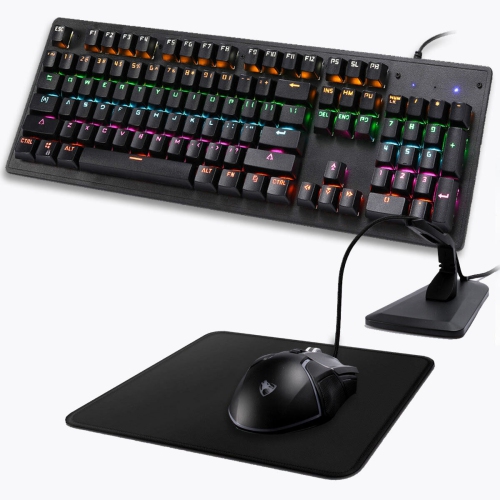

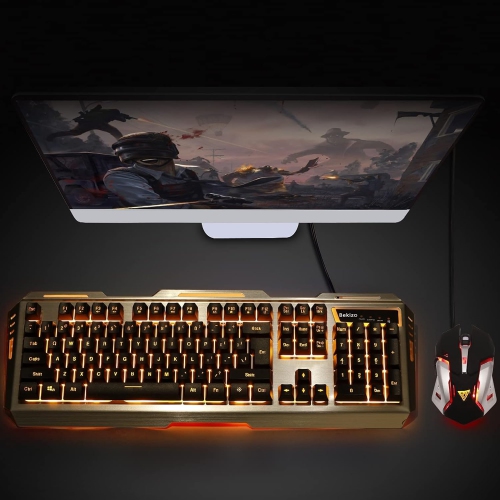
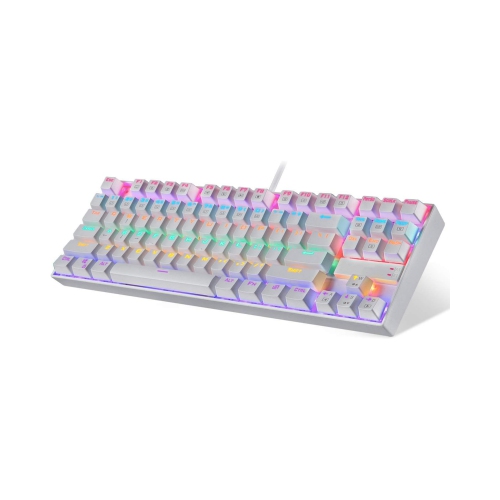
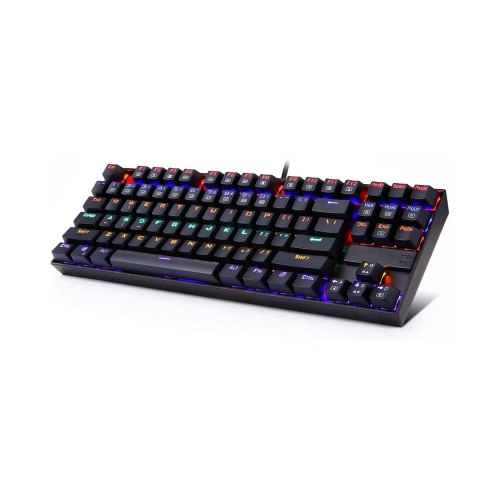
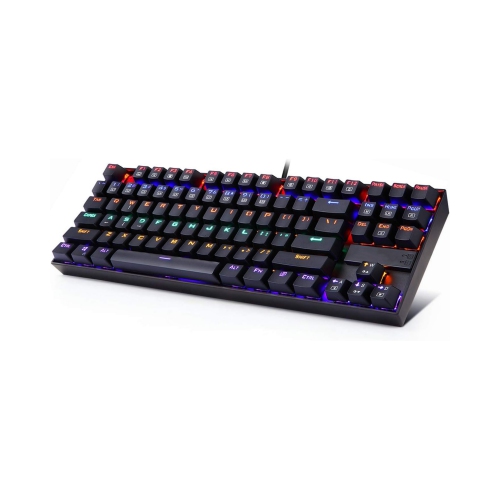
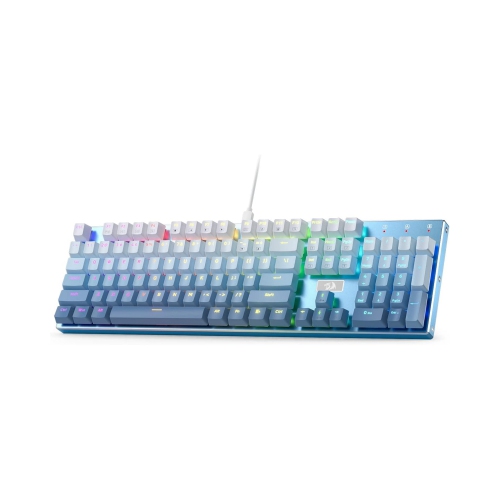
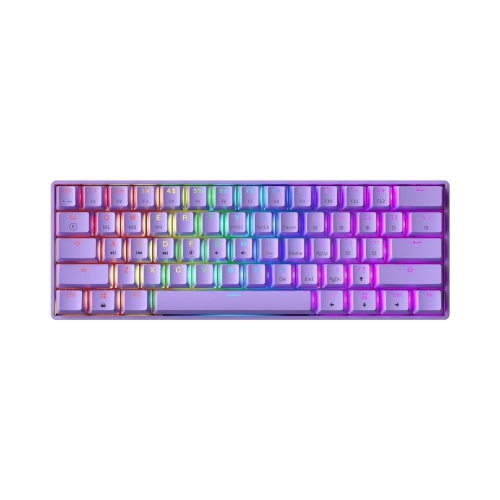
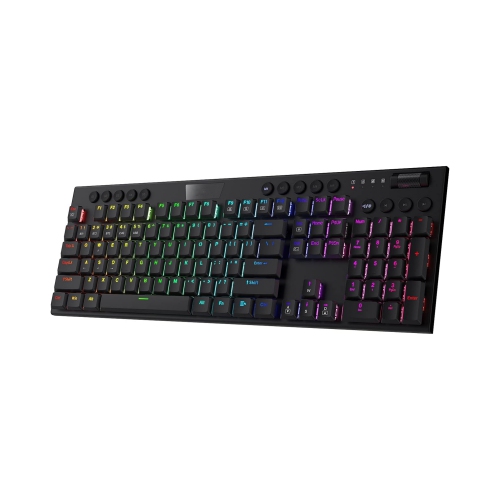
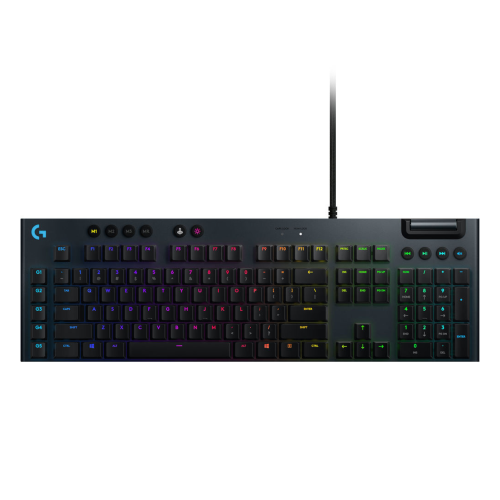
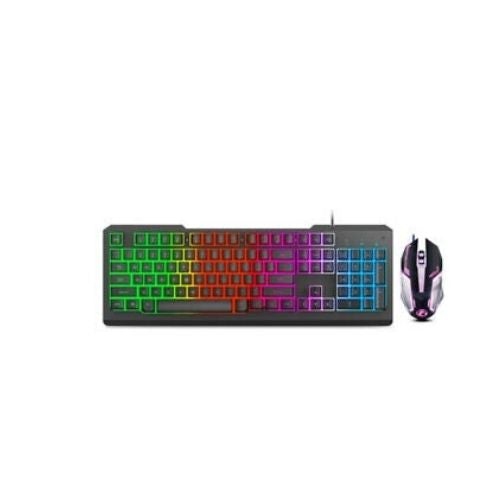
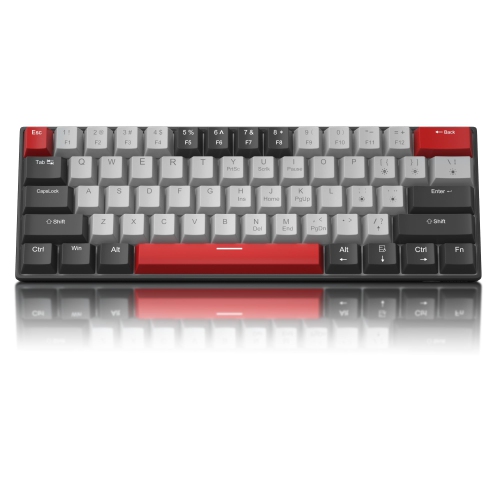
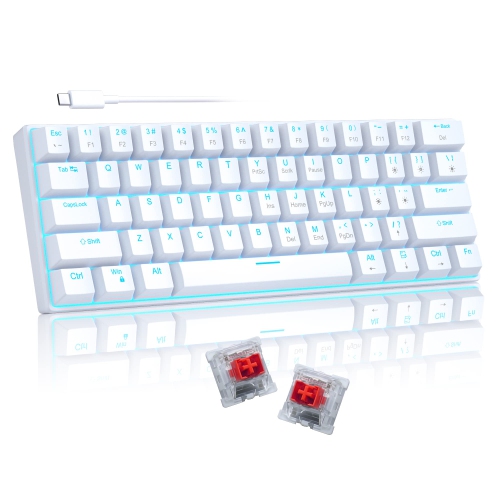
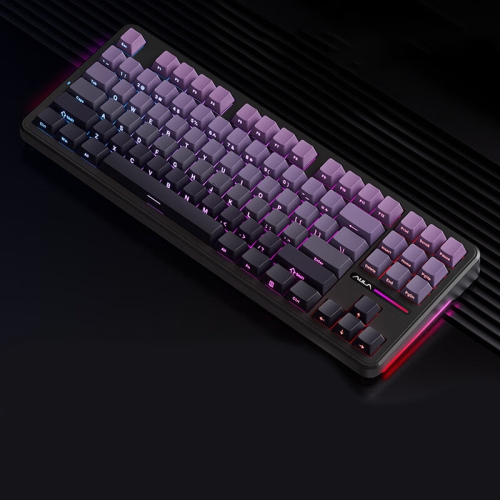
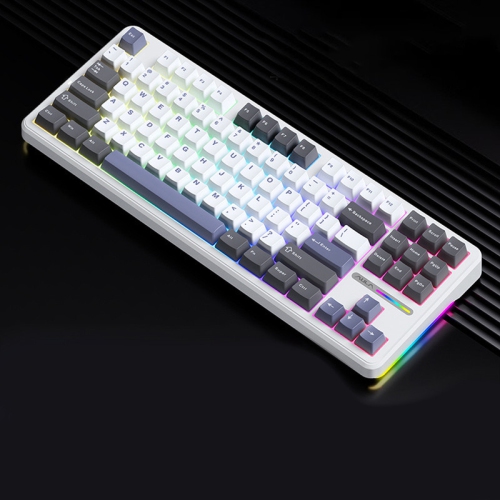
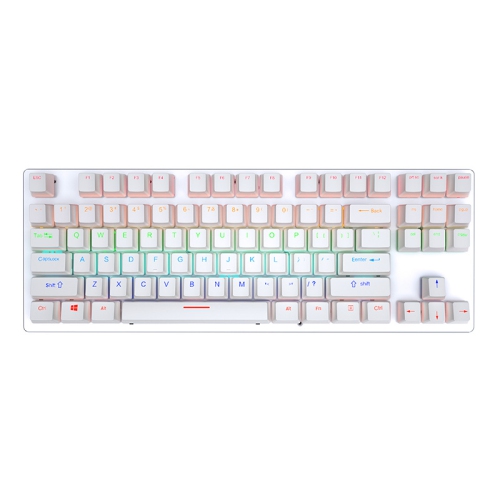
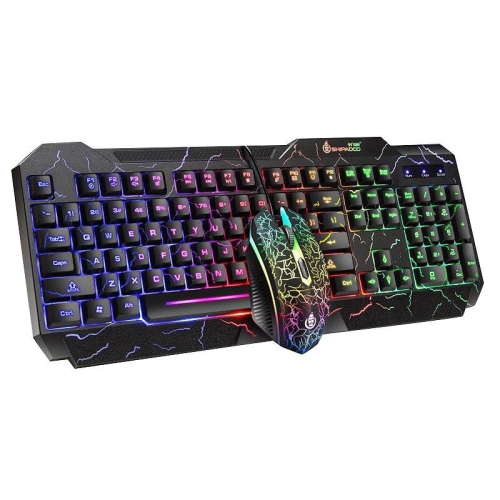
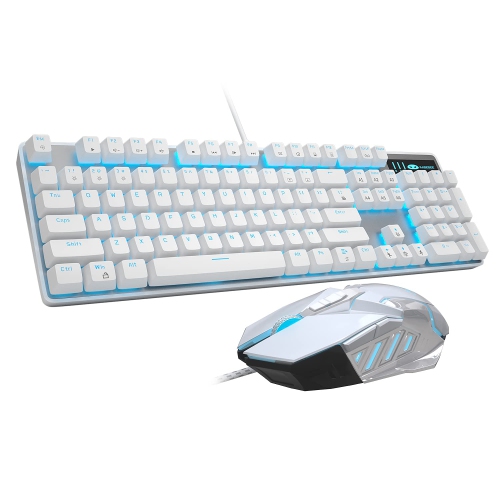
There’s more to backlighting than colourful keys
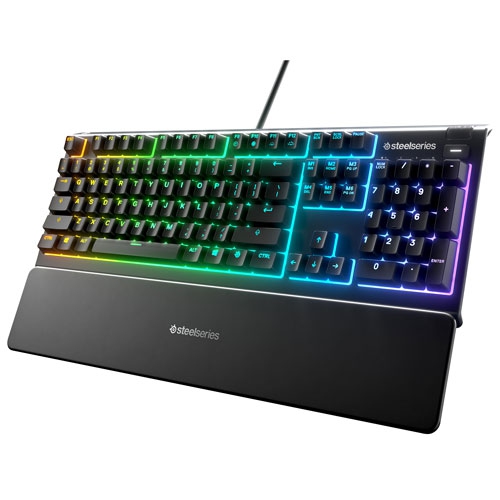
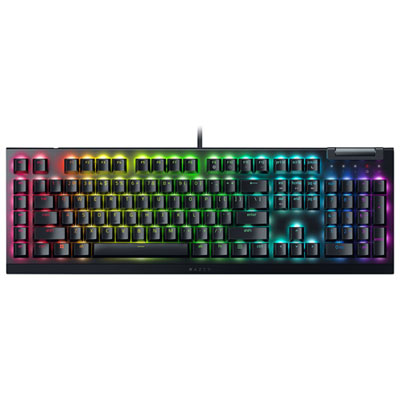
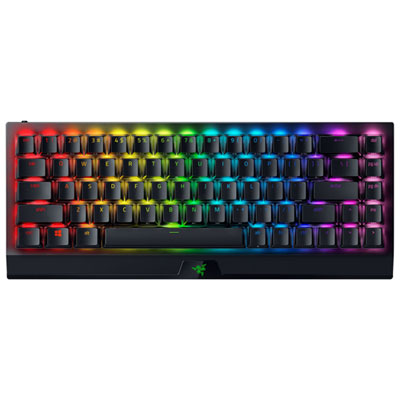
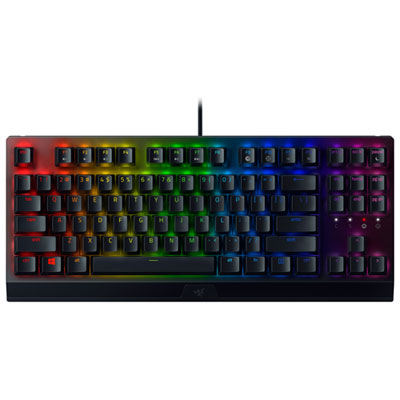
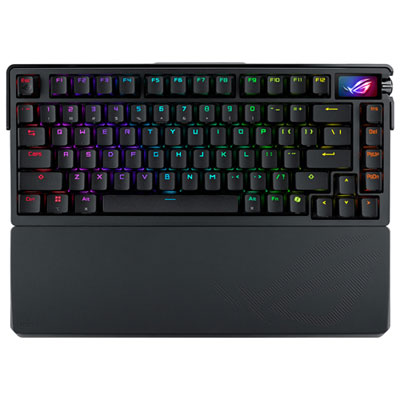
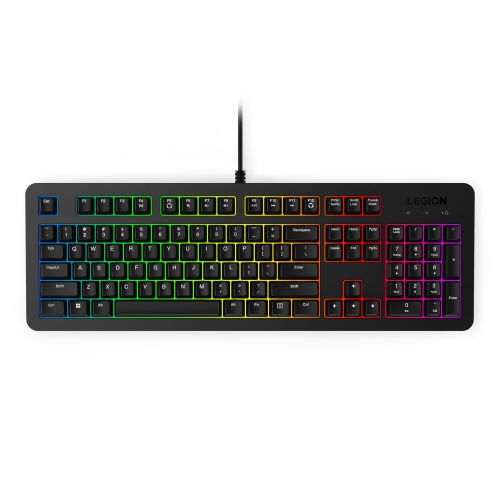
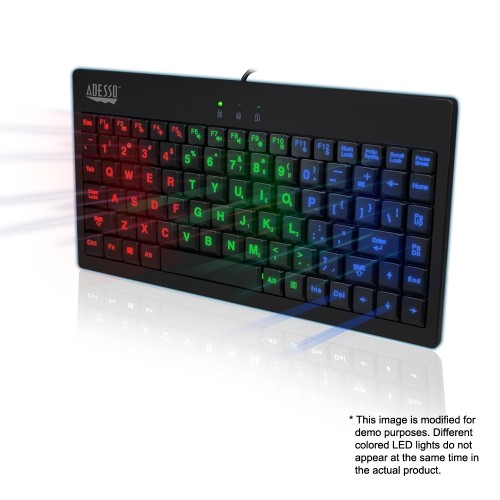
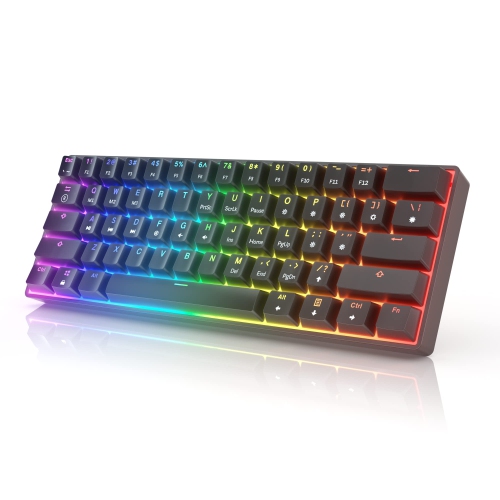
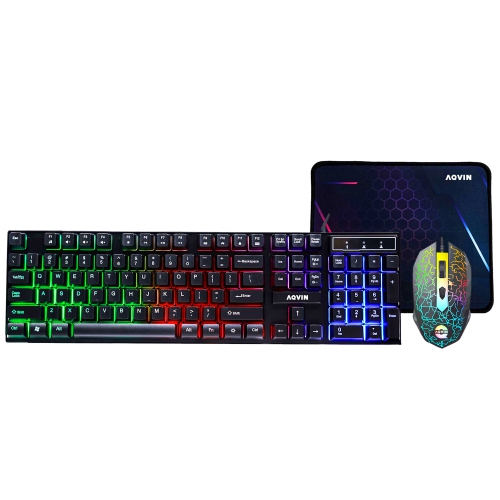
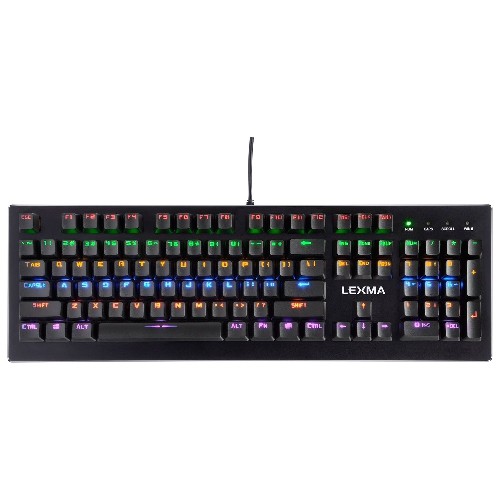
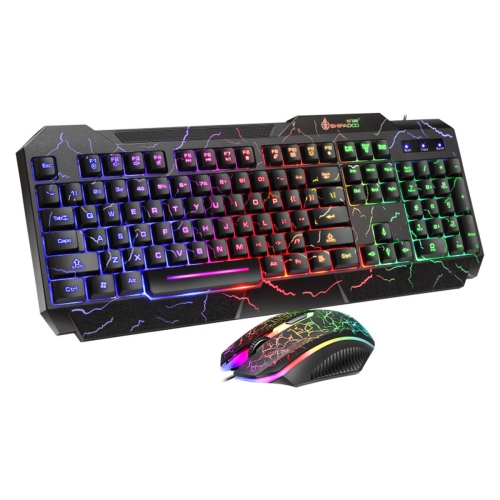
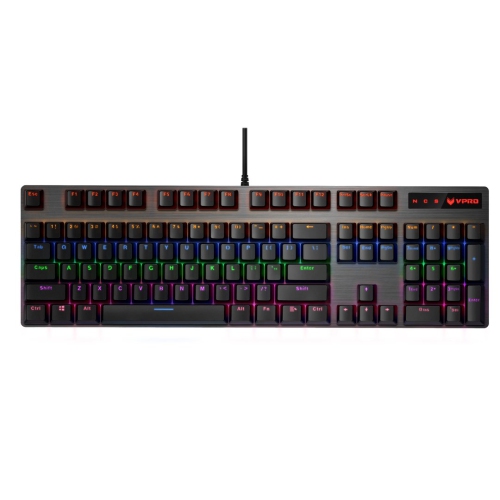
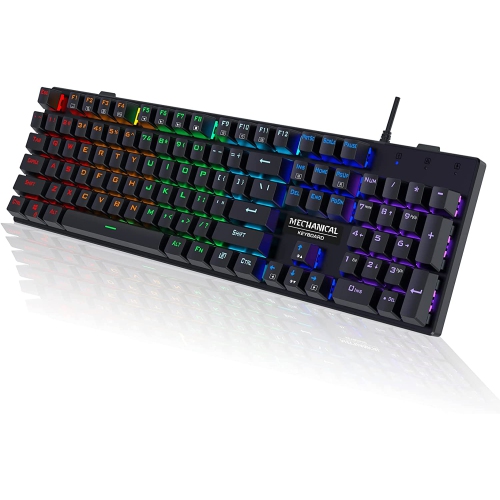
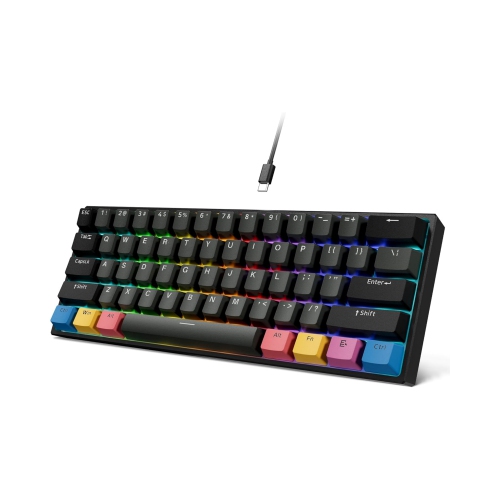
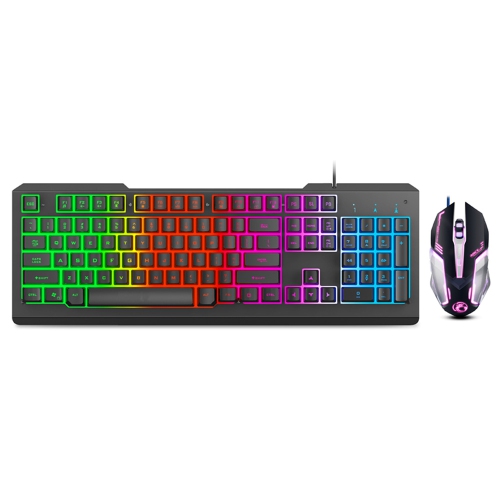
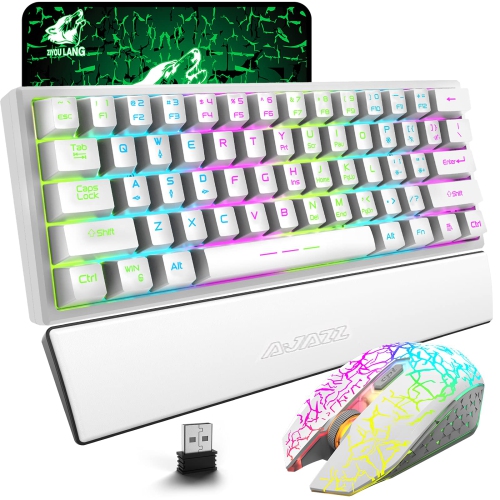
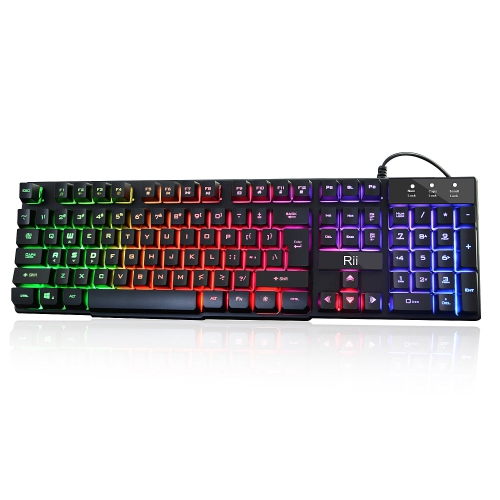
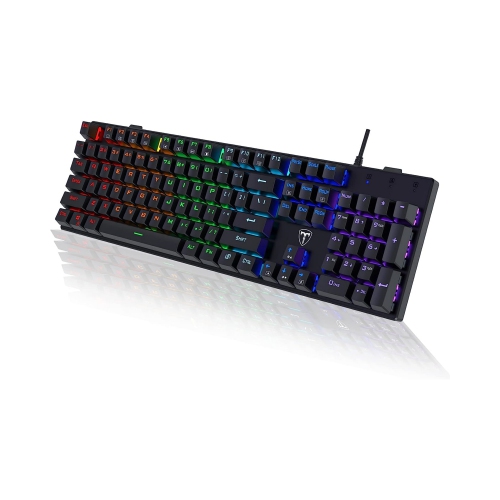
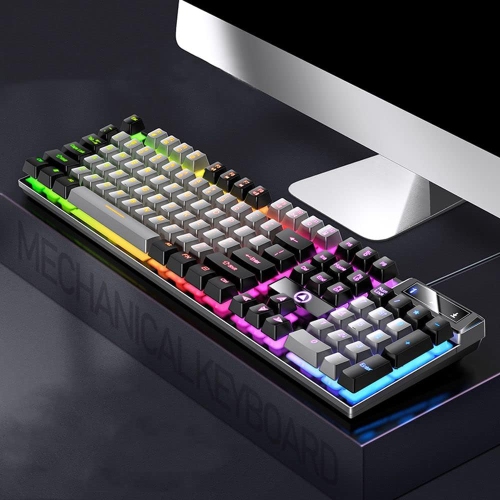
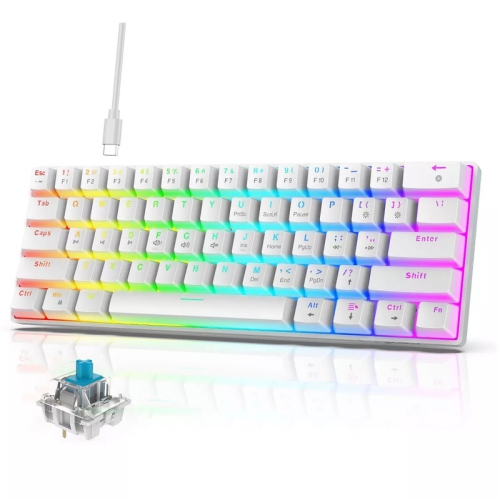
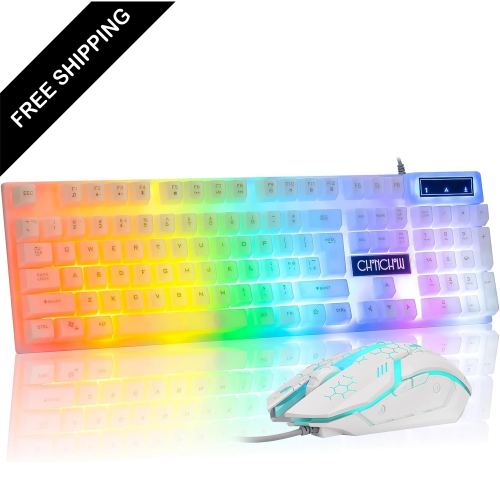
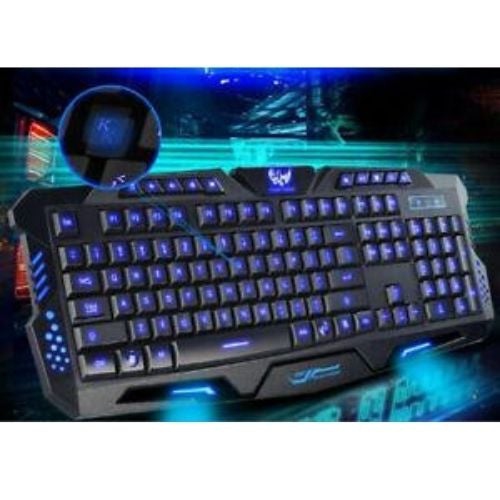
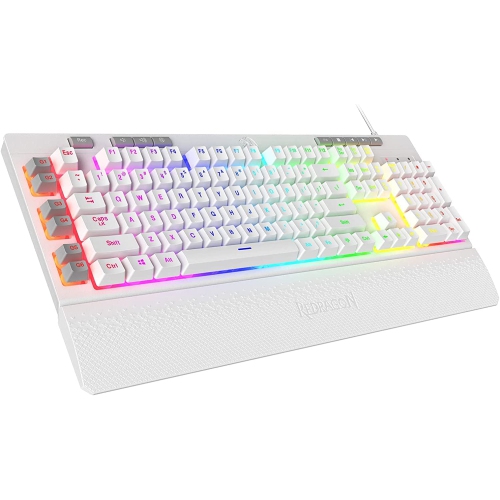
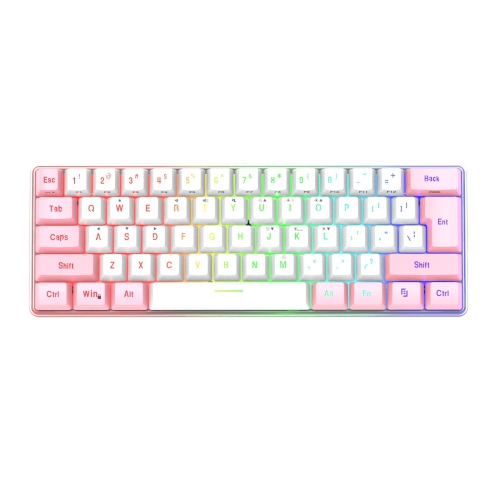
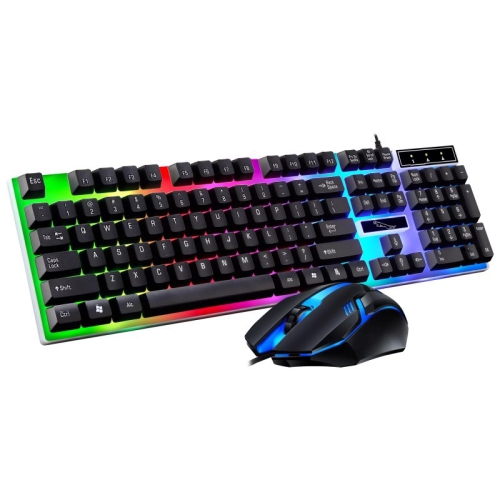
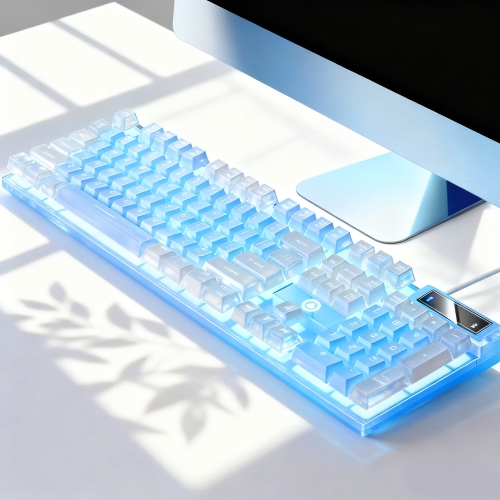
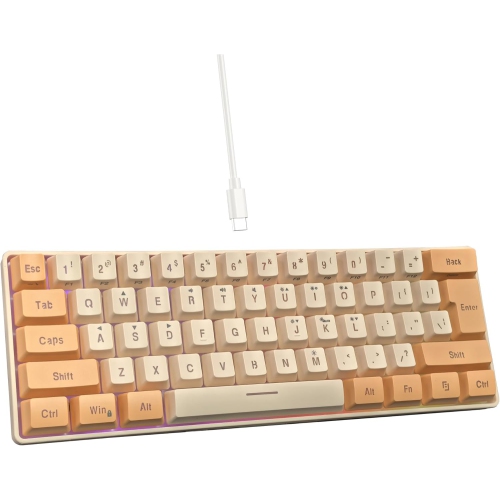
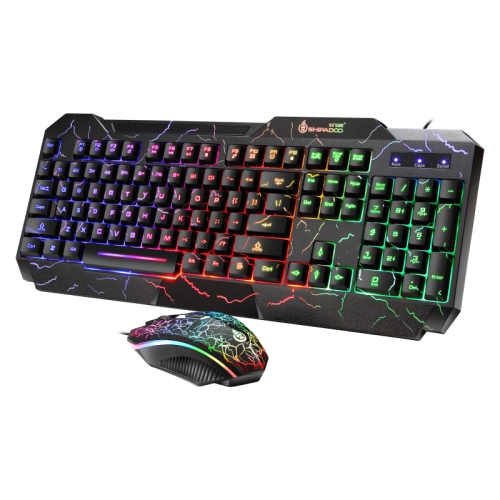
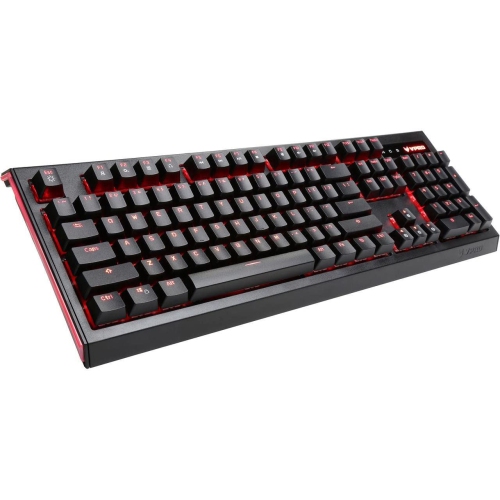
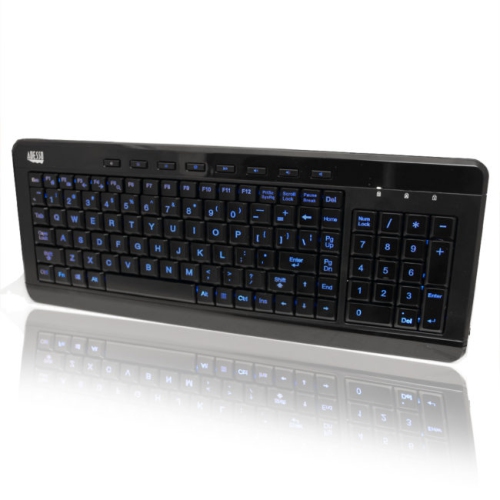
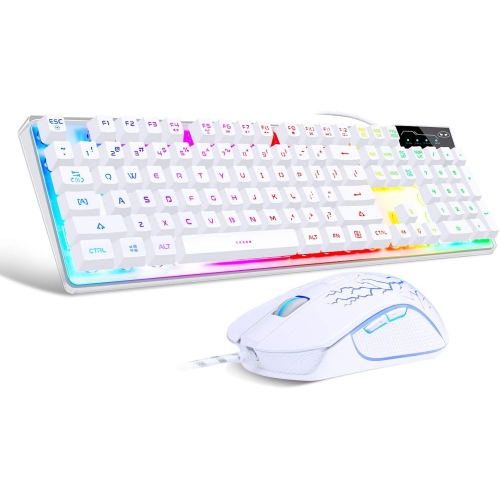
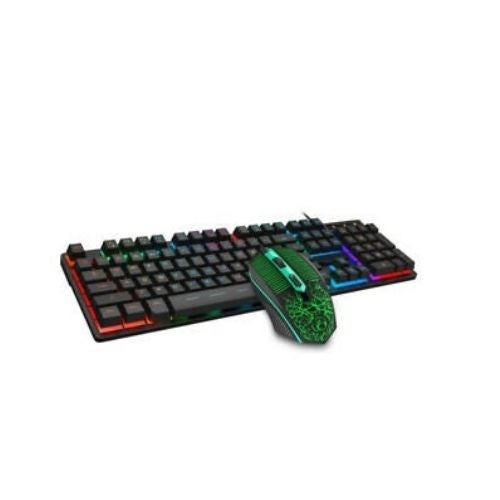
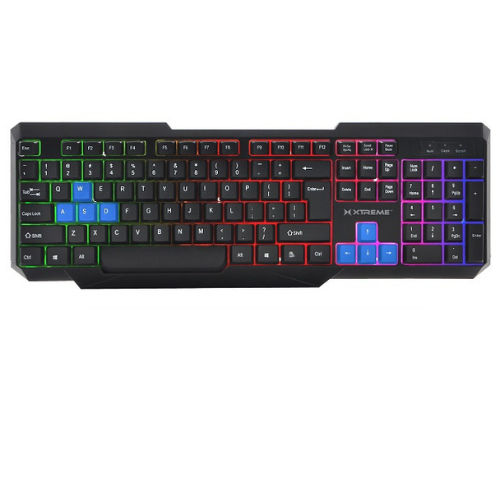
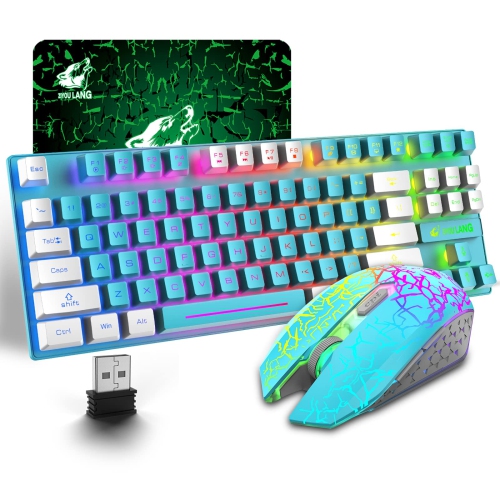
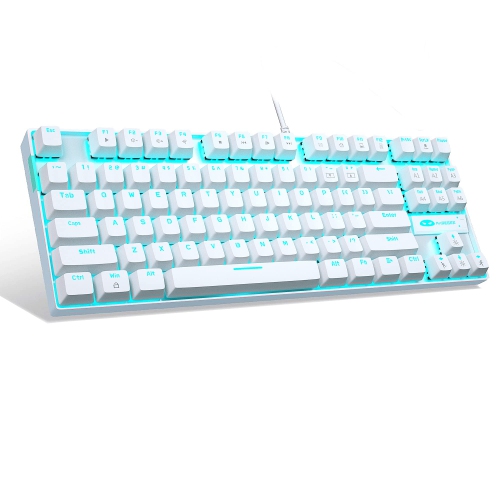
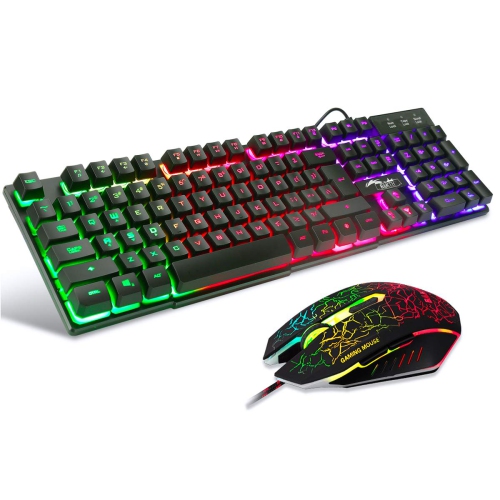
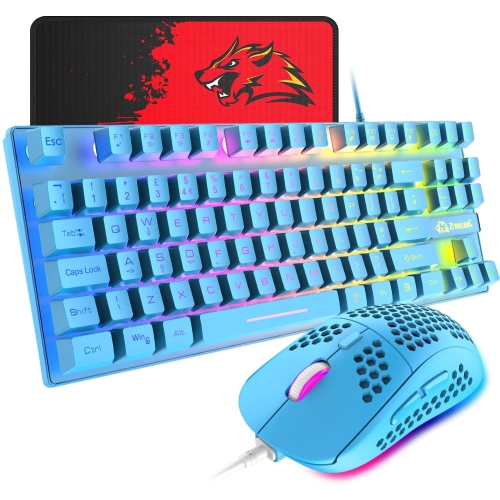
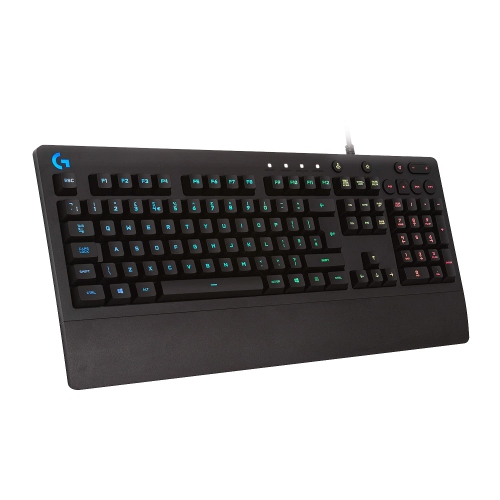
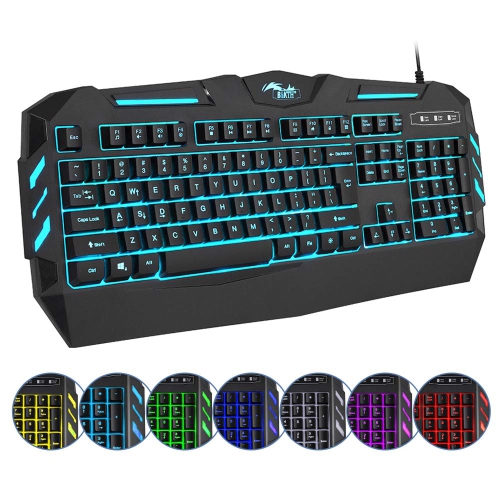
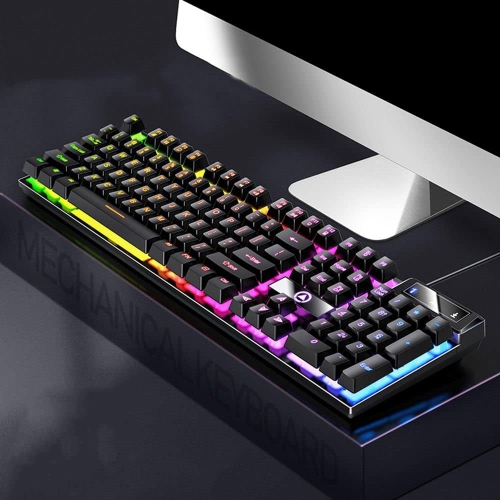
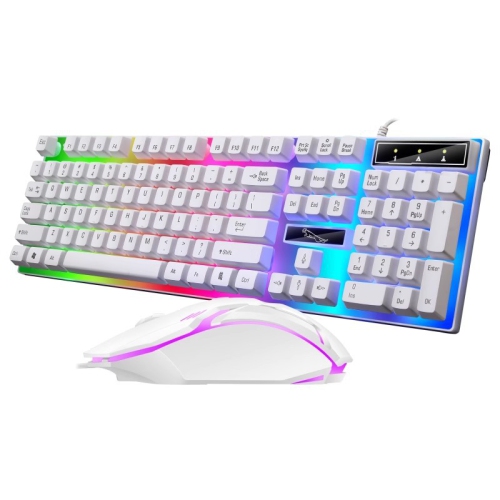
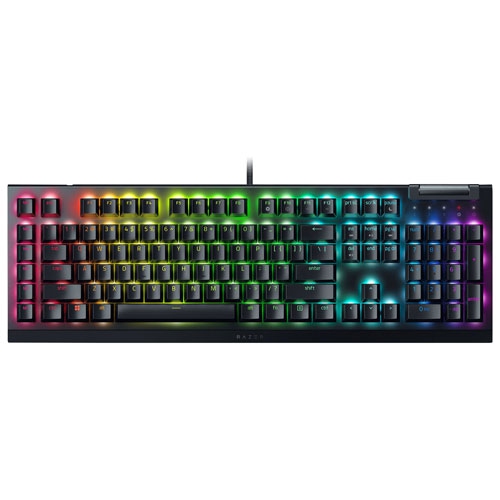
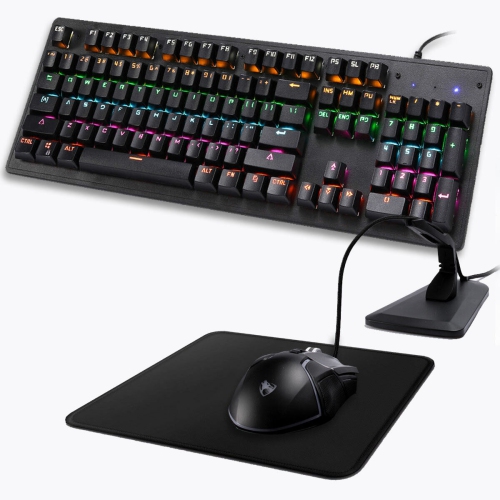
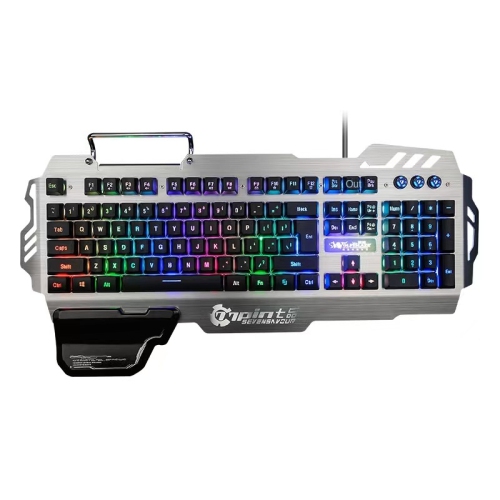
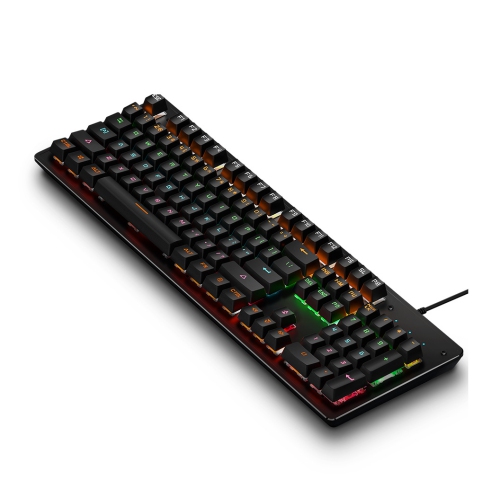
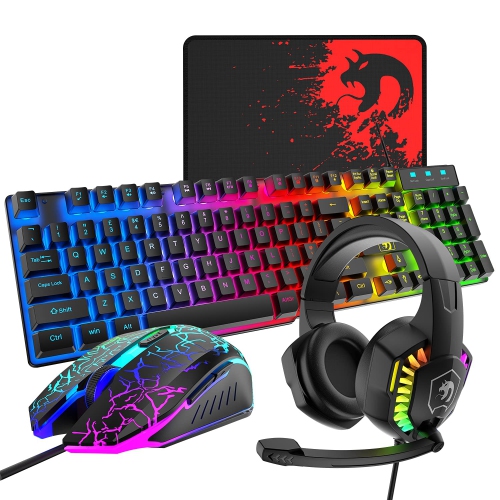
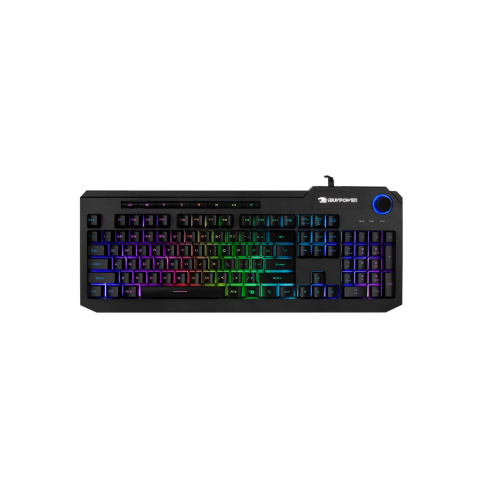
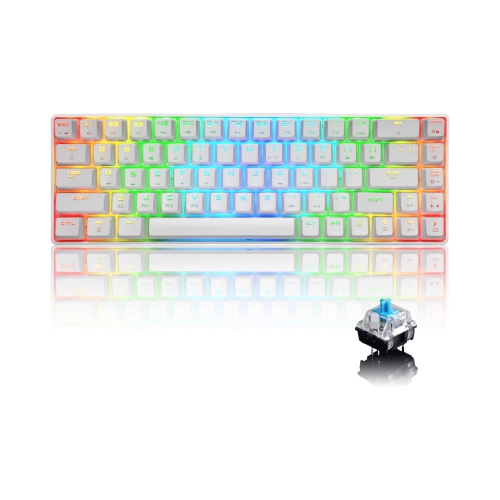
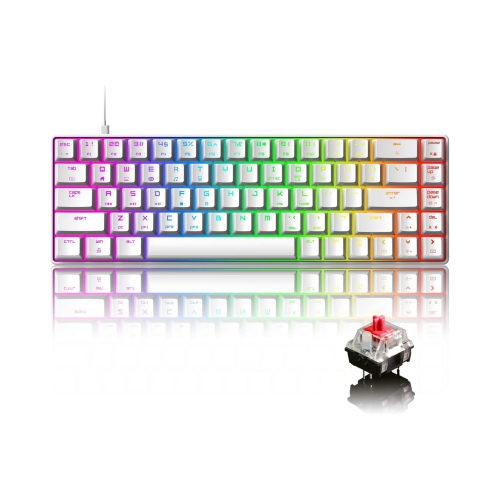
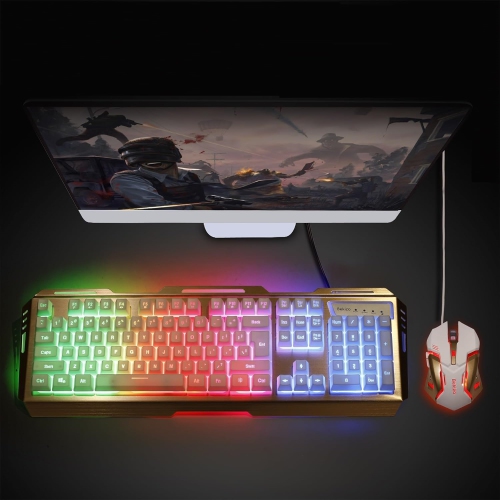
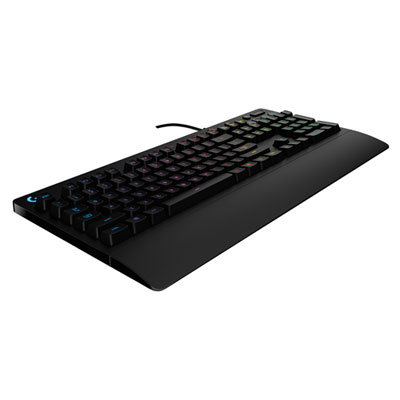
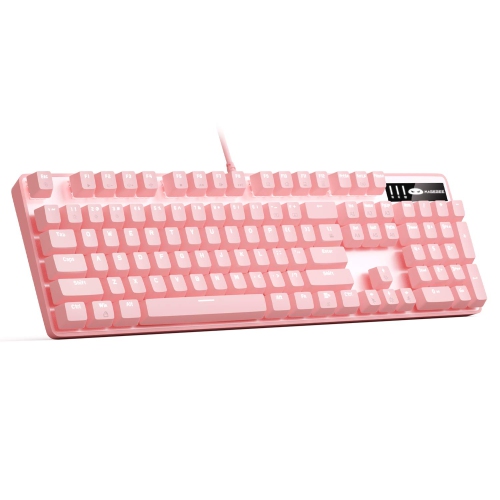
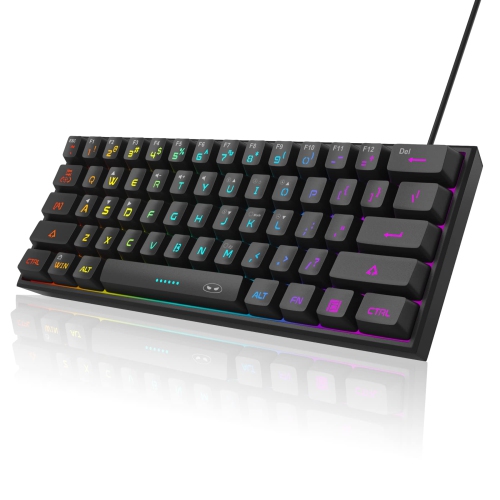
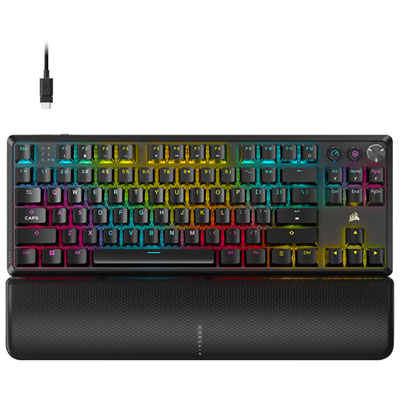
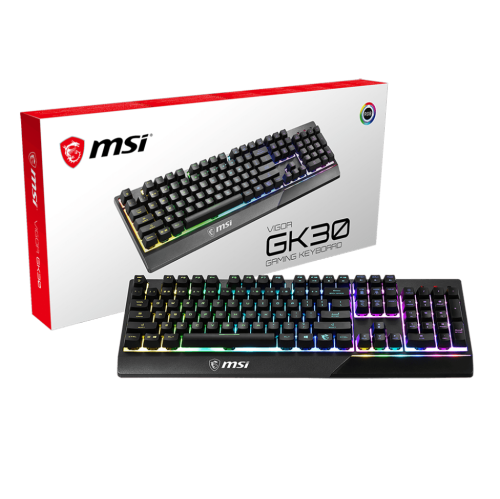
LED gaming keyboards combine illuminated keys with layouts and controls designed for PC gaming, making key legends easier to see in dim rooms while adding colour to a desk setup. The lighting can be as simple as a single colour behind the keys or as detailed as individually adjustable RGB illumination. RGB refers to red, green, and blue LEDs that mix to create a wide range of colours, but not every RGB keyboard offers the same level of control. Some designs illuminate groups of keys in zones, while others support separate colour settings for each key. Fixed rainbow backlighting displays several colours without necessarily allowing those colours to be changed. These differences matter when the goal is to highlight movement keys, mark frequently used shortcuts, or keep the entire keyboard a quiet, steady shade. A player moving between strategy games and competitive shooters might appreciate distinct lighting profiles, while someone sharing a desk between gaming and homework may prefer a simple brightness adjustment. Static illumination can be less distracting than pulsing or sweeping effects, particularly beside a bright monitor. For a setup built around one consistent colour, red backlit keyboards offer a focused alternative to multicolour lighting. How clearly the keys glow also depends on their construction: shine-through legends let light pass through the lettering, whereas opaque keycaps may leave more of the illumination visible around the edges. Secondary symbols are not always illuminated, so the appearance of letters alone does not tell the whole story. Some keyboards provide lighting adjustments through onboard shortcuts; others use companion software for detailed effects, profiles, or coordination with compatible accessories. Onboard memory, where supported, can retain certain settings when the keyboard moves between compatible computers. Lighting is a useful visual feature, but it does not determine how quickly or accurately the keyboard registers an input. Switch feel, layout, connection type, and key registration features contribute separately to the experience.
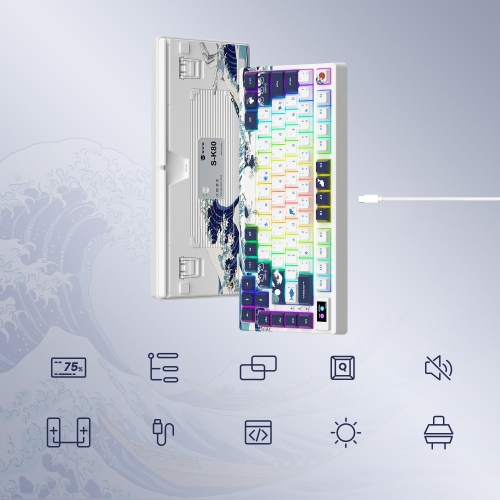
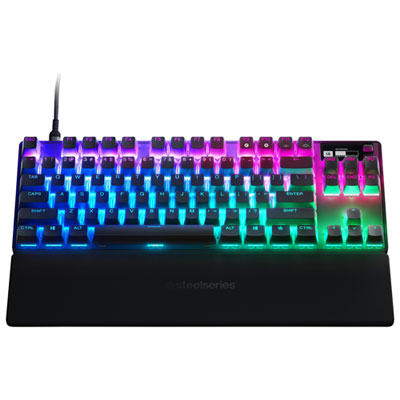
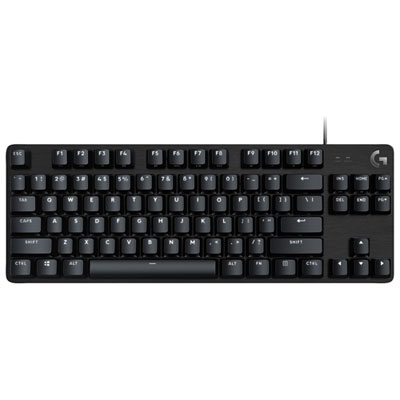
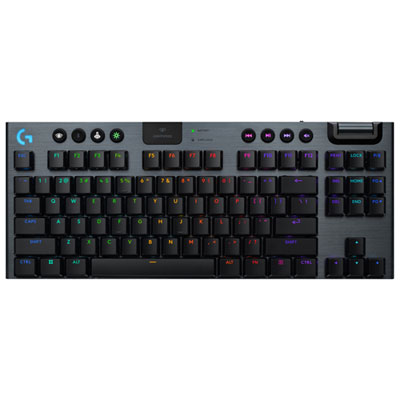
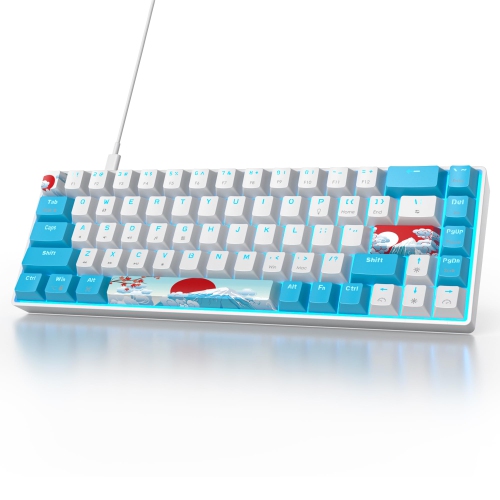
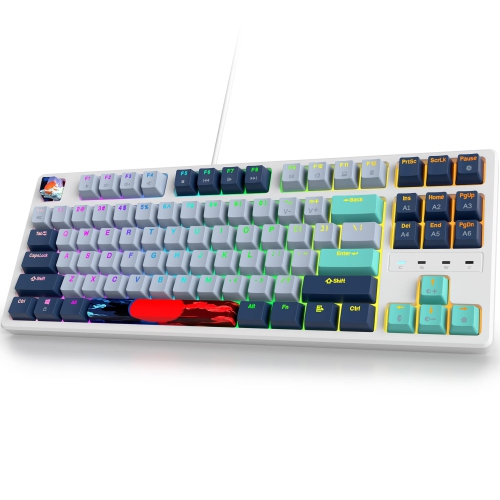
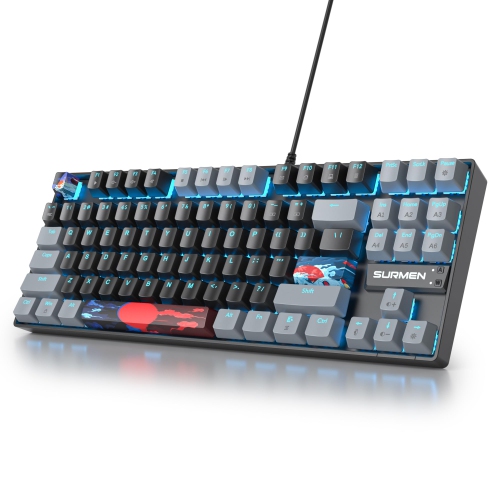
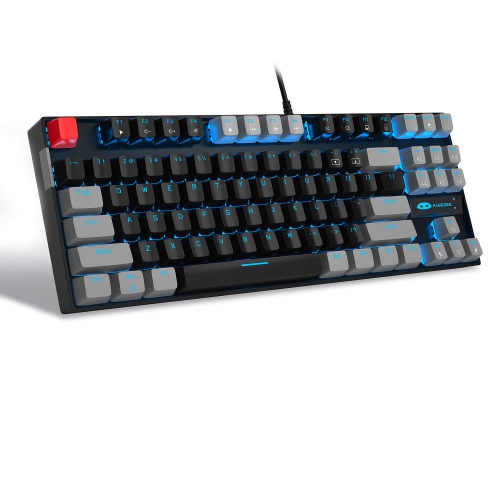
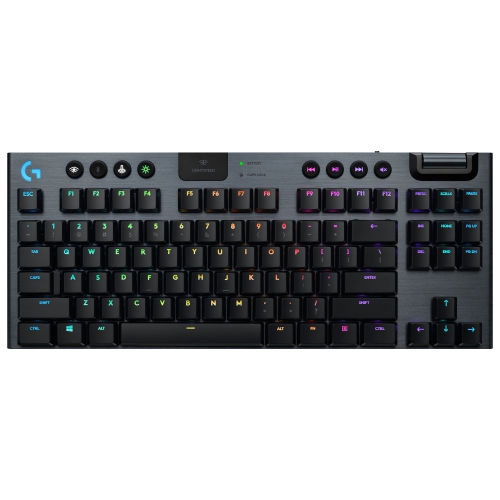
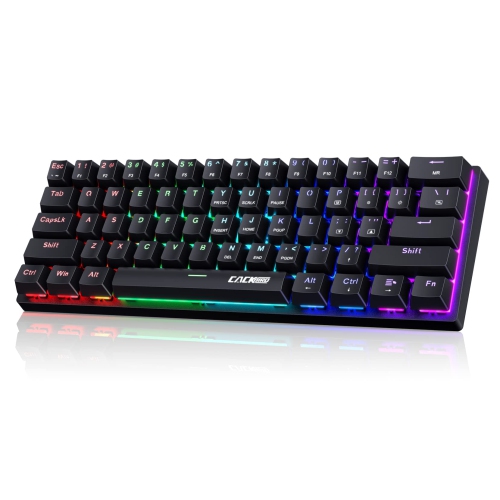
The feel of an LED gaming keyboard comes largely from what sits beneath its keycaps. Membrane keyboards typically use a flexible membrane and rubber domes, producing a cushioned press that can suit casual gaming, schoolwork, and everyday typing. Mechanical keyboards use individual switches, with noticeably different sensations across switch designs. Linear switches move smoothly without a tactile bump, tactile switches provide a bump during the press, and clicky switches add an audible click. Neither lighting nor the mechanical label guarantees a particular sound level: switch construction, keycaps, the case, and how firmly someone types all influence the result. In a shared room or during voice chat, quieter switches and a controlled typing touch may be more comfortable for everyone nearby. For games that involve holding several commands at once, key rollover describes how many simultaneous presses a keyboard can register, while anti-ghosting features help prevent unintended inputs during supported key combinations. These capabilities vary, and anti-ghosting may apply only to selected keys. Physical fit matters just as much during a long session. A full-size keyboard includes a number pad, useful for spreadsheets and number entry between games. A tenkeyless layout removes that pad while generally keeping the function row, arrow keys, and navigation cluster, leaving more room for broad mouse movements. Compact layouts save additional space, though some commands move to a function layer rather than having dedicated keys. That trade-off becomes noticeable when a game uses function keys for abilities or when arrow keys are needed for editing a document. Layout percentages describe broad size categories rather than identical arrangements, so arrow keys and shortcut access can differ between designs. Case height, adjustable feet, and an optional palm rest also affect positioning. A lower, flatter angle may make it easier to keep wrists in a neutral position, depending on chair and desk height. Dedicated media controls, a volume wheel, and a gaming mode that can disable the Windows key add convenience without requiring a change to the lighting setup.
Connection options, materials, and maintenance help determine how well a backlit gaming keyboard fits into daily use. Wired keyboards avoid battery charging and maintain a direct USB connection, though cable length and port type still need to match the desk and computer. Wireless designs may connect through Bluetooth, a dedicated USB receiver, or both. Receiver-based gaming connections are often designed for low-latency input, while Bluetooth can be useful for switching between compatible devices; actual performance and supported features depend on the keyboard and host device. Wireless illumination uses battery power, so brighter settings and animated effects can shorten the time between charges. Compatibility also extends beyond connecting successfully: basic typing may work on a computer even when lighting software, programmable shortcuts, or profile tools do not support its operating system. Console use depends on both the console and the game accepting keyboard input. For durability, the case should feel stable on the desk, with feet that resist sliding during quick movements. Plastic cases can be light and practical, while metal top plates can add rigidity and weight, although overall construction matters more than any single material. ABS keycaps are common and can develop a smoother, shinier surface with use; PBT keycaps often retain a textured feel longer. Double-shot legends are formed from separate pieces of plastic rather than printed only on the surface, but the manufacturing method alone does not guarantee shine-through lettering. Replaceable keycaps and hot-swappable switches can make supported mechanical designs easier to personalize or maintain, provided the replacement parts match the keyboard’s fittings. Routine care is straightforward: disconnect or switch off the keyboard before cleaning, remove loose debris gently, and wipe accessible surfaces with a soft cloth according to the manufacturer’s directions. Liquids should never be sprayed directly onto the keys, and spill resistance should not be treated as waterproofing. As a gift for a PC gamer, student, or someone building a shared work-and-play desk, an LED gaming keyboard feels most considered when its layout, sound, and connection match the recipient’s habits as closely as its lighting matches the room.
The feel of an LED gaming keyboard comes largely from what sits beneath its keycaps. Membrane keyboards typically use a flexible membrane and rubber domes, producing a cushioned press that can suit casual gaming, schoolwork, and everyday typing. Mechanical keyboards use individual switches, with noticeably different sensations across switch designs. Linear switches move smoothly without a tactile bump, tactile switches provide a bump during the press, and clicky switches add an audible click. Neither lighting nor the mechanical label guarantees a particular sound level: switch construction, keycaps, the case, and how firmly someone types all influence the result. In a shared room or during voice chat, quieter switches and a controlled typing touch may be more comfortable for everyone nearby. For games that involve holding several commands at once, key rollover describes how many simultaneous presses a keyboard can register, while anti-ghosting features help prevent unintended inputs during supported key combinations. These capabilities vary, and anti-ghosting may apply only to selected keys. Physical fit matters just as much during a long session. A full-size keyboard includes a number pad, useful for spreadsheets and number entry between games. A tenkeyless layout removes that pad while generally keeping the function row, arrow keys, and navigation cluster, leaving more room for broad mouse movements. Compact layouts save additional space, though some commands move to a function layer rather than having dedicated keys. That trade-off becomes noticeable when a game uses function keys for abilities or when arrow keys are needed for editing a document. Layout percentages describe broad size categories rather than identical arrangements, so arrow keys and shortcut access can differ between designs. Case height, adjustable feet, and an optional palm rest also affect positioning. A lower, flatter angle may make it easier to keep wrists in a neutral position, depending on chair and desk height. Dedicated media controls, a volume wheel, and a gaming mode that can disable the Windows key add convenience without requiring a change to the lighting setup.
Connection options, materials, and maintenance help determine how well a backlit gaming keyboard fits into daily use. Wired keyboards avoid battery charging and maintain a direct USB connection, though cable length and port type still need to match the desk and computer. Wireless designs may connect through Bluetooth, a dedicated USB receiver, or both. Receiver-based gaming connections are often designed for low-latency input, while Bluetooth can be useful for switching between compatible devices; actual performance and supported features depend on the keyboard and host device. Wireless illumination uses battery power, so brighter settings and animated effects can shorten the time between charges. Compatibility also extends beyond connecting successfully: basic typing may work on a computer even when lighting software, programmable shortcuts, or profile tools do not support its operating system. Console use depends on both the console and the game accepting keyboard input. For durability, the case should feel stable on the desk, with feet that resist sliding during quick movements. Plastic cases can be light and practical, while metal top plates can add rigidity and weight, although overall construction matters more than any single material. ABS keycaps are common and can develop a smoother, shinier surface with use; PBT keycaps often retain a textured feel longer. Double-shot legends are formed from separate pieces of plastic rather than printed only on the surface, but the manufacturing method alone does not guarantee shine-through lettering. Replaceable keycaps and hot-swappable switches can make supported mechanical designs easier to personalize or maintain, provided the replacement parts match the keyboard’s fittings. Routine care is straightforward: disconnect or switch off the keyboard before cleaning, remove loose debris gently, and wipe accessible surfaces with a soft cloth according to the manufacturer’s directions. Liquids should never be sprayed directly onto the keys, and spill resistance should not be treated as waterproofing. As a gift for a PC gamer, student, or someone building a shared work-and-play desk, an LED gaming keyboard feels most considered when its layout, sound, and connection match the recipient’s habits as closely as its lighting matches the room.
Top selling and popular products
-
 Your price for this item is $39.99
 -
 Your price for this item is $76.98
 -
 Your price for this item is $94.99
 -
 Your price for this item is $319.99
 -
 Your price for this item is $364.99
 -
 Your price for this item is $149.99
 -
 Your price for this item is $124
 -
 Your price for this item is $94.99
Discover more categories related to LED Gaming Keyboards
Top Collections:
Pokemon Centers, Kindle Devices, Best Budget Office Chairs, Apple iPhones 16, Best Laptops for Writers, iPhone 15 Apple, Canon G7X Cameras, Refurbished Apple Laptops, Alarm Clock, Motorola Razr Phones
Some products may be subject to Environmental Handling Fees
(EHF) depending on your province.
Learn more about EHFs.