Lenovo 17
Lenovo 17 laptops offer a spacious display and versatile performance to support your daily computing needs. Whether you're working, streaming, or connecting with friends, Lenovo 17 provides an immersive experience in a sleek, modern design. Discover a range of options tailored for productivity, entertainment, and multitasking, all designed to help you stay ahead. Explore the Lenovo 17 collection and find the perfect fit for your lifestyle.
Sort
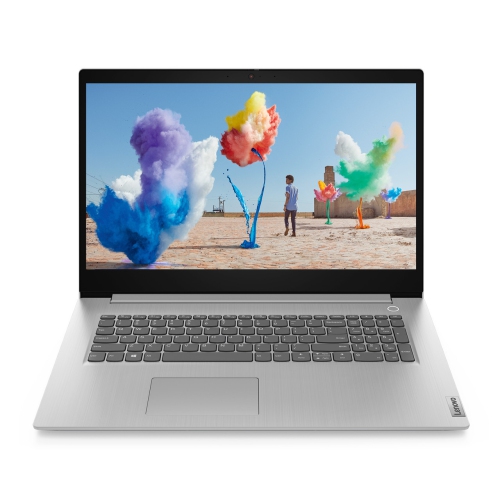


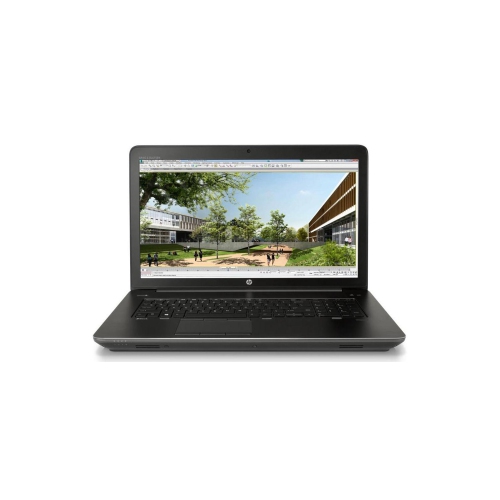

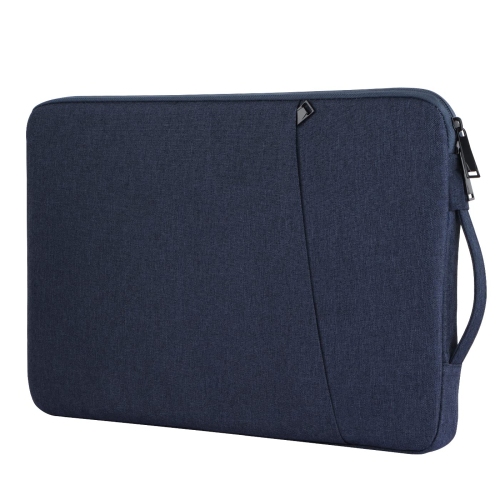
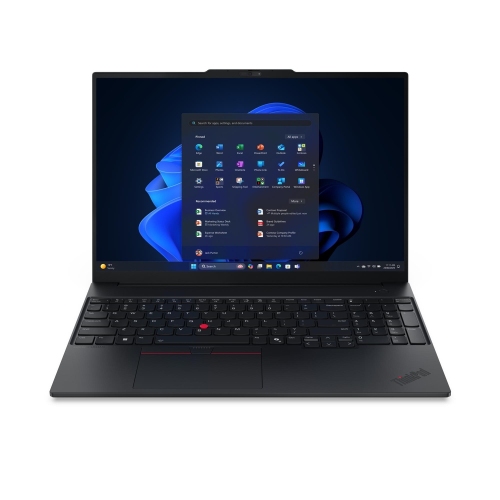

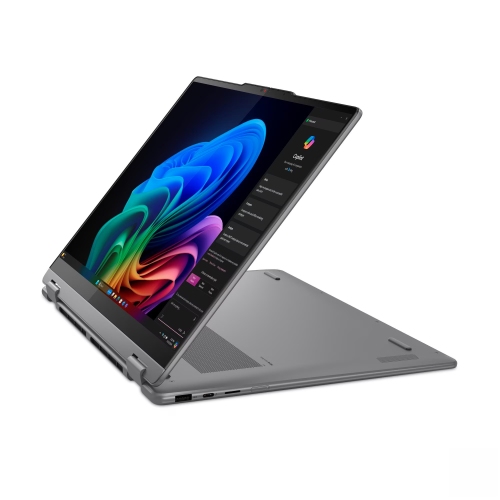

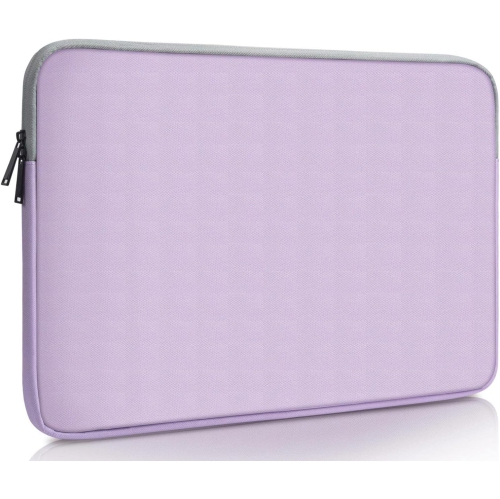
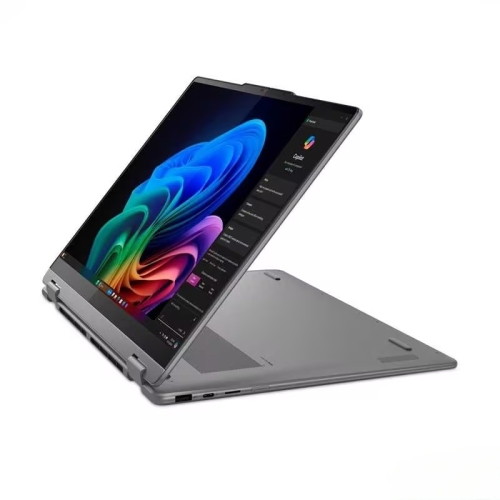
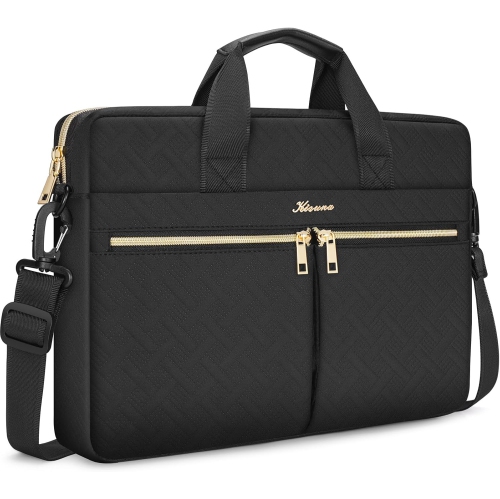

Larger laptop screens for a less cramped workspace
17-inch laptops offer a generous screen for everyday computing, detailed work, and entertainment in a single portable computer. This size category includes laptops with 17.3-inch displays, providing room to keep a document beside research notes, follow an online lesson with a spreadsheet open, or view a video timeline without feeling squeezed into a small workspace. The screen measurement runs diagonally from corner to corner; it does not describe the width of the laptop or guarantee a particular resolution. For people who spend much of the day reading, writing, or comparing information, the larger display can make a familiar workflow feel less cramped. Text size and scaling settings still matter, particularly when a higher-resolution screen makes menus and icons appear smaller at their default settings. Everyday notebooks, gaming laptops, and mobile workstations can all fall within this size category, but their capabilities differ considerably. General-purpose designs suit browsing, household administration, school assignments, and video calls, while configurations with more powerful processors and dedicated graphics can support demanding games, media projects, and professional applications. A large display alone does not make a laptop suitable for intensive tasks; the processor, graphics hardware, memory, and cooling system work together to determine what it can comfortably handle. Display characteristics also shape the experience. Resolution affects the detail visible in text and images, while brightness, viewing angles, and surface finish influence how comfortably the screen can be used under different lighting. Higher refresh rates can make fast-moving games look smoother when the graphics hardware can produce enough frames. For photo work, design projects, and video editing, colour accuracy and coverage are more relevant than screen size alone. A student arranging lecture notes alongside a reading, a home-office user reviewing a wide worksheet, and a player following fast action may all appreciate the same large format for very different reasons. The most useful configuration is the one whose strengths match those daily activities.
The hardware inside a large-screen laptop determines how well it keeps pace as tasks become more involved. Memory provides working space for open applications, so a session with several browser tabs, a video meeting, and a presentation can place different demands on a computer than checking messages or streaming a film. Storage serves a separate purpose: it holds applications, documents, photographs, and other files. Solid-state drives generally provide responsive startup and file access, while capacity determines how much can remain stored locally. Large game libraries, high-resolution footage, and design files can occupy substantial space, making both internal capacity and external storage connections relevant. Some laptops allow memory or storage upgrades, but access and compatibility vary by design and should not be assumed from the size of the chassis. Graphics requirements are similarly task-dependent. Integrated graphics can be sufficient for common office tasks and video playback, while dedicated graphics may be important for demanding games, three-dimensional modelling, or supported creative software. Professional applications can also have specific hardware requirements that go beyond a simple comparison of processor speed. Connections make a practical difference when the laptop is part of a larger setup. A monitor, drawing tablet, wired network, memory card, or external drive may require particular ports, and a USB-C connector does not automatically support every charging or display function. Wi-Fi capability, webcam quality, microphone performance, and headphone connections also affect everyday convenience, especially for remote classes and regular calls. The broader keyboard deck on some 17-inch designs accommodates a separate numeric keypad, useful for entering figures, although keyboard layouts differ. Key spacing, touchpad placement, and backlighting can matter just as much during a long writing session. For a related range of everyday notebooks, Lenovo Ideapads include different screen sizes and configurations, making the individual display specifications important when a larger screen is the priority. Taken together, these details explain why two laptops with similarly sized screens can suit quite different routines.
The physical size of a 17-inch laptop is an advantage at a desk and a consideration whenever it leaves home. A broad screen needs a correspondingly roomy chassis, so the laptop’s actual width, depth, thickness, and weight matter more for bag fit than the screen-size label alone. A padded compartment needs enough room for the computer without forcing the zip around its corners, and the charger adds to the weight carried between locations. This format often suits someone who mainly works in one place but still wants the option to move between a home office, classroom, shared workspace, or another room. Larger dimensions do not guarantee longer battery life: screen brightness, battery capacity, processor demands, and graphics use all influence time away from an outlet. Gaming and intensive creative work can draw substantially more power than reading or writing, and some performance settings depend on mains power. Chassis materials, hinge construction, and the overall design influence how a laptop feels in daily use. Metal and plastic housings each vary in rigidity and finish, while durability depends on construction and handling rather than material alone. A stable desk or table gives the computer a secure base and keeps ventilation openings clear; soft bedding and cushions can obstruct airflow. For longer sessions, a suitably rated laptop stand paired with an external keyboard and mouse can help position the screen at a comfortable height without raising the hands to an awkward typing position. Routine care is straightforward: a soft, lint-free cloth helps remove fingerprints, liquids should never be sprayed directly onto the screen, and cleaning methods should follow the manufacturer’s directions. Carrying the computer in a protective sleeve and keeping drinks away from the keyboard can help prevent avoidable damage. As a gift for a student, family member, or someone setting up a dedicated workspace, a large-screen laptop is most useful when its size, software compatibility, and performance suit the recipient’s routine. That balance keeps the generous display connected to a practical purpose, whether the day involves coursework, household records, creative projects, or entertainment.
The hardware inside a large-screen laptop determines how well it keeps pace as tasks become more involved. Memory provides working space for open applications, so a session with several browser tabs, a video meeting, and a presentation can place different demands on a computer than checking messages or streaming a film. Storage serves a separate purpose: it holds applications, documents, photographs, and other files. Solid-state drives generally provide responsive startup and file access, while capacity determines how much can remain stored locally. Large game libraries, high-resolution footage, and design files can occupy substantial space, making both internal capacity and external storage connections relevant. Some laptops allow memory or storage upgrades, but access and compatibility vary by design and should not be assumed from the size of the chassis. Graphics requirements are similarly task-dependent. Integrated graphics can be sufficient for common office tasks and video playback, while dedicated graphics may be important for demanding games, three-dimensional modelling, or supported creative software. Professional applications can also have specific hardware requirements that go beyond a simple comparison of processor speed. Connections make a practical difference when the laptop is part of a larger setup. A monitor, drawing tablet, wired network, memory card, or external drive may require particular ports, and a USB-C connector does not automatically support every charging or display function. Wi-Fi capability, webcam quality, microphone performance, and headphone connections also affect everyday convenience, especially for remote classes and regular calls. The broader keyboard deck on some 17-inch designs accommodates a separate numeric keypad, useful for entering figures, although keyboard layouts differ. Key spacing, touchpad placement, and backlighting can matter just as much during a long writing session. For a related range of everyday notebooks, Lenovo Ideapads include different screen sizes and configurations, making the individual display specifications important when a larger screen is the priority. Taken together, these details explain why two laptops with similarly sized screens can suit quite different routines.
The physical size of a 17-inch laptop is an advantage at a desk and a consideration whenever it leaves home. A broad screen needs a correspondingly roomy chassis, so the laptop’s actual width, depth, thickness, and weight matter more for bag fit than the screen-size label alone. A padded compartment needs enough room for the computer without forcing the zip around its corners, and the charger adds to the weight carried between locations. This format often suits someone who mainly works in one place but still wants the option to move between a home office, classroom, shared workspace, or another room. Larger dimensions do not guarantee longer battery life: screen brightness, battery capacity, processor demands, and graphics use all influence time away from an outlet. Gaming and intensive creative work can draw substantially more power than reading or writing, and some performance settings depend on mains power. Chassis materials, hinge construction, and the overall design influence how a laptop feels in daily use. Metal and plastic housings each vary in rigidity and finish, while durability depends on construction and handling rather than material alone. A stable desk or table gives the computer a secure base and keeps ventilation openings clear; soft bedding and cushions can obstruct airflow. For longer sessions, a suitably rated laptop stand paired with an external keyboard and mouse can help position the screen at a comfortable height without raising the hands to an awkward typing position. Routine care is straightforward: a soft, lint-free cloth helps remove fingerprints, liquids should never be sprayed directly onto the screen, and cleaning methods should follow the manufacturer’s directions. Carrying the computer in a protective sleeve and keeping drinks away from the keyboard can help prevent avoidable damage. As a gift for a student, family member, or someone setting up a dedicated workspace, a large-screen laptop is most useful when its size, software compatibility, and performance suit the recipient’s routine. That balance keeps the generous display connected to a practical purpose, whether the day involves coursework, household records, creative projects, or entertainment.
Top selling and popular products
-
 Your price for this item is $449
-
 Your price for this item is $3099
-
 Your price for this item is $449.99
-
 Your price for this item is $664.05
-
 Your price for this item is $869.99
-
 Your price for this item is $2960.48
-
 Your price for this item is $489.7
-
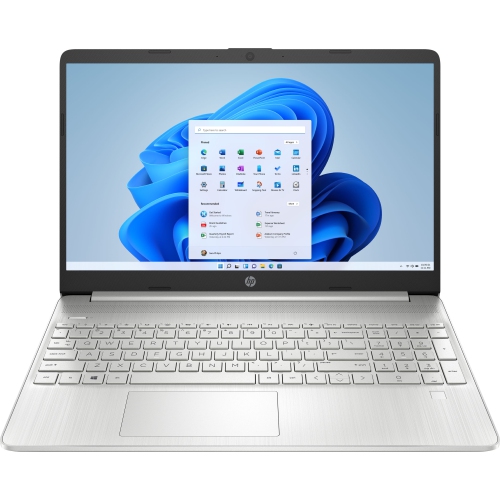 Your price for this item is $829
Discover more categories related to Lenovo 17

Top Collections:
Pokemon Centers, Best Black Friday Deals This Year, Best Black Friday Deals On Electronics, Kindle Devices, Best Budget Office Chairs, Best Black Friday Deals On Apple Products, Best Cameras for Sports Photography, Pokémon 30th Celebration Cards, Dyson Airwrap, Canon G7X Cameras
Some products may be subject to Environmental Handling Fees
(EHF) depending on your province.
Learn more about EHFs.