Lenovo Ideapads
Lenovo Ideapad offers a versatile range of laptops designed to suit a variety of needs, from everyday computing to on-the-go productivity. Whether you're searching for a device to handle work tasks, streaming, or school assignments, Lenovo Ideapad models deliver reliable performance and user-friendly design. Explore the selection to find the right fit for your lifestyle and enjoy the convenience and flexibility that Lenovo Ideapad laptops provide.
Sort
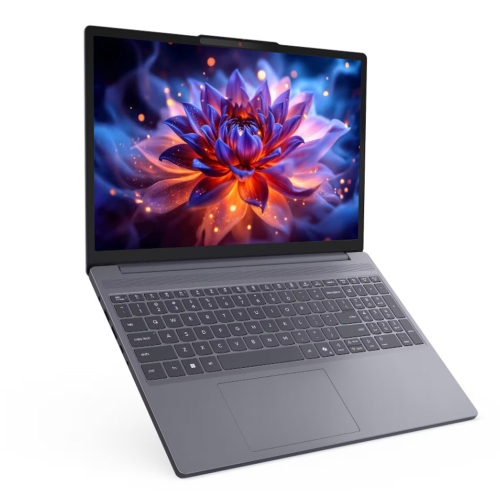
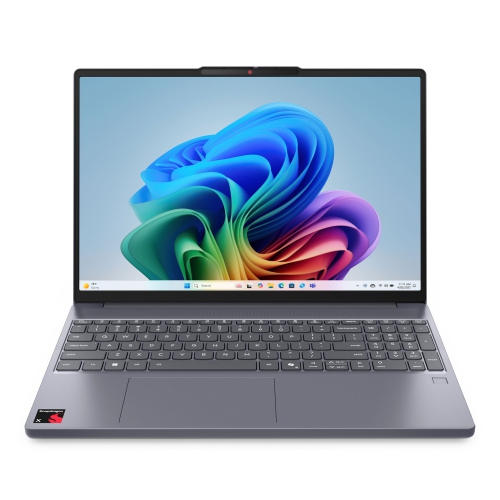
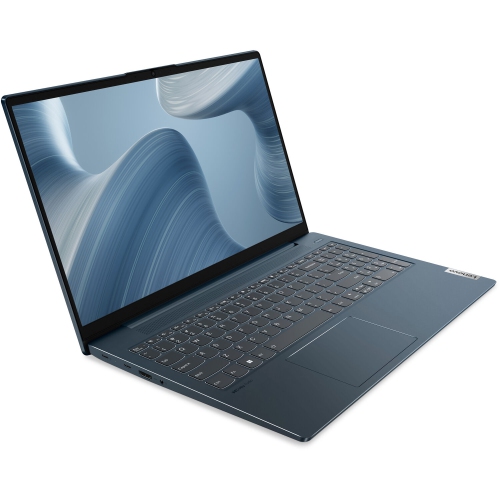
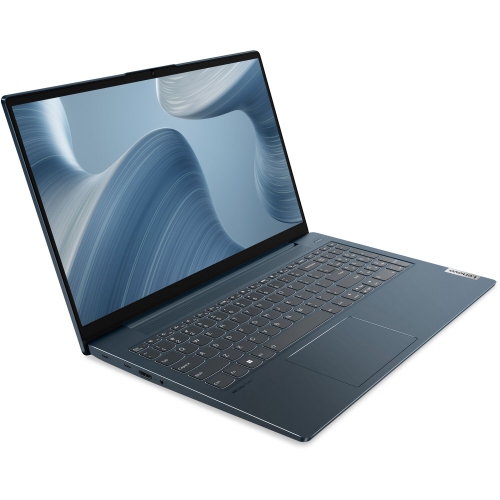
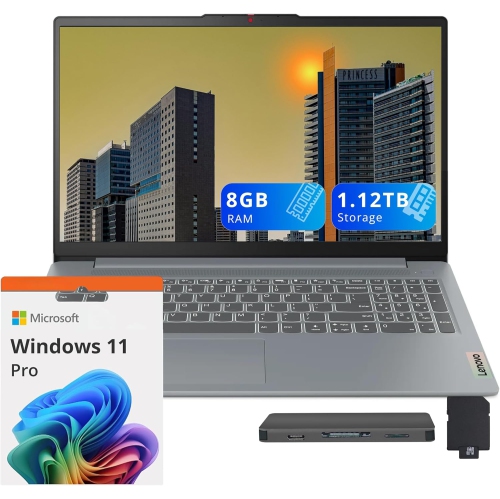
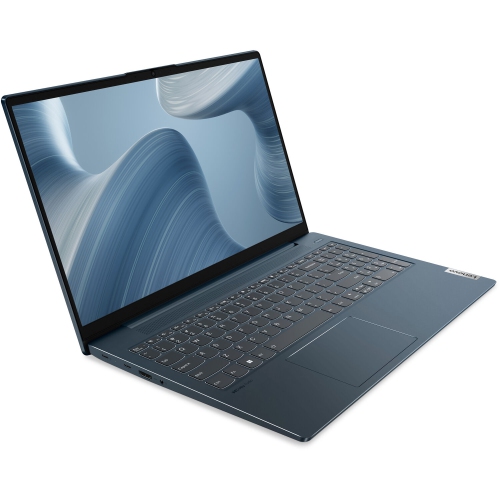
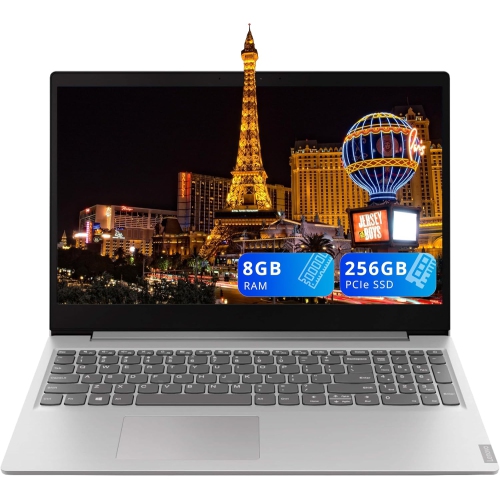
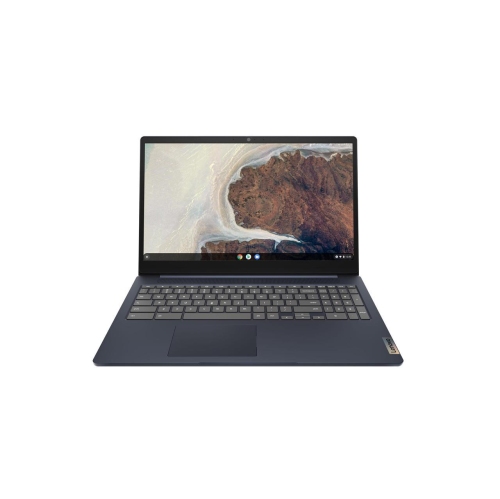
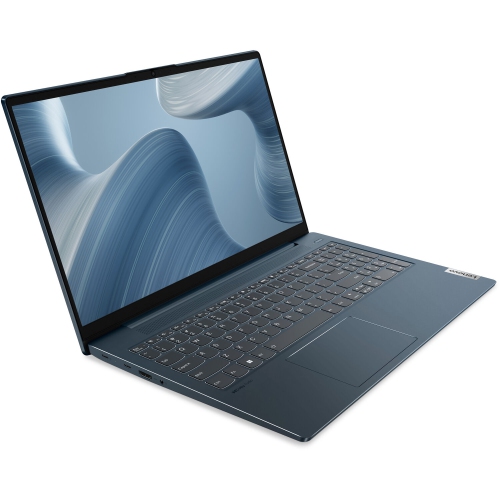
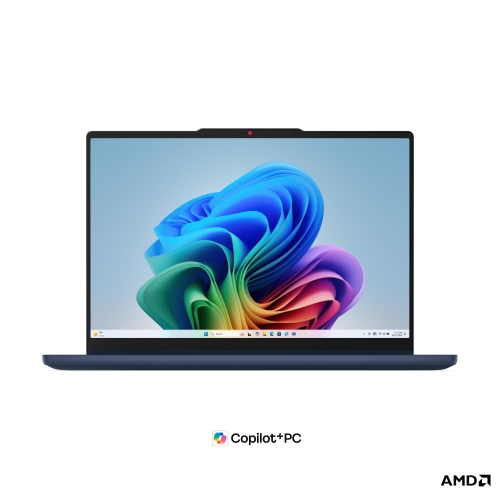
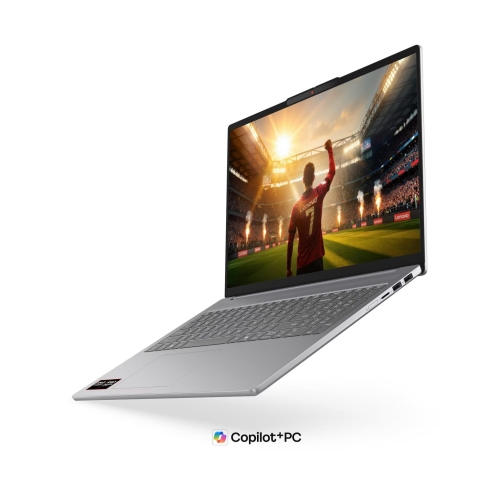
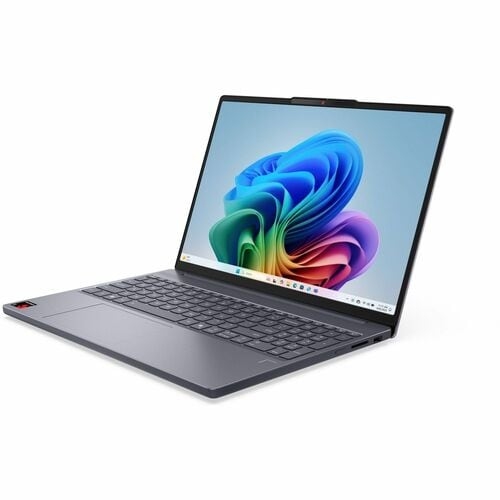
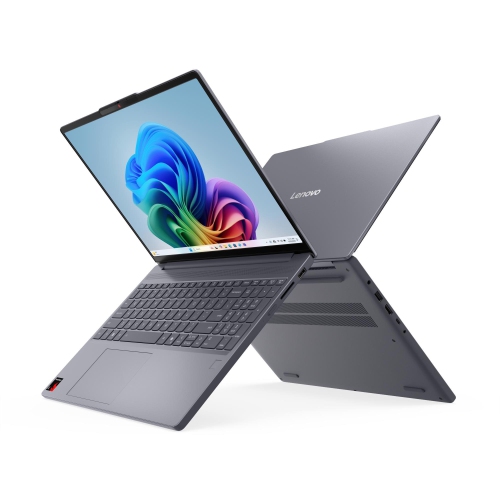
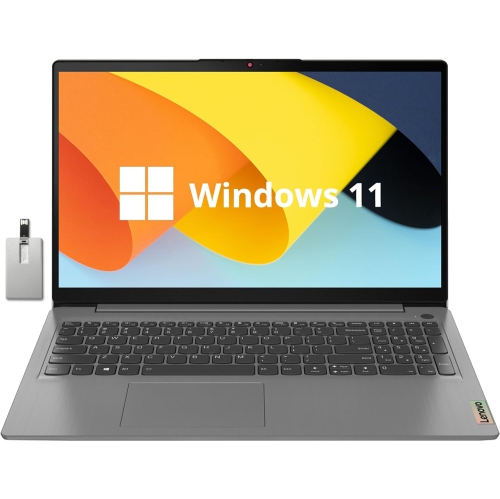
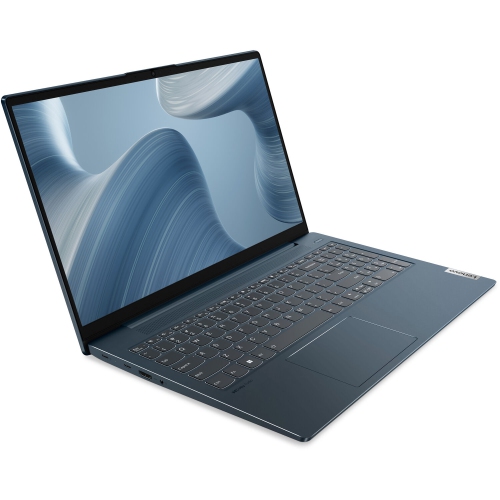
Everyday laptop comfort goes beyond screen size
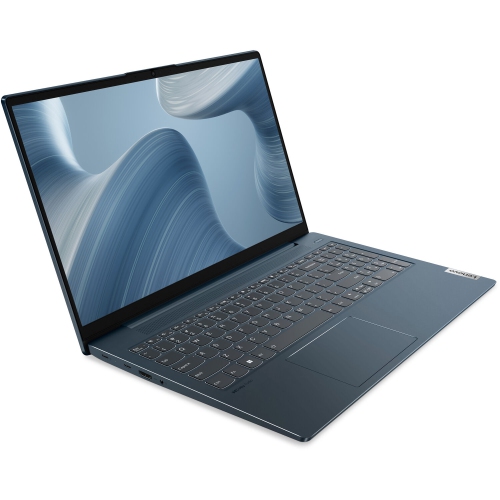
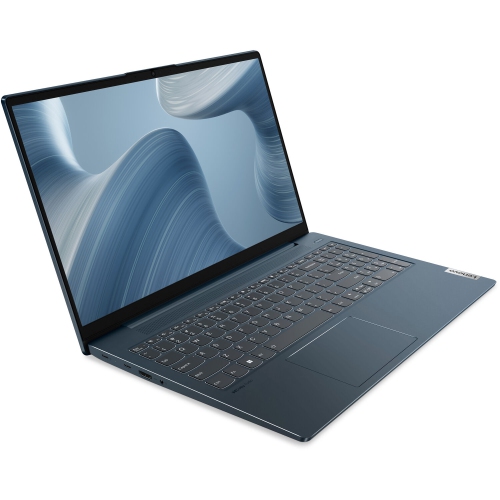
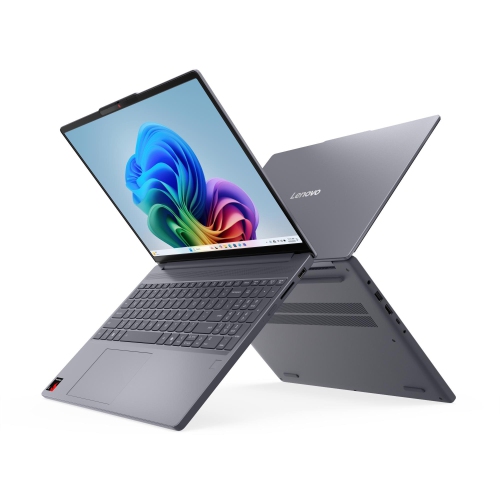
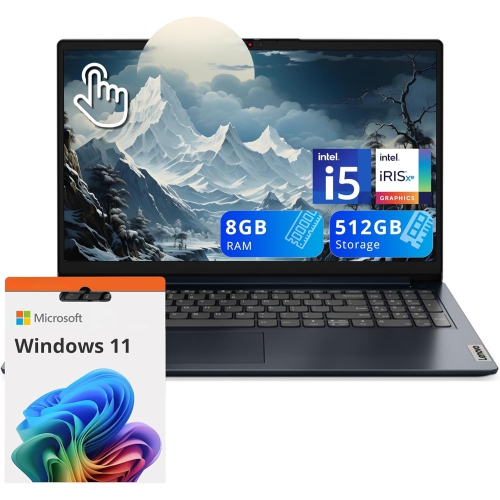
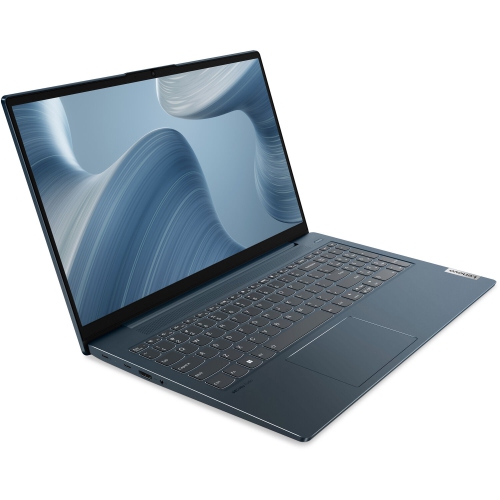
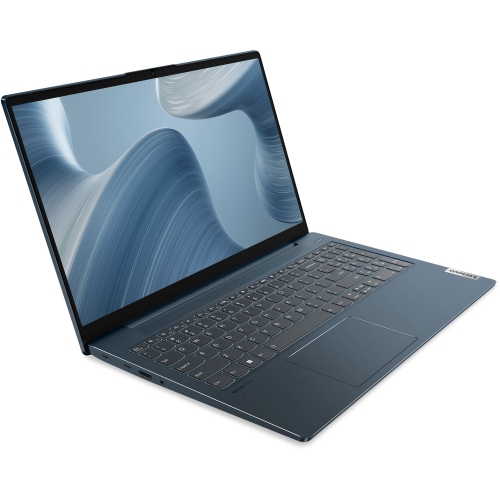
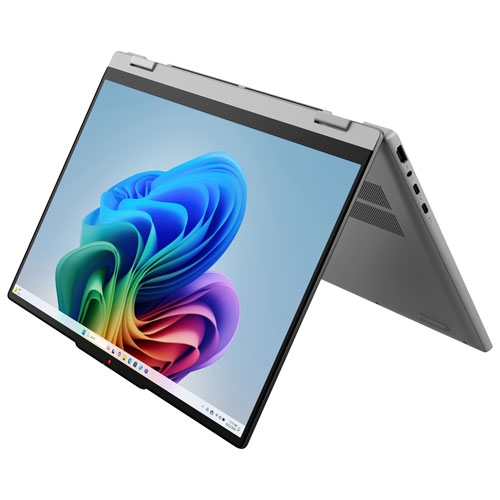
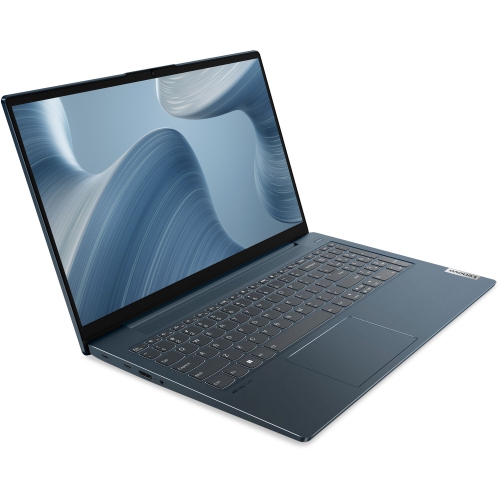
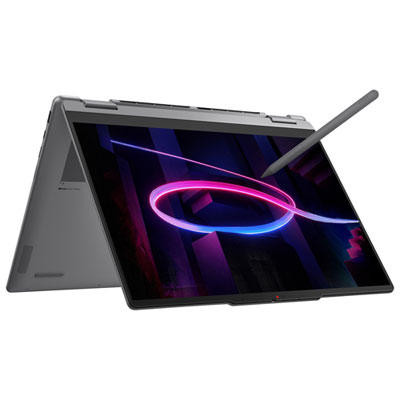
IdeaPad laptops are consumer-oriented computers for everyday tasks such as studying, writing, browsing, video calling, and watching movies. The range includes traditional notebooks and select 2-in-1 designs, giving different users a choice of how they work and interact with the screen. A conventional laptop suits someone who spends most of the day typing assignments, managing spreadsheets, or answering emails. A convertible with a supported folding hinge can also stand upright for a recipe on the kitchen counter or fold into a tablet-style position for reading and touch interaction. Touchscreen capability and convertible construction are separate features: a touchscreen does not automatically mean the laptop folds flat or supports a digital pen. For shoppers who prefer tapping and swiping alongside a keyboard and touchpad, Lenovo Touchscreen Laptops provides a related category to explore. Screen size makes a noticeable difference in daily use. A compact notebook can fit more comfortably on a lecture-hall desk or in a bag, while a larger display gives documents, worksheets, and side-by-side windows more room. Resolution affects how sharply text and images appear, and brightness can influence readability near a window or under overhead lighting. A matte finish can help reduce reflections, while a glossy screen may have a different visual character when viewing photos and films. Panel technology, colour coverage, and viewing angles vary, so a display intended mainly for reading documents may not suit someone who needs accurate colour for creative work. Comfort also extends beyond the screen. Key spacing, touchpad size, palm-rest space, and the presence of a numeric keypad can all shape how a laptop feels during a long session. Students, home users, and people handling personal administration may favour different combinations, even when their everyday software needs are similar. A comfortable fit is often the combination that makes familiar tasks feel straightforward, whether that means writing several pages at a time or reading a recipe without leaning over the counter.
Performance depends on the processor, memory, storage, graphics hardware, and cooling working together, rather than on a single specification. Web browsing, word processing, and streaming generally place lighter demands on a laptop than editing large videos, working with complex spreadsheets, or running several demanding applications at once. Memory holds the information that active programs need, so additional capacity can make switching between a video call, a presentation, and multiple browser tabs smoother when the workload calls for it. Storage serves a different purpose: it keeps applications, documents, photos, and other files after the computer is turned off. Solid-state storage can help the system start promptly and open files quickly, but capacity still matters for anyone keeping a large photo library, downloaded course materials, or substantial project folders. Neither memory nor internal storage should be assumed to be upgradeable; some designs have fixed components or require professional servicing. Integrated graphics can suit everyday visual tasks and some lighter creative work, while demanding games, detailed 3D projects, and certain editing applications may call for more capable graphics hardware. Software compatibility is just as important as speed, particularly for specialized coursework, workplace applications, accessories, or older programs. Battery runtime also varies with screen brightness, video calls, wireless activity, and the intensity of the task. A day spent reading documents is not equivalent to a day spent exporting video, and advertised battery figures may reflect test conditions rather than an individual routine. Portability includes the charger as well as the laptop, especially for someone moving between classrooms or shared workspaces. Connections deserve similar attention. USB ports, display outputs, audio connections, and memory card readers differ across designs, and a USB-C connector does not by itself confirm charging or external-display support. Wi-Fi capability, webcam quality, microphones, and speakers also contribute to the experience of joining a class, catching up with family, or collaborating from home. These details can matter more in daily use than a feature that rarely leaves the specification sheet.
Construction and care help determine how well a laptop fits into a routine over time. Chassis materials may include plastic, metal, or a combination of both, with finishes that feel different in the hand and show fingerprints or small marks to varying degrees. Material alone does not establish durability; hinge design, assembly, handling, and protection during transport matter too. A correctly sized padded sleeve can help prevent scuffs inside a backpack, while a dedicated compartment keeps the computer away from loose keys, charging plugs, and other hard objects. Bag fit should account for the laptop’s actual dimensions rather than screen size alone. Carrying the computer by its base instead of its display reduces unnecessary strain, and keeping objects off the keyboard before closing the lid helps protect the screen. For cleaning, a soft microfibre cloth and the manufacturer’s recommended method are preferable to abrasive materials or spraying liquid directly onto the surface. Clear ventilation openings and a firm, stable work surface support airflow; cushions and bedding can obstruct vents on some designs. At a desk, an external keyboard, mouse, or monitor can make longer sessions more comfortable, provided the laptop supports the required connections. A stand may improve screen positioning when paired with separate input devices. Regular software updates, sensible account security, and a separate backup of important files support dependable everyday use without changing the laptop’s physical specifications. For a gift, the recipient’s habits are more useful than assumptions about who needs the most powerful computer. Someone starting a course may value portability and compatibility with required applications, while a family member managing photos and household paperwork may prefer a larger screen and an easy-to-read keyboard. A person who draws or annotates documents may appreciate touch and supported pen input, but those features are less relevant to someone who mainly types. Matching the format, comfort, connections, and performance to real tasks gives an everyday laptop a clear role at home, at school, or on the move.
Top selling and popular products
-
 Your price for this item is $449
-
 Your price for this item is $3099
-
 Your price for this item is $1800.68
-
 Your price for this item is $664.05
-
 Your price for this item is $869.99
-
 Your price for this item is $2960.48
-
 Your price for this item is $499.68
-
 Your price for this item is $1951.79
Discover more categories related to Lenovo Ideapads
Top Collections:
Best Black Friday Deals This Year, Best Black Friday Deals On Electronics, Kindle Devices, Pokemon Centers, Best Black Friday Deals On Apple Products, Best Cameras for Sports Photography, Dyson Airwrap, Pokémon 30th Celebration Cards, Apple iPhone 17 Pro, Canon G7X Cameras
Some products may be subject to Environmental Handling Fees
(EHF) depending on your province.
Learn more about EHFs.