Lenovo ThinkPad Dock
Maximize your workspace efficiency with a Lenovo ThinkPad Dock, designed to simplify connectivity and organization for your devices. Whether you're setting up a home office or enhancing your professional setup, these docking solutions help create a streamlined environment for work or study. Explore a range of options to find the right Lenovo ThinkPad Dock that supports your productivity and keeps your devices powered and connected throughout the day.
Sort


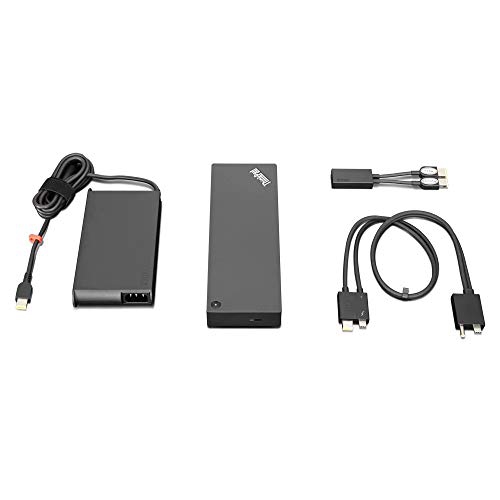
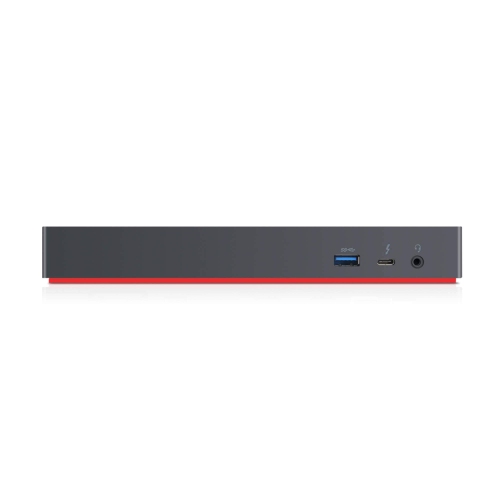
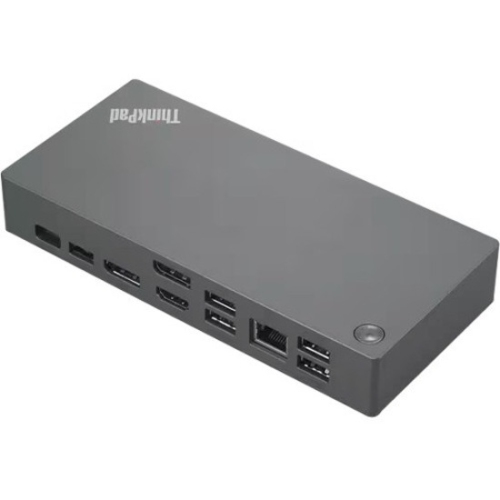
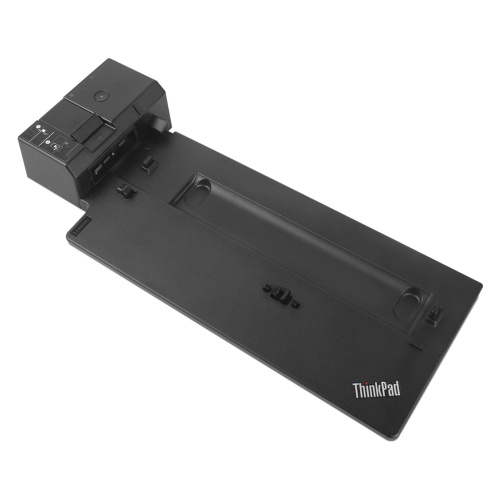
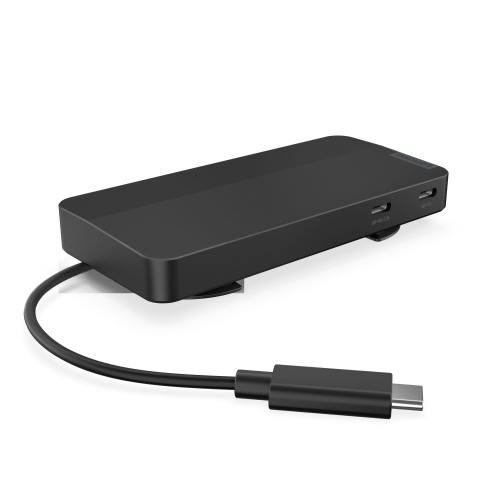
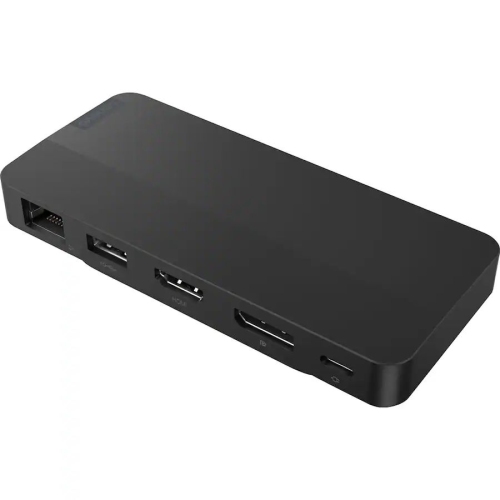
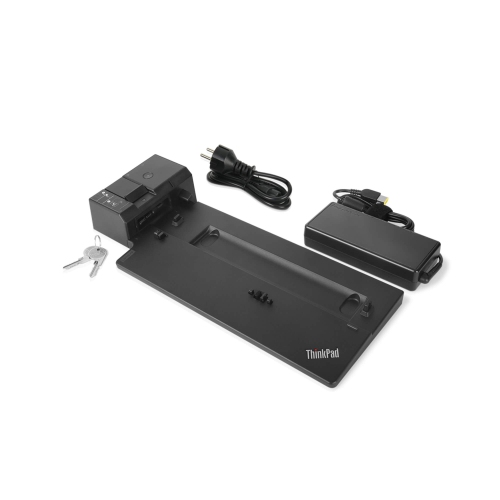
A smoother laptop setup from home office to workplace
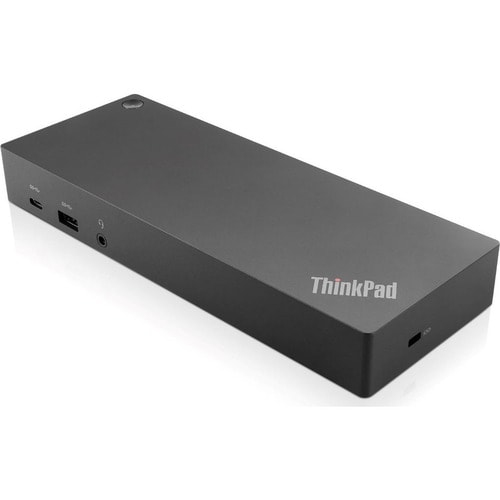
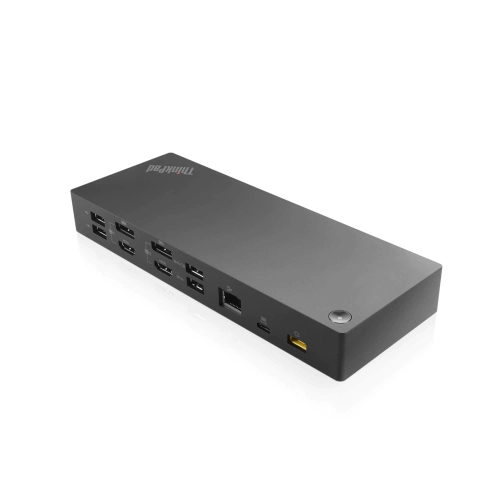
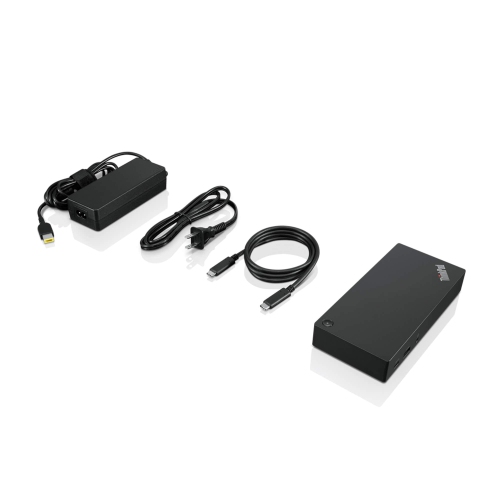
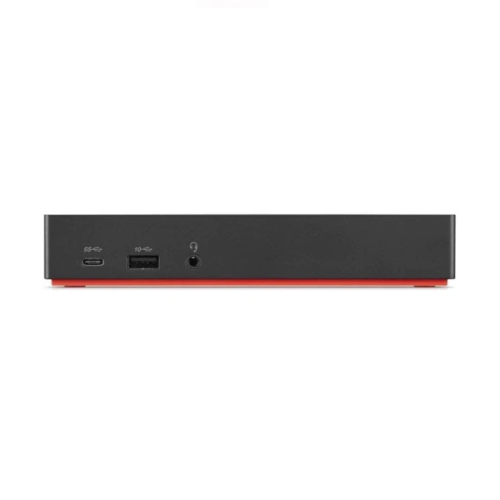
A docking station can transform the way you work, especially if you’re using a laptop as your primary device. Whether you’re setting up a dedicated home office, optimizing a workspace at the office, or trying to streamline your setup in a shared environment, a docking station offers a practical solution for connecting multiple devices and peripherals with ease. For those who rely on their laptop for demanding tasks—such as graphic design, coding, data analysis, or even just managing a busy email inbox—a docking station can simplify the transition between mobile and stationary work. With a single connection point, you can instantly expand your laptop’s capabilities: plug in external monitors for a larger and more comfortable viewing experience, connect a full-sized keyboard and mouse for ergonomic comfort, and add external storage or specialty devices without fussing with multiple cables each time you sit down. This seamless transition is especially valuable as the weather warms and you find yourself moving between different rooms or even working outdoors, making it easy to maintain productivity no matter where you set up.
Choosing the right docking station involves a few key considerations. Compatibility is at the top of the list—ensuring that the docking station works with your laptop model is crucial for a smooth experience. Many professionals, students, and remote workers prefer a lenovo thinkpad docking station because it is designed to work seamlessly with a wide range of ThinkPad laptops, supporting features like rapid charging, multiple display outputs, and reliable network connectivity. Think about the types and number of devices you need to connect: do you require support for dual or triple monitors, high-speed USB ports for transferring large files, or wired Ethernet for a stable internet connection? These factors will help you choose a docking station that matches your workflow. For those who travel frequently between home and office, or for students heading into a new academic year, a docking station can make it much easier to “dock” your laptop and jump straight into work or study mode. It’s also a thoughtful gift for anyone setting up a new workspace, heading off to university, or starting a new job where flexibility and efficiency are valued.
As you browse options, consider how your needs might change over the coming months. With longer days and shifting routines, a docking station can help you stay organized and connected, whether you’re catching up on work in the evening, collaborating with colleagues on video calls, or simply enjoying a clutter-free desk. Many users appreciate the ability to quickly disconnect their laptop and take it to a meeting, then reconnect just as easily when they return. For those seeking even more advanced features, such as expanded display support or additional charging capabilities, you may want to explore the ThinkPad Ultra Docking solutions for a truly elevated experience. Whether you’re outfitting a professional workspace or enhancing your home office, investing in a docking station offers both convenience and versatility, helping you make the most of your technology throughout the year.
Choosing the right docking station involves a few key considerations. Compatibility is at the top of the list—ensuring that the docking station works with your laptop model is crucial for a smooth experience. Many professionals, students, and remote workers prefer a lenovo thinkpad docking station because it is designed to work seamlessly with a wide range of ThinkPad laptops, supporting features like rapid charging, multiple display outputs, and reliable network connectivity. Think about the types and number of devices you need to connect: do you require support for dual or triple monitors, high-speed USB ports for transferring large files, or wired Ethernet for a stable internet connection? These factors will help you choose a docking station that matches your workflow. For those who travel frequently between home and office, or for students heading into a new academic year, a docking station can make it much easier to “dock” your laptop and jump straight into work or study mode. It’s also a thoughtful gift for anyone setting up a new workspace, heading off to university, or starting a new job where flexibility and efficiency are valued.
As you browse options, consider how your needs might change over the coming months. With longer days and shifting routines, a docking station can help you stay organized and connected, whether you’re catching up on work in the evening, collaborating with colleagues on video calls, or simply enjoying a clutter-free desk. Many users appreciate the ability to quickly disconnect their laptop and take it to a meeting, then reconnect just as easily when they return. For those seeking even more advanced features, such as expanded display support or additional charging capabilities, you may want to explore the ThinkPad Ultra Docking solutions for a truly elevated experience. Whether you’re outfitting a professional workspace or enhancing your home office, investing in a docking station offers both convenience and versatility, helping you make the most of your technology throughout the year.
Top selling and popular products
-
 Your price for this item is $149.99
 -
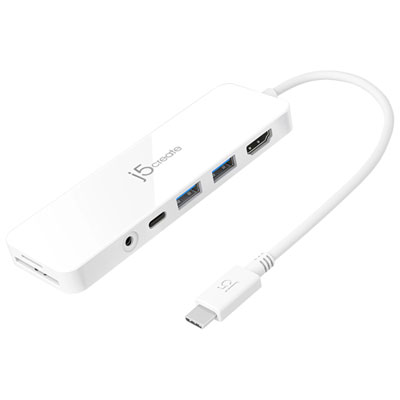 Your price for this item is $69.99
 -
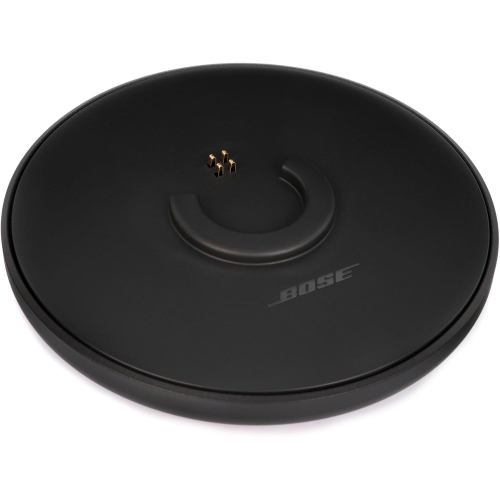 Your price for this item is $35
 -
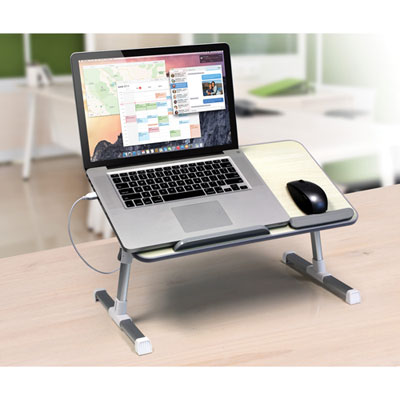 Your price for this item is $59.99
 -
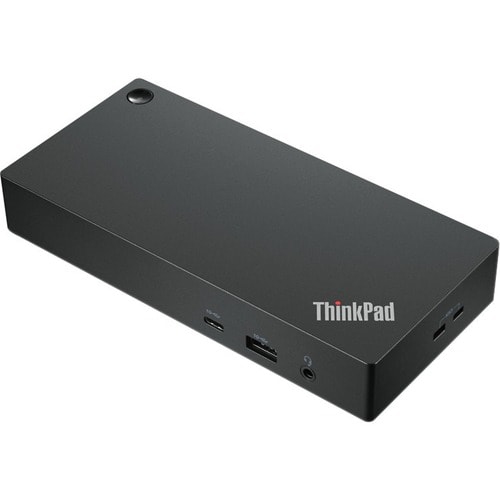 Your price for this item is $179.99
 -
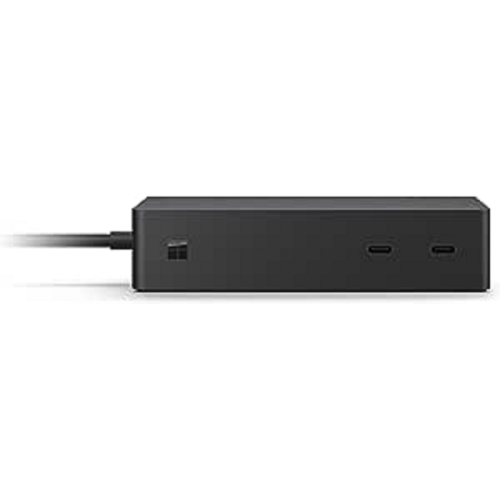 Your price for this item is $209.99
 -
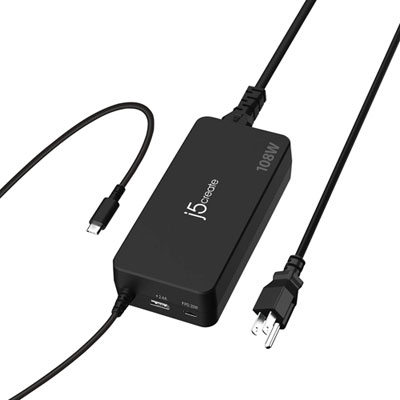 Your price for this item is $89.99
 -
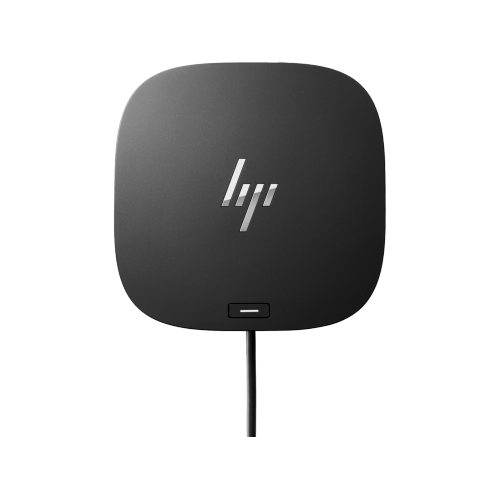 Your price for this item is $154.99
Discover more categories related to Lenovo ThinkPad Dock
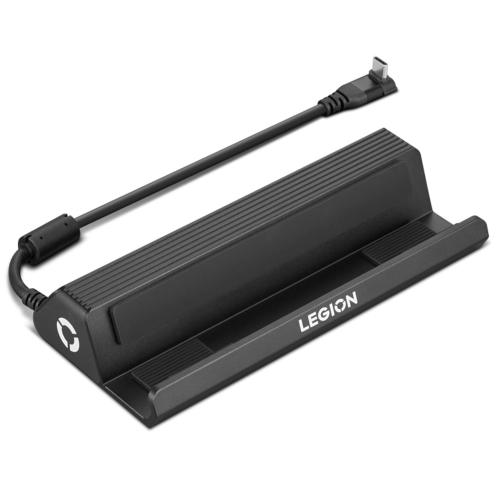
Top Collections:
Pokemon Centers, Kindle Devices, Best Budget Office Chairs, Apple iPhones 16, Best Laptops for Writers, iPhone 15 Apple, Canon G7X Cameras, Refurbished Apple Laptops, Alarm Clock, Motorola Razr Phones
Some products may be subject to Environmental Handling Fees
(EHF) depending on your province.
Learn more about EHFs.