Lexar 1TB
Lexar 1TB storage solutions offer a reliable way to expand your digital capacity, making it easy to save, transfer, and access important files, photos, videos, and more. Whether you’re upgrading your device or looking for additional space for work and entertainment, Lexar 1TB options provide the versatility needed for a variety of applications. Discover how Lexar 1TB products can help streamline your workflow and keep your data organized.
Sort
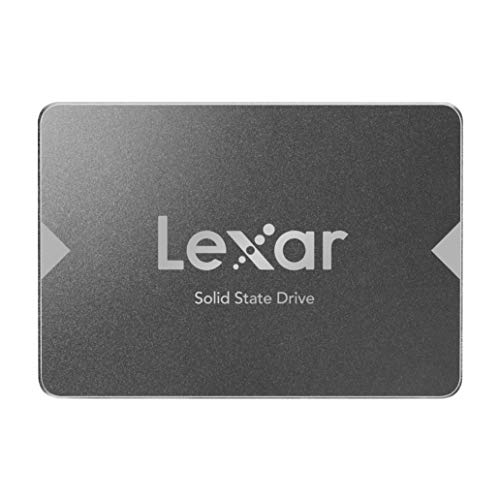
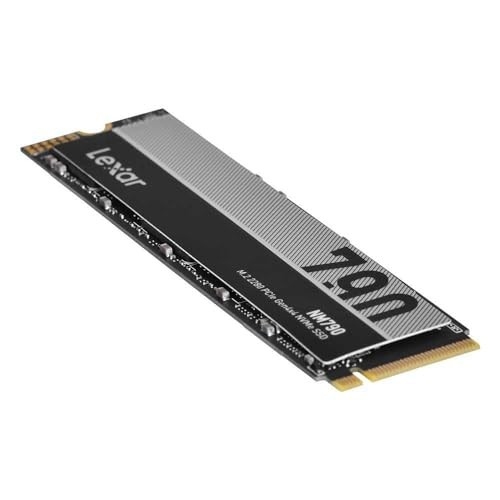
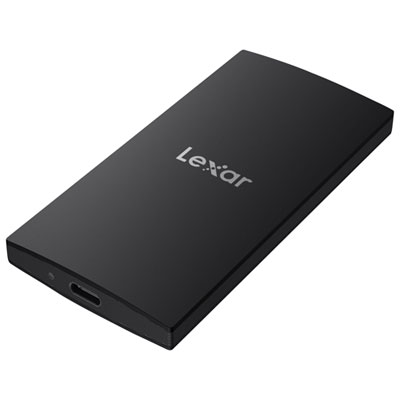
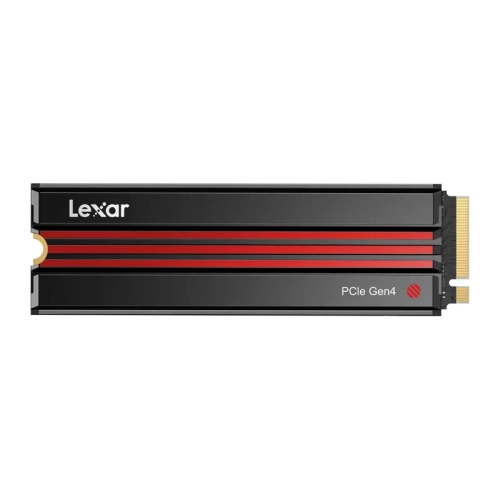
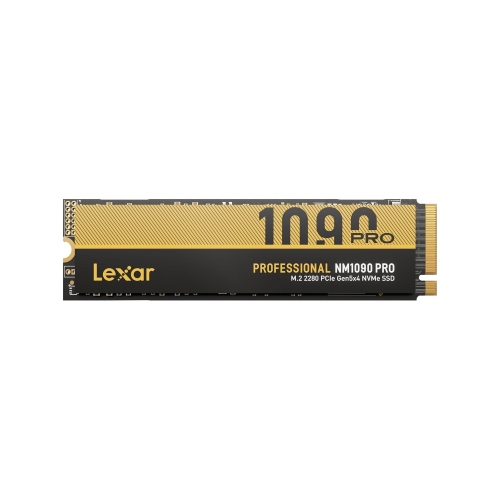
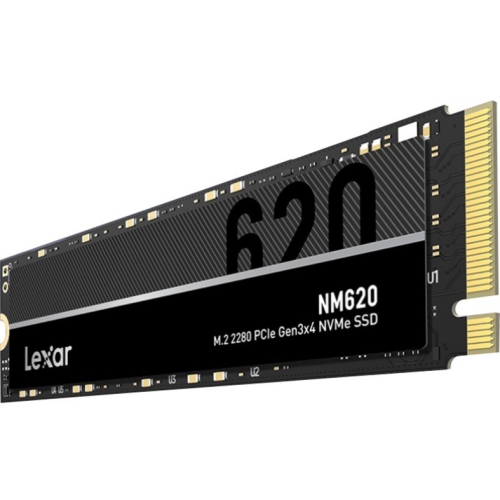
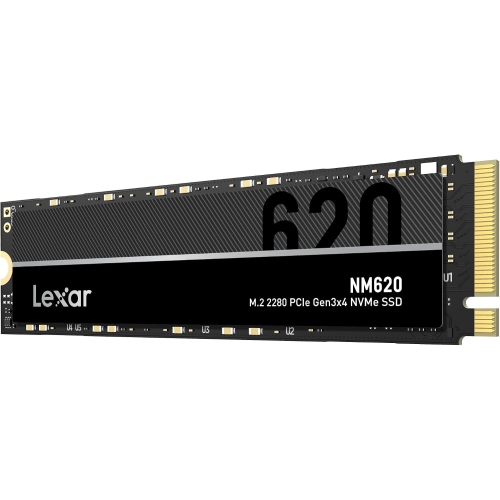
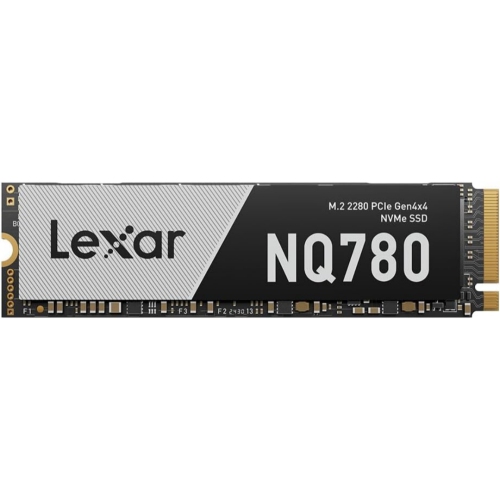
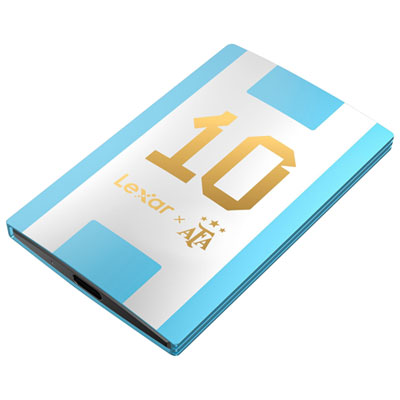
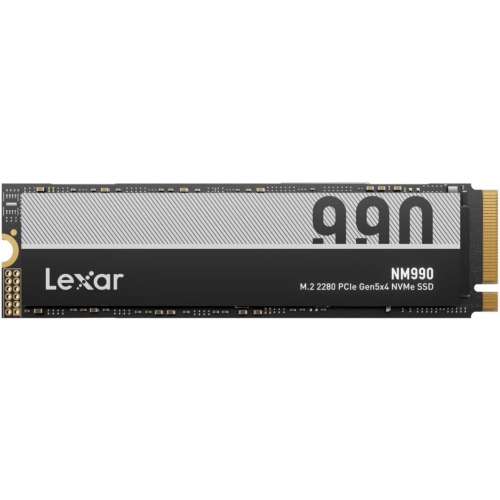
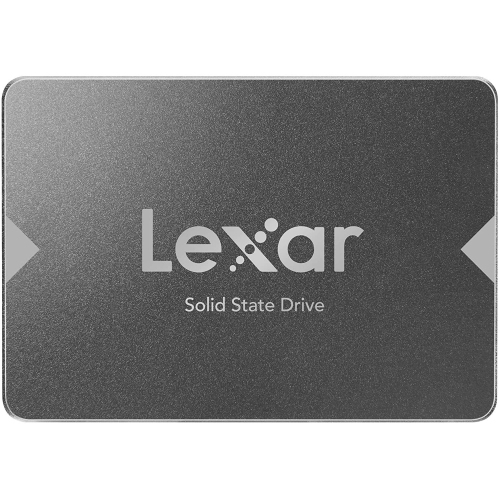
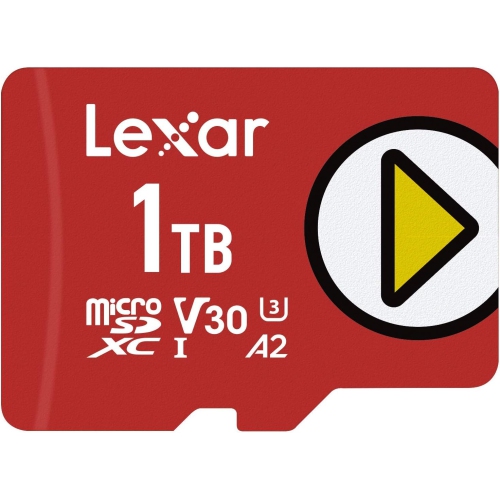
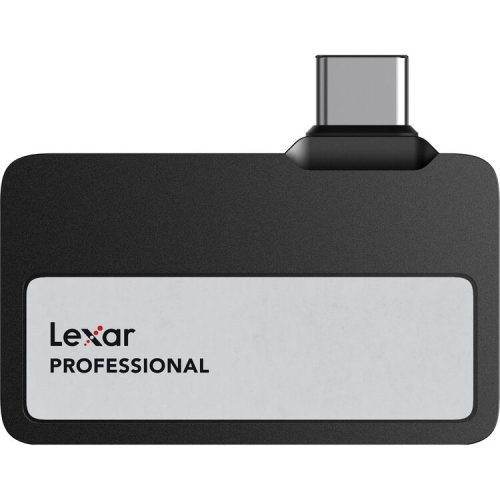
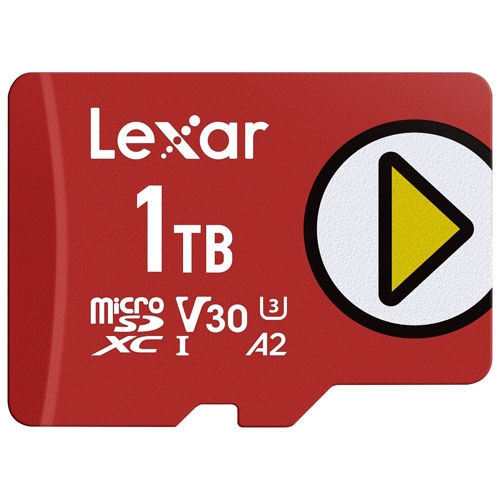
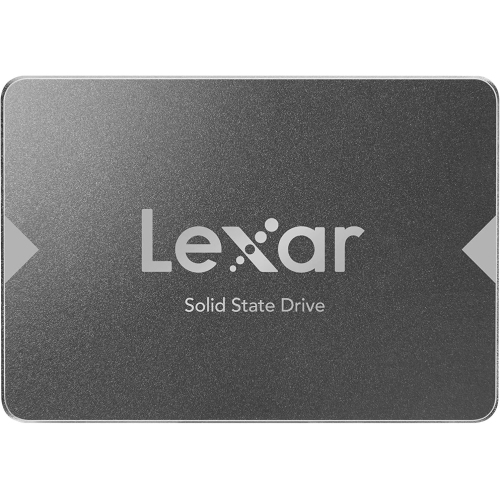
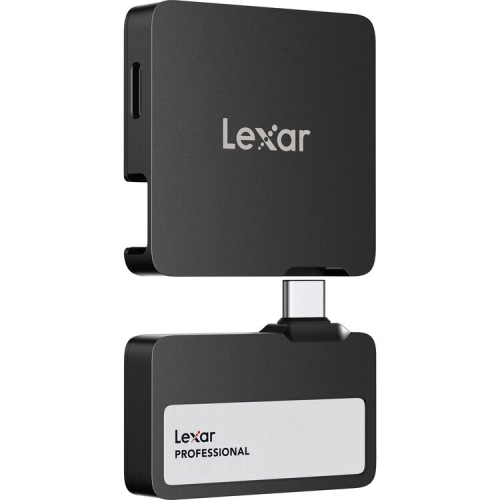
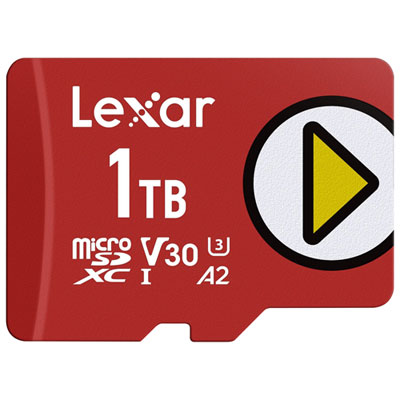
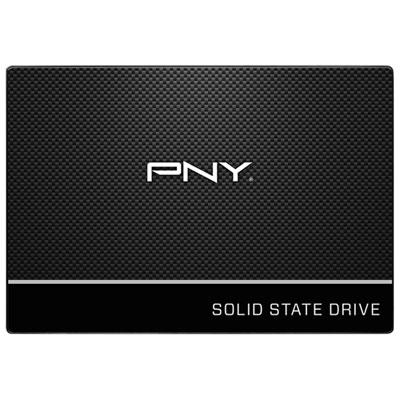
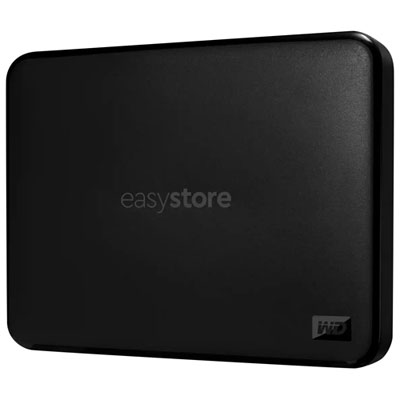
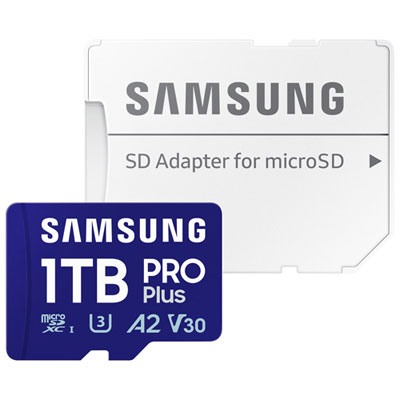
How 1TB storage fits your files and devices
1TB storage provides room for substantial digital libraries, whether that space sits inside a computer, travels in a portable drive, or fits into a compatible memory card slot. Internal solid-state drives (SSDs), portable SSDs, and high-capacity microSD cards serve different purposes, even when they share the same capacity. An internal SSD can hold an operating system, applications, games, and working files, while a portable drive keeps projects accessible between compatible computers. A microSD card adds compact, removable storage to supported cameras, handheld gaming devices, tablets, and other electronics. One terabyte represents one trillion bytes before formatting, although a device may display a lower figure because of how it measures capacity and reserves space for storage functions. The number of files that fit depends on their size: text documents occupy relatively little room, while high-resolution photographs, video footage, and large game installations can take up much more. For a photographer, 1TB might mean space for multiple shoots and edited image collections. For a student, it can accommodate coursework, design files, recorded lectures, and personal media in one place. Someone working with video may use the same capacity as a working space for a handful of demanding projects rather than a permanent archive. Capacity alone does not determine suitability, however. The storage format, connection, performance rating, and host device support all matter. A tiny memory card cannot replace an internal computer drive simply because both hold 1TB, and a fast SSD needs a compatible connection to deliver its intended performance. Keeping some free space also leaves room for updates, temporary files, and the next batch of photos or downloads. Thinking in terms of actual files and everyday tasks makes the capacity easier to judge than a large number on its own. It also helps distinguish between storage intended to expand a device, move files between locations, or hold an additional copy of important material.
Internal 1TB SSDs are suited to computers that need more room for software and files without relying on a separate external device. Their flash memory has no moving mechanical parts, which supports quiet operation and quick access to stored data. Physical fit remains essential: a 2.5-inch SATA drive and an M.2 drive use different mounting arrangements, and M.2 drives can differ in length and interface. An M.2 slot does not automatically support every M.2 SSD, since SATA and PCIe NVMe compatibility depends on the computer or motherboard. Available clearance can matter too, particularly in thin laptops or systems where a heatsink sits close to other components. For everyday use, responsive storage can make opening applications, loading files, and moving between tasks feel smoother. Larger transfers and demanding creative work place more emphasis on sustained performance, which can differ from the peak speeds shown in specifications. An SSD connected through an older supported interface may work correctly while operating below its maximum rated speed. Storage also does not replace memory or processing power; adding capacity addresses a shortage of file space, while overall computer performance depends on several components working together. For an upgrade, the existing operating system and files may need to be transferred, or the computer may need a fresh installation. Any necessary mounting hardware, cables, or transfer accessories depend on the system. Flash endurance and warranty terms are useful considerations for people who write large amounts of data regularly, such as editors handling repeated video exports. A drive used mostly for documents and occasional downloads faces a different workload. Careful installation, normal airflow, and handling by the edges help protect the drive and its connectors. Important files still need a separate backup, since an internal SSD can be affected by accidental deletion, hardware faults, or damage to the computer.
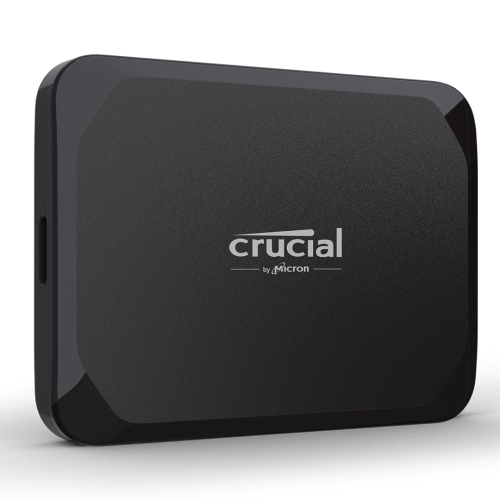
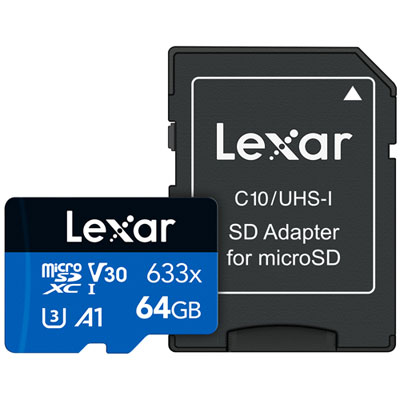
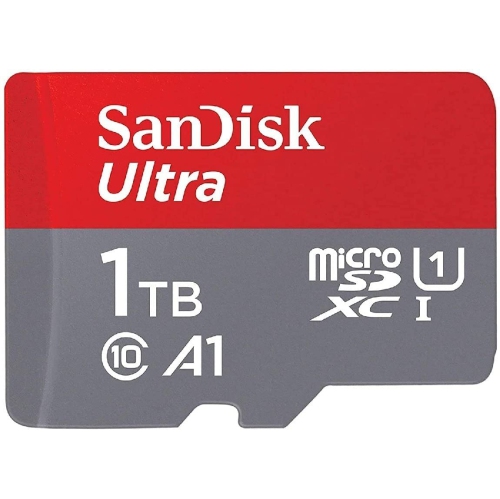
Removable 1TB storage brings a different balance of portability, compatibility, and handling. A portable SSD is useful for moving a photo library between a home desktop and a laptop, carrying presentation files, or keeping a separate copy of valuable documents. Its casing protects the electronics during ordinary handling, but metal or plastic construction alone does not establish resistance to drops, dust, or water; those protections depend on the stated ratings. A secure connector and a suitable cable matter just as much as a compact shape. USB-C describes the connector rather than guaranteeing a particular transfer speed, so the drive, cable, and computer port all influence performance. High-capacity microSD cards suit devices designed for that format and capacity, with 1TB cards using the microSDXC standard. Device support should be confirmed rather than assumed, particularly with older cameras and electronics. An adapter can allow a microSD card to fit a compatible full-size SD slot, but it does not change the card’s underlying speed or make an unsupported capacity work. For video capture, the camera’s required speed class and sustained write performance matter more than capacity alone. A card with plenty of space can still be unsuitable if it cannot maintain the recording speed the device requires. Continuous-recording equipment may also call for storage specifically rated for frequent rewriting. Cards are easy to carry but equally easy to misplace, making a fitted case useful for protecting contacts and keeping used and empty cards separate. Portable drives benefit from a protective pouch that keeps loose objects away from their ports. Both formats are best disconnected using the device’s eject procedure once transfers have finished, rather than removed while files are being written. For smaller file libraries, Lexar 64GB provides a lower-capacity comparison, with the same need to match the format to the device. A storage gift is most useful when the recipient’s device requirements are known, whether it is for a photography enthusiast, a gamer, or someone managing school projects. Across these uses, a second copy stored separately remains valuable: extra capacity creates room for files, but a single drive or card is not a complete backup plan.
Top selling and popular products
-
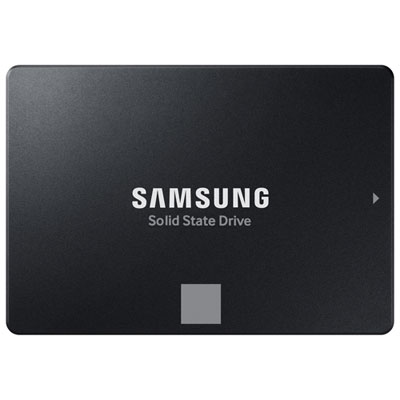 Your price for this item is $469.99
-
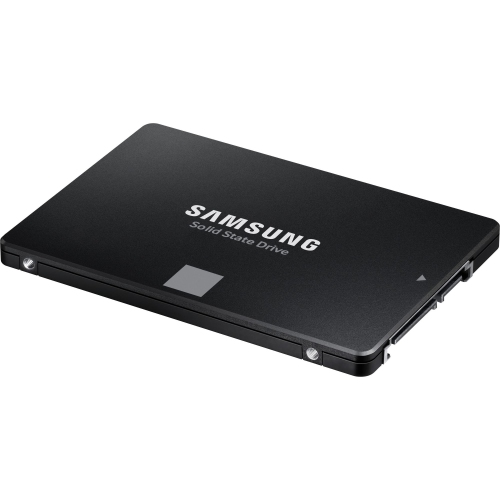 Your price for this item is $394.99
-
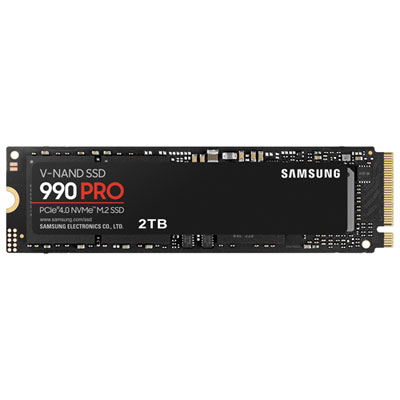 Your price for this item is $874.99
-
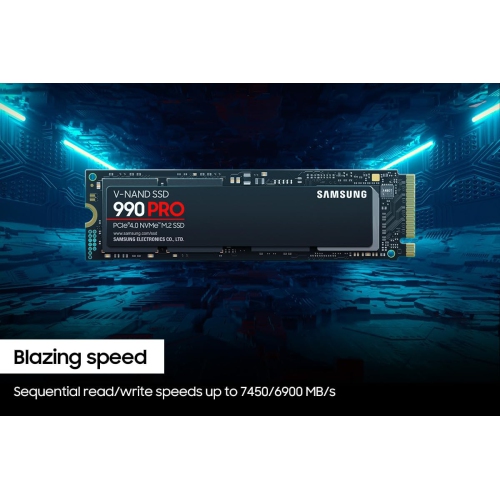 Your price for this item is $1471.99
-
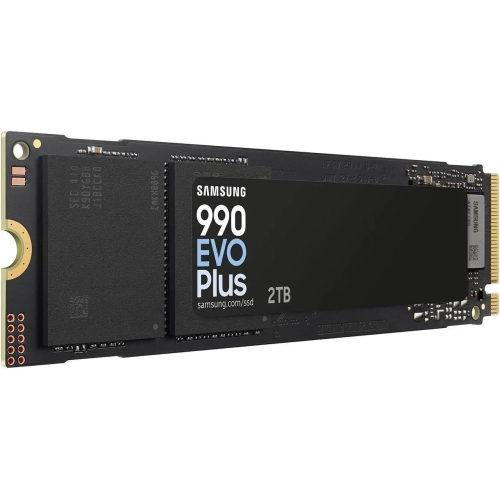 Your price for this item is $639.99
-
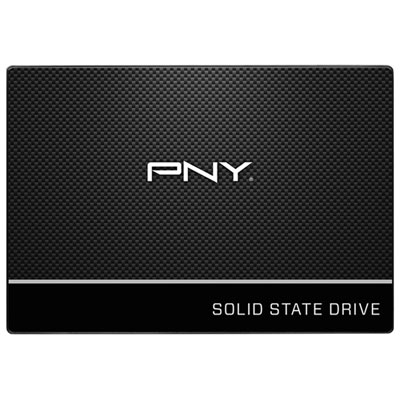 Your price for this item is $124.99
-
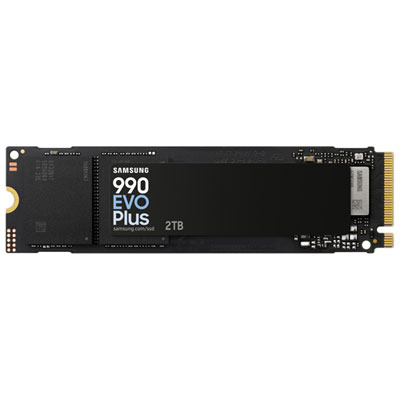 Your price for this item is $789.95
-
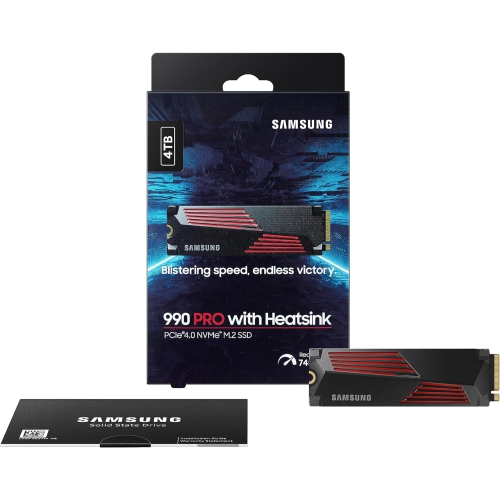 Your price for this item is $1449.99
Discover more categories related to Lexar 1TB
Top Collections:
Best Black Friday Deals This Year, Best Black Friday Deals On Electronics, Kindle Devices, Pokemon Centers, Best Black Friday Deals On Apple Products, Best Cameras for Sports Photography, Dyson Airwrap, Pokémon 30th Celebration Cards, Apple iPhone 17 Pro, Canon G7X Cameras
Some products may be subject to Environmental Handling Fees
(EHF) depending on your province.
Learn more about EHFs.