Lexar SSDs
Lexar SSD options offer a reliable solution for expanding storage and enhancing performance across a variety of devices. Whether upgrading a laptop, desktop, or gaming system, Lexar SSD drives are designed to help you manage files efficiently and keep your digital life running smoothly. Explore the selection of Lexar SSD products to find the right fit for your needs and enjoy an improved computing experience.
Sort
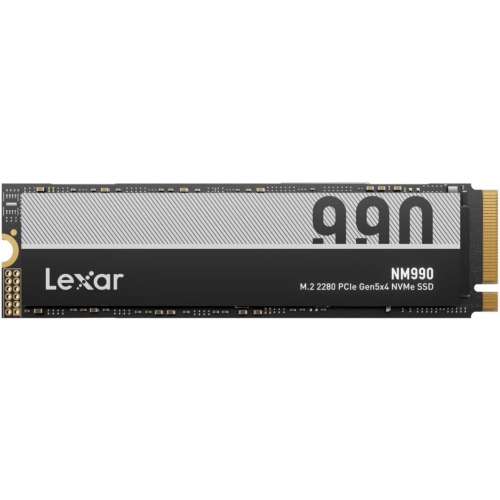
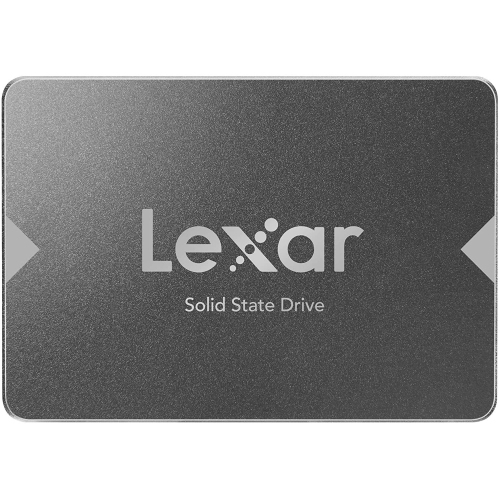
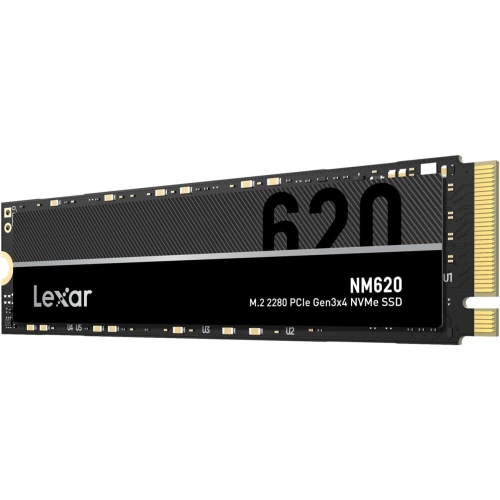
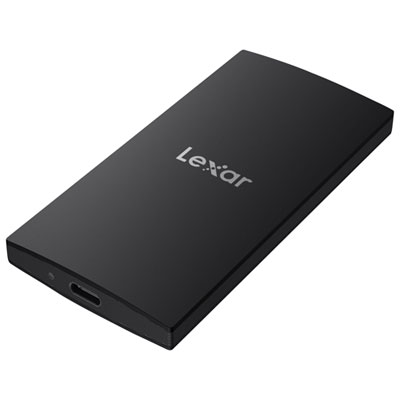
Why SSD compatibility matters as much as speed
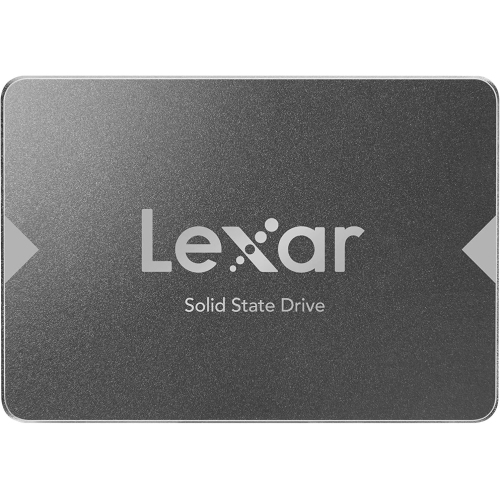
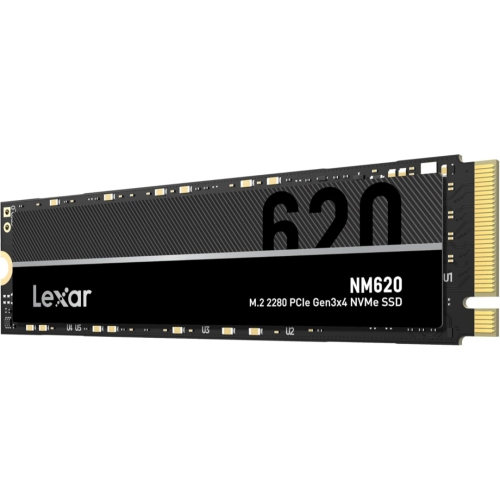
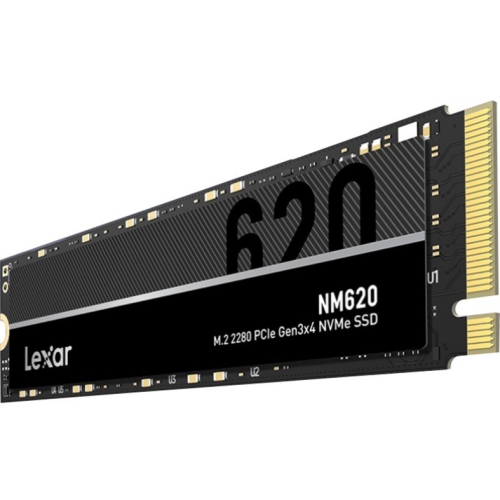
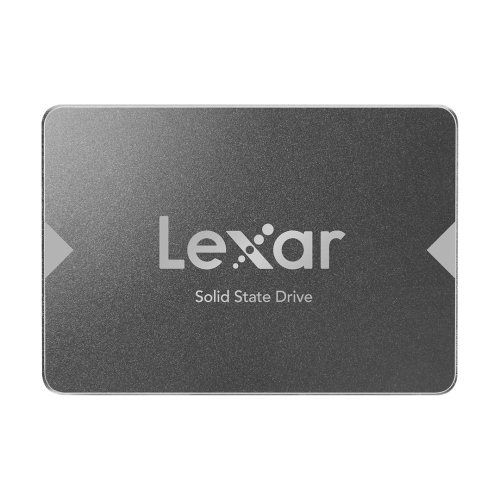
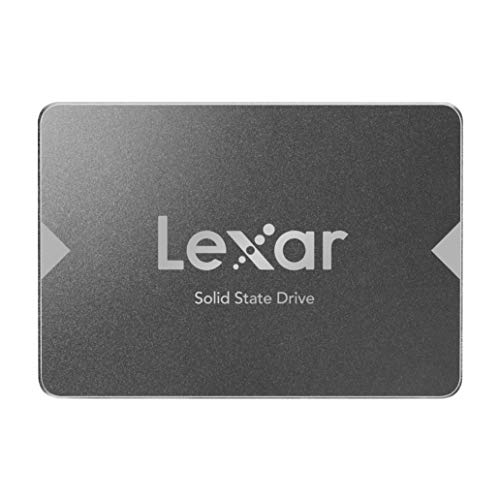
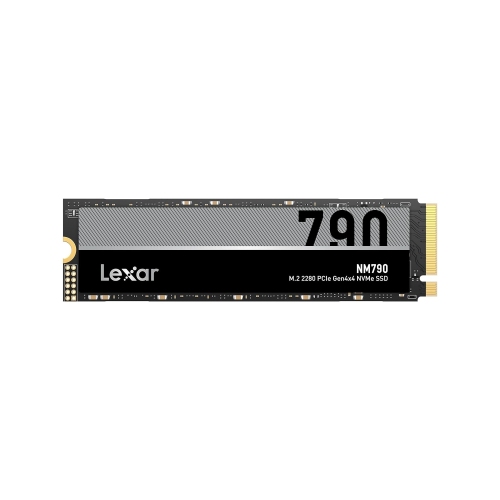
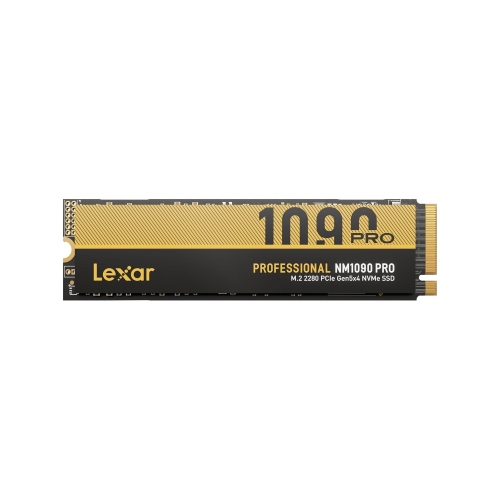
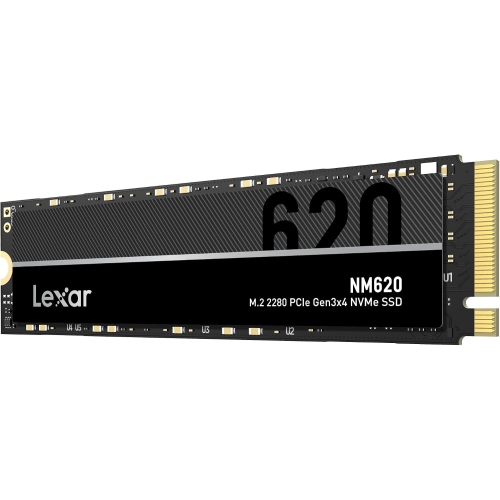
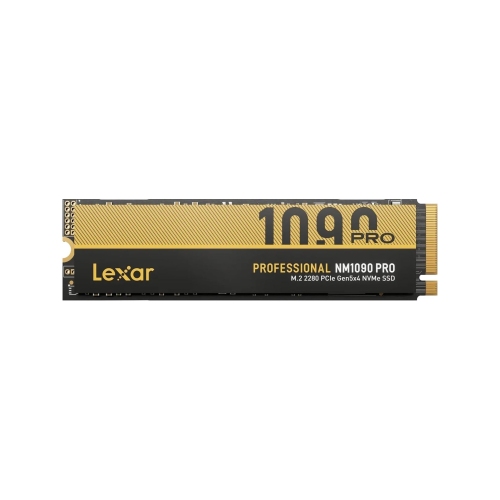
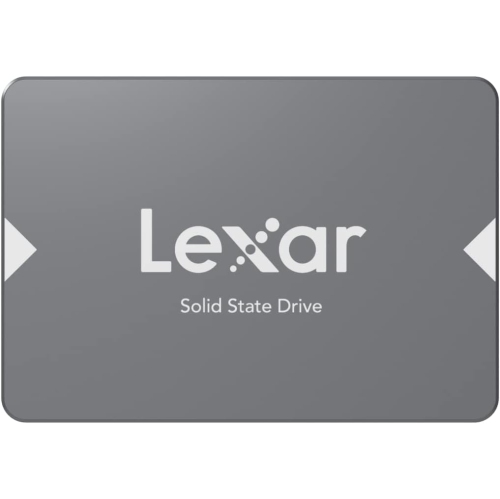
Solid-state drives, or SSDs, provide storage for operating systems, applications, games, photos and other files using flash memory rather than spinning disks. Their quick access to stored data can make everyday computing feel more responsive, especially when replacing a mechanical hard drive in a compatible computer. Starting a laptop, opening a large photo library or moving between several applications can involve less waiting, although overall performance still depends on the processor, memory and software. Internal SSDs become part of the computer’s storage system, while portable SSDs connect externally and make it easier to carry files between compatible devices. These formats serve different needs: an internal drive can hold the operating system and installed programs, while a portable drive can hold project folders, media libraries or backup copies without requiring access to the computer’s internal components. Physical fit and connection type matter as much as capacity. A 2.5-inch SATA SSD needs a suitable drive bay and the appropriate connections, while an M.2 SSD fits into a compatible slot on the motherboard. M.2 describes a physical format rather than a single level of performance, so an M.2 slot and drive must also match in their supported interface, length and connector requirements. SATA and PCIe NVMe are not interchangeable simply because two drives look similar. For a laptop upgrade, the manufacturer’s documentation can clarify supported storage types, accessible slots and any installation restrictions. Desktop computers may offer more room for expansion, but motherboard support and available connections still determine what will work. A small-form-factor computer can have tighter clearance around the drive, particularly when a heatsink is involved. Console storage expansion also has device-specific requirements that should not be assumed from capacity alone. For students keeping coursework organized, households sharing a computer or players maintaining a game library, a compatible SSD can provide useful working space while fitting naturally into an existing setup.
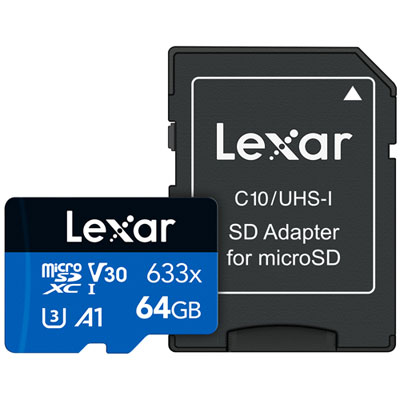
Capacity is best considered in terms of what will actually live on the drive, rather than the size of a single file. Text documents and spreadsheets usually need far less room than high-resolution video, large game installations or a growing collection of camera files. A drive used for creative work may need space for original footage, editing files, preview files and finished exports at the same time. Similarly, a game library can expand as updates and additional content accumulate. The capacity shown on a storage device will not appear as exactly the same amount of usable space after formatting, and system files or bundled software may occupy part of it. Leaving some free space also gives applications room for temporary files and helps avoid a cramped workflow. Smaller file collections may call for a different storage format or capacity; Lexar 64GB is a related option to explore with those device requirements in mind. Beyond capacity, transfer performance depends on the entire connection between the drive and the device. A fast portable SSD cannot deliver its full rated speed through a slower computer port, cable or hub. USB-C describes a connector shape, not a guaranteed transfer speed, so matching plugs alone does not establish performance. The same principle applies to internal PCIe storage, where the supported generation and number of lanes can affect the connection’s capabilities. Advertised sequential speeds are most relevant to tasks such as moving large video files; opening many small documents or launching applications involves different access patterns. Long transfers may also behave differently from brief ones as a drive’s write cache fills. For a photographer copying a full shoot or an editor transferring a large project, sustained performance and a compatible connection can matter more than a headline speed. For everyday documents and occasional backups, dependable compatibility and enough room to grow may be the more practical priorities.
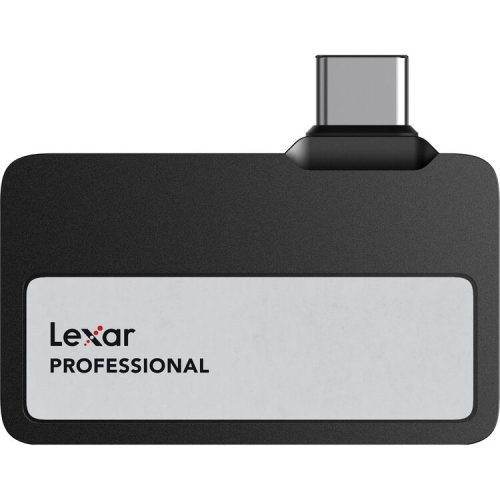
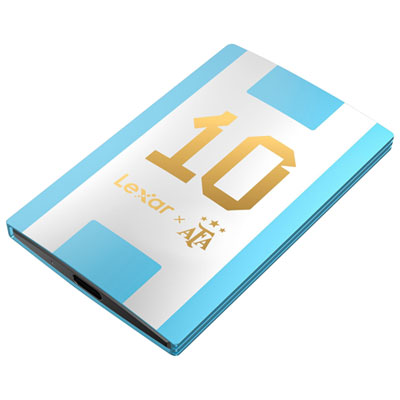
Portable SSDs are especially useful when files need to travel between a home desktop, a work laptop and another compatible device. Their compact housings can slip into a laptop bag, but construction and handling still deserve attention. Metal and plastic enclosures vary in weight, finish and resistance to everyday wear, while any claimed protection against water, dust or drops should be understood through the drive’s stated rating and its limits. Flash storage has no spinning platters, yet the enclosure, circuit board and connector can still be damaged by an impact or a strained cable. A protective pouch and a separate place for the cable can help prevent scratches and reduce pressure on the port during transport. Internal SSDs need similarly careful handling during installation, with the computer powered down and precautions taken against static discharge. For either format, care extends beyond the physical drive. Allowing a file transfer to finish and safely ejecting external storage before disconnecting it helps reduce the risk of interrupted writes. Important files should also exist in more than one location: a portable SSD holding the only copy of a family photo collection is storage, not a complete backup. A separate backup copy offers protection if a drive is lost, damaged or stops working. People handling confidential documents may also value supported encryption features, provided passwords and recovery information are kept securely. Durability has a workload component as well, since flash memory has a finite writing lifespan. Endurance ratings, often expressed as terabytes written, and warranty terms can help distinguish drives intended for different levels of use, without serving as a promise that data will never be lost. An SSD can also be a thoughtful gift for a student, photographer, gamer or family member with an expanding digital library. Knowing the recipient’s device connections, storage requirements and comfort with installation helps distinguish a straightforward portable addition from an internal upgrade that may require more preparation.
Top selling and popular products
-
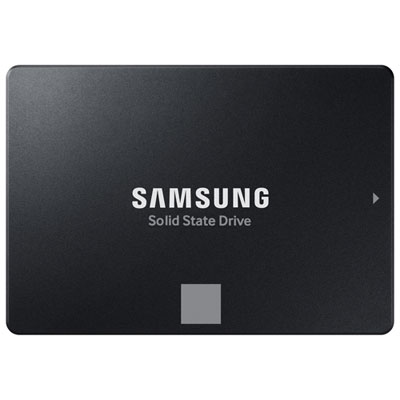 Your price for this item is $469.99
-
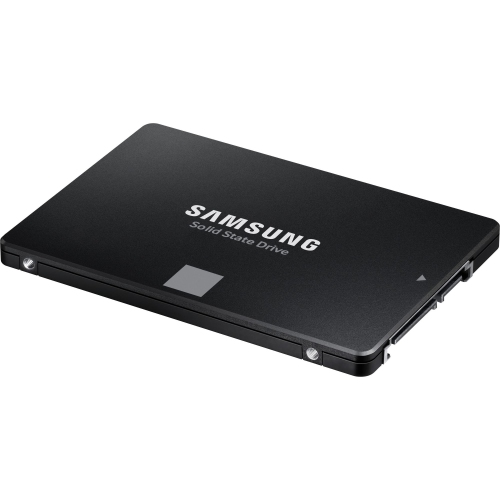 Your price for this item is $394.99
-
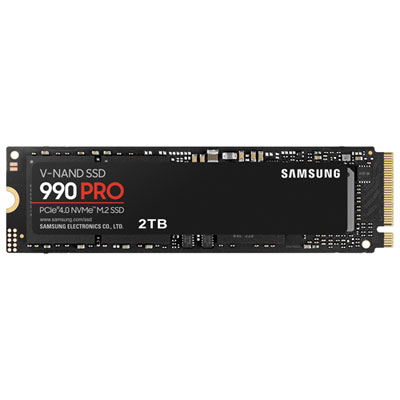 Your price for this item is $874.99
-
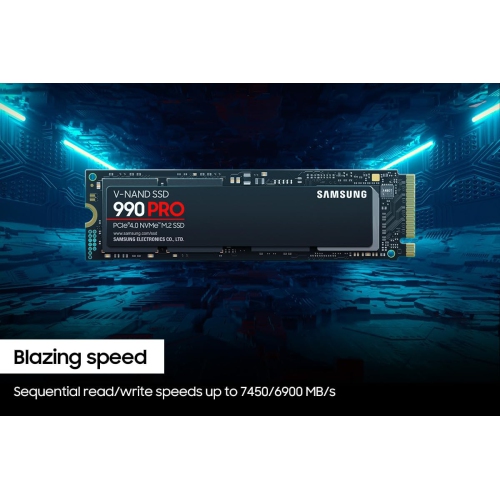 Your price for this item is $1471.99
-
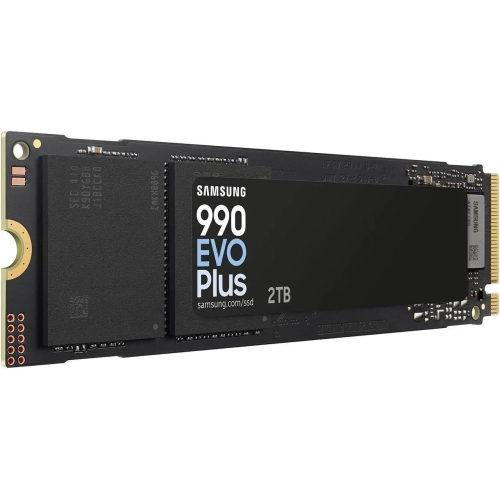 Your price for this item is $639.99
-
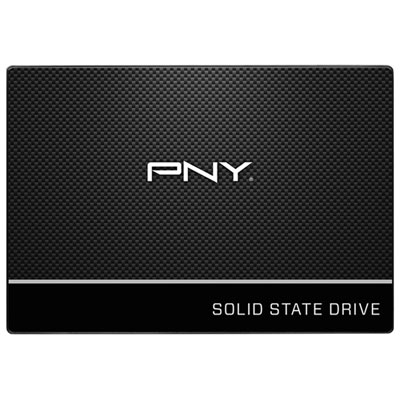 Your price for this item is $124.99
-
 Your price for this item is $789.95
-
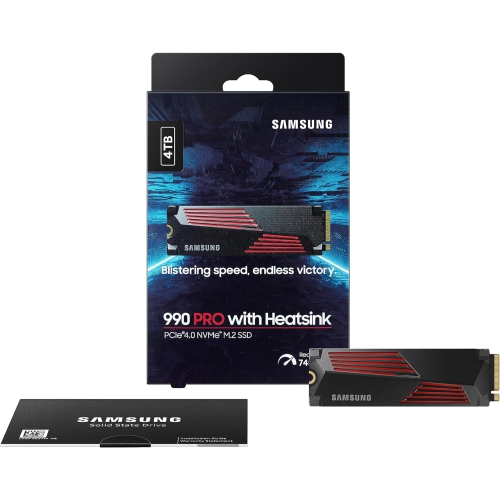 Your price for this item is $1449.99
Discover more categories related to Lexar SSDs
Top Collections:
Best Black Friday Deals This Year, Best Black Friday Deals On Electronics, Kindle Devices, Pokemon Centers, Best Black Friday Deals On Apple Products, Best Cameras for Sports Photography, Dyson Airwrap, Pokémon 30th Celebration Cards, Apple iPhone 17 Pro, Canon G7X Cameras
Some products may be subject to Environmental Handling Fees
(EHF) depending on your province.
Learn more about EHFs.