Lightweight Portable iPad Keyboards
Enhance your productivity and typing experience on the go with lightweight portable iPad keyboards. Designed for convenience and easy transport, these keyboards make it simple to turn your iPad into a versatile workstation wherever you are. Whether you’re working from a coffee shop, traveling, or studying at the library, lightweight portable iPad keyboards offer a practical solution for comfortable typing without adding bulk to your bag. Discover options that pair seamlessly with your device and fit your mobile lifestyle.
Sort
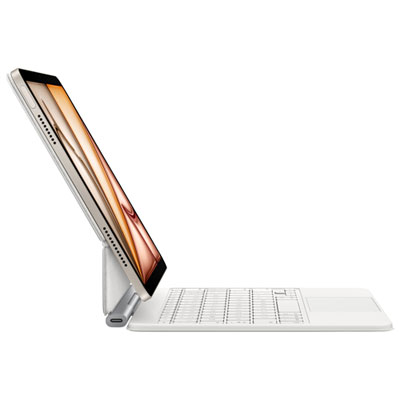


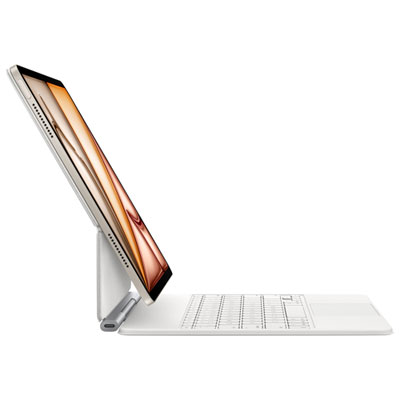
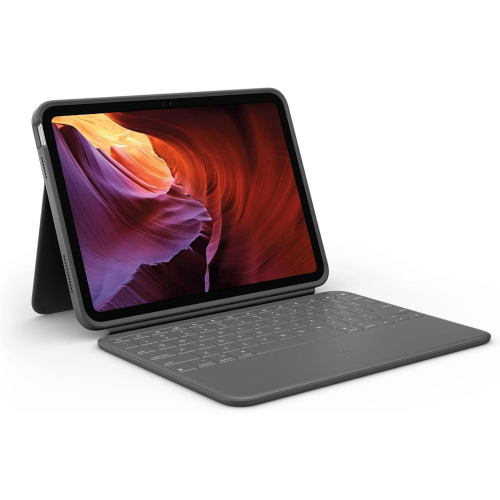
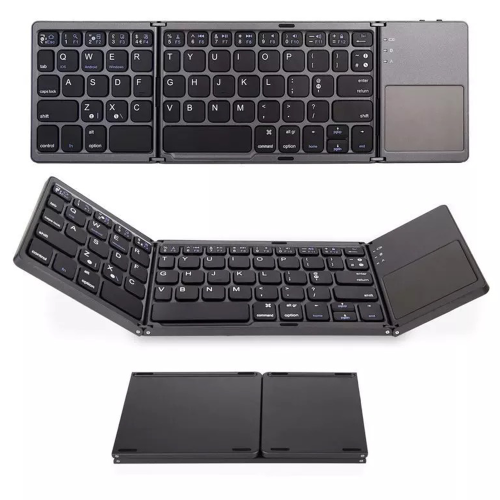
Why keyboard portability depends on more than weight
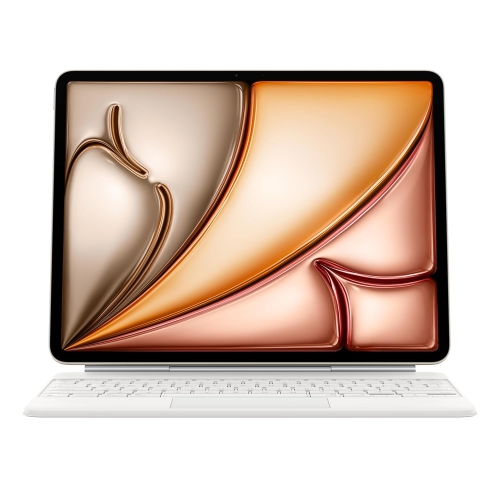
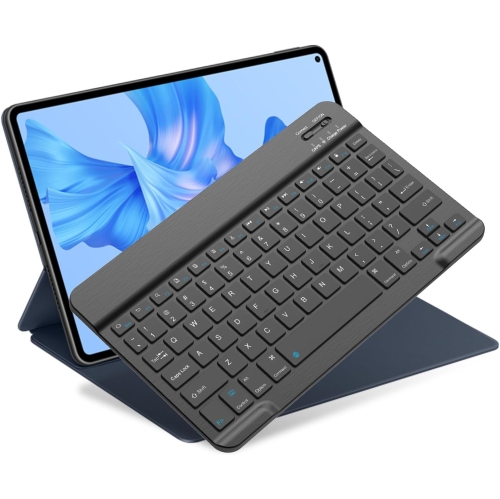
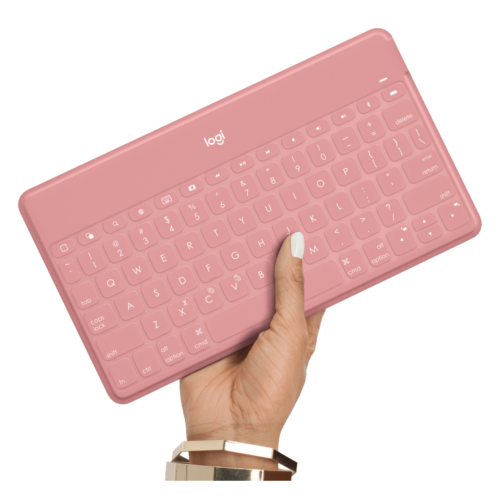
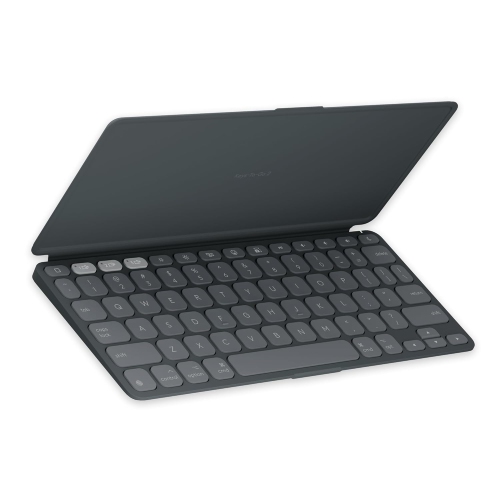
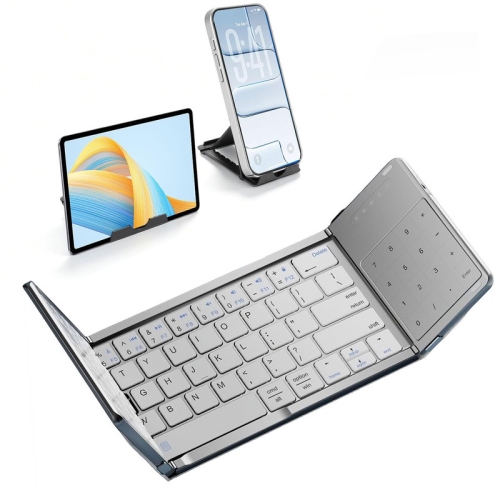
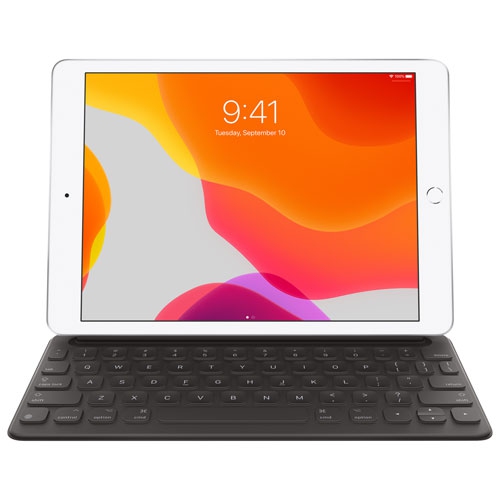
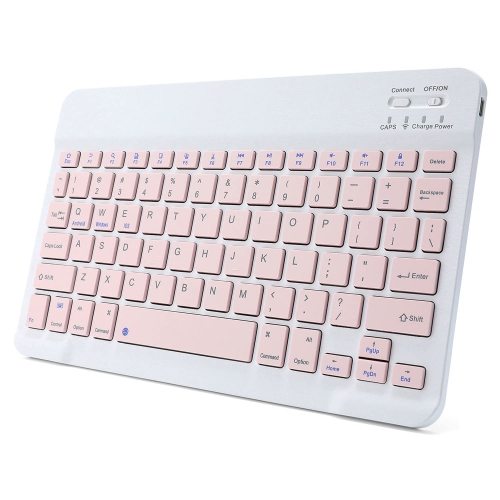
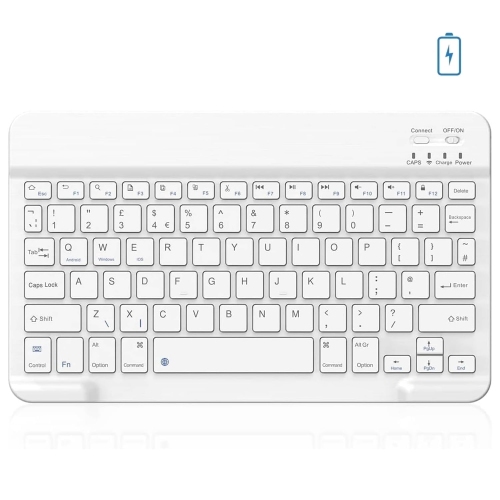
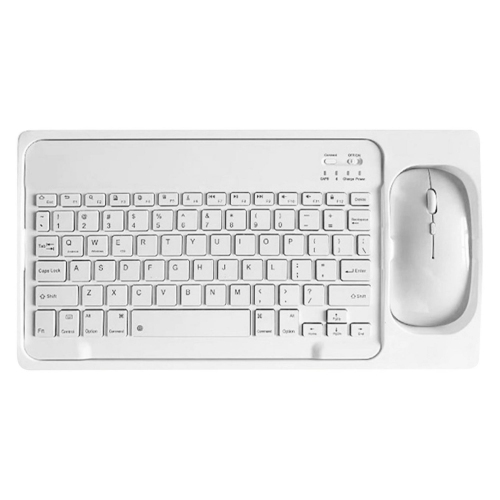
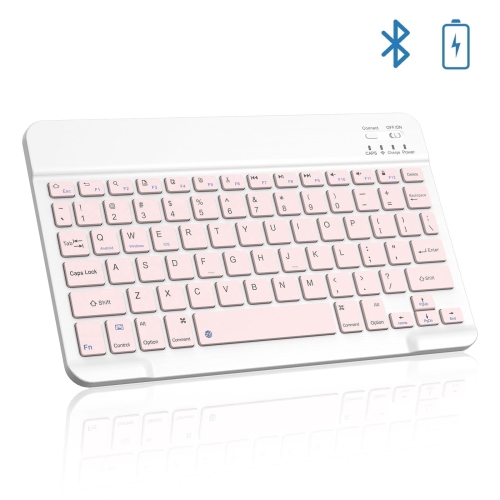
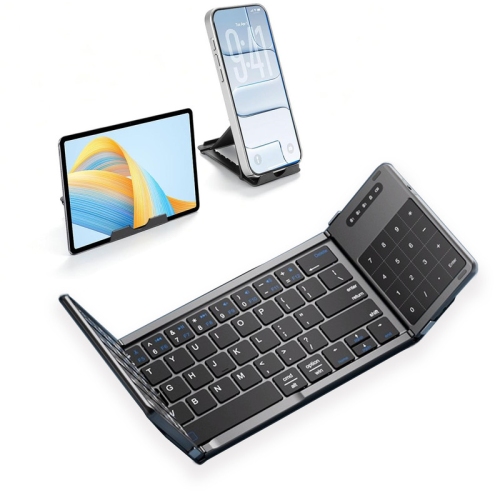
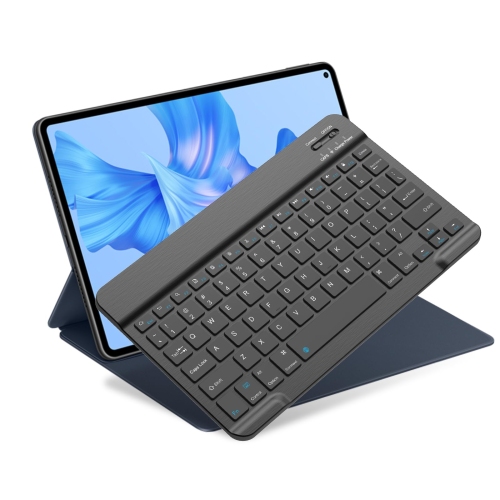
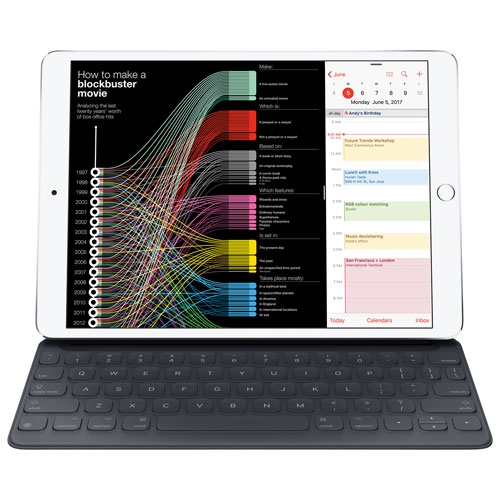
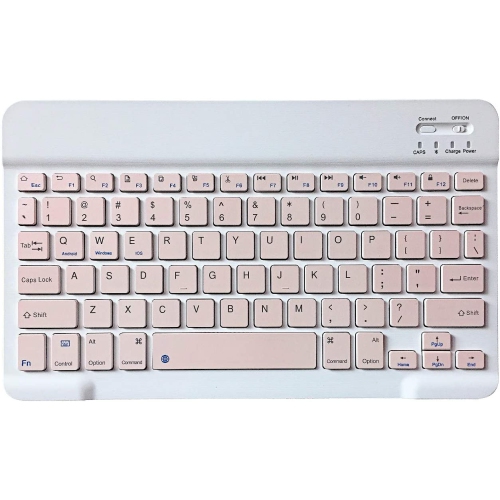
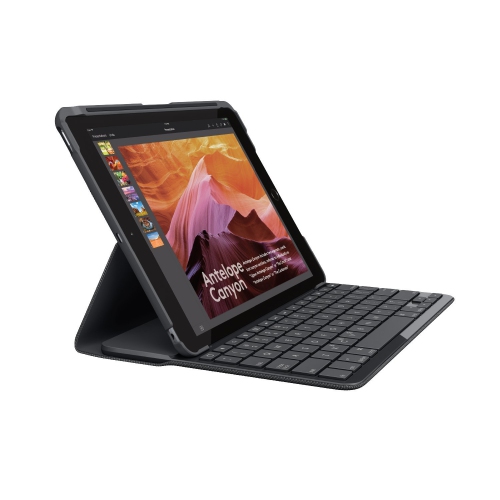
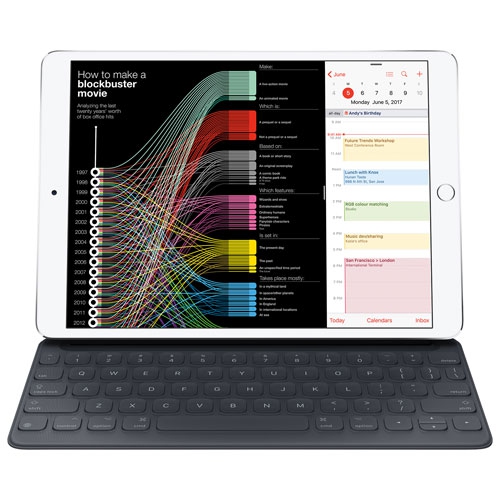
Lightweight portable iPad keyboards add physical keys for writing, messaging, and everyday tasks while keeping a tablet setup easy to carry. Common formats include slim standalone keyboards, compact folding keyboards, and keyboard cases that combine typing support with a cover. Each format handles portability differently. A slim keyboard slips into the flat compartment of a backpack or briefcase, while a folding design reduces its packed footprint by closing along one or more hinges. A keyboard case keeps the tablet and keyboard together, although its combined weight matters more than the weight of the keyboard alone. For someone answering emails between meetings or drafting notes in a campus library, the most useful design balances carrying comfort with enough key spacing to type accurately. Dimensions deserve as much attention as weight: an especially narrow keyboard may fit a small bag but have shorter modifier keys or a tighter layout. A separate keyboard also needs a way to support the screen, whether that is a tablet stand or a case with a built-in viewing position. On a shallow café table, the distance between the keyboard and tablet can make a noticeable difference to the usable work surface. Materials affect both feel and durability. Aluminium housings can provide rigidity, while lightweight plastic housings may help reduce carrying weight. Fabric-covered and synthetic-covered cases offer different textures and cleaning needs, and reinforced corners may add protection at the expense of a little extra bulk. A cover should not be assumed to provide drop protection unless that protection is specifically stated. The overall package includes any stand, protective sleeve, and charging cable carried alongside it. A keyboard that looks compact on its own may take up more room once those accessories are included, while an integrated case can simplify packing by keeping several functions in one piece. For frequent travel between rooms, offices, or study spaces, that difference can be more meaningful than a small difference in the keyboard’s listed weight.
Compatibility determines whether a portable keyboard works comfortably with an iPad, particularly when the keyboard is built into a fitted case. The tablet’s exact model, generation, and screen size need to match the case specifications; a similar screen measurement does not guarantee that the corners, camera opening, buttons, or connection points will line up. Standalone Bluetooth keyboards generally offer more flexibility because they do not need to fit around the tablet, but their stated operating system support and feature compatibility still matter. For a more focused category, Lightweight Wireless Keyboards for iPad Air narrows the search to that tablet family, where generation and size remain important distinctions. Bluetooth designs typically require pairing and a power source, which may be a rechargeable battery or replaceable batteries. Some compatible keyboard cases instead receive power and communicate through a supported tablet connector, avoiding a separate keyboard charging routine. Connection type alone does not establish which design is lighter or better suited to travel. Typing feel, layout, and screen support are equally relevant. Low-profile keys can help keep a keyboard thin, but key travel, spacing, and resistance vary. Someone entering long passages may prefer a stable base and clearly separated keys, while occasional messaging may be comfortable on a smaller layout. Dedicated shortcut keys can simplify tasks such as adjusting volume or returning to the Home Screen, though their functions depend on the keyboard and software support. Backlighting can improve key visibility in dim rooms, but it can also affect battery runtime. A built-in trackpad may reduce the need to reach for the screen, provided its gestures and controls are supported. Language layout matters too, especially for people who regularly type French accents or switch between English and French. Clear key legends and familiar punctuation placement can make daily typing less awkward. For extended writing sessions, a viewing angle that keeps the screen comfortably visible and a keyboard position that allows relaxed shoulders are more useful than thinness alone. Lap use also deserves attention, since some tablet-and-keyboard combinations need a firm, level surface to remain stable.
Everyday durability comes down to how the keyboard handles repeated packing, opening, and typing. Folding designs benefit from hinges that move smoothly and hold their intended position, while detachable cases need secure attachment points that do not shift during use. A stable base and non-slip feet help prevent movement on a desk or table. In a keyboard case, the closure should keep the keys from pressing against the display in ways the design does not allow. In a bag, a sleeve or separate compartment can keep loose objects away from keycaps and exposed hinges. Water resistance should never be assumed, and a closed cover does not necessarily protect a keyboard from a spilled drink. Routine care is usually straightforward: follow the maker’s cleaning directions, remove loose debris gently, and use an appropriate soft cloth without spraying liquid directly onto the keys. Ports and folding joints need particular care because dust and crumbs can collect in small openings. Charging requirements also affect daily convenience. A rechargeable keyboard that uses a compatible cable can simplify a travel kit, but its connector and charging specifications still need checking. Battery-life estimates depend on use, including backlighting, so a realistic charging routine is more helpful than relying on the longest stated runtime. These keyboards suit students preparing assignments, commuters handling correspondence, and people who prefer physical keys for forms, lists, and longer messages. They can also be a thoughtful gift for someone who already uses an iPad for writing, provided the recipient’s exact tablet model and preferred keyboard layout are known. A person who works mainly at a desk may appreciate a separate keyboard that can be positioned freely, while someone moving between classrooms or appointments may value an attached case that opens quickly. The most practical choice supports the way the tablet is actually used: easy to pack, comfortable enough for the length of the task, and straightforward to connect, clean, and carry.
Top selling and popular products
-
 Your price for this item is $89.99
-
 Your price for this item is $49.99
-
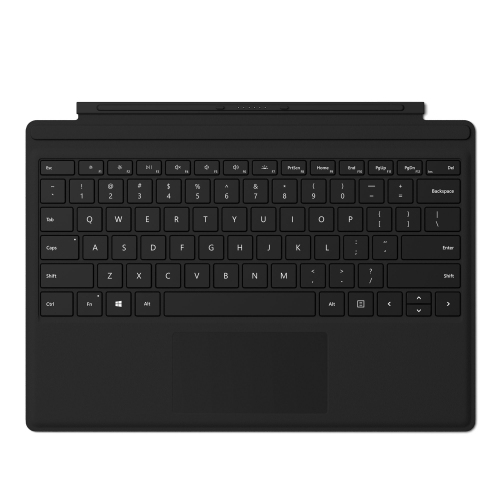 Your price for this item is $159.99
-
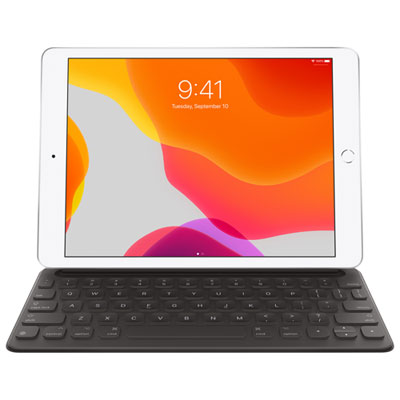 Your price for this item is $218.97
-
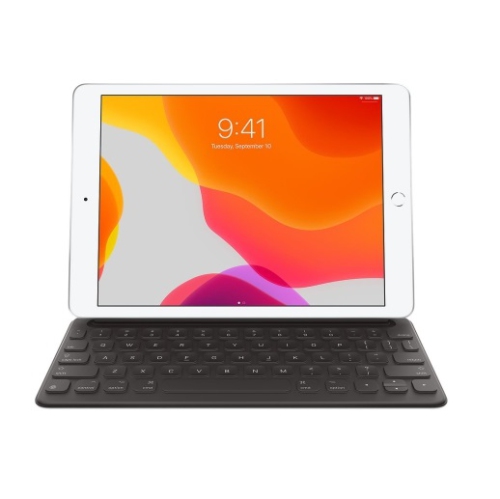 Your price for this item is $149
-
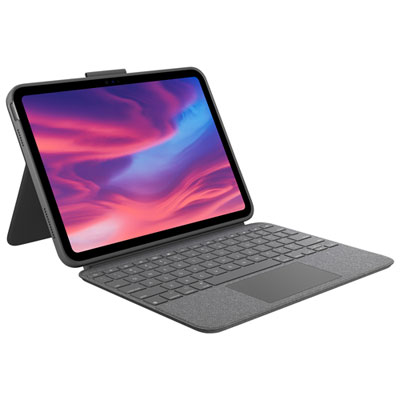 Your price for this item is $219.99
-
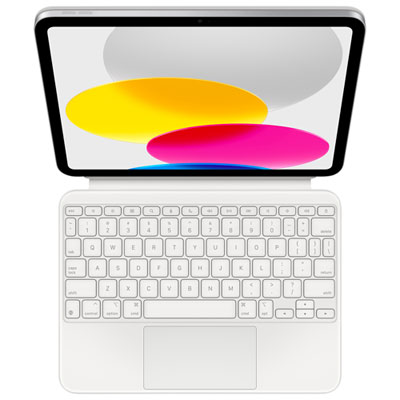 Your price for this item is $329.99
-
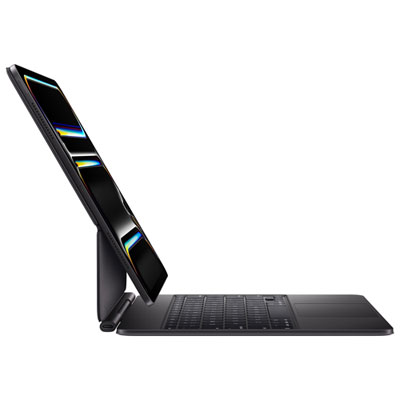 Your price for this item is $449.99
Discover more categories related to Lightweight Portable iPad Keyboards

Top Collections:
Best Black Friday Deals This Year, Best Black Friday Deals On Electronics, Kindle Devices, Pokemon Centers, Best Black Friday Deals On Apple Products, Best Cameras for Sports Photography, Dyson Airwrap, Pokémon 30th Celebration Cards, Apple iPhone 17 Pro, Canon G7X Cameras
Some products may be subject to Environmental Handling Fees
(EHF) depending on your province.
Learn more about EHFs.