Wireless iPad Keyboards
Enhance your productivity and typing experience with our selection of wireless iPad keyboards. Say goodbye to cumbersome wires and enjoy the convenience of a seamless connection between your iPad and keyboard. Whether you're working on-the-go or simply looking to streamline your setup at home, these wireless keyboards offer versatility and freedom of movement. Explore our range of sleek and functional options designed to complement your iPad perfectly, making typing tasks a breeze.
Sort
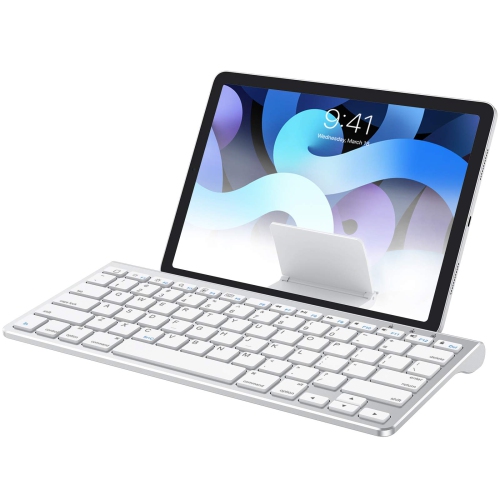
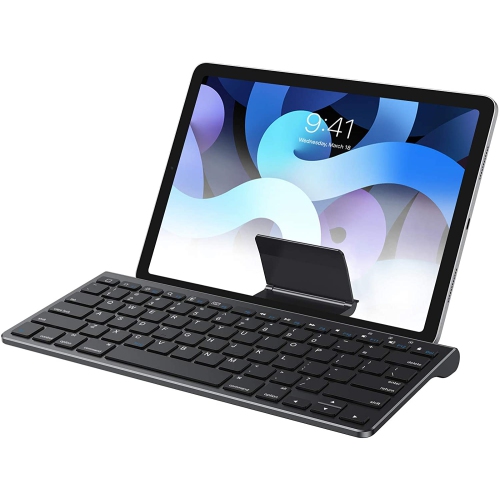
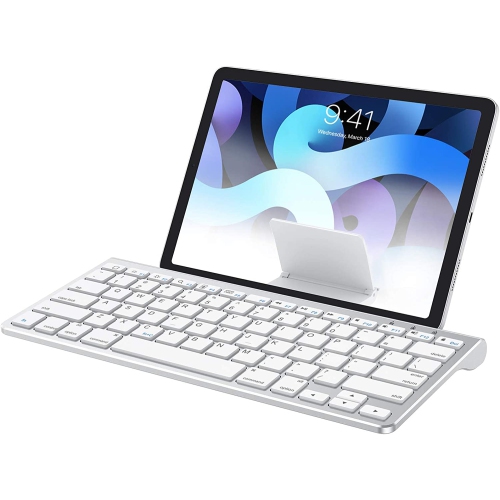

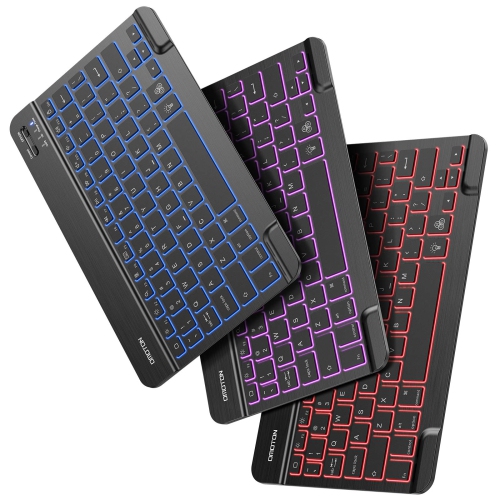
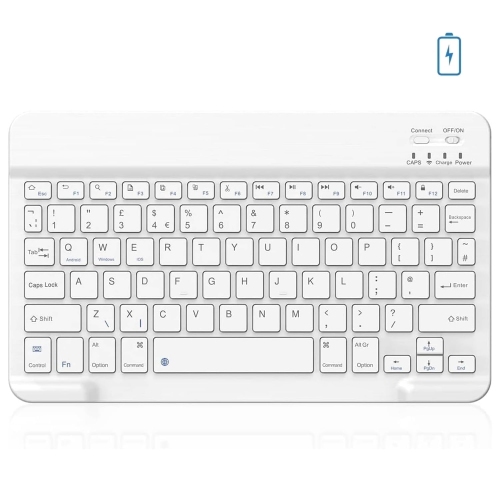
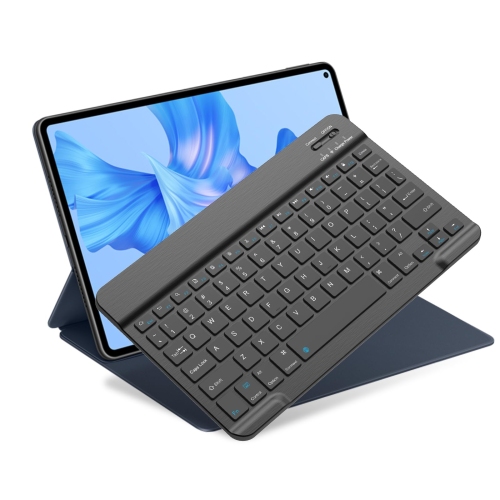
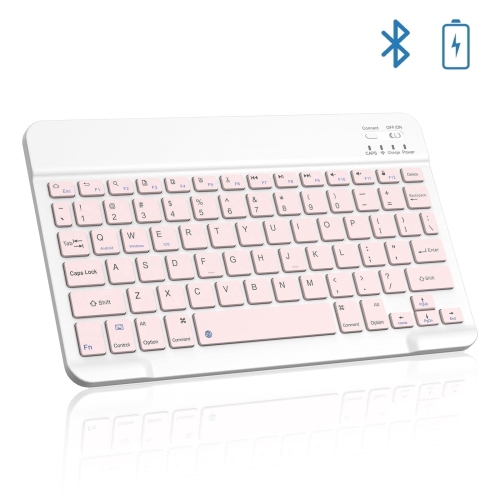
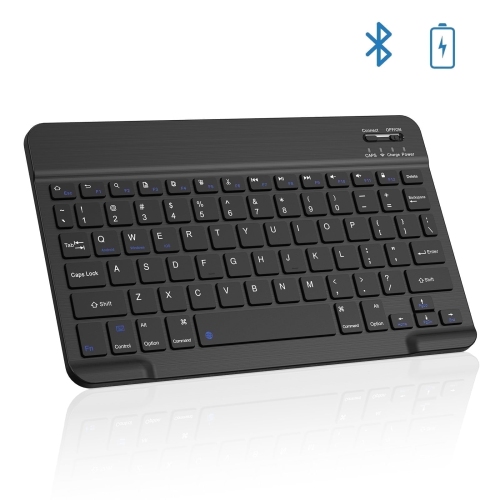
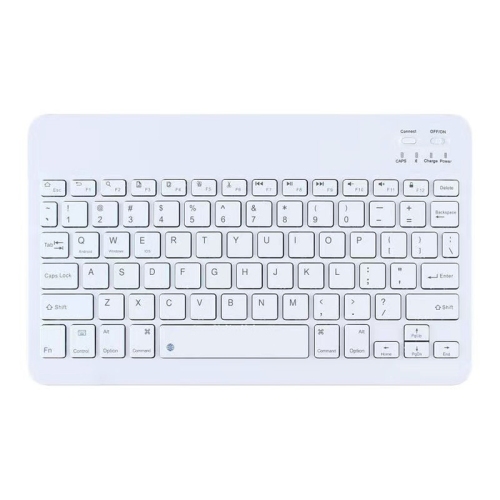
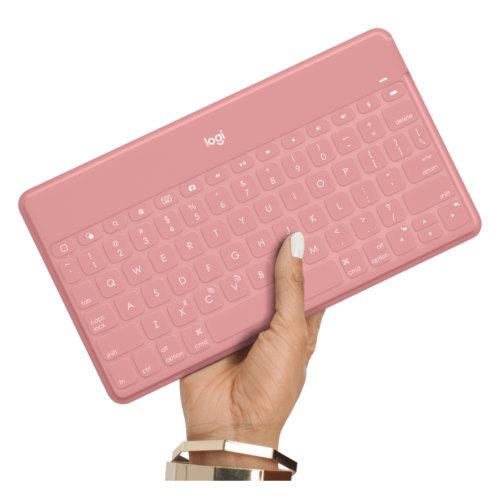
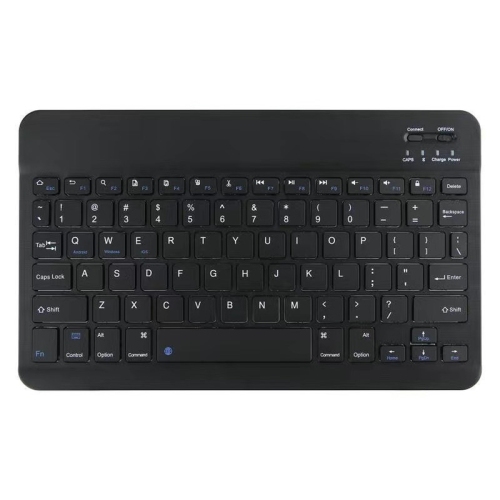
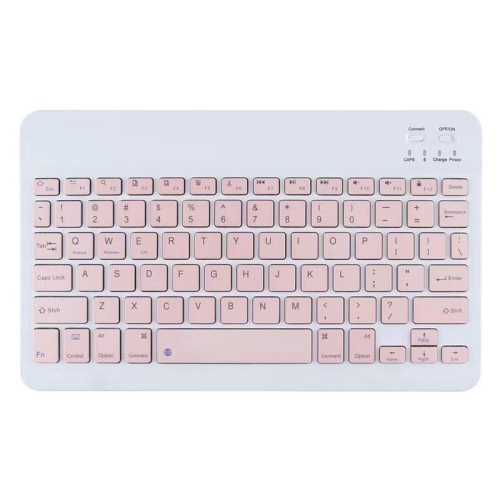
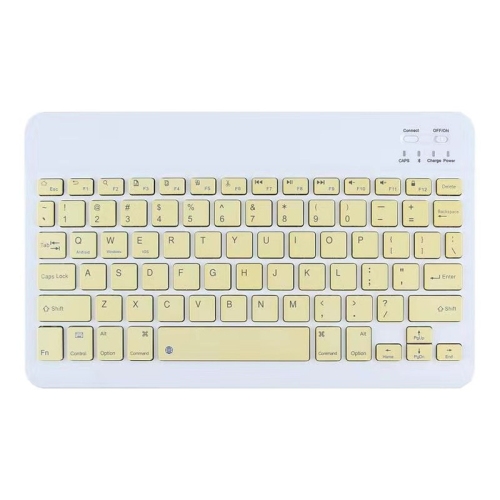
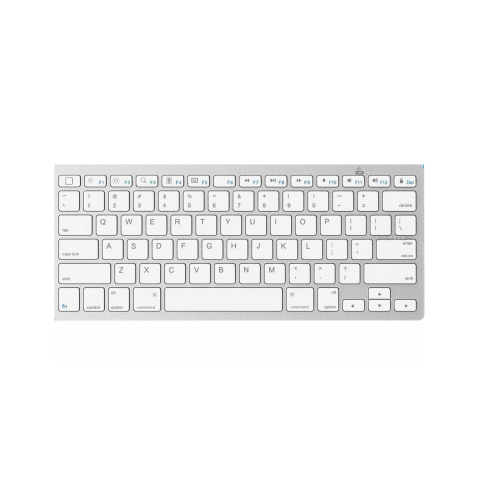
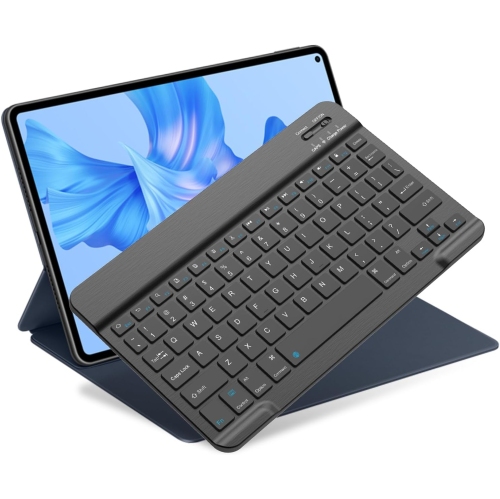
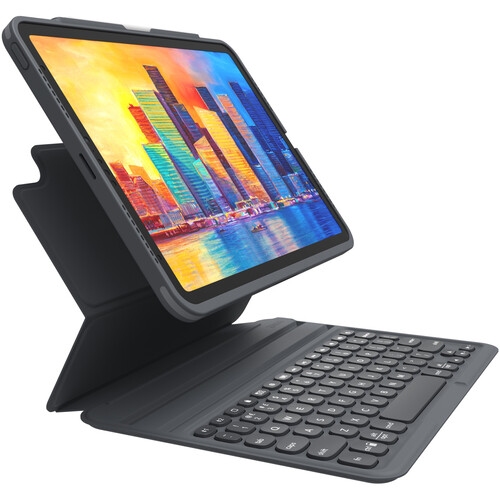
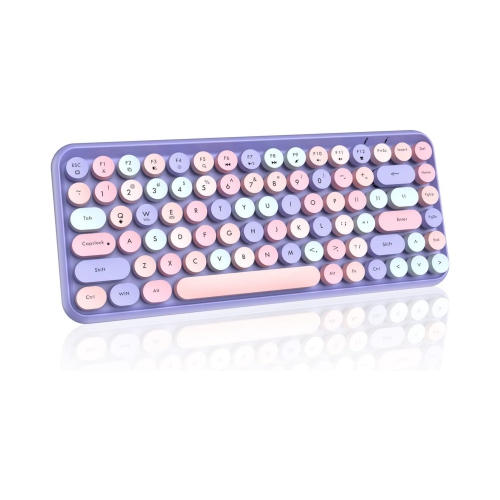
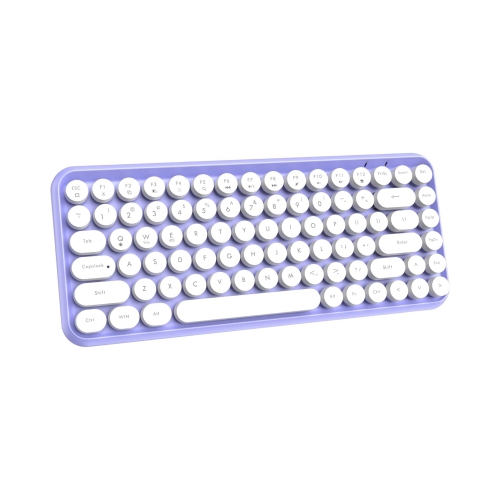
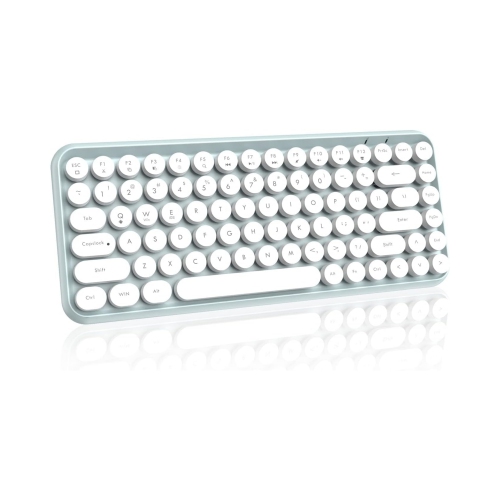
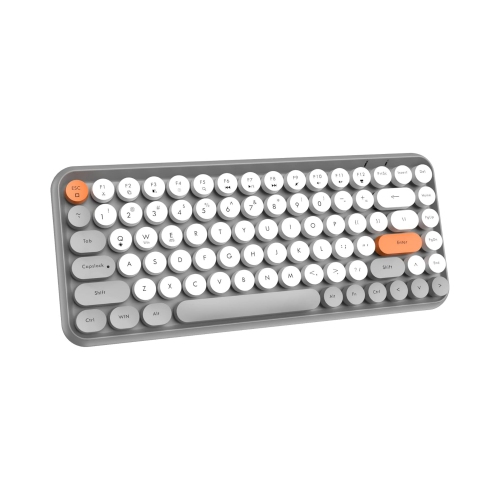
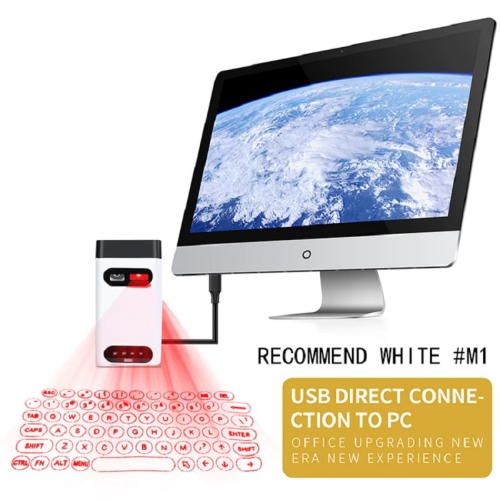
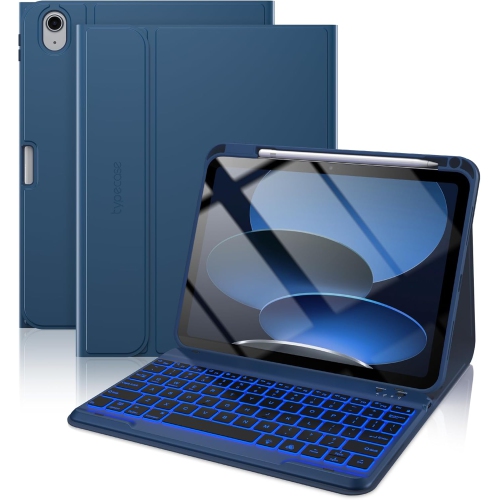
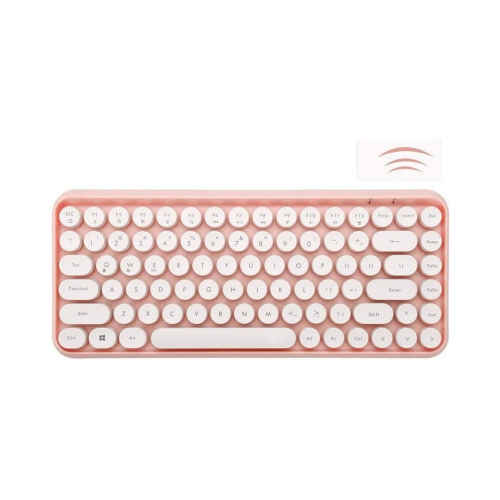

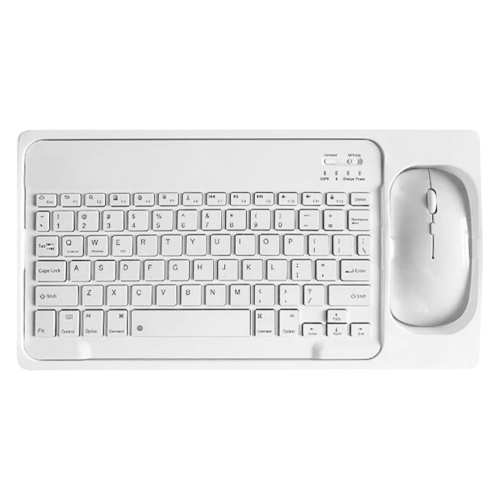
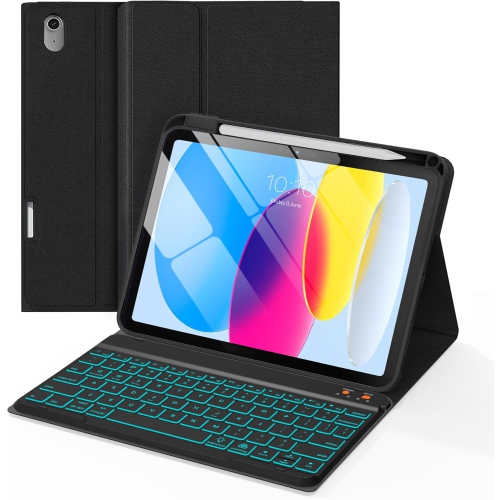
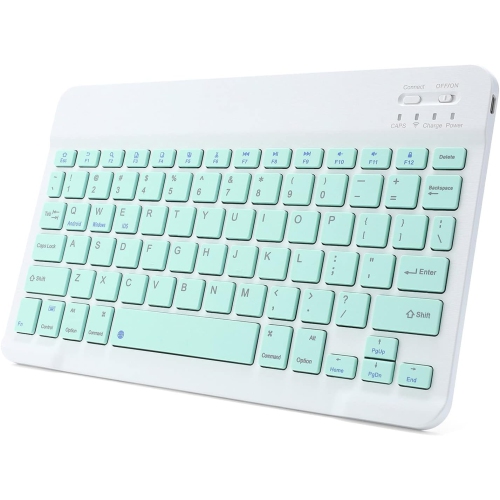

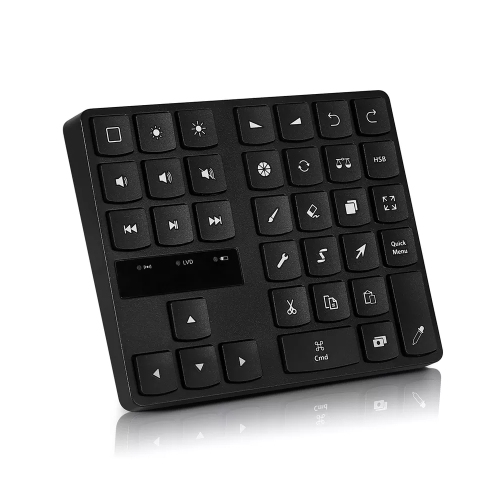
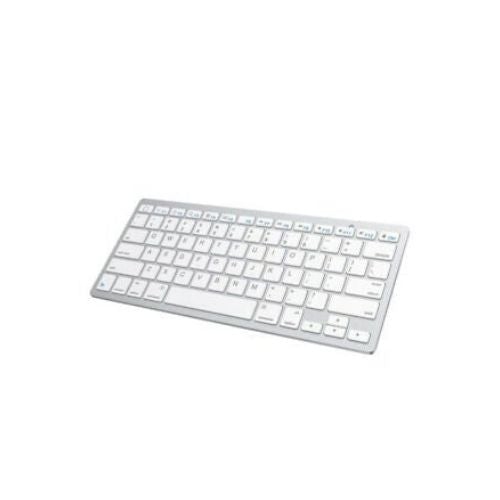
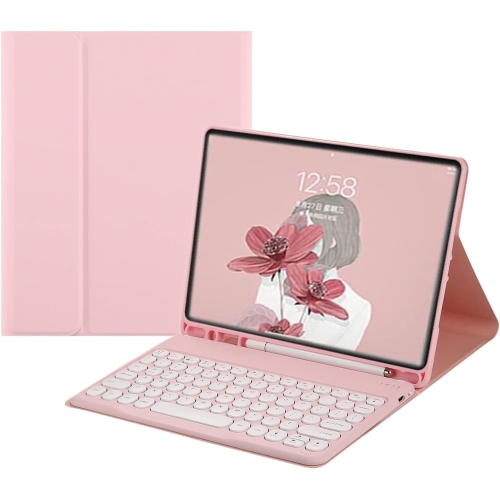
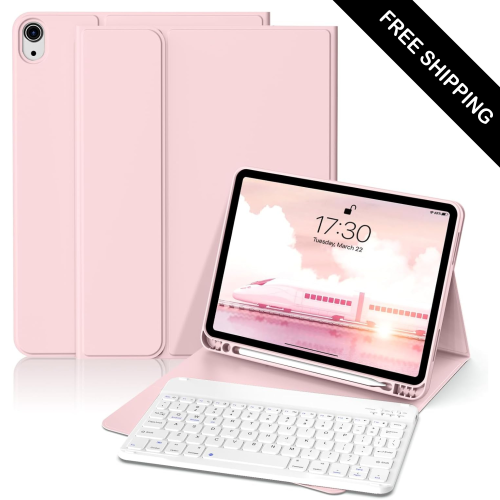

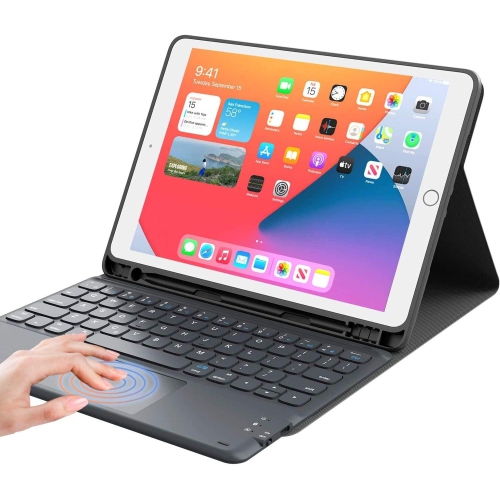
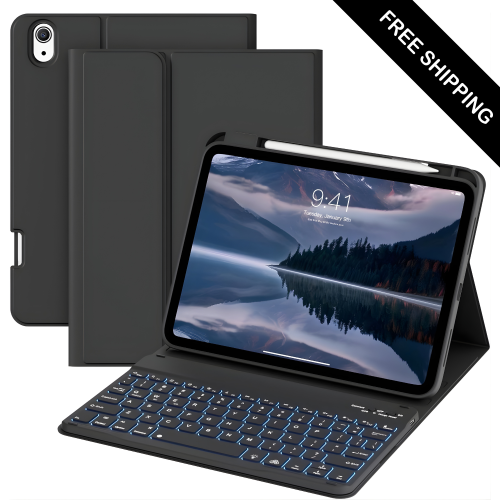
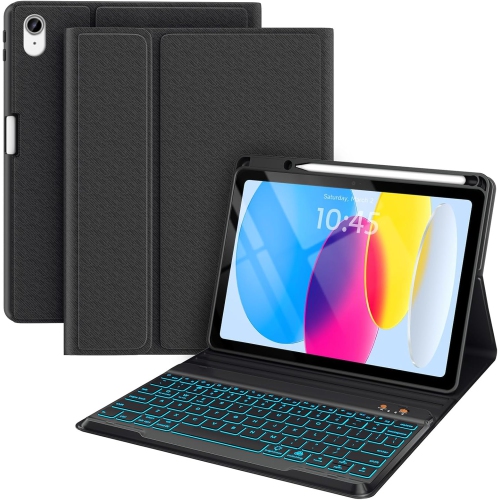
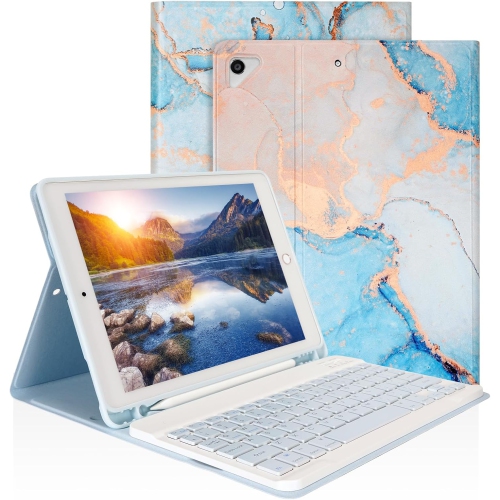
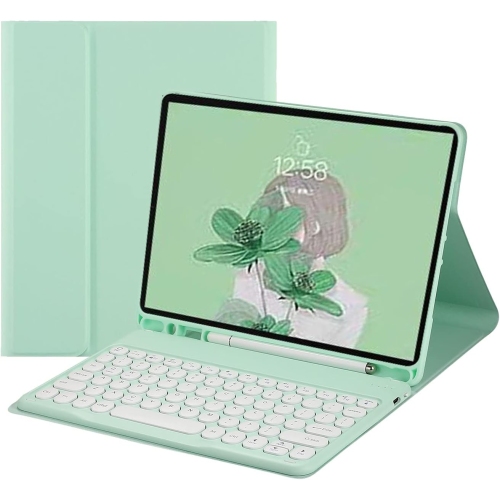
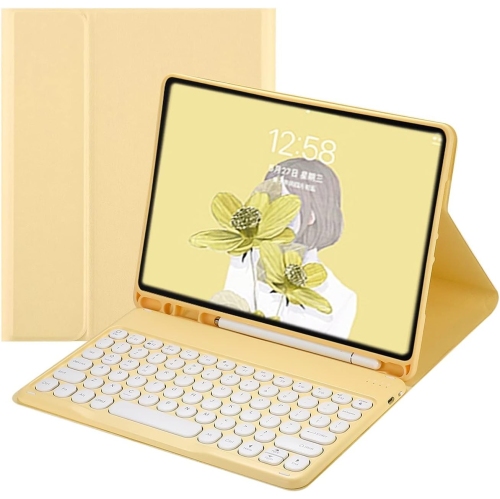
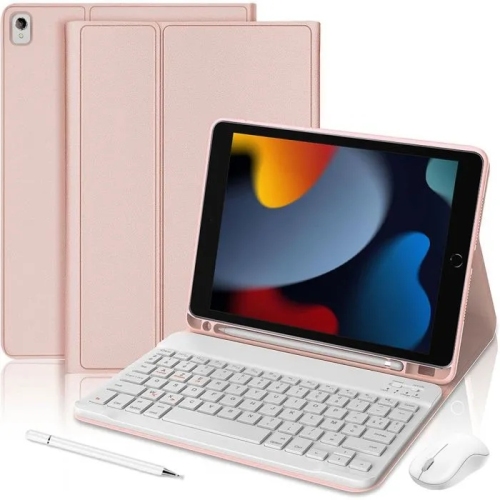
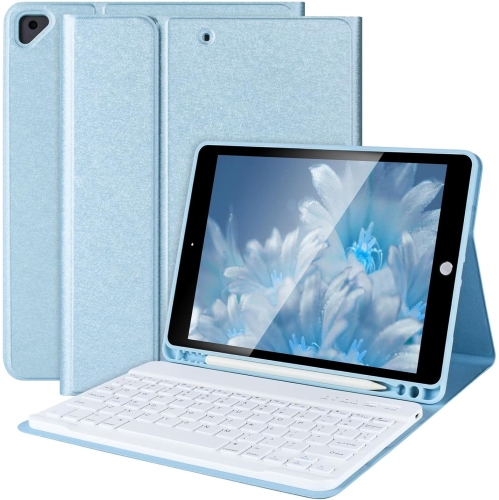
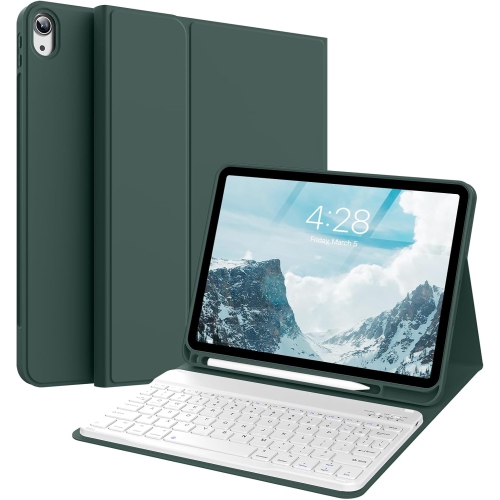
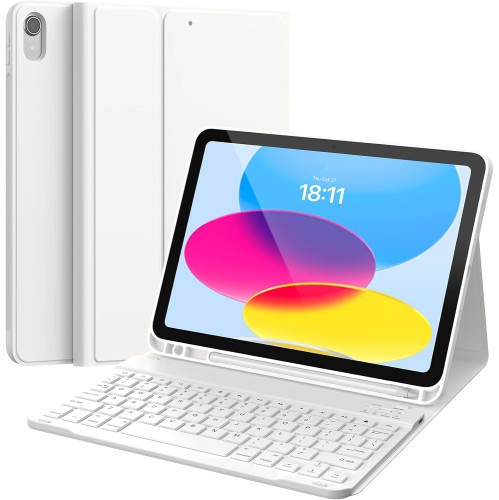

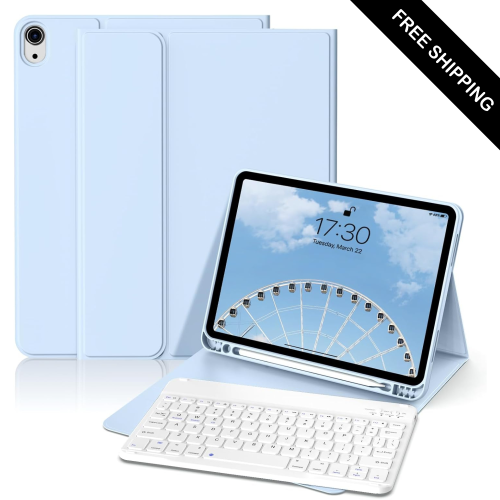
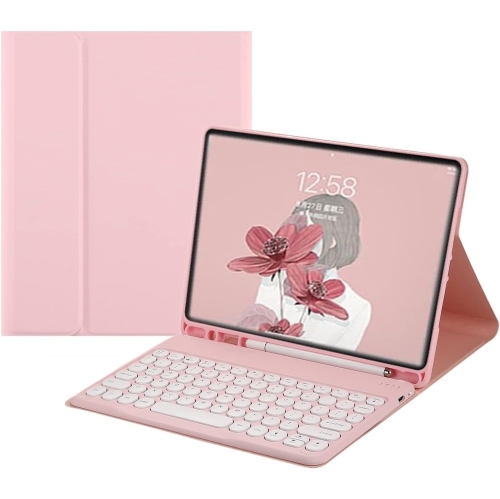
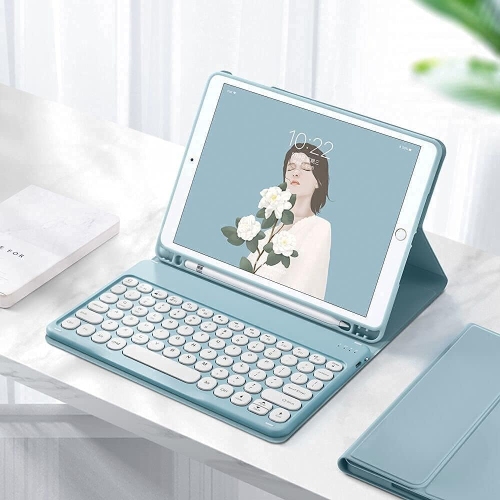
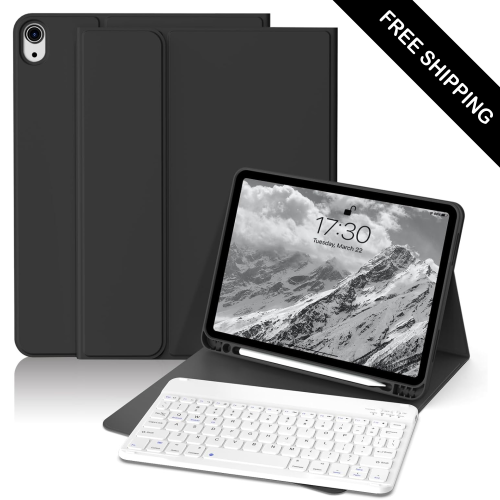
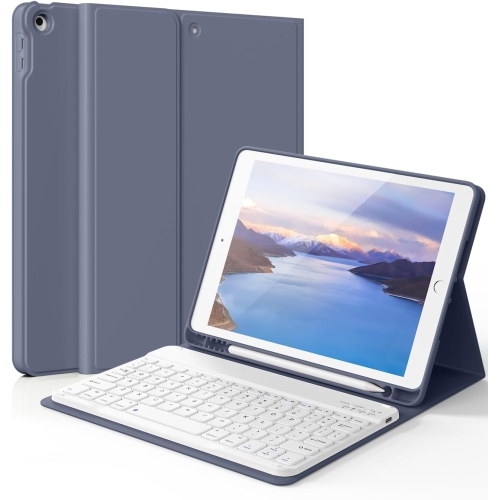
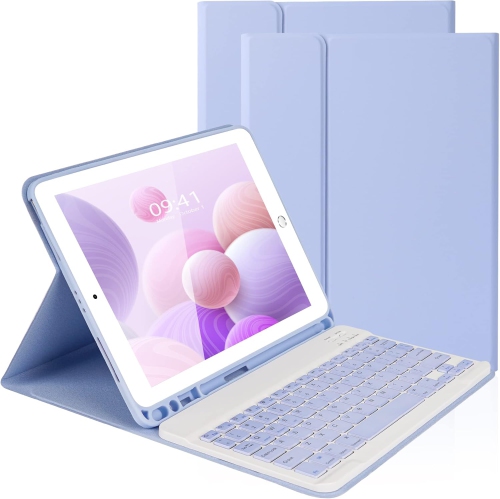
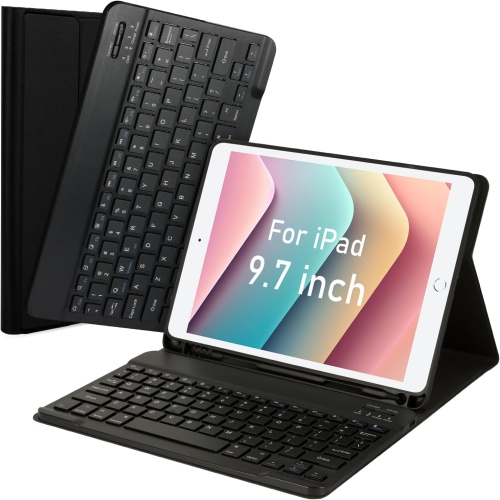
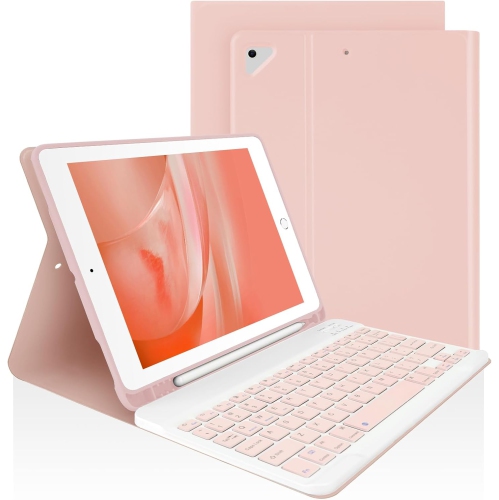
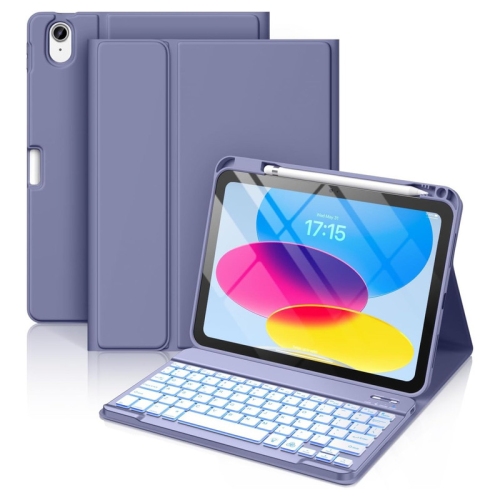
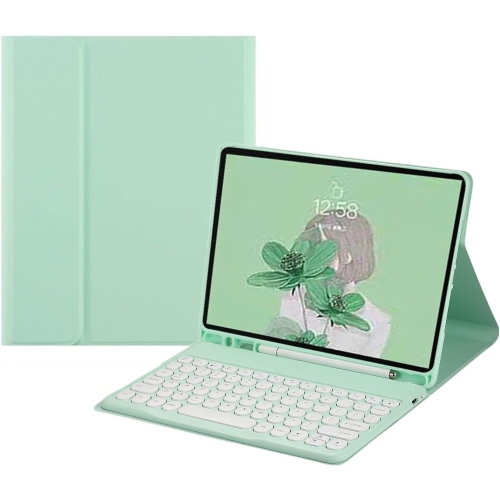
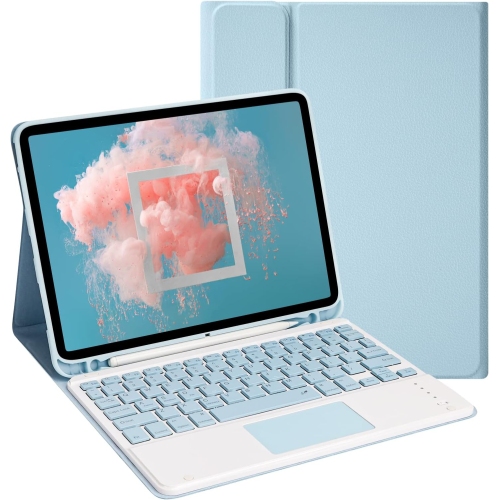
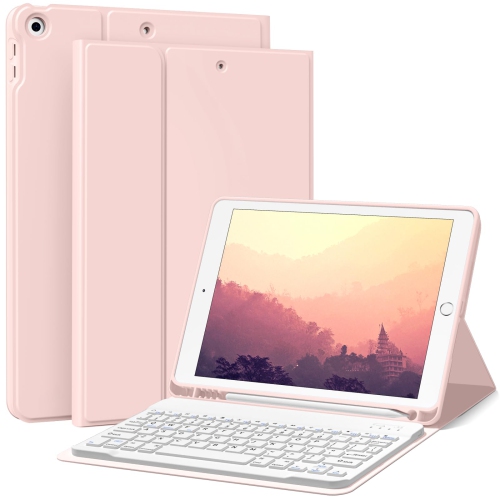
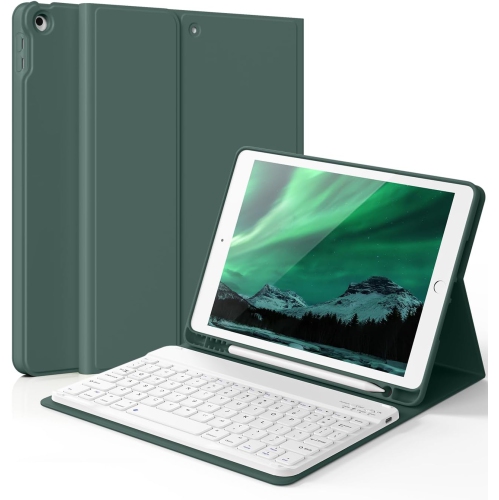
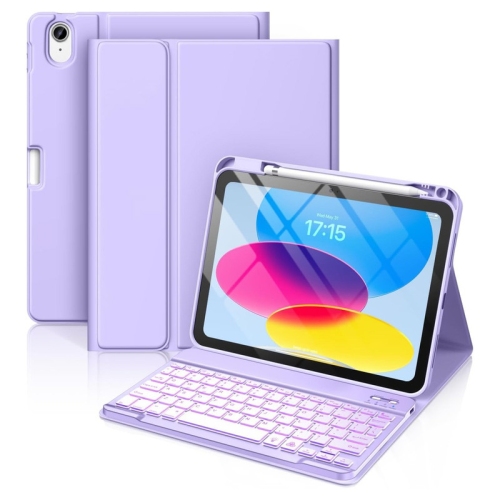
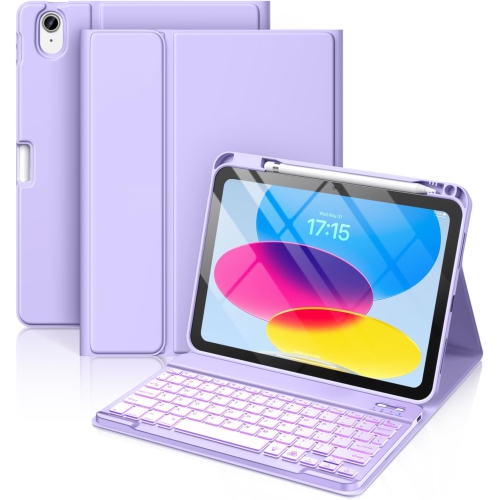
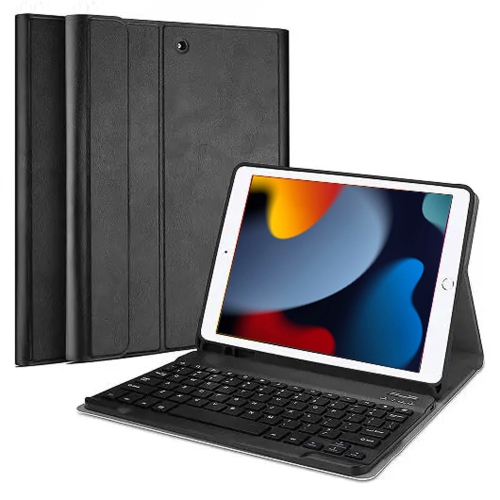
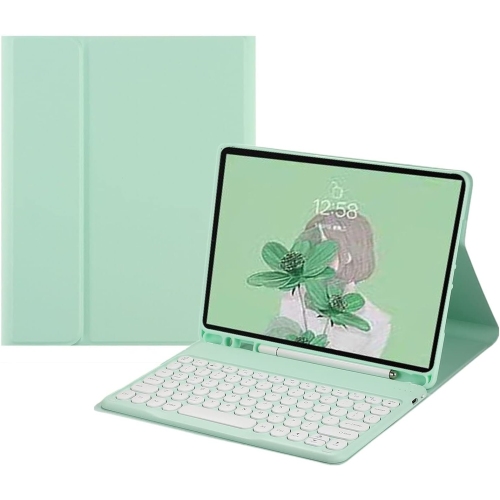
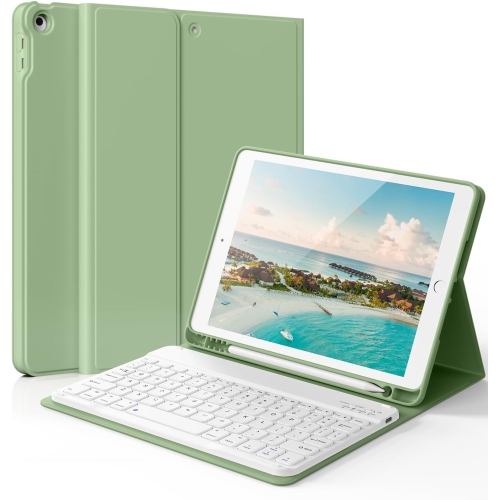
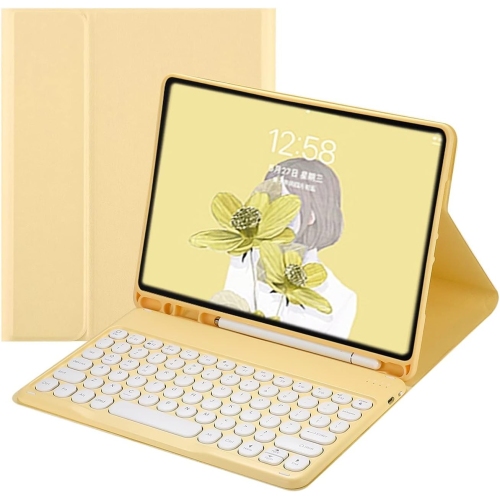
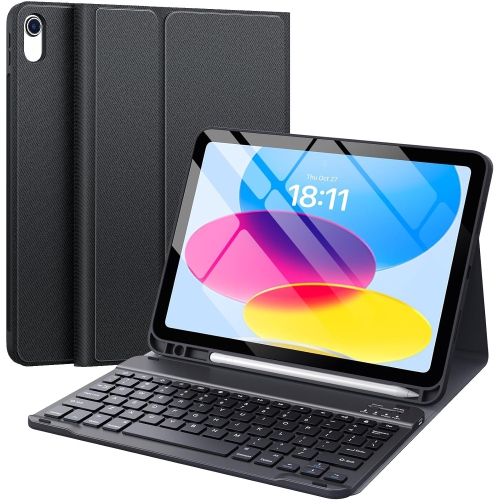
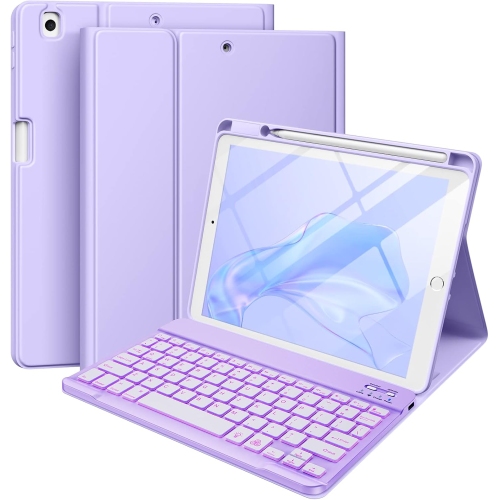
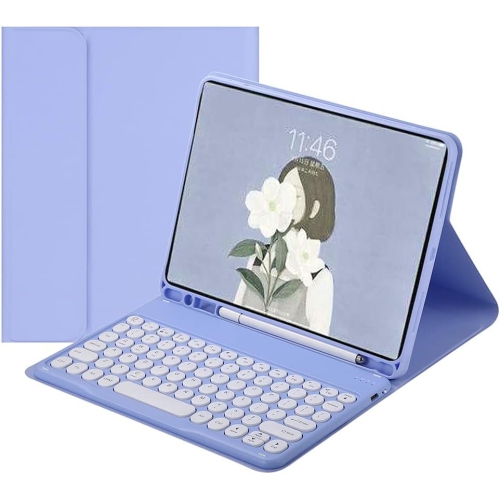
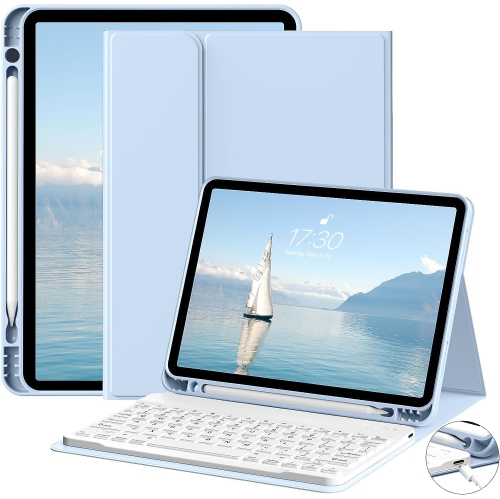
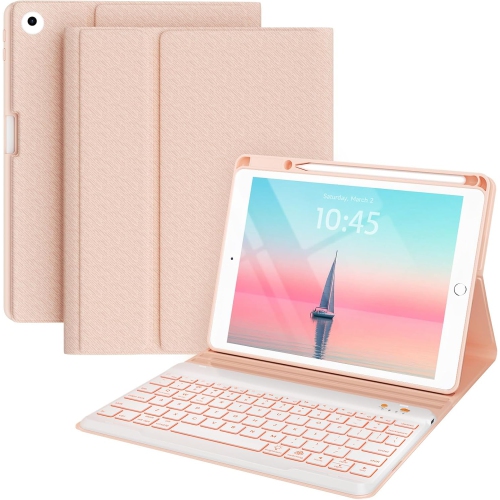
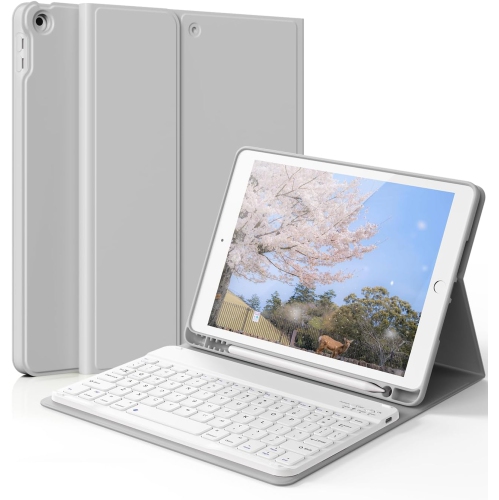

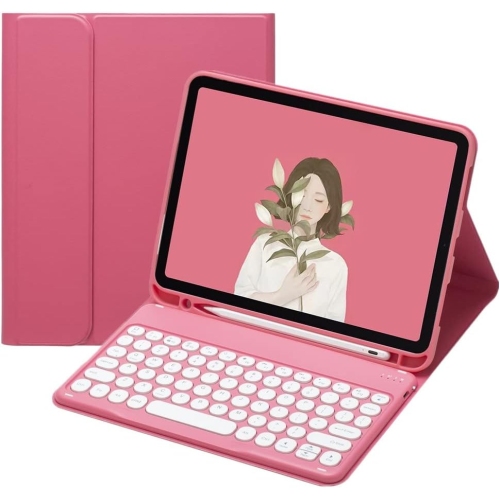
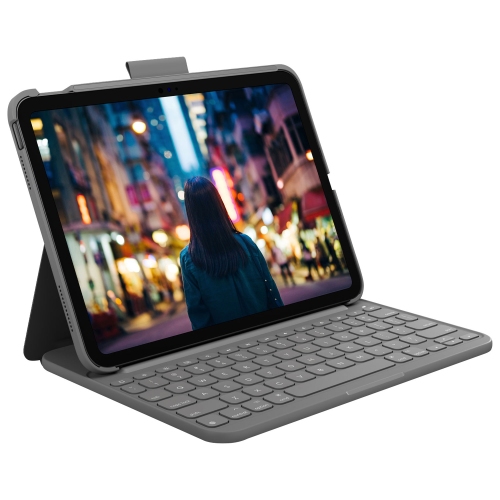
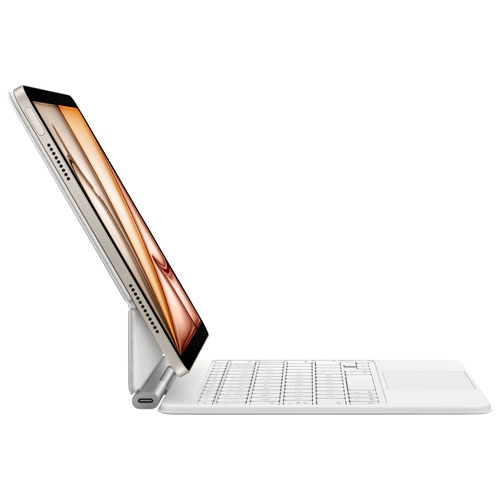

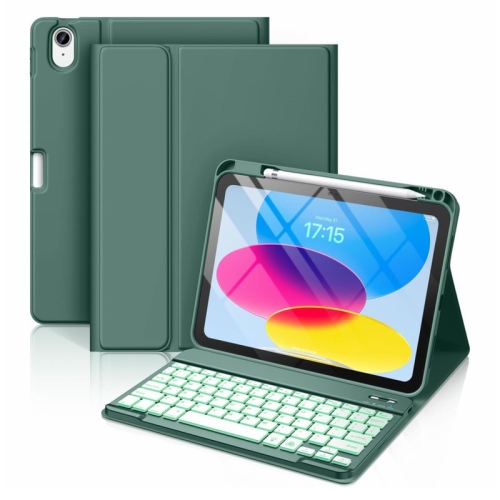
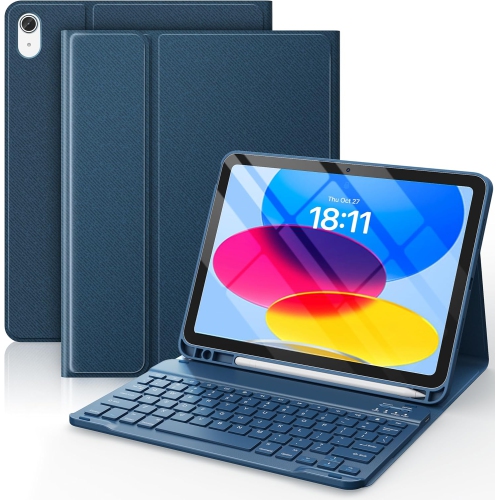
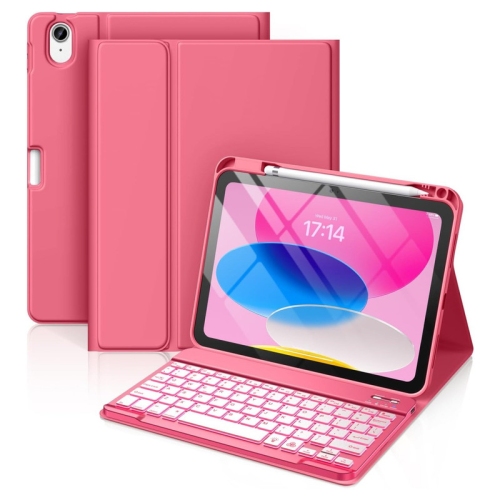
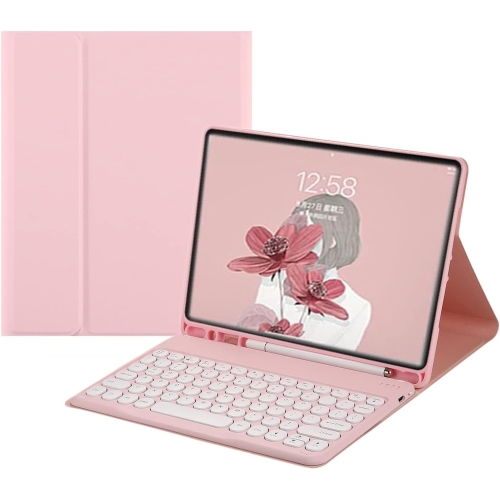
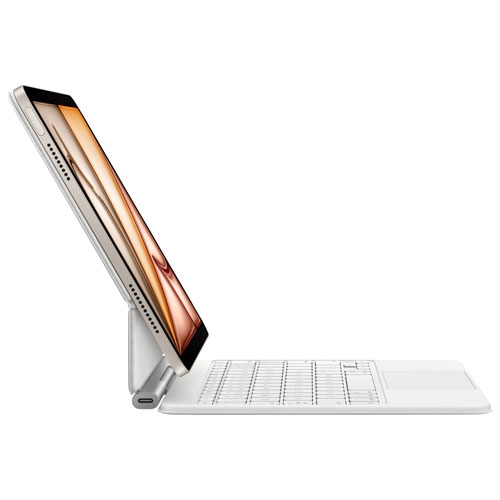
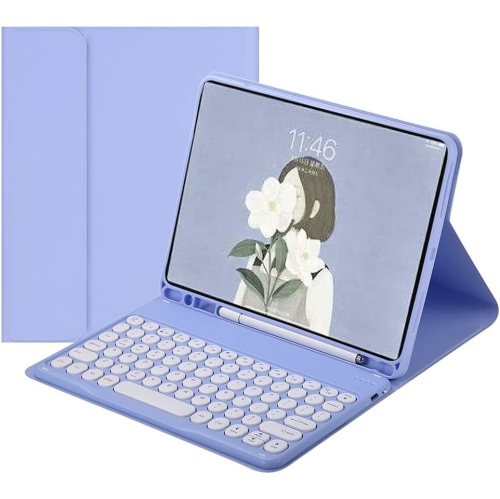
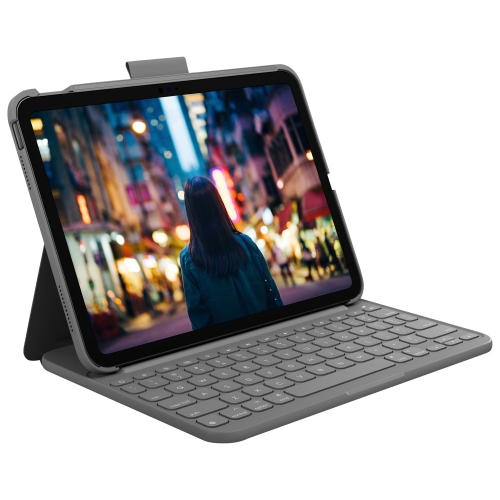
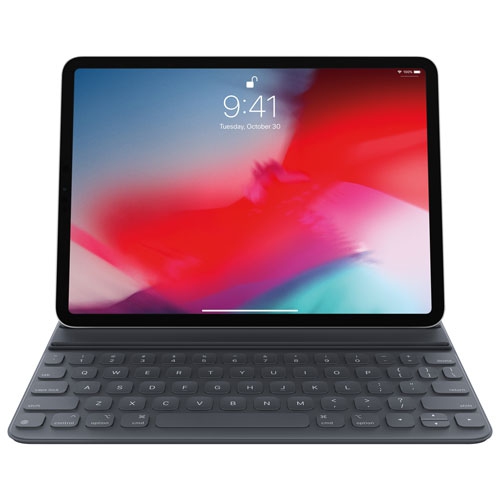
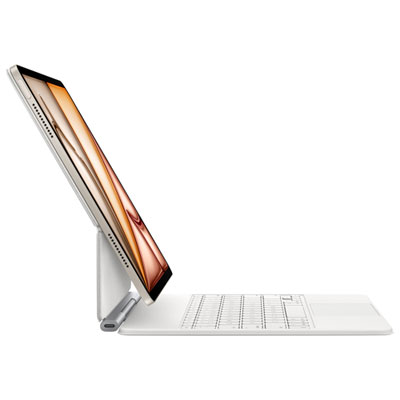
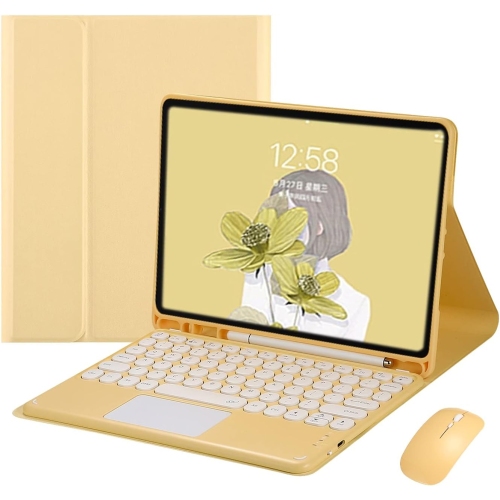
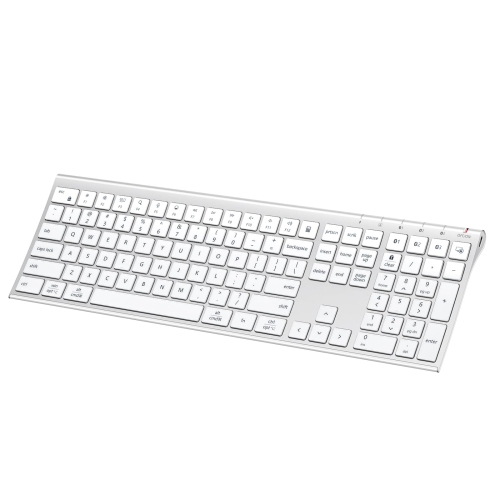

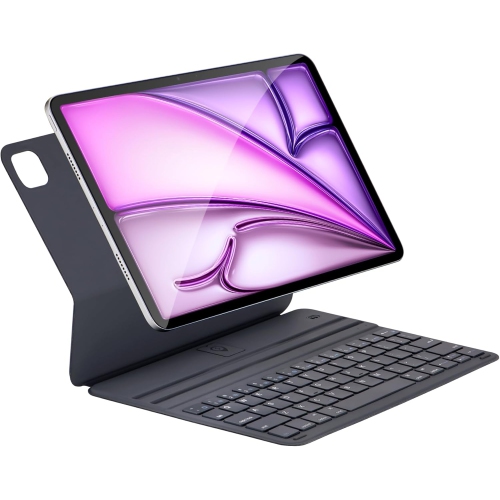

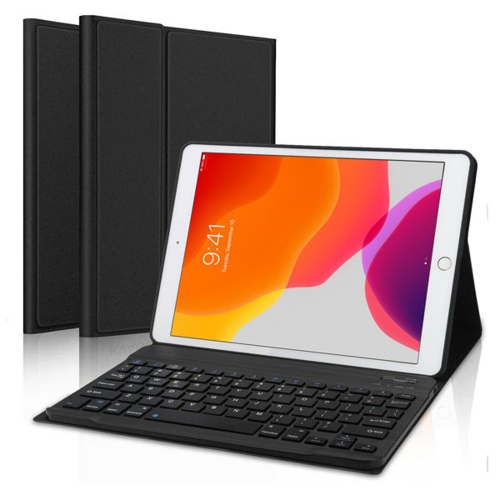
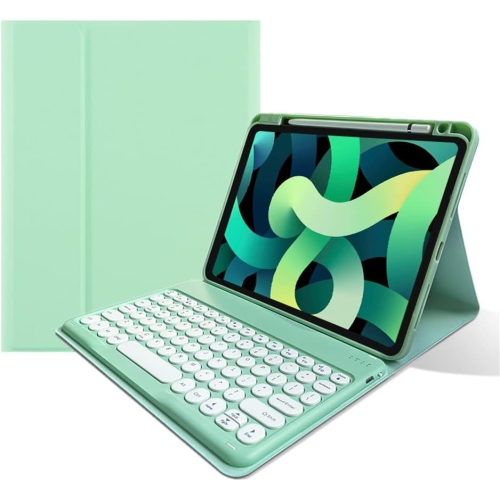
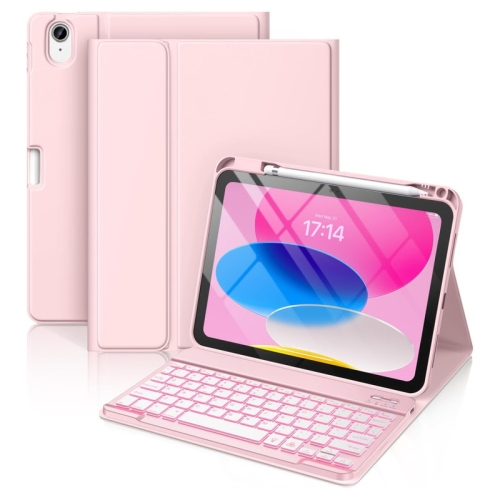
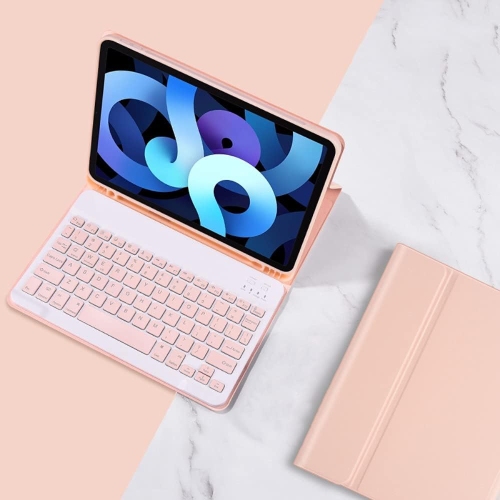
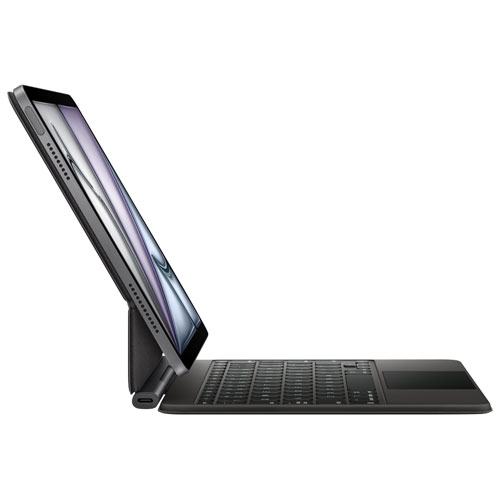
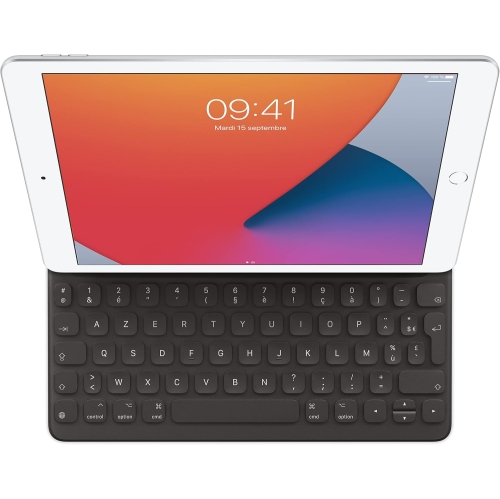
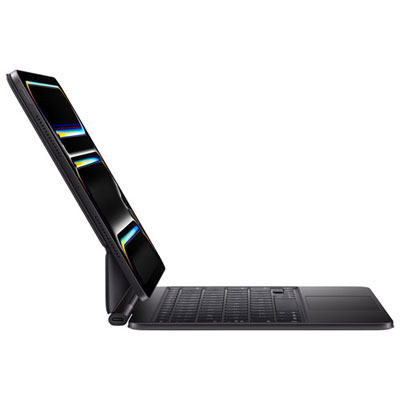

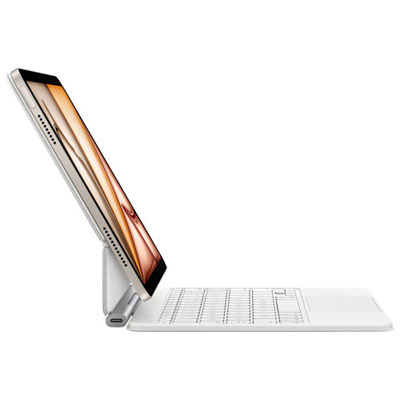
From tapping to focused typing on your iPad
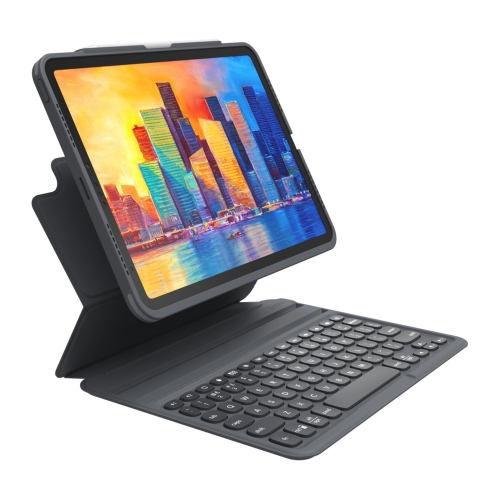
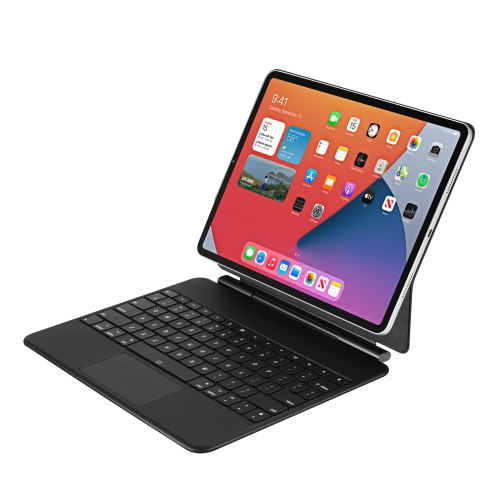
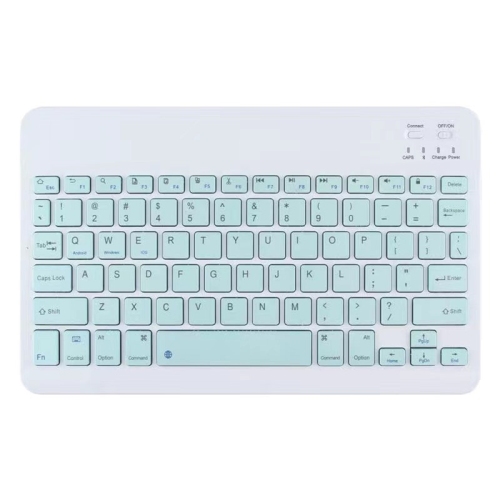
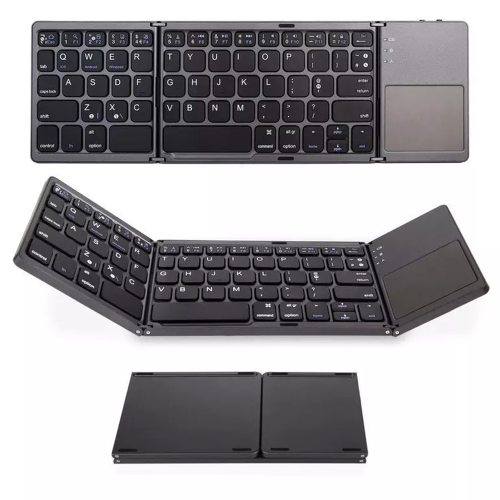
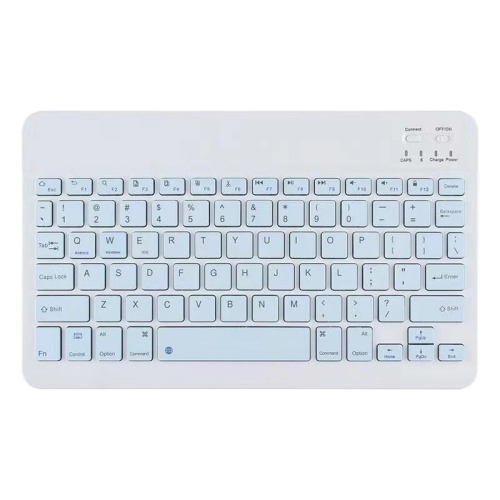
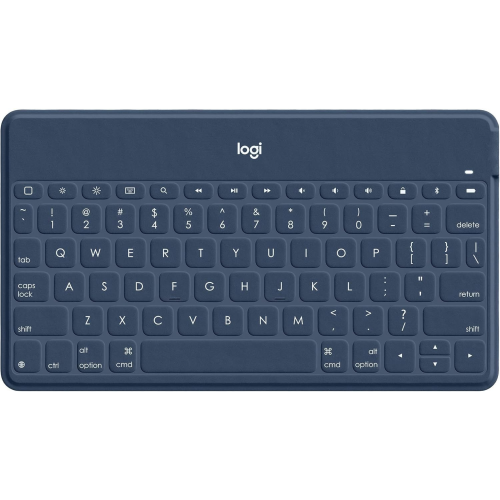
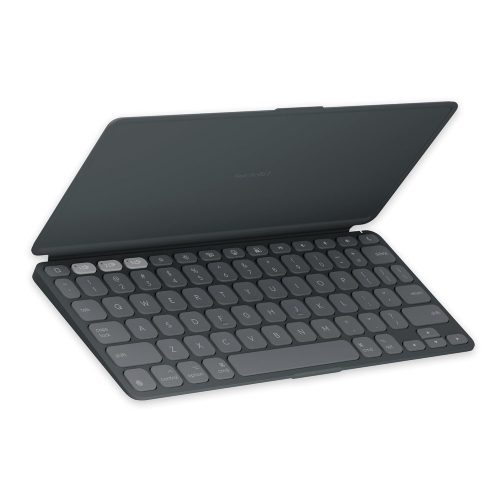
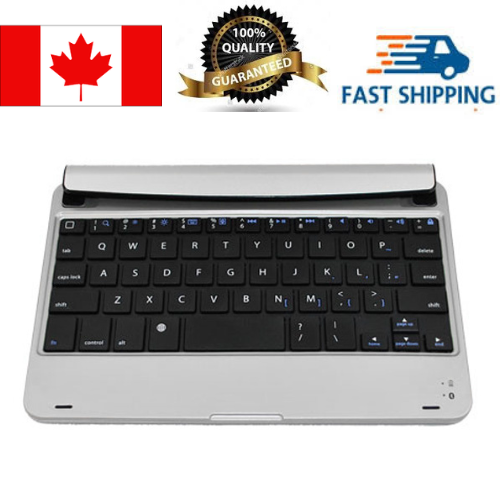
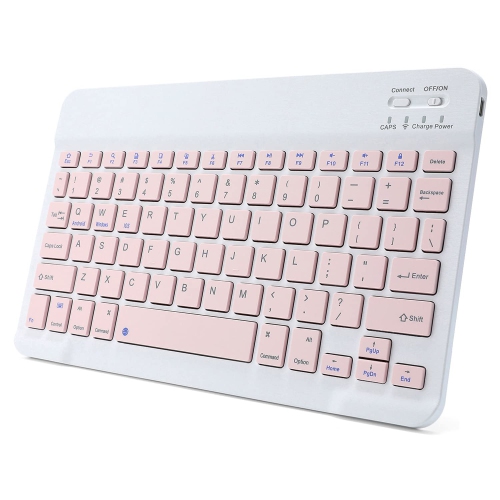
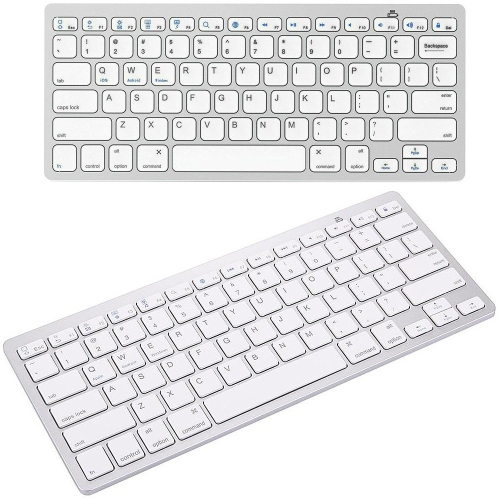
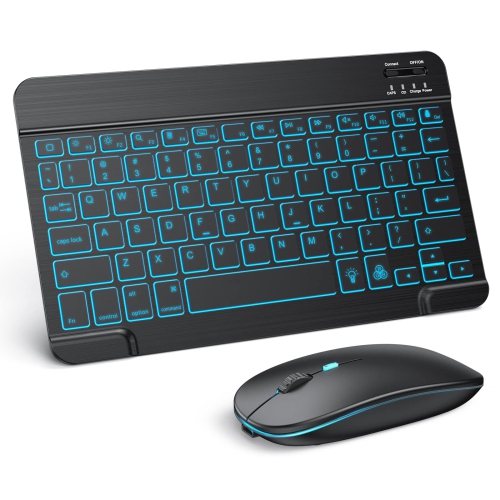
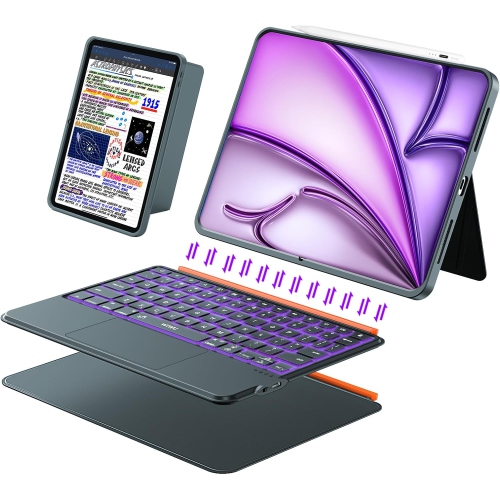
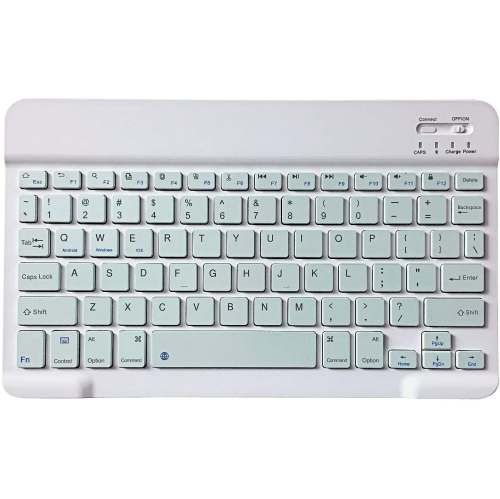
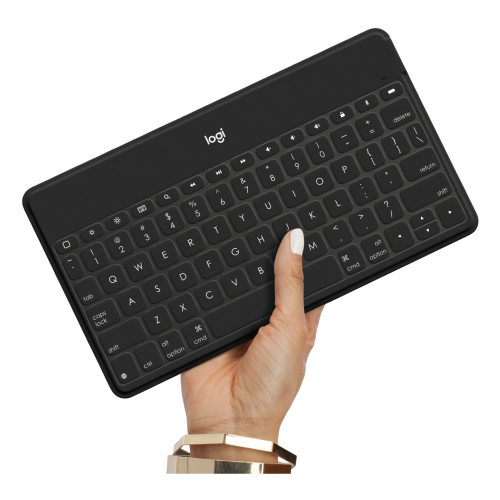
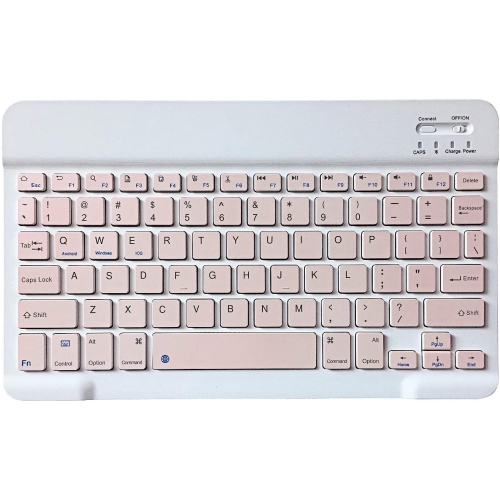
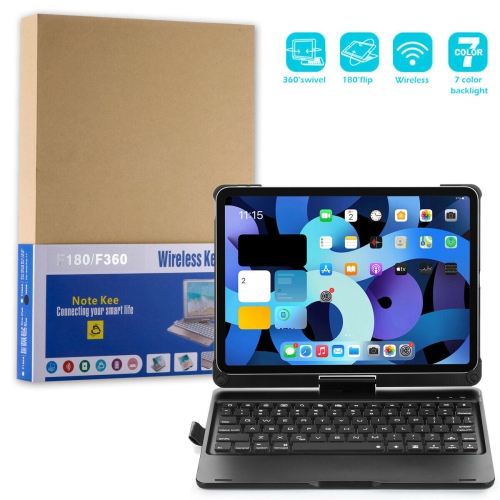
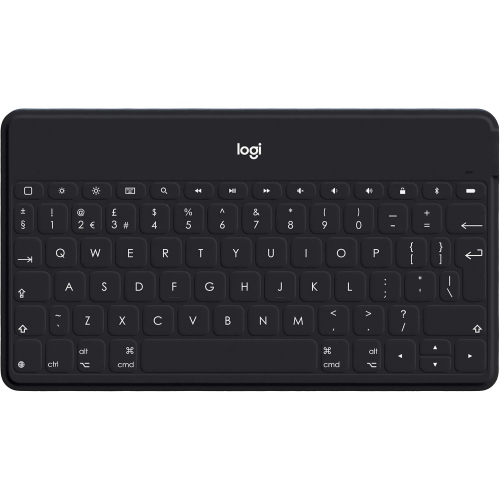
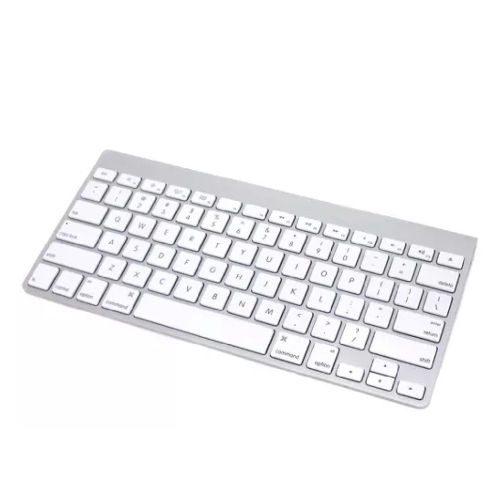
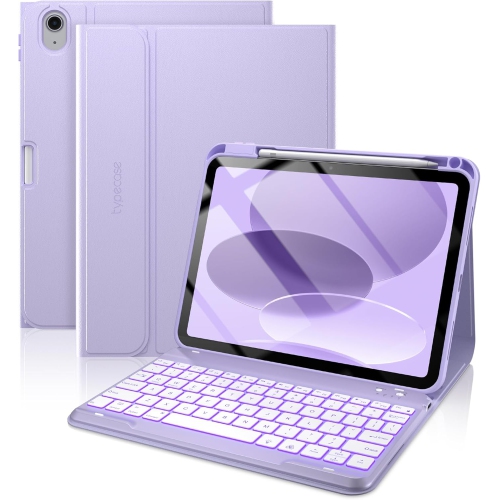
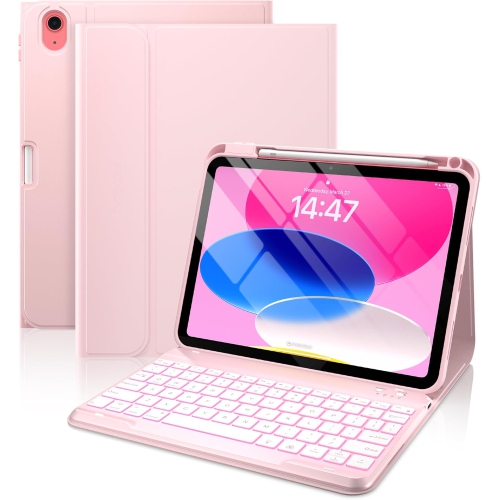
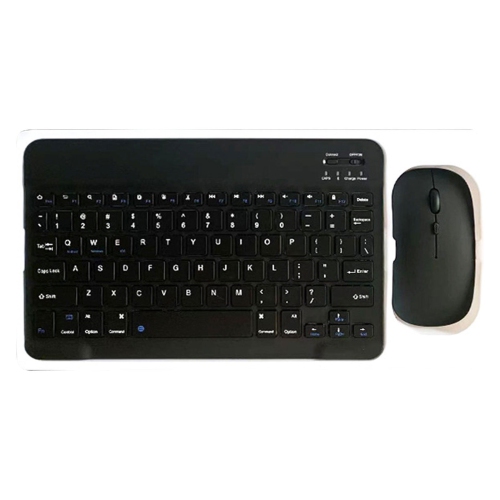
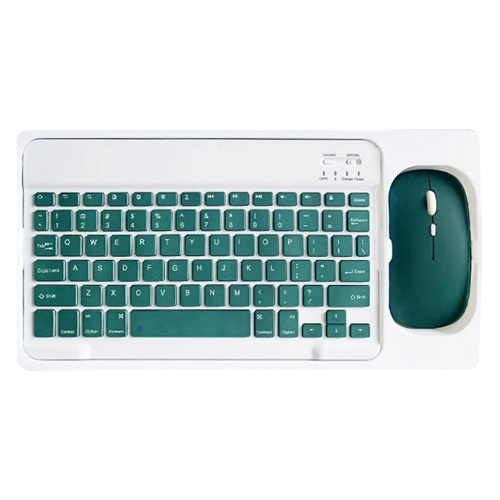
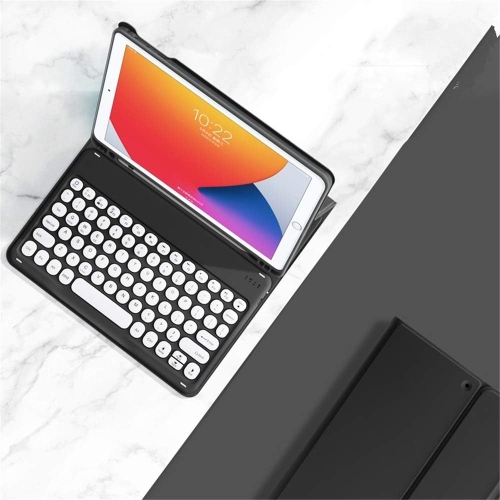
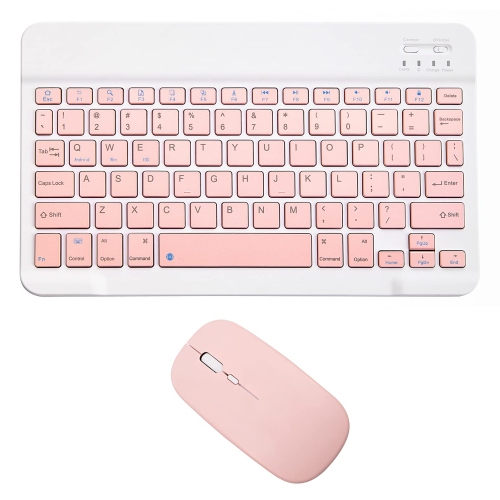
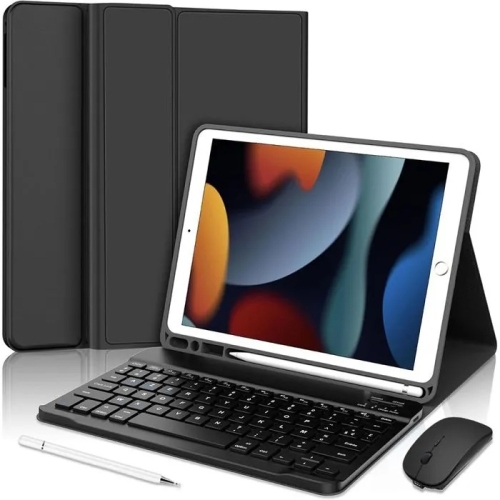
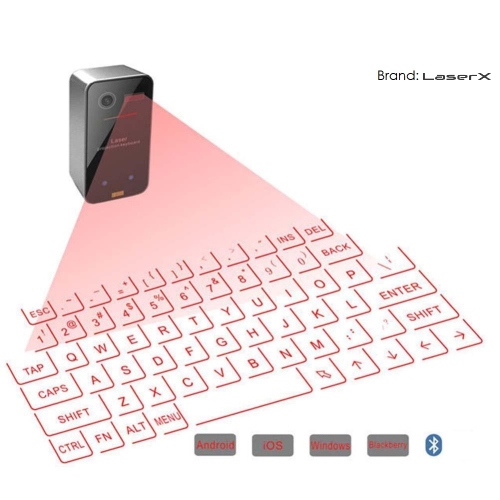
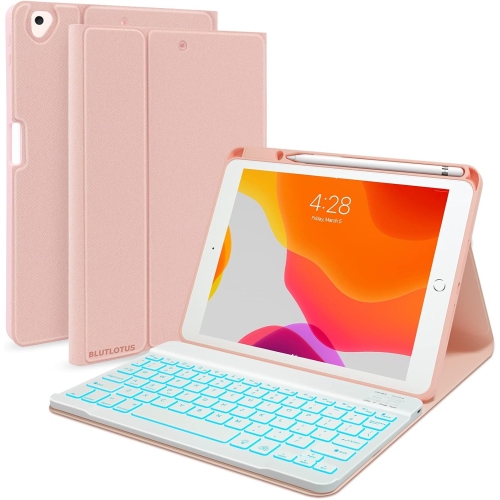
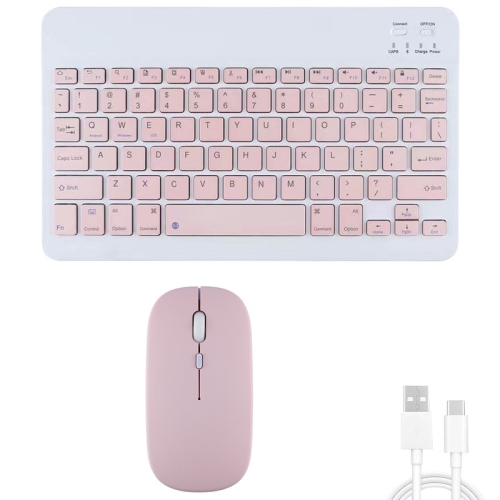
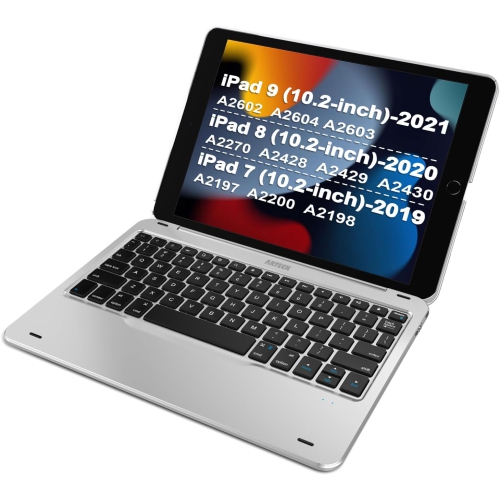
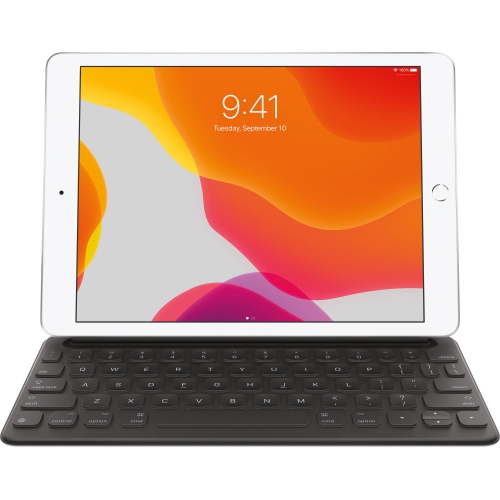
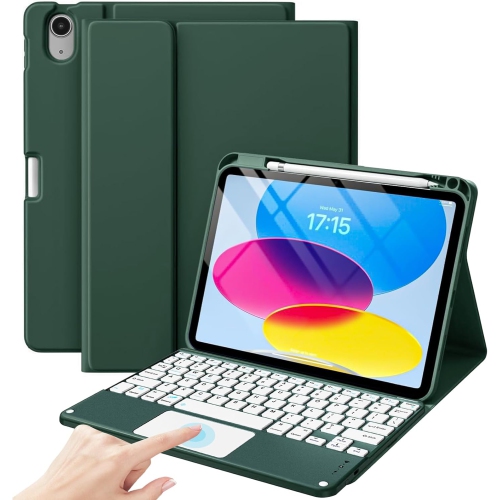
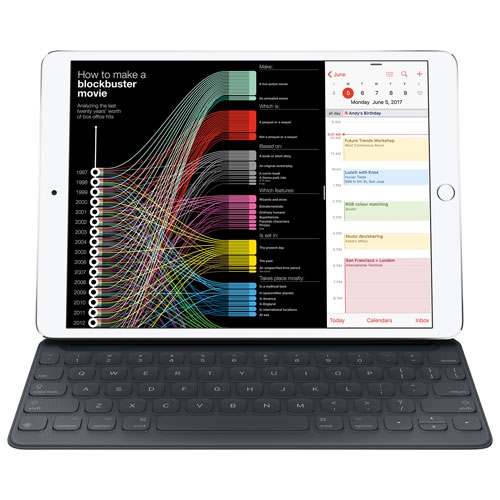
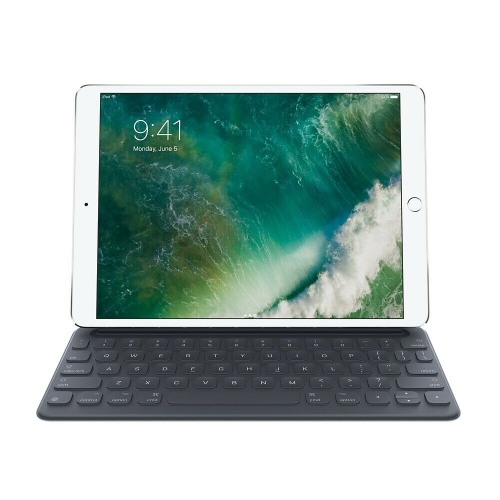
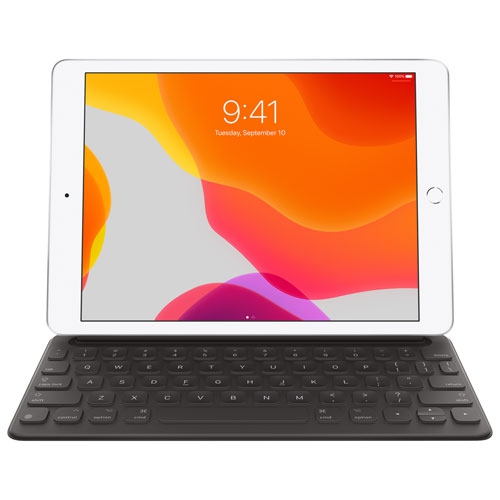
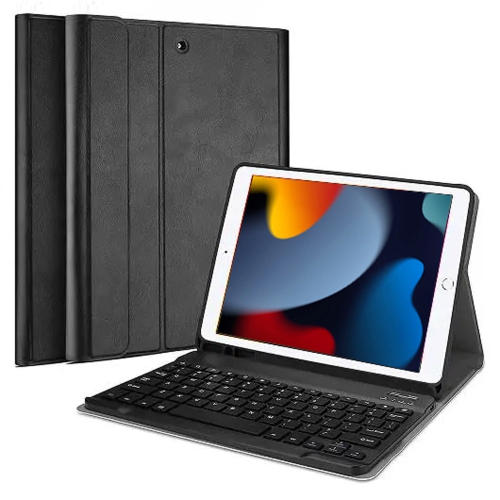
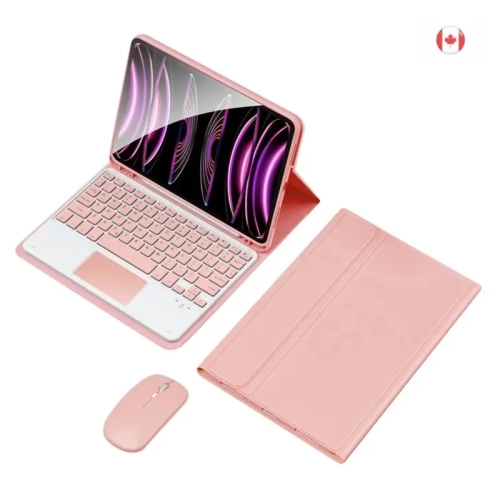
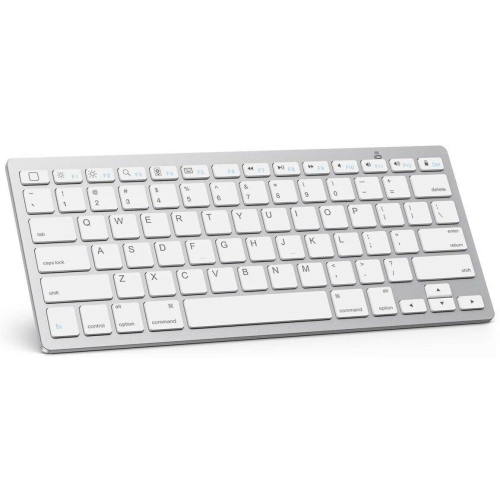
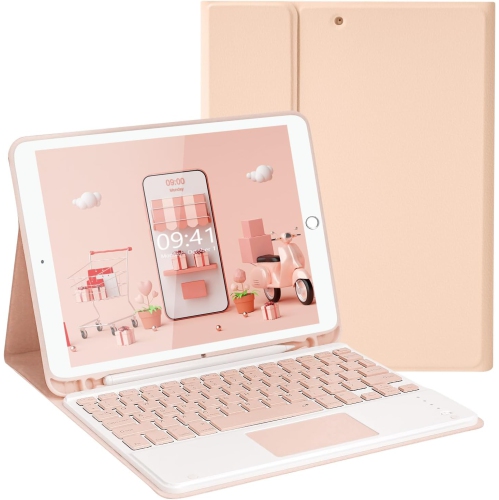
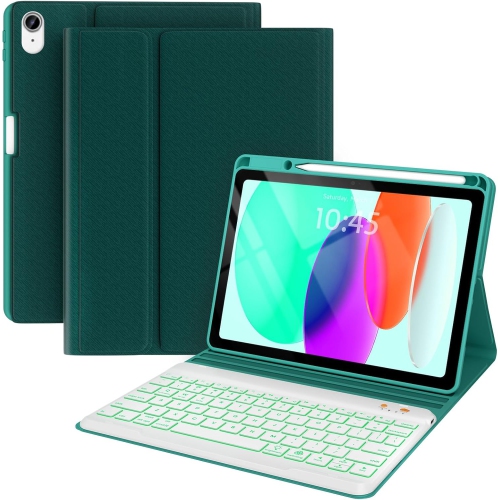
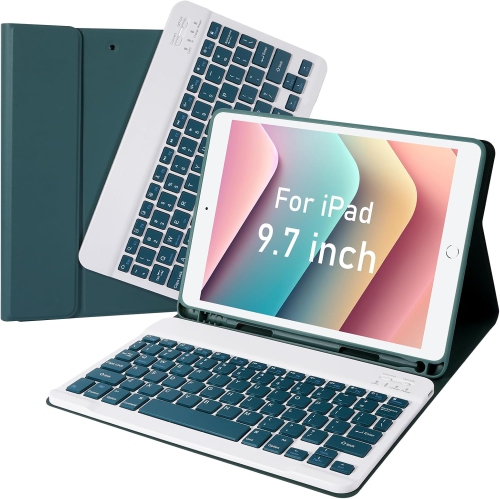
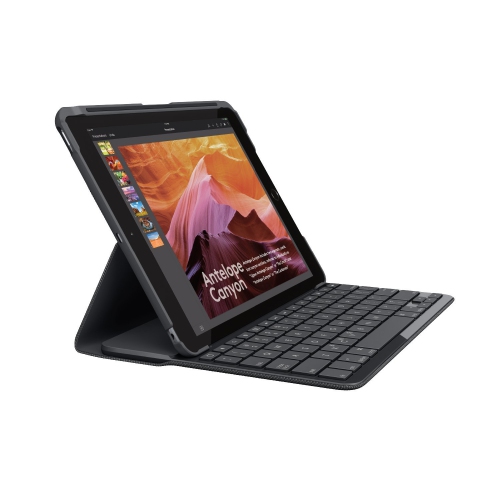
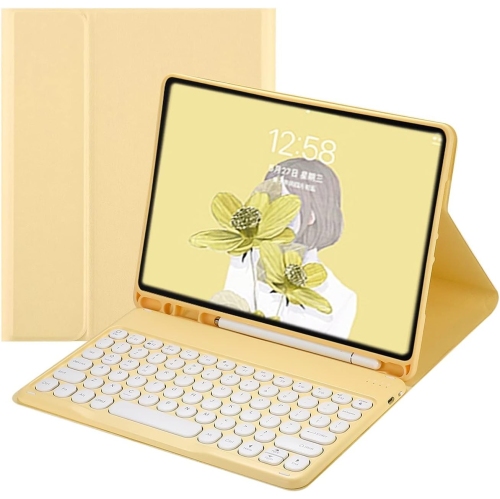
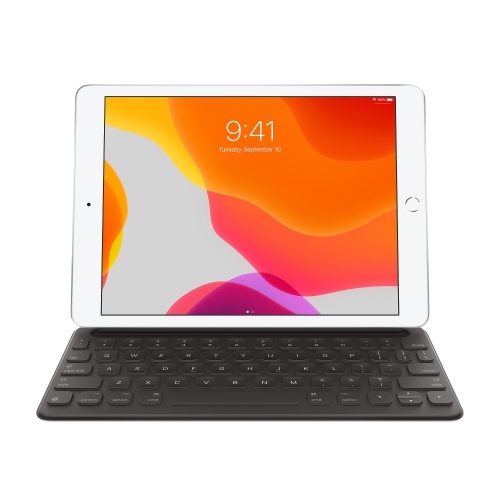
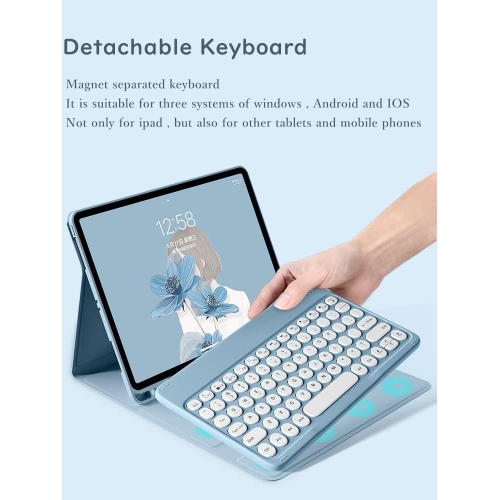
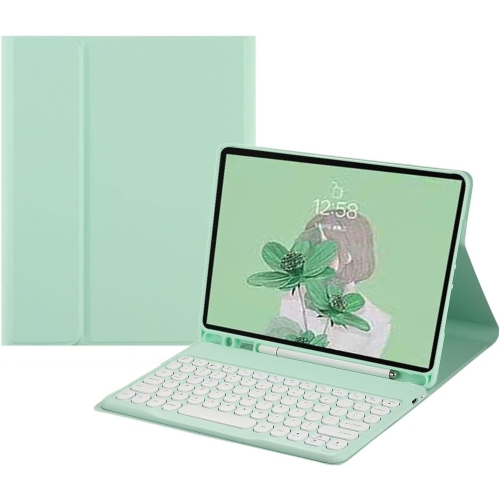
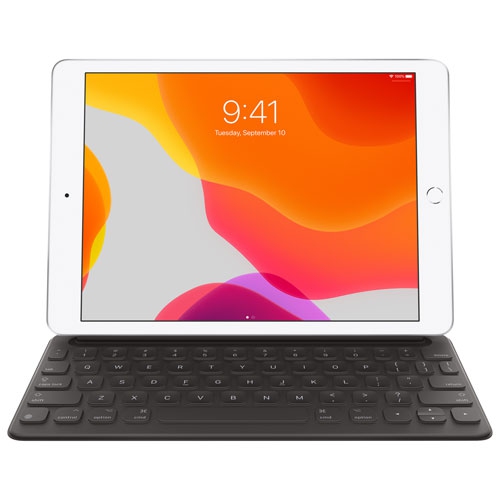
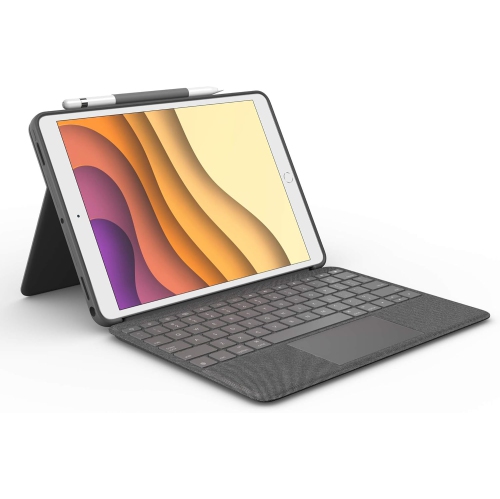
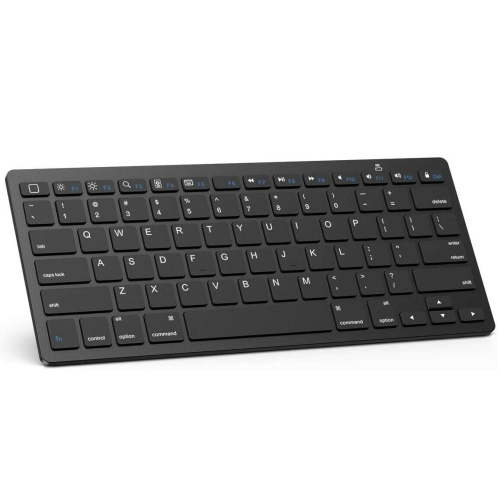
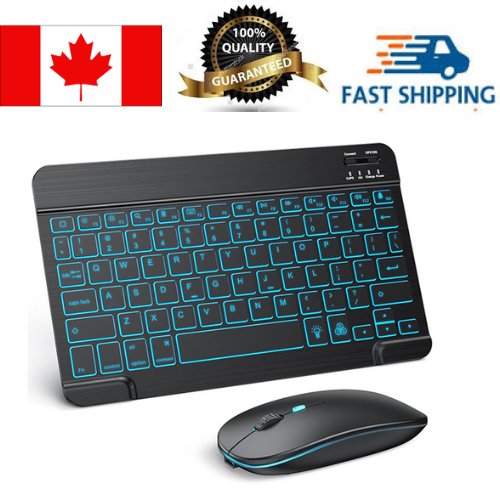
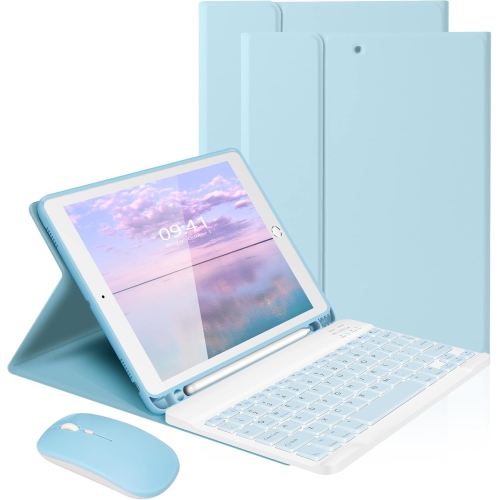
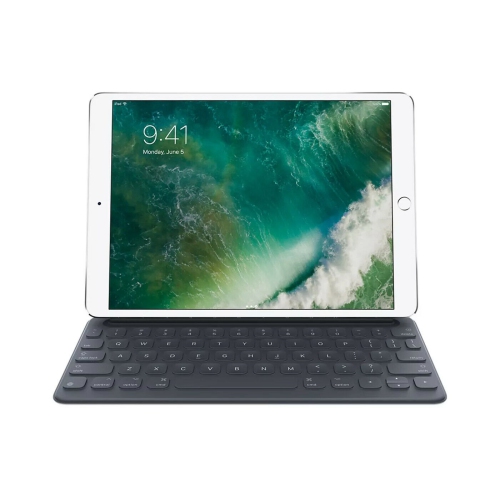
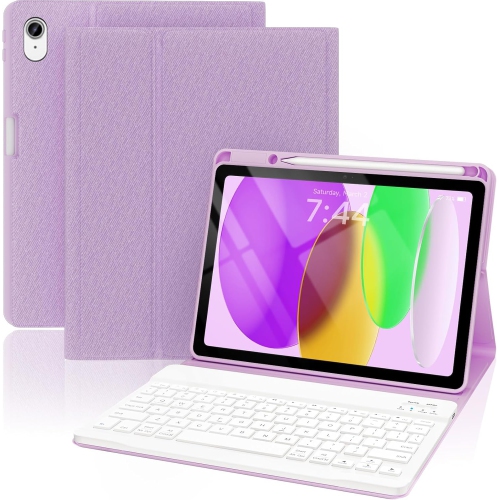
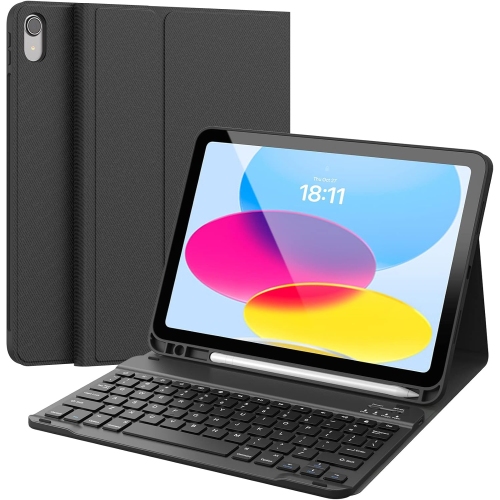
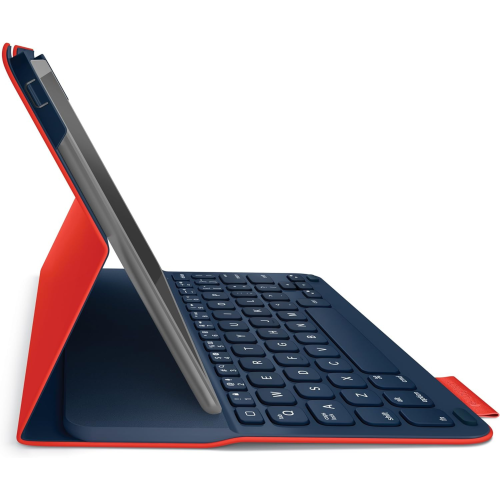
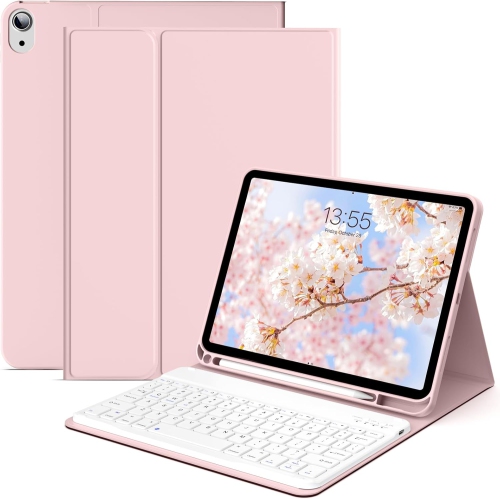
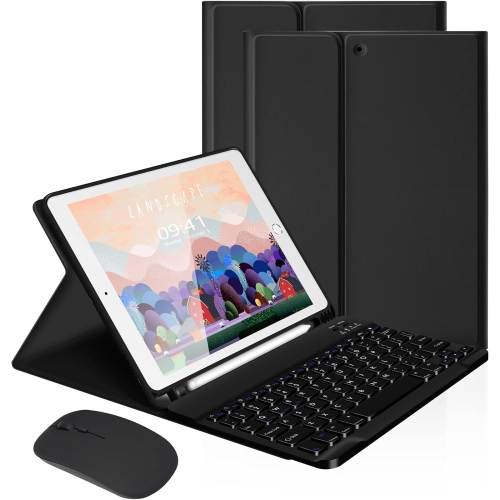
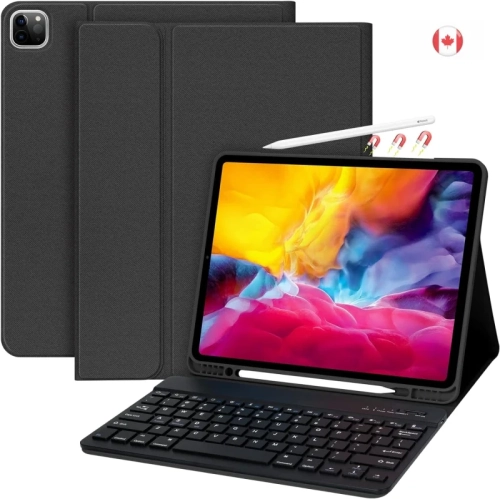
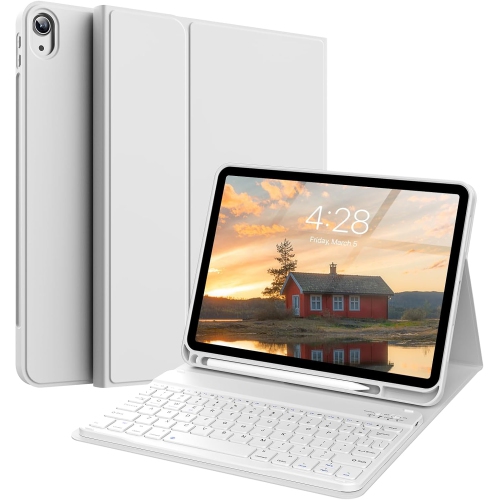
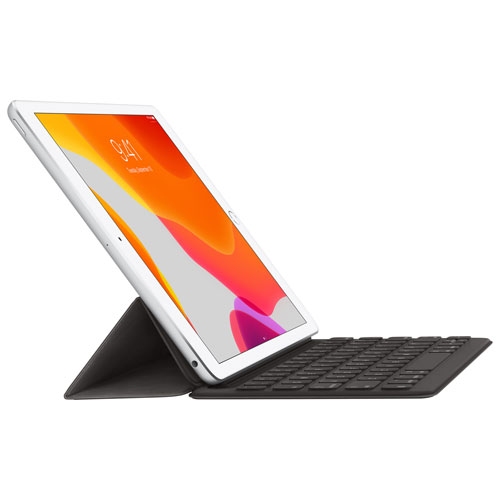
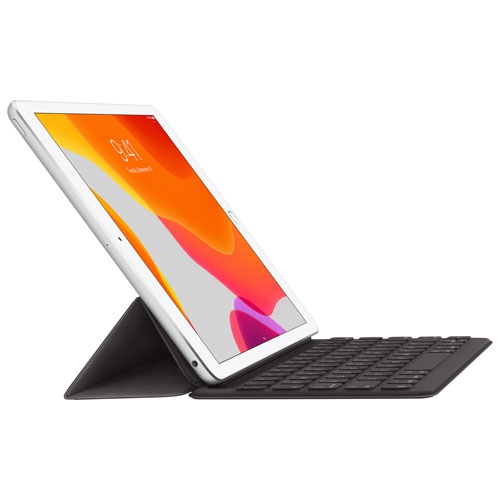
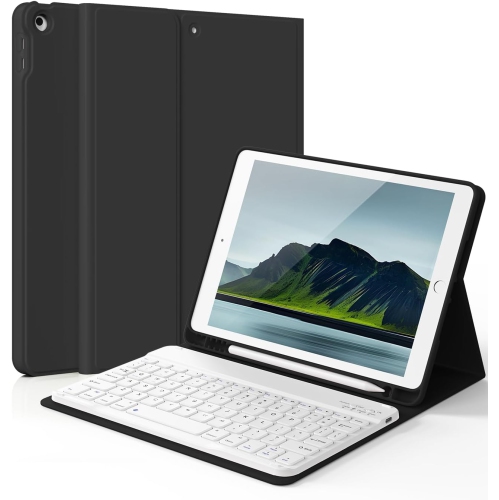
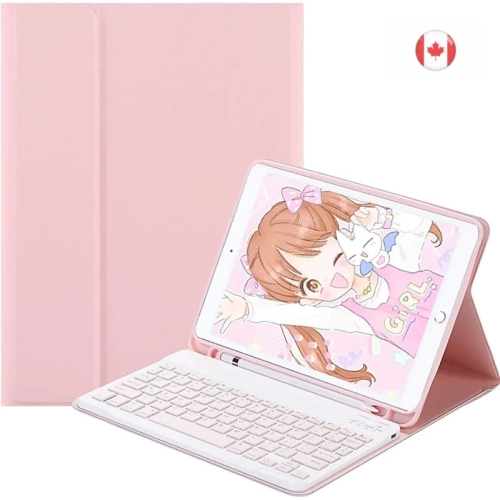
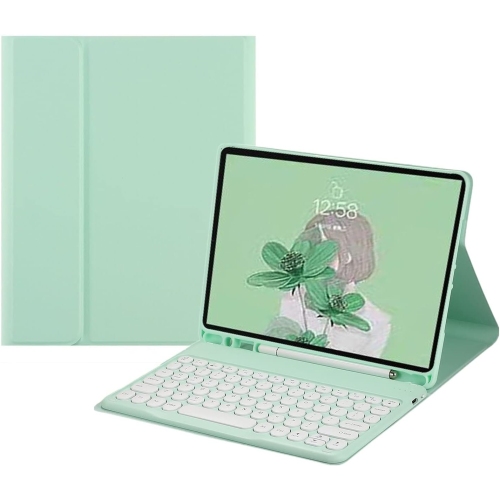
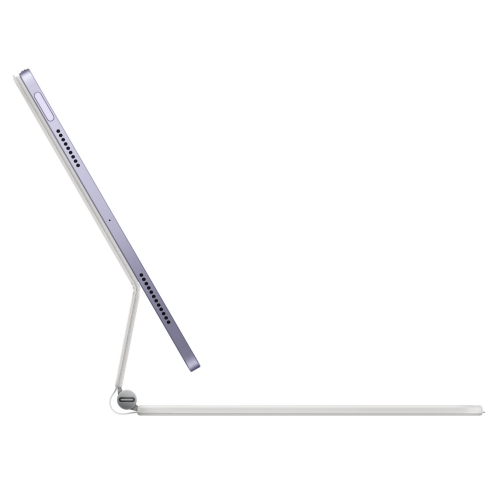
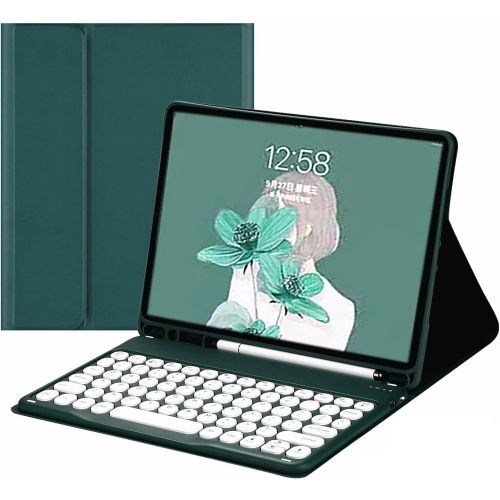
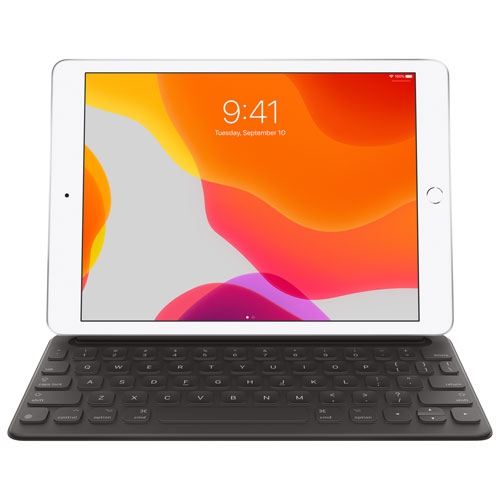
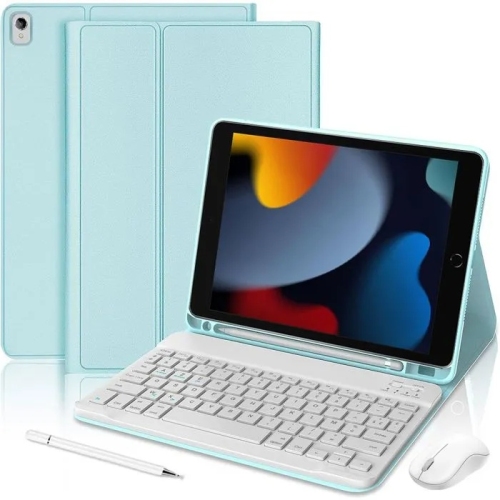
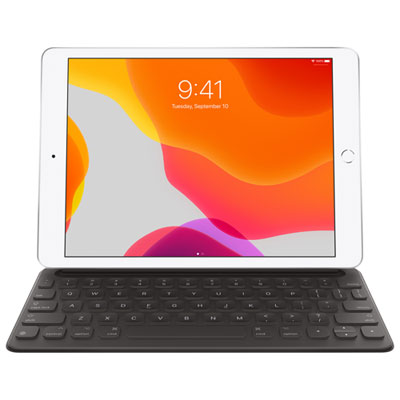
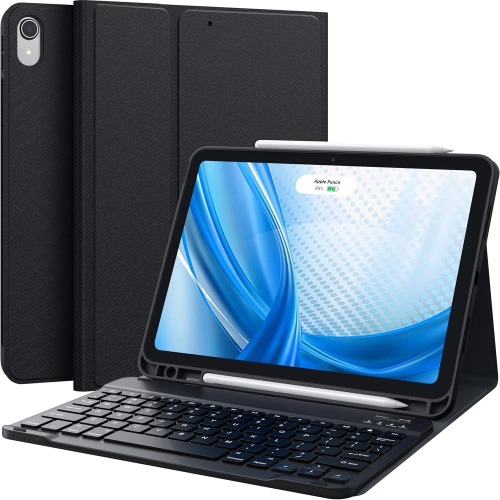
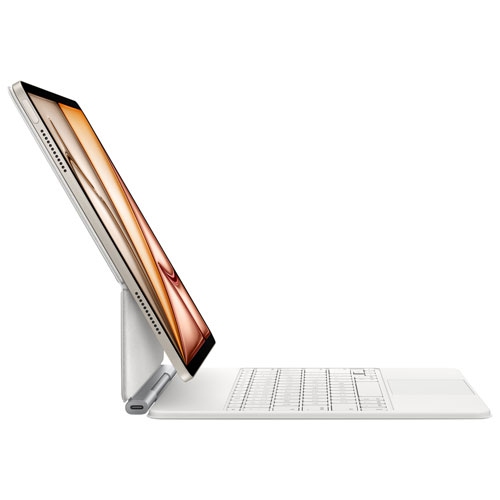
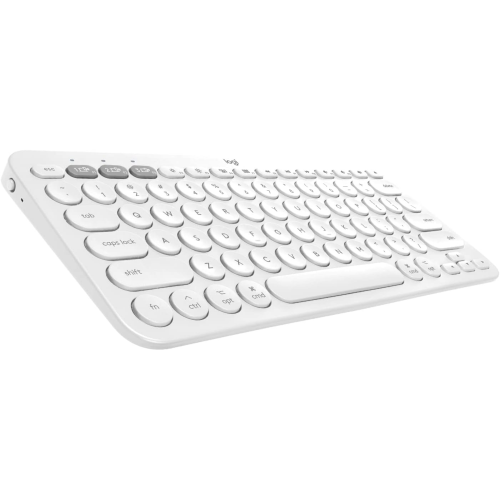
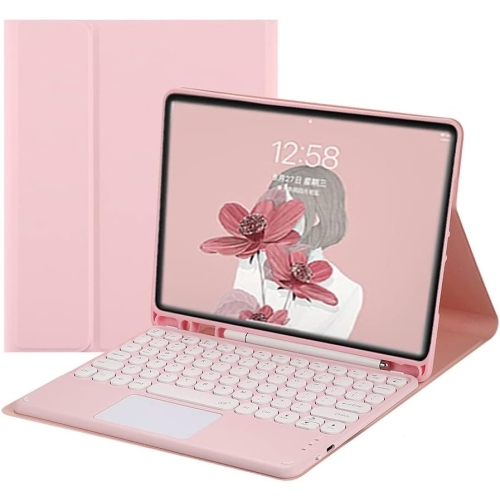
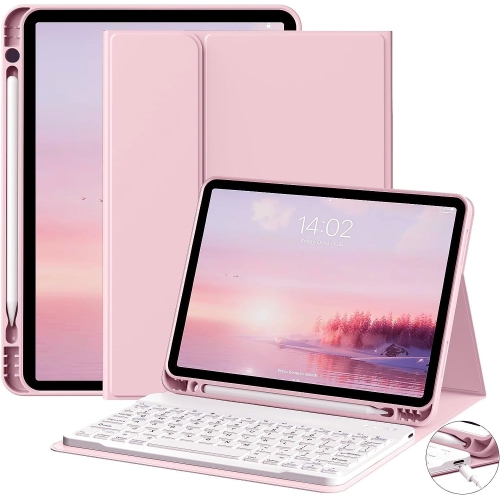
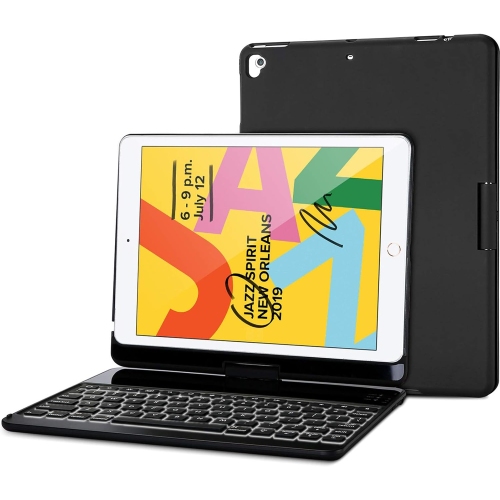
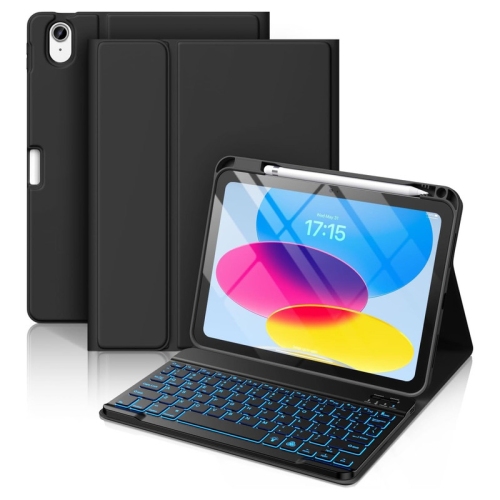
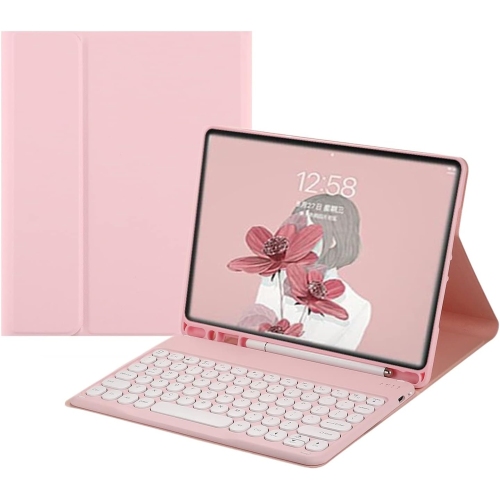
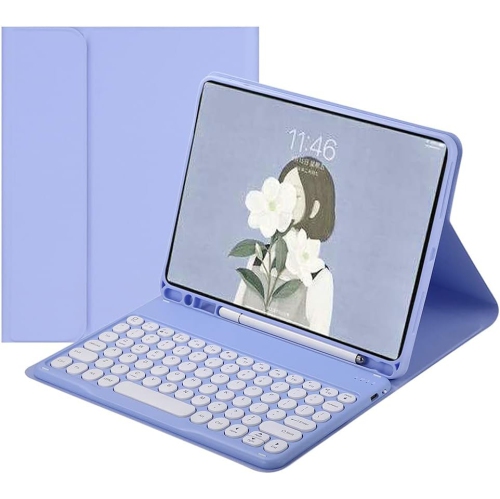
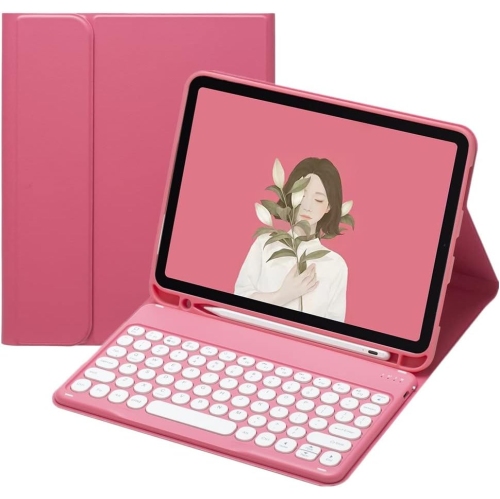
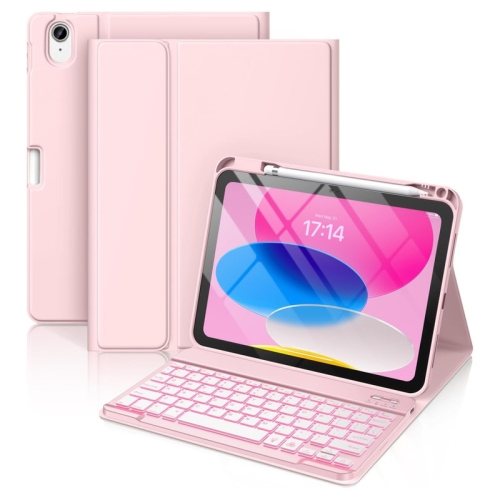
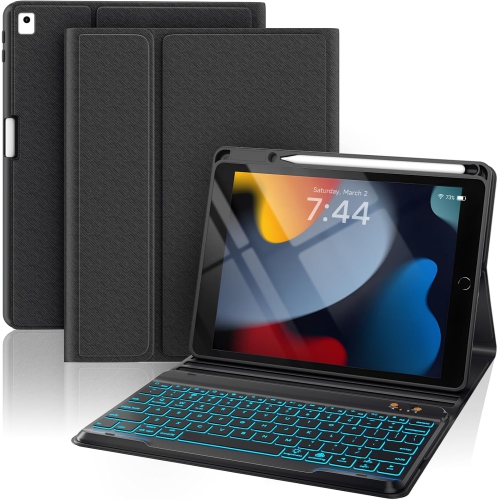
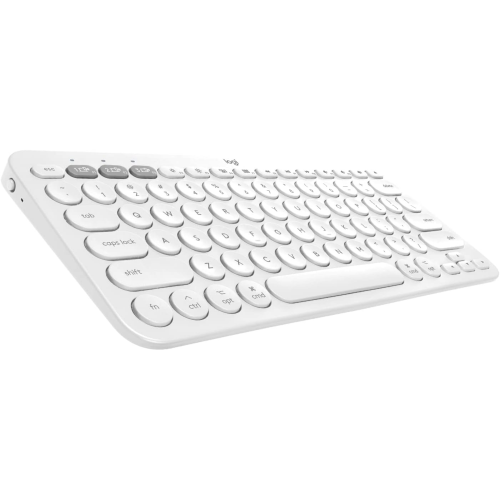
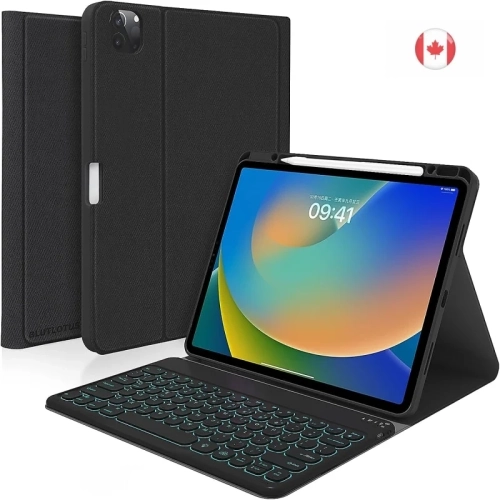
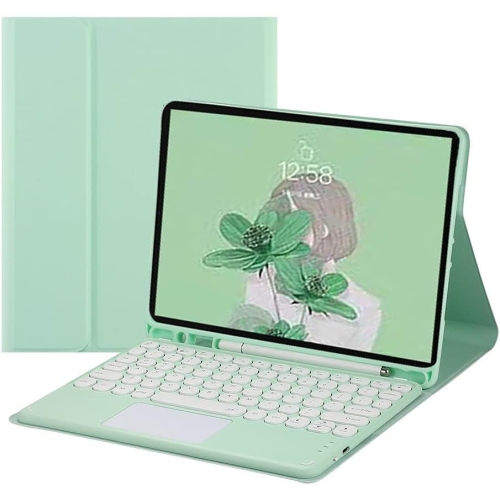
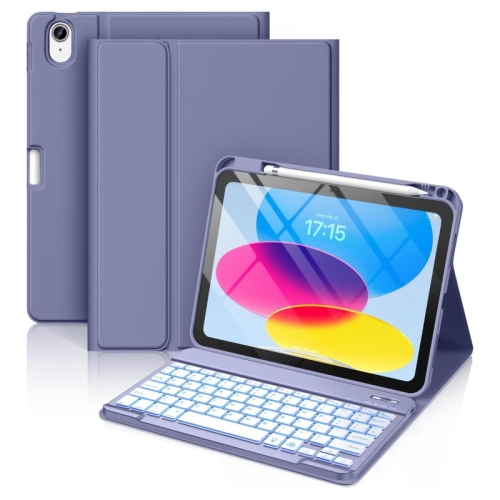
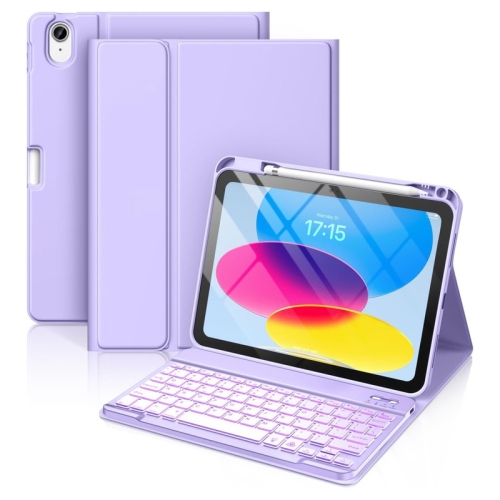
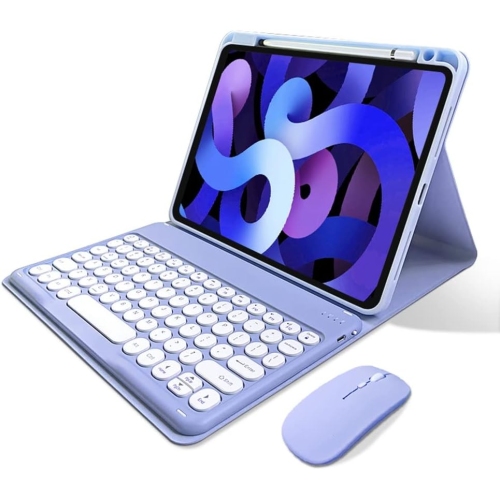
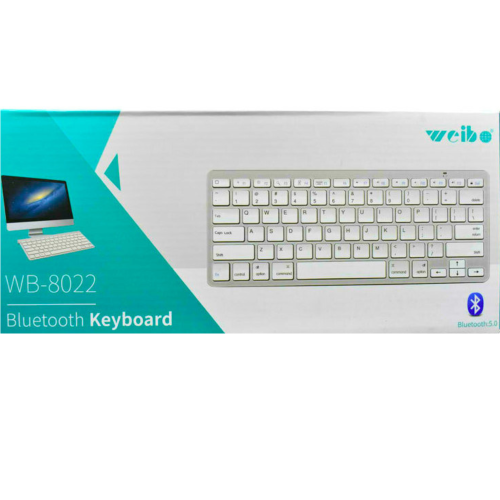
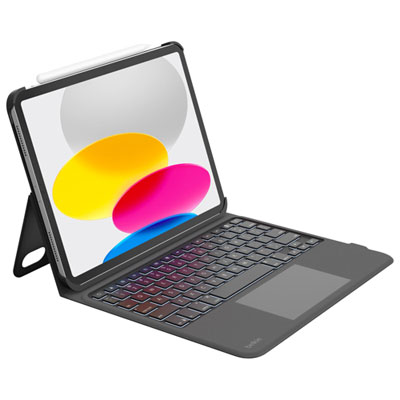
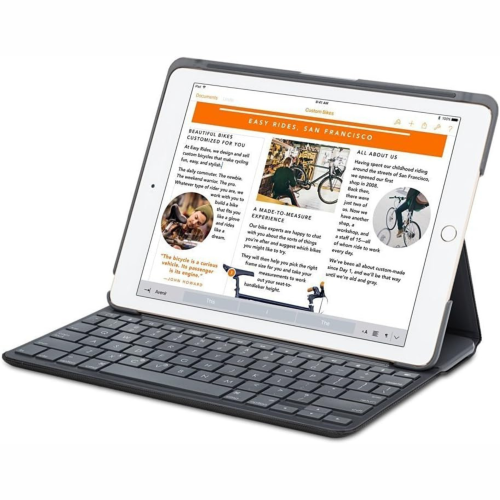
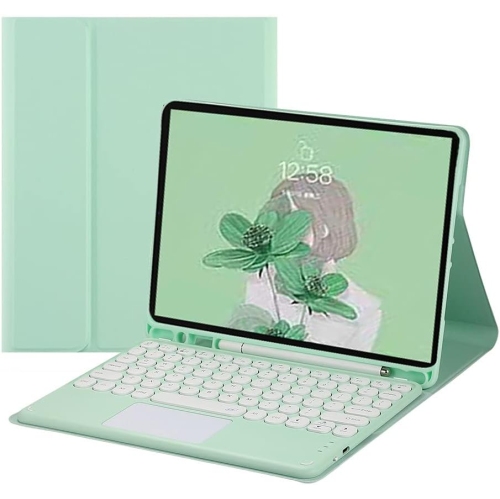
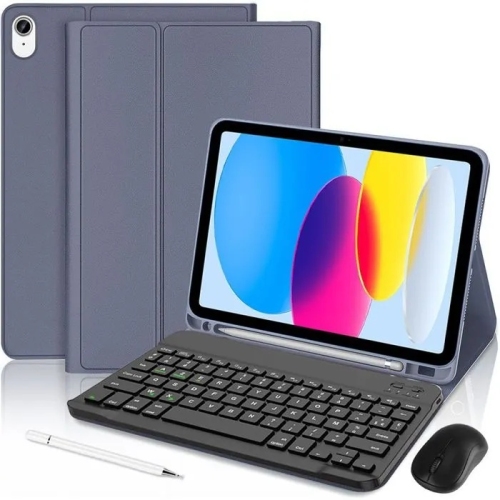
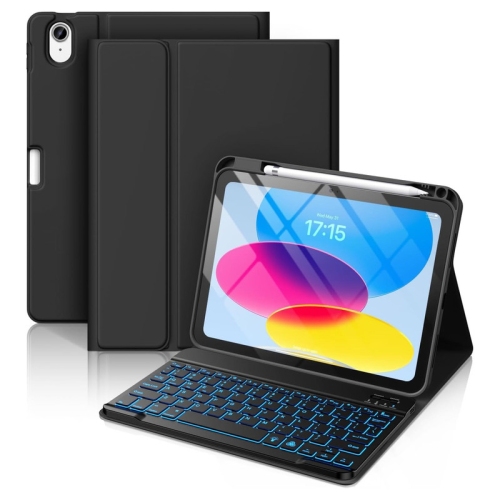
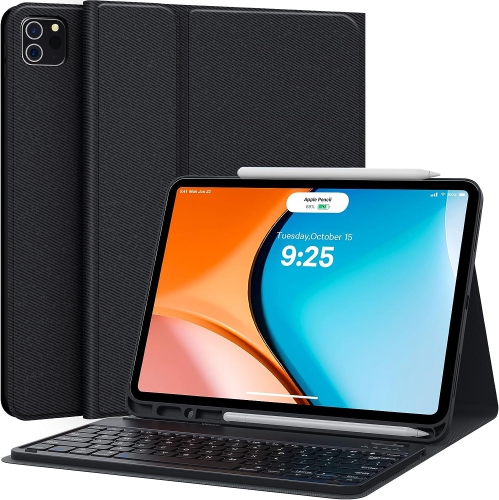
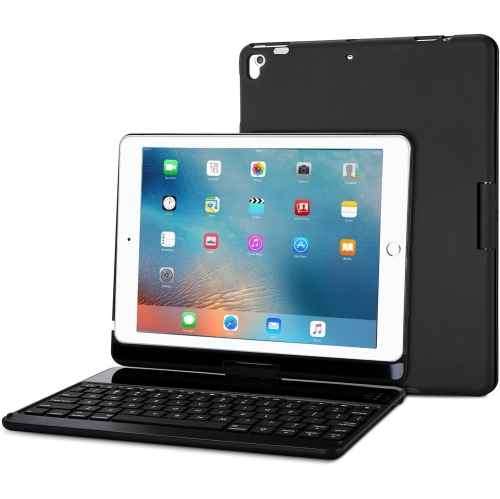
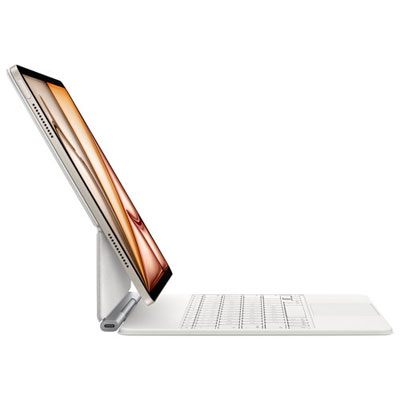
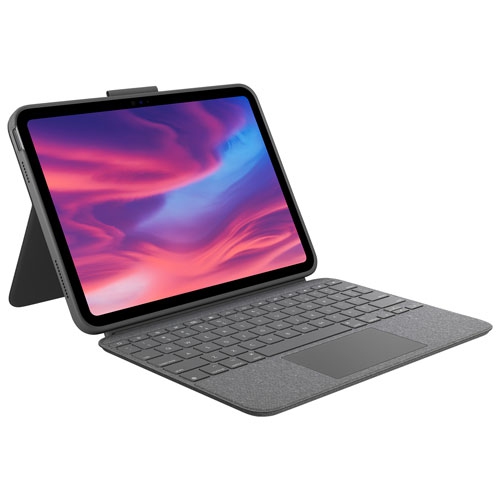
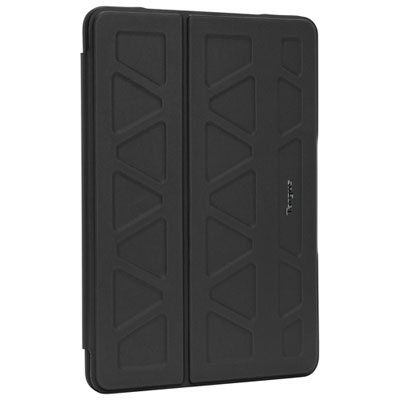
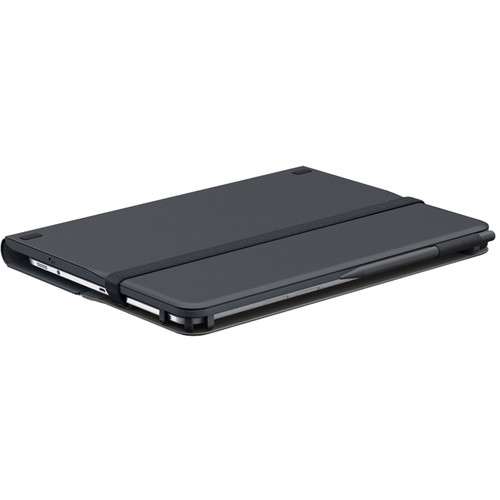
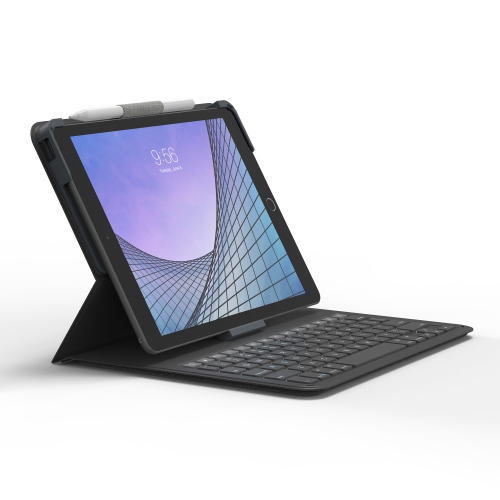
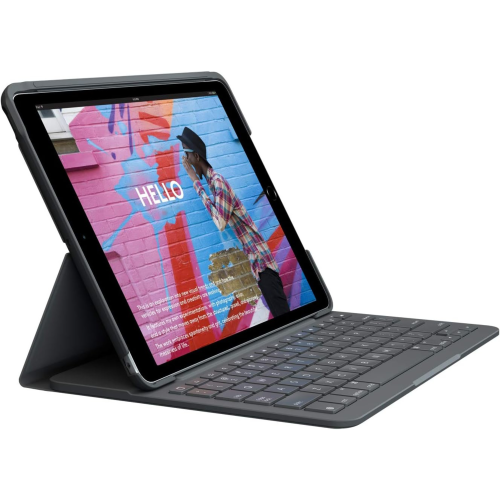
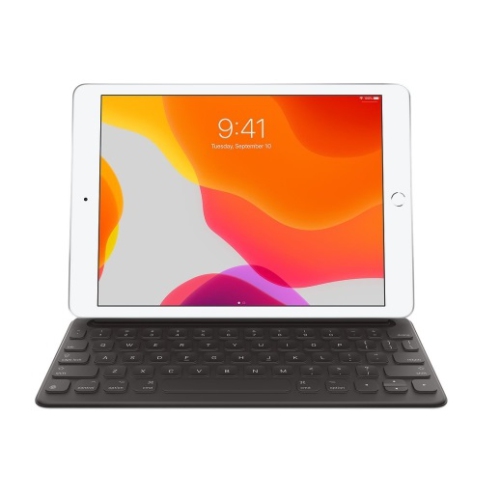
Wireless iPad keyboards make it easier to move from casual tablet use to focused typing without giving up the portability that makes an iPad so useful. Add a keyboard and the same slim device can handle school notes, travel plans, meeting minutes, emails, shopping lists, creative drafts, and longer messages with much less tapping on the glass screen. For many people, the most convenient option is a keyboard built into a protective folio or case. This style keeps the iPad and keyboard together, adds support for different viewing angles, and can help protect the display and back when the tablet is carried between rooms, classrooms, offices, cafés, and home. A standalone wireless keyboard offers a different kind of flexibility. It can be placed at a comfortable distance from the iPad on a desk, kitchen counter, or bedside table, leaving room for a mouse, notebook, monitor, or other accessories. Lightweight designs are particularly handy for commuters, students, travellers, and anyone who likes to keep a small work setup in a backpack. Browse Lightweight Portable iPad Keyboards for options suited to a more mobile setup. When comparing keyboards, start with the iPad model and generation, since case-style designs are shaped for specific dimensions and connection points. A keyboard that fits one size of iPad may not align correctly with another, even when the devices look similar. Checking the exact model number in the iPad settings or on the original packaging can help avoid an inconvenient mismatch.
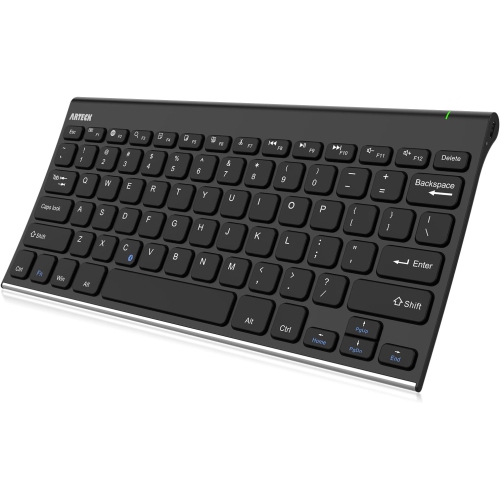
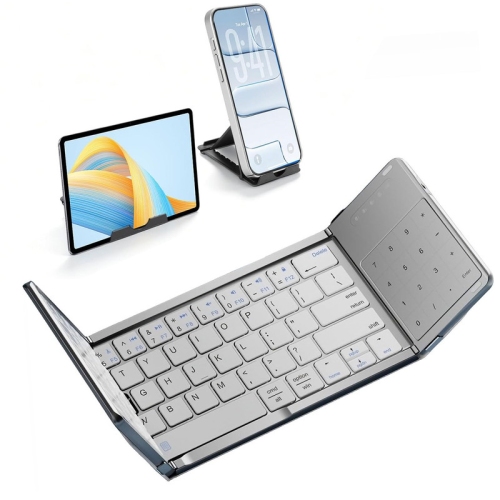
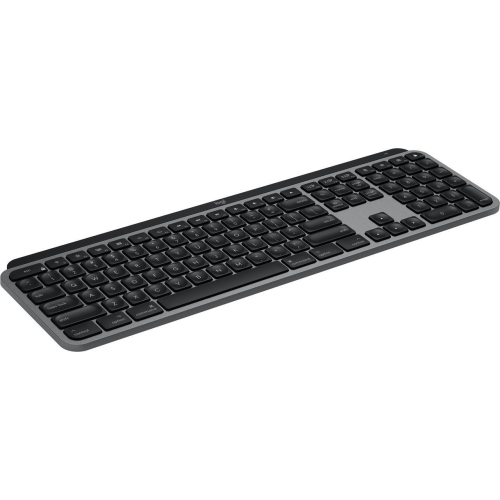
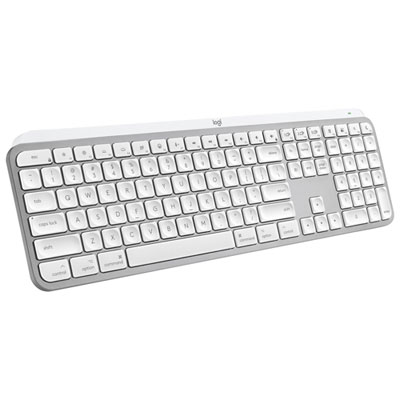
Connection type is another important consideration. Bluetooth keyboards pair wirelessly through the iPad’s settings and are often compatible with a broad range of devices, making them a practical choice for households where one keyboard may be used with an iPad, phone, or computer. Some compact keyboards can remember more than one device and switch between them with a dedicated button, which is useful for moving from an iPad document to a phone message without repeating the pairing process. Bluetooth models require their own power source, so look for details about charging, battery life, and whether the keyboard uses a rechargeable battery or replaceable batteries. A rechargeable keyboard can be topped up with a cable between uses, while replaceable batteries may be convenient for a guest room, classroom, or travel bag where charging cables are easy to forget. Other keyboard cases use a direct tablet connection system rather than Bluetooth. These can reduce pairing steps and may draw power from the iPad, although compatibility is typically more limited and the keyboard may need to remain attached to the case. For a more laptop-like experience, consider whether a built-in trackpad is useful. A trackpad can make it faster to select text, move a cursor, open links, arrange windows, and navigate longer documents, especially when the iPad is positioned on a stand. Without one, the touchscreen remains available, and a separate mouse can be added later if needed. Key layout and feel matter just as much as wireless convenience. Look for comfortably spaced keys, a familiar Canadian or bilingual layout when required, dedicated shortcuts for brightness and media controls, and a stable base that does not shift while typing. A backlit keyboard can be helpful in a dim room or during an evening flight, while a low-profile design may slip more easily into a sleeve or tote. A kickstand or adjustable hinge can also make a noticeable difference by letting the screen sit upright for typing, lean back for reading, or rest at a suitable angle for video calls.
Wireless iPad keyboards can suit a wide range of users and make thoughtful gifts for students, remote workers, writers, frequent travellers, and family members who use an iPad for staying organized. A student may use one to draft assignments in the library, take quick notes during a lecture, or turn a tablet into a compact study station at the dining table. Someone working from home may appreciate the ability to answer messages and update documents without reaching repeatedly across the screen. For travellers, a slim keyboard can transform an iPad into a convenient planning tool for itineraries, reservations, journalling, and downloaded documents, while a protective case can provide extra peace of mind in a crowded bag. At home, a keyboard can help with recipes displayed on the counter, household schedules, personal correspondence, or managing family calendars. It can also be helpful for older users who find physical keys more familiar and easier to see than an on-screen keyboard. Before choosing, think about where the keyboard will be used most often. A folio case is a strong fit for someone who carries the iPad from place to place and wants an all-in-one solution; a separate keyboard may be better for a fixed desk or a shared device used by several family members. Consider the added weight of a case, the space available in a bag, the need for drop and scratch protection, and whether the iPad will be used in portrait orientation as well as landscape. It is also worth checking how the keyboard folds or detaches, whether the tablet can be charged while it is attached, and whether the design leaves access to cameras, speakers, and charging ports. During the warmer months and into cooler days spent indoors, a wireless keyboard can help an iPad fit naturally into changing routines, from working at a patio table to writing at a kitchen island or settling into a quiet corner at home. Choosing the right combination of fit, connection, comfort, portability, protection, and battery convenience makes the keyboard feel less like an extra accessory and more like a natural extension of the iPad.
Connection type is another important consideration. Bluetooth keyboards pair wirelessly through the iPad’s settings and are often compatible with a broad range of devices, making them a practical choice for households where one keyboard may be used with an iPad, phone, or computer. Some compact keyboards can remember more than one device and switch between them with a dedicated button, which is useful for moving from an iPad document to a phone message without repeating the pairing process. Bluetooth models require their own power source, so look for details about charging, battery life, and whether the keyboard uses a rechargeable battery or replaceable batteries. A rechargeable keyboard can be topped up with a cable between uses, while replaceable batteries may be convenient for a guest room, classroom, or travel bag where charging cables are easy to forget. Other keyboard cases use a direct tablet connection system rather than Bluetooth. These can reduce pairing steps and may draw power from the iPad, although compatibility is typically more limited and the keyboard may need to remain attached to the case. For a more laptop-like experience, consider whether a built-in trackpad is useful. A trackpad can make it faster to select text, move a cursor, open links, arrange windows, and navigate longer documents, especially when the iPad is positioned on a stand. Without one, the touchscreen remains available, and a separate mouse can be added later if needed. Key layout and feel matter just as much as wireless convenience. Look for comfortably spaced keys, a familiar Canadian or bilingual layout when required, dedicated shortcuts for brightness and media controls, and a stable base that does not shift while typing. A backlit keyboard can be helpful in a dim room or during an evening flight, while a low-profile design may slip more easily into a sleeve or tote. A kickstand or adjustable hinge can also make a noticeable difference by letting the screen sit upright for typing, lean back for reading, or rest at a suitable angle for video calls.
Wireless iPad keyboards can suit a wide range of users and make thoughtful gifts for students, remote workers, writers, frequent travellers, and family members who use an iPad for staying organized. A student may use one to draft assignments in the library, take quick notes during a lecture, or turn a tablet into a compact study station at the dining table. Someone working from home may appreciate the ability to answer messages and update documents without reaching repeatedly across the screen. For travellers, a slim keyboard can transform an iPad into a convenient planning tool for itineraries, reservations, journalling, and downloaded documents, while a protective case can provide extra peace of mind in a crowded bag. At home, a keyboard can help with recipes displayed on the counter, household schedules, personal correspondence, or managing family calendars. It can also be helpful for older users who find physical keys more familiar and easier to see than an on-screen keyboard. Before choosing, think about where the keyboard will be used most often. A folio case is a strong fit for someone who carries the iPad from place to place and wants an all-in-one solution; a separate keyboard may be better for a fixed desk or a shared device used by several family members. Consider the added weight of a case, the space available in a bag, the need for drop and scratch protection, and whether the iPad will be used in portrait orientation as well as landscape. It is also worth checking how the keyboard folds or detaches, whether the tablet can be charged while it is attached, and whether the design leaves access to cameras, speakers, and charging ports. During the warmer months and into cooler days spent indoors, a wireless keyboard can help an iPad fit naturally into changing routines, from working at a patio table to writing at a kitchen island or settling into a quiet corner at home. Choosing the right combination of fit, connection, comfort, portability, protection, and battery convenience makes the keyboard feel less like an extra accessory and more like a natural extension of the iPad.
Top selling and popular products
-
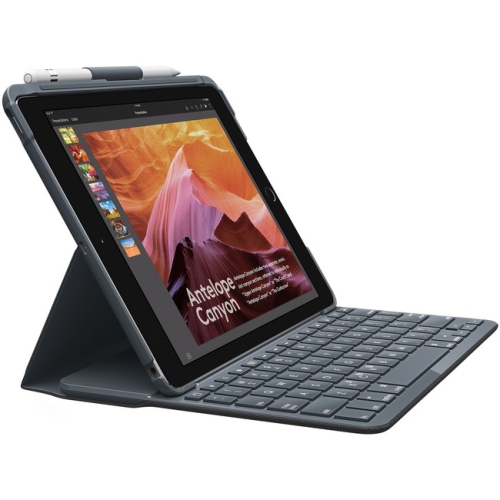 Your price for this item is $152.47
 -
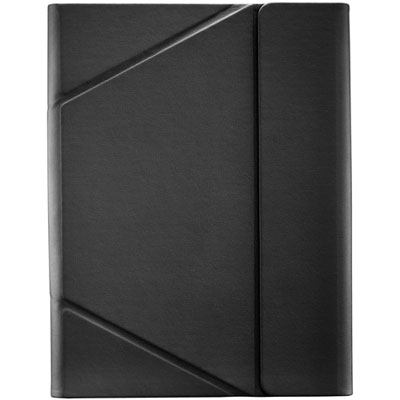 Your price for this item is $44.99
 -
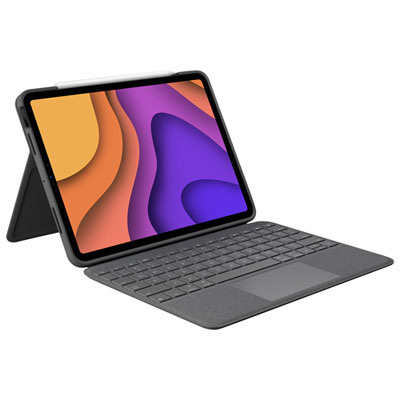 Your price for this item is $229.99
 -
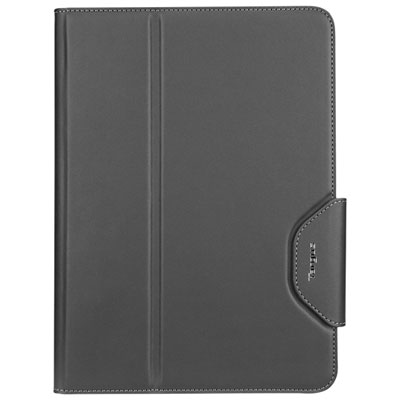 Your price for this item is $51.98
 -
 Your price for this item is $187.47
 -
 Your price for this item is $44.98
 -
 Your price for this item is $115.68
 -
 Your price for this item is $69.99
Discover more categories related to Wireless iPad Keyboards

Top Collections:
Pokemon Centers, Best Cameras for Sports Photography, Kindle Devices, Samsung Galaxy Phones, Canon G7X Cameras, Pokémon 30th Celebration Cards, Refurbished Apple Laptops, iPhone 15 Apple, Laptops for Students, Budget Smartphones
Some products may be subject to Environmental Handling Fees
(EHF) depending on your province.
Learn more about EHFs.