Logitech Pro Superlight 2
Experience next-level performance with the Logitech Pro Superlight 2, designed for those who demand precision and speed in every move. Whether you're aiming to elevate your gaming setup or enhance productivity, this innovative device offers the reliability and comfort needed for long sessions. Explore options that combine sleek design with advanced technology, making the Logitech Pro Superlight 2 an essential addition to any workspace or gaming station.
Sort
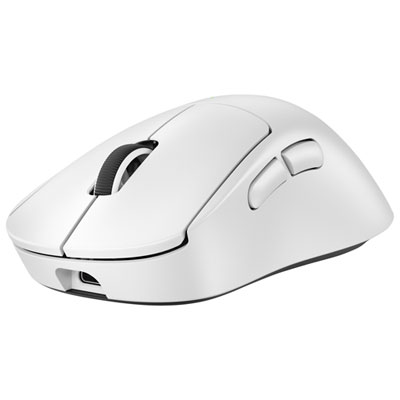

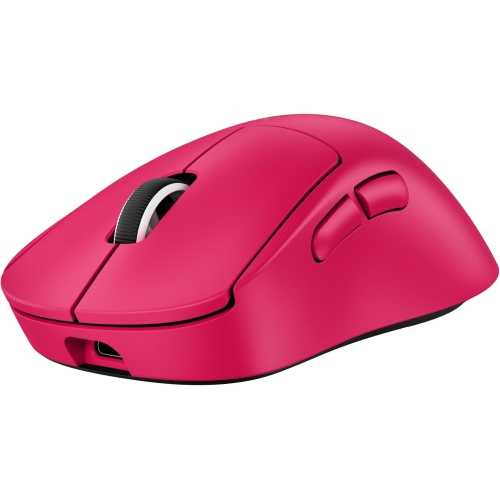
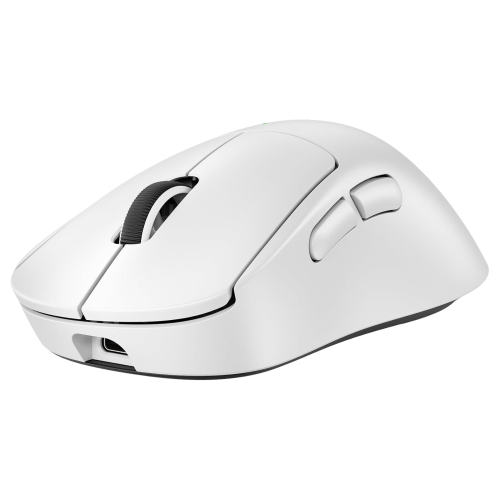
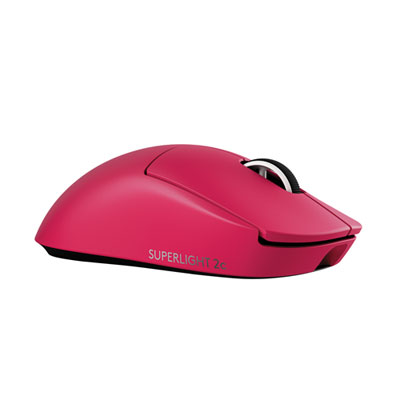


Why ultralight gaming mice are about more than weight
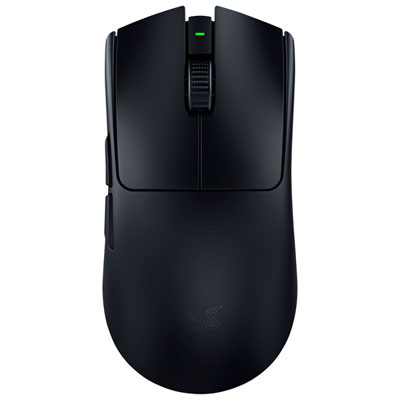
Ultralight wireless gaming mice are built for quick, controlled movement in competitive PC games, combining a low-mass body with precise optical tracking and a cable-free connection. Designs in the roughly 60-gram class emphasize easy acceleration, quick stops, and comfortable repositioning during repeated movements across a mouse pad. This makes them especially relevant to first-person shooters, where a player might sweep across a large surface to turn, then make a tiny adjustment to line up a distant target. Lower weight can reduce the effort involved in those movements, although comfortable dimensions and familiar handling matter just as much as the number on a specification sheet. A symmetrical shell gives this style of mouse a balanced outline, but its button placement may still favour right-handed use; symmetry alone does not mean that every control is equally accessible with either hand. Competitive designs typically prioritize the main clicks, a scroll wheel, and a small set of side buttons rather than a large bank of commands. That streamlined layout suits players who want essential actions close at hand without changing their grip. Optical sensor performance is another important consideration, particularly the ability to follow fast swipes and small corrections consistently. A high maximum sensitivity setting is not, by itself, a measure of better aim: many players use a lower setting and rely on generous mouse-pad space for broad arm movements. Others prefer higher sensitivity and smaller wrist or fingertip adjustments. The useful combination is predictable tracking, a comfortable shape, and settings that match the player’s habits. These mice also suit fast-paced action games and general desktop use, though someone who relies on many thumb-accessible shortcuts may prefer a different control layout. Their appeal is less about having the most buttons or the brightest lighting and more about keeping the connection between hand movement and on-screen response direct and repeatable.
Fit becomes especially noticeable over a long session, when small differences in shell height, width, and curvature can change where the hand rests. A palm grip places more of the hand against the body, while a claw grip raises the knuckles and a fingertip grip leaves most movement to the fingers. The same mouse can feel roomy to one person and narrow to another, so hand size and grip style are more informative than a simple small, medium, or large label. The position of the rear hump matters too: it can provide support beneath the palm or leave more room for finger-led adjustments, depending on its shape. Lightweight construction often uses a moulded plastic shell, with some designs maintaining a closed surface rather than relying on exposed cut-outs. A well-fitted shell should feel stable through ordinary gripping and clicking; low weight does not need to mean a loose or fragile feel. Surface finish affects handling as well. A smooth coating may feel comfortable during everyday use, while compatible grip tape can add texture where the thumb and fingers make contact. Extra grip material can also alter the feel and dimensions slightly, which matters when the original shape already fits closely. Underneath, low-friction feet, often made from PTFE, help the mouse move across a suitable pad. Their condition and the cleanliness of that surface influence glide, so dust, crumbs, and worn edges can be more noticeable than expected. Routine care is straightforward: switch the mouse off, disconnect any cable, and wipe the shell with a soft, dry cloth, following the manufacturer’s directions for stubborn marks. Liquid should not be sprayed into button gaps, the scroll wheel, or the sensor opening. Keeping the pad clean also limits debris collecting around the feet. For travel between a home desk, a shared gaming space, and organized competitions, a protective pouch or case helps prevent the mouse from being crushed beneath heavier equipment.
Wireless performance depends on the connection method as well as the mouse itself. Competitive wireless designs commonly use a dedicated USB receiver, and that connection should not be assumed to include Bluetooth unless it is specifically listed. Receiver placement can matter at a crowded desk: a clear position near the playing area is generally preferable to hiding it behind a computer tower or among other wireless equipment. Polling rate describes how often the mouse reports information to the computer, while sensor sensitivity describes how movement translates into pointer movement; they are different settings with different effects. Higher polling settings can increase reporting frequency, but their practical benefit depends on the game, computer performance, display refresh rate, and individual perception. They may also shorten battery runtime, making a balance between responsiveness and charging frequency worthwhile. Rechargeable models simplify everyday use, though charging ports, cable flexibility, and the ability to play while connected vary by design. A cable that reaches comfortably across the desk is useful even when most play is wireless. Software support deserves similar attention, particularly for players who want to remap side buttons, adjust sensitivity steps, or save settings for different games. Onboard memory, where included, can help retain supported settings when moving between compatible computers, but software features and operating-system support are not identical across all models. For a desk that also handles writing, coding, or study, related keyboard options such as Logitech MX Mechanical can complement a mouse chosen primarily for gaming. As a gift, an ultralight mouse is particularly relevant to someone who already enjoys competitive PC play and values a simple button layout. Knowing the recipient’s preferred hand, grip style, and existing setup helps make that choice more personal. For regular players and newcomers alike, the strongest match is a mouse that feels natural during a careful adjustment, a quick swipe, and the ordinary desktop tasks between games.
Fit becomes especially noticeable over a long session, when small differences in shell height, width, and curvature can change where the hand rests. A palm grip places more of the hand against the body, while a claw grip raises the knuckles and a fingertip grip leaves most movement to the fingers. The same mouse can feel roomy to one person and narrow to another, so hand size and grip style are more informative than a simple small, medium, or large label. The position of the rear hump matters too: it can provide support beneath the palm or leave more room for finger-led adjustments, depending on its shape. Lightweight construction often uses a moulded plastic shell, with some designs maintaining a closed surface rather than relying on exposed cut-outs. A well-fitted shell should feel stable through ordinary gripping and clicking; low weight does not need to mean a loose or fragile feel. Surface finish affects handling as well. A smooth coating may feel comfortable during everyday use, while compatible grip tape can add texture where the thumb and fingers make contact. Extra grip material can also alter the feel and dimensions slightly, which matters when the original shape already fits closely. Underneath, low-friction feet, often made from PTFE, help the mouse move across a suitable pad. Their condition and the cleanliness of that surface influence glide, so dust, crumbs, and worn edges can be more noticeable than expected. Routine care is straightforward: switch the mouse off, disconnect any cable, and wipe the shell with a soft, dry cloth, following the manufacturer’s directions for stubborn marks. Liquid should not be sprayed into button gaps, the scroll wheel, or the sensor opening. Keeping the pad clean also limits debris collecting around the feet. For travel between a home desk, a shared gaming space, and organized competitions, a protective pouch or case helps prevent the mouse from being crushed beneath heavier equipment.
Wireless performance depends on the connection method as well as the mouse itself. Competitive wireless designs commonly use a dedicated USB receiver, and that connection should not be assumed to include Bluetooth unless it is specifically listed. Receiver placement can matter at a crowded desk: a clear position near the playing area is generally preferable to hiding it behind a computer tower or among other wireless equipment. Polling rate describes how often the mouse reports information to the computer, while sensor sensitivity describes how movement translates into pointer movement; they are different settings with different effects. Higher polling settings can increase reporting frequency, but their practical benefit depends on the game, computer performance, display refresh rate, and individual perception. They may also shorten battery runtime, making a balance between responsiveness and charging frequency worthwhile. Rechargeable models simplify everyday use, though charging ports, cable flexibility, and the ability to play while connected vary by design. A cable that reaches comfortably across the desk is useful even when most play is wireless. Software support deserves similar attention, particularly for players who want to remap side buttons, adjust sensitivity steps, or save settings for different games. Onboard memory, where included, can help retain supported settings when moving between compatible computers, but software features and operating-system support are not identical across all models. For a desk that also handles writing, coding, or study, related keyboard options such as Logitech MX Mechanical can complement a mouse chosen primarily for gaming. As a gift, an ultralight mouse is particularly relevant to someone who already enjoys competitive PC play and values a simple button layout. Knowing the recipient’s preferred hand, grip style, and existing setup helps make that choice more personal. For regular players and newcomers alike, the strongest match is a mouse that feels natural during a careful adjustment, a quick swipe, and the ordinary desktop tasks between games.
Top selling and popular products
-
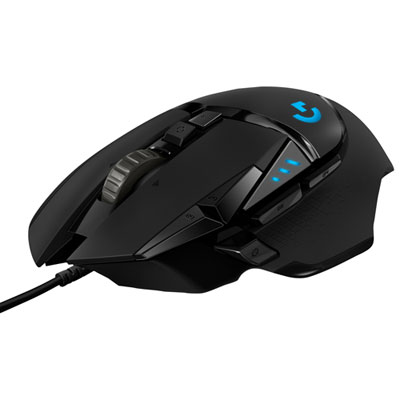 Your price for this item is $59.99
-
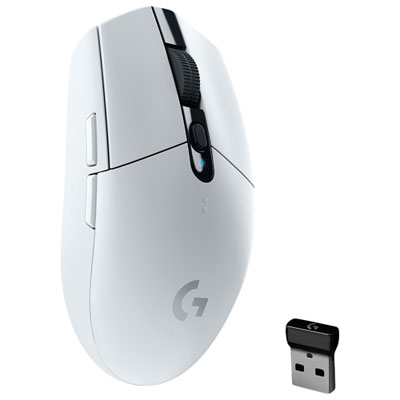 Your price for this item is $49.99
-
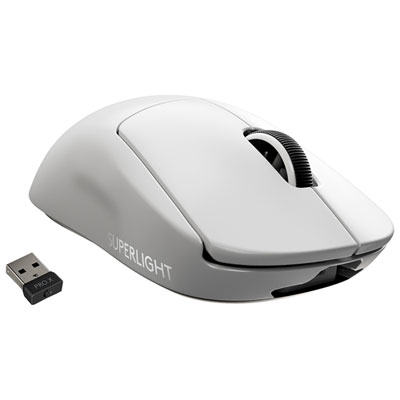 Your price for this item is $199.95
-
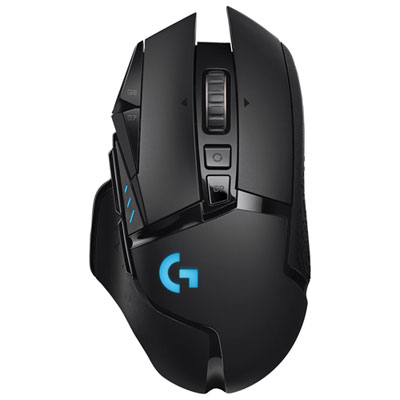 Your price for this item is $149.99
-
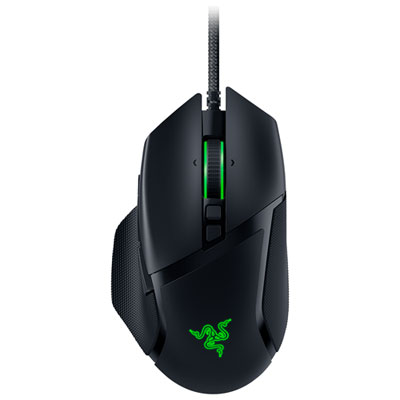 Your price for this item is $99.99
-
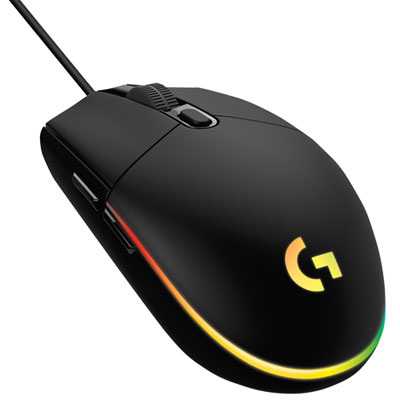 Your price for this item is $39.99
-
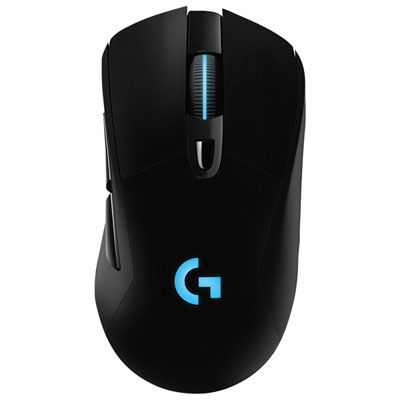 Your price for this item is $119.99
-
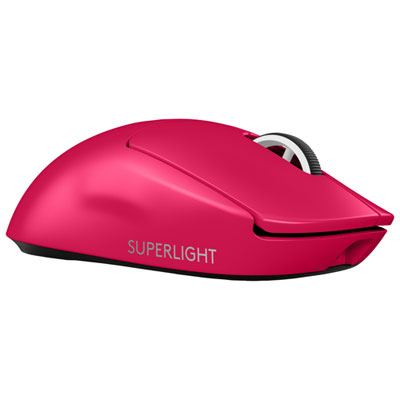 Your price for this item is $219.99
Discover more categories related to Logitech Pro Superlight 2
Top Collections:
Pokemon Centers, Kindle Devices, Best Cameras for Sports Photography, Pokémon 30th Celebration Cards, Canon G7X Cameras, Samsung Galaxy Phones, iPhone 15 Apple, Best Black Friday Deals On Electronics, Jackery Power Stations, Solar Generators for Home
Some products may be subject to Environmental Handling Fees
(EHF) depending on your province.
Learn more about EHFs.