Mac Modems
Mac Modems offer reliable solutions for connecting your Apple devices to the internet with ease. Designed for seamless compatibility, these modems help ensure a smooth and efficient online experience. Whether you're setting up a new network or upgrading your current setup, explore a wide selection of Mac Modems to find the right fit for your connectivity needs. Enjoy fast browsing, streaming, and downloading on your Mac with dependable modem options available at Best Buy.
Sort





Why modem compatibility goes beyond the USB port
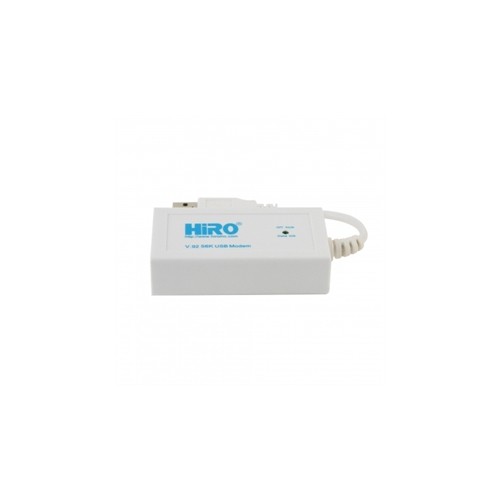
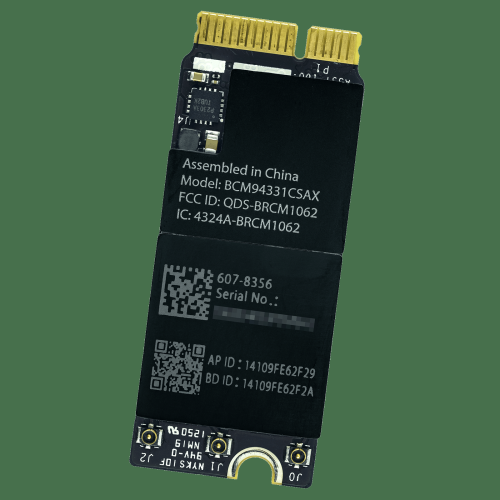
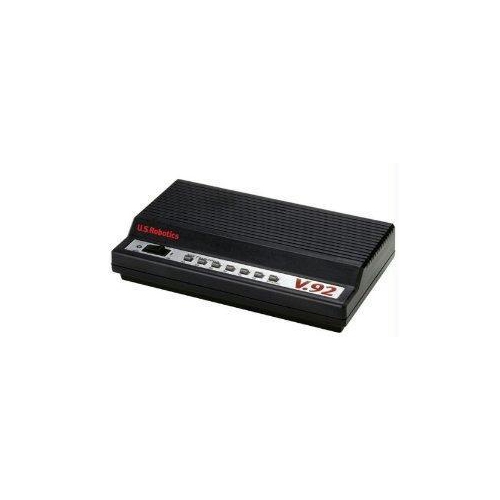
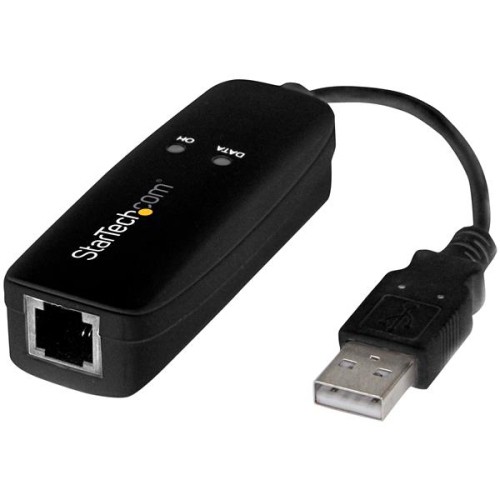
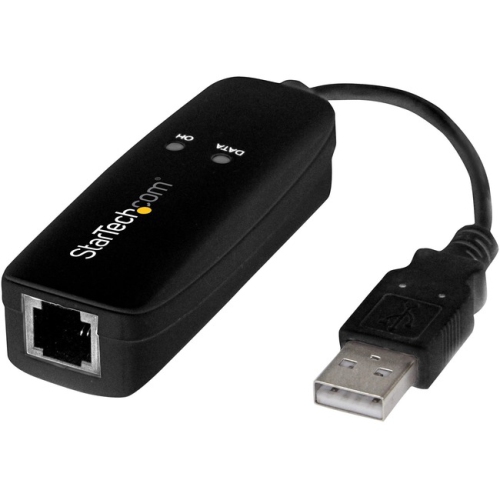
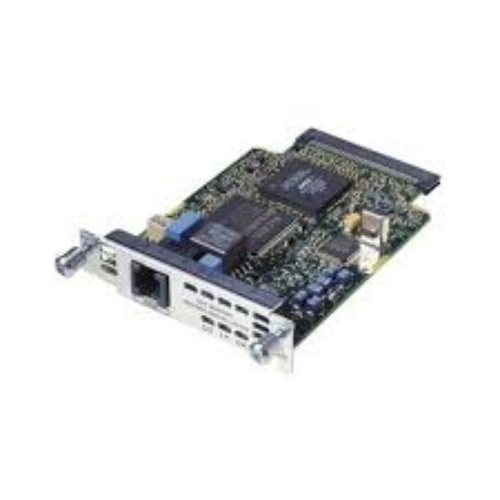
Mac modems connect compatible Mac computers to internet or telephone services, but the term covers devices with different purposes. A USB dial-up modem uses an analogue telephone line for dial-up internet access and, when fax support is included, sending or receiving faxes through compatible software. A cable or DSL modem connects to a broadband internet service and usually reaches the computer through a router, an Ethernet connection, or a gateway with built-in Wi-Fi. These categories are not interchangeable: a USB dial-up modem cannot replace a cable modem, and an Ethernet adapter cannot turn a telephone socket into a broadband connection. For dial-up and fax use, the important compatibility details are the exact macOS version, the modem’s driver requirements, the computer’s processor architecture, and support in the intended application. A USB plug that fits the computer does not, by itself, establish that the modem will work. Many older USB modems were designed for operating systems that differ substantially from newer macOS releases, and an adapter cannot resolve unsupported software. Clear documentation identifying supported operating systems is therefore more useful than a broad claim of Mac compatibility. Dial-up internet also requires a suitable telephone service and a dial-up account; the modem alone does not provide internet access. Although dial-up technology can support download rates of up to 56 Kbps under suitable conditions, actual connections are often slower and are not intended for video meetings, streaming, or large downloads. Its role is more specialized, such as maintaining access to a legacy system or supporting equipment that still communicates over an analogue line. On a conventional single telephone line, a dial-up internet connection generally occupies the line while connected. For a household or small office retaining older equipment, a compatible external modem can provide a practical link between a Mac and an established telephone-based workflow, provided the computer, software, service, and receiving system all support the connection.
Fax-capable Mac modems serve a distinct purpose for people who exchange documents with offices or equipment that still use telephone faxing. A home-based professional might need to transmit a signed form, while a small office may want to receive occasional documents without maintaining a separate fax machine. In these situations, fax capability must be explicitly supported by both the modem and the software; internet dial-up support alone is not enough. The software also determines everyday conveniences such as preparing a cover page, selecting a document, viewing transmission results, and saving received pages. Some applications support only certain modem chipsets or connection methods, so compatibility needs to extend across the entire setup rather than stopping at the USB port. Built-in fax support should not be assumed on a Mac, and older fax applications may not run on a different operating-system version. Telephone service matters just as much. Traditional analogue lines are the intended connection for conventional dial-up fax modems, while phone services delivered through internet-based equipment may introduce compression or timing changes that disrupt a transmission. A familiar telephone jack does not guarantee that the underlying service will behave like an analogue line. Digital office telephone systems can also be unsuitable, making the service provider’s specifications important. Where a device includes separate line and telephone sockets, those connections have different roles and should be used according to its documentation. A fax modem is also different from an online fax service, which sends documents through an internet connection and may not require a local telephone modem at all. For occasional paperwork, reception duties, or communication with a longstanding business contact, the most useful product is the one that matches the existing workflow. Reliable document handling depends on compatible software, a suitable line, readable source files, and successful transmission confirmation, rather than simply having a modem attached to the computer. Receiving faxes locally may also require the Mac and its fax application to remain running and ready to answer incoming calls.
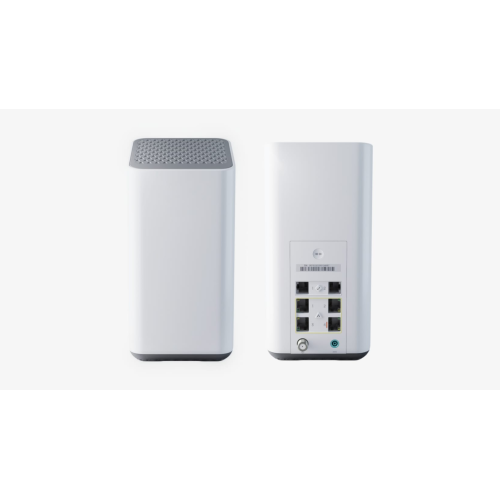
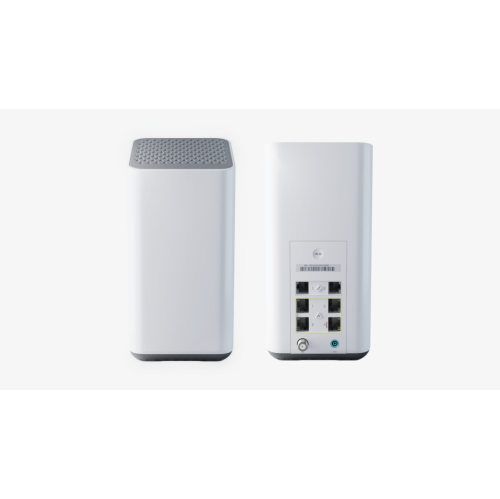
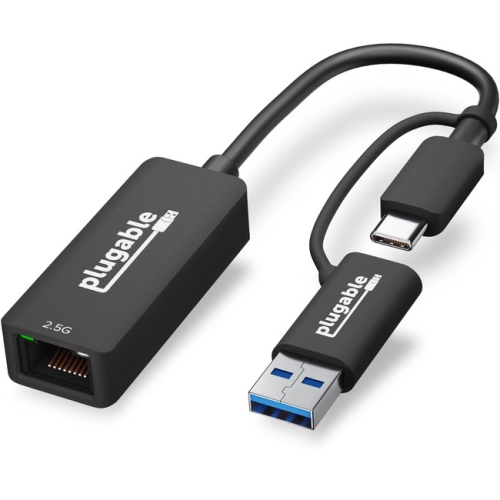
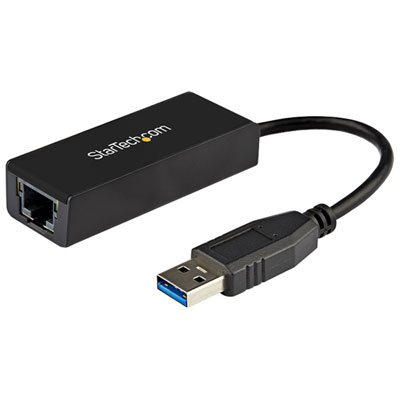
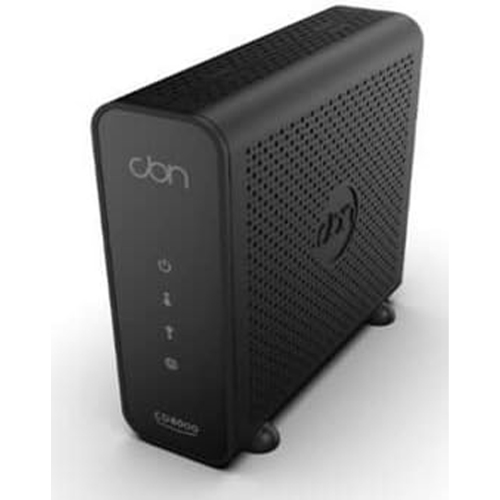
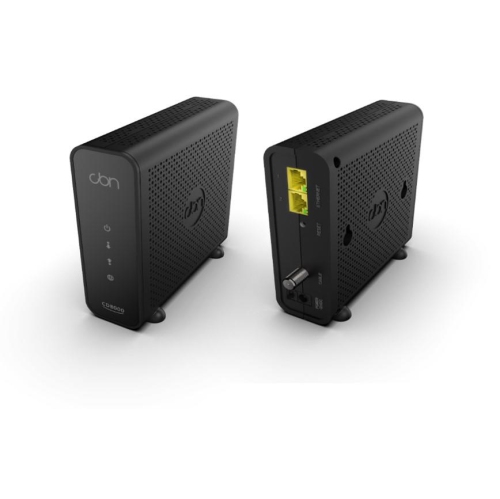
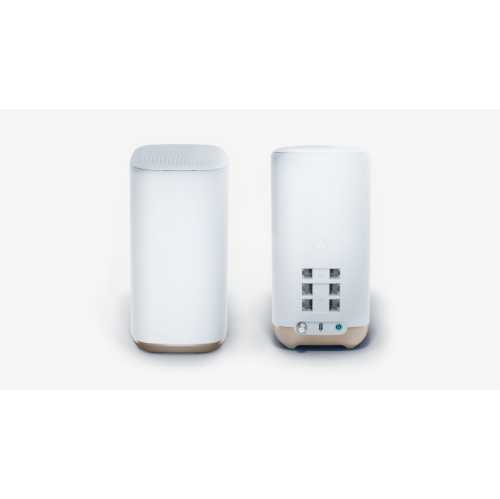
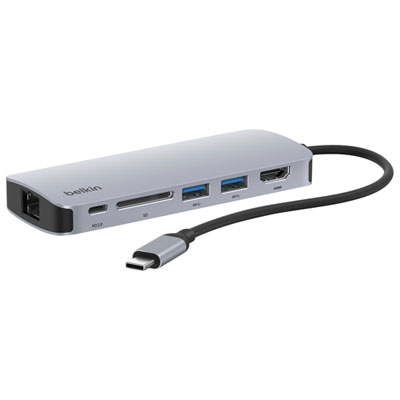
For everyday broadband access, Mac-compatible cable and DSL modems are better understood as part of the home or office network than as computer-specific accessories. The modem must match the internet provider’s service, technical requirements, and approval policies. Cable and DSL connections use different access technologies, and neither is a substitute for the equipment required by a fibre service. A standalone modem typically supplies the internet connection to a separate router, while a combined gateway can bring modem, routing, Ethernet, and Wi-Fi functions into one enclosure. In either arrangement, a Mac usually joins the network over Wi-Fi or Ethernet rather than relying on a dedicated USB modem driver. Computers without a built-in Ethernet port may need a compatible network adapter; connection accessories grouped under Mac Connectors address that physical connection, but do not replace the modem or the internet service. The right connection can make a difference at a desk used for large file transfers, remote work, or frequent video calls, although overall performance still depends on the service plan, network equipment, and other connected devices. Physical design matters across modem types, too. A compact USB dial-up modem can fit beside a laptop or in an accessory pouch, while a broadband unit generally needs a stable position with room for its power lead, incoming service cable, and network connections. Lightweight plastic housings are practical for portable accessories, but secure sockets and strain-free cables matter more than appearance. A short lead should not leave a modem hanging from a computer port, and tightly bent telephone or Ethernet cables can put unnecessary stress on connectors. Ventilated broadband equipment needs open space around its vents rather than a crowded drawer or a stack of other electronics. Routine care is straightforward: keep liquids away, remove dust as directed by the manufacturer, and disconnect cables by their plugs rather than pulling on the leads. For a shared workspace, an older computer station, or a dedicated fax connection, suitable dimensions, accessible ports, clear status lights, and dependable software support make a modem easier to live with over time.
Top selling and popular products
-
 Your price for this item is $126.68
-
 Your price for this item is $71.99
-
 Your price for this item is $70.68
-
 Your price for this item is $219.89
-
 Your price for this item is $222.99
-
 Your price for this item is $229.96
-
 Your price for this item is $10
-
 Your price for this item is $150
Discover more categories related to Mac Modems
Top Collections:
Best Black Friday Deals This Year, Best Black Friday Deals On Electronics, Kindle Devices, Pokemon Centers, Best Black Friday Deals On Apple Products, Best Cameras for Sports Photography, Dyson Airwrap, Pokémon 30th Celebration Cards, Apple iPhone 17 Pro, Canon G7X Cameras
Some products may be subject to Environmental Handling Fees
(EHF) depending on your province.
Learn more about EHFs.