Modems for Mac
Modems for Mac offer a reliable solution for connecting your Apple devices to the internet with ease. Whether you're setting up a home office or upgrading your current network, you'll find a range of options designed to work seamlessly with Mac computers. Explore modems that help provide smooth browsing, fast downloads, and stable connections tailored to your needs. Find the perfect fit for your setup and enjoy hassle-free connectivity with modems for Mac.
Sort

Fast, reliable internet for demanding Mac users
Staying connected is essential, especially for Mac users who rely on a seamless internet experience for work, creativity, streaming, and gaming. Whether you’re setting up a new home office, upgrading your current setup, or making sure everyone in the household can enjoy smooth video calls and uninterrupted downloads, choosing the right modem is key. The latest modems designed for Mac compatibility offer advanced features like high-speed DOCSIS 3.1 technology, which supports Gigabit speeds and ensures your connection is ready for future upgrades. For those using modern Macs, connecting is straightforward—just pair your modem with an Ethernet cable, and if your Mac doesn’t have a built-in Ethernet port, a USB-C or Thunderbolt to Ethernet adapter creates a simple bridge. Many Canadian households find the spring months an ideal time to refresh their tech, as the season often brings new routines, remote work opportunities, and the urge to streamline digital life. A reliable modem can make all the difference, whether you’re editing high-resolution photos, joining virtual meetings, or catching up on your favourite shows.
When shopping for a modem to use with your Mac, it’s important to consider compatibility with your internet service provider (ISP) and the speed tier of your plan. Most ISPs publish a list of approved devices, so double-checking these details can save you time and ensure you get the speeds you’re paying for. If you’re planning to share your connection with family, roommates, or colleagues, look for modems that support higher bandwidth and multi-gigabit speeds. These models are built for busy homes and creative studios where several devices might be streaming, downloading, or uploading large files simultaneously. Installation is generally straightforward: connect the modem to your coaxial cable, link it to your Mac via Ethernet, and configure your network settings through your Mac’s System Settings menu. This process is designed to be user-friendly, even for those who aren’t tech experts. For students heading into a new semester, remote workers upgrading their home network, or anyone looking for a practical yet thoughtful gift, a high-speed modem is a valuable addition to any Mac setup. It’s a gift that delivers everyday convenience and reliability—perfect for tech enthusiasts, creative professionals, or anyone who appreciates fast, stable internet.
As technology continues to evolve, investing in a modem that’s built for speed and future compatibility can help you stay ahead. The right modem not only supports today’s demanding online activities but also provides a solid foundation for upcoming advancements in internet services. If you’re interested in exploring some of the fastest options available, visit our selection of Fast Modems to find models that deliver exceptional performance and seamless integration with your Mac devices. Whether you’re upgrading your own setup or helping someone else enhance their digital experience, a reliable modem is a smart choice for anyone who wants to make the most of their Mac and their internet connection.
When shopping for a modem to use with your Mac, it’s important to consider compatibility with your internet service provider (ISP) and the speed tier of your plan. Most ISPs publish a list of approved devices, so double-checking these details can save you time and ensure you get the speeds you’re paying for. If you’re planning to share your connection with family, roommates, or colleagues, look for modems that support higher bandwidth and multi-gigabit speeds. These models are built for busy homes and creative studios where several devices might be streaming, downloading, or uploading large files simultaneously. Installation is generally straightforward: connect the modem to your coaxial cable, link it to your Mac via Ethernet, and configure your network settings through your Mac’s System Settings menu. This process is designed to be user-friendly, even for those who aren’t tech experts. For students heading into a new semester, remote workers upgrading their home network, or anyone looking for a practical yet thoughtful gift, a high-speed modem is a valuable addition to any Mac setup. It’s a gift that delivers everyday convenience and reliability—perfect for tech enthusiasts, creative professionals, or anyone who appreciates fast, stable internet.
As technology continues to evolve, investing in a modem that’s built for speed and future compatibility can help you stay ahead. The right modem not only supports today’s demanding online activities but also provides a solid foundation for upcoming advancements in internet services. If you’re interested in exploring some of the fastest options available, visit our selection of Fast Modems to find models that deliver exceptional performance and seamless integration with your Mac devices. Whether you’re upgrading your own setup or helping someone else enhance their digital experience, a reliable modem is a smart choice for anyone who wants to make the most of their Mac and their internet connection.
Top selling and popular products
-
 Your price for this item is $189.99
 -
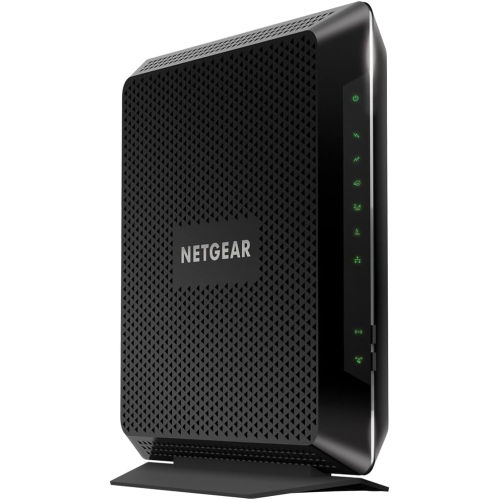 Your price for this item is $189.99
 -
 Your price for this item is $219
 -
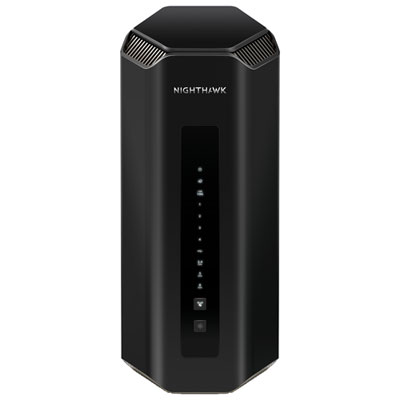 Your price for this item is $749.99
 -
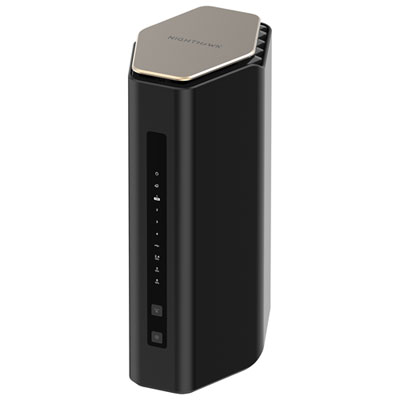 Your price for this item is $249.99
 -
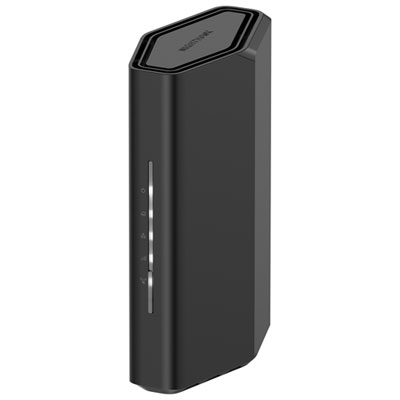 Your price for this item is $199.99
 -
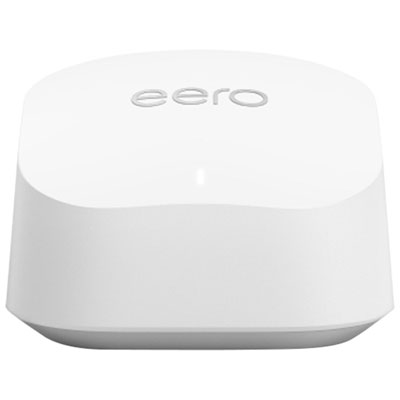 Your price for this item is $134.99
 -
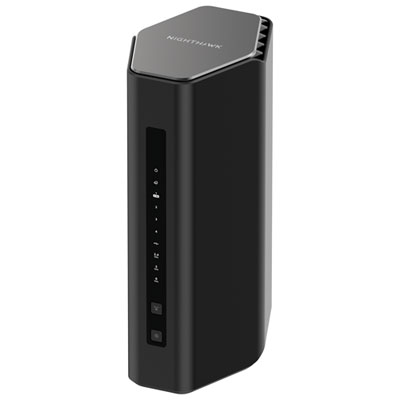 Your price for this item is $399.99
Discover more categories related to Modems for Mac
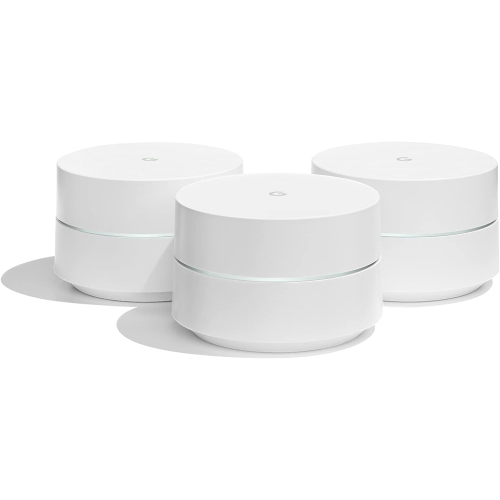

Top Collections:
Pokemon Centers, Kindle Devices, Best Budget Office Chairs, Apple iPhones 16, Best Laptops for Writers, iPhone 15 Apple, Canon G7X Cameras, Refurbished Apple Laptops, Alarm Clock, Motorola Razr Phones
Some products may be subject to Environmental Handling Fees
(EHF) depending on your province.
Learn more about EHFs.