Mac OS X Mice
Enhance your computing experience with a Mac OS X Mouse, designed to offer smooth navigation and reliable performance for all your daily tasks. Whether you're working, creating, or browsing, finding the right mouse can make a noticeable difference in comfort and productivity. Discover a wide selection of options compatible with Mac OS X, featuring user-friendly designs that seamlessly integrate with your setup. Choose the ideal Mac OS X Mouse to match your preferences and elevate your workflow today.
Sort




Why your Mac’s software version matters for mouse features
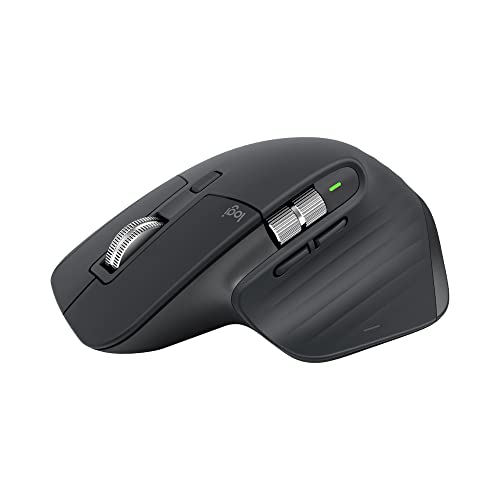
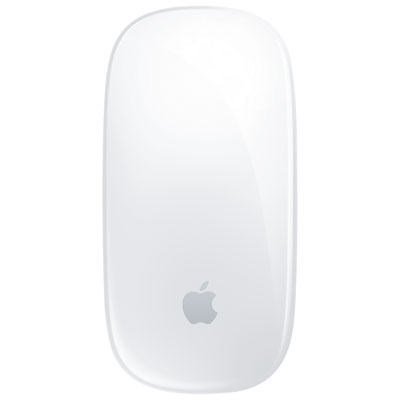
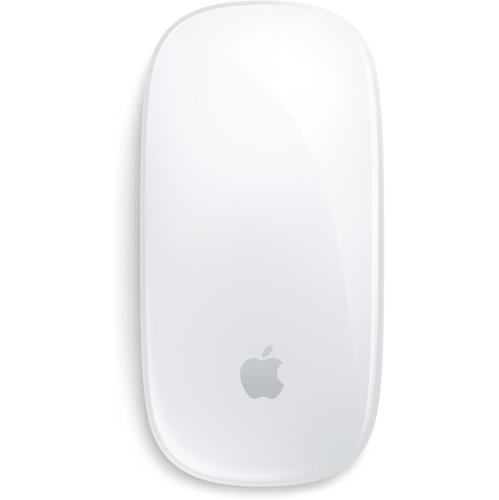
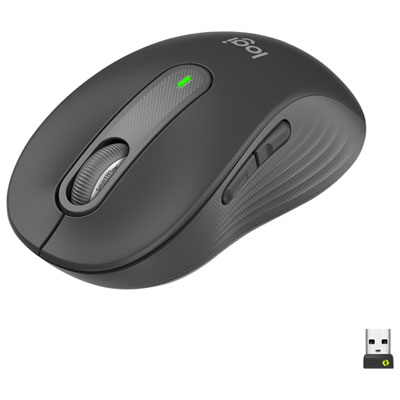
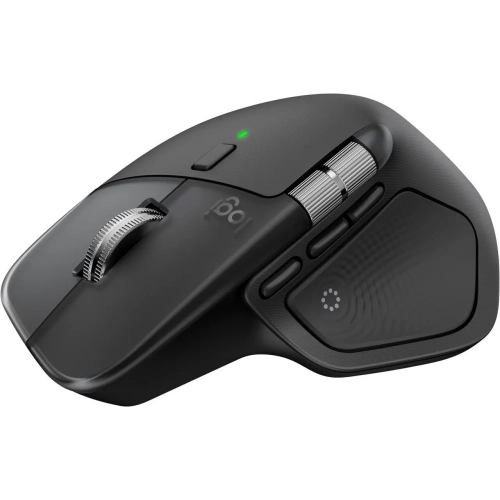
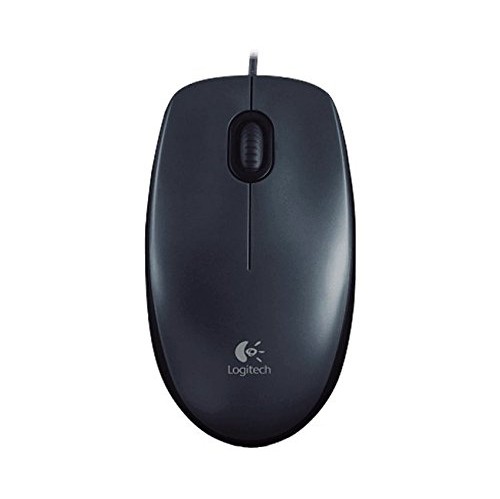
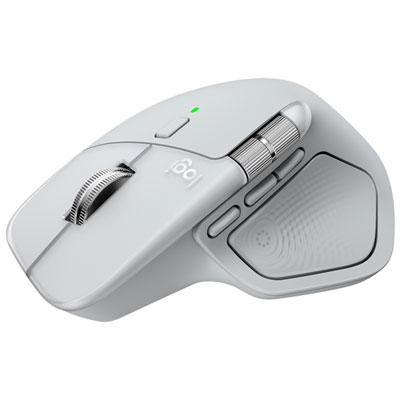
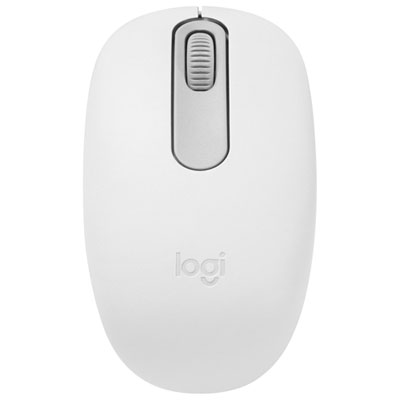
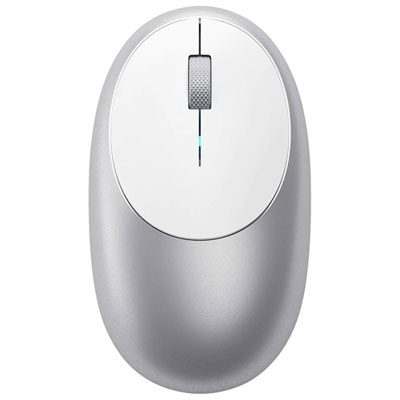
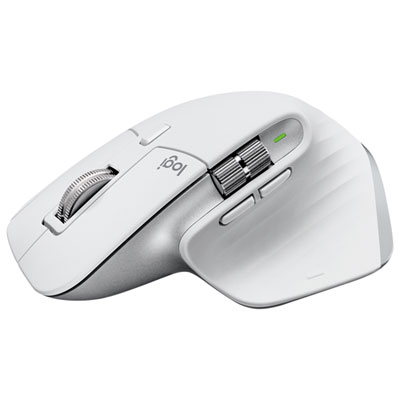
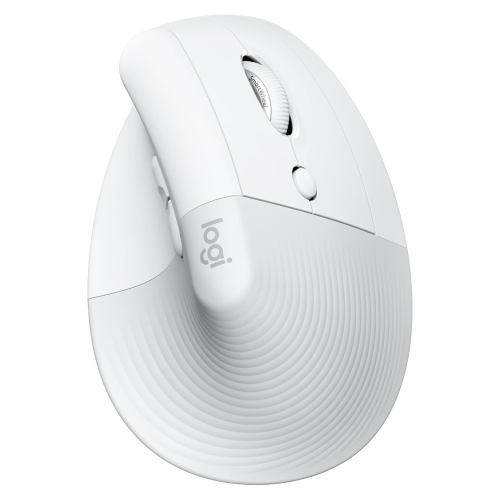
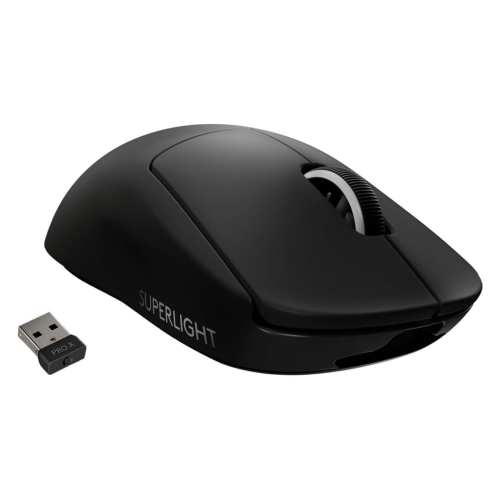
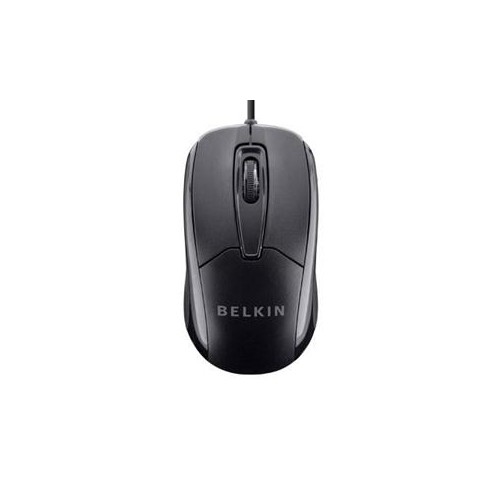
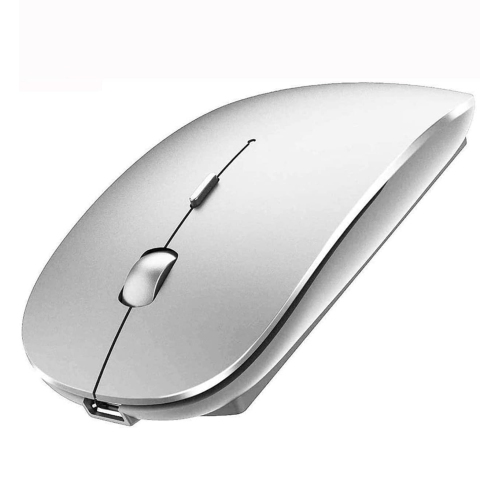
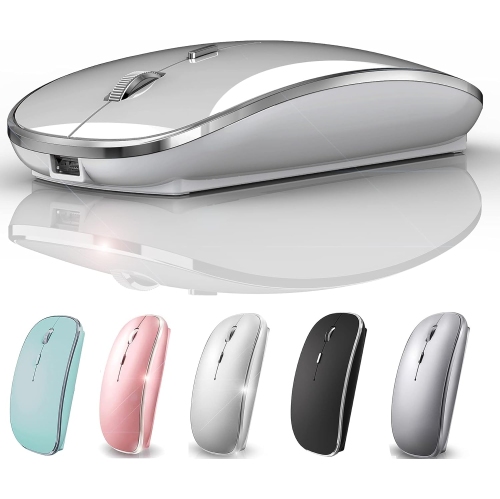
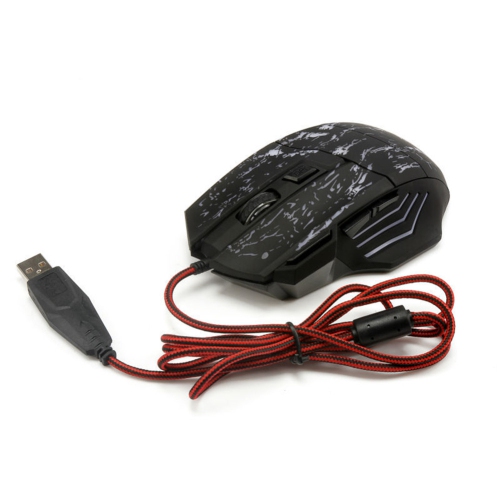
Mice for Mac OS X bring together several everyday priorities: compatibility with the computer’s operating system, a comfortable shape, reliable tracking, and controls that suit the way the computer is used. Mac OS X refers to earlier releases of the operating system now called macOS, so the supported version matters as much as a general statement of Mac compatibility. A mouse may provide basic pointing, clicking, and scrolling on an older system while requiring newer software for programmable buttons, gesture settings, or battery information. Published system requirements help distinguish those basic functions from features that depend on a separate application. Connection type is another practical consideration. A wired mouse connects through a USB port and avoids battery charging, making it useful for a permanent desktop setup or a shared workstation. The connector needs to match an available port, or the setup may require a compatible adapter. Bluetooth mice can leave USB ports free and reduce cable clutter, while mice that use a USB receiver need a suitable port for that receiver. These are different connection methods, even though both are wireless. For someone working between a laptop and a desktop, support for multiple paired devices can make switching easier, provided each computer meets the mouse’s requirements. Scrolling and gestures also deserve a closer look. A conventional wheel suits document reading and everyday browsing, while a touch-sensitive surface or additional controls may offer other ways to move through content. Gesture support varies by mouse and operating-system version; it should not be assumed to match every gesture available on a trackpad. For a desktop-focused selection, Apple iMac Mice offers a related category to explore alongside these compatibility considerations. The most useful choice is one whose essential functions work with the intended computer, without depending on software that the system cannot run.
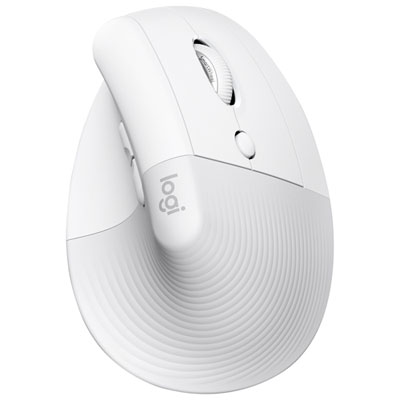
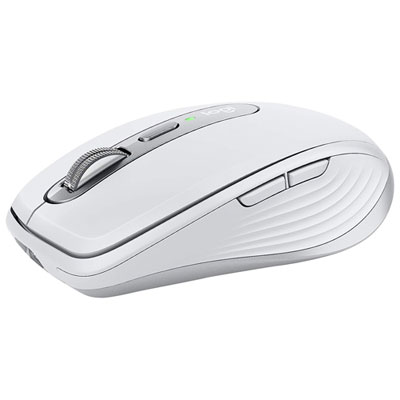
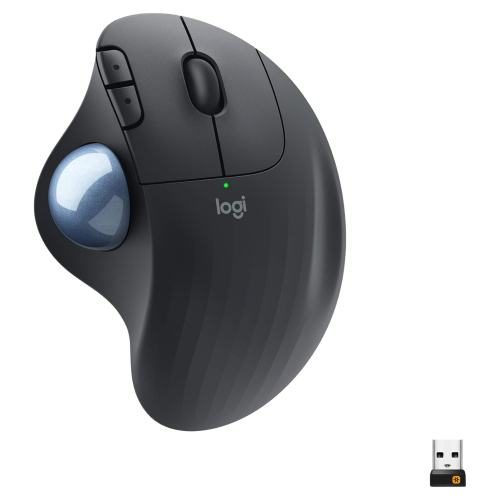
Comfort becomes especially noticeable during longer sessions, whether that means editing a presentation, sorting photographs, or moving between spreadsheets and browser windows. Mouse dimensions, weight, and shape all influence how the hand rests and how much movement comes from the fingers, wrist, or arm. A compact mouse can fit easily into a laptop bag, but someone with larger hands may prefer a fuller shape that supports more of the palm. A low-profile design may suit a fingertip grip, while a higher back can feel more natural for someone who rests the palm on the mouse. Neither shape is universally better. Hand size, desk height, and the space beside the keyboard all affect the experience. Contoured and vertical designs offer different hand positions, although an ergonomic label alone does not guarantee comfort or resolve wrist pain. Keeping the mouse within easy reach and leaving room for the forearm can matter as much as the shape itself. Left-handed users may find a symmetrical body helpful, but side-button placement still needs attention because an otherwise balanced mouse can have controls intended mainly for right-handed use. Materials contribute to daily handling as well. Smooth plastic shells are usually straightforward to wipe clean, textured surfaces can provide grip, and soft-touch sections may feel different as they wear. The underside matters too: glide feet help the mouse move across a suitable surface and can become less smooth when dust collects around their edges. Tracking performance depends on both the sensor and the work surface. A consistent mouse pad is often a useful pairing, particularly where a glossy desktop causes erratic movement; tracking on glass requires explicit support. Adjustable sensitivity can help balance broad movements across a large display with finer control for detailed work. Very high sensitivity figures are not automatically more useful for everyday tasks than predictable tracking and settings that feel comfortable.
Intended use helps explain which extra features earn their place on a mouse. Someone reviewing long reports may appreciate a wheel that moves quickly through pages, while a person working with wide spreadsheets may find horizontal scrolling useful when the hardware and software support it. For photo editing, illustration, and layout work, controlled movement and accessible shortcuts can be more valuable than a large number of buttons. Programmable controls can reduce repeated keyboard reaches, but their usefulness depends on whether the required customization software supports the installed operating system and the applications involved. Gaming introduces another set of priorities, including tracking consistency, connection responsiveness, and button placement, along with compatibility between the game and the computer. A mouse cannot add support for a game that does not run on the system. Shared computers bring different needs: a straightforward shape, easy-to-clean surfaces, and familiar controls can make the same mouse practical for several people. For travel, a secure place to store a wireless receiver can help keep a small component from getting separated in a bag. Battery arrangements also affect everyday convenience. Replaceable batteries allow a quick swap when a spare is on hand, while rechargeable designs need access to a charging cable; some mice cannot be used while charging. Durability comes from several details working together, including sturdy button action, a well-protected cable connection on wired designs, and glide feet that remain even. Routine care is generally simple: disconnect or switch off the mouse, follow its cleaning directions, and use a soft cloth without allowing liquid into openings. Removing loose debris around the wheel and underside helps keep movement consistent. As a gift for a student, home-office user, or someone setting up a desktop, a mouse is most thoughtful when the recipient’s computer, preferred hand, and daily tasks are already known. Those details make the difference between an accessory that merely connects and one that feels right throughout an ordinary day.
Top selling and popular products
-
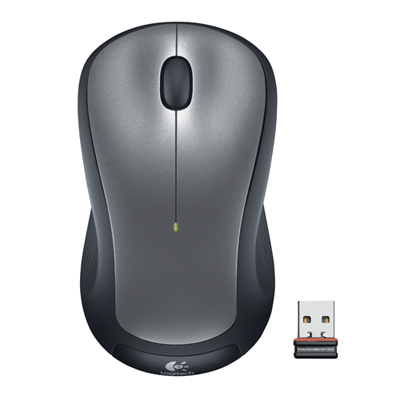 Your price for this item is $29.99
-
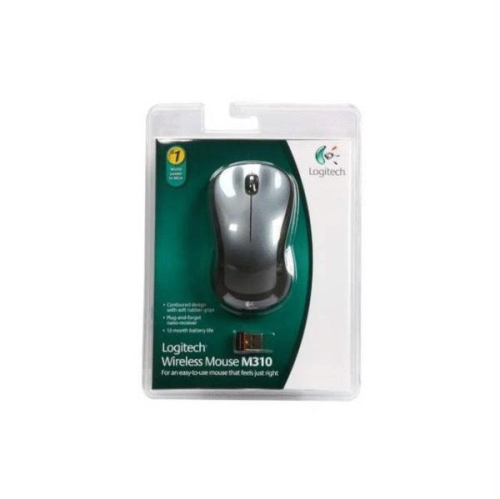 Your price for this item is $50.44
-
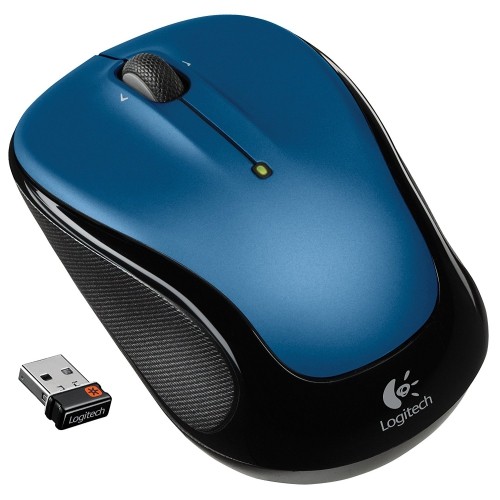 Your price for this item is $39.99
-
 Your price for this item is $49.99
-
 Your price for this item is $159.97
-
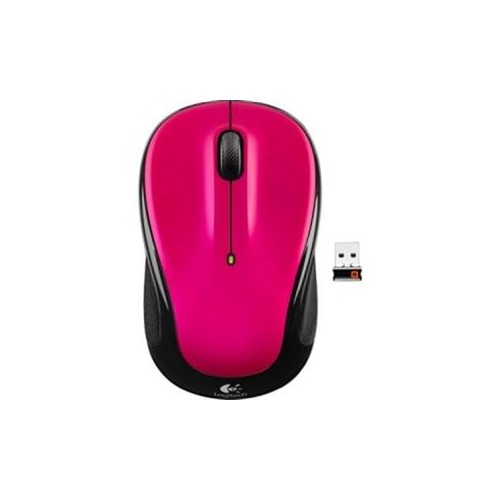 Your price for this item is $64.68
-
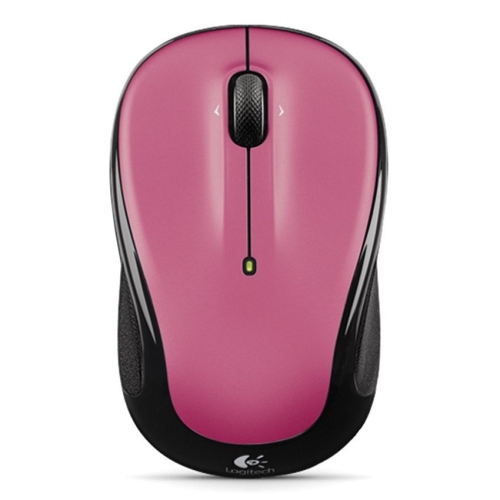 Your price for this item is $48.68
-
 Your price for this item is $31
Discover more categories related to Mac OS X Mice

Top Collections:
Best Black Friday Deals This Year, Best Black Friday Deals On Electronics, Kindle Devices, Pokemon Centers, Best Black Friday Deals On Apple Products, Best Cameras for Sports Photography, Dyson Airwrap, Pokémon 30th Celebration Cards, Apple iPhone 17 Pro, Canon G7X Cameras
Some products may be subject to Environmental Handling Fees
(EHF) depending on your province.
Learn more about EHFs.