MacBook Laptop Stands
If you're a laptop user, you know that a good stand can make all the difference in how you use your computer. Whether you're working at a desk or on the go, a sturdy stand can help keep your laptop in place so it doesn't slide around and fall over. Here are some of the best laptop stands for the MacBook.
Sort
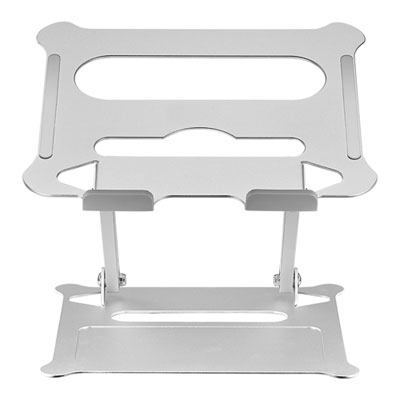
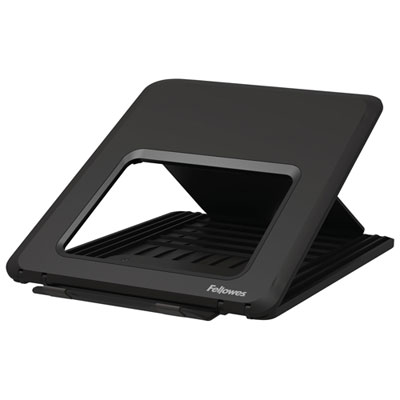
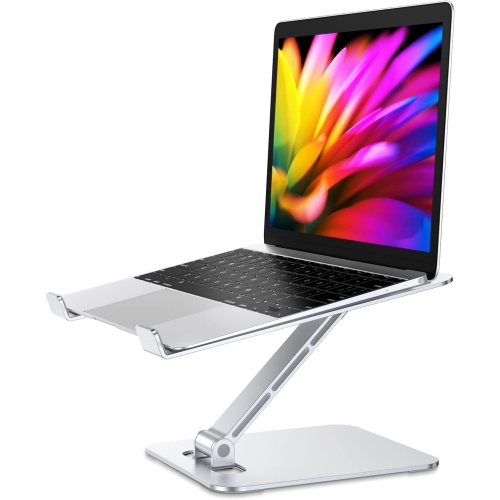
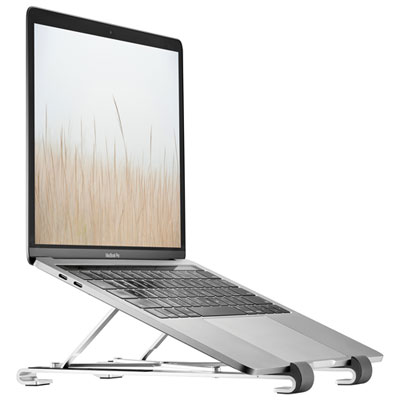
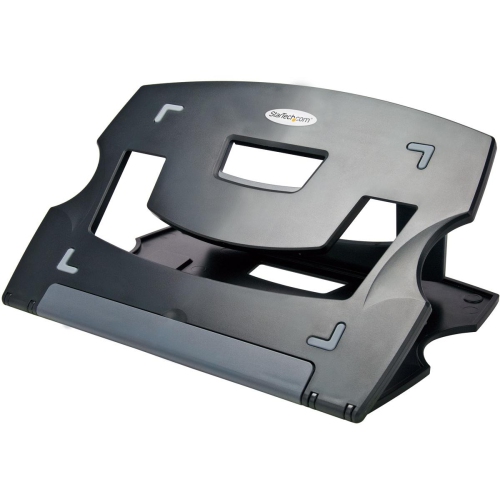
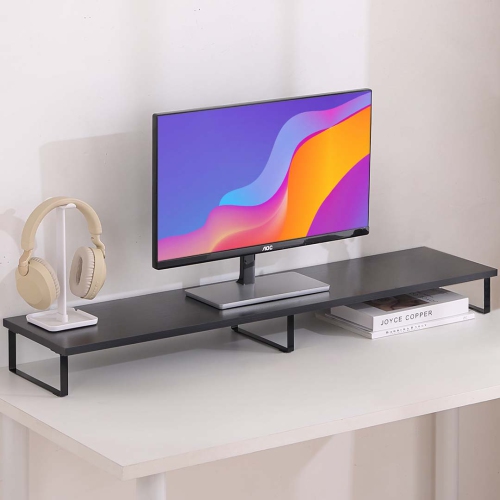
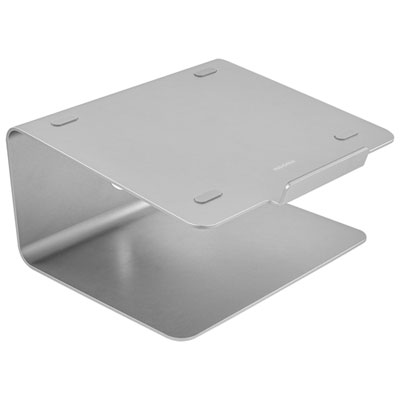
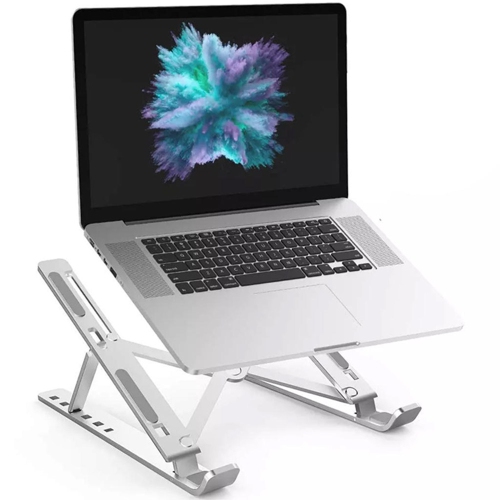
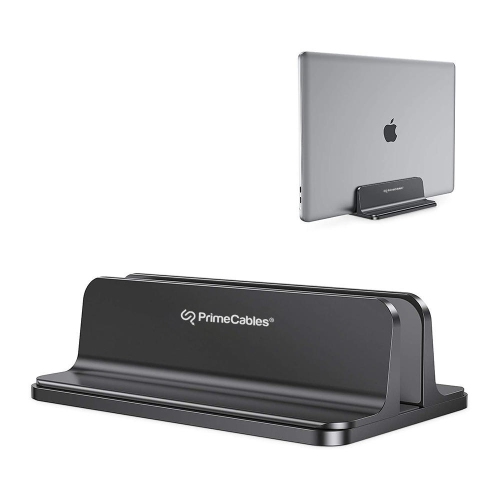
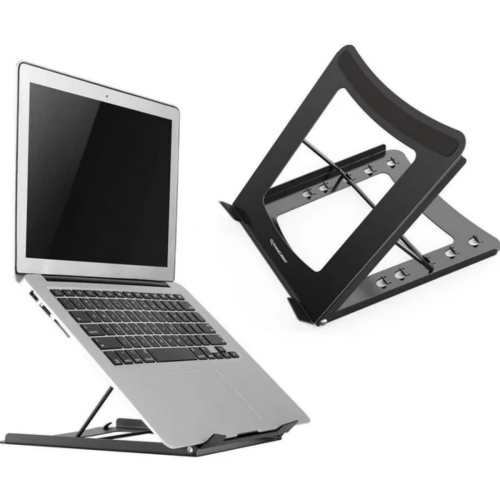
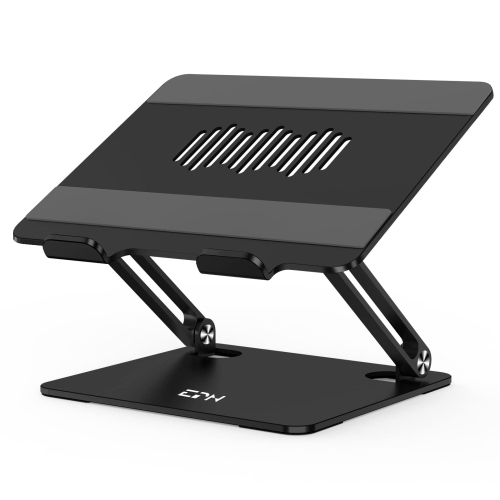

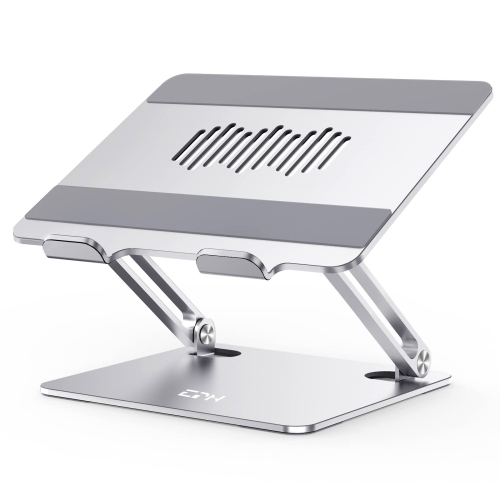





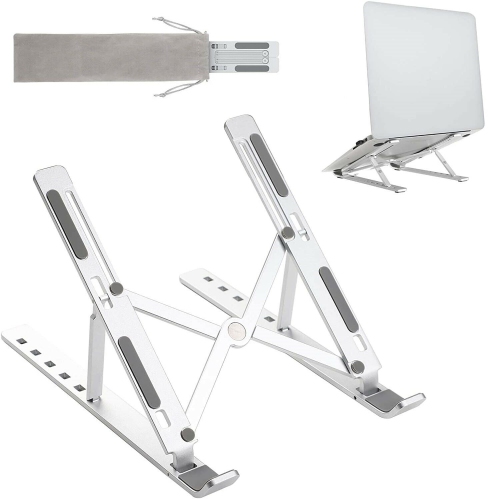
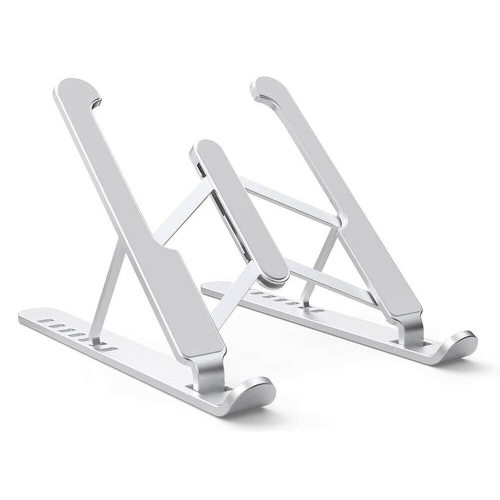
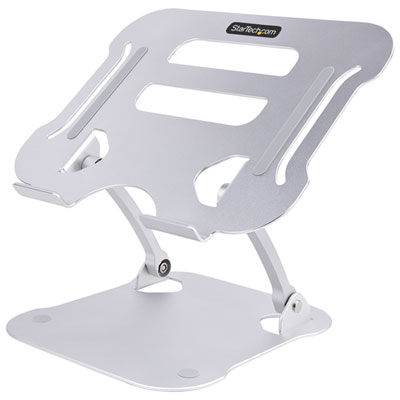
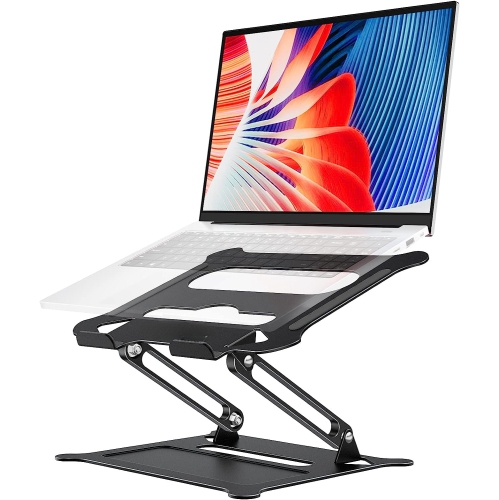
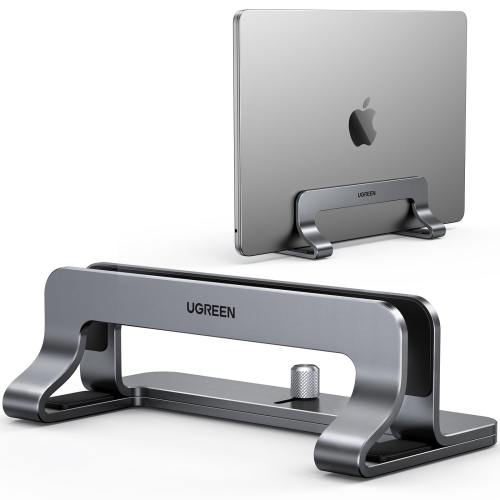
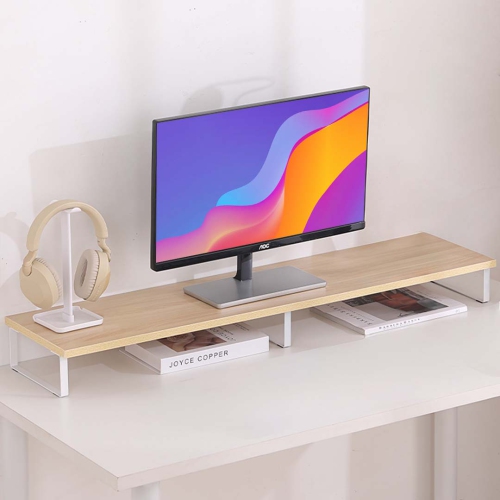
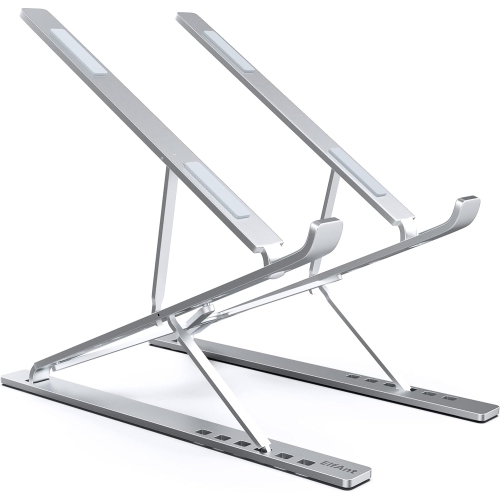
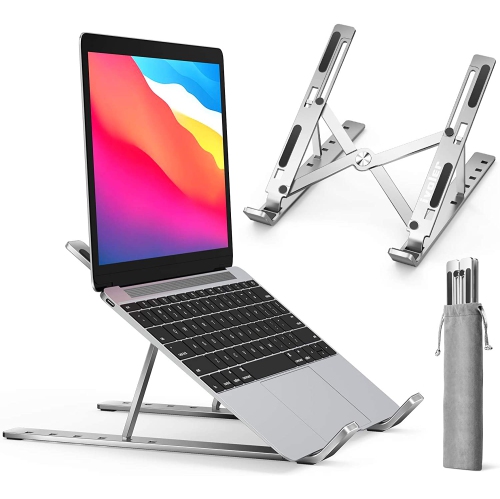
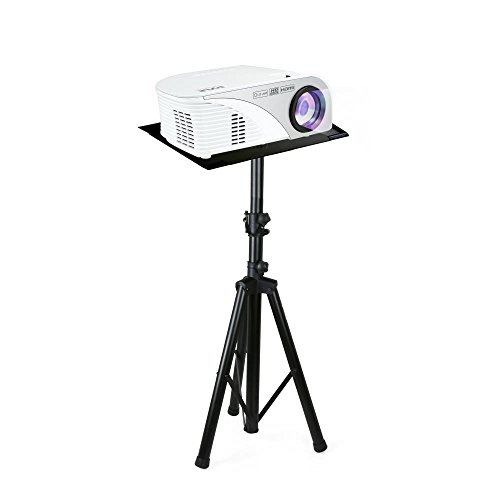
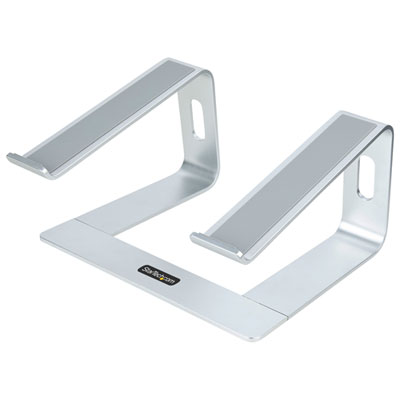

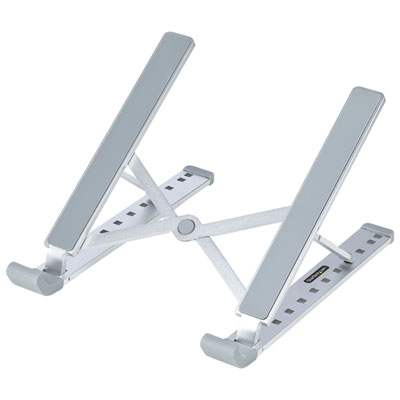
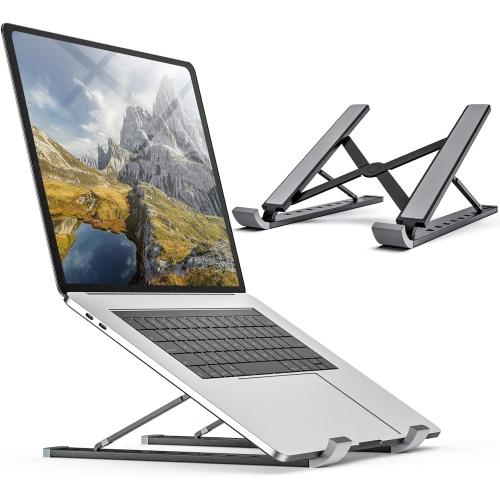
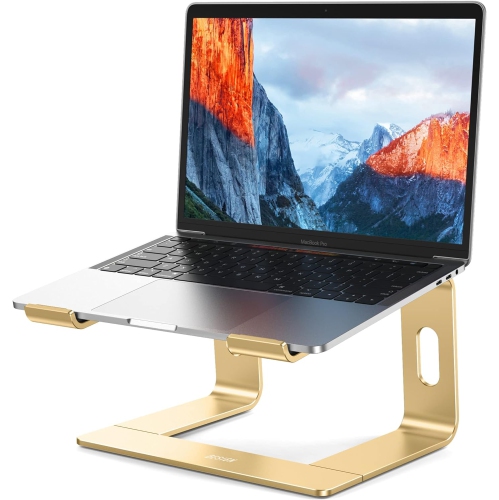
Practical guidance for comfortable MacBook setups at home or away
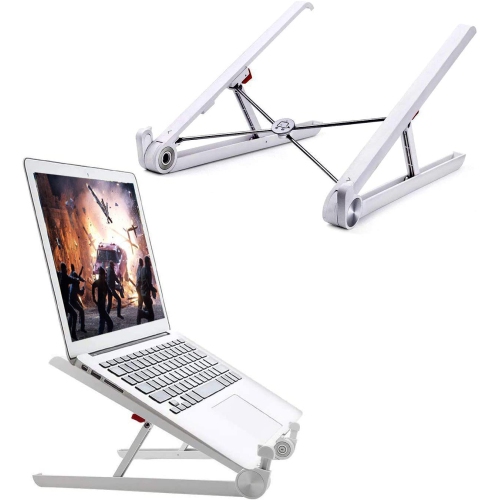
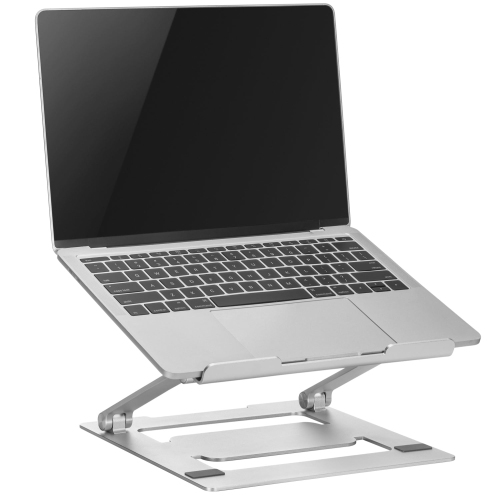
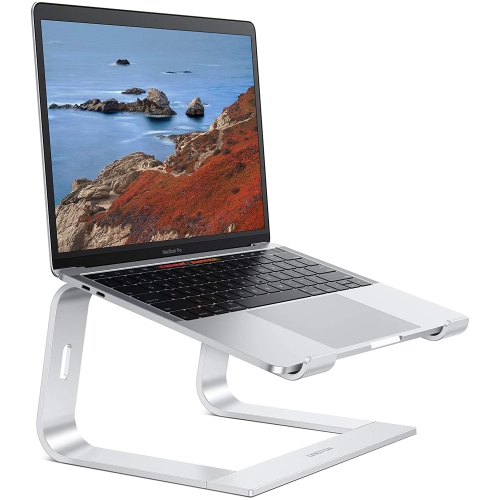
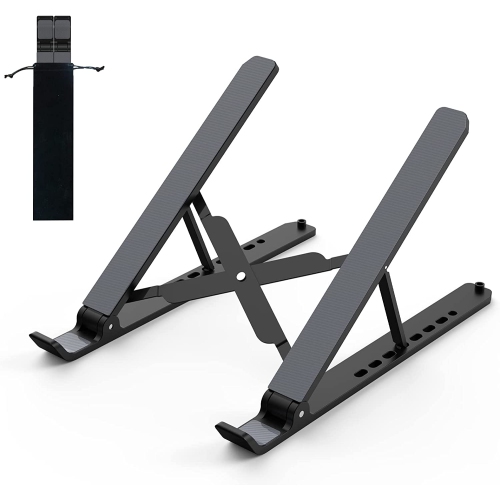
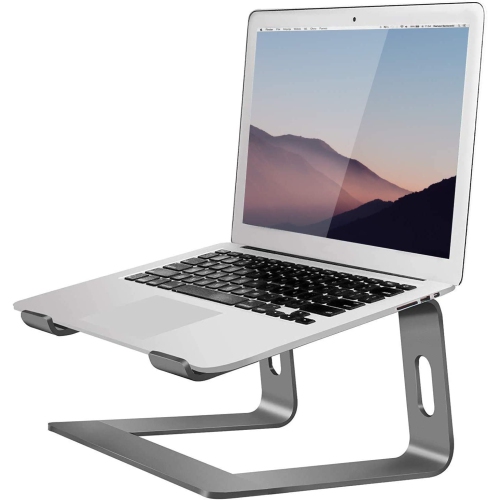
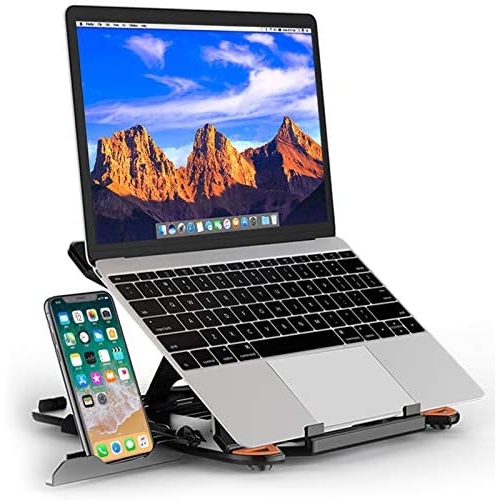
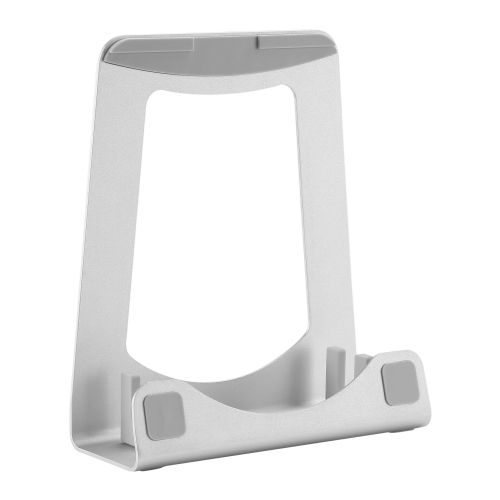
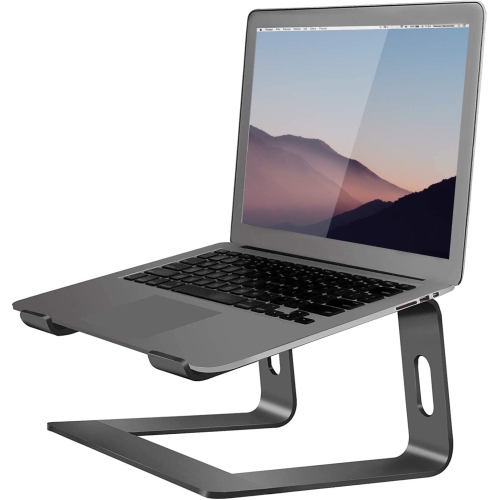
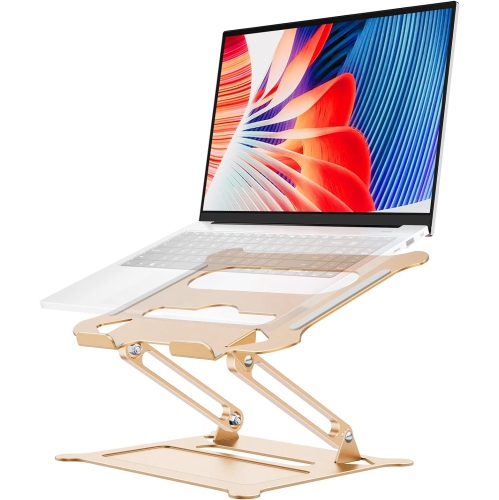
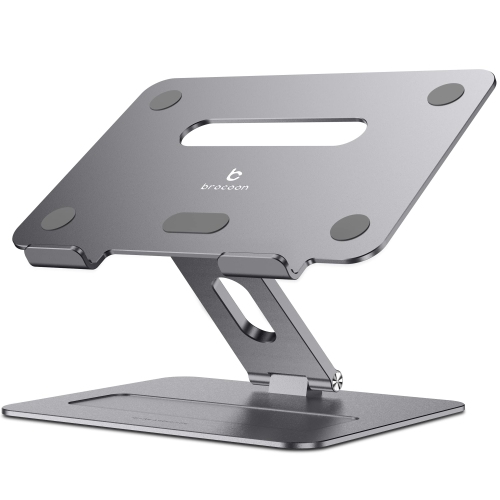
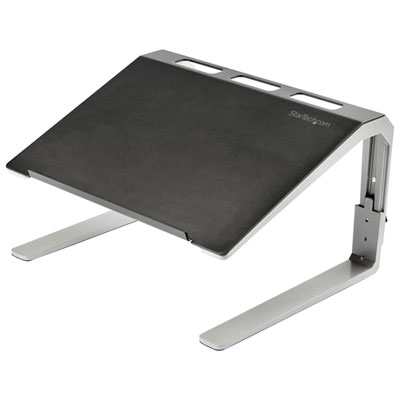
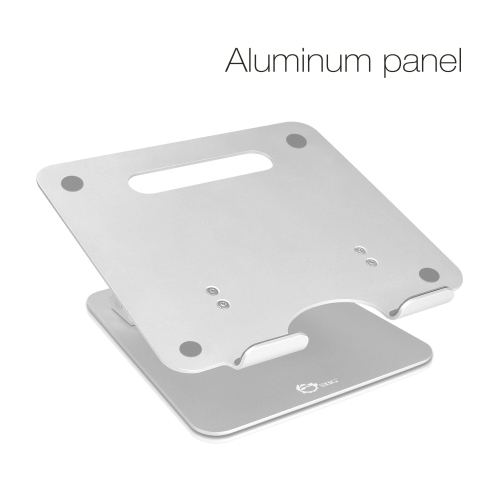
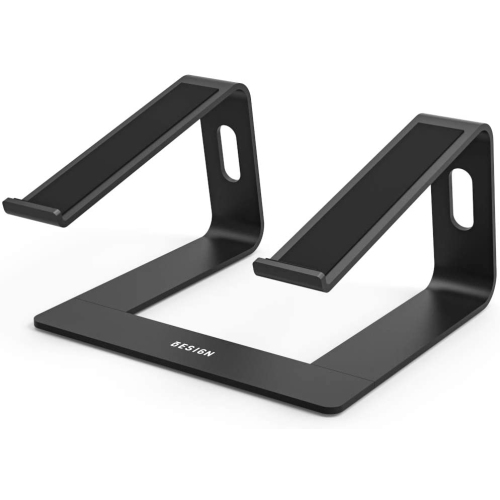
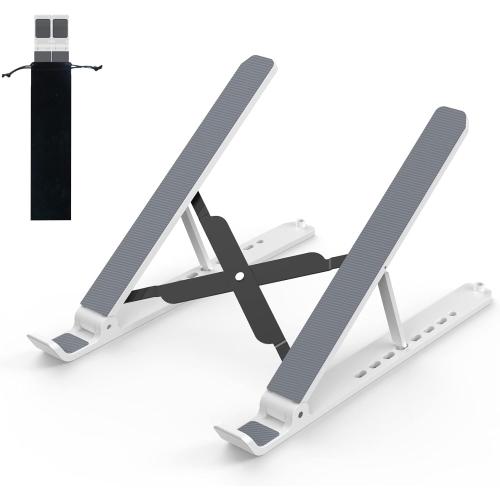
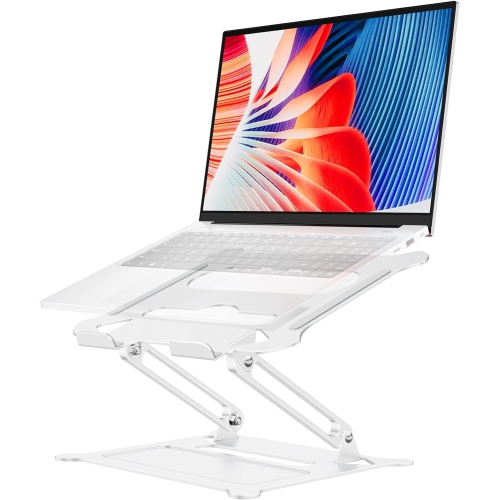
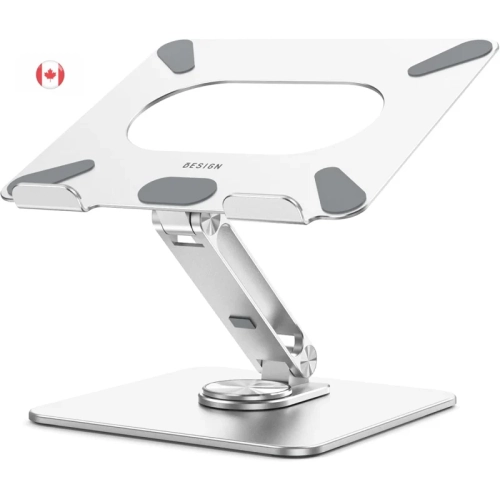
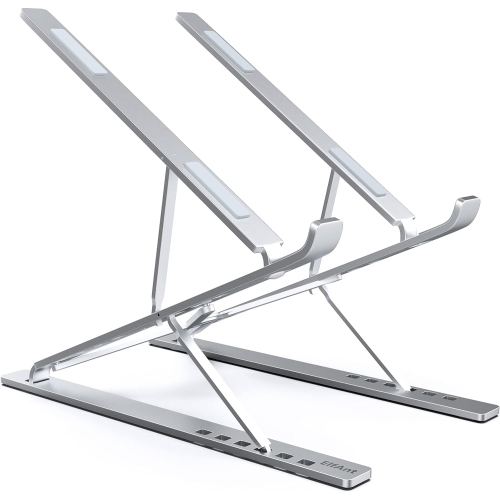
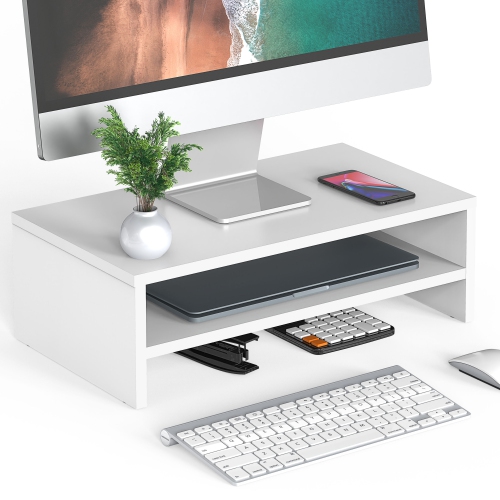
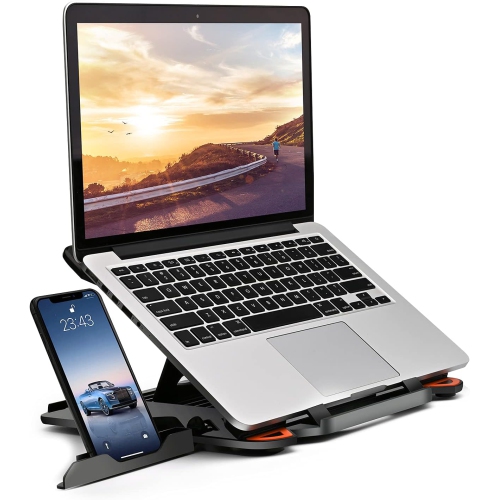
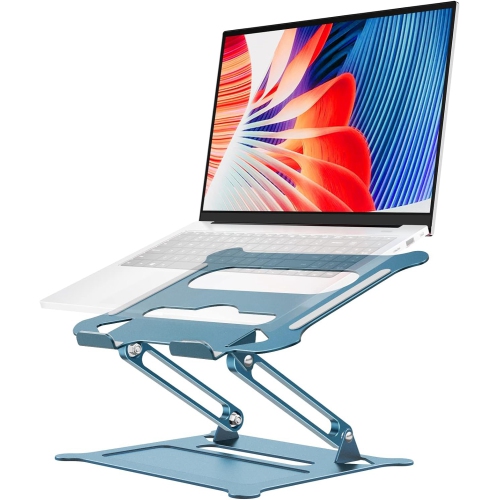
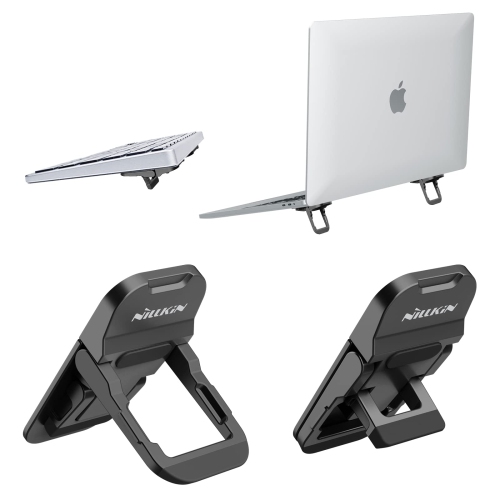
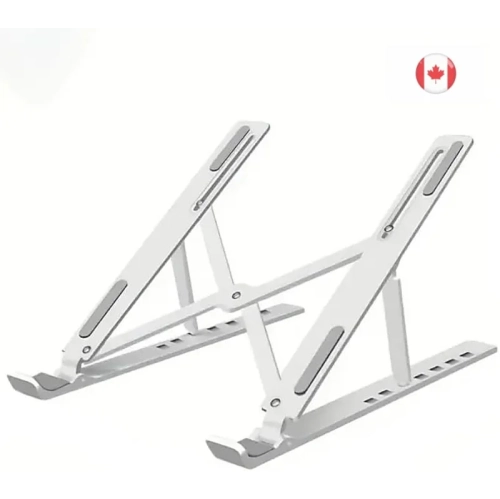
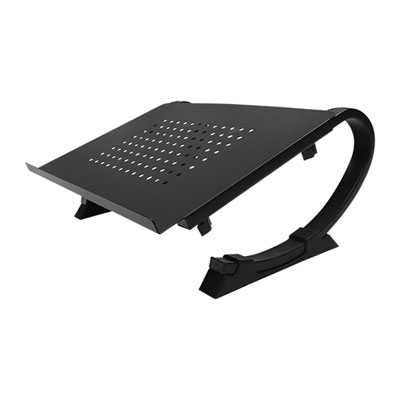
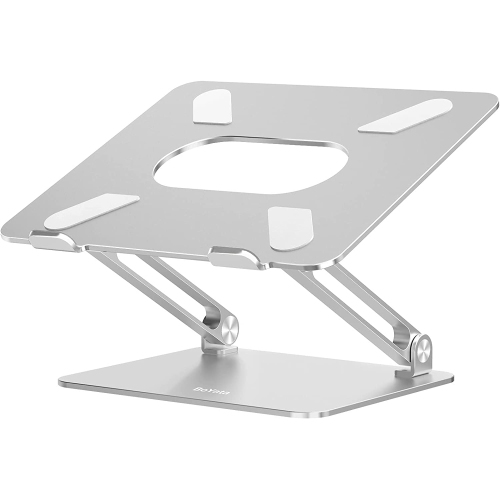
MacBook laptop stands are designed to make a laptop workspace more comfortable, organized, and adaptable, whether the computer is used at a dedicated desk, on a kitchen table, or in a shared home office. By lifting the screen above the work surface, a stand can bring the webcam and upper portion of the display closer to eye level, helping create a more natural viewing position during video calls, research, writing, study, and extended browsing. A raised MacBook is generally best paired with a separate keyboard and mouse or trackpad, allowing the screen to sit at a comfortable height while your hands remain closer to desk level. This arrangement can help reduce the tendency to hunch over a low laptop, particularly during long work sessions. When comparing MacBook laptop stands, consider the amount of elevation and the footprint that will work best in the available space. Fixed risers provide a stable, straightforward setup and are well suited to a permanent workstation, while adjustable designs allow the screen height, viewing angle, or keyboard position to be changed for different tasks. A taller stand can be useful for users who alternate between sitting and standing, whereas a lower, angled platform may suit a compact desk or occasional use. Look for a broad, steady base and a well-supported laptop platform, especially if you regularly type on the built-in keyboard. Soft contact points or a carefully finished surface can help keep the MacBook securely positioned while protecting it from scratches. Open designs can also leave space beneath the computer for airflow, a useful consideration when handling demanding software, large files, extended video calls, or other workloads that cause the laptop to run warmer. Cable routing openings are another practical detail, keeping charging and accessory cables directed toward the back instead of crossing the front edge of the desk.
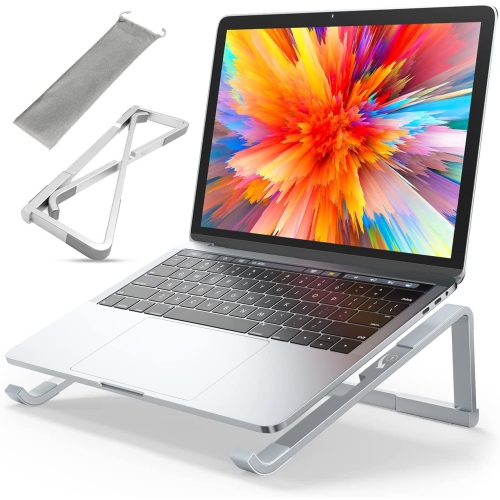
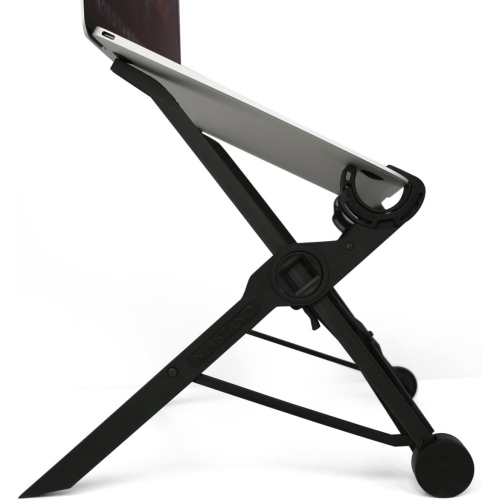
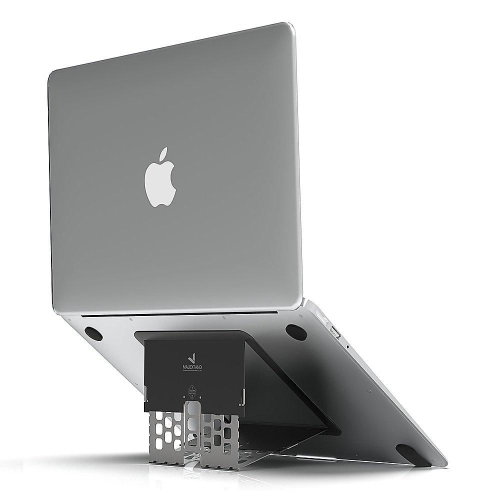
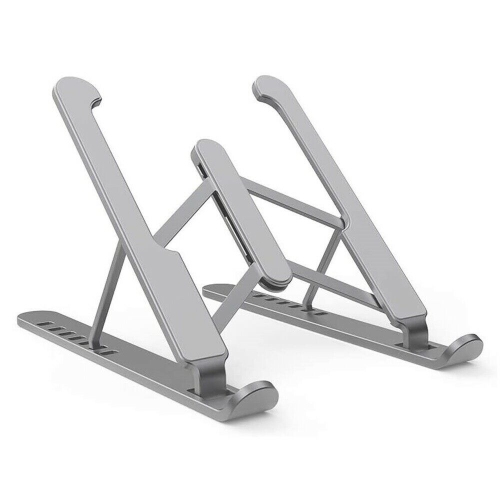
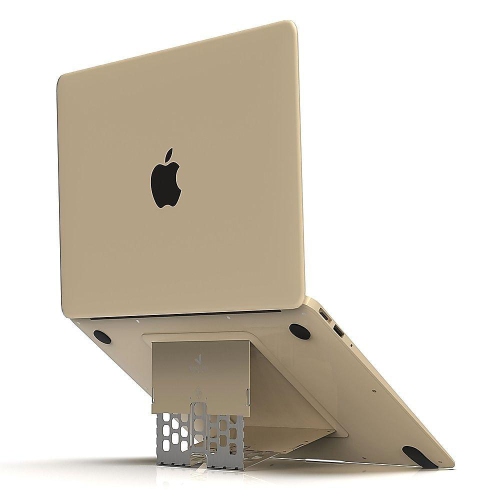
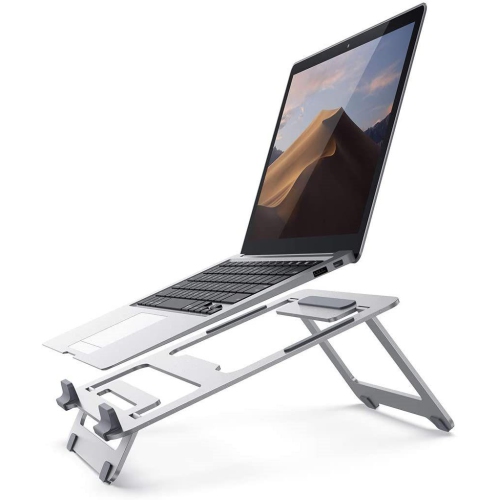
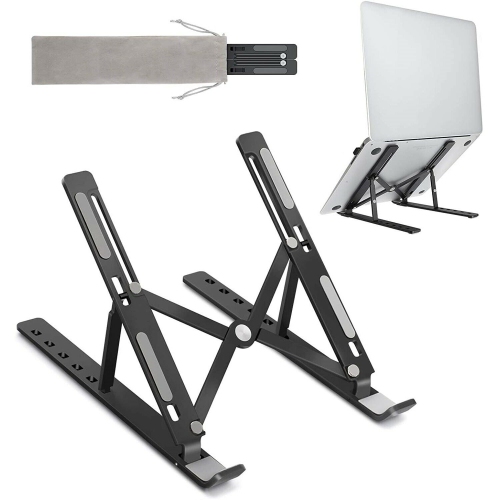
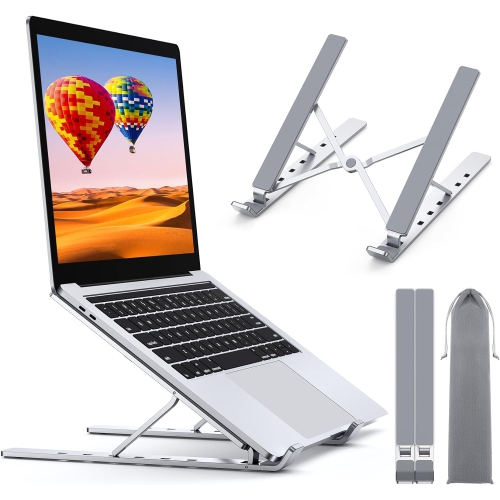
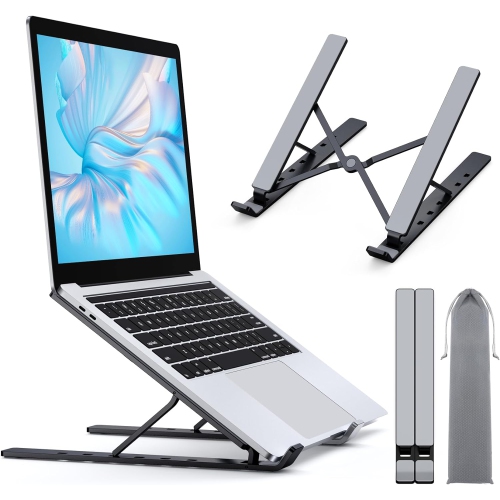
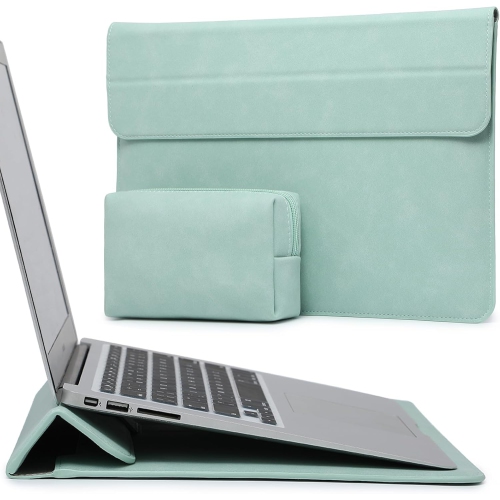
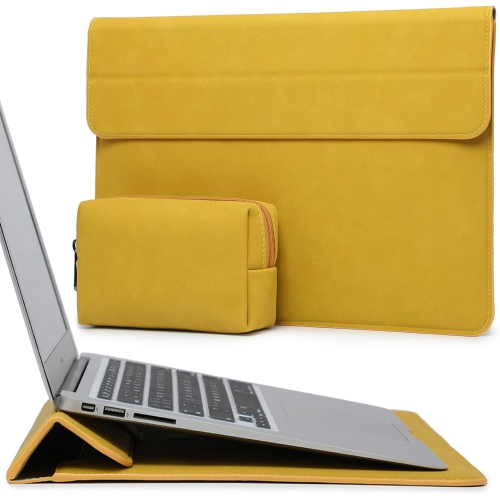
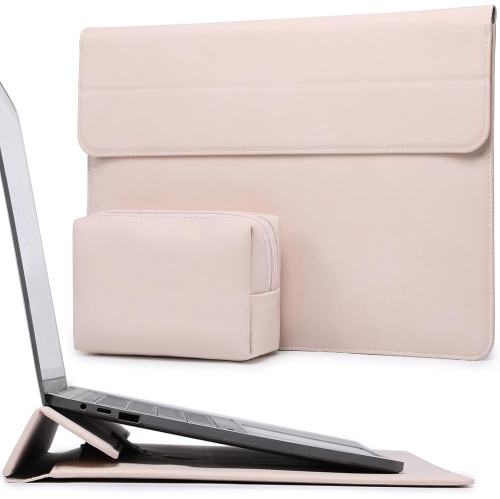
Portability is an important distinction among MacBook laptop stands. A full-size desktop stand can offer excellent stability and a polished appearance, but it may be intended to remain in one place. Folding stands are easier to pack into a work bag, drawer, or carry-on and can be useful for people who move between a home office, classroom, library, and shared workspace. Some compact options fold nearly flat, while others attach to the underside of the laptop and open into viewing positions when needed. These slimmer styles are convenient for commuters and remote workers who want a more comfortable setup without carrying a separate bulky accessory. Before choosing one, check the stand’s supported laptop size and weight, then compare those specifications with the dimensions of the MacBook being used. Pay attention to the platform width, the depth of the front lip, and whether the design leaves ports accessible for charging, external displays, headphones, storage devices, or other accessories. A stand with several height settings can make it easier to adapt to a dining table, hotel desk, counter, or conventional office desk, although more moving parts may add weight or reduce the simplicity of a fixed design. The viewing angle matters as well: a gentle tilt can improve visibility and reduce reflections, while a steeper angle may be helpful when reading or presenting from a lower surface. For a tidy workstation, consider how the stand interacts with a monitor, desk lamp, notebook, or docking setup. A raised laptop can create room underneath for a keyboard, but taller designs may require more horizontal clearance. Anyone who relies on frequent touch-typing should also think about whether the built-in keyboard will remain comfortable at the chosen angle, or whether an external keyboard will be part of the setup.
MacBook laptop stands can be a thoughtful gift for students, hybrid workers, freelancers, frequent travellers, and anyone turning a small corner of the home into a practical workstation. They are useful during the cooler months when more work, study, and entertainment may move indoors, and they remain handy as the weather warms for people shifting between rooms, patios, cottages, and other temporary work areas. A stand can also support a more comfortable video-call setup by raising the camera and reducing the downward angle that often occurs when a laptop sits flat on a table. For shared households, an adjustable model can accommodate different users, while a compact folding option can be stored easily when the desk needs to serve another purpose. Shoppers looking for a broader range of designs can explore Laptop Stands to compare options for home, office, travel, and study spaces. The most suitable choice will depend on how often the MacBook moves, how much desk space is available, and whether the priority is maximum stability, adjustable height, easy storage, or a clean, minimal arrangement. Consider the complete daily routine rather than the stand alone: where the laptop is placed, which accessories are connected, how long the screen is viewed, and whether the setup needs to be packed away. A dependable stand should fit naturally into that routine, keeping the laptop supported and the workspace more comfortable without making everyday tasks feel complicated.
Portability is an important distinction among MacBook laptop stands. A full-size desktop stand can offer excellent stability and a polished appearance, but it may be intended to remain in one place. Folding stands are easier to pack into a work bag, drawer, or carry-on and can be useful for people who move between a home office, classroom, library, and shared workspace. Some compact options fold nearly flat, while others attach to the underside of the laptop and open into viewing positions when needed. These slimmer styles are convenient for commuters and remote workers who want a more comfortable setup without carrying a separate bulky accessory. Before choosing one, check the stand’s supported laptop size and weight, then compare those specifications with the dimensions of the MacBook being used. Pay attention to the platform width, the depth of the front lip, and whether the design leaves ports accessible for charging, external displays, headphones, storage devices, or other accessories. A stand with several height settings can make it easier to adapt to a dining table, hotel desk, counter, or conventional office desk, although more moving parts may add weight or reduce the simplicity of a fixed design. The viewing angle matters as well: a gentle tilt can improve visibility and reduce reflections, while a steeper angle may be helpful when reading or presenting from a lower surface. For a tidy workstation, consider how the stand interacts with a monitor, desk lamp, notebook, or docking setup. A raised laptop can create room underneath for a keyboard, but taller designs may require more horizontal clearance. Anyone who relies on frequent touch-typing should also think about whether the built-in keyboard will remain comfortable at the chosen angle, or whether an external keyboard will be part of the setup.
MacBook laptop stands can be a thoughtful gift for students, hybrid workers, freelancers, frequent travellers, and anyone turning a small corner of the home into a practical workstation. They are useful during the cooler months when more work, study, and entertainment may move indoors, and they remain handy as the weather warms for people shifting between rooms, patios, cottages, and other temporary work areas. A stand can also support a more comfortable video-call setup by raising the camera and reducing the downward angle that often occurs when a laptop sits flat on a table. For shared households, an adjustable model can accommodate different users, while a compact folding option can be stored easily when the desk needs to serve another purpose. Shoppers looking for a broader range of designs can explore Laptop Stands to compare options for home, office, travel, and study spaces. The most suitable choice will depend on how often the MacBook moves, how much desk space is available, and whether the priority is maximum stability, adjustable height, easy storage, or a clean, minimal arrangement. Consider the complete daily routine rather than the stand alone: where the laptop is placed, which accessories are connected, how long the screen is viewed, and whether the setup needs to be packed away. A dependable stand should fit naturally into that routine, keeping the laptop supported and the workspace more comfortable without making everyday tasks feel complicated.
Top selling and popular products
-
 Your price for this item is $149.99
 -
 Your price for this item is $69.99
 -
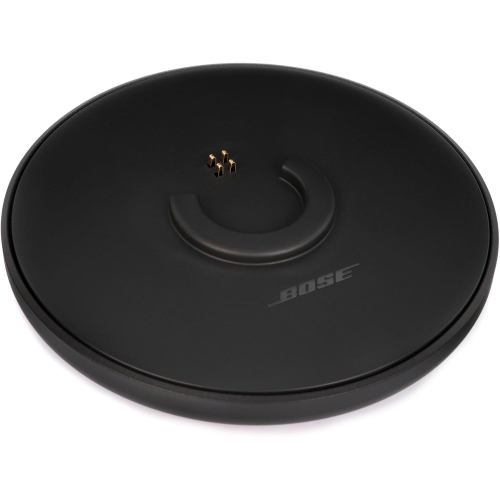 Your price for this item is $35
 -
 Your price for this item is $59.99
 -
 Your price for this item is $179.99
 -
 Your price for this item is $209.99
 -
 Your price for this item is $89.99
 -
 Your price for this item is $154.99
Discover more categories related to MacBook Laptop Stands

Top Collections:
Pokemon Centers, Kindle Devices, Best Budget Office Chairs, Apple iPhones 16, Best Laptops for Writers, iPhone 15 Apple, Canon G7X Cameras, Refurbished Apple Laptops, Alarm Clock, Motorola Razr Phones
Some products may be subject to Environmental Handling Fees
(EHF) depending on your province.
Learn more about EHFs.