Sleek Laptop Stands
If you're looking for a laptop stand that will help you get the most out of your laptop, you've come to the right place. These stands are stylish and functional, and they'll keep your laptop safe and secure while adding a touch of style to your workspace. Here are some of the best sleek laptop stands available today.
Sort
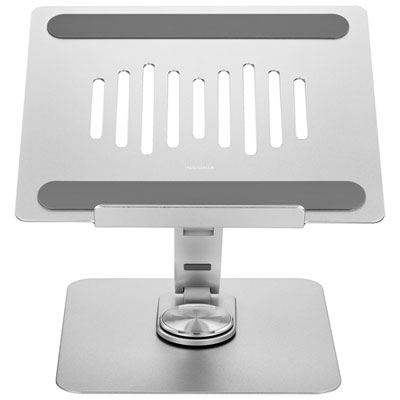
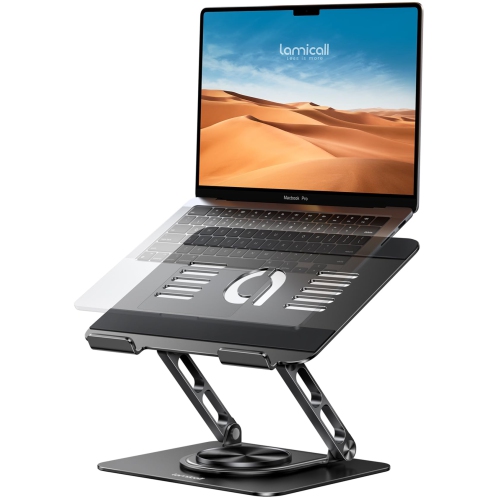
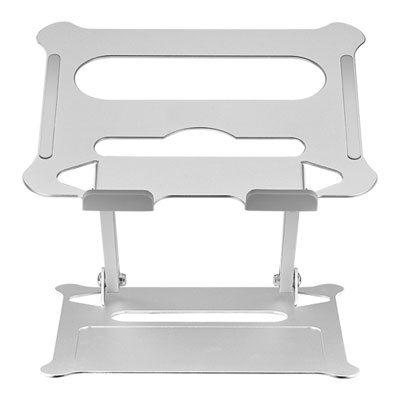
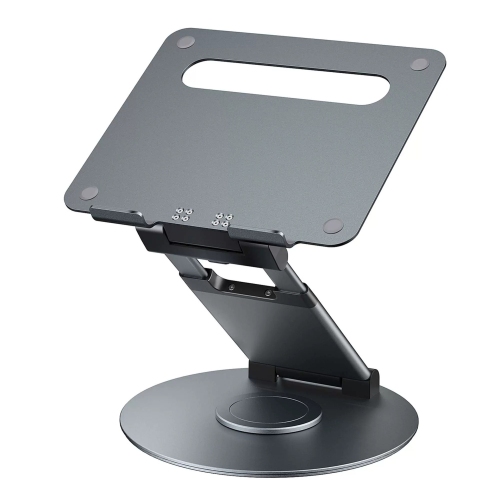
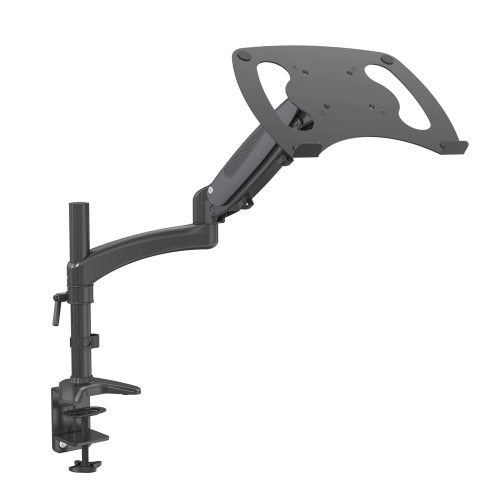
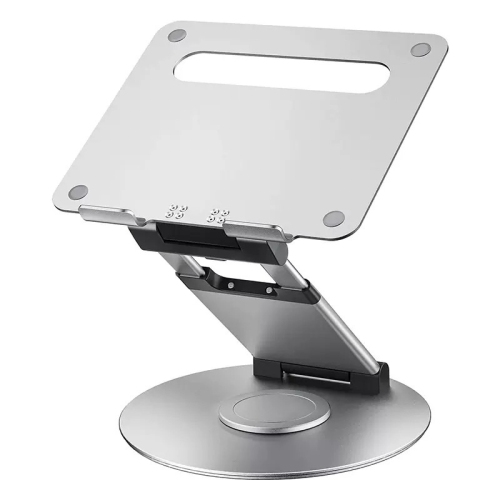
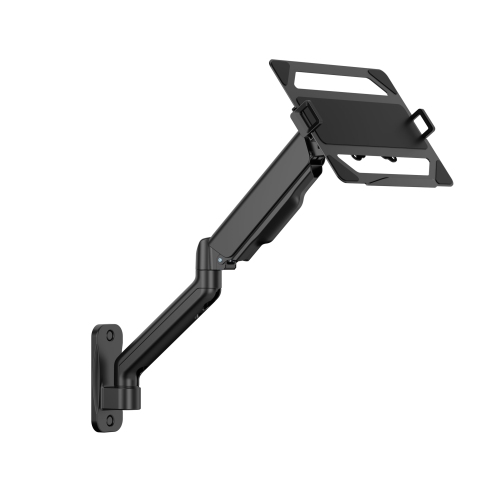
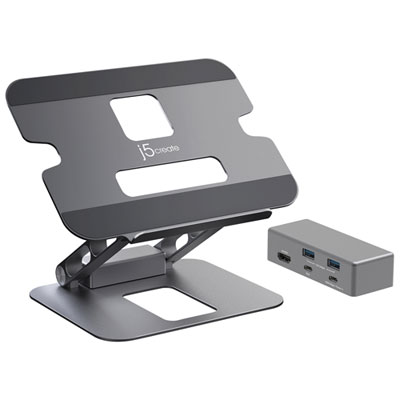
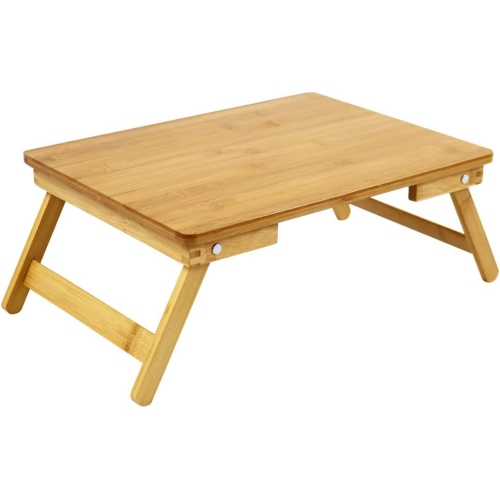
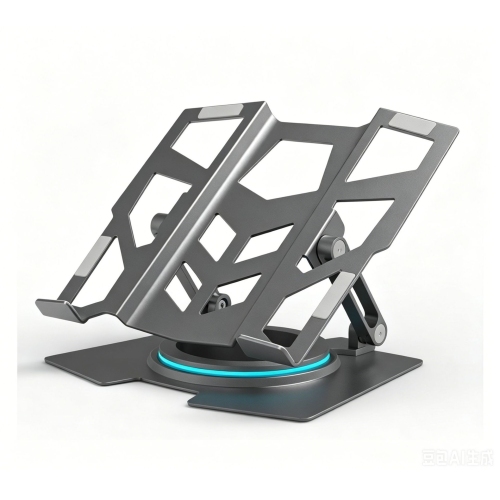
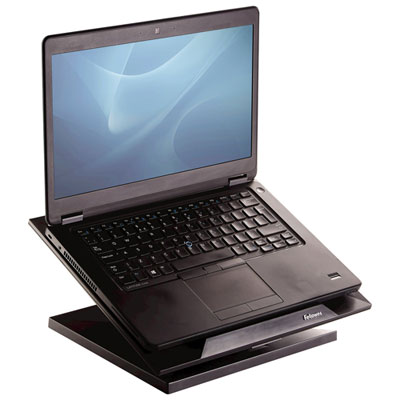
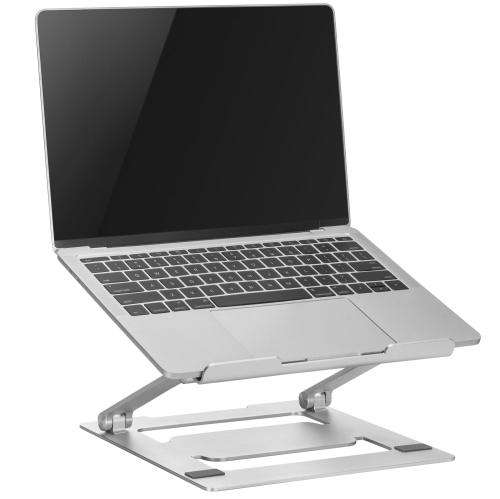
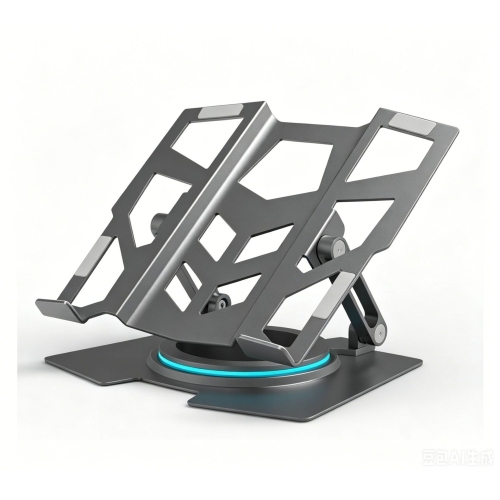
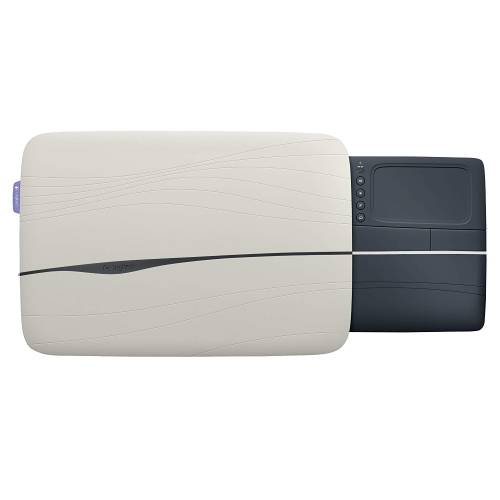
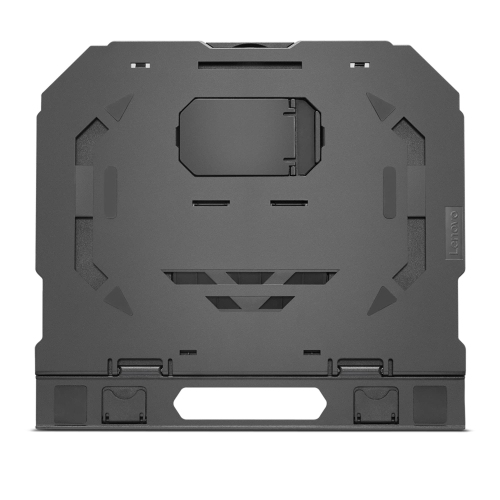
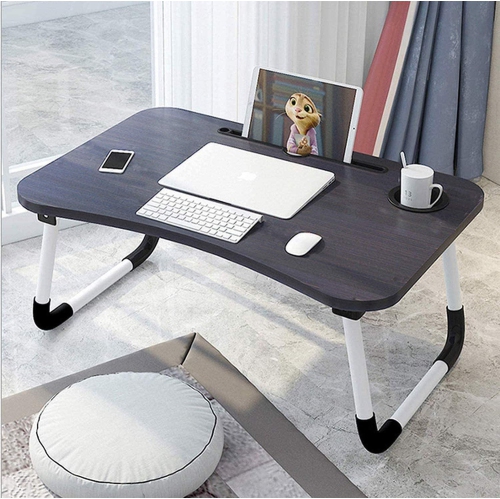
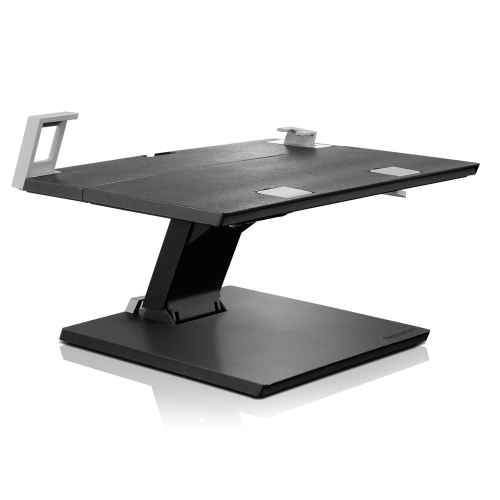
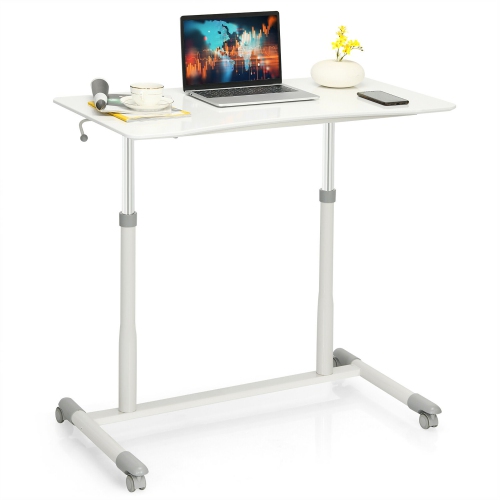
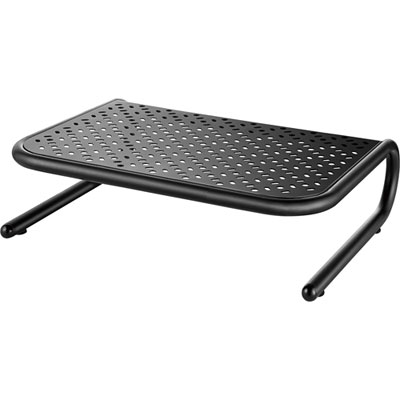
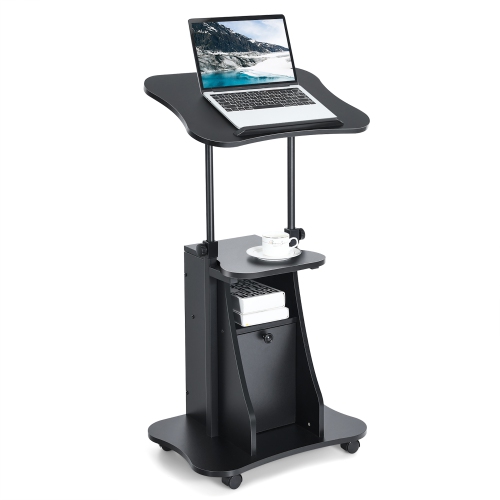
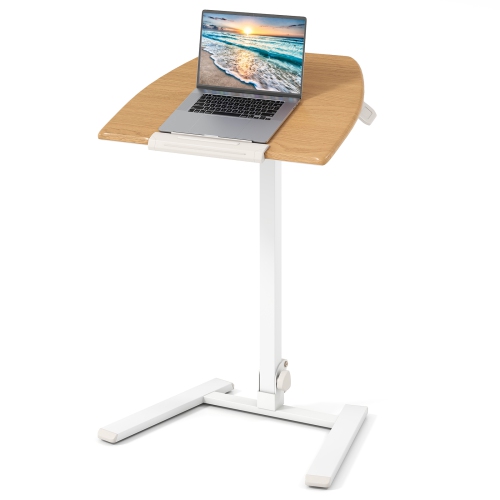
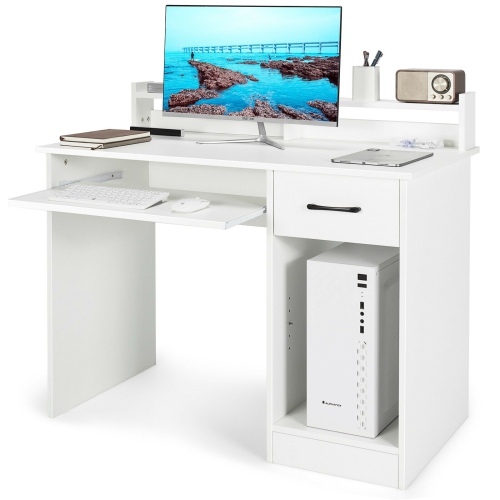
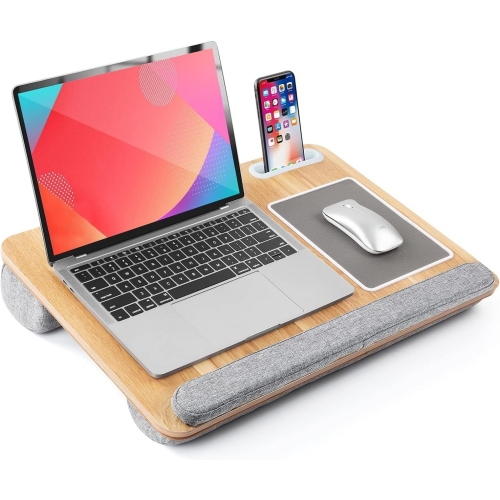
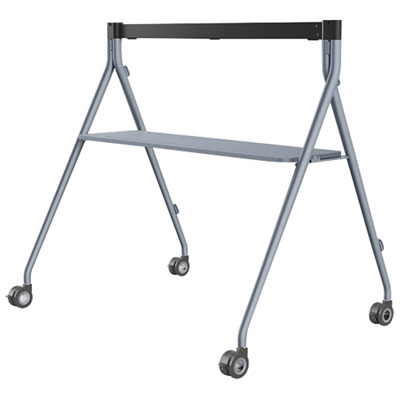

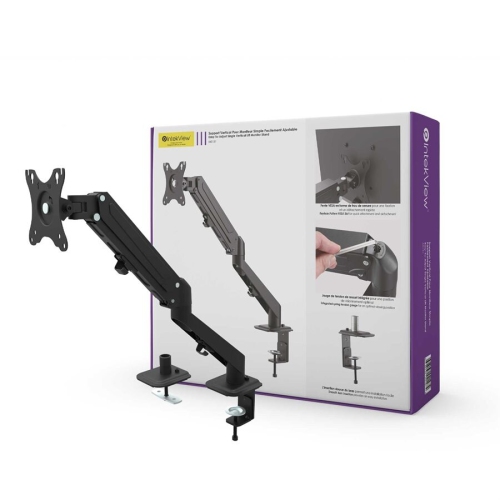
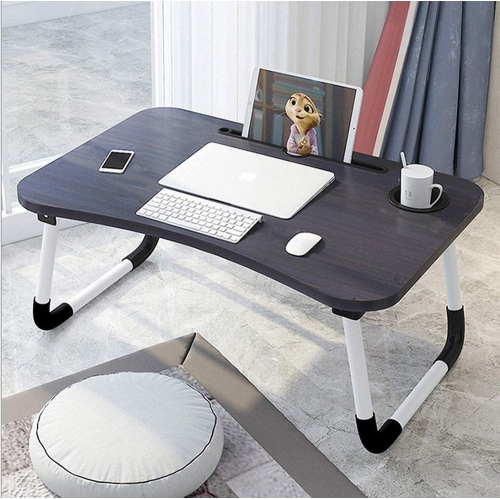
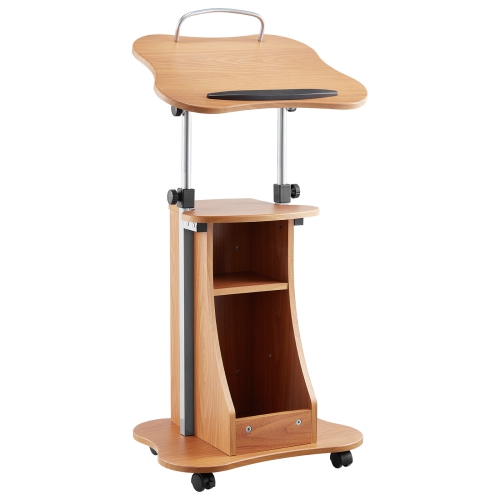
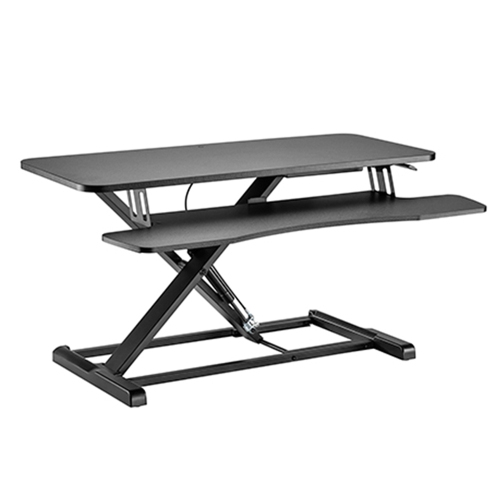
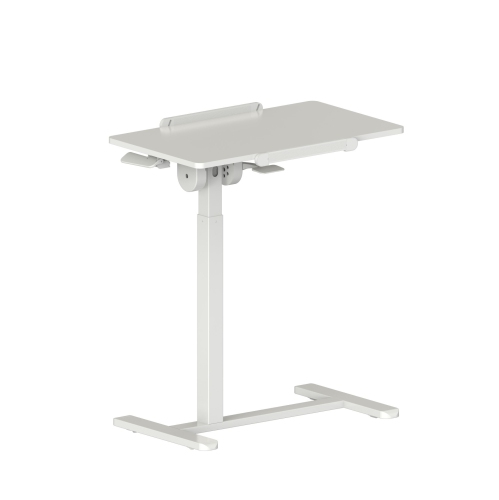
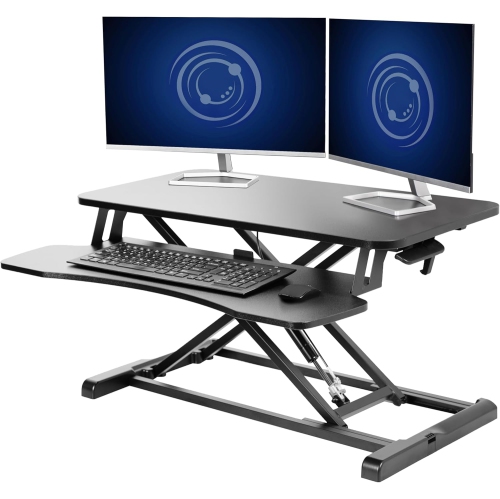
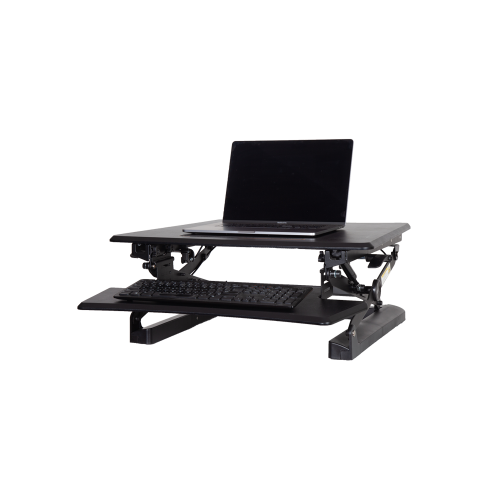
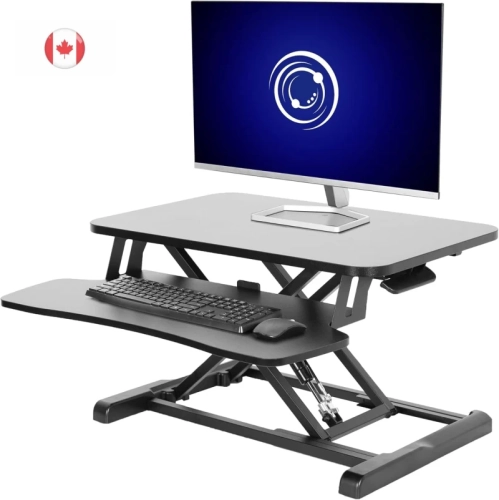
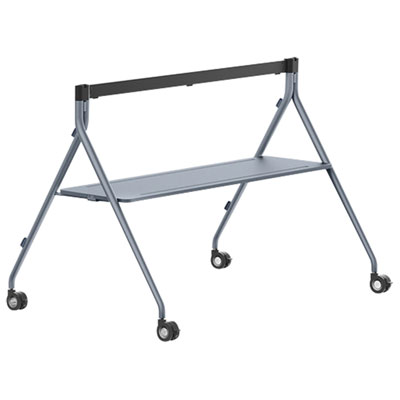
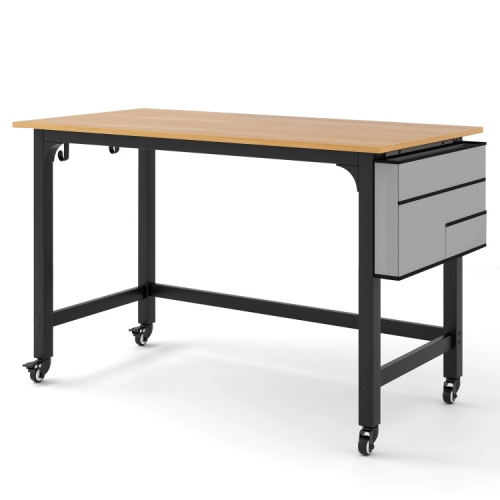

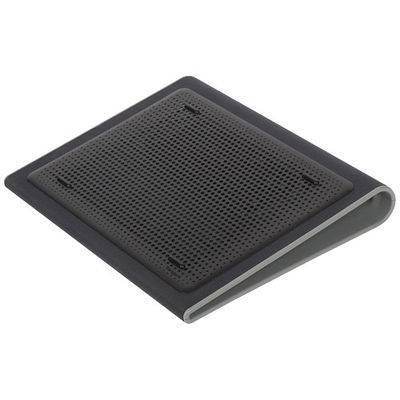
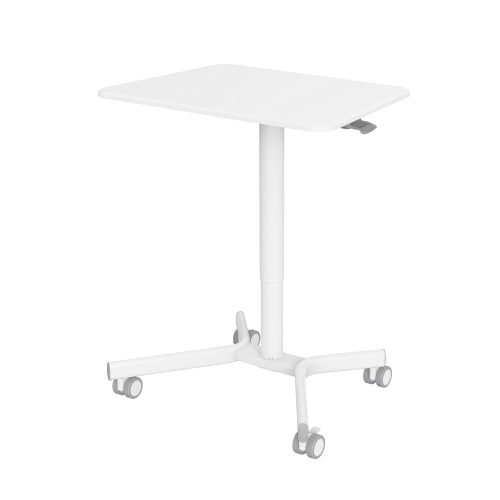
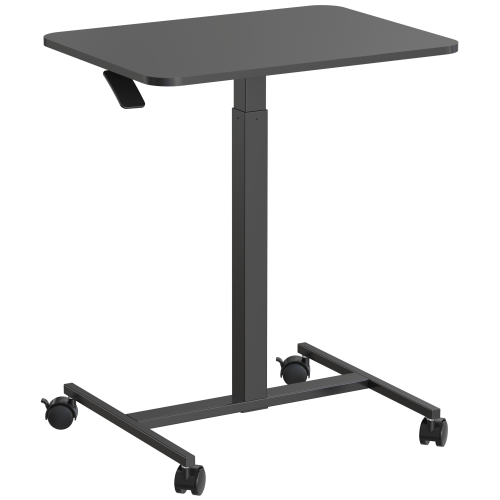
Clean lines that leave room for everyday essentials
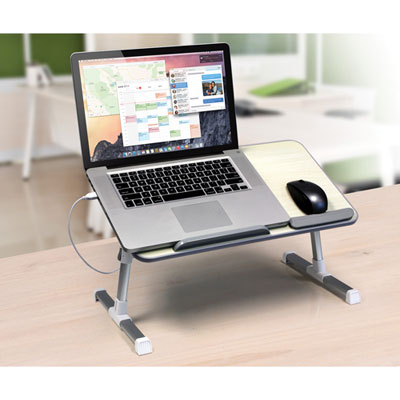
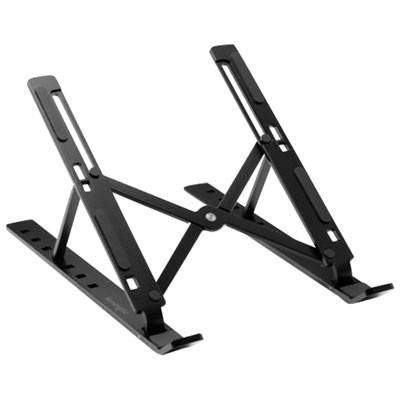
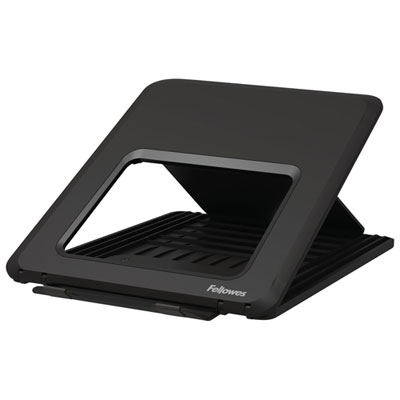
Sleek laptop stands combine clean-lined design with practical support, raising or positioning a laptop without making a desktop feel crowded. Their appeal comes from a balance of proportion, finish and function: a slim platform, neatly shaped legs and discreet cable openings can make a work surface look more organized while leaving room for everyday essentials. Within the broader category of Laptop Stands, sleek designs range from fixed risers with a sculpted silhouette to adjustable platforms that change height or angle. Fixed stands have fewer moving parts and a consistent profile, while adjustable versions offer more flexibility for shared desks and different seating positions. Folding designs suit setups that need to disappear into a drawer or bag between uses. Vertical holders serve a different purpose, keeping a closed laptop upright beside a monitor rather than raising its screen for viewing. Materials contribute as much to the experience as the appearance. Aluminum can provide a slim, rigid structure, with brushed or matte finishes that sit comfortably alongside metal accessories. Steel can add weight and a grounded feel, while moulded plastic designs can be lightweight and easy to carry. Wood and wood-look surfaces introduce warmth beside a keyboard, monitor or desk lamp, though their finish and care requirements vary. Rubber or silicone pads help cushion contact points and reduce sliding, particularly on smooth work surfaces. Rounded edges, evenly finished joints and a well-supported platform matter more to everyday use than a thin profile alone. A stand may look understated from across the room, yet the details become noticeable when opening a laptop, connecting a cable or clearing space for a notebook. Open frames can make a compact desk feel less enclosed, while a solid base creates a more substantial visual anchor. Neither approach is inherently better; the right balance depends on the laptop, the desk and how the space is used.
Fit begins with more than the laptop’s screen size. The computer’s width, depth, weight and underside shape all affect how securely it rests on a platform. A screen-size compatibility range is a useful starting point, but the stand’s dimensions and stated weight capacity provide a clearer picture of suitability. Support arms should contact stable areas of the chassis, and front retaining lips should hold the laptop without pressing awkwardly against the wrists or obstructing the lid. Port placement also matters: side supports, adjustment knobs and raised edges can interfere with charging cables, adapters or connections positioned close to the desk. For someone working at a laptop for extended periods, a raised display is usually most practical alongside a separate keyboard and mouse. This arrangement allows the screen to sit higher while the typing surface stays within comfortable reach, rather than lifting the hands along with the computer. A modest tilt can suit occasional typing on the built-in keyboard, but steeper angles may place more pressure on the wrists or make the front edge uncomfortable. Height adjustment is useful when moving between chairs, sharing a workstation or aligning a laptop beside an external monitor. The aim is a readable screen position that does not require continually looking down or reaching forward; a stand cannot compensate for every mismatch in chair height, desk depth or viewing distance. Stability deserves equal attention. A wide base and firm adjustment joints can help limit movement when typing, using a trackpad or touching the screen, although some raised platforms are better suited to use with separate input devices. Openings beneath the laptop may leave more space around its ventilation points, provided the supports do not cover intake or exhaust areas. Extra clearance does not guarantee a particular operating temperature, and vents still need to remain unobstructed. On a smaller desktop, usable space beneath a riser can accommodate a compact keyboard between tasks, while cable channels can keep a charging lead from trailing across a writing area.
Intended use often determines which details earn their place in a sleek design. A stand that stays on a dedicated desk can prioritize a broad footprint, sturdy construction and a finish that coordinates with the surrounding setup. In a shared room, a folding frame may be more useful because the work surface needs to return to other activities at the end of the day. For commuting or working between locations, folded dimensions, weight and the shape of protruding parts matter as much as the stand’s appearance when open. A slim model that slips into a laptop bag is easier to carry than a rigid riser, but its hinges and locking points still need to hold the chosen position securely. Repeated folding makes joint quality especially relevant to durability. For a closed-laptop workstation, an adjustable vertical holder should accommodate the computer’s thickness, including any compatible protective shell, without squeezing it or leaving it loose. That arrangement also depends on the laptop supporting the intended external-display setup and having suitable ventilation while closed. Care is generally straightforward, though it should match the materials and the manufacturer’s directions. A soft cloth can remove fingerprints from metal surfaces, while dust around hinges, pads and ventilation openings may need closer attention. Abrasive cleaners can mark finishes, and prolonged moisture can affect some wood-based surfaces. Contact pads are worth checking periodically for trapped grit, lifting edges or wear, since these small components help protect both the laptop and the desktop. Adjustable joints should remain firm enough to hold their position without being forced beyond their designed range. These practical details make a stand a useful gift for a student building a study space, someone setting up a home office or a traveller who regularly works with a separate keyboard. A well-matched design feels unobtrusive in use: the screen sits where it is needed, cables have a clear path, and the laptop remains supported without dominating the desk.
Top selling and popular products
-
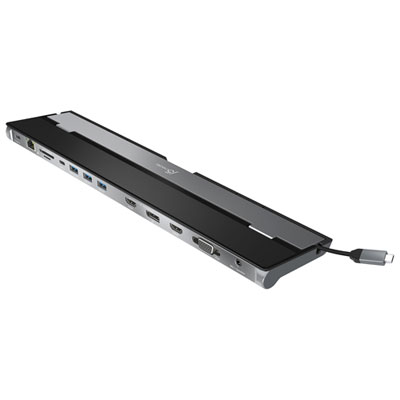 Your price for this item is $149.99
-
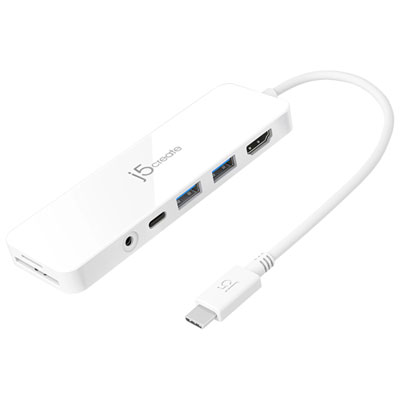 Your price for this item is $69.99
-
 Your price for this item is $87.99
-
 Your price for this item is $59.99
-
 Your price for this item is $96.16
-
 Your price for this item is $179.99
-
 Your price for this item is $214.99
-
 Your price for this item is $89.99
Discover more categories related to Sleek Laptop Stands
Top Collections:
Best Black Friday Deals This Year, Best Black Friday Deals On Electronics, Kindle Devices, Pokemon Centers, Best Black Friday Deals On Apple Products, Best Cameras for Sports Photography, Dyson Airwrap, Pokémon 30th Celebration Cards, Apple iPhone 17 Pro, Canon G7X Cameras
Some products may be subject to Environmental Handling Fees
(EHF) depending on your province.
Learn more about EHFs.