Malware Protection for Chromebook
Malware Protection for Chromebook is essential for keeping your device secure while you browse, work, or study online. With the right malware protection, you can help safeguard your personal information and enjoy greater peace of mind when using your Chromebook. Explore a variety of options designed to provide an extra layer of defense against potential threats, so you can focus on what matters most without worry. Find the best solutions to enhance your Chromebook’s security and keep your digital experience smooth and protected.
Sort
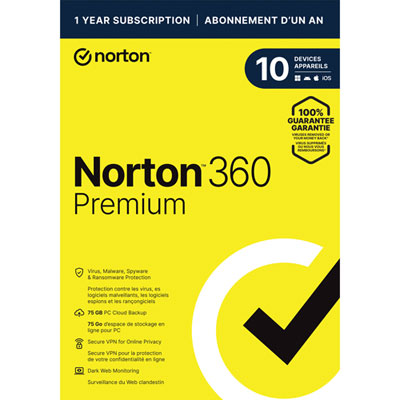
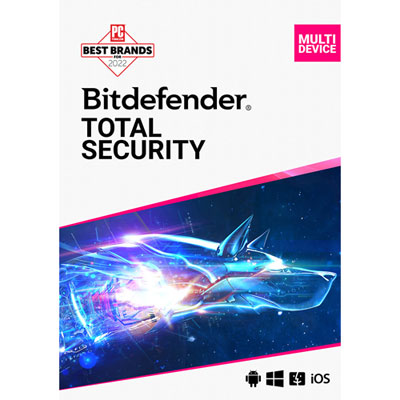
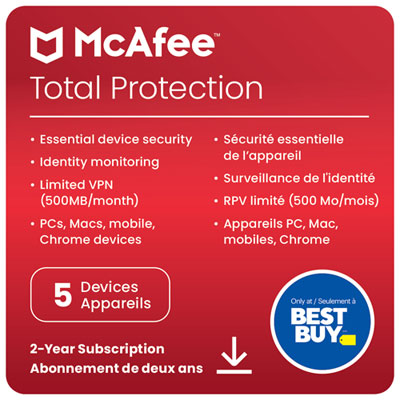
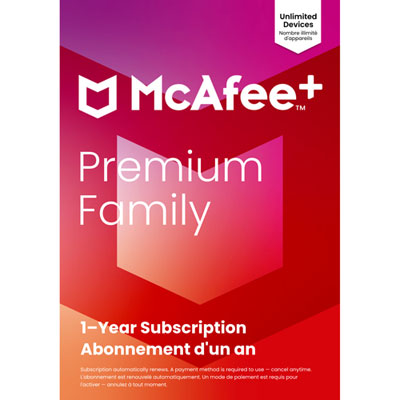
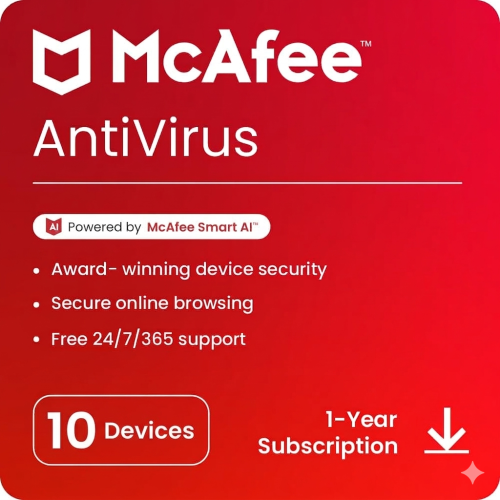
Extra security for travel, families, work, and everyday browsing
As Chromebooks continue to gain popularity for their speed, simplicity, and streamlined design, many Canadians are turning to these devices for everyday computing—whether it’s for students heading to class, professionals working remotely, or families enjoying time together online. The built-in security features of ChromeOS, like automatic updates, sandboxing, and verified boot, provide a formidable first line of defence against threats. However, as digital activity increases during the warmer months—when people are more likely to travel, work from patios, or hop between Wi-Fi networks at coffee shops and airports—the need for enhanced protection becomes even more relevant. This is especially true for those who handle sensitive information, make online purchases, or share devices with multiple users. Adding an extra layer of malware protection for Chromebook can help safeguard your digital life, block phishing attempts, and ensure peace of mind whether you’re catching up on emails from a lakeside cottage or streaming your favourite shows at home.
When considering malware protection for your Chromebook, it’s important to think about how you use your device and what kind of security best fits your lifestyle. For frequent travellers, features like chromebook anti-theft and remote locking capabilities can be invaluable, helping to secure your data if your device is misplaced or stolen. Families with kids or teens may appreciate parental controls and web filtering that keep younger users safe from inappropriate content or malicious sites. Busy professionals who rely on cloud storage and online collaboration tools will benefit from real-time threat detection and phishing protection, which can help prevent accidental data leaks or credential theft. Even casual users who primarily browse the web or use social media can take advantage of browser extensions and add-ons that block malicious ads and suspicious downloads, reducing the risk of malware infections. These solutions often work seamlessly in the background, requiring little effort to maintain while providing robust, always-on security.
Selecting the right malware protection for Chromebook is about more than just antivirus—it’s about creating a secure, hassle-free experience that matches your needs. Many security solutions are designed to complement ChromeOS’s native defences, offering features like regular vulnerability scans, Wi-Fi security checks, and privacy-focused tools that help you stay one step ahead of evolving threats. For those looking to give the gift of digital peace of mind—perhaps to a student heading off to university, a parent who’s new to Chromebooks, or a friend who works on the go—malware protection software is a thoughtful and practical choice. As you explore your options, be sure to review user-friendly dashboards, compatibility with other devices, and the availability of customer support. For a comprehensive selection of trusted solutions, visit our Malware Protection Software page to find the right fit for your Chromebook and enjoy secure browsing all season long.
When considering malware protection for your Chromebook, it’s important to think about how you use your device and what kind of security best fits your lifestyle. For frequent travellers, features like chromebook anti-theft and remote locking capabilities can be invaluable, helping to secure your data if your device is misplaced or stolen. Families with kids or teens may appreciate parental controls and web filtering that keep younger users safe from inappropriate content or malicious sites. Busy professionals who rely on cloud storage and online collaboration tools will benefit from real-time threat detection and phishing protection, which can help prevent accidental data leaks or credential theft. Even casual users who primarily browse the web or use social media can take advantage of browser extensions and add-ons that block malicious ads and suspicious downloads, reducing the risk of malware infections. These solutions often work seamlessly in the background, requiring little effort to maintain while providing robust, always-on security.
Selecting the right malware protection for Chromebook is about more than just antivirus—it’s about creating a secure, hassle-free experience that matches your needs. Many security solutions are designed to complement ChromeOS’s native defences, offering features like regular vulnerability scans, Wi-Fi security checks, and privacy-focused tools that help you stay one step ahead of evolving threats. For those looking to give the gift of digital peace of mind—perhaps to a student heading off to university, a parent who’s new to Chromebooks, or a friend who works on the go—malware protection software is a thoughtful and practical choice. As you explore your options, be sure to review user-friendly dashboards, compatibility with other devices, and the availability of customer support. For a comprehensive selection of trusted solutions, visit our Malware Protection Software page to find the right fit for your Chromebook and enjoy secure browsing all season long.
Top selling and popular products
-
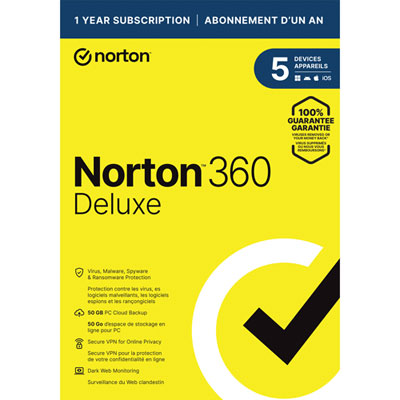 Your price for this item is $89.99
 -
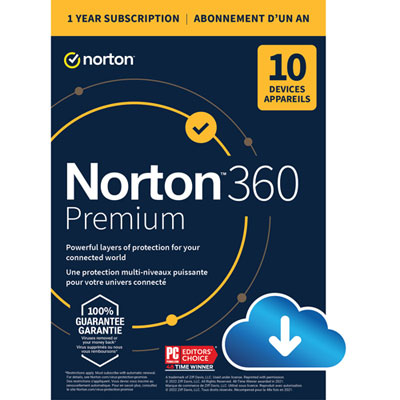 Your price for this item is $99.99
 -
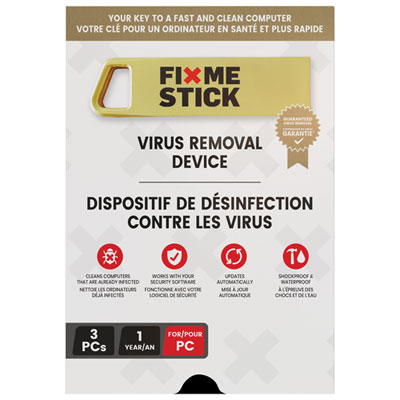 Your price for this item is $89.99
 -
 Your price for this item is $89.99
 -
 Your price for this item is $14.99
 -
 Your price for this item is $49.99
 -
 Your price for this item is $69.99
 -
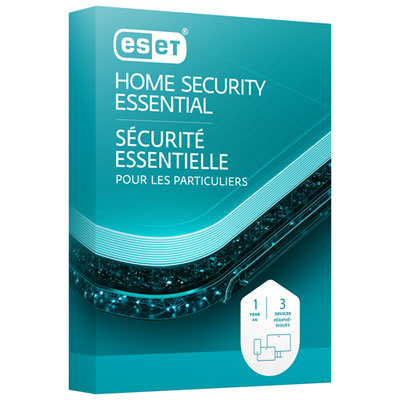 Your price for this item is $59.95
Discover more categories related to Malware Protection for Chromebook
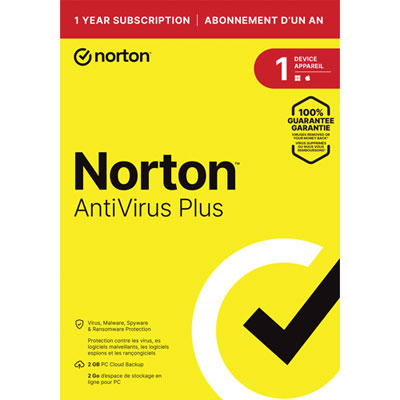
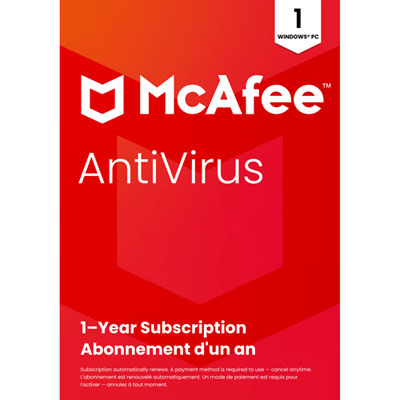
Top Collections:
Pokemon Centers, Kindle Devices, Best Budget Office Chairs, Apple iPhones 16, Best Laptops for Writers, iPhone 15 Apple, Canon G7X Cameras, Refurbished Apple Laptops, Alarm Clock, Motorola Razr Phones
Some products may be subject to Environmental Handling Fees
(EHF) depending on your province.
Learn more about EHFs.