Microphones for Teachers
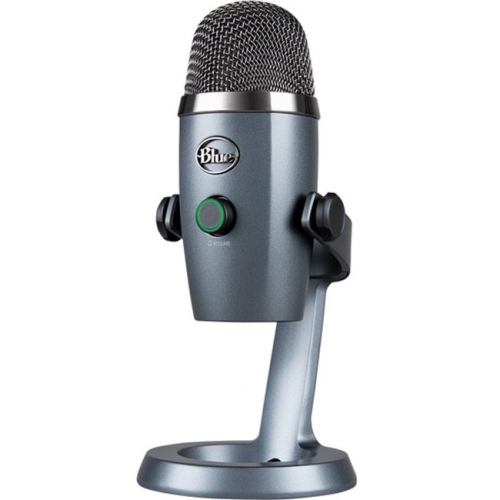
Enhance the classroom experience with a selection of microphones designed specifically for teachers. Whether you're leading a bustling classroom or conducting virtual lessons, the right microphone can make all the difference in ensuring your voice is heard clearly and effectively. Explore options that offer superior sound quality, user-friendly features, and reliable performance to support your teaching needs. From wireless models that allow freedom of movement to compact designs perfect for desk setups, discover microphones that cater to every teaching style and environment. Elevate your presentations and engage your students with confidence and clarity.
Sort
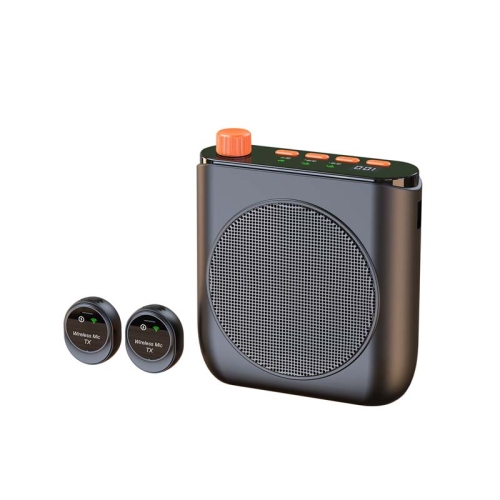
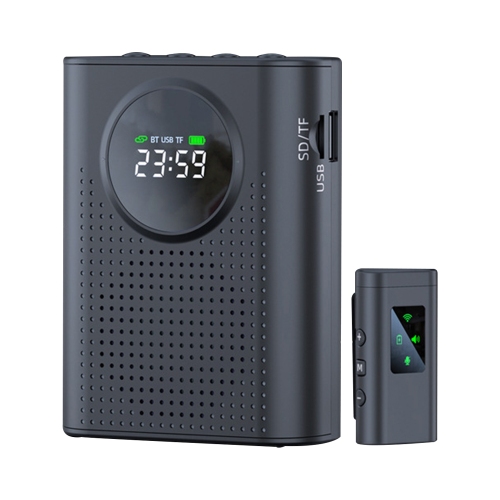
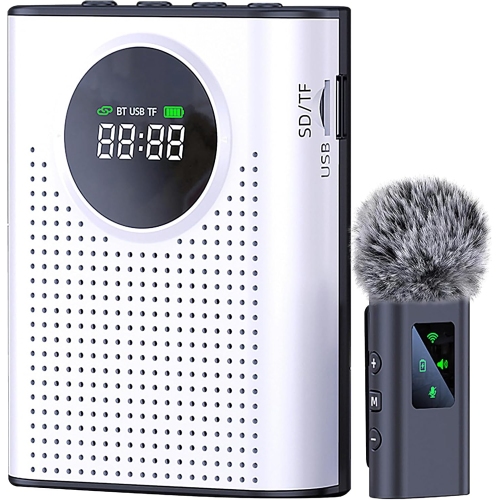
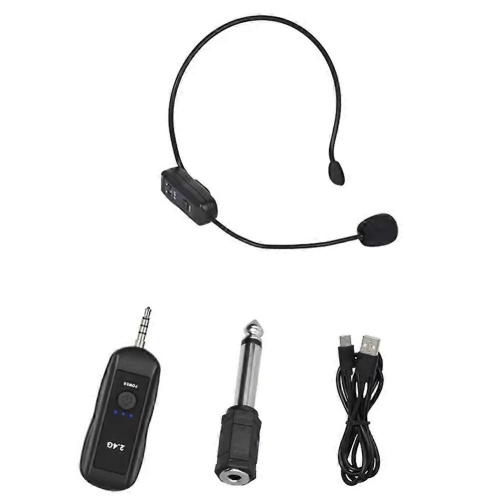
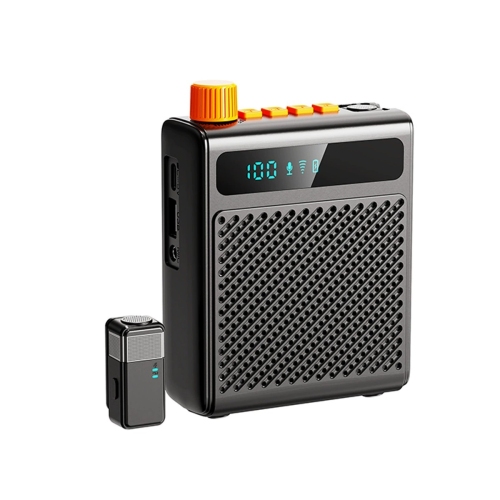
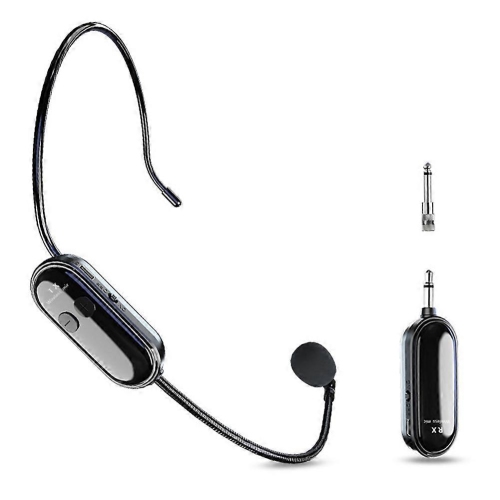
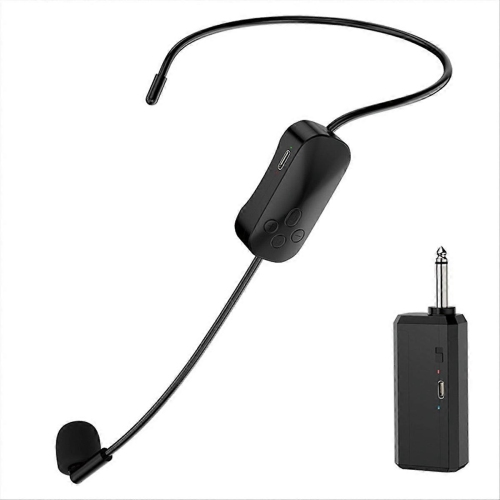
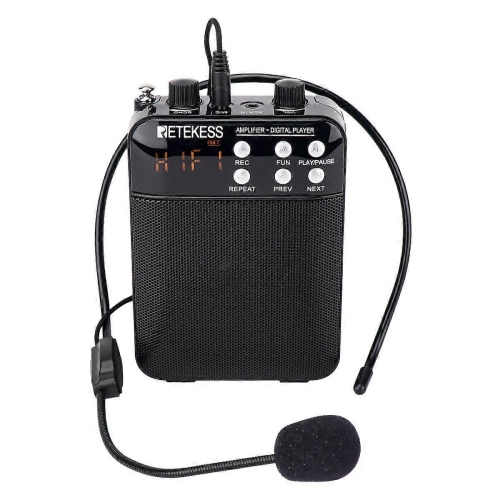
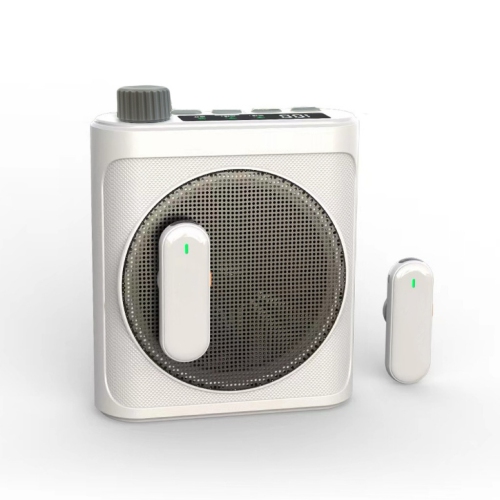
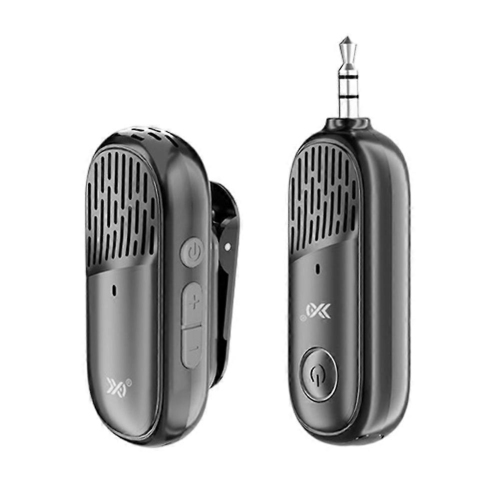
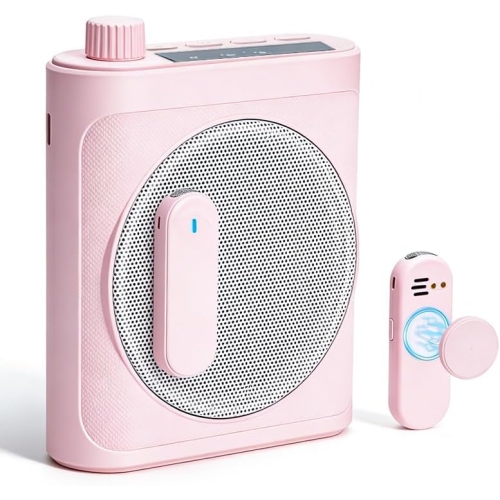
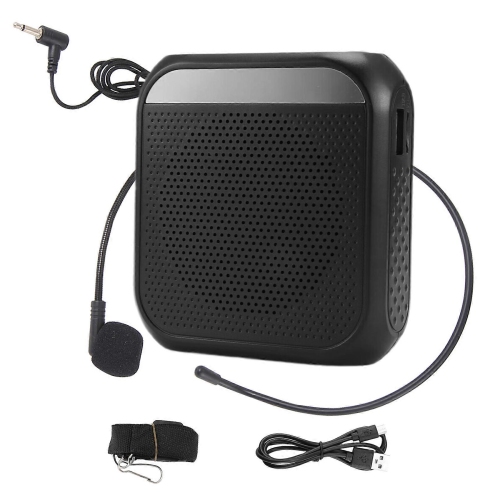
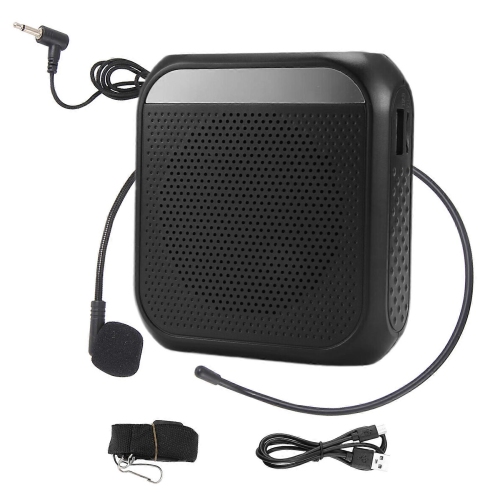
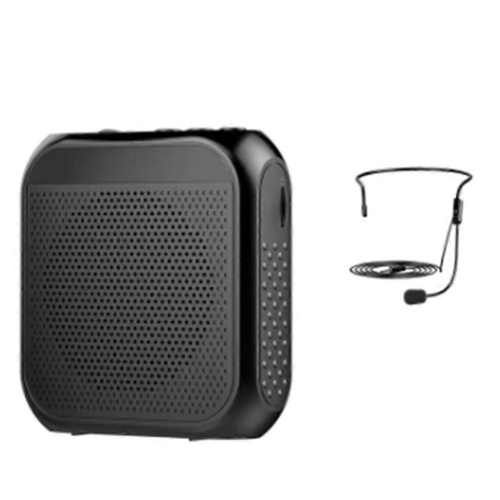
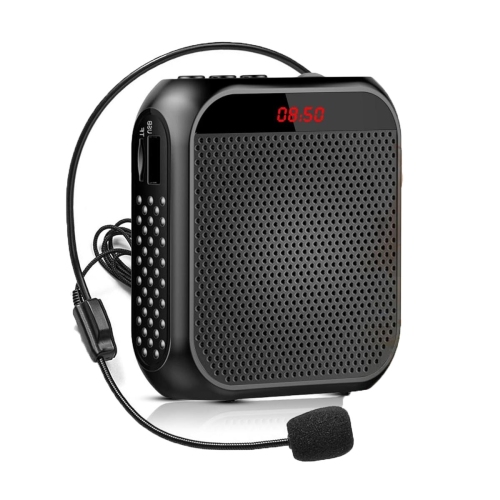
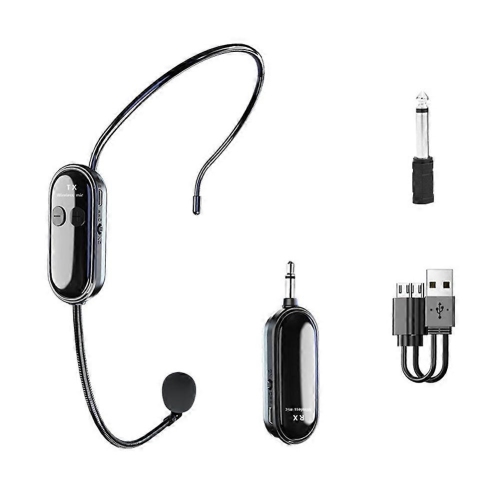
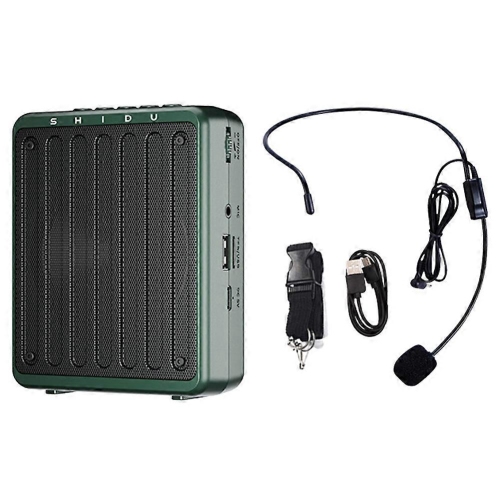
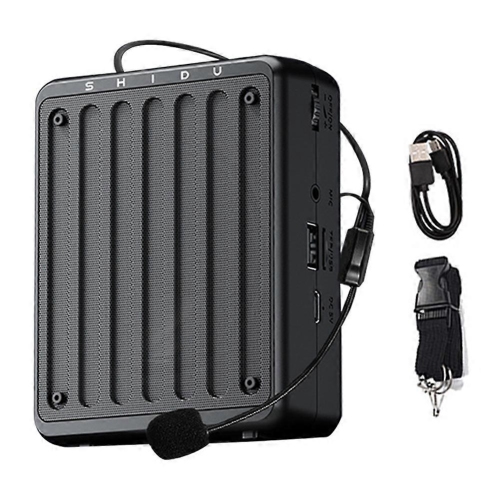
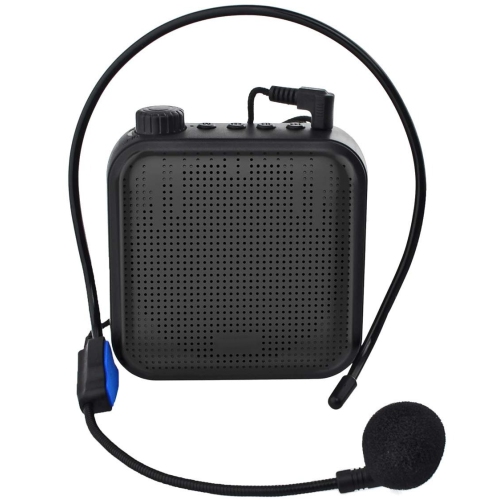
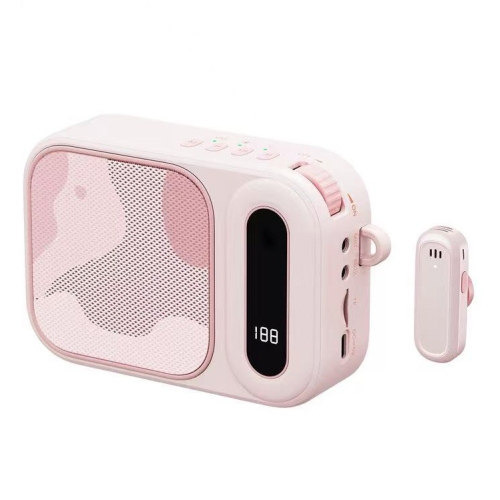
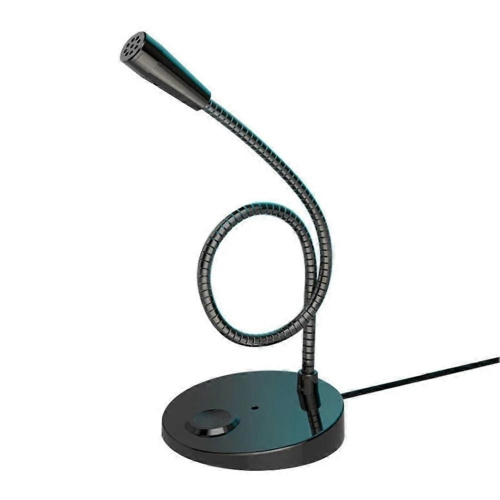
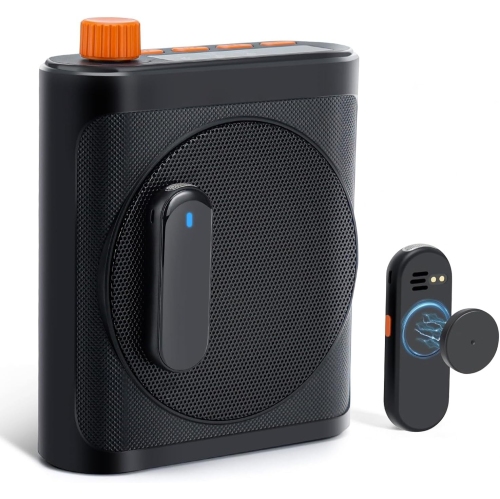
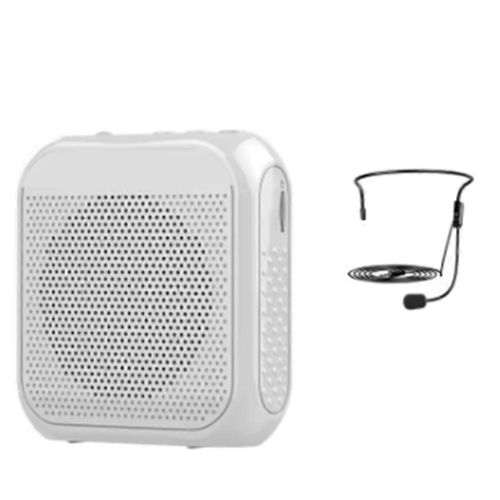
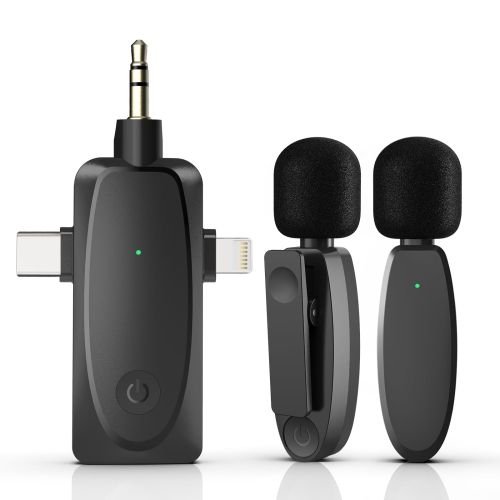
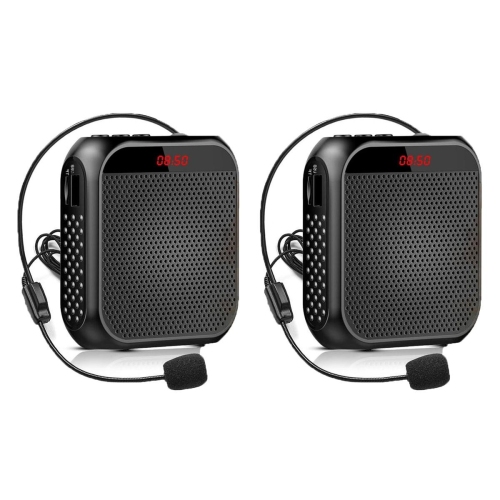
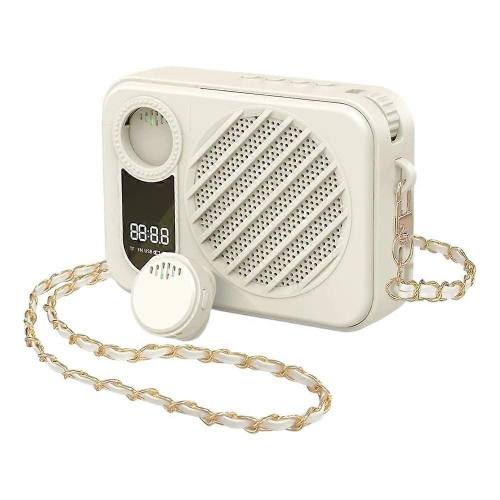
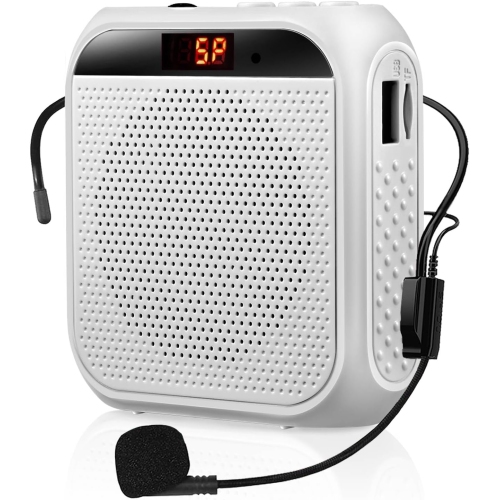
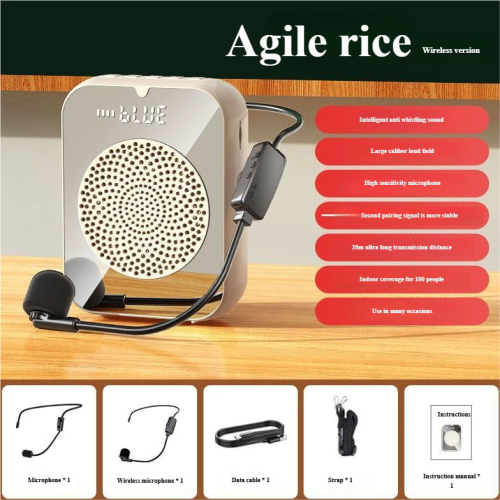
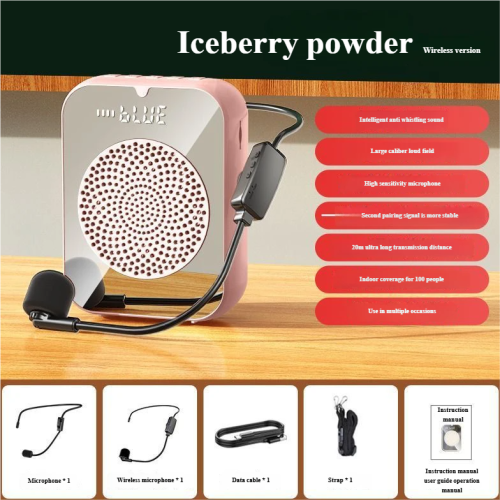
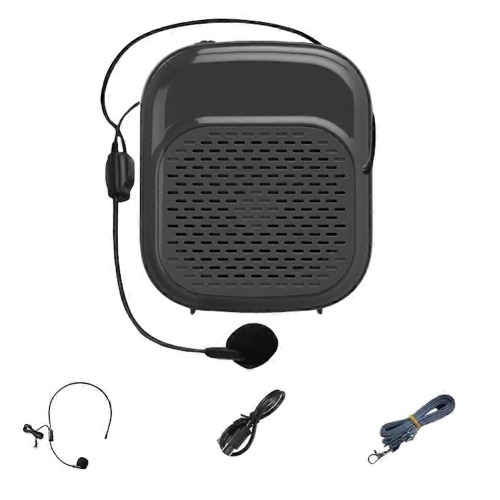
![GREEN SCENIC Little Bee Amplifier Speaker Multi-Function Amplifier Headband Microphone Teacher Class Microphone - [Wired Version] In Black](https://multimedia.bbycastatic.ca/multimedia/products/500x500/194/19406/19406977.png)
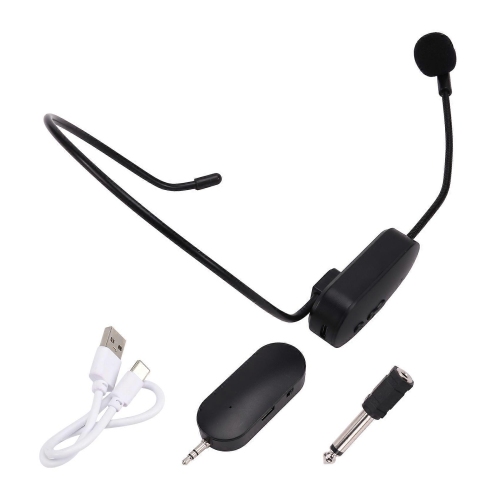
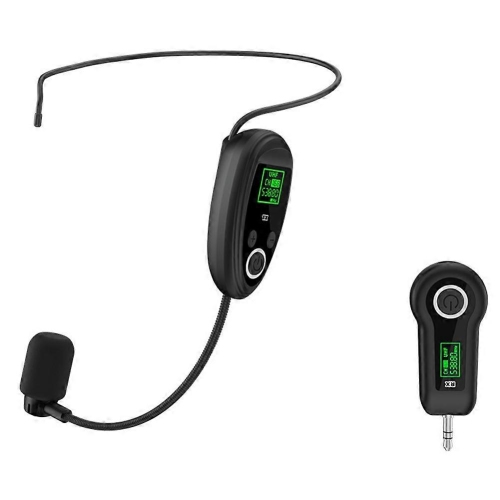
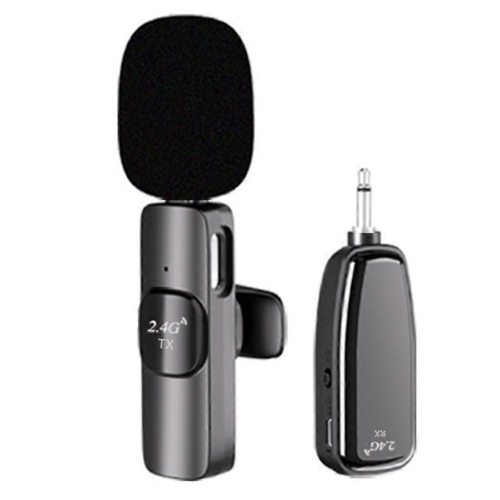
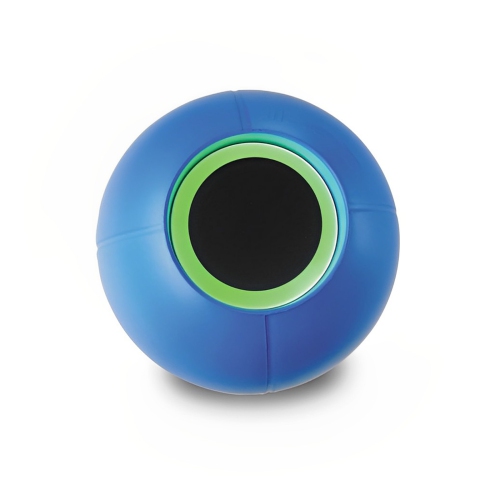
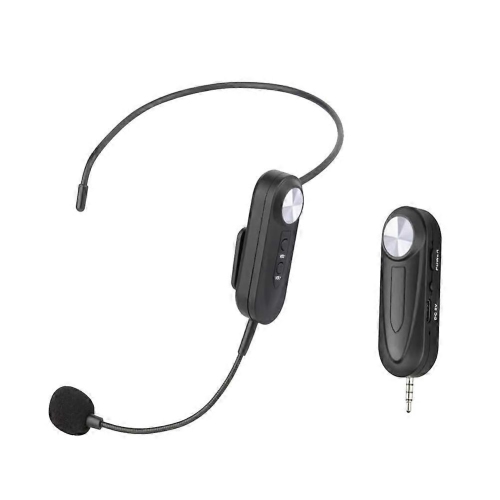
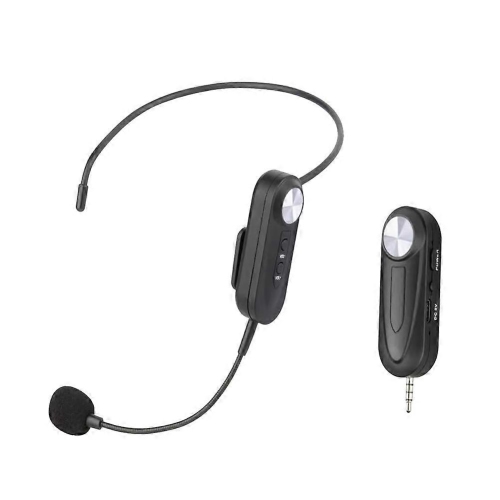
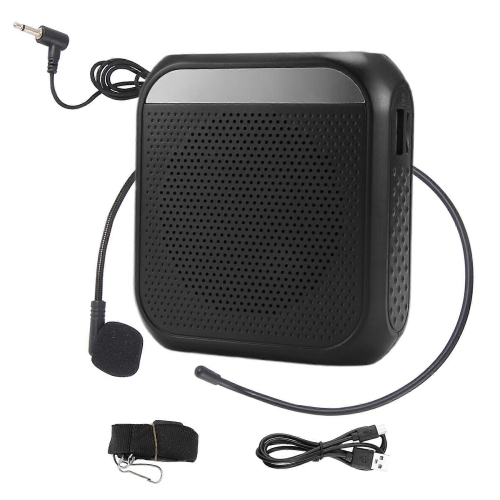
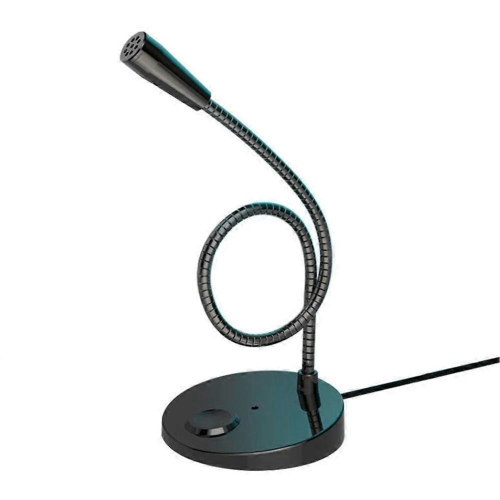
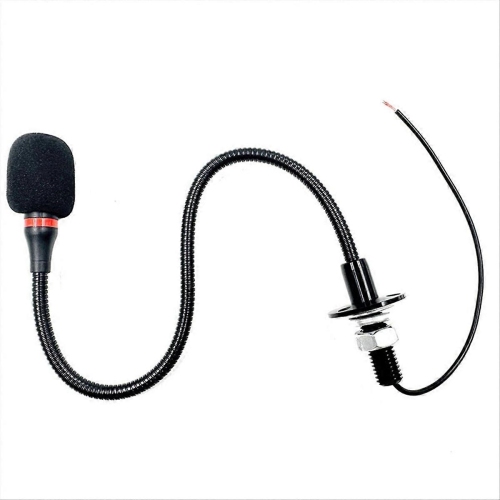
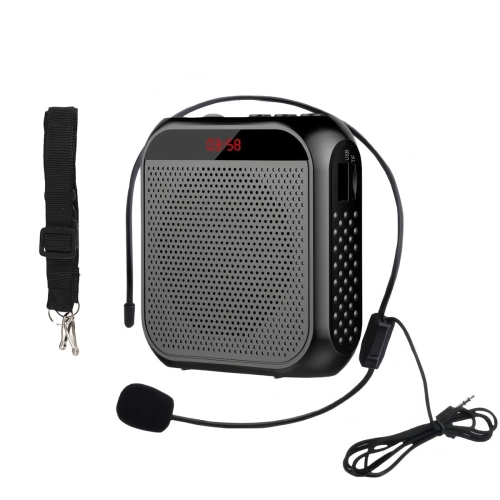
![GREEN SCENIC Little Bee Amplifier Speaker Multi-Function Amplifier Headband Microphone Teacher Class Microphone - [Wired Version] In Purple](https://multimedia.bbycastatic.ca/multimedia/products/500x500/194/19406/19406979.png)
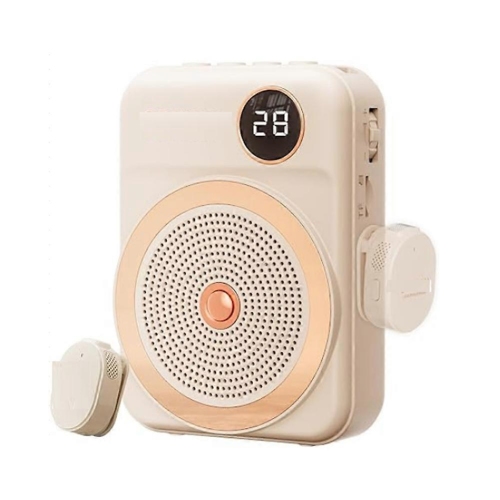
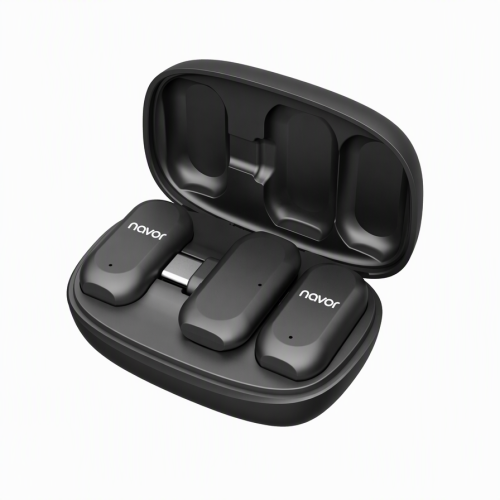
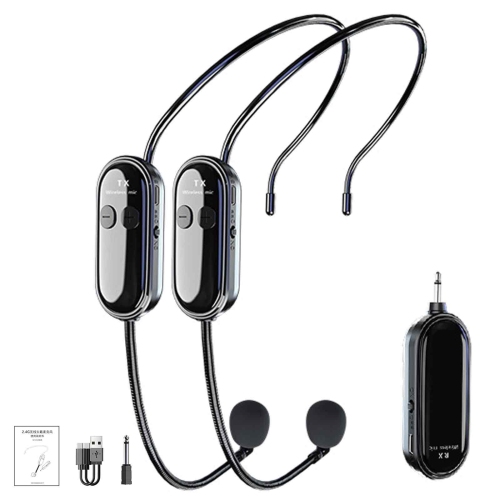
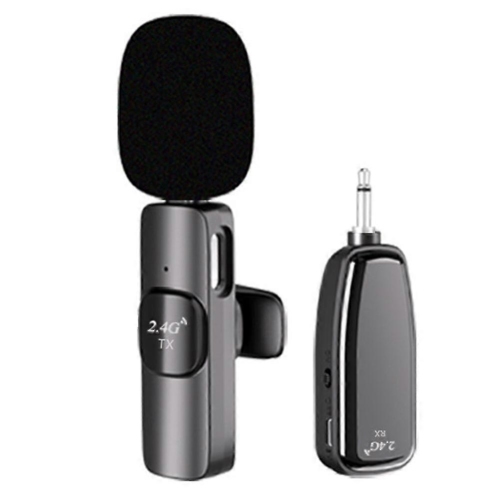
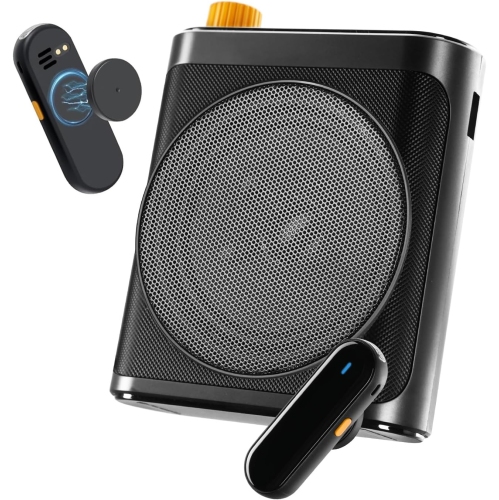
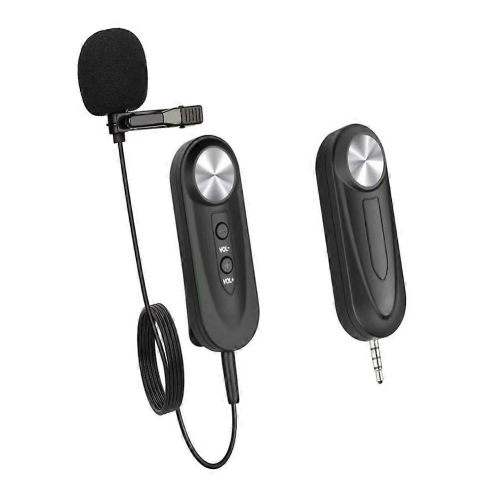
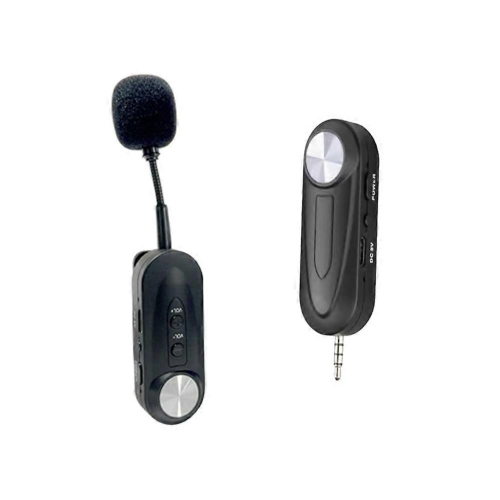
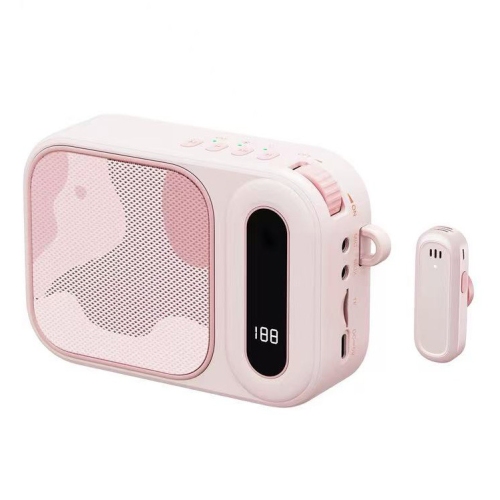
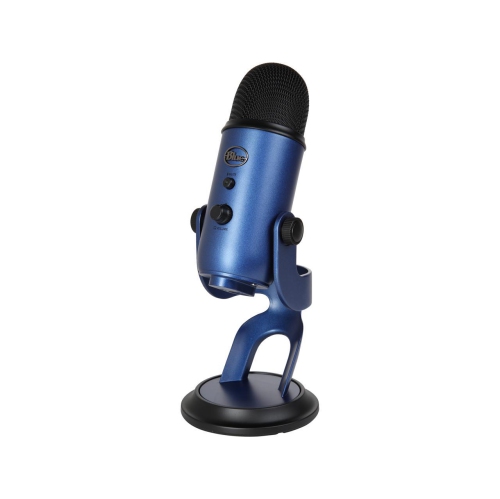
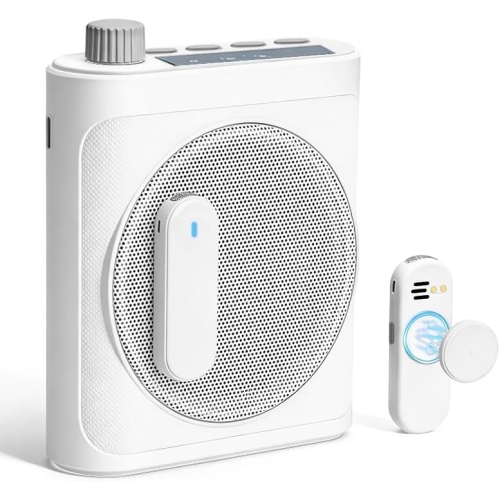
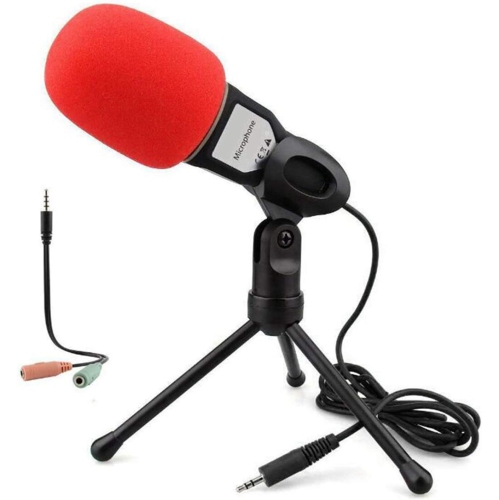
![GREEN SCENIC Little Bee Amplifier Speaker Multi-Function Amplifier Headband Microphone Teacher Class Microphone - [Wired Version] In Pink](https://multimedia.bbycastatic.ca/multimedia/products/500x500/194/19406/19406978.png)
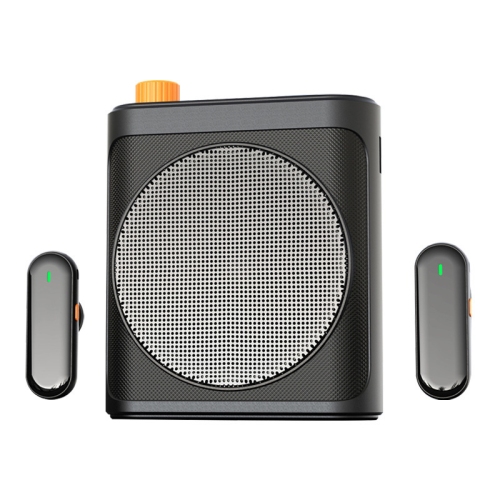
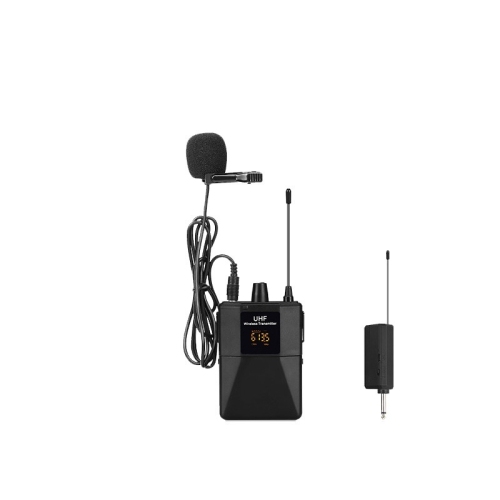
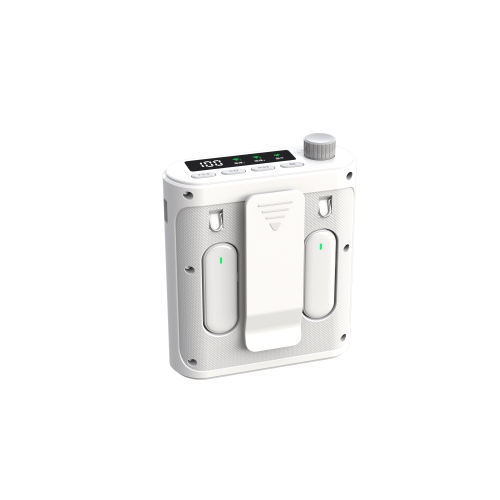
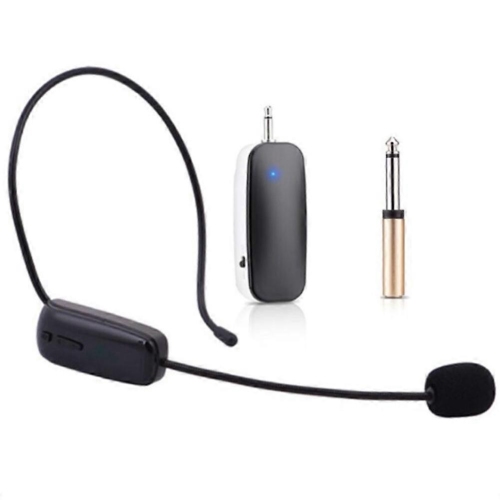
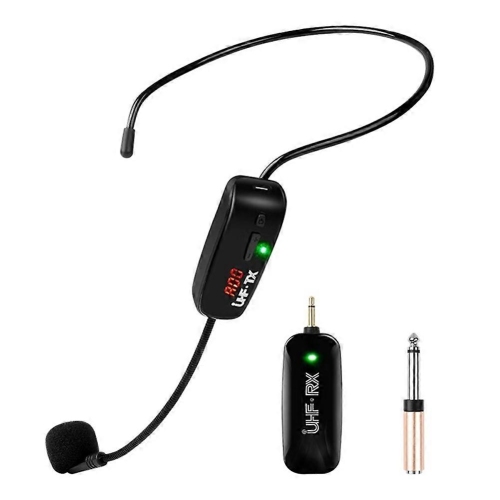
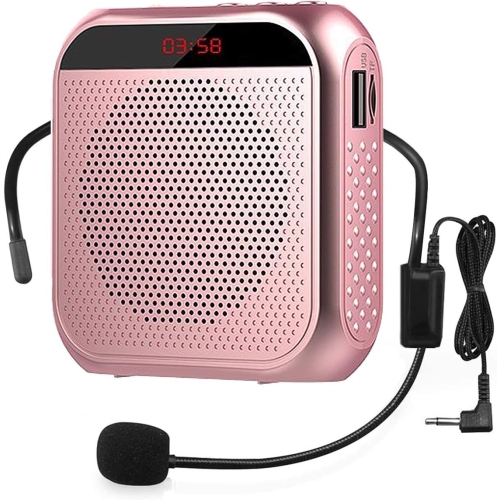
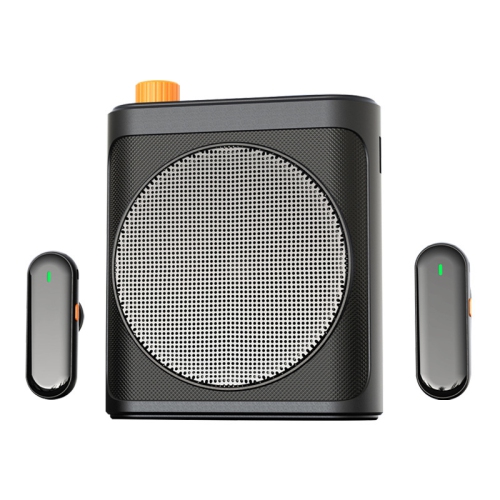
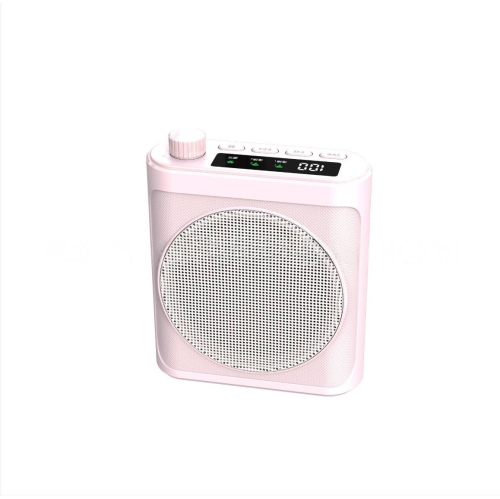
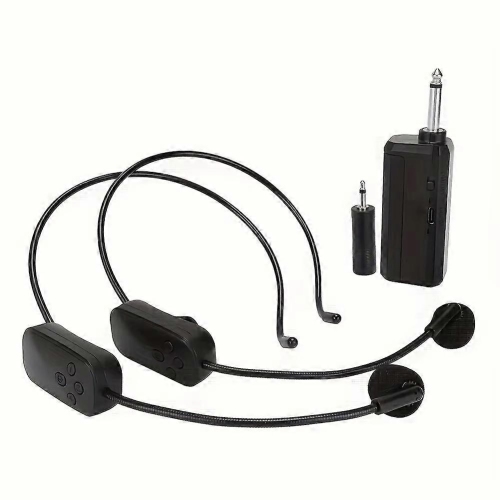
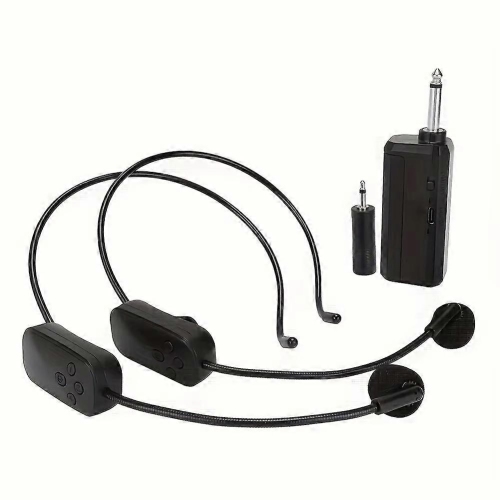

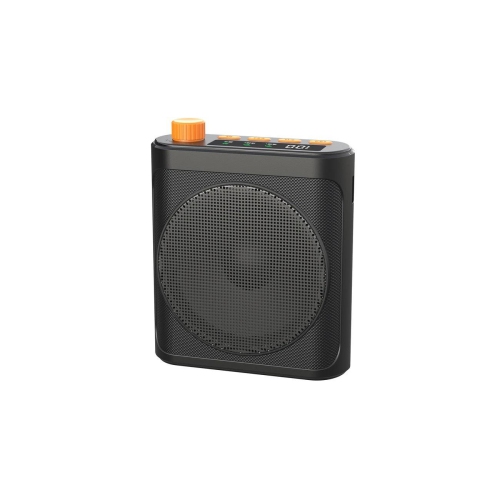
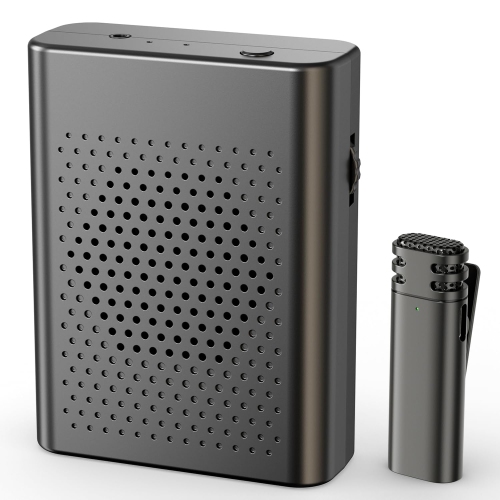
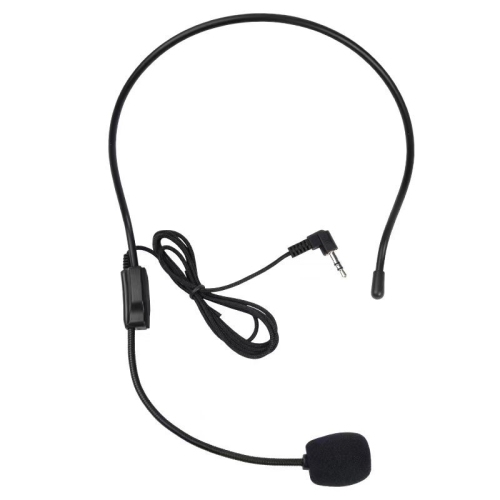
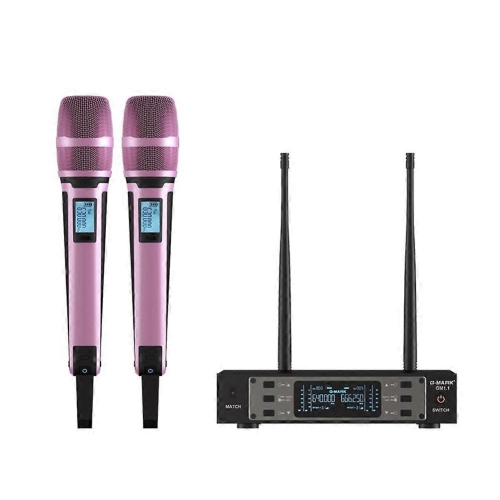
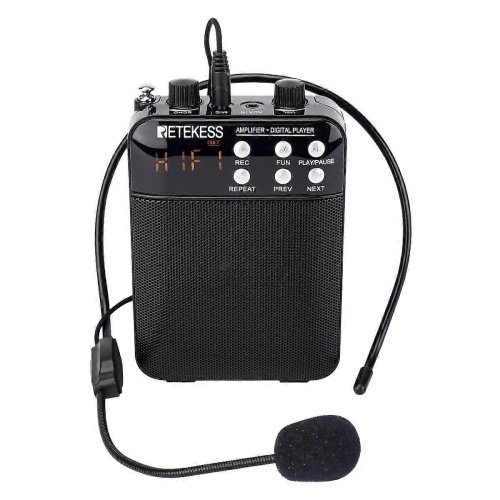
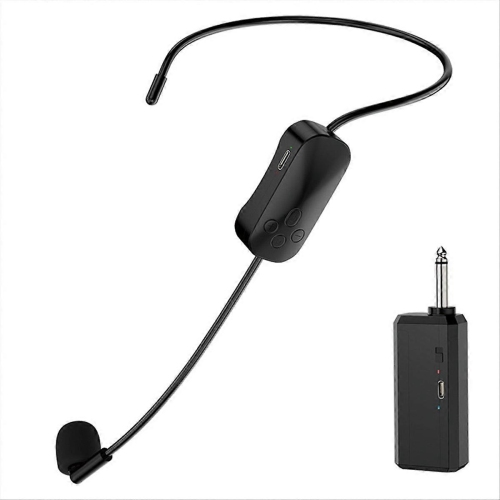
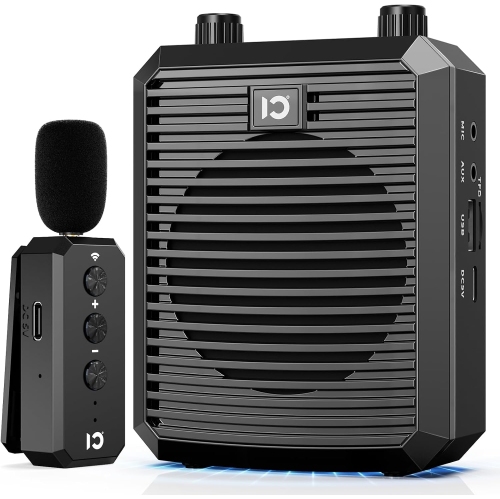
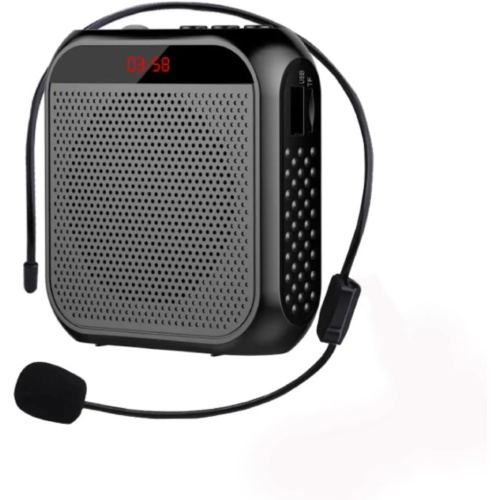
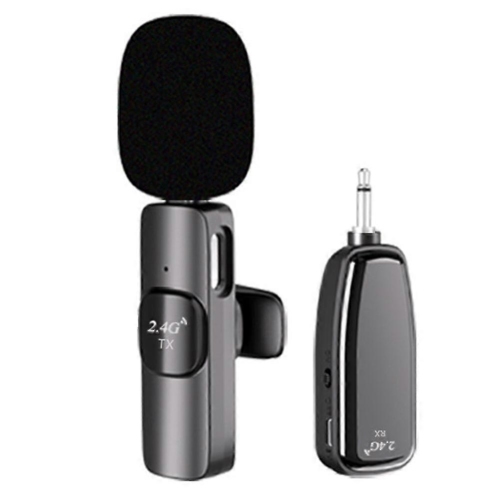
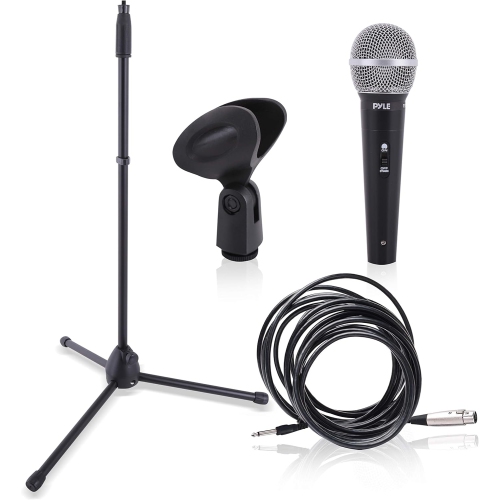
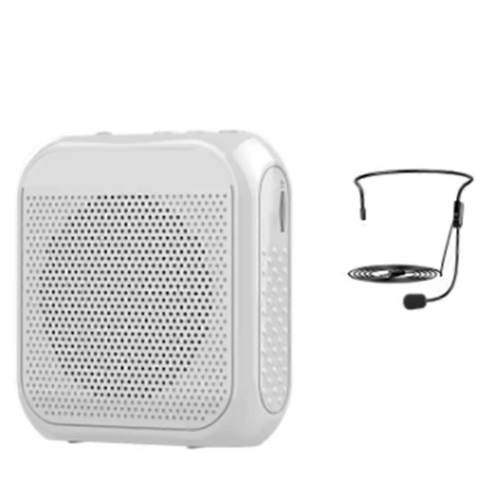
![GREEN SCENIC Little Bee Amplifier Speaker Multi-Function Amplifier Headband Microphone Teacher Class Microphone - Skin Color [Wired Version]](https://multimedia.bbycastatic.ca/multimedia/products/500x500/194/19406/19406976.jpeg)


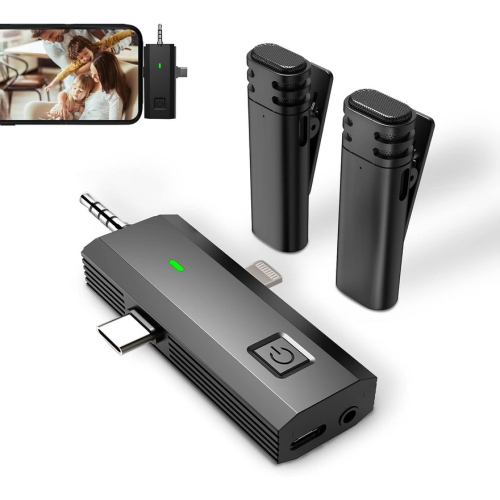
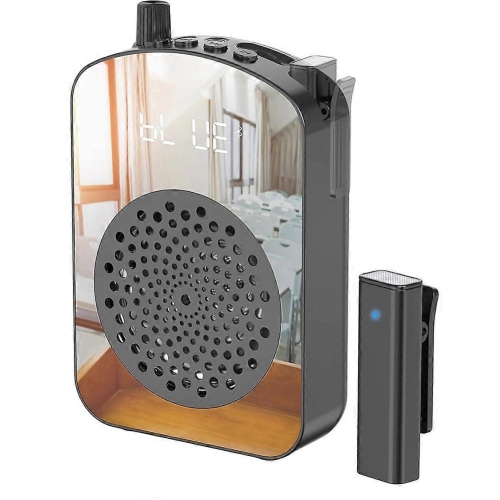
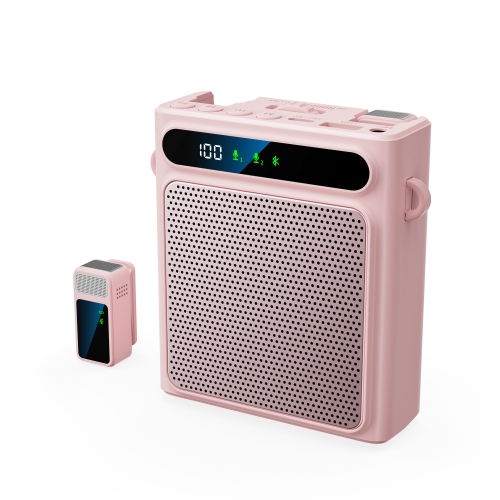
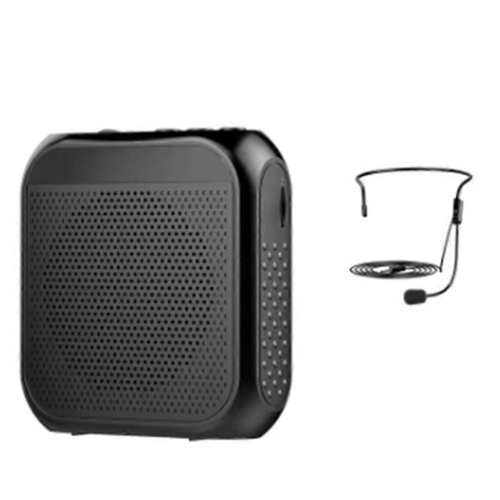
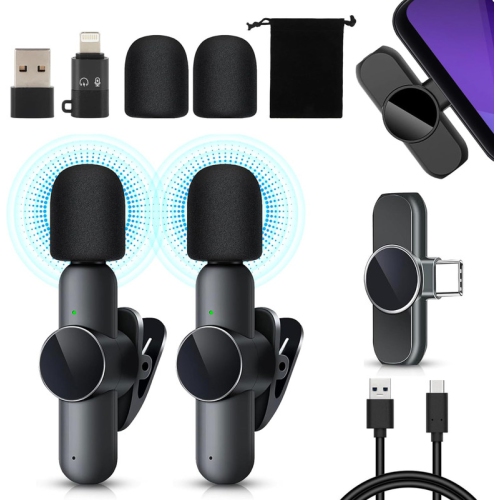
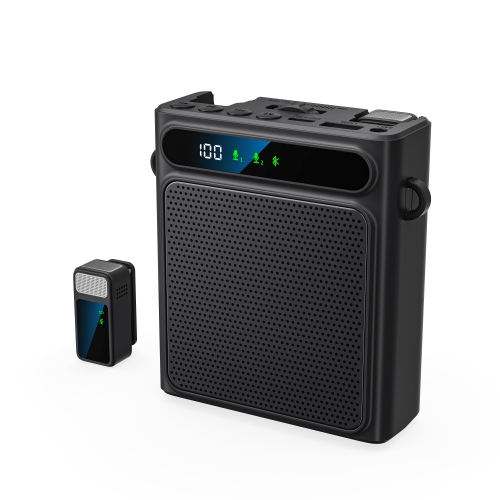
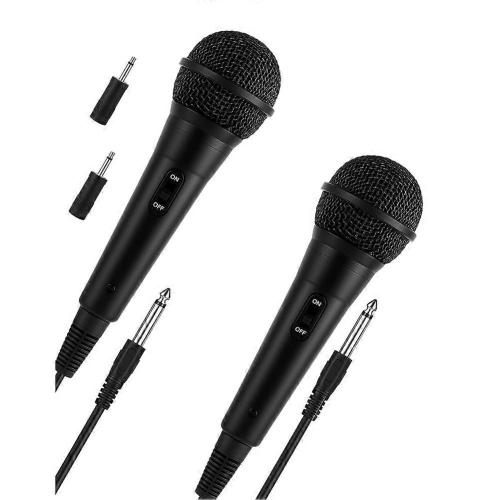
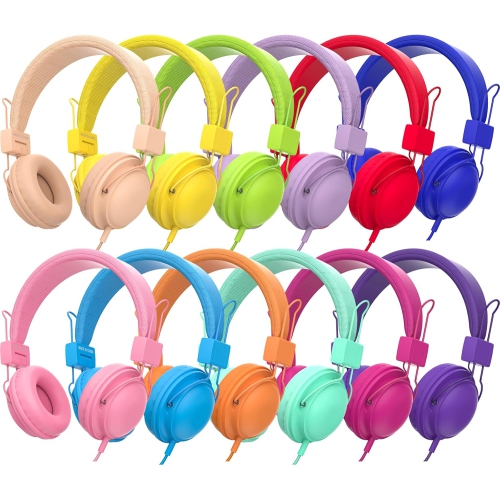

Clearer classroom speech takes more than a microphone
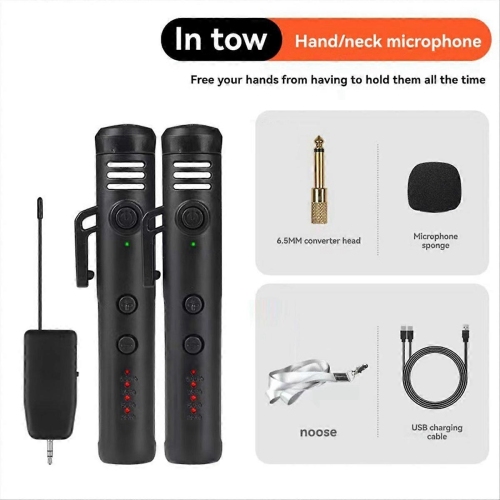
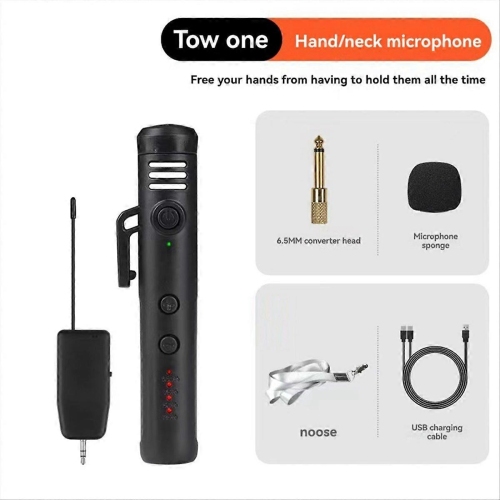
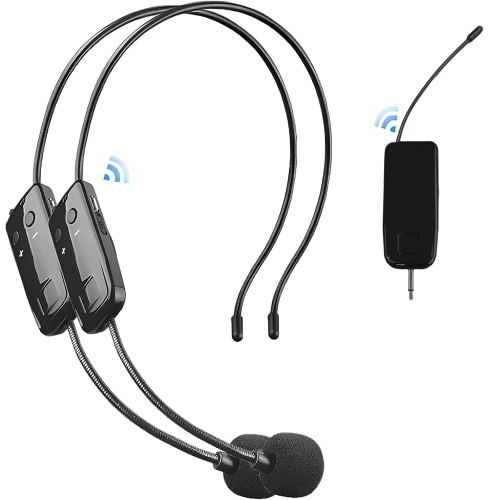
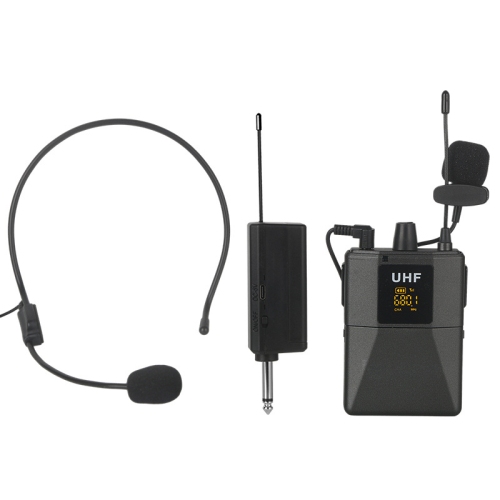
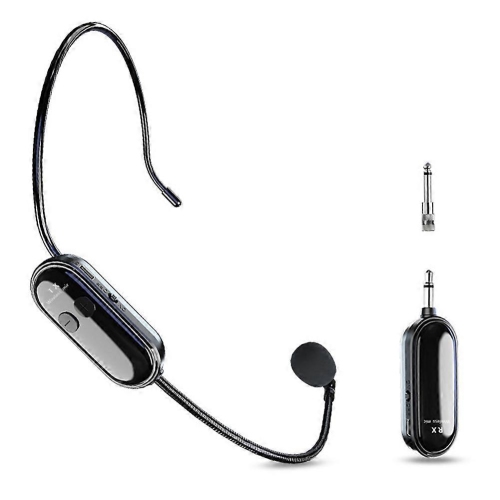
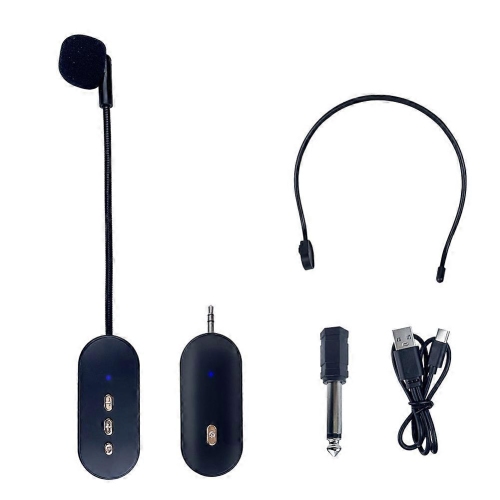
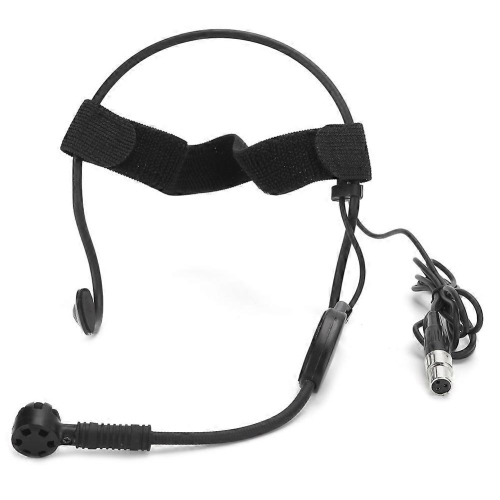
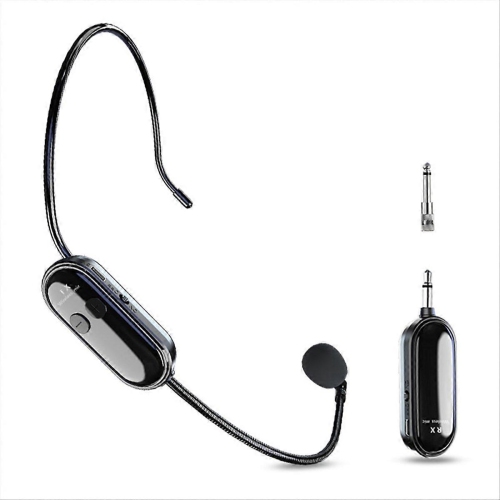
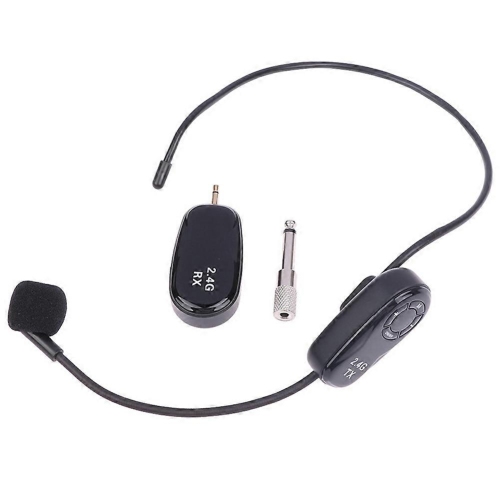
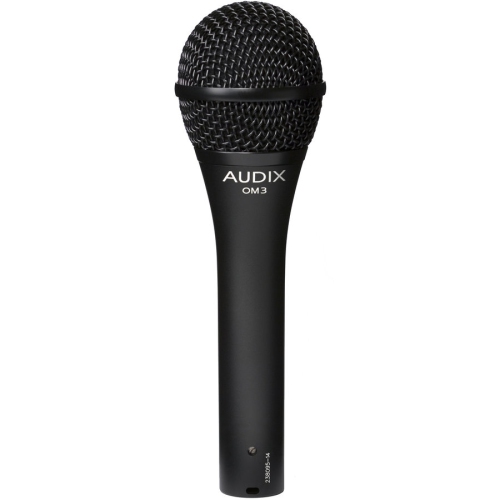
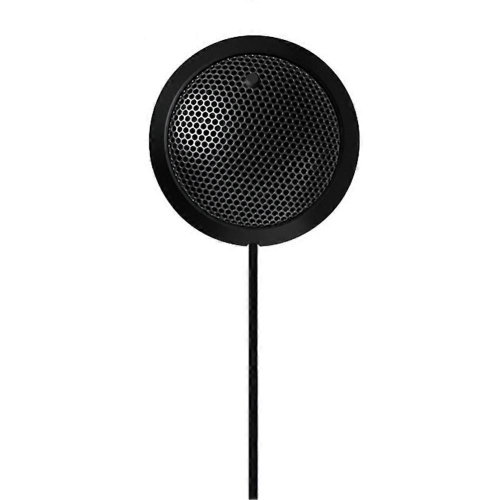
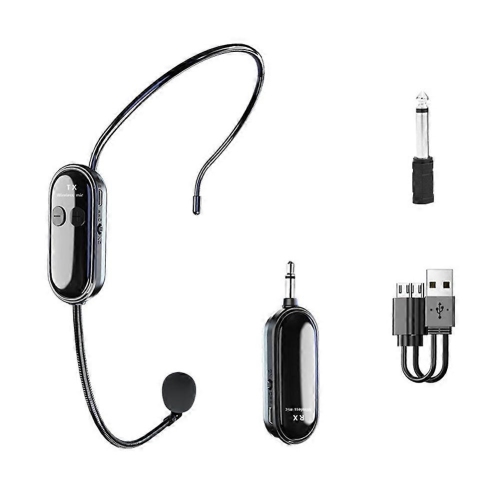
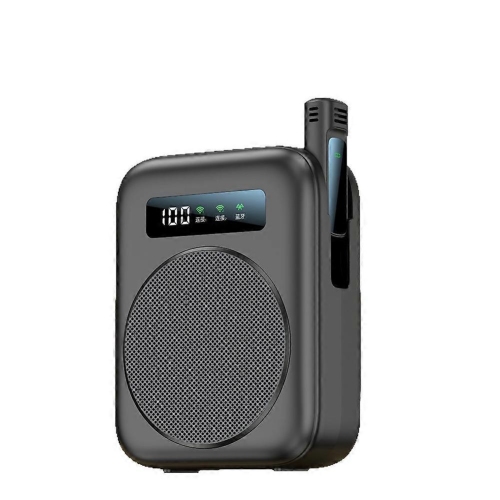
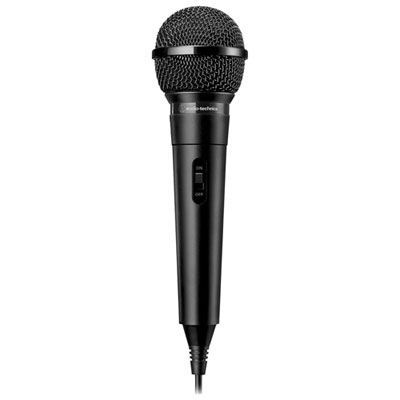
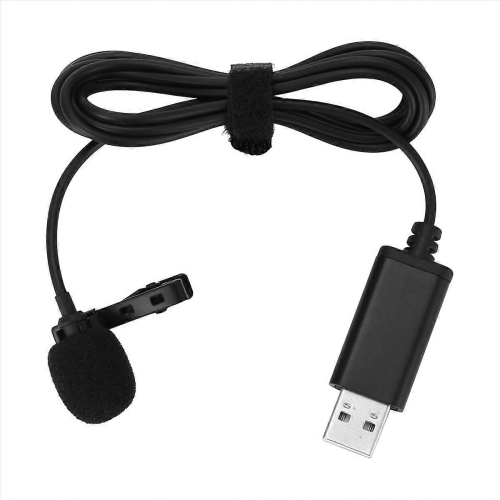
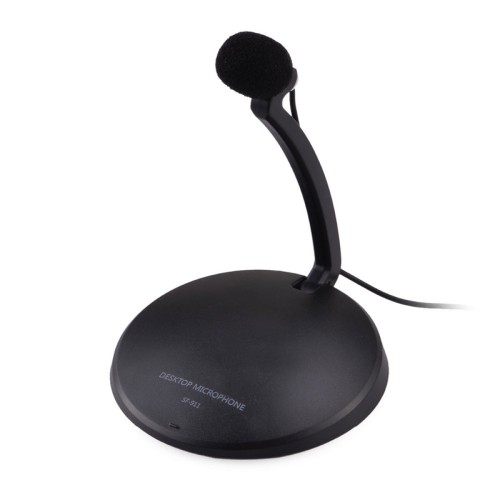
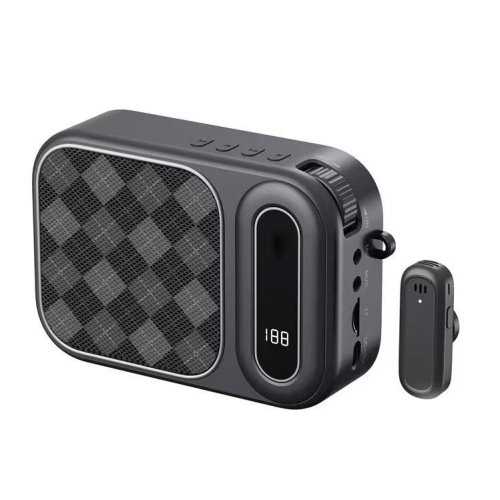
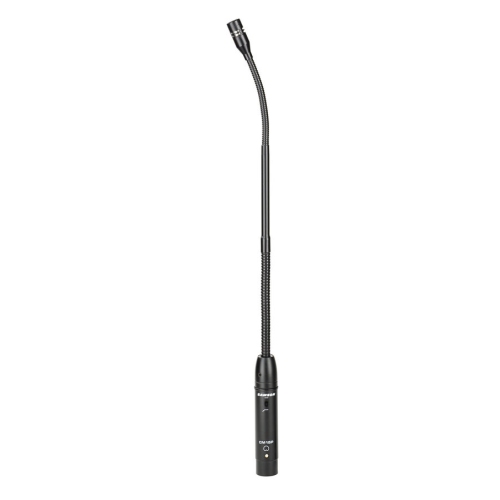
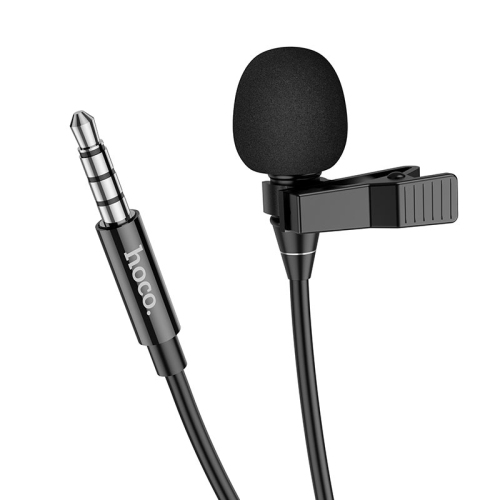
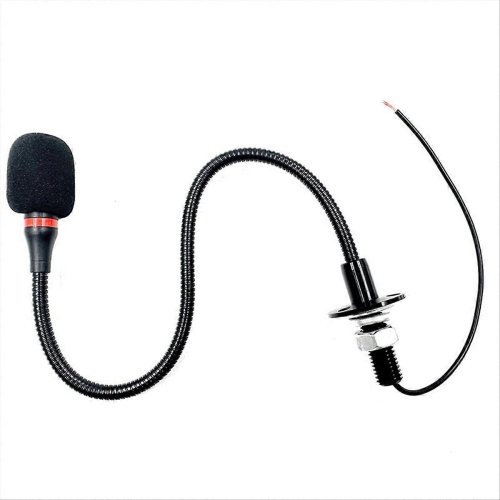
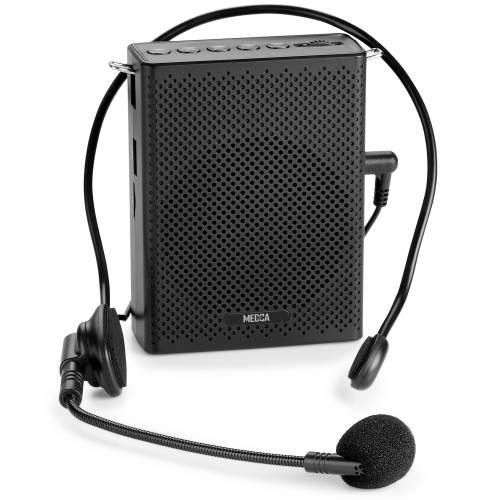
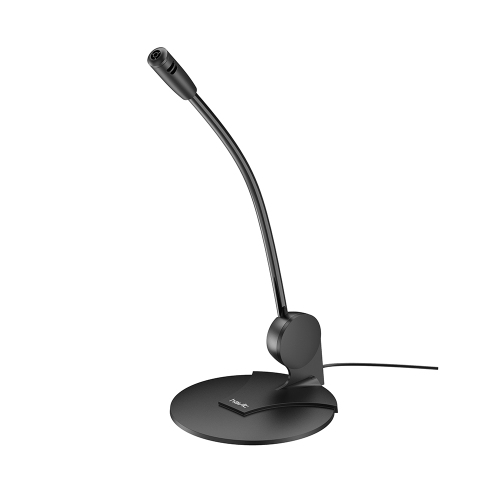
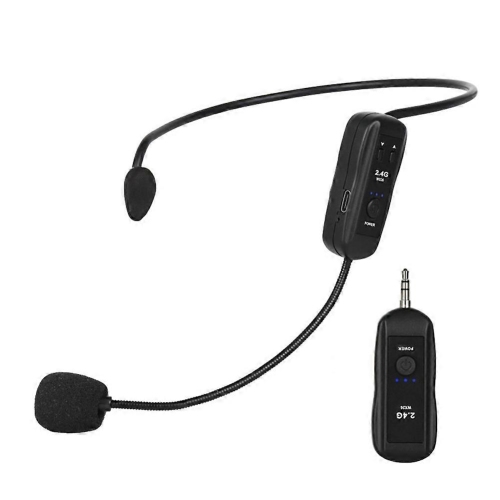
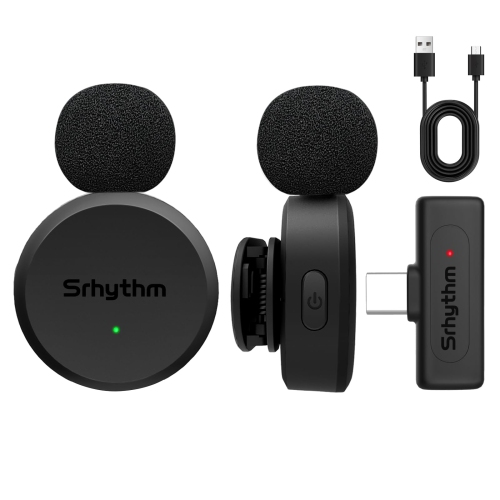
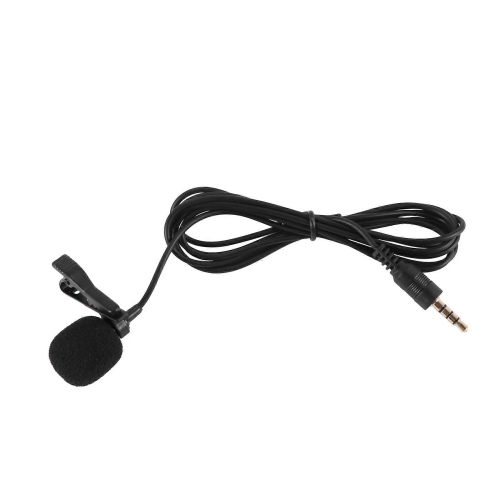
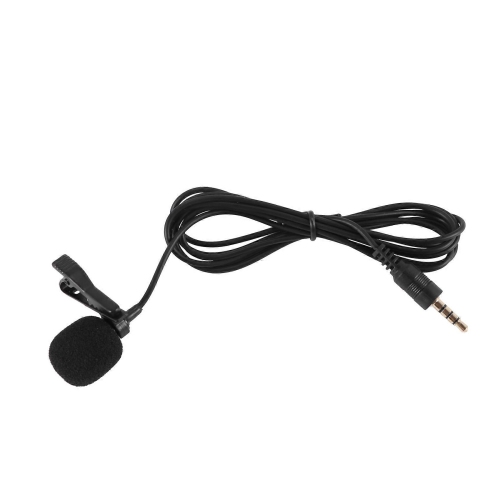
Microphones for teachers help bring spoken lessons, instructions, and discussions to students without requiring the teacher to project across the room throughout the day. For in-person teaching, a headset or lapel microphone paired with a compatible voice amplifier or classroom sound system is often a practical starting point. The microphone captures speech, while the amplifier and speaker make it audible to the class; a microphone alone does not amplify a voice into the room. A headset keeps the microphone near the mouth as the teacher turns towards a whiteboard, walks between desks, or demonstrates a task with both hands. That steady positioning can help maintain more consistent speech levels than a microphone placed on a desk. A lapel microphone clips onto clothing for a less noticeable setup, although its position matters: a loose scarf, dangling necklace, or jacket edge brushing against the capsule can introduce distracting noise. Handheld microphones suit assemblies, student presentations, and question-and-answer sessions, where passing the microphone clearly signals whose turn it is to speak. In a small classroom, modest amplification may be enough to make instructions easier to follow at the back; a gymnasium or multipurpose room usually calls for a sound system suited to the larger space. More volume is not always the answer, particularly where hard floors and bare walls make speech echo. Clear microphone placement and sensible speaker positioning can matter as much as output. Amplification may reduce the need to raise the voice, but it cannot remove competing conversations or guarantee that every student hears equally well. Teachers, tutors, workshop leaders, and instructors running hands-on demonstrations all have slightly different needs. A teacher moving around a science bench benefits from hands-free operation, while a language tutor seated at a computer may value a close, stable microphone position above wireless range. The most useful setup fits the teaching routine rather than adding another task to manage between activities.
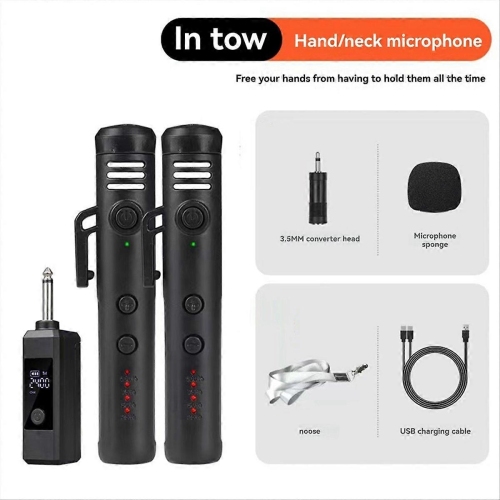
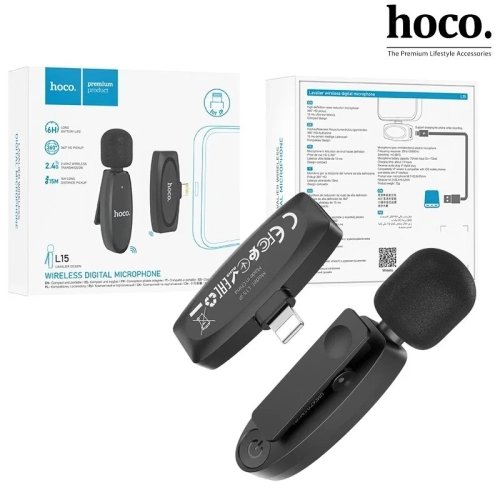
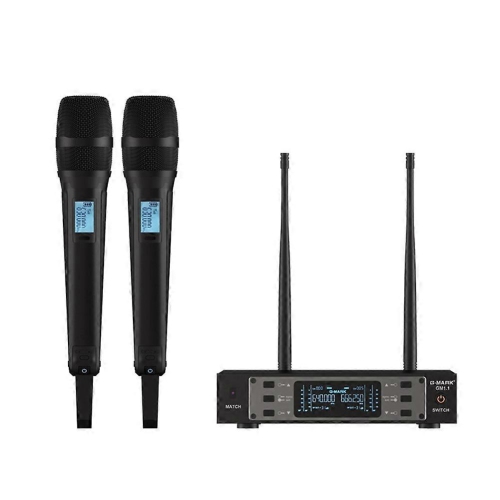
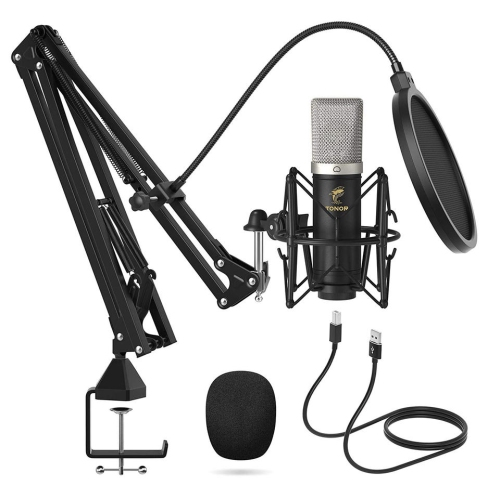
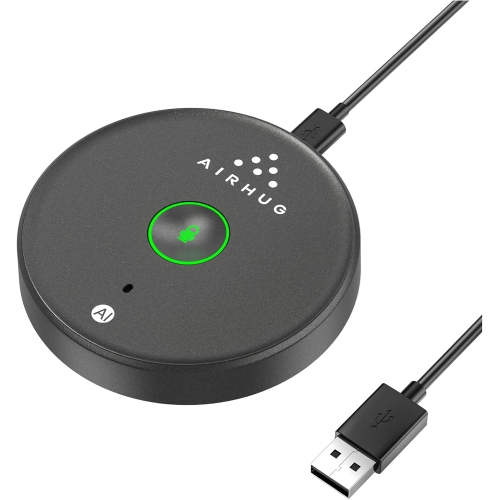
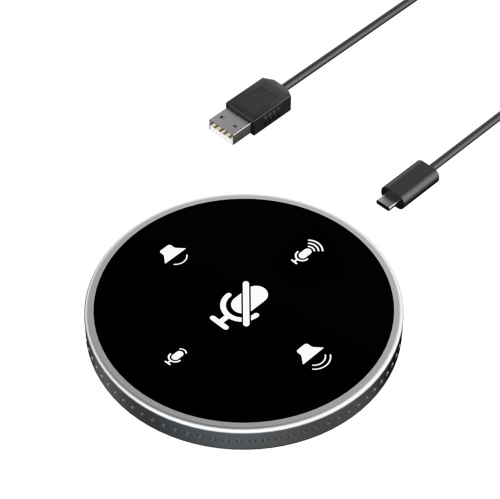
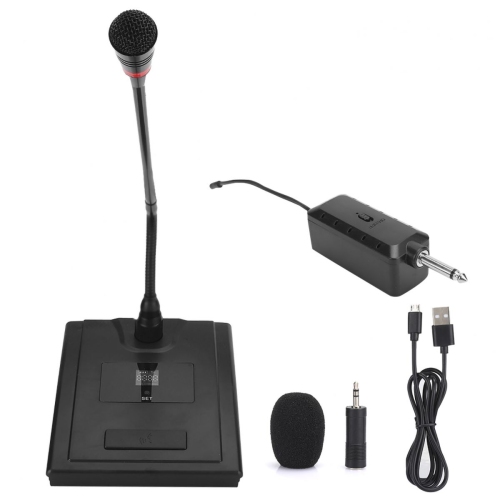
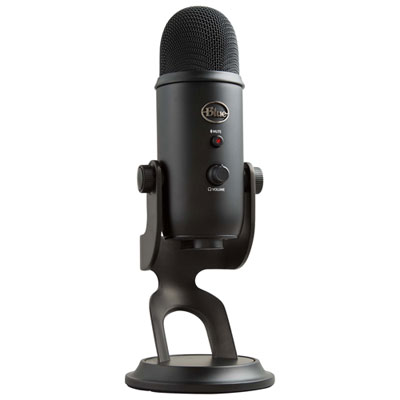
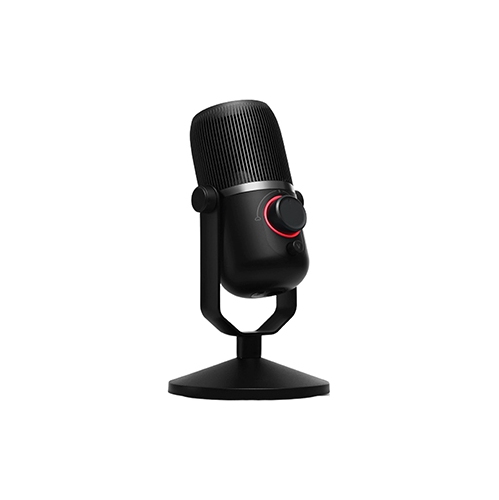
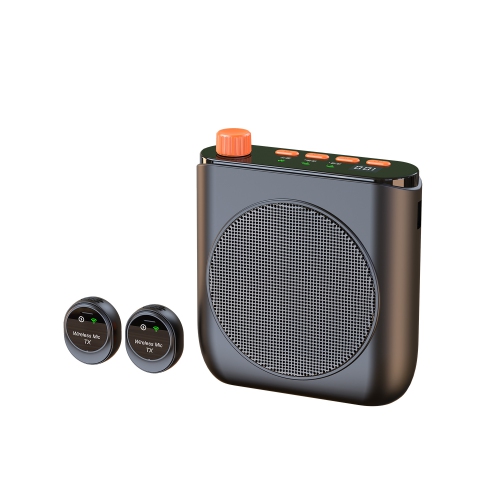
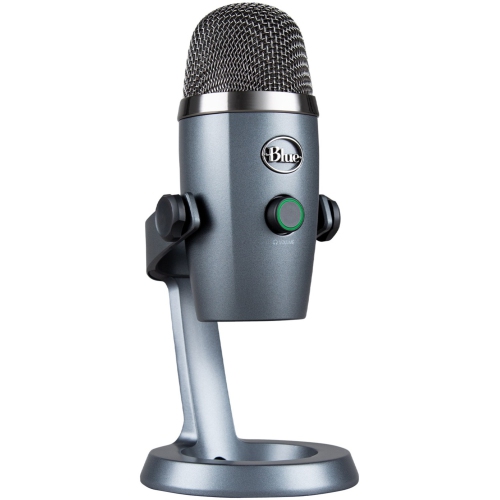
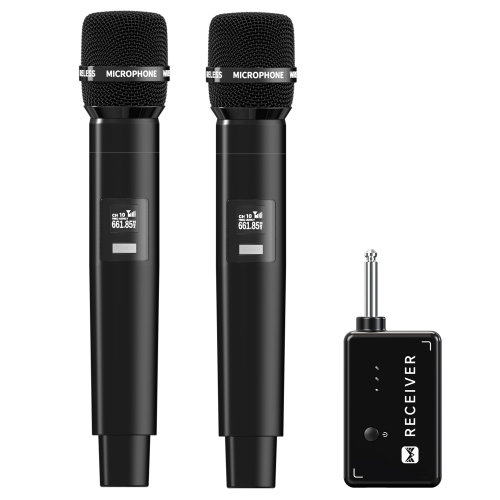
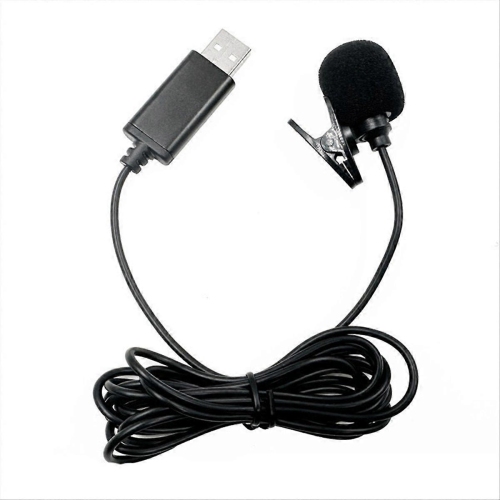
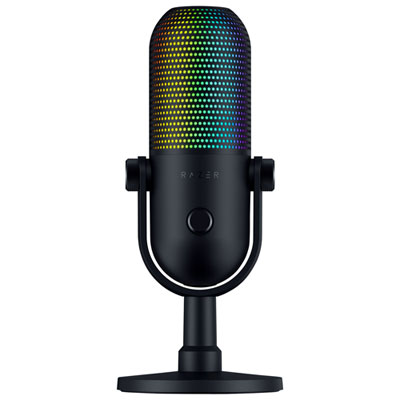
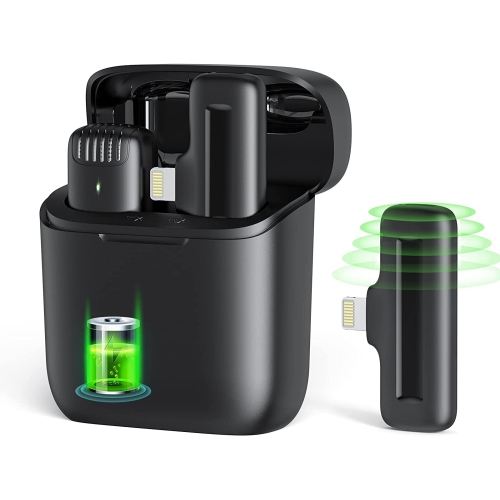
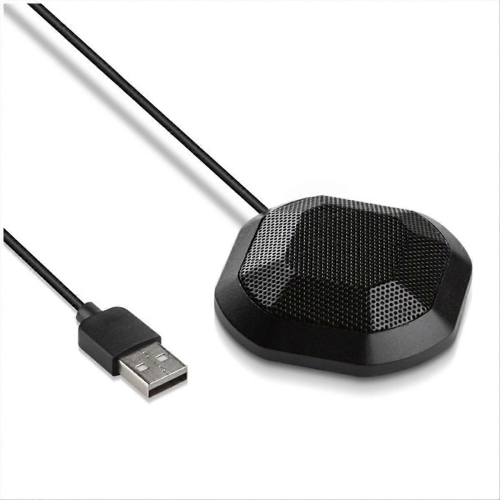
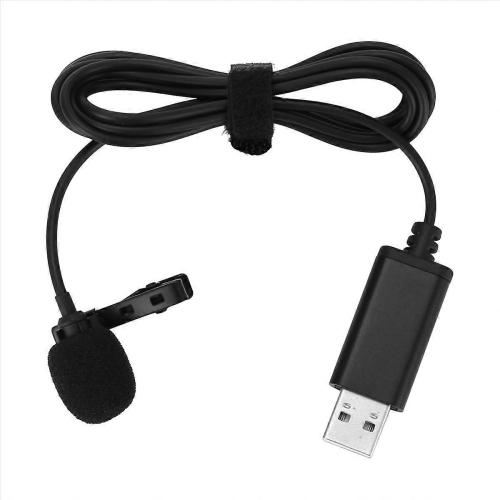
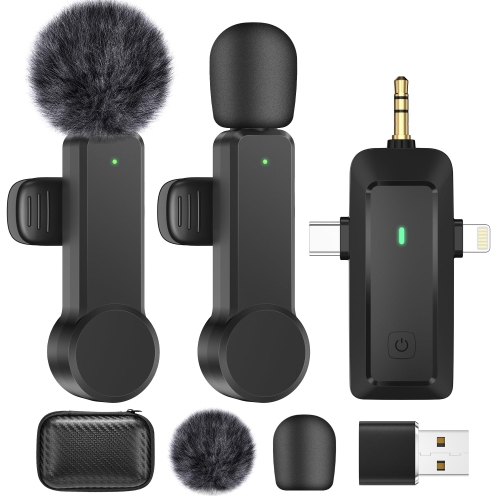
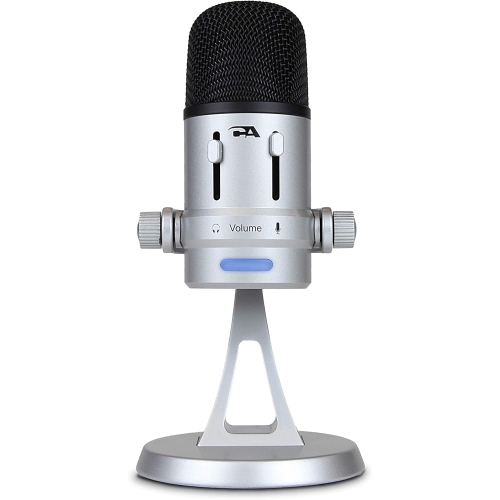
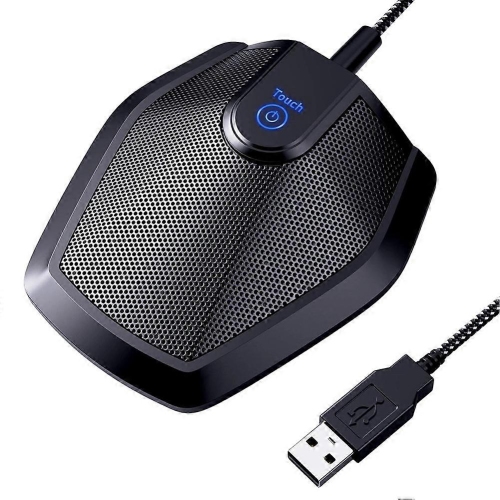
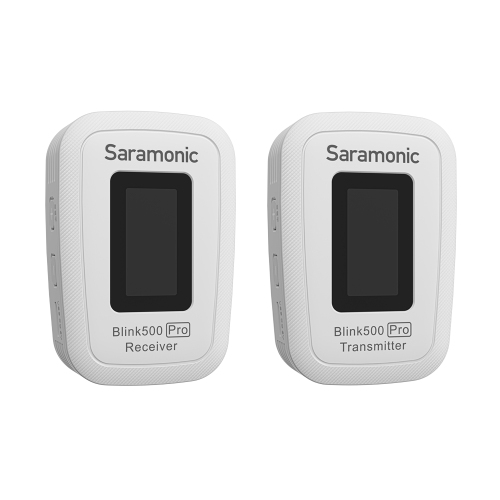
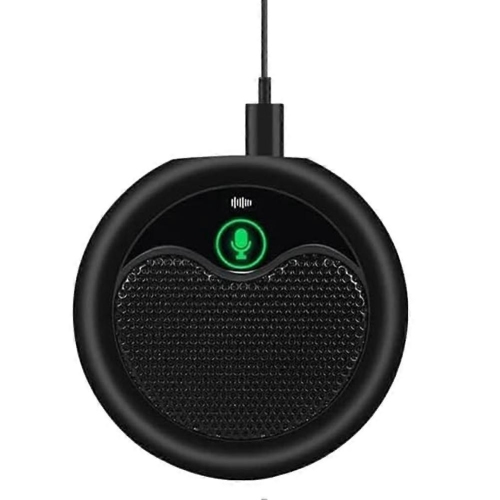
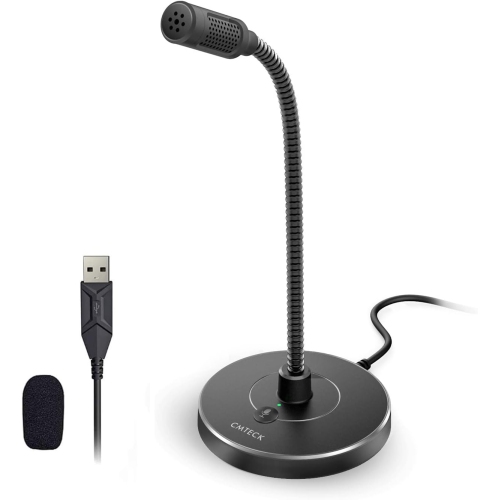
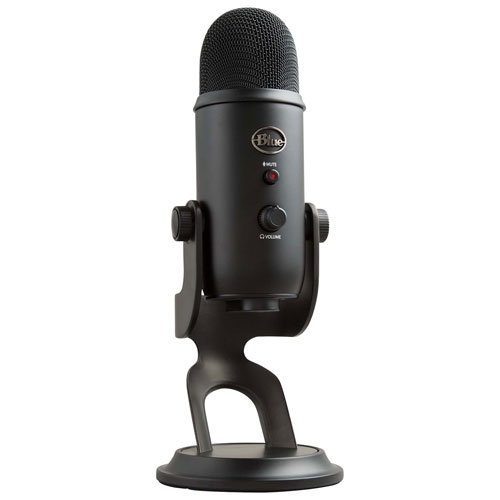
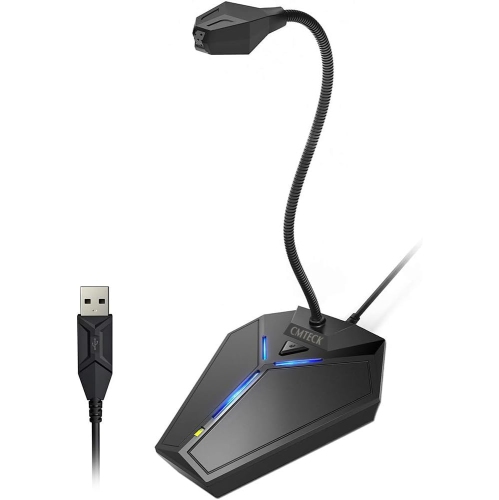
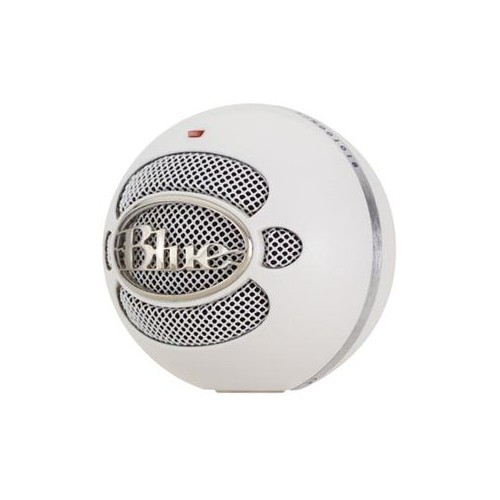
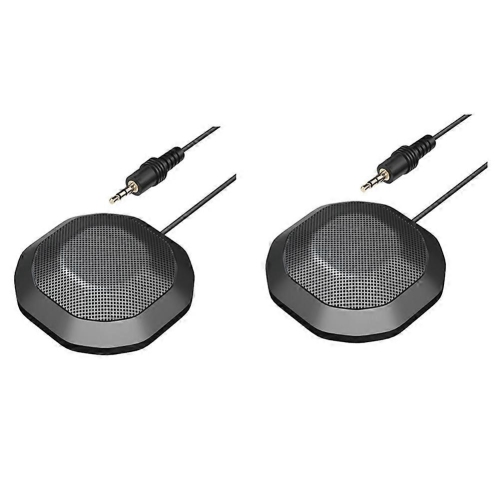
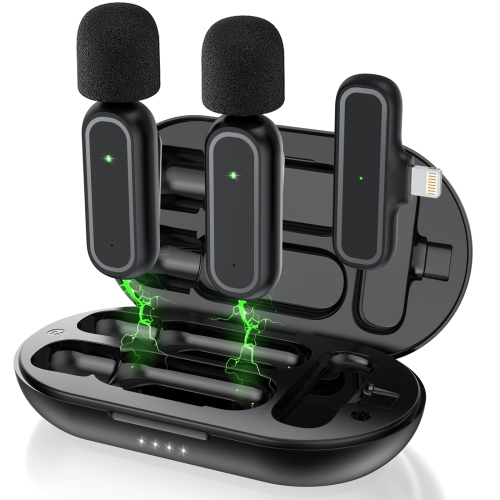
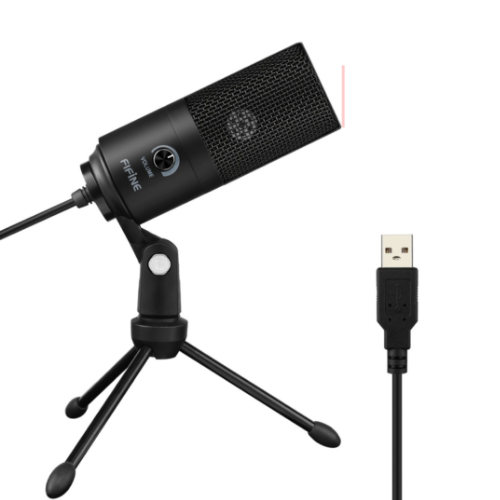
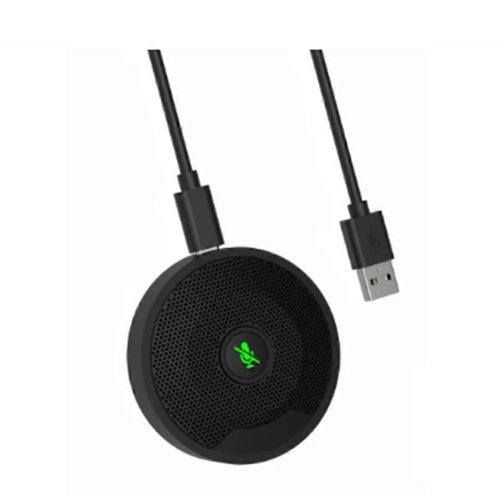
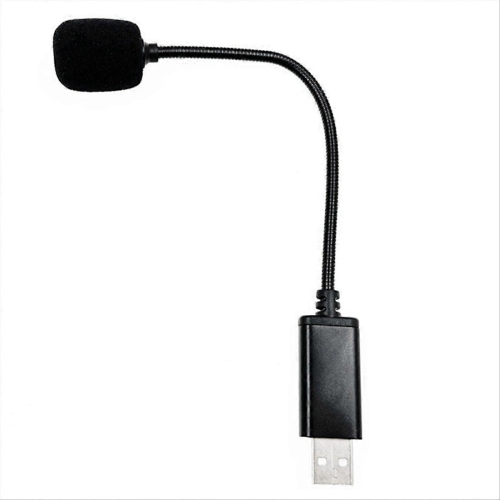
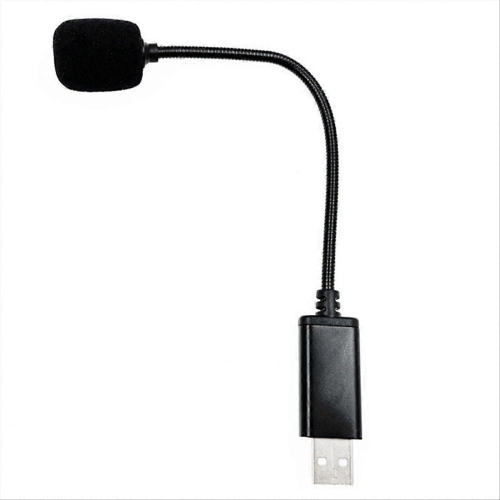
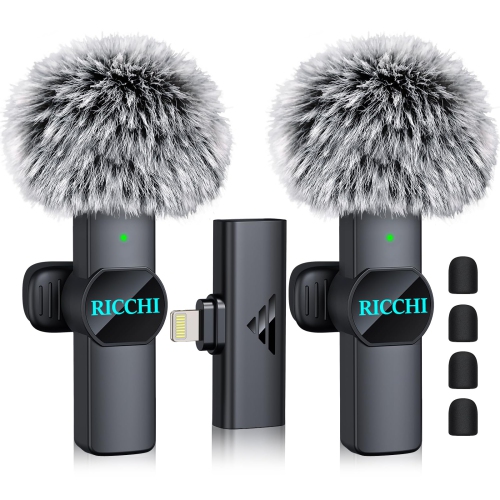
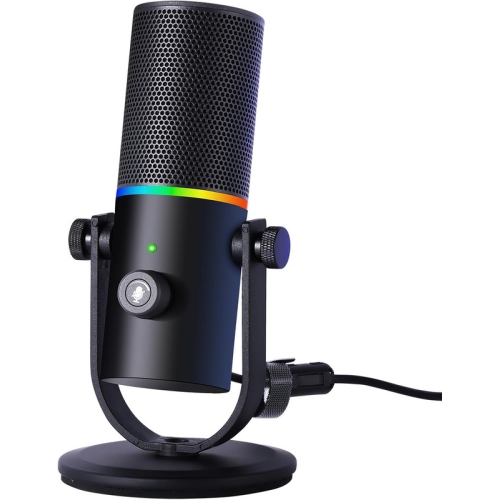
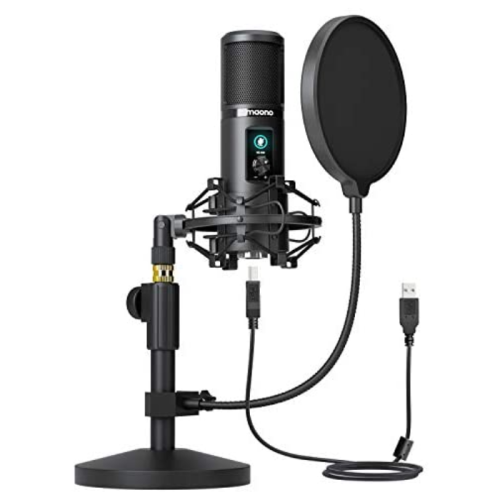
Connections and intended use help distinguish classroom microphones from microphones for online teaching. A USB microphone can provide a straightforward connection to a compatible computer for virtual lessons, tutoring, or recorded explanations, but it generally is not a direct substitute for a microphone designed to feed a portable voice amplifier. An analogue microphone may use a 3.5 mm or XLR connection, and matching the plug shape is only part of compatibility: the input type, power requirements, and supported device also matter. Some condenser microphones require power from a compatible audio interface or mixer, while wireless systems need a matching receiver and a suitable connection to the speaker system. Checking whether the necessary receiver, cables, and power supply are included helps avoid an incomplete setup. For hybrid teaching, the microphone must reach the conferencing software as well as any classroom speakers if both groups need to hear it. This may require an audio interface, mixer, or an installed system configured for that purpose. A directional microphone can help favour speech from the front over sound arriving from other directions, though it will not eliminate chair movement, ventilation noise, or nearby voices. Keeping the microphone reasonably close to the speaker usually gives clearer results than placing it across a busy room and turning up the input level. Wireless microphones offer freedom to move, but their usable range depends on room layout, obstructions, and interference, not simply the distance stated in a specification. Battery runtime should cover the actual teaching schedule, including consecutive lessons and activities away from a charging point. Accessible mute controls are useful during private conversations or breaks, and a clear battery indicator makes daily checks easier. Systems that support two active microphones can accommodate a teacher and a student presenter, provided the receiver and audio system support simultaneous use. For assemblies, guest lectures, and presentations beyond the classroom, Microphones for Public Speaking covers a closely related range of speaking needs.
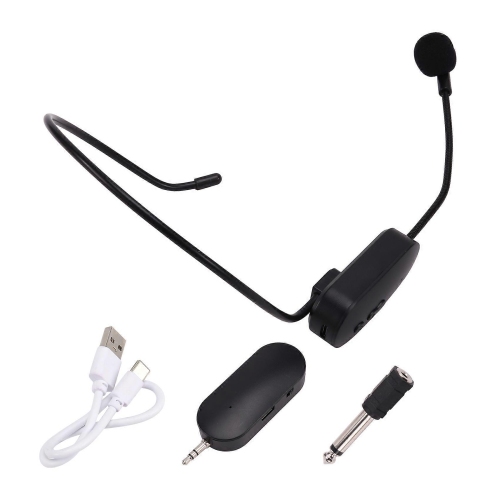
Comfort, construction, and care become especially important when a microphone is worn for several lessons rather than a brief presentation. Lightweight headset frames, adjustable bands, and flexible boom arms allow the capsule to sit near the corner of the mouth without pressing against the lips. Teachers who wear glasses should consider how the headset rests around the ears, since overlapping frames can create pressure over time. A secure fit should hold during ordinary movement without needing frequent adjustment. With lapel microphones, a sturdy clip and a neatly routed cable help prevent tugging when reaching for materials or bending beside a student’s desk. A belt-worn transmitter or amplifier should attach securely and feel manageable when sitting, standing, and walking; pockets and clothing styles can affect where it fits comfortably. Plastic housings can keep equipment light, while metal grilles and reinforced cable entry points may offer useful protection against everyday handling. Neither material alone determines durability, so secure connectors, replaceable cables where supported, and a protective carrying case also deserve attention. A foam windscreen can soften breath noise and light wind during an outdoor lesson, although it will not make every microphone suitable for wet weather. Moisture resistance should be confirmed in the specifications rather than assumed. Routine care is usually straightforward: switch equipment off before cleaning, follow the manufacturer’s directions, and avoid spraying liquid directly onto capsules, sockets, or transmitters. Removable windscreens should be cleaned only as directed and allowed to dry fully before reuse. Shared handheld microphones benefit from an appropriate cleaning routine between speakers, while individually assigned headset covers or windscreens can help keep personal contact surfaces separate. Storing cables in loose loops rather than wrapping them tightly around the microphone reduces stress at connection points. Before a lesson, a short sound check from the furthest seating area can reveal low speech levels, clothing rustle, or feedback that is less obvious near the teacher. Keeping the speaker in front of the microphone position and directed towards the class can help limit feedback. These small practical details support a microphone setup that feels dependable through everyday teaching, from quiet reading groups to lively demonstrations.
Connections and intended use help distinguish classroom microphones from microphones for online teaching. A USB microphone can provide a straightforward connection to a compatible computer for virtual lessons, tutoring, or recorded explanations, but it generally is not a direct substitute for a microphone designed to feed a portable voice amplifier. An analogue microphone may use a 3.5 mm or XLR connection, and matching the plug shape is only part of compatibility: the input type, power requirements, and supported device also matter. Some condenser microphones require power from a compatible audio interface or mixer, while wireless systems need a matching receiver and a suitable connection to the speaker system. Checking whether the necessary receiver, cables, and power supply are included helps avoid an incomplete setup. For hybrid teaching, the microphone must reach the conferencing software as well as any classroom speakers if both groups need to hear it. This may require an audio interface, mixer, or an installed system configured for that purpose. A directional microphone can help favour speech from the front over sound arriving from other directions, though it will not eliminate chair movement, ventilation noise, or nearby voices. Keeping the microphone reasonably close to the speaker usually gives clearer results than placing it across a busy room and turning up the input level. Wireless microphones offer freedom to move, but their usable range depends on room layout, obstructions, and interference, not simply the distance stated in a specification. Battery runtime should cover the actual teaching schedule, including consecutive lessons and activities away from a charging point. Accessible mute controls are useful during private conversations or breaks, and a clear battery indicator makes daily checks easier. Systems that support two active microphones can accommodate a teacher and a student presenter, provided the receiver and audio system support simultaneous use. For assemblies, guest lectures, and presentations beyond the classroom, Microphones for Public Speaking covers a closely related range of speaking needs.
Comfort, construction, and care become especially important when a microphone is worn for several lessons rather than a brief presentation. Lightweight headset frames, adjustable bands, and flexible boom arms allow the capsule to sit near the corner of the mouth without pressing against the lips. Teachers who wear glasses should consider how the headset rests around the ears, since overlapping frames can create pressure over time. A secure fit should hold during ordinary movement without needing frequent adjustment. With lapel microphones, a sturdy clip and a neatly routed cable help prevent tugging when reaching for materials or bending beside a student’s desk. A belt-worn transmitter or amplifier should attach securely and feel manageable when sitting, standing, and walking; pockets and clothing styles can affect where it fits comfortably. Plastic housings can keep equipment light, while metal grilles and reinforced cable entry points may offer useful protection against everyday handling. Neither material alone determines durability, so secure connectors, replaceable cables where supported, and a protective carrying case also deserve attention. A foam windscreen can soften breath noise and light wind during an outdoor lesson, although it will not make every microphone suitable for wet weather. Moisture resistance should be confirmed in the specifications rather than assumed. Routine care is usually straightforward: switch equipment off before cleaning, follow the manufacturer’s directions, and avoid spraying liquid directly onto capsules, sockets, or transmitters. Removable windscreens should be cleaned only as directed and allowed to dry fully before reuse. Shared handheld microphones benefit from an appropriate cleaning routine between speakers, while individually assigned headset covers or windscreens can help keep personal contact surfaces separate. Storing cables in loose loops rather than wrapping them tightly around the microphone reduces stress at connection points. Before a lesson, a short sound check from the furthest seating area can reveal low speech levels, clothing rustle, or feedback that is less obvious near the teacher. Keeping the speaker in front of the microphone position and directed towards the class can help limit feedback. These small practical details support a microphone setup that feels dependable through everyday teaching, from quiet reading groups to lively demonstrations.
Top selling and popular products
-
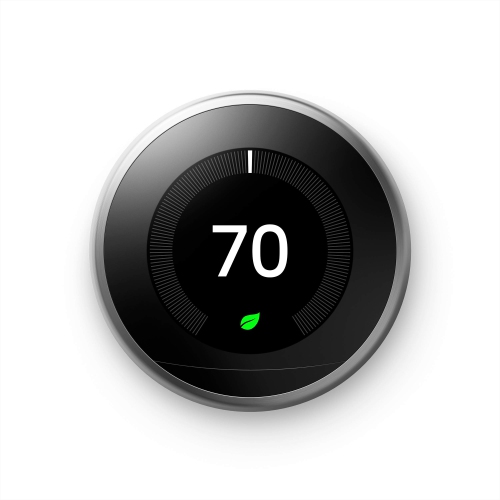 Your price for this item is $303.46
 -
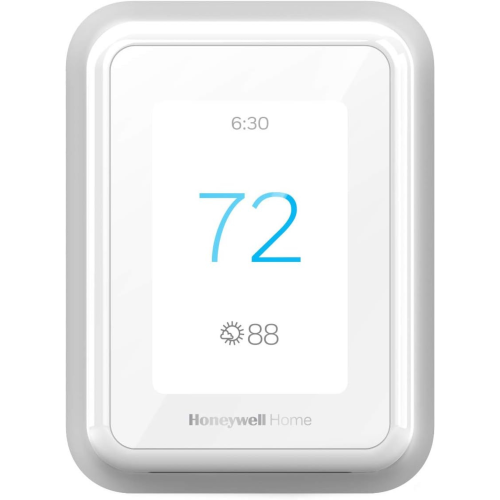 Your price for this item is $219.99
 -
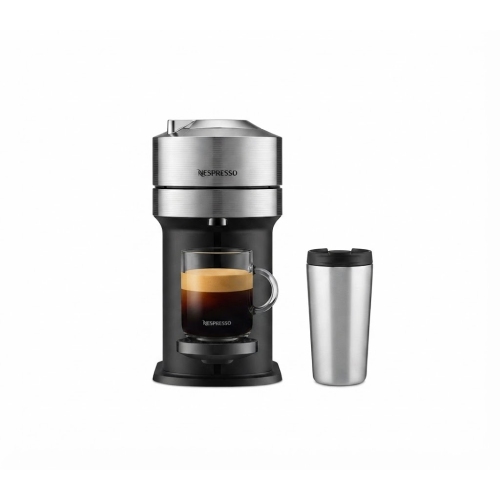 Your price for this item is $114.99
 -
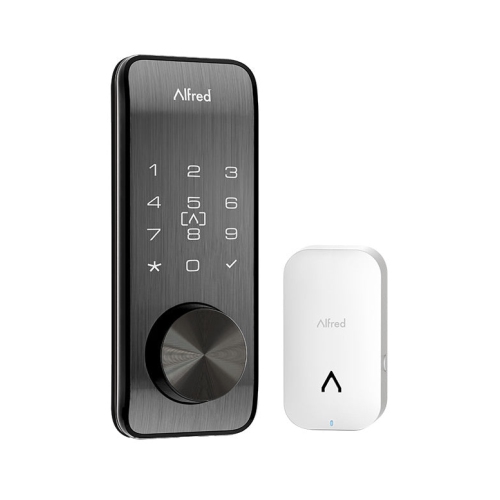 Your price for this item is $399.99
 -
 Your price for this item is $542.64
 -
 Your price for this item is $109.99
 -
 Your price for this item is $249
 -
 Your price for this item is $31.47
Discover more categories related to Microphones for Teachers
Top Collections:
Pokemon Centers, Kindle Devices, Best Budget Office Chairs, Canon G7X Cameras, Apple iPhones 16, Samsung Galaxy Phones, Refurbished Apple Laptops, Laptops for Students, iPhone 15 Apple, Budget Smartphones
Some products may be subject to Environmental Handling Fees
(EHF) depending on your province.
Learn more about EHFs.