Mini Itx Pc Builds
If you're looking to build a compact yet powerful PC setup, this Mini ITX PC Builds page is your go-to destination for exploring a wide range of small form factor options that pack a punch. Whether you're a gaming enthusiast, a content creator, or simply looking to save space on your desk, these builds offer impressive performance in a compact package. Dive into this selection of components and configurations to create the perfect Mini ITX PC that meets your specific needs and preferences.
Sort
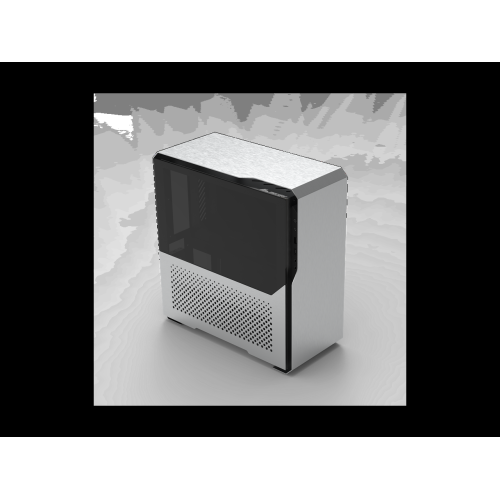
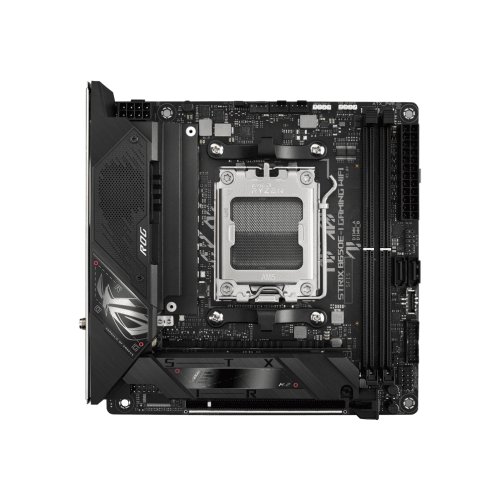

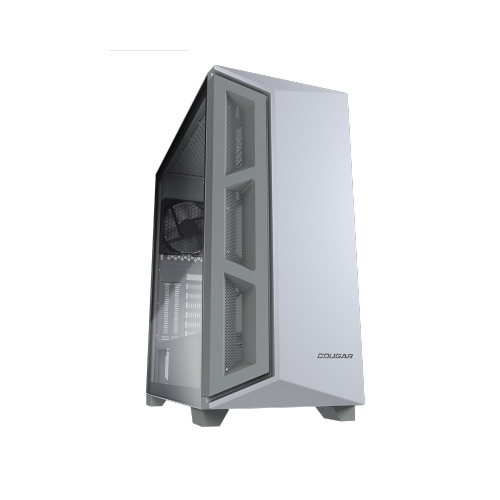
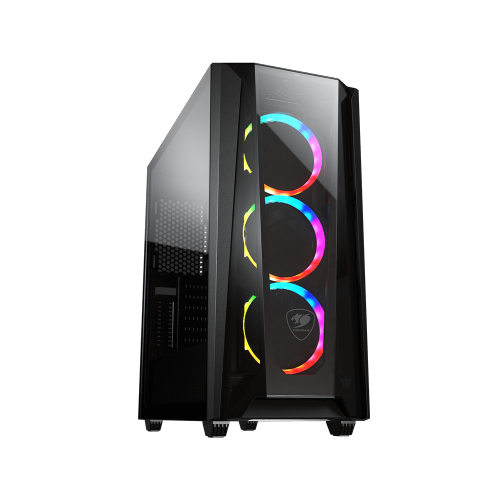
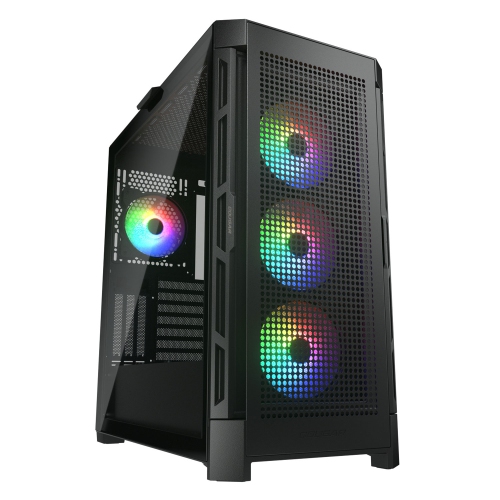
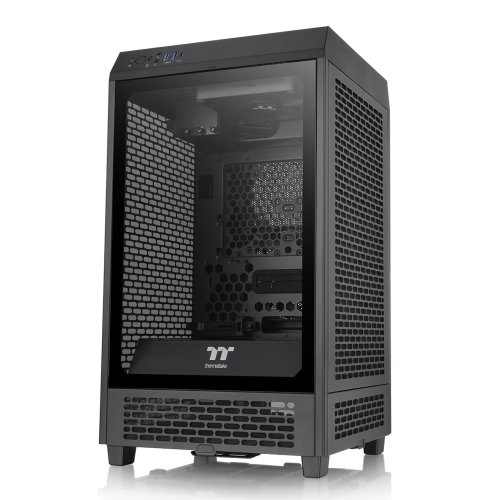
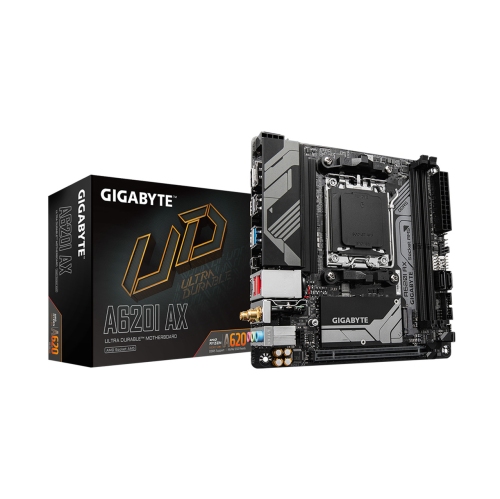
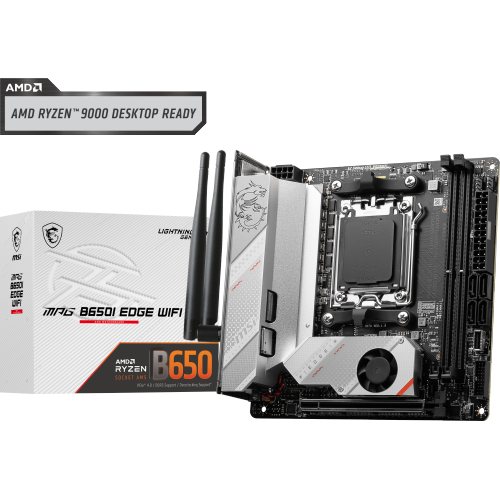
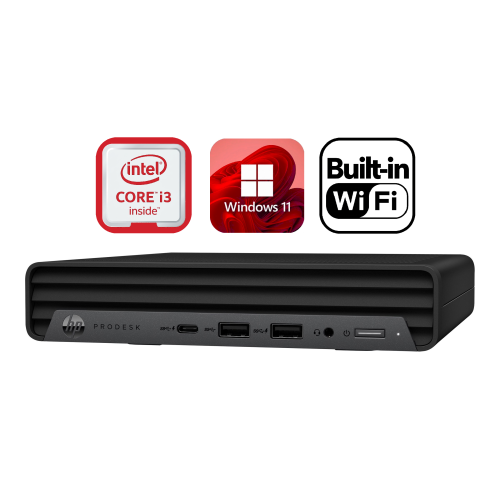
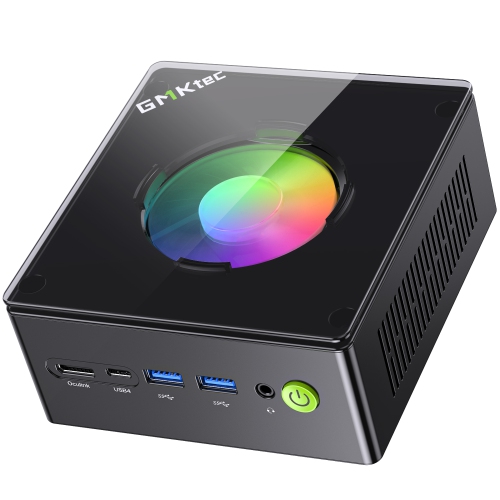


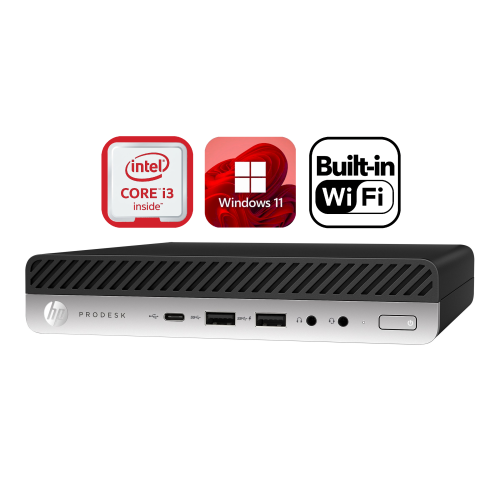
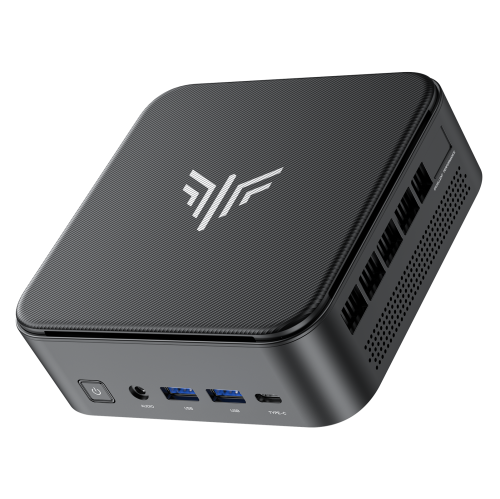
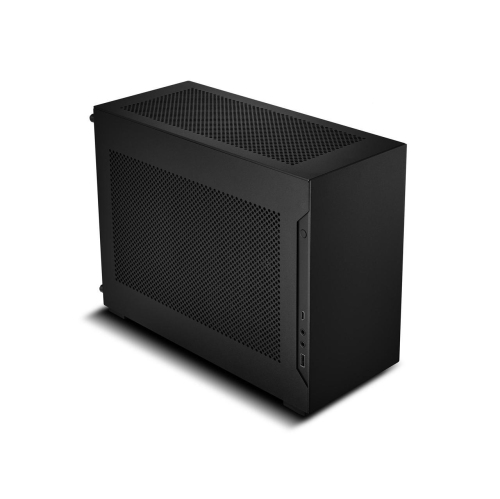
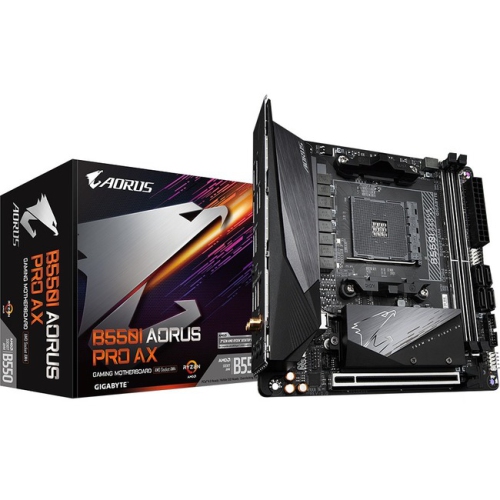
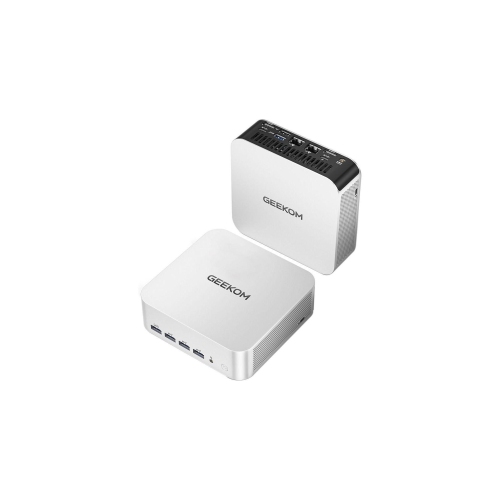
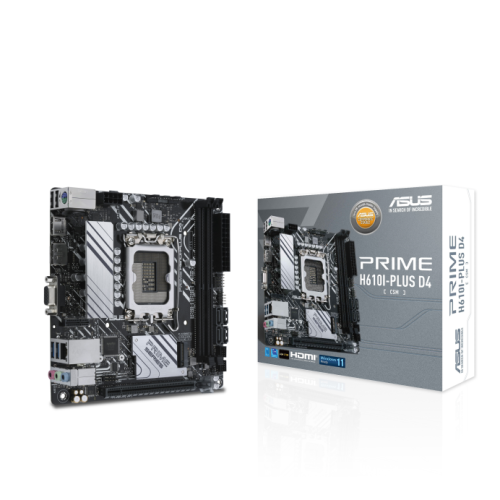
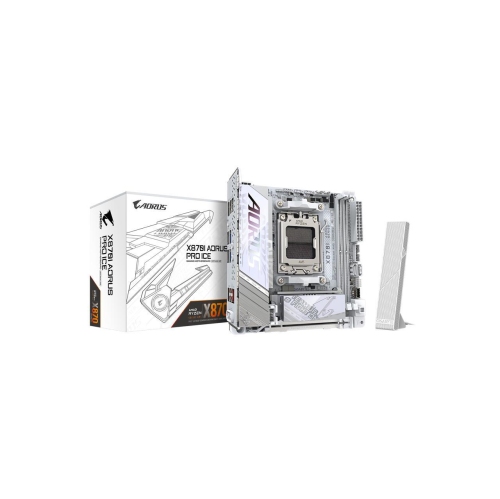
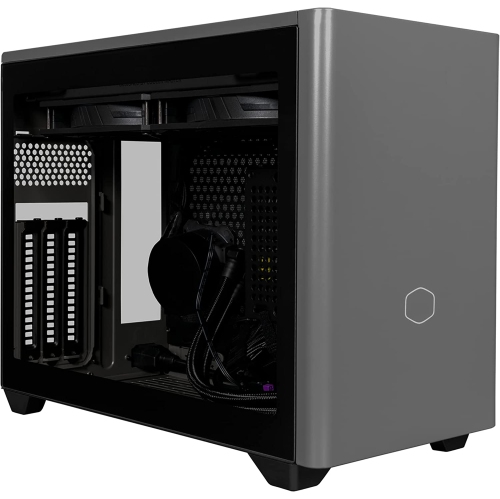
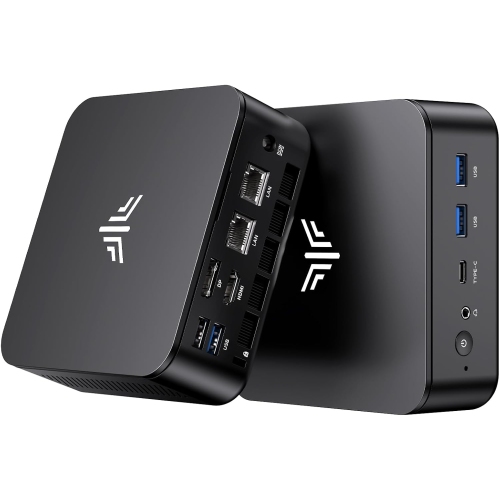
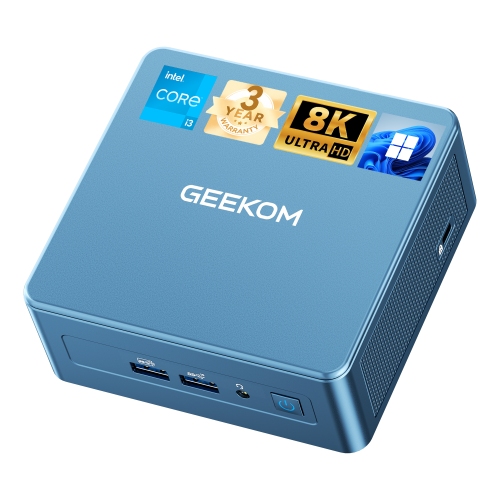
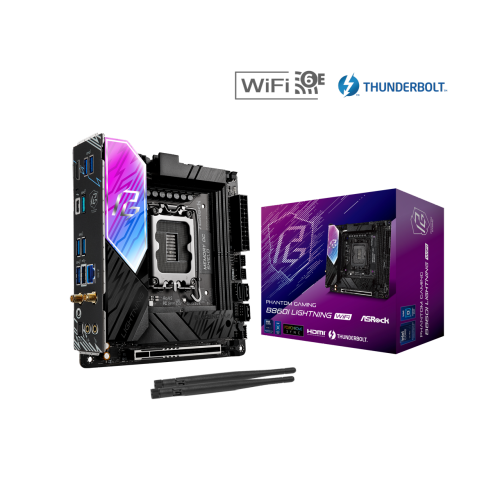

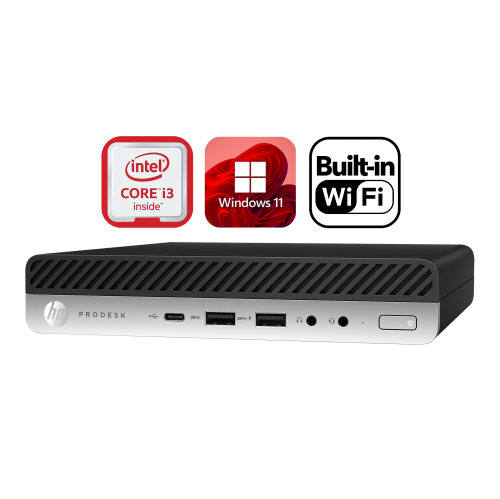
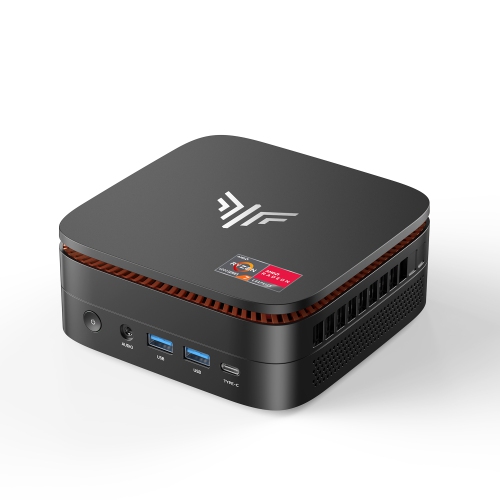
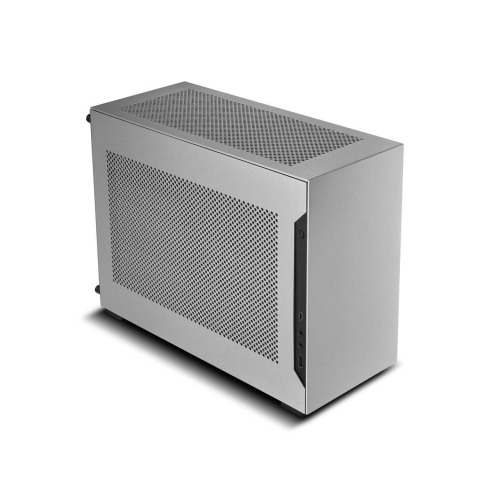
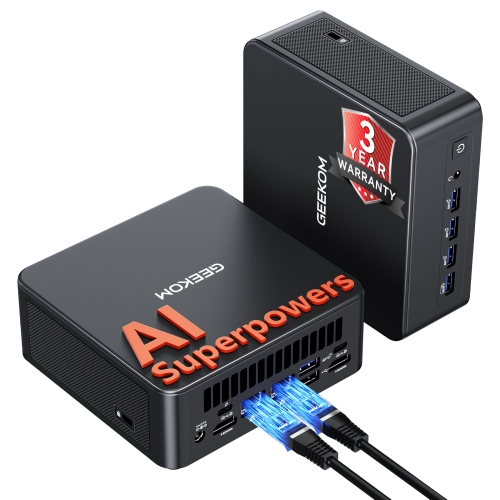
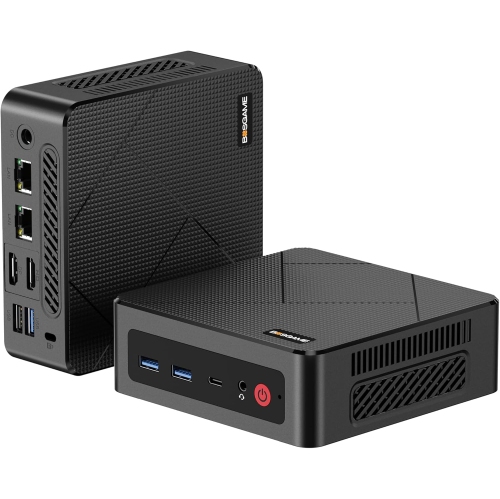
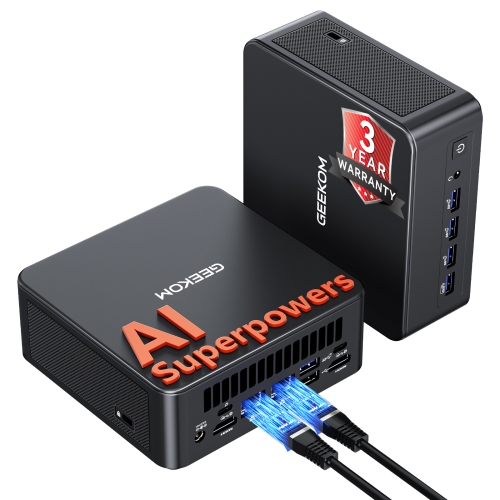
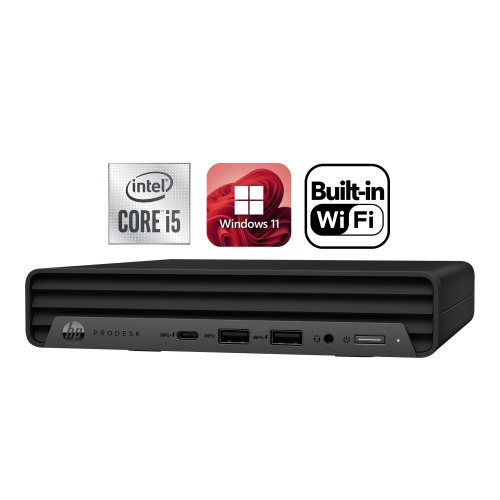
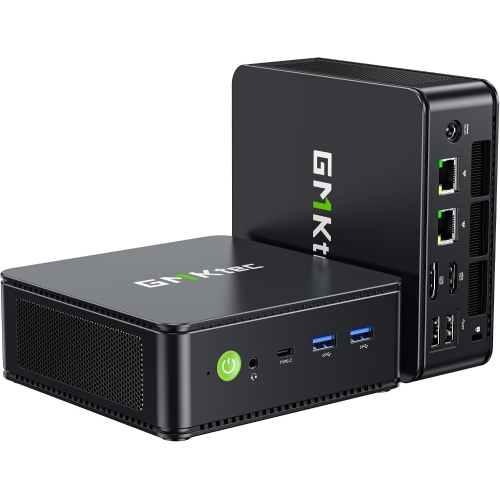
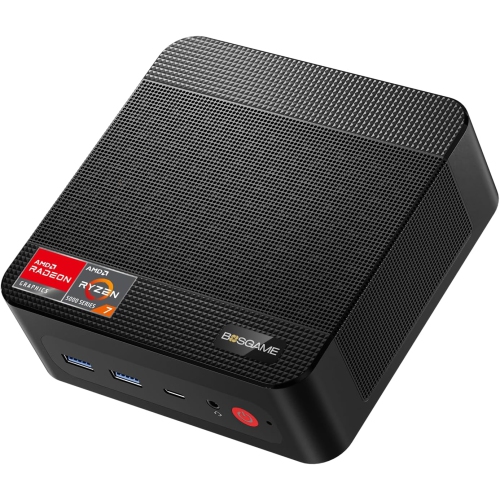
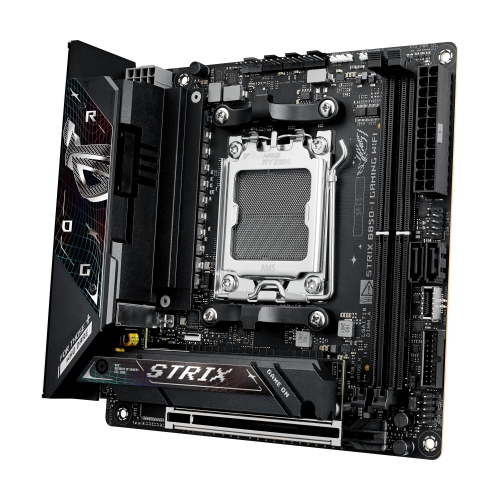
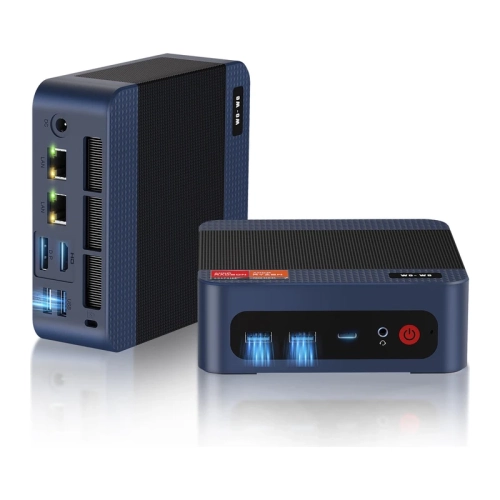
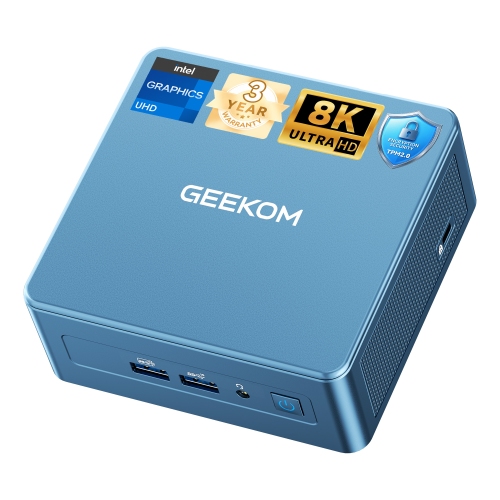
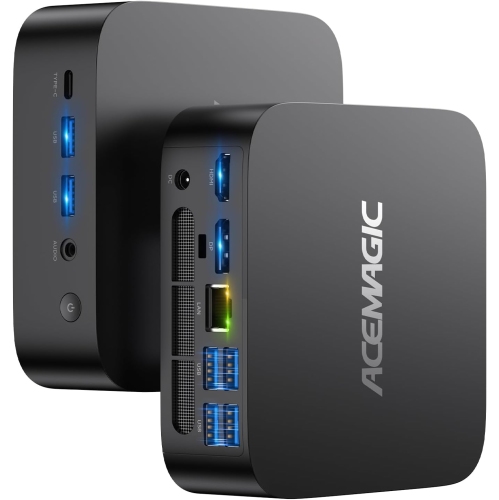
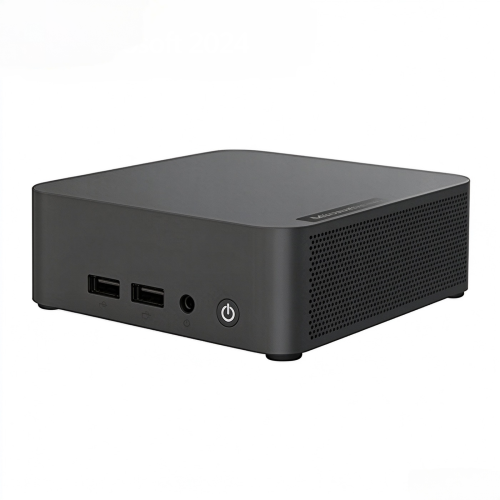
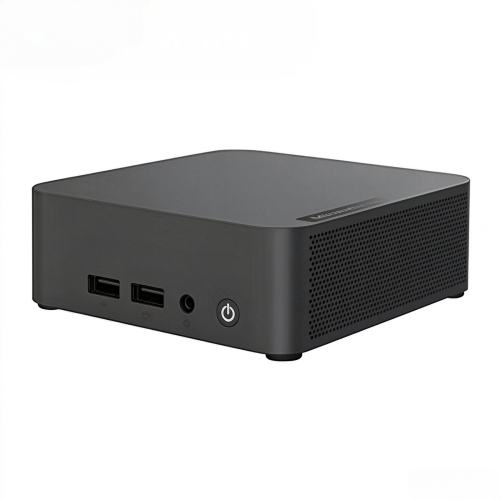
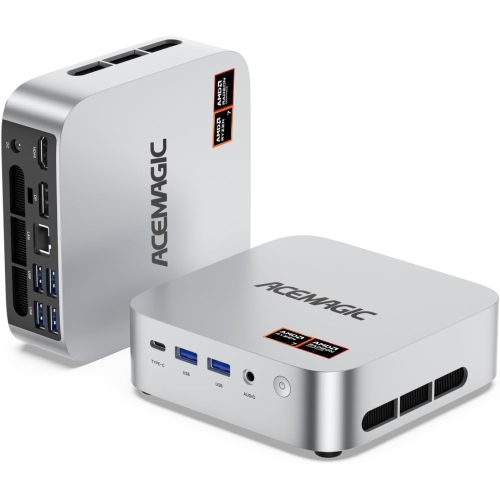
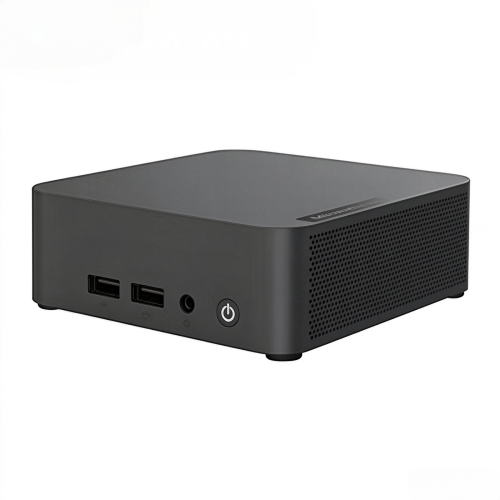

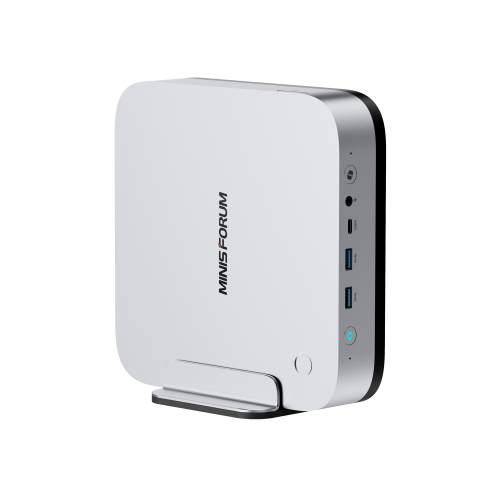
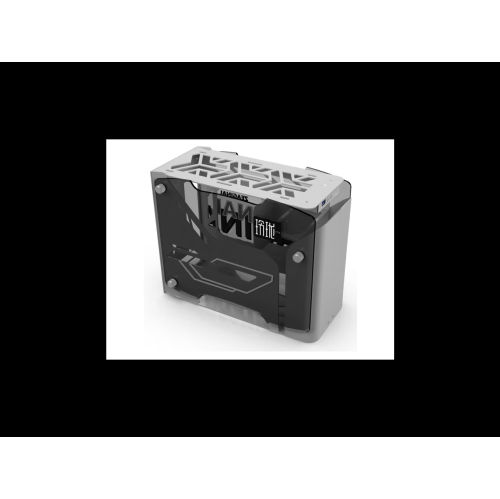
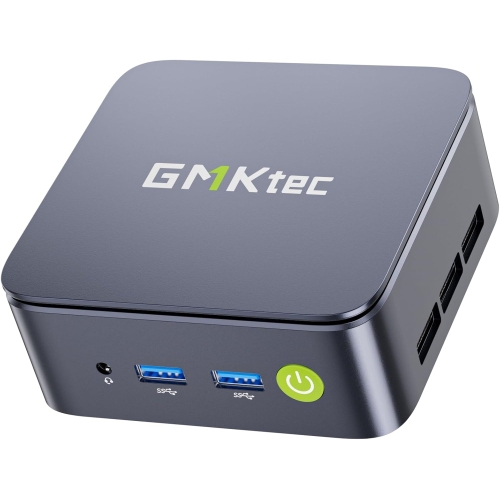
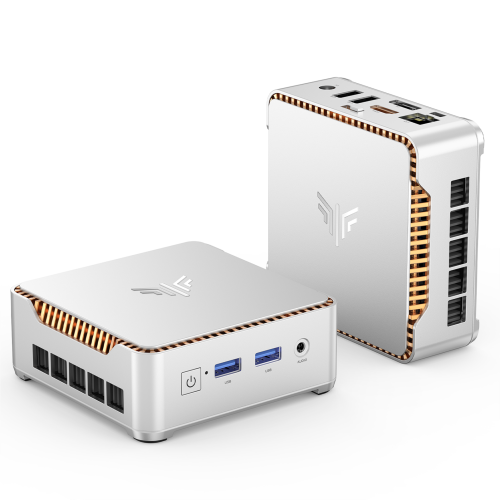
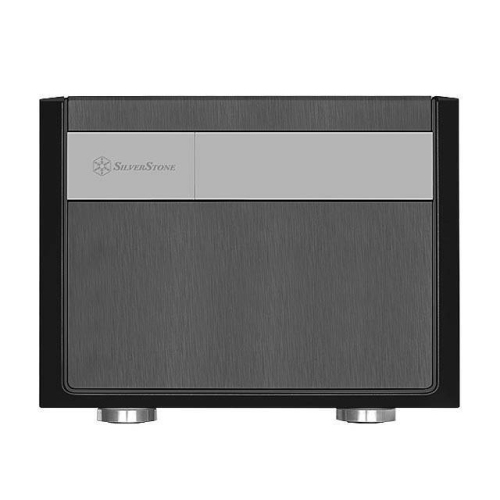
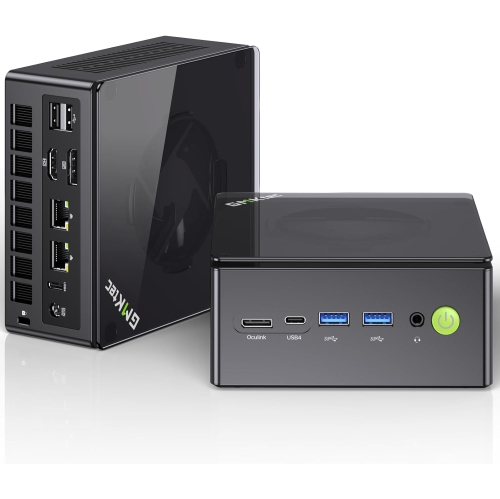
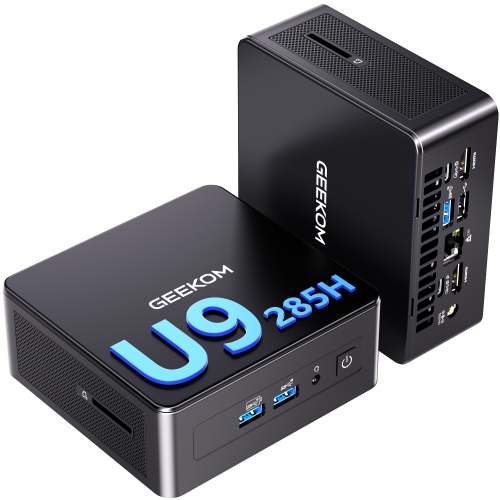
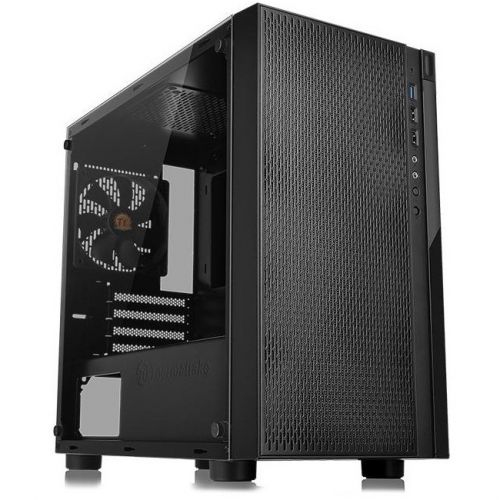
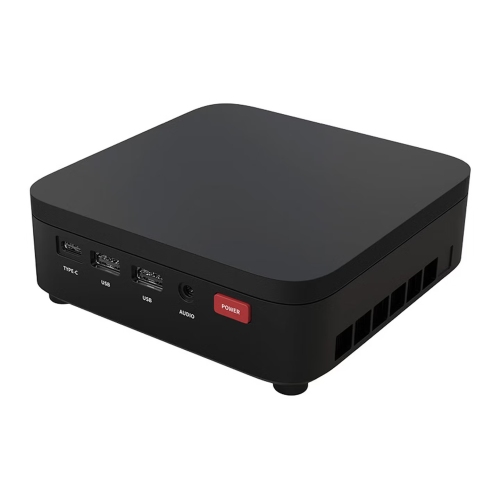
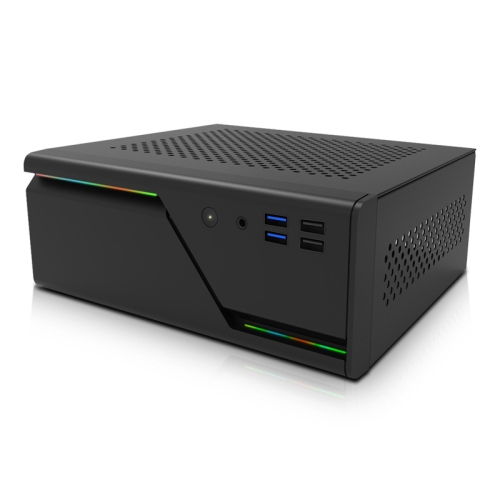
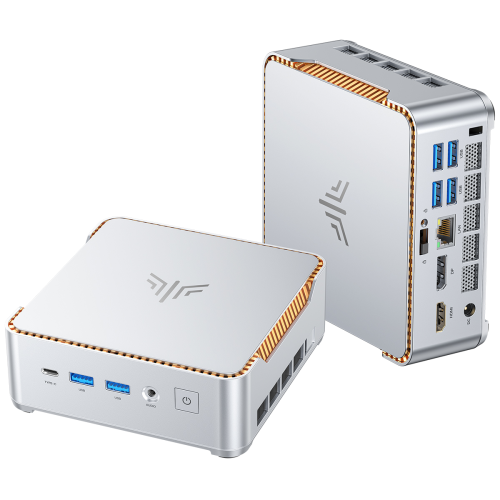
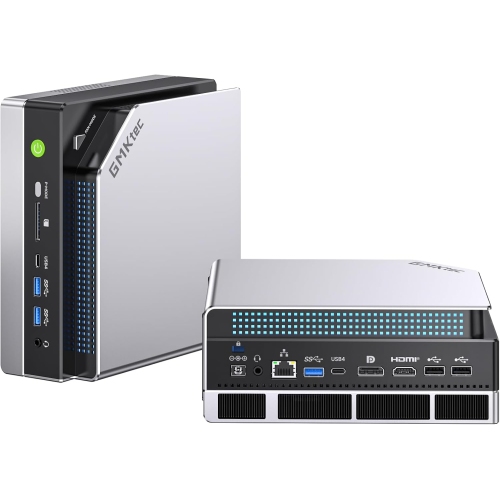
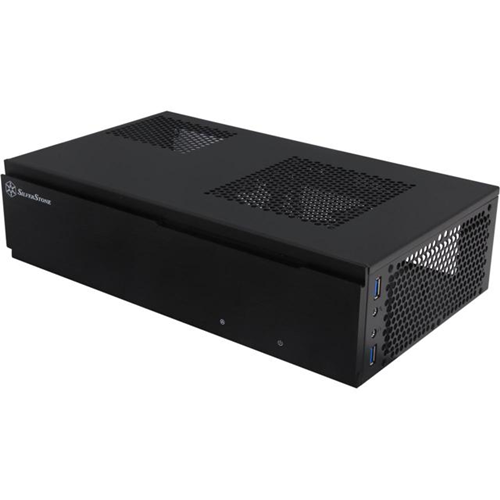
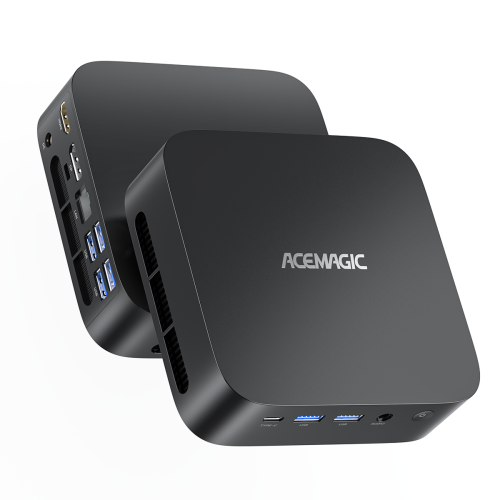
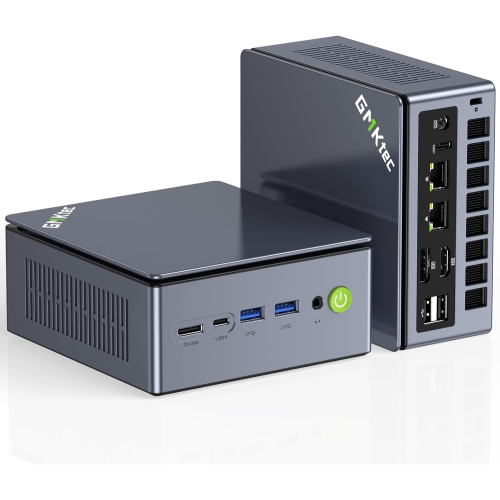
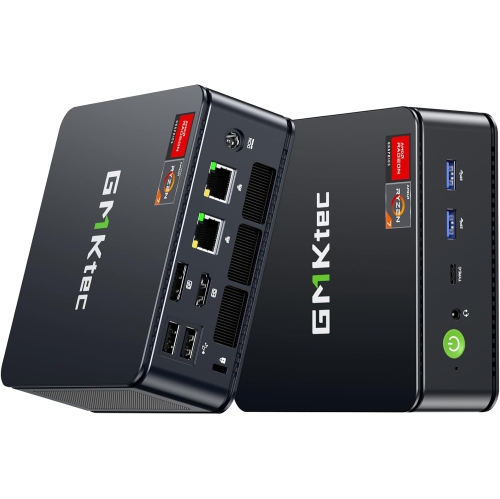
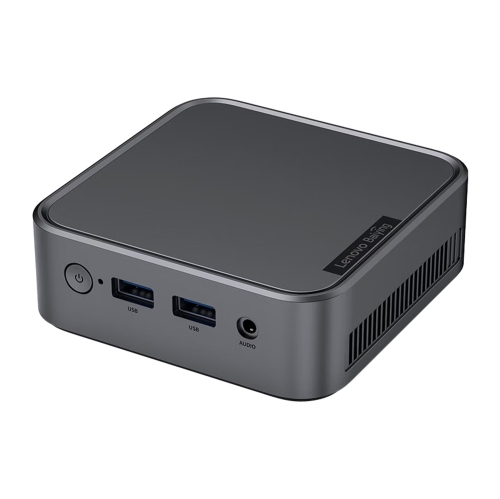
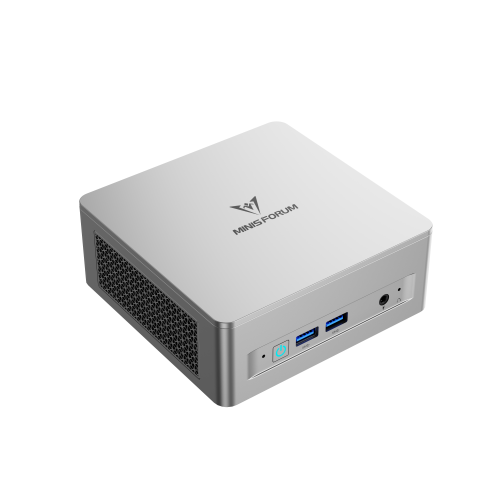
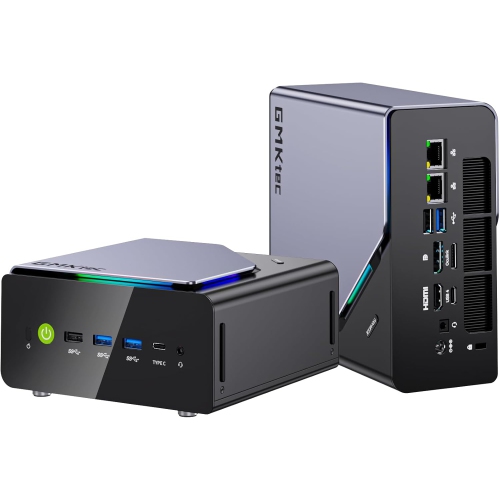
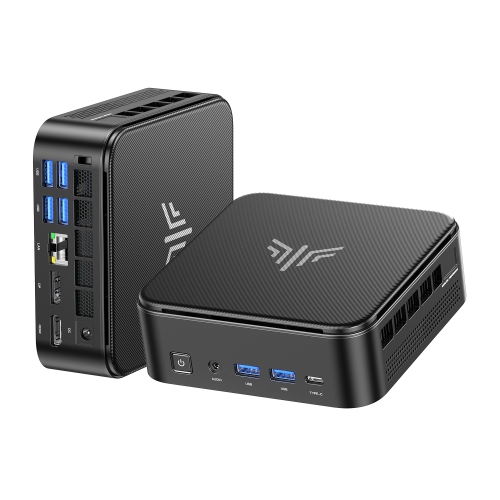
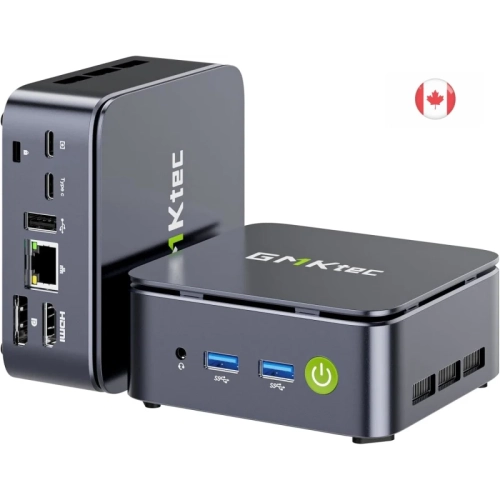
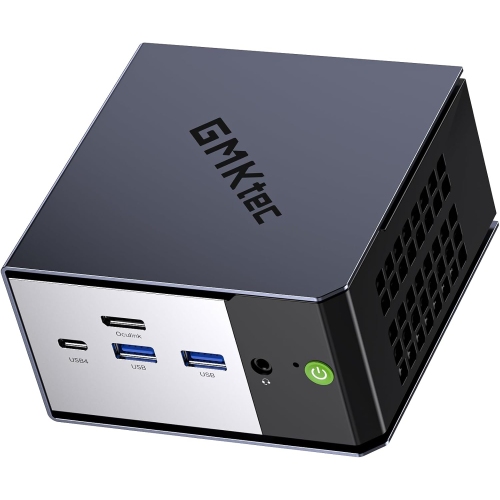
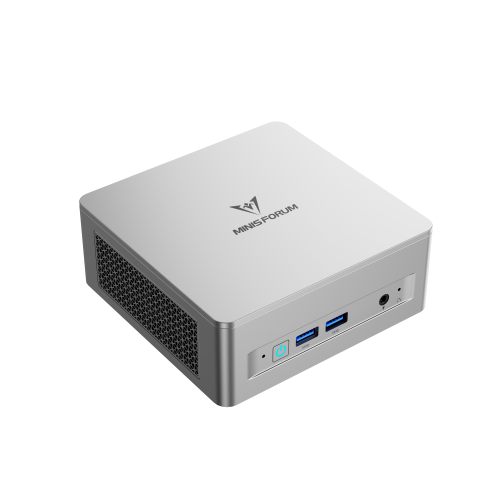
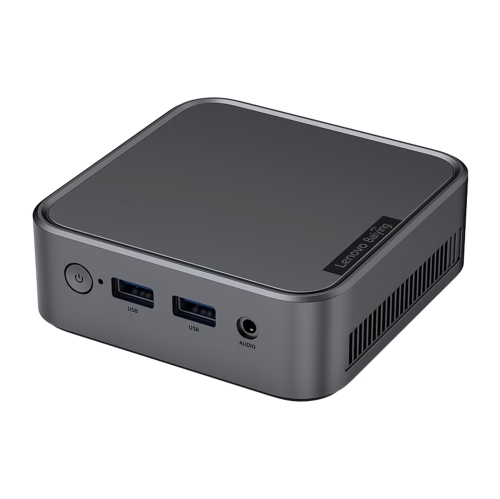
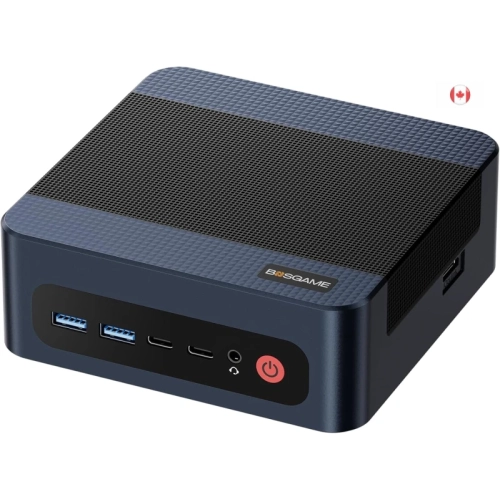
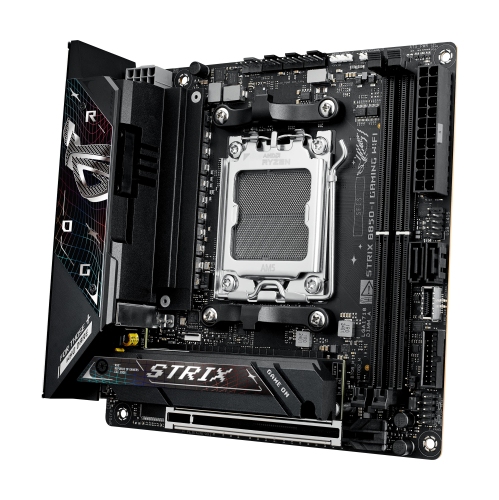
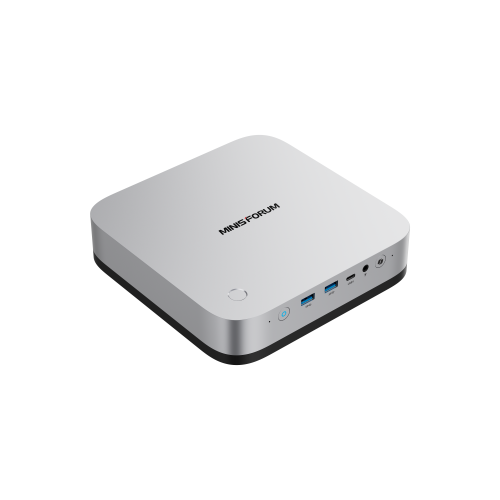
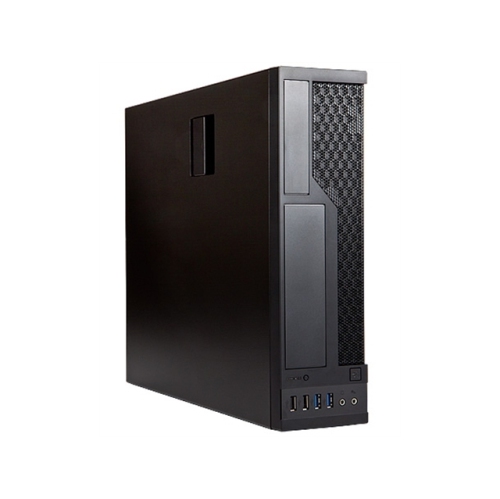
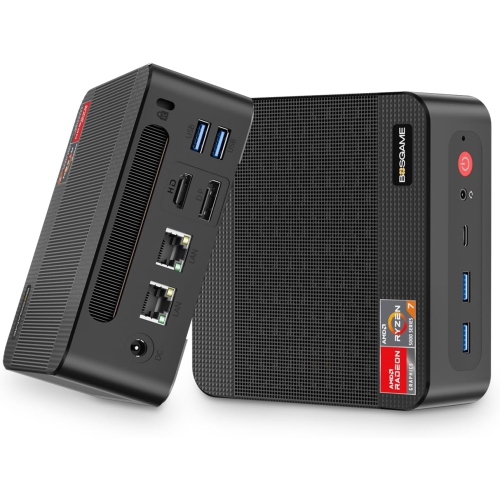
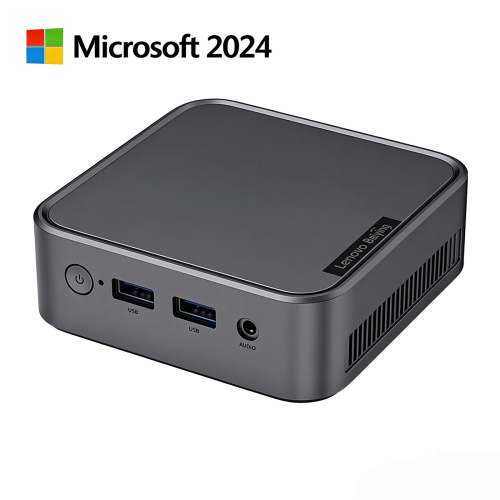
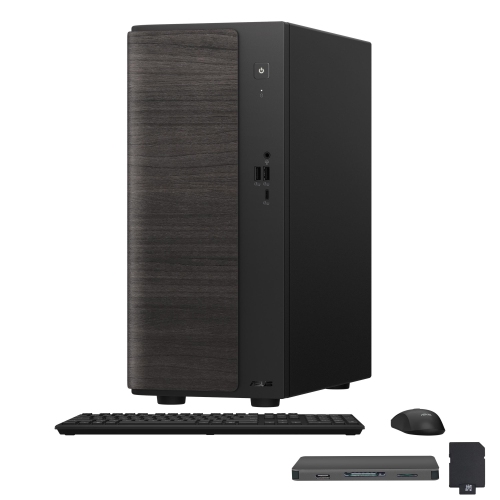
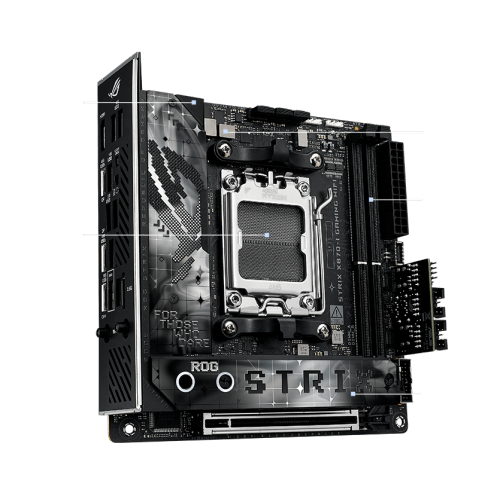
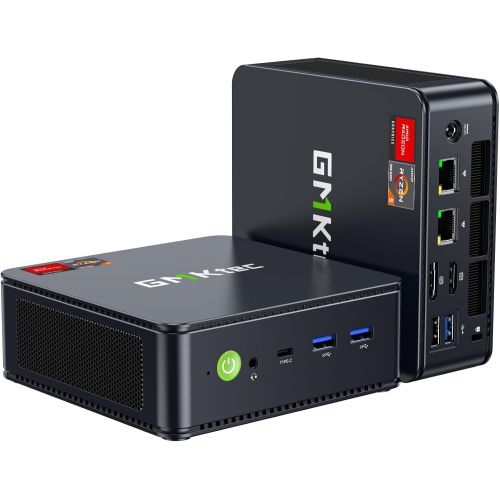
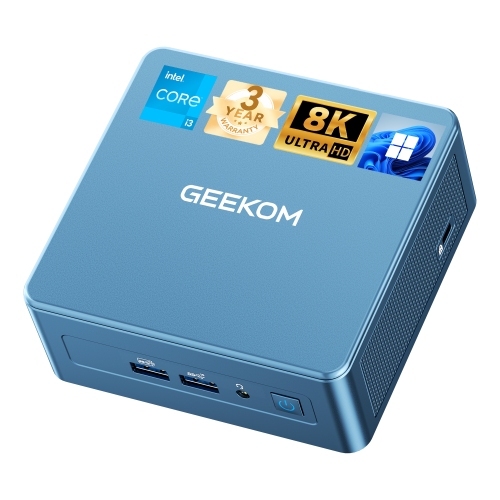
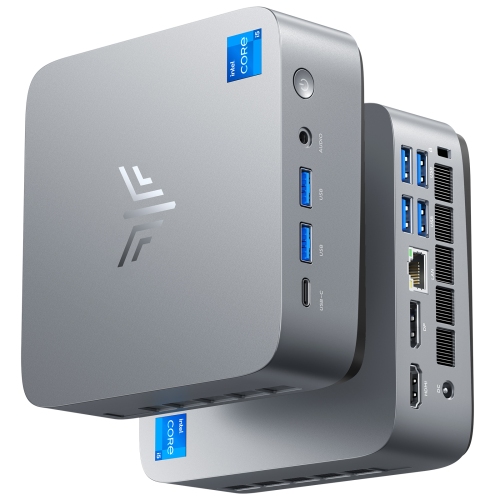
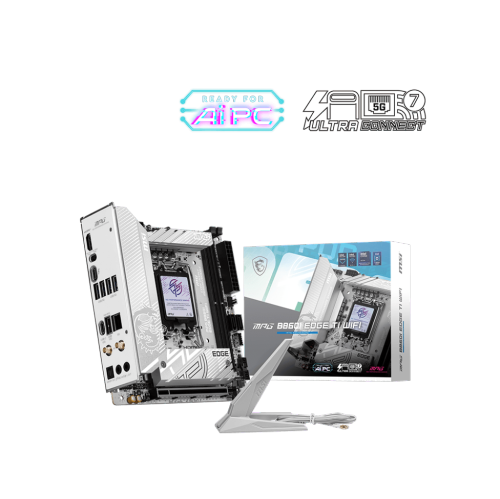
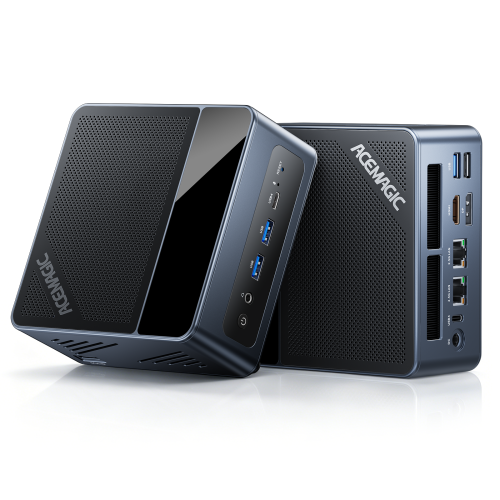
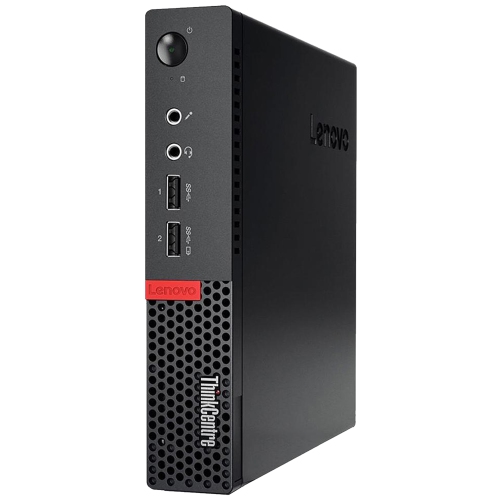
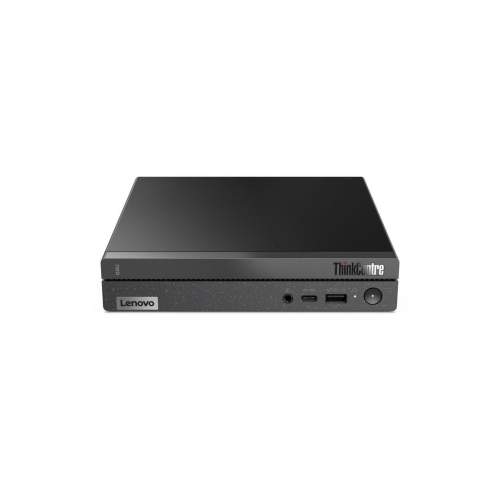
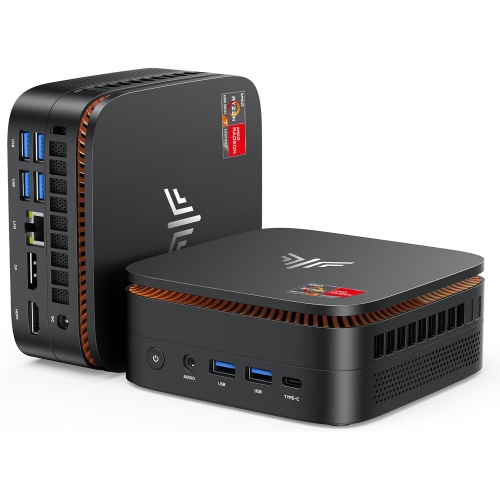

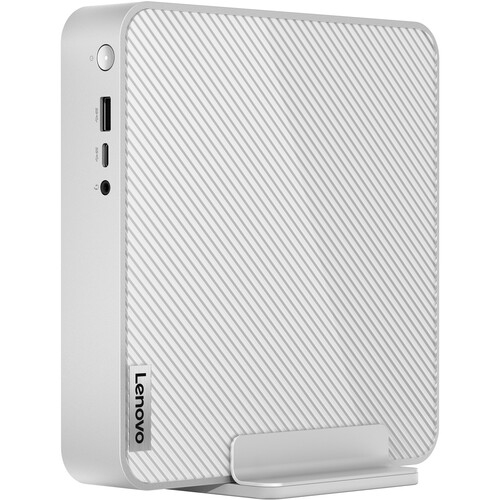
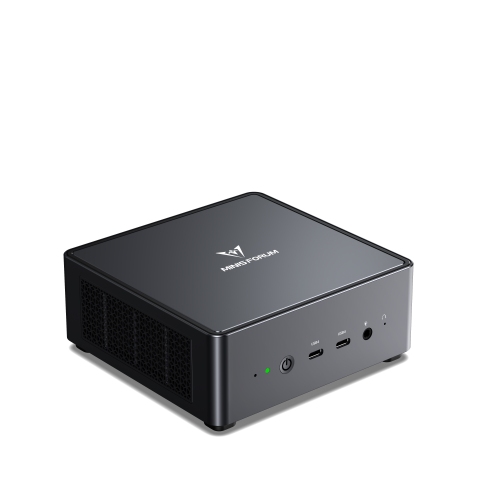
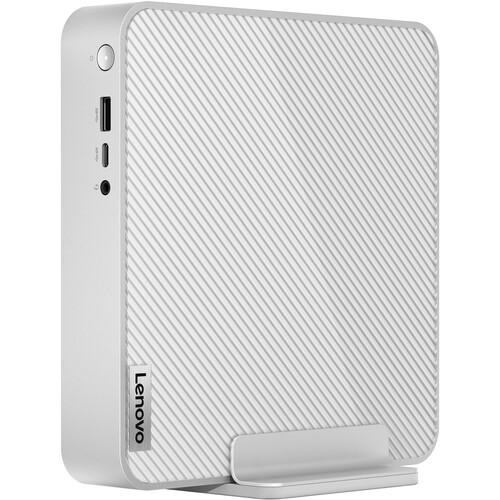
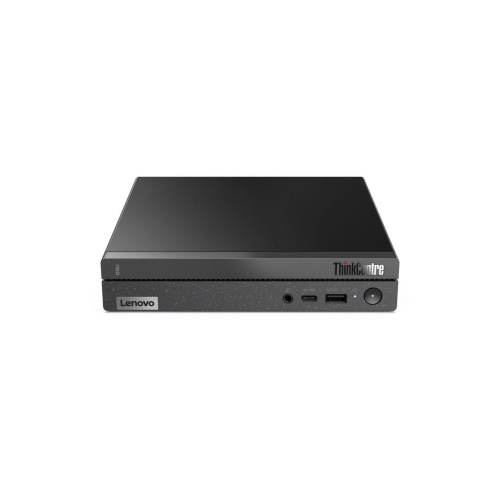
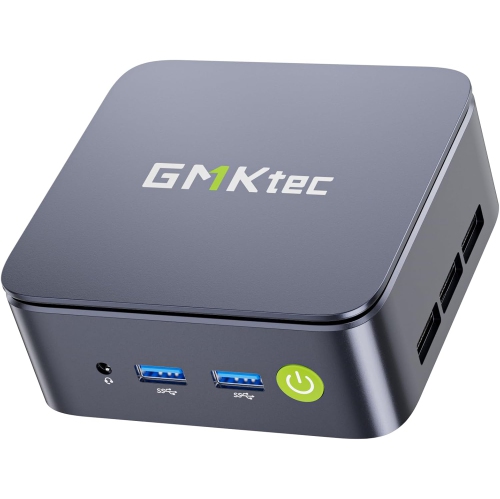
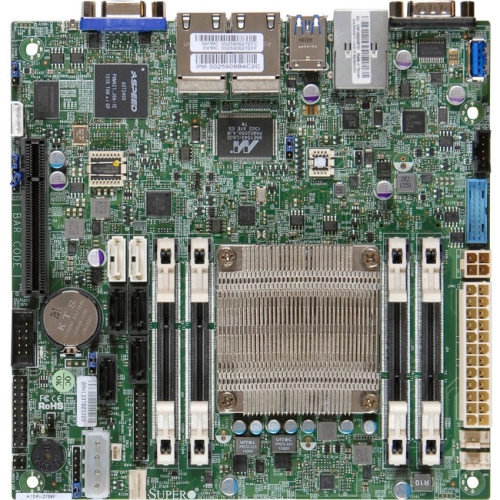
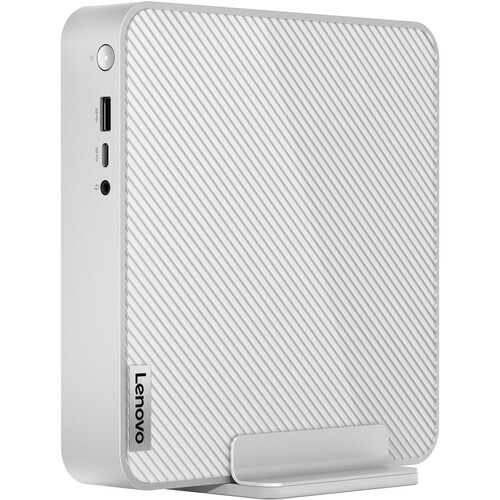
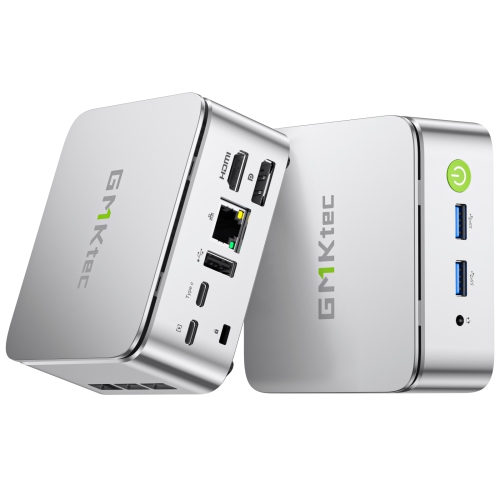
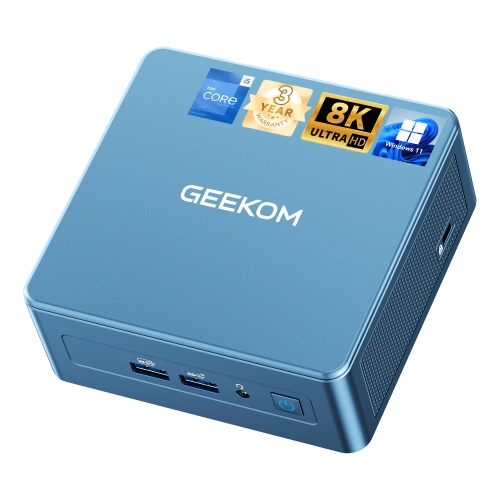
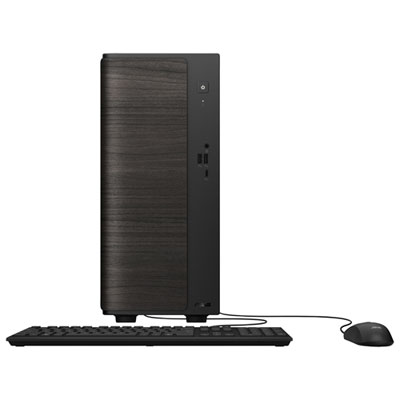
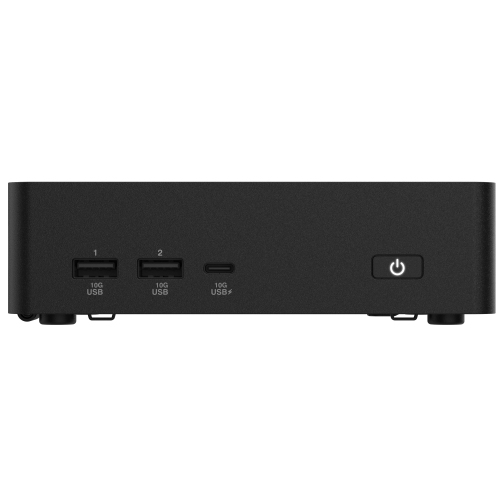
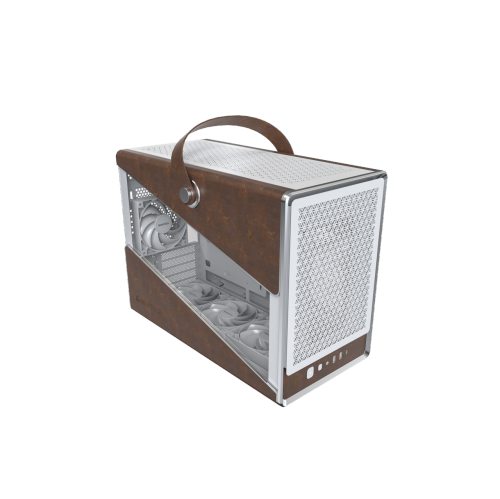
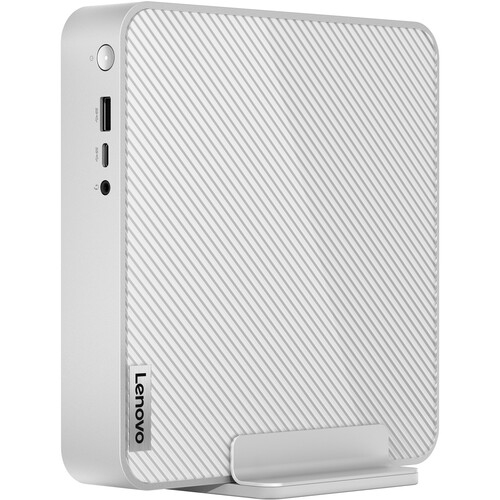

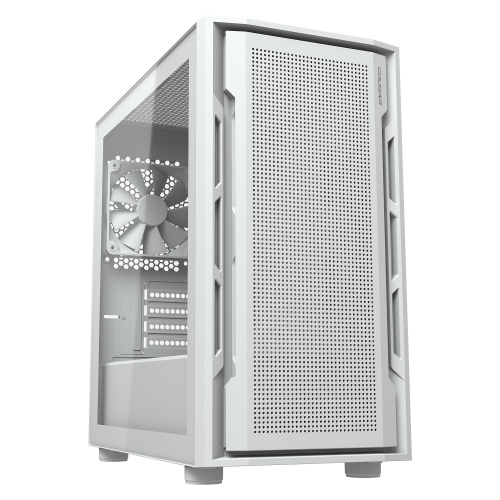
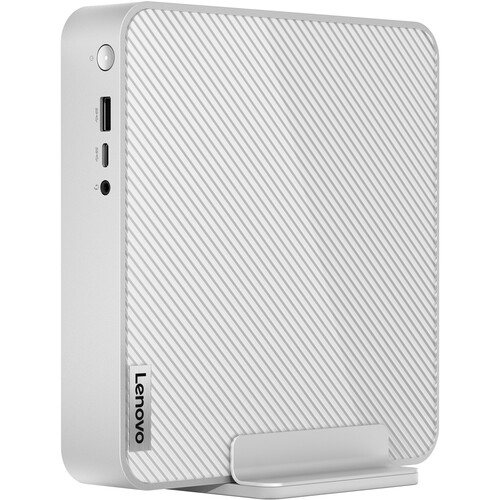
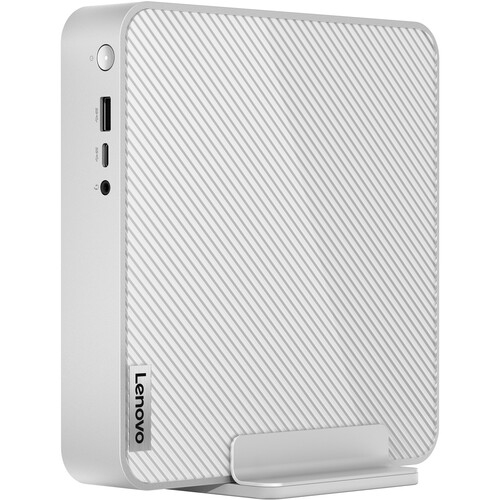
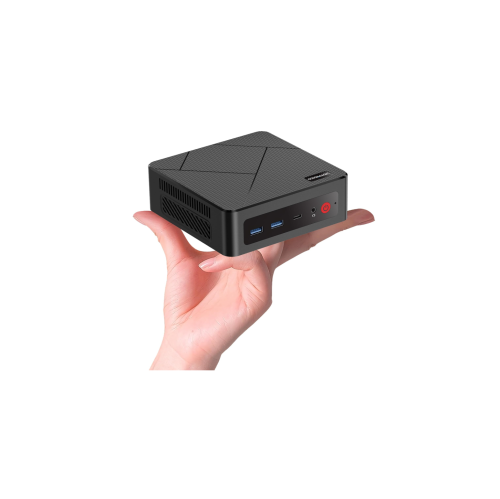
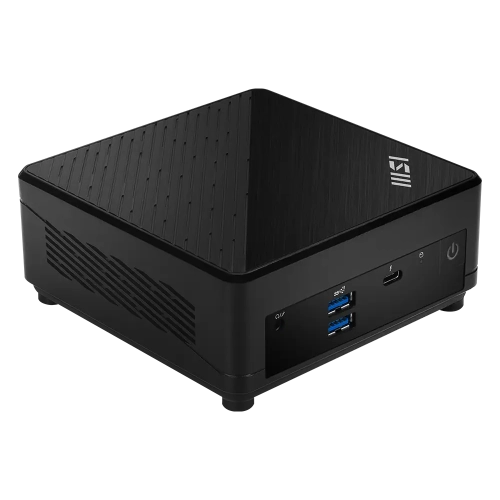

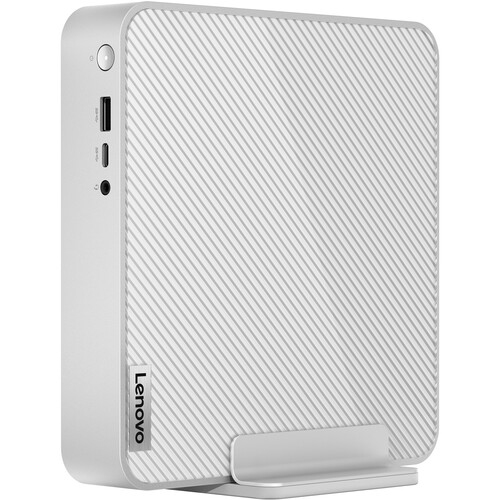
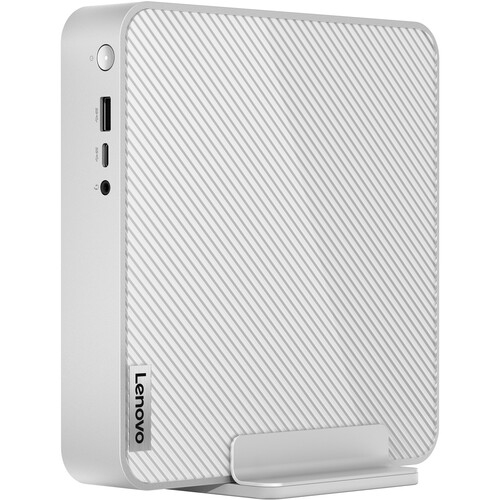
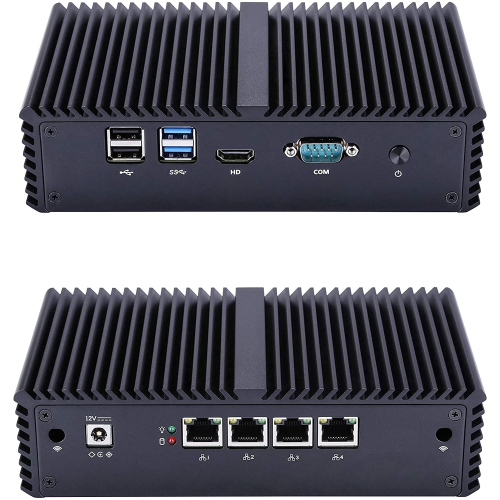
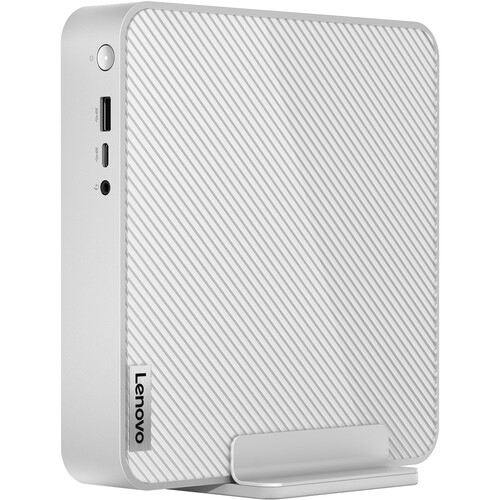
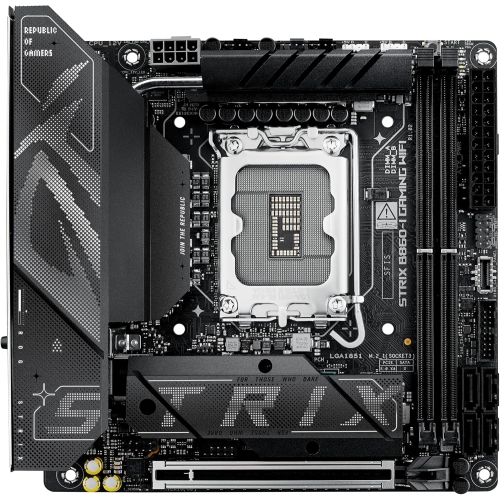
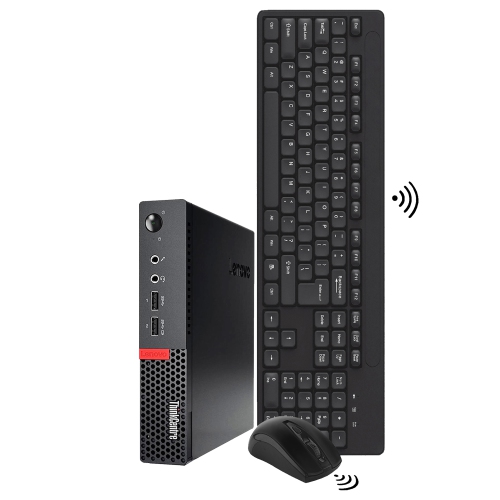
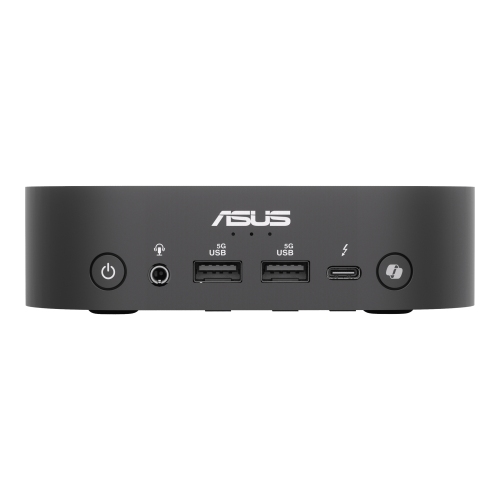
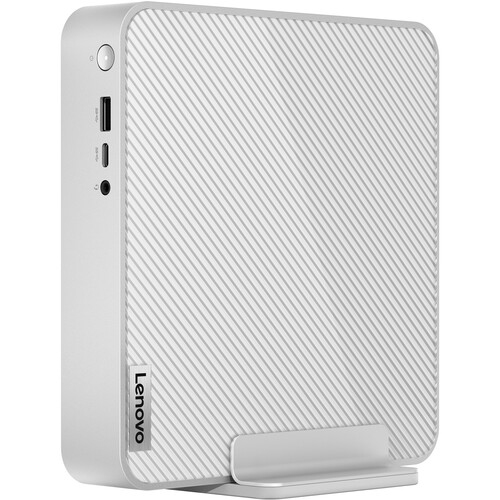
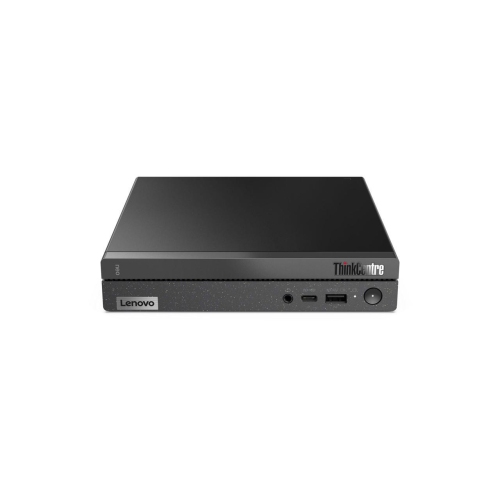

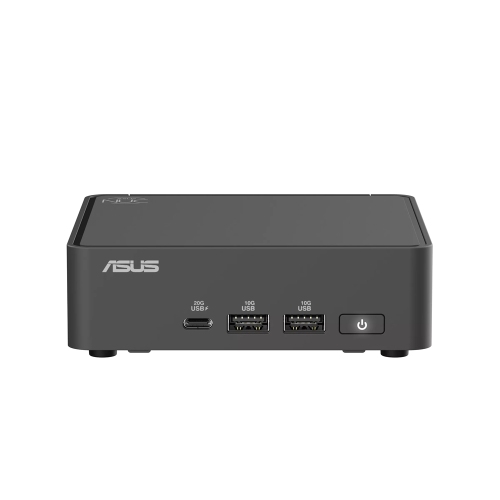
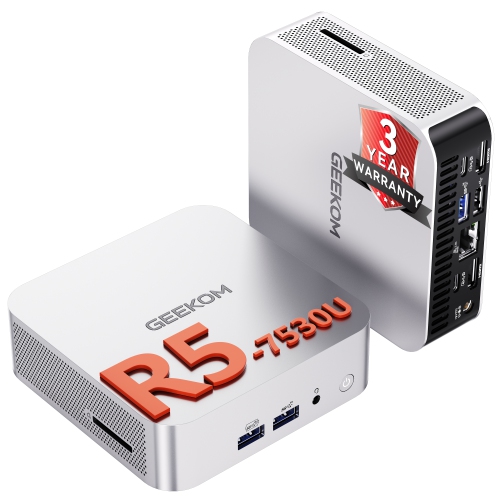
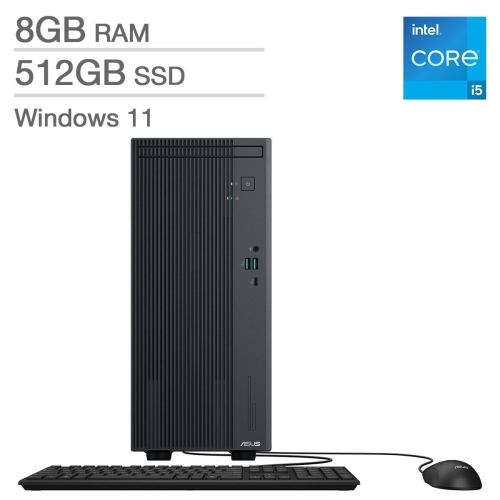
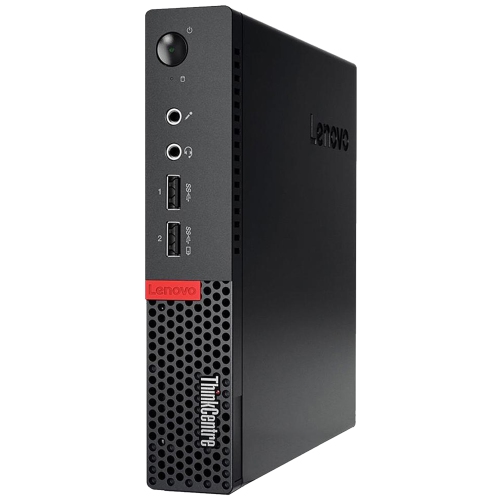
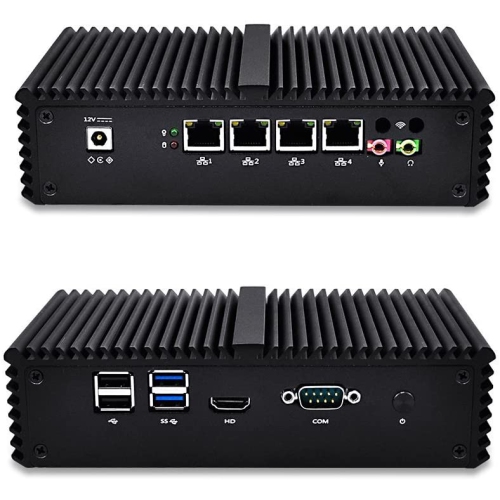
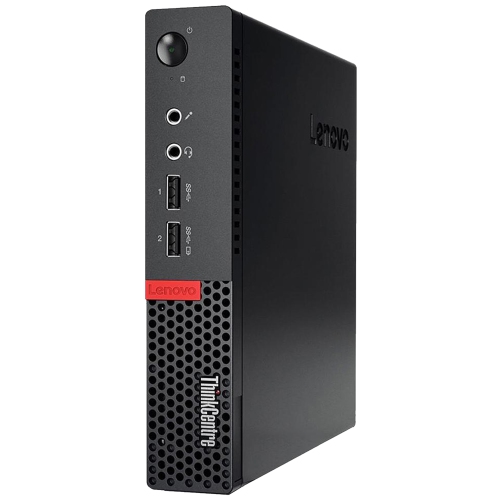
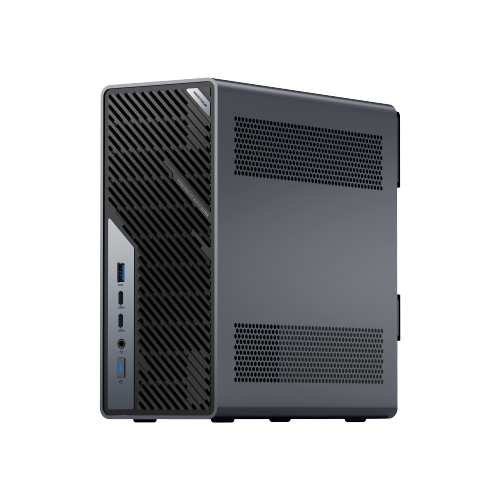
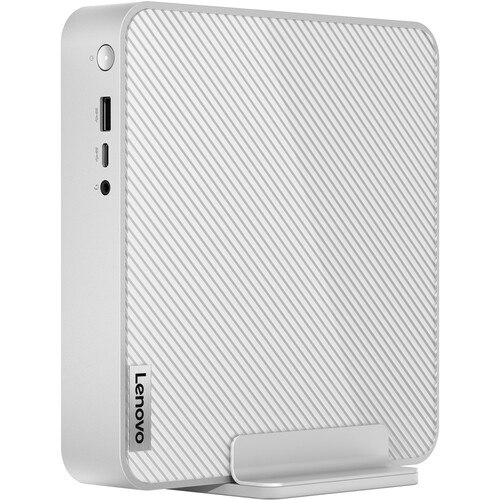
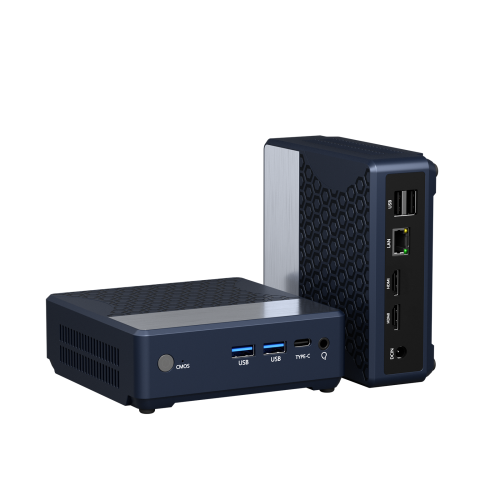
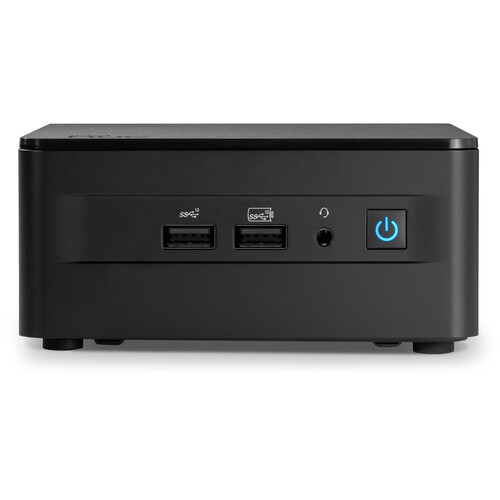
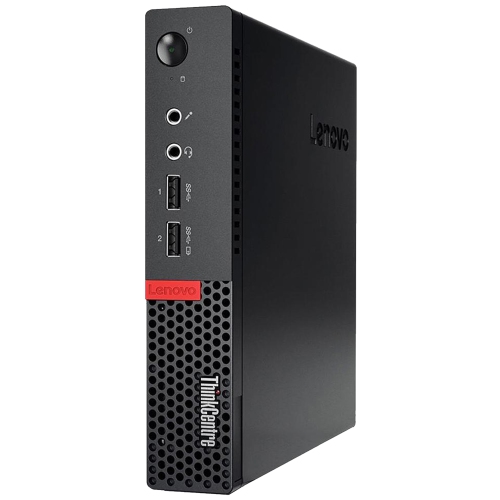
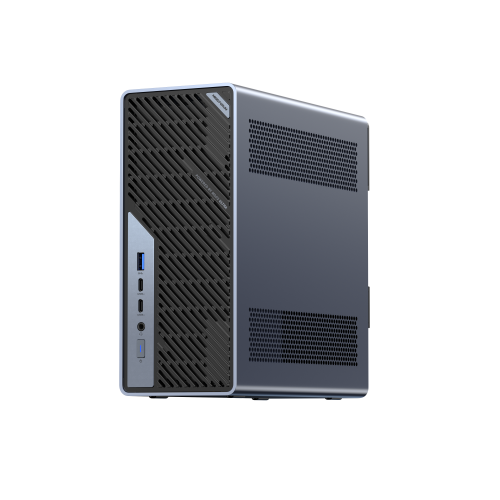

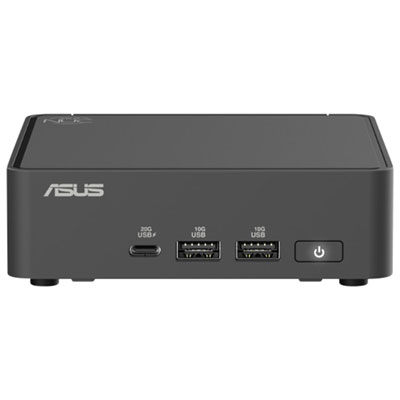
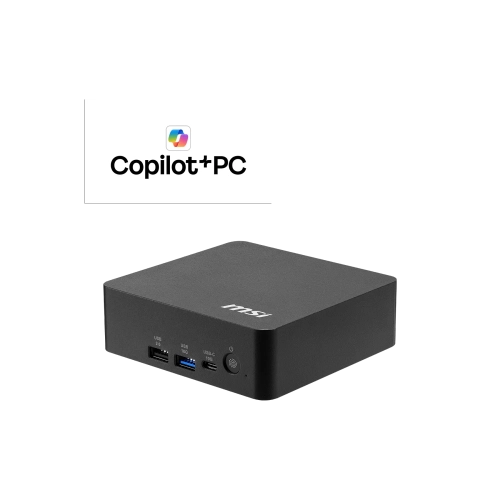
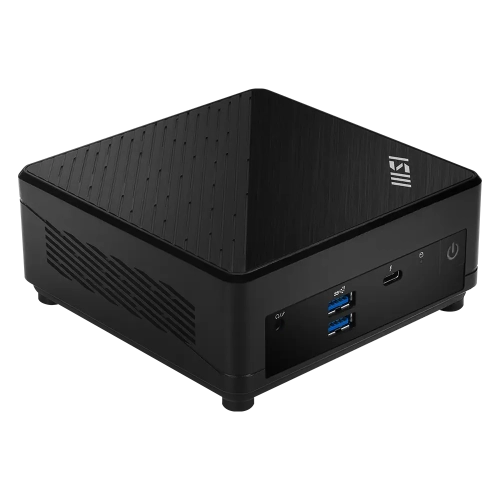
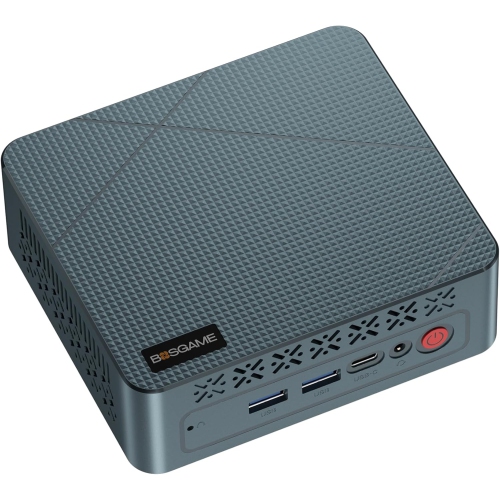
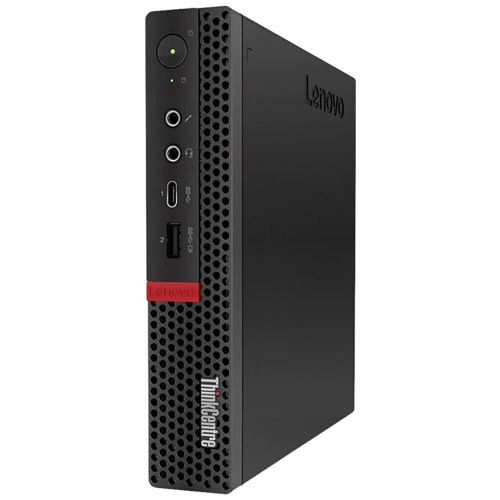
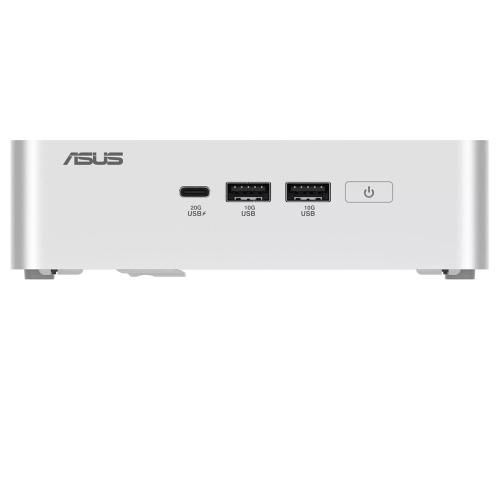

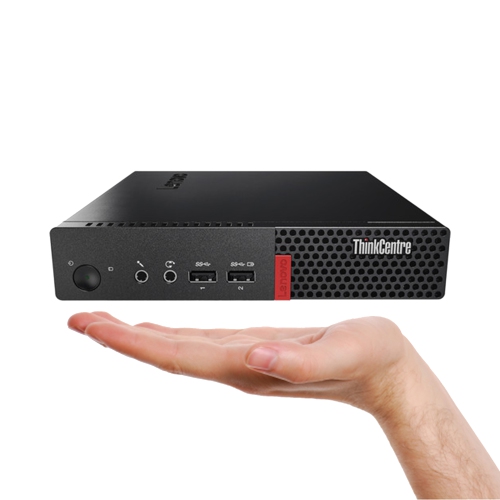
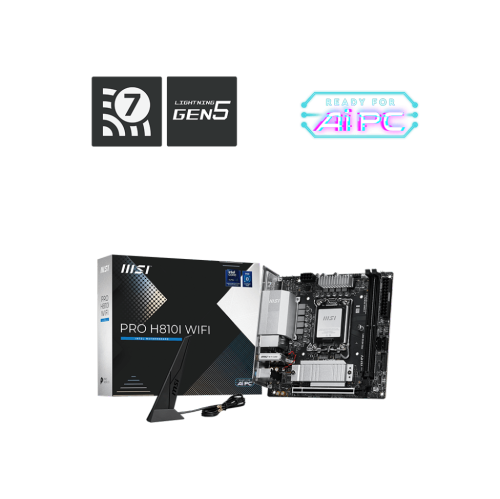
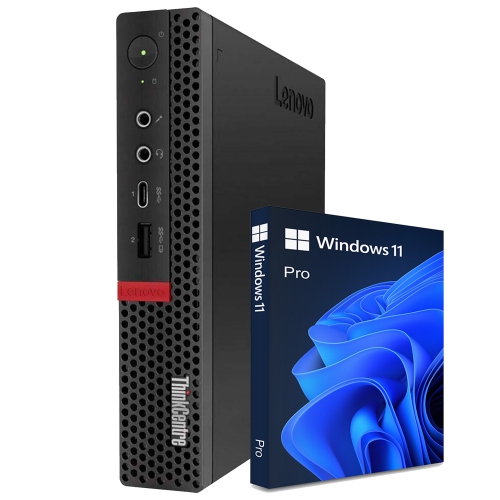
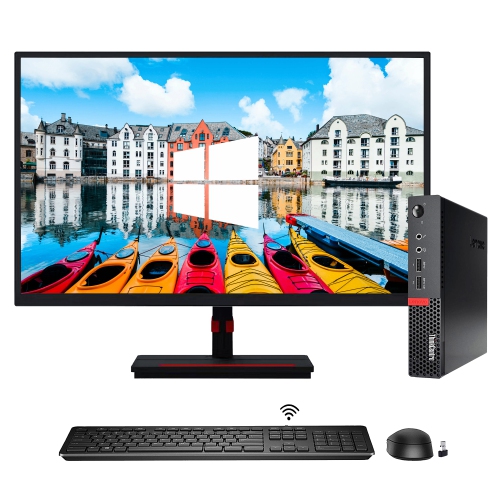
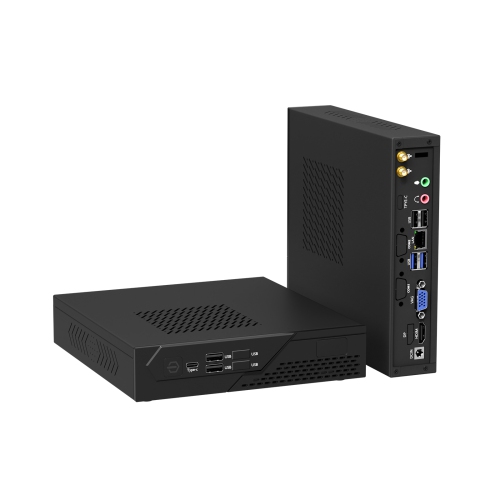
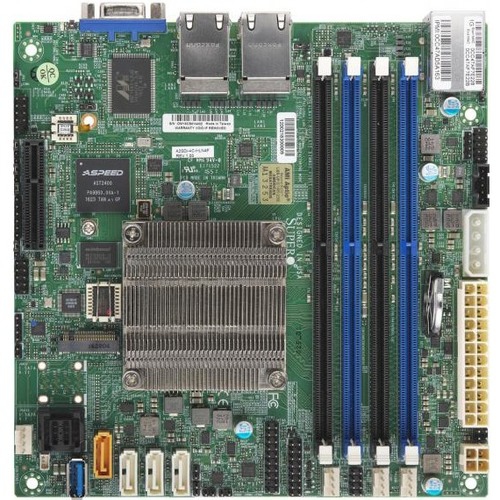
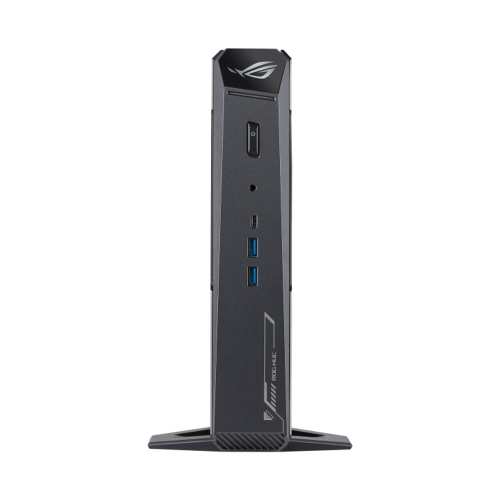

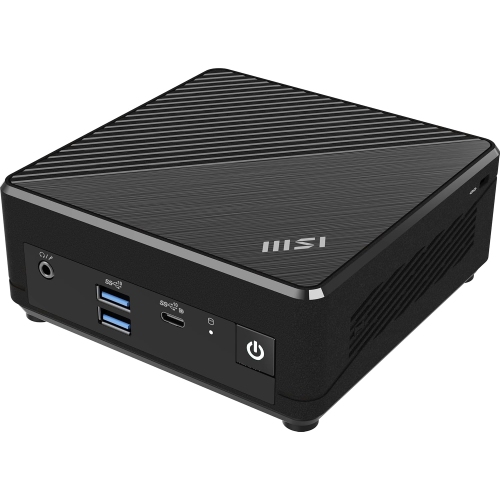
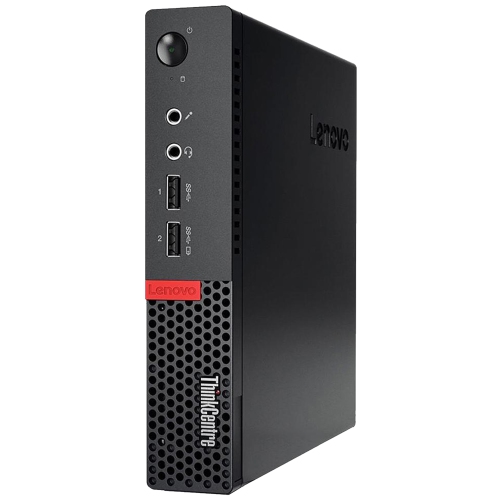

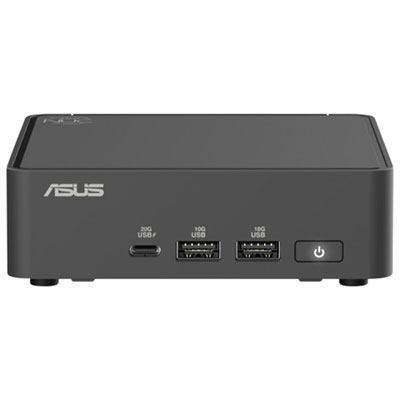
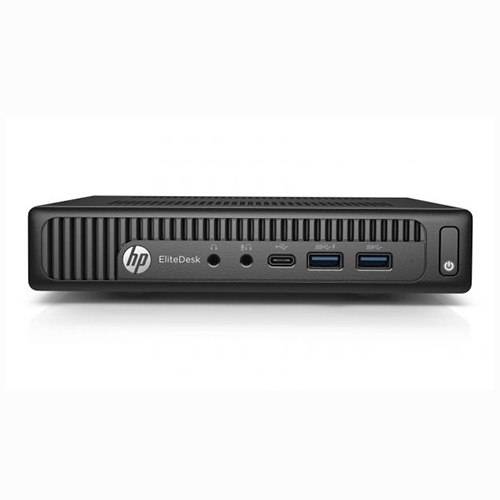
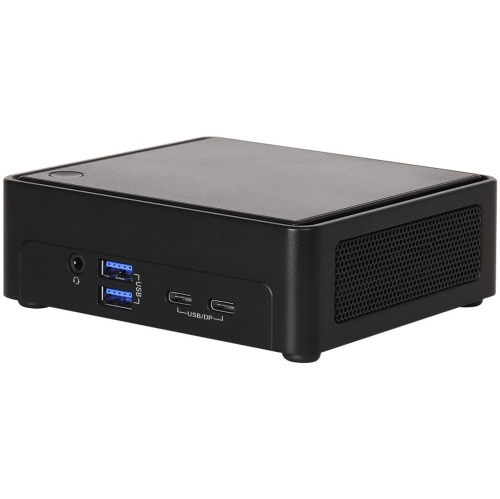

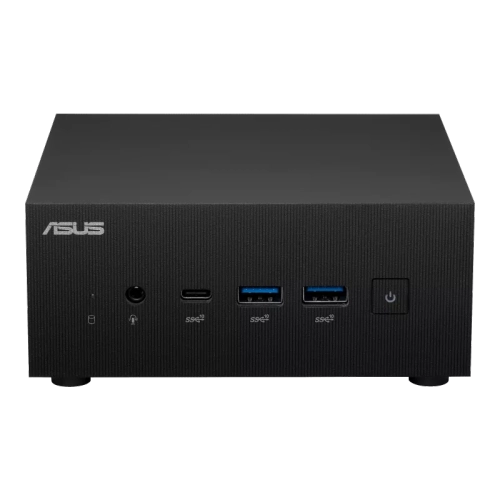

Small desktops need more than small components
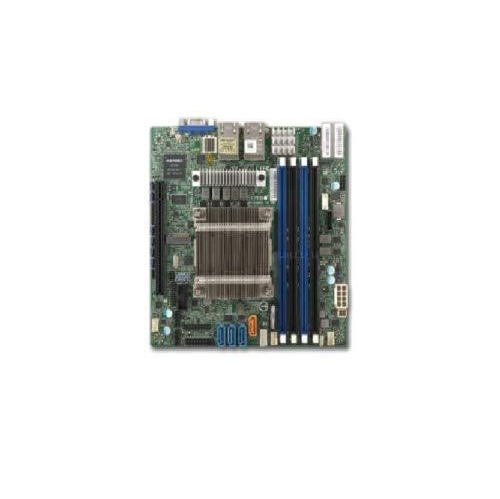
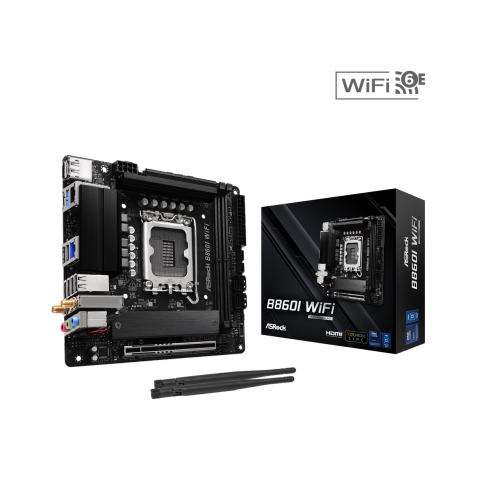
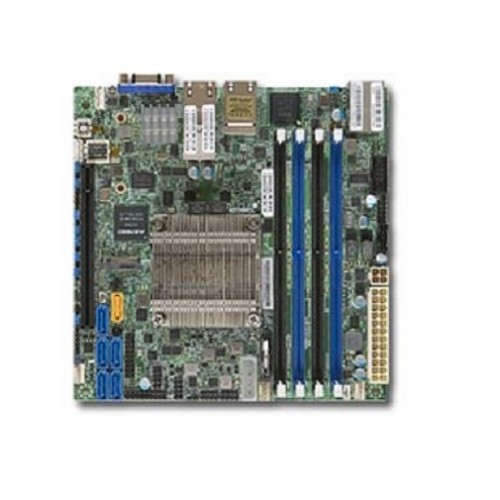
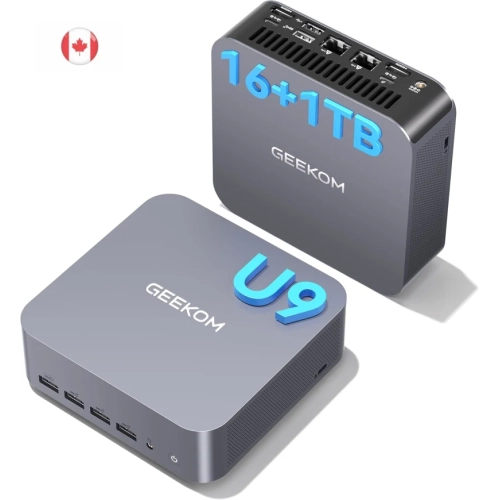
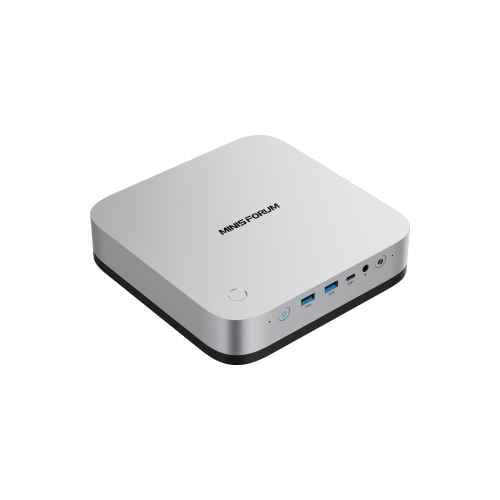
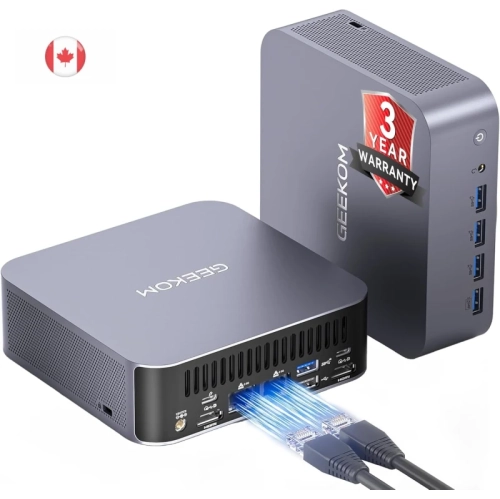
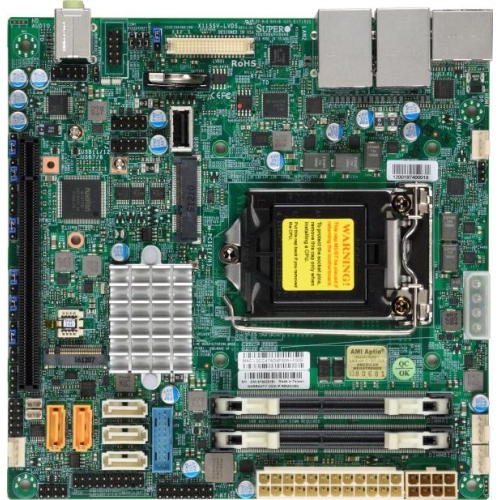
Mini-ITX PC builds are compact desktop computers assembled around a Mini-ITX motherboard, a standard board size measuring 170 mm by 170 mm. Their appeal is straightforward: they bring desktop computing into a smaller footprint without necessarily giving up the processing power, dedicated graphics, or component flexibility associated with a full-size tower. A compact system can leave more room beside a monitor, fit neatly into a home office, or form part of a living-room entertainment setup. The components suited to these builds include Mini-ITX motherboards, compatible processors, memory, storage, compact cases, power supplies, and cooling hardware. The right combination depends on the intended workload rather than size alone. Everyday browsing, video calls, and document editing have different requirements from high-resolution gaming, video production, or working with large design files. Some processors include integrated graphics that suit general computing and media playback, while more demanding games and graphics applications can benefit from a dedicated graphics card. Processor socket and chipset compatibility matter just as much in a small computer as in a larger one, and support for a particular processor can also depend on the motherboard’s firmware version. A Mini ITX Motherboard forms the foundation of the build, determining which processors, memory types, storage connections, and expansion options the system supports. Many boards in this format have two memory slots and one primary expansion slot, making memory capacity and graphics requirements worth considering together. Memory generations are not interchangeable, so the board and memory must use the same supported standard. M.2 solid-state drives can help keep the interior tidy by reducing the need for separate drive cables, although the supported drive length, interface, and position of each socket still matter. For someone who keeps several games installed or works with substantial media libraries, storage capacity and room for additional drives can be more important than achieving the smallest possible enclosure.
Case design has a major influence on how a Mini-ITX PC looks, fits, and performs. Some enclosures resemble shortened desktop towers, while others use a vertical orientation or divide the graphics card and motherboard into separate compartments. A vertical case can free up desk width, but its height and the space needed around its ventilation openings remain important. Divided layouts often connect the graphics card through a riser cable, whose interface compatibility can affect setup and operation. The Mini-ITX label describes the motherboard format, not a universal clearance standard for every other component. A case that supports a particular graphics card length might still have limits on card thickness, height, or the space needed for its power connector. Likewise, a cooler that fits above the processor could conflict with tall memory modules or nearby motherboard heatsinks. Manufacturer clearance measurements are therefore more useful than judging fit from photographs. Low-profile air coolers suit shallow compartments, while taller air coolers need sufficient distance between the motherboard and side panel. Liquid cooling introduces another set of dimensions: radiator length, radiator and fan thickness, tubing clearance, and mounting position all affect compatibility. A compact chassis with radiator mounts does not necessarily accommodate every radiator configuration alongside a large graphics card. Airflow also depends on the complete arrangement of components. Mesh panels and ventilation cut-outs provide paths for air, but closely packed cables or a case positioned against a wall can restrict those paths. For gaming or rendering sessions, the cooling system needs to handle sustained workloads rather than just brief bursts of activity. Fan size, speed, and placement influence sound as well as cooling, which can be especially noticeable when the computer sits within arm’s reach. Steel and aluminium chassis offer different combinations of weight and construction, while tempered-glass panels add visibility but need careful handling. Removable panels, accessible filters, and clearly defined mounting points make a small enclosure easier to work with over time. A slightly larger compact case can sometimes provide a better everyday balance of component fit, quiet operation, and service access than an enclosure chosen solely for its minimal dimensions.
Power supplies, connections, and maintenance round out the practical considerations for Mini-ITX PC builds. Compact cases commonly use SFX or SFX-L power supplies, although some support the larger ATX format. SFX-L units are longer than SFX units, so support for one does not automatically mean there is comfortable clearance for the other, particularly once cables are attached. Power capacity needs to suit the processor, graphics card, and the rest of the system, including the hardware manufacturer’s recommendations for demanding workloads. Fully modular designs allow unused cables to be left out, which can reduce clutter in a tight chassis, but modular cables are not universally interchangeable between power supplies. Cable length, connector placement, and bend clearance can make a noticeable difference to how neatly the interior comes together. External connections deserve similar attention. A compact computer used for remote work might need ports for a webcam, headset, keyboard, external storage, and more than one display. Front-panel USB connections require matching internal motherboard headers, while built-in Wi-Fi and Bluetooth support can simplify wireless networking and accessory connections. Display outputs on the motherboard depend on compatible processor graphics; a system using a dedicated graphics card will generally connect its gaming display to that card instead. Day-to-day placement also affects convenience: a computer tucked behind a monitor may be visually unobtrusive but less comfortable for reaching the power button or connecting a portable drive. Dust filters that slide out without moving the whole system and panels that open easily help keep routine care manageable. Dust removal, secure cable routing, and unobstructed vents support reliable operation, while a sturdy case and firmly mounted components matter if the computer is moved between workspaces. For students, gamers, home-office users, and people who prefer a less crowded desk, the attraction is a desktop tailored to the space and tasks at hand. Components can also make thoughtful gifts for a PC enthusiast when the recipient’s existing hardware and intended case are known. A successful compact build feels considered rather than cramped, with enough room for cooling, useful connections within reach, and performance matched to the way the computer will be used.
Top selling and popular products
-
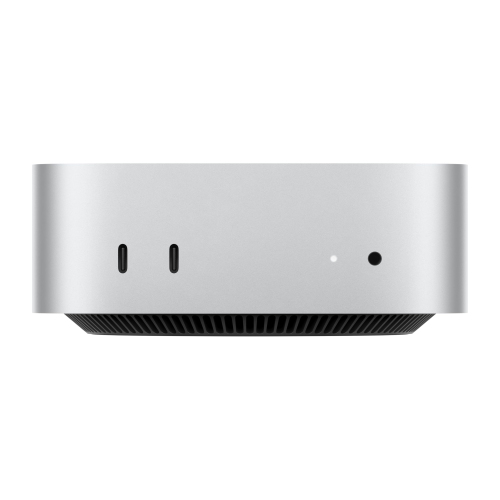 Your price for this item is $1499.99
-
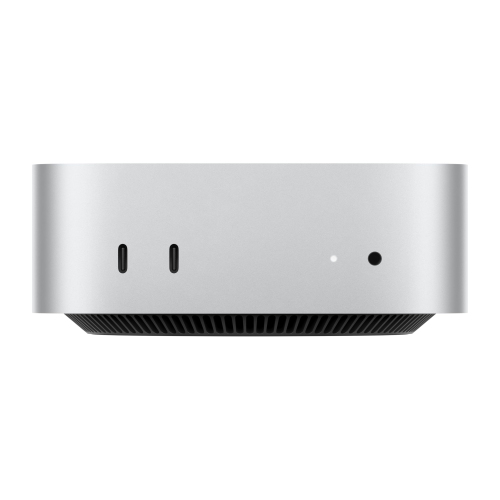 Your price for this item is $1879.99
-
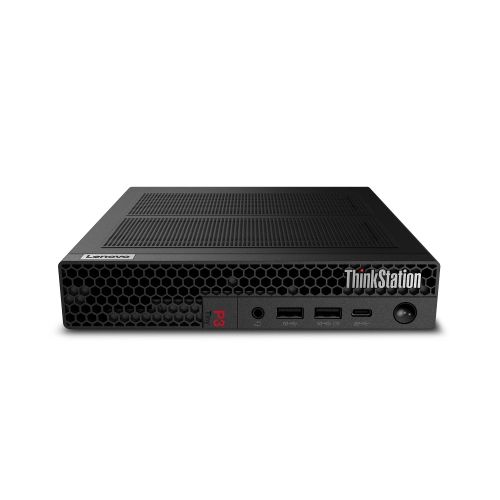 Your price for this item is $3919
-
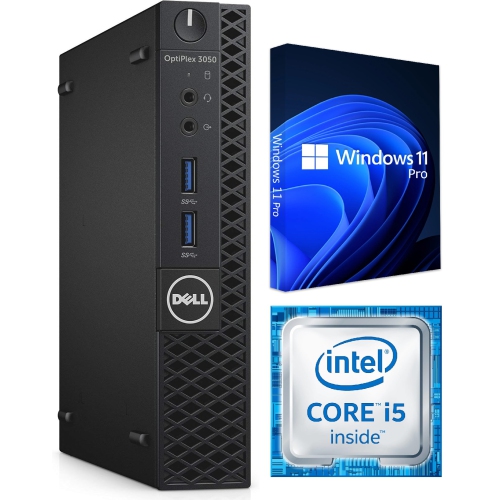 Your price for this item is $244.99
-
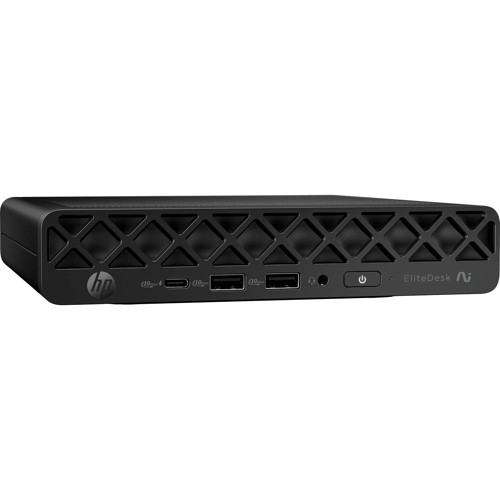 Your price for this item is $1469.99
-
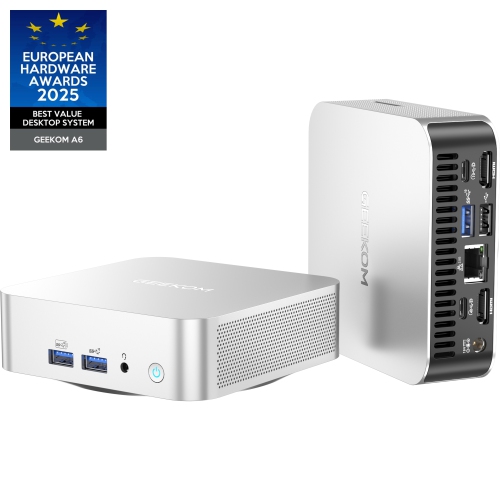 Your price for this item is $799
-
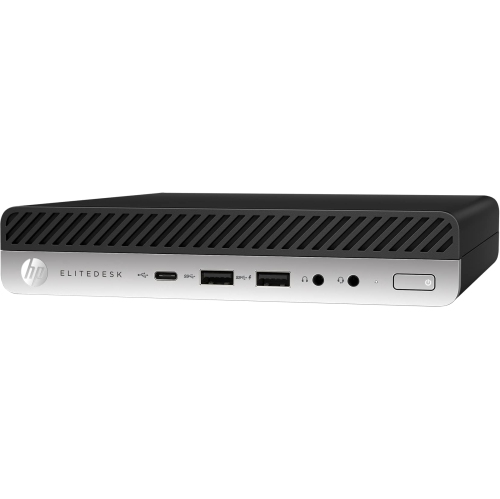 Your price for this item is $269.95
-
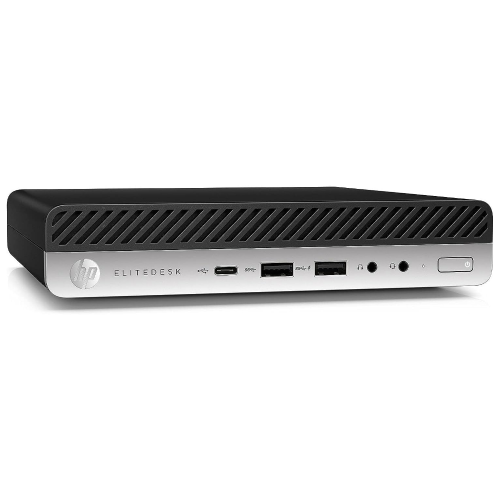 Your price for this item is $375
Discover more categories related to Mini Itx Pc Builds
Top Collections:
Best Black Friday Deals This Year, Best Black Friday Deals On Electronics, Kindle Devices, Pokemon Centers, Best Black Friday Deals On Apple Products, Best Cameras for Sports Photography, Dyson Airwrap, Pokémon 30th Celebration Cards, Apple iPhone 17 Pro, Canon G7X Cameras
Some products may be subject to Environmental Handling Fees
(EHF) depending on your province.
Learn more about EHFs.