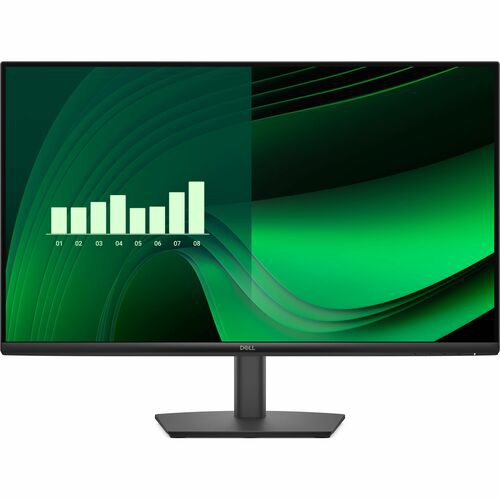
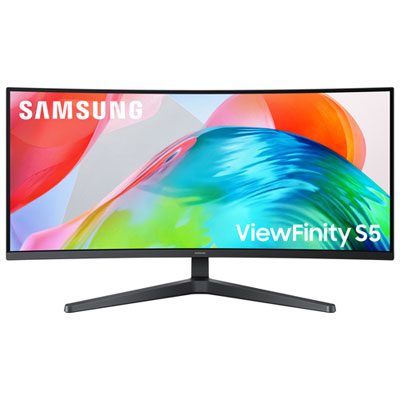
Monitor For Multi Display Workstations
Maximize your productivity and streamline your workflow with the right monitor for multi display workstations. Whether you’re managing complex projects, editing media, or analyzing data across several screens, choosing monitors designed for seamless integration is essential. Find options that help create a cohesive setup, offering the flexibility and performance needed to support multitasking in any professional or home office. Explore a wide selection of monitors for multi display workstations to build an efficient and organized workspace tailored to your needs.
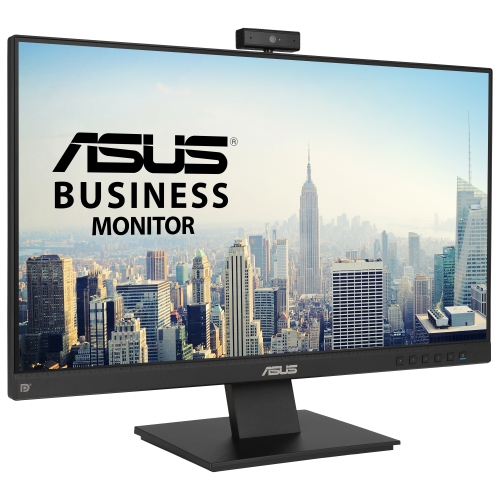
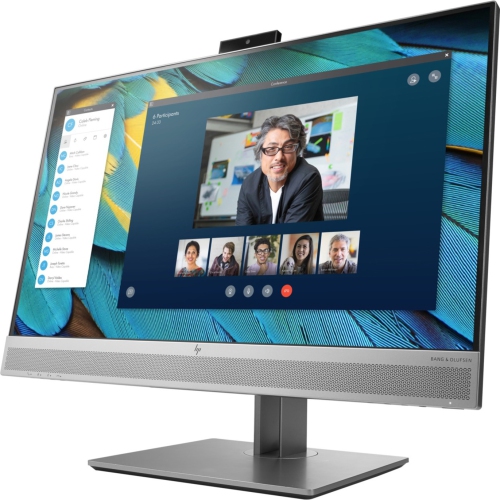
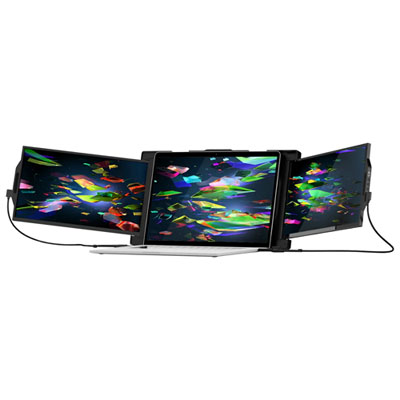
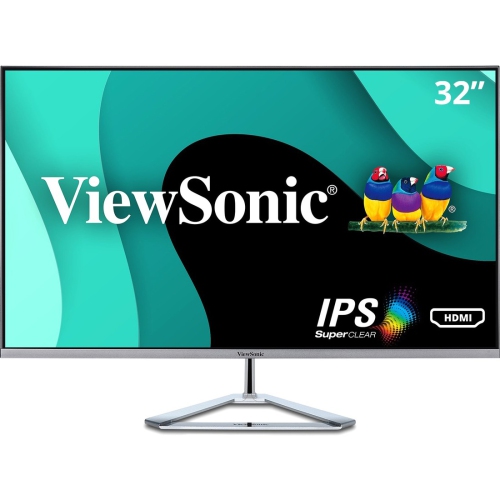
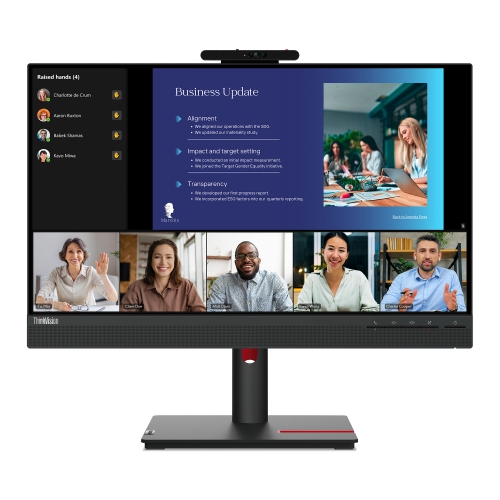
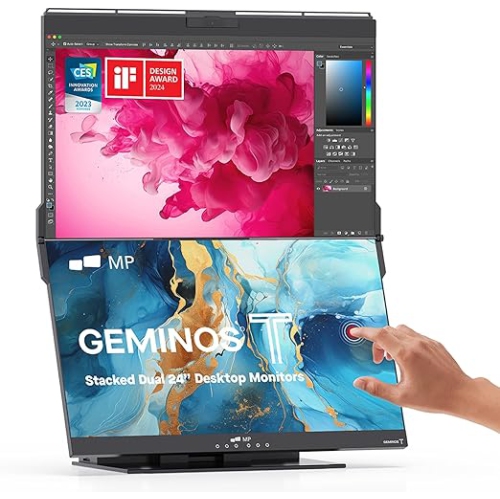
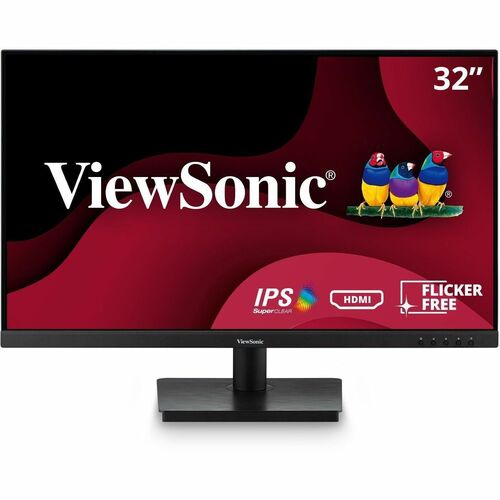
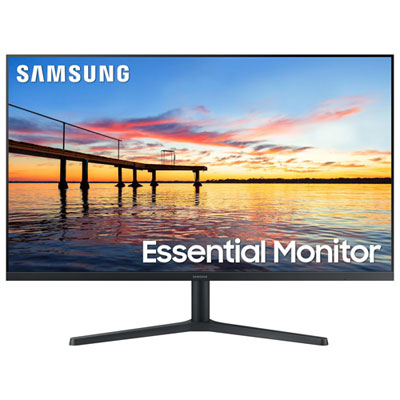
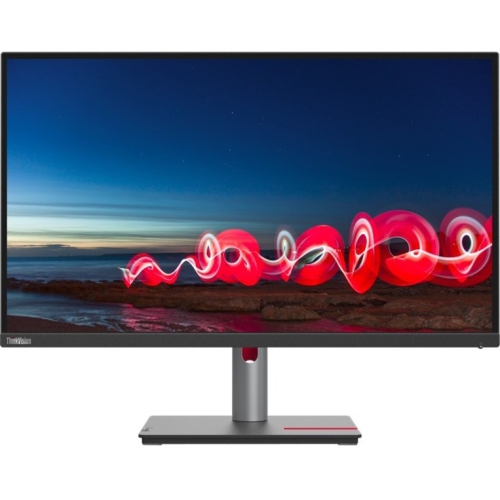
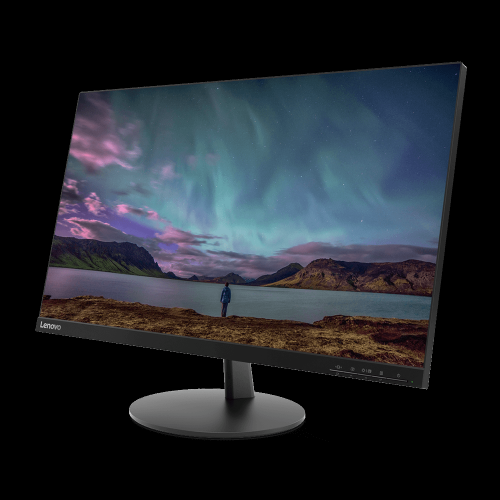
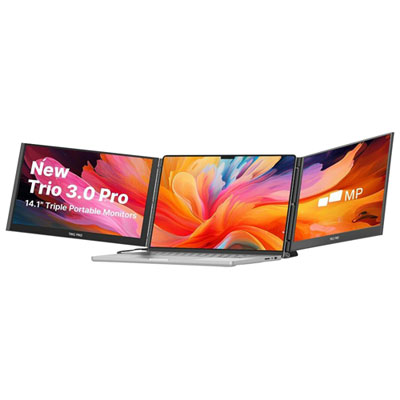
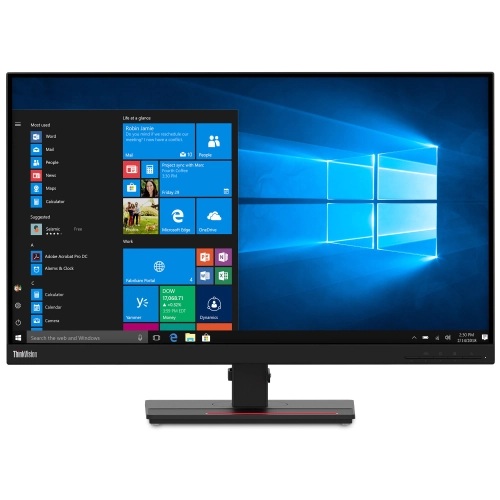
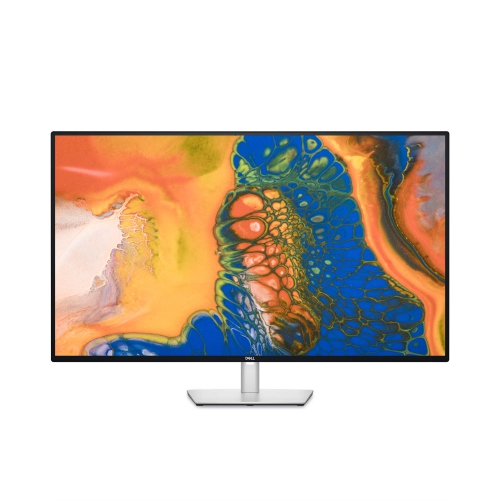
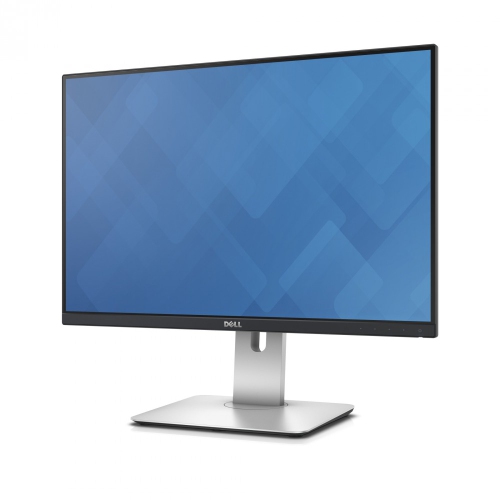
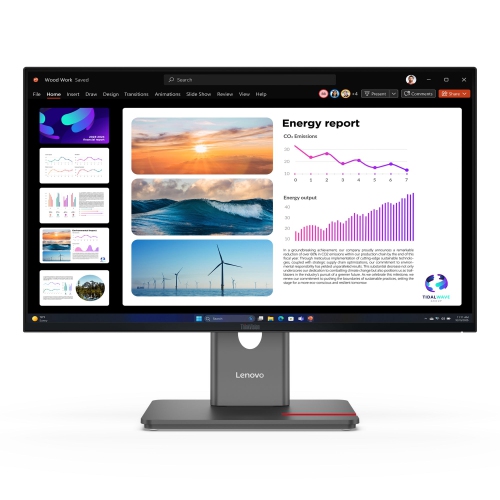

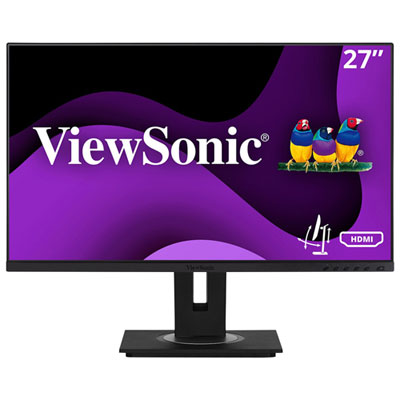

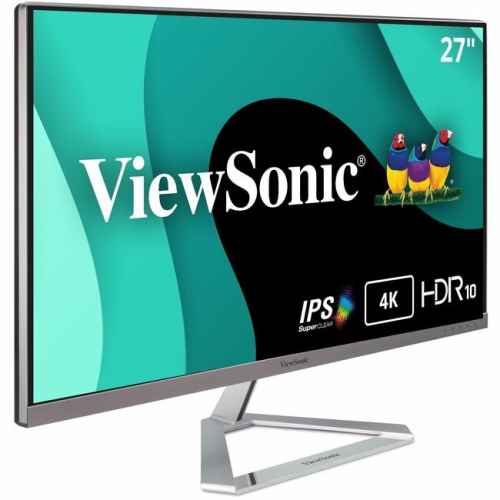
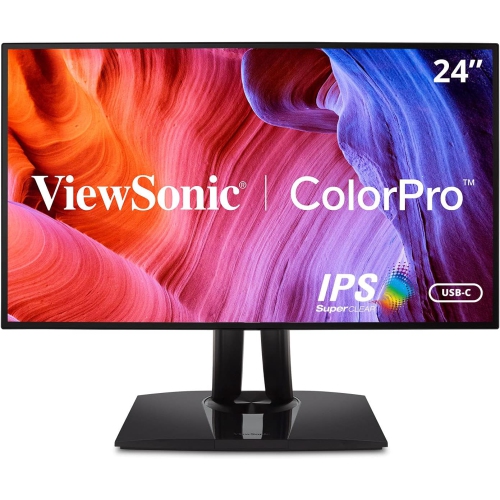
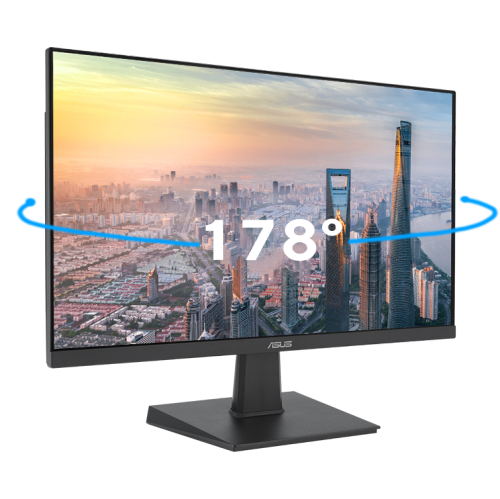
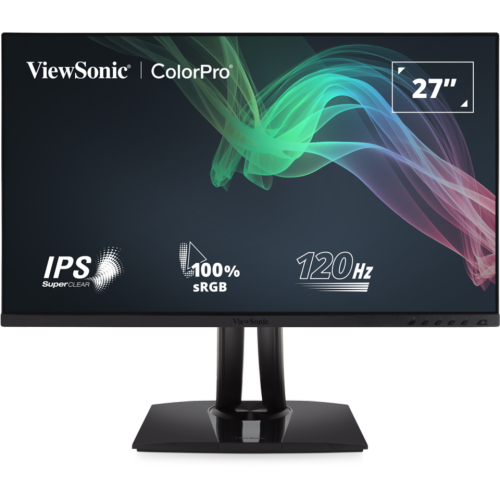
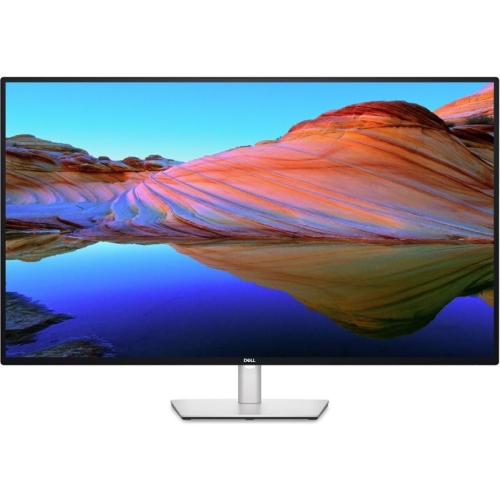
A flexible setup for focused work and creative projects
When considering a monitor for a multi display workstation, it’s important to think about more than just screen size. Display resolution, refresh rate, connectivity options, and ergonomic features all play a role in creating a seamless, comfortable experience. For those who spend hours editing photos, managing spreadsheets, or coding, a high-resolution monitor with vivid colour accuracy can make a world of difference. Adjustable stands, thin bezels, and multiple input ports allow for a clean, customizable setup that fits perfectly into any workspace, whether it’s a compact apartment or a sprawling office. Gamers, content creators, and professionals in fields like engineering or design often gravitate toward ultra-wide or curved monitors, which provide an immersive, panoramic view that makes multitasking feel natural and intuitive. Even casual users can appreciate the benefits of a dual or triple monitor arrangement when catching up on emails while streaming music or following a recipe while participating in a video call.
Monitors for multi display workstations also make thoughtful and practical gifts, especially for students heading back to school or recent graduates setting up their first home office. As the cooler months approach, a well-designed workstation can become a hub of productivity and creativity, turning everyday tasks into enjoyable routines. Whether you’re outfitting a home studio, upgrading your office, or surprising a loved one with a setup that supports their ambitions, the right monitors can have a lasting impact. For those seeking even more screen real estate and advanced features, the selection at Large Monitors for Multitasking offers a range of options to help create a workstation that’s ready for anything the season brings.
FAQ
What features should I look for in a monitor for a multi-display workstation?
When choosing monitors for a multi-display workstation, consider features like thin bezels for seamless viewing, VESA mount compatibility for flexible arrangement, adjustable stands for ergonomic setup, and consistent panel types (such as IPS) to ensure uniform color and brightness across screens.
How do I set up multiple monitors for my workstation?
To set up multiple monitors, connect each display to your computer using the appropriate ports (HDMI, DisplayPort, USB-C, etc.), configure the display settings in your operating system to arrange the monitors in your preferred layout, and adjust resolution and orientation as needed for optimal workflow.
Are certain panel types better suited for multi-monitor setups?
Yes, IPS panels are often recommended for multi-monitor setups due to their wide viewing angles and consistent color reproduction. This ensures that images and text remain clear and accurate even when viewed from different positions across your workstation.
What connectivity options should I consider for a multi-display workstation?
Look for monitors with multiple input options such as HDMI, DisplayPort, USB-C, or DVI. Having versatile connectivity ensures compatibility with various devices and makes it easier to daisy-chain or connect several monitors to your computer.
Can I mix different brands or models of monitors in a multi-display setup?
Yes, you can mix different brands or models of monitors in a multi-display setup. However, using similar models can provide a more uniform look and consistent performance in terms of color accuracy, brightness, and screen alignment.
Top selling and popular products
-
 Your price for this item is $783.68
-
 Your price for this item is $299
-
 Your price for this item is $469
-
 Your price for this item is $94.99
-
 Your price for this item is $177.99
-
 Your price for this item is $229.99
-
 Your price for this item is $1138.68
-
 Your price for this item is $355.68