MSI 3060 Laptop I7
Explore the power and performance of the MSI 3060 Laptop I7, designed for users who demand efficiency and speed. Whether you're tackling work projects, enjoying immersive gaming sessions, or managing everyday tasks, these laptops deliver reliable computing to keep you productive and entertained. Discover a range of options that combine style with advanced technology, making the MSI 3060 Laptop I7 an excellent choice for students, professionals, and gamers alike. Find the perfect fit for your needs and elevate your experience with a device built to handle it all.
Sort
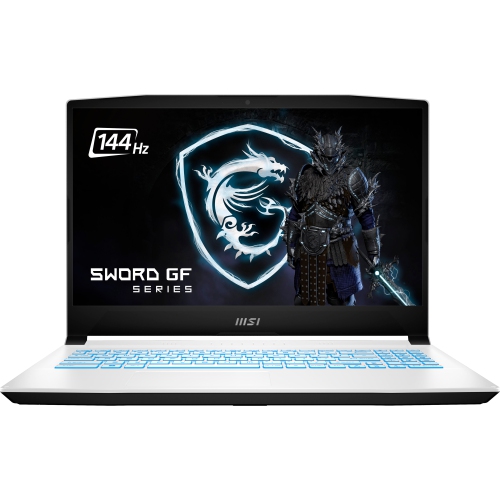
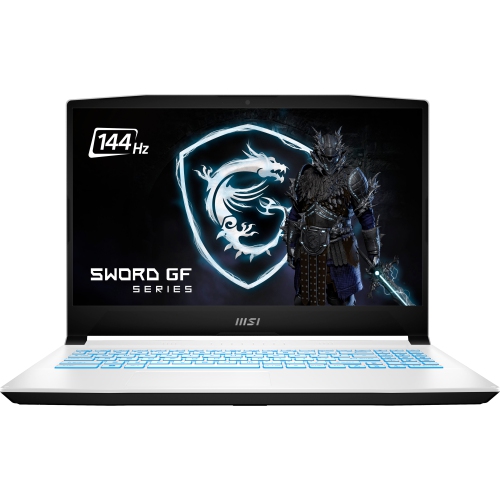
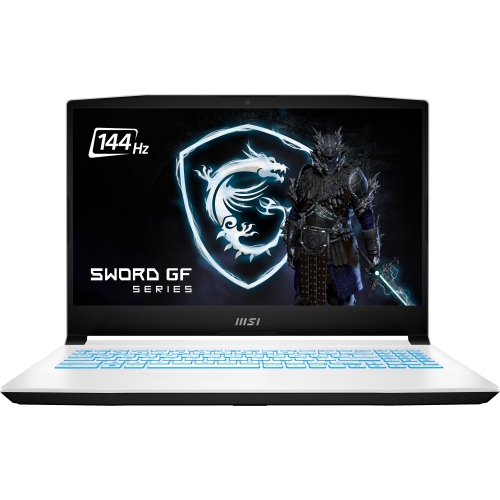
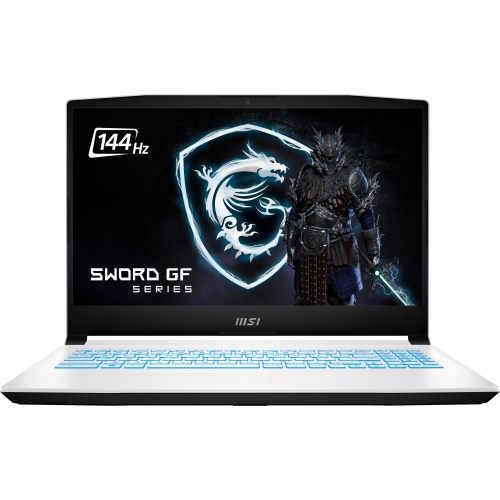
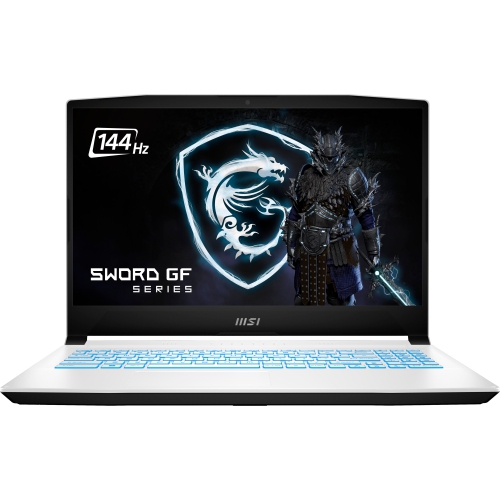
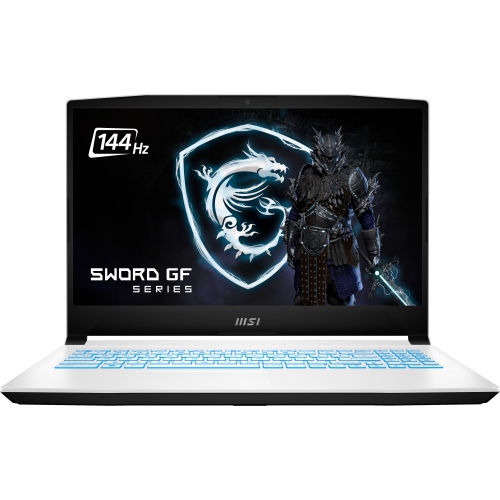
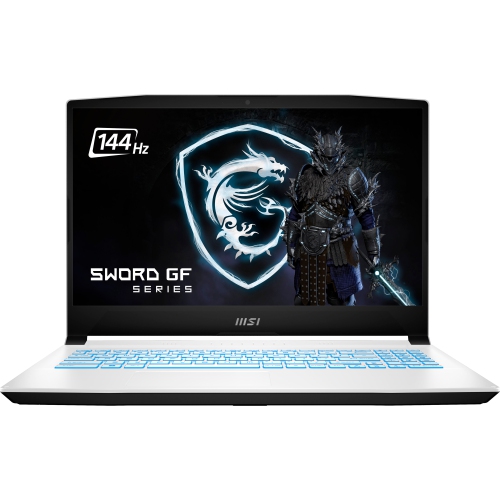
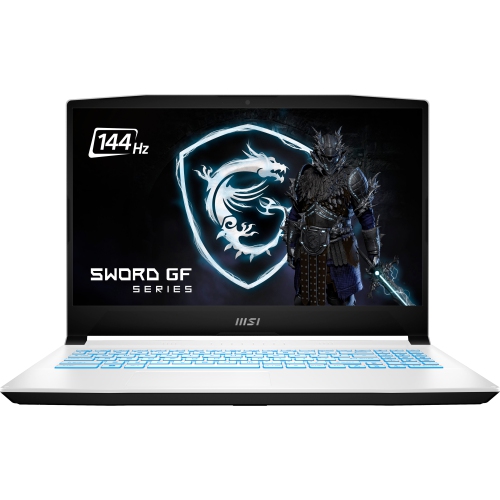
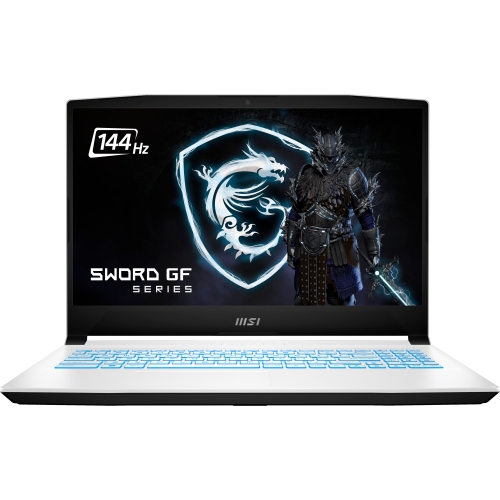
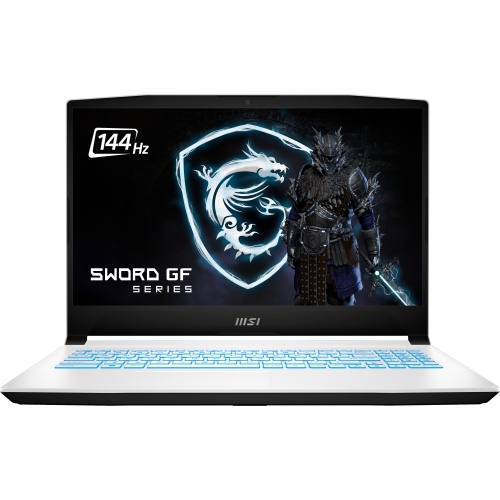
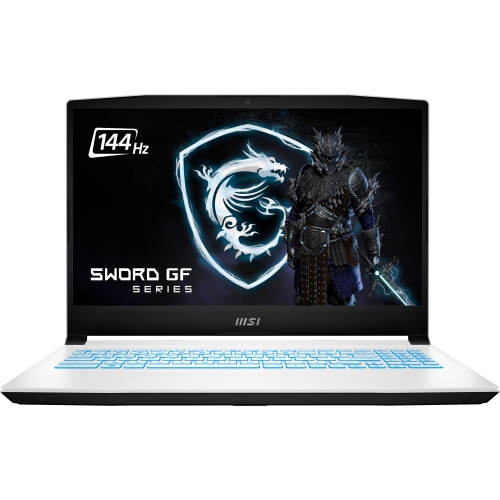
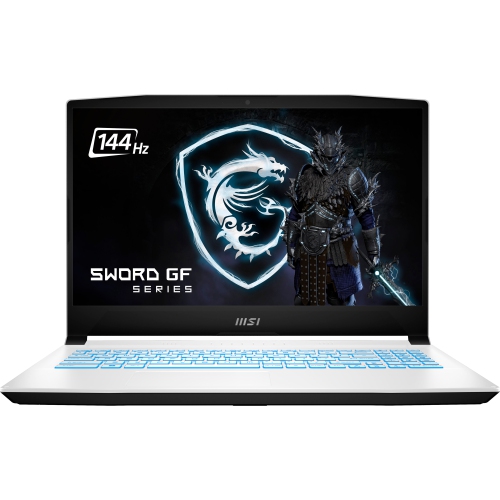
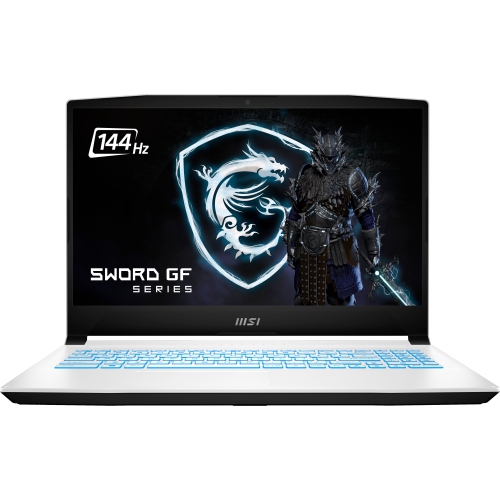
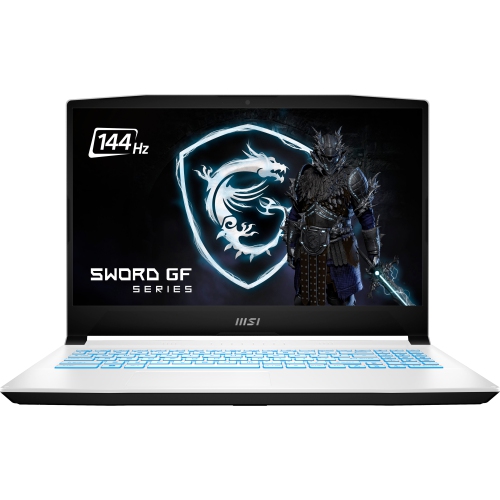
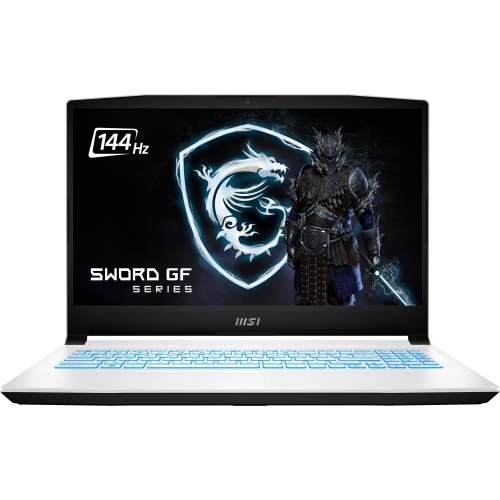
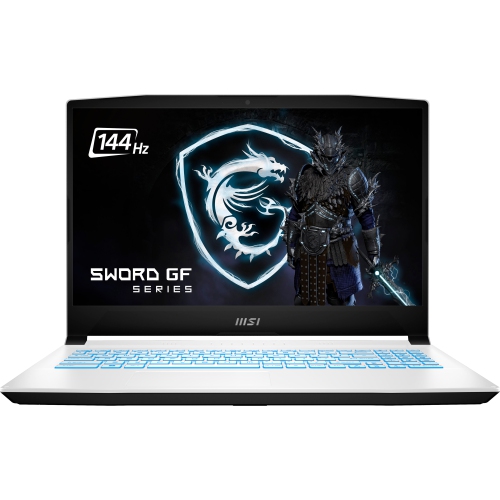
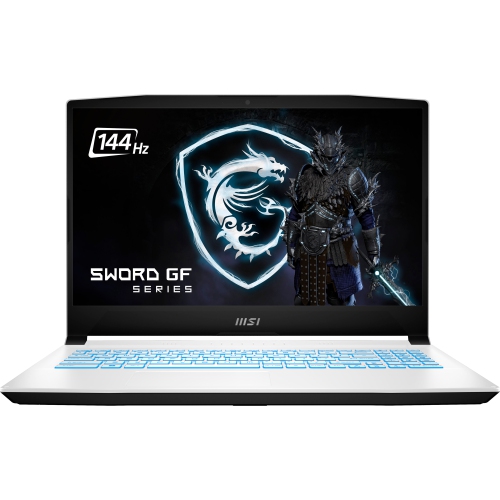
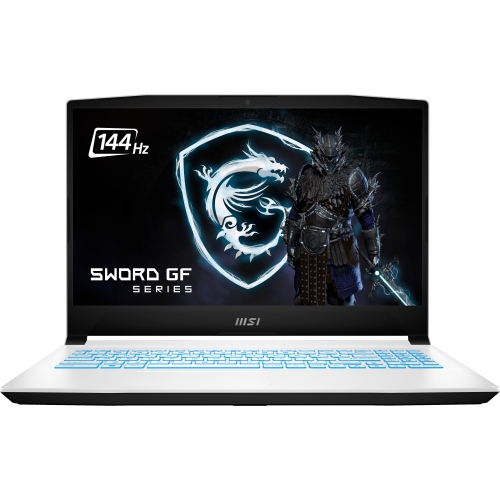
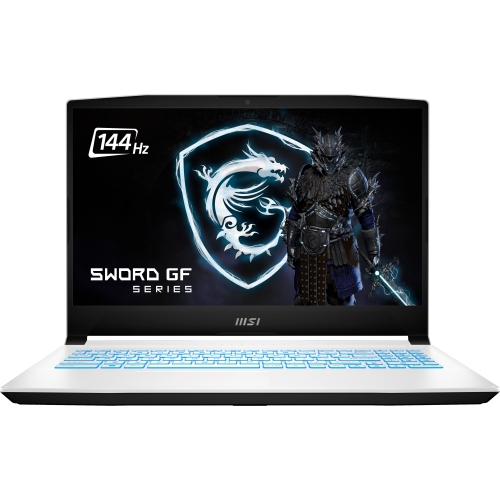
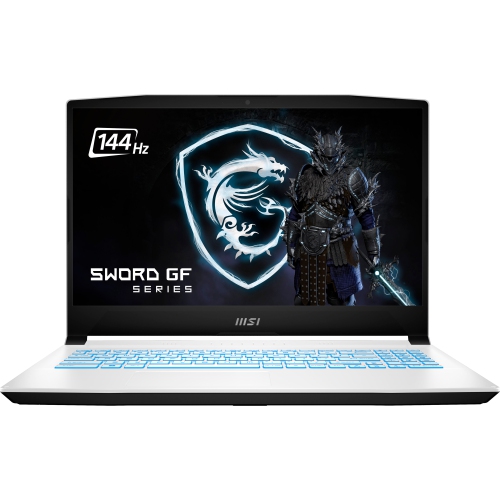
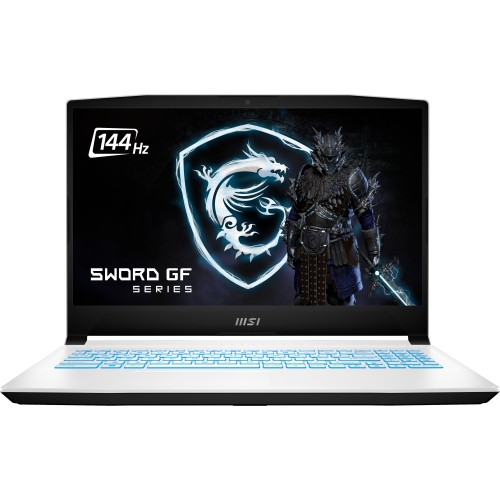
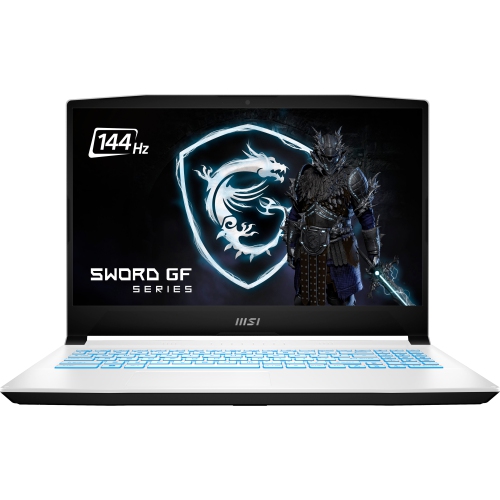
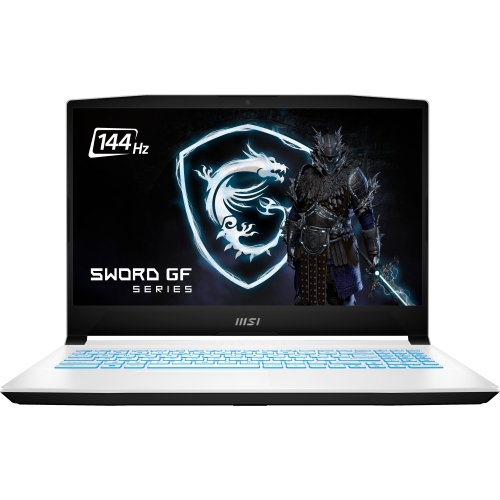
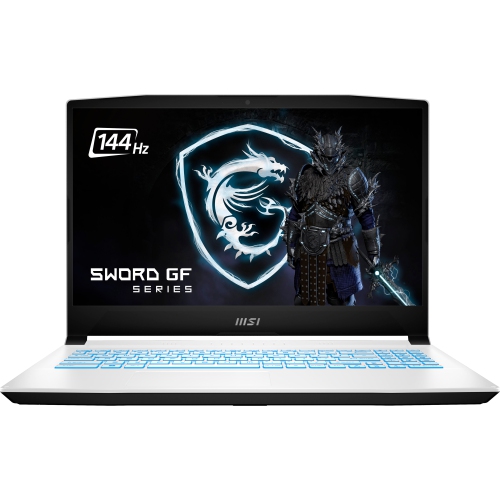
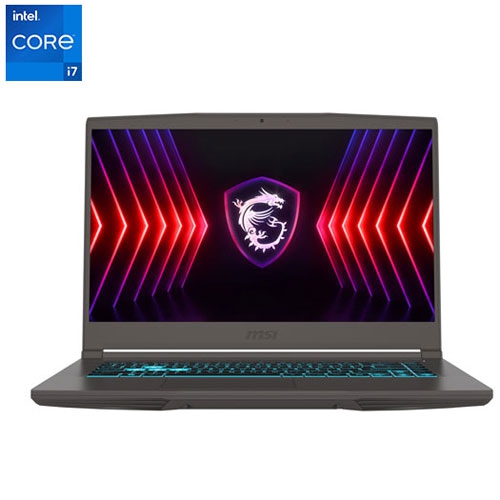
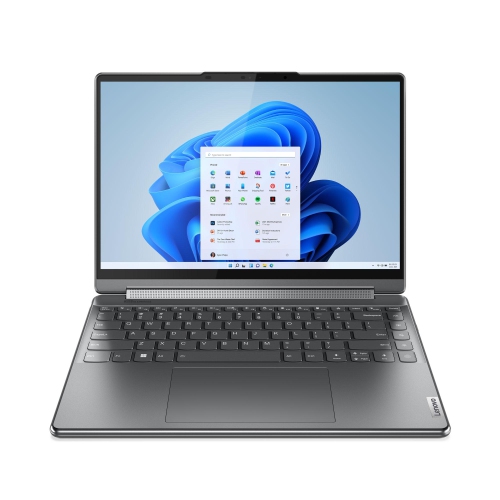
Why similar gaming laptops can perform differently
Gaming laptops with an i7 processor and 3060-class dedicated graphics combine everyday computing power with hardware suited to gaming, creative projects, and demanding multitasking. This laptop graphics class typically includes 6GB of GDDR6 video memory, which is separate from the system memory used by applications. Dedicated video memory holds graphics data such as textures, while system RAM supports tasks such as running a game alongside voice chat, a browser, and recording software. For many games, this combination is well suited to 1080p play, although frame rates depend on the title, graphics settings, cooling, and the power allocated to the graphics processor. More demanding games may call for reduced texture quality or lighting effects to maintain smoother motion. Supported upscaling features can also help balance image detail and performance, while ray-traced effects place additional demands on the graphics hardware. The i7 designation alone does not establish how fast a laptop will feel: processor generation, core configuration, and power limits all matter. Likewise, laptop graphics hardware should not be assumed to perform identically to desktop hardware with a similar name. Two laptops with similar headline specifications can deliver different results because of their cooling systems and power settings. Beyond gaming, this type of computer can suit students working with technical software, hobbyists editing video, and people managing photo libraries or creating digital artwork. Application requirements remain important, especially for specialized design, engineering, or rendering work. System memory of 16GB can support many gaming and multitasking needs, while 32GB may provide more room for larger creative projects or several demanding applications running together. Solid-state storage helps games and applications load promptly, but capacity matters as much as responsiveness when a library includes large installations, recorded footage, and project files. A 512GB drive can fill quickly with that mix of content; a 1TB drive provides more breathing room without changing the graphics processor’s capabilities.
The screen, keyboard, and connections shape how a gaming laptop feels long after its specifications have been compared. A 15.6-inch display offers a familiar balance between usable screen space and portability, while a 17.3-inch display provides a larger viewing area but generally requires a bigger bag and more desk space. Full HD resolution is a practical match for this graphics class, particularly when smooth gameplay is more important than packing additional pixels into a smaller screen. Higher resolutions can show finer detail, but they also increase the work required of the graphics processor. A high refresh rate can make movement appear smoother when the laptop produces enough frames, although refresh rate and pixel response time describe different aspects of display performance. For photo editing, illustration, and video work, colour coverage and accuracy deserve attention alongside resolution and refresh rate. A matte screen can reduce distracting reflections near a window or under overhead lighting, though brightness still affects visibility. Keyboard layout is another everyday consideration: a number pad can be helpful for spreadsheets, while clearly separated directional keys may be preferable for certain games. Backlighting helps make key legends visible in a dim room, but it does not determine key feel or typing comfort. Connections matter when the laptop becomes part of a larger setup. External displays, wired networking, headsets, and storage drives may each need a suitable port. A USB-C connector does not automatically support charging or display output, so the supported functions are more informative than the connector shape alone. Wi-Fi performance also depends on the router, distance, and interference rather than the laptop specification in isolation. For someone moving between classes, meetings, and a home desk, the combined weight of the laptop and its power adapter is worth considering. Demanding games draw substantial power, and full performance is generally associated with a suitable power connection rather than extended battery use.
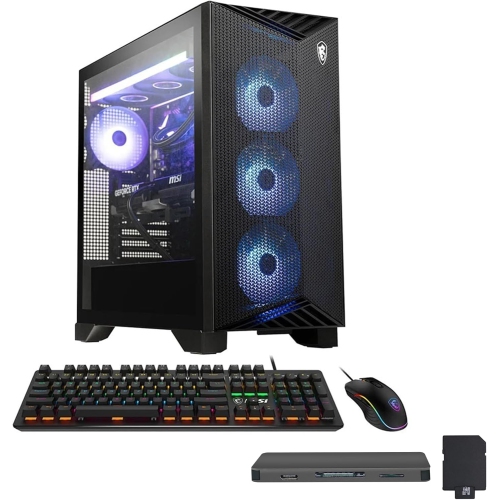
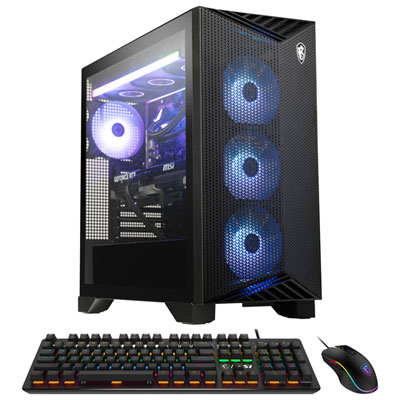
Construction and care are especially relevant for a laptop that travels frequently or handles long gaming sessions. Chassis designs may combine plastic panels with metal lids or palm rests, and the material description alone does not establish durability. Hinge stability, panel rigidity, and how well the lid protects the display are useful considerations for daily handling. A padded sleeve or laptop compartment should fit the computer’s actual dimensions, not just its advertised screen size, with enough room to avoid pressure on the corners and lid. Keeping the power adapter and other hard accessories from pressing against the screen can help prevent damage in transit. At a desk, a firm, flat surface leaves cooling vents unobstructed; soft bedding or a deep cushion can block airflow and cause heat to build up. Fan noise usually becomes more noticeable during demanding tasks, so quieter operation during note-taking should not be taken as a promise of quiet gaming. Dust around vents, crumbs near the keyboard, and residue on the screen are easier to manage with regular, gentle cleaning that follows the manufacturer’s care directions. Powering down and disconnecting the laptop before cleaning, using a soft cloth, and avoiding liquid sprayed directly onto the computer are sensible precautions. Upgrade options also vary: accessible memory slots or storage bays can make future changes possible, but compatibility, service requirements, and warranty terms need to be established for the particular configuration. For a gift recipient, the most useful match is one that supports the games or applications they actually use and fits the way they carry and connect their computer. Someone who needs the same computer for lectures, travel, and evening play may value portability more than a larger screen. Someone whose setup stays in one place may also find MSI Desktops relevant when considering a stationary computer instead. The distinction is practical: a laptop brings its display, keyboard, and computing hardware together, while a desktop setup involves separate peripherals and a dedicated space.
Top selling and popular products
-
 Your price for this item is $449
-
 Your price for this item is $3099
-
 Your price for this item is $1800.68
-
 Your price for this item is $664.05
-
 Your price for this item is $869.99
-
 Your price for this item is $2960.48
-
 Your price for this item is $499.68
-
 Your price for this item is $1951.79
Discover more categories related to MSI 3060 Laptop I7
Top Collections:
Best Black Friday Deals This Year, Best Black Friday Deals On Electronics, Kindle Devices, Pokemon Centers, Best Black Friday Deals On Apple Products, Best Cameras for Sports Photography, Dyson Airwrap, Pokémon 30th Celebration Cards, Apple iPhone 17 Pro, Canon G7X Cameras
Some products may be subject to Environmental Handling Fees
(EHF) depending on your province.
Learn more about EHFs.