MSI Desktop Gaming PCs
Level up your gaming experience with an MSI Desktop Gaming PC, designed to deliver impressive performance for both casual and competitive players. Explore a wide selection of models that cater to every type of gamer, whether you’re looking to dominate the latest titles or enjoy seamless multitasking. Find the perfect MSI Desktop Gaming PC to match your setup and elevate your play with powerful hardware built for immersive entertainment.
Sort
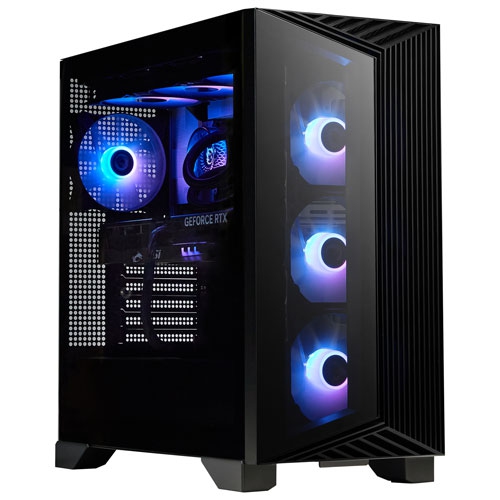
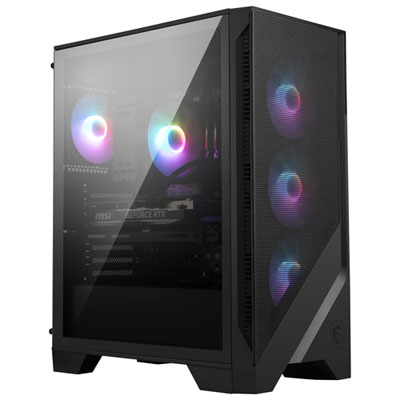
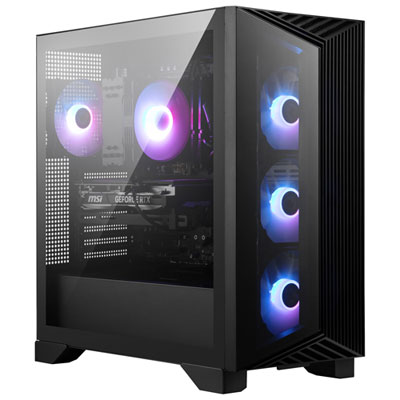
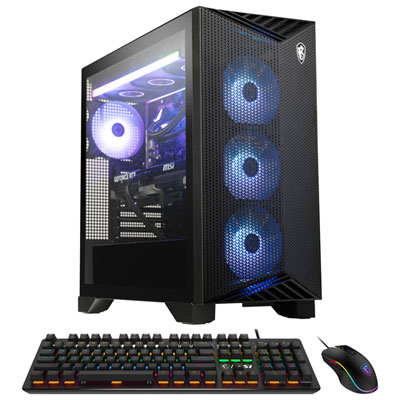
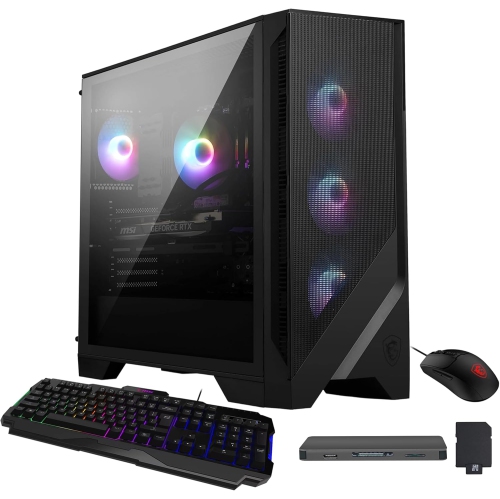
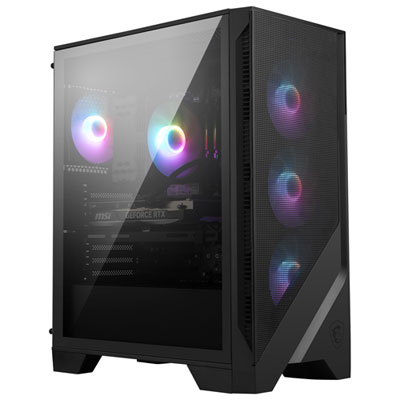
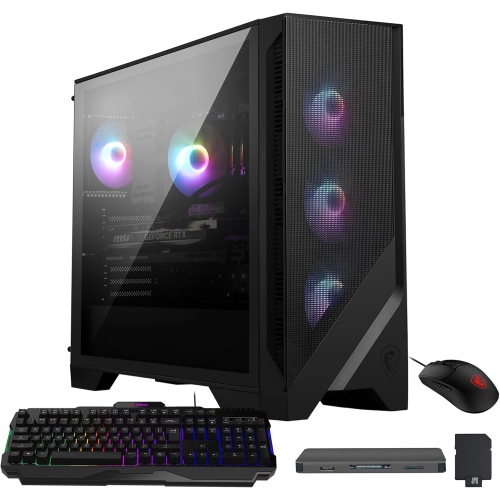
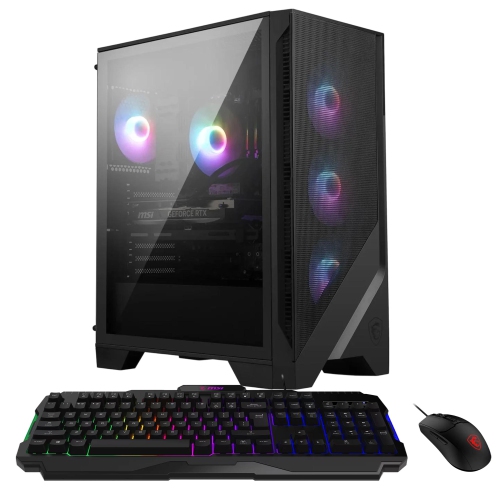
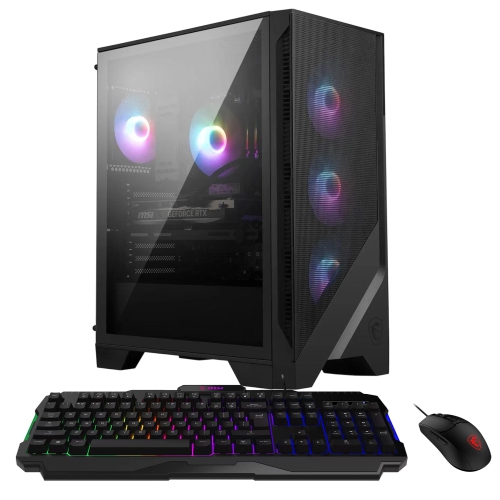
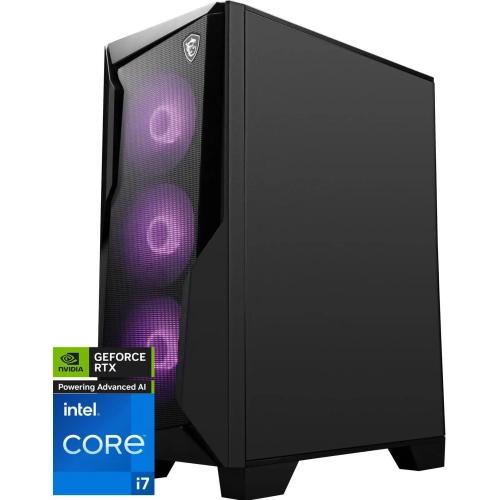
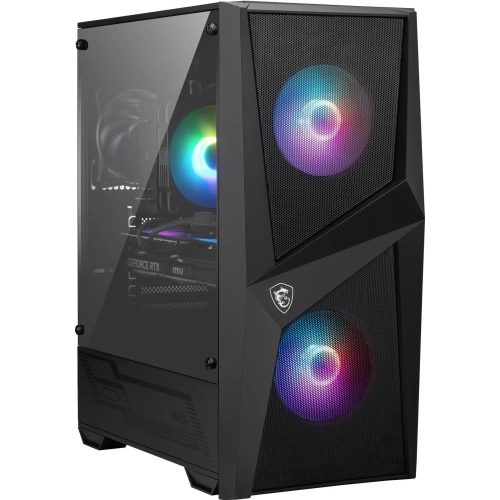
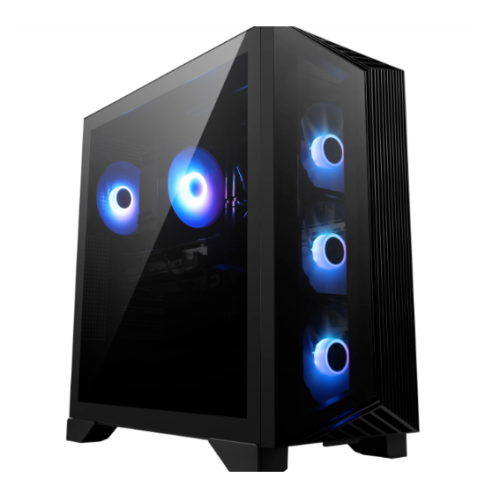
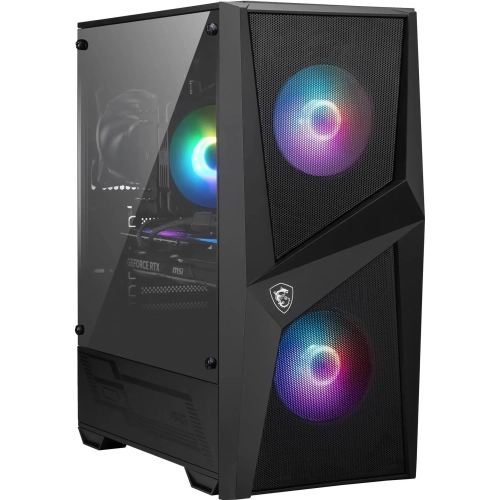
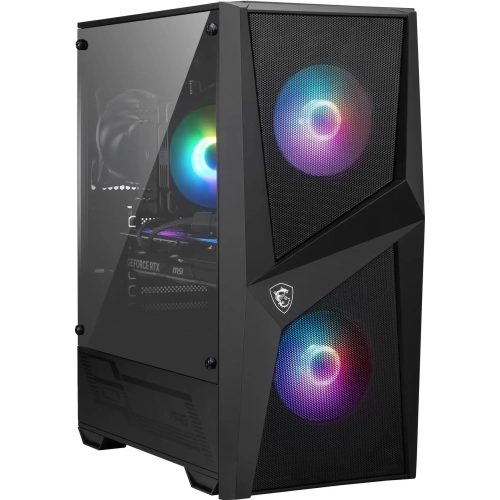
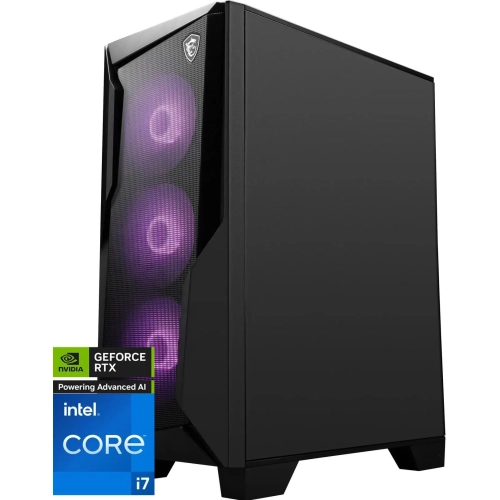
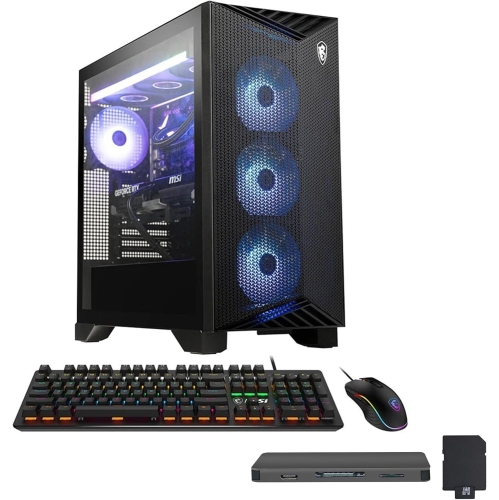
Why balanced hardware matters for your favourite games
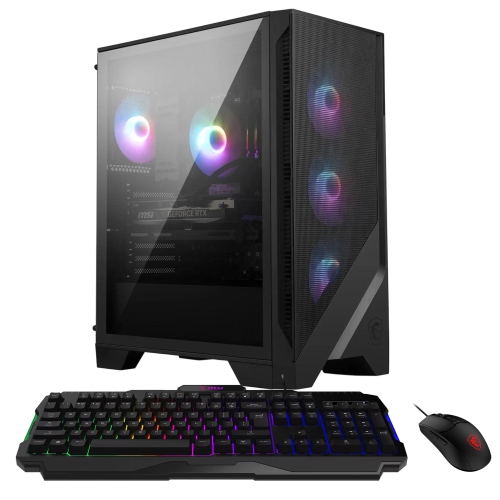
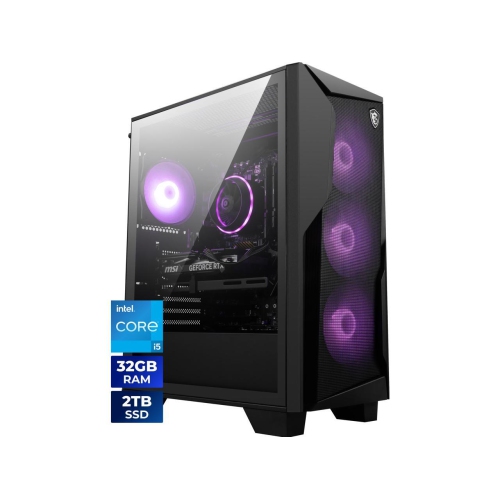
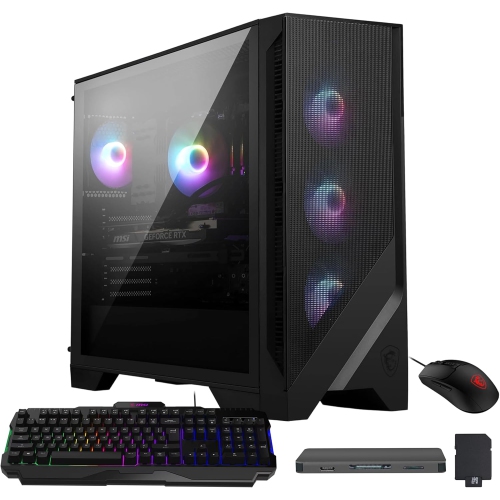
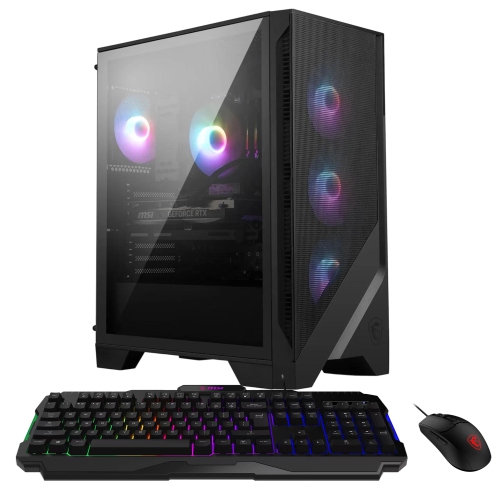
Gaming desktop PCs bring dedicated graphics, responsive processing, and room for capable cooling into a system built for play at a desk. The category spans compact machines for everyday gaming and larger towers designed for demanding visuals, high frame rates, and heavier multitasking. What distinguishes one configuration from another is the balance of components rather than a single impressive specification. A graphics card does much of the work involved in rendering detailed worlds, while the processor handles tasks such as game logic, simulation, and background applications. For competitive multiplayer games, smooth frame delivery and consistent responsiveness can matter more than turning every visual setting to its maximum. Story-driven adventures and expansive simulations may place greater emphasis on image quality, processing power, or both. Screen resolution also changes the demands on a desktop: playing at 1080p generally requires less graphics performance than playing at 1440p or 4K, although the game and chosen settings remain important. A high-refresh-rate monitor is most useful when the computer can deliver suitably high frame rates in the games being played. Features such as ray tracing can add more realistic lighting and reflections in supported games, but they also increase the workload on the graphics hardware. Supported upscaling technologies may help balance image quality with performance, with results varying by game and settings. Graphics memory matters as well, particularly with detailed textures and higher resolutions, though its capacity alone does not determine how fast a card performs. For someone moving from a shared household computer or an older laptop, a dedicated gaming desktop can also make it easier to keep a game, voice chat, and supporting applications running together. The most satisfying experience comes from a configuration that matches the player’s favourite games, display, and typical routine, whether that means quick evening matches, long strategy sessions, or exploring richly detailed virtual worlds. That balance matters more than assuming every player needs the largest tower or the most powerful component in every category.
Memory and storage shape how a gaming desktop feels between matches as much as during them. A system with 16 GB of memory can suit many gaming workloads, while 32 GB provides more breathing room for demanding games, streaming tools, creative applications, and a busy collection of browser tabs. Individual software requirements still matter, and extra memory will not compensate for a processor or graphics card that cannot handle the workload. An SSD helps the operating system, applications, and supported games load quickly; its capacity determines how much can remain installed without frequent housekeeping. Large game libraries, recorded gameplay, and video projects can consume substantial space, so storage needs extend beyond the size of the operating system. Desktop construction also deserves attention. Metal chassis, ventilation panels, and, on some designs, tempered-glass side panels influence appearance, weight, and access to internal components. Glass panels need careful handling, and a tower’s dimensions should suit both the desk arrangement and the space needed around its vents. A narrow shelf that technically holds the case may still restrict airflow or make rear connections difficult to reach. Cooling can use fans, liquid-cooling components, or a combination, with noise levels depending on the design and workload. Neither lighting nor the number of visible fans, by itself, establishes cooling performance. Removable dust filters can simplify routine care, while unobstructed intake and exhaust paths help the system operate as intended. Cleaning should follow the manufacturer’s directions, with the computer powered down and disconnected before appropriate maintenance. Keeping drinks away from the tower and cables clear of chair wheels helps prevent avoidable damage. For longer-term ownership, accessible memory slots and storage bays may make later changes easier, but upgrade options depend on the motherboard, power supply, case clearance, and connector compatibility. Compact desktops sometimes trade expansion space for a smaller footprint, making the original configuration especially important. Warranty terms and service requirements also deserve attention before any internal changes.
A gaming desktop becomes part of a wider setup, so its connections and everyday usability matter alongside processing performance. Monitor cables normally connect to the dedicated graphics card when one is installed, and the available display outputs need to match the intended screens. Multiple monitors can be useful for keeping a game on one display and chat, reference material, or streaming controls on another, provided the system supports the arrangement. Front-facing USB ports and an accessible headset connection make frequent plug-ins less awkward, while rear ports can keep permanent accessories neatly connected. Wired Ethernet can offer a consistent network connection for online play; Wi-Fi is useful where running a cable is impractical, with results affected by the router, distance, and surrounding obstacles. Bluetooth support can simplify connecting compatible controllers and other accessories, but it should not be assumed without checking the specifications. These practical details are particularly relevant in shared spaces, where fan noise, tower placement, and cable routing affect everyone using the room. Gaming desktops can also serve students, hobbyists, and creators who edit video, work with digital artwork, or record gameplay, although each application has its own hardware needs. A player who broadcasts live may need additional processing headroom and connections for a microphone, camera, or capture equipment. As a gift, a desktop is most useful when it fits the recipient’s preferred games and existing setup; a new tower does not automatically include a monitor, keyboard, mouse, or headset. Appearance can matter too, from understated cases that blend into a study area to illuminated systems that become a focal point of a gaming desk. Browsing related categories such as Lenovo Gaming Desktops can provide context for comparing form factors and configurations. Across gaming desktop PCs, a balanced combination of graphics performance, memory, storage, cooling, and accessible connections supports both enjoyable play and the ordinary tasks that fill the rest of the day.
Top selling and popular products
-
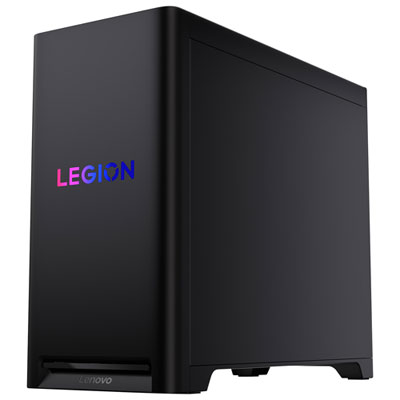 Your price for this item is $3499.99
-
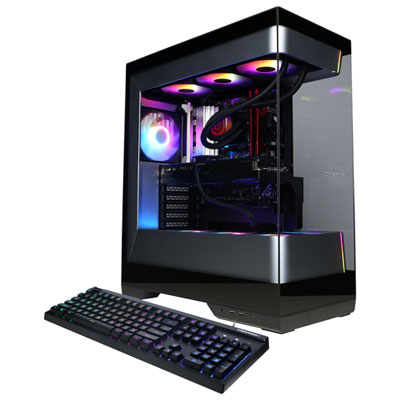 Your price for this item is $3559.99
-
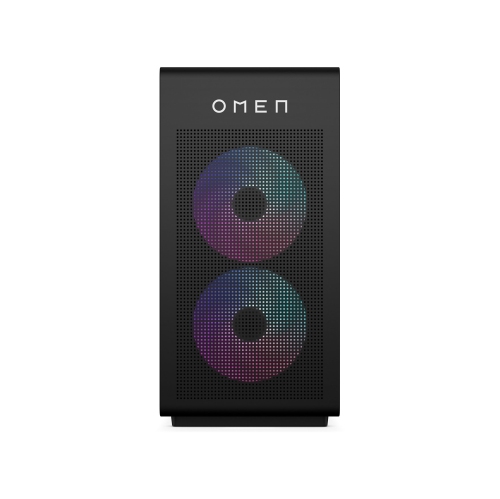 Your price for this item is $7958.99
-
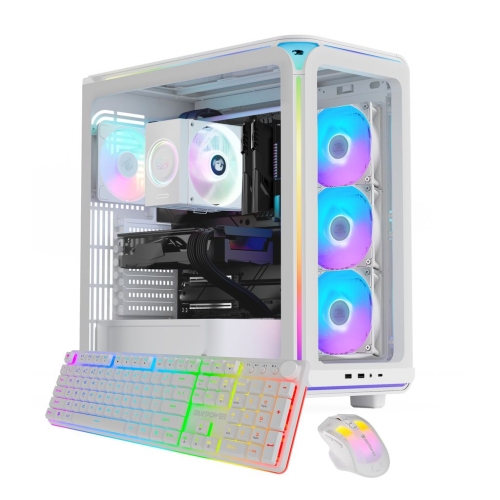 Your price for this item is $2999.99
-
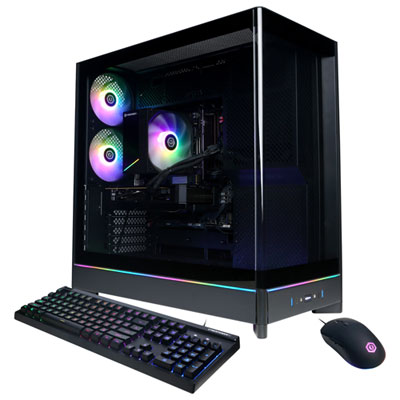 Your price for this item is $2149.99
-
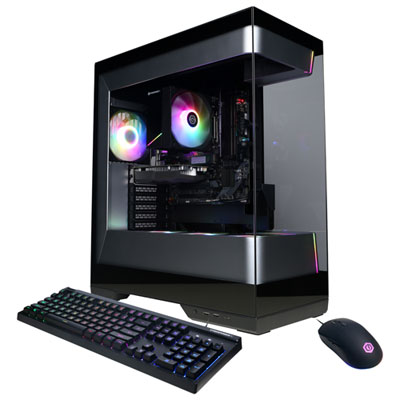 Your price for this item is $1549.99
-
 Your price for this item is $7579.99
-
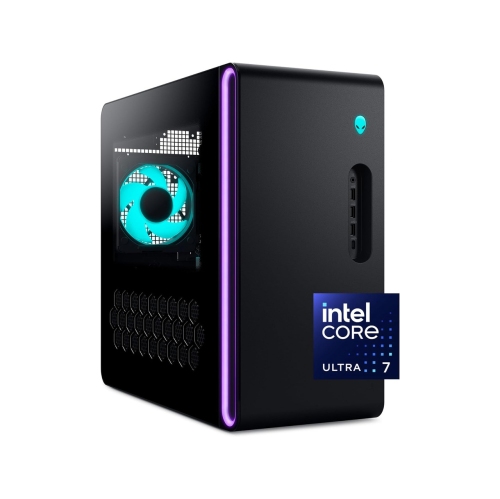 Your price for this item is $3150.49
Discover more categories related to MSI Desktop Gaming PCs
Top Collections:
Best Black Friday Deals This Year, Best Black Friday Deals On Electronics, Kindle Devices, Pokemon Centers, Best Black Friday Deals On Apple Products, Best Cameras for Sports Photography, Dyson Airwrap, Pokémon 30th Celebration Cards, Apple iPhone 17 Pro, Canon G7X Cameras
Some products may be subject to Environmental Handling Fees
(EHF) depending on your province.
Learn more about EHFs.