MSI Laptops 4060 I7
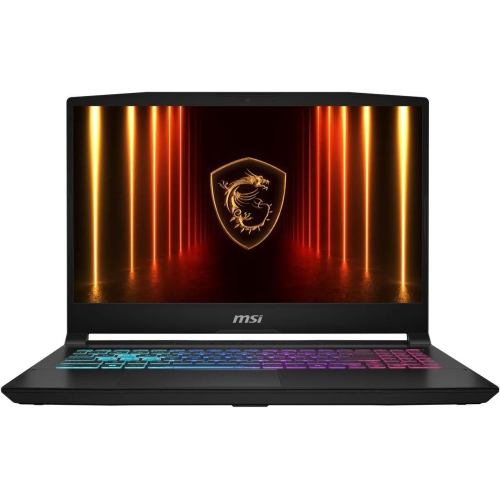
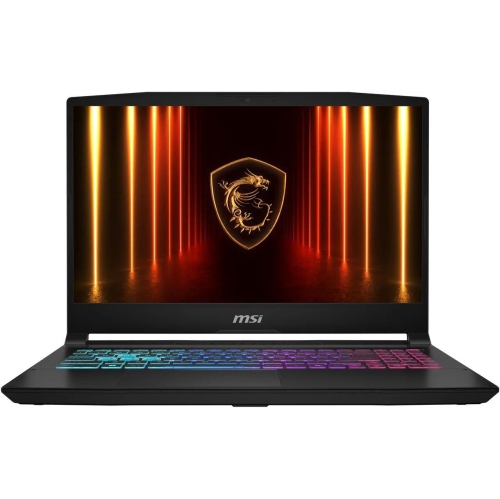
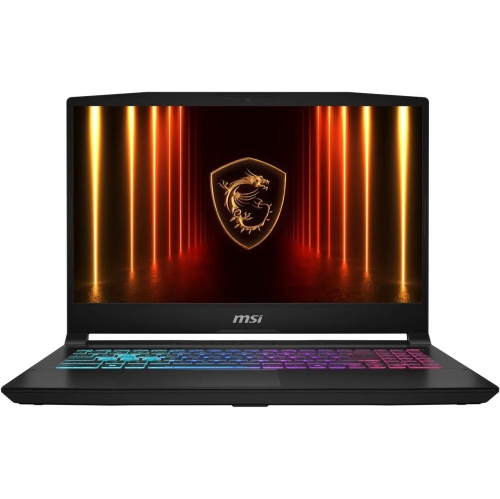
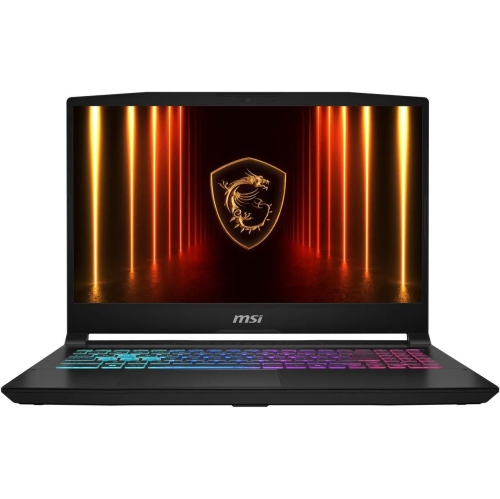
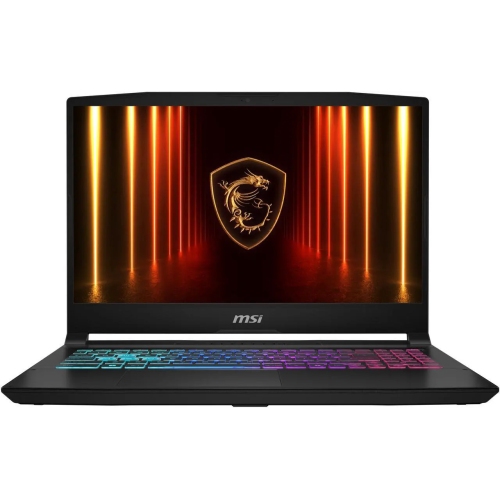
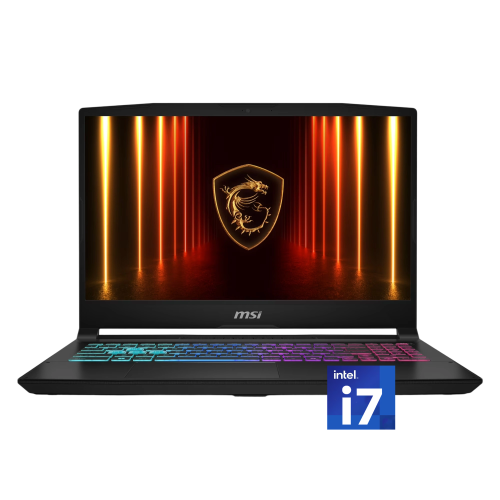
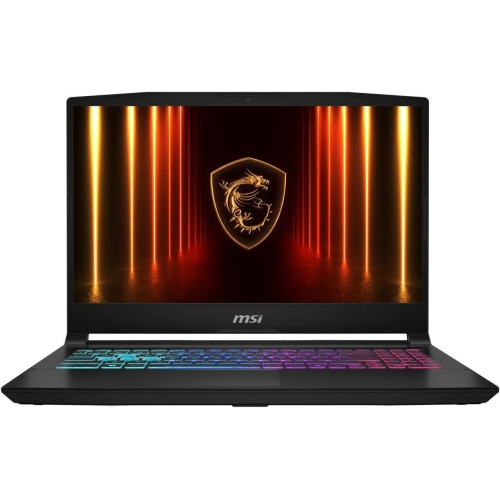
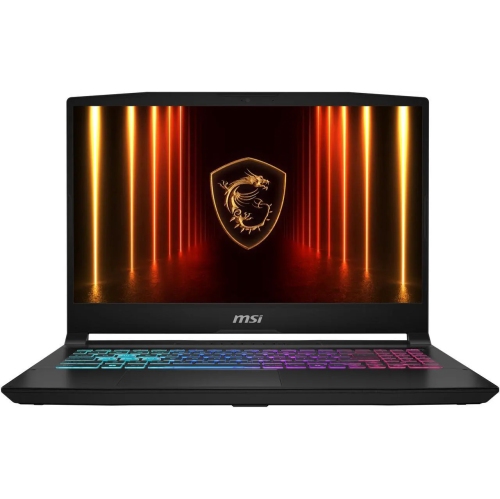
MSI Laptops 4060 I7 deliver exceptional performance and versatility for a wide range of users, whether you're gaming, creating, or multitasking. Explore a selection designed to meet the demands of modern computing with advanced processors and graphics capabilities. With sleek designs and innovative features, MSI Laptops 4060 I7 offer an impressive combination of power and style to elevate your everyday experience. Find the perfect model to suit your needs and enjoy reliable performance for work, play, and everything in between.
Sort
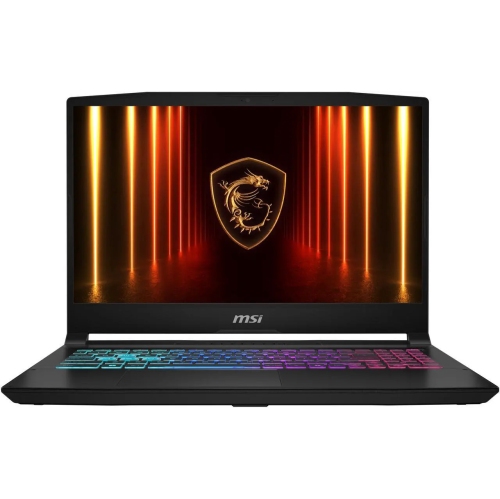
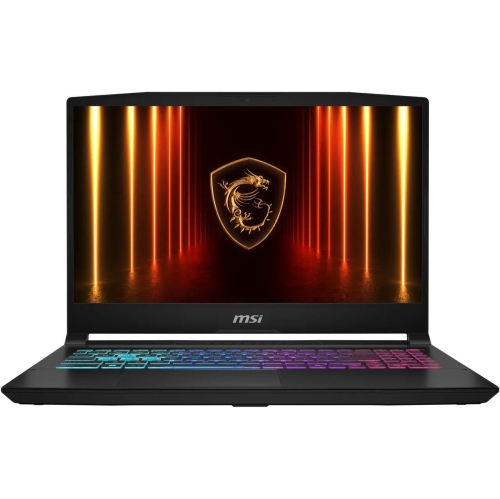
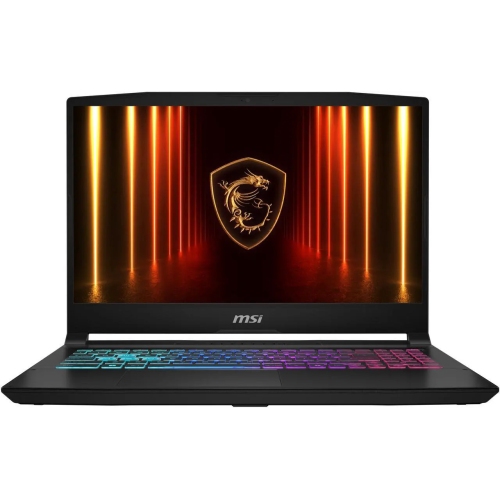
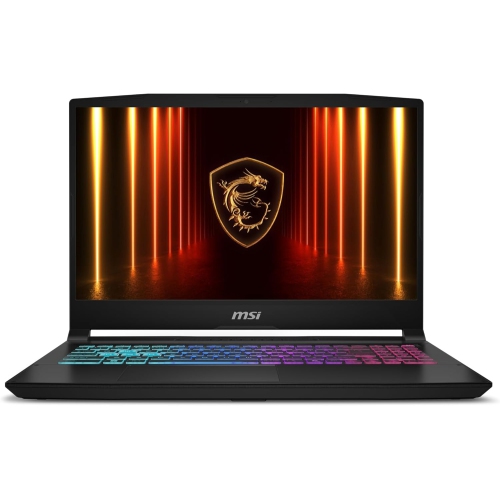
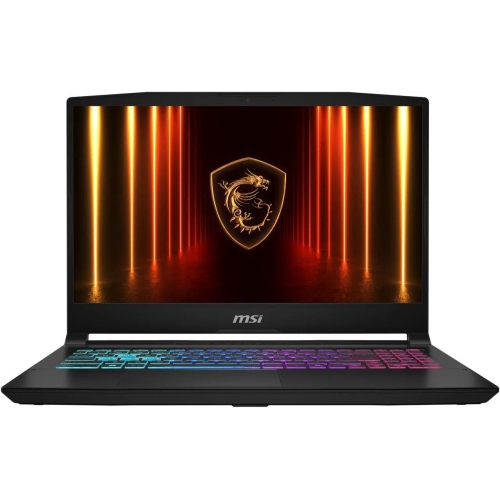
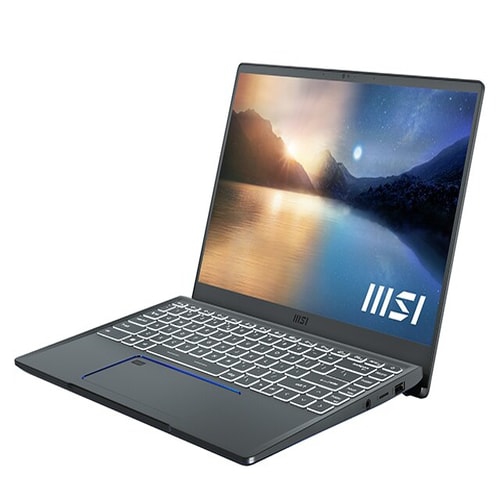
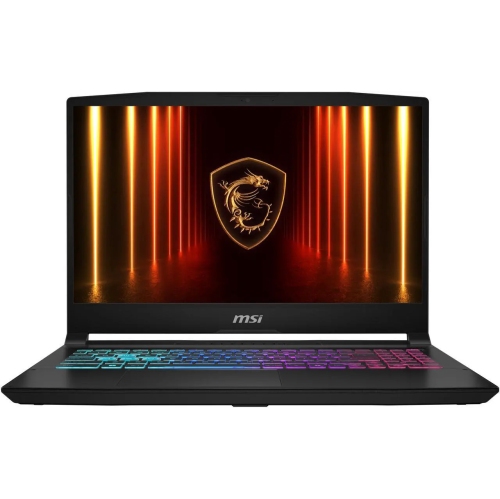
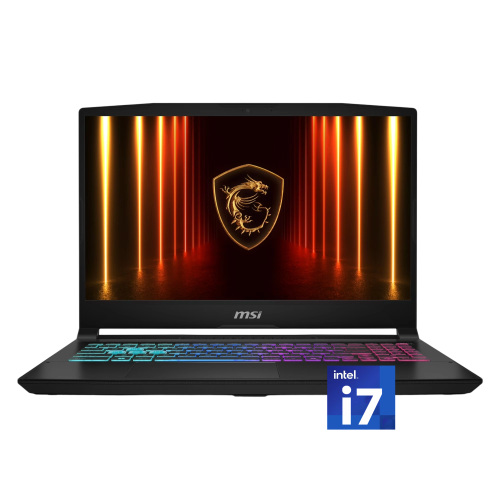
Why gaming laptop performance goes beyond headline specs
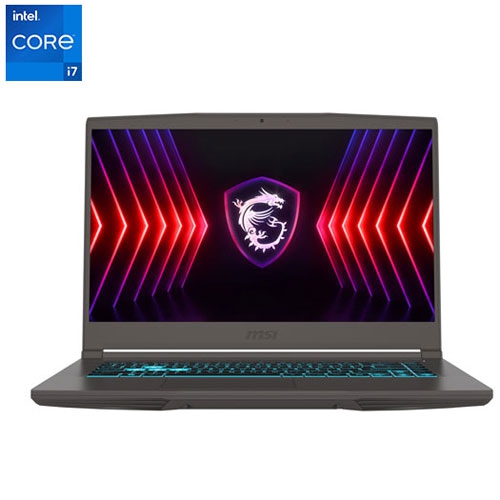
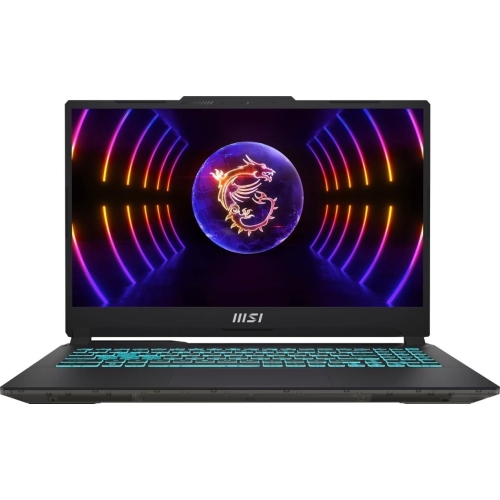
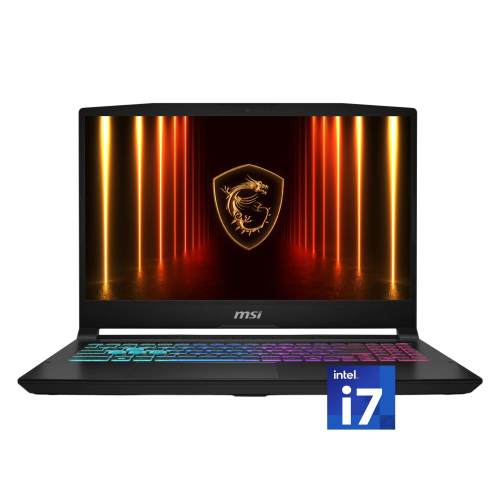
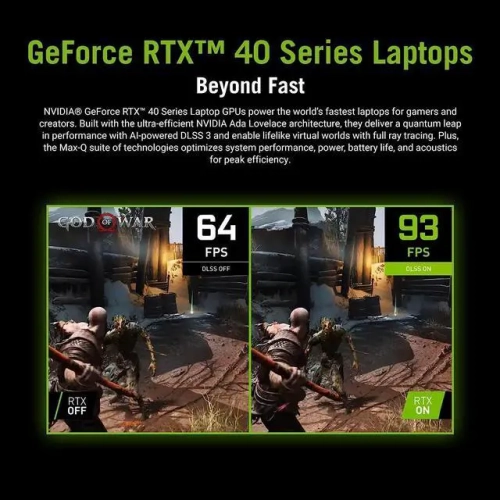
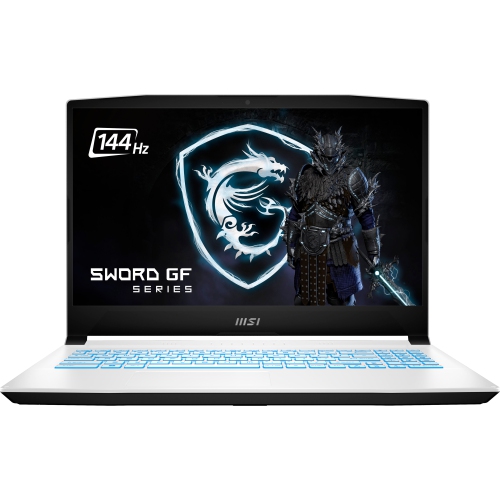
Gaming laptops with an i7 processor and 4060-class dedicated graphics bring together the processing power needed for everyday multitasking and the graphics capability suited to demanding games and creative software. This combination appeals to players who want a portable setup for competitive matches, detailed single-player adventures, and a game library that extends beyond casual titles. It also suits students and creators who move between coursework, video editing, digital illustration, and an evening gaming session. The processor handles tasks such as running applications, managing game logic, and supporting background activity, while dedicated graphics take on much of the work involved in rendering detailed scenes and visual effects. However, two laptops with the same broad processor and graphics designation can deliver different experiences. Processor generation, core configuration, graphics power limits, cooling design, and memory all influence performance. A thinner chassis may favour easier carrying, while a larger design may provide more room for cooling hardware. Neither approach tells the whole story without the rest of the specifications. Display resolution is another important part of that balance. Full HD places a lighter load on the graphics hardware than higher resolutions, which can leave more room for faster frame rates or more detailed settings. A higher-resolution screen can make text, fine textures, and editing timelines look sharper, particularly on a larger display. High refresh rates can make movement appear smoother when the game produces enough frames, but a 144Hz screen does not mean every game will run at 144 frames per second. Features such as ray tracing and image upscaling also depend on game support and selected settings. For fast-paced play, responsiveness and clear motion may matter most; for photo work or story-driven games, colour accuracy, brightness, and image detail can carry more weight. Screen size affects both uses: a compact display makes a laptop easier to pack, while a larger panel leaves more space for game interfaces, documents, and side-by-side windows.
Memory and storage help determine how comfortably an i7 gaming laptop fits into a busy day. With 16GB of system memory, many configurations can support gaming alongside everyday applications, although demanding games, large creative projects, and heavier multitasking may benefit from 32GB. System memory and dedicated graphics memory serve different purposes, so the two figures should not be treated as interchangeable. Storage capacity is just as practical a consideration. A 512GB solid-state drive can fill quickly once the operating system, several large games, and personal files share the same space. A 1TB drive offers more breathing room, though actual usable capacity is lower than the stated total after formatting and system files. Expansion options vary: some laptops have an additional drive slot or accessible memory modules, while others offer fewer upgrade paths. For someone moving between a desk and a classroom, connectivity can matter as much as internal specifications. A mouse, headset, external display, and portable drive can occupy several ports before a gaming session begins. USB-C connections differ in their capabilities, and the presence of that connector alone does not confirm support for charging or video output. Display connections also need to match the resolution and refresh rate expected from an external monitor. Wi-Fi is convenient for flexible placement, while a wired network connection can provide a steady alternative where supported. Keyboard layout, key travel, and touchpad placement shape everyday comfort, especially when the same machine is used for long assignments or work sessions. A number pad can be useful for spreadsheets, but it may change key spacing on a smaller keyboard. Backlit keys make legends easier to see in a dim room, while adjustable lighting allows a more understated desktop setup. Headset connections, microphone quality, and webcam features deserve attention for online classes, team chat, and video calls. These details help distinguish a laptop that runs demanding software from one that also feels comfortable to use every day.
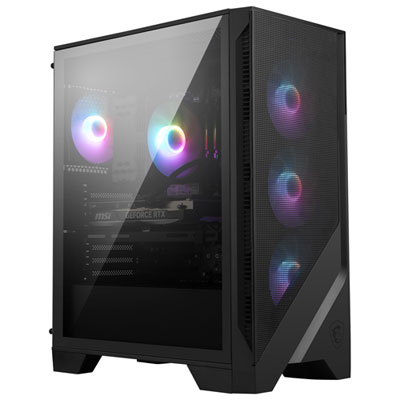
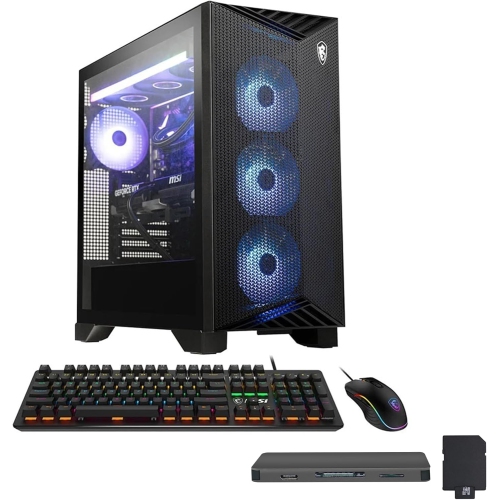
Portability involves more than the laptop’s screen size. Chassis weight, thickness, charger size, and the fit of a protective sleeve all affect how easily a gaming system travels between home, campus, and a shared workspace. A bag should accommodate the laptop’s actual dimensions rather than relying only on a nominal screen measurement, with enough separation to keep the power adapter from pressing against the lid. Construction may include plastic, aluminium, or a combination of materials, but material alone does not establish durability. Hinge stability, lid rigidity, and the support around the keyboard are useful details for a device that will be opened, closed, and carried frequently. At a desk, a firm, flat surface helps keep ventilation openings clear; bedding and soft cushions can obstruct airflow. Cooling fans may become more noticeable during demanding games or rendering tasks, and performance settings can change the balance between fan noise and processing speed. Battery life also varies with workload, screen brightness, and power settings. Gaming on battery power can shorten runtime substantially, and full performance may require the supplied power adapter. Routine care is straightforward: shut the laptop down before cleaning, use a soft cloth suitable for the screen, and follow the manufacturer’s directions for vents and exterior surfaces. Keeping food and drinks away from the keyboard helps protect a machine used for both study and entertainment. For gifting, a laptop in this category can suit a university student, an enthusiastic PC player, or a creator who needs one system for several roles, provided its software compatibility and carrying requirements match the recipient’s routine. A dedicated desk setup presents a different set of priorities. For shoppers comparing portable gaming with a stationary system, MSI Desktop Gaming PCs offer another format to consider. An i7 laptop with 4060-class graphics remains a distinct choice when an integrated screen, keyboard, and the ability to move the entire setup are central to everyday use.
Top selling and popular products
-
 Your price for this item is $449
-
 Your price for this item is $3099
-
 Your price for this item is $1800.68
-
 Your price for this item is $664.05
-
 Your price for this item is $869.99
-
 Your price for this item is $2960.48
-
 Your price for this item is $499.68
-
 Your price for this item is $1951.79
Discover more categories related to MSI Laptops 4060 I7
Top Collections:
Best Black Friday Deals This Year, Best Black Friday Deals On Electronics, Kindle Devices, Pokemon Centers, Best Black Friday Deals On Apple Products, Best Cameras for Sports Photography, Dyson Airwrap, Pokémon 30th Celebration Cards, Apple iPhone 17 Pro, Canon G7X Cameras
Some products may be subject to Environmental Handling Fees
(EHF) depending on your province.
Learn more about EHFs.