MSI Computer Cases
Upgrade your PC build with an MSI Computer Case, designed to provide a reliable foundation for your components and showcase your hardware in style. Whether you're assembling a high-performance gaming rig or setting up a workstation, these cases offer versatile options to suit different preferences and setups. Explore various sizes, designs, and configurations to find the perfect fit for your next build. Discover how an MSI Computer Case can help you achieve a clean look and organized layout for your system.
Sort
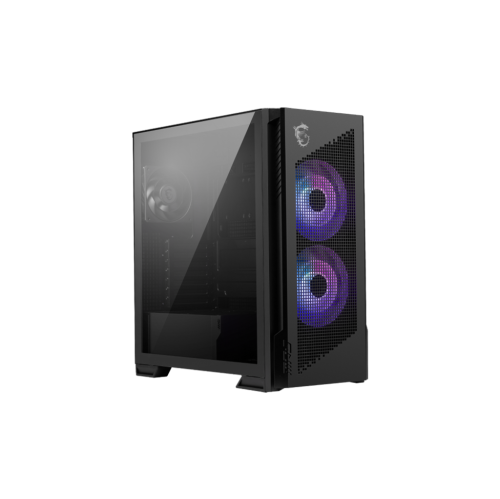
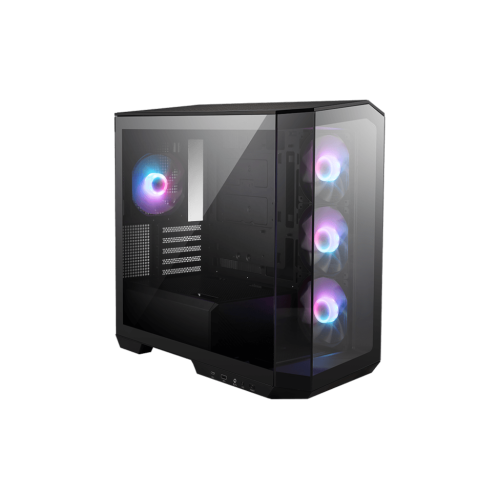
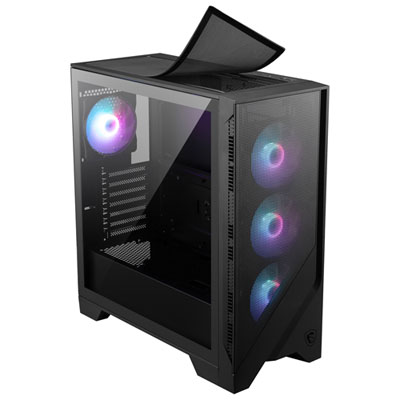
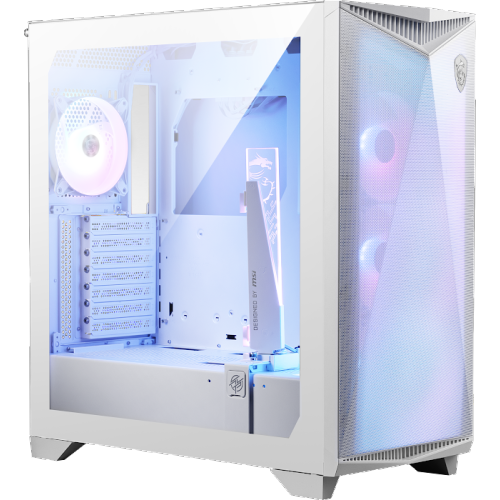
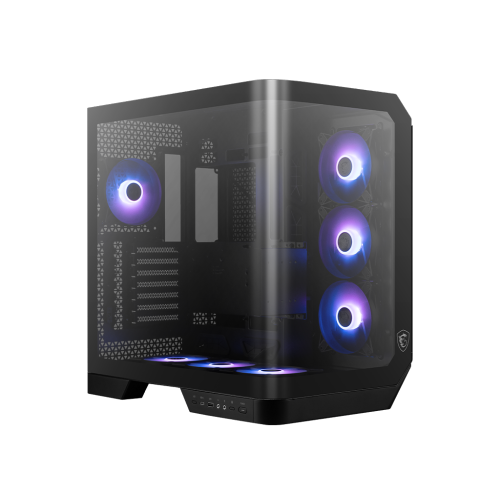
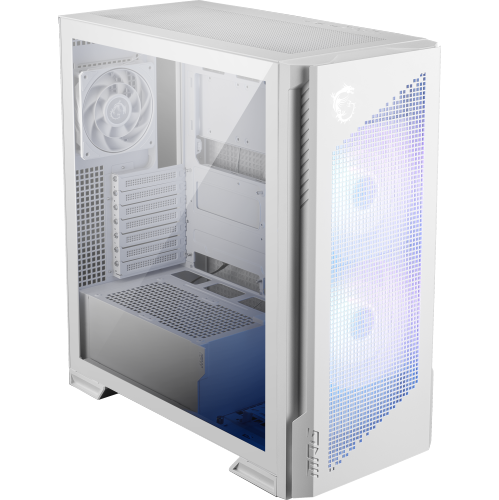
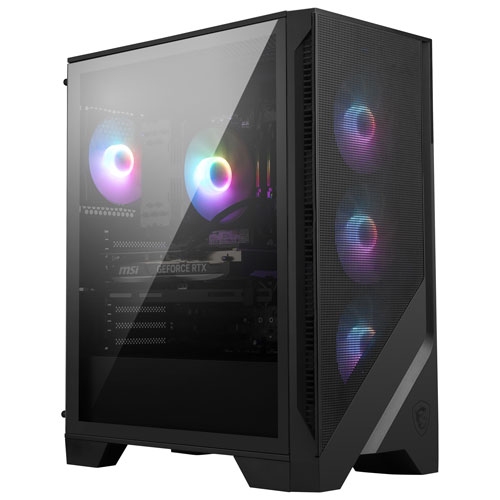
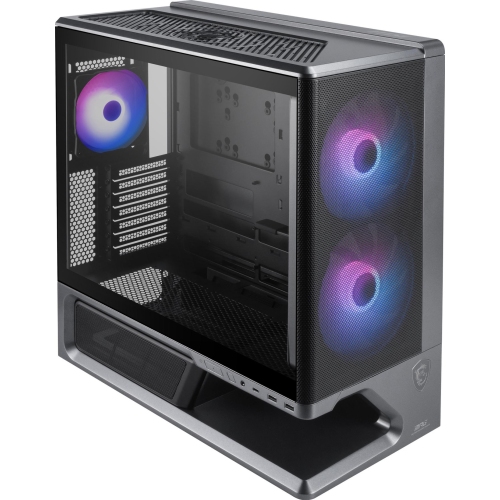
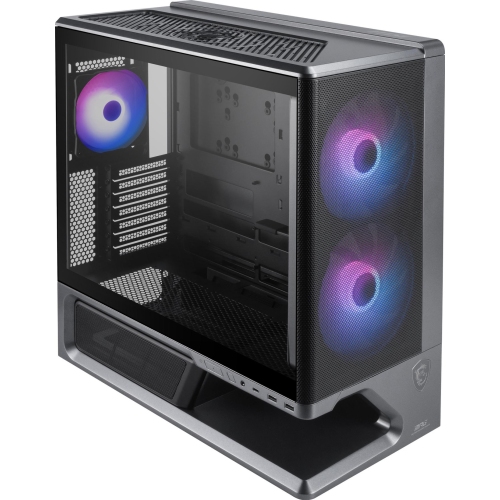
How case layout shapes your next PC build
Computer cases provide the structure, protection, and layout that turn a collection of PC components into a usable desktop system. The enclosure holds the motherboard, graphics card, power supply, storage, and cooling hardware, while its internal arrangement influences how easily those parts fit together and how accessible they remain. Case designs range from straightforward towers focused on essential connections and practical assembly to more elaborate enclosures with expanded cooling support, display panels, lighting controls, and additional room for hardware. A more feature-rich case is not automatically a better match for every build; its advantages depend on the components inside and the space around it. For a gaming desktop, room for a long graphics card and an unobstructed airflow path can matter more than extra drive bays. A workstation used for video editing or design may benefit from flexible storage mounting and convenient access for upgrades. Steel construction provides a sturdy foundation, while aluminum panels can reduce weight, depending on their thickness and design. Tempered glass offers a clear view of the interior, whereas solid panels create a more understated appearance and may incorporate sound-damping materials. Mesh sections allow air to pass through more freely, although the complete cooling layout still determines how effectively that airflow reaches the hardware. Size descriptions such as mid-tower and full-tower give a general sense of scale, but exact dimensions and component support are more useful measures of fit. ATX, Micro-ATX, and Mini-ITX describe motherboard formats rather than a guarantee that every other component will fit. Graphics card length and thickness, processor cooler height, power supply dimensions, and radiator placement each have their own clearance requirements. A compact enclosure can make a small work area feel less crowded, while a larger tower may offer more room around components during assembly. The most practical layout leaves enough space for the intended hardware without making the finished computer unnecessarily difficult to position, move, or maintain.
Cooling support is one of the clearest differences between computer case designs. Ventilated front panels, side openings, and top exhaust positions create different routes for air to travel through the enclosure. Fan mounts indicate where cooling fans can be installed, but they do not necessarily mean that fans are included. Likewise, support for a liquid-cooling radiator describes a mounting capability rather than a complete cooling system. Radiator length is only part of the fit: its thickness, attached fans, tubing route, and proximity to memory or motherboard components also affect installation. A front-mounted radiator can reduce the space available for a graphics card, while a top-mounted assembly may need clearance above the motherboard. These details become especially important in a densely packed gaming build, where several large components share a limited amount of room. Removable dust filters help make routine cleaning more manageable, particularly around intake areas and the power supply opening. Filters that slide out from the front or side can be easier to reach when a tower sits beneath a desk. Airflow and sound also work together. Restrictive panels, crowded cables, and obstructed intake openings can make it harder for fans to move air efficiently, while larger supported fans may provide useful airflow at lower rotational speeds when appropriately configured. No case alone guarantees a quiet computer, since fan quality, component cooling, and system settings all contribute. Behind the motherboard tray, cable channels, tie-down points, and sufficient panel clearance help keep wiring away from fans and simplify later changes. Front-panel connections add another layer of everyday convenience. Accessible USB ports and audio connections are useful for headsets, external drives, and other frequently connected accessories, provided the motherboard has the matching internal headers. Lighting controls and integrated fan hubs can simplify some builds, but their connector types and power requirements still need to match the rest of the system. These practical details often have a greater effect on daily use than the appearance of an empty enclosure.
A computer case also becomes part of the room where the system is used. On a desktop, a glass side panel can put a carefully arranged build in view, but the tower still needs adequate clearance around its ventilation openings. Beneath a desk, easy-to-reach controls and removable filters may be more valuable than a detailed view of the interior. The side on which a window opens, the direction a hinged panel swings, and the location of rear connections can all affect how comfortably the case fits into an existing setup. A sturdy surface and stable feet help support the assembled computer, which can weigh considerably more than the enclosure alone. For someone who regularly upgrades hardware, removable panels, accessible expansion slots, and reusable fasteners can make the case useful across more than one configuration. For a first-time builder, clearly arranged mounting points and space to work around the motherboard can make assembly less cramped, though the case does not replace the need for compatible components or careful installation. Related layouts and features can also be explored through Best Gaming Computer Cases, particularly when planning a system around gaming hardware. Care generally centres on keeping vents clear, removing accumulated dust, and treating panels according to the manufacturer’s directions, with the computer shut down and disconnected from power before cleaning. Glass panels need careful handling during removal and a protected resting place away from hard edges. Durable hinges, secure panel attachments, and well-finished edges contribute to a case that remains pleasant to use through routine maintenance. As a gift for a PC-building enthusiast, an enclosure is a personal choice: preferred styling matters, but confirmed dimensions and component compatibility matter more. Whether intended for a gaming station, a creative workspace, or an understated everyday desktop, a well-matched case provides a dependable framework for the hardware and a layout that supports how the computer will actually be used.
Top selling and popular products
-
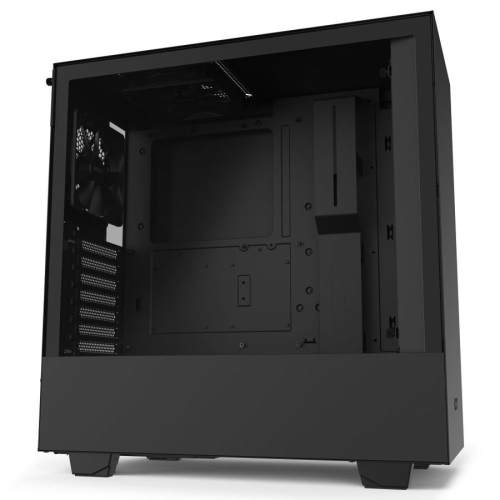 Your price for this item is $299
-
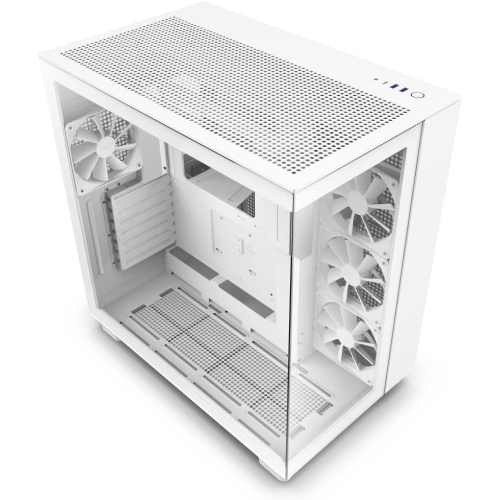 Your price for this item is $514.68
-
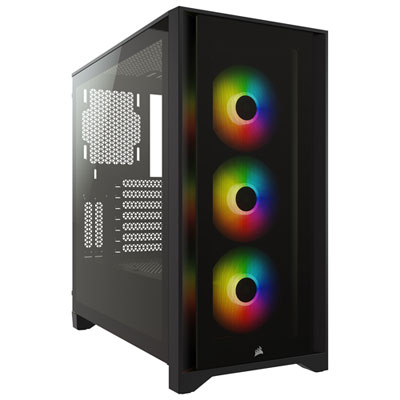 Your price for this item is $149.97
-
 Your price for this item is $169.99
-
 Your price for this item is $116.49
-
 Your price for this item is $116.49
-
 Your price for this item is $157.68
-
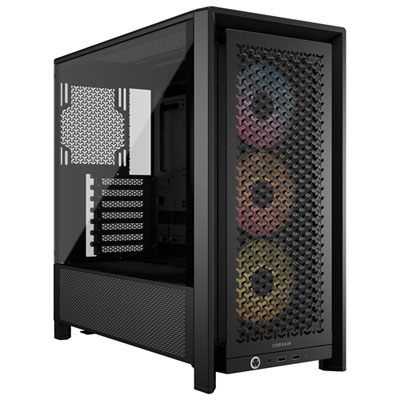 Your price for this item is $154.99
Discover more categories related to MSI Computer Cases
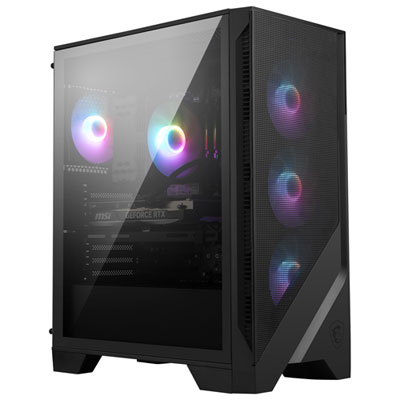
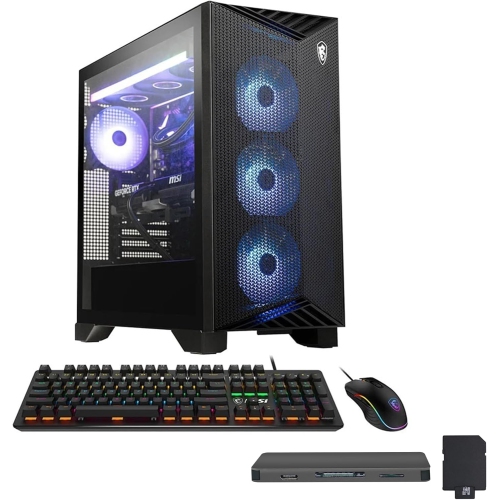
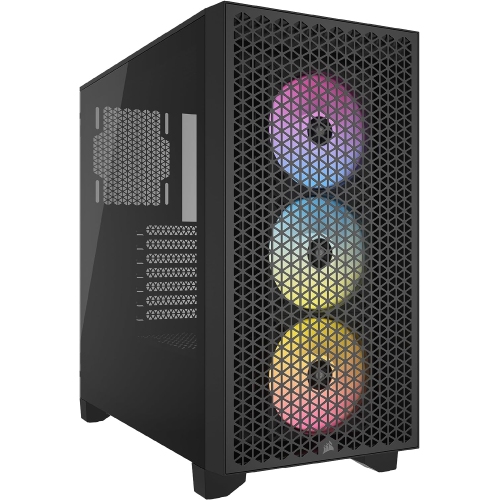
Top Collections:
Best Black Friday Deals This Year, Best Black Friday Deals On Electronics, Kindle Devices, Pokemon Centers, Best Black Friday Deals On Apple Products, Best Cameras for Sports Photography, Dyson Airwrap, Pokémon 30th Celebration Cards, Apple iPhone 17 Pro, Canon G7X Cameras
Some products may be subject to Environmental Handling Fees
(EHF) depending on your province.
Learn more about EHFs.