Graphics Cards for Multiple Monitors
If you're looking to add a second monitor to your setup, a graphics card is the easiest way to do it. These specialized chips take information from your computer's main processor and turn it into images that can be sent to your screen. The more powerful the graphics card is, the more information it can handle at once.
Sort

Graphics Cards for Multiple Monitors
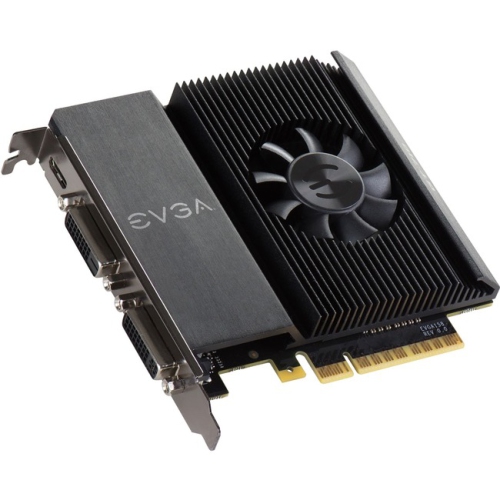
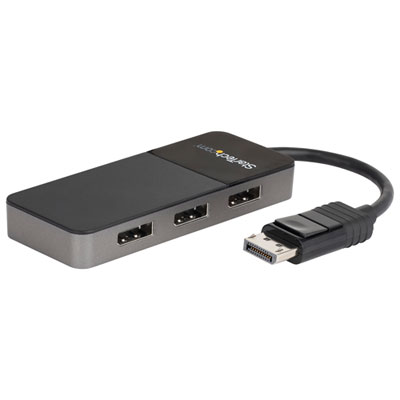
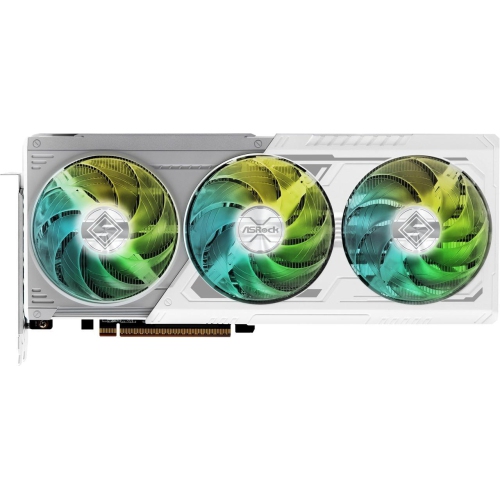
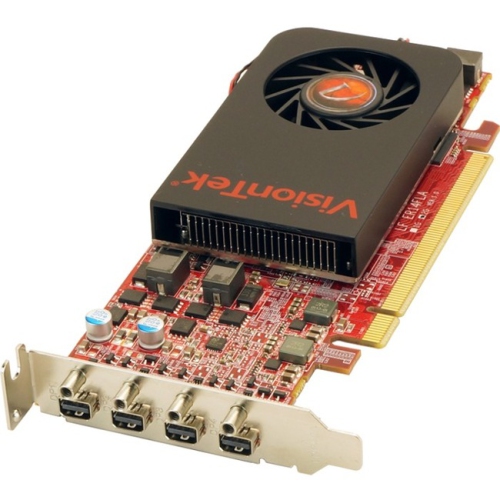
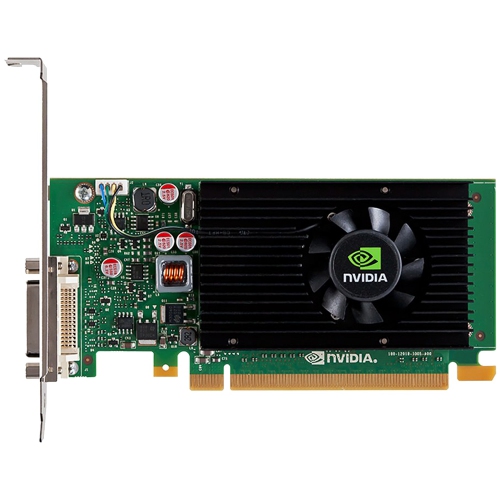
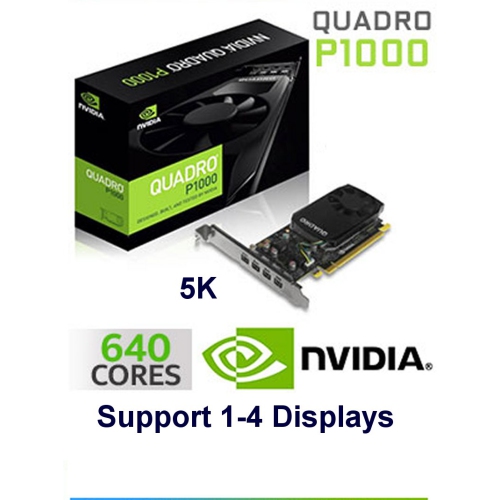
When setting up a workstation or gaming rig with multiple monitors, choosing the right graphics card is a key step in ensuring a smooth, immersive, and productive experience. Graphics cards designed for multi-monitor setups are tailored to support a range of activities, from professional multitasking and content creation to gaming, stock trading, and office work. As you consider your options, start by taking inventory of your monitors: note how many you plan to use, the maximum resolution each supports, and the types of ports available—such as HDMI, DisplayPort, or DVI. Matching your card’s output ports to your displays is essential for a seamless connection. For those with monitors of varying resolutions, or if you’re planning to upgrade your screens in the near future, look for a graphics card that not only has enough ports but also supports higher resolutions like 1440p or 4K across multiple displays. This consideration becomes especially important for creative professionals working in graphic design or video editing, where colour accuracy and screen real estate can impact workflow efficiency.
Power requirements are another important aspect of selecting a graphics card for multiple monitors. Entry-level cards, often suitable for general office use or light multitasking, tend to draw power directly from the motherboard, making installation straightforward and keeping energy consumption low. These are ideal for home offices, classrooms, or anyone setting up a secondary workstation as the weather warms and students or remote workers look to maximize productivity. On the other hand, more advanced cards—favoured by gamers, engineers, and those who work with complex data visualizations—may require dedicated power connectors from your power supply. These cards are built to handle intensive tasks, such as running multiple high-refresh-rate monitors or supporting demanding applications, and can make a significant difference in performance during the busier months when projects ramp up or gaming marathons become a favourite pastime as the evenings get cooler. If you’re building or upgrading a system for someone who thrives on multitasking or enjoys immersive simulation games, a multi-display graphics card can make a thoughtful and practical gift.
For those considering further expansion or specialized configurations, it’s worth exploring options that support more than one graphics card in a single system. This approach can be especially beneficial for professional workstations or for users who require extensive screen setups, such as financial traders or video editors managing complex timelines. For more details on advanced configurations, you can visit the Multi Graphics Cards page. Whether you’re enhancing your home office for back-to-school season, upgrading a gaming setup for the fall, or equipping a creative studio, the right graphics card can transform your multi-monitor experience. With careful consideration of port availability, resolution support, and power needs, you can create a setup that not only meets your current requirements but is ready to grow with you as your needs evolve.
Power requirements are another important aspect of selecting a graphics card for multiple monitors. Entry-level cards, often suitable for general office use or light multitasking, tend to draw power directly from the motherboard, making installation straightforward and keeping energy consumption low. These are ideal for home offices, classrooms, or anyone setting up a secondary workstation as the weather warms and students or remote workers look to maximize productivity. On the other hand, more advanced cards—favoured by gamers, engineers, and those who work with complex data visualizations—may require dedicated power connectors from your power supply. These cards are built to handle intensive tasks, such as running multiple high-refresh-rate monitors or supporting demanding applications, and can make a significant difference in performance during the busier months when projects ramp up or gaming marathons become a favourite pastime as the evenings get cooler. If you’re building or upgrading a system for someone who thrives on multitasking or enjoys immersive simulation games, a multi-display graphics card can make a thoughtful and practical gift.
For those considering further expansion or specialized configurations, it’s worth exploring options that support more than one graphics card in a single system. This approach can be especially beneficial for professional workstations or for users who require extensive screen setups, such as financial traders or video editors managing complex timelines. For more details on advanced configurations, you can visit the Multi Graphics Cards page. Whether you’re enhancing your home office for back-to-school season, upgrading a gaming setup for the fall, or equipping a creative studio, the right graphics card can transform your multi-monitor experience. With careful consideration of port availability, resolution support, and power needs, you can create a setup that not only meets your current requirements but is ready to grow with you as your needs evolve.
Top selling and popular products
-
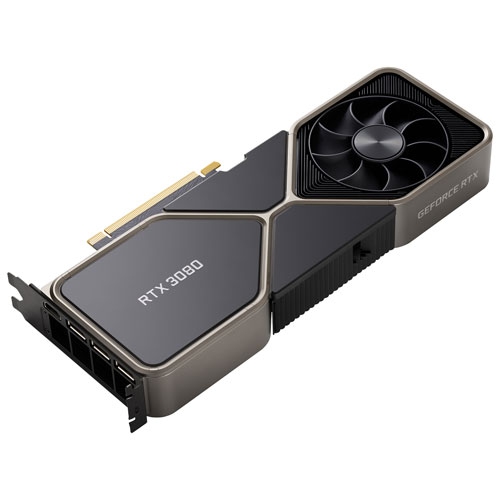 Your price for this item is $1399.99
 -
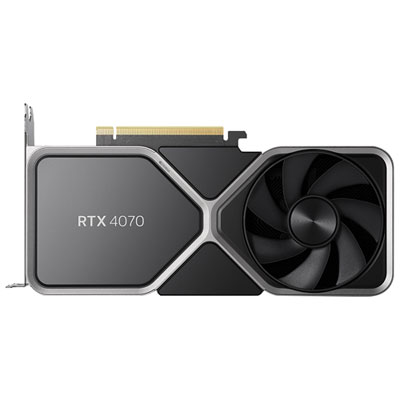 Your price for this item is $739.99
 -
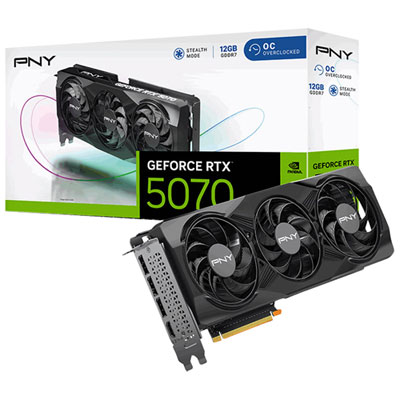 Your price for this item is $899.99
 -
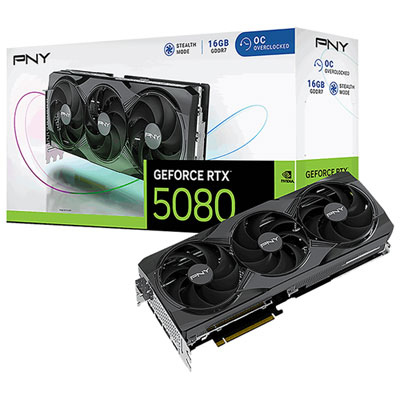 Your price for this item is $1819.99
 -
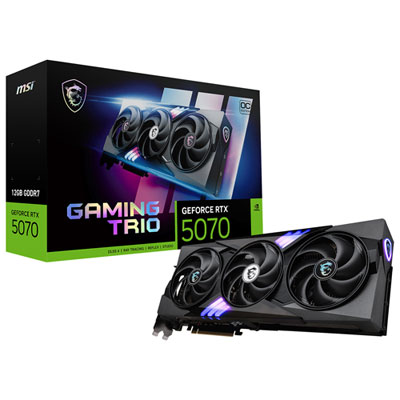 Your price for this item is $1239.99
 -
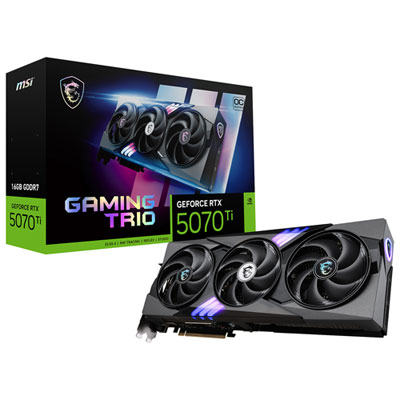 Your price for this item is $1799.99
 -
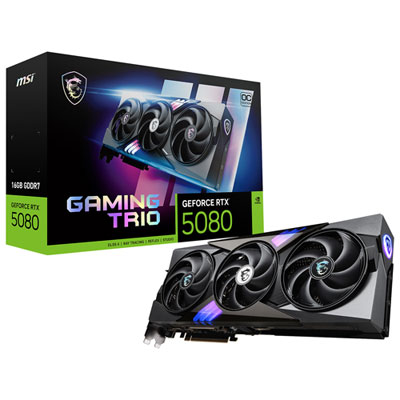 Your price for this item is $2619.99
 -
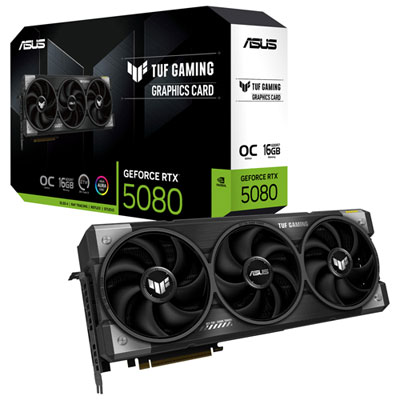 Your price for this item is $2649.99
Discover more categories related to Graphics Cards for Multiple Monitors
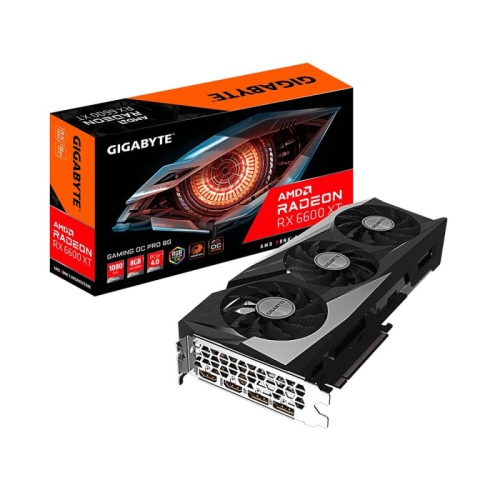

Top Collections:
Pokemon Centers, Kindle Devices, Budget Smartphones, Budget 4K TVs, Apple iPhones 16, Canon G7X Cameras, iPhone 15 Apple, Alarm Clock, Budget-Friendly Wireless Earbuds, iPhone 14 256GB
Some products may be subject to Environmental Handling Fees
(EHF) depending on your province.
Learn more about EHFs.