Software for Musicians
Discover the perfect harmony between creativity and technology with our diverse selection of software for musicians. Whether you're a seasoned composer or an aspiring music producer, finding the right tools can elevate your sound to new heights. From intuitive digital audio workstations to innovative sound design plugins, our range offers everything you need to compose, record, edit, and produce your music seamlessly. Dive into a world where inspiration meets functionality and explore options that cater to every genre and skill level. Unleash your musical potential and bring your sonic visions to life with software designed to inspire and empower.
Sort



From first demos to polished productions and live performances
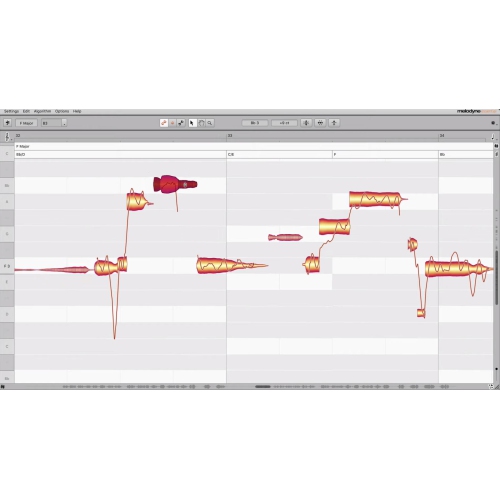
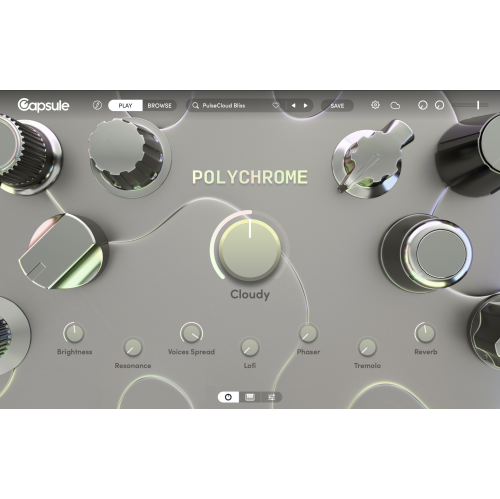
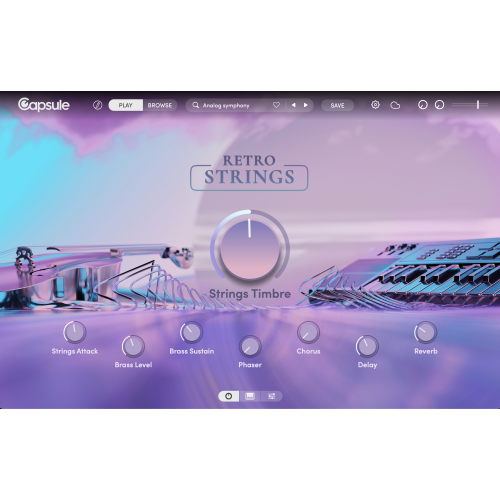
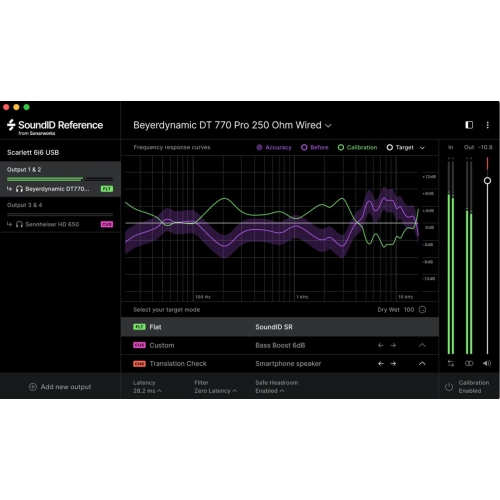
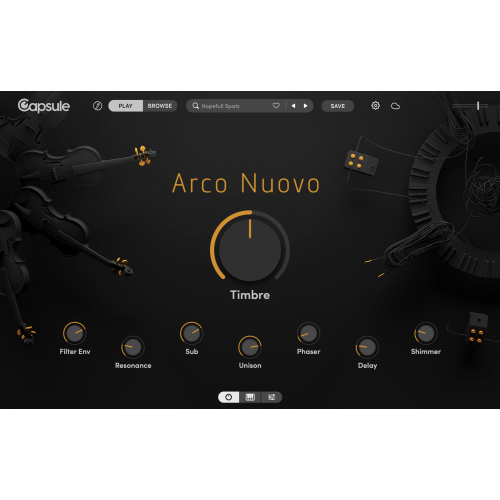
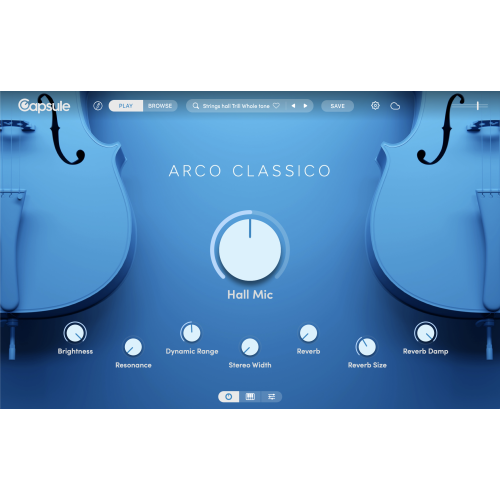
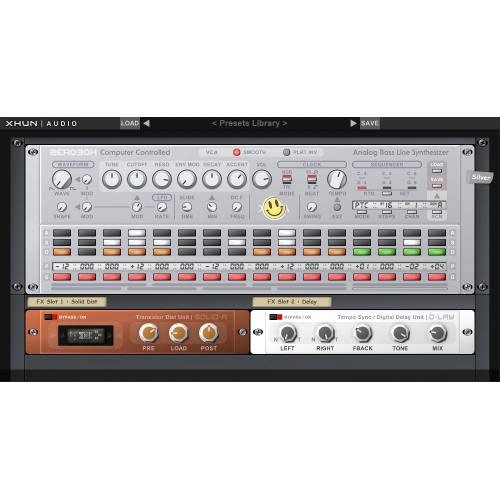
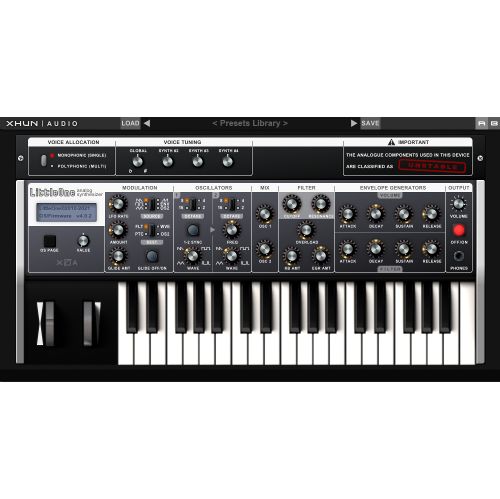
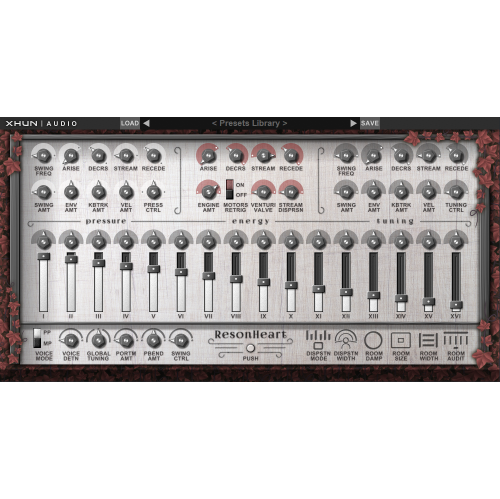
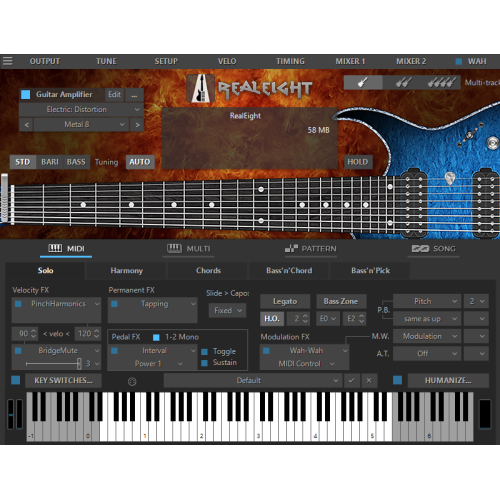
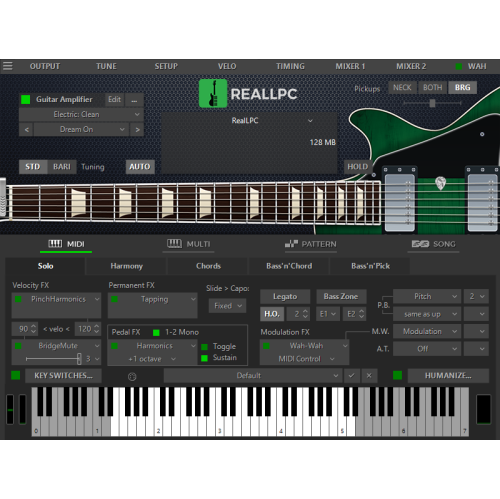
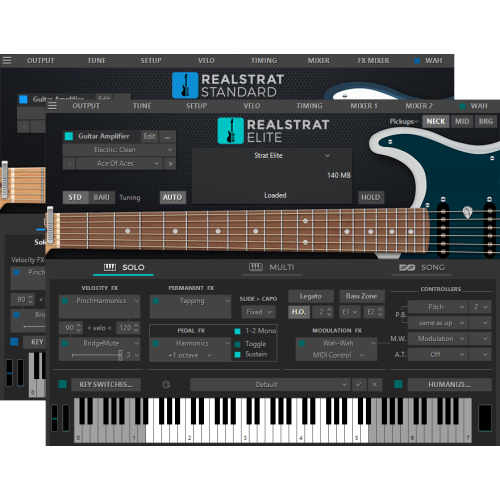
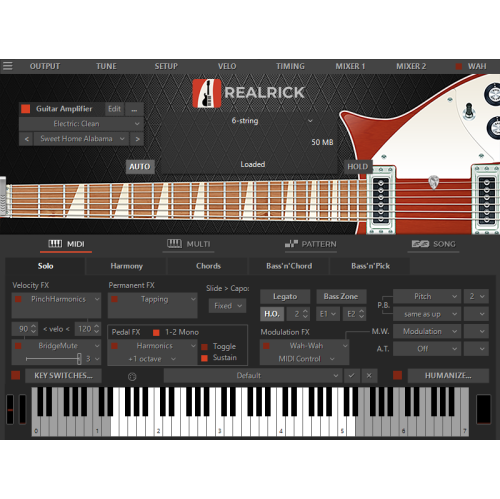
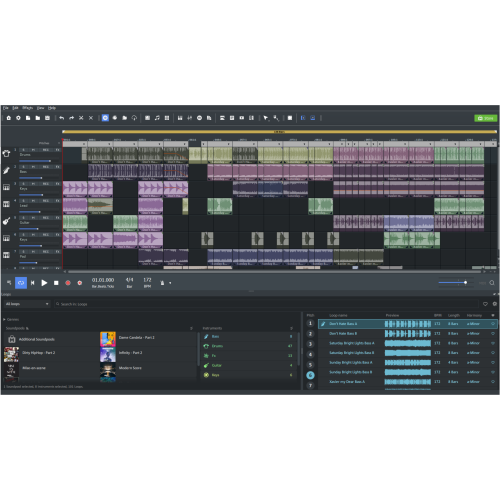
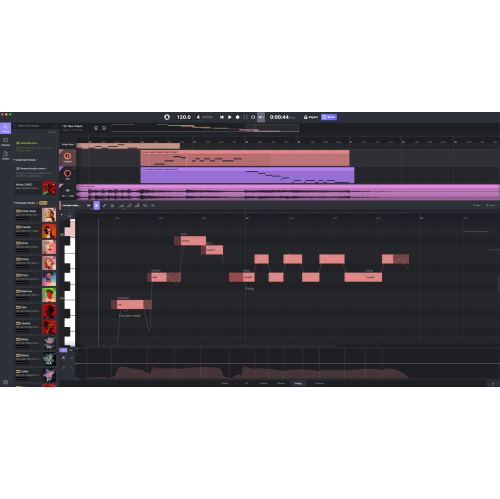
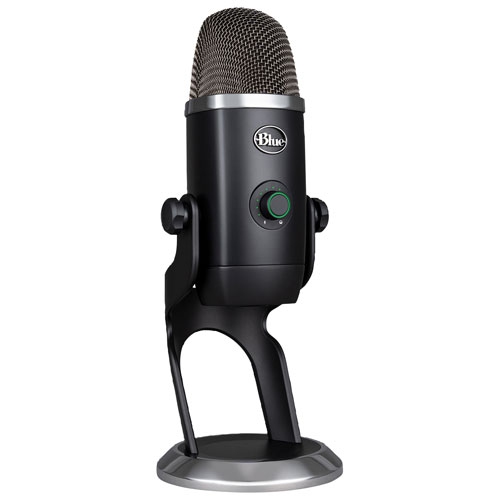
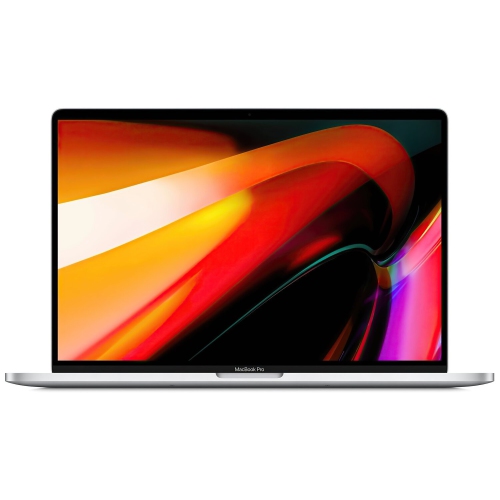
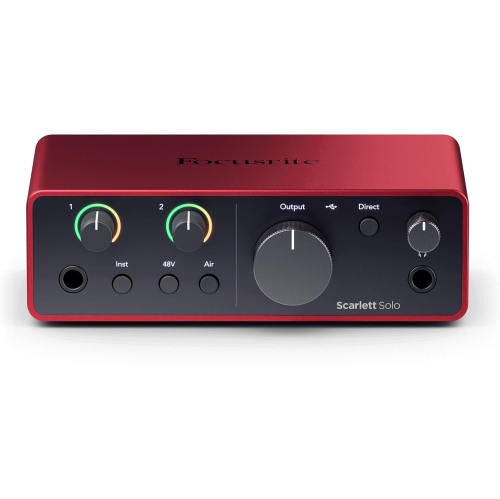
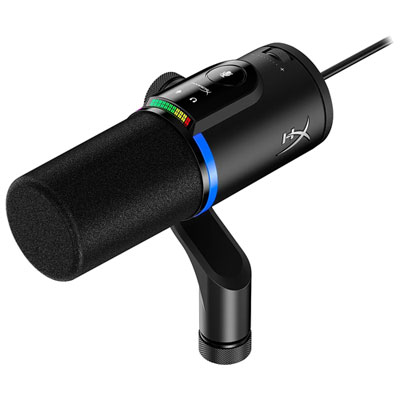
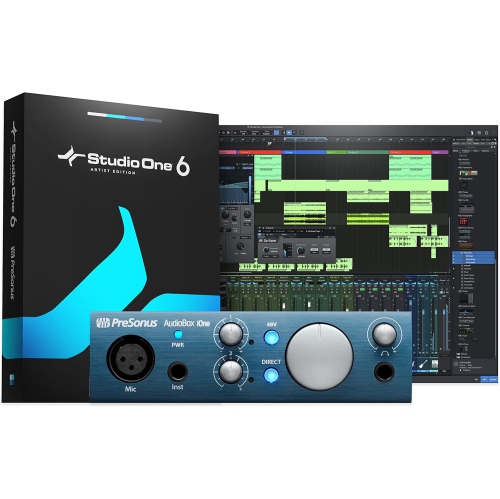
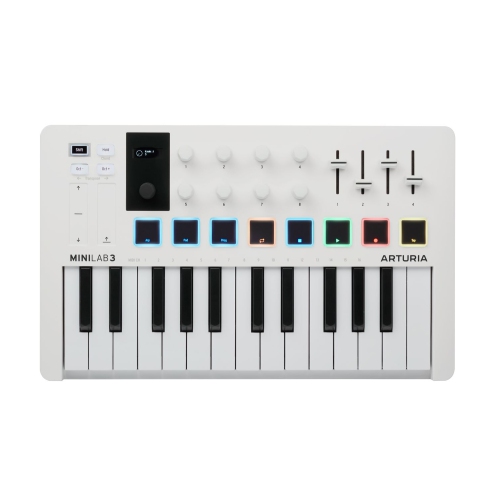
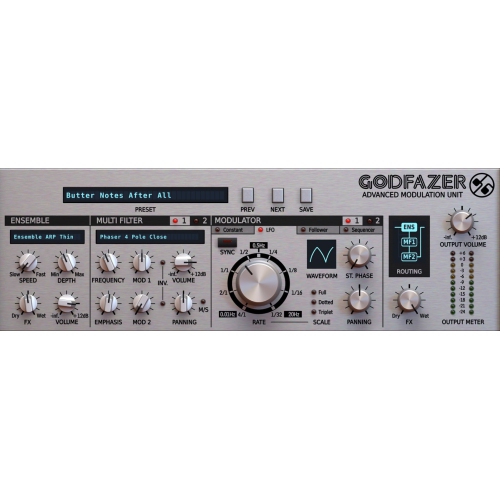
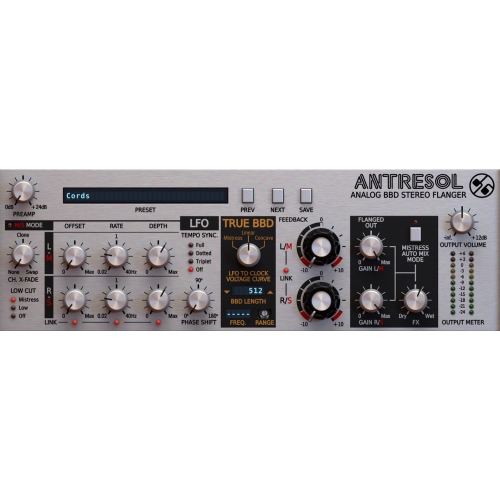
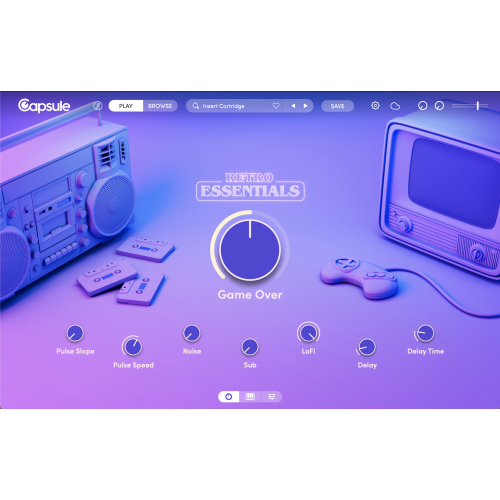
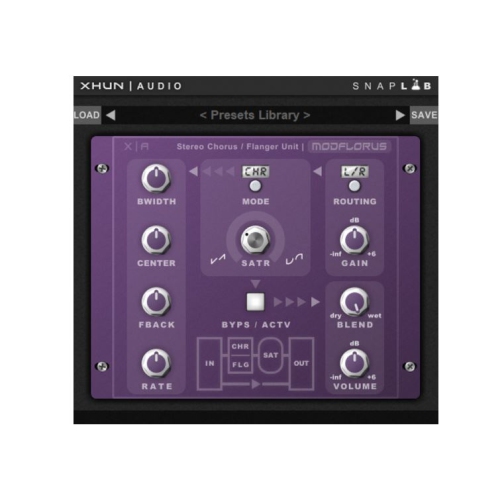
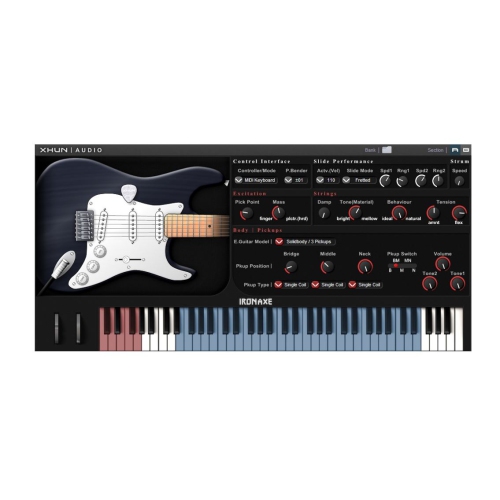
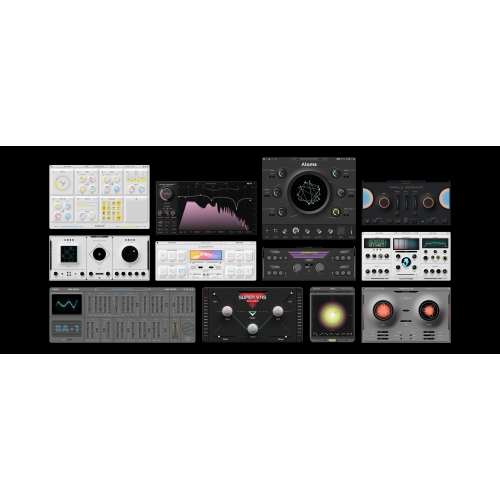
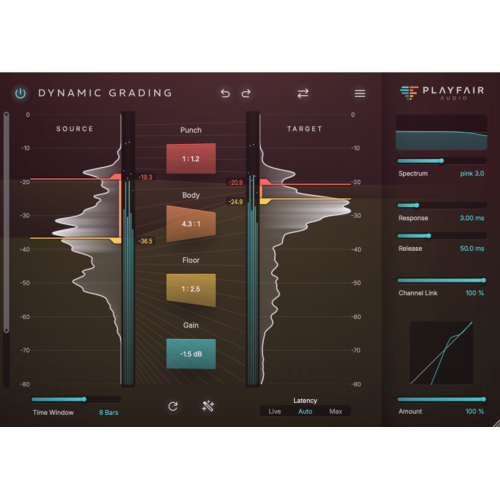
Software for musicians can turn a computer, tablet, or phone into a flexible creative workspace for recording, practising, composing, arranging, and performing. At the centre of many setups is a digital audio workstation, often called a DAW, which brings together audio recording, MIDI sequencing, virtual instruments, effects, mixing, and mastering tools in one program. A DAW can be used to capture vocals and live instruments through an audio interface, build electronic arrangements with loops and samples, or sketch song ideas with a laptop keyboard before refining them with a MIDI controller. Some musicians need a straightforward recording environment for demos and rehearsals, while others look for detailed automation, multitrack editing, surround or spatial audio support, and a wide selection of plug-ins. The best choice depends on the computer or mobile device being used, including whether it runs macOS, Windows, iPadOS, or another supported platform. It is also worth checking processor, memory, storage, and display requirements, especially when working with large sample libraries or several software instruments at once. Compatibility with existing audio interfaces, microphones, MIDI keyboards, control surfaces, headphones, and studio monitors can make a significant difference to the overall experience. A beginner may appreciate guided layouts, drag-and-drop editing, built-in sounds, and clear tutorials, whereas an experienced producer may prioritize flexible routing, custom templates, precise editing, and support for third-party plug-ins. Many programs offer trial versions, free editions, or tiered plans, so it is helpful to compare included instruments, track limits, export options, update policies, and the licensing terms before making a purchase. For students, young creators, and anyone learning music production at home, explore Music Software for Students for software options that can support lessons, assignments, practice sessions, and personal projects.
Musicians often benefit from having more than a full production program in their toolkit. Mobile music apps can provide practical support during rehearsals, songwriting sessions, lessons, and live performances without adding much equipment to a gig bag. A chromatic tuner helps players check pitch quickly, while a metronome can offer adjustable tempos, subdivisions, accents, and tap-in controls for focused practice. Tone generators and sustained reference notes can assist with ear training, warmups, intonation, and ensemble preparation. Digital sheet music applications allow performers to organize scores, transpose or annotate pages, create set lists, and move through music without carrying a bulky folder. Look for features such as hands-free page turning, stylus support, cloud backup, screen readability, and reliable offline access when preparing for a rehearsal or concert in a busy venue. Audio editing software is useful for trimming recordings, cleaning up unwanted noise, adjusting levels, converting file formats, and preparing spoken-word material, practice tracks, or podcast projects. Browser-based studios and collaborative platforms can make it easier for several people to contribute to the same piece from different locations, with shared tracks, virtual instruments, loops, comments, and version history helping a group stay organized. These tools can be especially useful for school ensembles, songwriting partners, remote teachers, independent artists, and families making music together. A musician might record a guitar idea on a phone during a quiet afternoon, refine the arrangement on a desktop later, then share a rough mix with bandmates before the next rehearsal. Choosing software that supports common audio formats and makes it simple to save, export, and share work helps keep those creative moments moving smoothly between devices.
When selecting software for musicians, start with the way the program will be used rather than the number of features listed on the package. Someone recording a singer with an acoustic instrument may need clean audio capture, low-latency monitoring, intuitive editing, and a small collection of realistic effects. A beat maker may place greater importance on drum sequencing, loop manipulation, sampling, synthesizers, and fast pattern-based workflows. A composer could value notation, orchestral sounds, score layout, and MIDI expression, while a live performer may need dependable playback, scene changes, loop control, and quick access to set lists. Storage is another practical consideration: high-quality sound libraries can occupy substantial space, and external drives may be useful for maintaining backups and moving projects between a home studio and a rehearsal space. Headphone support, accessibility tools, keyboard shortcuts, touch controls, and readable interfaces can also shape how comfortable the software feels during long sessions. For learners, built-in lessons and simple project templates can provide a welcoming starting point; for teachers, assignment sharing and collaborative features may help connect classroom work with independent practice. Music software can make a thoughtful gift for a guitarist recording their first demos, a student exploring composition, a vocalist building audition tracks, or a family member who enjoys experimenting with sound during the cooler months. It can also complement physical instruments by offering a place to document progress, arrange ideas, and hear how individual parts fit together. Whether the goal is a polished recording, a reliable rehearsal aid, a digital score library, or an easy way to create with friends, the right software should match the musician’s device, experience level, creative style, and plans for growing their setup.
Musicians often benefit from having more than a full production program in their toolkit. Mobile music apps can provide practical support during rehearsals, songwriting sessions, lessons, and live performances without adding much equipment to a gig bag. A chromatic tuner helps players check pitch quickly, while a metronome can offer adjustable tempos, subdivisions, accents, and tap-in controls for focused practice. Tone generators and sustained reference notes can assist with ear training, warmups, intonation, and ensemble preparation. Digital sheet music applications allow performers to organize scores, transpose or annotate pages, create set lists, and move through music without carrying a bulky folder. Look for features such as hands-free page turning, stylus support, cloud backup, screen readability, and reliable offline access when preparing for a rehearsal or concert in a busy venue. Audio editing software is useful for trimming recordings, cleaning up unwanted noise, adjusting levels, converting file formats, and preparing spoken-word material, practice tracks, or podcast projects. Browser-based studios and collaborative platforms can make it easier for several people to contribute to the same piece from different locations, with shared tracks, virtual instruments, loops, comments, and version history helping a group stay organized. These tools can be especially useful for school ensembles, songwriting partners, remote teachers, independent artists, and families making music together. A musician might record a guitar idea on a phone during a quiet afternoon, refine the arrangement on a desktop later, then share a rough mix with bandmates before the next rehearsal. Choosing software that supports common audio formats and makes it simple to save, export, and share work helps keep those creative moments moving smoothly between devices.
When selecting software for musicians, start with the way the program will be used rather than the number of features listed on the package. Someone recording a singer with an acoustic instrument may need clean audio capture, low-latency monitoring, intuitive editing, and a small collection of realistic effects. A beat maker may place greater importance on drum sequencing, loop manipulation, sampling, synthesizers, and fast pattern-based workflows. A composer could value notation, orchestral sounds, score layout, and MIDI expression, while a live performer may need dependable playback, scene changes, loop control, and quick access to set lists. Storage is another practical consideration: high-quality sound libraries can occupy substantial space, and external drives may be useful for maintaining backups and moving projects between a home studio and a rehearsal space. Headphone support, accessibility tools, keyboard shortcuts, touch controls, and readable interfaces can also shape how comfortable the software feels during long sessions. For learners, built-in lessons and simple project templates can provide a welcoming starting point; for teachers, assignment sharing and collaborative features may help connect classroom work with independent practice. Music software can make a thoughtful gift for a guitarist recording their first demos, a student exploring composition, a vocalist building audition tracks, or a family member who enjoys experimenting with sound during the cooler months. It can also complement physical instruments by offering a place to document progress, arrange ideas, and hear how individual parts fit together. Whether the goal is a polished recording, a reliable rehearsal aid, a digital score library, or an easy way to create with friends, the right software should match the musician’s device, experience level, creative style, and plans for growing their setup.
Top selling and popular products
-
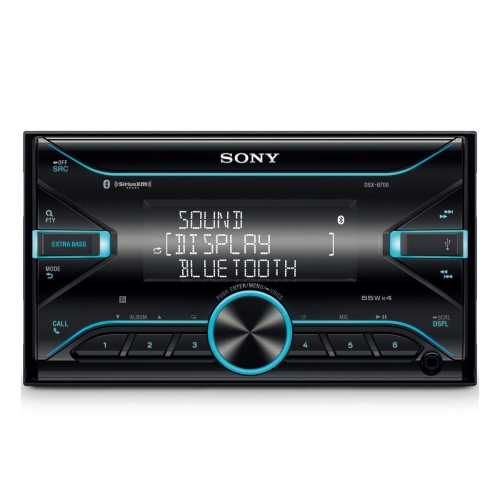 Your price for this item is $198
 -
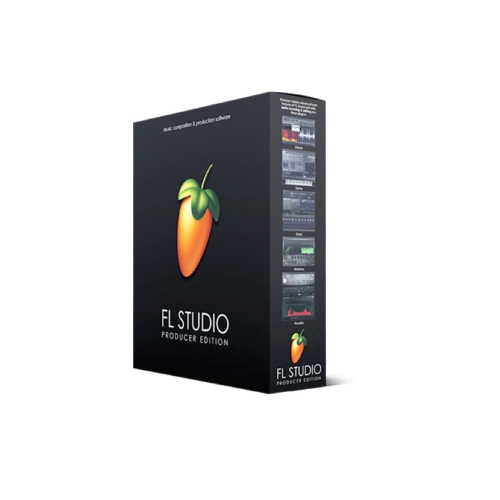 Your price for this item is $329.99
 -
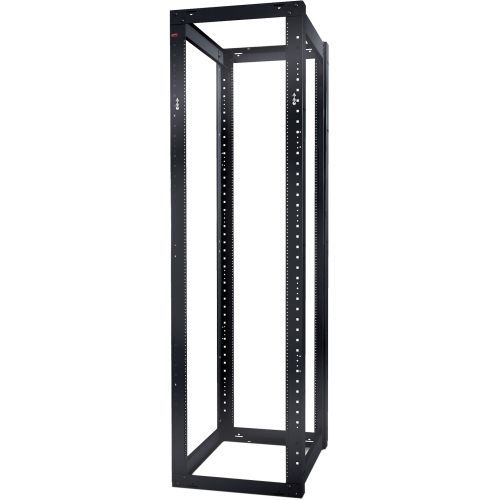 Your price for this item is $1085.61
 -
 Your price for this item is $179
 -
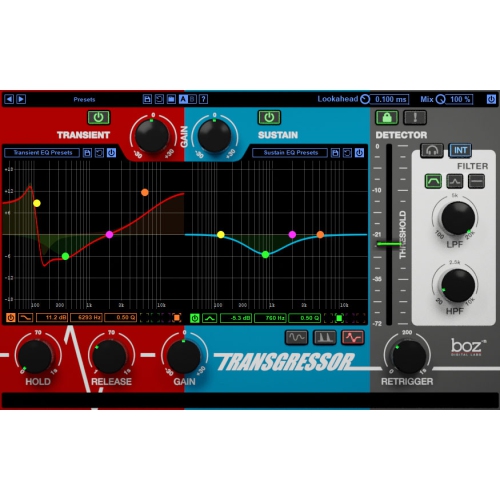 Your price for this item is $275
 -
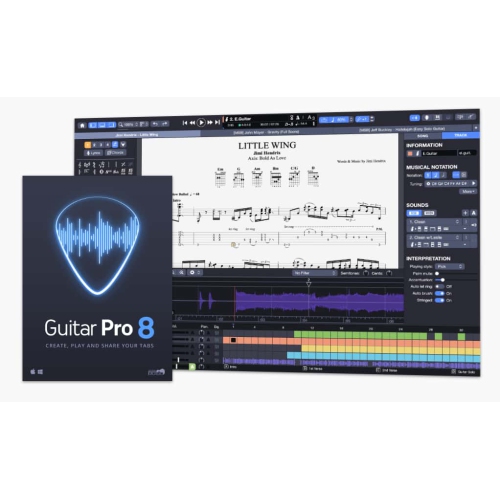 Your price for this item is $65
 -
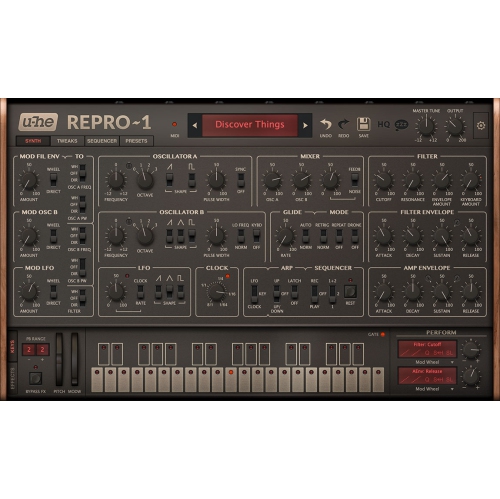 Your price for this item is $279
 -
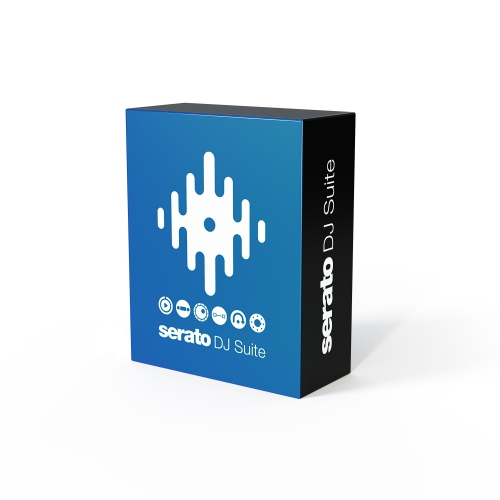 Your price for this item is $809
Discover more categories related to Software for Musicians
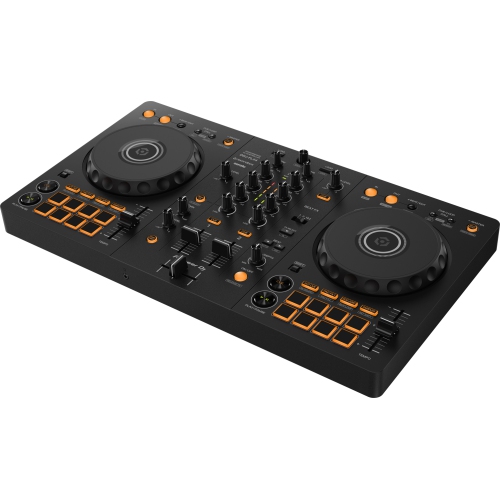
Top Collections:
Pokemon Centers, Kindle Devices, Best Budget Office Chairs, Apple iPhones 16, Best Laptops for Writers, iPhone 15 Apple, Canon G7X Cameras, Refurbished Apple Laptops, Alarm Clock, Motorola Razr Phones
Some products may be subject to Environmental Handling Fees
(EHF) depending on your province.
Learn more about EHFs.