Must Have Computer Accessories
Elevate your workspace and enhance your productivity with must have computer accessories designed to complement any setup. Whether you’re working from home, gaming, or simply staying connected, the right accessories can make all the difference in comfort and efficiency. Discover a wide selection of essentials that help you get the most out of your computer, from everyday tasks to specialized projects. Find everything you need to create a seamless and enjoyable computing experience with must have computer accessories for every user.
Sort
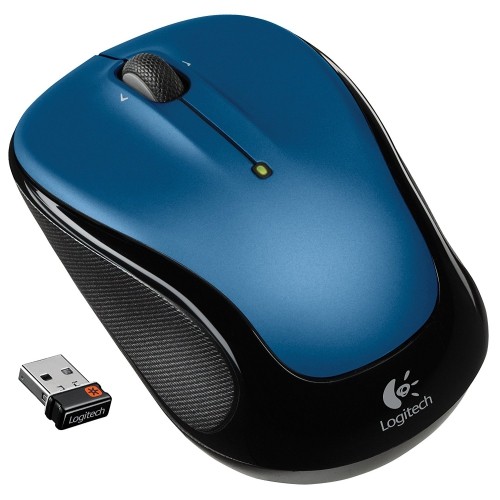
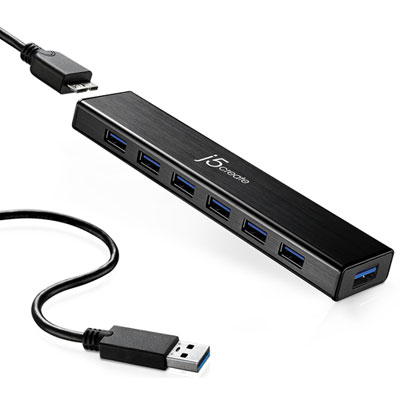
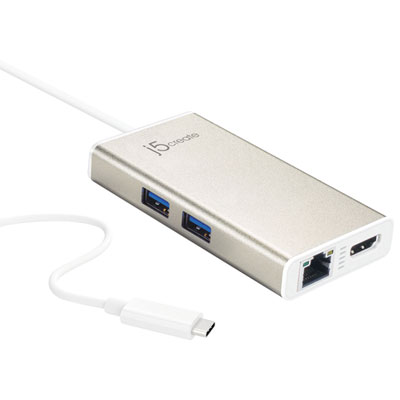
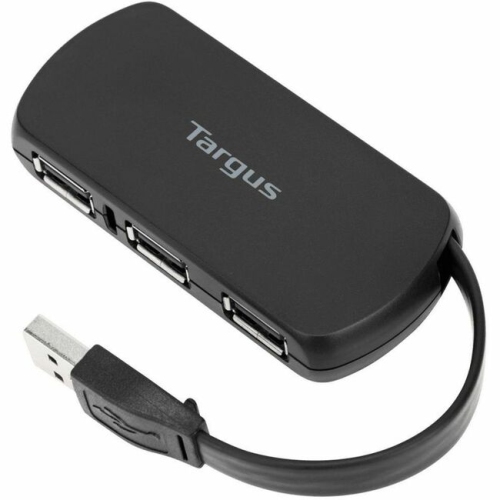
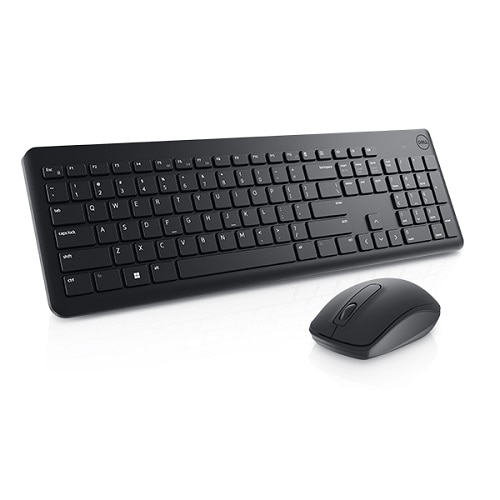
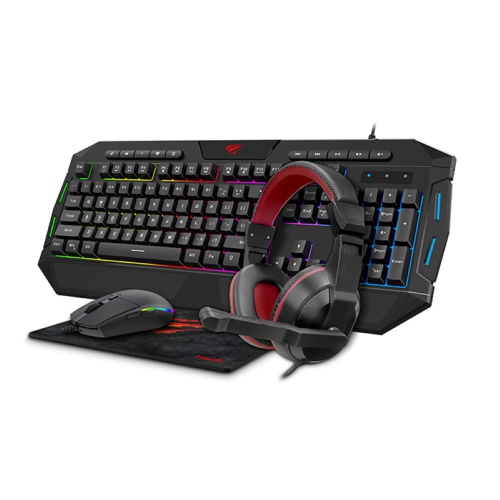

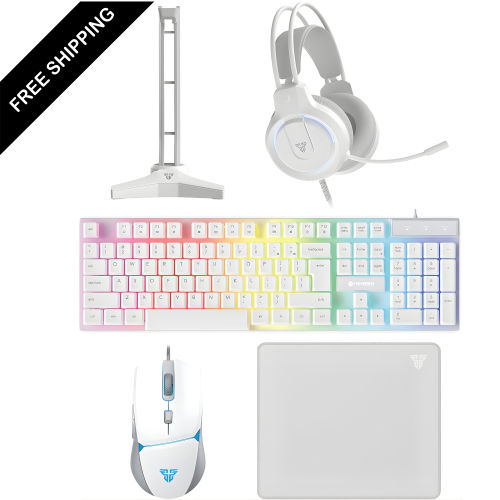
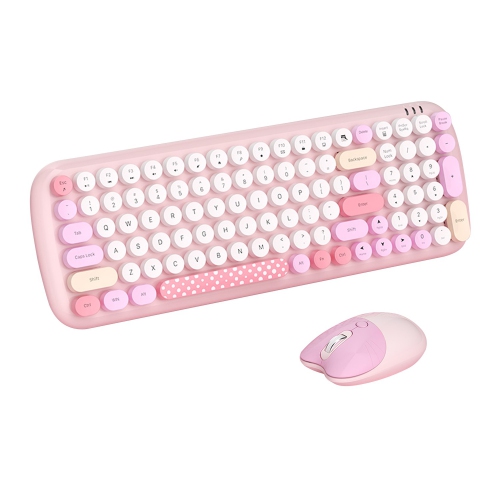
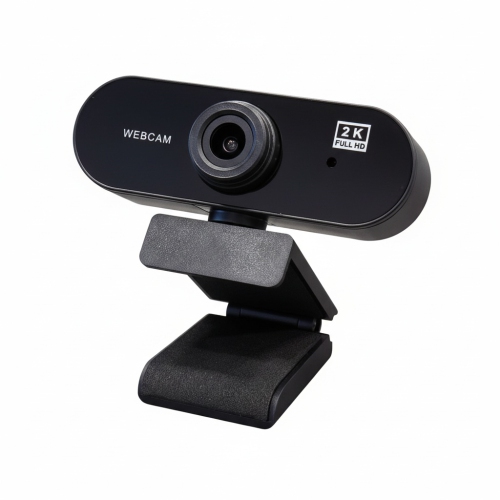
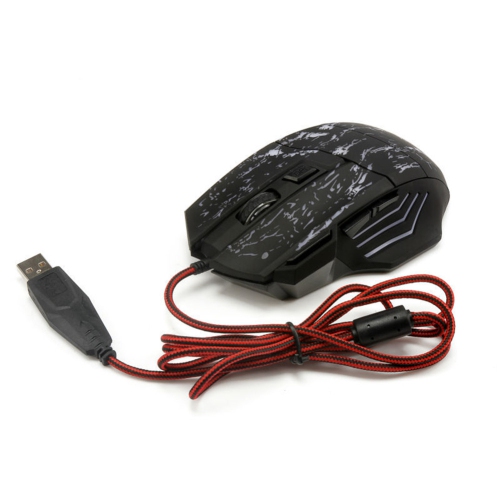
Small upgrades for a more comfortable computer setup
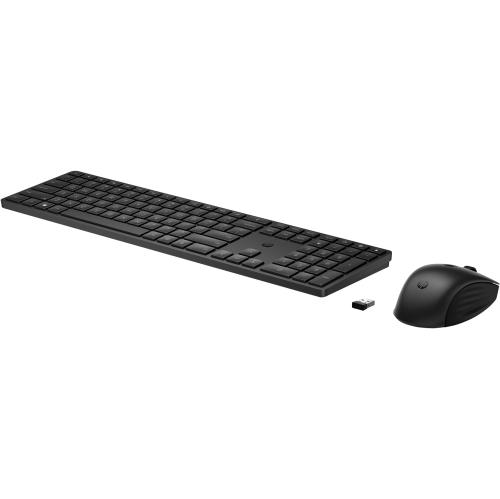
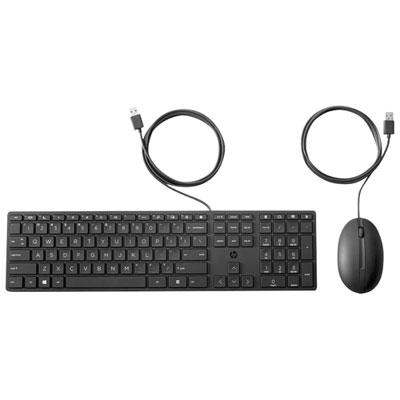
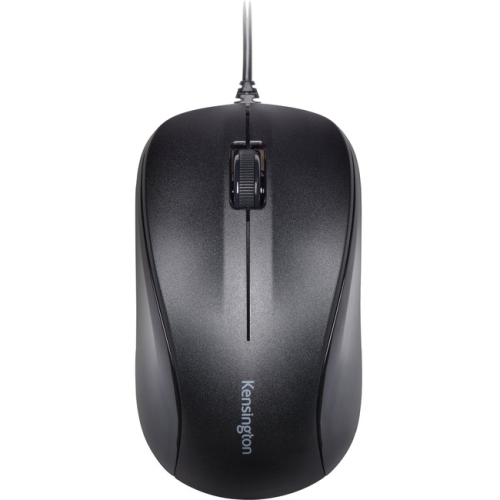
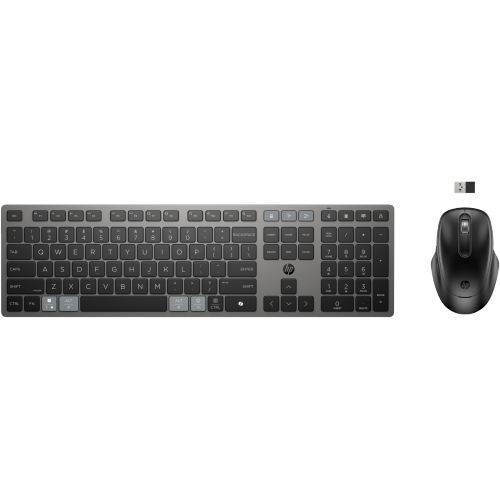
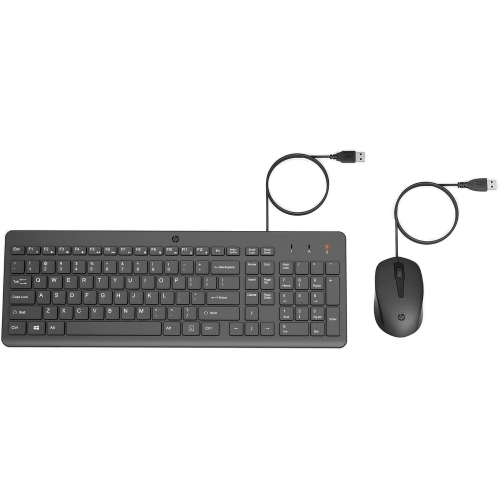
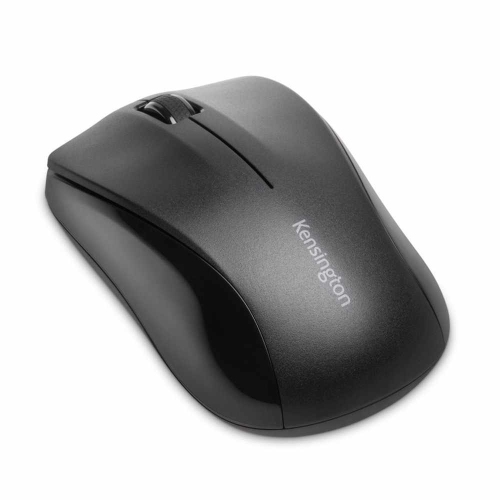
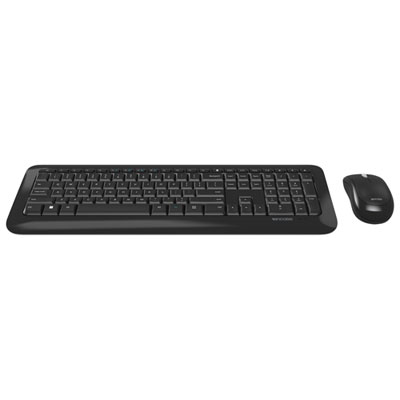
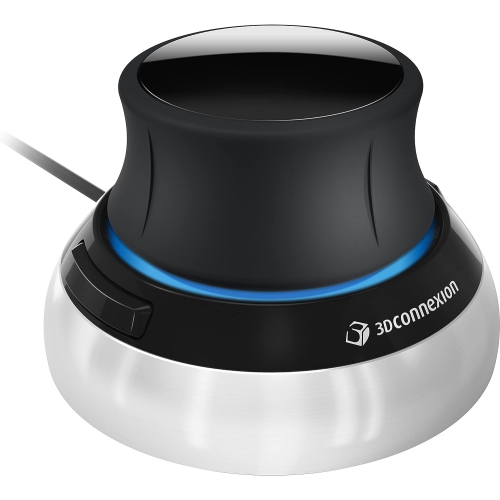
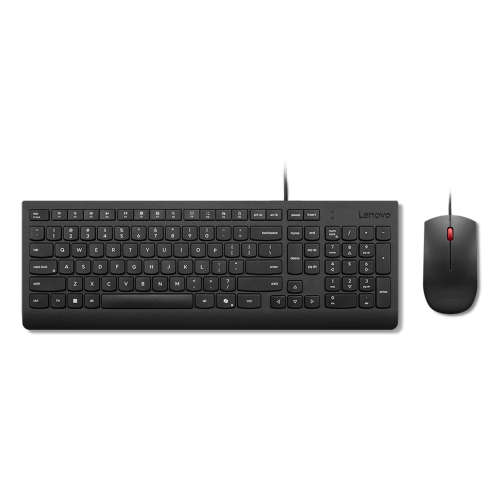
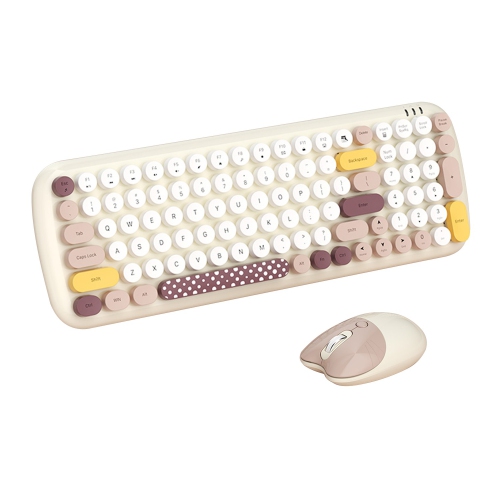
Must-have computer accessories bring better control, clearer communication, reliable connections, and a more comfortable layout to the place where work, study, and play happen. The most useful additions suit the computer, the available space, and the tasks that fill the day. A keyboard and mouse can make a laptop feel more practical for long documents, spreadsheets, or detailed editing, while a desk mat provides a consistent surface for mouse movement and helps protect the desktop from everyday wear. Full-size keyboards include a number pad for frequent data entry; compact layouts leave more room for a mouse on a narrow desk. Key feel matters as much as size: some people prefer a short, quiet press, while others enjoy the distinct feedback of mechanical switches. Switch designs vary, so a mechanical keyboard is not necessarily quiet or loud. For a mouse, comfortable dimensions, accessible buttons, and a shape that suits the preferred hand are often more useful than an impressive sensitivity figure alone. Wireless connections reduce cable clutter, while wired accessories avoid the need to recharge or replace batteries. A soft wrist rest can provide a comfortable place to pause between typing sessions, but its height should suit the keyboard rather than force the wrists upward. Desk mats with fabric surfaces and rubber bases balance smooth movement with grip, and stitched edges can help resist fraying. Adjustable monitor stands and arms add another layer of flexibility by bringing the display to a suitable viewing position and opening space beneath it. Compatibility depends on the monitor’s mounting pattern, weight, and size, as well as the desk’s thickness and construction. A clamp that works on a solid desktop may not suit a glass surface or a desk with an obstructed rear edge. Paired with an adjustable chair and enough space to move freely, these accessories help create a setup that feels less cramped through a full day of tasks. For shared workspaces, easy adjustments are particularly useful when different people use the same desk.
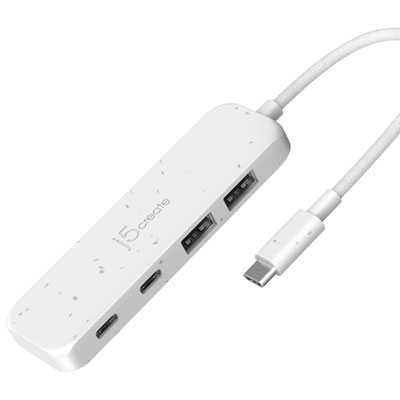
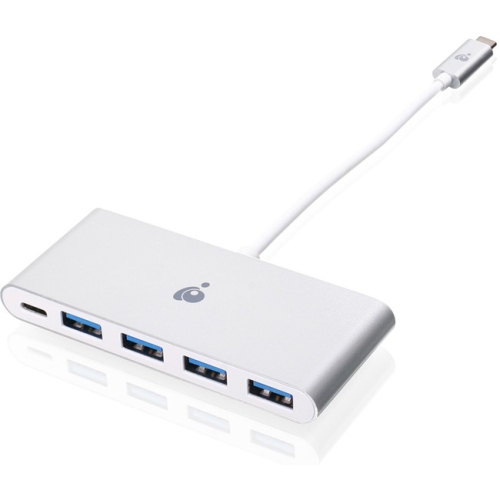
Connectivity accessories help a computer work with the screens, storage, and peripherals needed for a particular routine. A USB hub adds connections for devices such as a keyboard, mouse, or external drive, while a compatible docking station can bring display connections, networking, and charging together through fewer cables. The connector shape does not tell the whole story: USB-C ports and cables vary in their support for data speeds, video output, and power delivery. A dock intended to run multiple monitors must match the computer’s display capabilities, operating system, and connection requirements. Charging also depends on the power supplied by the dock or charger and the amount the laptop needs. For someone arriving at a desk with a laptop each morning, a compatible docking setup can make the transition from a travel bag to a full workspace much simpler. External storage is useful for moving large photo libraries, keeping project files separate, or maintaining backups. Solid-state drives generally offer fast access and have no moving mechanical parts, while portable hard drives can suit larger collections that are accessed less frequently. A separate drive only becomes a dependable backup when files are copied regularly and the copies are checked. Communication accessories matter just as much for a computer used for meetings, online learning, or collaborative play. Headphones keep conversations private, and a headset places the microphone close to the speaker’s mouth. A dedicated microphone offers more placement flexibility, although its distance from the voice and the surrounding room noise still affect clarity. A webcam positioned near eye level can provide more natural framing than a low laptop camera, especially when the laptop sits beside a larger display. Desktop speakers suit music and video when private listening is unnecessary, with size and placement influencing how well they fit the desk. For setups that also support gaming, Must Have Gaming Accessories brings together related accessories for play, while many everyday computer peripherals serve comfortably across work and leisure.
Durability, care, and portability help determine which computer accessories remain useful beyond the first few days. Frequently handled surfaces benefit from sturdy construction, secure connections, and finishes that are easy to wipe clean. Aluminium stands offer rigidity, while well-made plastic accessories can be lightweight and practical for travel. Neither material alone guarantees durability; hinge quality, cable strain relief, and the strength of moving parts also matter. A padded laptop sleeve should match the computer’s actual dimensions rather than relying only on the advertised screen size. A snug fit limits movement, and a separate compartment for a charger or mouse helps keep hard edges away from the laptop’s finish. For commuters and students, compact peripherals and manageable cable lengths make a bag easier to organize without adding unnecessary bulk. At a permanent desk, cable clips, sleeves, and ties keep charging leads within reach and reduce tangles behind a monitor. Cables still need room to bend naturally, particularly near plugs and adjustable monitor arms. Power accessories deserve equal attention: a surge protector is designed to help protect connected equipment from voltage spikes, while an uninterruptible power supply can provide temporary battery power during an outage. Runtime varies with the connected load and battery capacity, so it should not be treated as unlimited power. Regular care keeps the rest of the setup pleasant to use. Computers and peripherals should be powered down before cleaning, with manufacturer-approved methods used for screens, keycaps, and delicate finishes. A clean microfibre cloth can remove fingerprints, while suitable dust-removal tools help reach gaps without soaking electronics or scratching surfaces. Computer accessories can also make thoughtful gifts for someone starting studies, setting up a home office, or spending more time on creative projects. The strongest match comes from knowing how that person uses their computer, which connections it supports, and how much room they have. An accessory that solves a familiar annoyance, from a cramped typing position to an awkward charging arrangement, often earns its place through daily use.
Connectivity accessories help a computer work with the screens, storage, and peripherals needed for a particular routine. A USB hub adds connections for devices such as a keyboard, mouse, or external drive, while a compatible docking station can bring display connections, networking, and charging together through fewer cables. The connector shape does not tell the whole story: USB-C ports and cables vary in their support for data speeds, video output, and power delivery. A dock intended to run multiple monitors must match the computer’s display capabilities, operating system, and connection requirements. Charging also depends on the power supplied by the dock or charger and the amount the laptop needs. For someone arriving at a desk with a laptop each morning, a compatible docking setup can make the transition from a travel bag to a full workspace much simpler. External storage is useful for moving large photo libraries, keeping project files separate, or maintaining backups. Solid-state drives generally offer fast access and have no moving mechanical parts, while portable hard drives can suit larger collections that are accessed less frequently. A separate drive only becomes a dependable backup when files are copied regularly and the copies are checked. Communication accessories matter just as much for a computer used for meetings, online learning, or collaborative play. Headphones keep conversations private, and a headset places the microphone close to the speaker’s mouth. A dedicated microphone offers more placement flexibility, although its distance from the voice and the surrounding room noise still affect clarity. A webcam positioned near eye level can provide more natural framing than a low laptop camera, especially when the laptop sits beside a larger display. Desktop speakers suit music and video when private listening is unnecessary, with size and placement influencing how well they fit the desk. For setups that also support gaming, Must Have Gaming Accessories brings together related accessories for play, while many everyday computer peripherals serve comfortably across work and leisure.
Durability, care, and portability help determine which computer accessories remain useful beyond the first few days. Frequently handled surfaces benefit from sturdy construction, secure connections, and finishes that are easy to wipe clean. Aluminium stands offer rigidity, while well-made plastic accessories can be lightweight and practical for travel. Neither material alone guarantees durability; hinge quality, cable strain relief, and the strength of moving parts also matter. A padded laptop sleeve should match the computer’s actual dimensions rather than relying only on the advertised screen size. A snug fit limits movement, and a separate compartment for a charger or mouse helps keep hard edges away from the laptop’s finish. For commuters and students, compact peripherals and manageable cable lengths make a bag easier to organize without adding unnecessary bulk. At a permanent desk, cable clips, sleeves, and ties keep charging leads within reach and reduce tangles behind a monitor. Cables still need room to bend naturally, particularly near plugs and adjustable monitor arms. Power accessories deserve equal attention: a surge protector is designed to help protect connected equipment from voltage spikes, while an uninterruptible power supply can provide temporary battery power during an outage. Runtime varies with the connected load and battery capacity, so it should not be treated as unlimited power. Regular care keeps the rest of the setup pleasant to use. Computers and peripherals should be powered down before cleaning, with manufacturer-approved methods used for screens, keycaps, and delicate finishes. A clean microfibre cloth can remove fingerprints, while suitable dust-removal tools help reach gaps without soaking electronics or scratching surfaces. Computer accessories can also make thoughtful gifts for someone starting studies, setting up a home office, or spending more time on creative projects. The strongest match comes from knowing how that person uses their computer, which connections it supports, and how much room they have. An accessory that solves a familiar annoyance, from a cramped typing position to an awkward charging arrangement, often earns its place through daily use.
Top selling and popular products
-
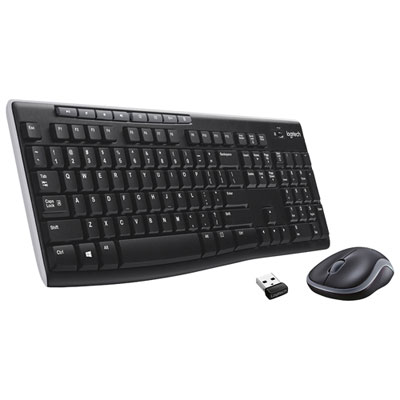 Your price for this item is $39.99
-
 Your price for this item is $50.49
-
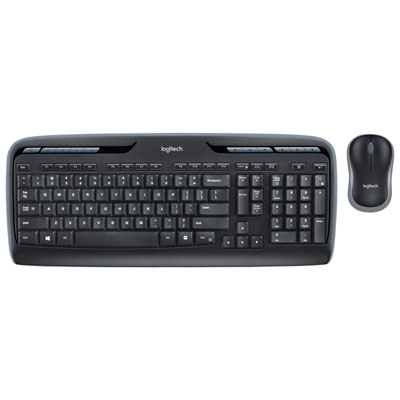 Your price for this item is $59.99
-
 Your price for this item is $59.99
-
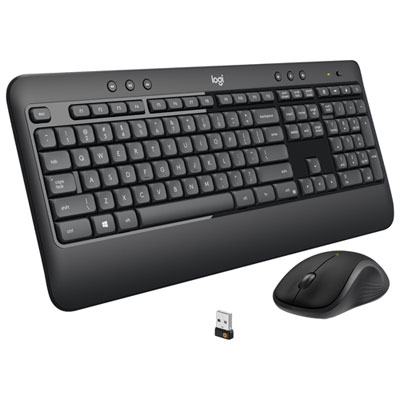 Your price for this item is $69.99
-
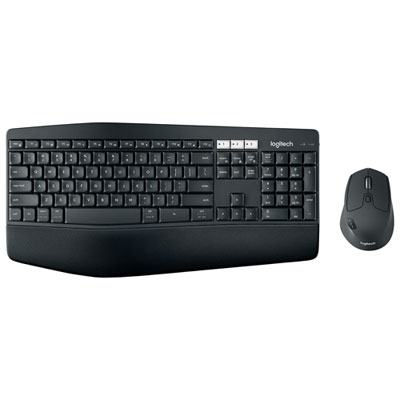 Your price for this item is $129.99
-
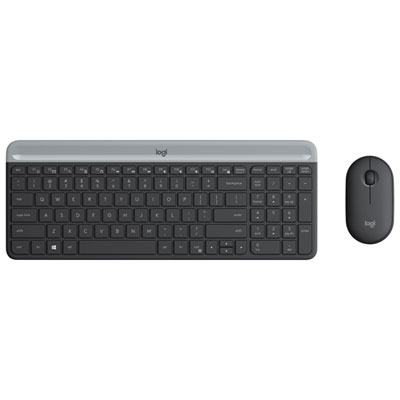 Your price for this item is $69.99
-
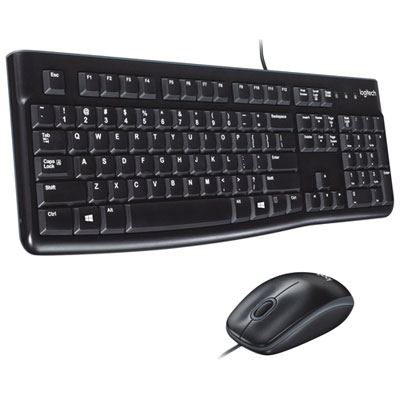 Your price for this item is $20.98
Discover more categories related to Must Have Computer Accessories


Top Collections:
Best Black Friday Deals This Year, Best Black Friday Deals On Electronics, Kindle Devices, Pokemon Centers, Best Black Friday Deals On Apple Products, Best Cameras for Sports Photography, Dyson Airwrap, Pokémon 30th Celebration Cards, Apple iPhone 17 Pro, Canon G7X Cameras
Some products may be subject to Environmental Handling Fees
(EHF) depending on your province.
Learn more about EHFs.