Office Printing Equipment
Looking to upgrade your office printing setup? Discover a wide selection of high-quality office printing equipment designed to meet all your business needs. From efficient printers and scanners to reliable copiers and fax machines, our range of office printing equipment offers cutting-edge technology and innovative features to streamline your workflow. Whether you're setting up a new office or looking to enhance your current printing capabilities, we have the tools you need to create professional-quality documents with ease. Explore our collection today and take your office productivity to the next level.
Sort
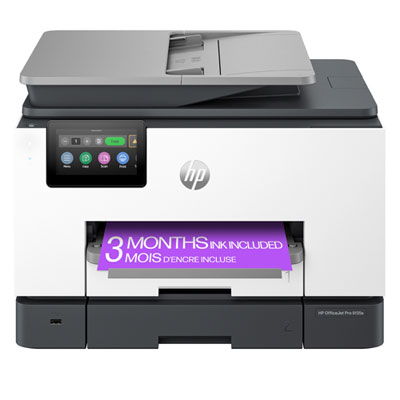
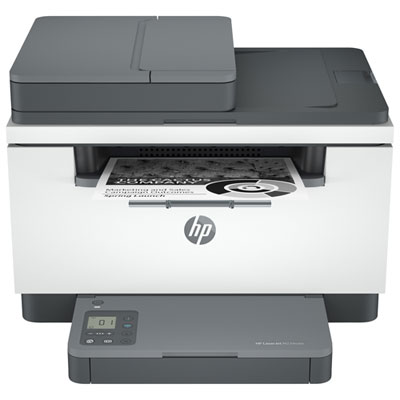
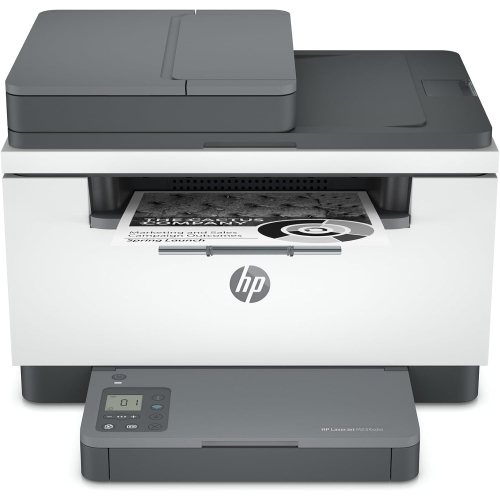
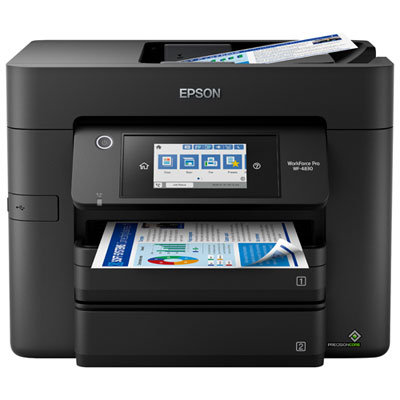


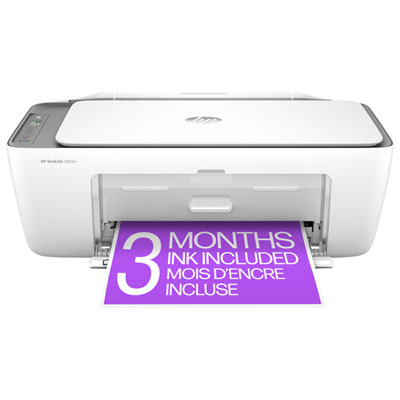
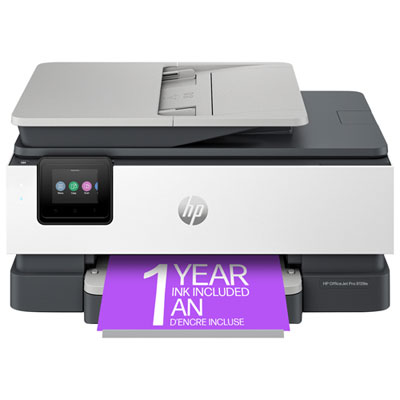
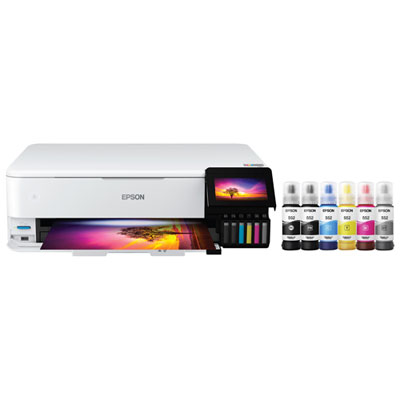
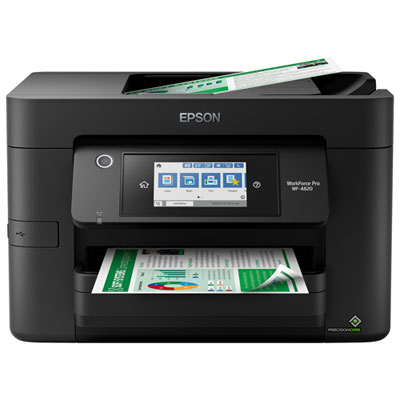

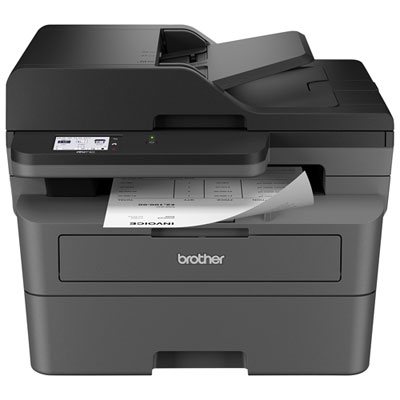
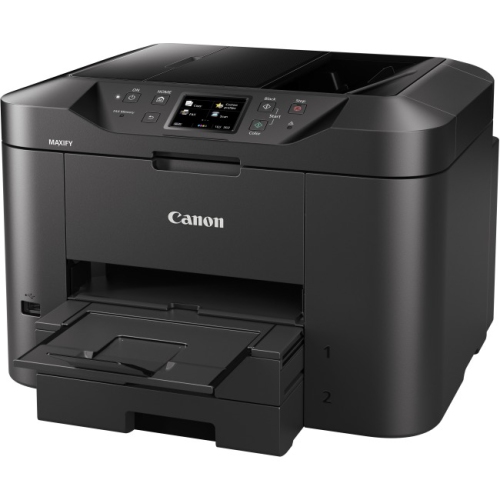
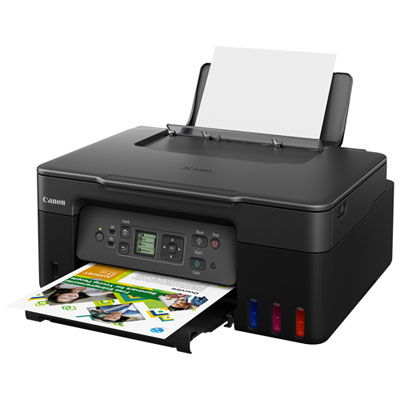
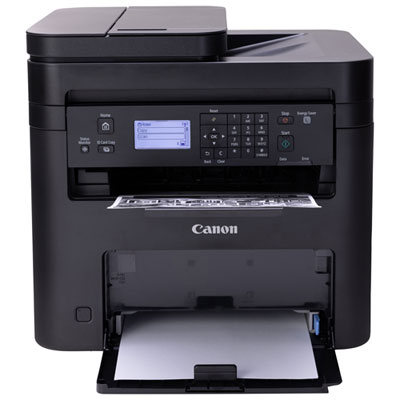
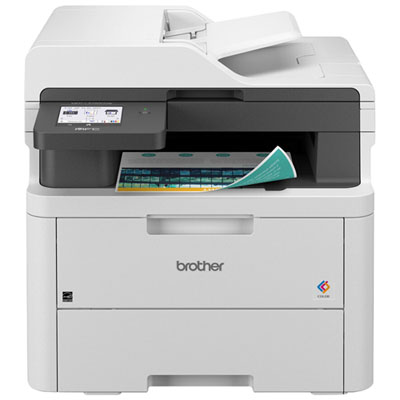
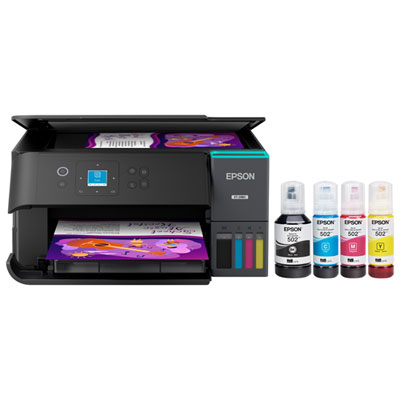
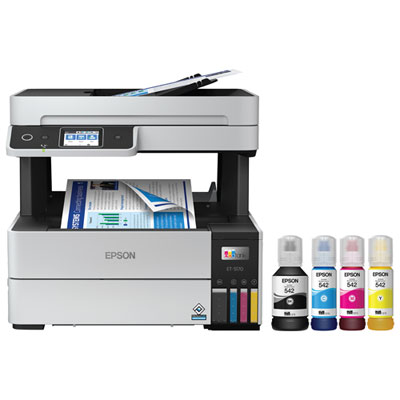
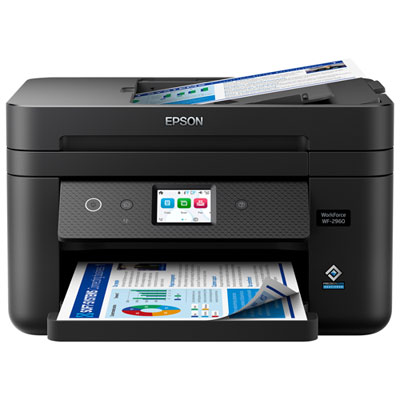
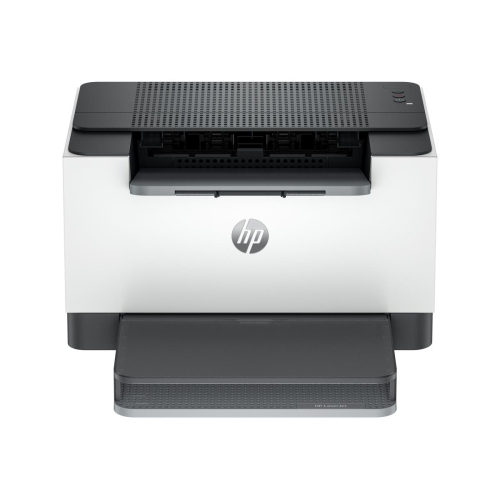
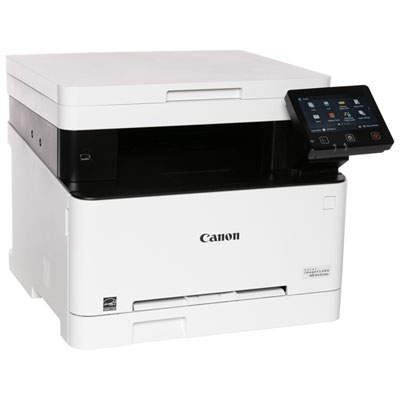
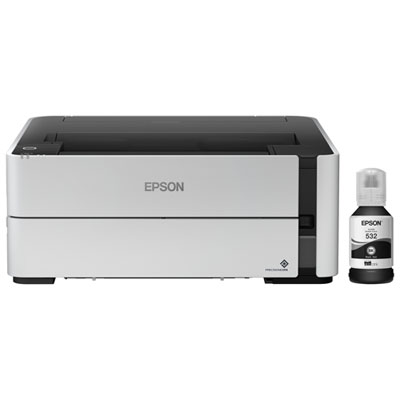
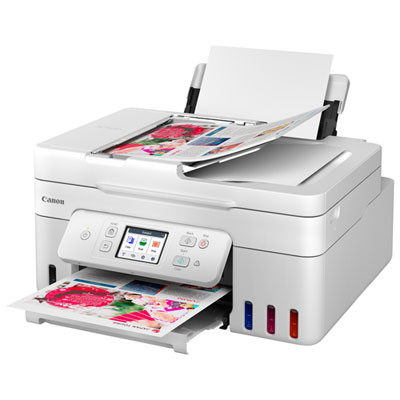
Practical printing options for every office workload
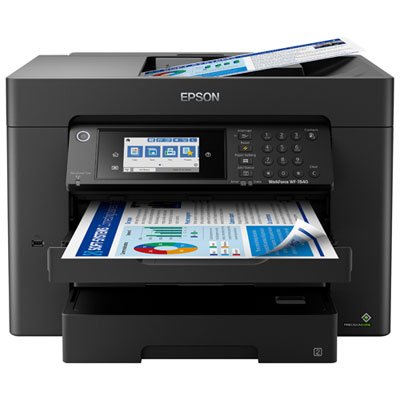
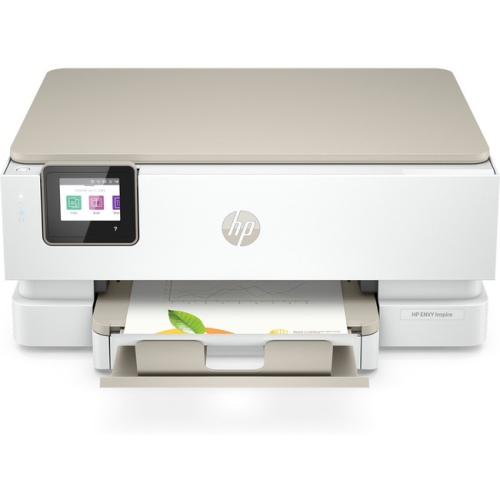
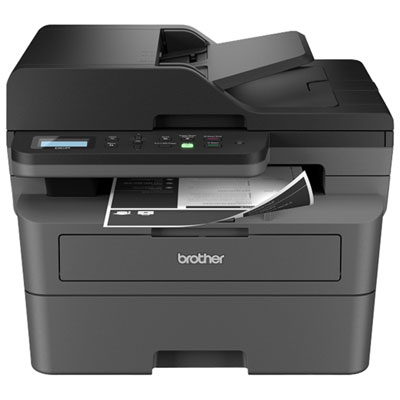
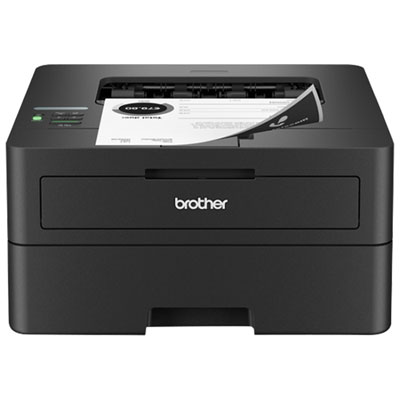
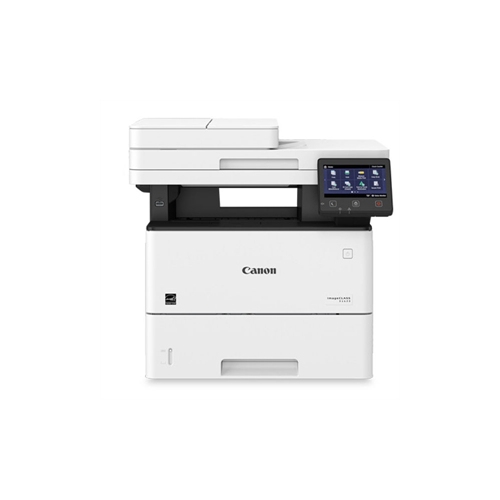
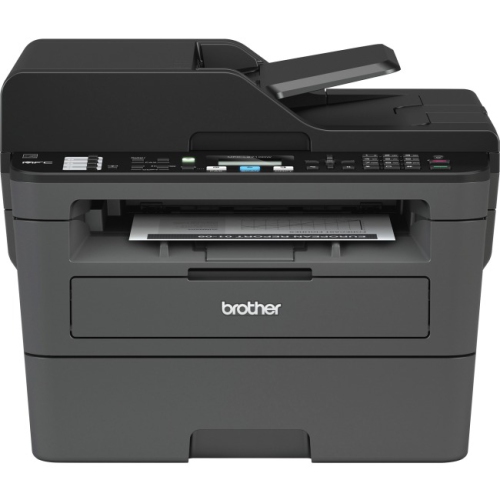
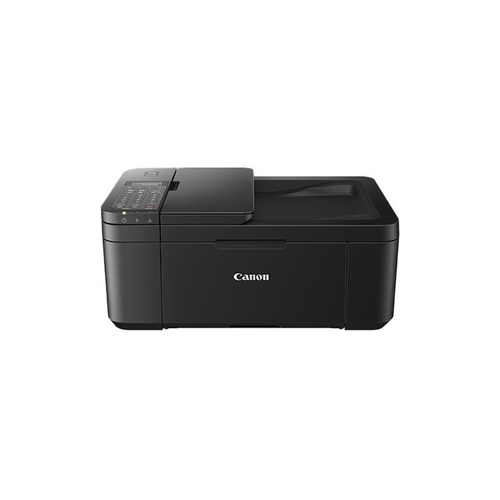
Office printing equipment helps keep everyday work moving, whether it is installed in a dedicated office, placed on a reception counter, or tucked into a quiet corner of a home workspace. This category includes compact desktop printers for occasional documents, fast laser printers for busy offices, colour inkjet printers for presentations and graphics, refillable ink-tank models for frequent colour printing, and multifunction printers that combine printing, scanning, copying, and faxing in one device. A small home office may need a straightforward printer for invoices, forms, shipping labels, and occasional school or personal documents, while a shared workplace may benefit from a network-ready model with a larger paper tray and faster output. Clinics, studios, property managers, retail counters, classrooms, and small businesses can also use office printing equipment to produce contracts, schedules, reports, receipts, marketing materials, and internal notices without relying on a separate service. For shoppers comparing office-focused options, the most useful starting points are the type of documents being printed, the expected monthly volume, and whether colour is essential. Laser printers are often well suited to crisp black-and-white text and regular workloads, while inkjet printers can provide detailed colour graphics, photographs, charts, and presentations. Refillable ink-tank printers are designed for users who print colour pages frequently and want a convenient way to replenish ink, while traditional cartridge-based models may suit lighter or more varied printing needs. Multifunction printers are particularly practical where desk space is limited or where scanning and copying are part of the daily routine. A team member can scan a signed form, copy identification documents, fax paperwork, and print a final version from the same central device. For a closer look at office-focused options, explore Business Printers.
Print speed, measured in pages per minute, is an important consideration for busy workgroups, but it should be viewed alongside print quality, warm-up time, and the type of document being produced. A printer with a higher pages-per-minute rating can help when staff are printing lengthy reports or multiple copies of a meeting package, whereas a compact model may be perfectly comfortable handling a few pages at a time in a home office. Paper capacity also affects how often the printer needs attention. Standard trays commonly hold around 250 to 500 sheets, with some office models offering additional trays or expandable capacity for different paper sizes and media types. This can be useful when one tray holds standard letter paper and another is reserved for envelopes, legal-size pages, letterhead, or specialty stock. Automatic two-sided printing can reduce manual page handling and make longer documents easier to organize, while an automatic document feeder can scan or copy a stack of pages without requiring each sheet to be placed individually on the glass. Consider the scanner resolution and document feeder capacity if the equipment will be used for archiving records, processing applications, or sharing signed paperwork. Colour capability is another practical choice: black-and-white printing keeps routine text documents clear and focused, while colour can bring charts, branded materials, floor plans, lesson plans, and product sheets to life. Some offices benefit from one dedicated monochrome printer for high-volume paperwork and a separate colour-capable device for presentations and visual documents. Others prefer a single multifunction model to simplify setup and maintenance. Choosing a printer that accepts the paper sizes and weights required for the work can also prevent frustrating jams and uneven results, especially when printing labels, envelopes, card stock, or borderless images.
Connectivity and security become increasingly important when several people share the same office printing equipment. Wi-Fi makes it easier to place a printer where it is convenient rather than beside a computer, while Ethernet connectivity can provide a stable wired connection for a permanent workstation or shared office network. Mobile and cloud printing support can be helpful for sending a document from a phone, tablet, or laptop without transferring files to a desktop computer first. Compatibility with common operating systems and office applications should also be checked before purchase, particularly in workplaces where staff use a mixture of computers and mobile devices. For a shared printer, user access controls, secure printing, encrypted communication, and secure boot features can help protect confidential contracts, payroll documents, client records, and other sensitive material. Some models allow a document to remain in a print queue until a personal identification number is entered at the printer, reducing the chance of private pages being left on an output tray. Think about the location as well: a printer placed near a team meeting area may need quieter operation, while one in a mailroom may benefit from strong label and envelope handling. Keeping the unit within easy reach of paper and replacement supplies makes routine tasks feel less disruptive during the cooler months, when more work may take place indoors, and remains useful as the weather warms and schedules become busier. Office printing equipment can be a thoughtful gift for someone setting up a home business, starting a course, organizing a household, or managing freelance work, especially when the printer matches their actual document habits rather than simply offering the largest feature list. A well-chosen model can turn a cluttered stack of loose pages into clearly labelled folders, polished presentations, and neatly completed paperwork, making the workday more organized from the first printed page to the last.
Print speed, measured in pages per minute, is an important consideration for busy workgroups, but it should be viewed alongside print quality, warm-up time, and the type of document being produced. A printer with a higher pages-per-minute rating can help when staff are printing lengthy reports or multiple copies of a meeting package, whereas a compact model may be perfectly comfortable handling a few pages at a time in a home office. Paper capacity also affects how often the printer needs attention. Standard trays commonly hold around 250 to 500 sheets, with some office models offering additional trays or expandable capacity for different paper sizes and media types. This can be useful when one tray holds standard letter paper and another is reserved for envelopes, legal-size pages, letterhead, or specialty stock. Automatic two-sided printing can reduce manual page handling and make longer documents easier to organize, while an automatic document feeder can scan or copy a stack of pages without requiring each sheet to be placed individually on the glass. Consider the scanner resolution and document feeder capacity if the equipment will be used for archiving records, processing applications, or sharing signed paperwork. Colour capability is another practical choice: black-and-white printing keeps routine text documents clear and focused, while colour can bring charts, branded materials, floor plans, lesson plans, and product sheets to life. Some offices benefit from one dedicated monochrome printer for high-volume paperwork and a separate colour-capable device for presentations and visual documents. Others prefer a single multifunction model to simplify setup and maintenance. Choosing a printer that accepts the paper sizes and weights required for the work can also prevent frustrating jams and uneven results, especially when printing labels, envelopes, card stock, or borderless images.
Connectivity and security become increasingly important when several people share the same office printing equipment. Wi-Fi makes it easier to place a printer where it is convenient rather than beside a computer, while Ethernet connectivity can provide a stable wired connection for a permanent workstation or shared office network. Mobile and cloud printing support can be helpful for sending a document from a phone, tablet, or laptop without transferring files to a desktop computer first. Compatibility with common operating systems and office applications should also be checked before purchase, particularly in workplaces where staff use a mixture of computers and mobile devices. For a shared printer, user access controls, secure printing, encrypted communication, and secure boot features can help protect confidential contracts, payroll documents, client records, and other sensitive material. Some models allow a document to remain in a print queue until a personal identification number is entered at the printer, reducing the chance of private pages being left on an output tray. Think about the location as well: a printer placed near a team meeting area may need quieter operation, while one in a mailroom may benefit from strong label and envelope handling. Keeping the unit within easy reach of paper and replacement supplies makes routine tasks feel less disruptive during the cooler months, when more work may take place indoors, and remains useful as the weather warms and schedules become busier. Office printing equipment can be a thoughtful gift for someone setting up a home business, starting a course, organizing a household, or managing freelance work, especially when the printer matches their actual document habits rather than simply offering the largest feature list. A well-chosen model can turn a cluttered stack of loose pages into clearly labelled folders, polished presentations, and neatly completed paperwork, making the workday more organized from the first printed page to the last.
Top selling and popular products
-
 Your price for this item is $249.99
 -
 Your price for this item is $173.68
 -
 Your price for this item is $309.47
 -
 Your price for this item is $247.92
 -
 Your price for this item is $79.99
 -
 Your price for this item is $214.99
 -
 Your price for this item is $199.99
 -
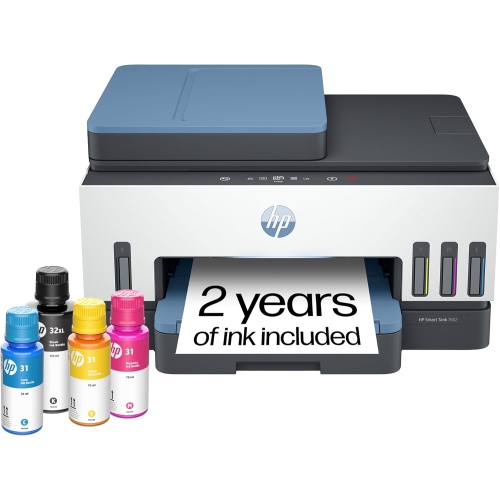 Your price for this item is $569.89
Discover more categories related to Office Printing Equipment
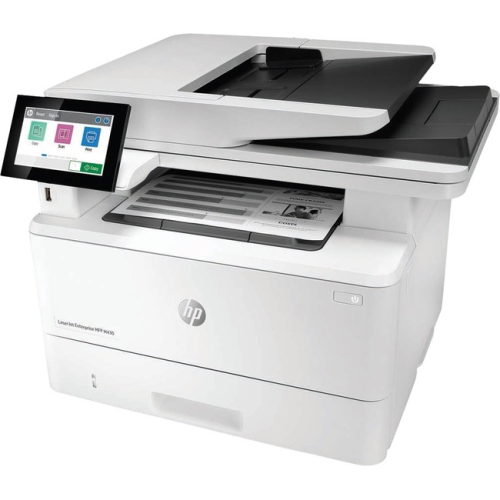
Top Collections:
Pokemon Centers, Kindle Devices, Best Budget Office Chairs, Apple iPhones 16, Best Laptops for Writers, iPhone 15 Apple, Canon G7X Cameras, Refurbished Apple Laptops, Alarm Clock, Motorola Razr Phones
Some products may be subject to Environmental Handling Fees
(EHF) depending on your province.
Learn more about EHFs.