Office Suite Software
Upgrade your office productivity with our wide selection of office suite software. Whether you're a student, professional, or small business owner, having the right tools to create, edit, and manage documents is essential. Our collection includes a variety of office suite software options that offer comprehensive features such as word processing, spreadsheet management, presentation creation, and more. With user-friendly interfaces and powerful functionality, these software solutions will streamline your work processes and help you stay organized. Boost your efficiency and unlock your full potential with our range of office suite software options today.
Sort
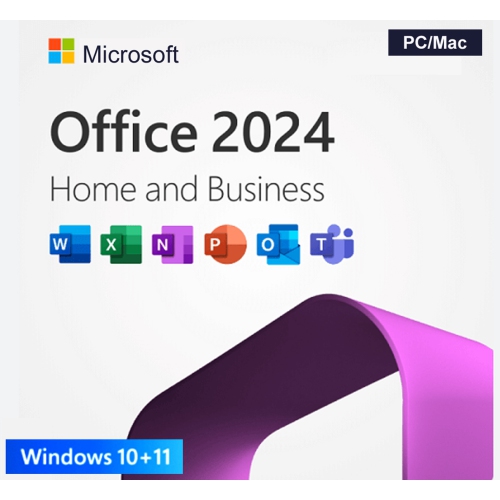


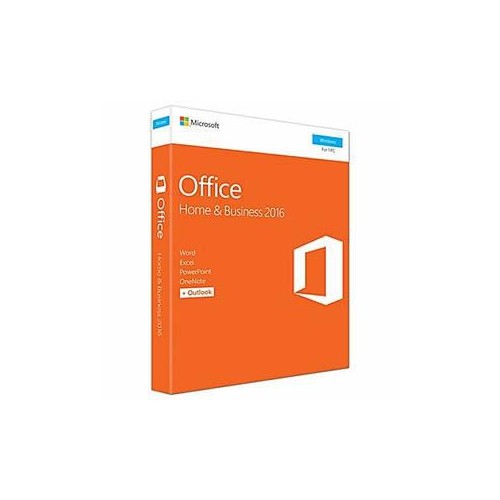
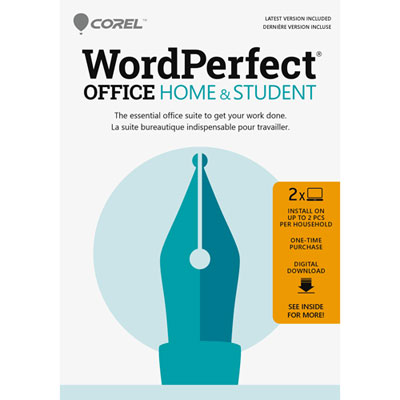

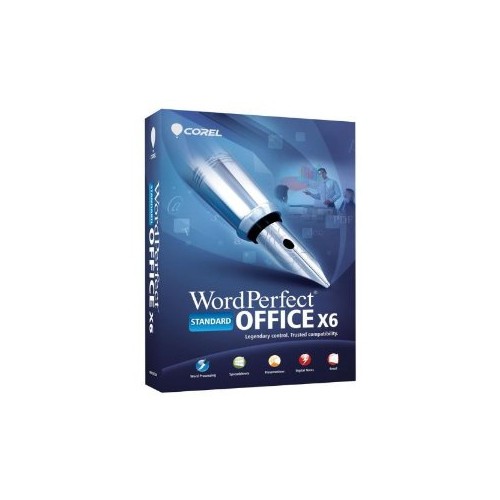
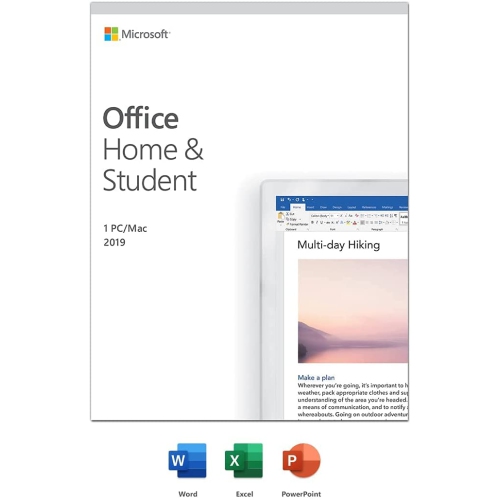
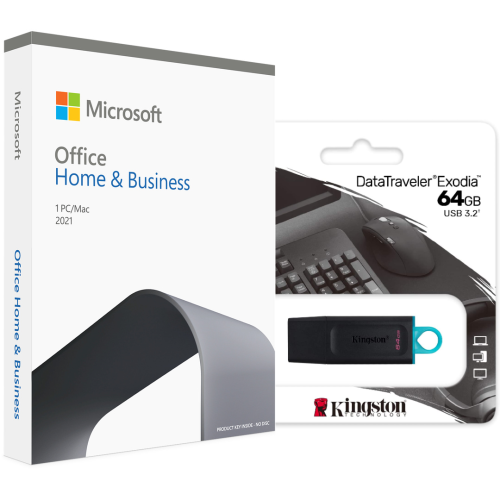
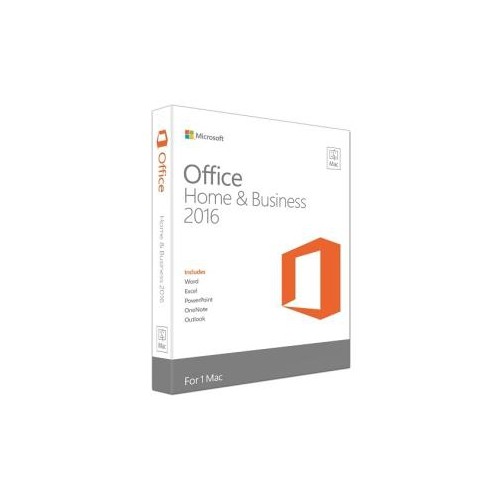
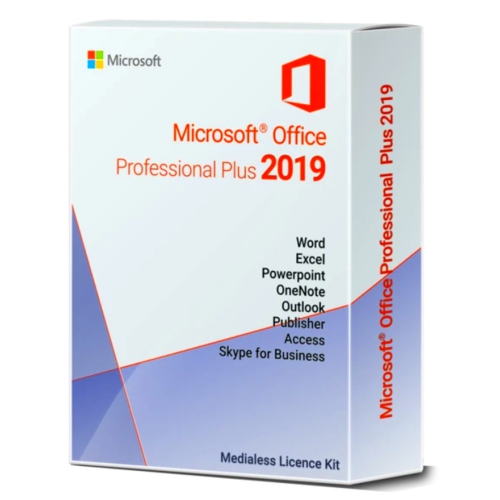
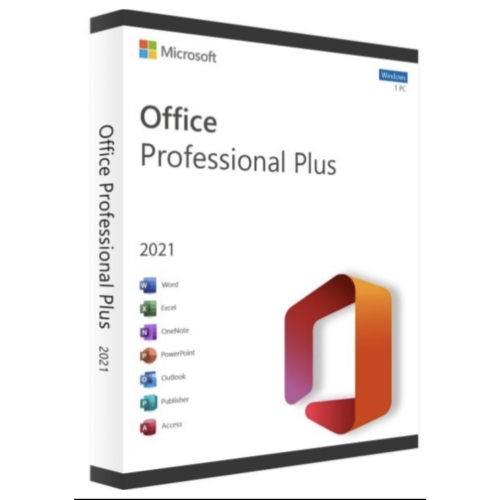
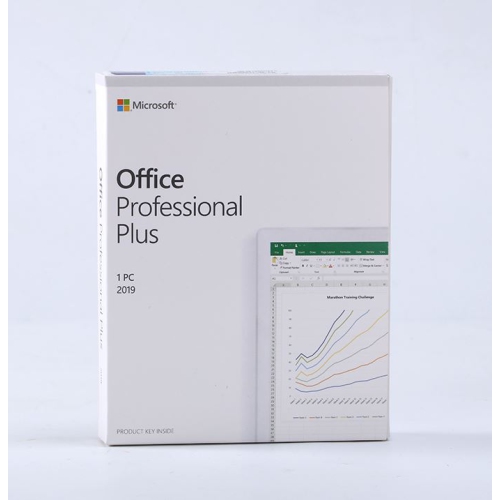

How a household budget becomes a report or presentation
Office suite software brings together productivity applications for creating, editing, organizing, and sharing documents. A typical suite includes a word processor for written work, a spreadsheet application for calculations and data, and presentation software for slide-based communication. Depending on the package, it may also include tools for email, calendars, note-taking, forms, or online file storage. Having these applications together can make everyday tasks more connected: figures from a household budget can become a chart, that chart can appear in a report, and the report’s main points can be adapted into a presentation. Word processing tools support everything from a simple letter to a lengthy proposal, with features such as heading styles, page numbering, tables, citations, and spelling checks. Spreadsheet tools arrange information in rows and columns, using formulas, sorting, filters, and charts to turn lists of numbers into useful summaries. Presentation tools combine text, images, diagrams, and speaker notes to explain an idea to an audience. These capabilities serve a wide range of people, including students preparing assignments, teachers developing lesson materials, small business owners tracking expenses, and households keeping shared plans organized. A volunteer might use a spreadsheet to manage event registrations, while a job seeker might rely on document templates to keep a résumé and cover letter consistent. For someone working with long documents, a navigable table of contents and reliable style controls may matter more than elaborate visual effects. For someone presenting proposals, slide layouts, alignment tools, and clear charts may be central to the work. Office productivity software is therefore less about a single task than a connected set of tasks that repeat throughout a day. The most suitable feature set depends on the kind of information being handled, the level of detail involved, and the people who need to read or edit the finished files. A suite that supports those ordinary routines can keep related work in familiar applications without requiring a separate tool for every document.
Office suites differ in how their applications run and where files are stored. Desktop applications are installed on a computer and may support substantial work without an active internet connection, although installation, activation, updates, or certain features can still require online access. Browser-based applications run through a supported web browser and often emphasize shared files and collaborative editing. Some suites combine desktop, browser, and mobile access, allowing a document to move between a desk computer and a portable device. The experience is not necessarily identical on every screen: a phone may be convenient for reading comments or making a small text change, while a larger display and keyboard are better suited to wide spreadsheets or detailed page layouts. Compatibility includes more than whether an application opens on a device. Supported operating system versions, processor requirements, memory, storage space, and browser requirements all affect whether the software fits an existing setup. File compatibility matters just as much when work moves between people using different applications. Common document, spreadsheet, and presentation formats can make exchanges easier, but complex layouts, unusual fonts, advanced formulas, animations, or automated scripts may behave differently after conversion. A résumé that looks balanced on one computer can shift onto an extra page if a font is missing elsewhere. Exporting a finished document as a PDF can help preserve its appearance for reading or printing, while sharing an editable file remains useful when another person needs to revise the content. For workflows centred on installed applications, Office Program Downloads provides a related category to explore. Download delivery and browser-based use are different concepts; downloaded software may run locally, while a web application is accessed online. Clear distinctions between installation method, supported devices, and file formats help match an office suite to the way documents will actually be created, exchanged, and retained. They are especially relevant when a student must submit editable assignments or a business regularly exchanges spreadsheets with outside contacts.
Collaboration, licensing, and ongoing maintenance also shape the usefulness of office suite software over time. Shared editing can let several people contribute to the same document, while comments and tracked changes keep suggestions separate from the main text. In a group assignment, one person might refine the introduction while another checks the figures; in a small office, a draft proposal might move from its author to a reviewer before being approved. Where supported, version history can help identify earlier changes and restore a previous draft, but its scope and retention depend on the application and account settings. Sharing permissions are equally important, since a recipient who only needs to read a document does not necessarily need permission to edit it. Online storage can simplify access across devices, but synchronization is not the same as an independent backup: an unwanted edit or deletion may also sync. Keeping a separate backup of important work adds another layer of protection. Licensing terms determine who can use the software, how many devices are covered, and whether business use is permitted. Some licences apply to a particular software version, while subscriptions generally provide access for an active term; included applications, storage allowances, and update rights vary. A household sharing a computer has different needs from a business assigning accounts to several employees, and multiple installations do not always mean multiple people are covered. Long-term usability also depends on continued compatibility with the device, access to support, and the software’s update lifecycle. Security updates, strong account passwords, and additional sign-in verification where supported help protect documents and account access. Accessibility features deserve attention as well, including keyboard navigation, screen reader support, dictation, zoom controls, and tools for checking document readability. Canadian English spelling settings, bilingual proofing where needed, and appropriate date and number formats can make routine work more accurate. Together, these practical details help office suites support not just the first document created, but the steady flow of writing, calculations, presentations, and shared decisions that follows.
Office suites differ in how their applications run and where files are stored. Desktop applications are installed on a computer and may support substantial work without an active internet connection, although installation, activation, updates, or certain features can still require online access. Browser-based applications run through a supported web browser and often emphasize shared files and collaborative editing. Some suites combine desktop, browser, and mobile access, allowing a document to move between a desk computer and a portable device. The experience is not necessarily identical on every screen: a phone may be convenient for reading comments or making a small text change, while a larger display and keyboard are better suited to wide spreadsheets or detailed page layouts. Compatibility includes more than whether an application opens on a device. Supported operating system versions, processor requirements, memory, storage space, and browser requirements all affect whether the software fits an existing setup. File compatibility matters just as much when work moves between people using different applications. Common document, spreadsheet, and presentation formats can make exchanges easier, but complex layouts, unusual fonts, advanced formulas, animations, or automated scripts may behave differently after conversion. A résumé that looks balanced on one computer can shift onto an extra page if a font is missing elsewhere. Exporting a finished document as a PDF can help preserve its appearance for reading or printing, while sharing an editable file remains useful when another person needs to revise the content. For workflows centred on installed applications, Office Program Downloads provides a related category to explore. Download delivery and browser-based use are different concepts; downloaded software may run locally, while a web application is accessed online. Clear distinctions between installation method, supported devices, and file formats help match an office suite to the way documents will actually be created, exchanged, and retained. They are especially relevant when a student must submit editable assignments or a business regularly exchanges spreadsheets with outside contacts.
Collaboration, licensing, and ongoing maintenance also shape the usefulness of office suite software over time. Shared editing can let several people contribute to the same document, while comments and tracked changes keep suggestions separate from the main text. In a group assignment, one person might refine the introduction while another checks the figures; in a small office, a draft proposal might move from its author to a reviewer before being approved. Where supported, version history can help identify earlier changes and restore a previous draft, but its scope and retention depend on the application and account settings. Sharing permissions are equally important, since a recipient who only needs to read a document does not necessarily need permission to edit it. Online storage can simplify access across devices, but synchronization is not the same as an independent backup: an unwanted edit or deletion may also sync. Keeping a separate backup of important work adds another layer of protection. Licensing terms determine who can use the software, how many devices are covered, and whether business use is permitted. Some licences apply to a particular software version, while subscriptions generally provide access for an active term; included applications, storage allowances, and update rights vary. A household sharing a computer has different needs from a business assigning accounts to several employees, and multiple installations do not always mean multiple people are covered. Long-term usability also depends on continued compatibility with the device, access to support, and the software’s update lifecycle. Security updates, strong account passwords, and additional sign-in verification where supported help protect documents and account access. Accessibility features deserve attention as well, including keyboard navigation, screen reader support, dictation, zoom controls, and tools for checking document readability. Canadian English spelling settings, bilingual proofing where needed, and appropriate date and number formats can make routine work more accurate. Together, these practical details help office suites support not just the first document created, but the steady flow of writing, calculations, presentations, and shared decisions that follows.
Top selling and popular products
-
 Your price for this item is $199.99
 -
 Your price for this item is $169.99
 -
 Your price for this item is $319.99
 -
 Your price for this item is $189.99
 -
 Your price for this item is $113.98
 -
 Your price for this item is $549
 -
 Your price for this item is $49.99
 -
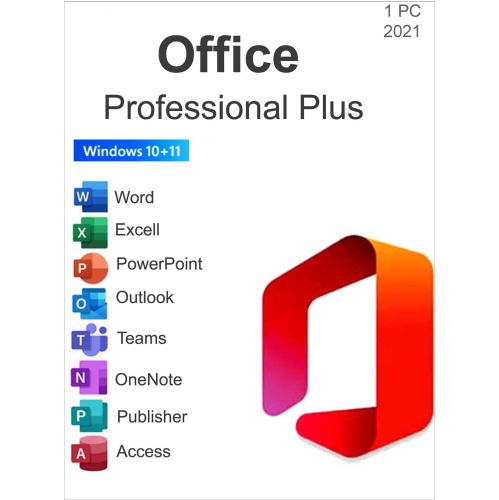 Your price for this item is $49.95
Discover more categories related to Office Suite Software
Top Collections:
Pokemon Centers, Kindle Devices, Best Budget Office Chairs, Apple iPhones 16, Best Laptops for Writers, iPhone 15 Apple, Canon G7X Cameras, Refurbished Apple Laptops, Alarm Clock, Motorola Razr Phones
Some products may be subject to Environmental Handling Fees
(EHF) depending on your province.
Learn more about EHFs.