Online Webcams
Upgrade your video conferencing game with our selection of online webcams. Whether you're working from home, connecting with friends and family, or attending virtual meetings, a high-quality webcam is essential for crystal-clear video and audio. Browse our range of webcams featuring advanced technology and sleek designs to find the perfect match for your needs. Say goodbye to blurry video and hello to professional-quality video calls with our top-notch online webcams.
Sort
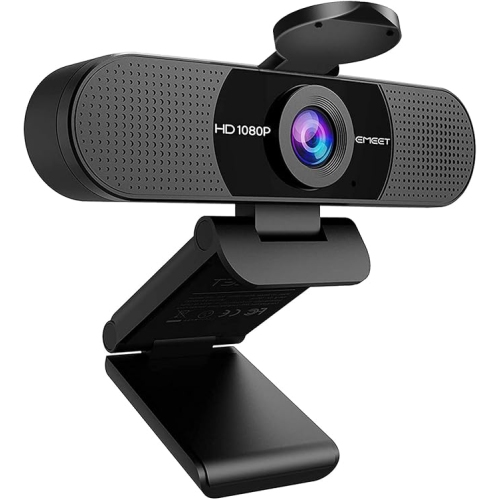


![EMEET C960 1080P Webcam With Dual Microphones [Employee of 3m-scotch-brite] I love cleaning with this scrub sponge!](https://multimedia.bbycastatic.ca/multimedia/products/500x500/201/20183/20183752.jpeg)
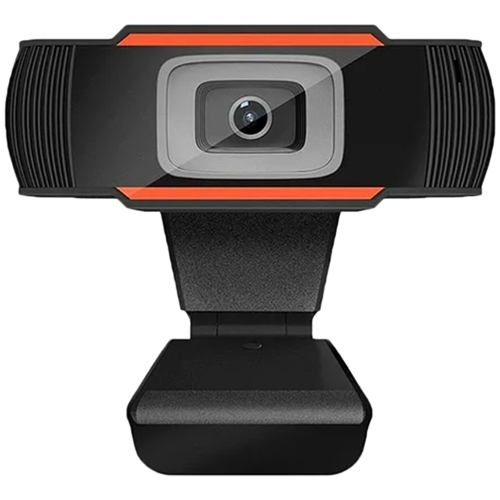


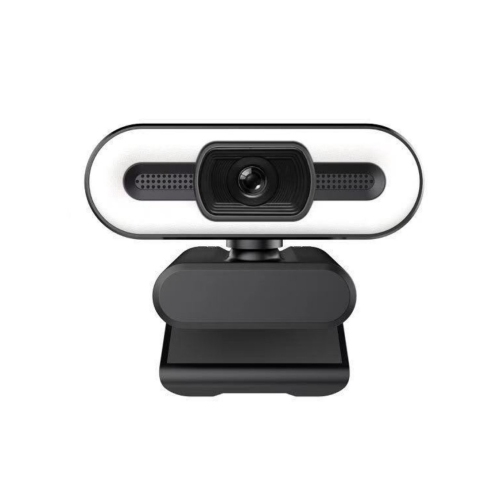
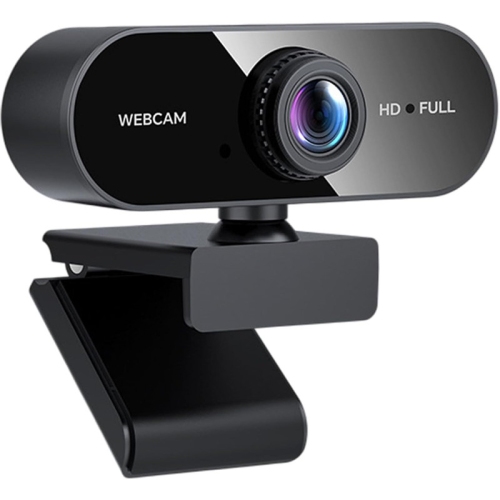

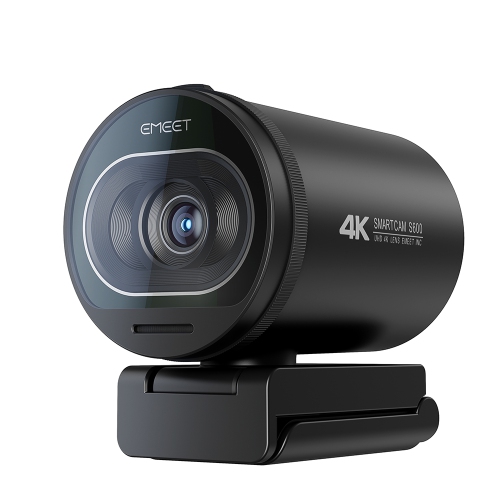


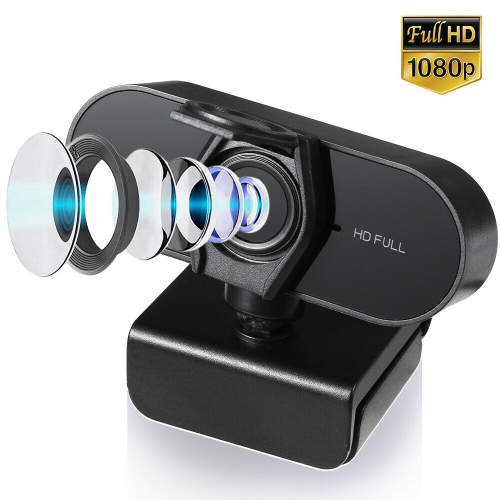
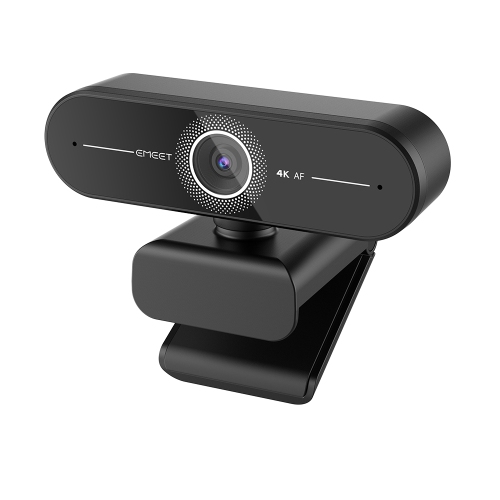
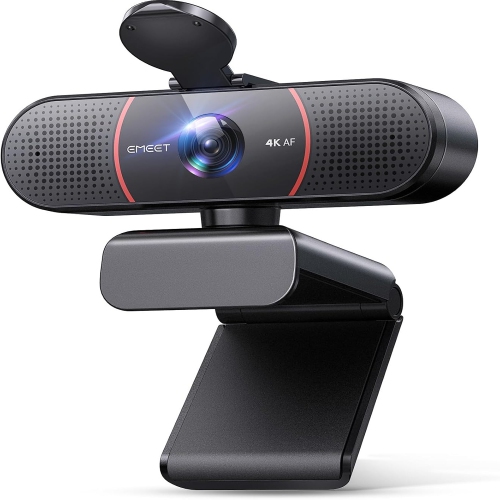
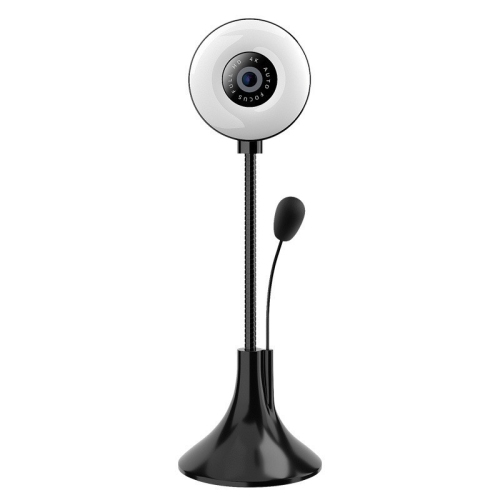
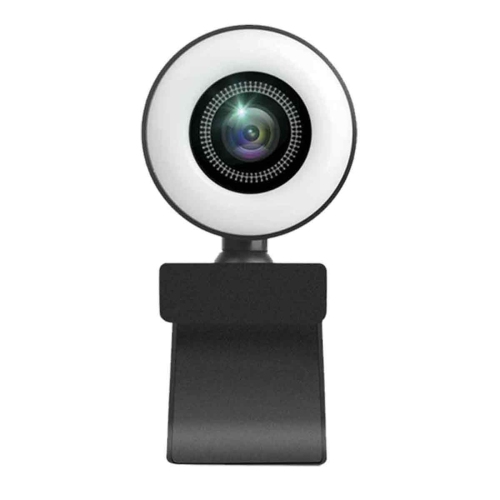
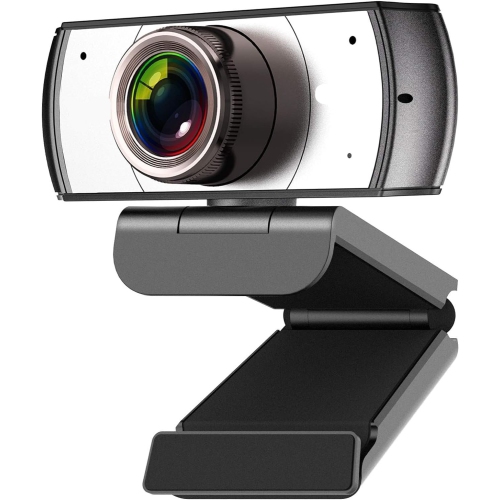
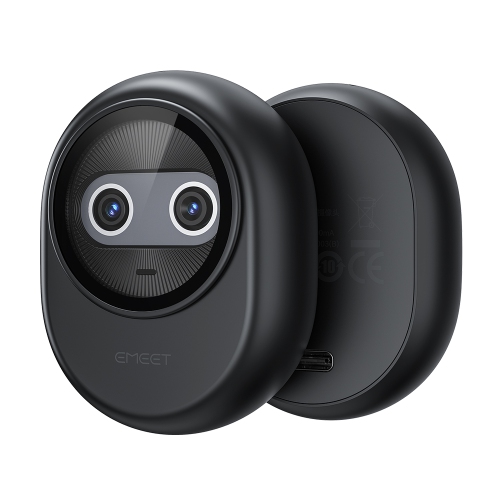
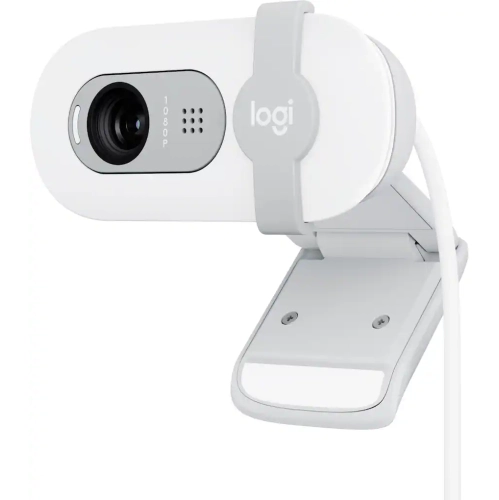
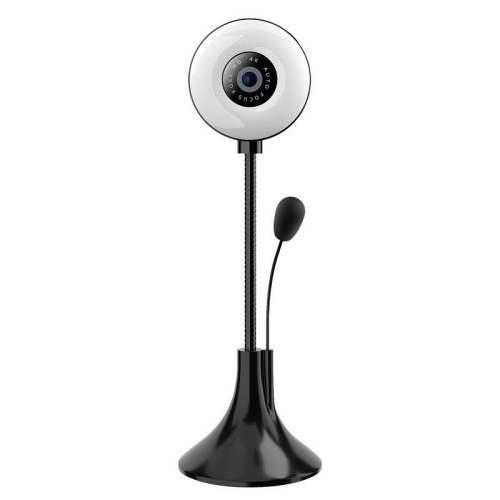

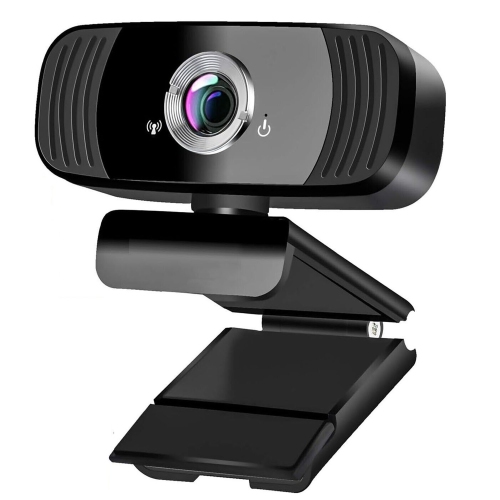


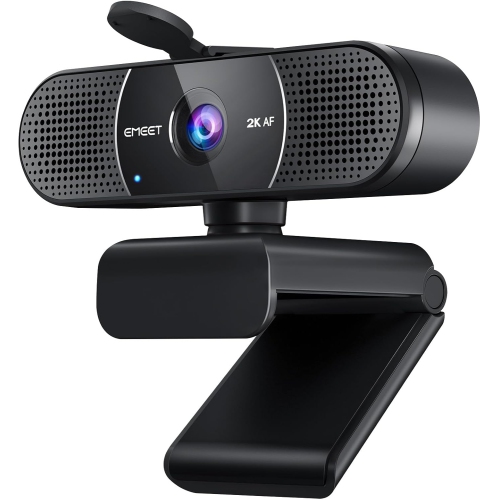
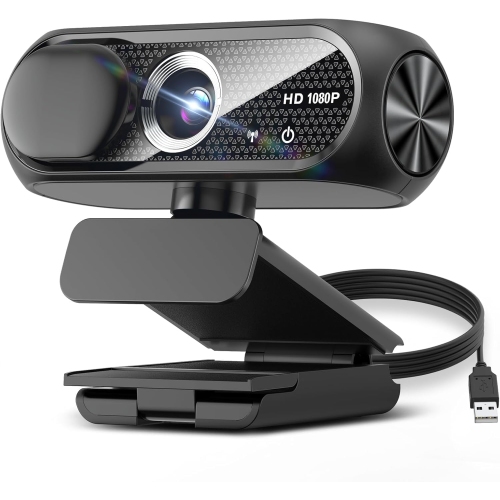
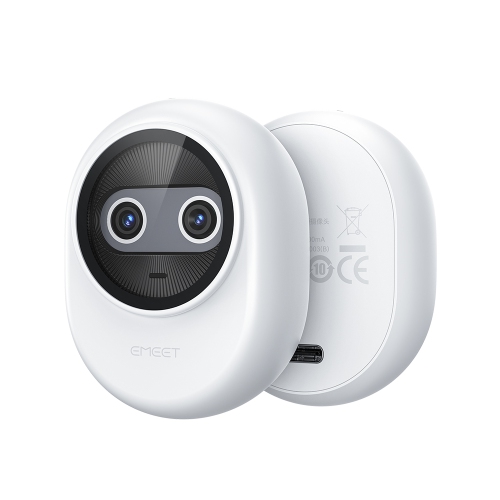
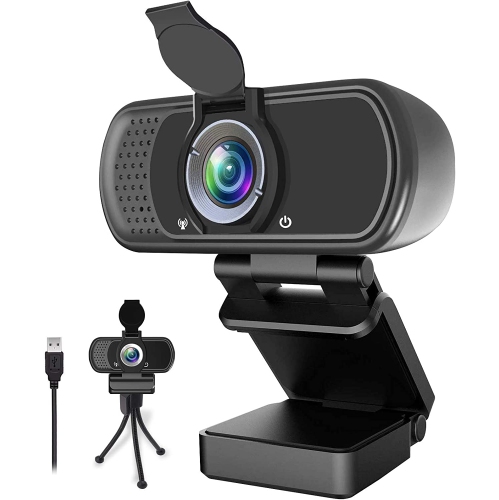
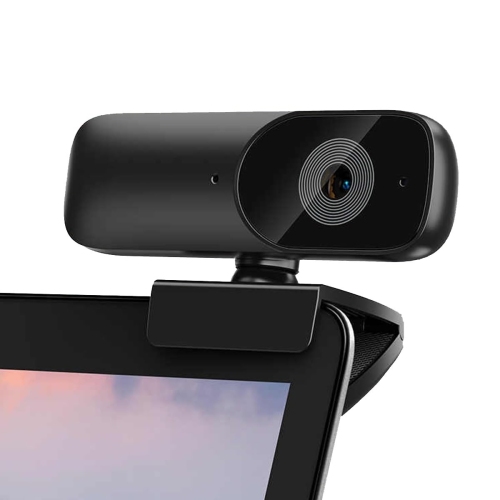
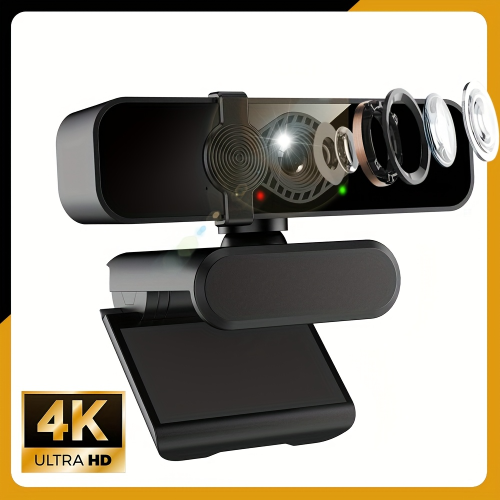
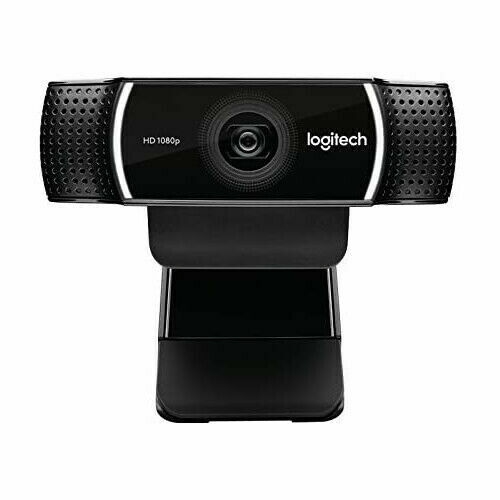
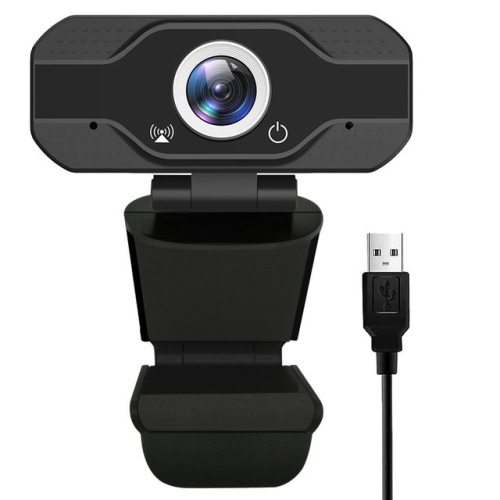
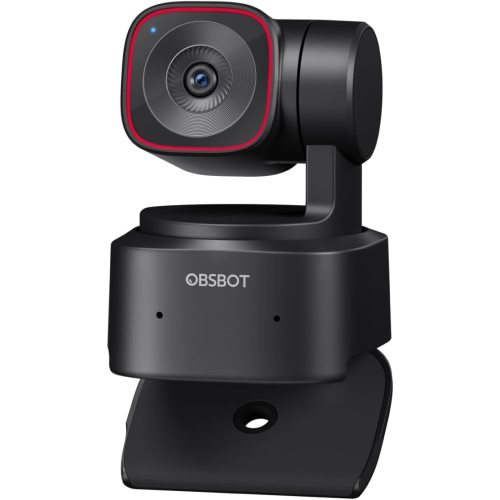
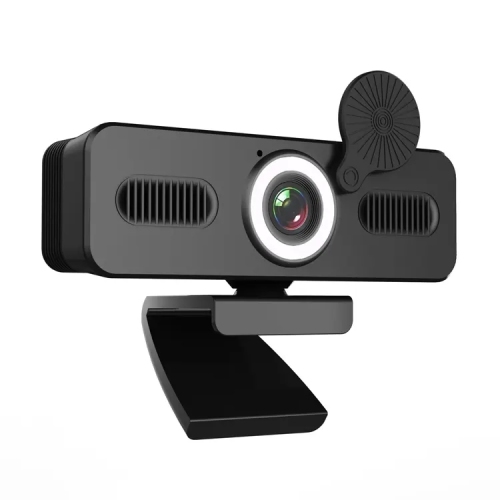
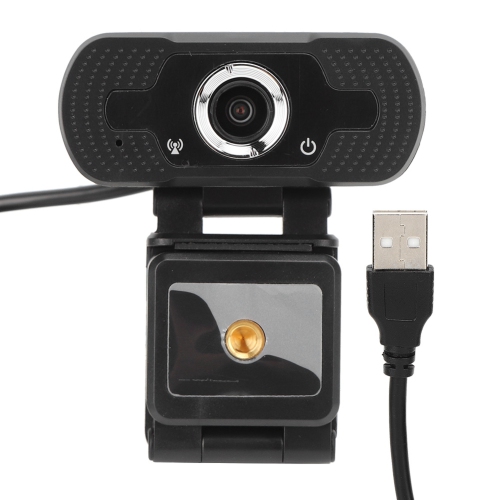
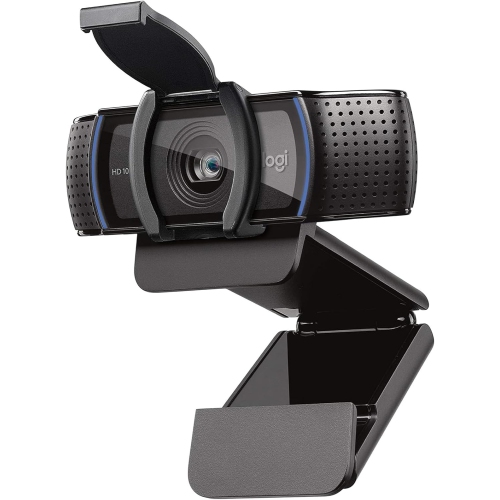
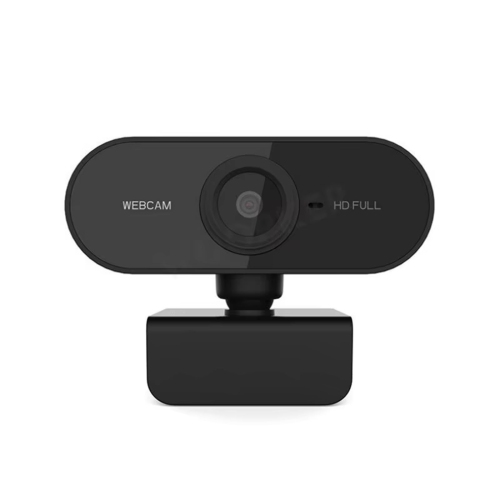
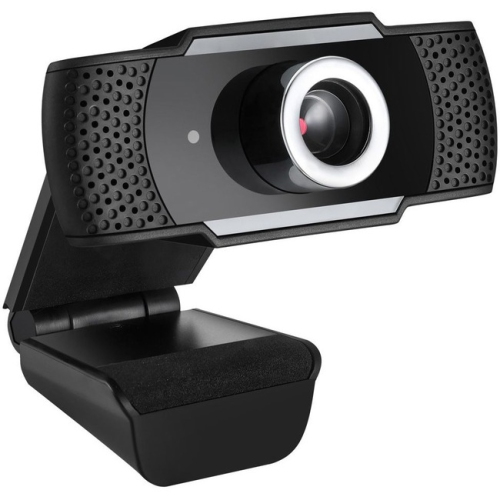
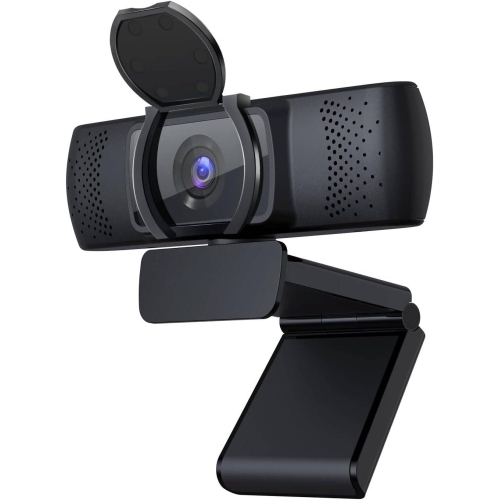
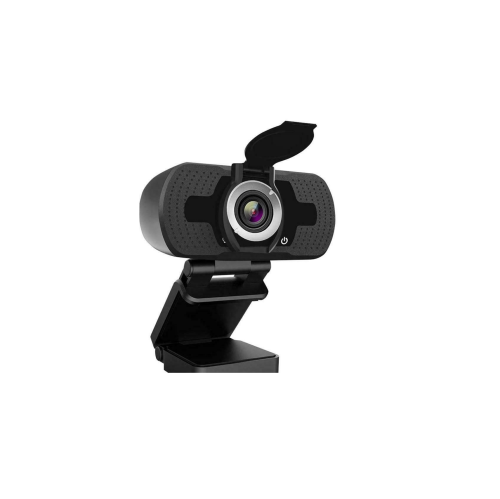
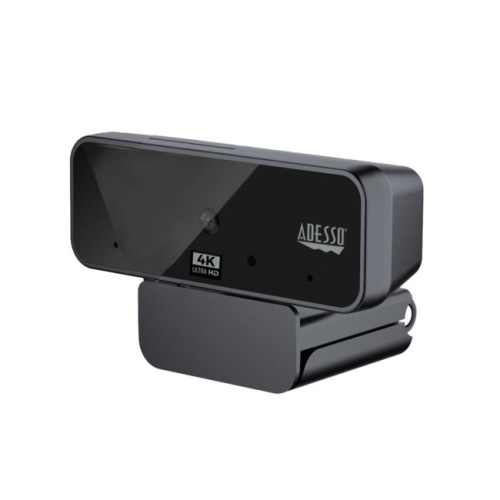
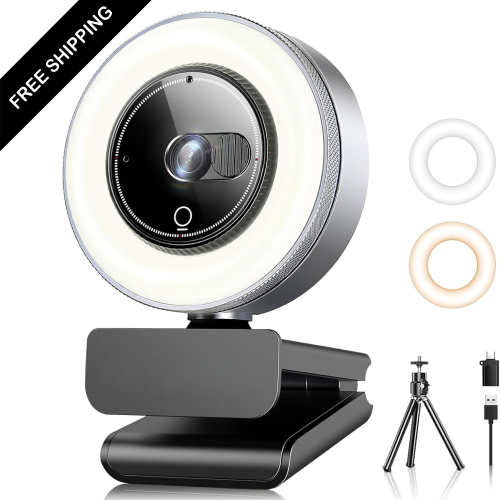
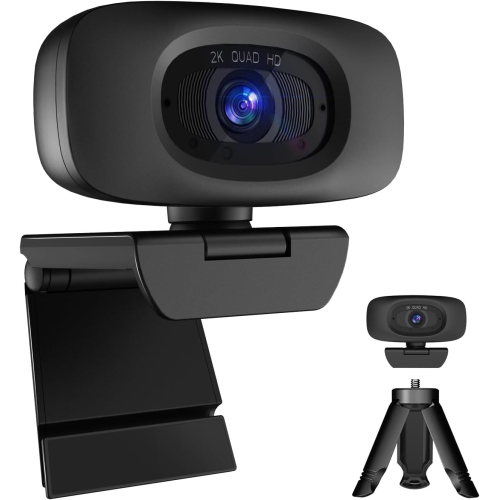
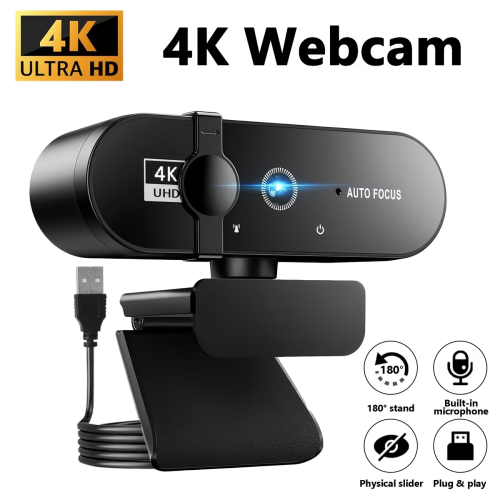
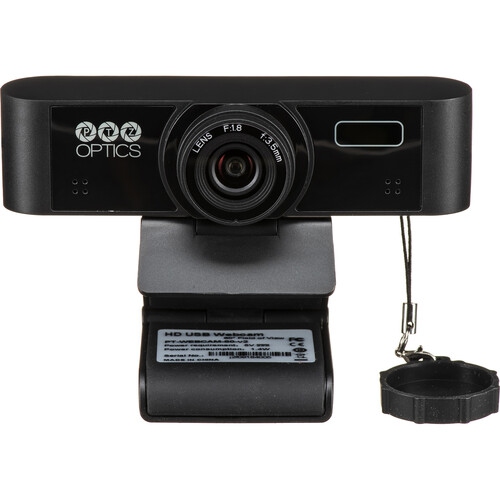
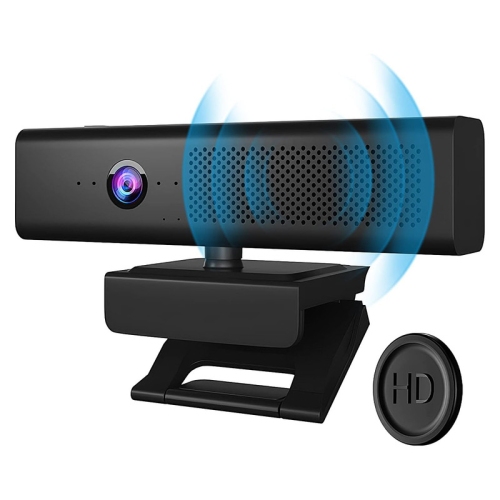
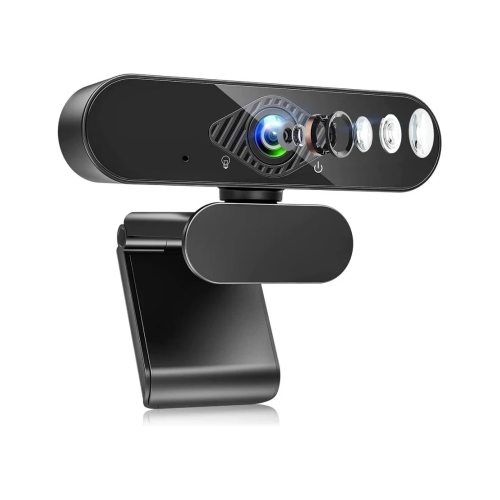
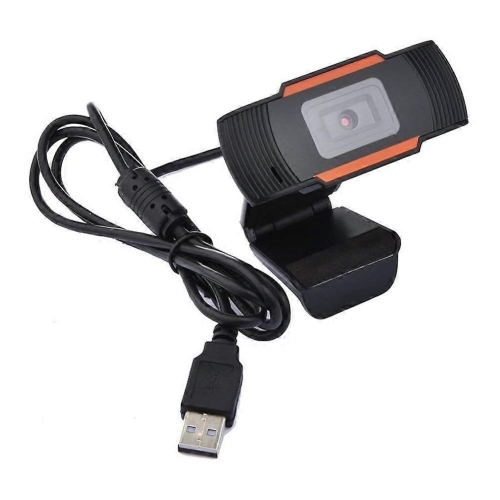
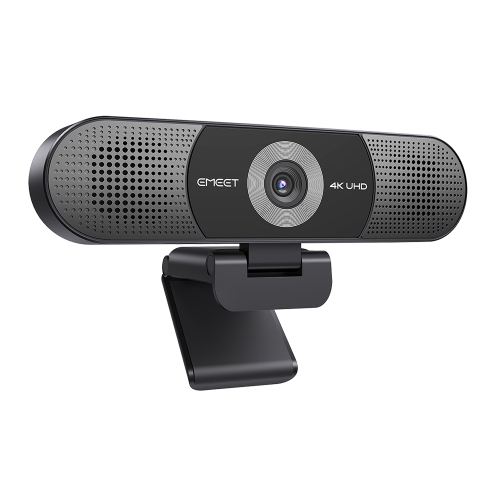
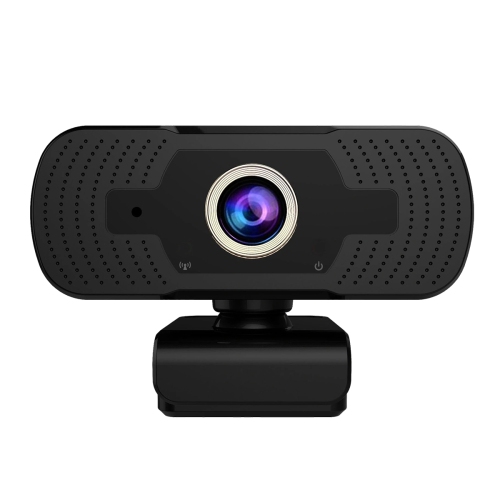
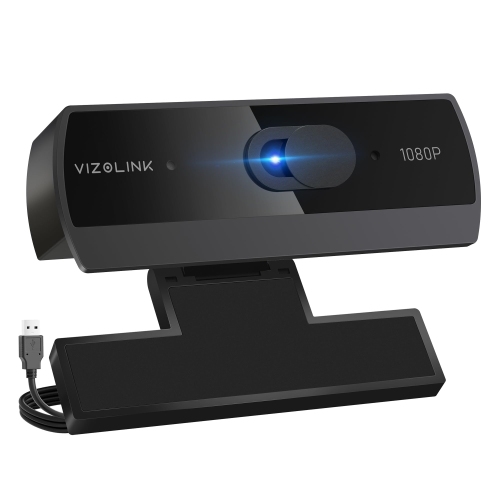
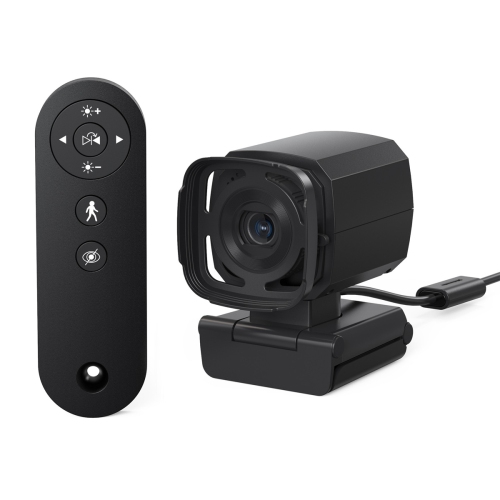
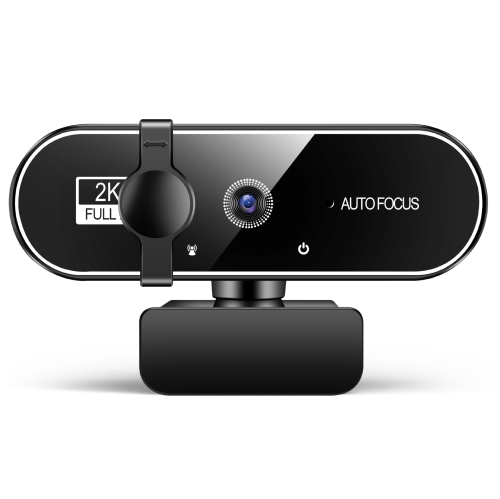
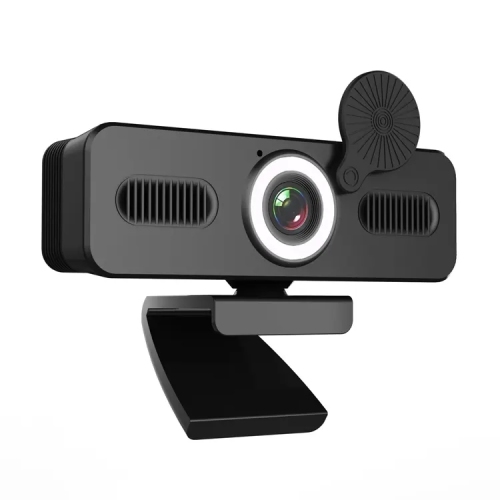
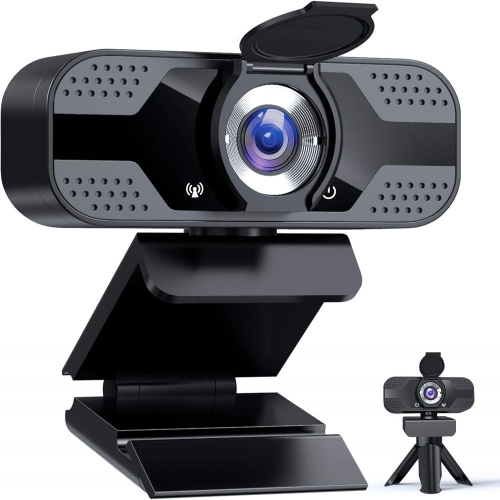
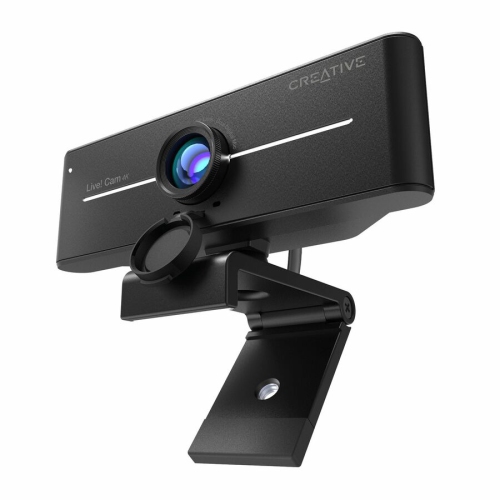
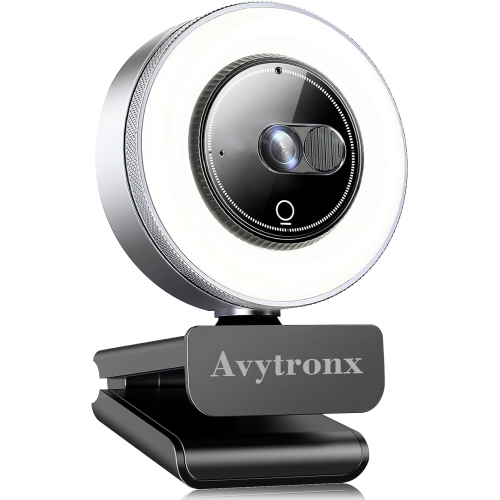
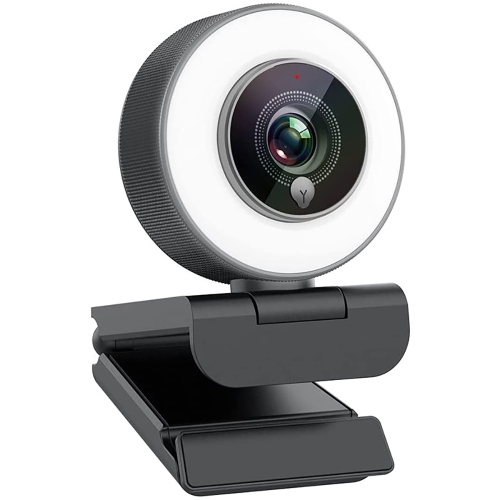
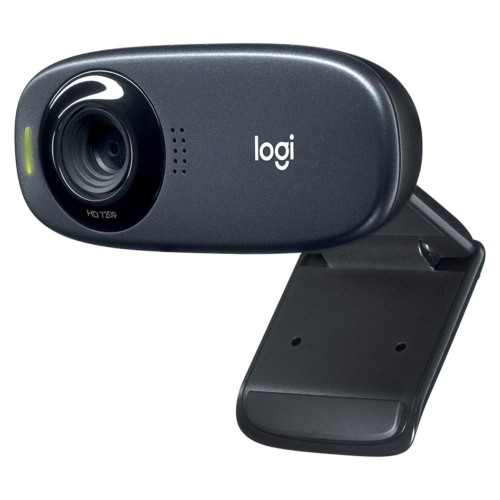
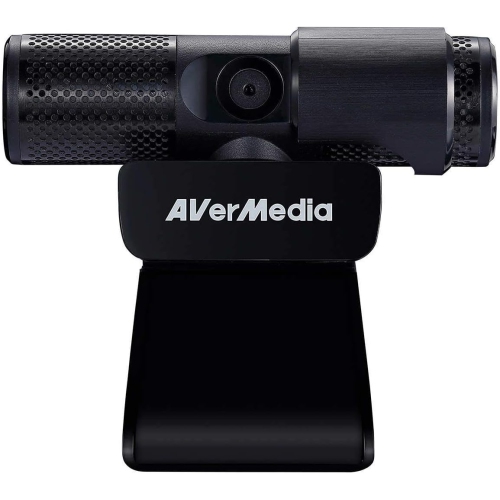
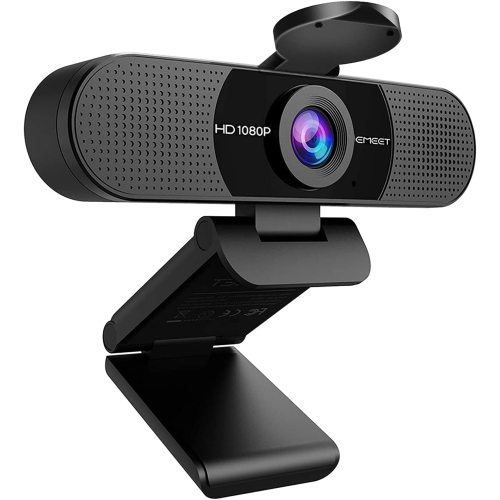
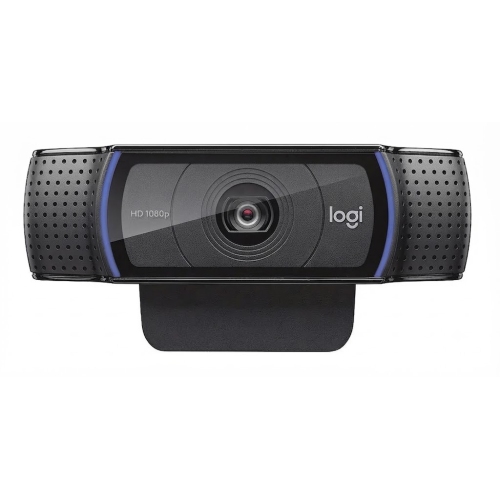
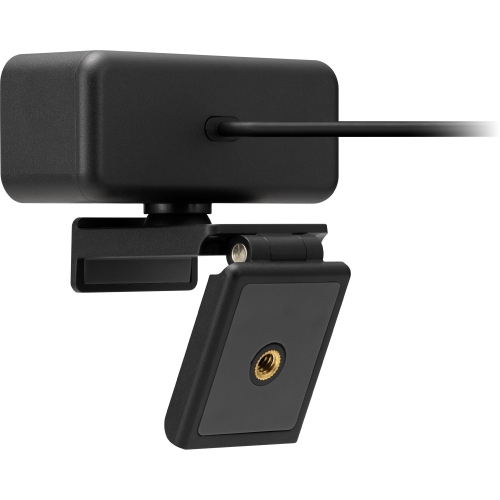
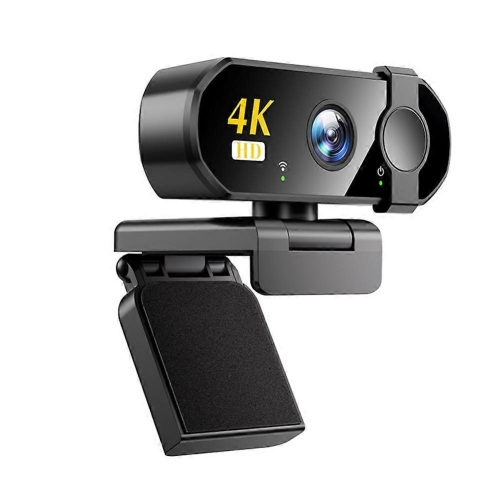
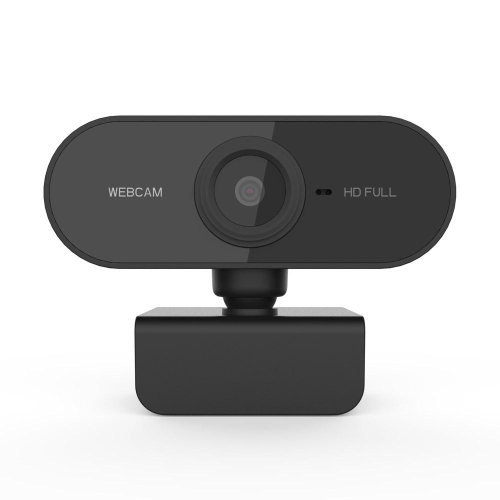
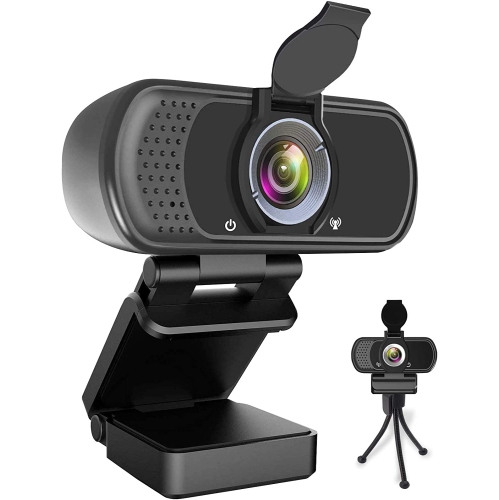
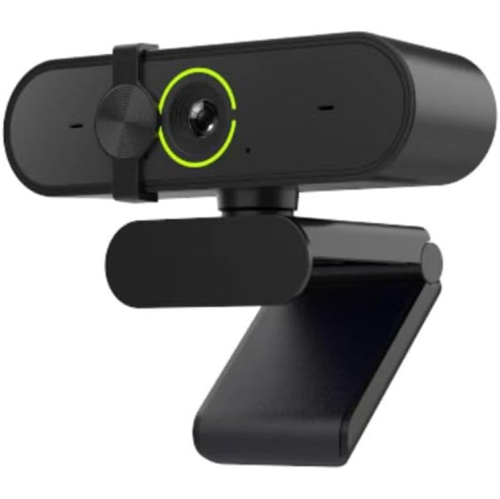
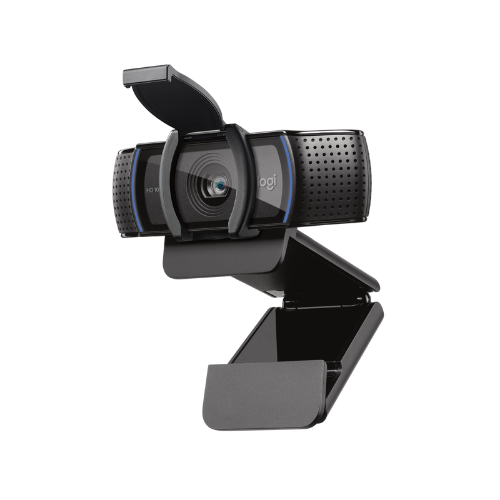

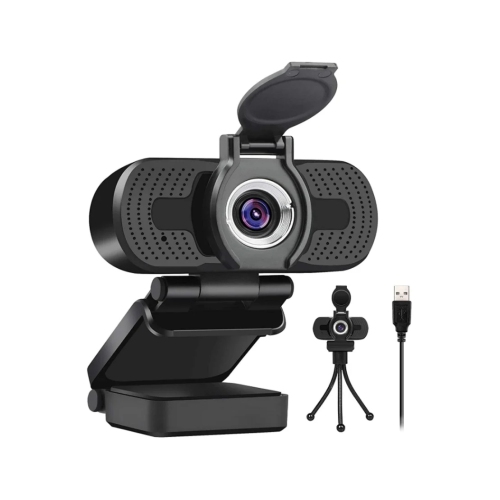
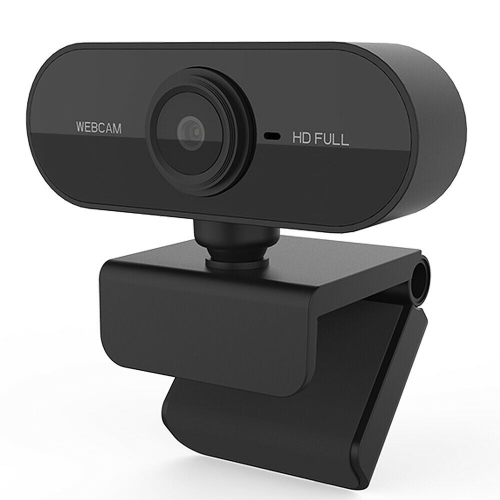
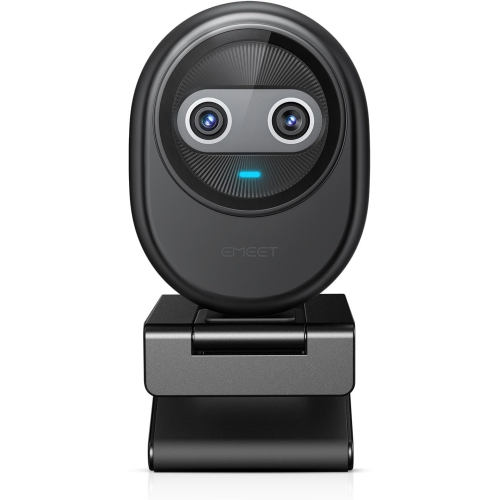

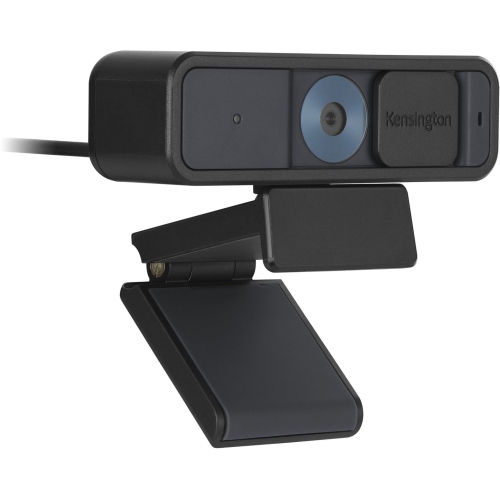
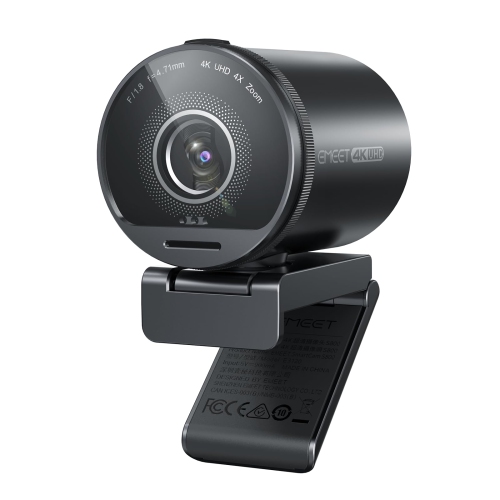
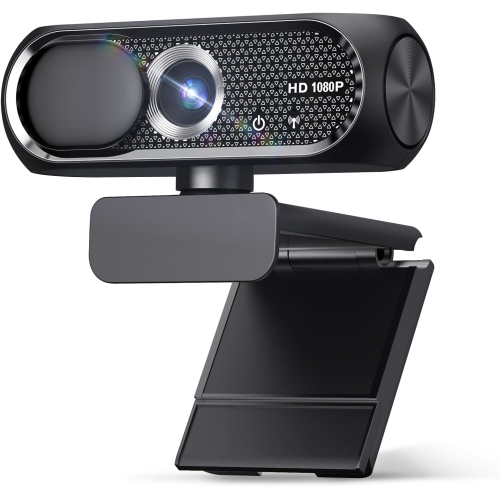
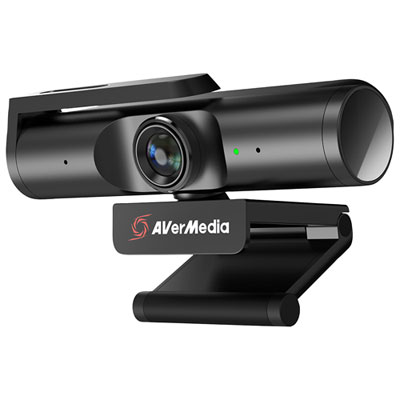
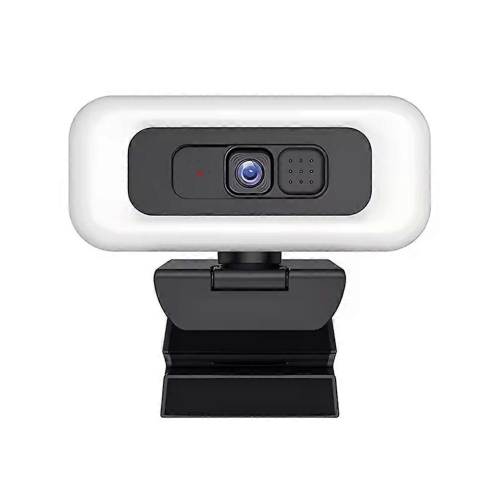
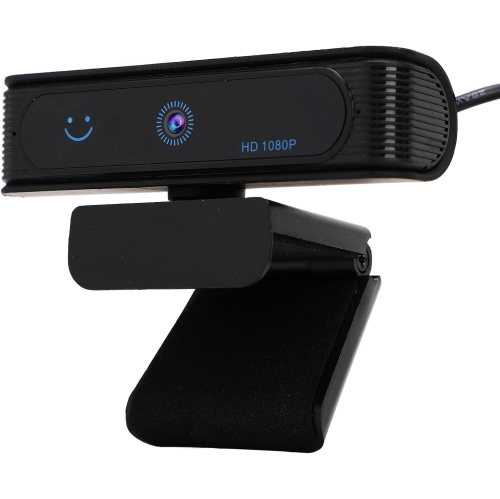
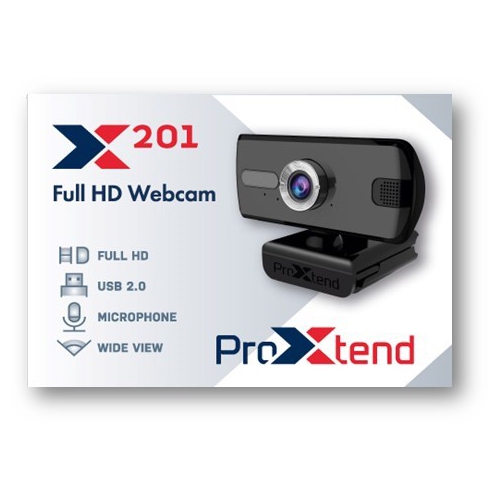
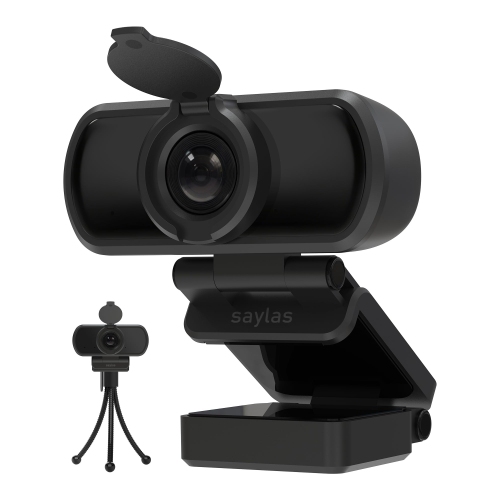

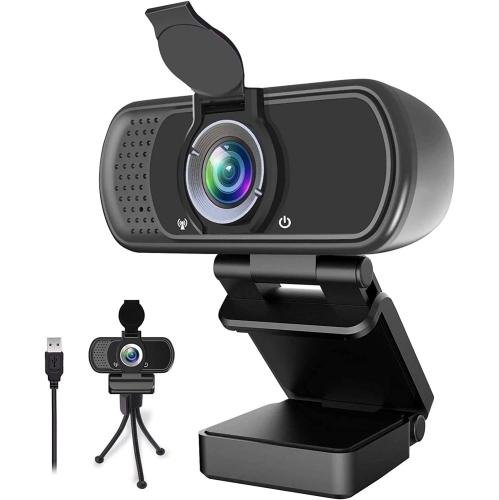
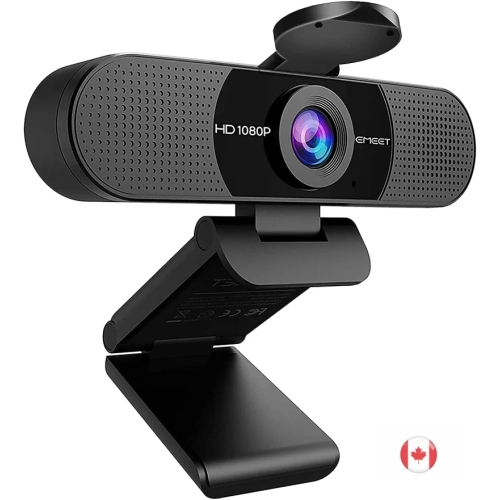
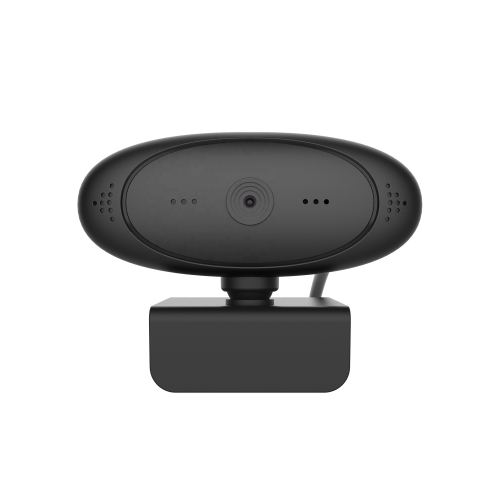

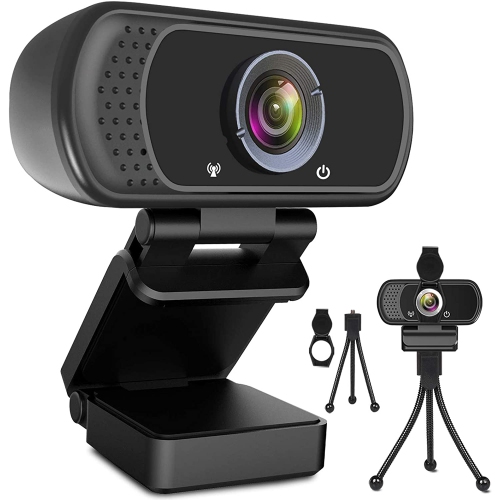
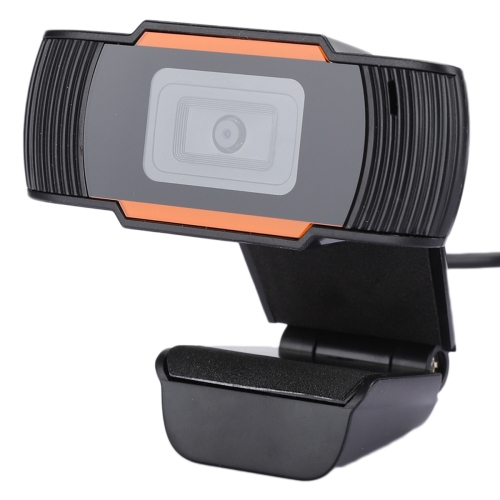
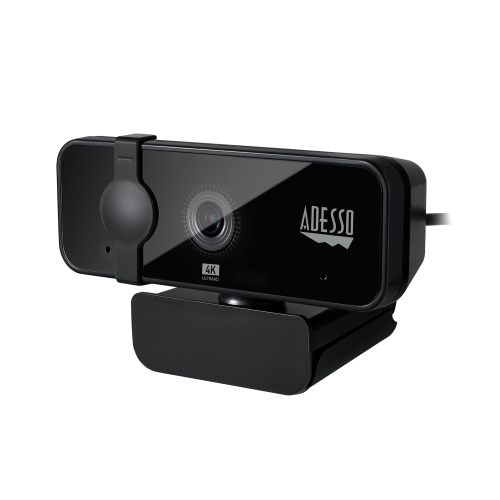
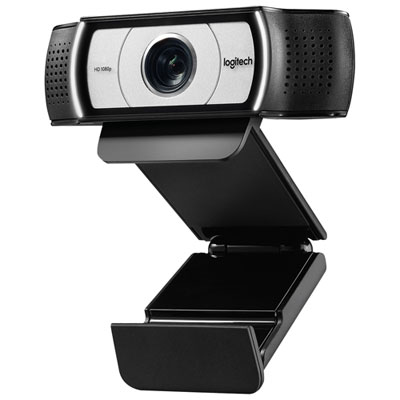
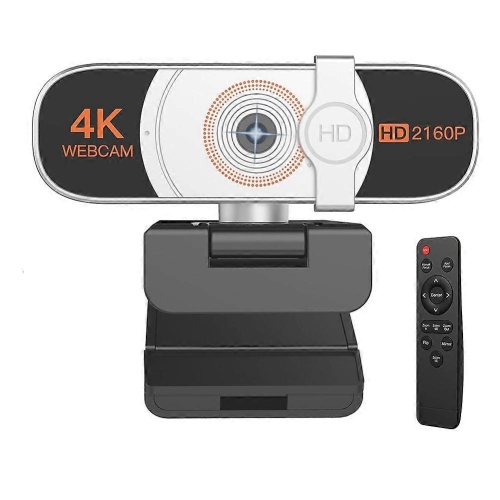
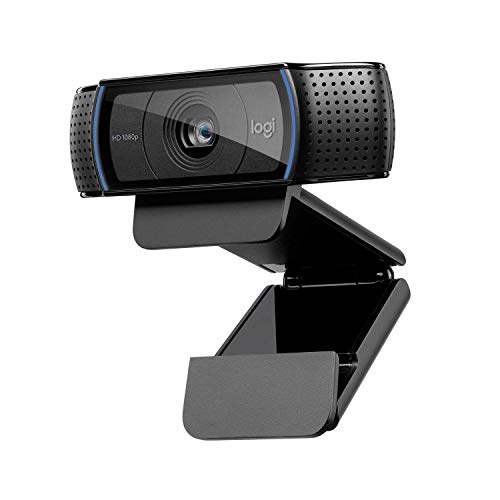
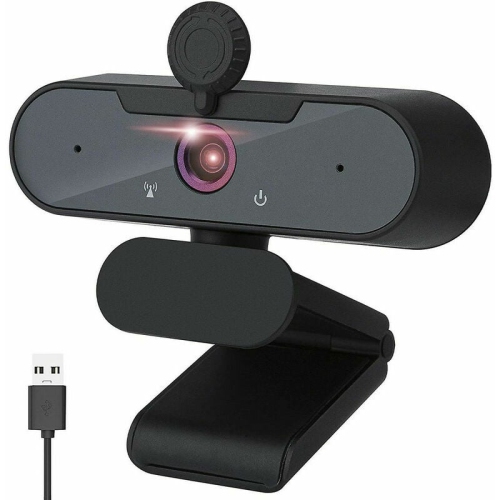
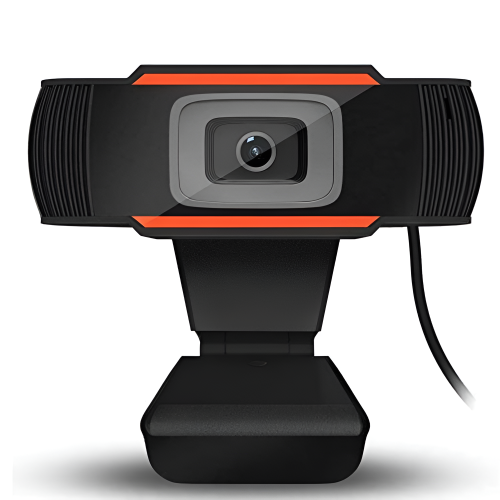
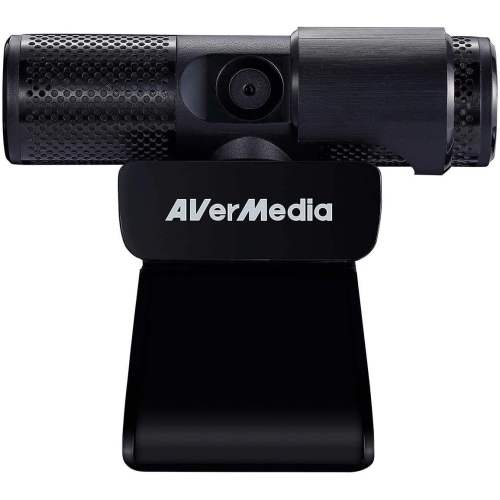
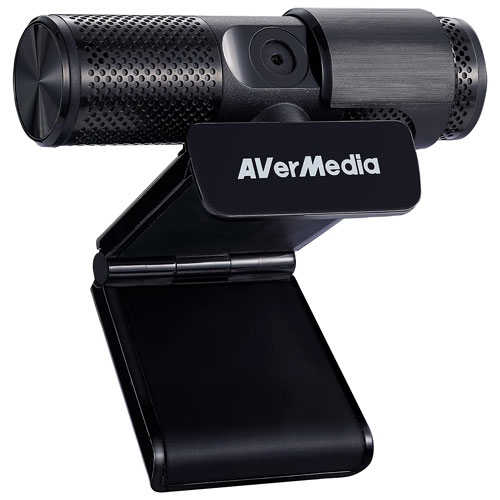
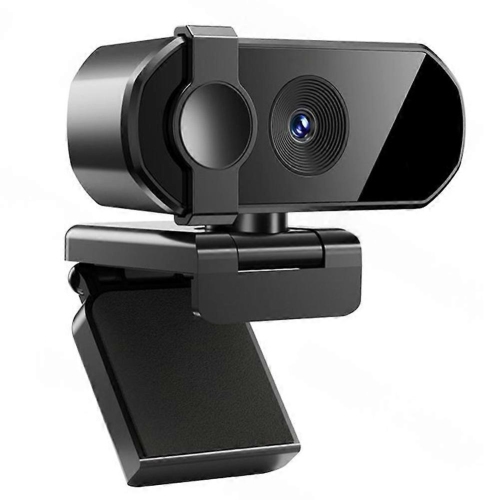
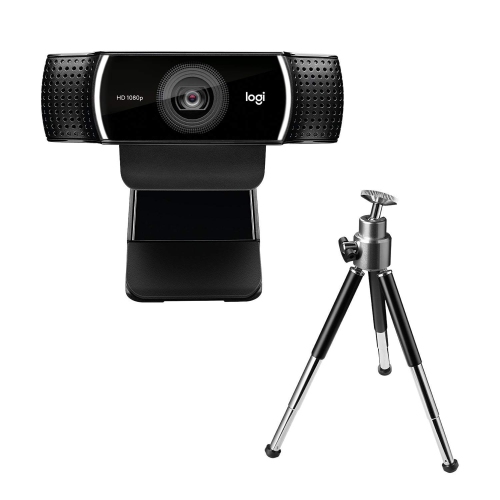
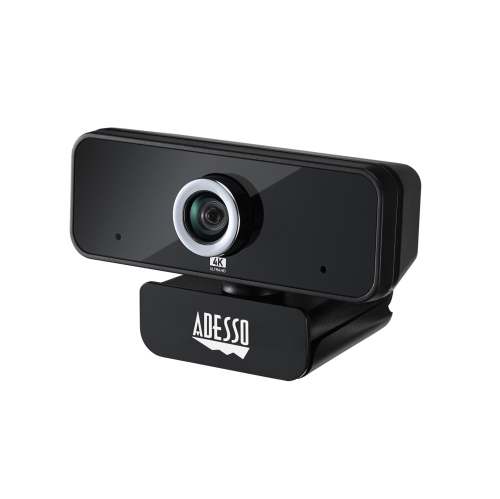
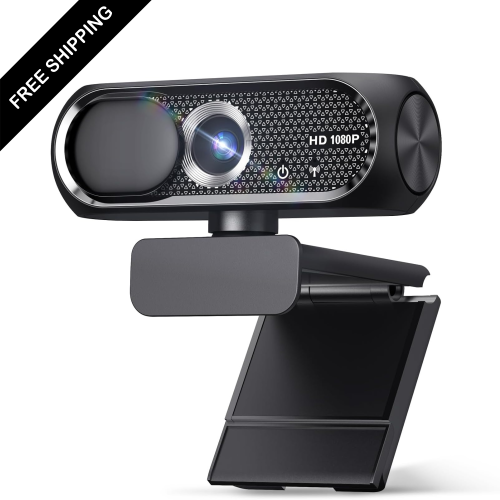
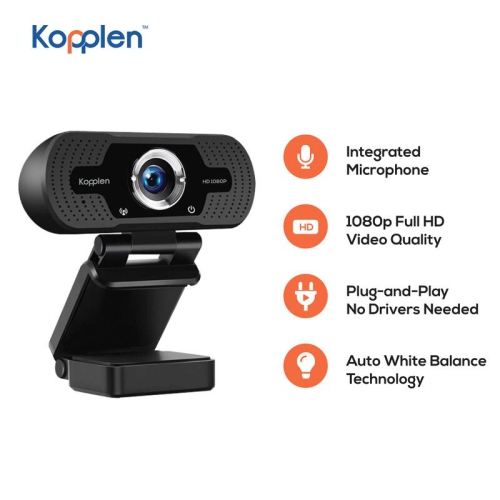
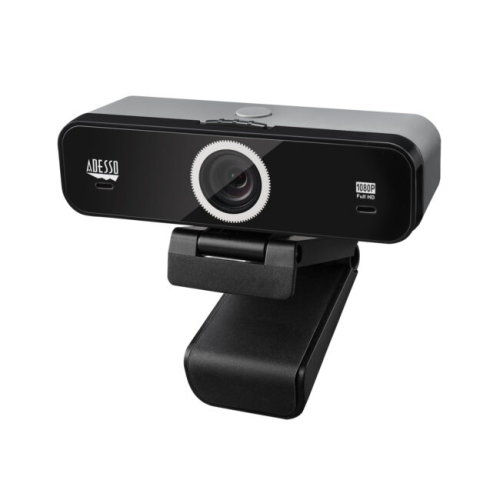
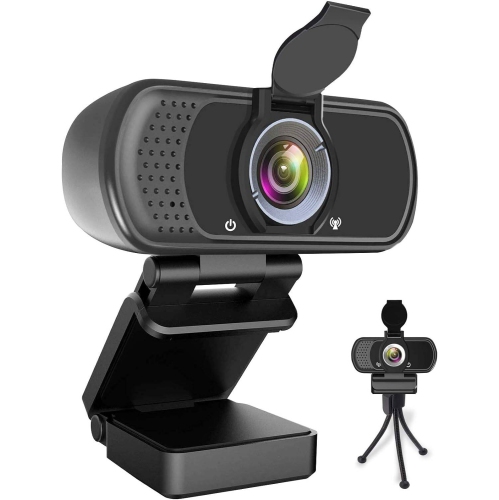

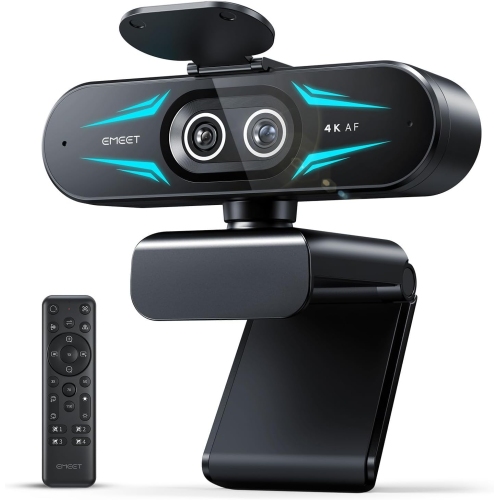
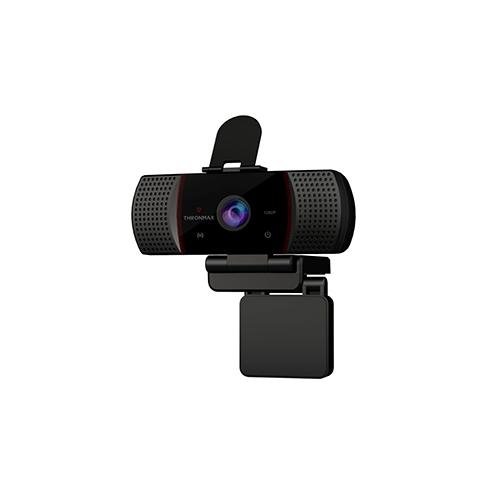
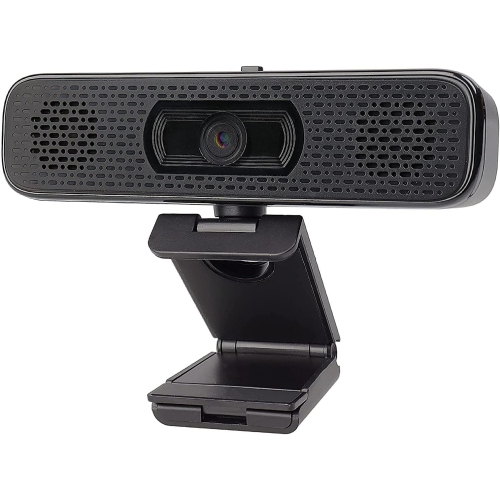
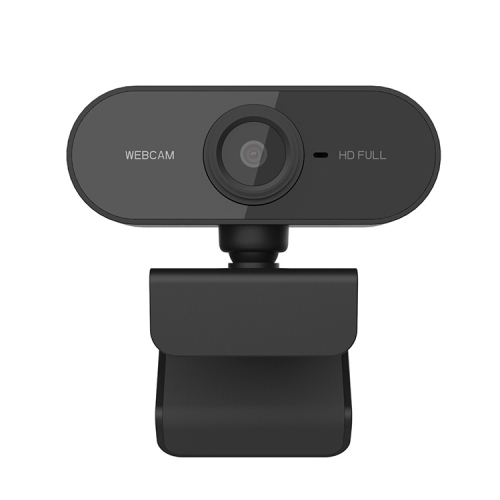
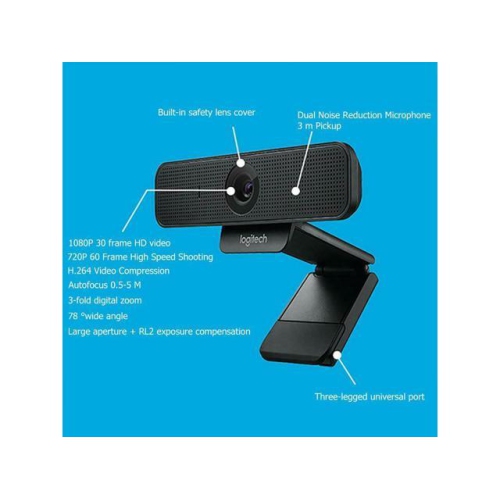
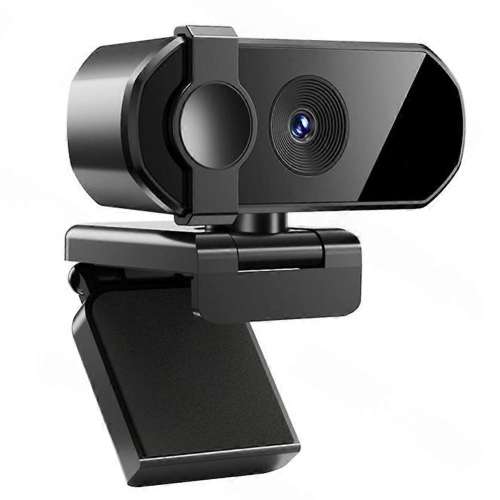
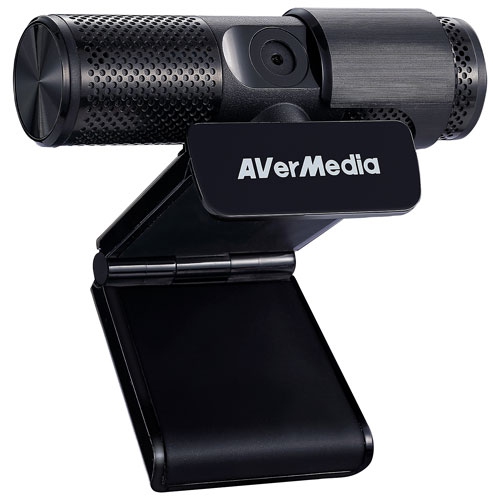

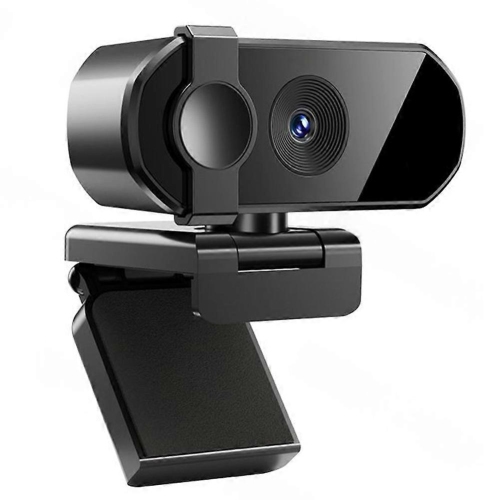

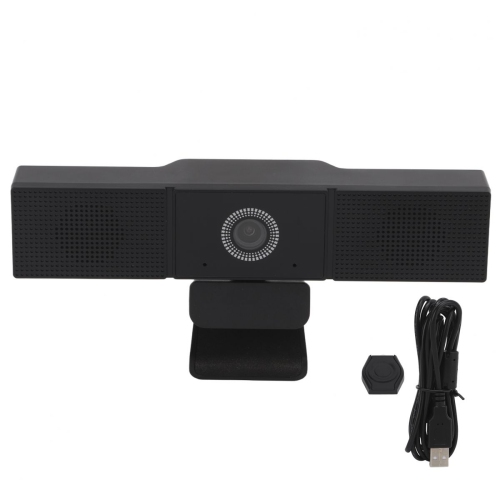
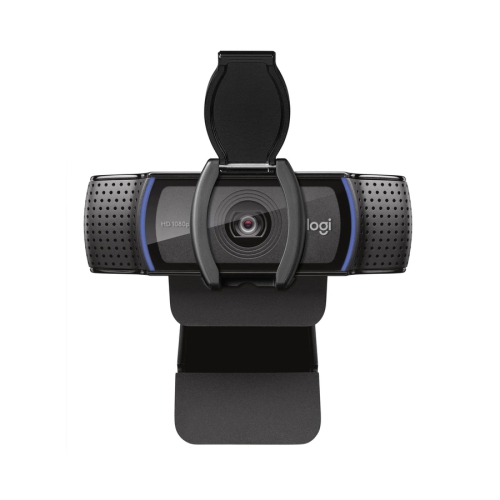

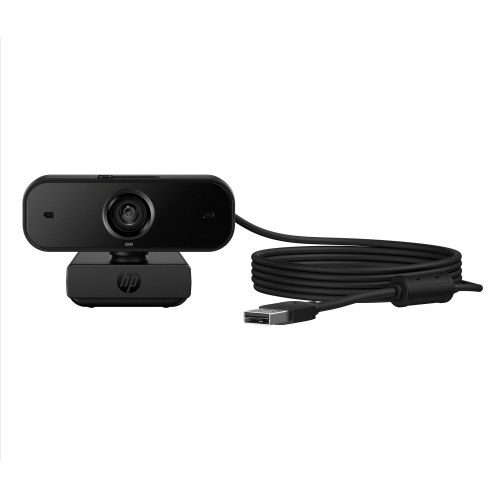
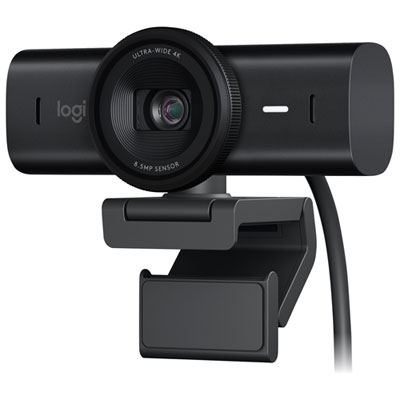
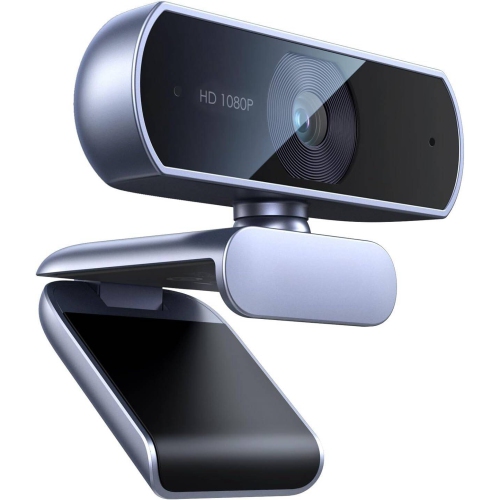
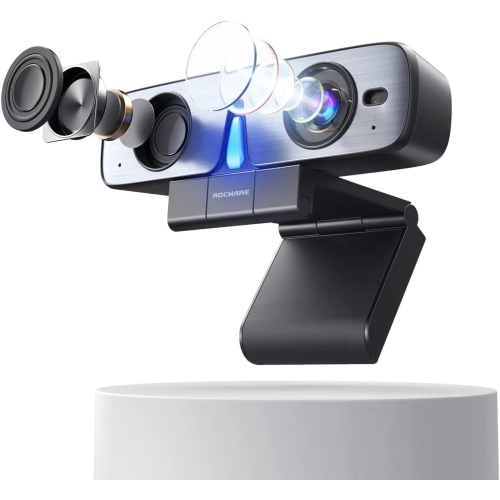
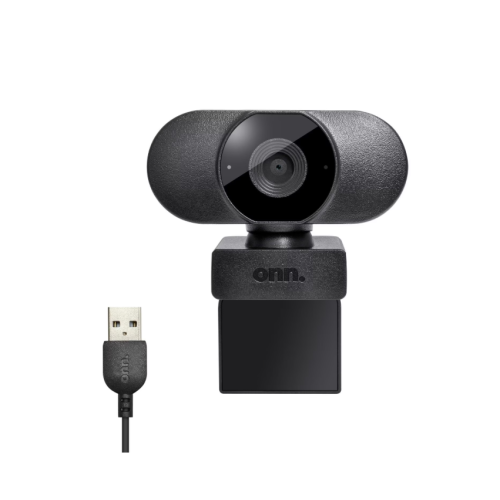
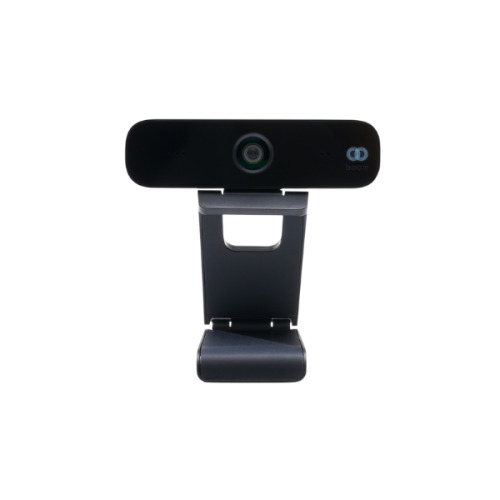

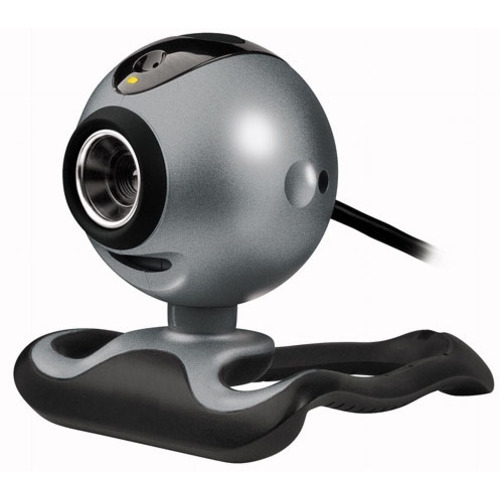
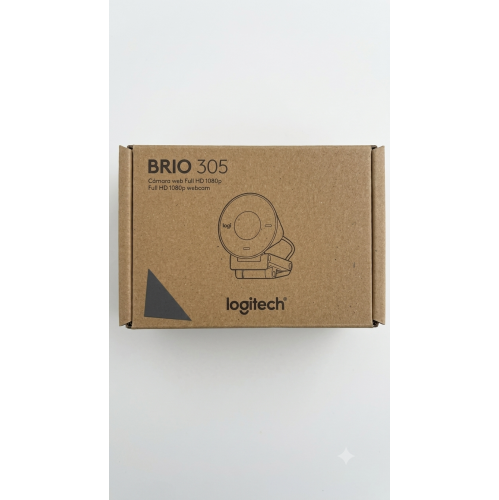
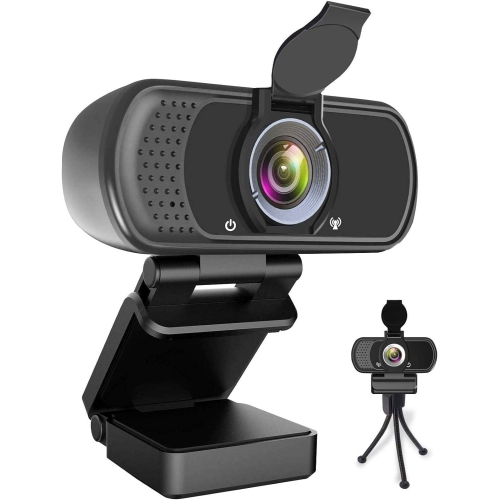
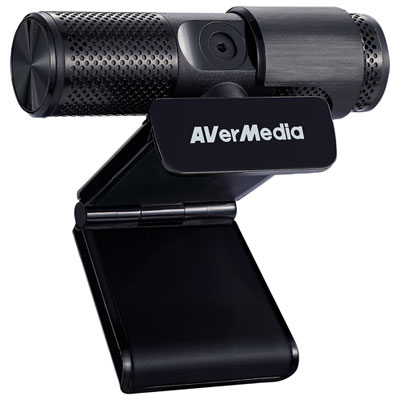
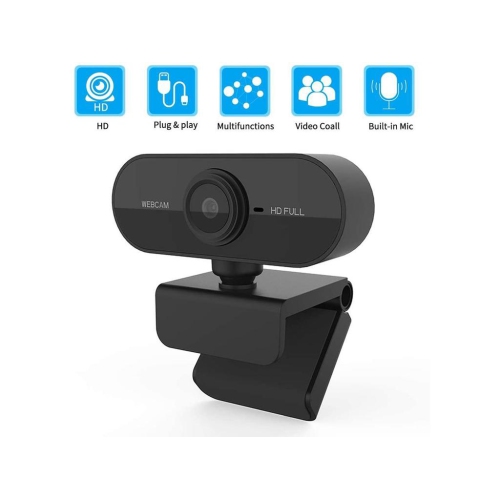
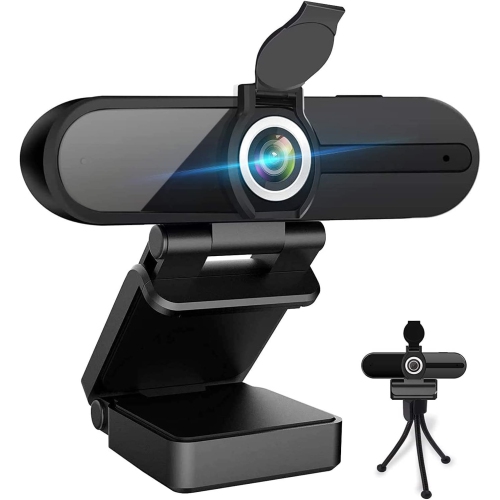
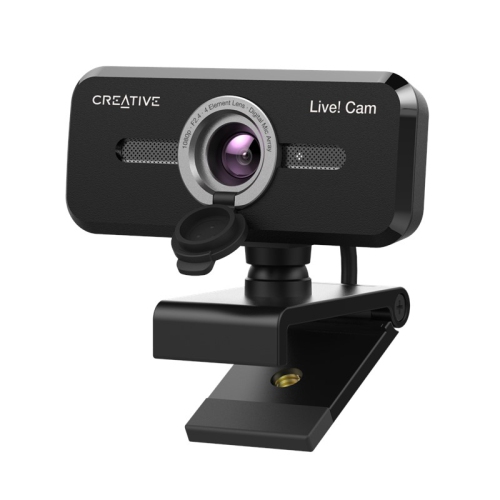
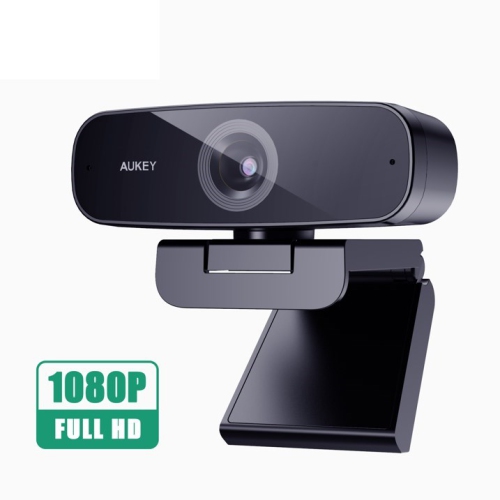
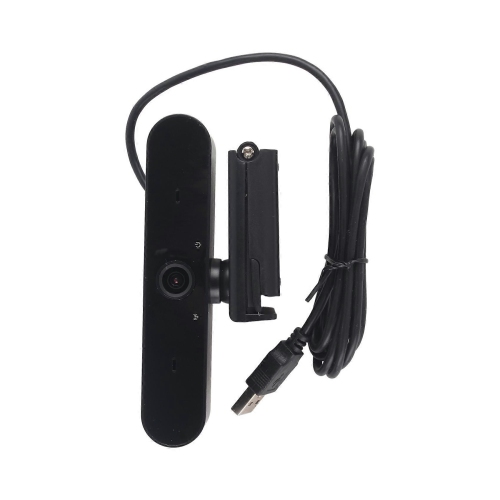
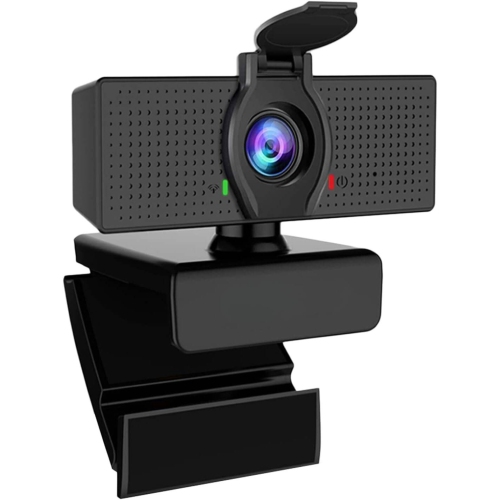
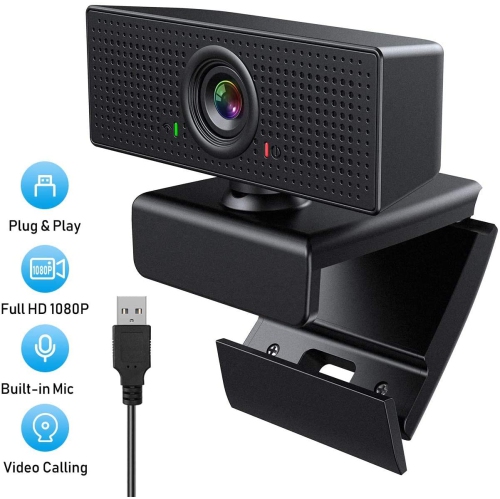
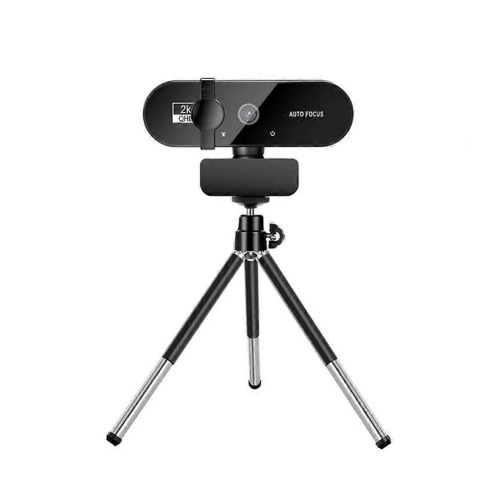
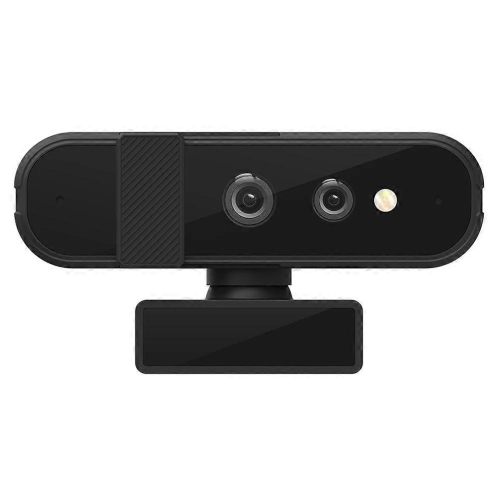
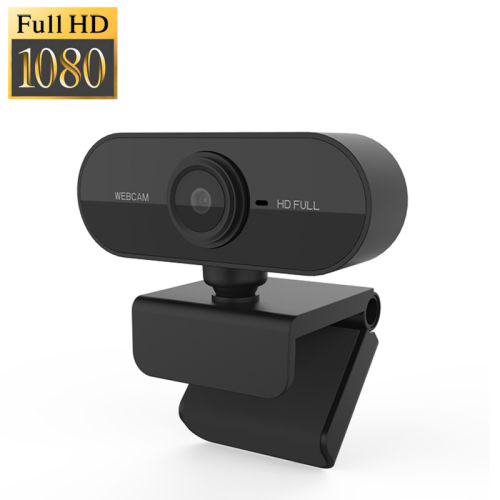
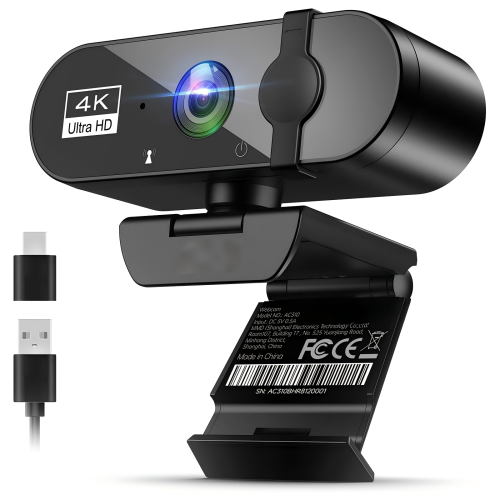
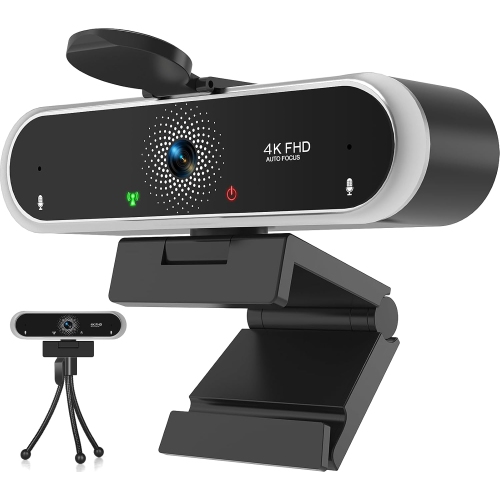
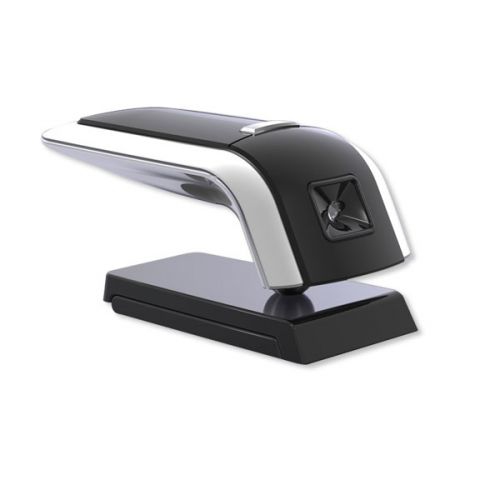
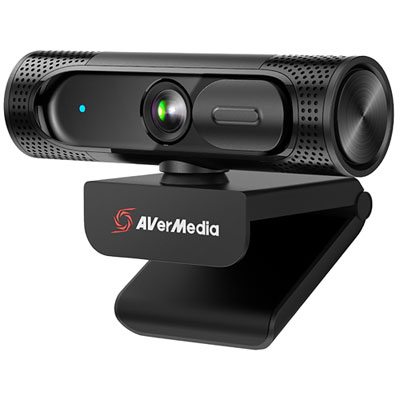
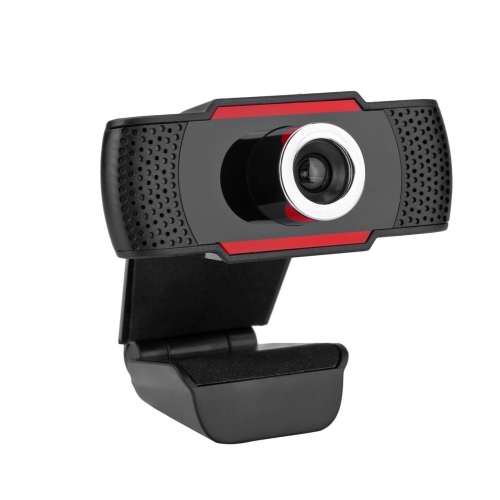
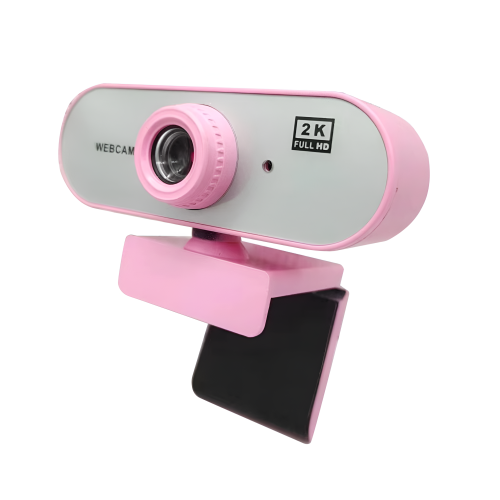
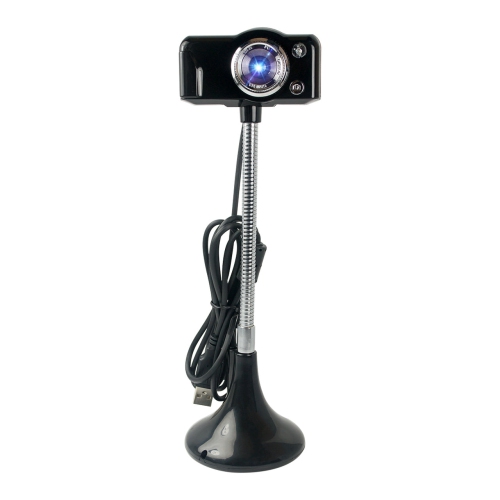
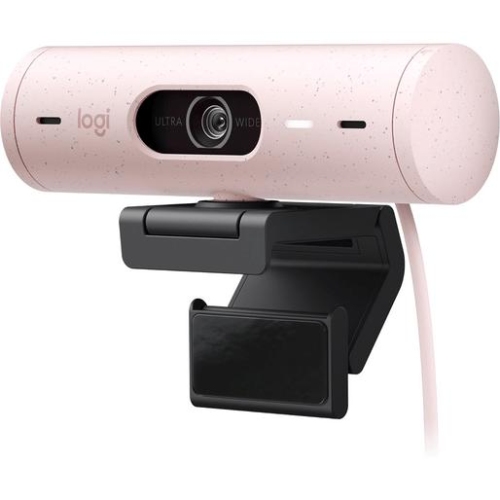
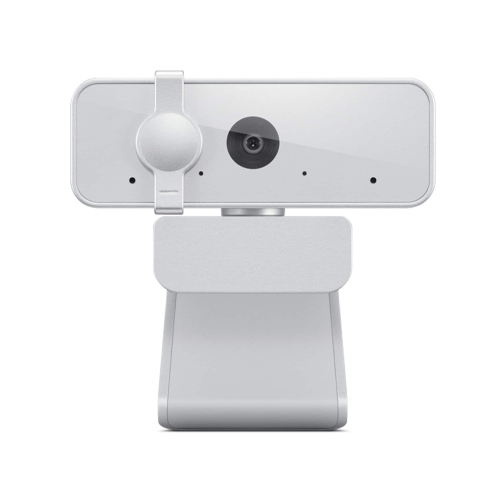
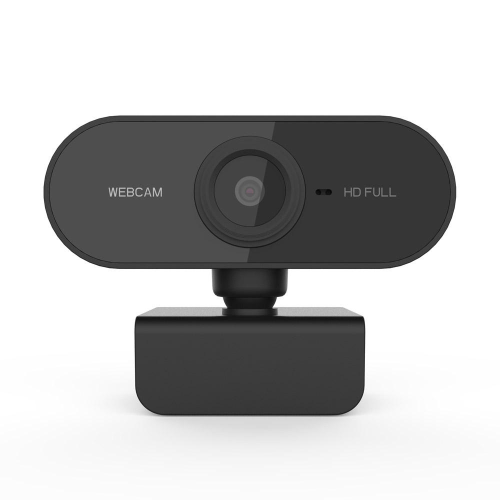
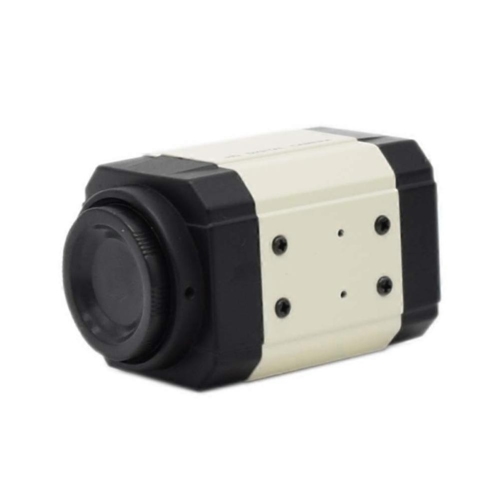

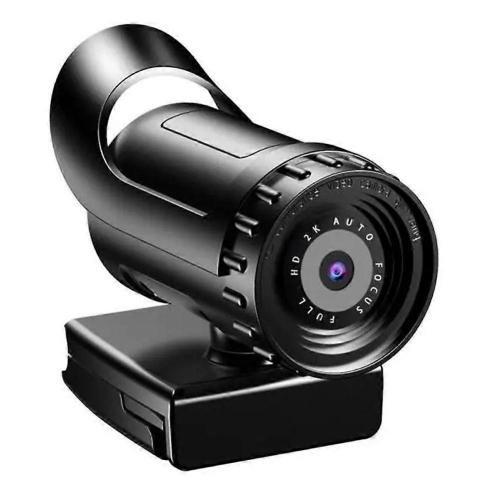
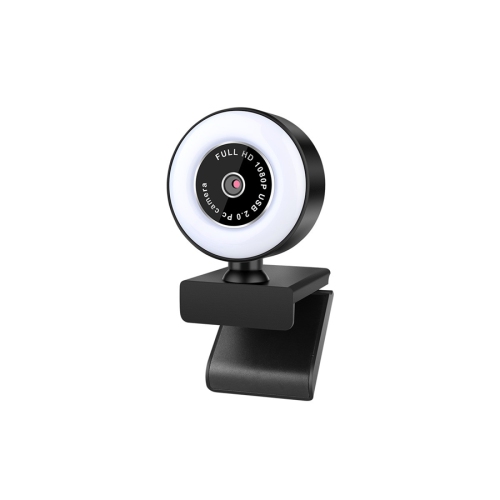
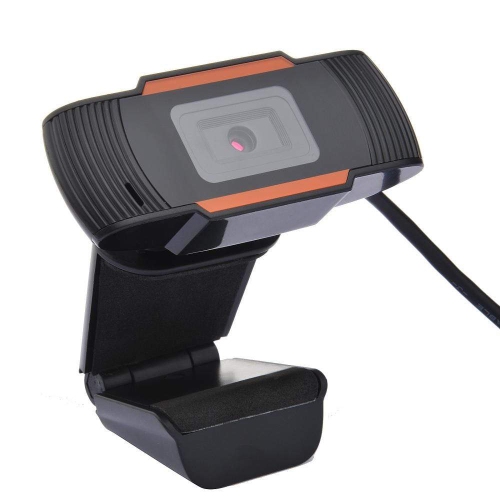
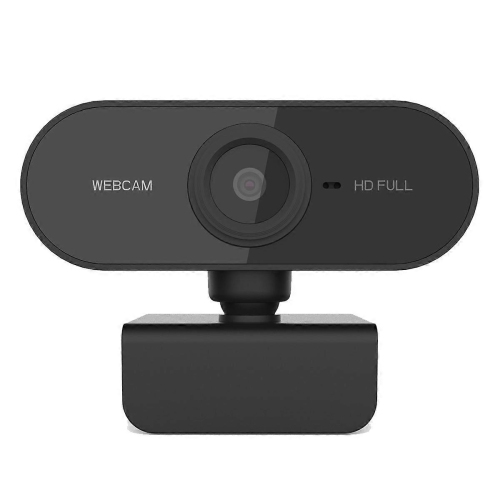
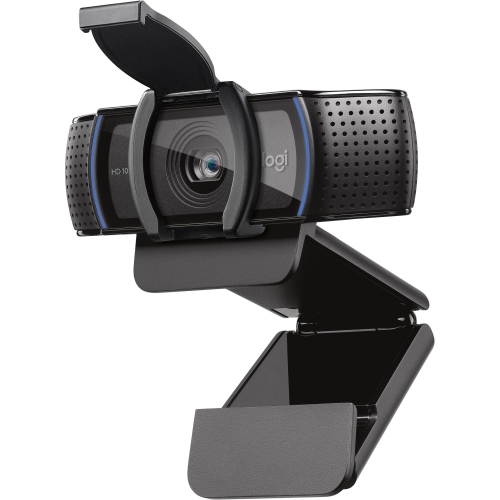
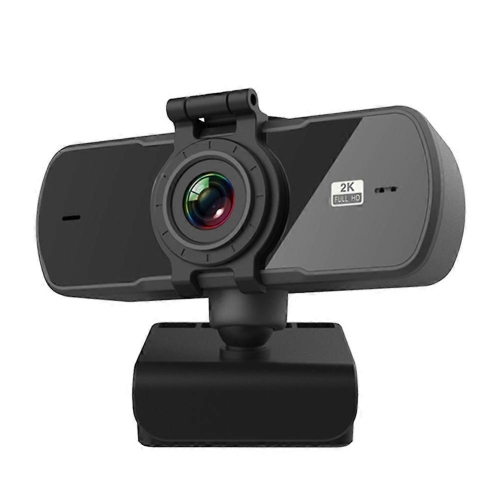
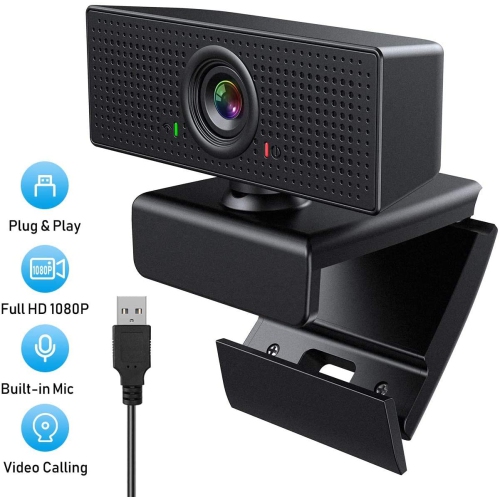
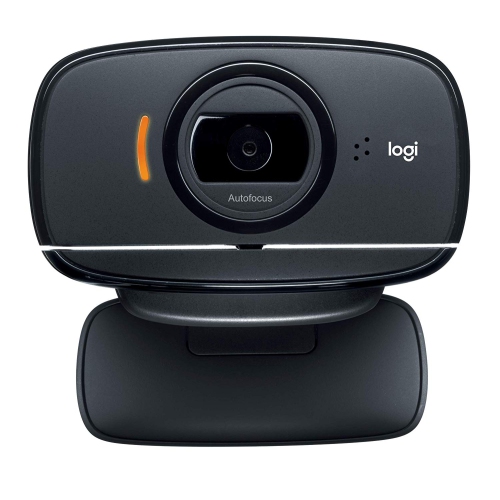
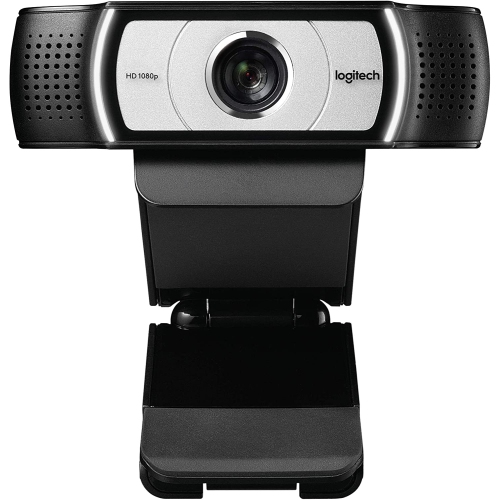
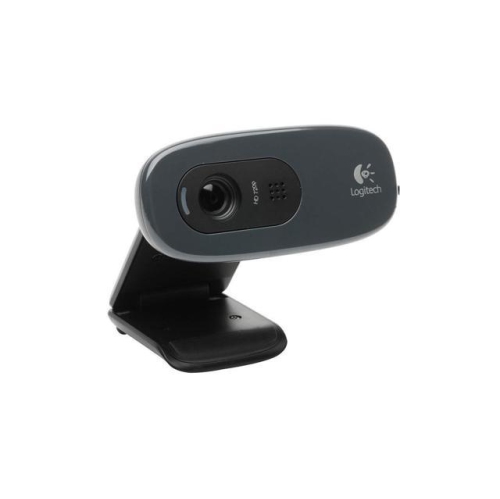
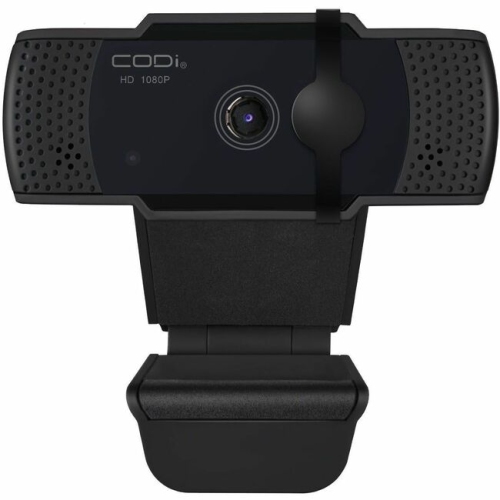
Improve video calls, streaming, lessons, and everyday online conversations
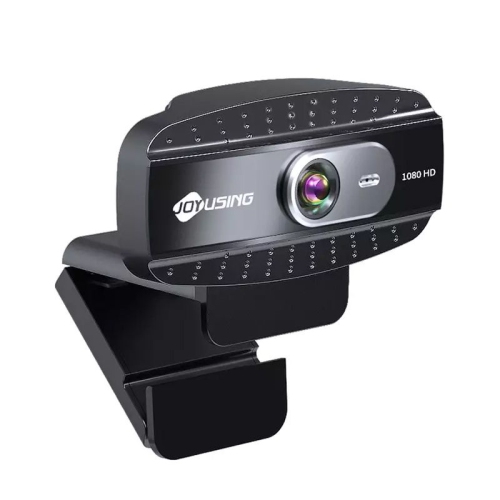
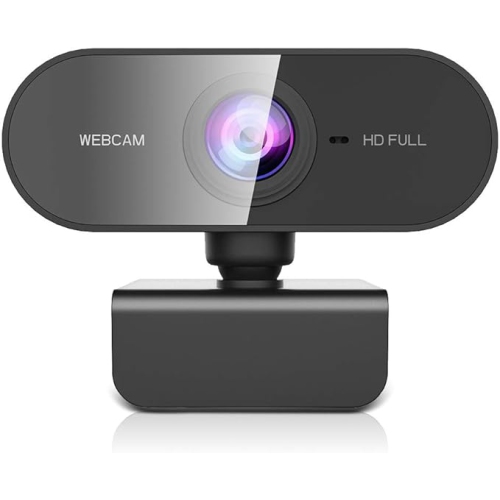
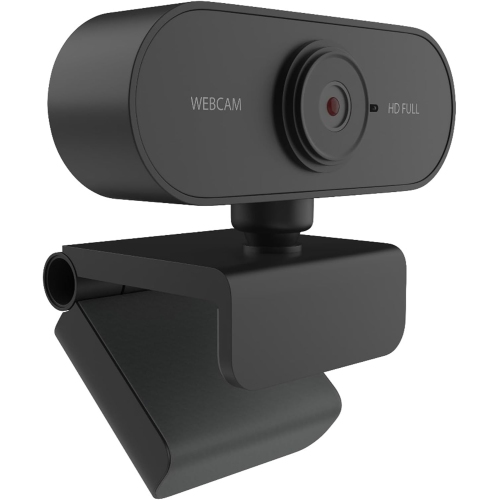
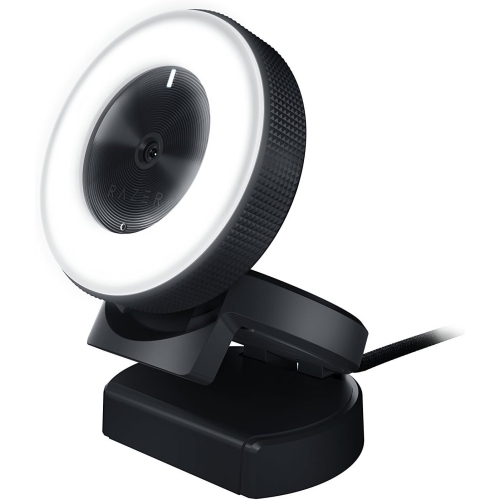
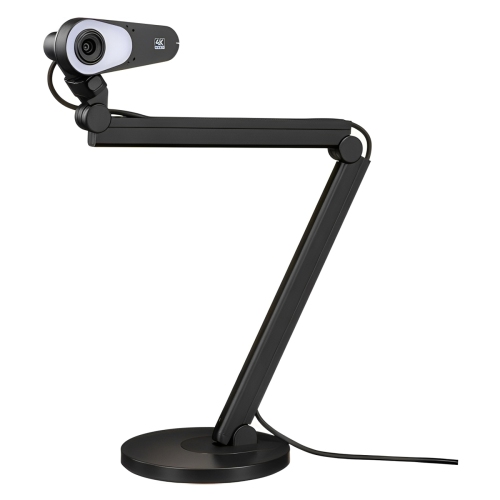
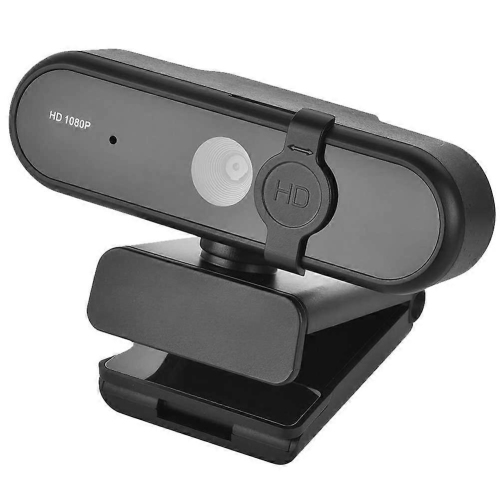
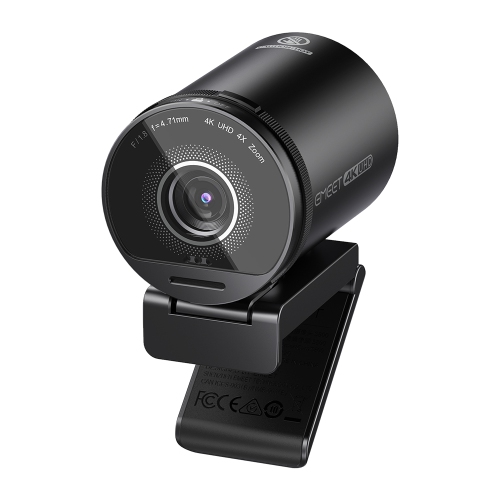
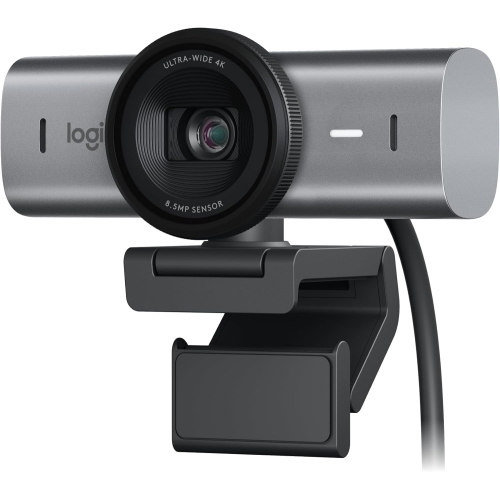
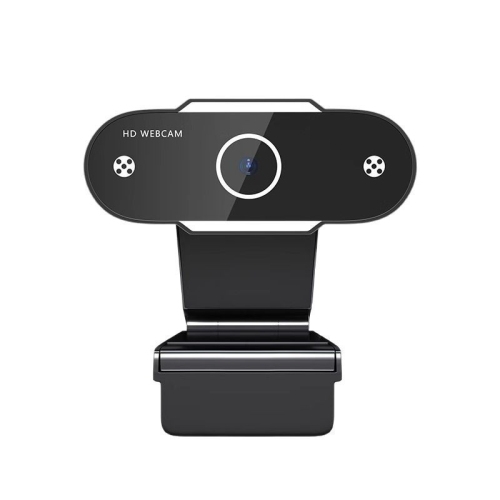
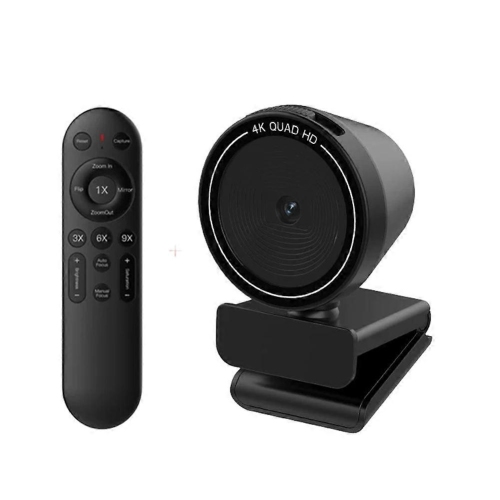
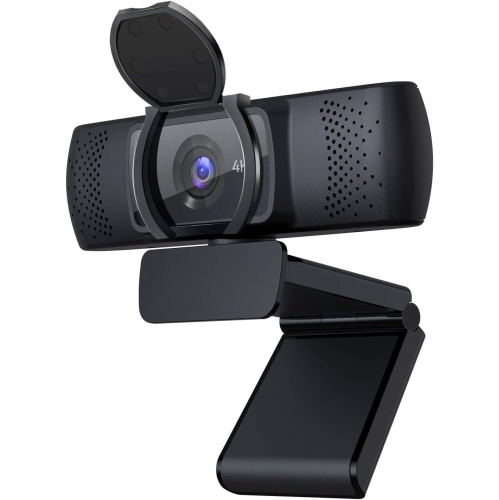
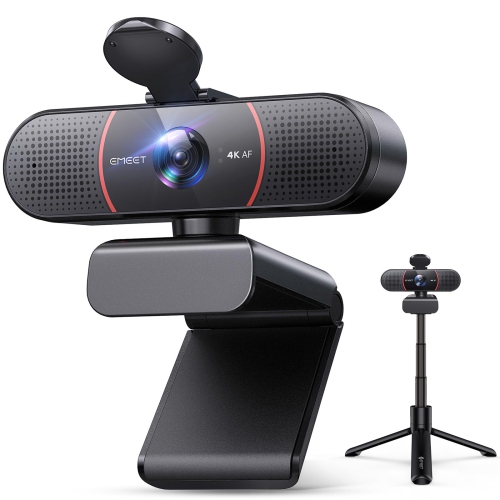
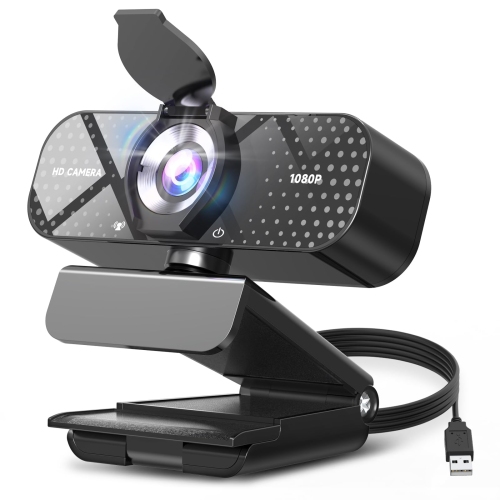
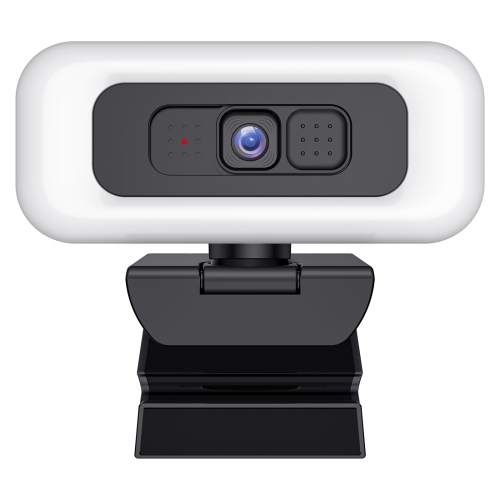
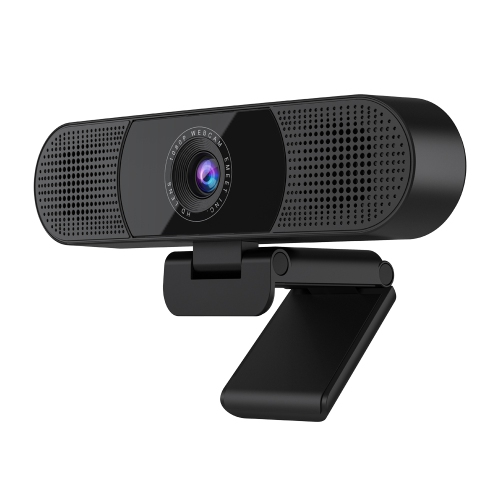
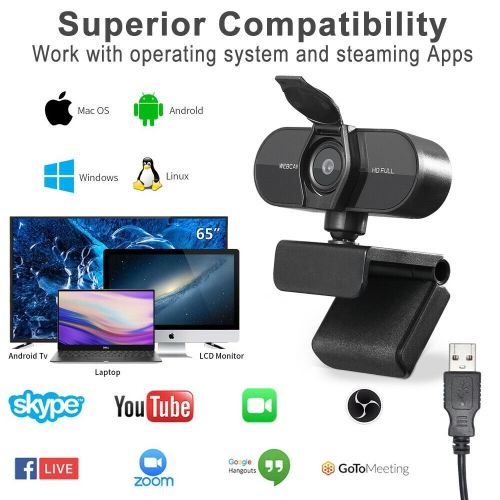
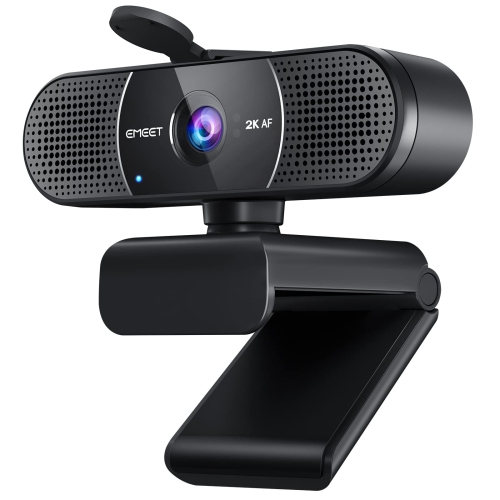
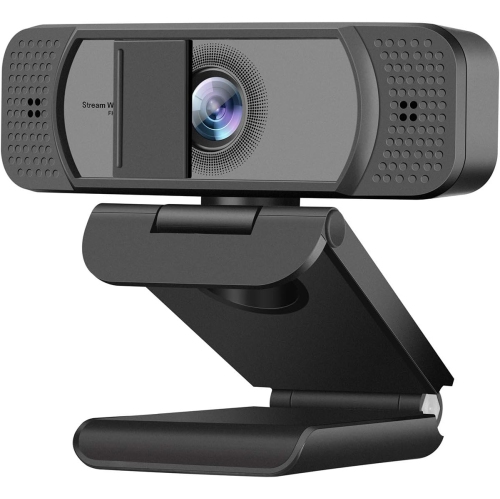
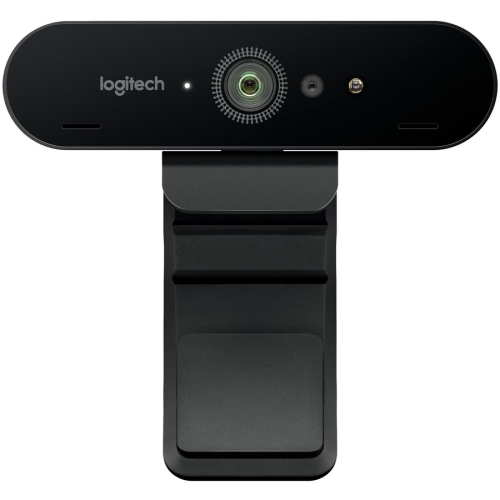
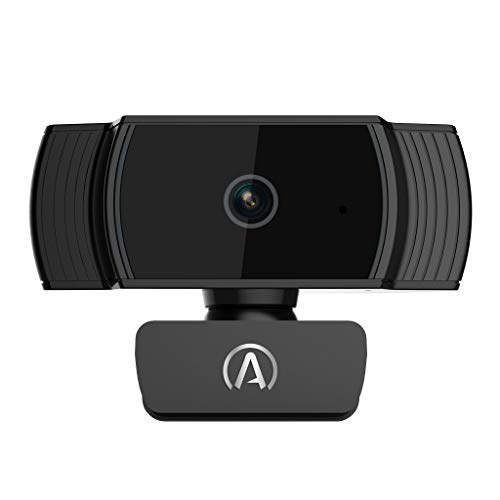
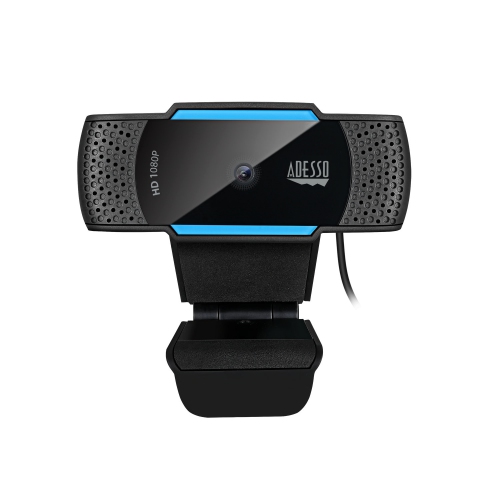
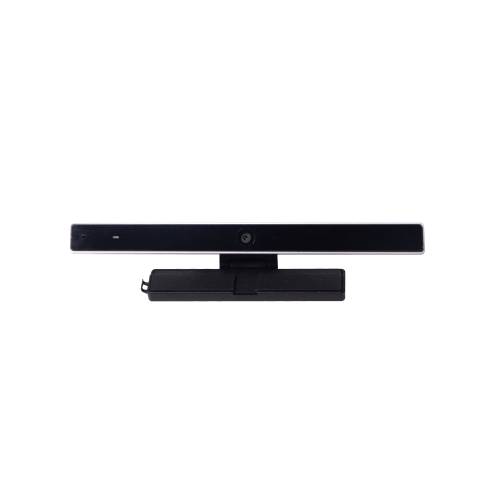
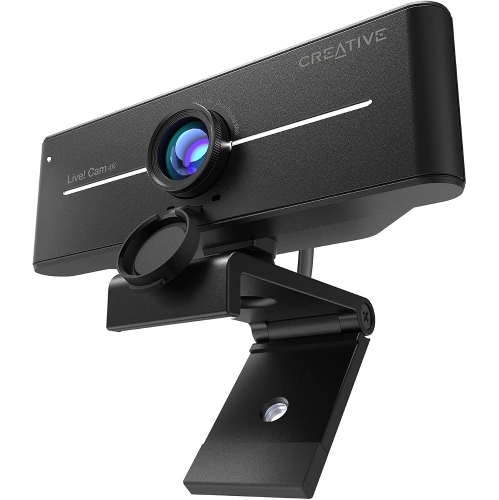
Online webcams make it easier to stay visible and connected wherever online conversations happen. Designed for video calls, virtual meetings, livestreams, online classes, telehealth appointments, gaming, and everyday communication, these compact cameras can bring more clarity and personality to a computer setup than a built-in laptop camera. A dedicated webcam is especially useful for anyone who spends long stretches at a desk, from remote workers joining a morning meeting to students attending a lecture from a quiet corner at home. It can also help families keep in touch when travel, distance, or cooler weather makes in-person visits less convenient. Look for a camera with clear video resolution, dependable autofocus, and a frame that keeps your face centred without constant adjustment. Automatic light correction can be valuable in rooms with a bright window behind you or a desk lamp casting shadows, while a wider field of view can include a second person, a whiteboard, or a small presentation area. For a more focused setup, a narrower view may be preferable when you want your surroundings to stay out of frame. Built-in microphones can make a webcam ready to use with minimal equipment, although microphone performance varies depending on room size, background noise, and how far you sit from the camera. A model with noise reduction may help soften the sound of keyboards, fans, pets, and household activity, making conversations easier to follow. When browsing Desktop Webcams, consider how the camera will fit into your existing workspace, whether it can rest securely on a monitor or laptop display, and whether its connection works with your computer. USB connectivity is common and convenient, particularly for people who want to plug in a camera without opening their computer or installing complicated software. Compatibility with video conferencing, streaming, recording, and messaging platforms is also important, as the best webcam for one person may not have the right features for another.
The right online webcam depends on the way you plan to use it and the environment around your desk. Someone working from a shared home office may appreciate a privacy shutter or a physical lens cover that provides a clear visual signal when the camera is closed. A teacher or presenter may value a camera that handles movement smoothly and captures a larger area, while a streamer or content creator may prioritize detailed video, adjustable framing, and flexible mounting options. Gamers can look for a webcam that keeps their image sharp during fast movement and performs well under the coloured lighting often found around a gaming station. For family calls, an easy-to-position camera with a forgiving viewing angle can help include everyone gathered around a table. During the cooler months, when more conversations, lessons, and activities move indoors, a webcam can become a practical addition to a home office, study area, or multipurpose room. It can also make a thoughtful gift for a university student living away from home, a relative beginning remote work, or a friend who has started sharing tutorials, performances, or live online events. Before choosing, check the computer’s available ports, the operating system requirements, and whether the mounting design suits a monitor, laptop, tripod, or desk stand. Consider cable length as well; a short cable may work neatly with a laptop, while a desktop setup may need extra reach to position the camera at eye level. Placement makes a noticeable difference: a webcam set near the top of the display and angled slightly downward can create a natural perspective, while light facing you is generally more flattering and revealing than light coming from behind. Think about privacy as well as picture quality, particularly if the camera will remain connected between calls. Features such as a mute button, status light, adjustable tilt, and removable mount can make daily use more comfortable. Whether your goal is clearer online communication, a polished livestream, a more engaging virtual lesson, or simple face-to-face contact with people far away, online webcams offer a straightforward way to improve the camera experience at your computer.
The right online webcam depends on the way you plan to use it and the environment around your desk. Someone working from a shared home office may appreciate a privacy shutter or a physical lens cover that provides a clear visual signal when the camera is closed. A teacher or presenter may value a camera that handles movement smoothly and captures a larger area, while a streamer or content creator may prioritize detailed video, adjustable framing, and flexible mounting options. Gamers can look for a webcam that keeps their image sharp during fast movement and performs well under the coloured lighting often found around a gaming station. For family calls, an easy-to-position camera with a forgiving viewing angle can help include everyone gathered around a table. During the cooler months, when more conversations, lessons, and activities move indoors, a webcam can become a practical addition to a home office, study area, or multipurpose room. It can also make a thoughtful gift for a university student living away from home, a relative beginning remote work, or a friend who has started sharing tutorials, performances, or live online events. Before choosing, check the computer’s available ports, the operating system requirements, and whether the mounting design suits a monitor, laptop, tripod, or desk stand. Consider cable length as well; a short cable may work neatly with a laptop, while a desktop setup may need extra reach to position the camera at eye level. Placement makes a noticeable difference: a webcam set near the top of the display and angled slightly downward can create a natural perspective, while light facing you is generally more flattering and revealing than light coming from behind. Think about privacy as well as picture quality, particularly if the camera will remain connected between calls. Features such as a mute button, status light, adjustable tilt, and removable mount can make daily use more comfortable. Whether your goal is clearer online communication, a polished livestream, a more engaging virtual lesson, or simple face-to-face contact with people far away, online webcams offer a straightforward way to improve the camera experience at your computer.
Top selling and popular products
-
 Your price for this item is $79.99
 -
 Your price for this item is $123.44
 -
 Your price for this item is $27.98
 -
 Your price for this item is $48.49
 -
 Your price for this item is $149.99
 -
 Your price for this item is $249.99
 -
 Your price for this item is $49.99
 -
 Your price for this item is $34.99
Discover more categories related to Online Webcams
Top Collections:
Pokemon Centers, Kindle Devices, Best Budget Office Chairs, Canon G7X Cameras, Apple iPhones 16, Samsung Galaxy Phones, Refurbished Apple Laptops, Laptops for Students, iPhone 15 Apple, Budget Smartphones
Some products may be subject to Environmental Handling Fees
(EHF) depending on your province.
Learn more about EHFs.