White Webcams
Looking to upgrade your video conferencing setup? Look no further than our collection of white webcams. With their sleek and modern design, these webcams are not only functional but also add a touch of elegance to your workspace. Whether you're working from home, attending virtual meetings, or connecting with loved ones, our range of white webcams offers high-quality video and audio capabilities for crystal-clear communication. Say goodbye to blurry images and muffled sound; these webcams are designed to deliver exceptional performance and reliability. Explore our selection of white webcams today and take your video calls to the next level.
Sort
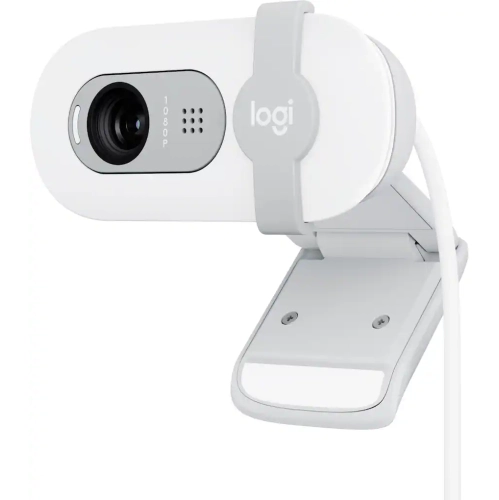
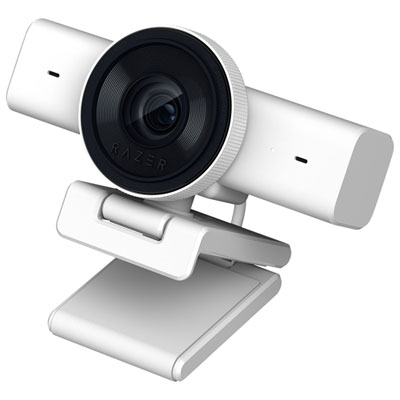
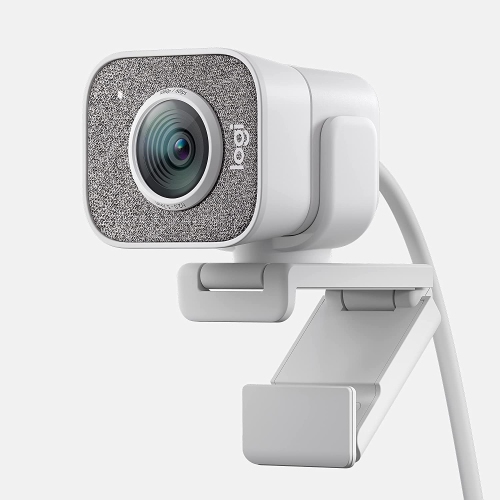
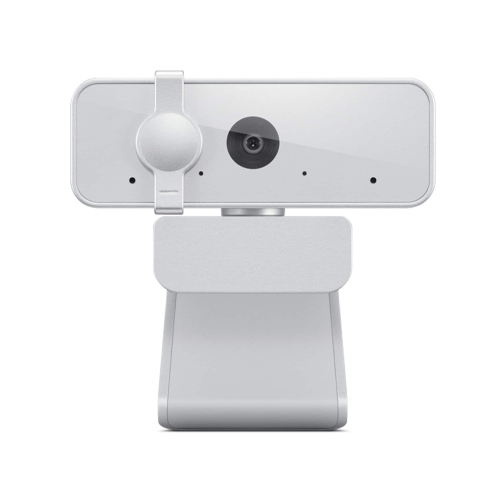
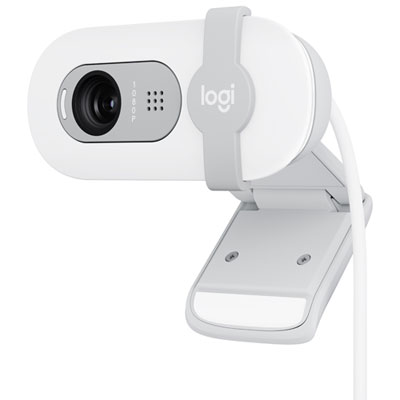
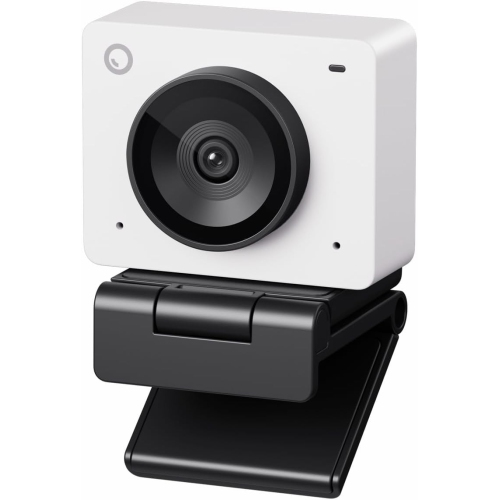
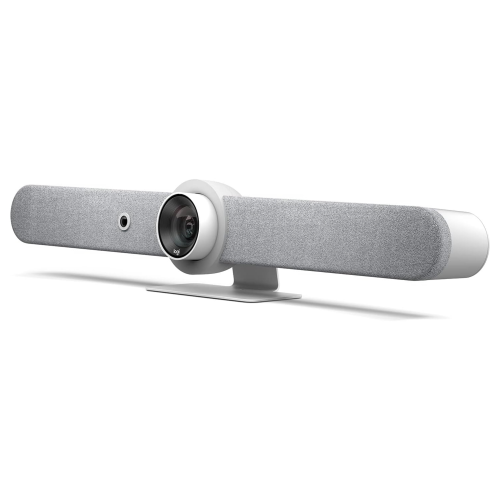
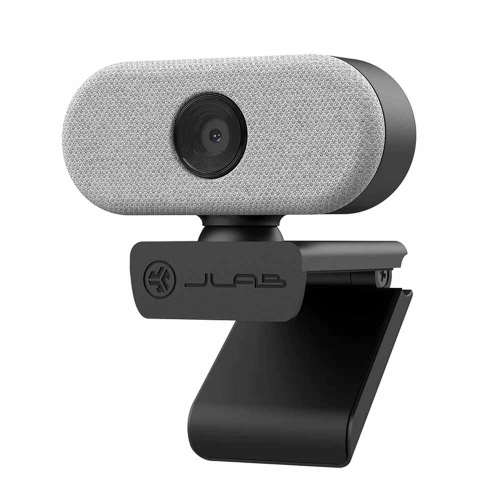
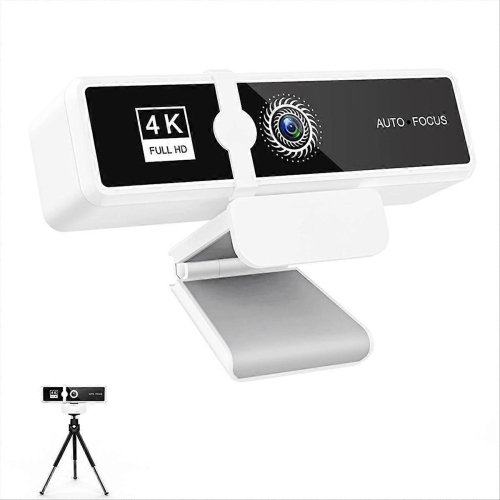
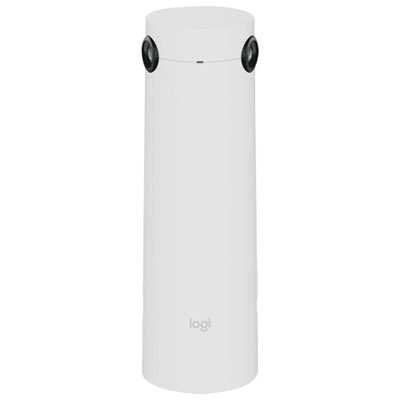
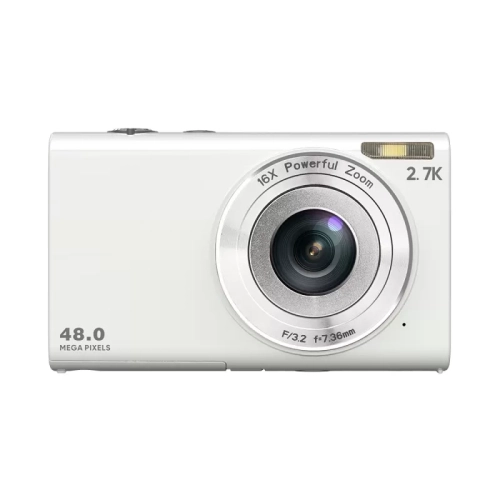
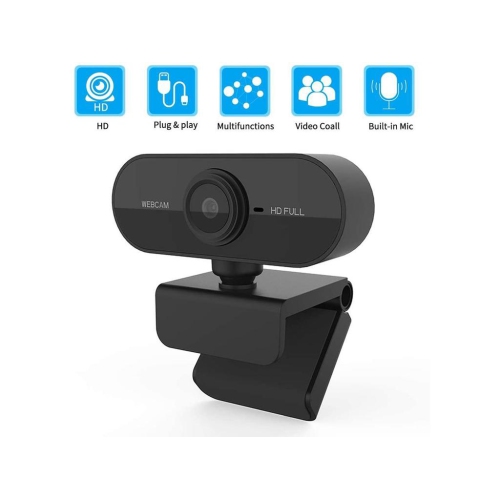
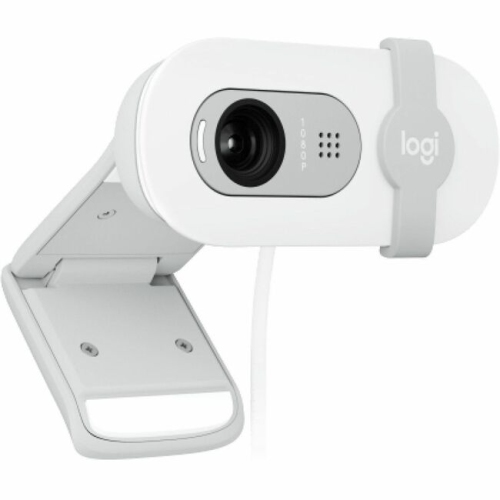
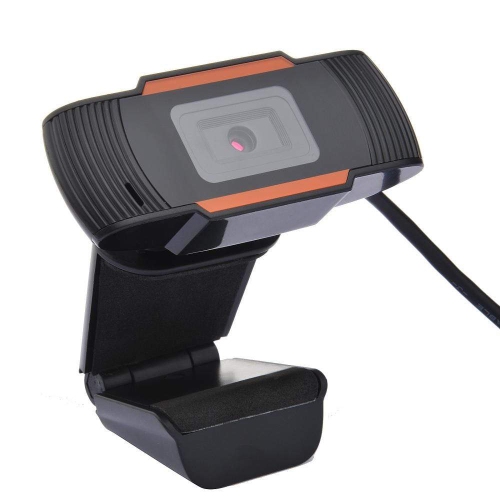
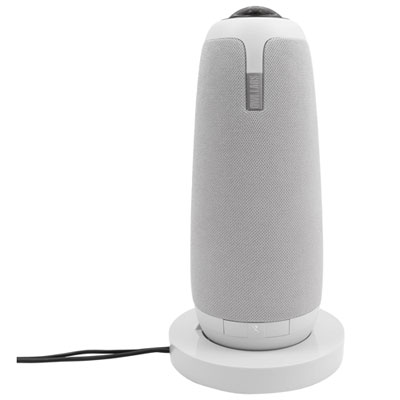
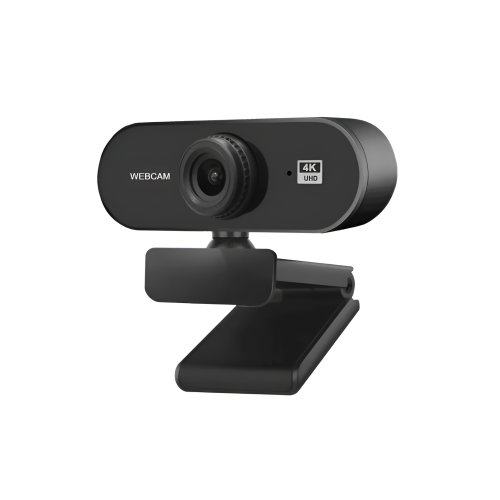
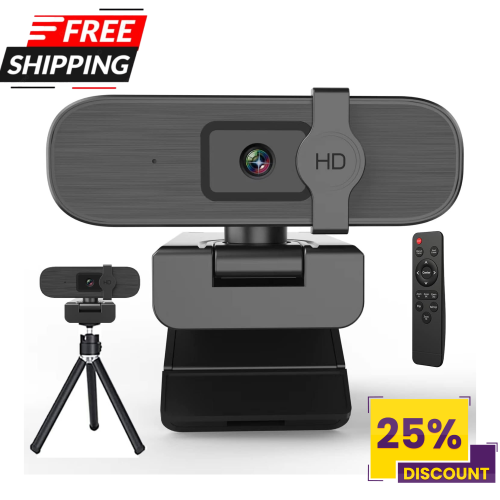
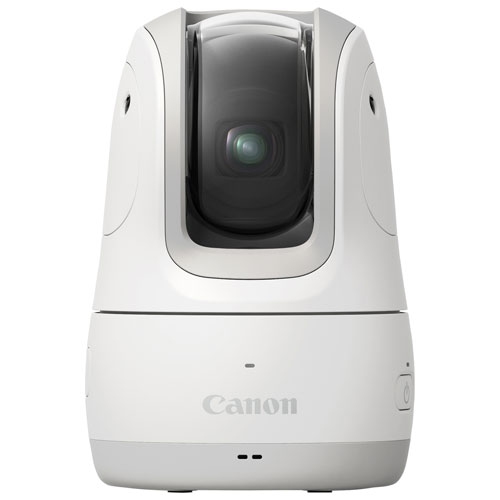
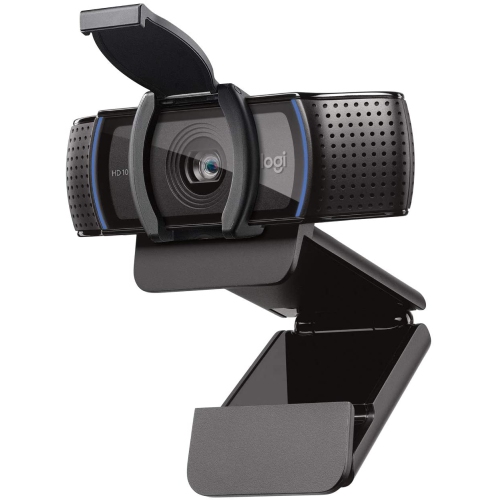
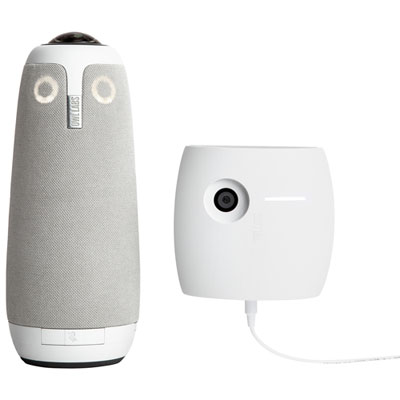
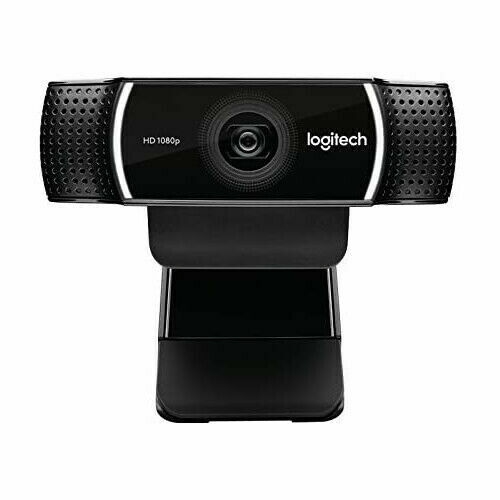
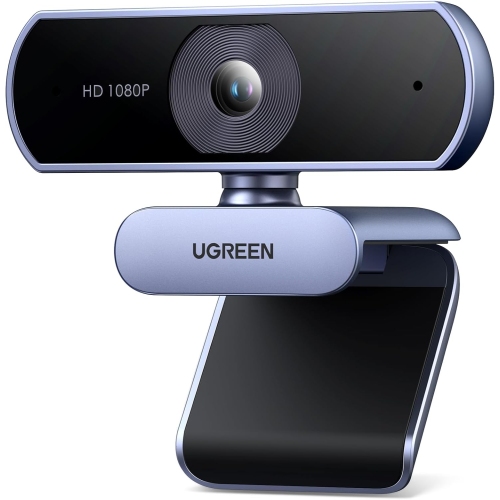
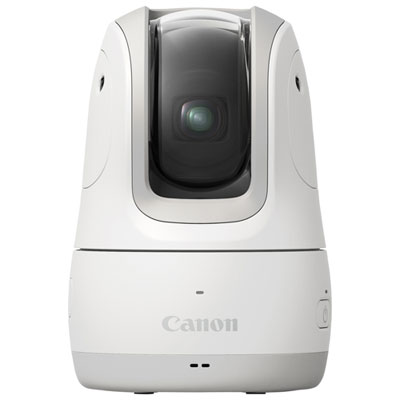
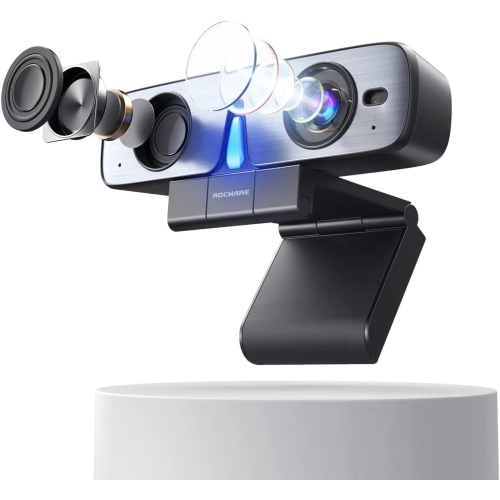
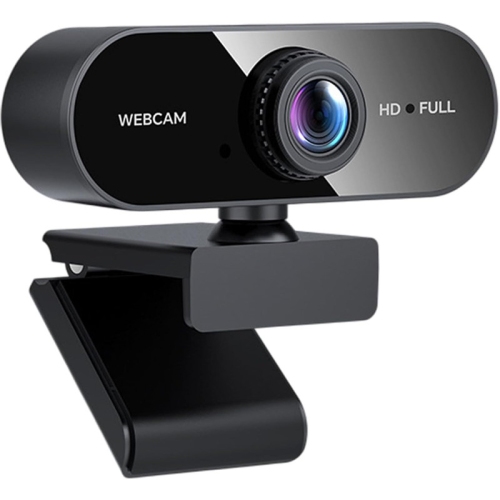
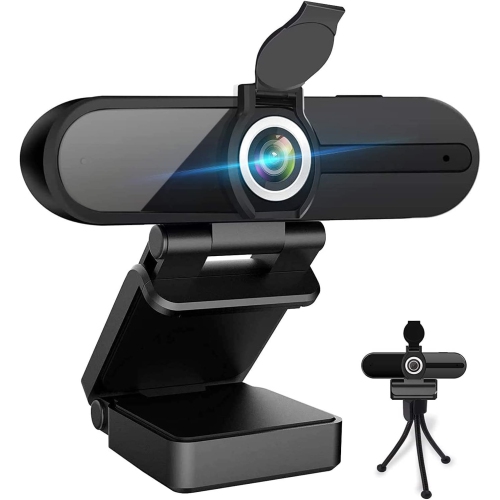
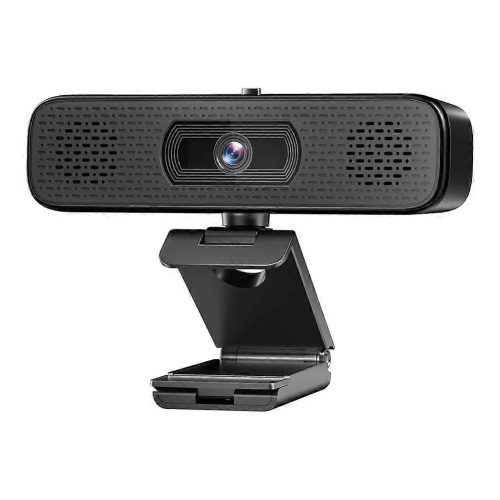
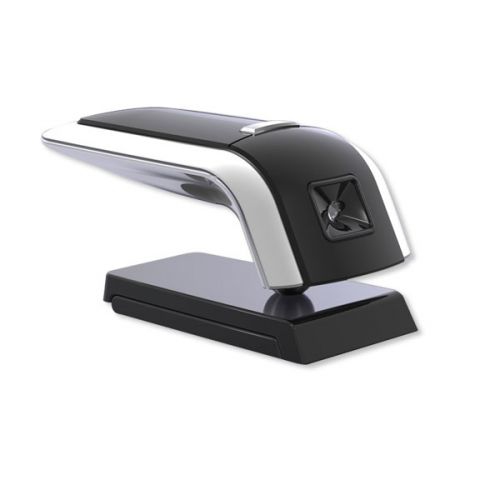
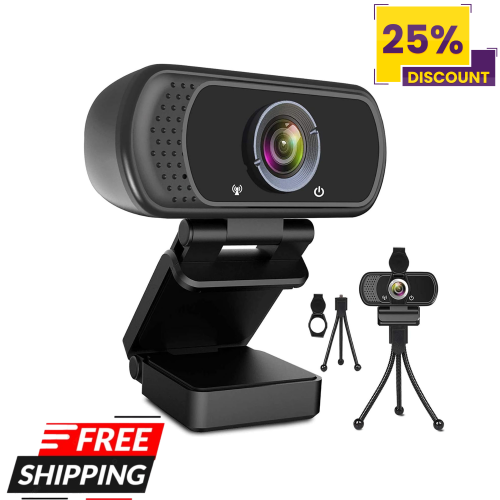
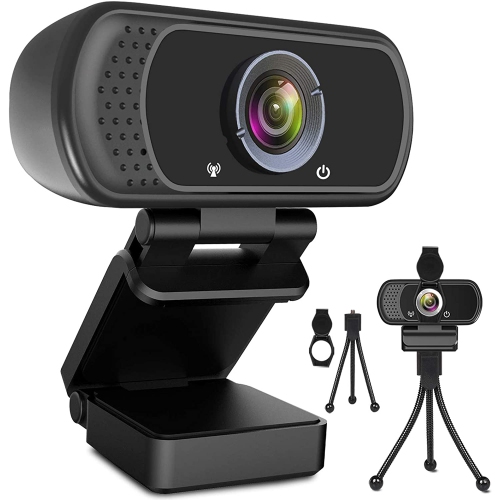
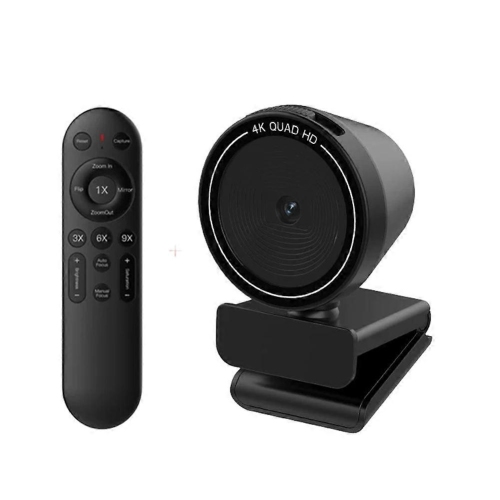
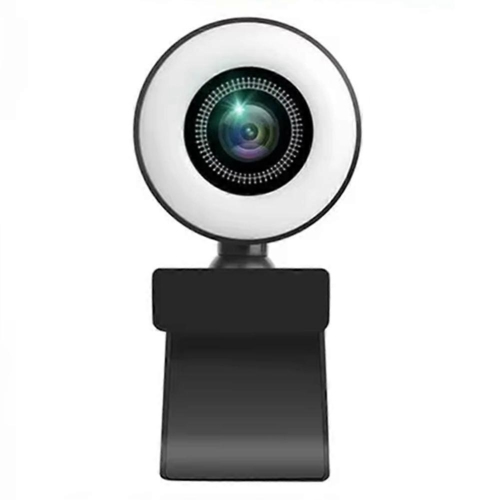

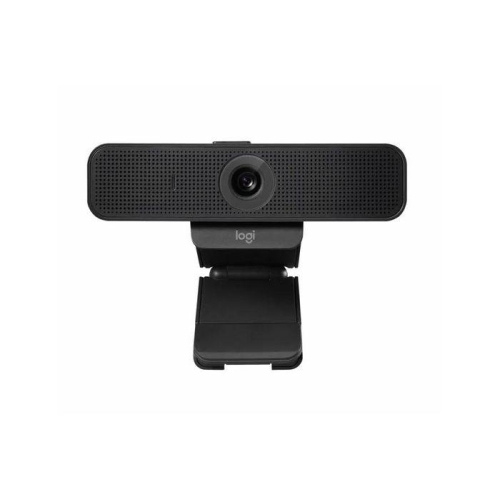
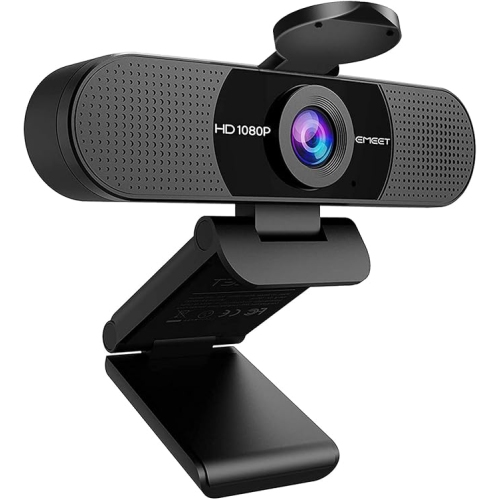
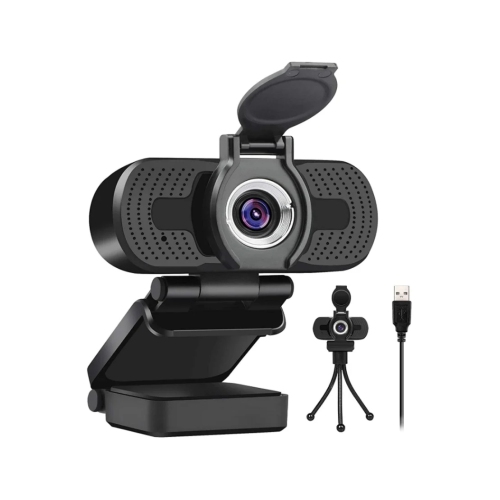
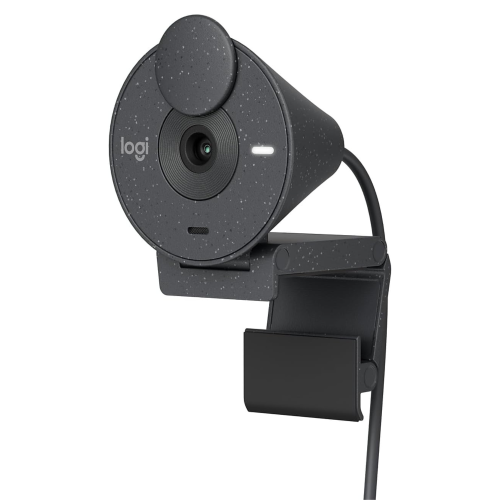
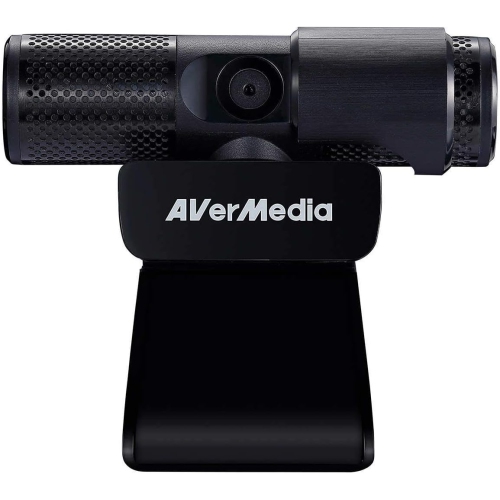

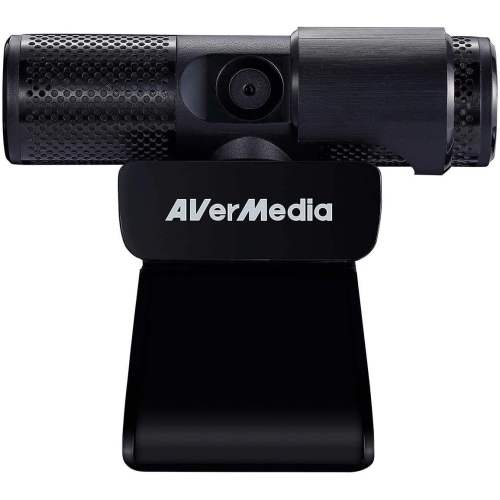
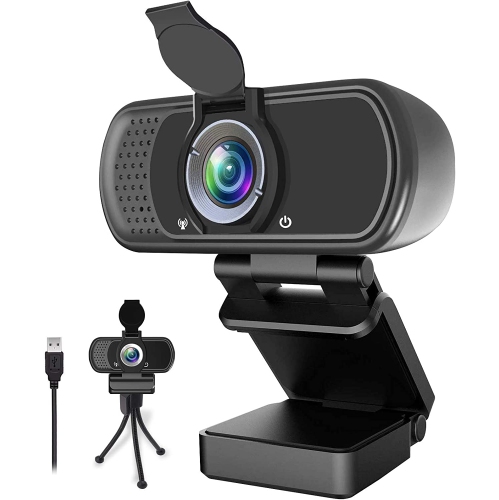
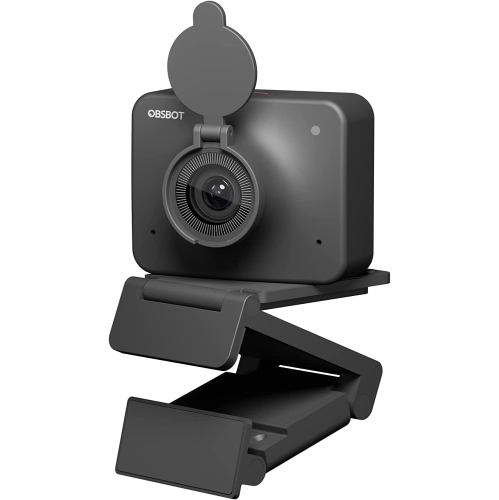
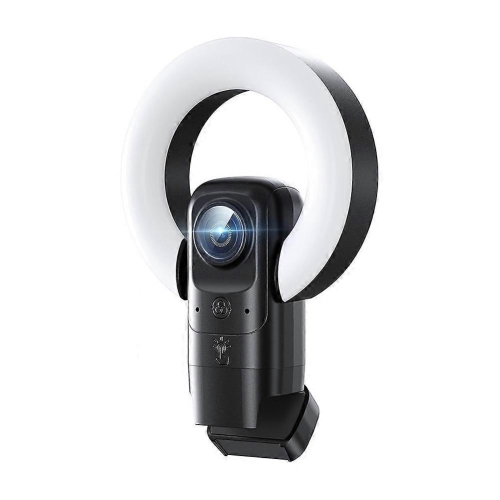
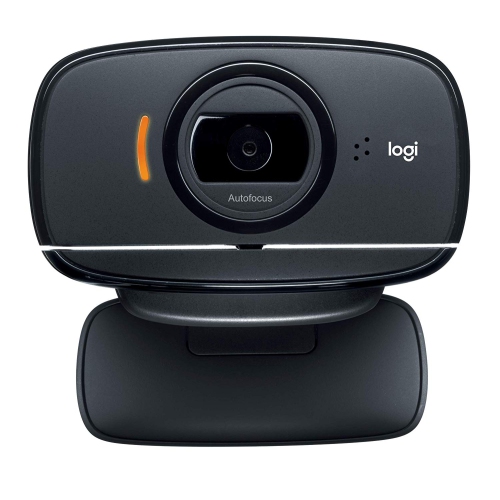
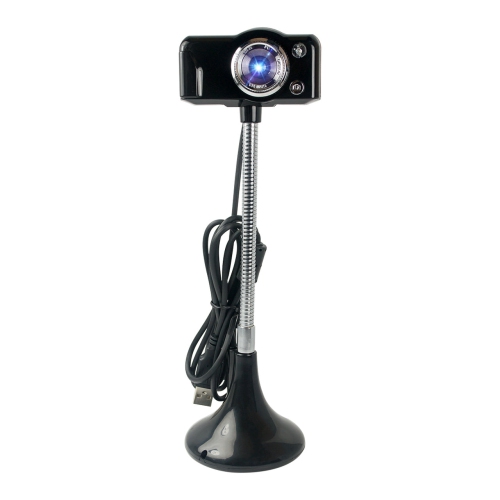
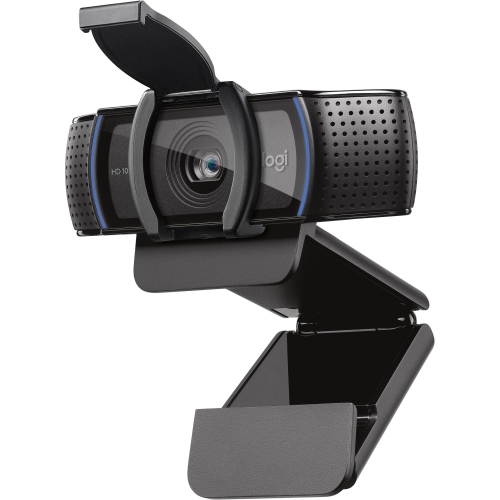
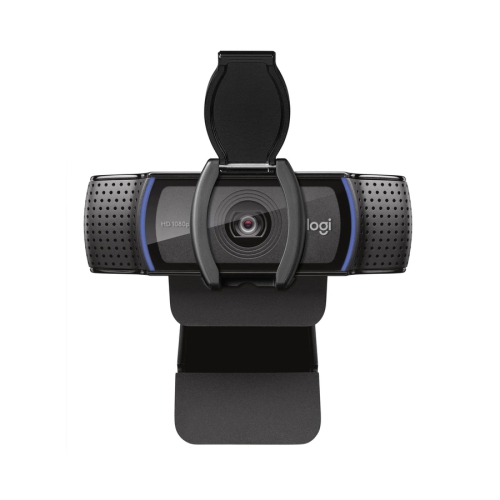

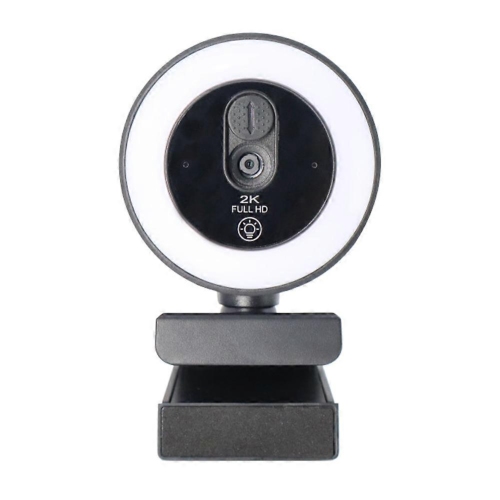
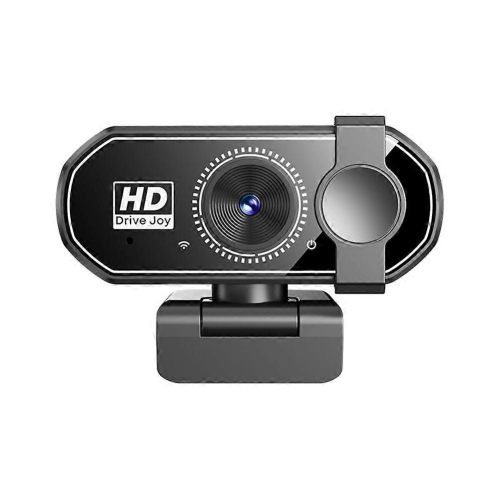
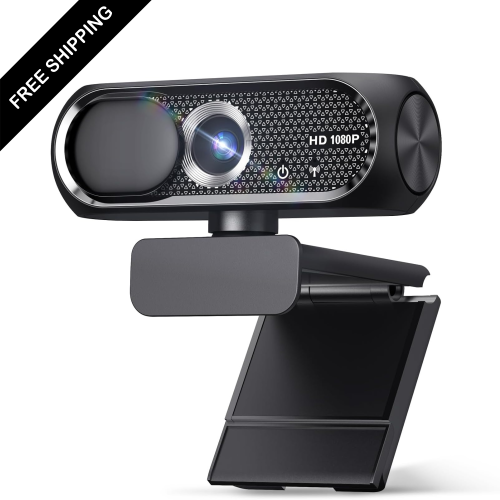

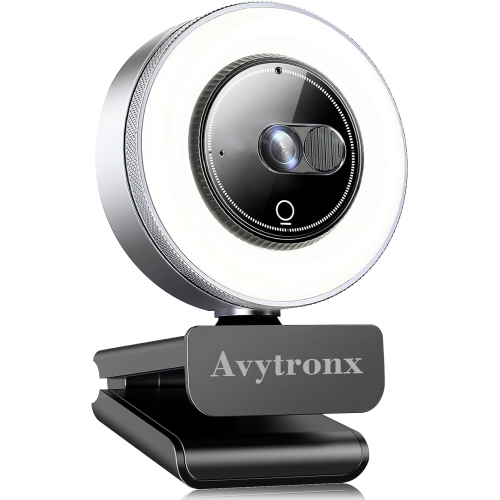
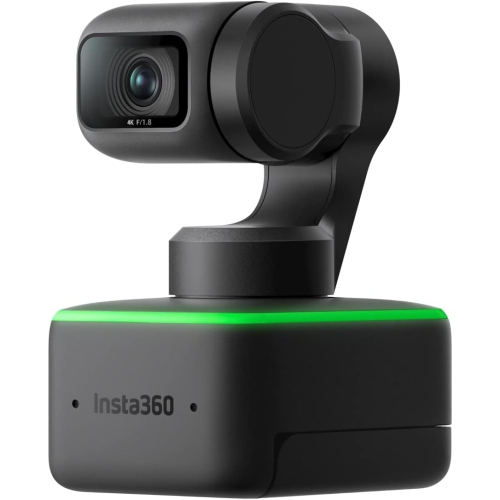
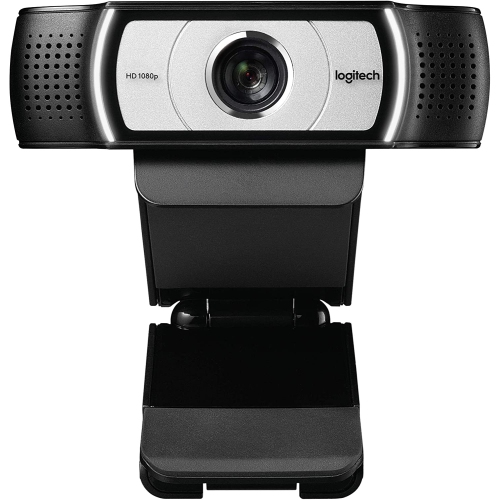
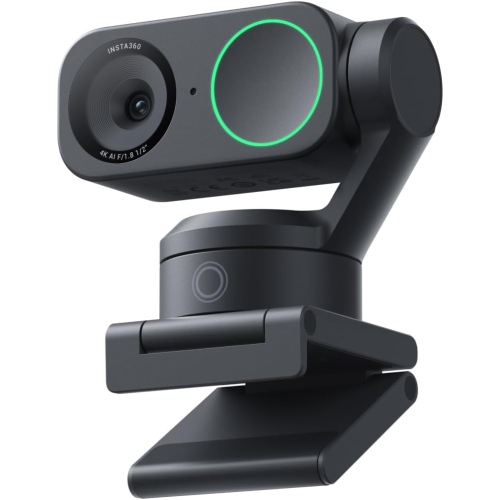
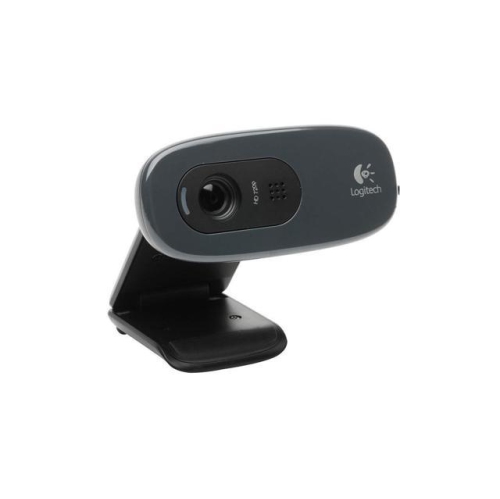
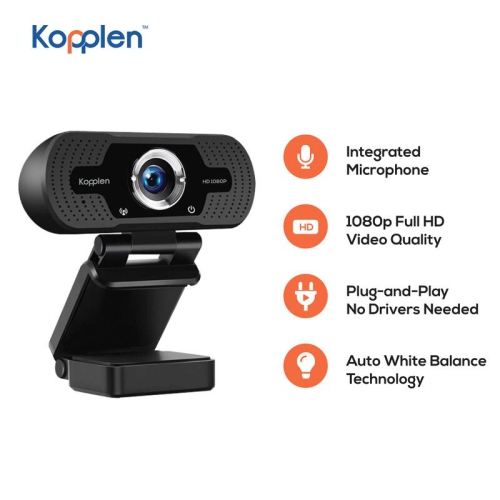
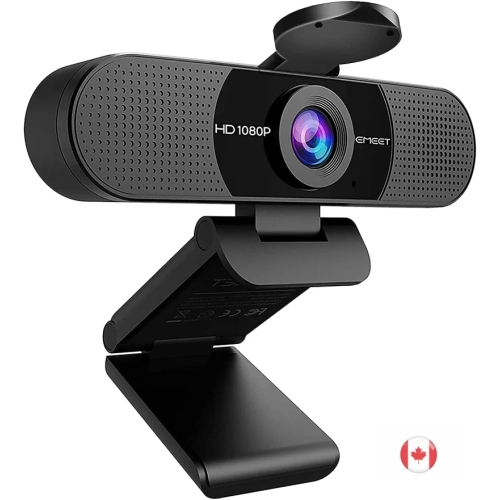
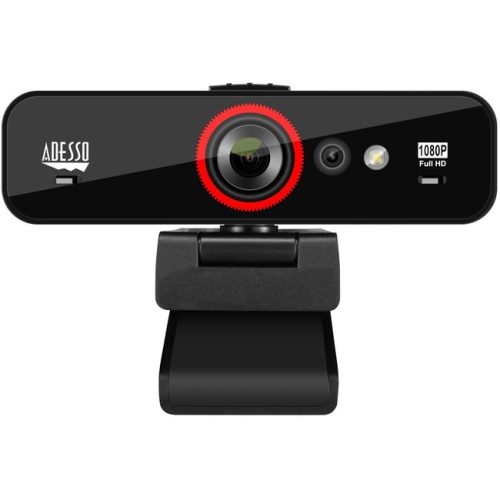
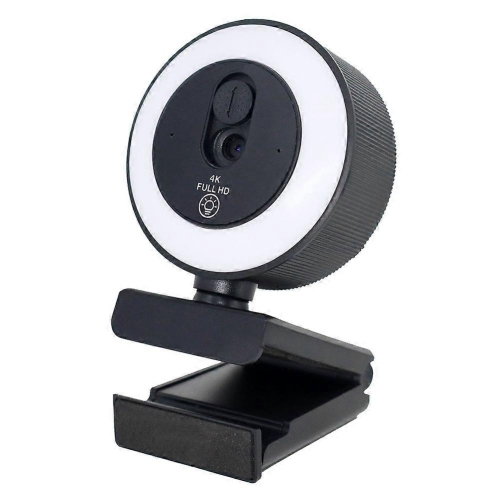
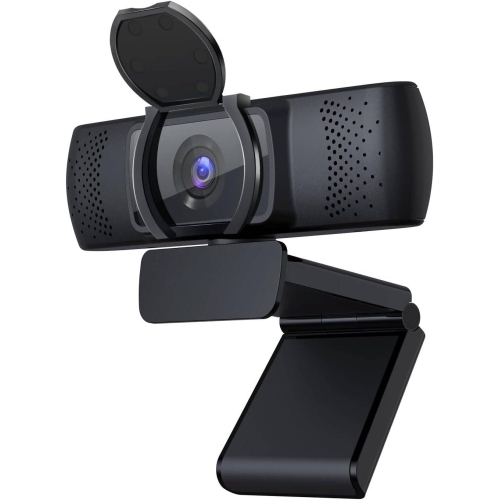
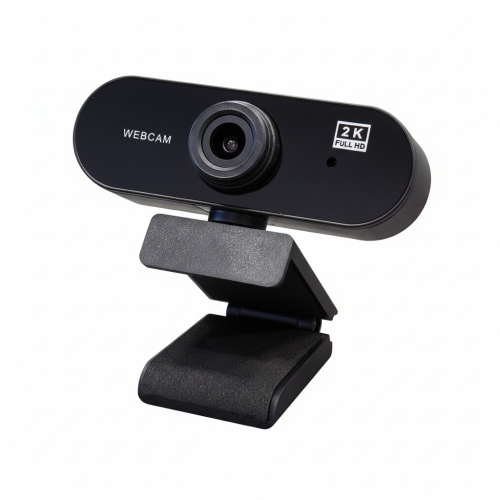
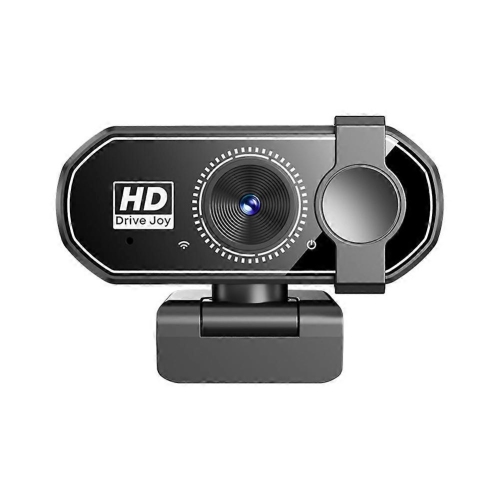
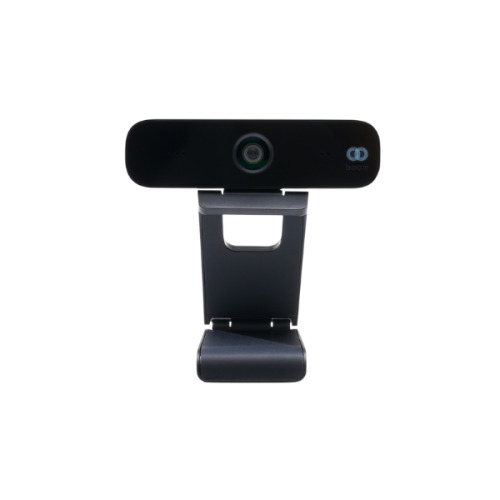
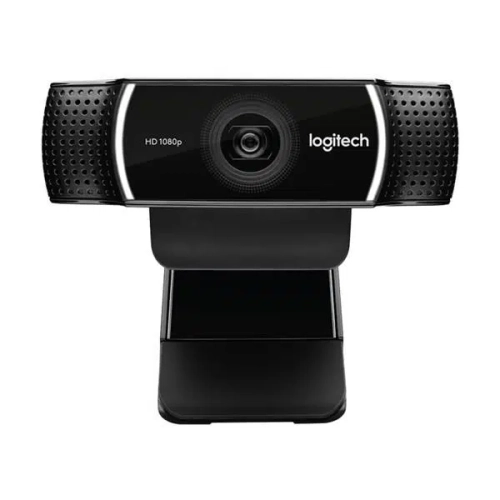
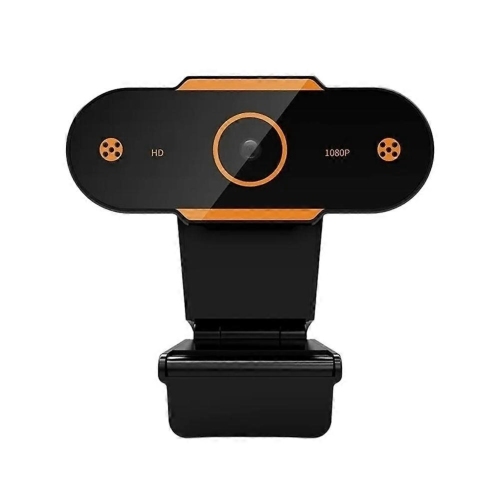
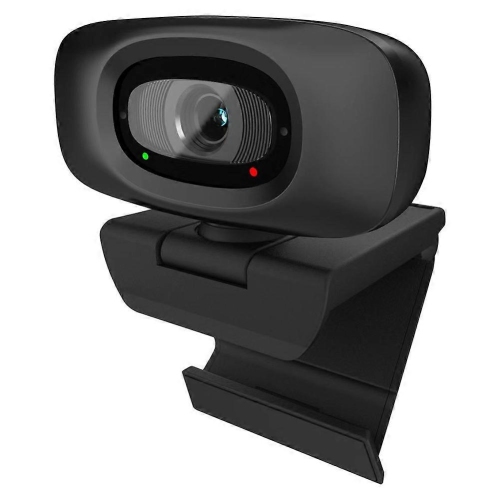

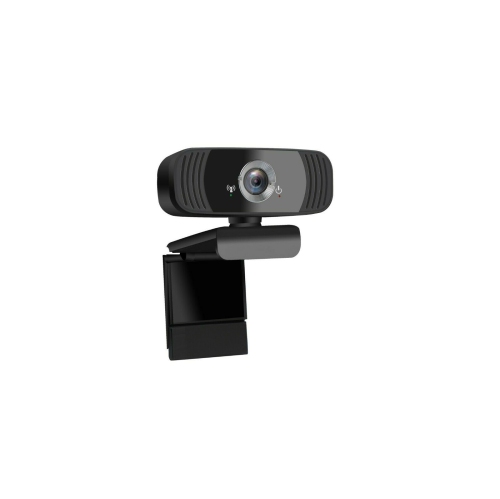
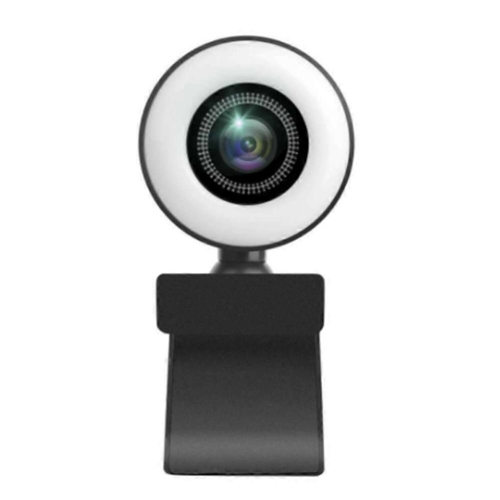
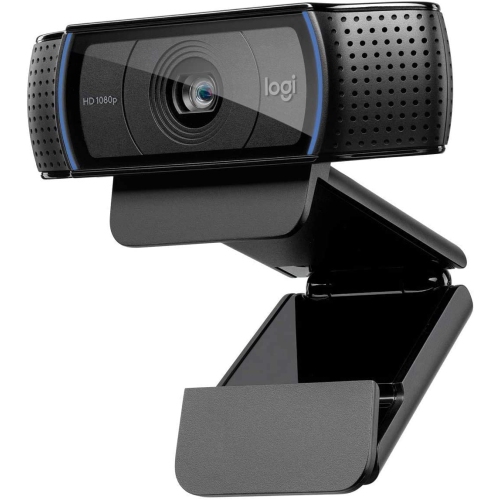
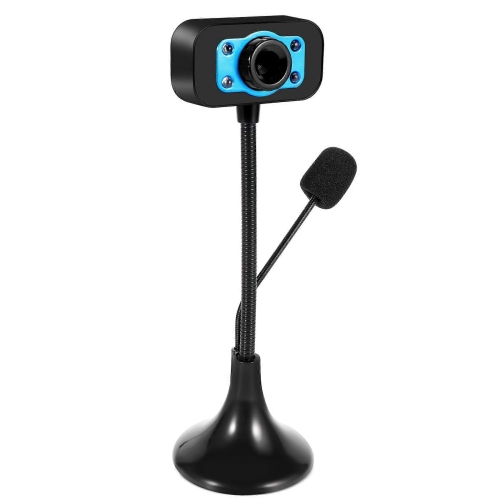
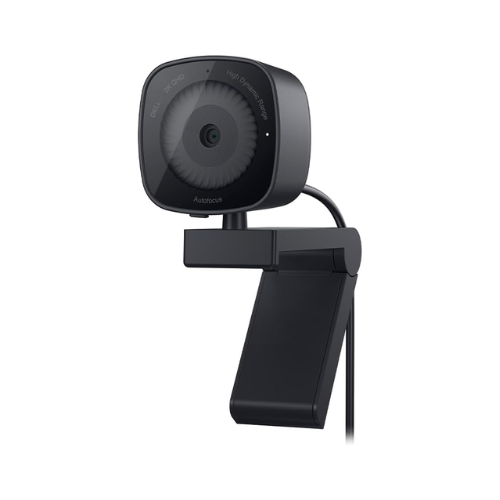
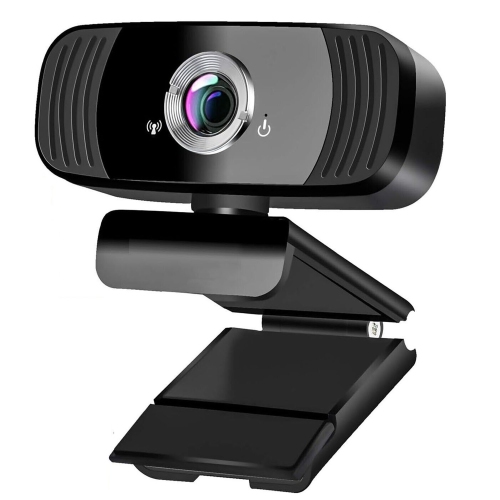
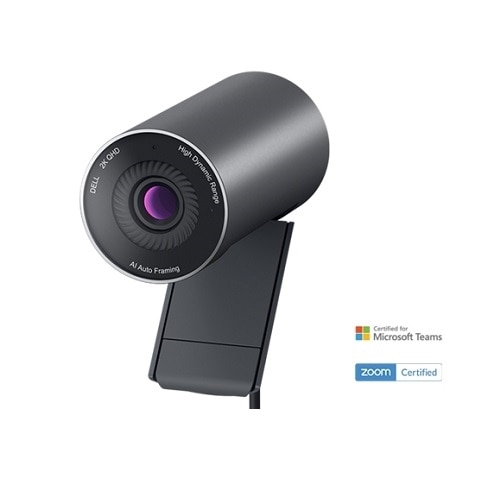
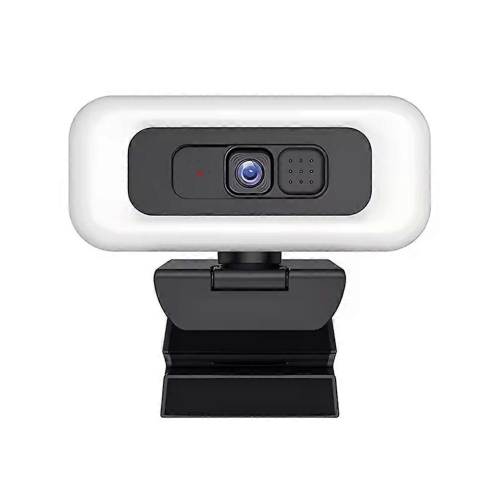
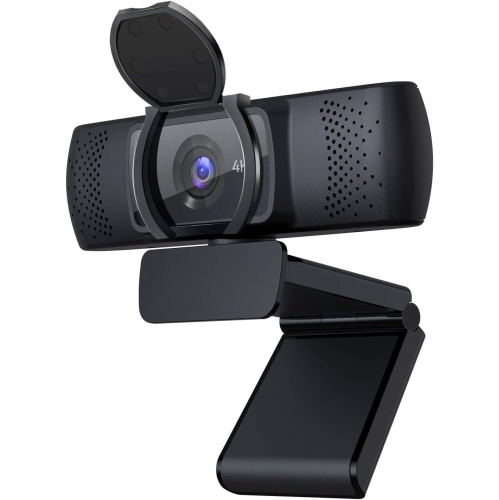
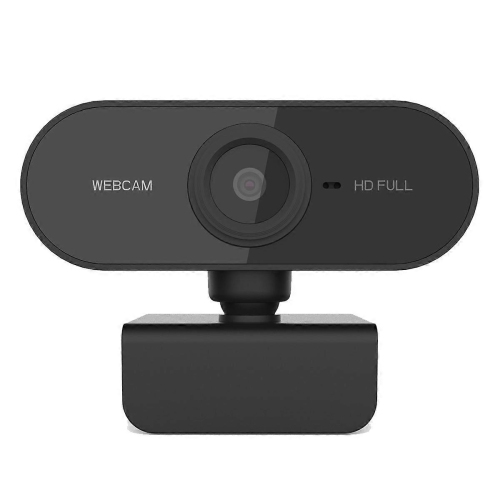
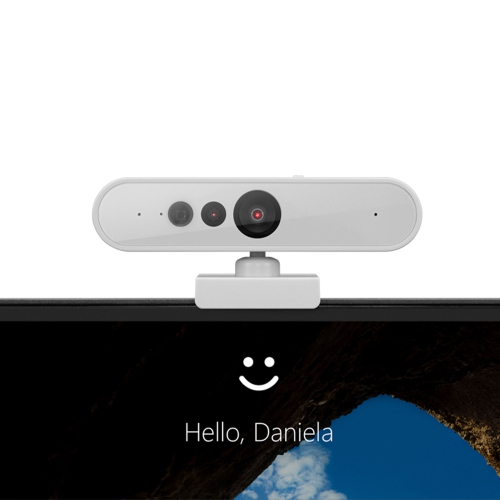
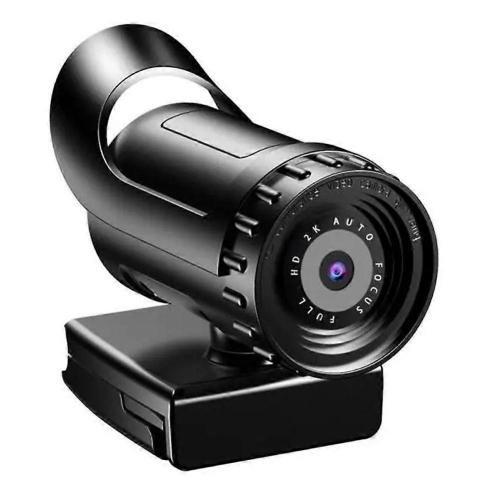
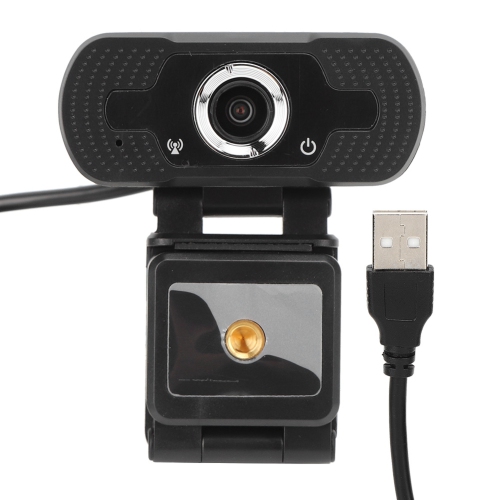
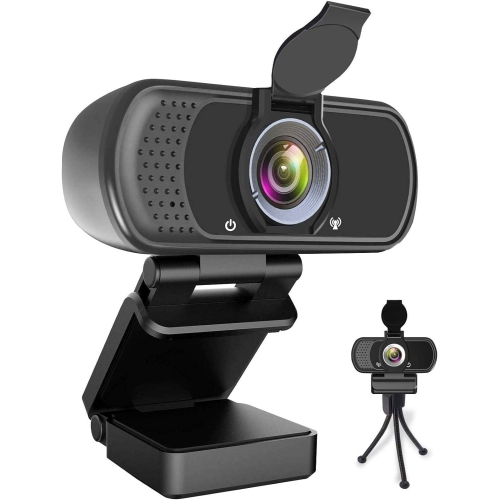
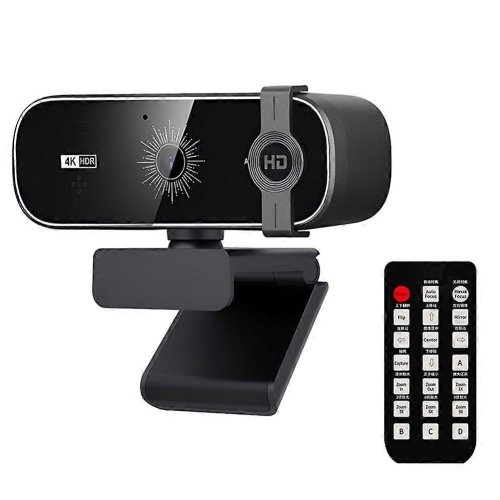
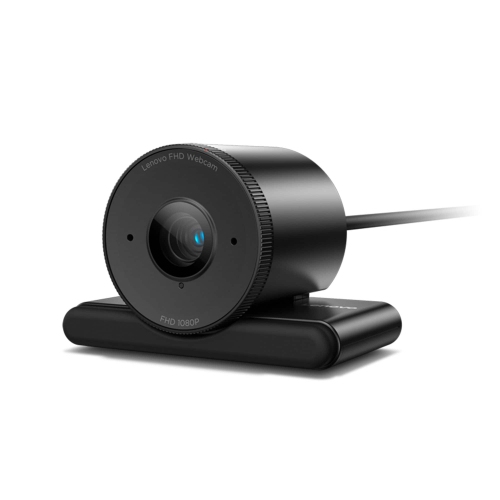
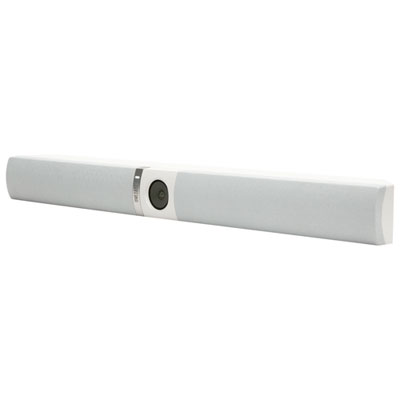
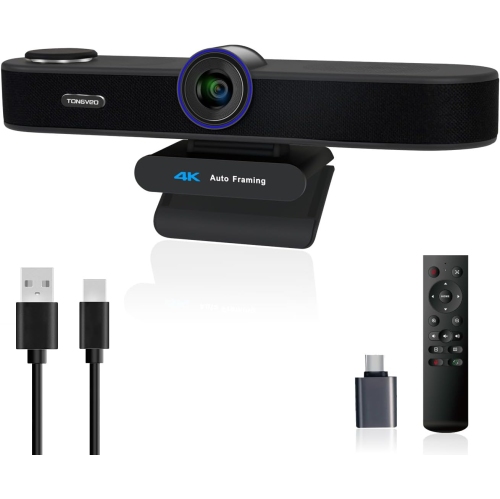
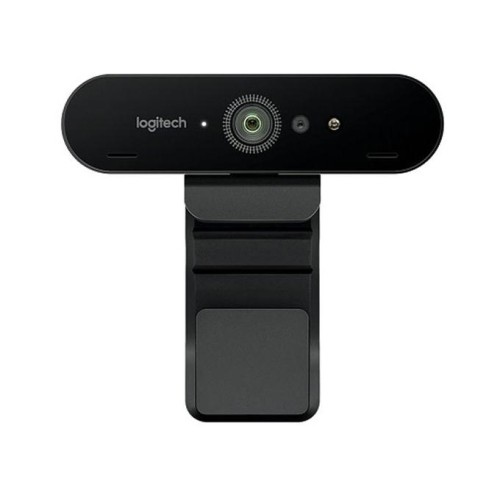
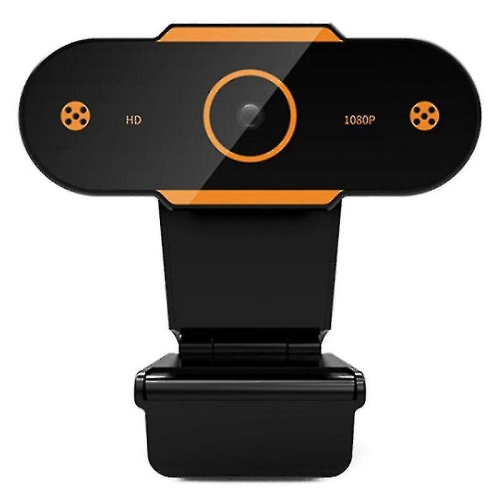
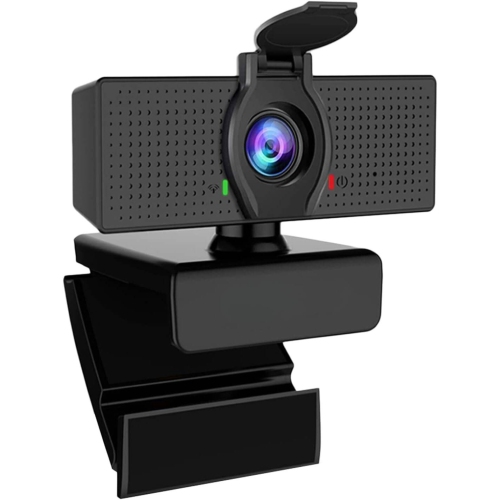
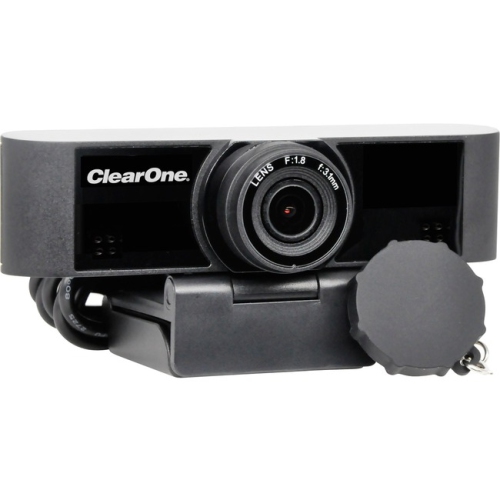
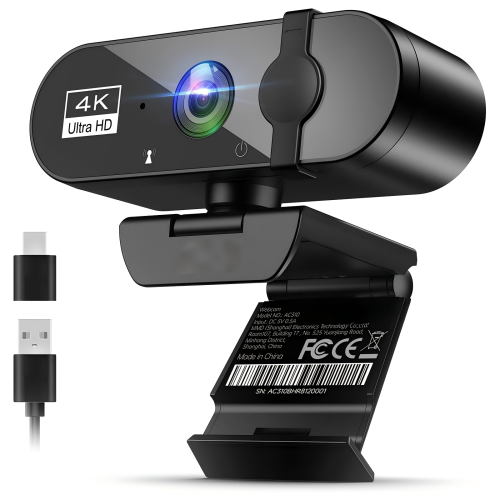
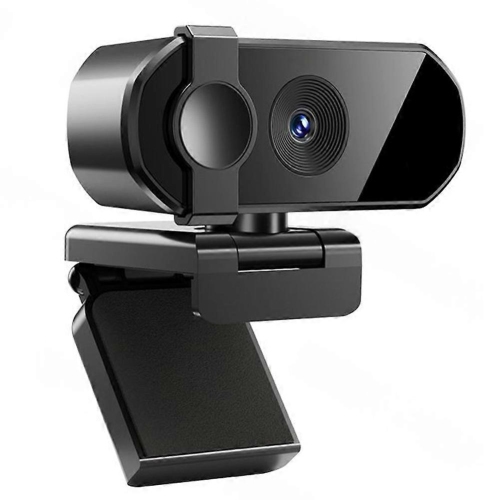
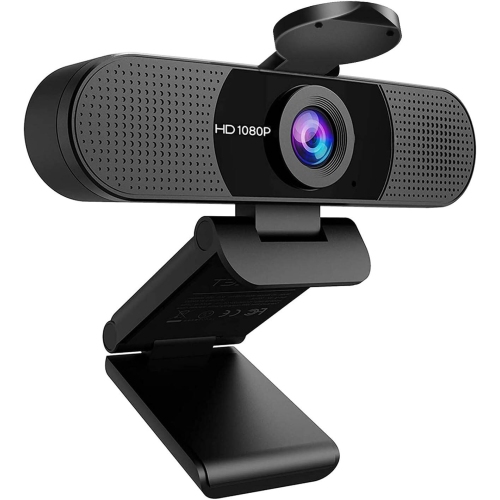
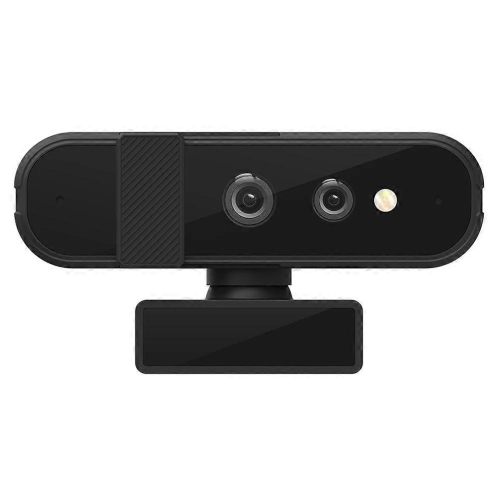
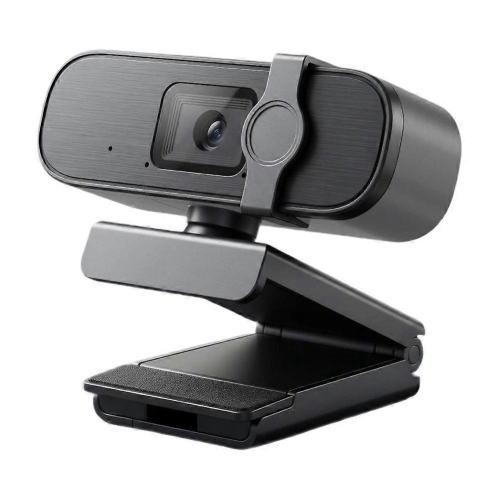
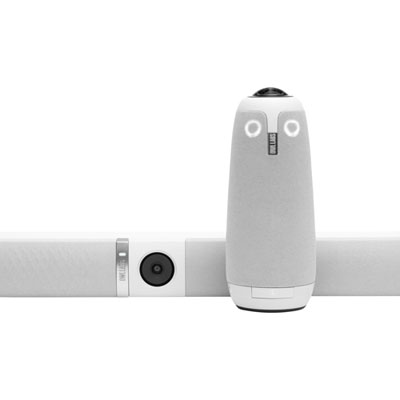
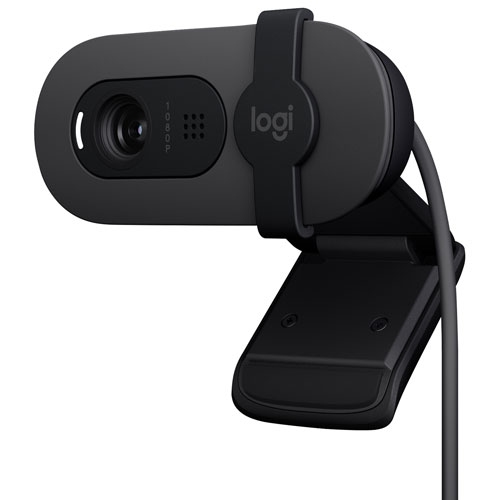
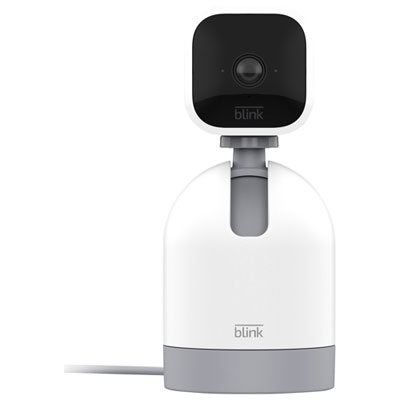
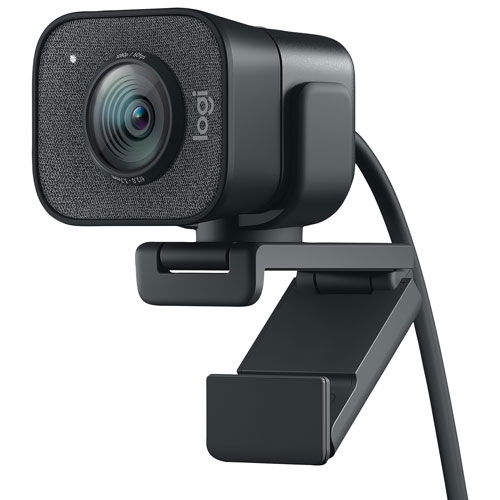
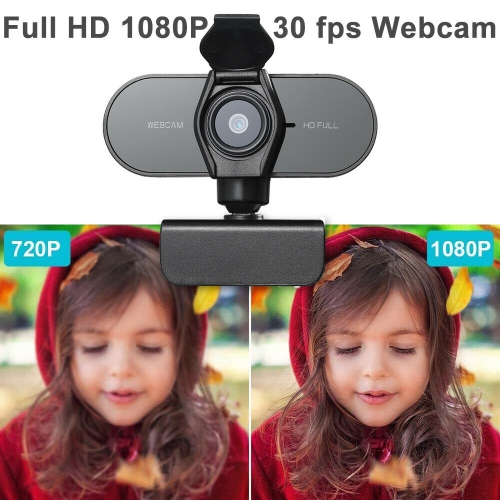

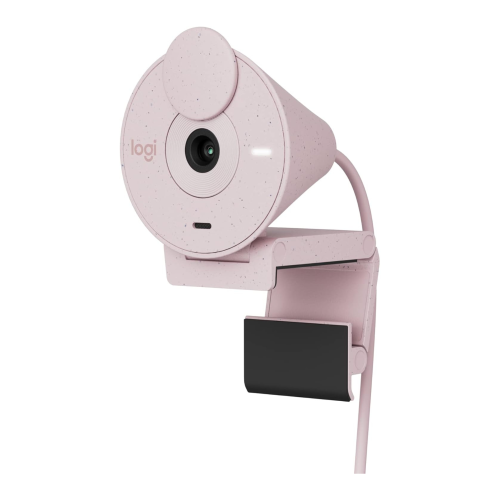
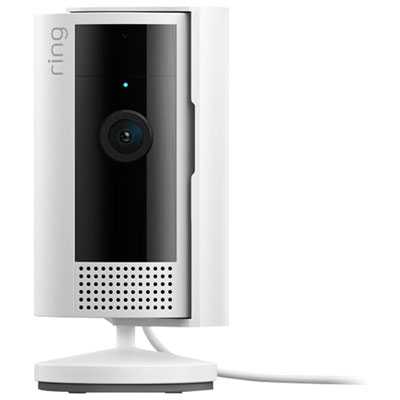
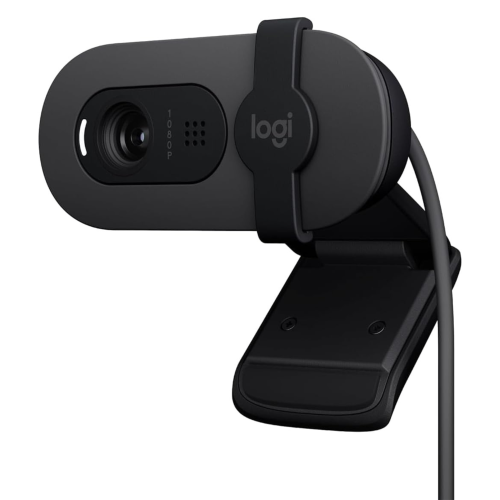
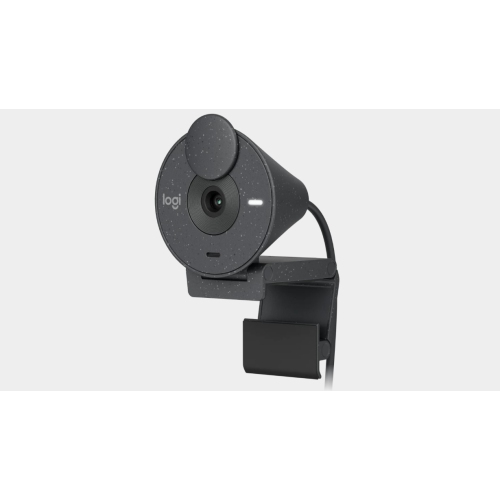
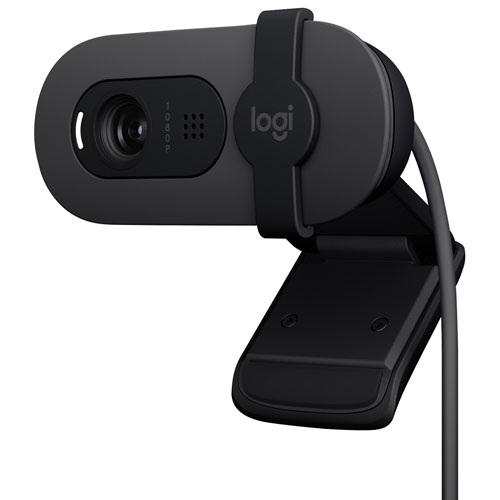
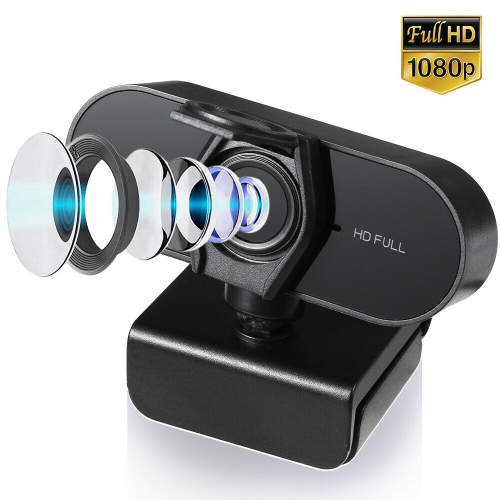
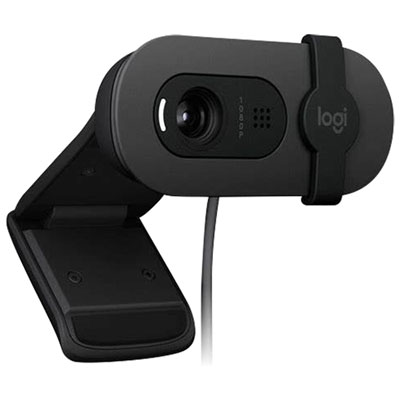

A white finish is only part of the picture
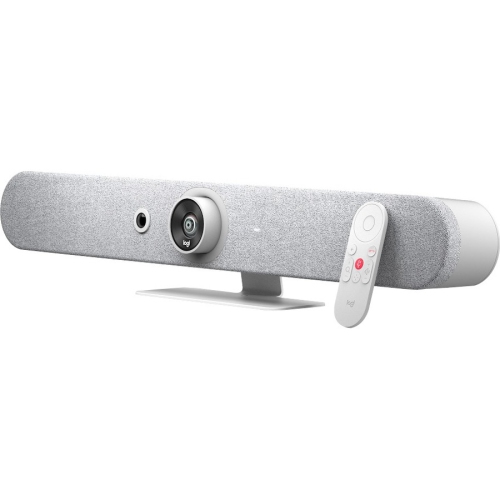
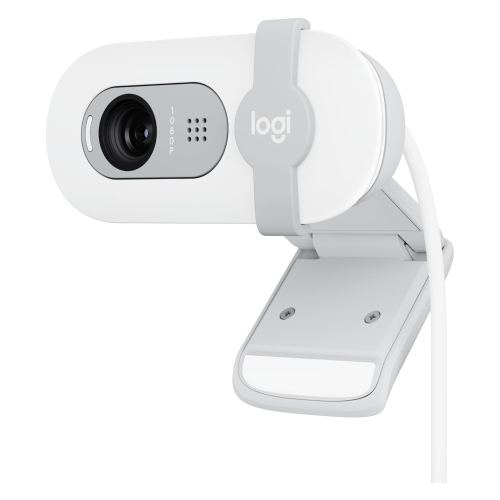
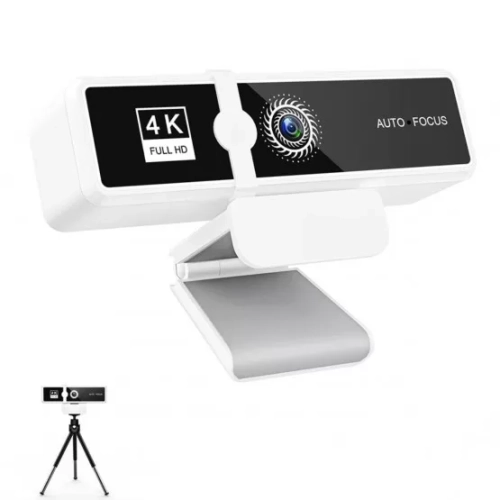
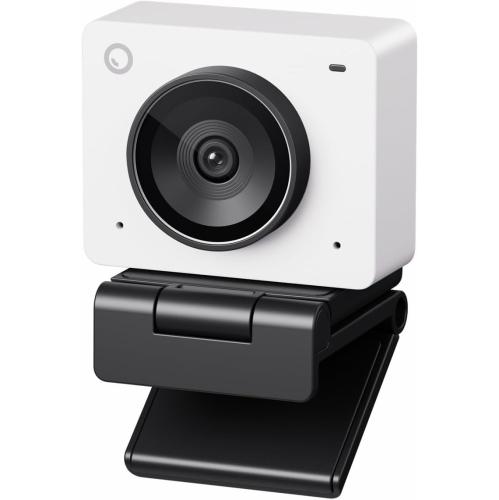
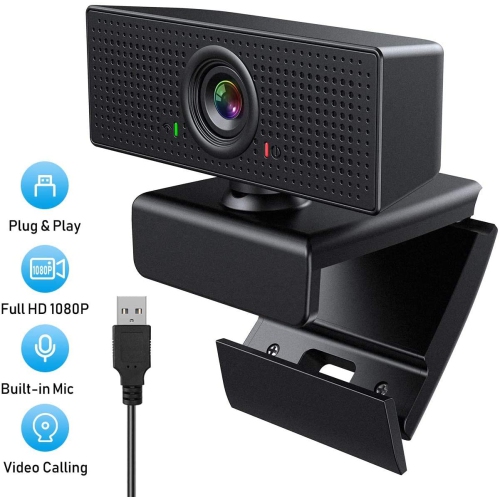
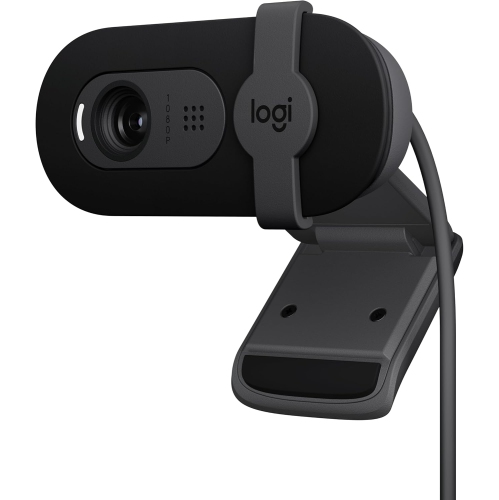
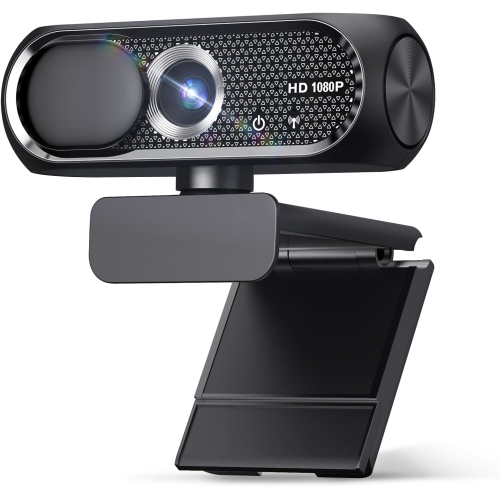
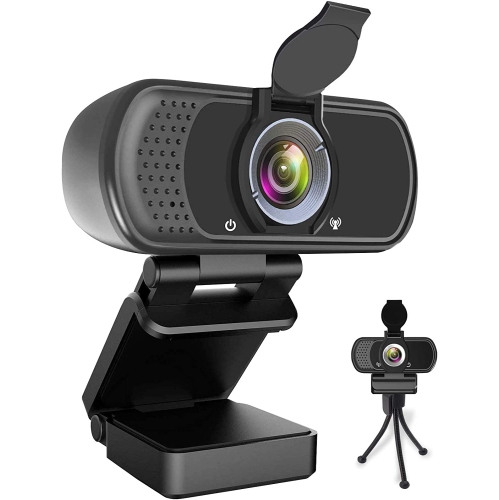
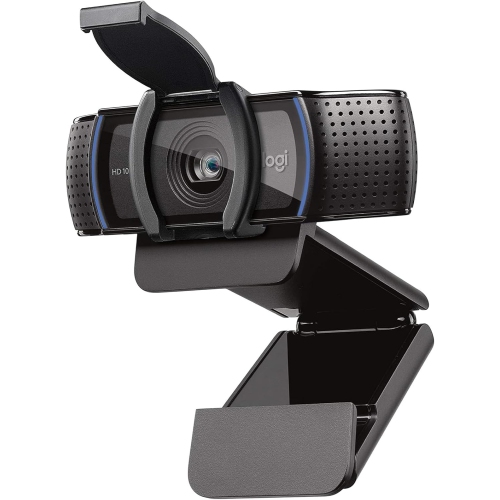
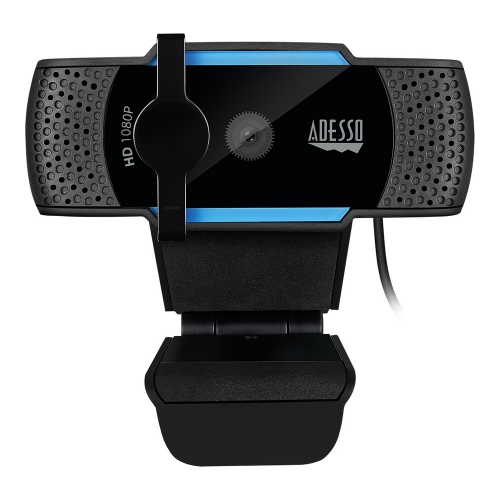
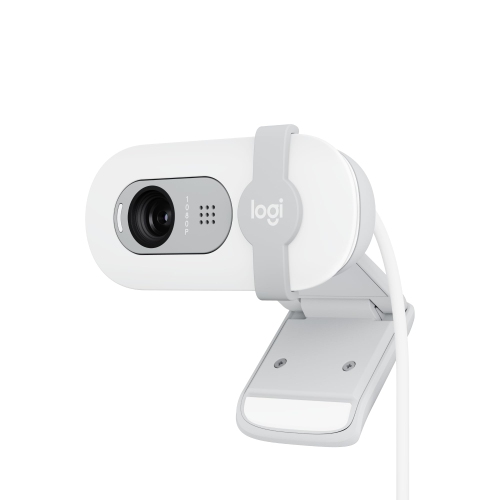
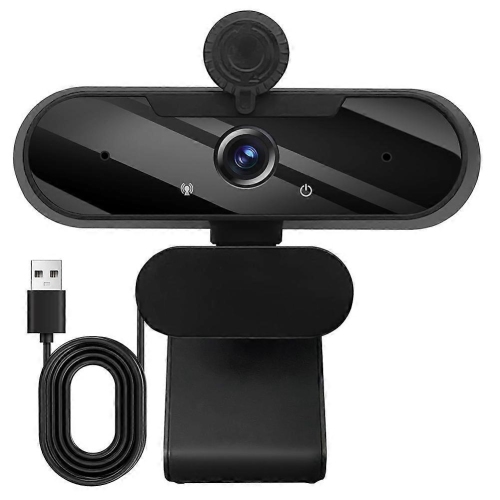
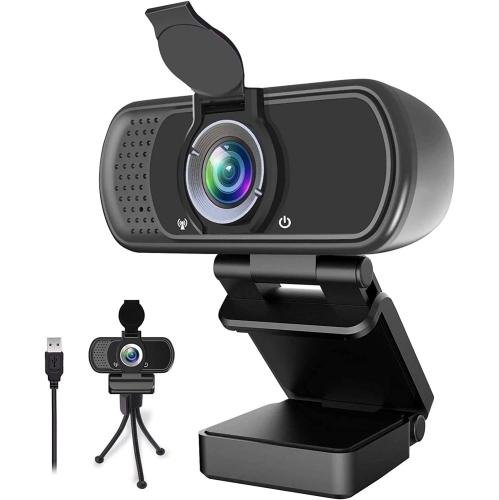
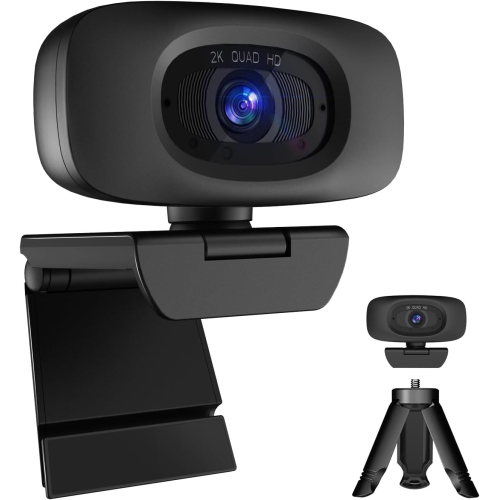
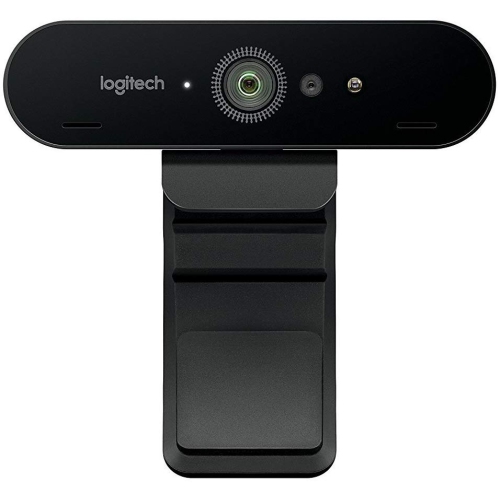
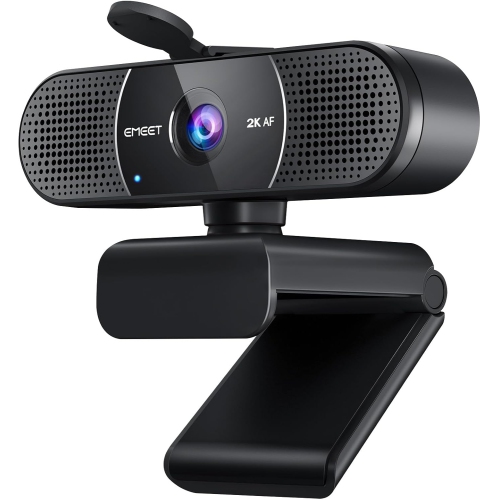
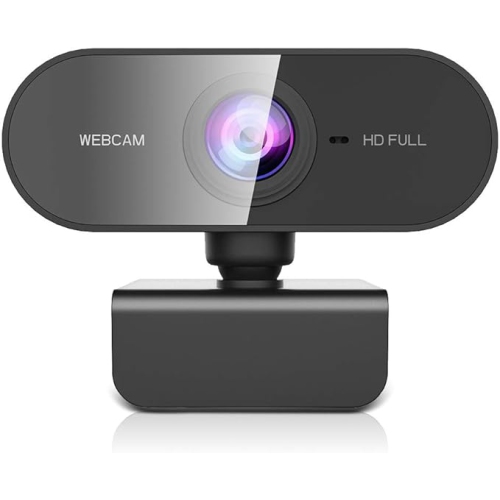
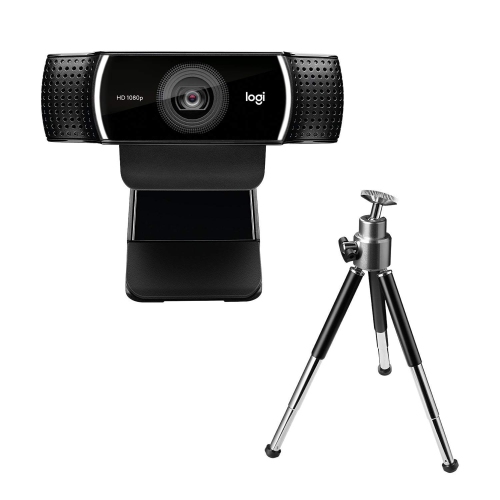
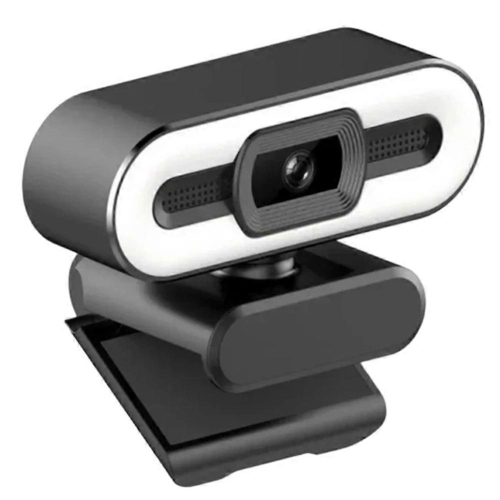
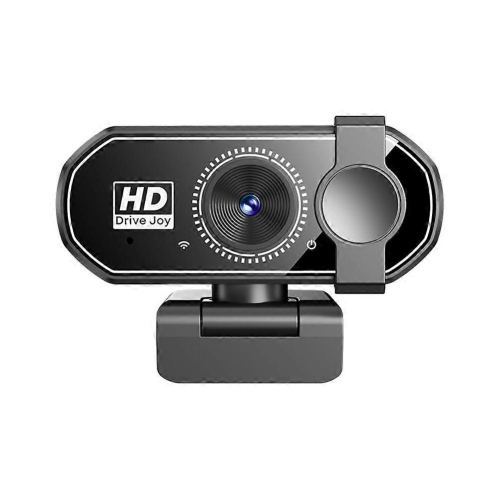
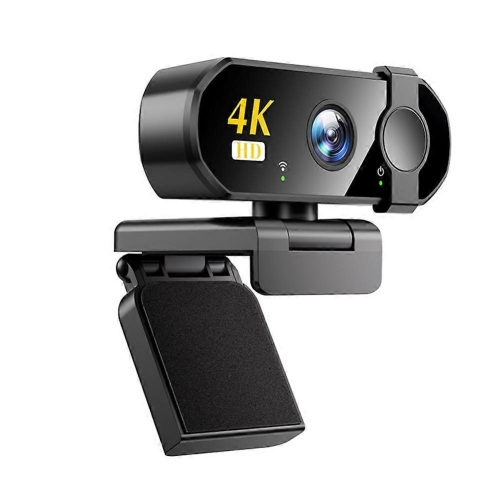
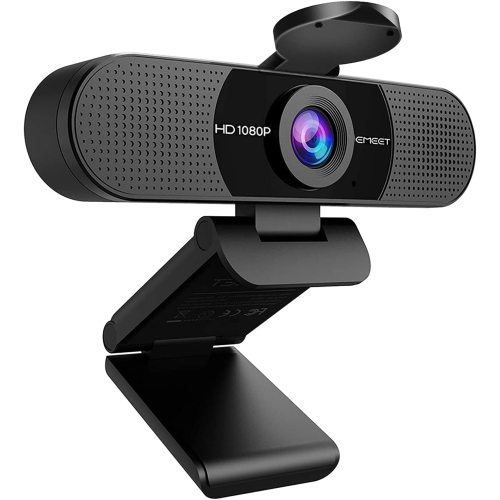
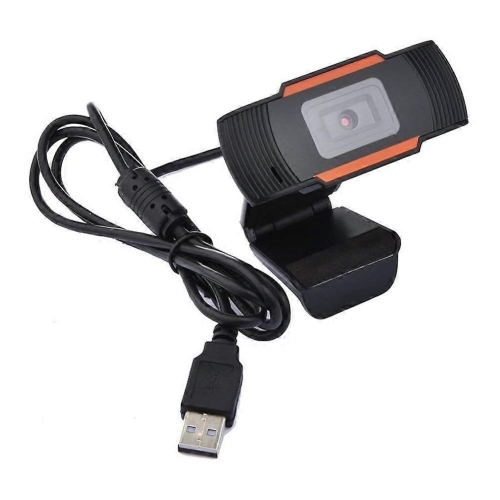
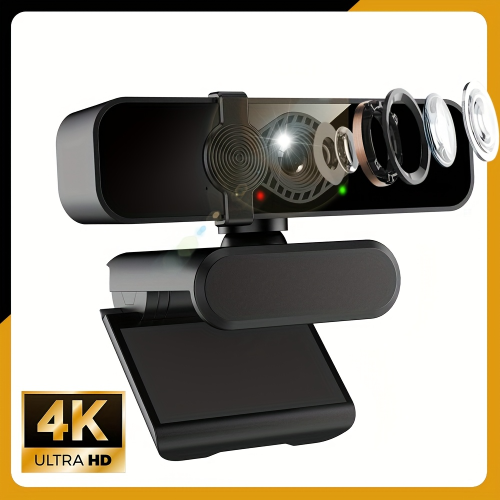
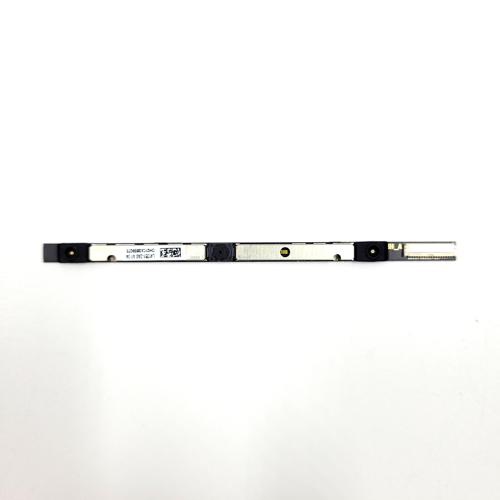
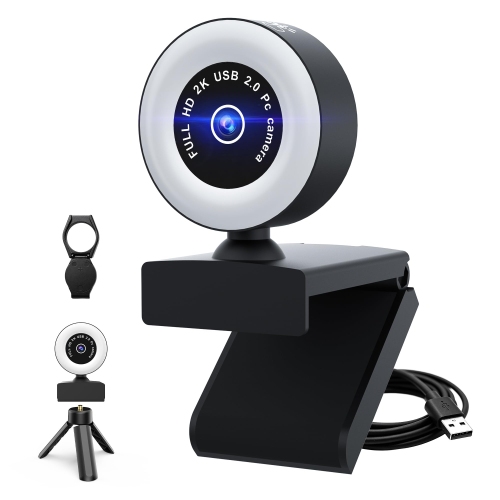
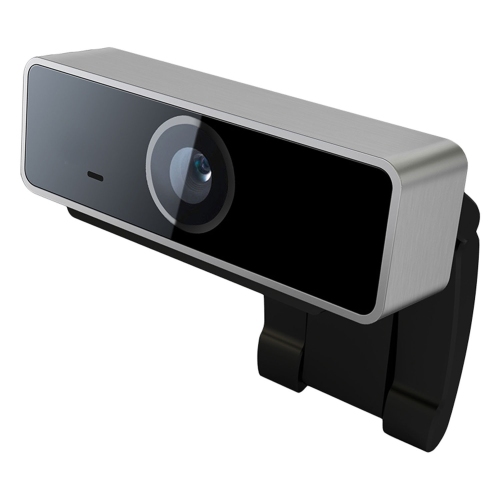
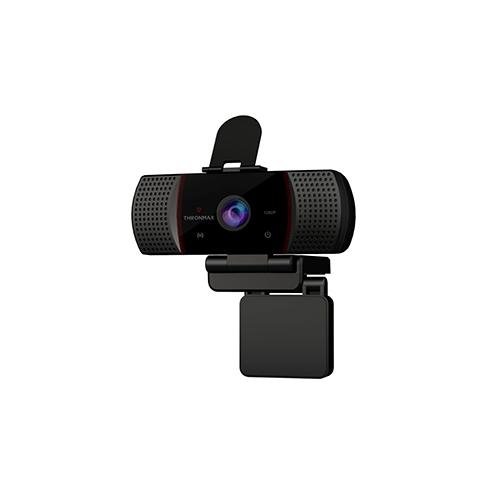
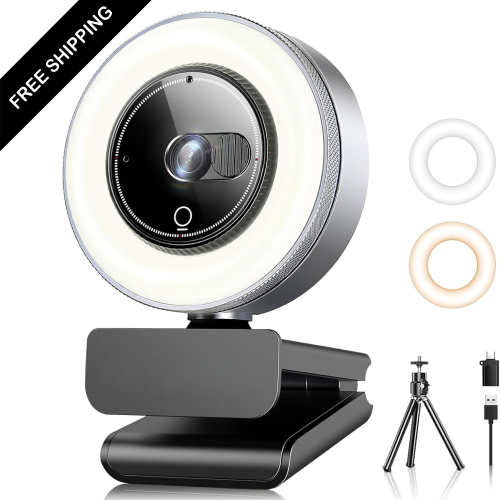
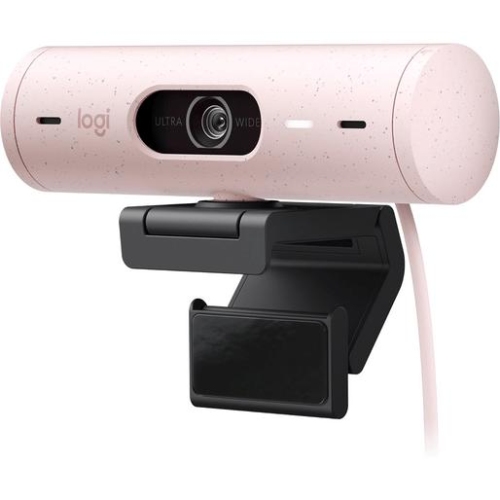
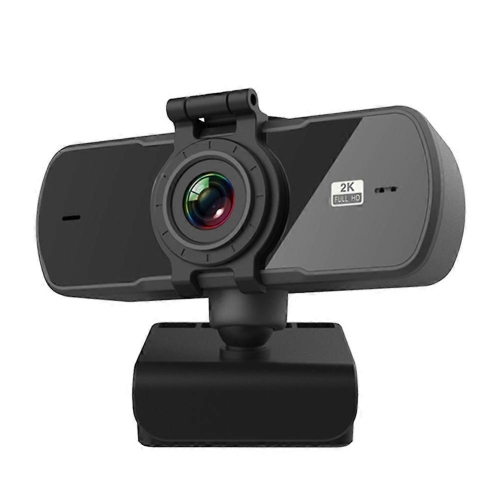
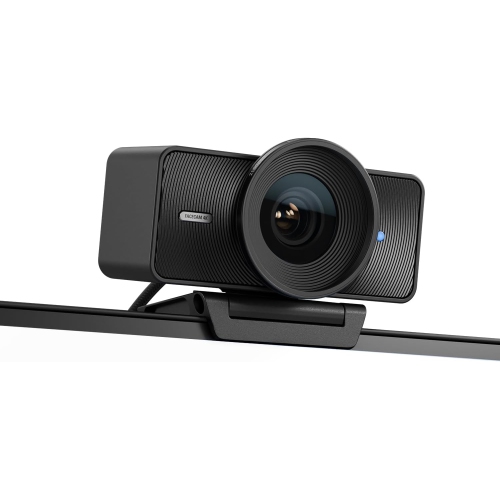
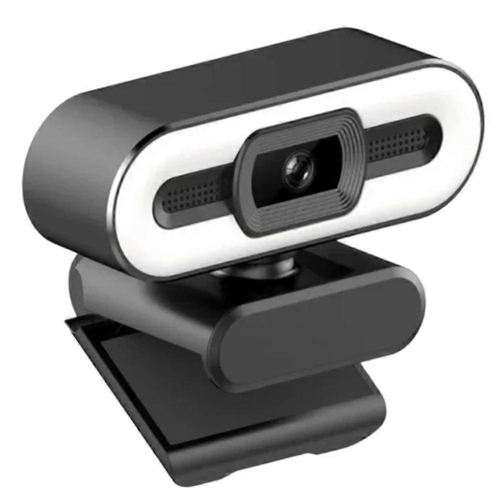
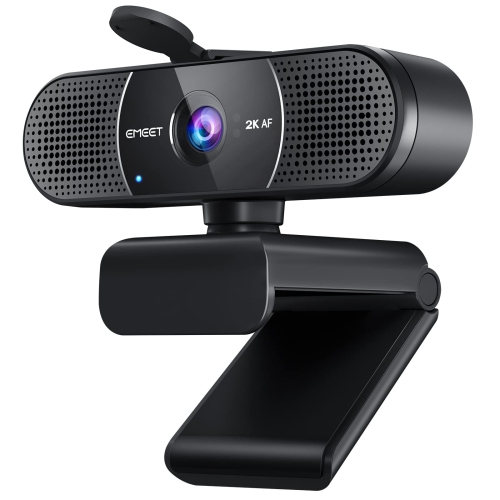
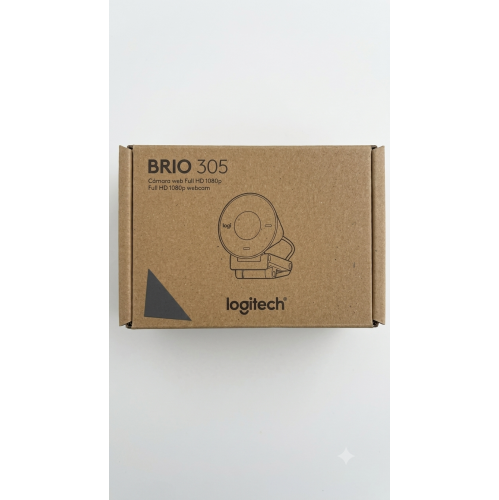
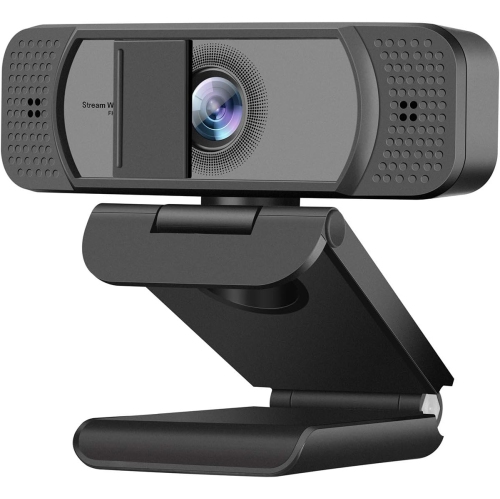
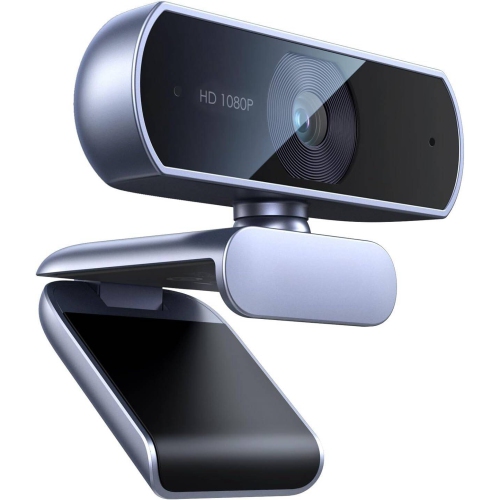
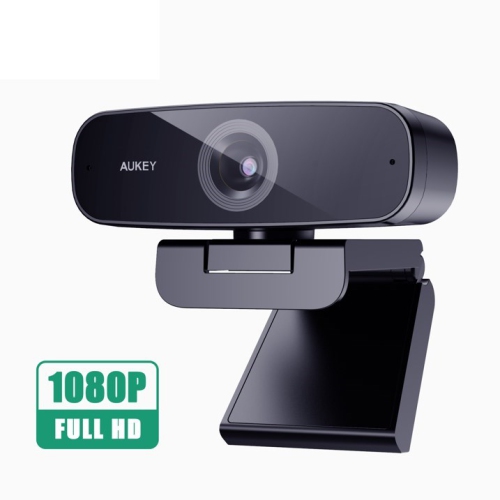
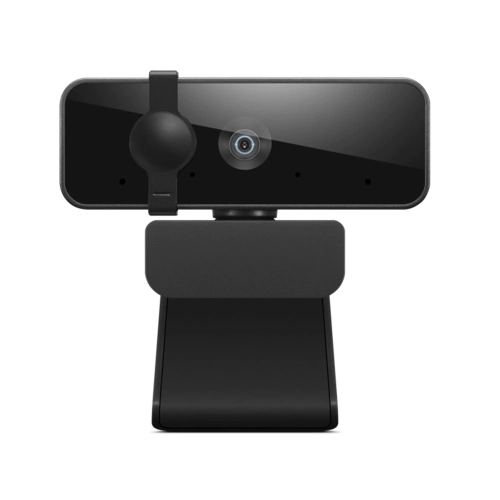
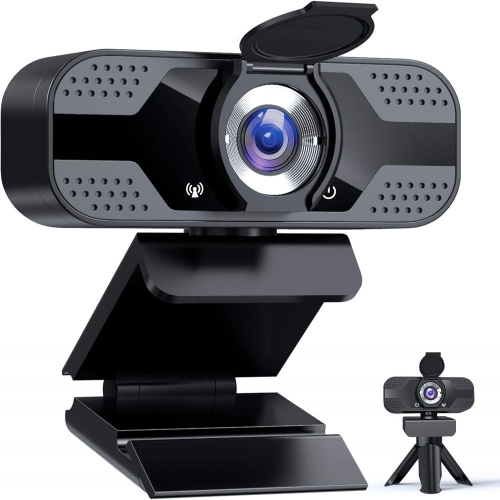
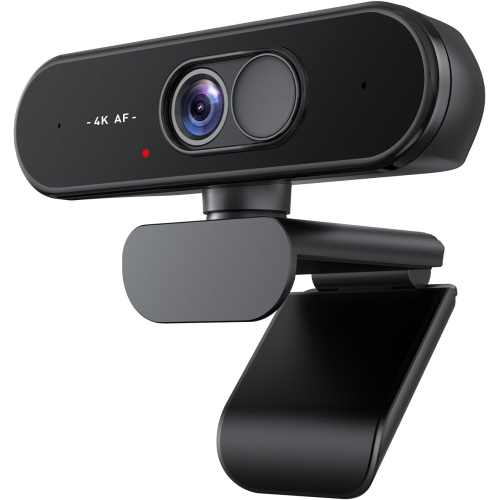
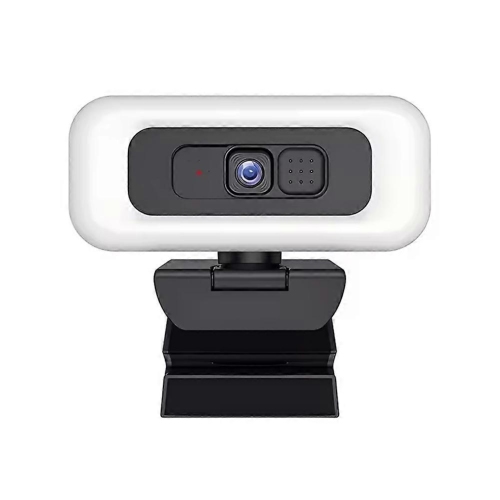
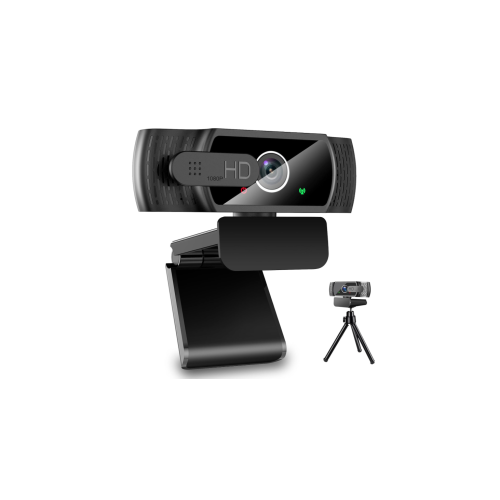
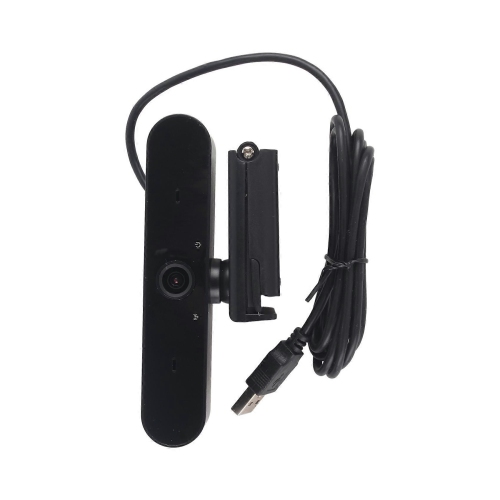
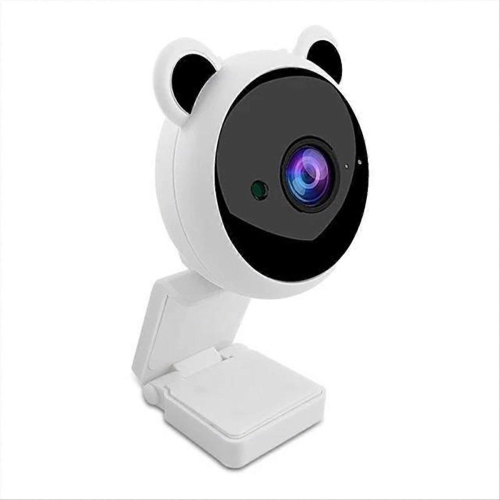
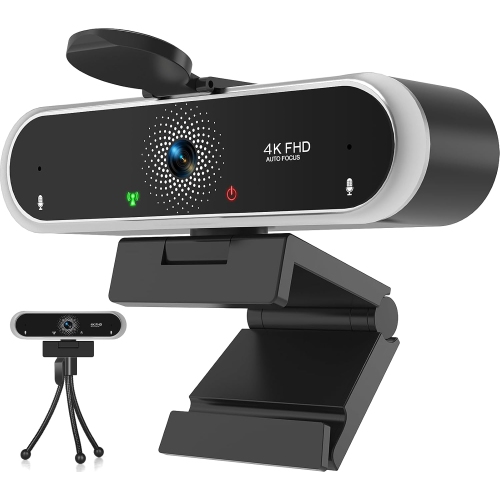
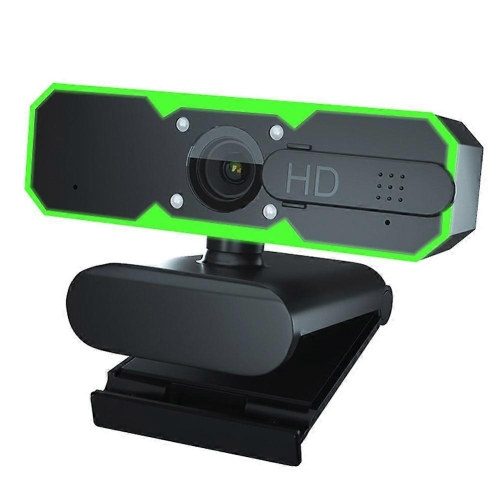
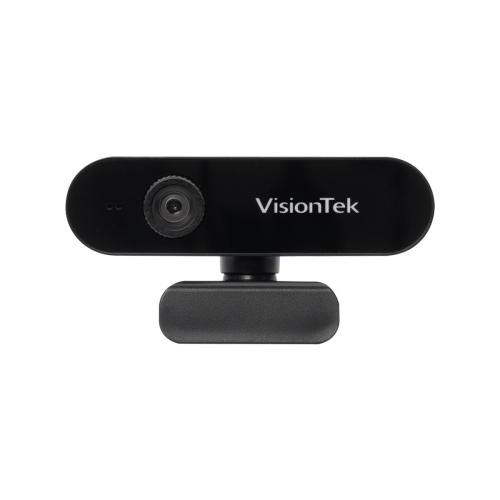
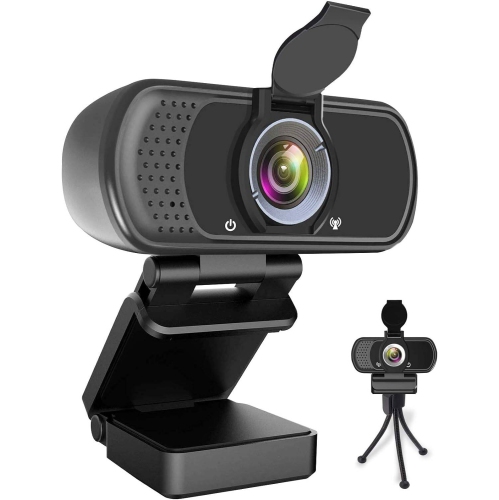
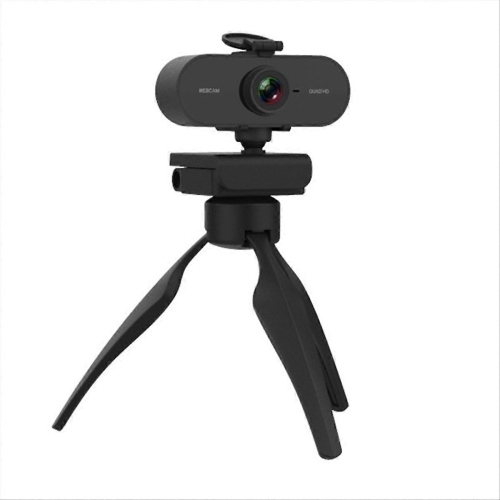
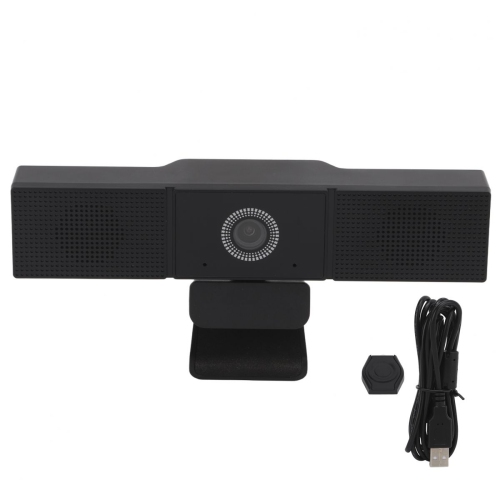
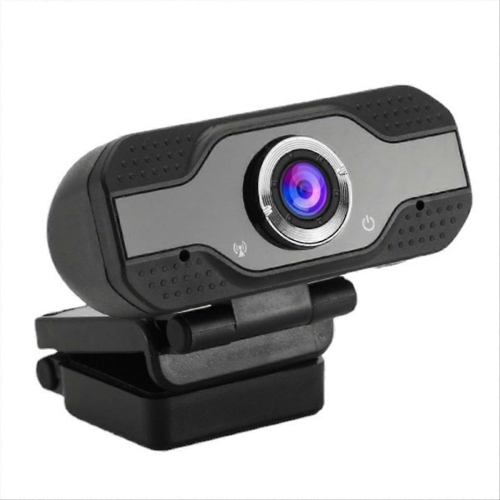
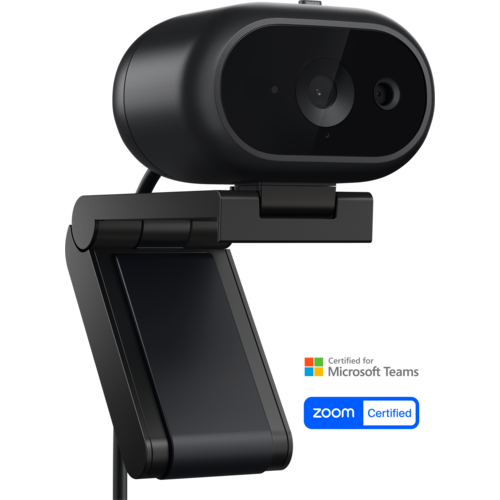
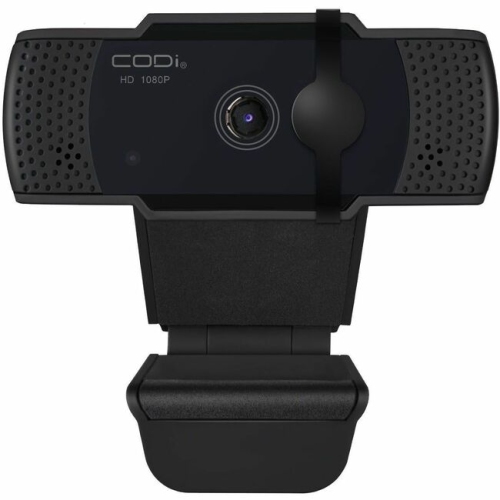
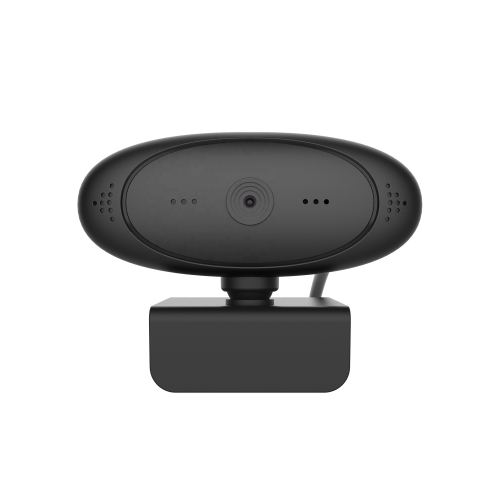
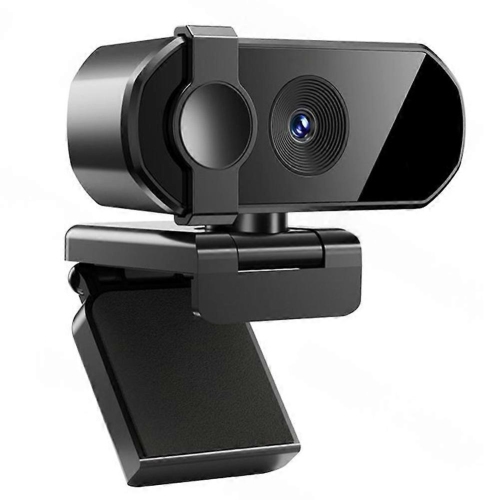
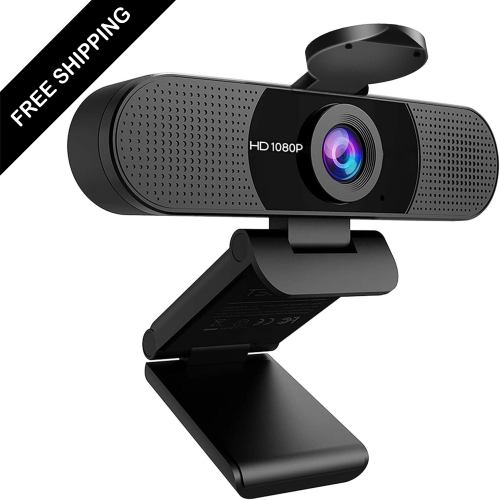
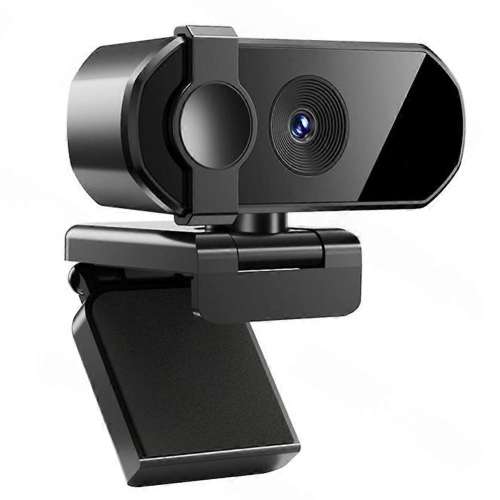
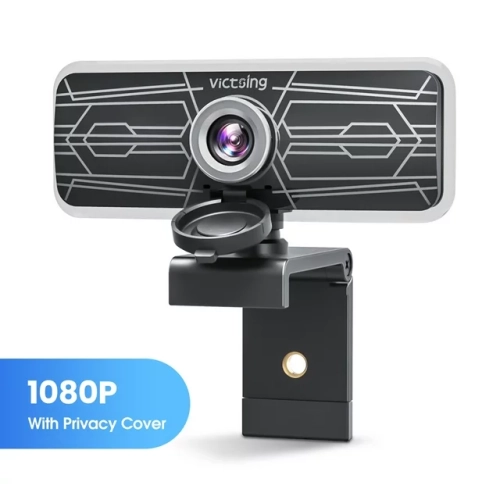
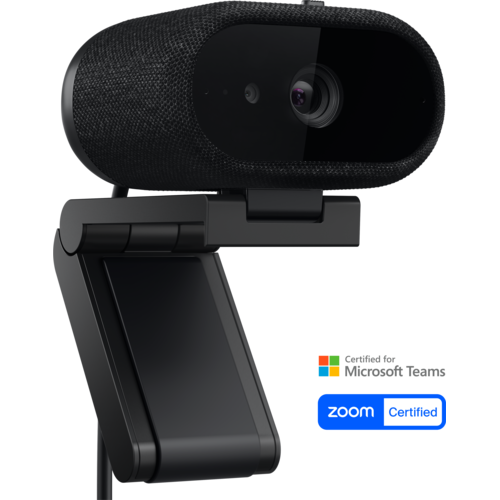
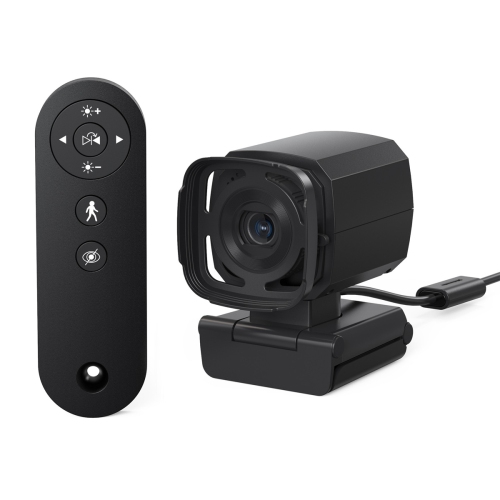
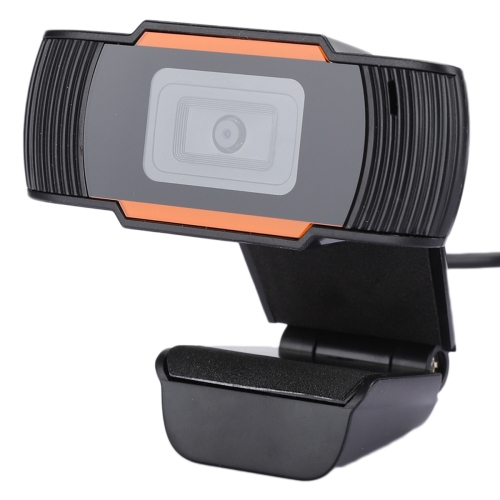
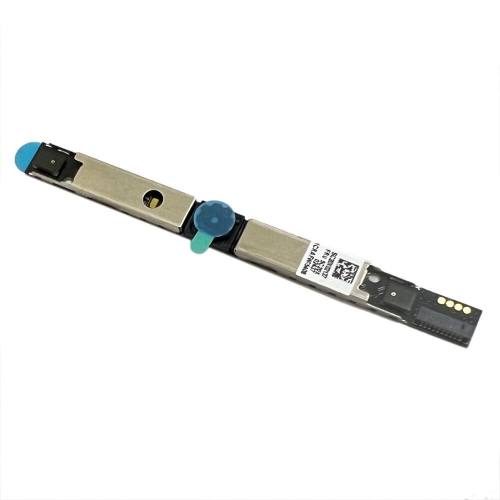
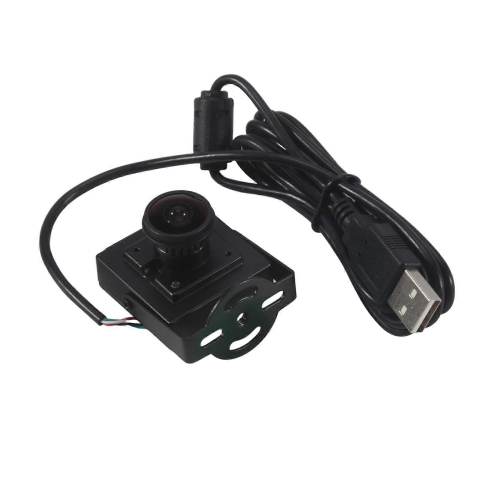
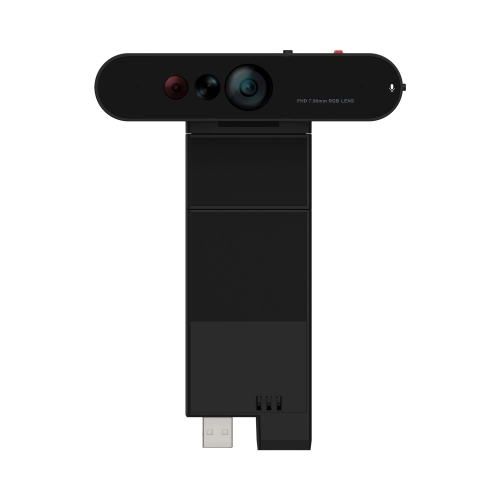
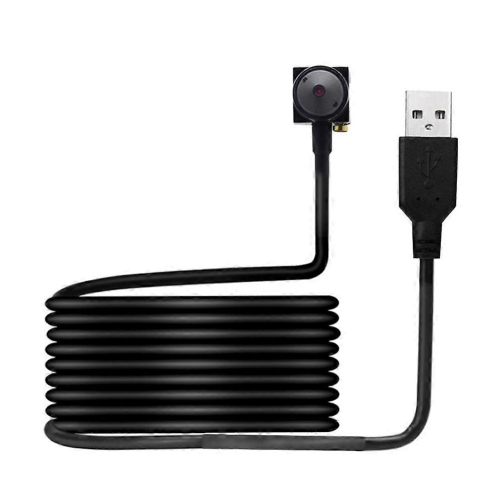
White webcams are external computer cameras with white housings, designed for video calls, online learning, streaming, and capturing video at a desk. The colour describes the camera’s exterior, not the image it produces: a white webcam captures full-colour video just as a camera with a black or grey casing does. Its appeal is partly practical and partly visual. Against a white monitor, pale desk, or light-coloured wall, a matching camera can make a workspace feel more coordinated without drawing attention away from the screen. It can also provide a softer contrast alongside wood furniture or colourful desk accessories. For someone working from home, an external webcam offers more freedom over camera placement than a laptop’s built-in camera, particularly when the laptop sits off to one side or remains closed while connected to a separate display. Mounted near eye level, it can create a more natural view for meetings, interviews, and conversations with family. Students may use one for remote lessons or group assignments, while tutors and presenters may need a clear view of their face, gestures, or a small demonstration area. The white finish does not determine video quality, so resolution, lens design, light handling, and connection requirements remain important distinctions. Full HD 1080p can provide clear detail for everyday calls, while higher-resolution options may offer additional flexibility for cropping or creating video, provided the computer and software support those capabilities. A higher resolution alone does not guarantee a better-looking picture; a well-lit face and a stable camera position often make a more noticeable difference than extra pixels. For a broader look at computer camera styles and uses, Online Webcams offers another place to explore the category. Within a white desk setup, the best fit balances the desired appearance with the way the camera will actually be used, whether that means brief daily check-ins or longer sessions spent teaching, presenting, or catching up.
The details that shape everyday use go beyond the resolution printed on a camera’s packaging. Frame rate affects how smoothly movement appears, especially when someone gestures frequently or demonstrates an object on screen. A camera capable of 60 frames per second can produce smoother motion than one operating at 30 frames per second, although that higher rate may only be supported at certain resolutions and within compatible software. Autofocus can help when the distance between the subject and lens changes, such as when a tutor holds up a page, while fixed focus can suit a consistent seated position within the camera’s intended focus range. Field of view deserves similar attention. A narrower view can keep the frame centred on one person and show less of the room; a wider view may suit two people sharing a call or someone presenting beside a whiteboard. Wider is not automatically better on a compact desk, where it may include more background than intended. Adjustable framing, where supported, can help refine the composition without moving furniture. Lighting also changes how a webcam performs. Soft light from in front of the user generally gives a more balanced picture than a bright window directly behind them, and automatic exposure can help manage ordinary changes in room lighting. Some cameras offer built-in lighting or additional image controls, but those features vary and may require companion software. Integrated microphones are convenient for casual conversations, though their clarity depends on microphone design, speaking distance, room acoustics, and nearby noise. A headset or separate microphone may be more suitable for a shared office or a room with noticeable echoes. Connection type matters as well: the camera’s USB connector needs to work with the computer’s ports, and adapters or hubs must support the required connection. Operating system support, video-call application compatibility, and access to optional controls are worth checking together. Some webcams work with basic settings as soon as they are connected, while advanced features may need a separate download. These differences matter most when the camera needs to move reliably between meetings, lessons, and other daily tasks.
Physical fit, construction, and care help determine how comfortable a white webcam is to live with over time. Housings are often plastic, with finishes that may be matte, satin, or glossy depending on the design. A matte surface tends to make fingerprints less noticeable, while a glossy finish may show smudges more readily; either benefits from gentle handling and regular dusting. Shades of white can also differ, from cool bright white to warmer off-white, so a camera may complement a monitor without matching it exactly. The mounting system should suit the display rather than simply balance on its top edge. A padded clip can help protect the contact surface, but its opening, depth, and placement still need to accommodate the monitor’s thickness and bezel. On a slim laptop, a bulky mount may cover part of the screen or feel awkward when the lid angle changes. Tilt and swivel adjustments make small framing corrections easier, while a compatible tripod mount can allow placement beside the display or above a work surface. Cable length is another practical detail, particularly when a desktop computer sits beneath the desk. Leaving a little slack helps prevent the cable from tugging the camera out of position, and routing it away from moving monitor arms can reduce strain on connectors. For privacy between calls, a physical lens cover or shutter provides a visible barrier over the camera, though it does not necessarily mute the microphone. Care should follow the manufacturer’s directions, using a soft, lint-free cloth and avoiding abrasive cleaners or liquid applied directly to the device. Keeping fingers off the lens helps prevent haze that can soften the picture. A protective pouch is useful when carrying a webcam between home and a shared workspace, especially if the mounting clip folds or has exposed hinges. As a gift, a white webcam can suit a student, remote worker, or someone who enjoys regular video chats, provided its connection and mounting requirements match their computer. A coordinated finish is a welcome detail, but dependable mounting, suitable image quality, and straightforward controls are what make the camera useful day after day.
The details that shape everyday use go beyond the resolution printed on a camera’s packaging. Frame rate affects how smoothly movement appears, especially when someone gestures frequently or demonstrates an object on screen. A camera capable of 60 frames per second can produce smoother motion than one operating at 30 frames per second, although that higher rate may only be supported at certain resolutions and within compatible software. Autofocus can help when the distance between the subject and lens changes, such as when a tutor holds up a page, while fixed focus can suit a consistent seated position within the camera’s intended focus range. Field of view deserves similar attention. A narrower view can keep the frame centred on one person and show less of the room; a wider view may suit two people sharing a call or someone presenting beside a whiteboard. Wider is not automatically better on a compact desk, where it may include more background than intended. Adjustable framing, where supported, can help refine the composition without moving furniture. Lighting also changes how a webcam performs. Soft light from in front of the user generally gives a more balanced picture than a bright window directly behind them, and automatic exposure can help manage ordinary changes in room lighting. Some cameras offer built-in lighting or additional image controls, but those features vary and may require companion software. Integrated microphones are convenient for casual conversations, though their clarity depends on microphone design, speaking distance, room acoustics, and nearby noise. A headset or separate microphone may be more suitable for a shared office or a room with noticeable echoes. Connection type matters as well: the camera’s USB connector needs to work with the computer’s ports, and adapters or hubs must support the required connection. Operating system support, video-call application compatibility, and access to optional controls are worth checking together. Some webcams work with basic settings as soon as they are connected, while advanced features may need a separate download. These differences matter most when the camera needs to move reliably between meetings, lessons, and other daily tasks.
Physical fit, construction, and care help determine how comfortable a white webcam is to live with over time. Housings are often plastic, with finishes that may be matte, satin, or glossy depending on the design. A matte surface tends to make fingerprints less noticeable, while a glossy finish may show smudges more readily; either benefits from gentle handling and regular dusting. Shades of white can also differ, from cool bright white to warmer off-white, so a camera may complement a monitor without matching it exactly. The mounting system should suit the display rather than simply balance on its top edge. A padded clip can help protect the contact surface, but its opening, depth, and placement still need to accommodate the monitor’s thickness and bezel. On a slim laptop, a bulky mount may cover part of the screen or feel awkward when the lid angle changes. Tilt and swivel adjustments make small framing corrections easier, while a compatible tripod mount can allow placement beside the display or above a work surface. Cable length is another practical detail, particularly when a desktop computer sits beneath the desk. Leaving a little slack helps prevent the cable from tugging the camera out of position, and routing it away from moving monitor arms can reduce strain on connectors. For privacy between calls, a physical lens cover or shutter provides a visible barrier over the camera, though it does not necessarily mute the microphone. Care should follow the manufacturer’s directions, using a soft, lint-free cloth and avoiding abrasive cleaners or liquid applied directly to the device. Keeping fingers off the lens helps prevent haze that can soften the picture. A protective pouch is useful when carrying a webcam between home and a shared workspace, especially if the mounting clip folds or has exposed hinges. As a gift, a white webcam can suit a student, remote worker, or someone who enjoys regular video chats, provided its connection and mounting requirements match their computer. A coordinated finish is a welcome detail, but dependable mounting, suitable image quality, and straightforward controls are what make the camera useful day after day.
Top selling and popular products
-
 Your price for this item is $79.99
 -
 Your price for this item is $123.44
 -
 Your price for this item is $27.98
 -
 Your price for this item is $48.49
 -
 Your price for this item is $149.99
 -
 Your price for this item is $249.99
 -
 Your price for this item is $49.99
 -
 Your price for this item is $34.99
Discover more categories related to White Webcams
Top Collections:
Pokemon Centers, Best Cameras for Sports Photography, Kindle Devices, Samsung Galaxy Phones, Canon G7X Cameras, Pokémon 30th Celebration Cards, Refurbished Apple Laptops, iPhone 15 Apple, Laptops for Students, Budget Smartphones
Some products may be subject to Environmental Handling Fees
(EHF) depending on your province.
Learn more about EHFs.