Powers Over Ethernet Devices
Power over Ethernet (PoE) devices are revolutionizing the way we connect and power our electronics. With PoE technology, you can conveniently power and transmit data to a wide range of devices, eliminating the need for extra power cables and adapters. Whether you're looking to upgrade your home or office network or simply want to streamline your setup, our selection of PoE devices has got you covered. From PoE switches and injectors to PoE-enabled cameras and access points, shop our collection and discover the possibilities that PoE brings to your network infrastructure.
Sort
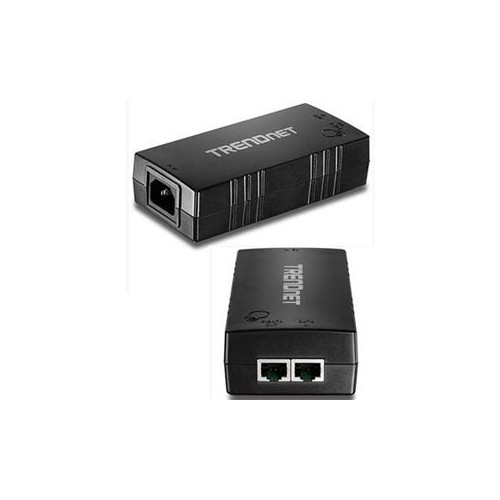
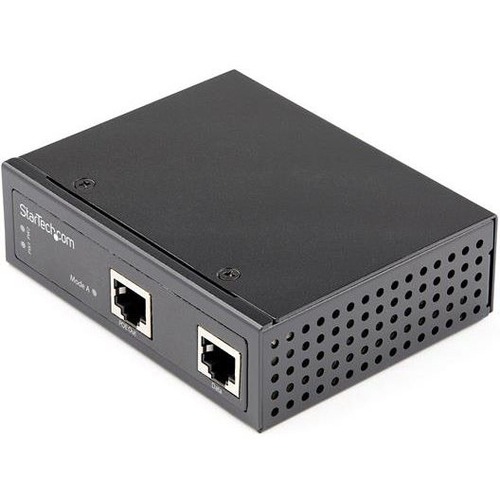
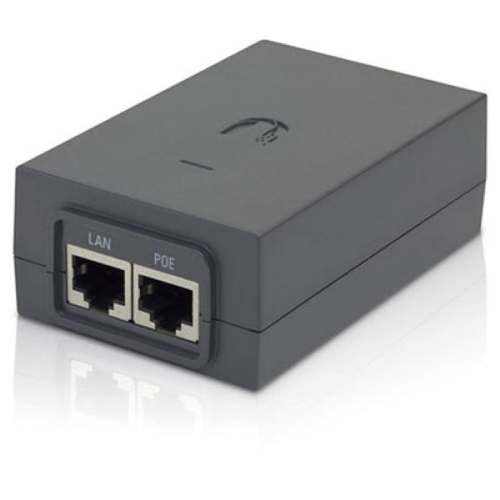
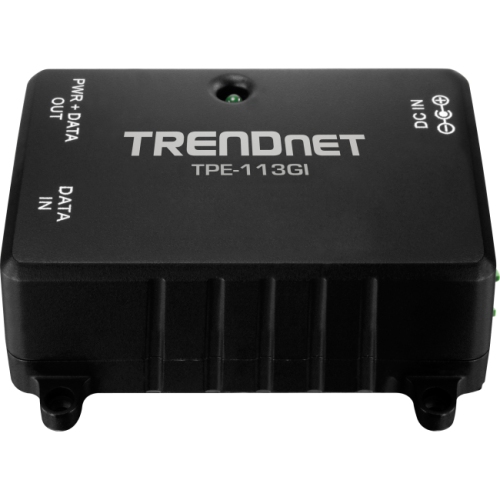
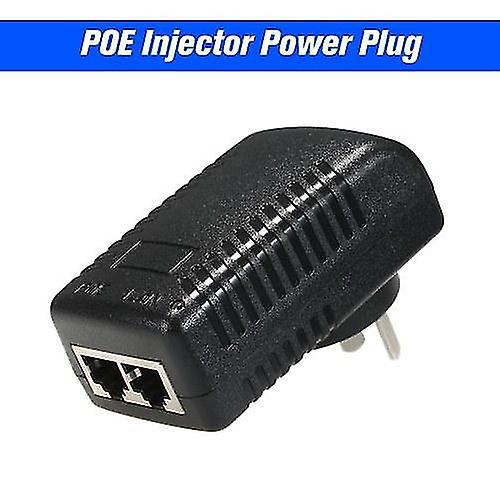


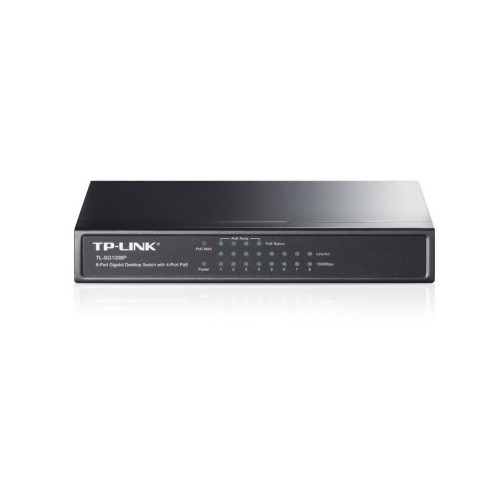
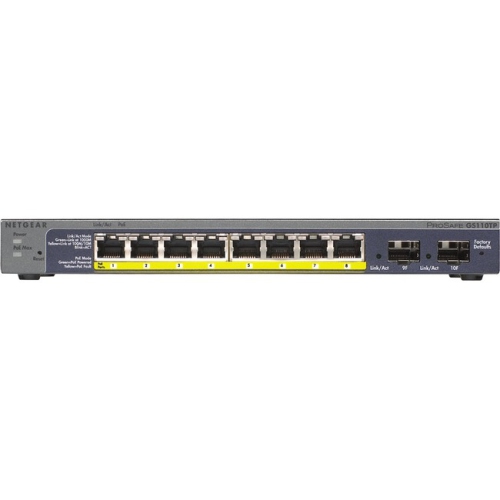
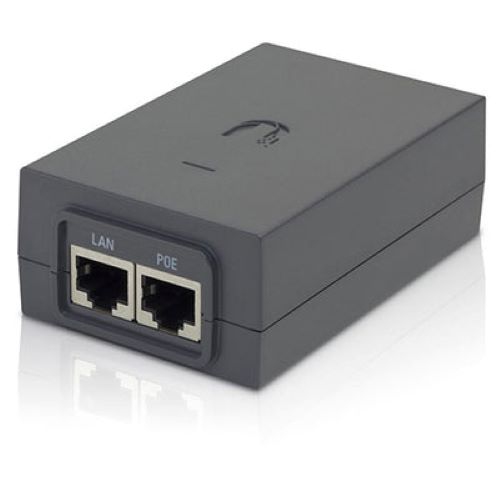
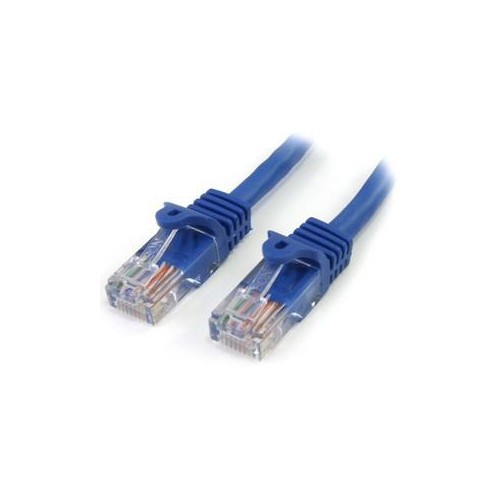
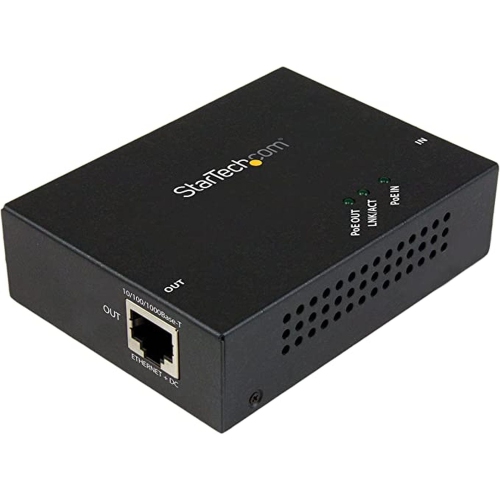
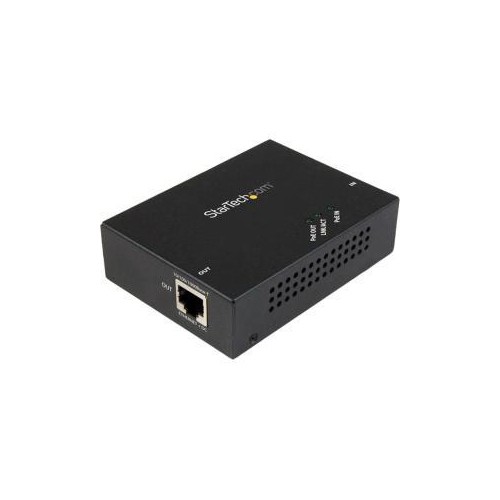
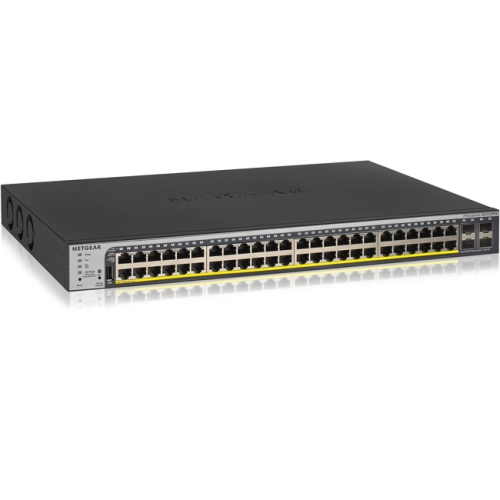
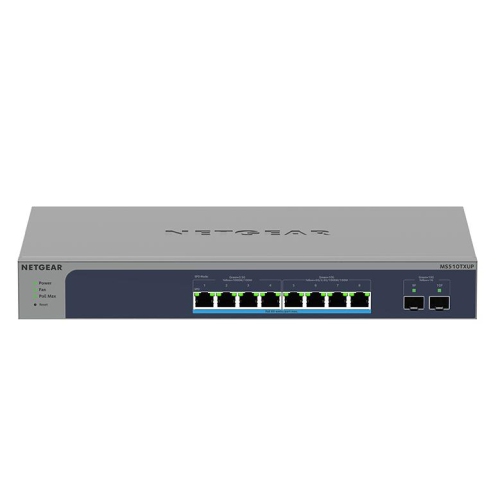
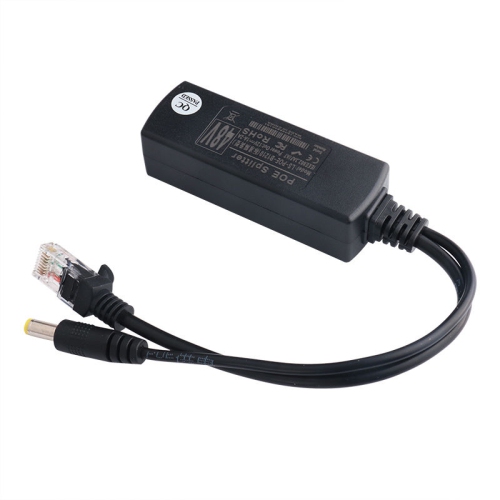
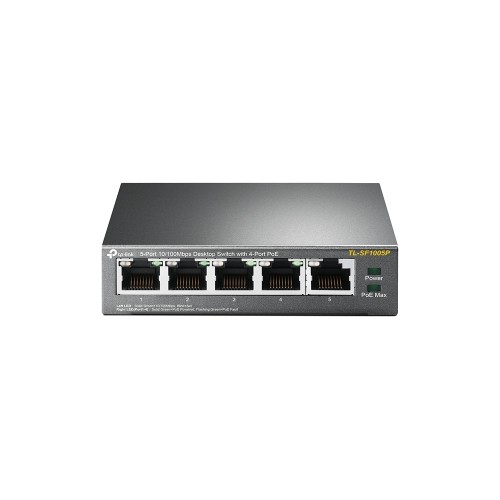
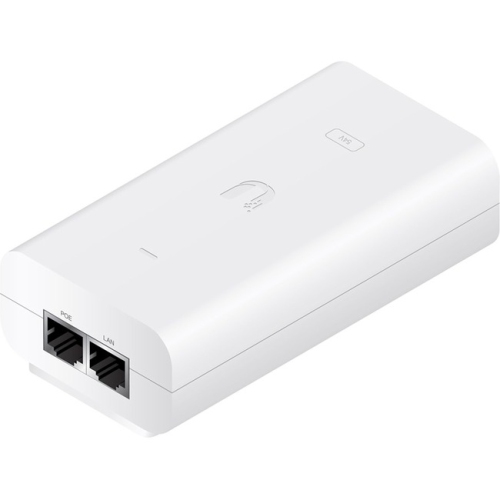
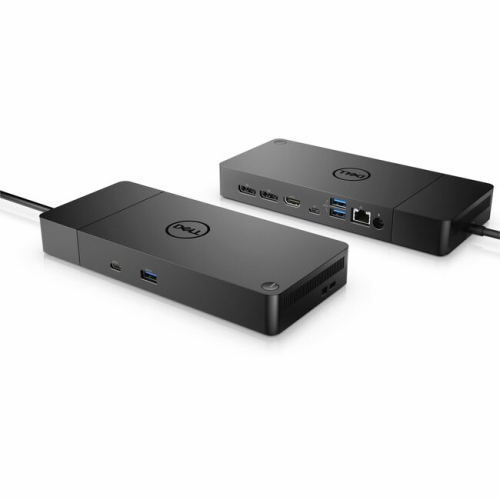
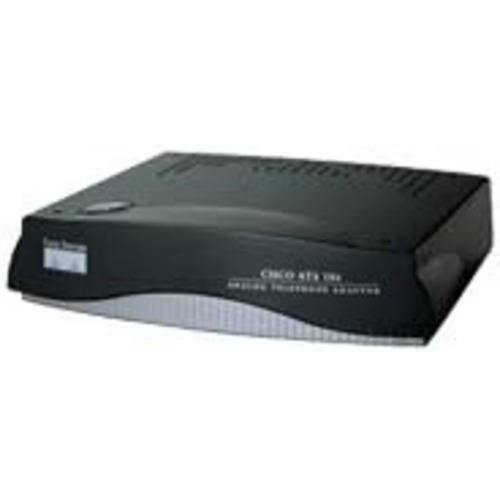
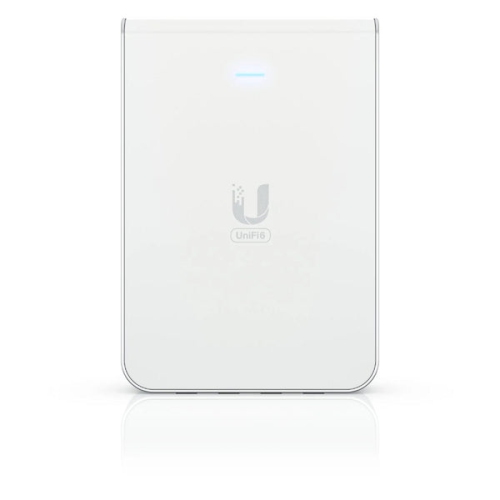
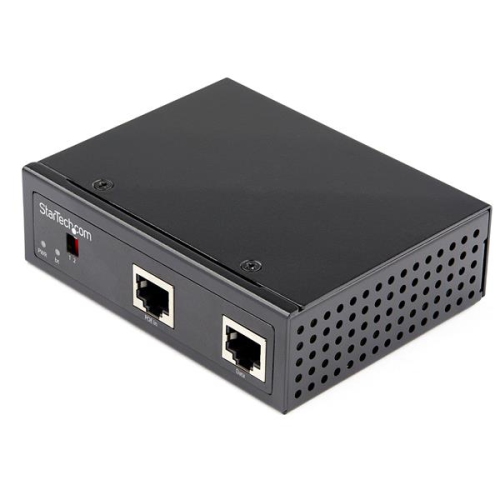
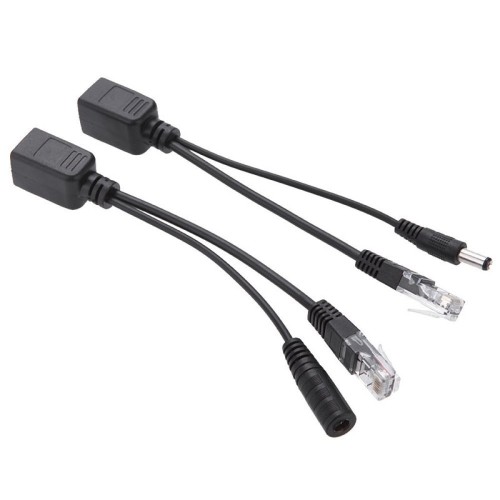
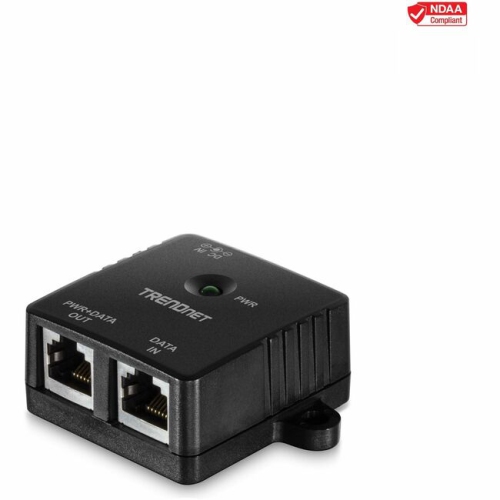
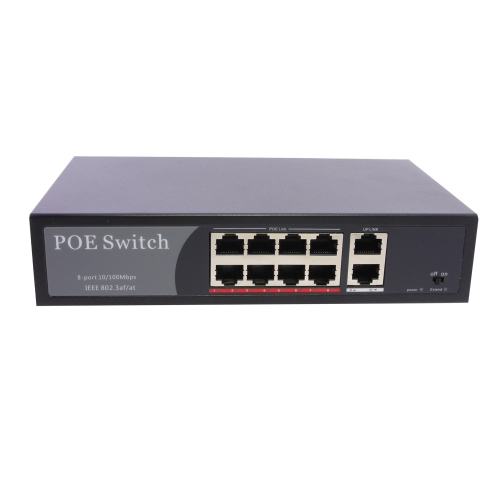

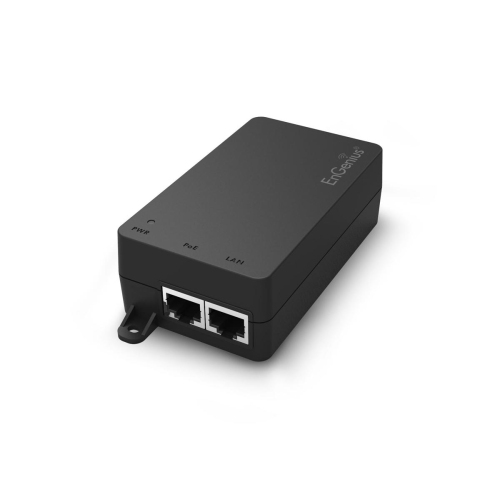
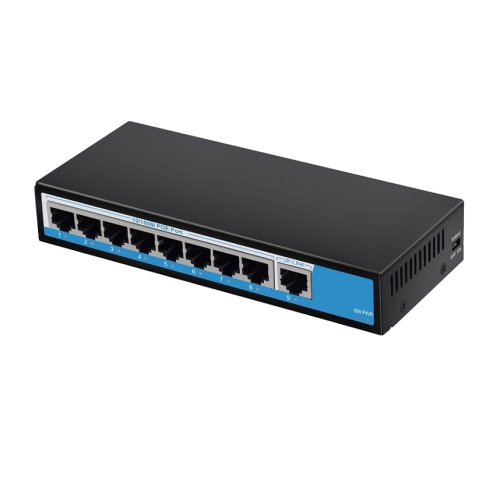
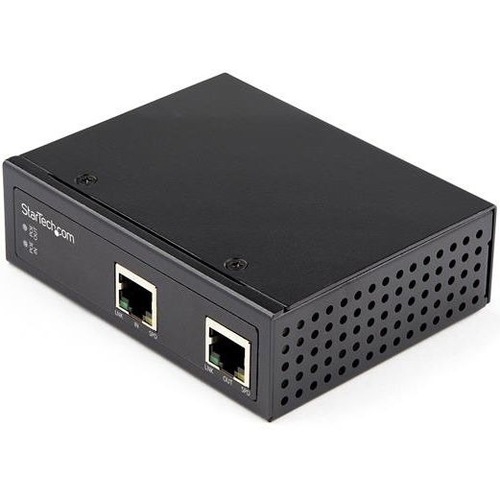
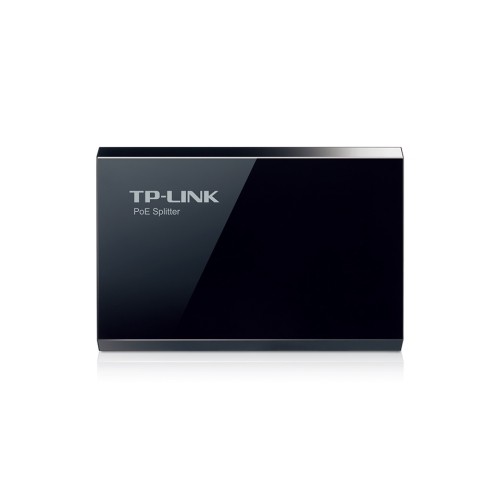
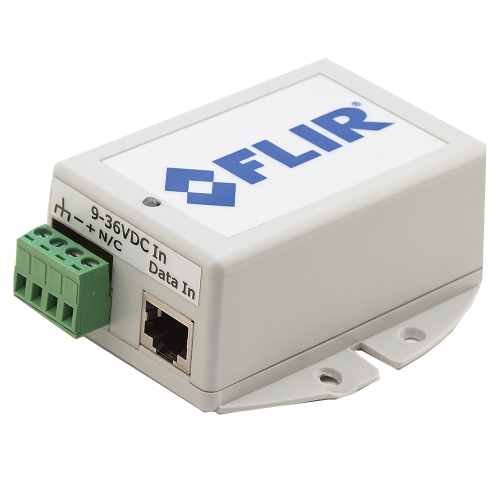
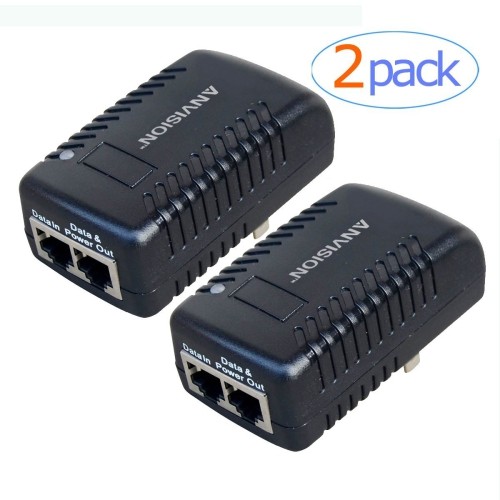
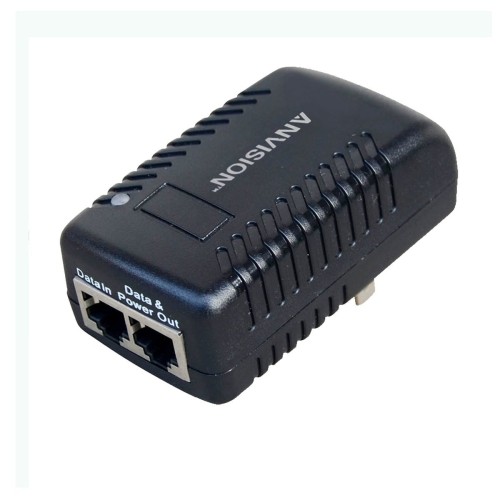
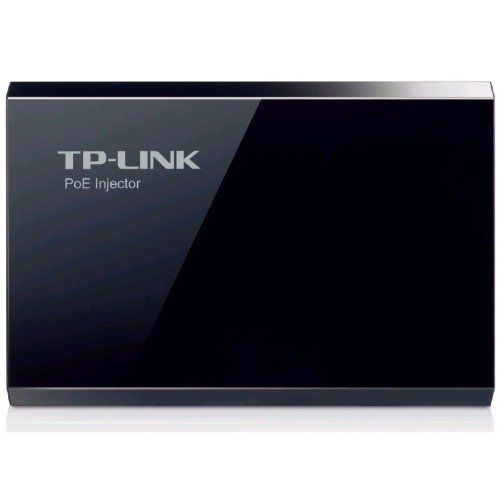
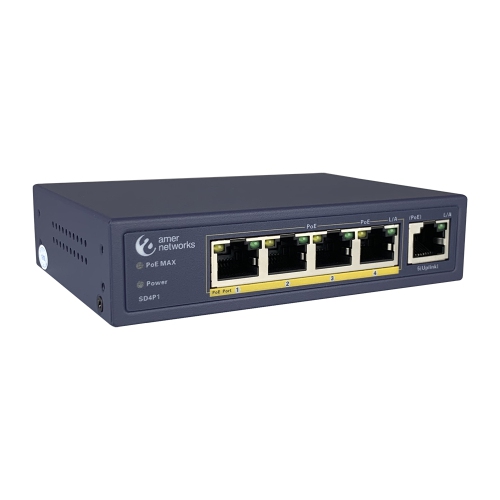
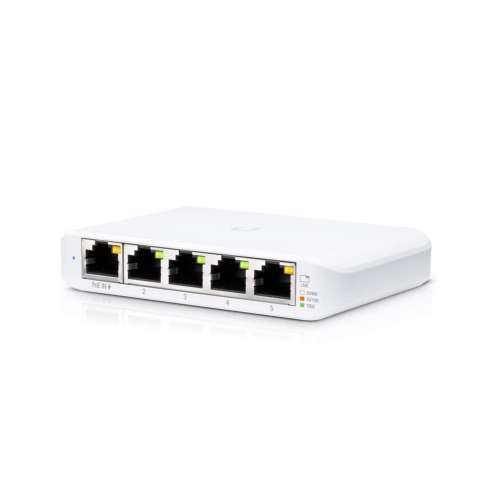
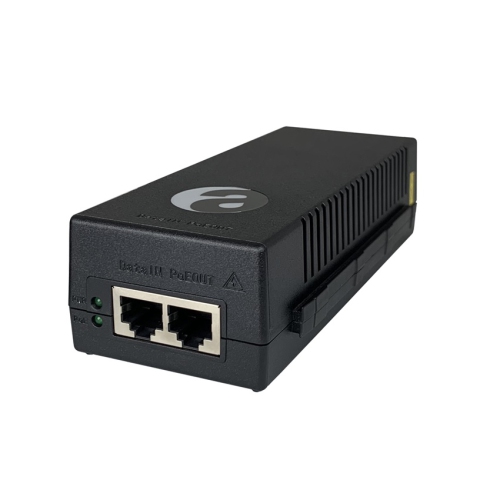
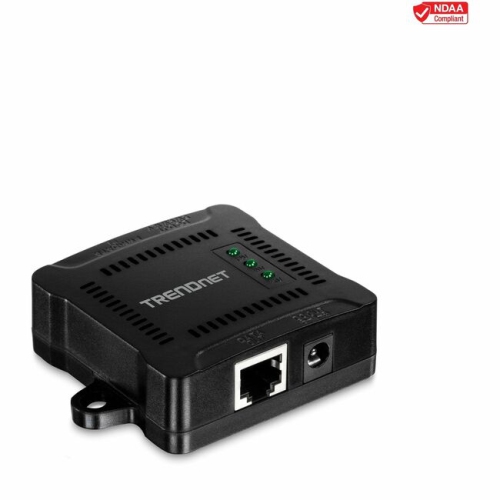
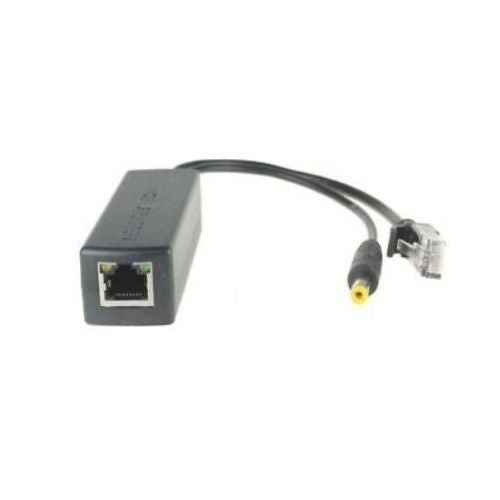

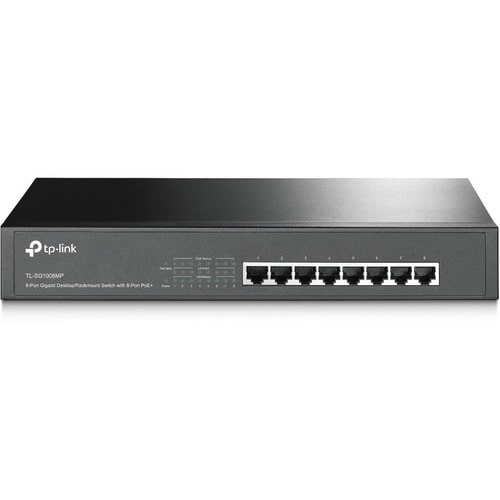
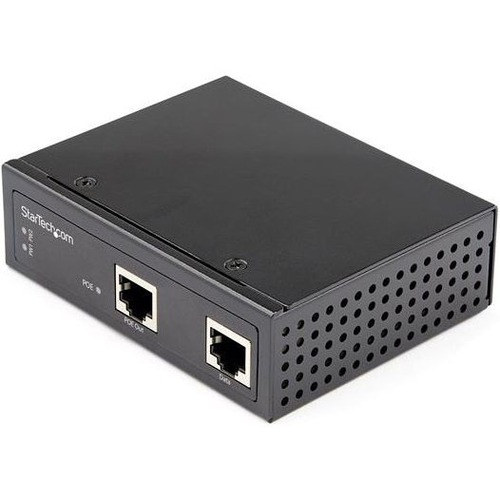
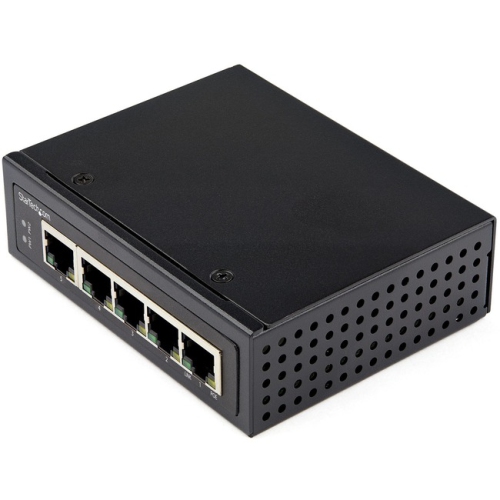
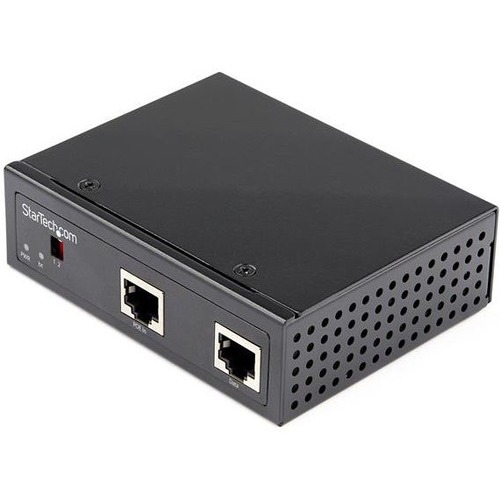

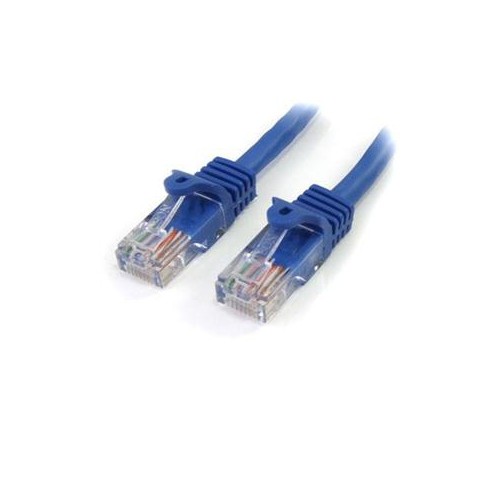
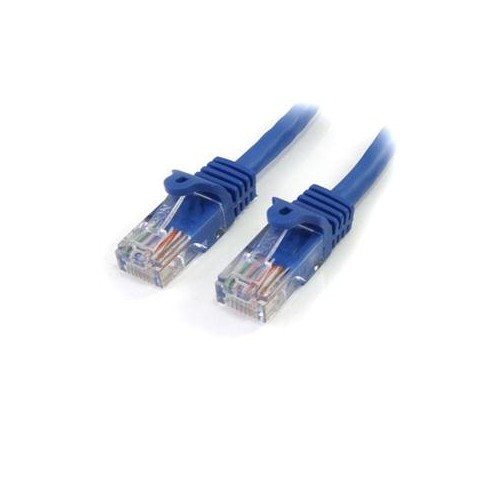
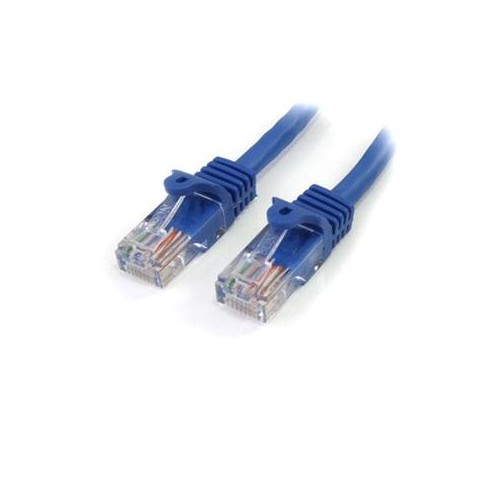
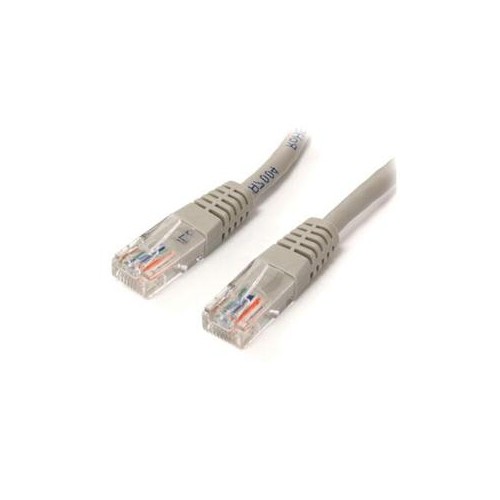
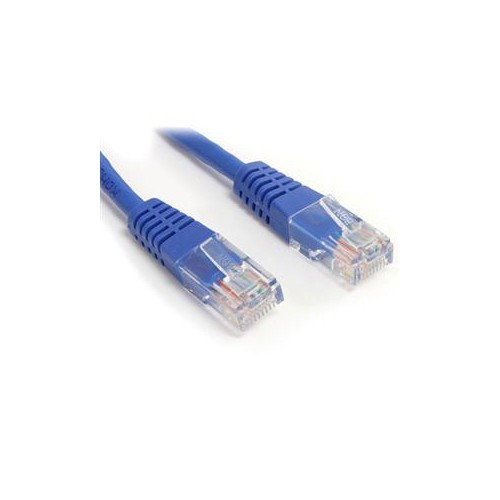
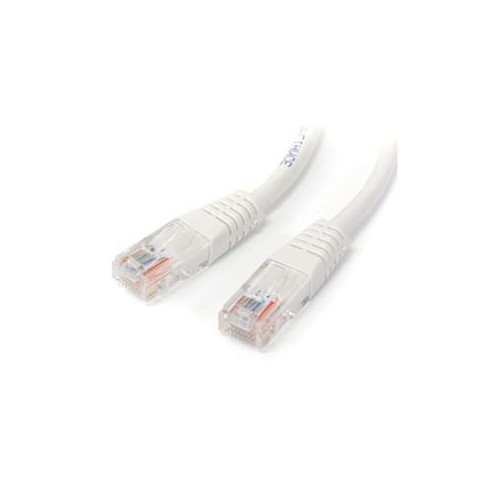
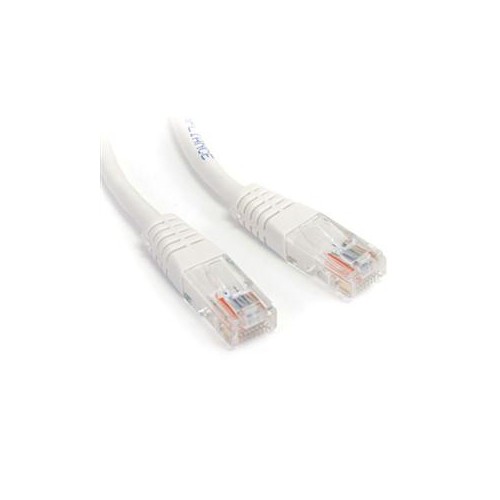
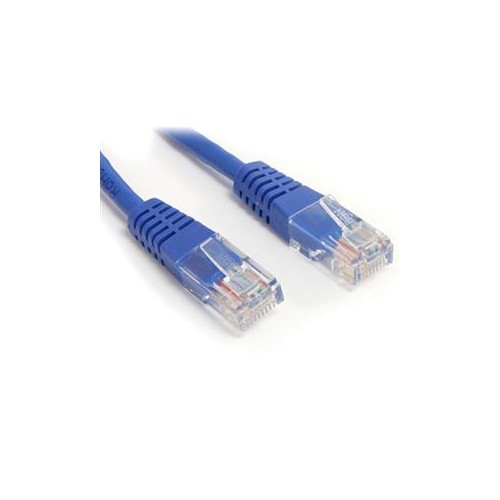
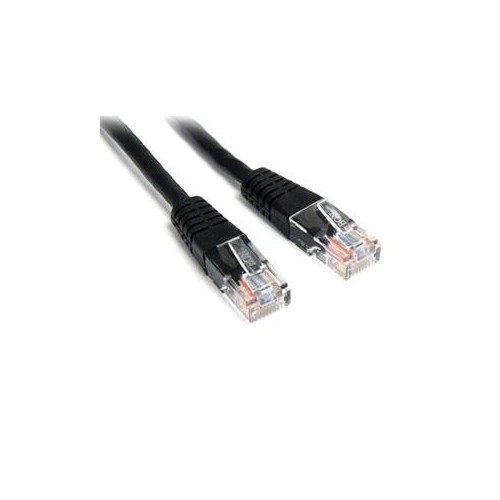
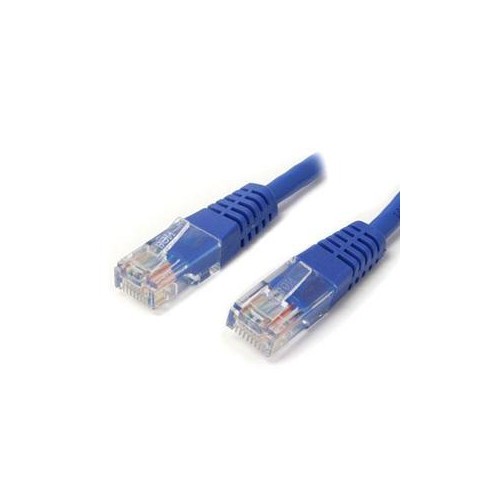
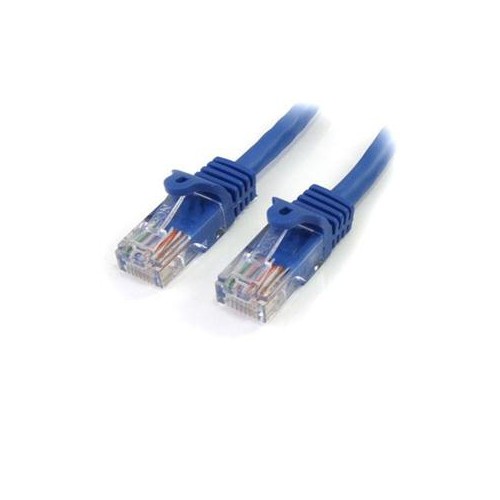
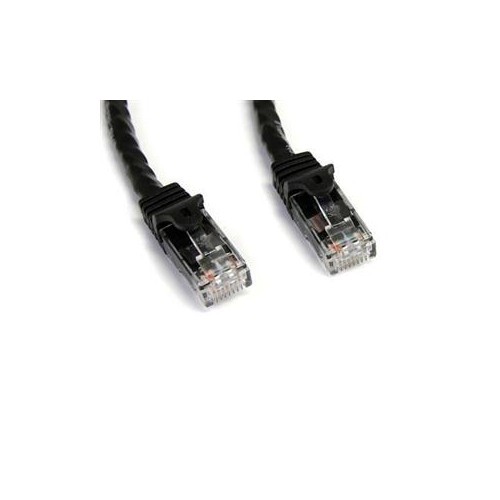
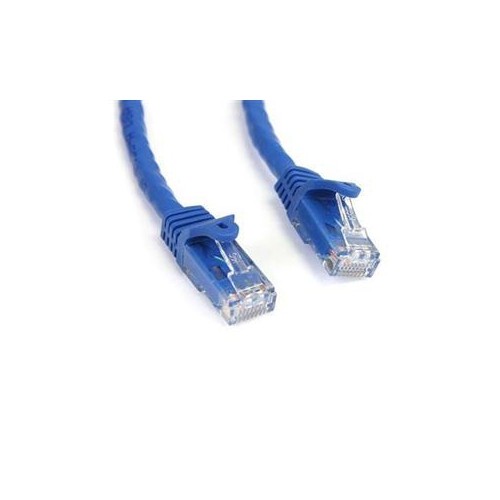
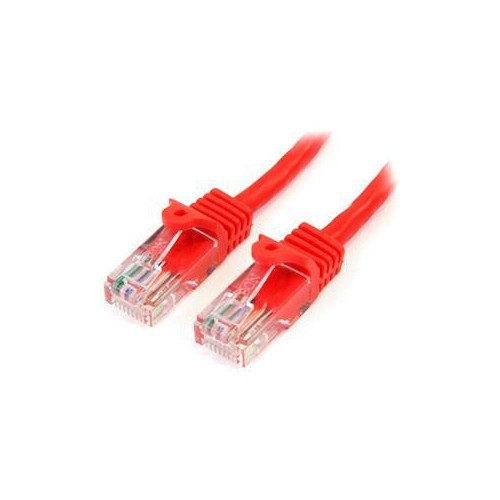
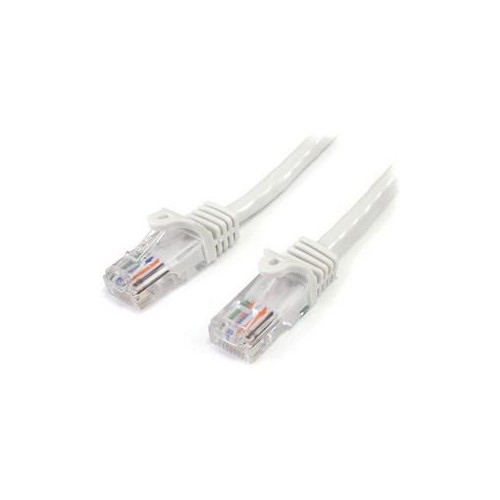
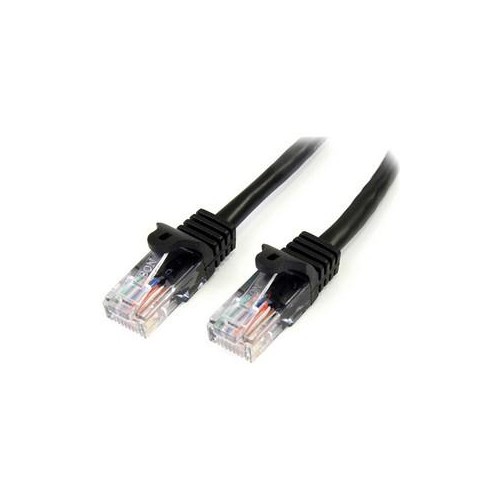
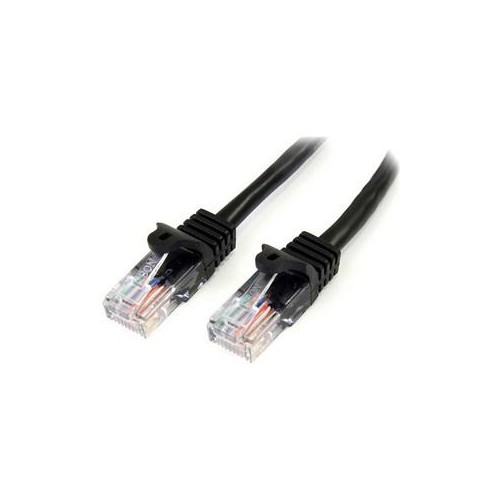
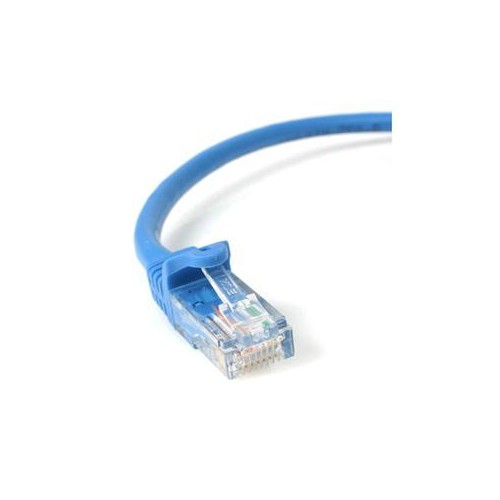
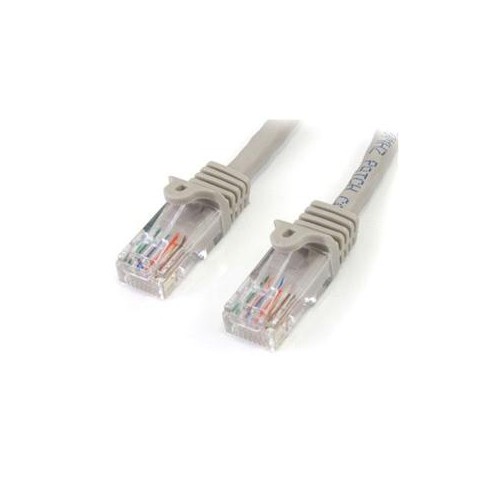
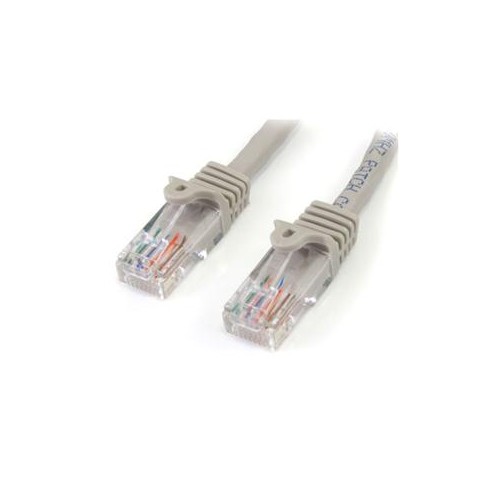
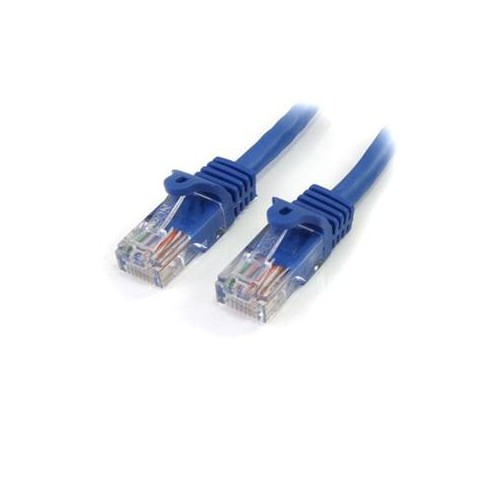
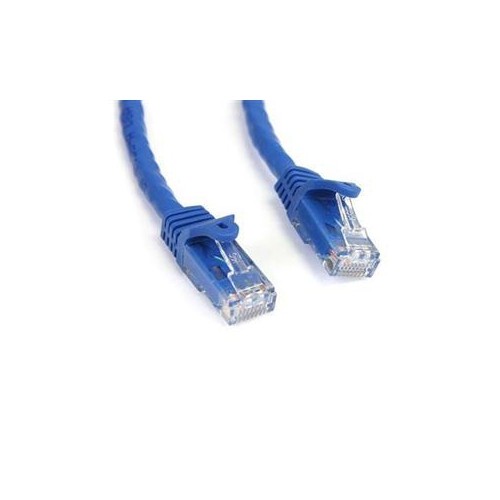
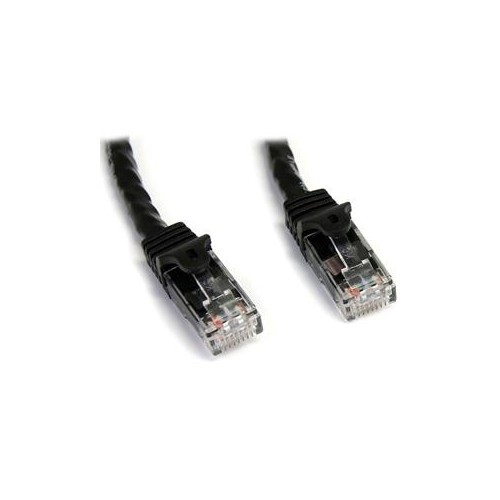
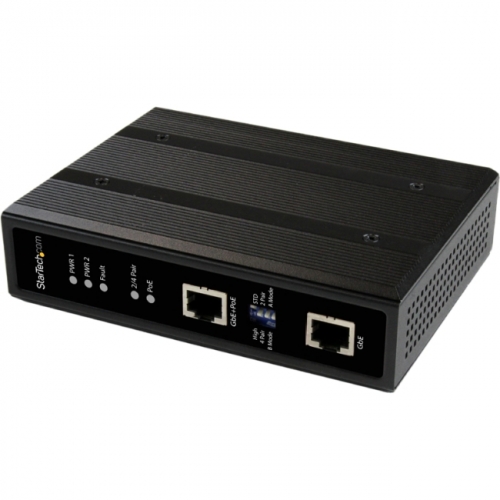
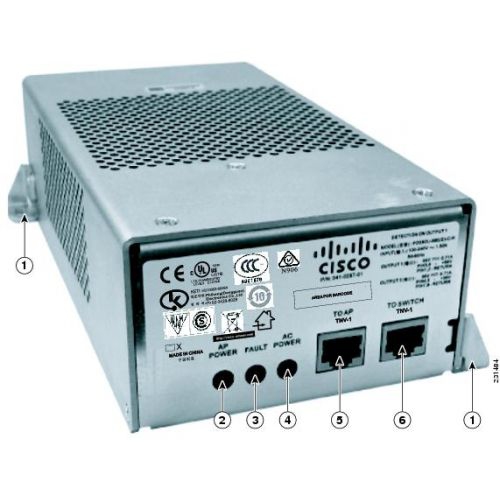

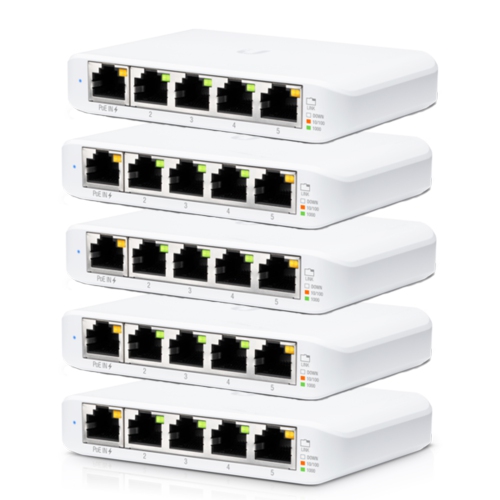

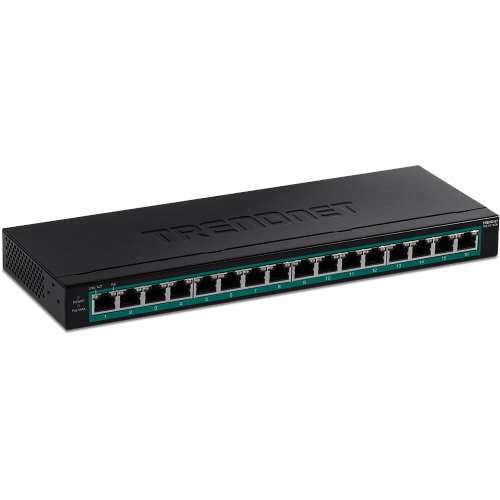
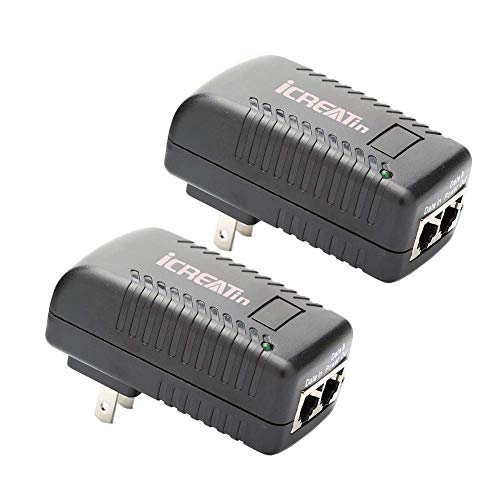
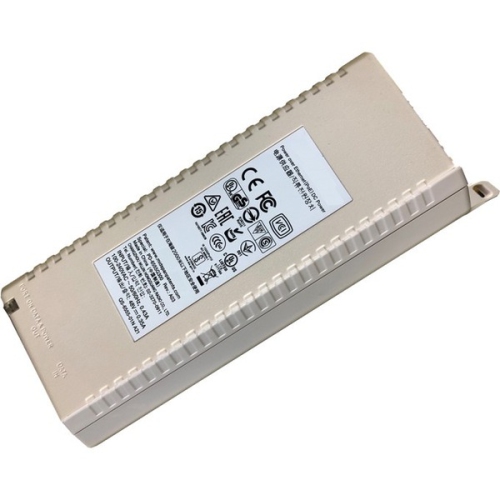
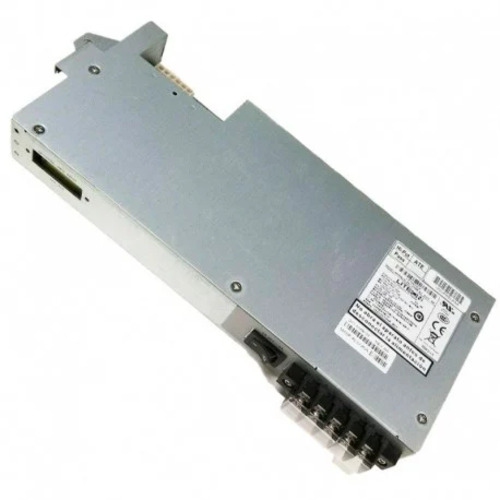
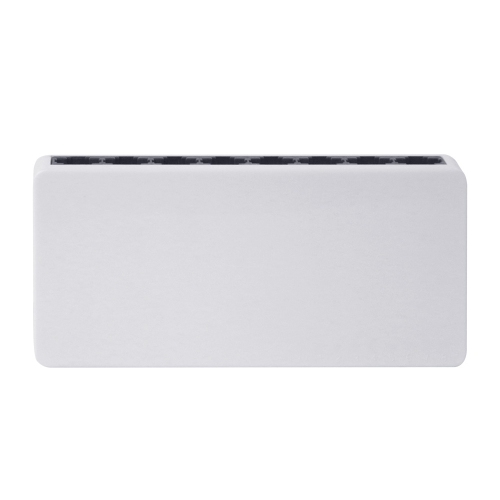
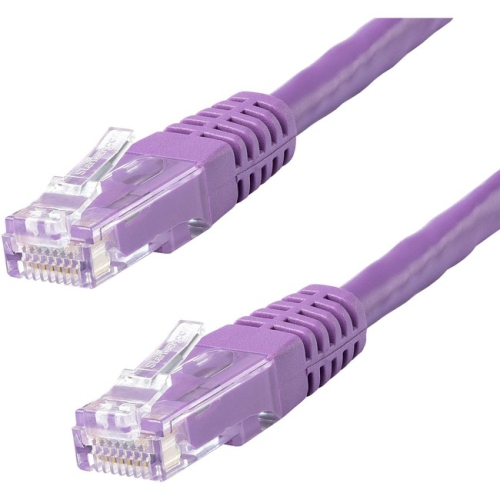
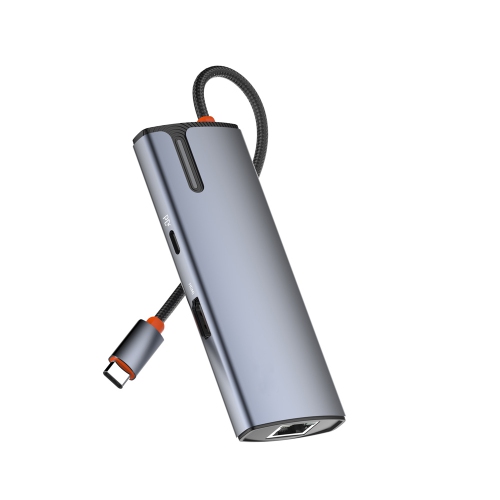
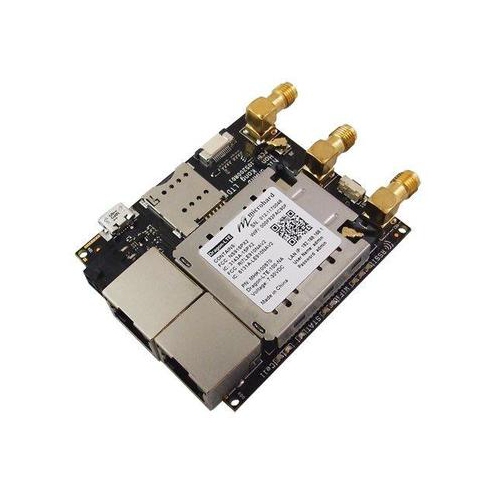
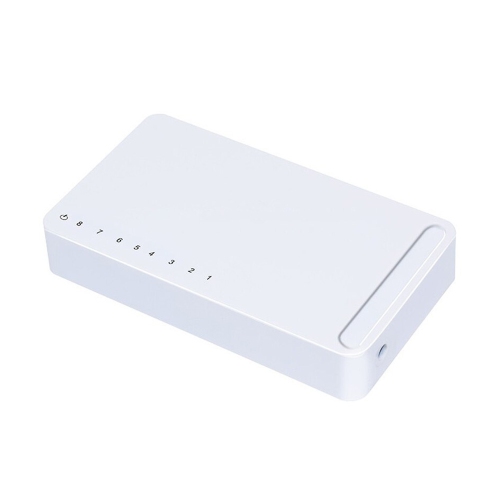
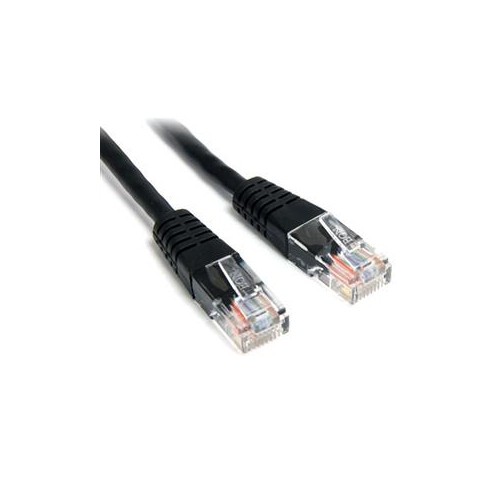

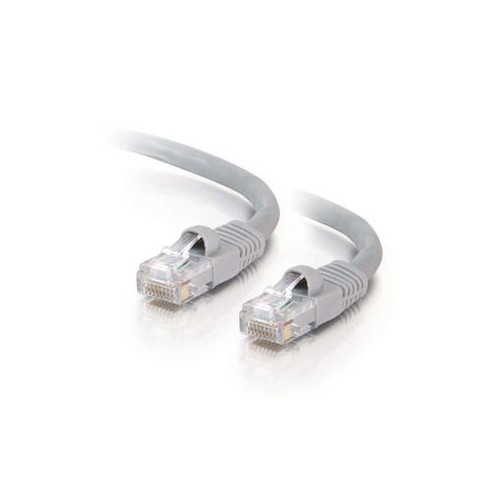
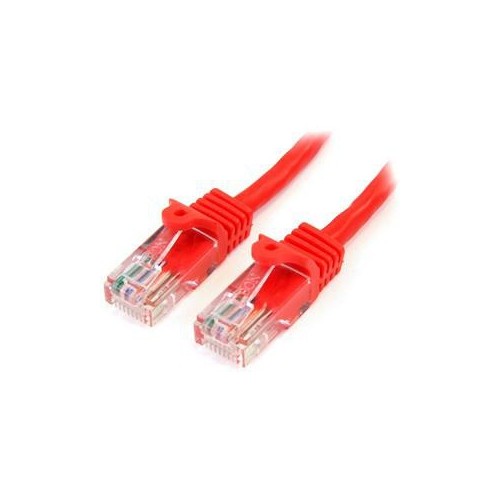
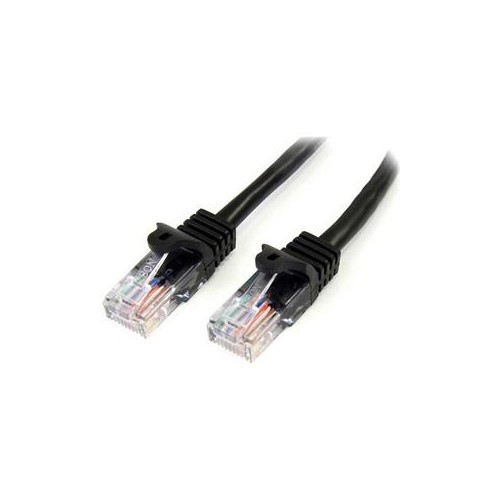
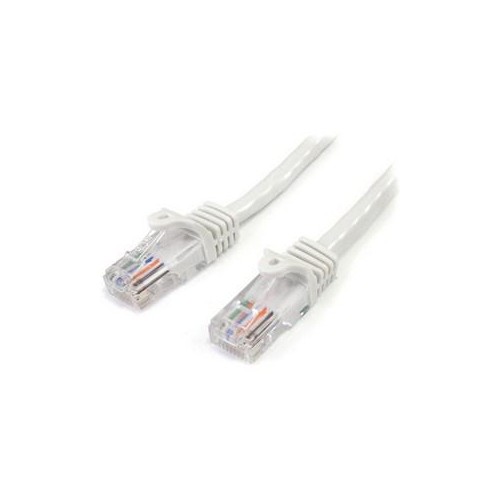
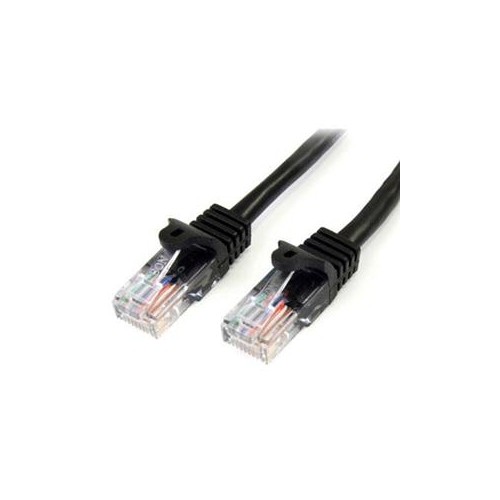
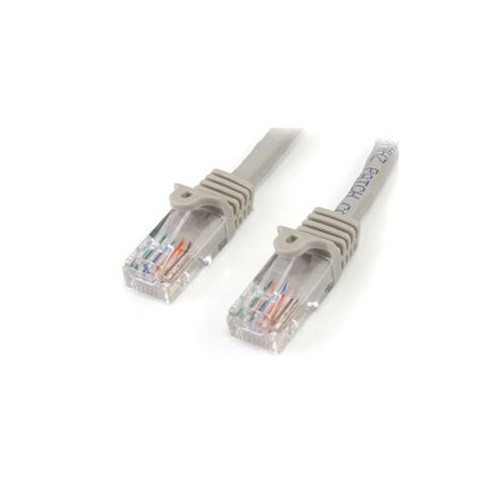
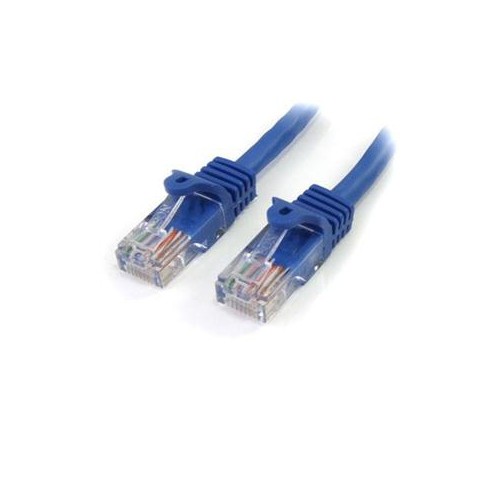
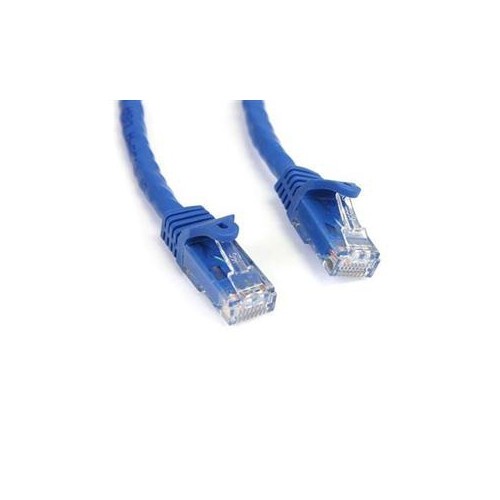
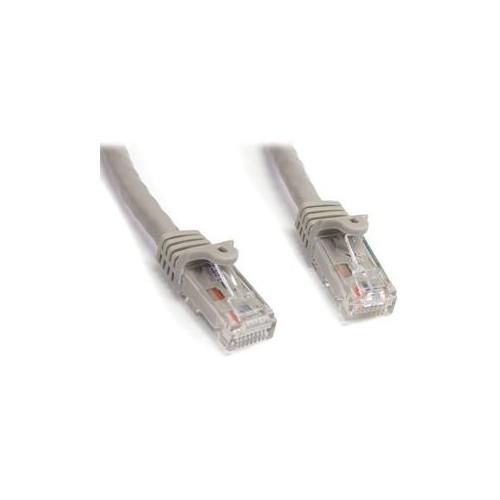
One Ethernet cable carries both power and data
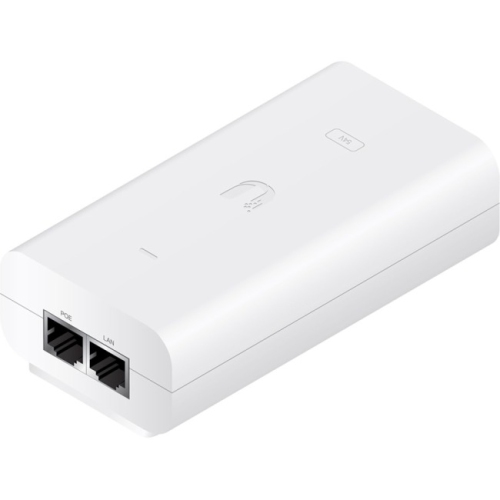
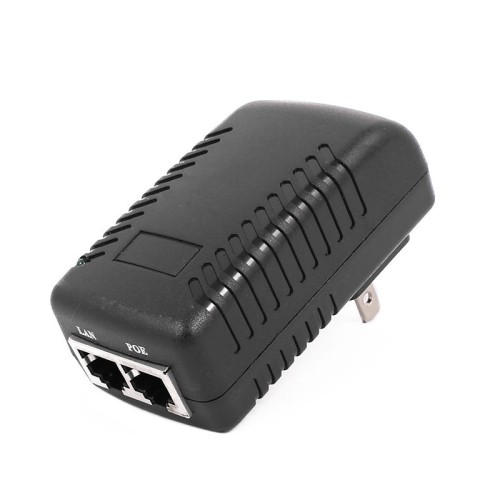
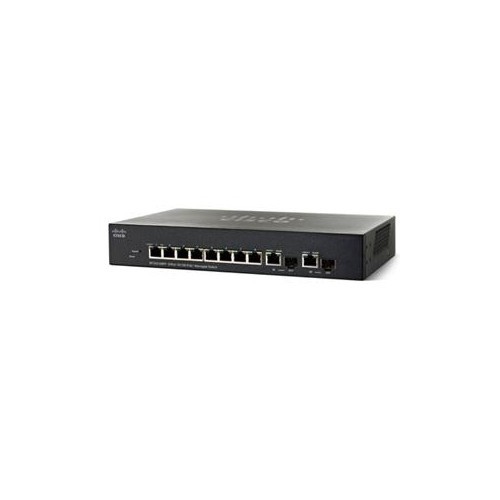
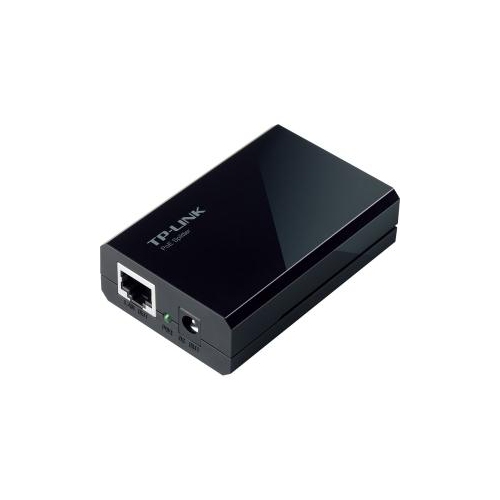
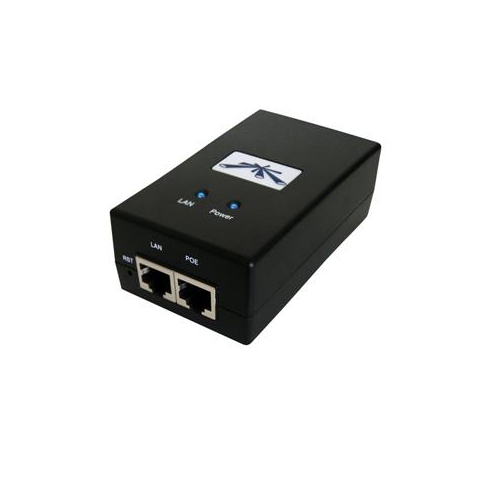
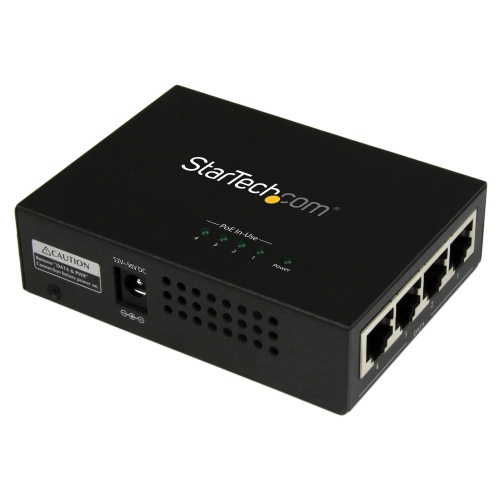
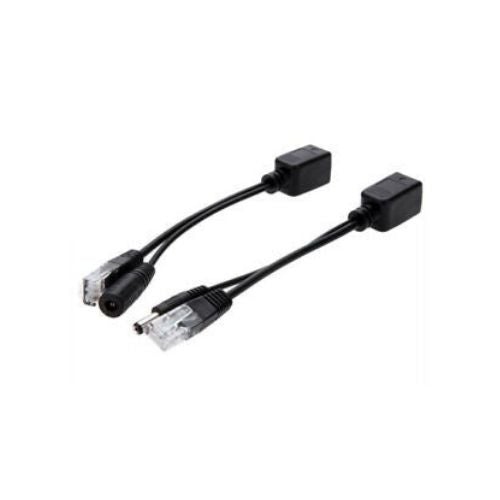
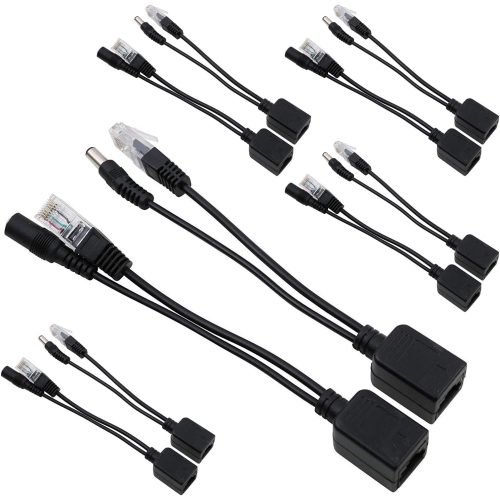
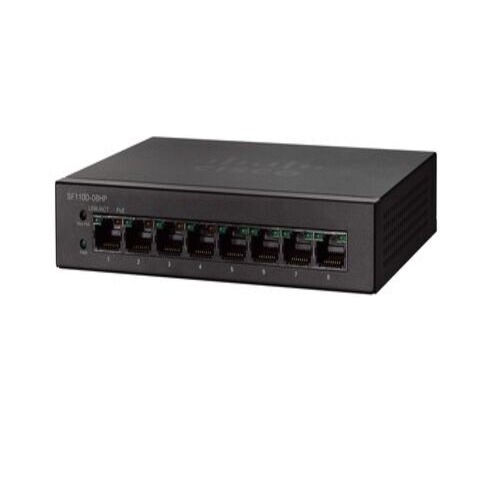
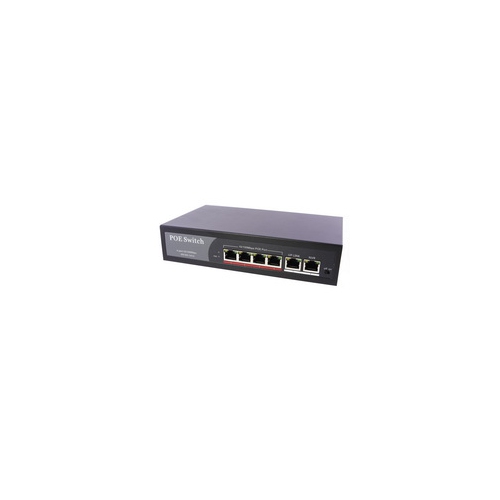
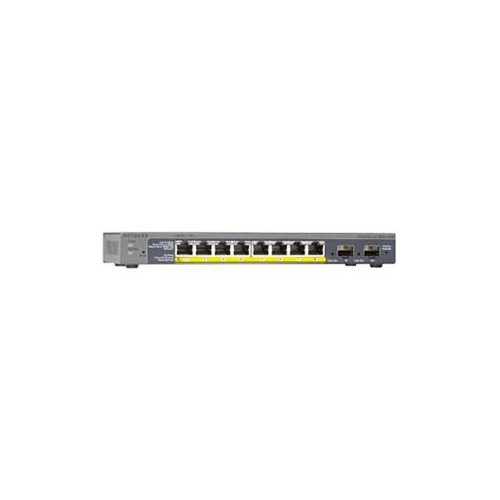
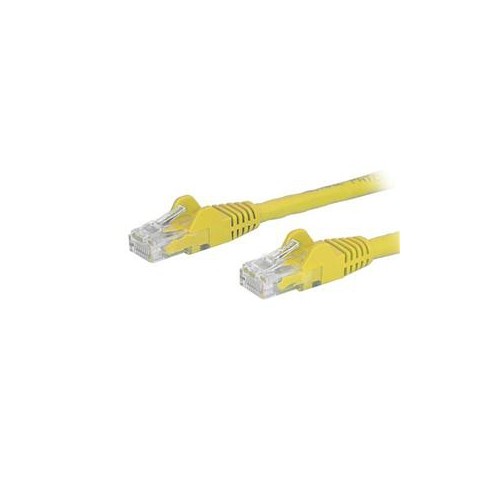
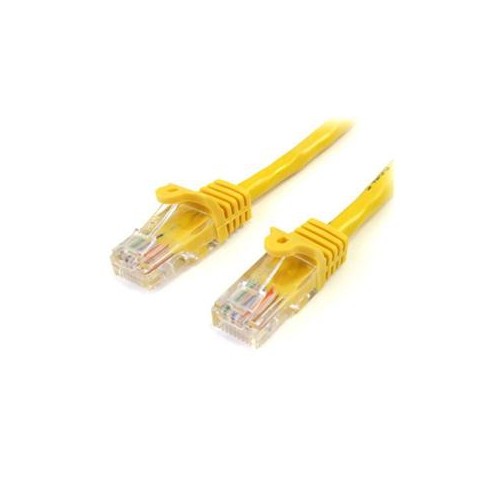
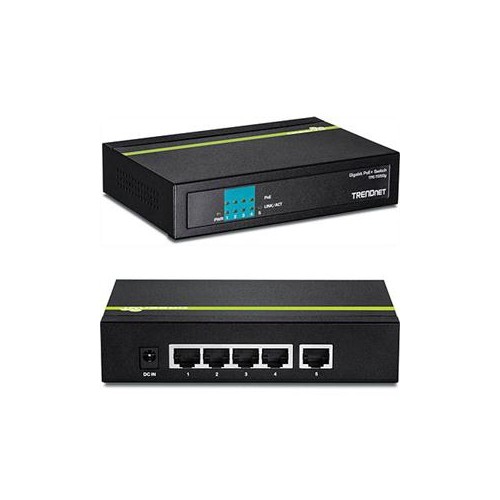
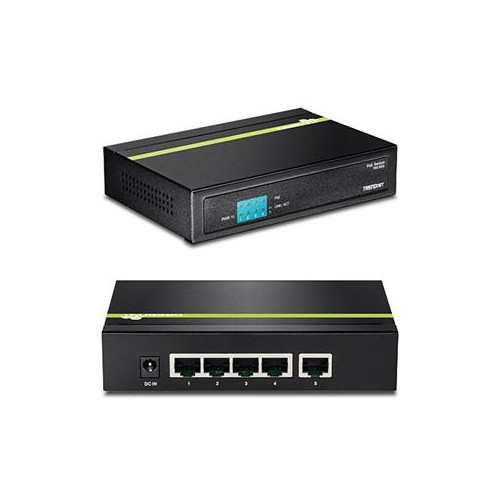
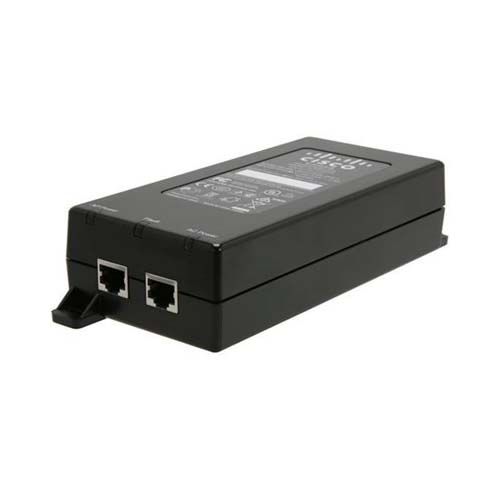
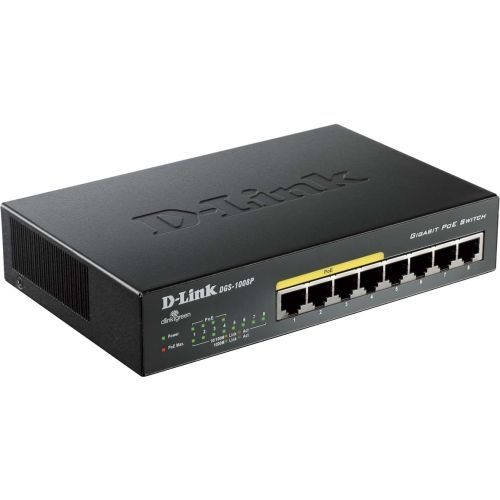
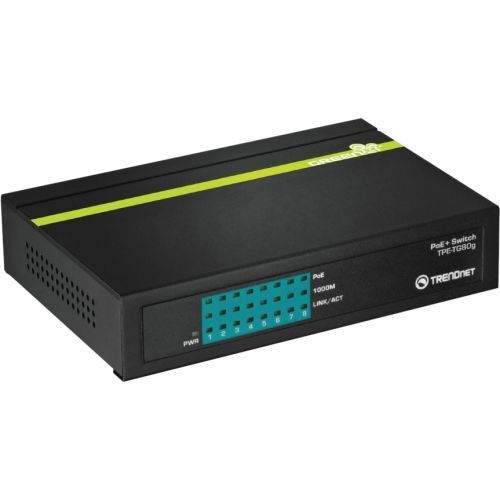
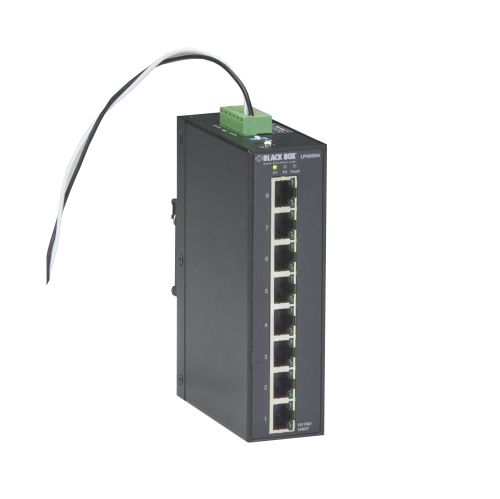
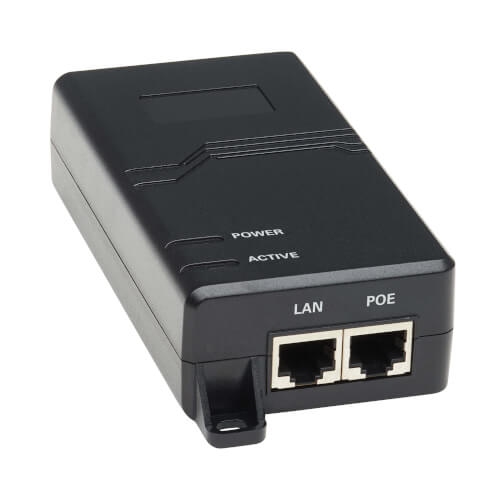
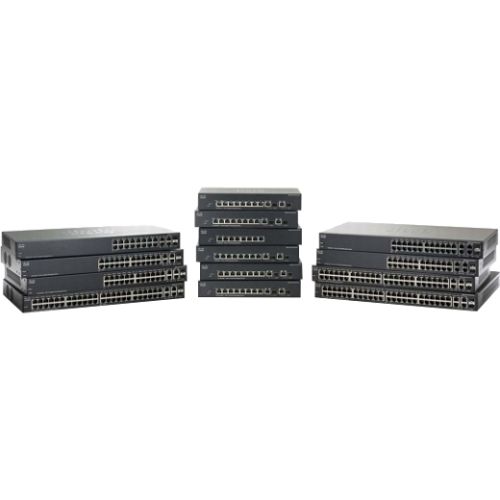
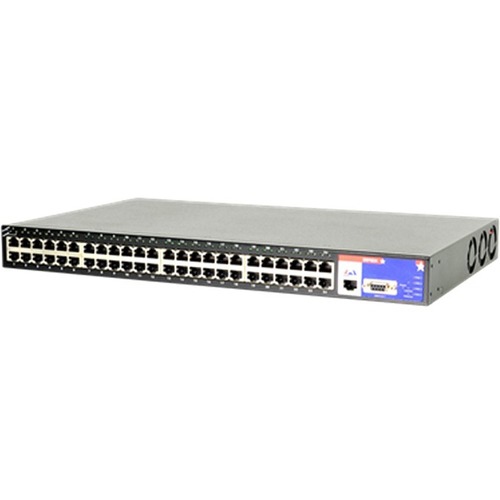
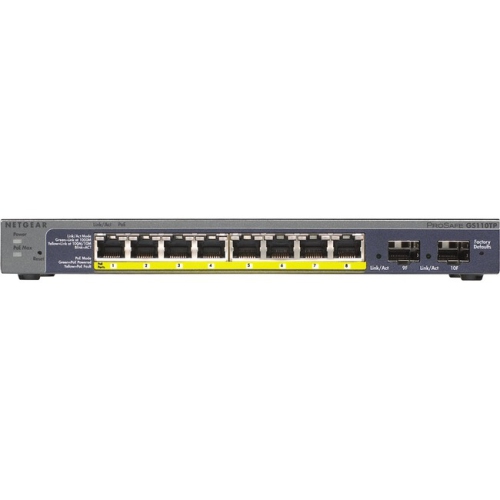
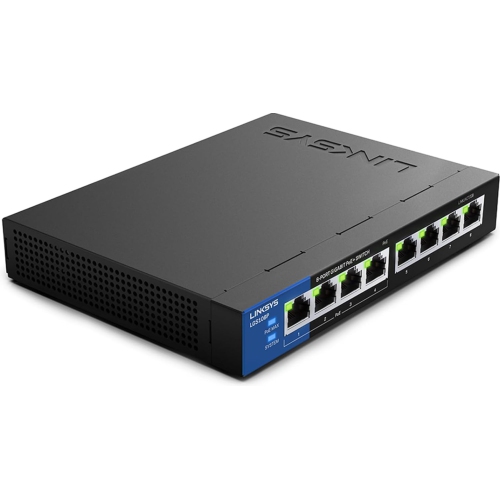
Power over Ethernet (PoE) devices carry electrical power and network data through the same Ethernet cable, allowing compatible equipment to operate without a separate power adapter at its installation point. This makes PoE useful wherever a network connection is needed but a nearby electrical outlet would be inconvenient, such as a ceiling-mounted wireless access point, a security camera above an entrance, or a desk phone in a shared workspace. A PoE installation has two main parts: power sourcing equipment, usually a PoE network switch or injector, and a powered device that receives electricity through its Ethernet port. A switch can supply several connected devices, while an injector adds power to an individual network connection from a switch or router that does not supply PoE. The receiving device separates power from data internally, supporting normal network communication while drawing the electricity it needs. With standards-compliant PoE, the power source checks for a compatible powered device before supplying operating power; an ordinary non-PoE network device can use the data connection without receiving PoE power. Passive PoE works differently and requires particular attention to voltage, polarity, and equipment compatibility because it may supply power without this detection process. Across PoE Devices, common uses include IP security cameras, Voice over IP desk phones, wireless access points, and compatible building controls. Some digital signage, lighting, and meeting-room equipment also support PoE, although an Ethernet socket alone does not indicate that a device can receive power this way. For a home office, a small business, or a larger building, the appeal is practical: fewer separate power cables at the endpoint, more flexibility in placement, and a central location for supplying power. A tidy cable run to an access point on a hallway ceiling, for example, can place wireless coverage closer to the rooms that need it without leaving a power adapter hanging beside the device.
Power requirements distinguish the main PoE standards and determine which equipment can work together. IEEE 802.3af, commonly called PoE, supplies up to 15.4 watts at the source, with up to 12.95 watts available at the powered device after cable losses. IEEE 802.3at, or PoE+, raises those figures to 30 watts at the source and 25.5 watts at the device. IEEE 802.3bt supports higher-power applications: Type 3 supplies up to 60 watts at the source, while Type 4 reaches up to 90 watts, with lower usable power at the endpoint. Labels such as PoE++ can refer to different power levels, so the stated IEEE standard and wattage are more informative than the label alone. A basic desk phone may have modest needs, while a camera with motorized pan, tilt, and zoom functions or a high-capacity wireless access point may require substantially more power. Features such as infrared illumination, additional radios, or connected accessories can also affect demand. For a switch serving several endpoints, both the per-port limit and the total PoE power budget matter. Eight powered ports do not necessarily mean that every port can deliver its maximum output simultaneously. Allowing capacity for each device’s maximum stated draw, with room for future additions, helps avoid a network that runs short of power as it grows. Data speed is a separate consideration: PoE describes power delivery, not whether a connection supports Gigabit or multi-gigabit networking. An access point intended for faster Wi-Fi connections needs suitable Ethernet capacity through the switch, injector, and cabling as well as enough electrical power. Managed switches can add useful functions such as individual port power control, traffic separation through VLANs, and visibility into power consumption. In a small office, that can make it easier to restart a compatible ceiling-mounted device remotely or keep camera traffic separate from everyday computer use, depending on the switch’s features and configuration.
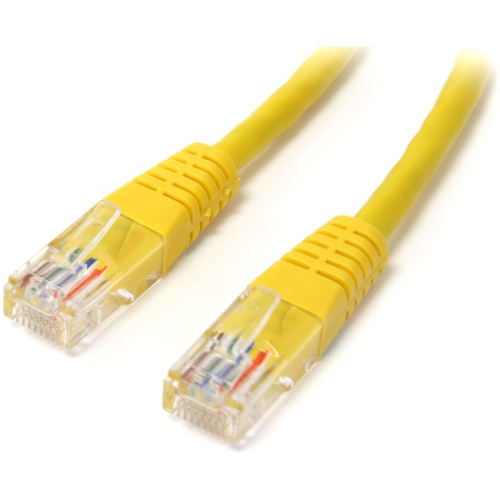
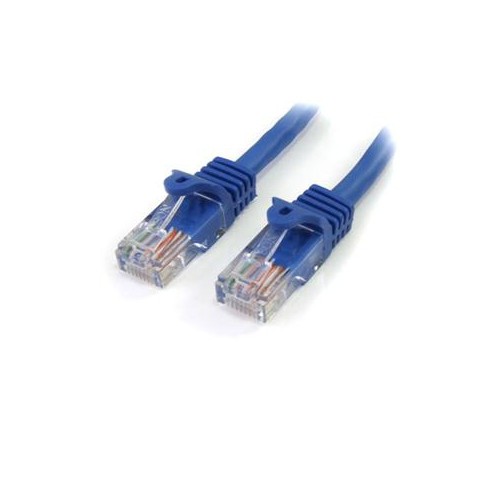
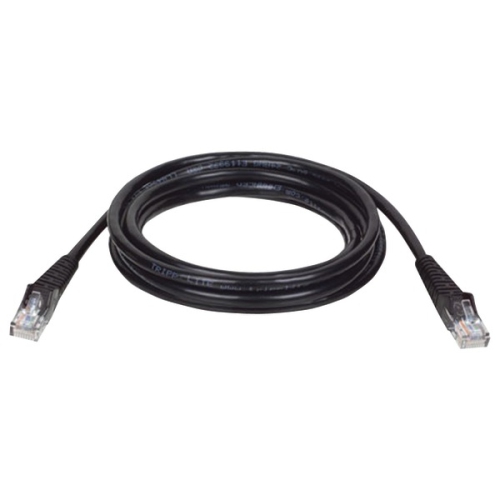
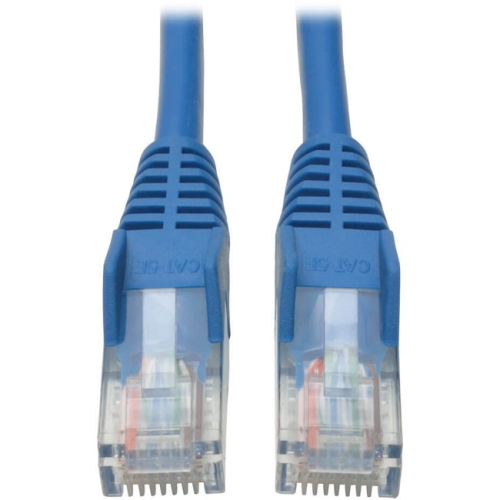
Physical construction, cable quality, and mounting fit are just as important as electrical compatibility when PoE equipment becomes part of a room or building. Standard copper Ethernet channels generally support a total length of up to 100 metres, including patch leads, provided the cable category, installation, and connected equipment meet the applicable requirements. Longer distances require a solution designed for that purpose rather than simply adding more cable. Properly specified solid-copper Ethernet cable is important for dependable data transmission and power delivery; copper-clad aluminium cable has higher resistance and is not an equivalent substitute. Cable category, conductor size, connector quality, and bundle size become particularly relevant with higher-power installations. Shielding may be useful where electrical interference is a concern, but it also calls for compatible components and appropriate grounding. At the device itself, a secure bracket, suitable fasteners, and enough clearance for cable bends help produce a durable installation. An access point that sits neatly against a ceiling has different mounting needs from a desk phone or a switch placed in a network cabinet. Metal switch housings can suit utility spaces and equipment racks, while lighter housings may be convenient for compact desktop setups; construction alone does not establish suitability for a particular location. Ventilation clearance, mounting specifications, and the manufacturer’s stated installation requirements remain important. Fanless equipment can be a comfortable fit beside a workstation, whereas fan noise may matter less in a separate communications cupboard. Routine care usually centres on keeping vents clear, checking that cables are not pinched or under tension, and following the manufacturer’s cleaning directions. Firmware updates and strong account credentials also matter for connected cameras, access points, and managed switches. Centralized power can simplify backup planning: a suitably sized uninterruptible power supply connected to the PoE switch and necessary network equipment may keep supported endpoints running during a power interruption. That combination of thoughtful placement, matched power capacity, and maintainable cabling makes PoE relevant to remote workers, property managers, shop operators, and anyone building a more organized wired network.
Power requirements distinguish the main PoE standards and determine which equipment can work together. IEEE 802.3af, commonly called PoE, supplies up to 15.4 watts at the source, with up to 12.95 watts available at the powered device after cable losses. IEEE 802.3at, or PoE+, raises those figures to 30 watts at the source and 25.5 watts at the device. IEEE 802.3bt supports higher-power applications: Type 3 supplies up to 60 watts at the source, while Type 4 reaches up to 90 watts, with lower usable power at the endpoint. Labels such as PoE++ can refer to different power levels, so the stated IEEE standard and wattage are more informative than the label alone. A basic desk phone may have modest needs, while a camera with motorized pan, tilt, and zoom functions or a high-capacity wireless access point may require substantially more power. Features such as infrared illumination, additional radios, or connected accessories can also affect demand. For a switch serving several endpoints, both the per-port limit and the total PoE power budget matter. Eight powered ports do not necessarily mean that every port can deliver its maximum output simultaneously. Allowing capacity for each device’s maximum stated draw, with room for future additions, helps avoid a network that runs short of power as it grows. Data speed is a separate consideration: PoE describes power delivery, not whether a connection supports Gigabit or multi-gigabit networking. An access point intended for faster Wi-Fi connections needs suitable Ethernet capacity through the switch, injector, and cabling as well as enough electrical power. Managed switches can add useful functions such as individual port power control, traffic separation through VLANs, and visibility into power consumption. In a small office, that can make it easier to restart a compatible ceiling-mounted device remotely or keep camera traffic separate from everyday computer use, depending on the switch’s features and configuration.
Physical construction, cable quality, and mounting fit are just as important as electrical compatibility when PoE equipment becomes part of a room or building. Standard copper Ethernet channels generally support a total length of up to 100 metres, including patch leads, provided the cable category, installation, and connected equipment meet the applicable requirements. Longer distances require a solution designed for that purpose rather than simply adding more cable. Properly specified solid-copper Ethernet cable is important for dependable data transmission and power delivery; copper-clad aluminium cable has higher resistance and is not an equivalent substitute. Cable category, conductor size, connector quality, and bundle size become particularly relevant with higher-power installations. Shielding may be useful where electrical interference is a concern, but it also calls for compatible components and appropriate grounding. At the device itself, a secure bracket, suitable fasteners, and enough clearance for cable bends help produce a durable installation. An access point that sits neatly against a ceiling has different mounting needs from a desk phone or a switch placed in a network cabinet. Metal switch housings can suit utility spaces and equipment racks, while lighter housings may be convenient for compact desktop setups; construction alone does not establish suitability for a particular location. Ventilation clearance, mounting specifications, and the manufacturer’s stated installation requirements remain important. Fanless equipment can be a comfortable fit beside a workstation, whereas fan noise may matter less in a separate communications cupboard. Routine care usually centres on keeping vents clear, checking that cables are not pinched or under tension, and following the manufacturer’s cleaning directions. Firmware updates and strong account credentials also matter for connected cameras, access points, and managed switches. Centralized power can simplify backup planning: a suitably sized uninterruptible power supply connected to the PoE switch and necessary network equipment may keep supported endpoints running during a power interruption. That combination of thoughtful placement, matched power capacity, and maintainable cabling makes PoE relevant to remote workers, property managers, shop operators, and anyone building a more organized wired network.
Top selling and popular products
-
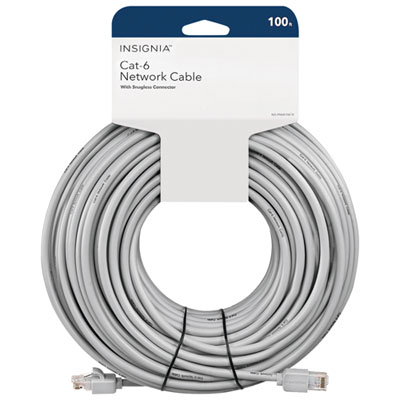 Your price for this item is $49.95
 -
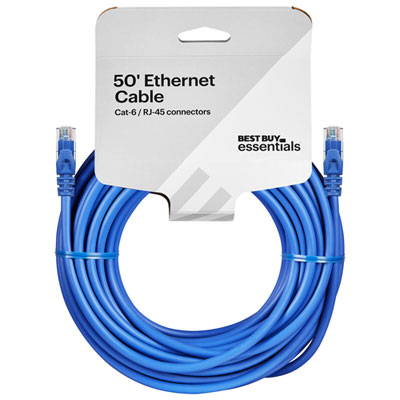 Your price for this item is $24.99
 -
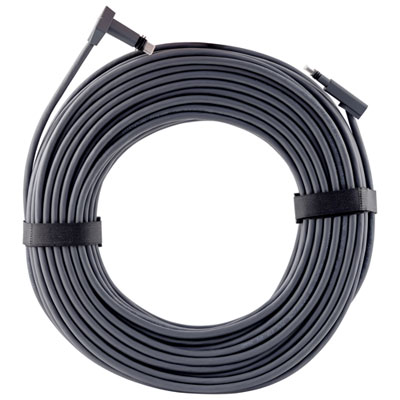 Your price for this item is $164.99
 -
 Your price for this item is $11.68
 -
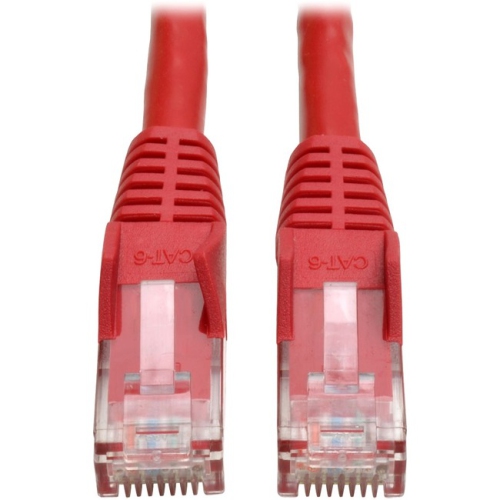 Your price for this item is $68.68
 -
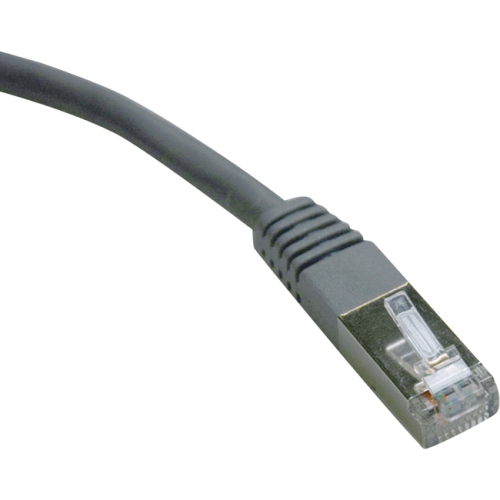 Your price for this item is $47.68
 -
 Your price for this item is $46.68
 -
 Your price for this item is $24.68
Discover more categories related to Powers Over Ethernet Devices
Top Collections:
Pokemon Centers, Kindle Devices, Best Budget Office Chairs, Apple iPhones 16, Best Laptops for Writers, iPhone 15 Apple, Canon G7X Cameras, Refurbished Apple Laptops, Alarm Clock, Motorola Razr Phones
Some products may be subject to Environmental Handling Fees
(EHF) depending on your province.
Learn more about EHFs.