Powers Over Ethernet Switches
Looking to enhance your network infrastructure? Look no further than our collection of Power over Ethernet (PoE) switches. Designed to simplify the deployment of network devices, PoE switches provide both power and data through a single Ethernet cable, eliminating the need for separate power sources. Whether you're setting up a small office or expanding your enterprise network, these switches offer seamless connectivity and efficient power management. Explore our wide range of PoE switches to find the perfect solution for your networking needs.
Sort
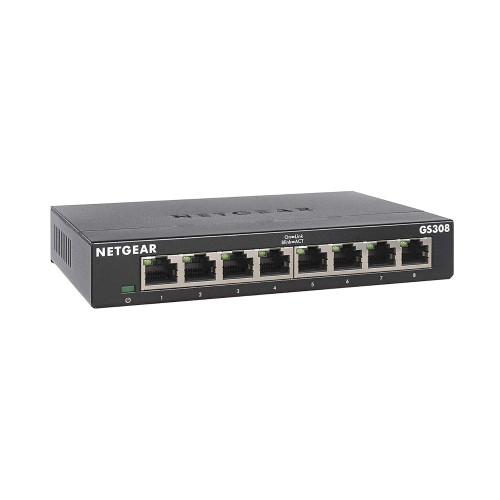
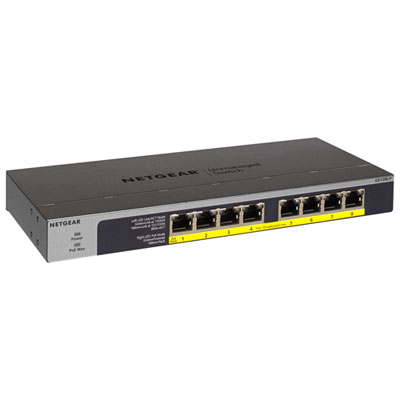
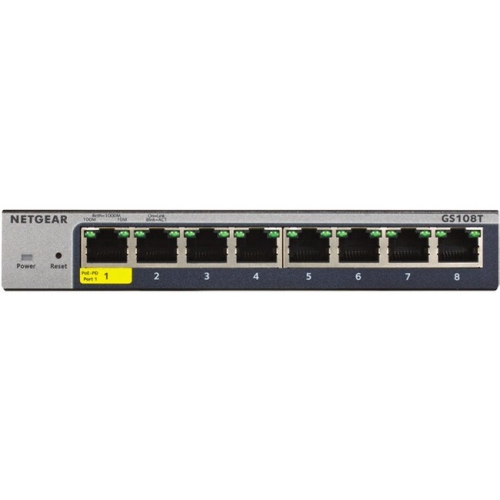
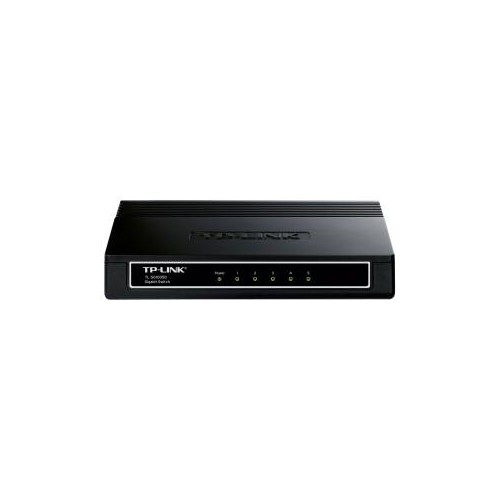
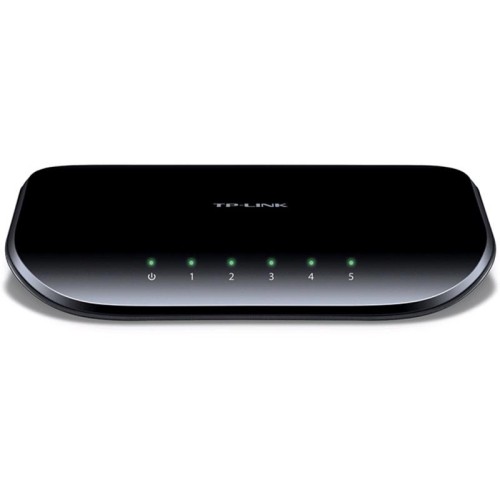
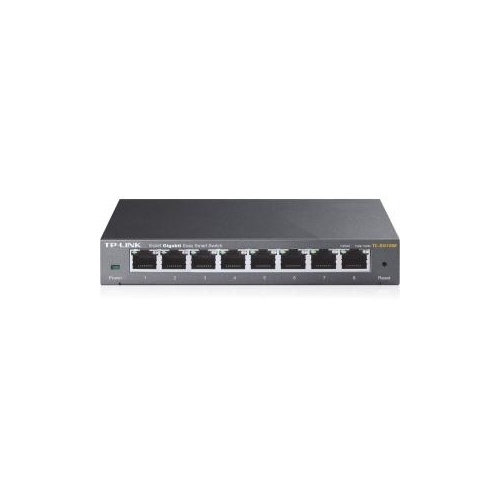
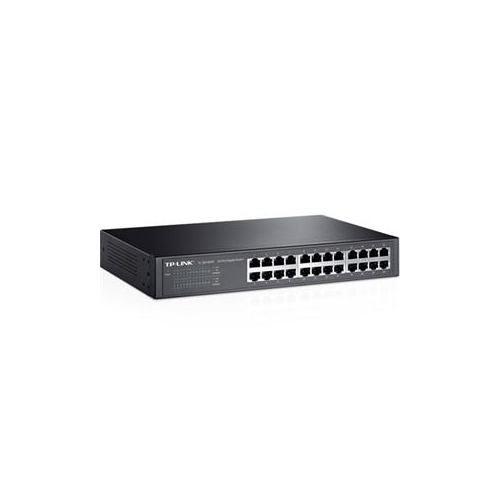
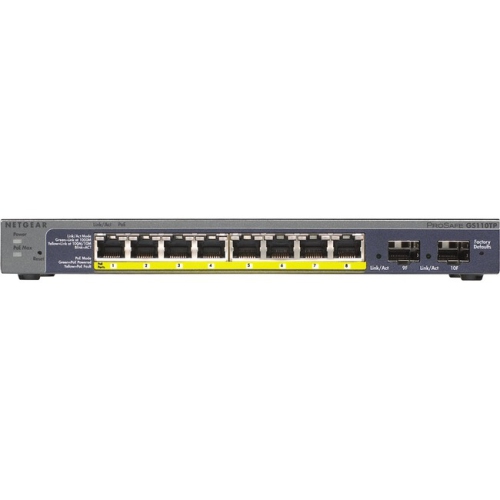

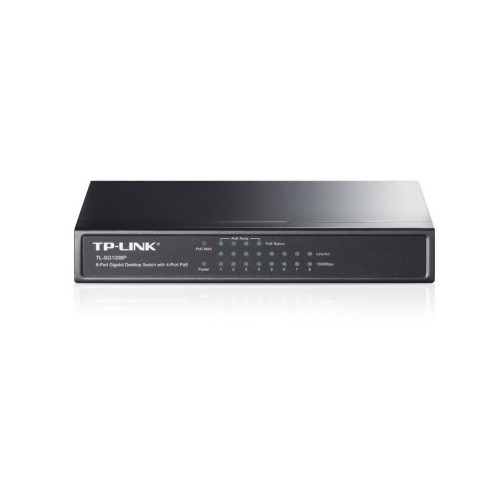
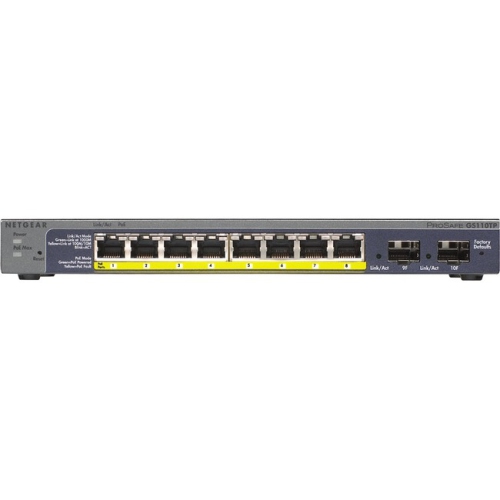
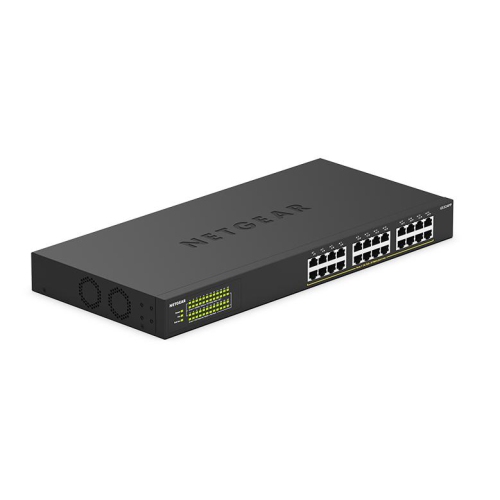
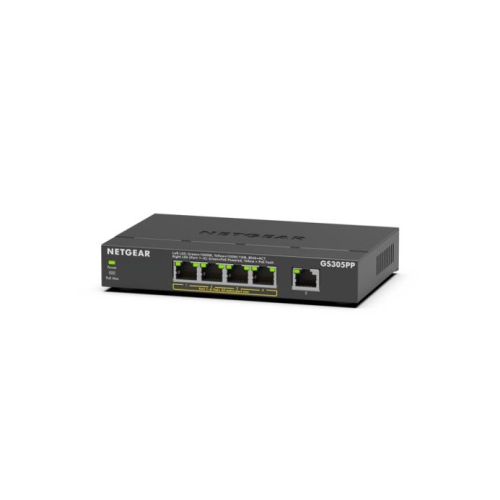
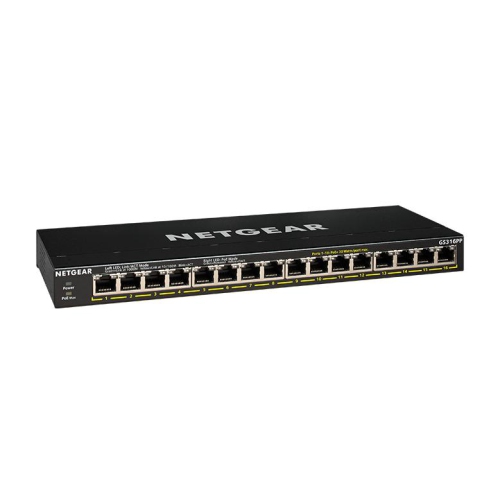
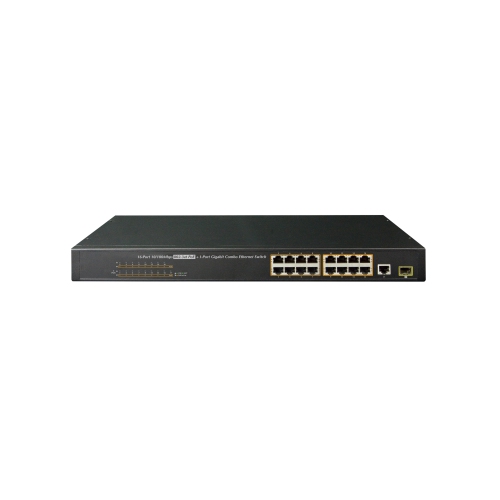
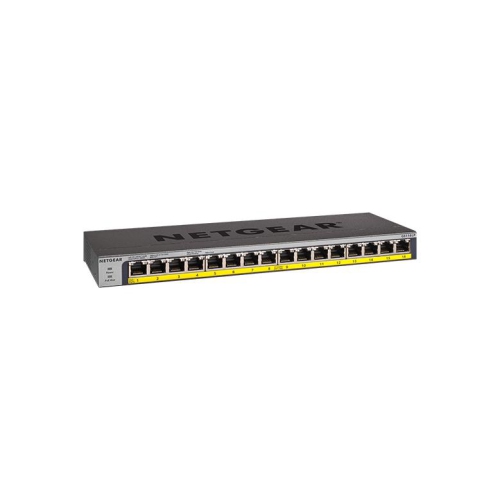
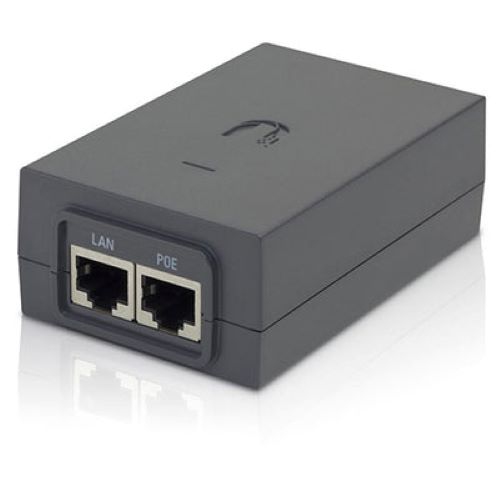
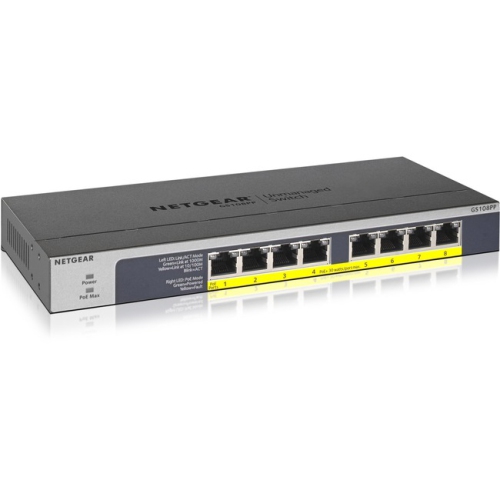
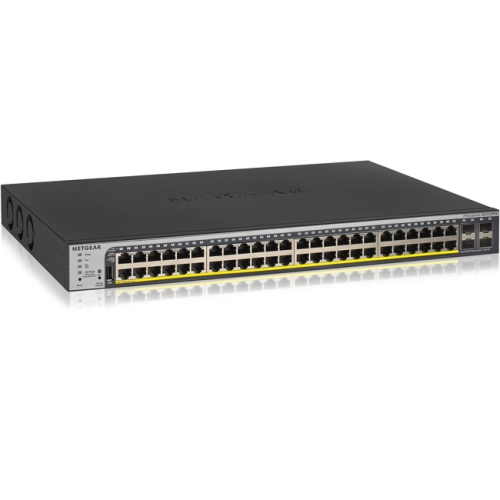
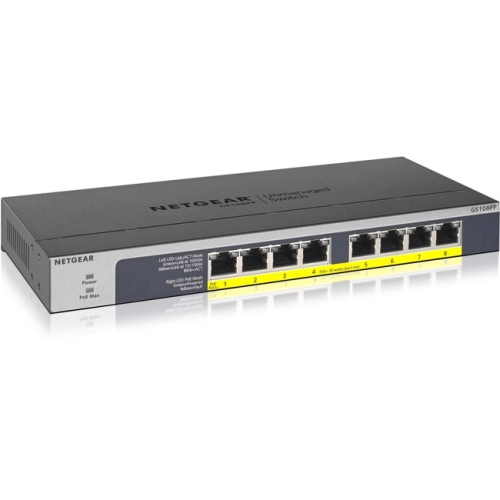
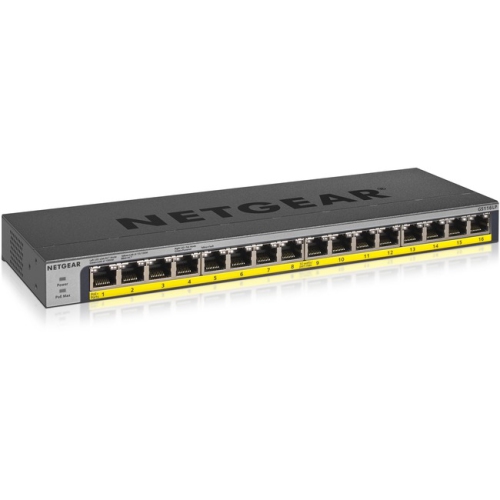
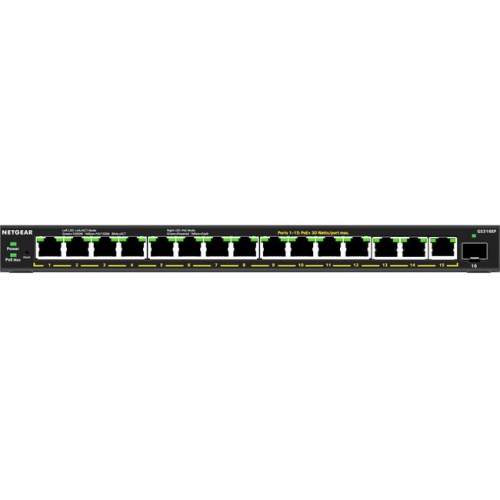
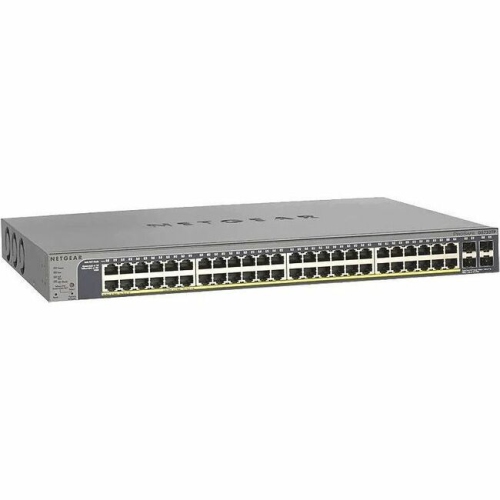
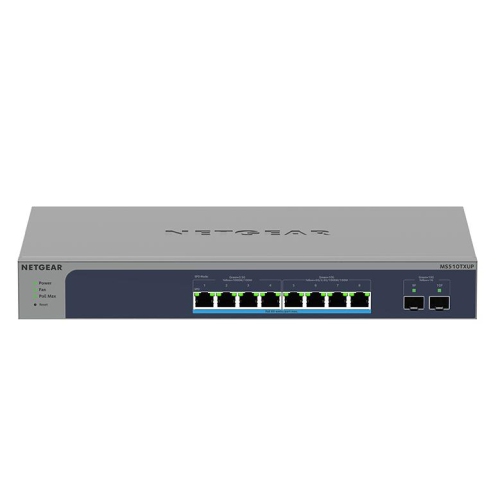
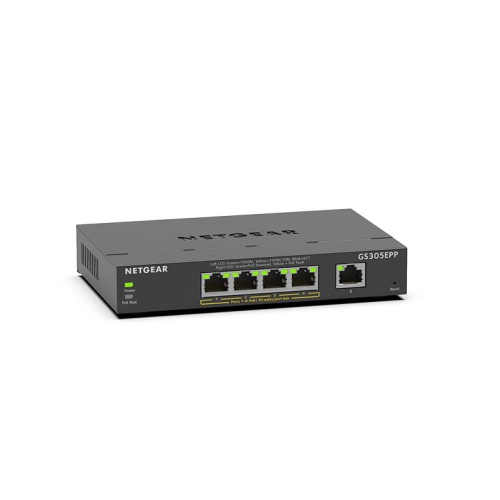

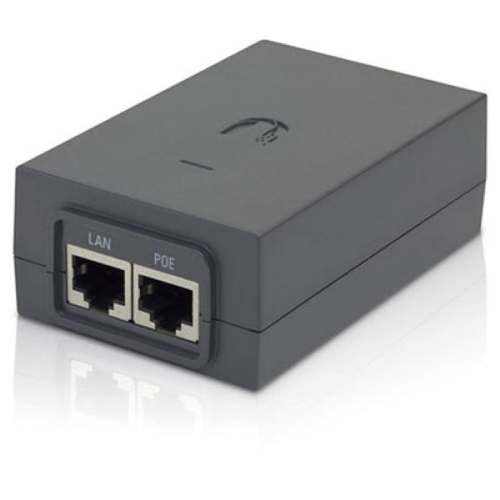
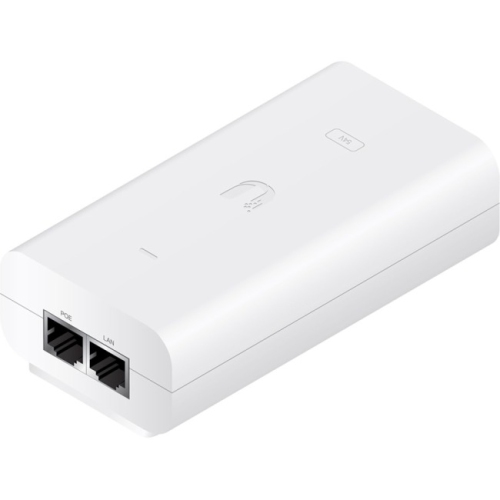
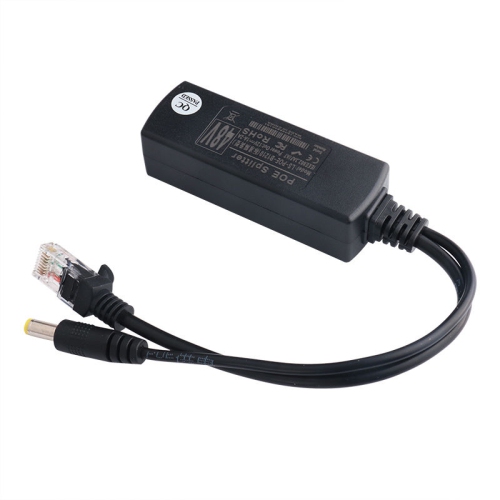
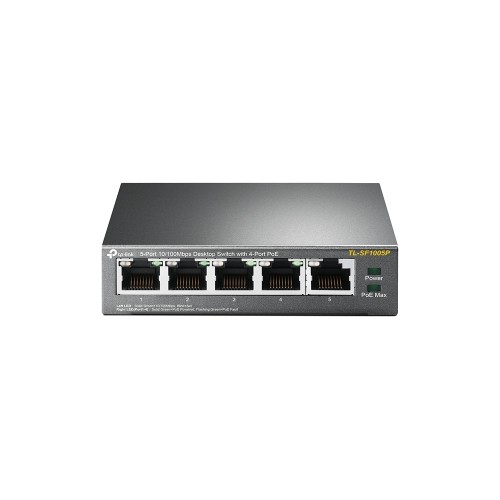
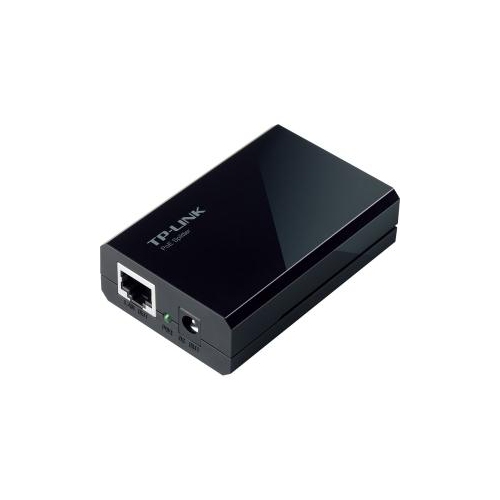
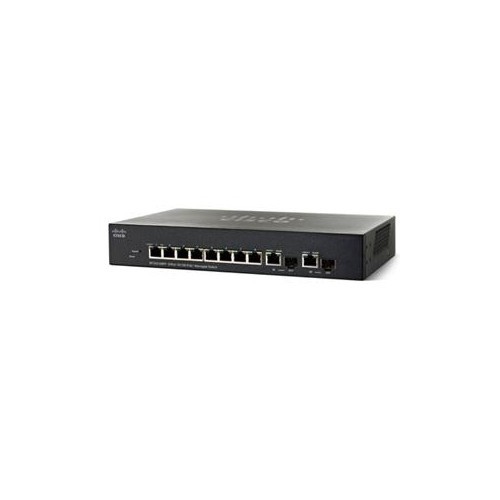
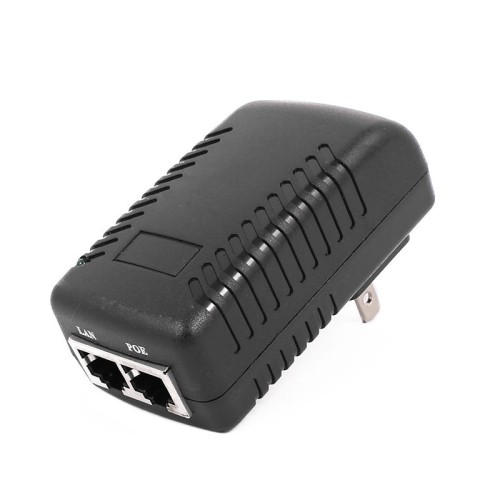
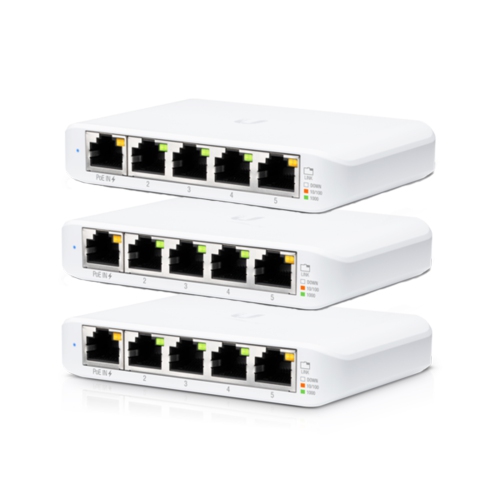
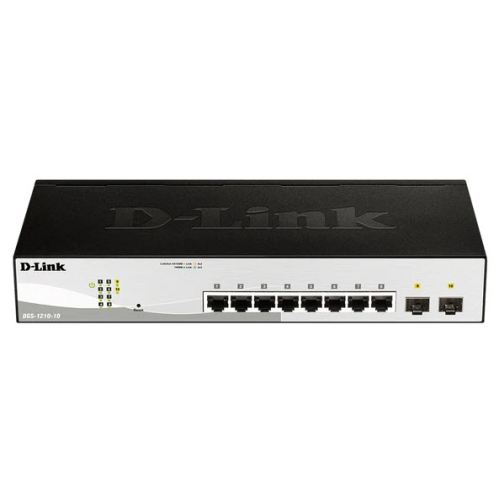
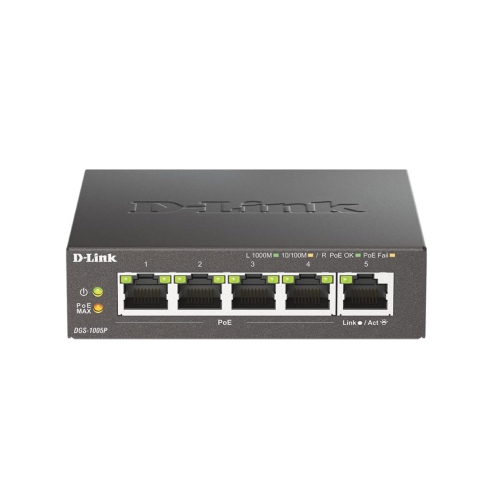
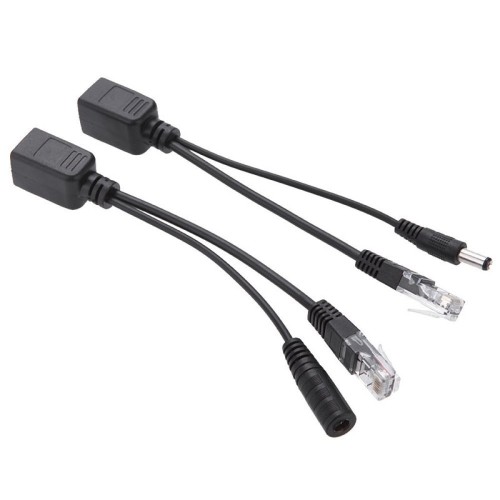
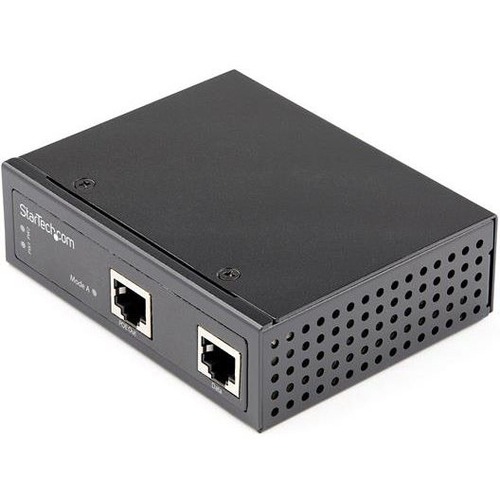
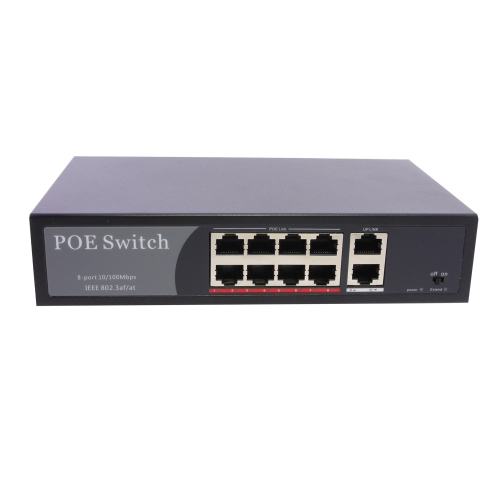
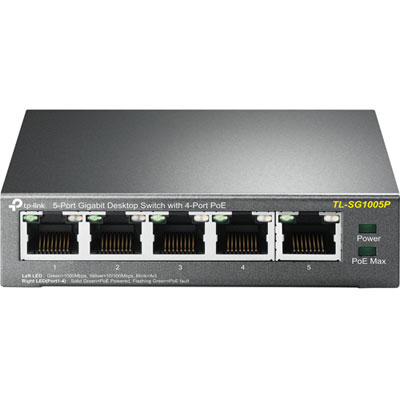
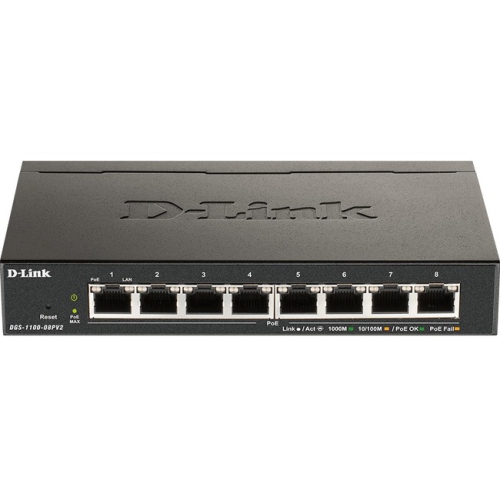

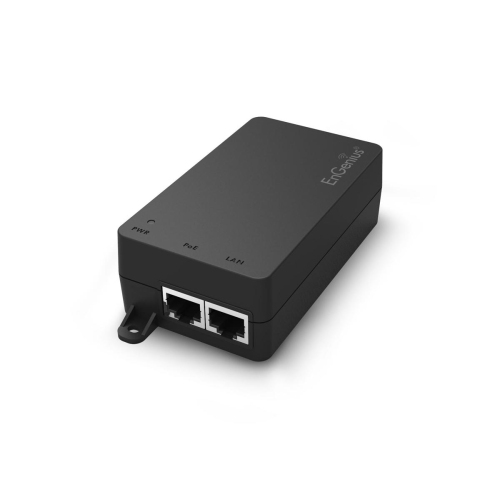
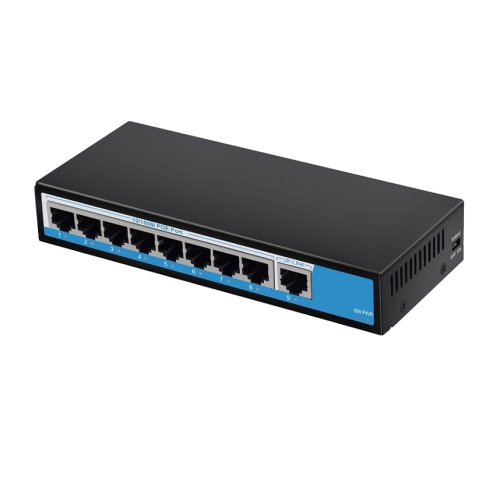
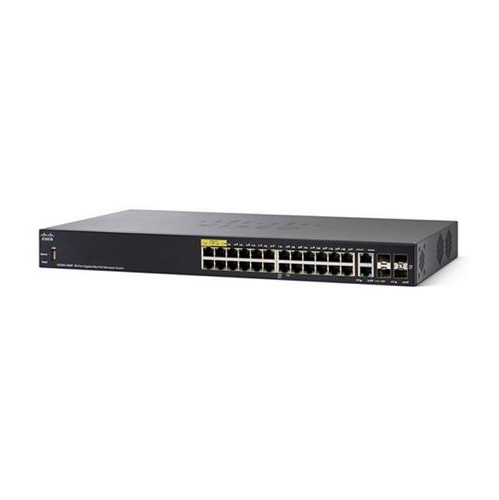
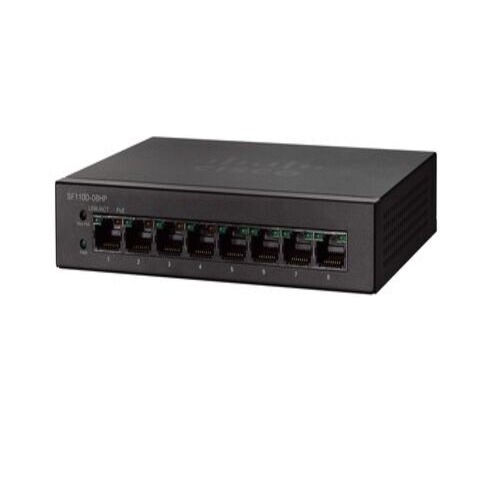
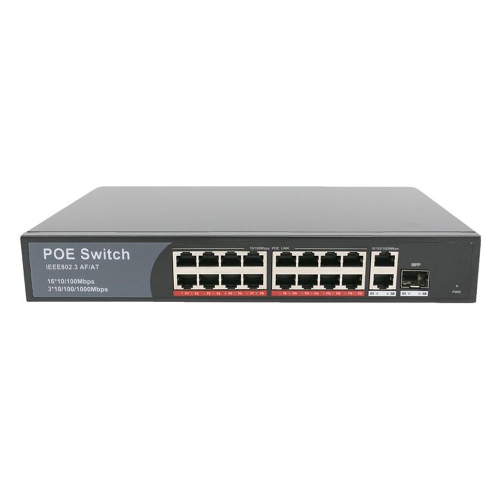
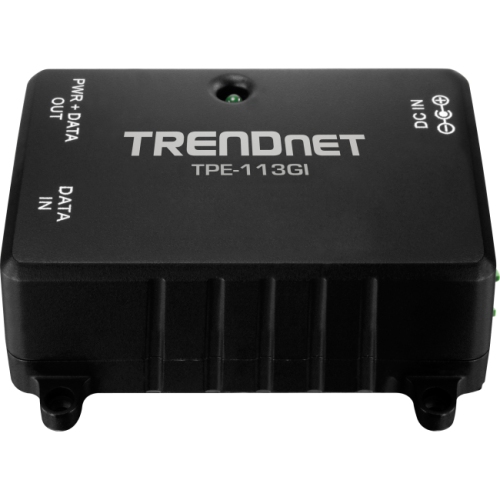
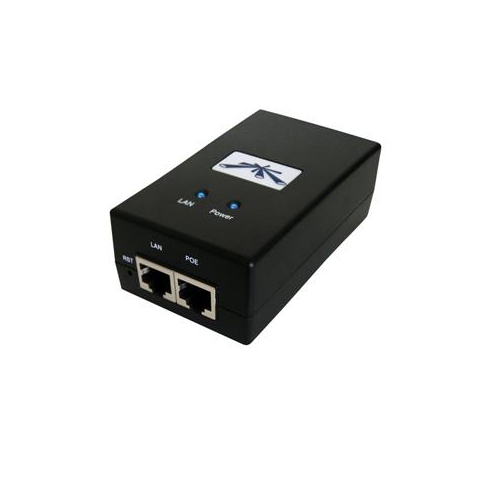
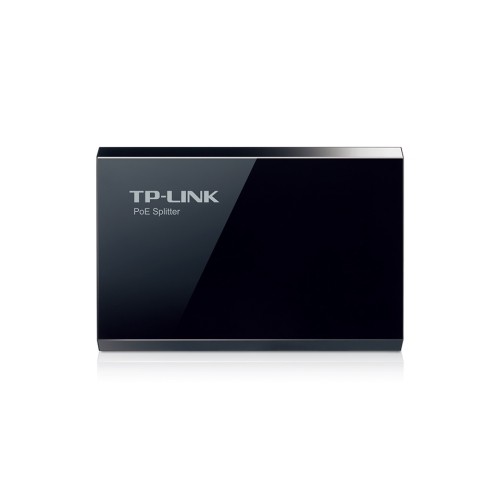
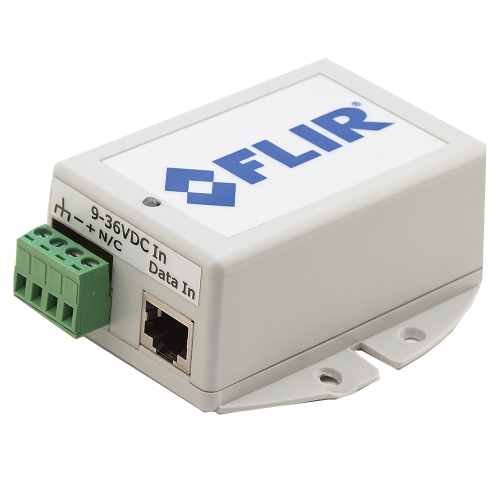
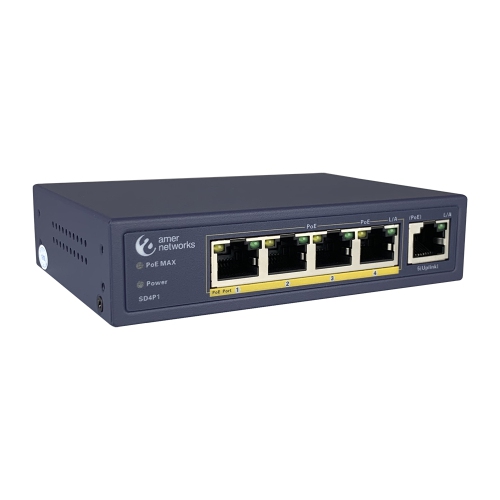
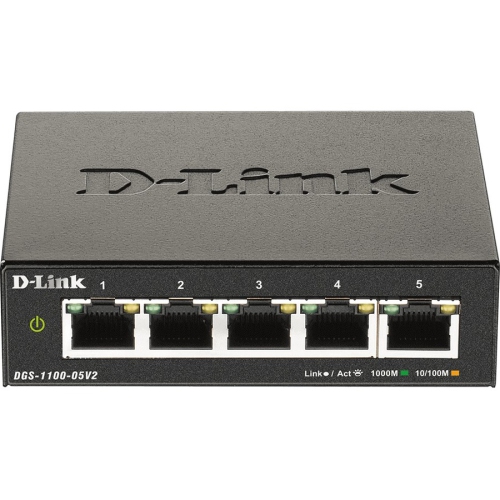
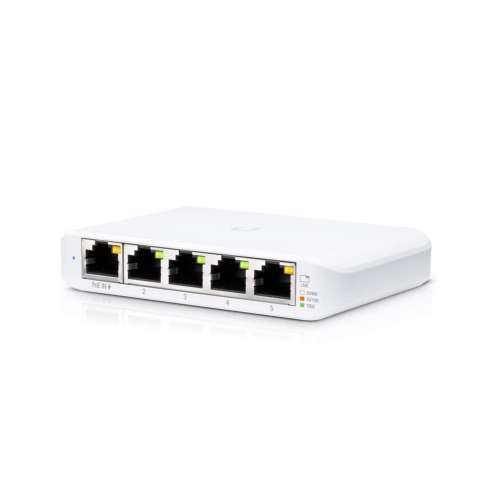
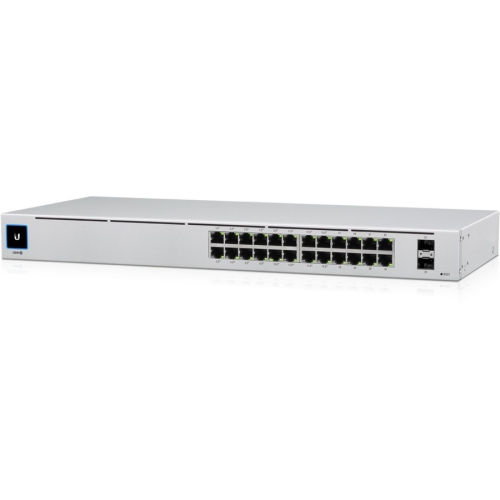
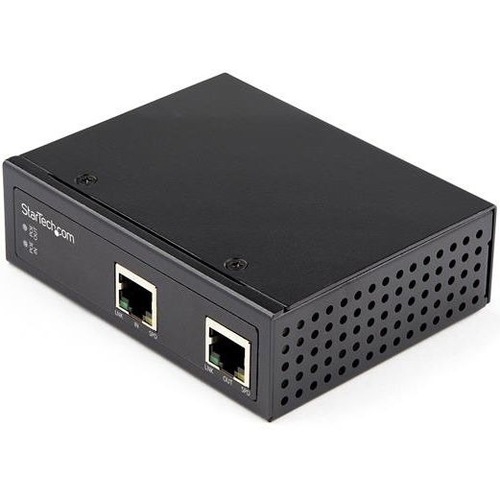

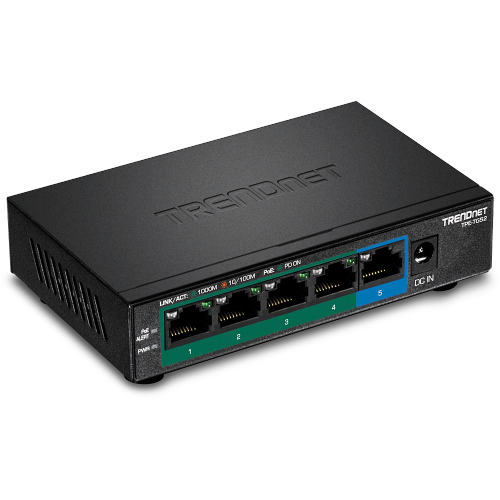
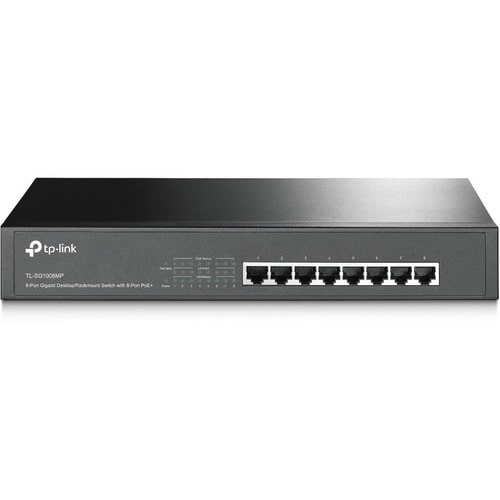
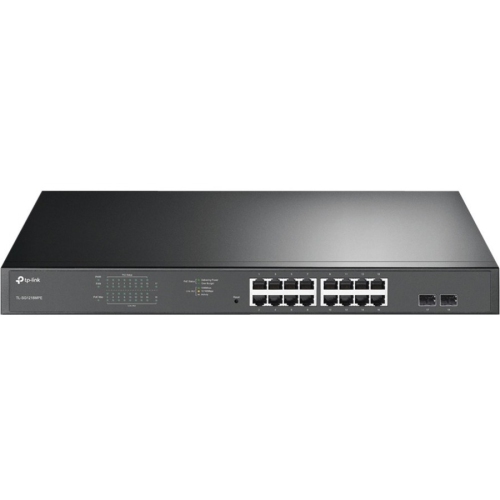
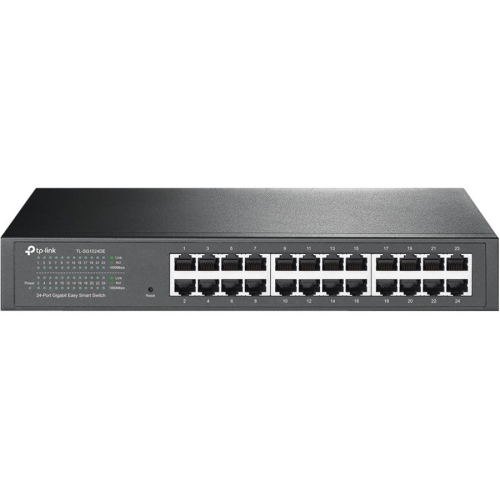

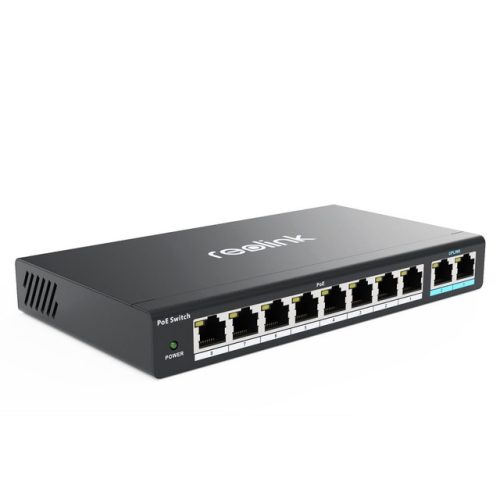
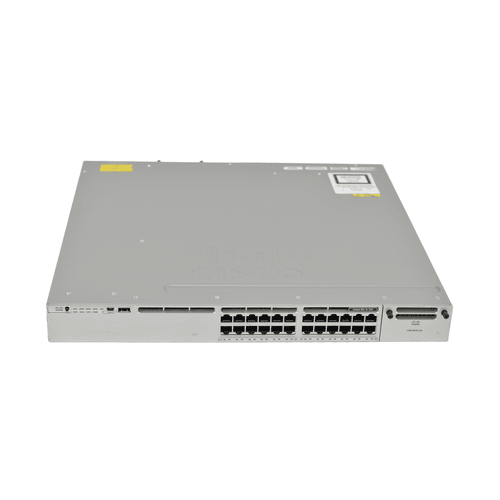

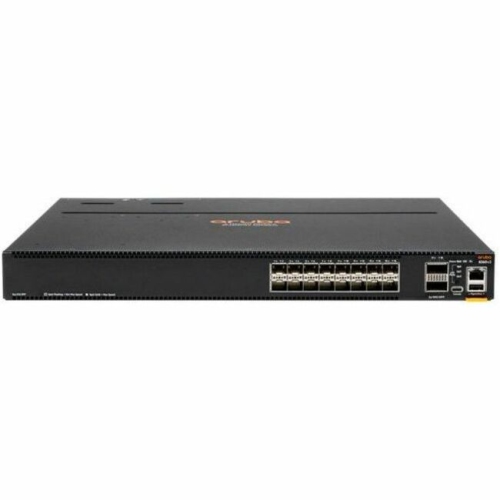
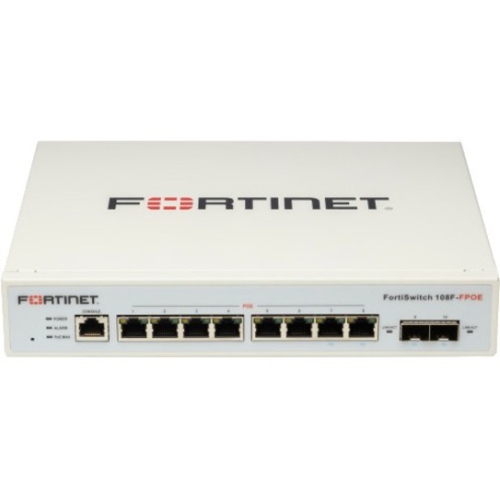
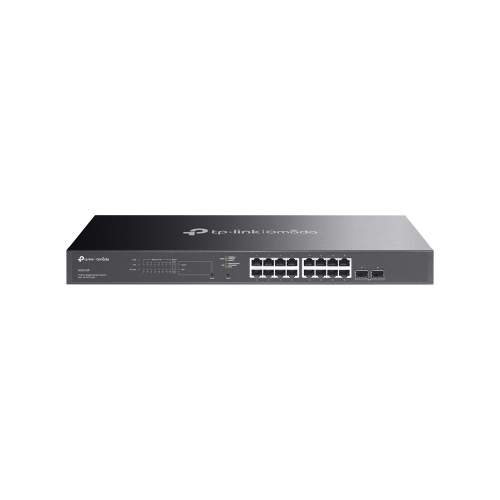
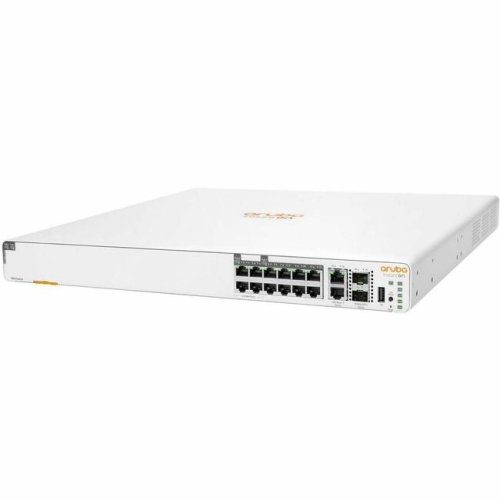
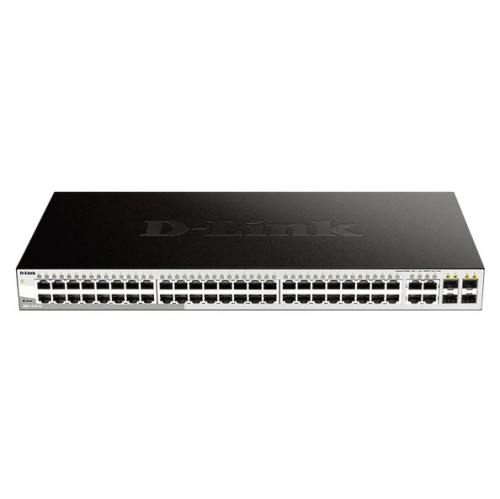
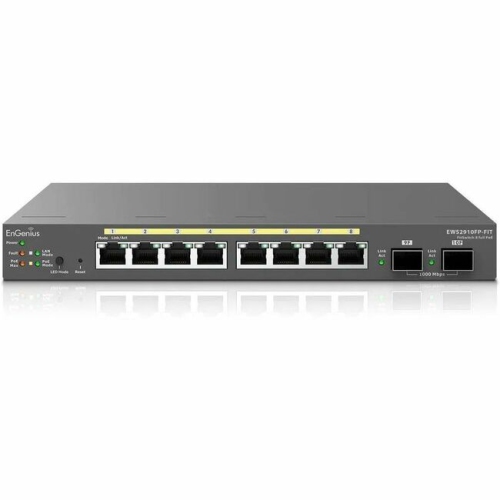
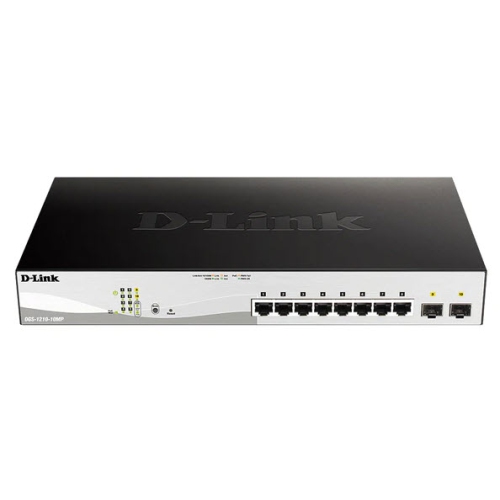
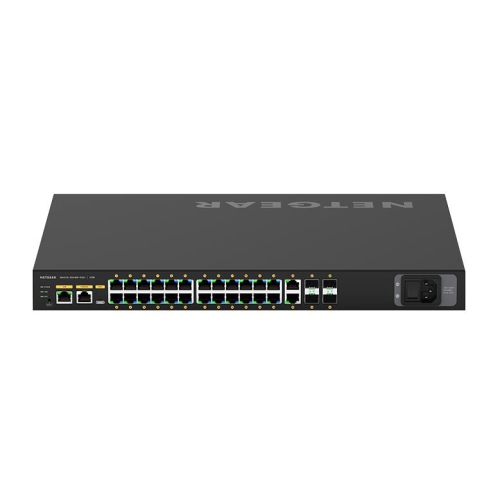
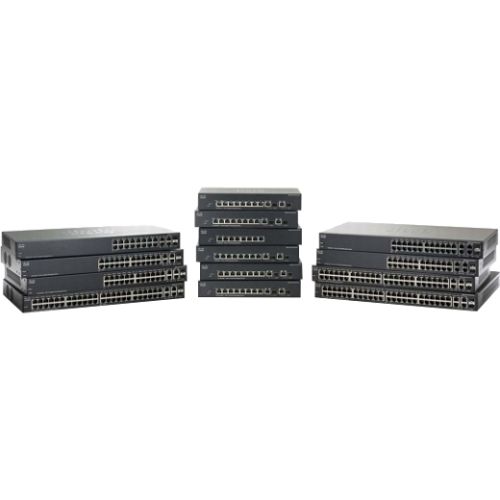

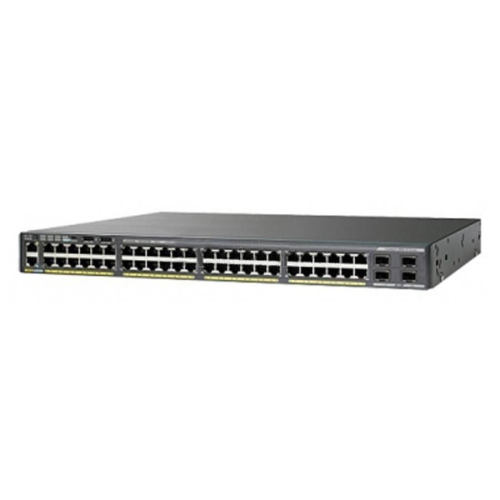
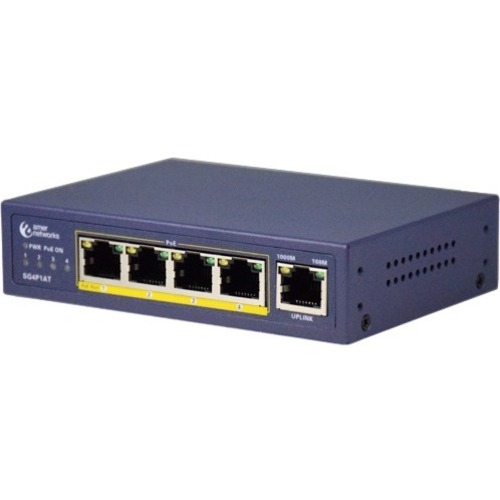
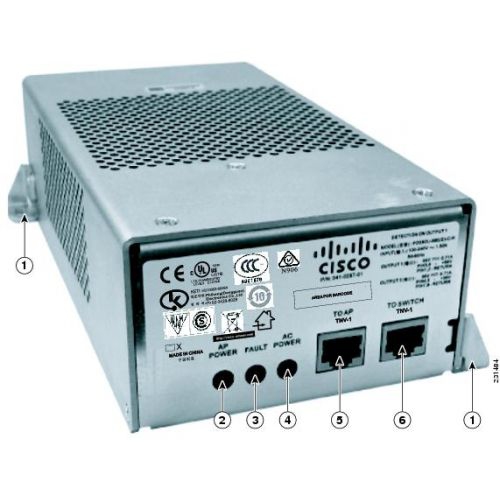
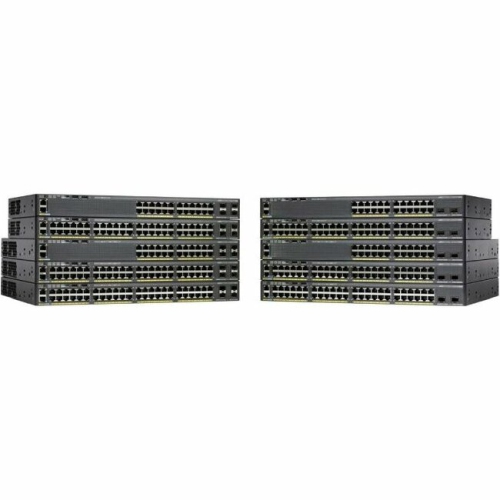
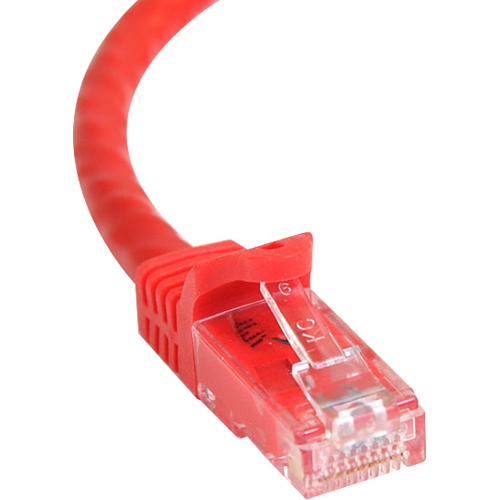
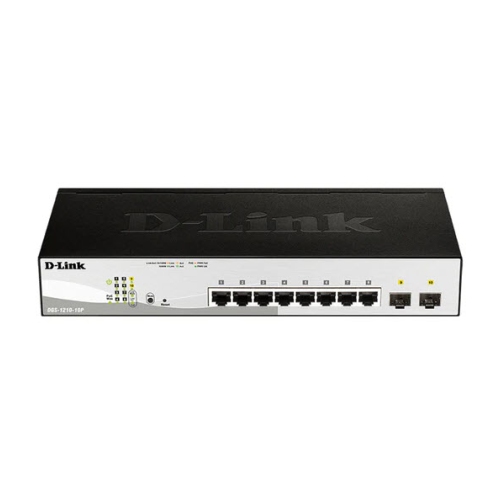
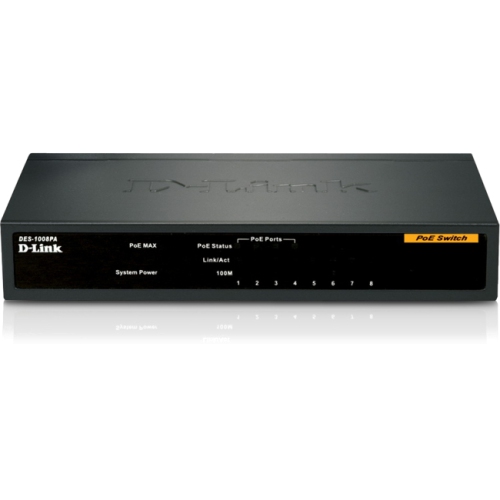
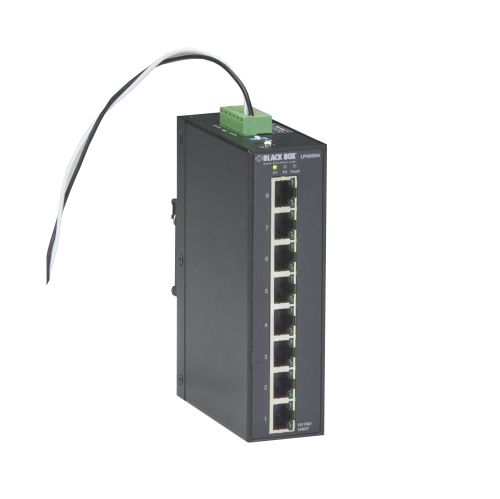
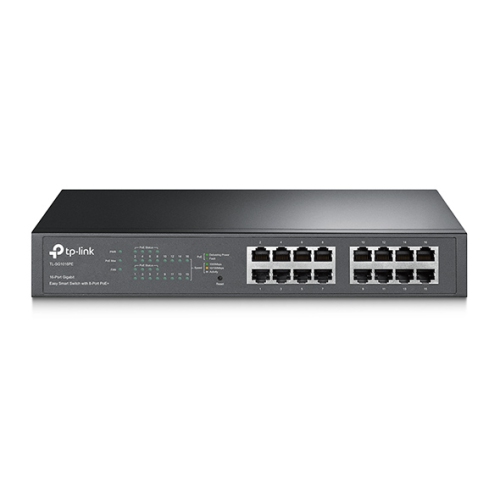

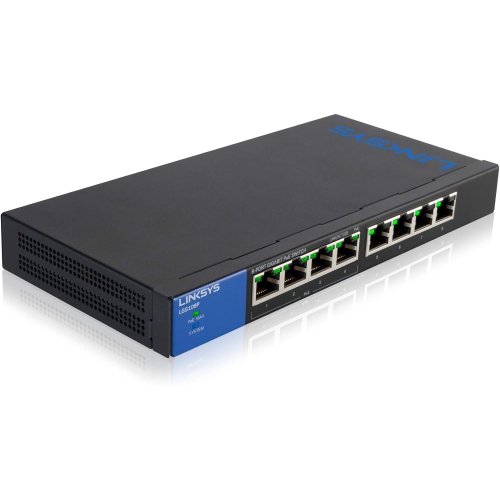

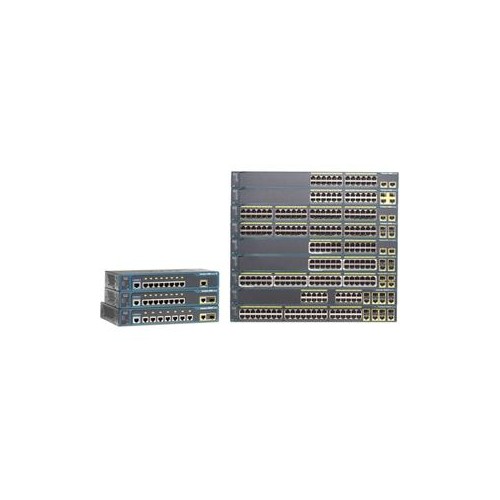
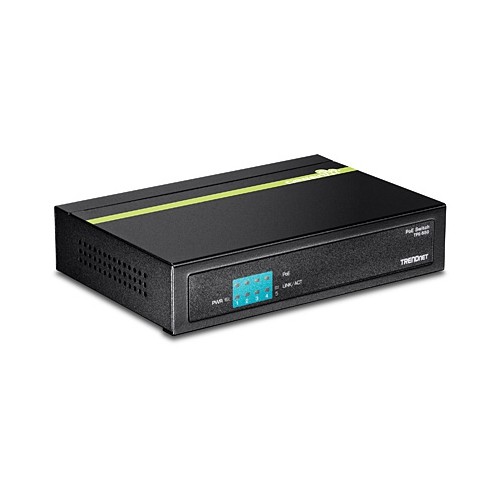

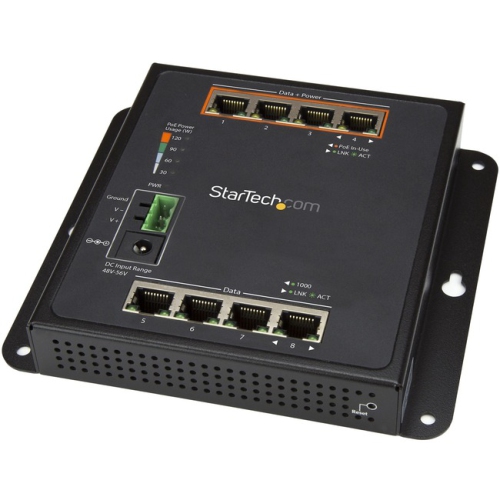
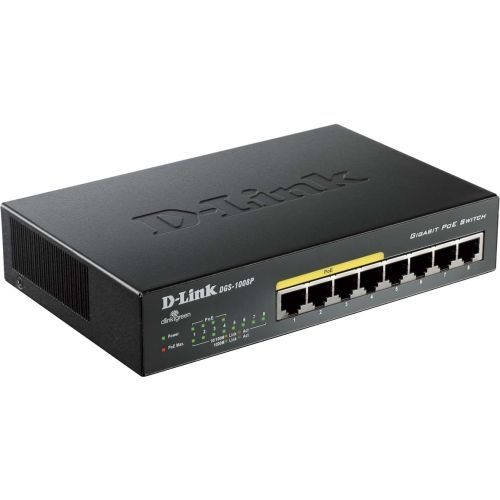
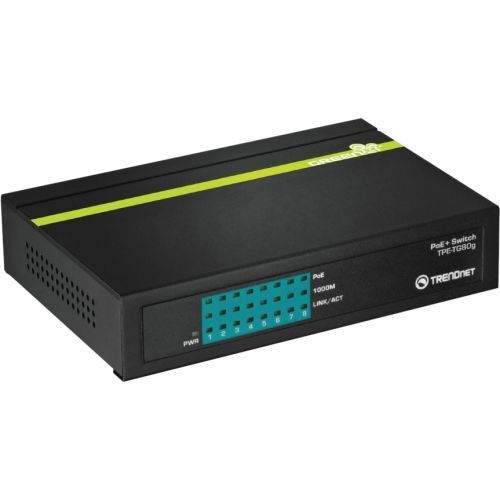
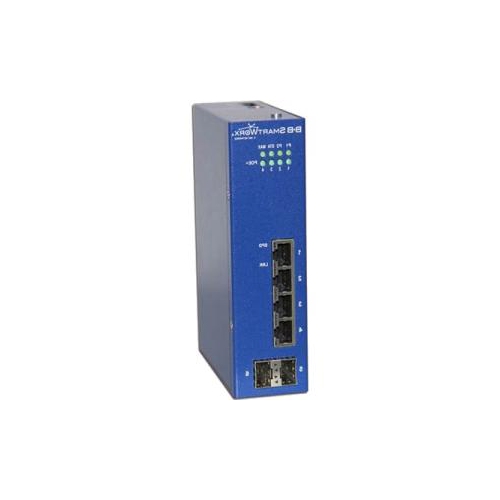

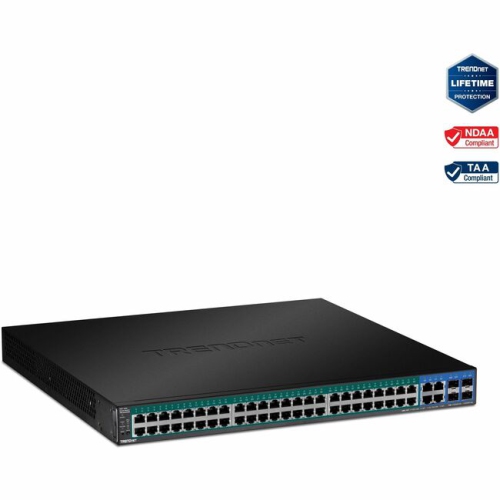
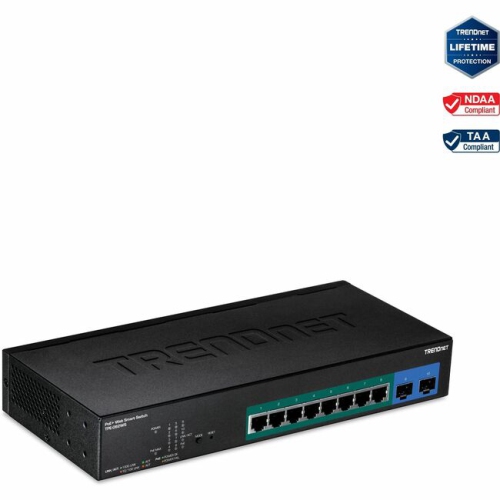
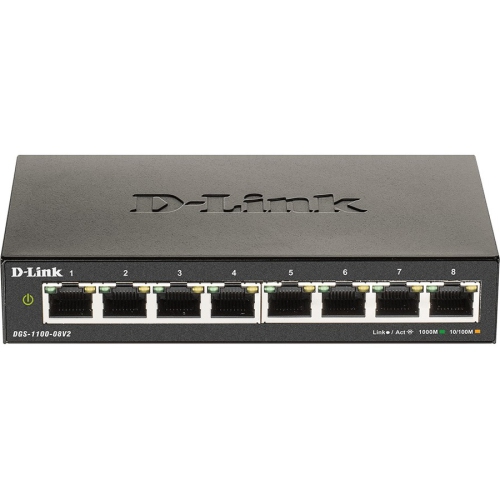
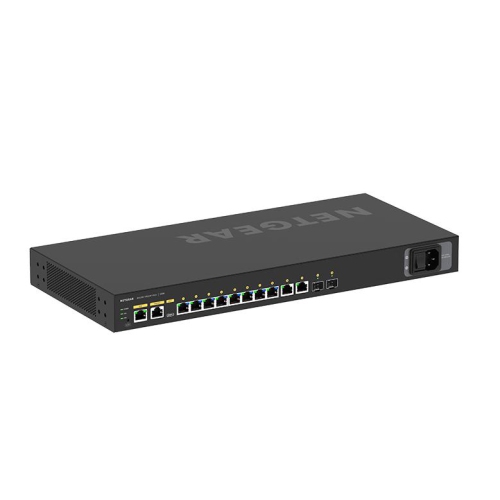

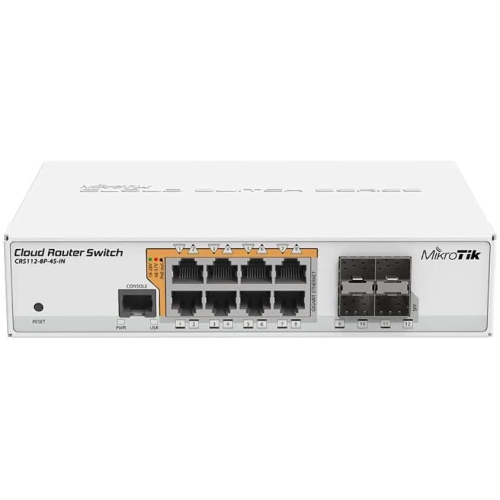
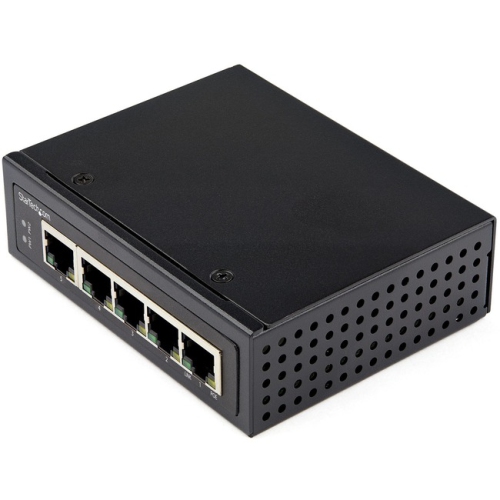
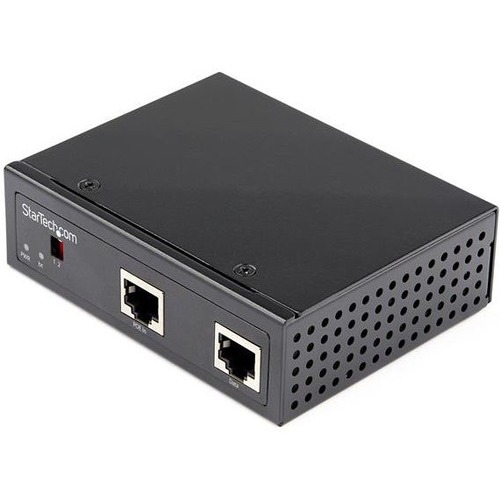
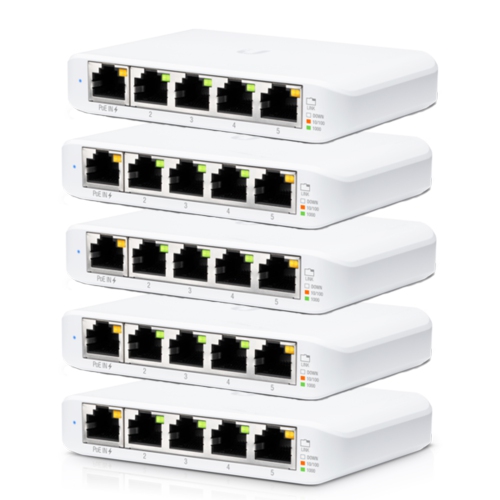


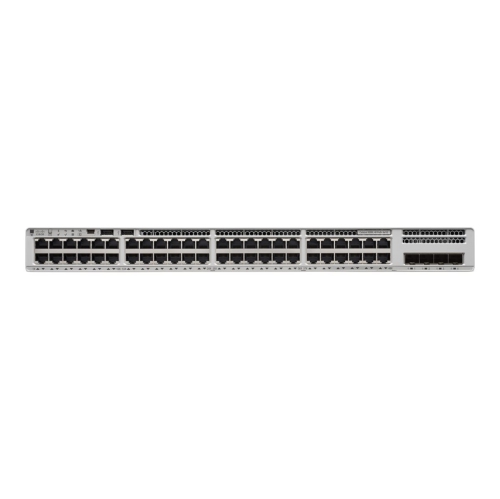
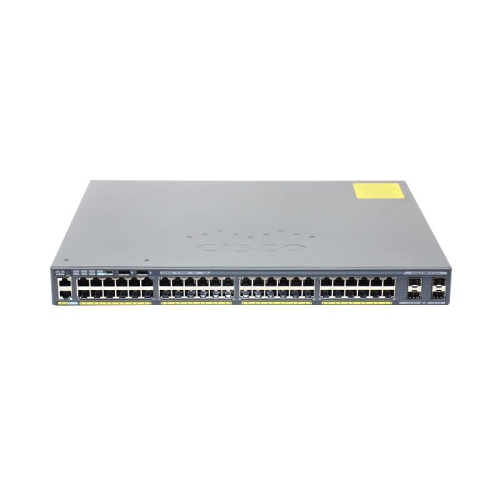
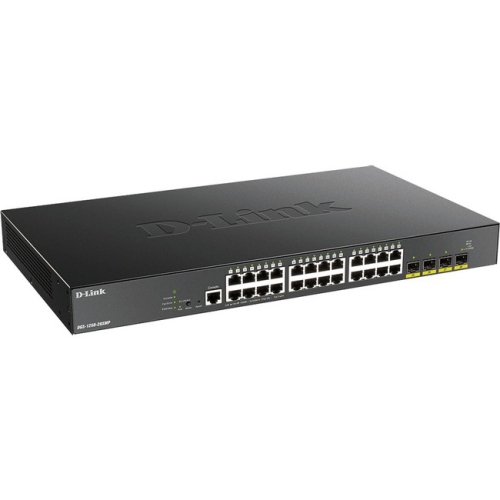
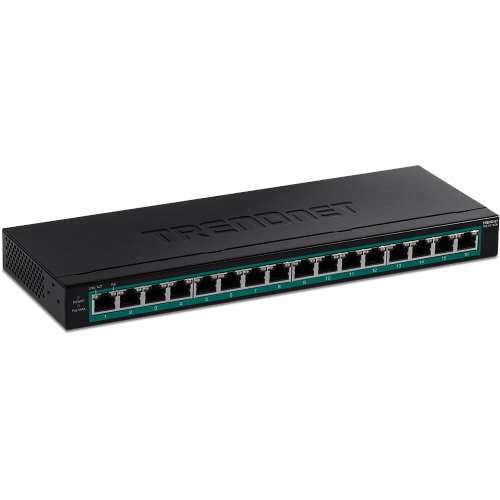

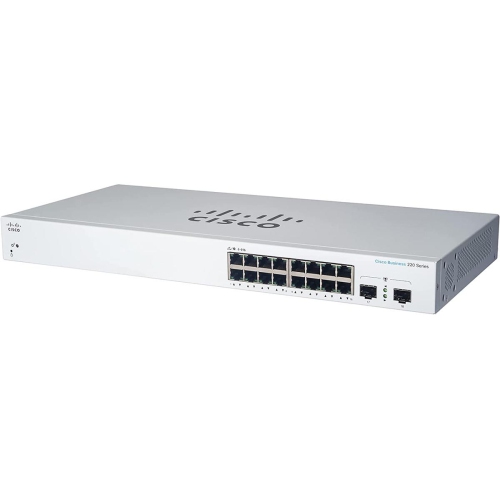
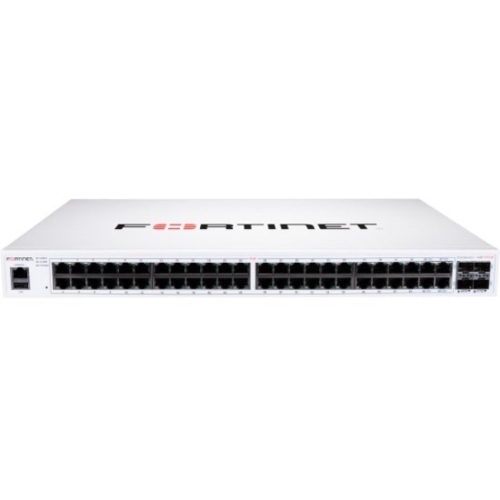
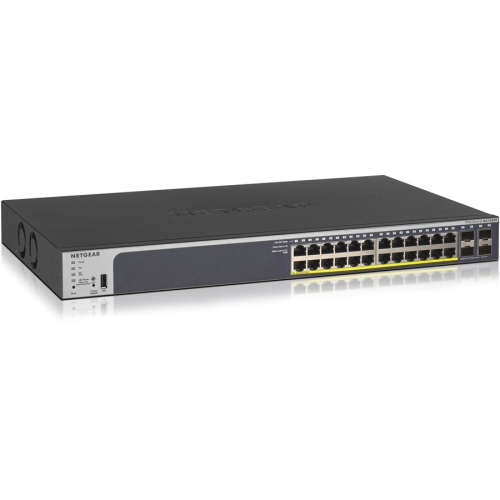
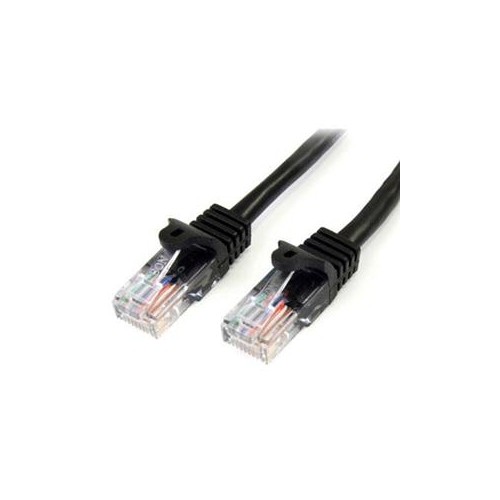
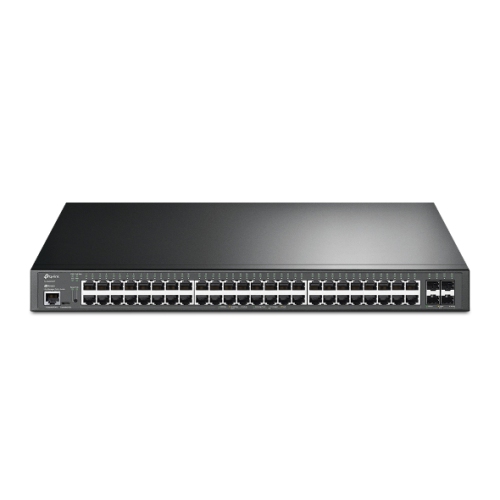

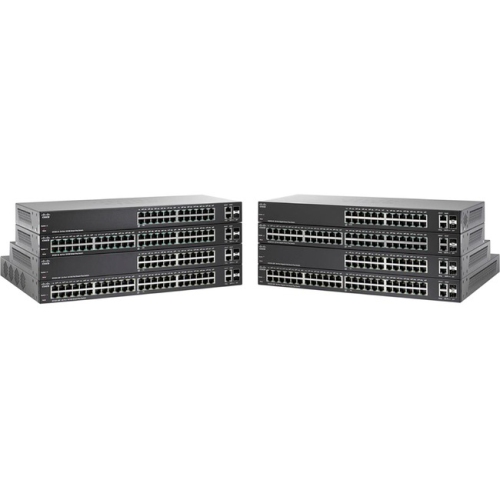
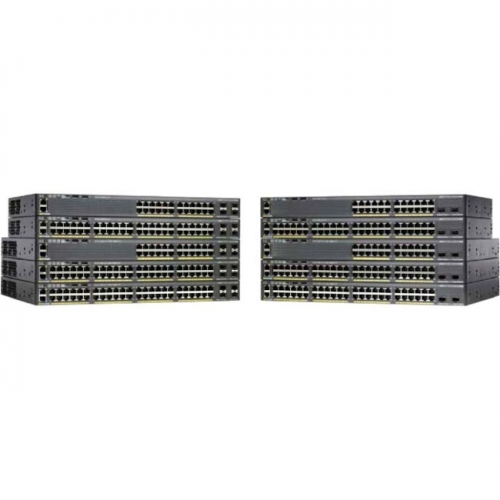
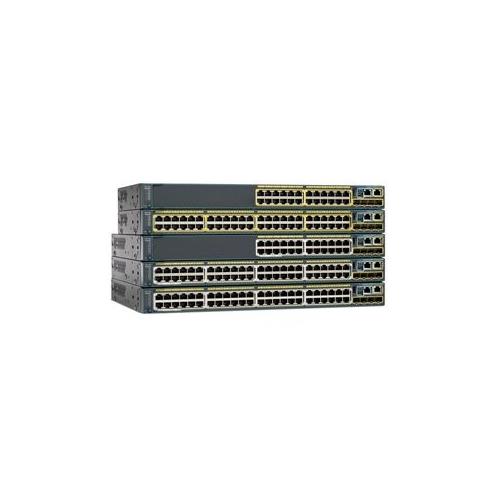
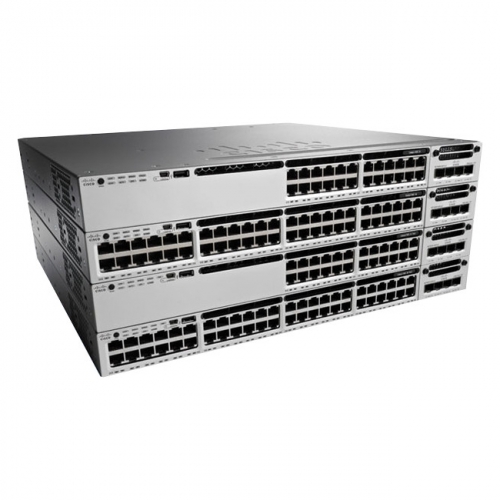
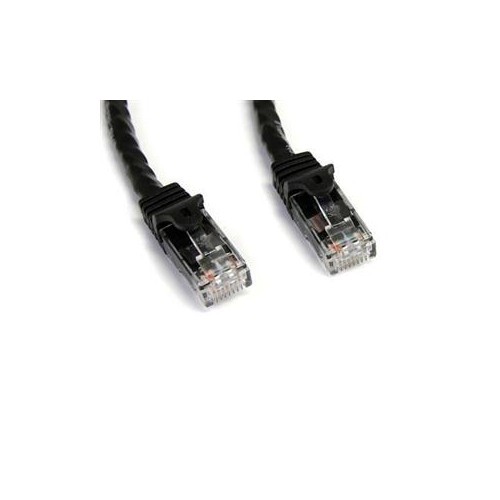
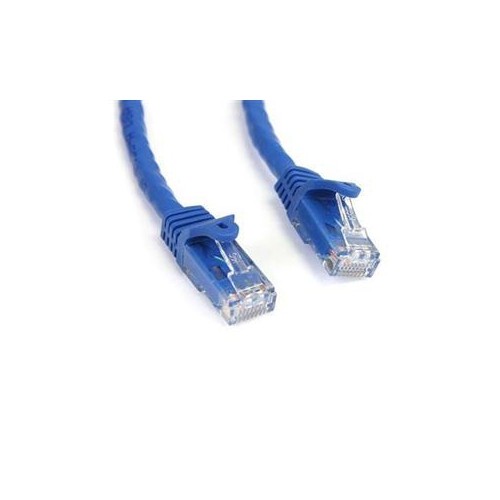
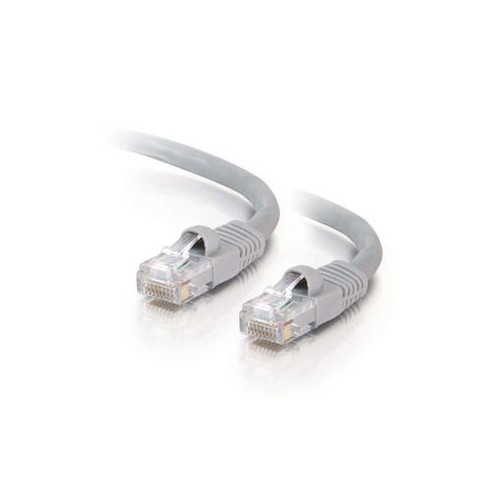
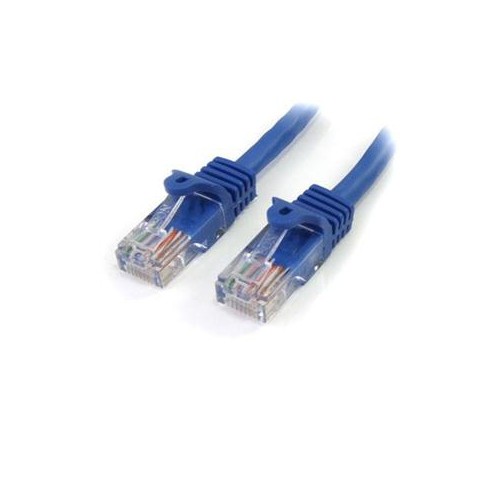
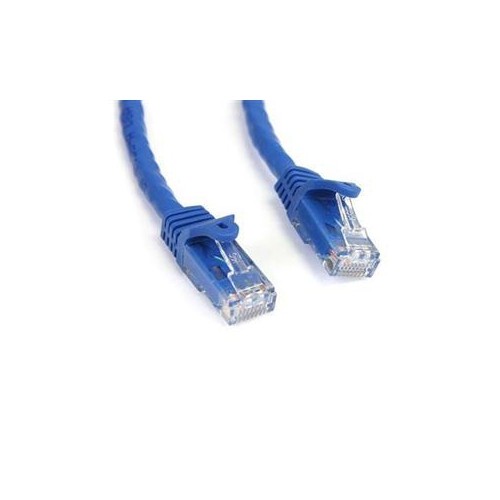
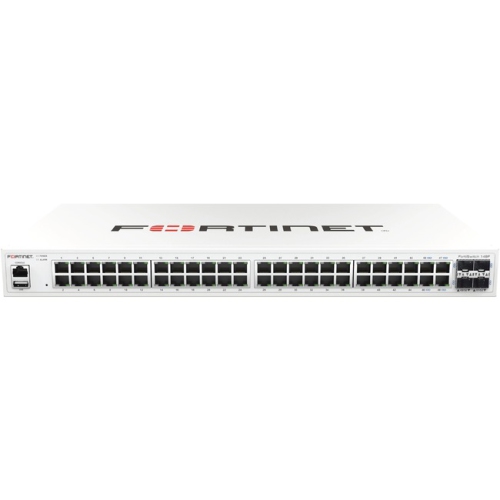
Power and data travel through one Ethernet cable
Power over Ethernet (PoE) switches combine network connectivity and electrical power through one Ethernet cable, making them a practical choice for installations where running separate power cords would be inconvenient, untidy, or impossible. A compatible switch can send data and power to devices such as security cameras, wireless access points, VoIP phones, intercom systems, smart lighting controllers, and other network hardware. Using Cat5e or Cat6 Ethernet cable, a PoE setup can help simplify a home office, improve coverage across a larger home, or support a small business network with devices positioned away from wall outlets. This single-cable approach is especially useful for ceiling-mounted access points, cameras installed near entrances, and equipment placed in hallways, garages, workshops, or other areas where a power adapter may be difficult to reach. During the cooler months, it can also be helpful to have network equipment installed neatly and securely before spending more time indoors, whether the goal is improving a home workspace, monitoring an entryway, or keeping connected devices organised. PoE switches are available in different sizes and configurations, so the best option depends on the number and type of devices being connected, the distance between them, and the amount of power each one requires.
Before choosing a PoE switch, check the power standard supported by the devices you plan to connect. Standard PoE, generally associated with IEEE 802.3af, can provide up to 15.4 watts per port from the switch, while PoE+, or IEEE 802.3at, can provide up to 30 watts per port and is suitable for many higher-powered access points, cameras, and phones. PoE++, including IEEE 802.3bt options, can provide substantially more power, with available output depending on the specific type and switch design; some models support up to 60 or 90 watts per port. The total power budget also matters. A switch may have a high per-port rating but a lower combined budget, meaning it cannot necessarily supply maximum power to every port at the same time. Count the devices you expect to use, allow room for future additions, and compare their combined requirements with the switch’s total PoE budget. An active PoE switch performs a handshake with compatible equipment before supplying power, helping protect non-PoE devices from receiving power unexpectedly. Passive PoE products work differently and should only be used with hardware specifically designed for that method. For installations that require more power for connected access points or other networking equipment, explore PoE+ Network Switches to compare options built for higher power demands. Cable quality and length should be considered as well: properly installed Cat5e or Cat6 cable is commonly used for PoE, while longer runs, damaged cables, and poor connections can reduce performance or prevent a device from powering on.
The right management style depends on how much control you want over the network. An unmanaged PoE switch is generally plug-and-play, making it a straightforward choice for a small office, home network, basic camera system, or anyone who wants to connect compatible equipment without configuring individual ports. A managed switch provides more control, including features such as VLAN support, traffic prioritisation, port monitoring, power scheduling, diagnostics, and remote or cloud-based administration on selected models. These tools can be valuable for businesses, multi-room installations, security systems, and households with several types of connected devices sharing one network. Also compare the number of PoE ports, regular Ethernet ports, uplink ports, network speed, mounting style, and noise level. Gigabit ports are a useful choice for many modern networks, while faster uplinks can help prevent a busy switch from becoming a bottleneck. Compact switches can fit neatly beside a router or in a media cabinet, and some PoE passthrough models draw power from an upstream PoE connection rather than a traditional wall outlet, then distribute power to selected downstream devices. That can be useful in locations where adding another power source is difficult, although both the incoming power and the passthrough capacity must be sufficient. PoE switches are suitable for homeowners improving connectivity, small-business owners managing cameras or phones, installers building structured networks, and remote workers creating a dependable home office. They can also make a thoughtful gift for someone setting up a new workspace, upgrading home security, or expanding a smart-home network, provided the switch matches the recipient’s devices and cabling. Taking a little time to confirm standards, power requirements, port count, speed, and installation needs can help create a cleaner, more reliable network that is easier to expand as connected equipment grows.
Before choosing a PoE switch, check the power standard supported by the devices you plan to connect. Standard PoE, generally associated with IEEE 802.3af, can provide up to 15.4 watts per port from the switch, while PoE+, or IEEE 802.3at, can provide up to 30 watts per port and is suitable for many higher-powered access points, cameras, and phones. PoE++, including IEEE 802.3bt options, can provide substantially more power, with available output depending on the specific type and switch design; some models support up to 60 or 90 watts per port. The total power budget also matters. A switch may have a high per-port rating but a lower combined budget, meaning it cannot necessarily supply maximum power to every port at the same time. Count the devices you expect to use, allow room for future additions, and compare their combined requirements with the switch’s total PoE budget. An active PoE switch performs a handshake with compatible equipment before supplying power, helping protect non-PoE devices from receiving power unexpectedly. Passive PoE products work differently and should only be used with hardware specifically designed for that method. For installations that require more power for connected access points or other networking equipment, explore PoE+ Network Switches to compare options built for higher power demands. Cable quality and length should be considered as well: properly installed Cat5e or Cat6 cable is commonly used for PoE, while longer runs, damaged cables, and poor connections can reduce performance or prevent a device from powering on.
The right management style depends on how much control you want over the network. An unmanaged PoE switch is generally plug-and-play, making it a straightforward choice for a small office, home network, basic camera system, or anyone who wants to connect compatible equipment without configuring individual ports. A managed switch provides more control, including features such as VLAN support, traffic prioritisation, port monitoring, power scheduling, diagnostics, and remote or cloud-based administration on selected models. These tools can be valuable for businesses, multi-room installations, security systems, and households with several types of connected devices sharing one network. Also compare the number of PoE ports, regular Ethernet ports, uplink ports, network speed, mounting style, and noise level. Gigabit ports are a useful choice for many modern networks, while faster uplinks can help prevent a busy switch from becoming a bottleneck. Compact switches can fit neatly beside a router or in a media cabinet, and some PoE passthrough models draw power from an upstream PoE connection rather than a traditional wall outlet, then distribute power to selected downstream devices. That can be useful in locations where adding another power source is difficult, although both the incoming power and the passthrough capacity must be sufficient. PoE switches are suitable for homeowners improving connectivity, small-business owners managing cameras or phones, installers building structured networks, and remote workers creating a dependable home office. They can also make a thoughtful gift for someone setting up a new workspace, upgrading home security, or expanding a smart-home network, provided the switch matches the recipient’s devices and cabling. Taking a little time to confirm standards, power requirements, port count, speed, and installation needs can help create a cleaner, more reliable network that is easier to expand as connected equipment grows.
Top selling and popular products
-
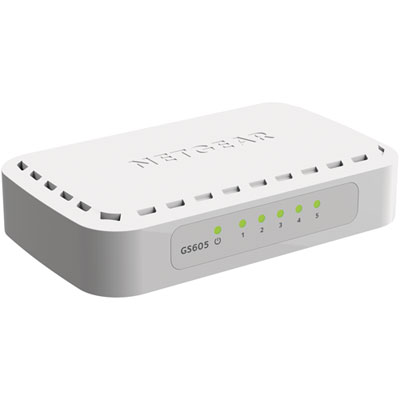 Your price for this item is $34.99
 -
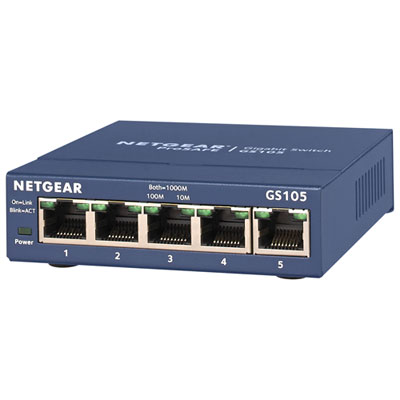 Your price for this item is $44.99
 -
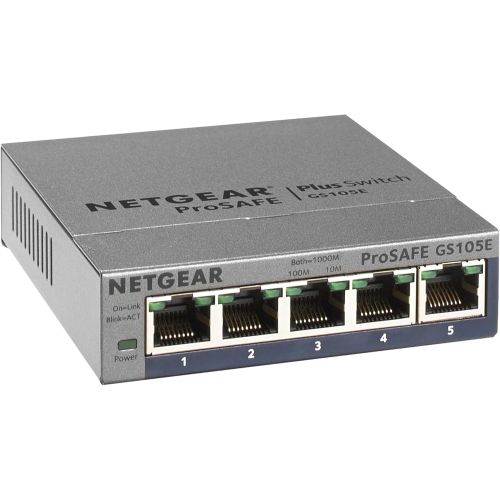 Your price for this item is $52.68
 -
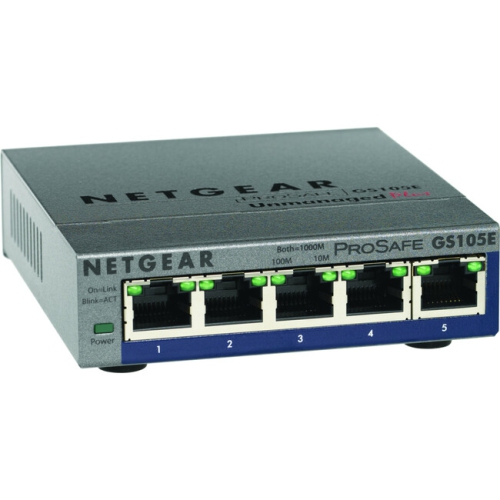 Your price for this item is $76.99
 -
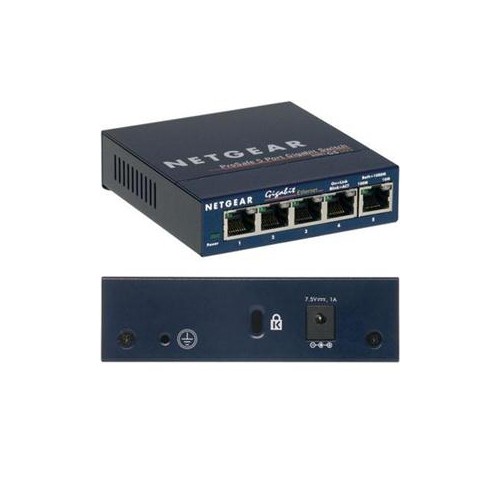 Your price for this item is $49.68
 -
 Your price for this item is $52.68
 -
 Your price for this item is $24.99
 -
 Your price for this item is $49.99
Discover more categories related to Powers Over Ethernet Switches
Top Collections:
Pokemon Centers, Kindle Devices, Best Budget Office Chairs, Apple iPhones 16, Best Laptops for Writers, iPhone 15 Apple, Canon G7X Cameras, Refurbished Apple Laptops, Alarm Clock, Motorola Razr Phones
Some products may be subject to Environmental Handling Fees
(EHF) depending on your province.
Learn more about EHFs.