PoE Devices
Looking to power and connect your network devices seamlessly? Look no further than our collection of PoE devices. Designed to simplify the installation process and eliminate the need for separate power cables, these innovative devices deliver both power and data through a single Ethernet cable. Whether you're setting up a small home office or managing a large corporate network, our Poe Devices offer a reliable and efficient solution to meet your networking needs. Discover the convenience and versatility of PoE technology with our wide range of devices, all carefully selected to provide you with the best options for your network setup.
Sort
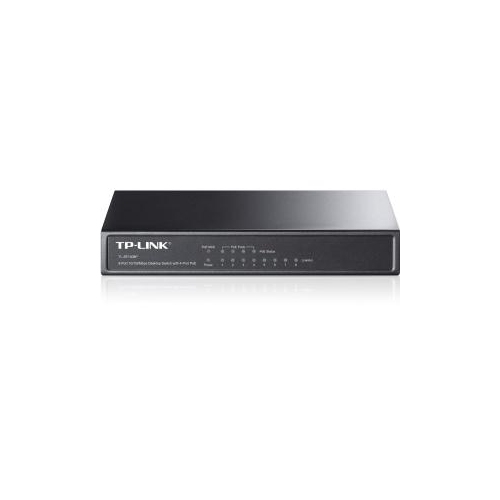
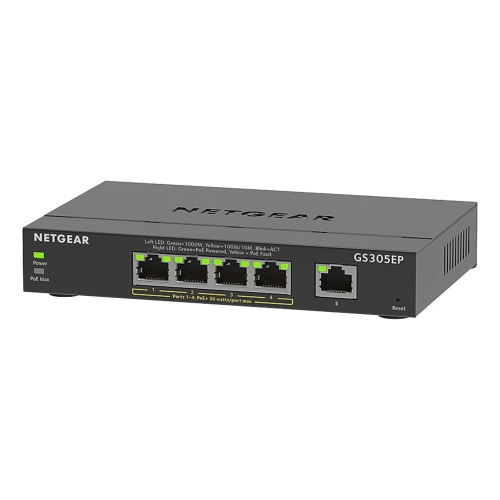
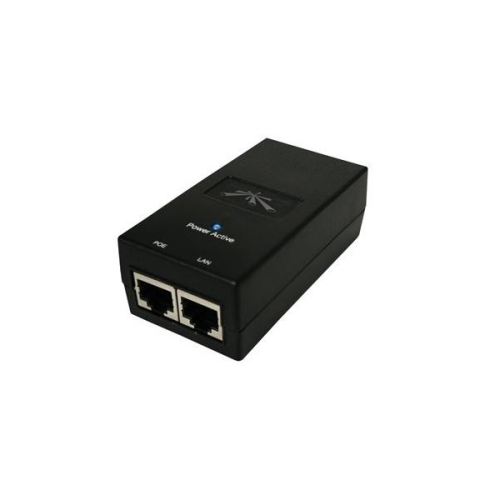
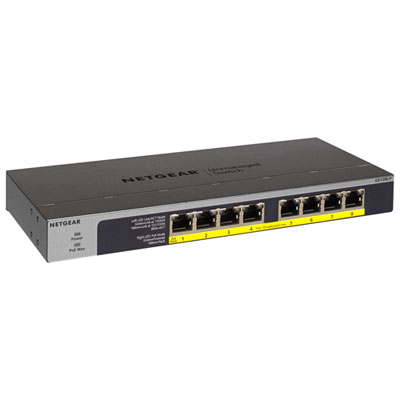

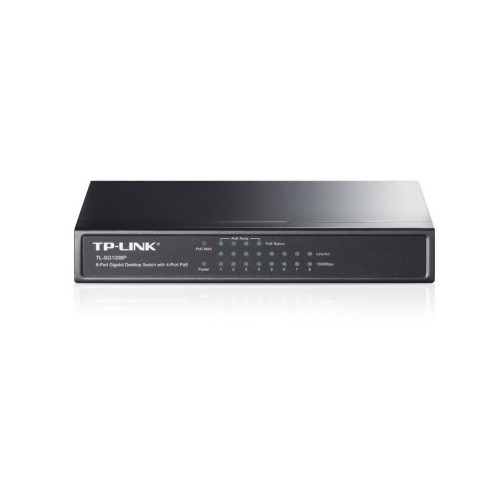
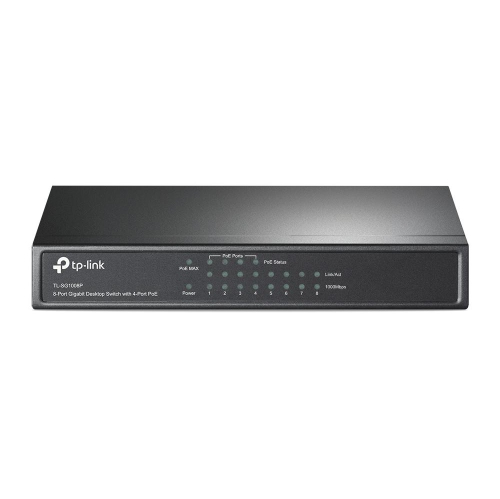
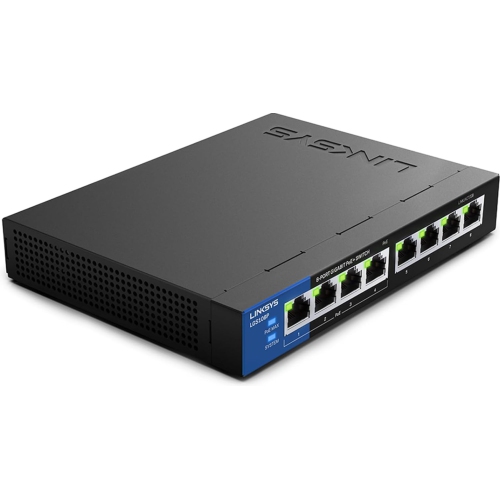
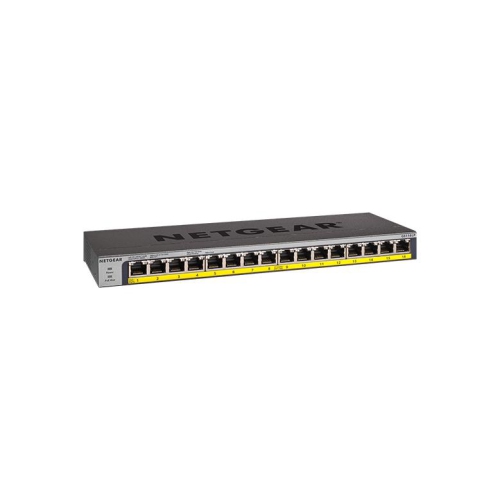
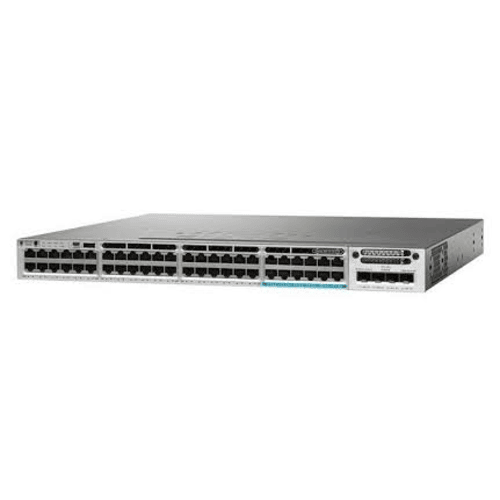
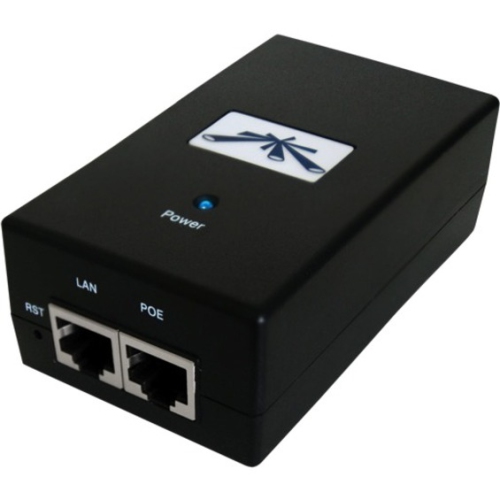
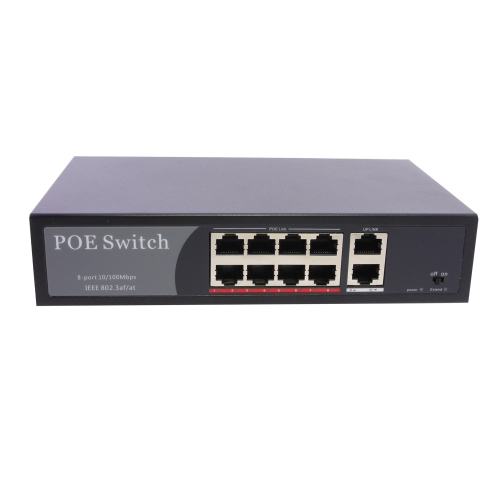

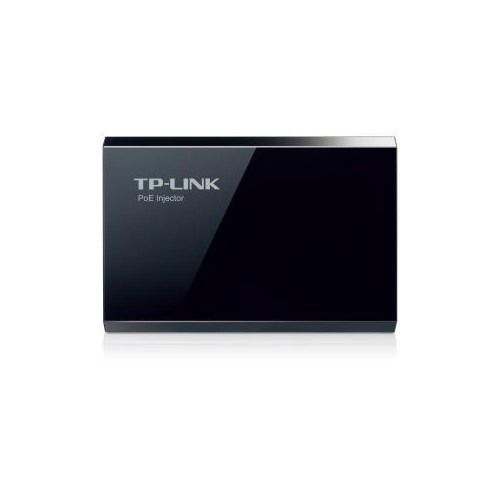
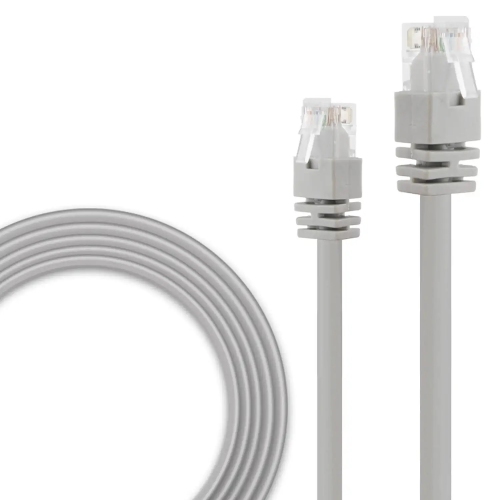
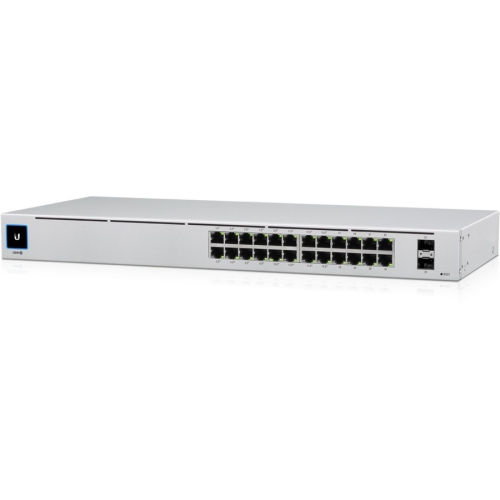
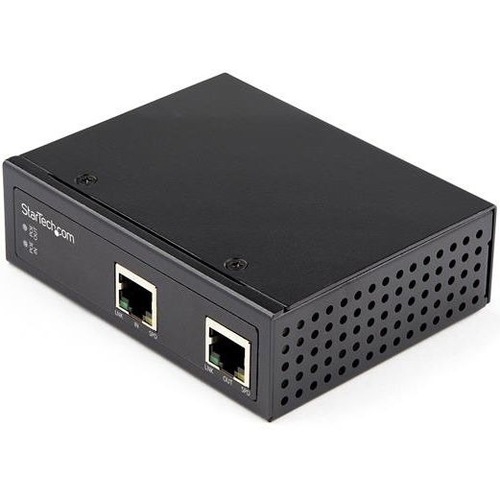
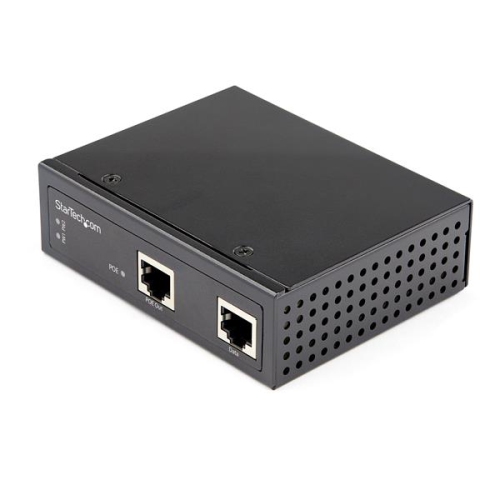
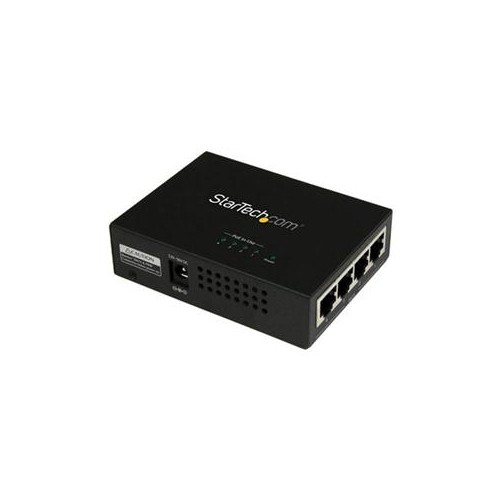
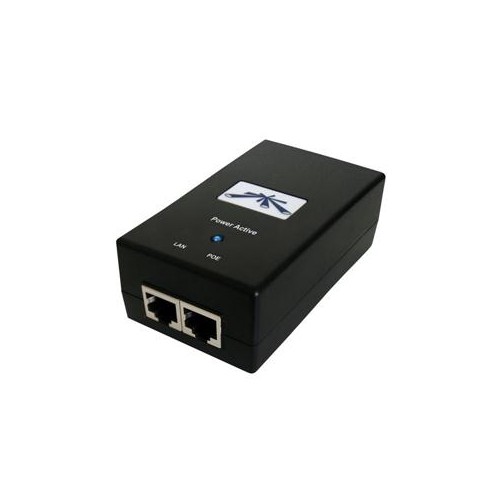
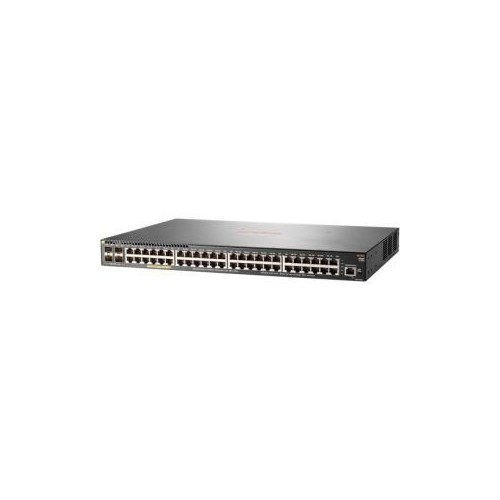
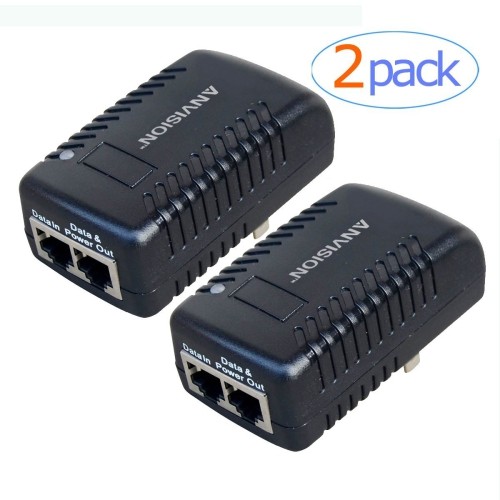
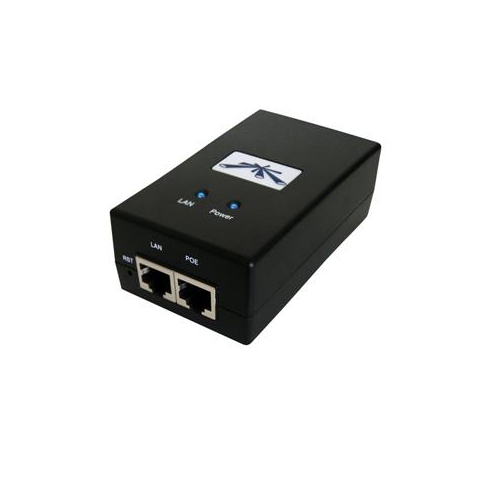
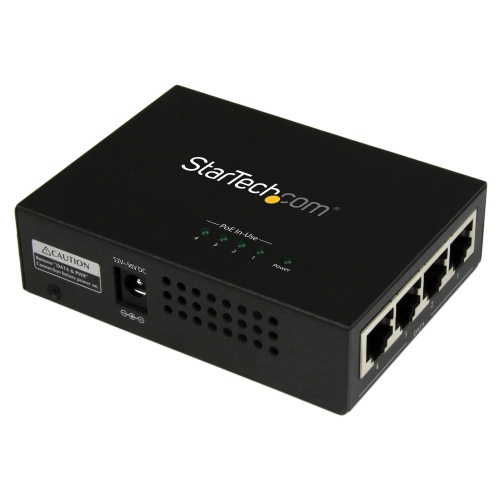
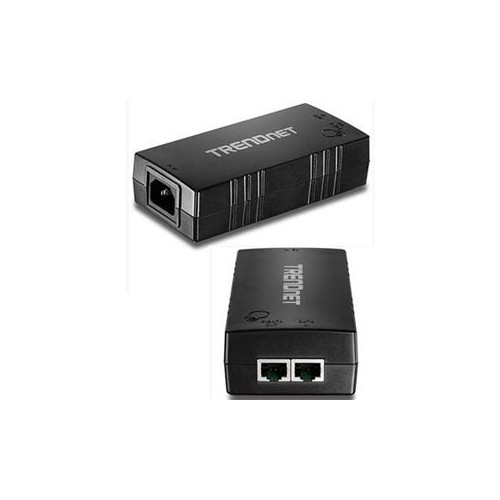
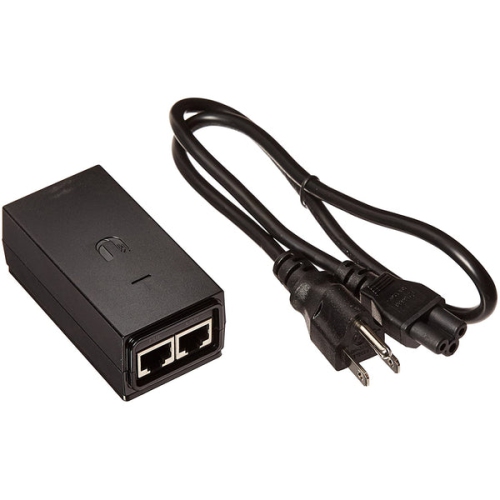

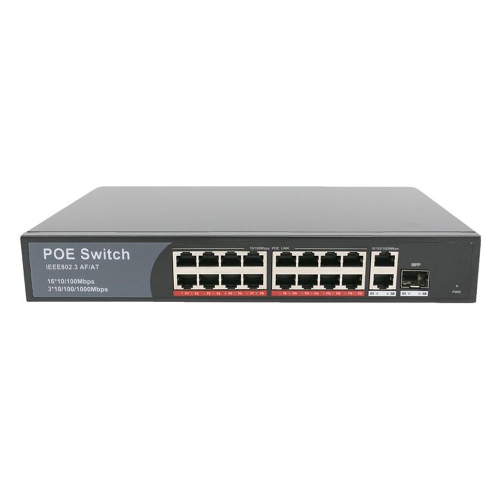
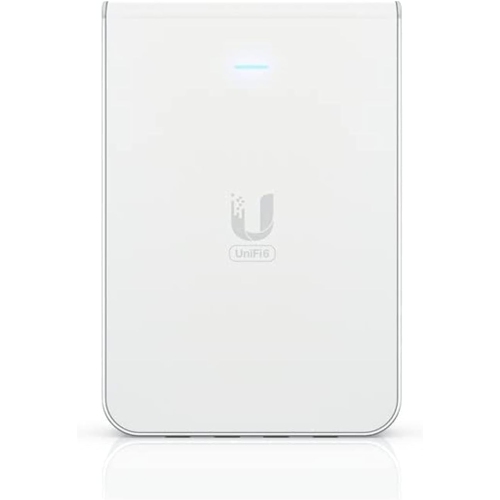
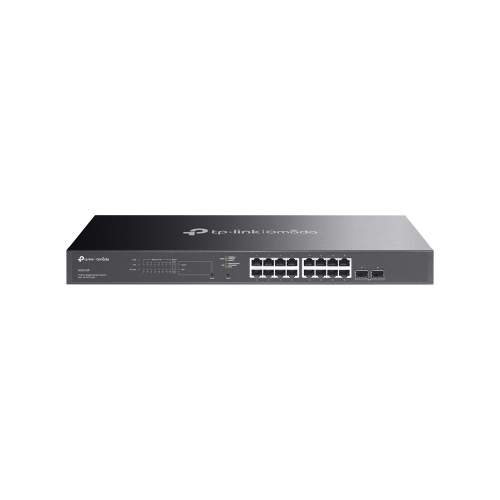
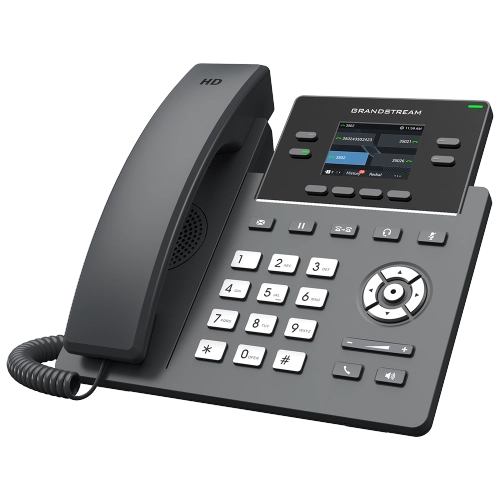
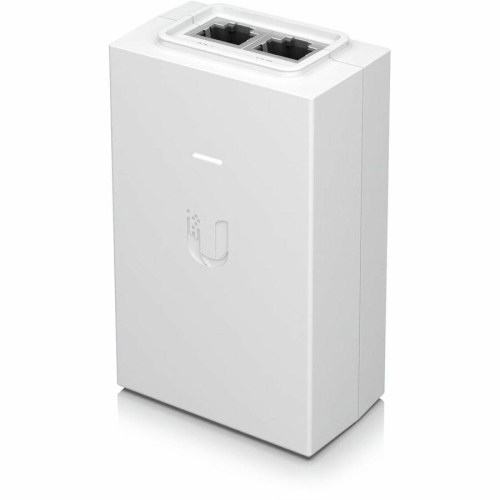
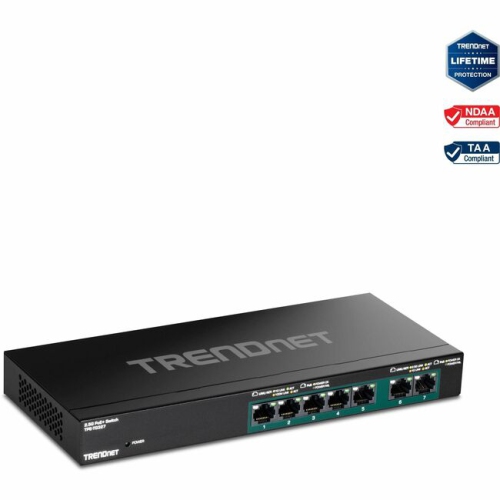
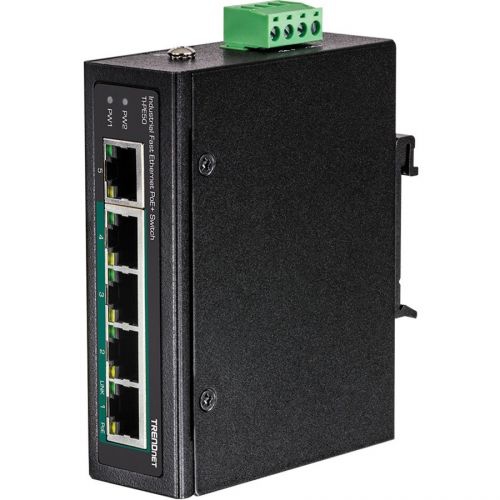
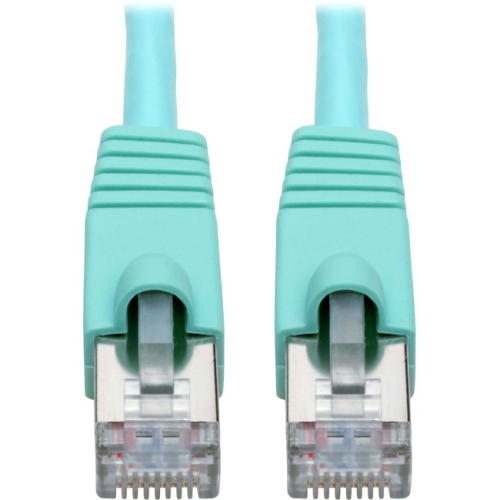
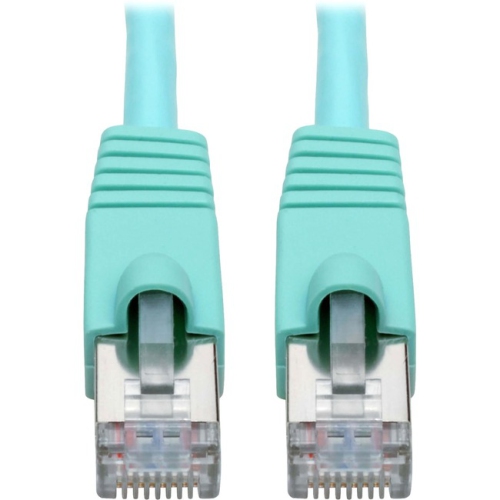
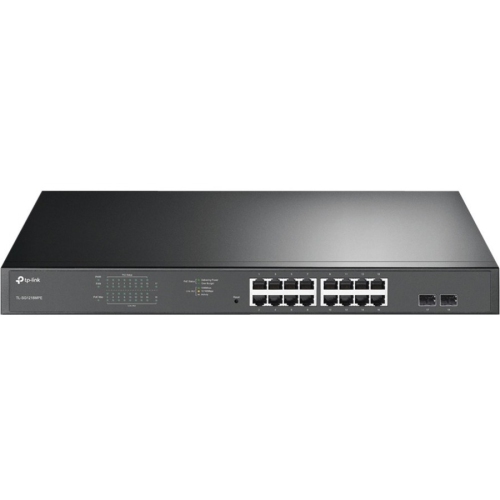
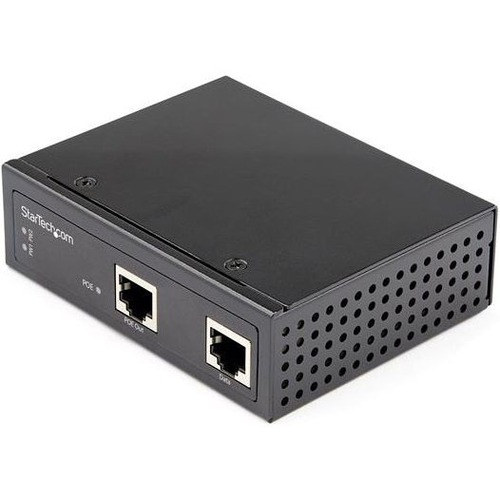
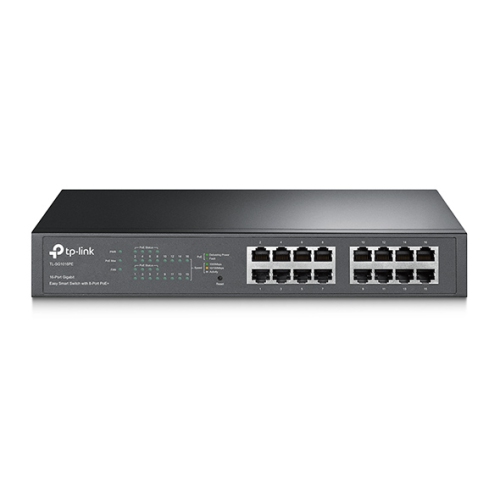
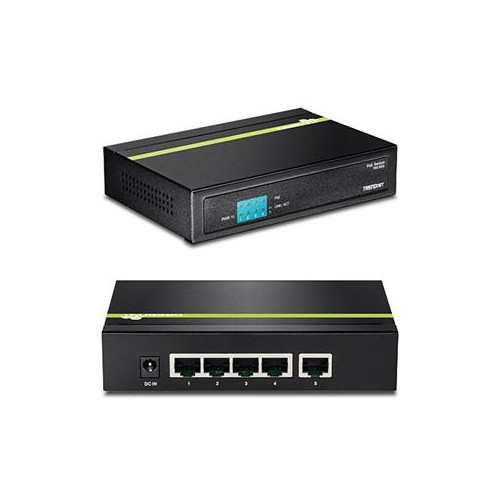
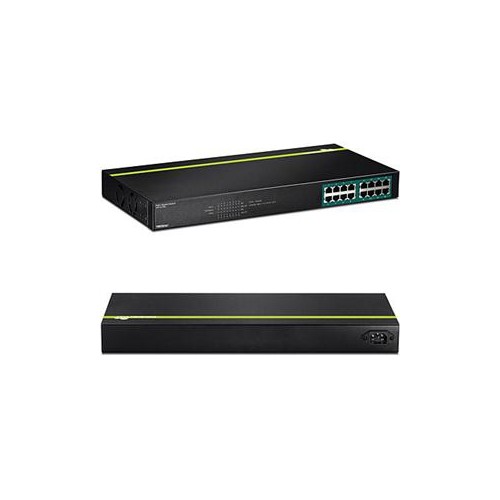
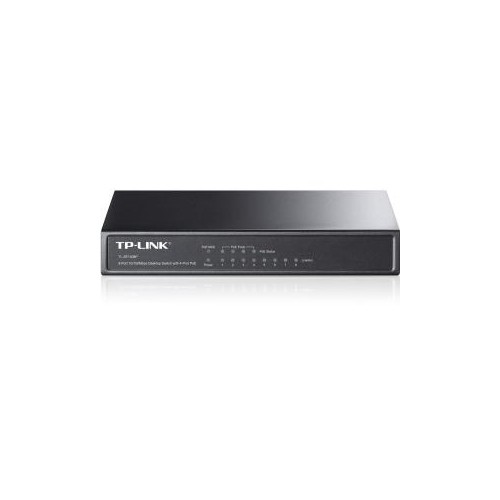



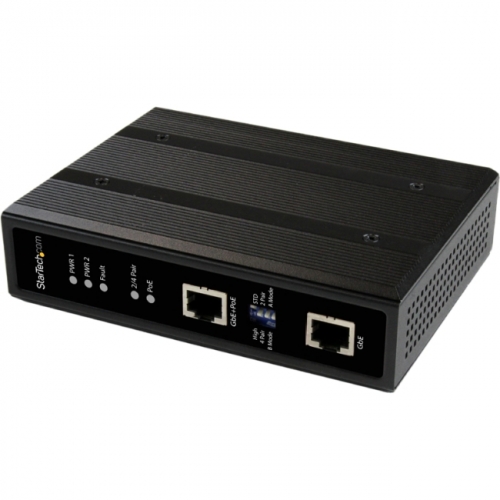
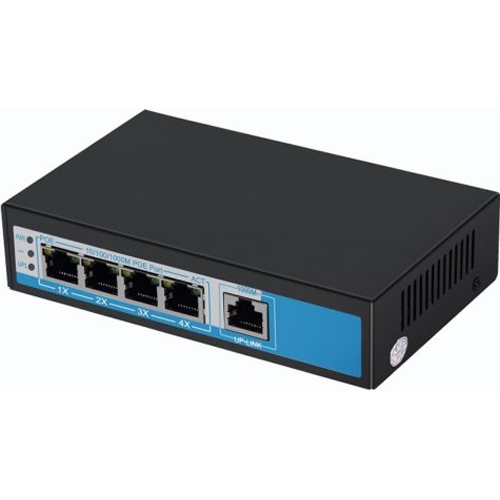
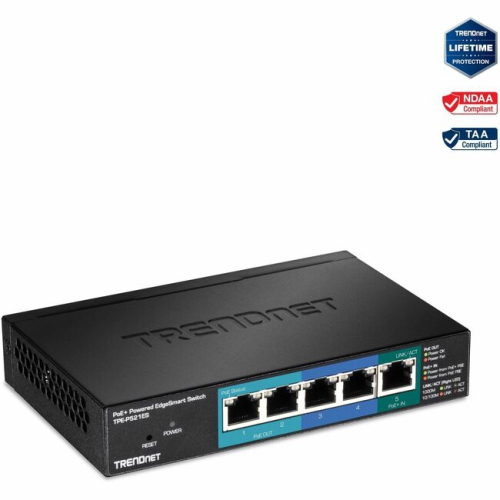

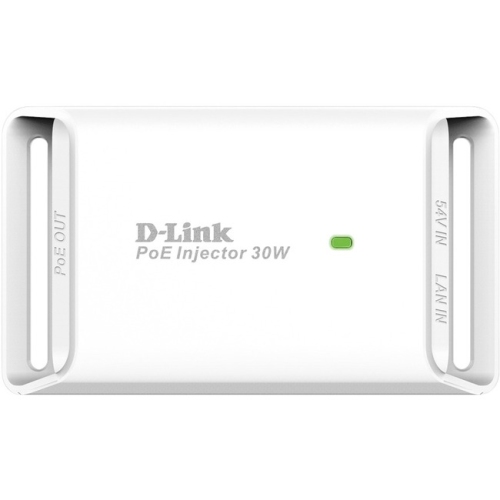



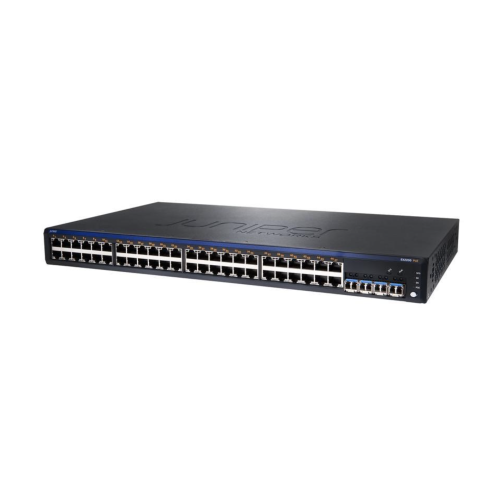
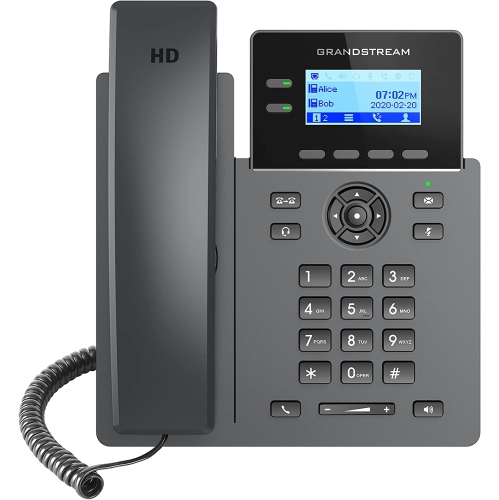
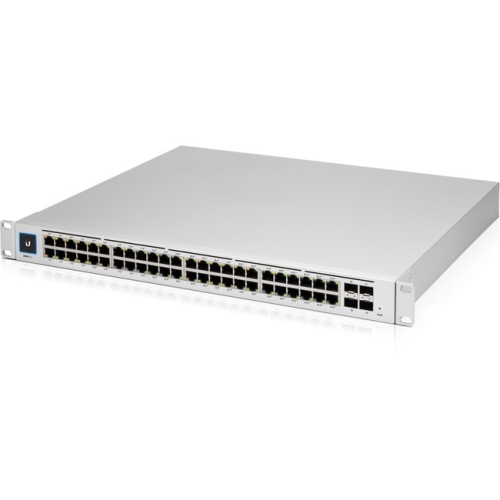
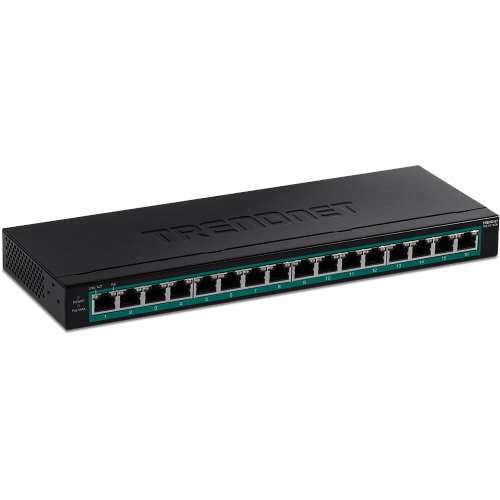
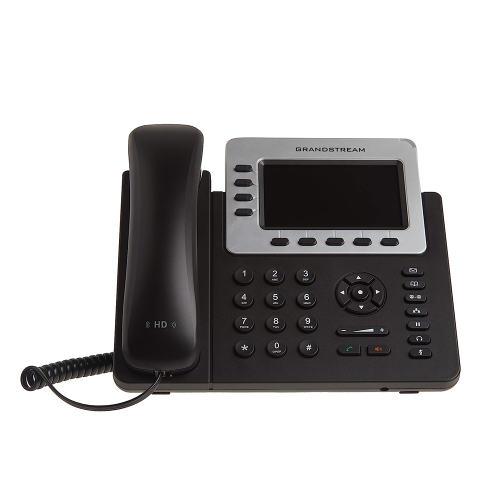
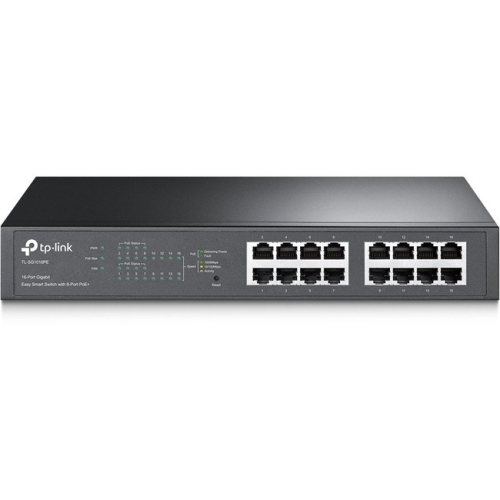
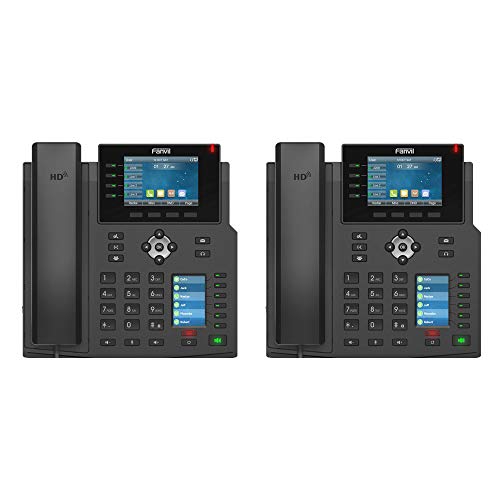
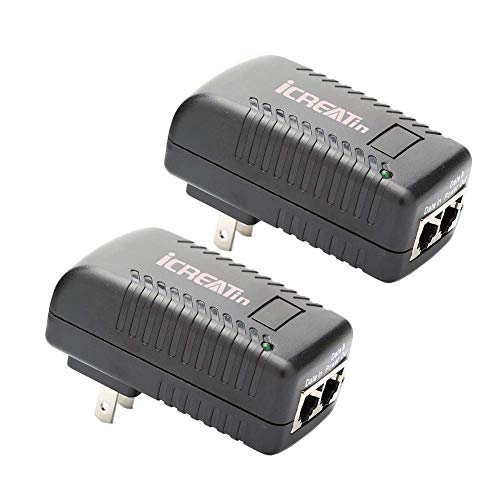

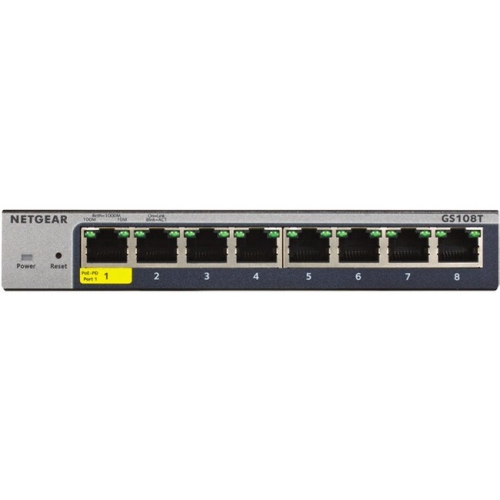
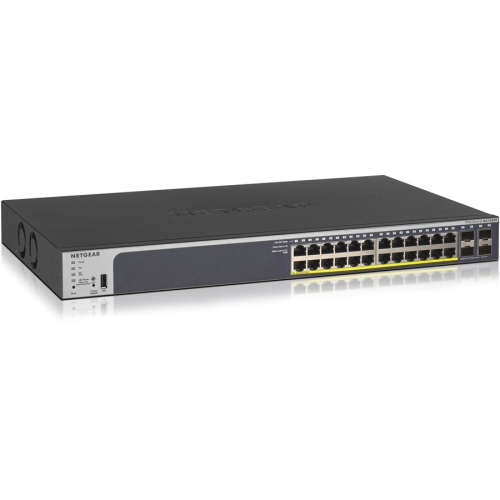
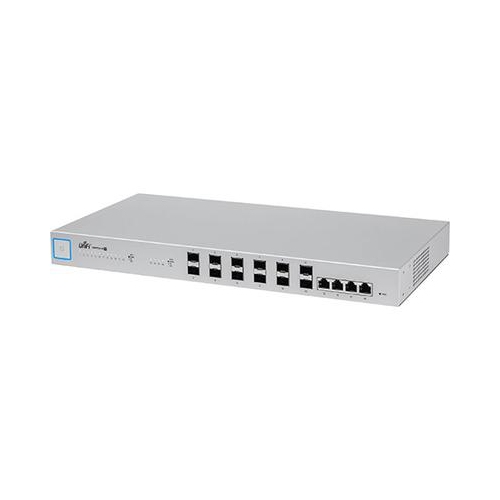
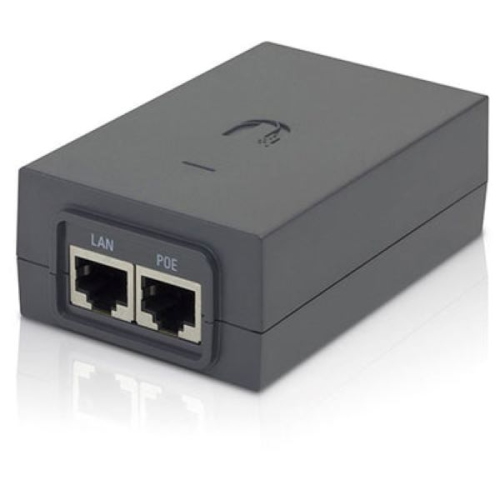
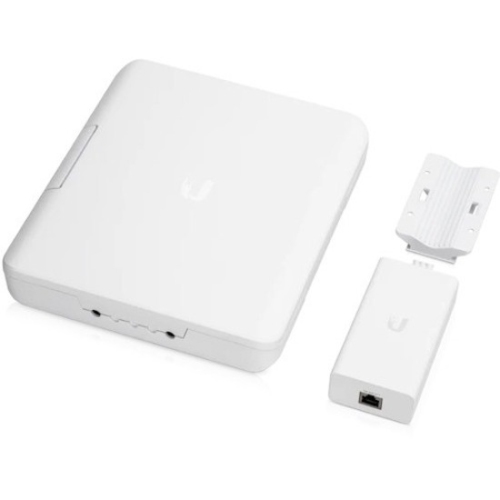
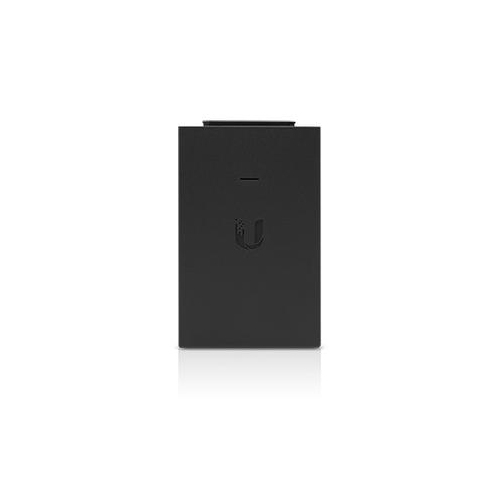
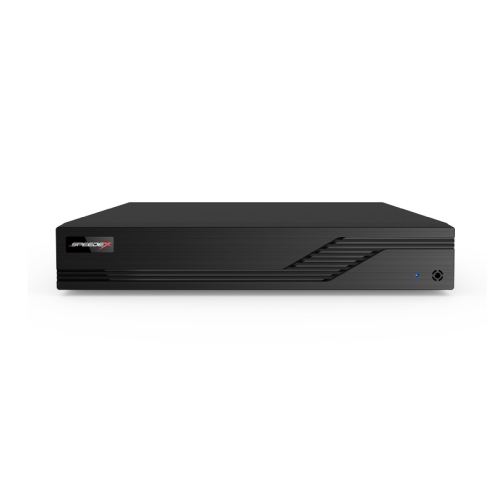

One cable can power and connect essential network equipment
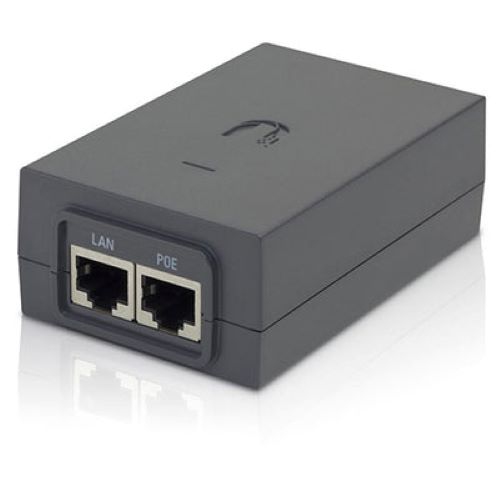
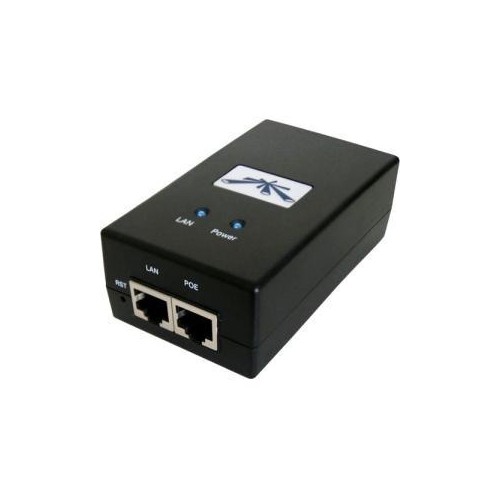
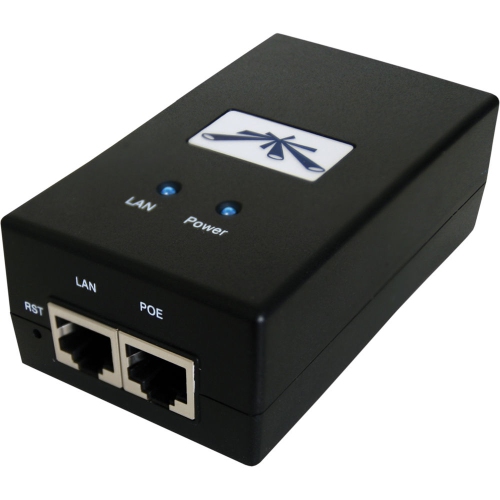
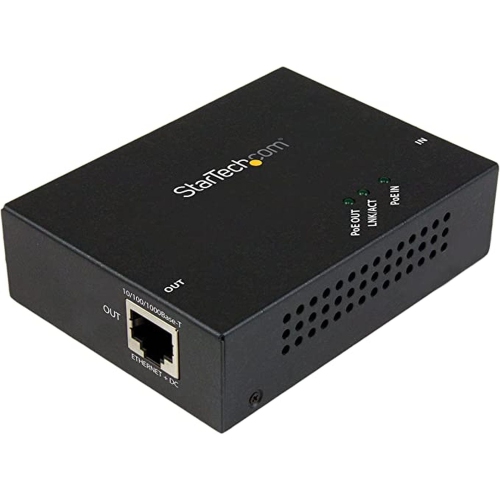
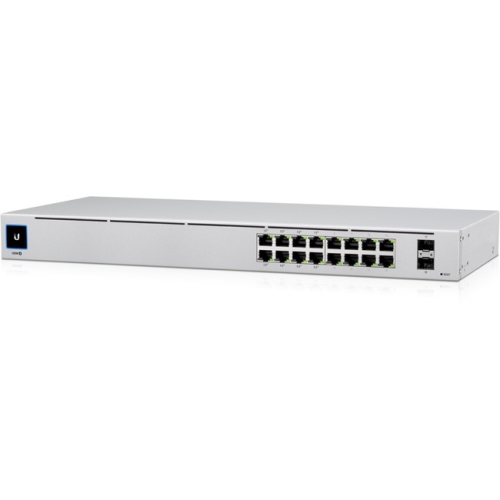
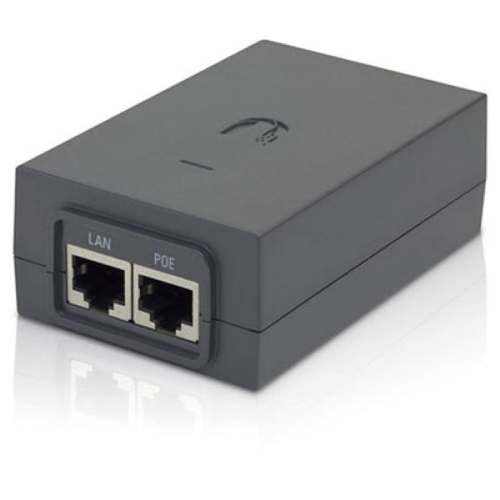
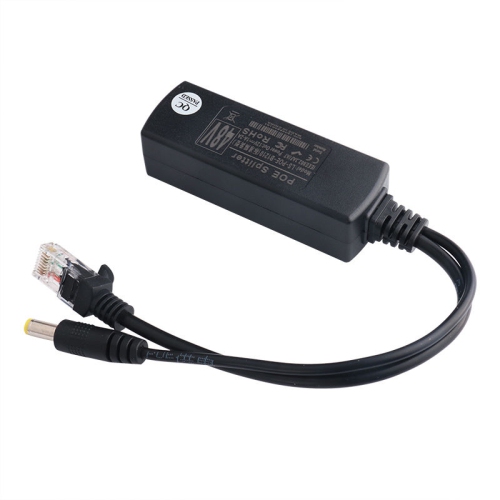
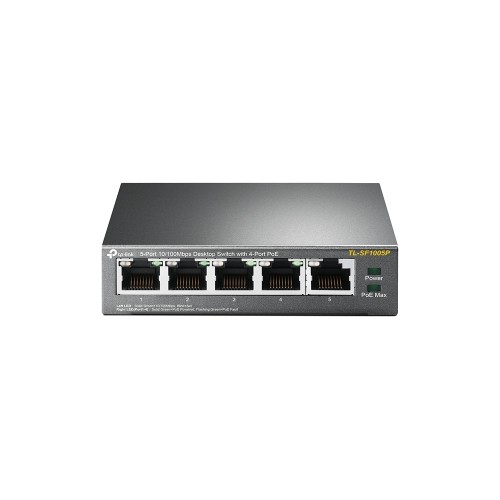
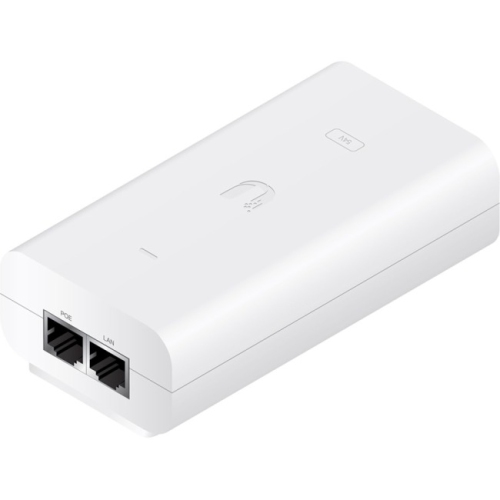
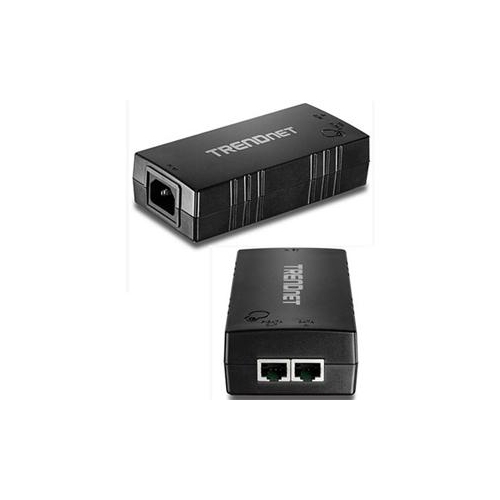
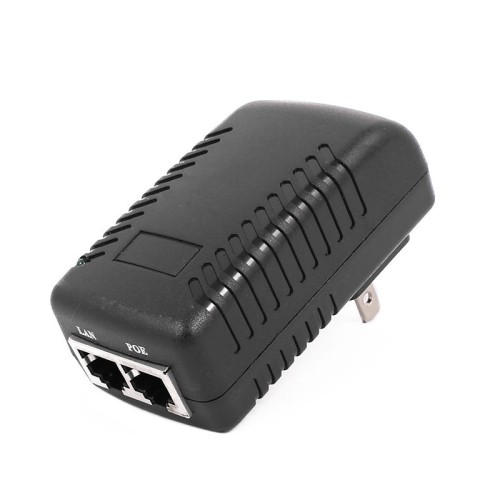
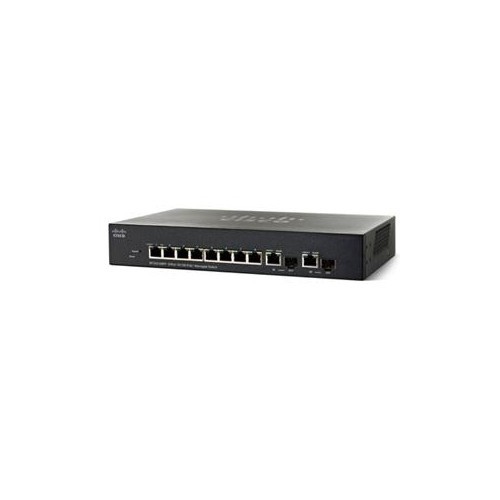
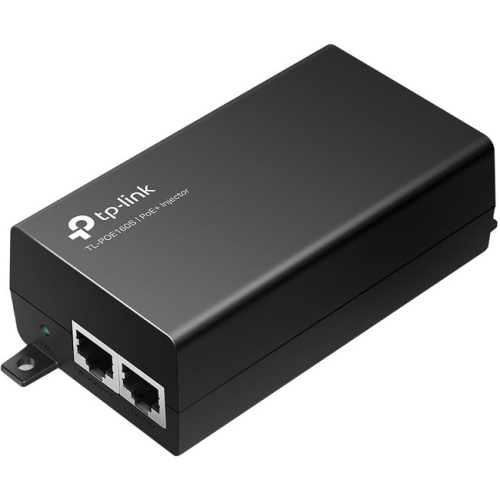
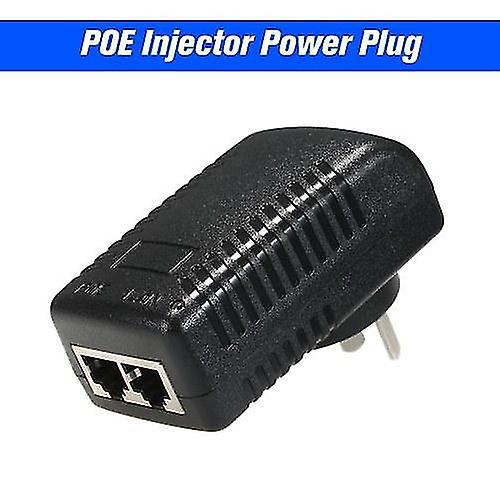
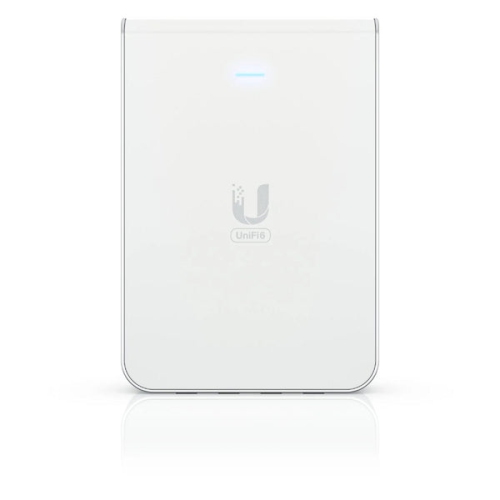
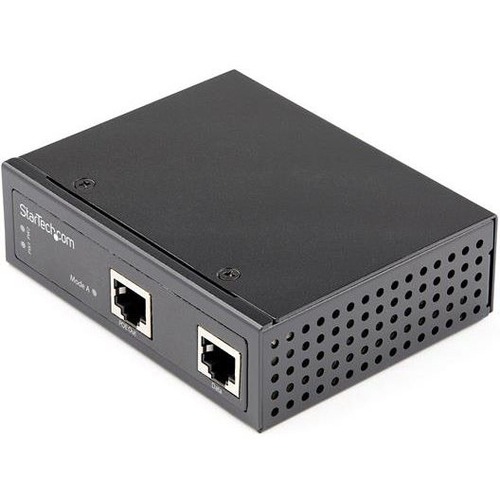
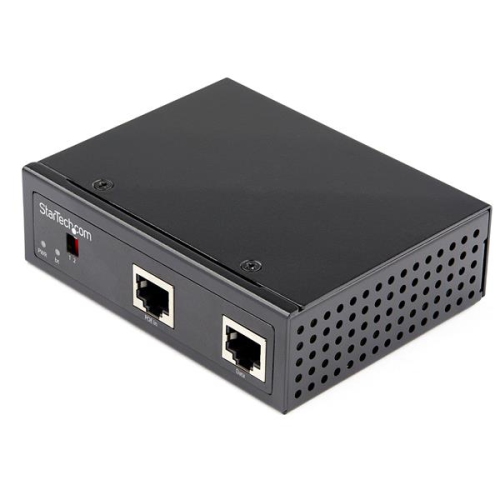
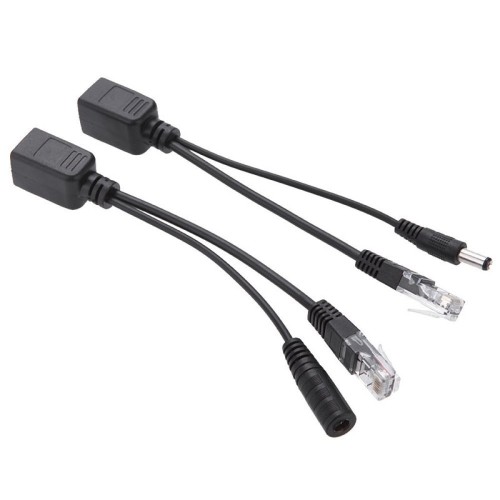
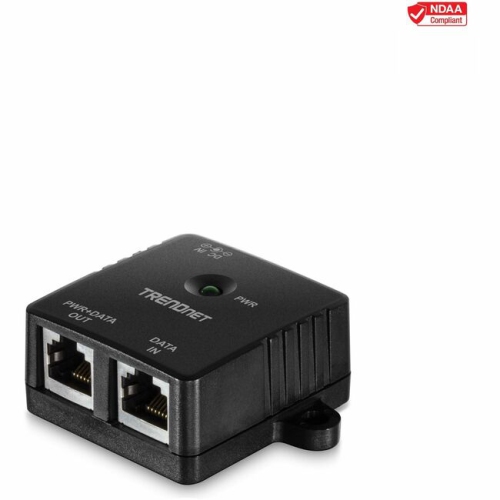
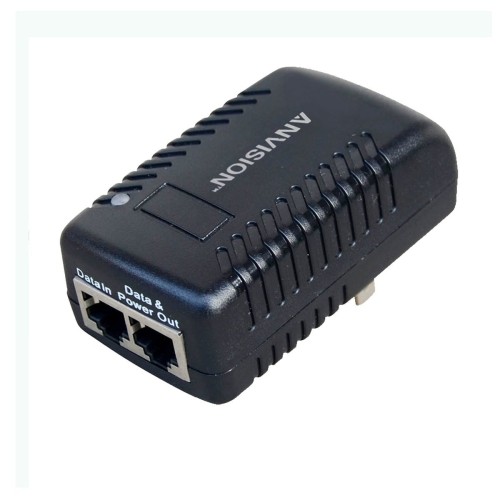
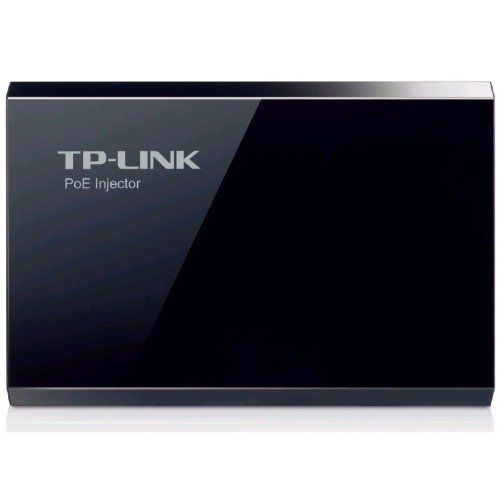
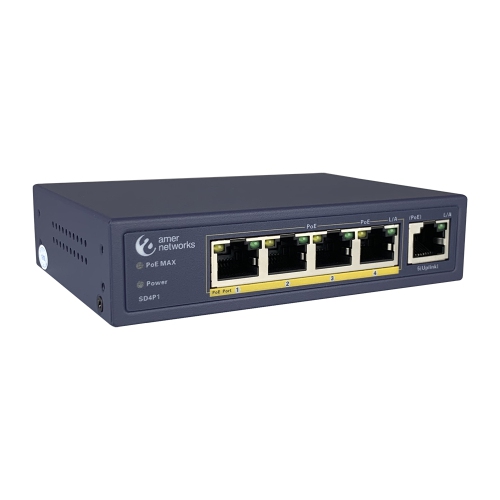
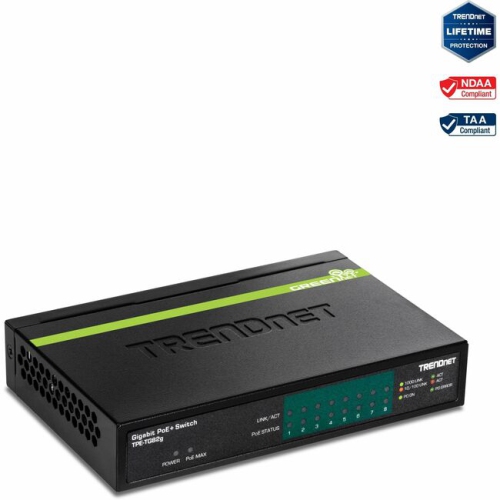
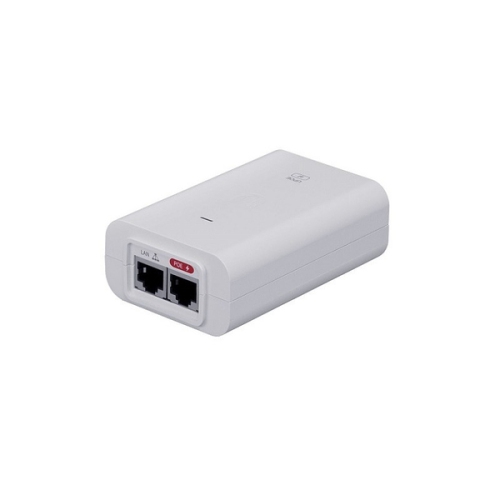
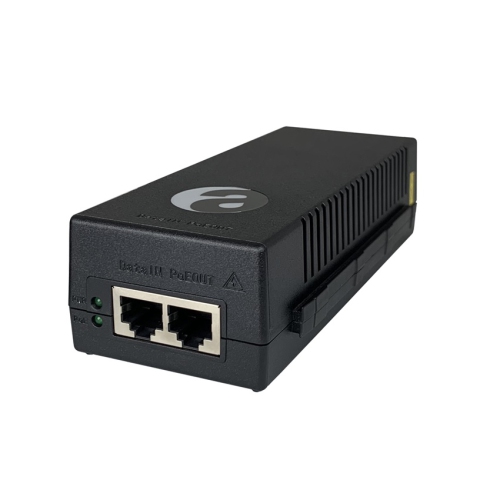
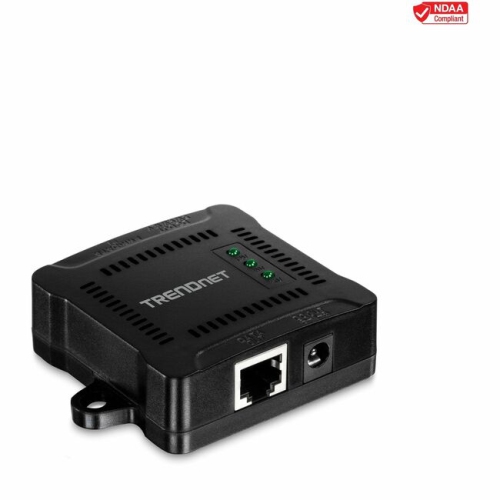
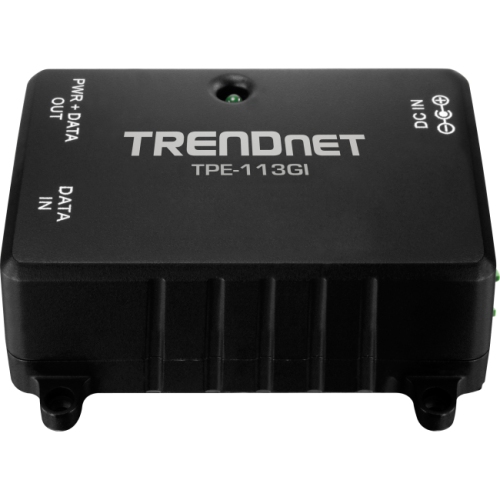
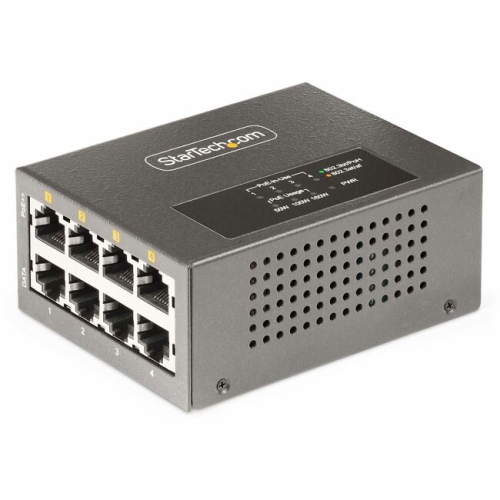
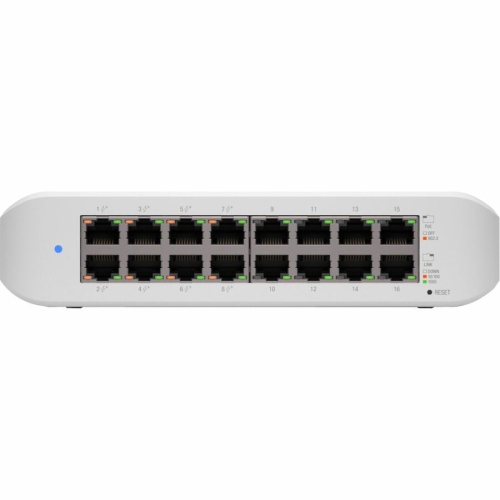
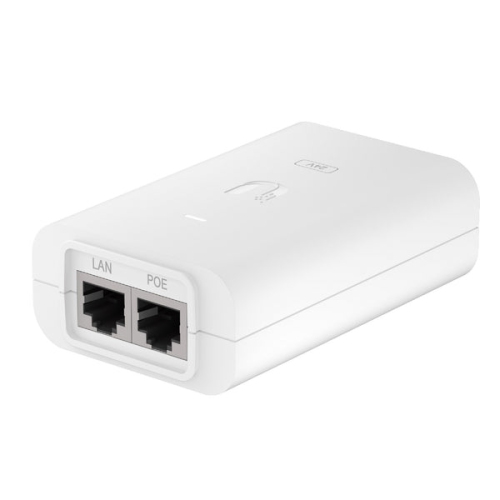
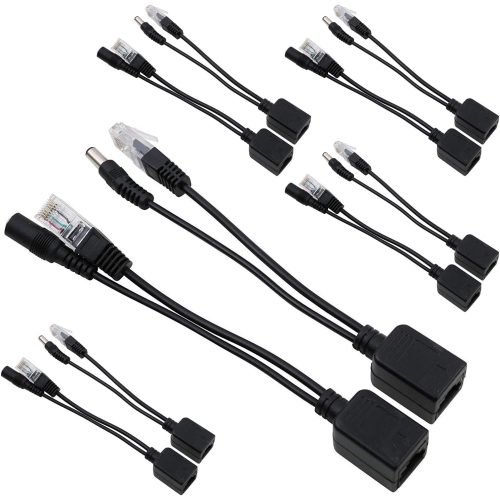
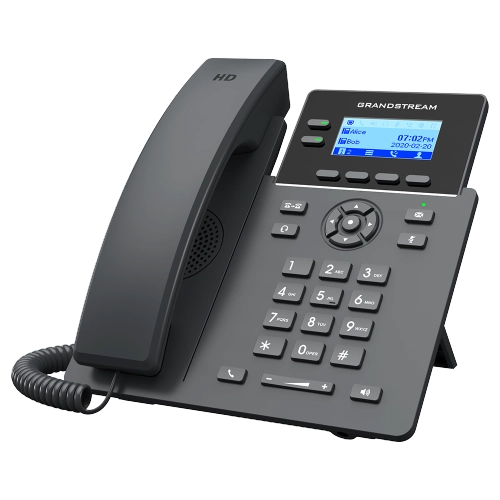
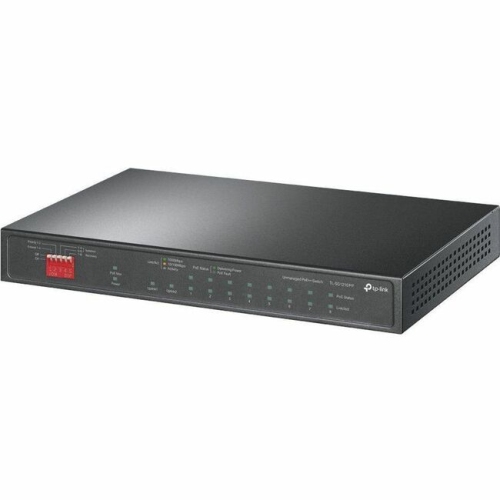
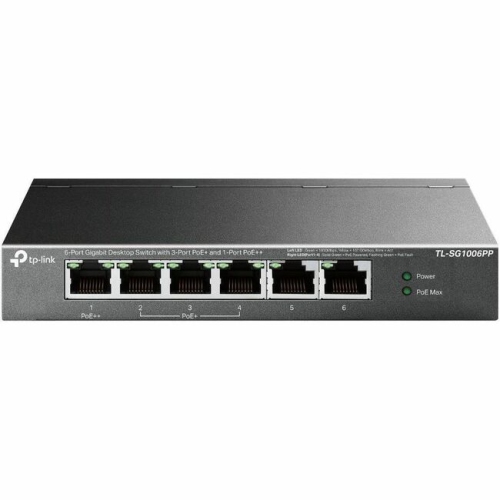
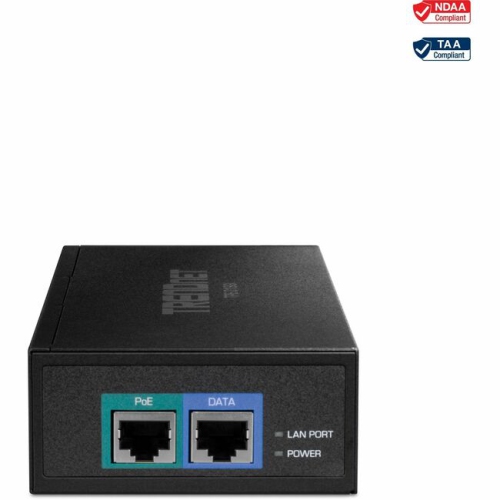
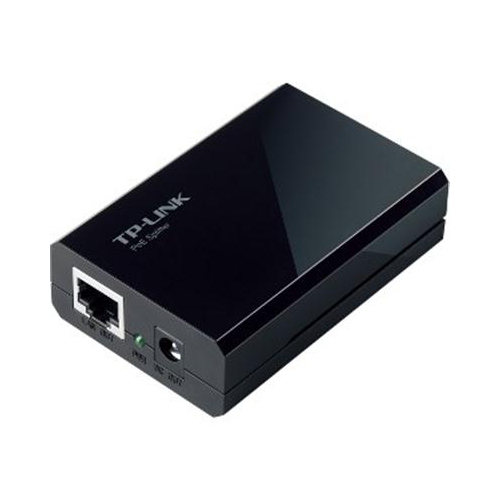
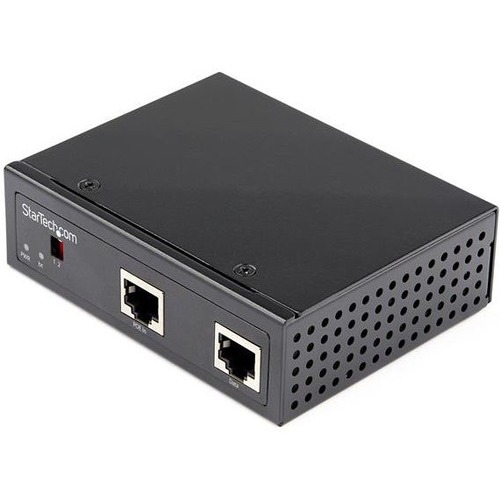
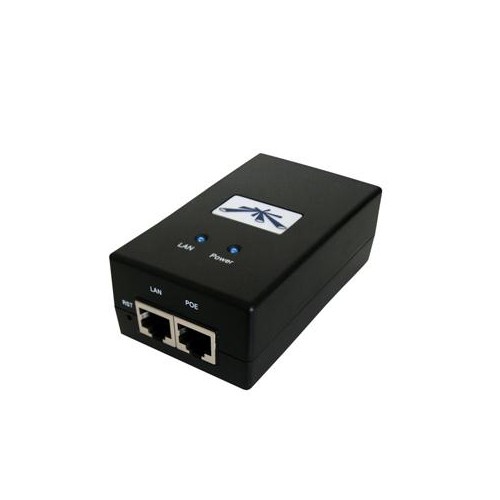
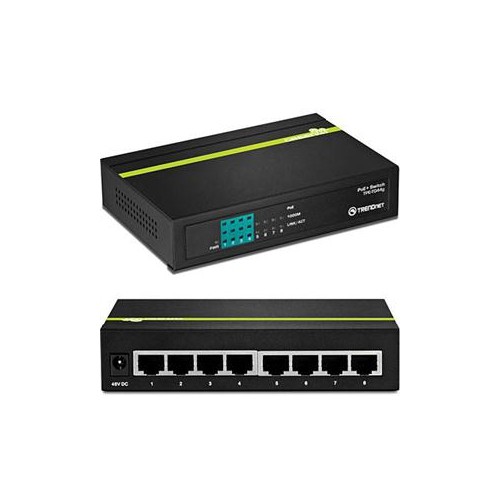
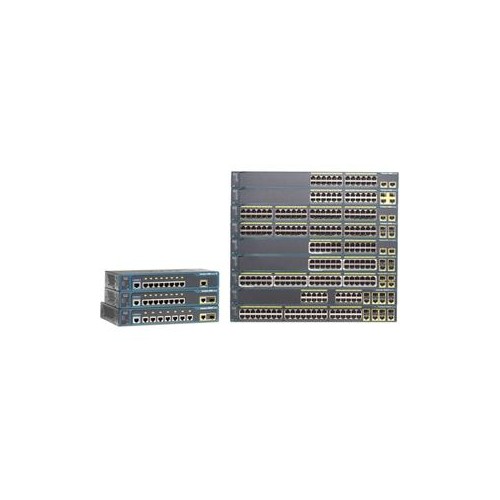
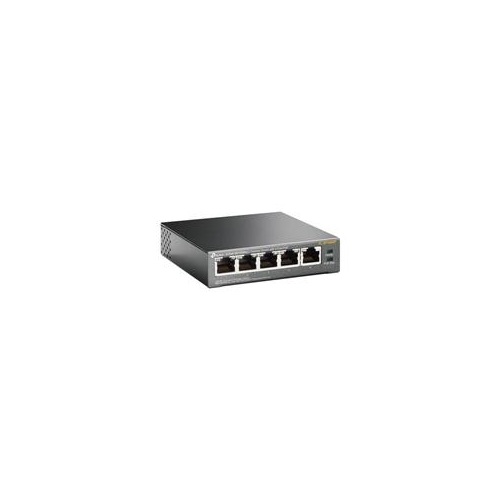
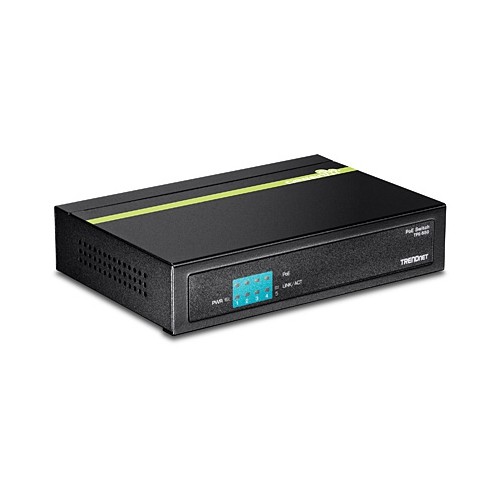
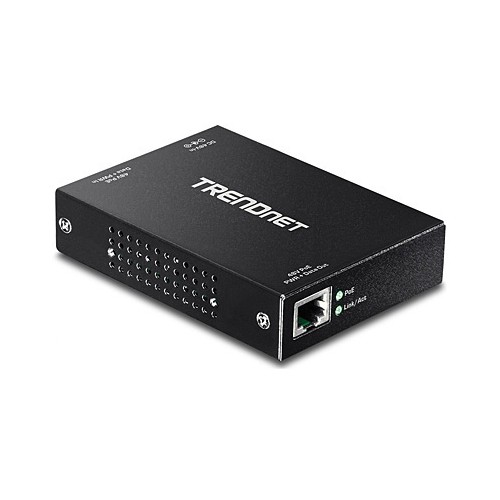
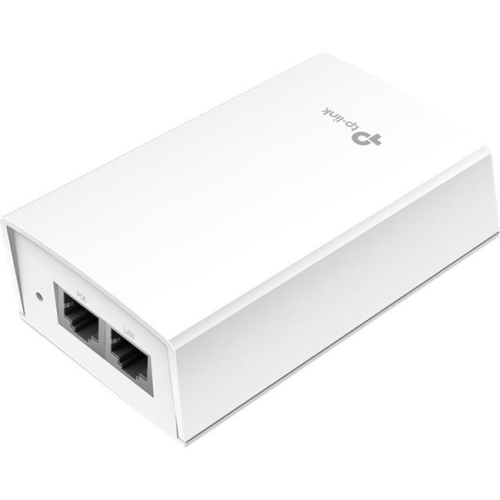
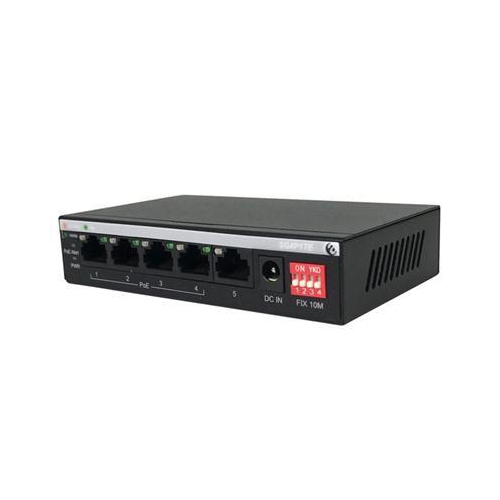
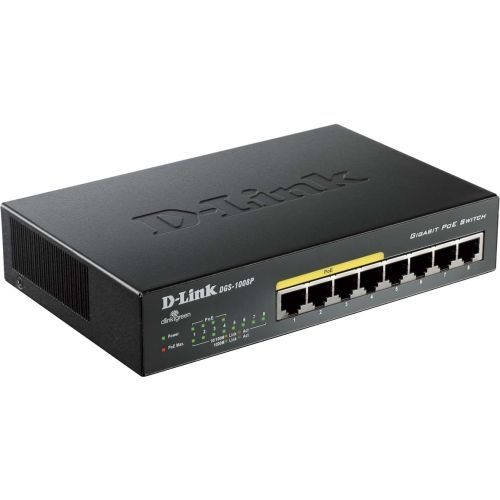
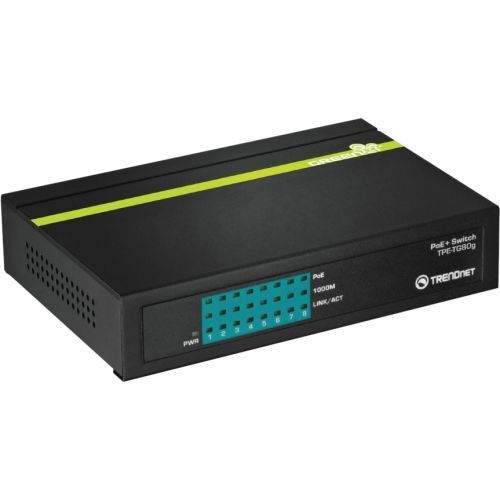
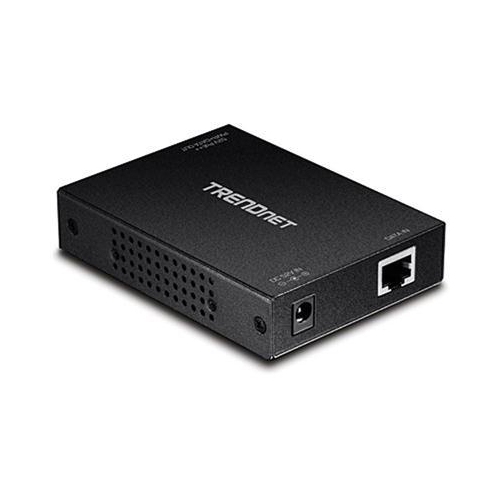
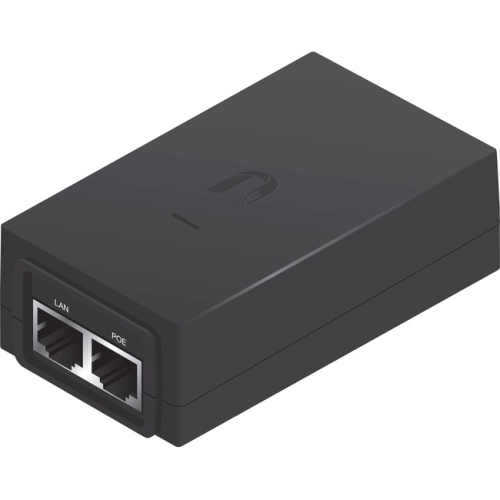
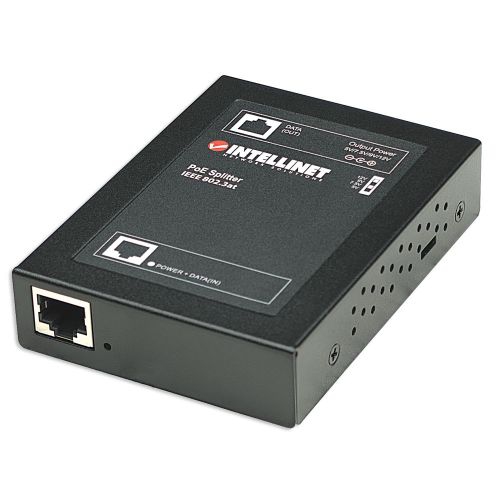
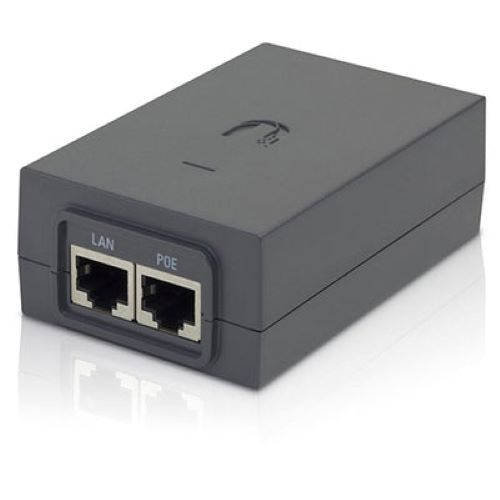
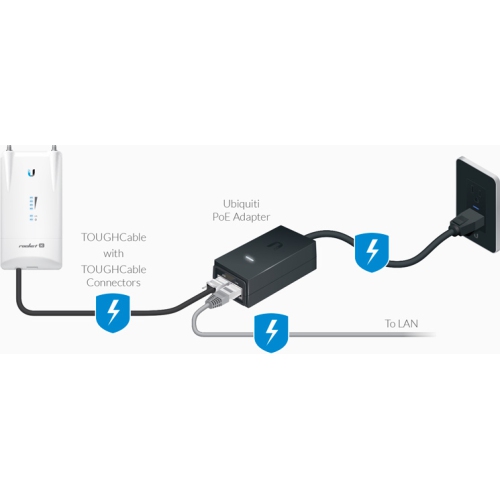
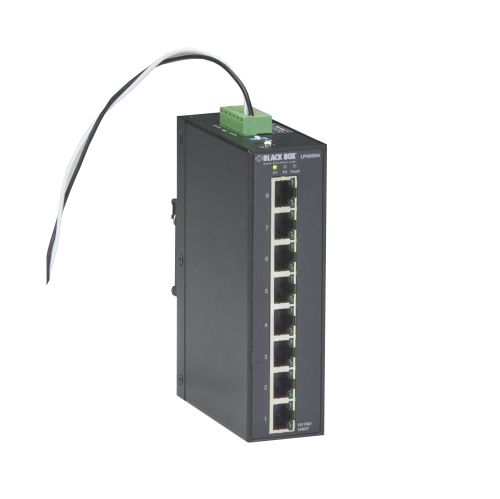
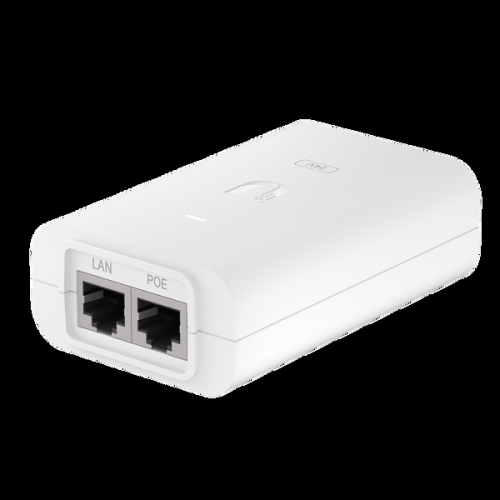
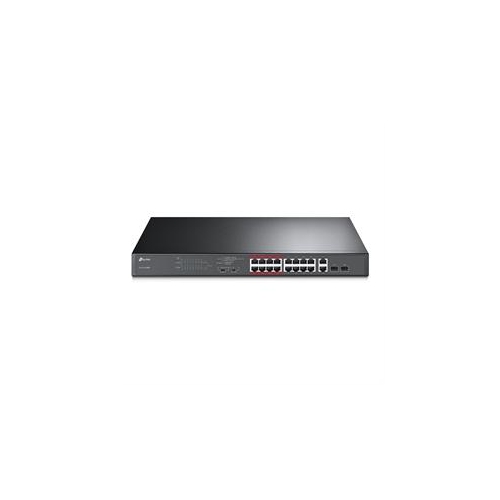
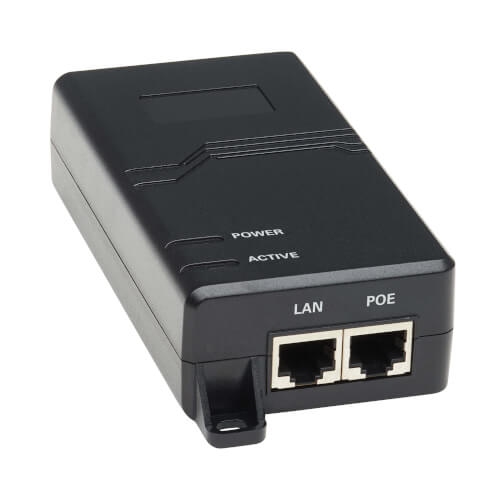
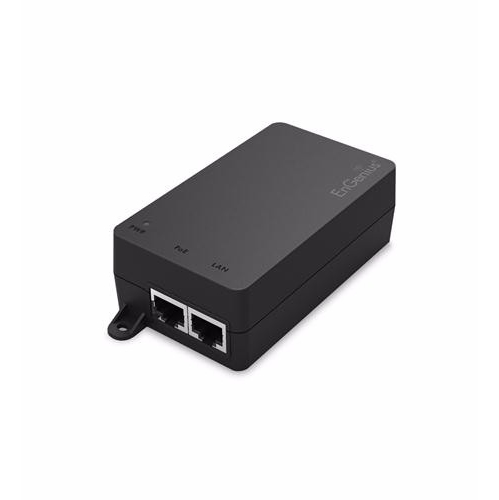
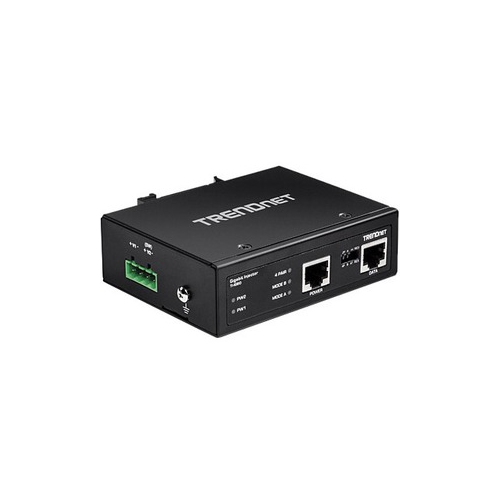
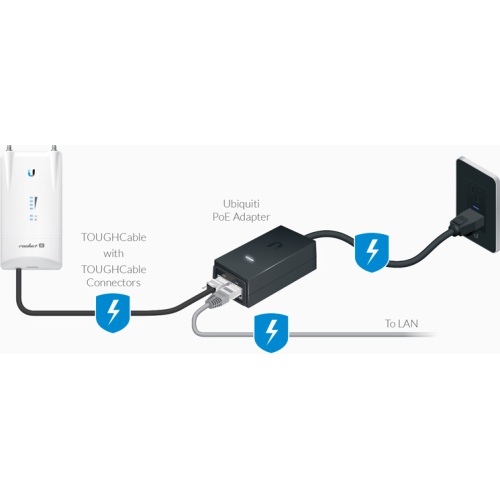
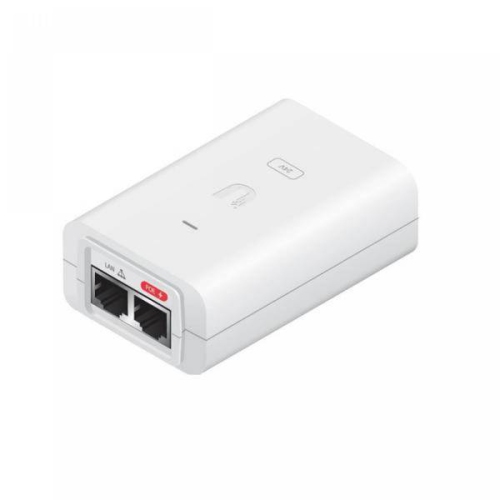
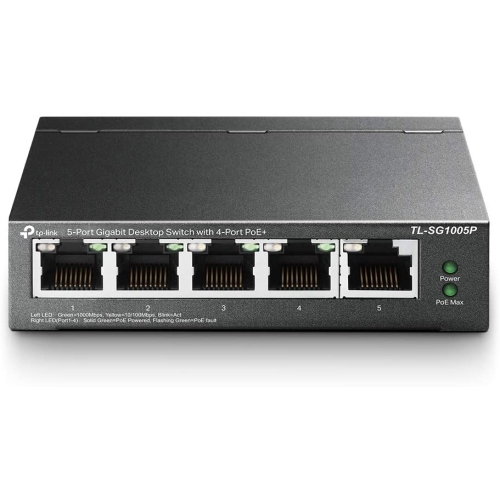
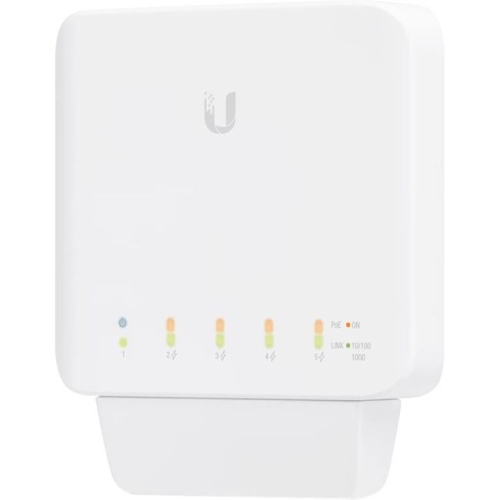
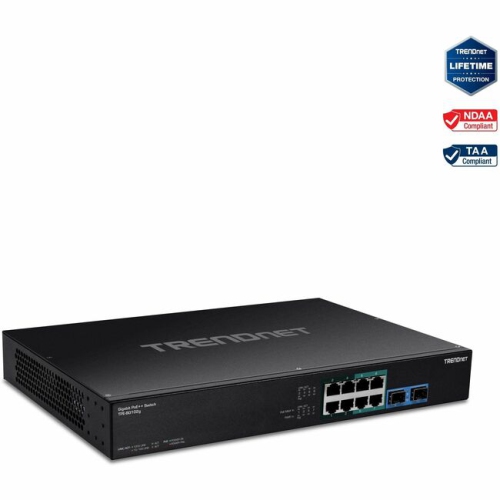
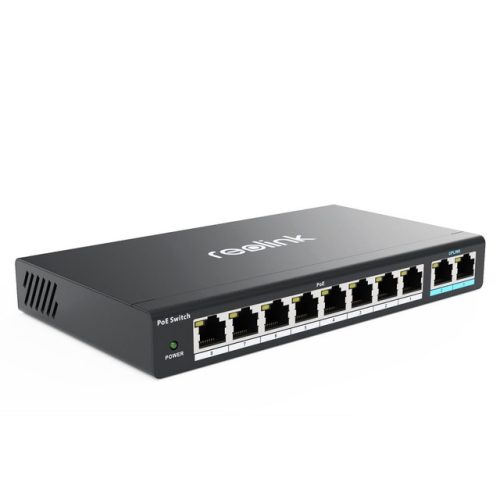
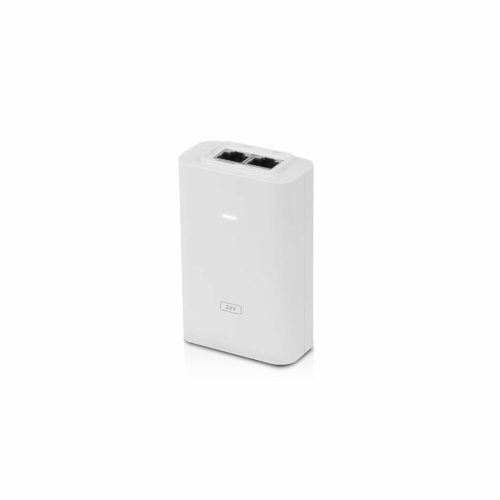
Power over Ethernet, commonly called PoE, allows compatible network devices to receive electrical power and wired data through a single Ethernet cable. Instead of running a separate power cord to every connected device, a PoE setup sends power from a power sourcing equipment (PSE) component, such as a PoE network switch or injector, to a powered device (PD). The powered device may be an indoor or outdoor IP security camera, wireless access point, VoIP phone, video intercom, access-control terminal, or wall-mounted smart home display. This arrangement can make installations neater and more flexible, especially when a device needs to be placed on a ceiling, high wall, exterior surface, reception desk, hallway, or other location where a nearby electrical outlet is not available. A PoE switch can connect several devices while also providing network connectivity, making it useful for home offices, small businesses, retail spaces, classrooms, clinics, warehouses, and larger residential networks. A PoE injector is designed to add power to the Ethernet connection for an individual compatible device or a smaller installation. If a separate power source and data connection need to travel over one cable, PoE Injectors can be a practical option. For older network equipment that does not support PoE, a PoE splitter may separate the combined signal at the receiving end, providing data to the device’s Ethernet port and power through a compatible connector. This can extend the usefulness of existing equipment, although the splitter’s voltage, connector type, wattage, and compatibility should always match the device being powered.
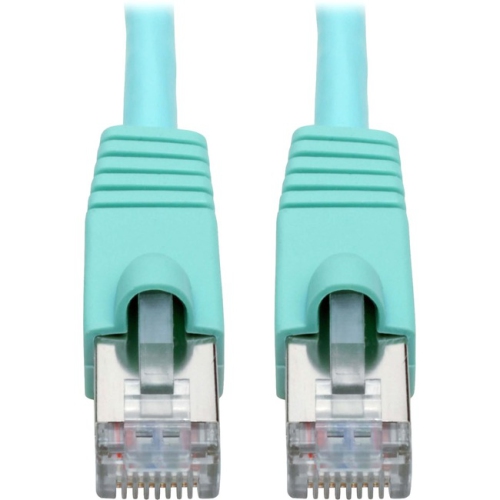
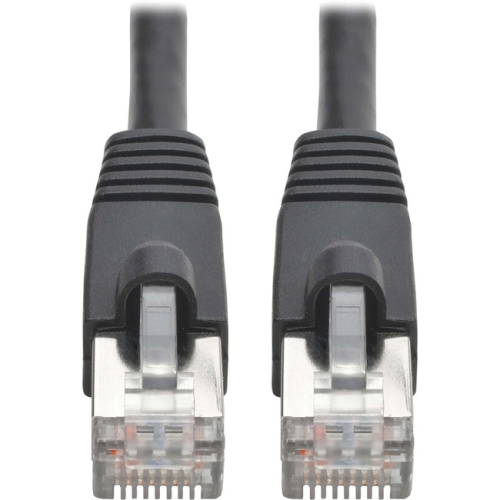
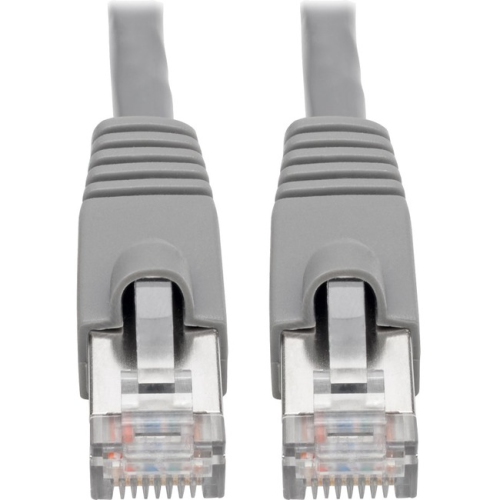
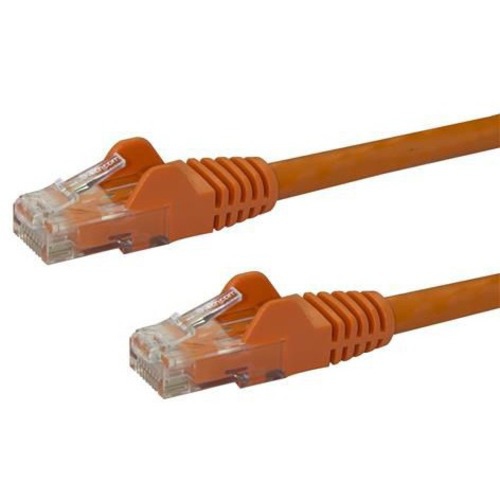
When choosing PoE devices, start by listing the equipment that will be connected and how much power each one requires. PoE standards are an important part of this process. IEEE 802.3af, often referred to as standard PoE, supports many basic network devices and lower-power cameras. IEEE 802.3at, commonly called PoE+, provides more available power for devices such as advanced wireless access points, pan-tilt-zoom cameras, video phones, and other equipment with additional features. IEEE 802.3bt, available in higher-power variants, is intended for demanding devices that may need more power for lighting, displays, multiple radio bands, motorized movement, or other functions. The switch or injector must support the standard required by the receiving device, and the total PoE budget should be high enough to power all connected equipment at the same time. For example, a switch with several PoE ports may not be able to deliver the maximum rated wattage to every port simultaneously, so its overall power budget matters as much as the number of ports. It is also worth checking whether a device needs a particular data speed, such as Gigabit Ethernet, and whether the switch has enough non-PoE ports for computers, printers, network storage, or other wired equipment. Cable choice affects performance as well. Quality Cat5e or Cat6 Ethernet cable is commonly used for PoE installations, while longer cable runs, cable bundles, outdoor routing, and areas with electrical interference may call for more careful planning. Standard Ethernet runs are generally designed for distances up to 100 metres, including the patch cables at each end. Beyond that distance, additional network equipment or a different installation approach may be needed. A managed PoE switch can provide useful controls such as port scheduling, traffic monitoring, VLAN support, device prioritization, and remote power cycling, while an unmanaged switch may be easier to install for a straightforward home or small-office network.
PoE devices are especially useful when reliable placement matters as much as connectivity. A security camera can be mounted beneath an eave or at the far side of a property without needing a separate electrical outlet at the camera location, while a wireless access point can be installed on a ceiling for more even coverage throughout a home, office, shop, or workshop. VoIP phones can receive power from the network connection at a desk, helping keep workspaces organized and allowing phones to be relocated with less rewiring. In a home, PoE may support a doorbell camera, access point, intercom, network audio device, or wall-mounted control panel. In a business, it can simplify the deployment of phones, cameras, card readers, digital signage, and wireless networking across multiple rooms. Buyers setting up a new network should confirm that each receiving device is PoE-compatible rather than assuming every Ethernet port accepts power. The switch or injector should also be connected to a suitable electrical circuit, and outdoor or exposed installations may require weather-rated enclosures, protected cabling, and professional installation. Many PoE systems include automatic detection that checks whether a connected device is compatible before supplying power, but matching the equipment specifications remains an important safety and performance step. Consider port count, power budget, PoE standard, network speed, cable length, mounting needs, noise level, management features, and future expansion before making a selection. For a small setup, a single injector or compact switch may be sufficient; a growing installation may benefit from extra ports and a larger power reserve. With the right combination of PSE equipment, Ethernet cabling, and compatible powered devices, one cable can carry both the connection and the power needed to keep essential technology operating neatly through the cooler months and throughout the rest of the year.
When choosing PoE devices, start by listing the equipment that will be connected and how much power each one requires. PoE standards are an important part of this process. IEEE 802.3af, often referred to as standard PoE, supports many basic network devices and lower-power cameras. IEEE 802.3at, commonly called PoE+, provides more available power for devices such as advanced wireless access points, pan-tilt-zoom cameras, video phones, and other equipment with additional features. IEEE 802.3bt, available in higher-power variants, is intended for demanding devices that may need more power for lighting, displays, multiple radio bands, motorized movement, or other functions. The switch or injector must support the standard required by the receiving device, and the total PoE budget should be high enough to power all connected equipment at the same time. For example, a switch with several PoE ports may not be able to deliver the maximum rated wattage to every port simultaneously, so its overall power budget matters as much as the number of ports. It is also worth checking whether a device needs a particular data speed, such as Gigabit Ethernet, and whether the switch has enough non-PoE ports for computers, printers, network storage, or other wired equipment. Cable choice affects performance as well. Quality Cat5e or Cat6 Ethernet cable is commonly used for PoE installations, while longer cable runs, cable bundles, outdoor routing, and areas with electrical interference may call for more careful planning. Standard Ethernet runs are generally designed for distances up to 100 metres, including the patch cables at each end. Beyond that distance, additional network equipment or a different installation approach may be needed. A managed PoE switch can provide useful controls such as port scheduling, traffic monitoring, VLAN support, device prioritization, and remote power cycling, while an unmanaged switch may be easier to install for a straightforward home or small-office network.
PoE devices are especially useful when reliable placement matters as much as connectivity. A security camera can be mounted beneath an eave or at the far side of a property without needing a separate electrical outlet at the camera location, while a wireless access point can be installed on a ceiling for more even coverage throughout a home, office, shop, or workshop. VoIP phones can receive power from the network connection at a desk, helping keep workspaces organized and allowing phones to be relocated with less rewiring. In a home, PoE may support a doorbell camera, access point, intercom, network audio device, or wall-mounted control panel. In a business, it can simplify the deployment of phones, cameras, card readers, digital signage, and wireless networking across multiple rooms. Buyers setting up a new network should confirm that each receiving device is PoE-compatible rather than assuming every Ethernet port accepts power. The switch or injector should also be connected to a suitable electrical circuit, and outdoor or exposed installations may require weather-rated enclosures, protected cabling, and professional installation. Many PoE systems include automatic detection that checks whether a connected device is compatible before supplying power, but matching the equipment specifications remains an important safety and performance step. Consider port count, power budget, PoE standard, network speed, cable length, mounting needs, noise level, management features, and future expansion before making a selection. For a small setup, a single injector or compact switch may be sufficient; a growing installation may benefit from extra ports and a larger power reserve. With the right combination of PSE equipment, Ethernet cabling, and compatible powered devices, one cable can carry both the connection and the power needed to keep essential technology operating neatly through the cooler months and throughout the rest of the year.
Top selling and popular products
-
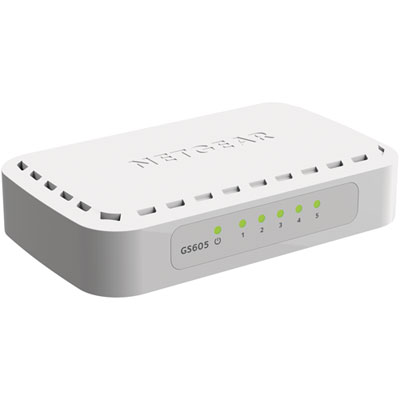 Your price for this item is $34.99
 -
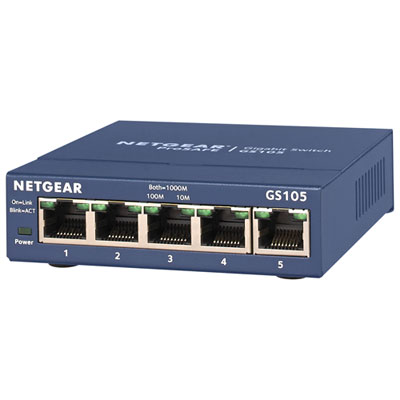 Your price for this item is $44.99
 -
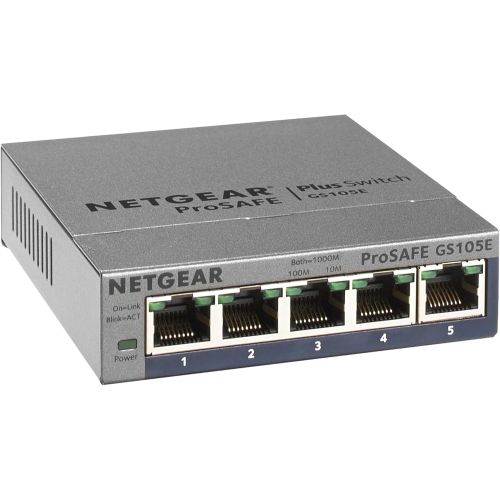 Your price for this item is $52.68
 -
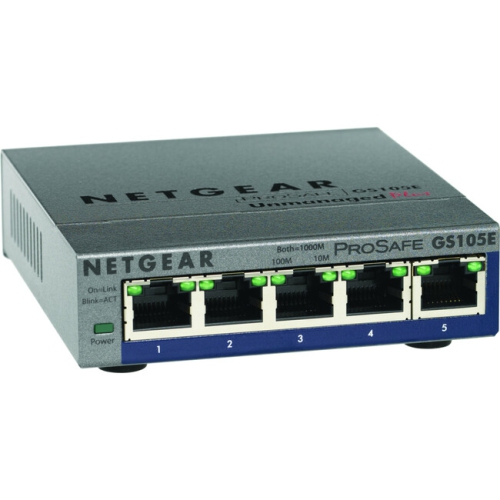 Your price for this item is $76.99
 -
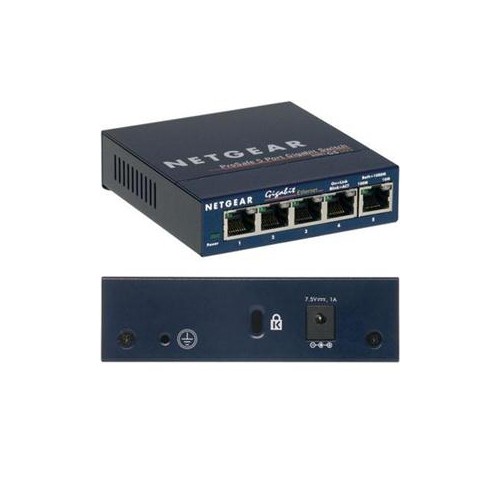 Your price for this item is $49.68
 -
 Your price for this item is $52.68
 -
 Your price for this item is $24.99
 -
 Your price for this item is $49.99
Discover more categories related to PoE Devices

Top Collections:
Pokemon Centers, Kindle Devices, Best Budget Office Chairs, Apple iPhones 16, Best Laptops for Writers, iPhone 15 Apple, Canon G7X Cameras, Refurbished Apple Laptops, Alarm Clock, Motorola Razr Phones
Some products may be subject to Environmental Handling Fees
(EHF) depending on your province.
Learn more about EHFs.