Printers With Different Paper Trays
Printer With Different Paper Trays offer a versatile solution for handling various printing needs at home or in the office. These printers are designed to accommodate multiple types of paper, making it easy to switch between tasks without interruption. Whether you need to print documents, envelopes, labels, or specialty paper, having different paper trays helps streamline your workflow and increase efficiency. Explore a wide selection of Printer With Different Paper Trays to find the ideal model that fits your printing requirements.
Sort
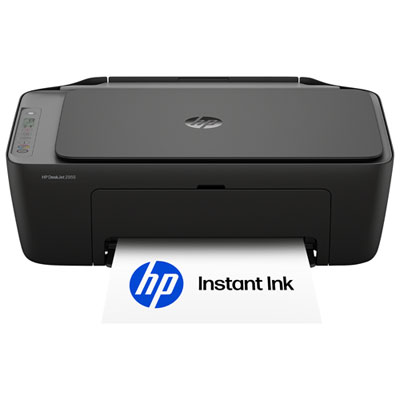

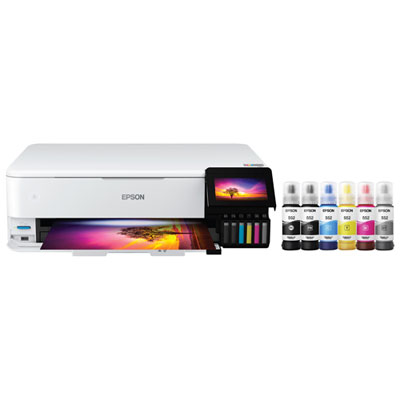
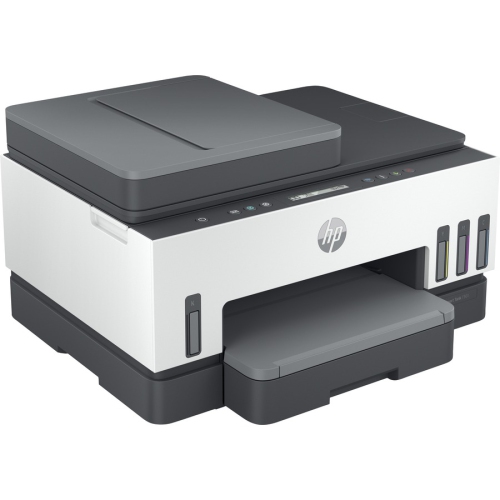

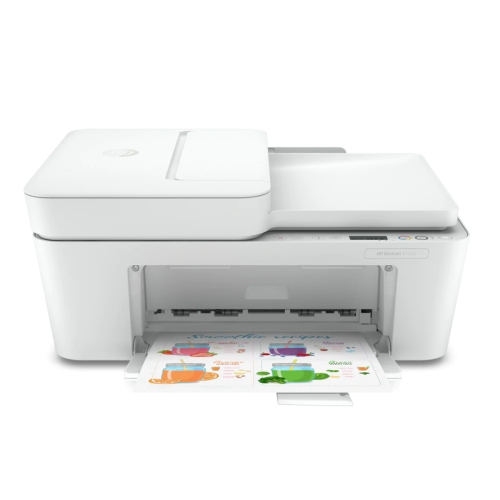
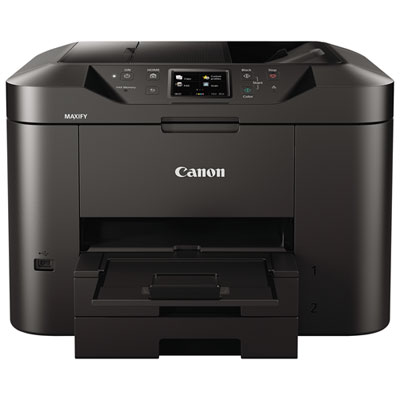
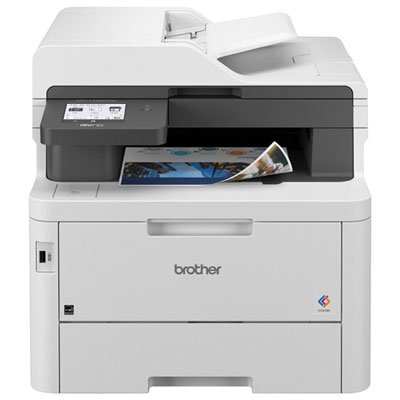
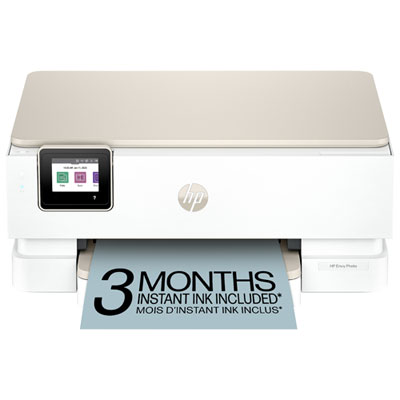
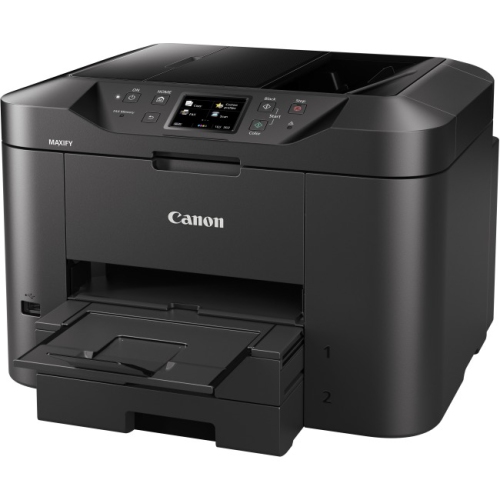
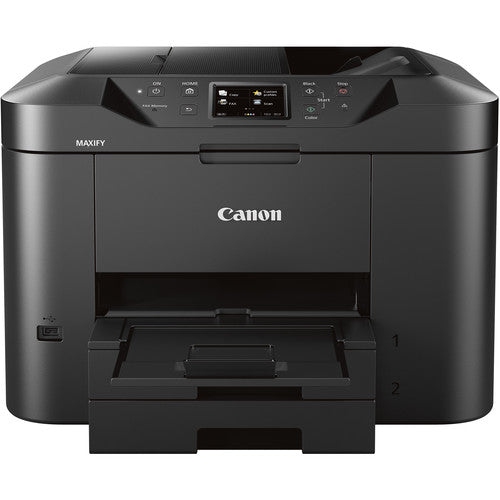
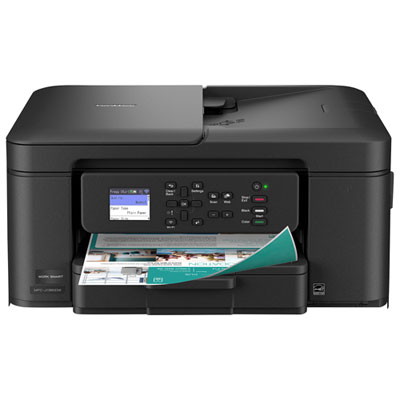
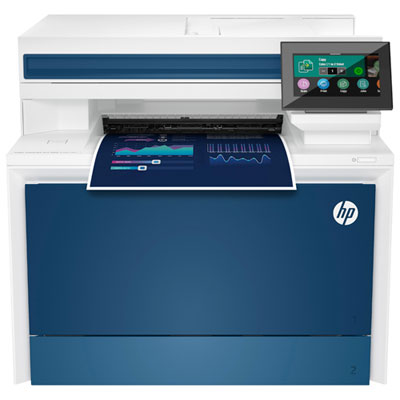
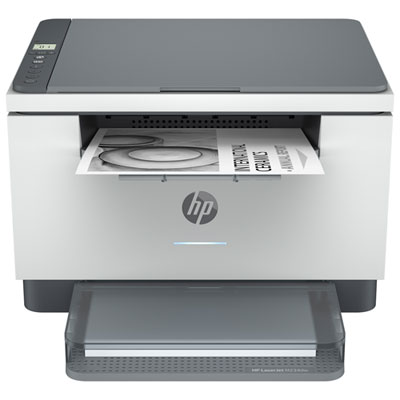
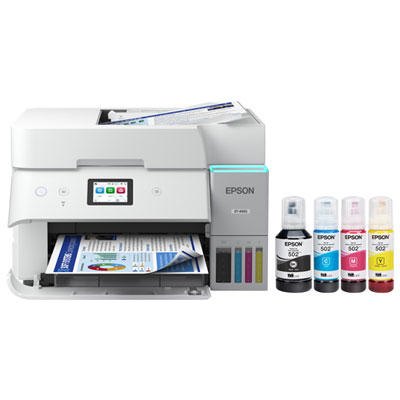
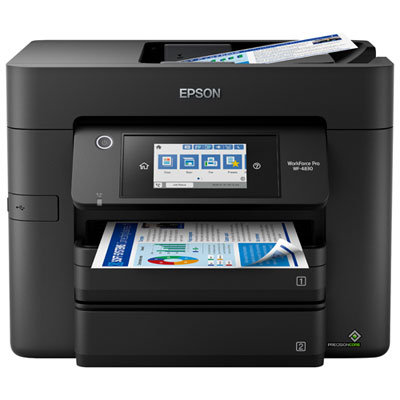
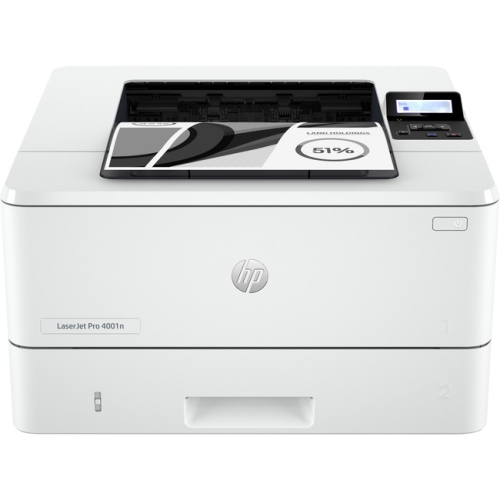
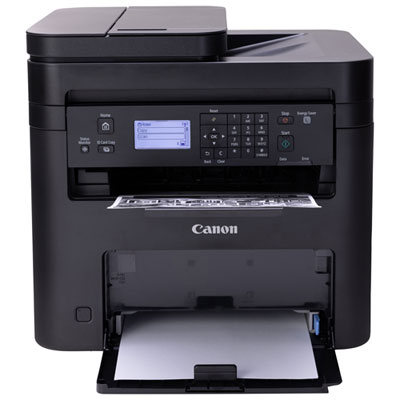
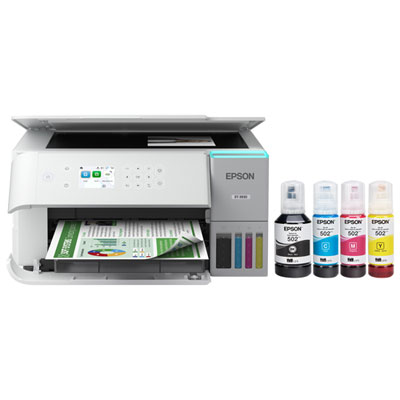
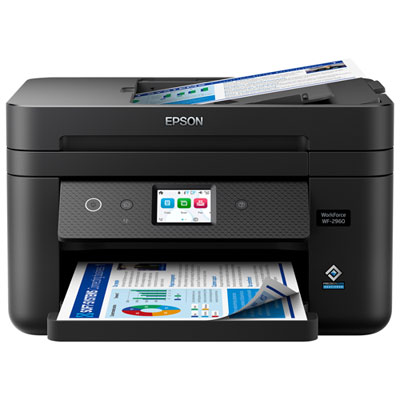
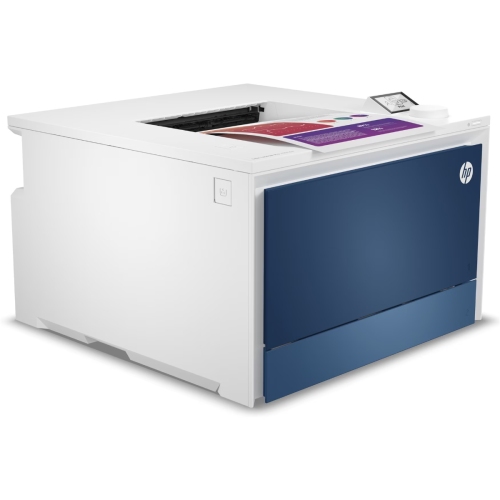
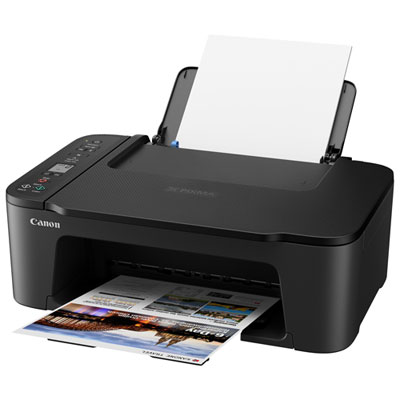
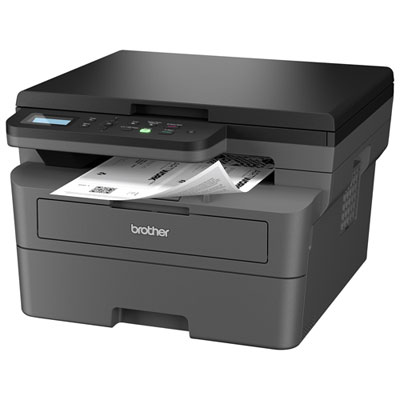
Versatile printing for busy offices and creative projects
Printers with different paper trays are an essential addition to any workspace where flexibility, efficiency, and convenience are top priorities. Whether you’re outfitting a bustling office, a small business, or a creative studio, the ability to load multiple types or sizes of paper at once can make a significant difference in your daily workflow. Imagine preparing a batch of professional reports on standard letter paper while simultaneously printing envelopes for outgoing correspondence, or switching between glossy photo paper and heavy cardstock for a crafting project, all without having to pause and reload the printer. This seamless transition between trays saves valuable time, especially during high-volume periods or when managing a variety of print jobs. For those who often print legal documents, contracts, or marketing materials, having dedicated trays for letterhead, forms, or specialty paper ensures every document looks its best and is ready when you need it. As the weather warms and offices pick up the pace with new projects, students prepare portfolios, or families organize summer events, the versatility of a multi-tray printer keeps everyone productive and organized.
These printers are particularly useful for professionals who deal with diverse print requirements, such as law firms, schools, design studios, and real estate agencies. Teachers preparing classroom materials, architects printing blueprints, or administrative assistants managing bulk mailings all benefit from the efficiency of multiple paper trays. Dual- or multi-tray options are also a thoughtful gift for someone setting up a home office, launching a small business, or pursuing creative hobbies like scrapbooking and card making. The ability to assign different paper types to each tray—plain paper for everyday use, labels for mailing, or specialty media for presentations—means users can handle a wider range of projects without interruption. During the cooler months, when office activities may shift indoors and printing needs increase, having a printer with multiple trays helps maintain a smooth workflow and reduces the hassle of constant paper changes. These features are also ideal for shared workspaces or families with varied printing needs, allowing everyone to select the right paper for their task with ease.
When choosing a printer with different paper trays, it’s important to consider factors such as tray capacity, supported media types, and ease of setup. A higher-capacity tray reduces the frequency of refills, which is especially valuable in busy environments. Some models offer automatic tray detection and intuitive print settings, allowing you to specify which tray to use for each page or document type directly from your computer. This level of control is ideal for complex print jobs, such as producing multi-part forms or alternating between letter and legal paper within the same print run. For those interested in exploring more options, you can find a curated selection of 2 Tray Laser Printers designed to meet a range of needs and preferences. Whether you’re streamlining office operations, supporting creative endeavours, or simply making everyday printing more convenient, a printer with different paper trays is a practical investment that delivers both versatility and efficiency throughout the year.
These printers are particularly useful for professionals who deal with diverse print requirements, such as law firms, schools, design studios, and real estate agencies. Teachers preparing classroom materials, architects printing blueprints, or administrative assistants managing bulk mailings all benefit from the efficiency of multiple paper trays. Dual- or multi-tray options are also a thoughtful gift for someone setting up a home office, launching a small business, or pursuing creative hobbies like scrapbooking and card making. The ability to assign different paper types to each tray—plain paper for everyday use, labels for mailing, or specialty media for presentations—means users can handle a wider range of projects without interruption. During the cooler months, when office activities may shift indoors and printing needs increase, having a printer with multiple trays helps maintain a smooth workflow and reduces the hassle of constant paper changes. These features are also ideal for shared workspaces or families with varied printing needs, allowing everyone to select the right paper for their task with ease.
When choosing a printer with different paper trays, it’s important to consider factors such as tray capacity, supported media types, and ease of setup. A higher-capacity tray reduces the frequency of refills, which is especially valuable in busy environments. Some models offer automatic tray detection and intuitive print settings, allowing you to specify which tray to use for each page or document type directly from your computer. This level of control is ideal for complex print jobs, such as producing multi-part forms or alternating between letter and legal paper within the same print run. For those interested in exploring more options, you can find a curated selection of 2 Tray Laser Printers designed to meet a range of needs and preferences. Whether you’re streamlining office operations, supporting creative endeavours, or simply making everyday printing more convenient, a printer with different paper trays is a practical investment that delivers both versatility and efficiency throughout the year.
Top selling and popular products
-
 Your price for this item is $249.99
 -
 Your price for this item is $89.95
 -
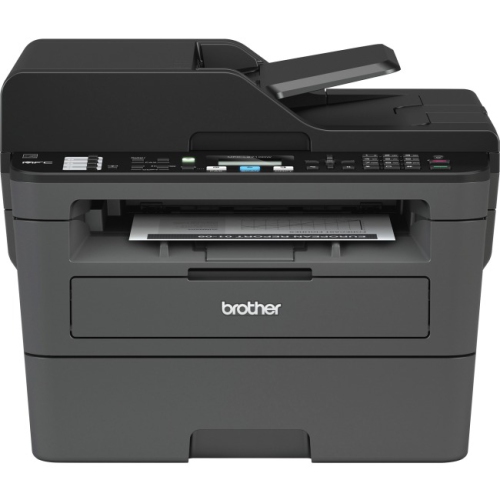 Your price for this item is $309.47
 -
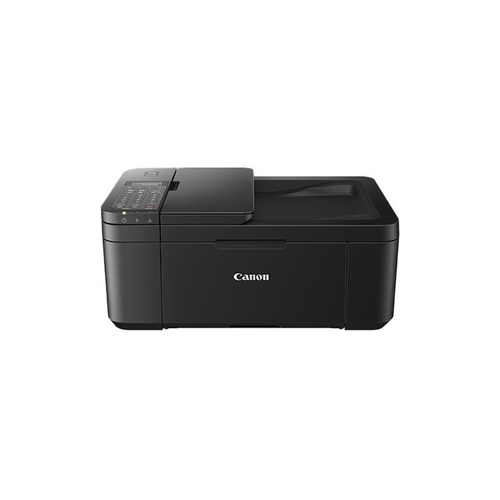 Your price for this item is $247.92
 -
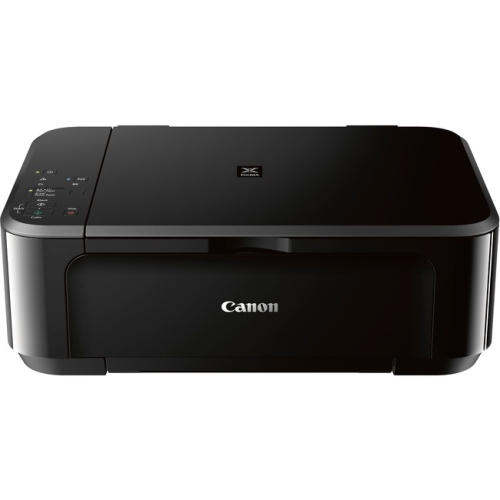 Your price for this item is $89.95
 -
 Your price for this item is $149.99
 -
 Your price for this item is $214.99
 -
 Your price for this item is $129.95
Discover more categories related to Printers With Different Paper Trays
Top Collections:
Pokemon Centers, Best Cameras for Sports Photography, Kindle Devices, Samsung Galaxy Phones, Canon G7X Cameras, Pokémon 30th Celebration Cards, Refurbished Apple Laptops, iPhone 15 Apple, Laptops for Students, Budget Smartphones
Some products may be subject to Environmental Handling Fees
(EHF) depending on your province.
Learn more about EHFs.