Printers/copiers
Looking for a reliable solution to meet your printing and copying needs? Our selection of printers/copiers offers a range of options to suit various requirements, whether you need high-quality prints for professional documents or efficient copying capabilities for your home office. With innovative features and advanced technology, these devices are designed to streamline your workflow and deliver crisp, clear results every time. Find the perfect combination of performance and convenience with our diverse range of printers/copiers.
Sort
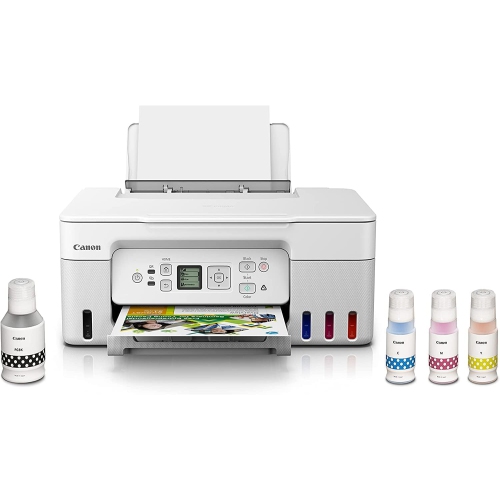
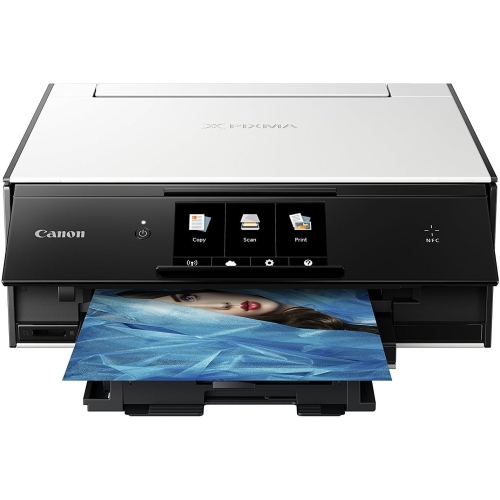
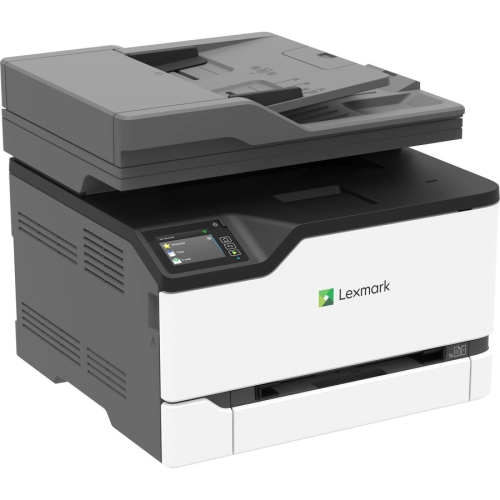
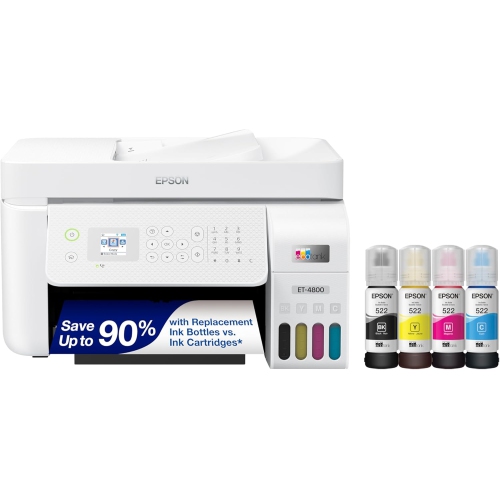


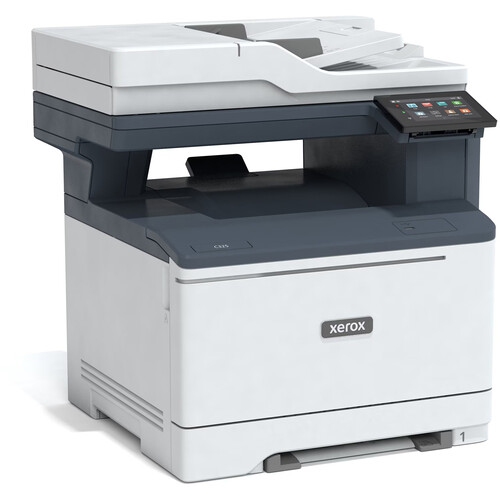
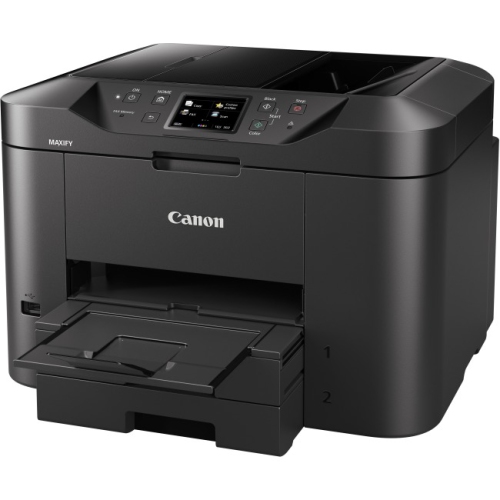
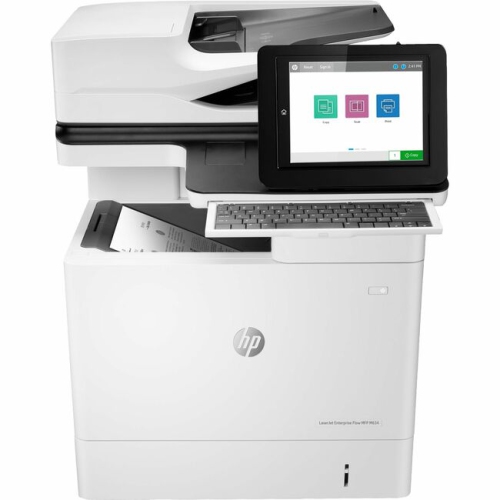
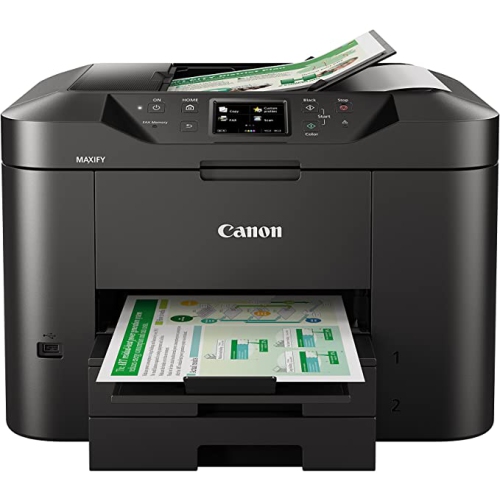
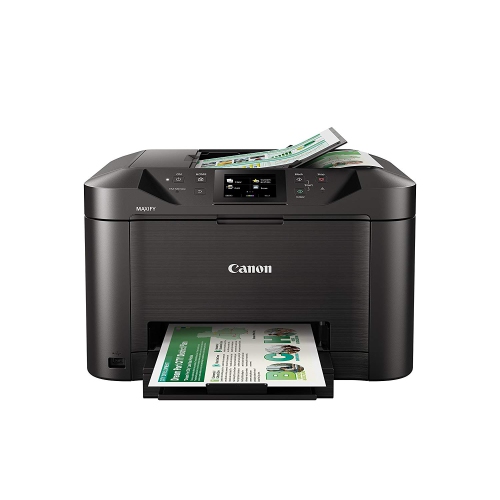
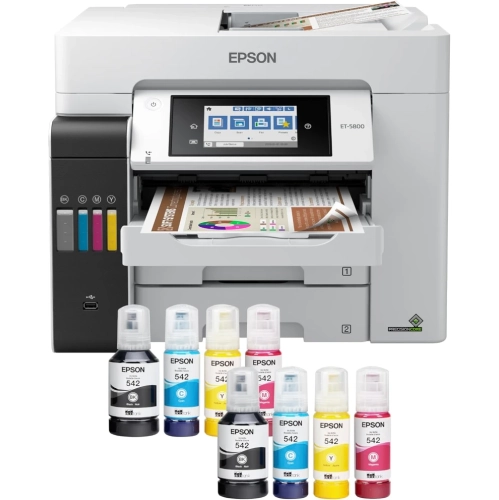
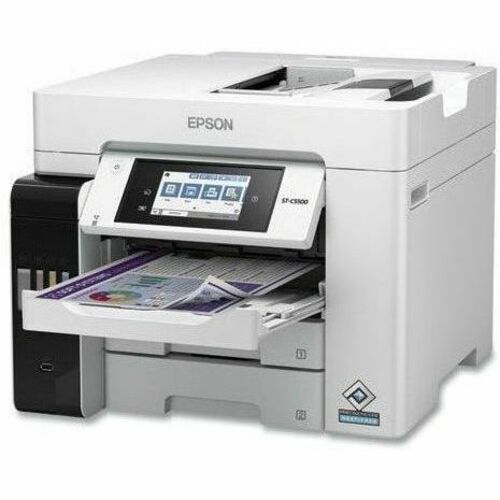
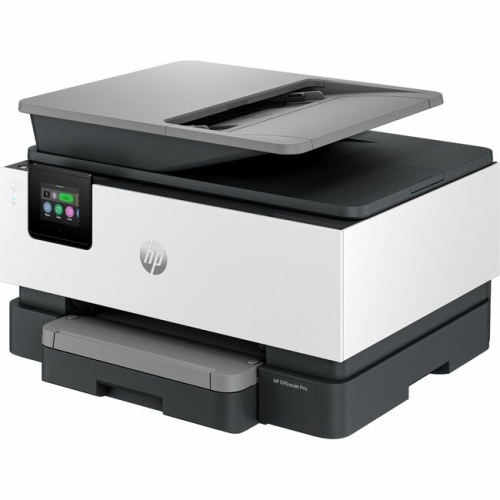

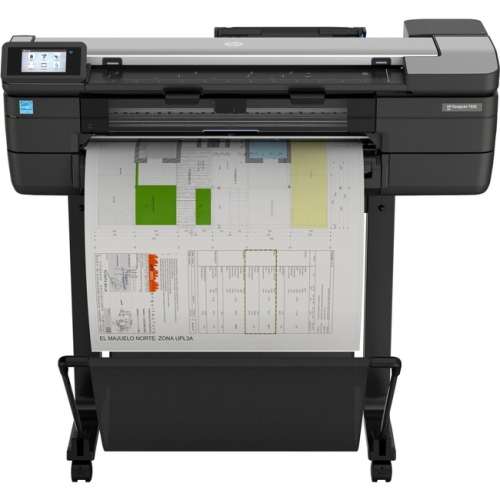
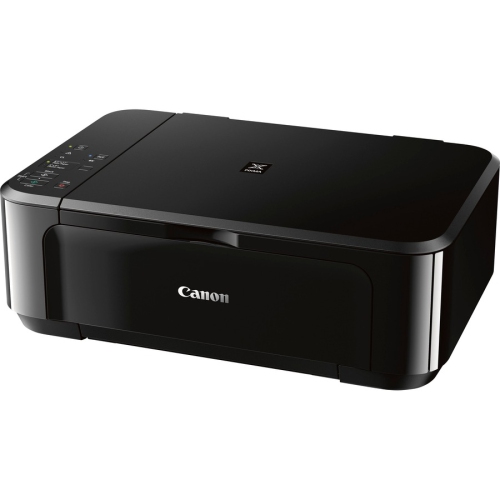
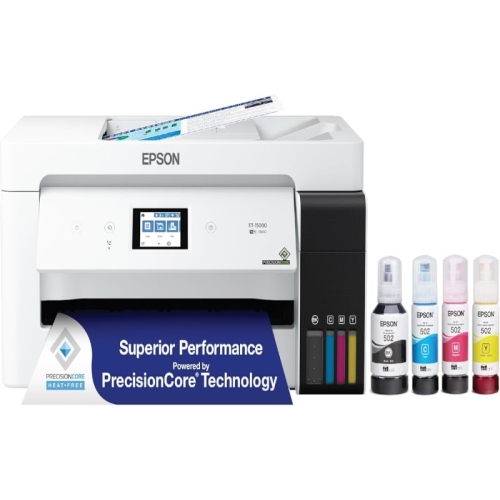
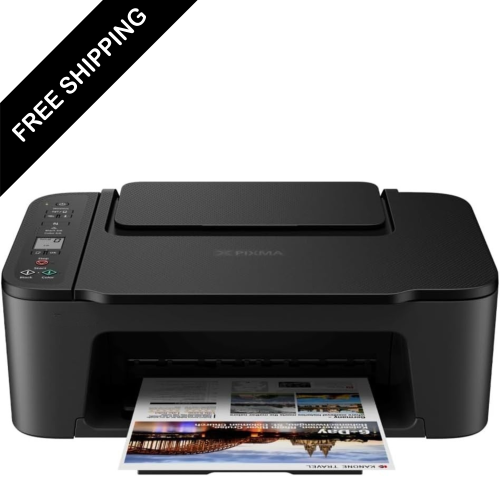


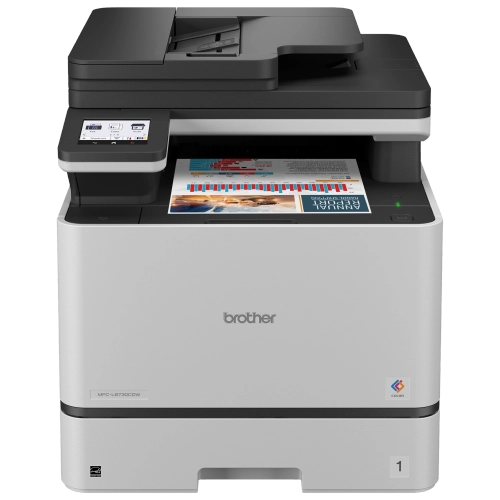

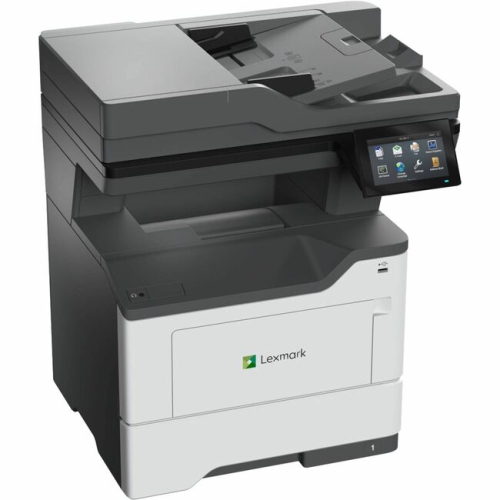
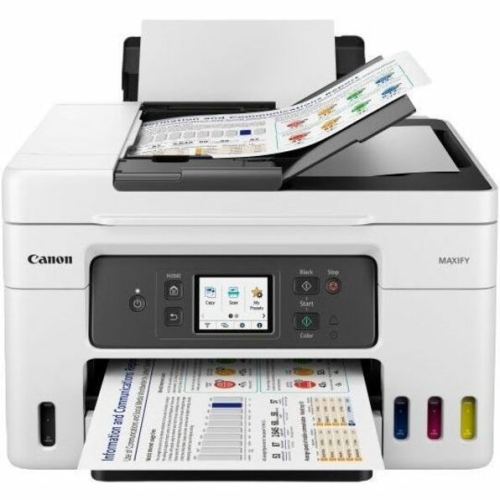
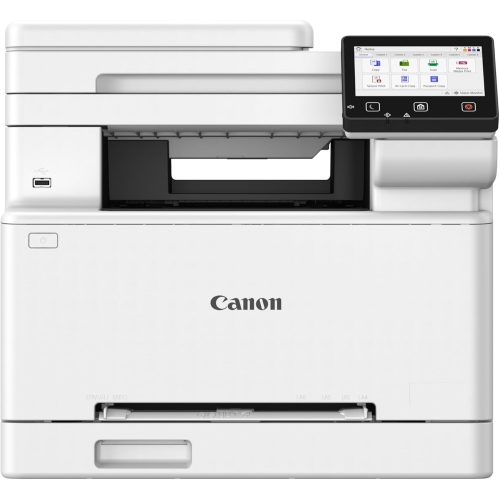
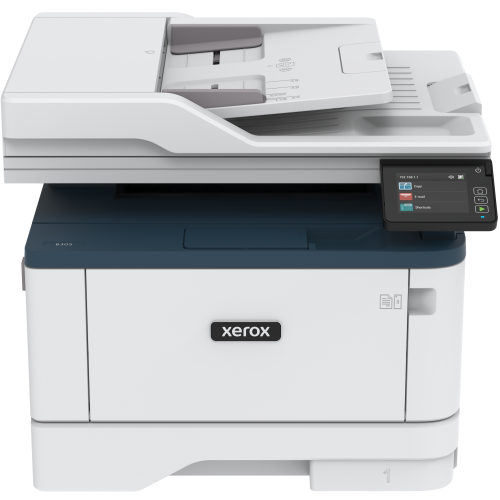


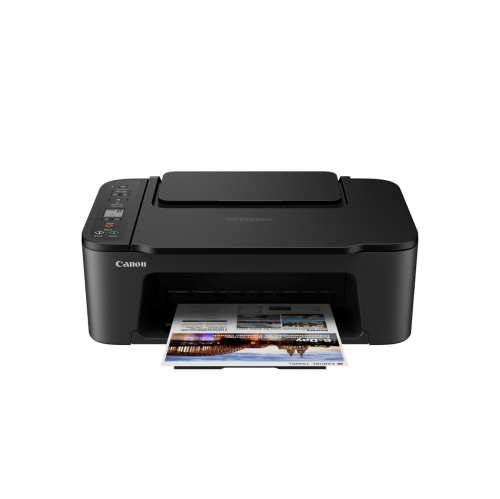
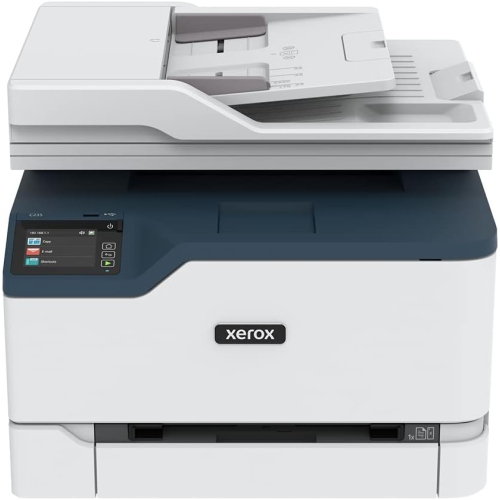
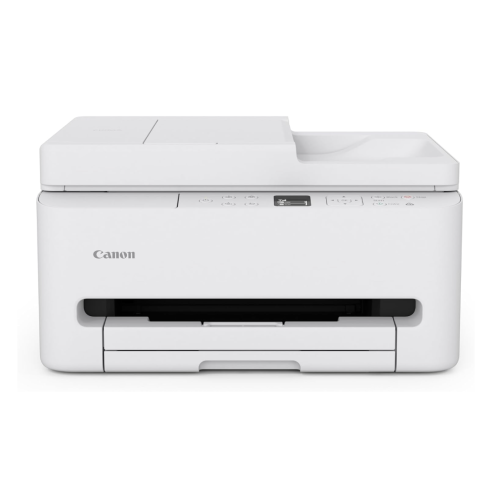
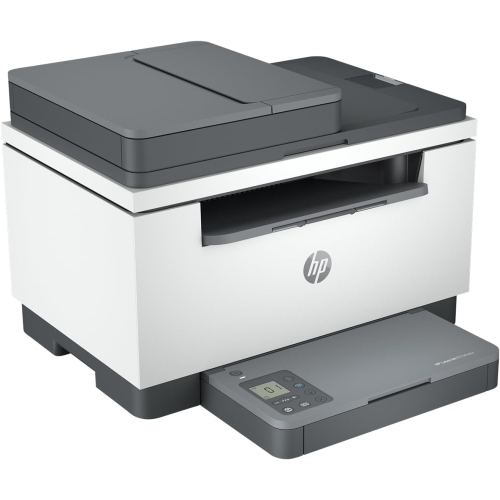
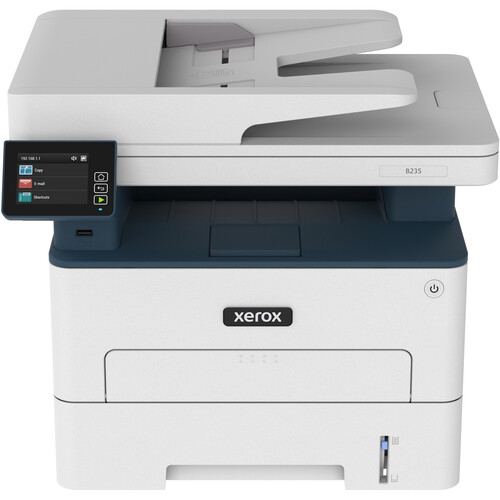
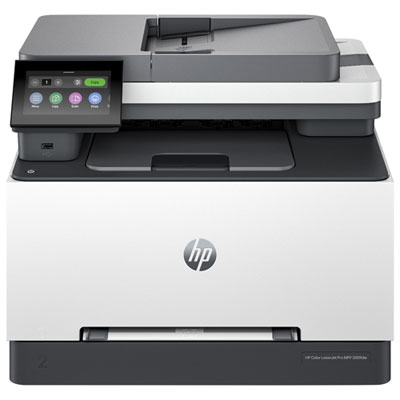
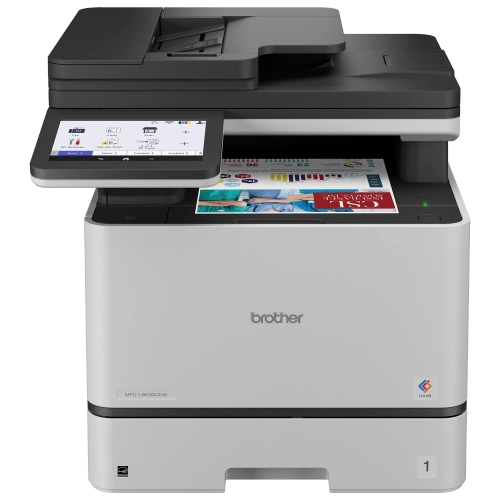
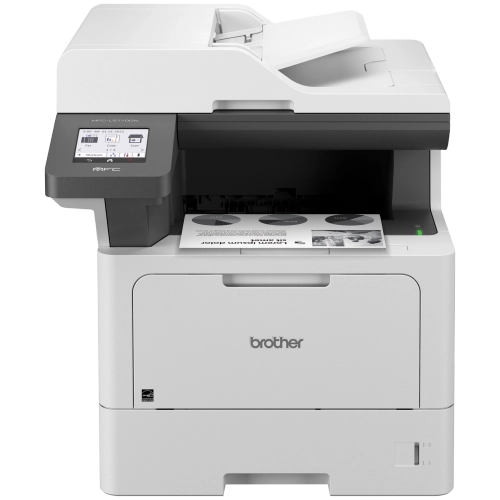
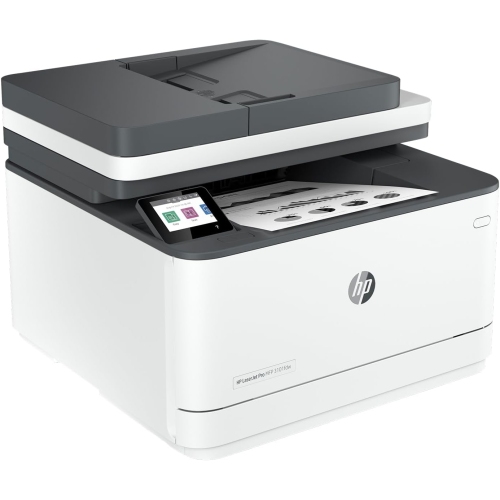
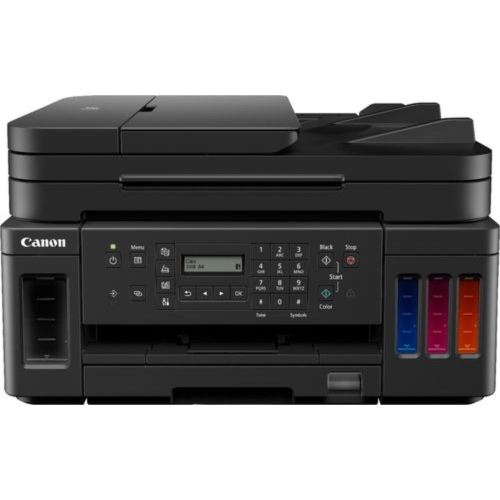
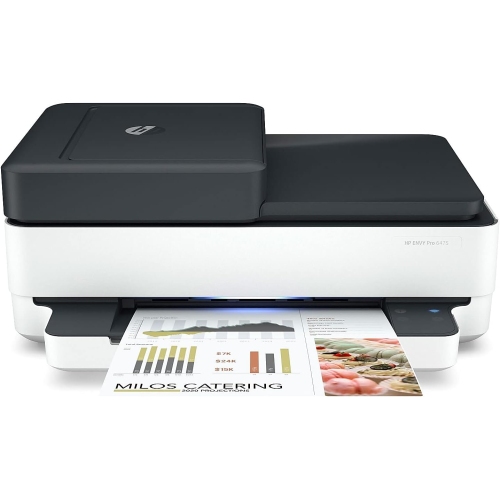
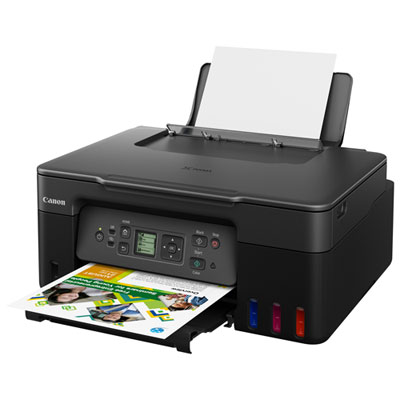
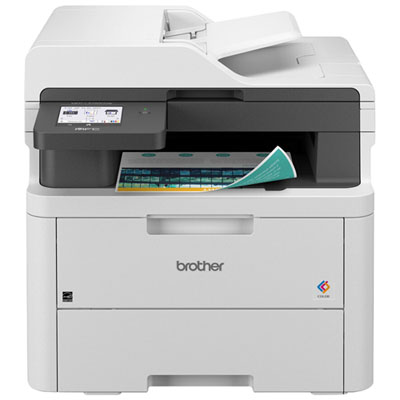
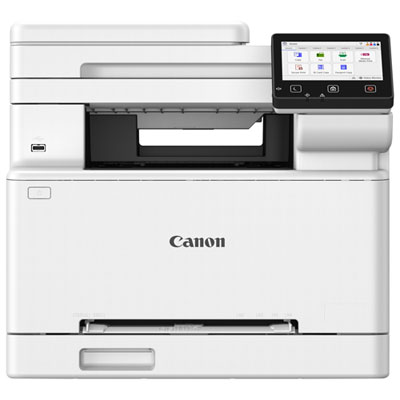
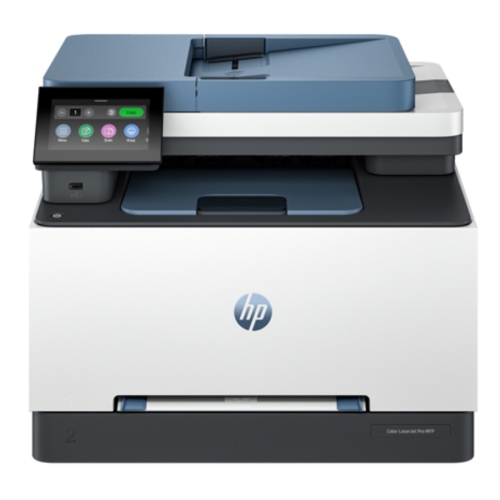
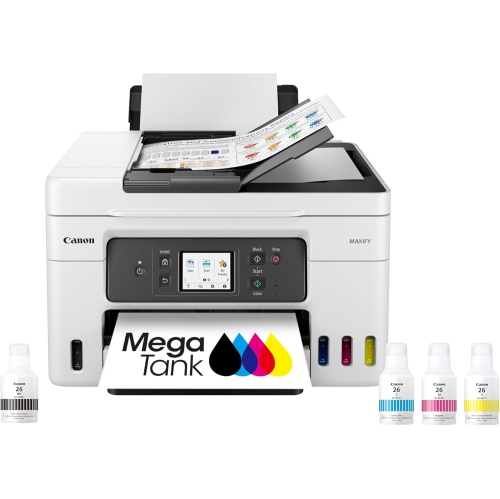
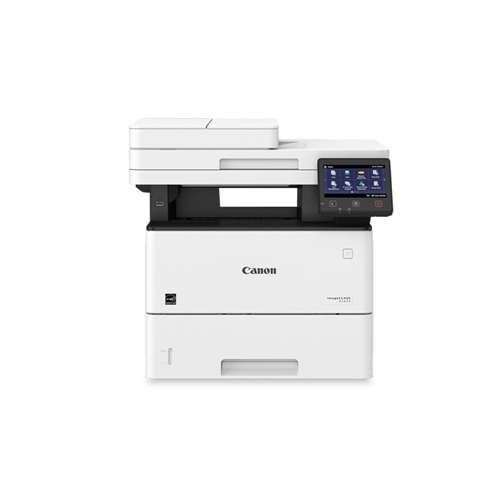
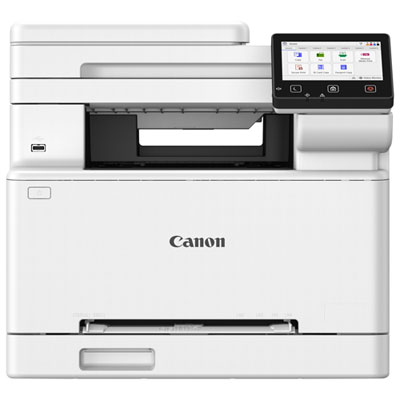
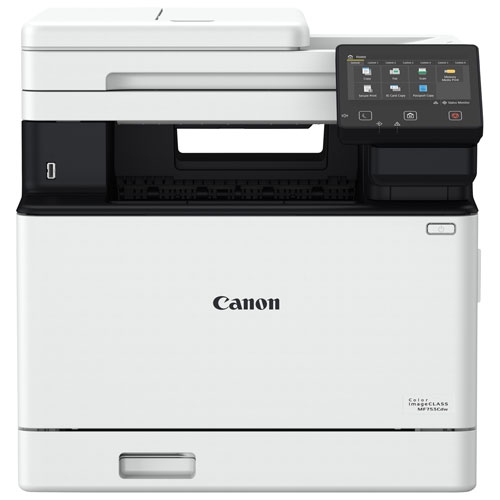
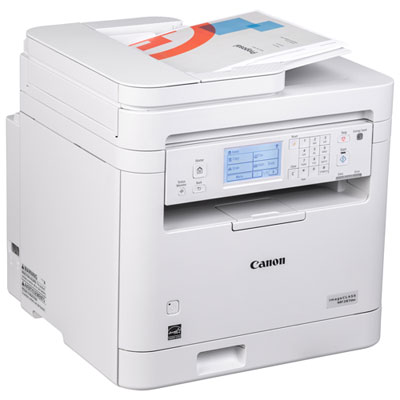
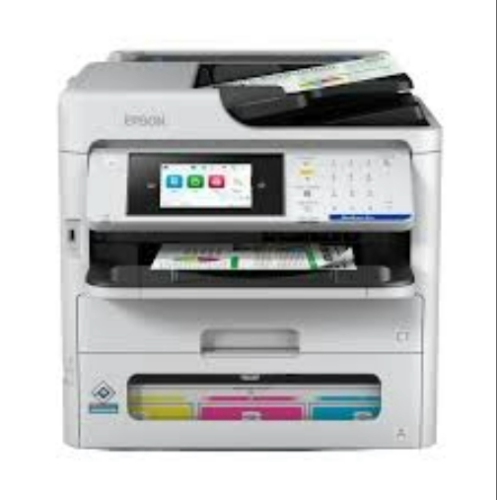
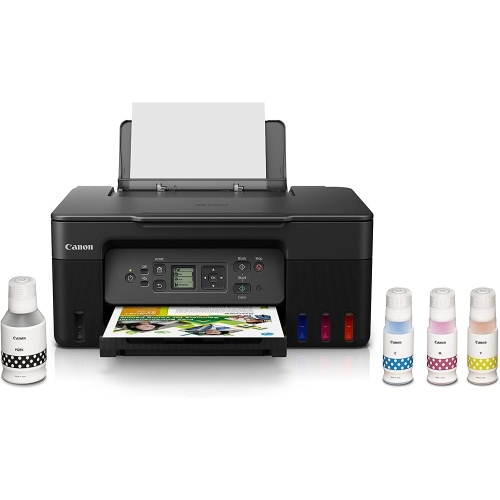

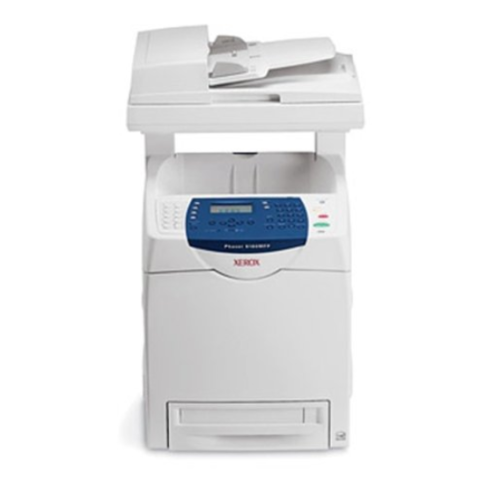
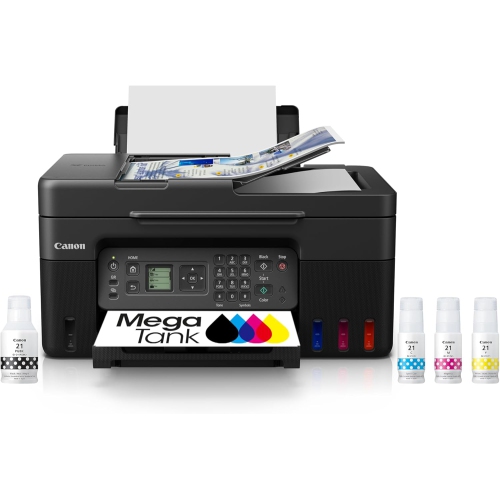
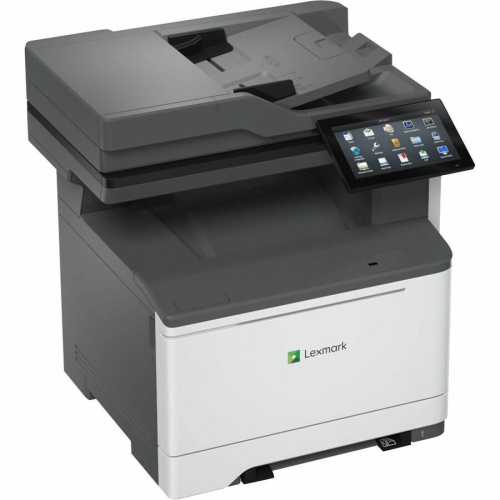
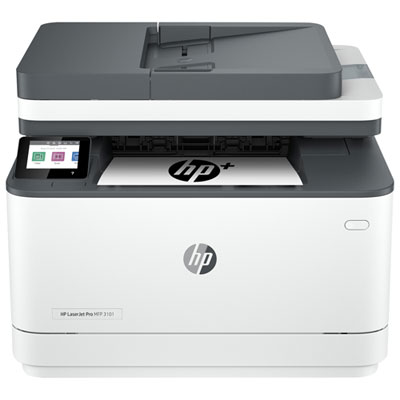
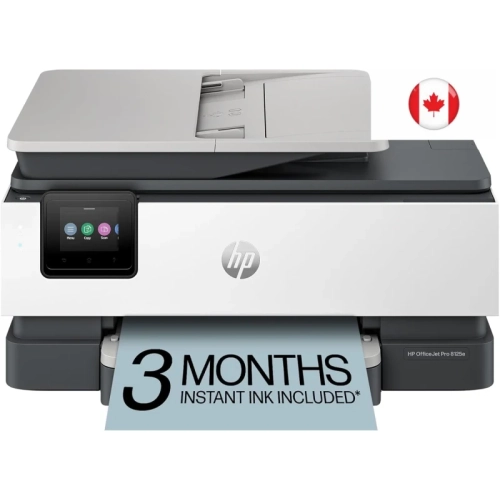
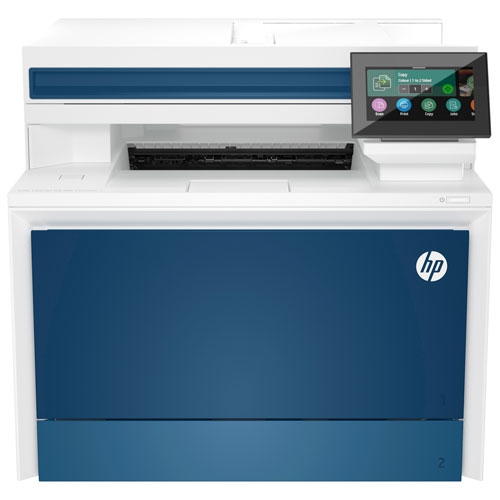

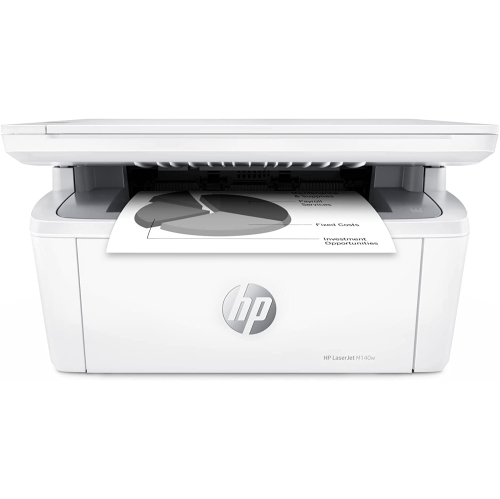
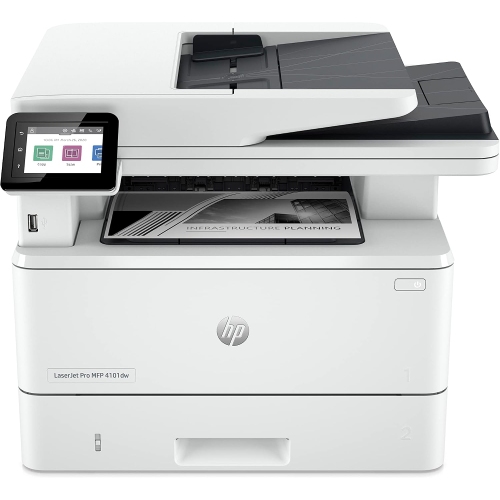
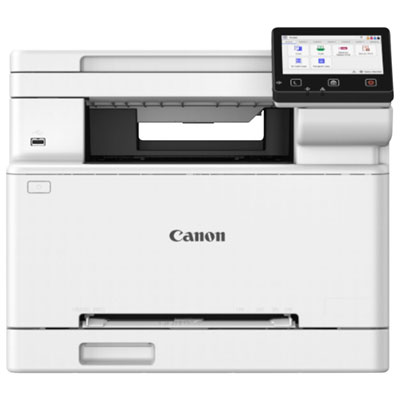
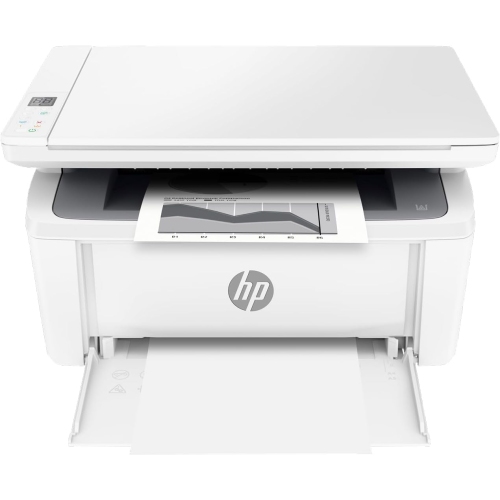
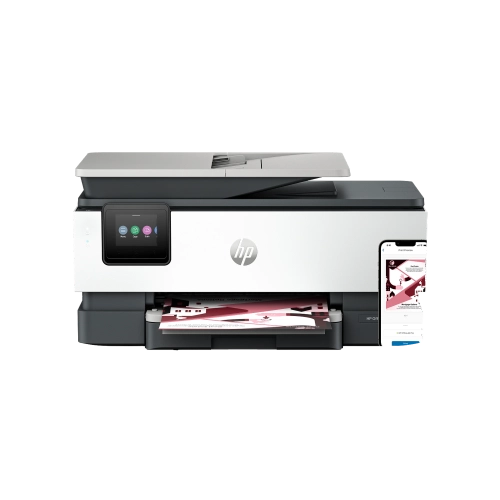

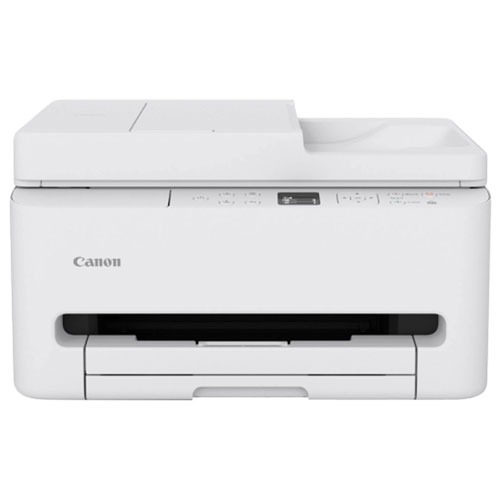

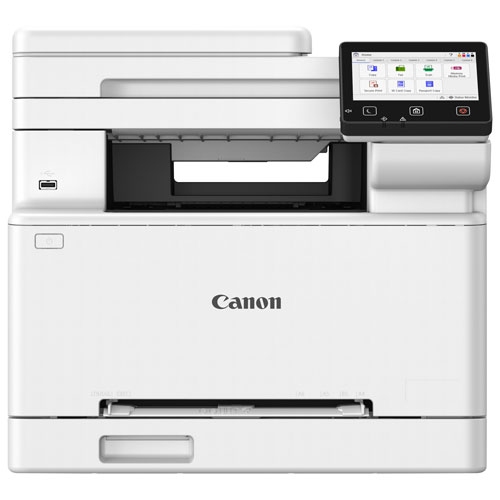
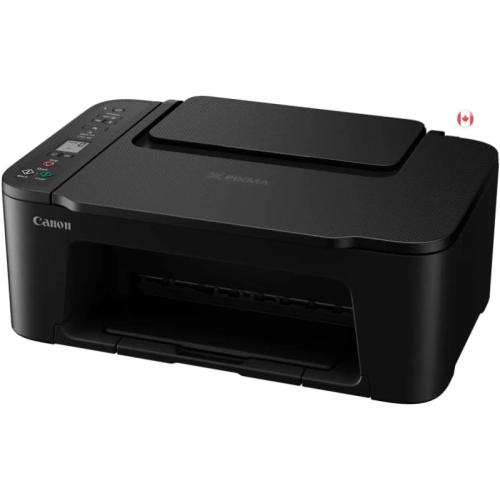
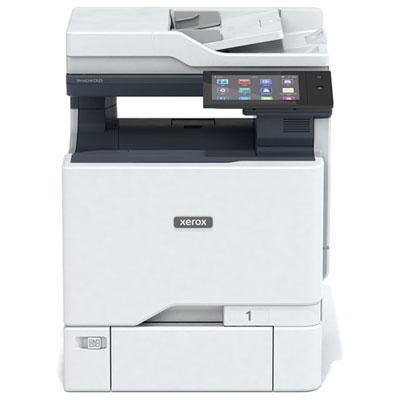

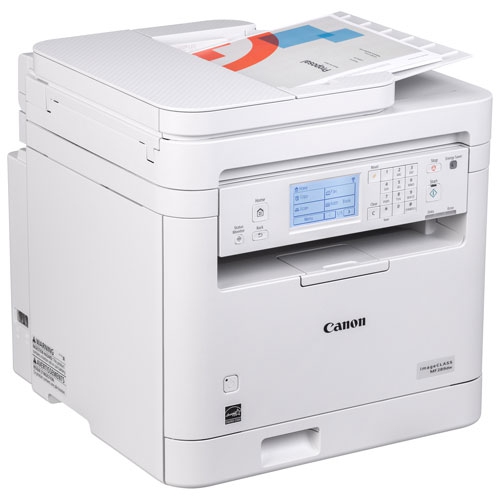

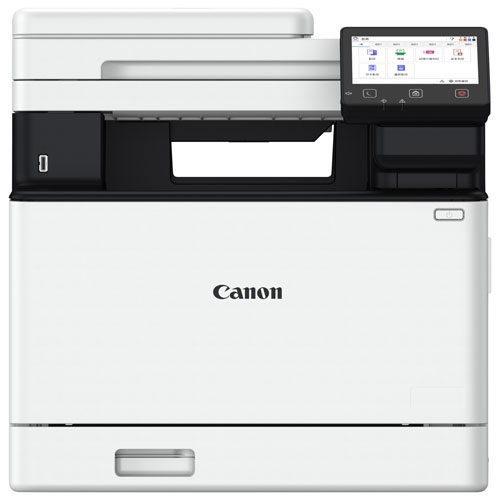
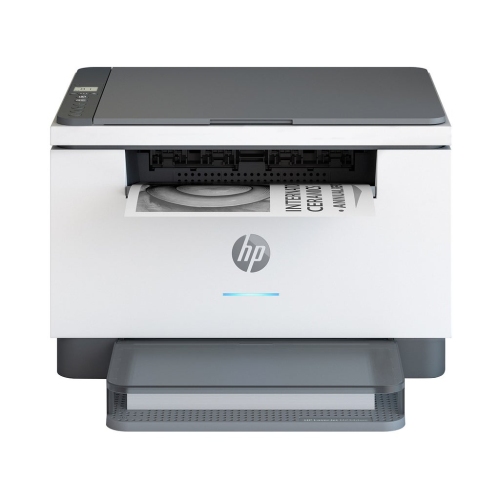
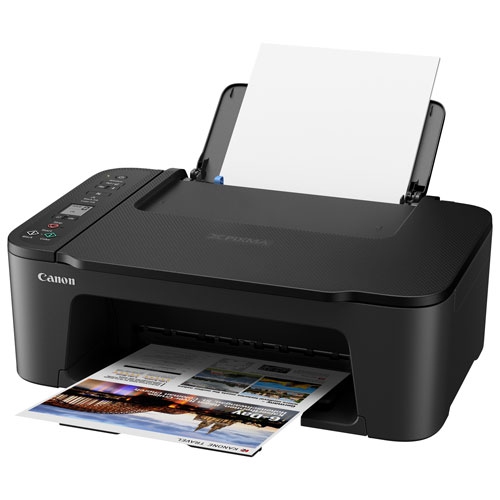
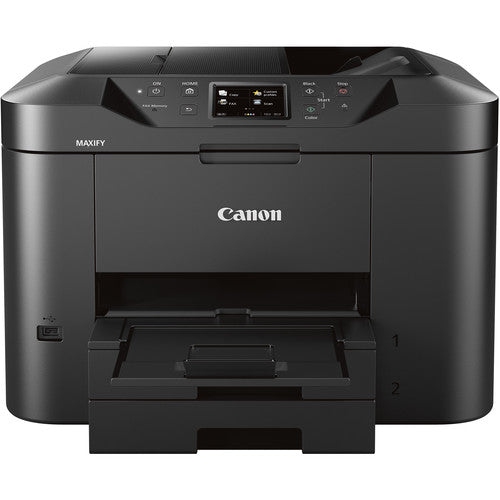
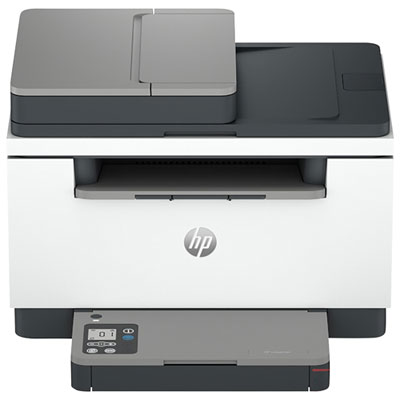
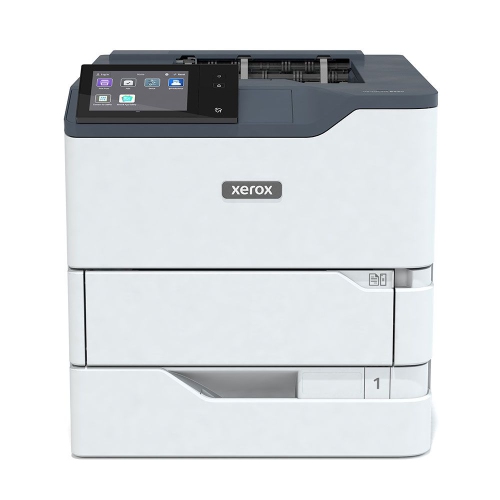
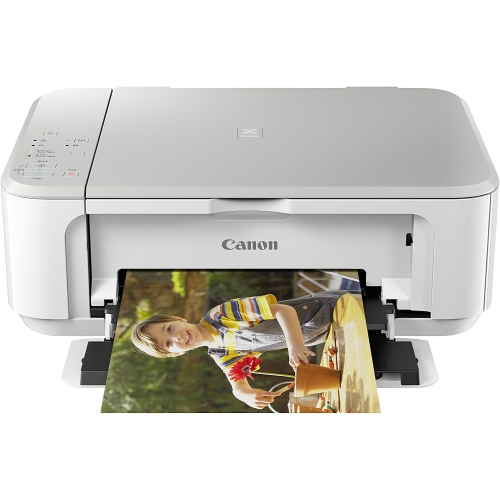
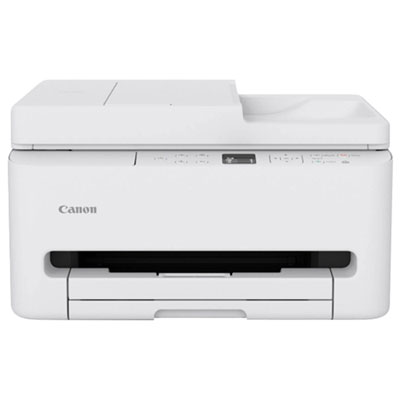
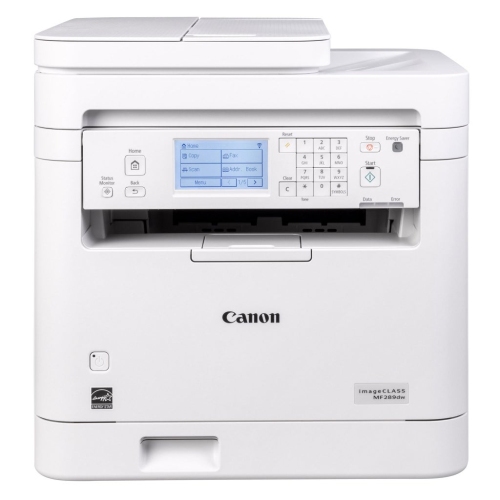
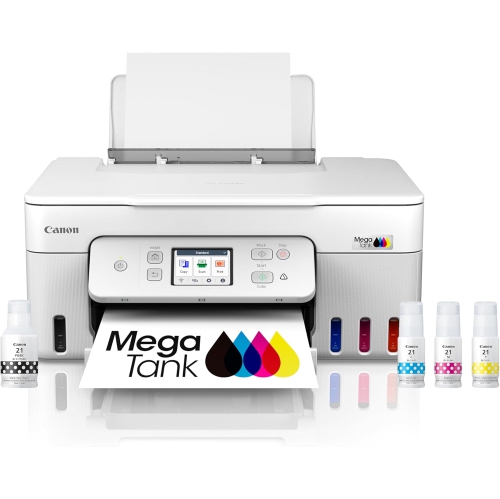
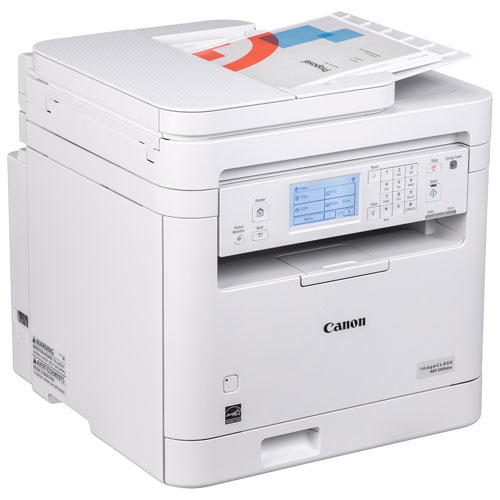
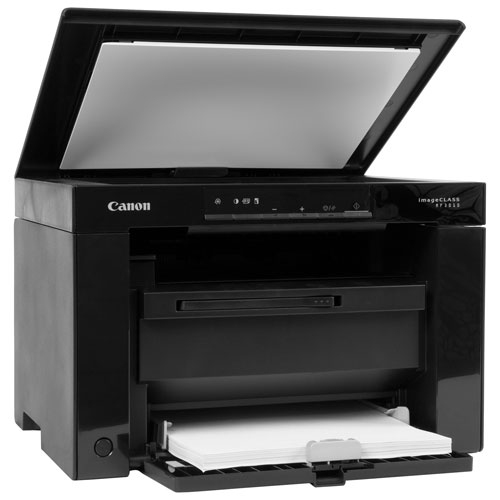
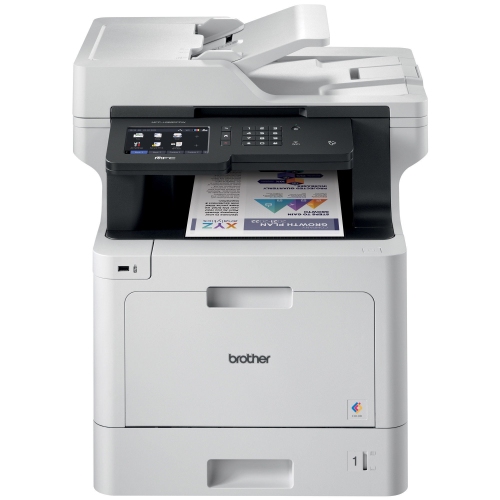
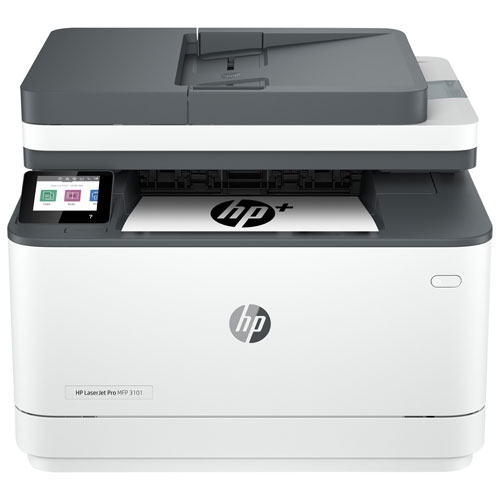
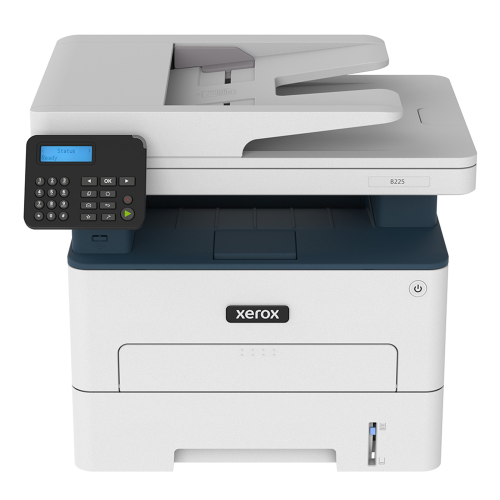
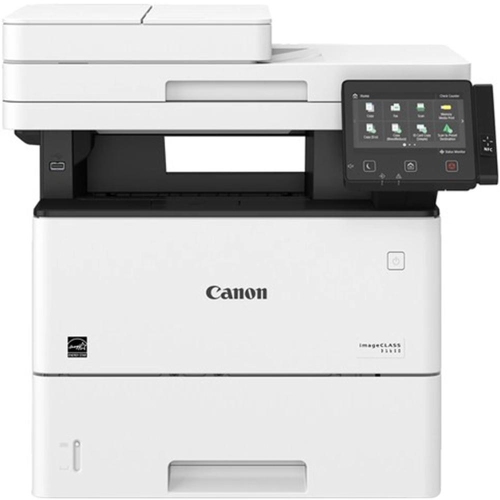
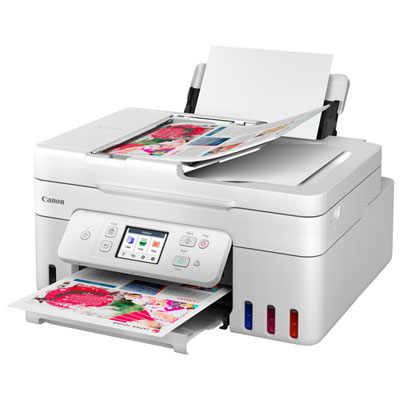

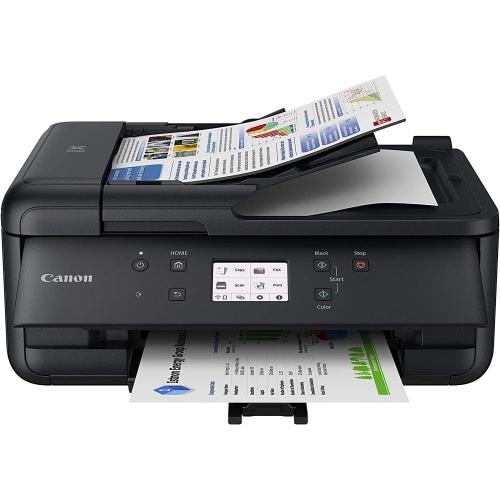
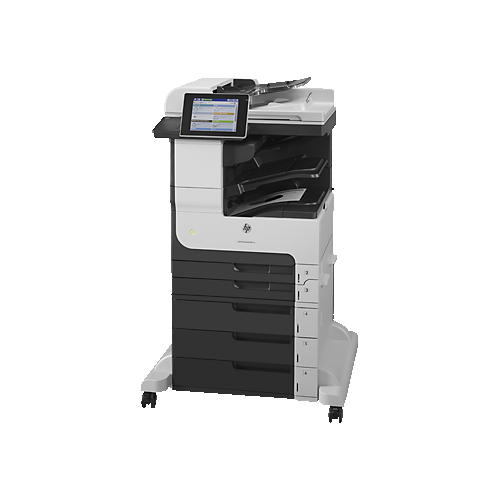
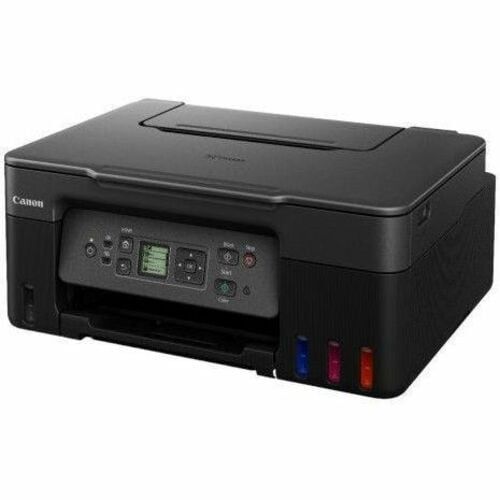

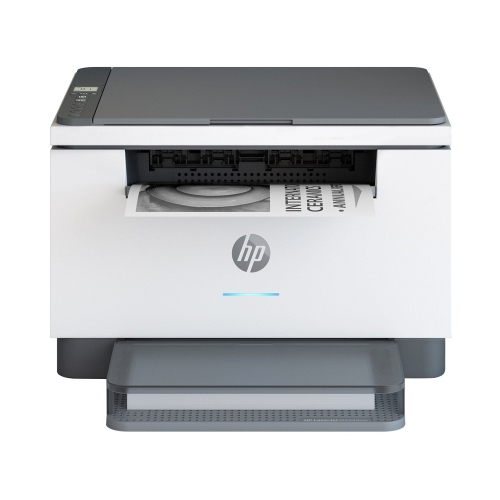
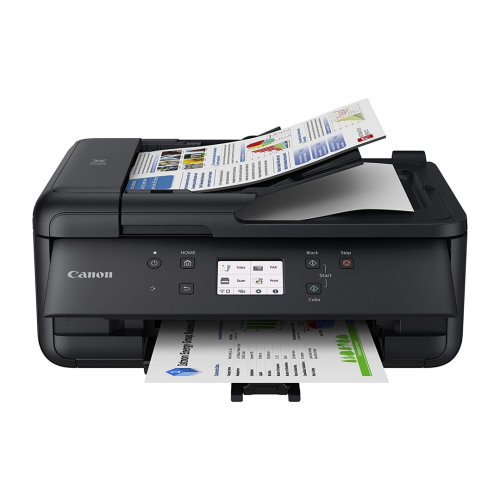
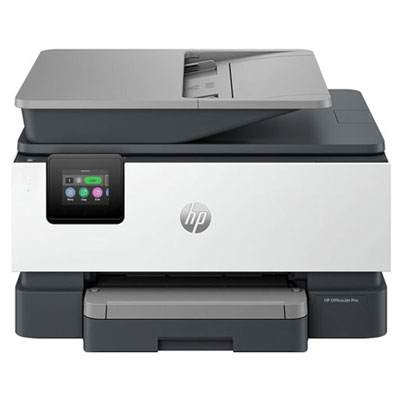
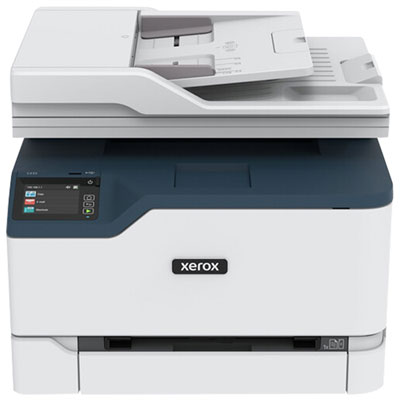
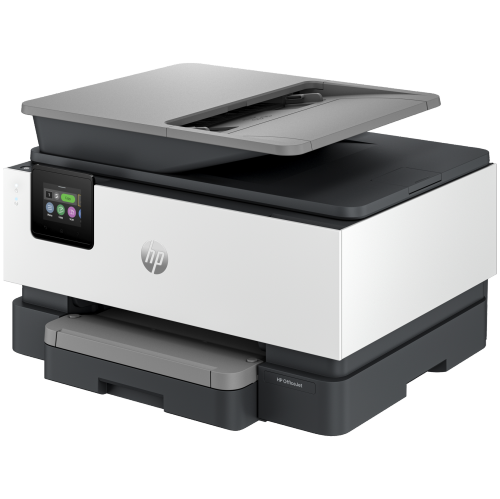

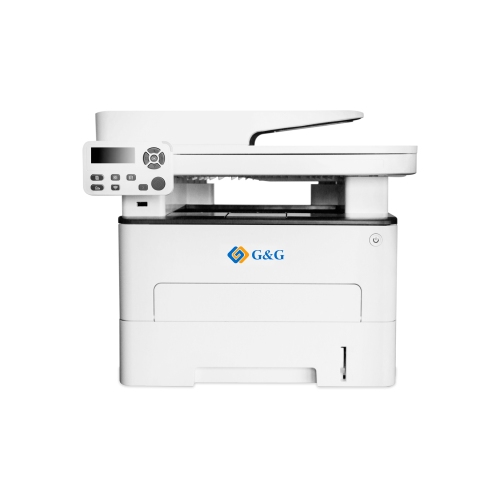
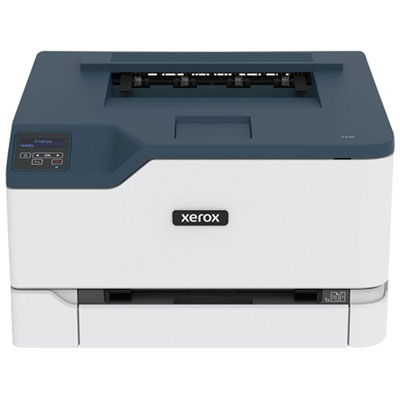
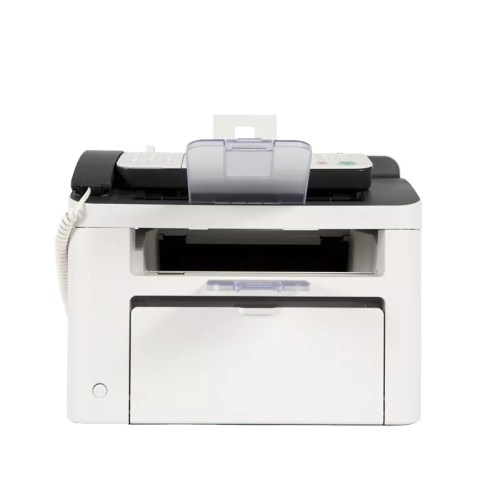
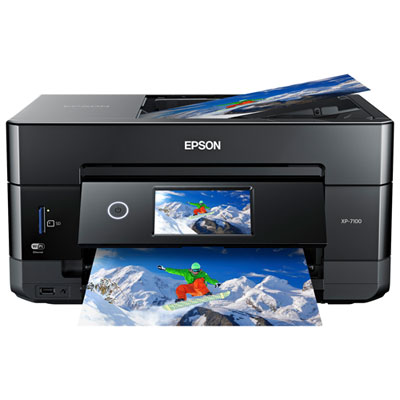
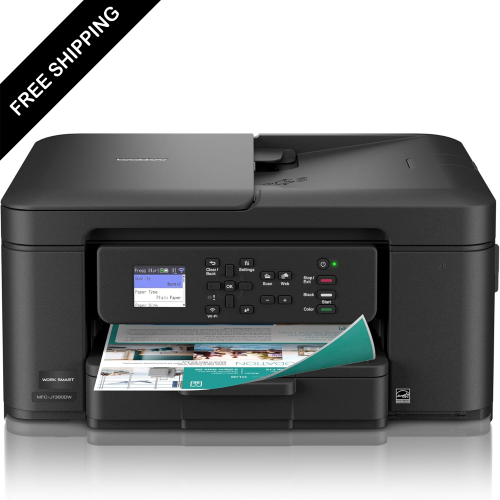

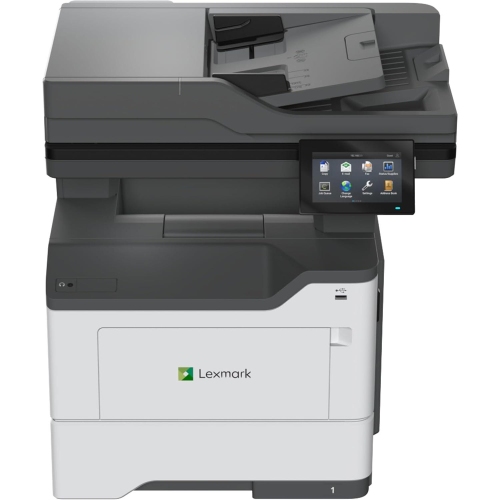
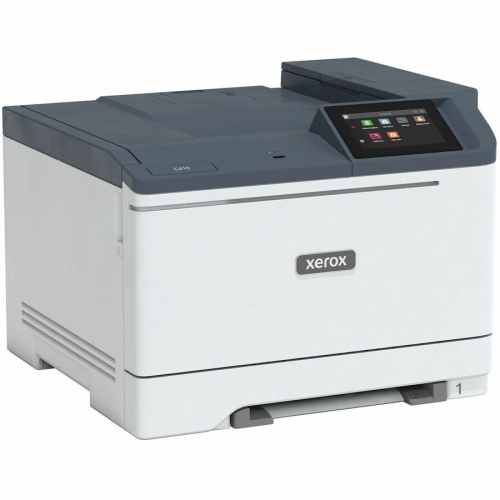

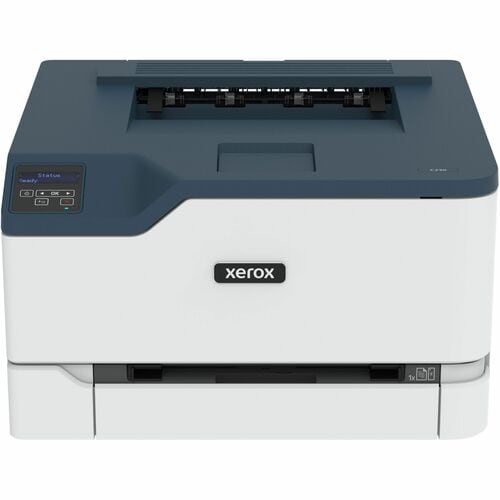

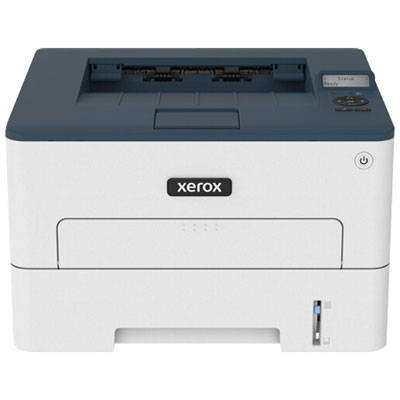
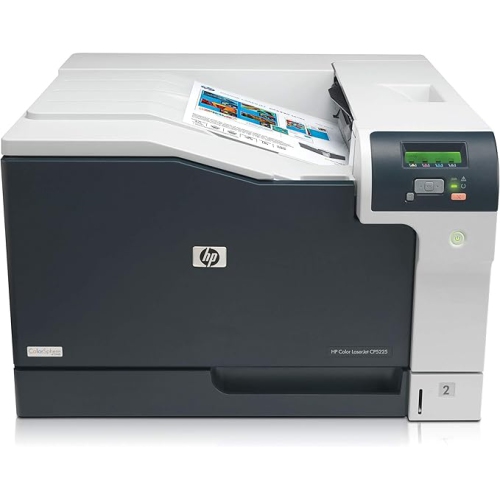
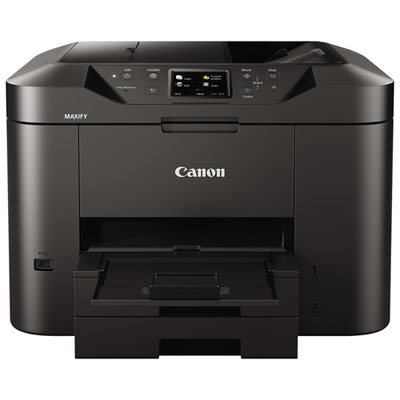

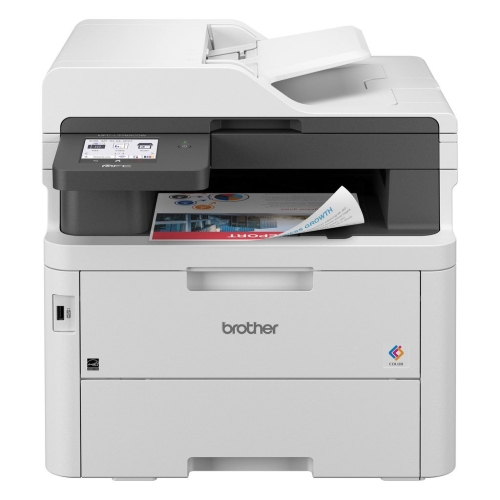


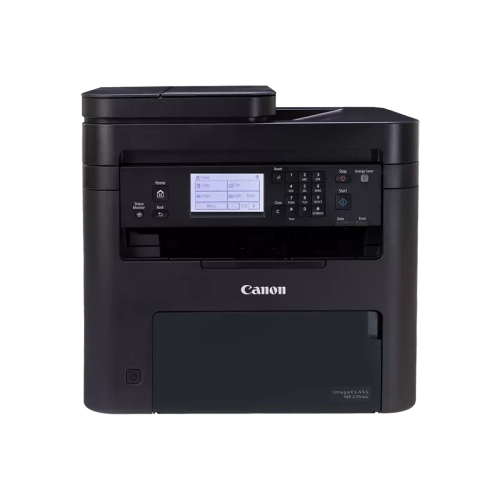
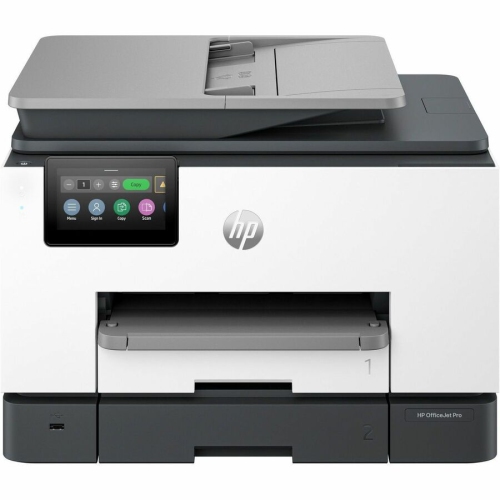
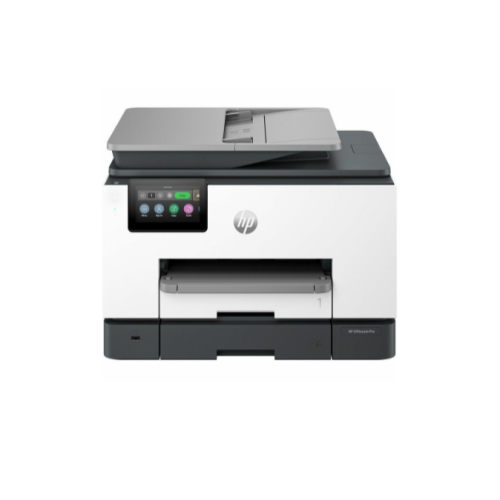


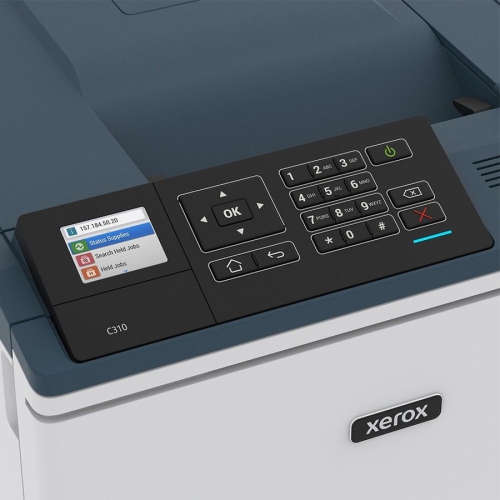
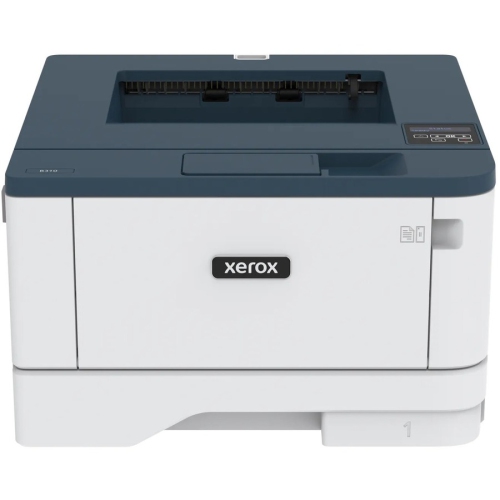

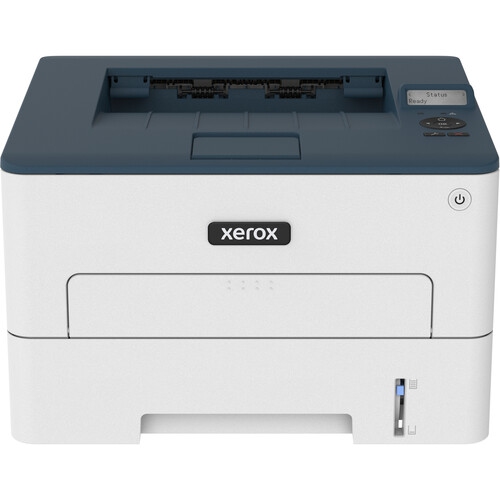
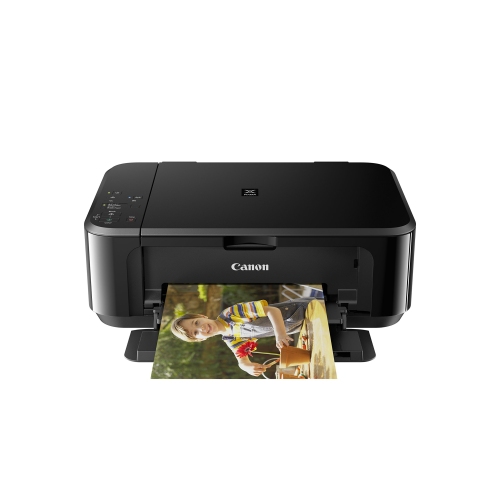
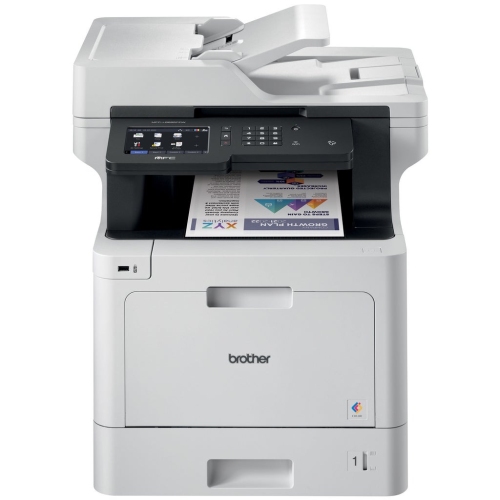
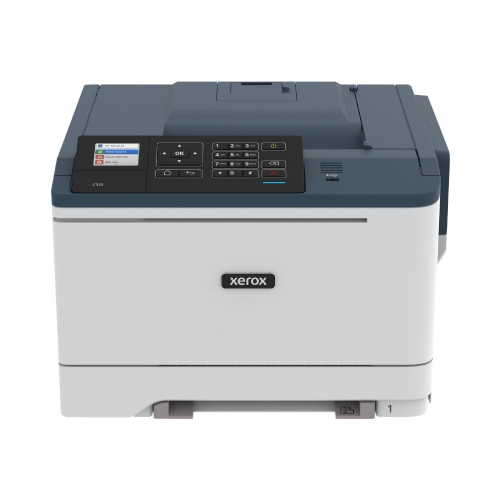


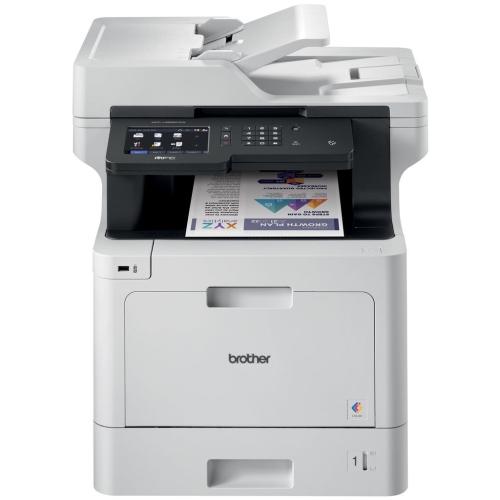


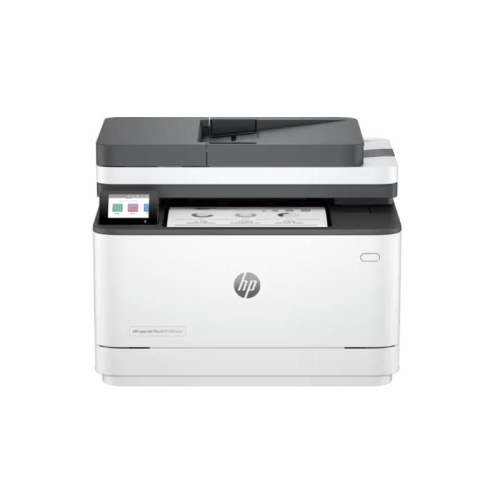


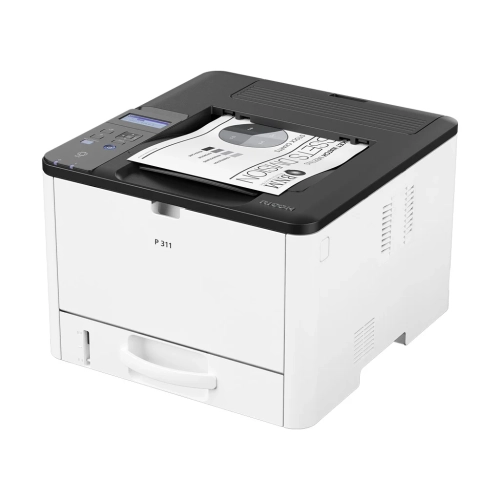
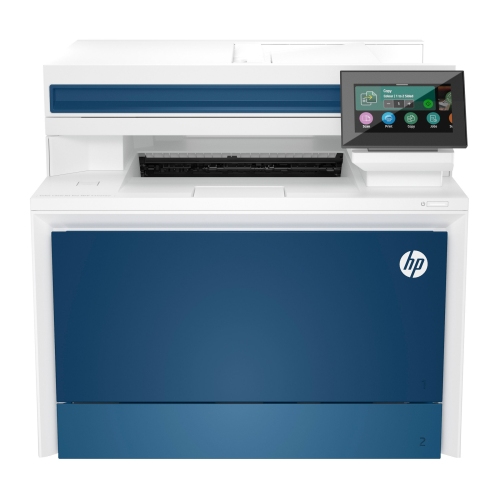
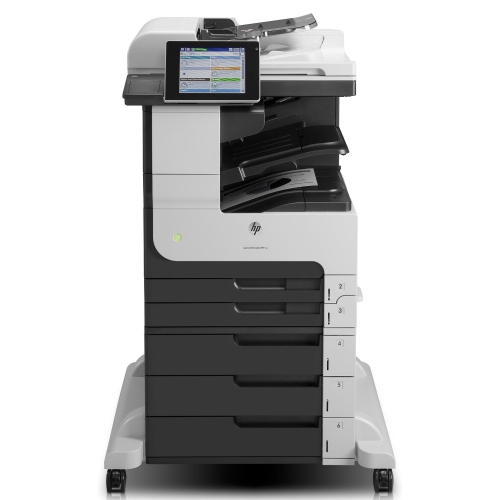
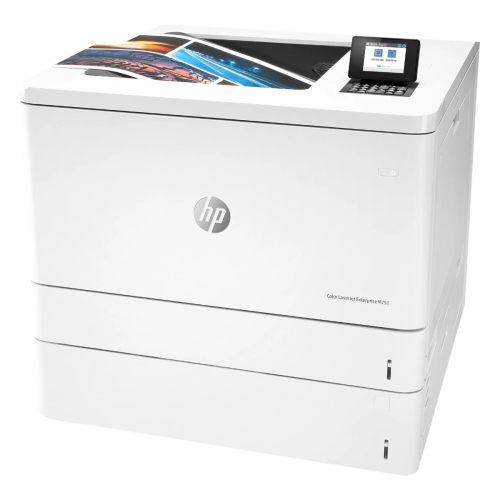
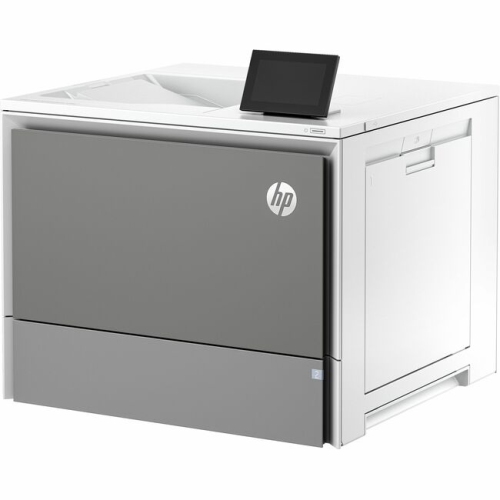

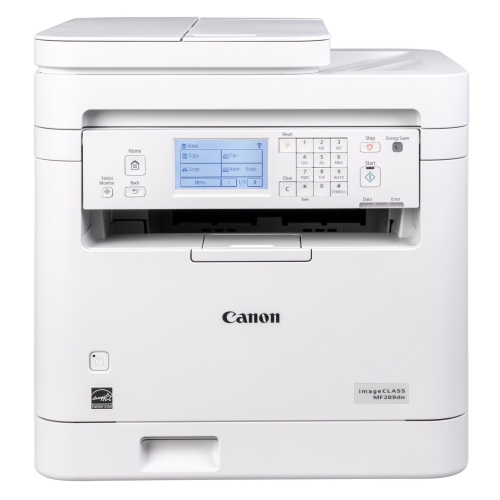
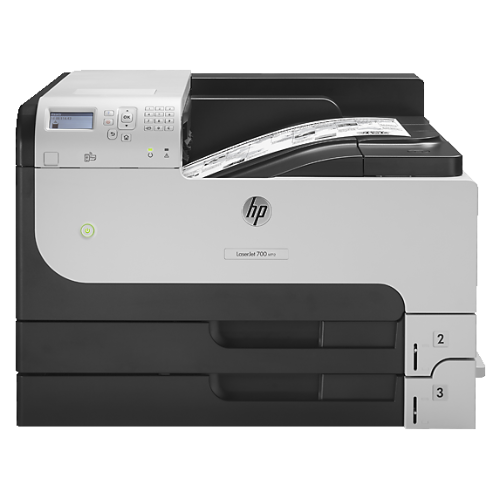
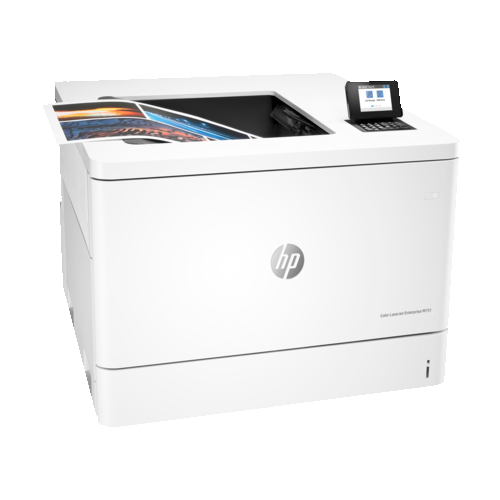
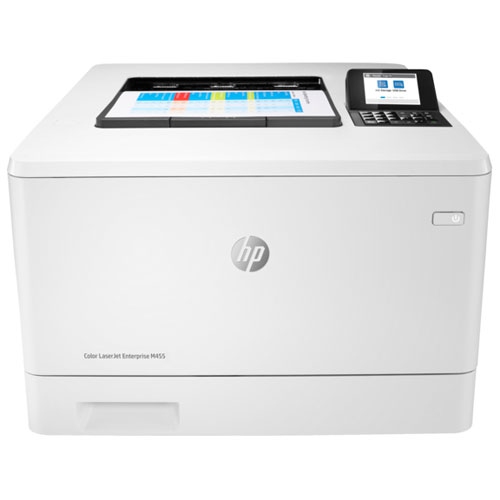
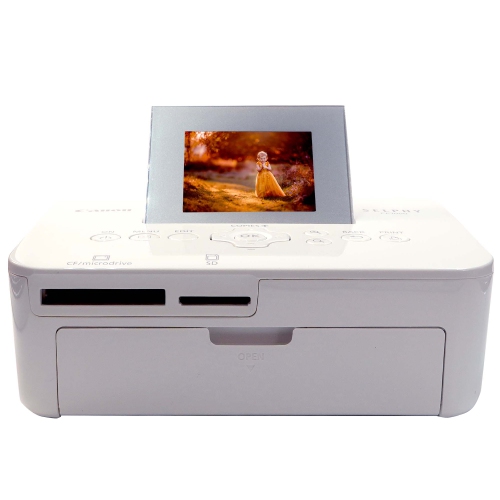

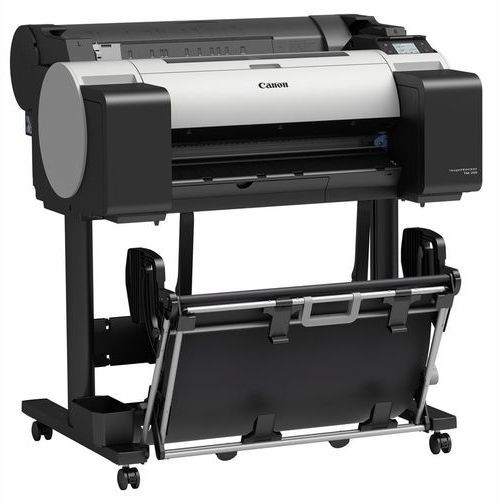

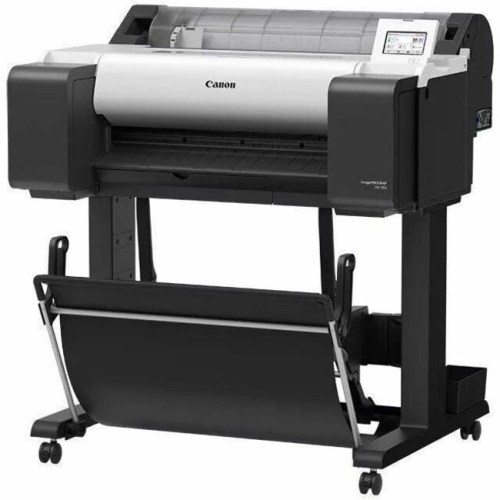

How everyday paperwork shapes your printing needs
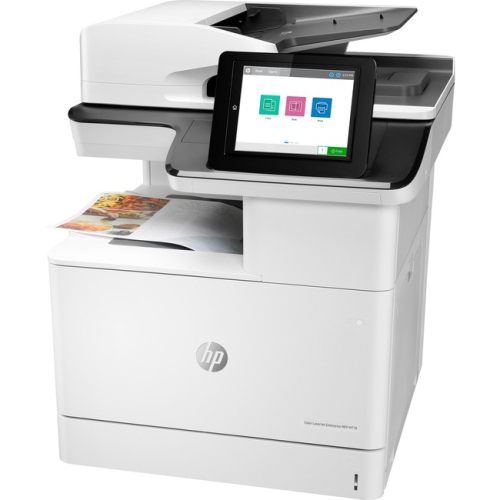
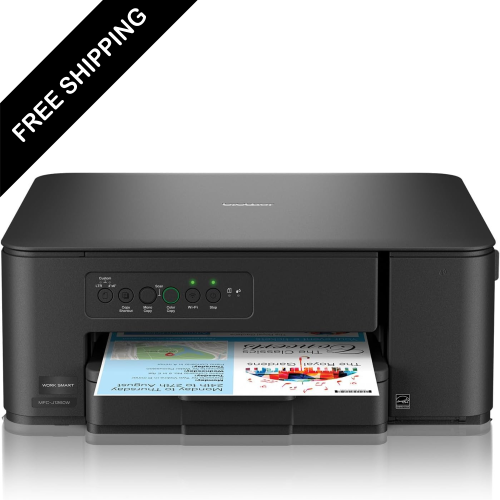
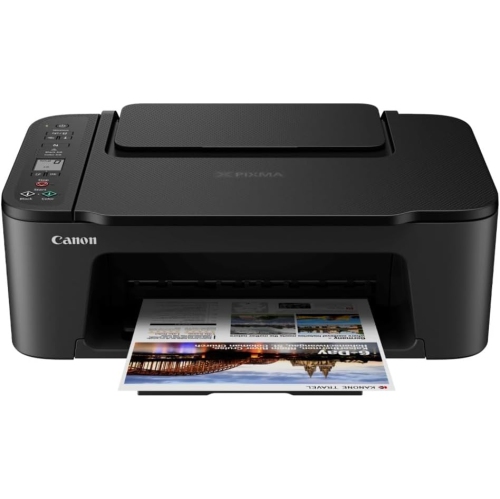
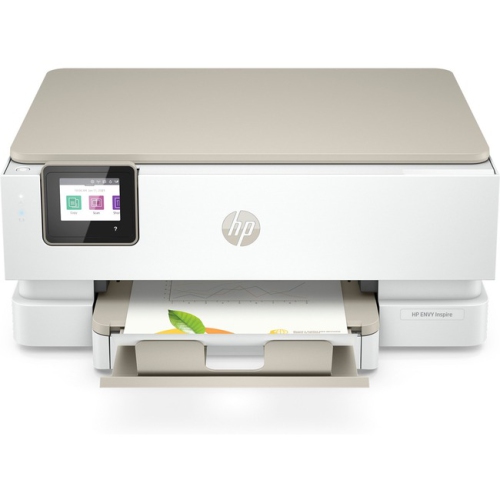
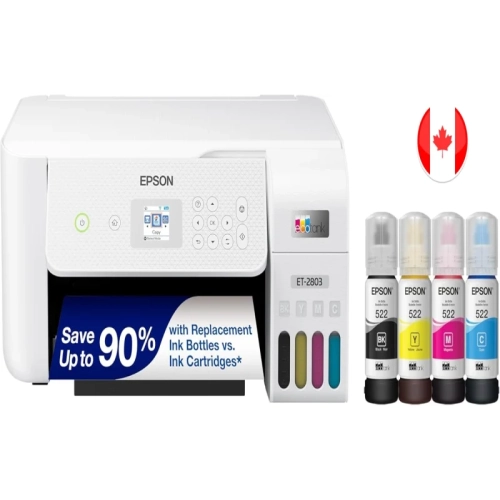
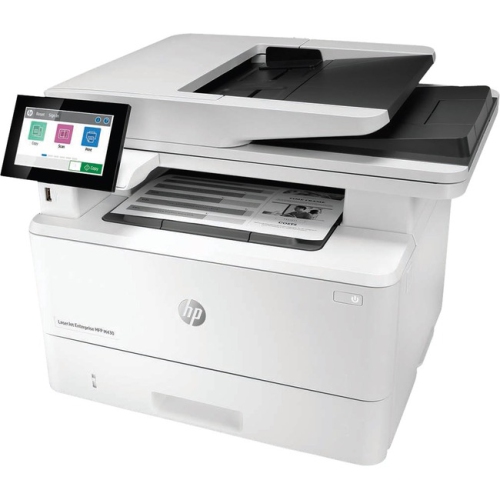
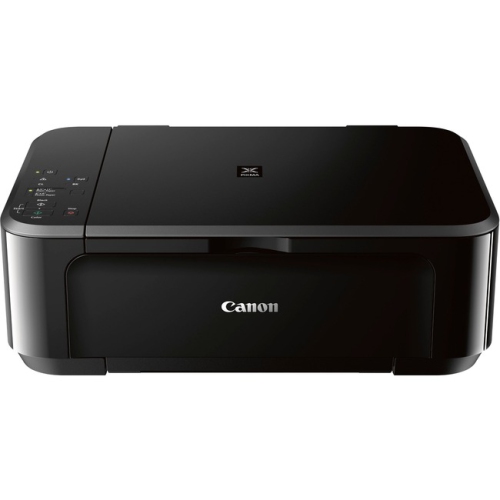
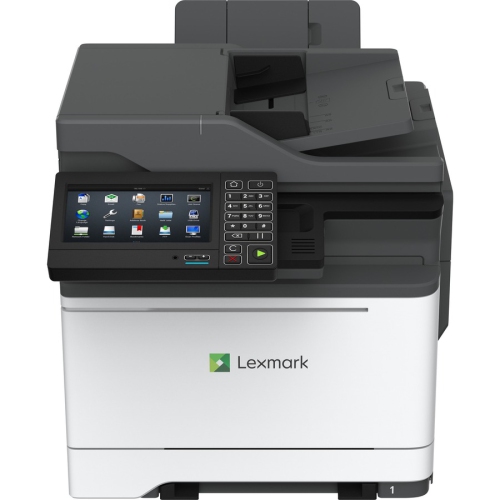
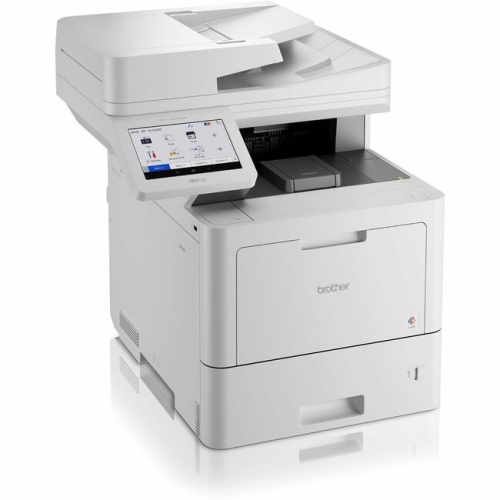
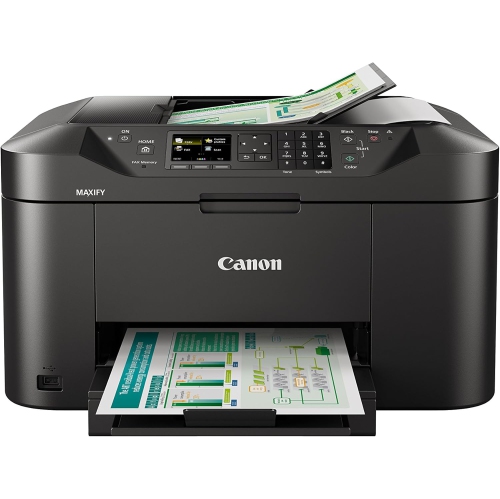
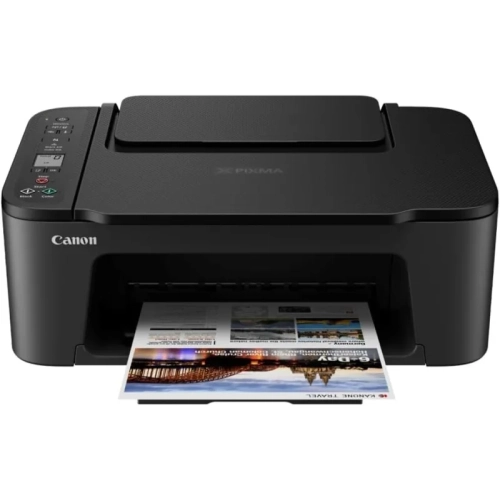
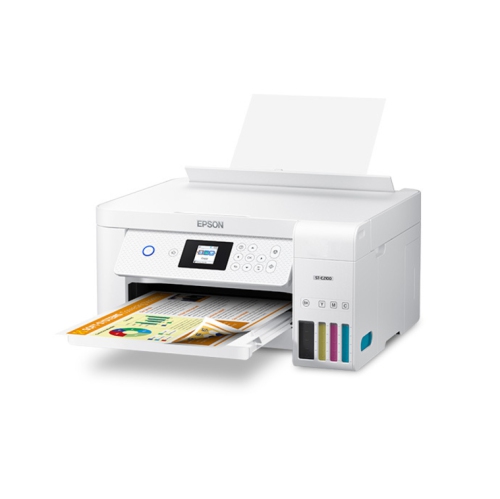
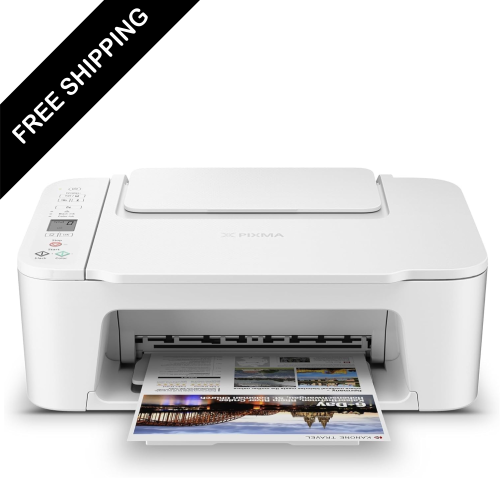
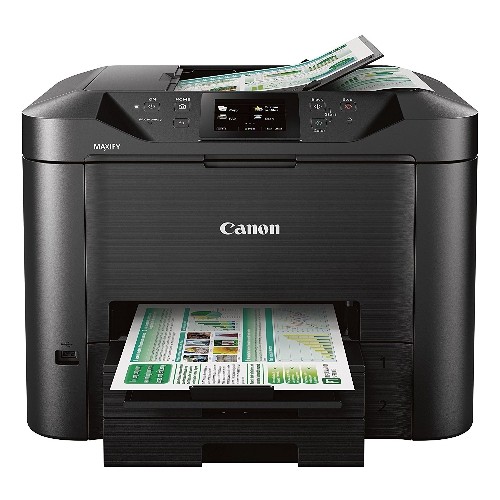
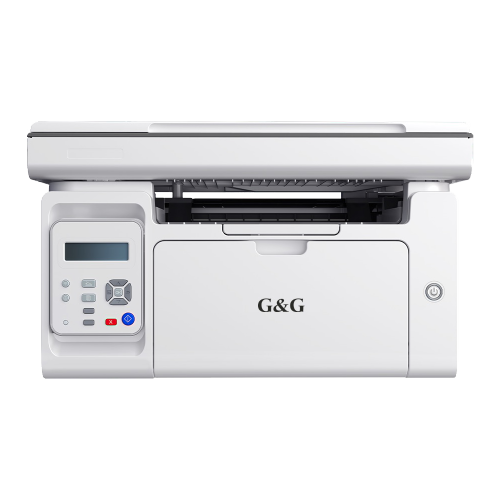
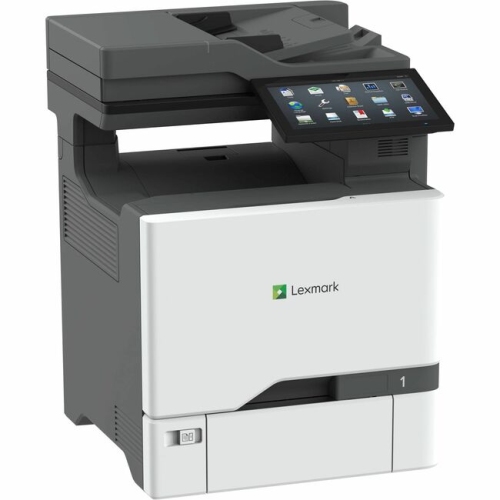
Printers and copiers turn digital files and paper originals into documents that can be shared, signed, filed, or displayed. A printer produces a paper version of a file sent from a computer, phone, or tablet, while a copier reproduces an existing paper document. A multifunction printer combines printing, scanning, and copying in one machine, with fax capability included on some models. That combination suits everything from a student’s assignment station to a home business handling invoices and signed forms. A flatbed scanner can capture a page from a book or a small receipt, while an automatic document feeder can process a stack of loose pages with less hands-on work. Inkjet and laser printers serve different needs within these everyday routines. Inkjets use liquid ink and are well suited to colour illustrations, school projects, and photographs, although photo quality depends on the printer, ink, and paper working together. Laser printers use toner powder fused to the page and are a practical fit for crisp text, multipage reports, and regular document printing. Monochrome laser printers produce black-and-white output, while colour laser printers can add charts, diagrams, and presentation graphics. Ink-tank printers use refillable reservoirs rather than conventional ink cartridges and may suit households or workspaces that print regularly. For occasional use, the maintenance requirements matter as much as the printing method: inkjet nozzles can need cleaning after extended periods without use, while laser printers have their own consumable parts and maintenance needs. A household printing permission slips and return labels has different priorities from a small office producing client packages throughout the day. Matching the type of machine to those recurring tasks helps keep everyday printing straightforward, without adding features that take up space but rarely get used. For shared households, a multifunction design can also keep scanning, copying, and printing in one familiar place rather than spreading those tasks across several devices.
The physical design of a printer or copier affects how comfortably it fits into a room and how easily it handles repeated use. A compact machine may sit neatly on a desk, but the working footprint also includes open paper trays, an extended output support, access to ink or toner, and enough clearance to lift the scanner lid. Larger office machines often provide deeper paper capacity and more room for finished pages, helping shared work areas manage longer print jobs. Letter-size paper covers many household and business needs, while legal-size support can be useful for contracts and administrative documents. Labels, envelopes, cardstock, and photo paper require compatible media settings and supported paper weights; a tray that accepts ordinary copy paper does not necessarily accept every speciality material. Paper intended for an inkjet printer may also be unsuitable for the heat used in laser printing. Automatic two-sided printing is useful for reports, reading packages, and forms, but it is separate from two-sided scanning or copying. Some document feeders scan both sides automatically, while others require pages to be turned manually. For workplaces comparing Office Copiers, these differences can have a noticeable effect on a busy reception desk or shared administrative station. Printing speed, first-page output time, and paper capacity each describe a different part of the experience. A machine that starts quickly can be convenient for a single shipping label, while sustained output matters more when several people are sending long documents. Recommended monthly print volume is generally more useful for matching routine workloads than the maximum duty-cycle figure alone. Durability also involves the parts handled every day: tray guides should hold paper securely, scanner hinges should feel stable, and access panels should allow straightforward jam removal. Keeping paper flat and dry, clearing dust according to the manufacturer’s directions, and using supported supplies can help maintain reliable feeding and consistent output. Regular care is especially valuable where a printer moves between quiet periods and concentrated batches of paperwork.
Connectivity determines how easily printers and copiers fit into the devices and routines already in place. USB provides a direct connection to a computer, Ethernet supports a wired network connection, and Wi-Fi lets compatible devices share a printer without a cable running to each workstation. Mobile printing support varies, so compatibility with the household’s phones, tablets, computers, and operating systems matters more than a wireless label alone. Some printers support direct wireless connections, while others rely on a shared network or an app for particular functions. Scanning features deserve the same attention as printing features, especially when paper documents need to become searchable or shareable files. A scan saved as a PDF suits many forms and multipage documents, while image formats may be more appropriate for photographs. Searchable text usually depends on optical character recognition software rather than scanning alone. In a home office, a signed agreement might move from the scanner to an email attachment; in a classroom workspace, several worksheets might become one organized digital file. Clear controls, a readable display, and accessible paper paths can make these repeated tasks less fiddly for everyone using the machine. Shared workplaces may also benefit from features such as user authentication or held print jobs, where supported, to keep sensitive pages from sitting unattended in an output tray. Wireless setup and network security settings should follow the manufacturer’s guidance, particularly when personal or business information is involved. Consumable compatibility is another practical detail: ink cartridges, toner cartridges, drums, and maintenance components are not interchangeable across all machines, and some laser printers use a drum that is replaced separately from the toner. Students, caregivers managing household paperwork, remote workers, and small teams may all use the same core functions, but in different proportions. The most suitable printers and copiers bring those functions together in a size, paper-handling layout, and connection setup that feels natural for the work being done.
The physical design of a printer or copier affects how comfortably it fits into a room and how easily it handles repeated use. A compact machine may sit neatly on a desk, but the working footprint also includes open paper trays, an extended output support, access to ink or toner, and enough clearance to lift the scanner lid. Larger office machines often provide deeper paper capacity and more room for finished pages, helping shared work areas manage longer print jobs. Letter-size paper covers many household and business needs, while legal-size support can be useful for contracts and administrative documents. Labels, envelopes, cardstock, and photo paper require compatible media settings and supported paper weights; a tray that accepts ordinary copy paper does not necessarily accept every speciality material. Paper intended for an inkjet printer may also be unsuitable for the heat used in laser printing. Automatic two-sided printing is useful for reports, reading packages, and forms, but it is separate from two-sided scanning or copying. Some document feeders scan both sides automatically, while others require pages to be turned manually. For workplaces comparing Office Copiers, these differences can have a noticeable effect on a busy reception desk or shared administrative station. Printing speed, first-page output time, and paper capacity each describe a different part of the experience. A machine that starts quickly can be convenient for a single shipping label, while sustained output matters more when several people are sending long documents. Recommended monthly print volume is generally more useful for matching routine workloads than the maximum duty-cycle figure alone. Durability also involves the parts handled every day: tray guides should hold paper securely, scanner hinges should feel stable, and access panels should allow straightforward jam removal. Keeping paper flat and dry, clearing dust according to the manufacturer’s directions, and using supported supplies can help maintain reliable feeding and consistent output. Regular care is especially valuable where a printer moves between quiet periods and concentrated batches of paperwork.
Connectivity determines how easily printers and copiers fit into the devices and routines already in place. USB provides a direct connection to a computer, Ethernet supports a wired network connection, and Wi-Fi lets compatible devices share a printer without a cable running to each workstation. Mobile printing support varies, so compatibility with the household’s phones, tablets, computers, and operating systems matters more than a wireless label alone. Some printers support direct wireless connections, while others rely on a shared network or an app for particular functions. Scanning features deserve the same attention as printing features, especially when paper documents need to become searchable or shareable files. A scan saved as a PDF suits many forms and multipage documents, while image formats may be more appropriate for photographs. Searchable text usually depends on optical character recognition software rather than scanning alone. In a home office, a signed agreement might move from the scanner to an email attachment; in a classroom workspace, several worksheets might become one organized digital file. Clear controls, a readable display, and accessible paper paths can make these repeated tasks less fiddly for everyone using the machine. Shared workplaces may also benefit from features such as user authentication or held print jobs, where supported, to keep sensitive pages from sitting unattended in an output tray. Wireless setup and network security settings should follow the manufacturer’s guidance, particularly when personal or business information is involved. Consumable compatibility is another practical detail: ink cartridges, toner cartridges, drums, and maintenance components are not interchangeable across all machines, and some laser printers use a drum that is replaced separately from the toner. Students, caregivers managing household paperwork, remote workers, and small teams may all use the same core functions, but in different proportions. The most suitable printers and copiers bring those functions together in a size, paper-handling layout, and connection setup that feels natural for the work being done.
Top selling and popular products
-
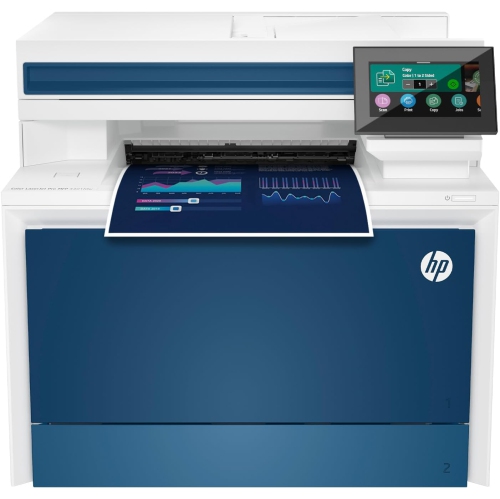 Your price for this item is $714.99
-
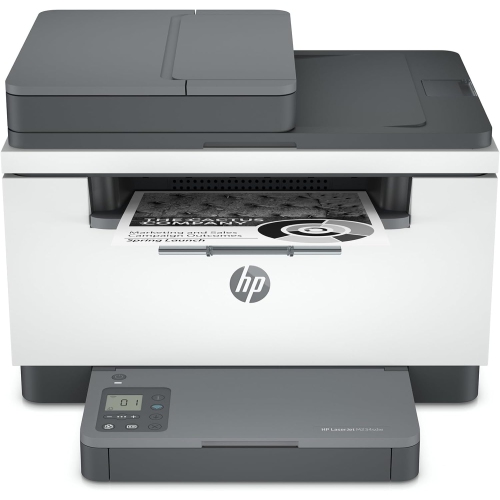 Your price for this item is $371.83
-
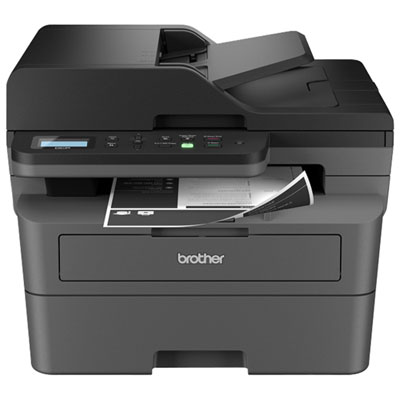 Your price for this item is $319.99
-
 Your price for this item is $477.68
-
 Your price for this item is $249.99
-
 Your price for this item is $249.99
-
 Your price for this item is $379.99
-
 Your price for this item is $779.99
Discover more categories related to Printers/copiers
Top Collections:
Best Black Friday Deals This Year, Best Black Friday Deals On Electronics, Kindle Devices, Pokemon Centers, Best Black Friday Deals On Apple Products, Best Cameras for Sports Photography, Dyson Airwrap, Pokémon 30th Celebration Cards, Apple iPhone 17 Pro, Canon G7X Cameras
Some products may be subject to Environmental Handling Fees
(EHF) depending on your province.
Learn more about EHFs.