Office Copiers
Transform your workspace into a hub of productivity with our diverse selection of office copiers. Whether you're running a small business or managing a bustling corporate environment, the right copier can streamline your operations and enhance efficiency. Explore a variety of models that cater to different needs, from high-volume printing to multifunction capabilities, all designed to keep up with the demands of modern workplaces. With features focused on reliability and ease of use, our office copiers offer seamless integration into your workflow, ensuring that every document is printed with precision and speed. Discover solutions that fit your office's unique requirements and elevate your team's performance today.
Sort
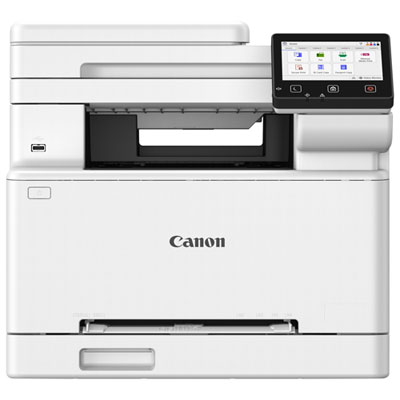
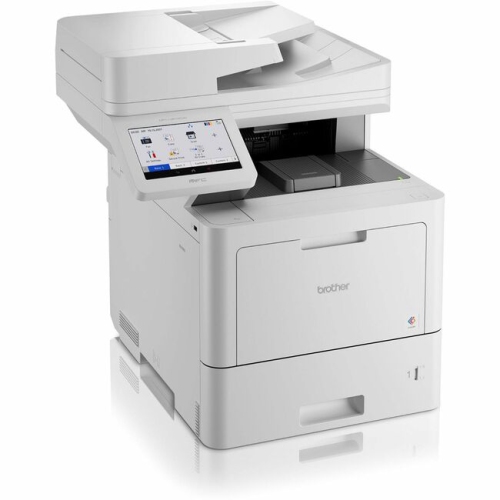
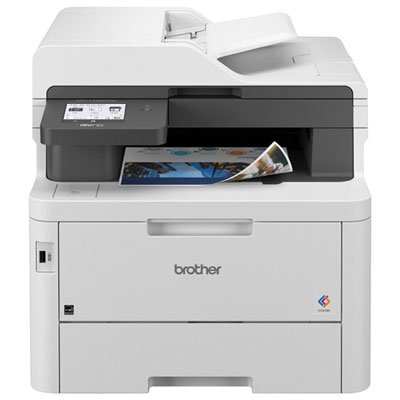
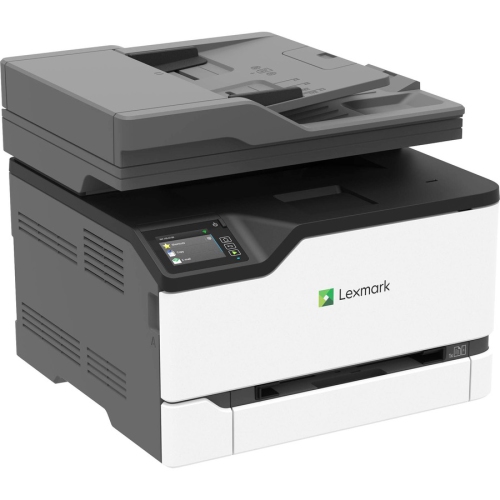
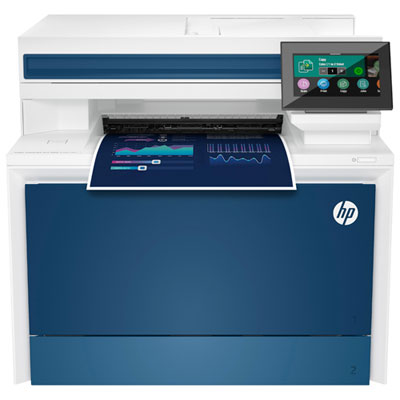
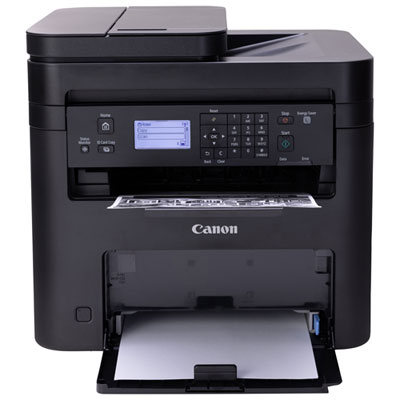
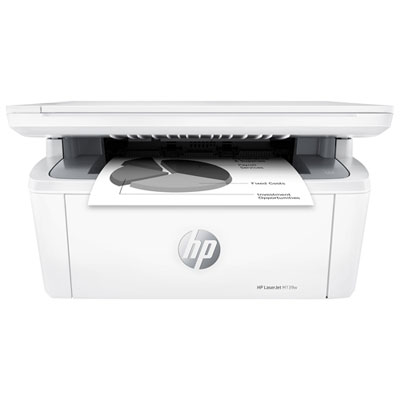
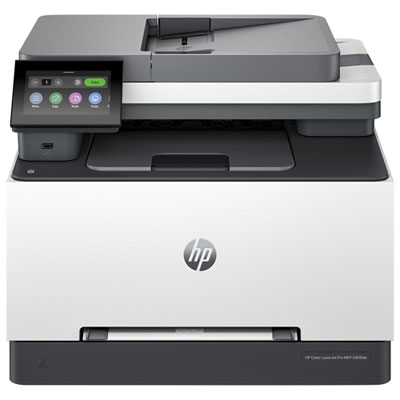
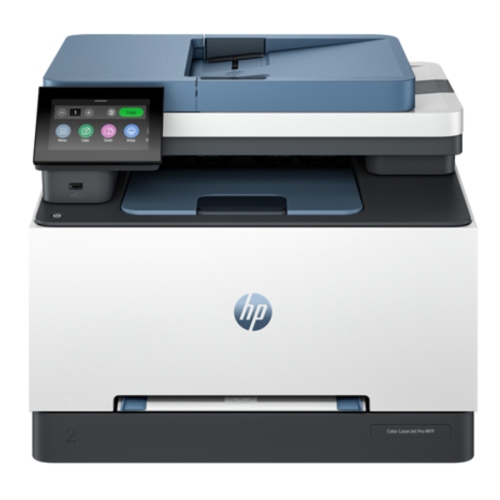
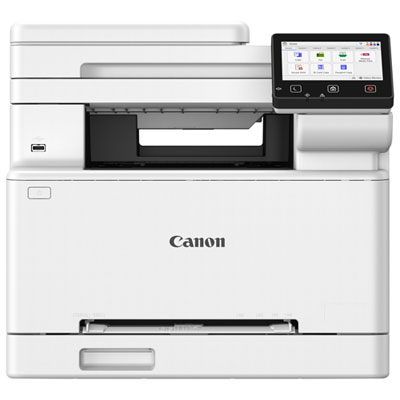
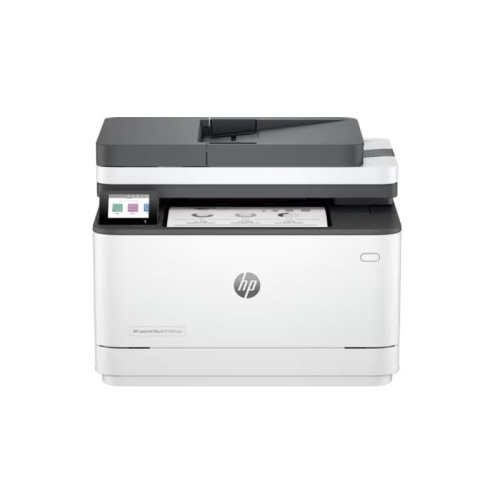
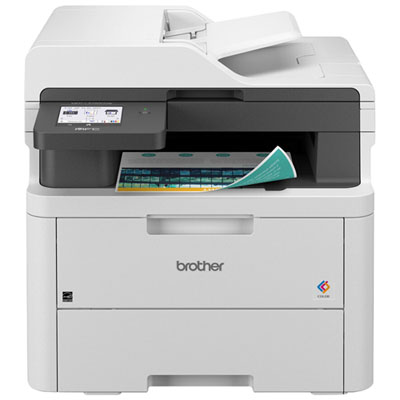
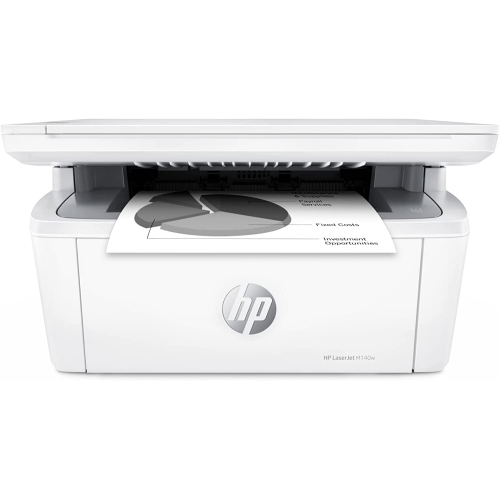
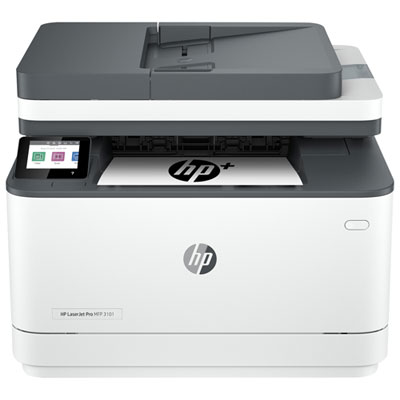
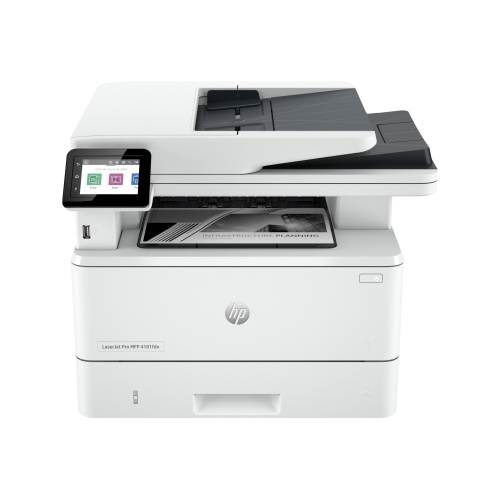
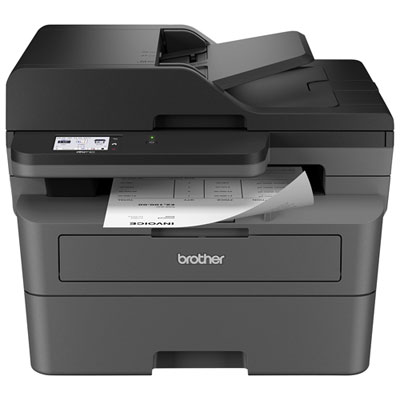
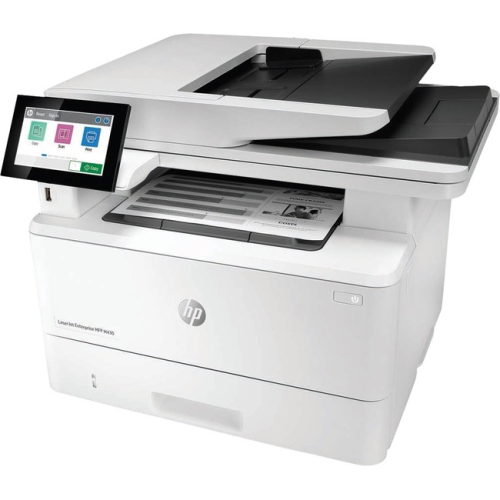
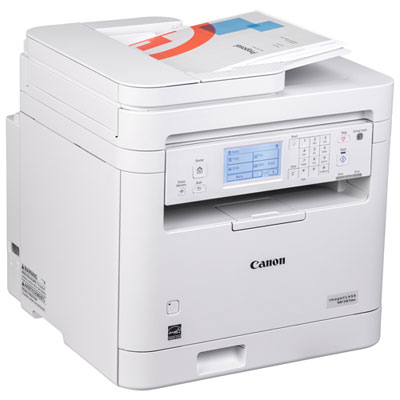
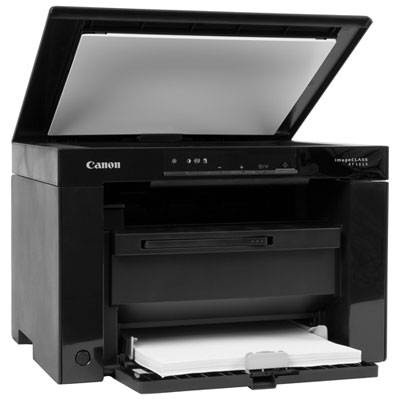
Multifunction features that keep busy workplaces moving
Office copiers are no longer limited to making duplicate pages. Most modern machines are multifunction printers (MFPs) that combine copying, printing, scanning, and, on selected models, faxing in one workplace solution. This makes them useful for small businesses, home offices, schools, clinics, property managers, non-profit organizations, and larger departments that handle a steady flow of paperwork. A compact office copier can sit beside a reception desk or in a home office, while a larger floor-standing unit may serve an entire team from a central print area. When comparing options, begin by considering how your workplace handles documents each day. A business that prints invoices, shipping labels, forms, and internal notices may have different needs from a design studio producing colourful presentations or a school preparing classroom materials. Black-and-white copiers are often a practical fit for text-heavy documents, contracts, reports, and forms, while colour-capable models can add impact to charts, presentations, signs, marketing materials, and client-facing documents. Duplex printing and copying can help streamline longer jobs by placing content on both sides of the page, and an automatic document feeder (ADF) makes it easier to scan or copy multi-page documents without placing every sheet on the glass by hand. For someone who has spent a busy morning feeding a stack of signed forms into a scanner one page at a time, a reliable ADF can make an immediate difference. Flatbed scanning remains useful for books, photographs, receipts, identification cards, and other items that cannot pass through a feeder. If your team regularly works with mixed originals, look for a copier with scanning features that accommodate both single sheets and bound or delicate documents.
Output speed is another important consideration. Speed is commonly listed in pages per minute (ppm), but the ideal rating depends on both the number of people using the machine and the type of work they send to it. A small office with occasional printing may be well served by a model in the 20 to 36 ppm range, while a busy department sharing one central machine may benefit from 50 ppm or more. The monthly duty cycle can also provide useful context by indicating the volume a device is designed to handle, although it is best to choose a copier with comfortable capacity rather than operating continually at its maximum. Think about those times when several people need documents at once: a last-minute presentation before a meeting, a batch of forms for a new employee, or a set of records that must be scanned before the end of the day. A suitable speed rating, generous paper capacity, and a responsive first-page output can help prevent a queue from forming around the office copier. Paper handling features deserve attention as well. Multiple trays can hold different paper sizes or types, such as letter, legal, envelopes, labels, or heavier stock, reducing the need to empty and reload the machine between jobs. Automatic two-sided scanning, sorting, stapling, hole punching, booklet making, and folding may be valuable for teams that prepare polished handouts or large document packages. Consider the copier’s physical footprint, access points for replacing supplies, noise level, and placement requirements before bringing it into the workspace. A machine that fits comfortably in a shared copy room may be less suitable for a quiet reception area or a compact home office. Browse Office Printers for additional workplace printing options when a full-size copier is not required or when you need a separate device for a particular area.
Connectivity and document security are especially important when an office copier is shared across computers, phones, and departments. Ethernet can provide a dependable connection for a permanent office installation, while dual-band Wi-Fi can make placement more flexible and support wireless printing from compatible devices. Features such as AirPrint and Mopria may allow employees to send jobs from mobile devices without installing complicated software, which is convenient when a visitor, manager, or employee needs to print from a phone or tablet. Cloud and network scanning can also reduce the number of steps involved in moving paper documents into a digital filing system. Depending on the model, scanned files may be sent to email, a shared folder, a network location, or a compatible cloud service. Before choosing a copier, check that its supported connections and software work with the platforms already used by your team. Security should be considered alongside convenience, particularly when the copier stores documents, connects to a network, or is located in an area accessible to visitors. Secure print release can hold a job until the user enters a code or authenticates at the machine, helping prevent confidential pages from sitting unattended in an output tray. User authentication, access permissions, encrypted communication, data overwrite features, and IP filtering can provide additional control for offices handling financial records, medical information, legal documents, personnel files, or customer details. Consumable requirements are another part of the ownership experience. Review whether the copier uses separate toner colours, high-yield cartridges, waste containers, maintenance kits, or replaceable drums, and consider how easily supplies can be monitored and replaced. Clear touchscreen controls, job previews, address-book tools, and straightforward menus can make a difference when different people use the same machine throughout the day. For a home office or small business, an office copier may be an investment in smoother routines: scanning signed paperwork after a client meeting, producing a crisp set of training materials, or keeping a reliable paper trail during the cooler months when more work moves indoors. For a larger team, the right MFP can act as a central document station that supports printing, copying, scanning, and filing without requiring separate devices for every task. Matching the copier’s functions, speed, capacity, connectivity, and security features to the way your workplace actually works is the best way to choose a dependable solution.
Output speed is another important consideration. Speed is commonly listed in pages per minute (ppm), but the ideal rating depends on both the number of people using the machine and the type of work they send to it. A small office with occasional printing may be well served by a model in the 20 to 36 ppm range, while a busy department sharing one central machine may benefit from 50 ppm or more. The monthly duty cycle can also provide useful context by indicating the volume a device is designed to handle, although it is best to choose a copier with comfortable capacity rather than operating continually at its maximum. Think about those times when several people need documents at once: a last-minute presentation before a meeting, a batch of forms for a new employee, or a set of records that must be scanned before the end of the day. A suitable speed rating, generous paper capacity, and a responsive first-page output can help prevent a queue from forming around the office copier. Paper handling features deserve attention as well. Multiple trays can hold different paper sizes or types, such as letter, legal, envelopes, labels, or heavier stock, reducing the need to empty and reload the machine between jobs. Automatic two-sided scanning, sorting, stapling, hole punching, booklet making, and folding may be valuable for teams that prepare polished handouts or large document packages. Consider the copier’s physical footprint, access points for replacing supplies, noise level, and placement requirements before bringing it into the workspace. A machine that fits comfortably in a shared copy room may be less suitable for a quiet reception area or a compact home office. Browse Office Printers for additional workplace printing options when a full-size copier is not required or when you need a separate device for a particular area.
Connectivity and document security are especially important when an office copier is shared across computers, phones, and departments. Ethernet can provide a dependable connection for a permanent office installation, while dual-band Wi-Fi can make placement more flexible and support wireless printing from compatible devices. Features such as AirPrint and Mopria may allow employees to send jobs from mobile devices without installing complicated software, which is convenient when a visitor, manager, or employee needs to print from a phone or tablet. Cloud and network scanning can also reduce the number of steps involved in moving paper documents into a digital filing system. Depending on the model, scanned files may be sent to email, a shared folder, a network location, or a compatible cloud service. Before choosing a copier, check that its supported connections and software work with the platforms already used by your team. Security should be considered alongside convenience, particularly when the copier stores documents, connects to a network, or is located in an area accessible to visitors. Secure print release can hold a job until the user enters a code or authenticates at the machine, helping prevent confidential pages from sitting unattended in an output tray. User authentication, access permissions, encrypted communication, data overwrite features, and IP filtering can provide additional control for offices handling financial records, medical information, legal documents, personnel files, or customer details. Consumable requirements are another part of the ownership experience. Review whether the copier uses separate toner colours, high-yield cartridges, waste containers, maintenance kits, or replaceable drums, and consider how easily supplies can be monitored and replaced. Clear touchscreen controls, job previews, address-book tools, and straightforward menus can make a difference when different people use the same machine throughout the day. For a home office or small business, an office copier may be an investment in smoother routines: scanning signed paperwork after a client meeting, producing a crisp set of training materials, or keeping a reliable paper trail during the cooler months when more work moves indoors. For a larger team, the right MFP can act as a central document station that supports printing, copying, scanning, and filing without requiring separate devices for every task. Matching the copier’s functions, speed, capacity, connectivity, and security features to the way your workplace actually works is the best way to choose a dependable solution.
Top selling and popular products
-
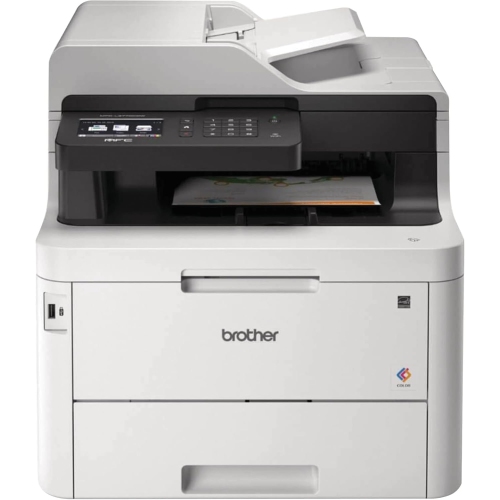 Your price for this item is $799
 -
 Your price for this item is $929.89
 -
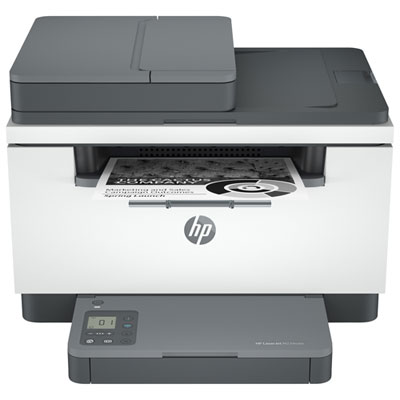 Your price for this item is $199.99
 -
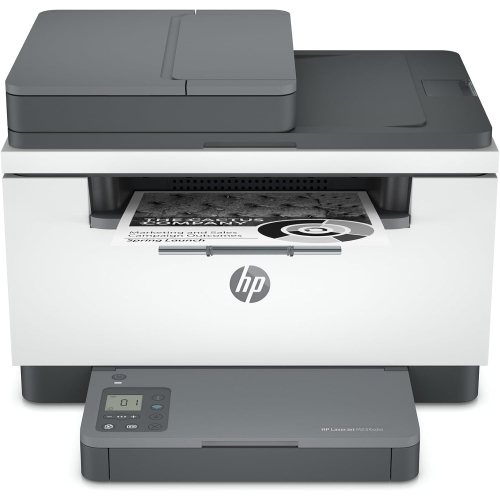 Your price for this item is $371.83
 -
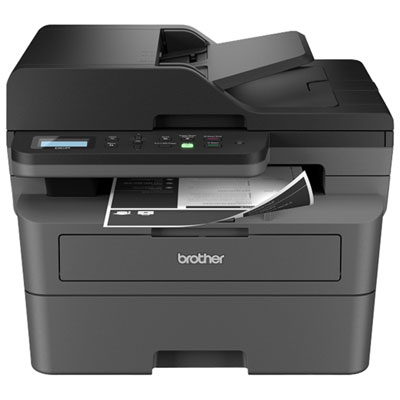 Your price for this item is $319.99
 -
 Your price for this item is $477.68
 -
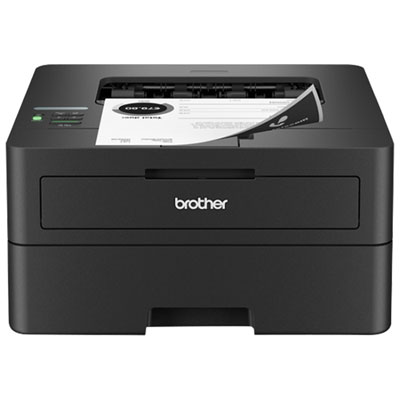 Your price for this item is $249.99
 -
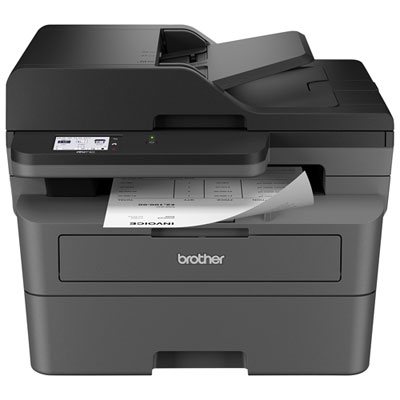 Your price for this item is $299.99
Discover more categories related to Office Copiers
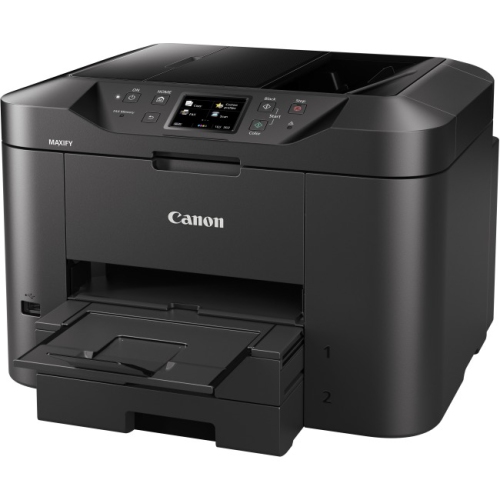
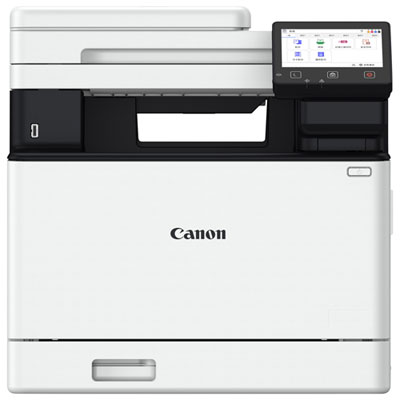
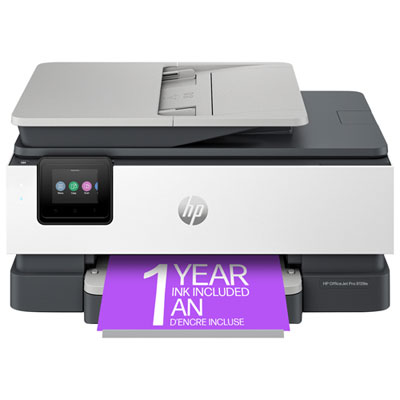

Top Collections:
Pokemon Centers, Kindle Devices, Best Budget Office Chairs, Apple iPhones 16, Best Laptops for Writers, iPhone 15 Apple, Canon G7X Cameras, Refurbished Apple Laptops, Alarm Clock, Motorola Razr Phones
Some products may be subject to Environmental Handling Fees
(EHF) depending on your province.
Learn more about EHFs.