Copier Printers
If you're looking for a versatile solution to meet your printing and copying needs, this selection of copier printers offers the perfect combination of efficiency and functionality. Whether you're looking for a reliable device for your home office, small business, or corporate environment, these multifunctional machines are designed to streamline your workflow and deliver high-quality results. With features like fast printing speeds, automatic duplexing, and advanced connectivity options, these copier printers are sure to enhance productivity and meet all your document management requirements.
Sort
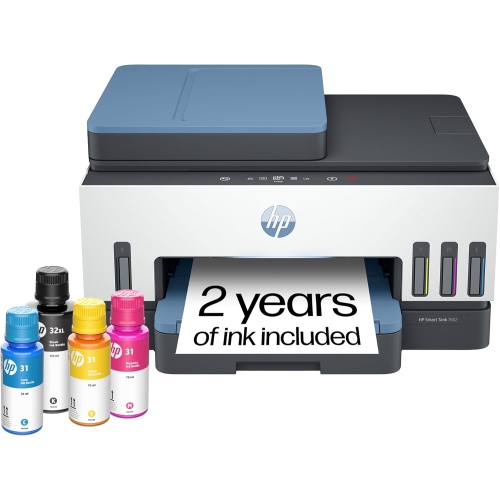
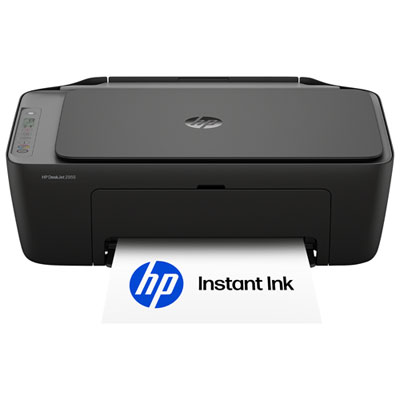
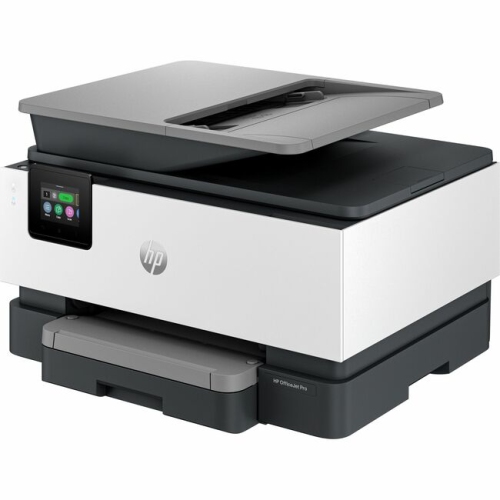

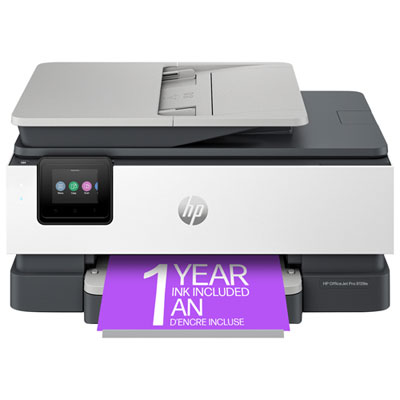
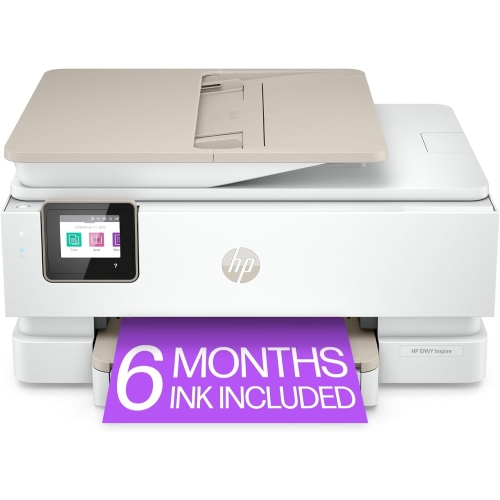
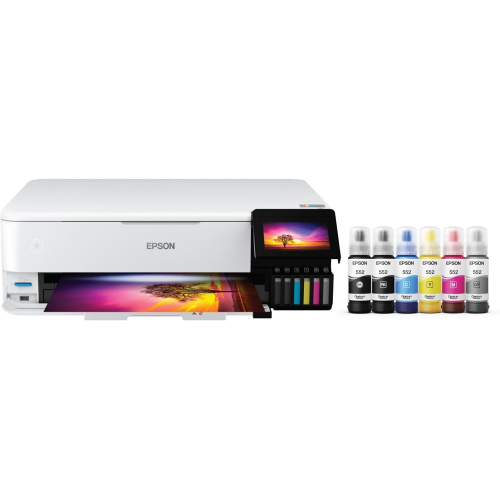
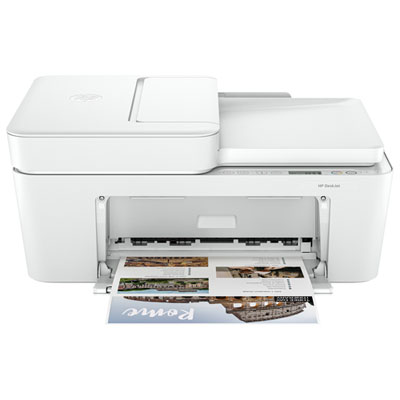
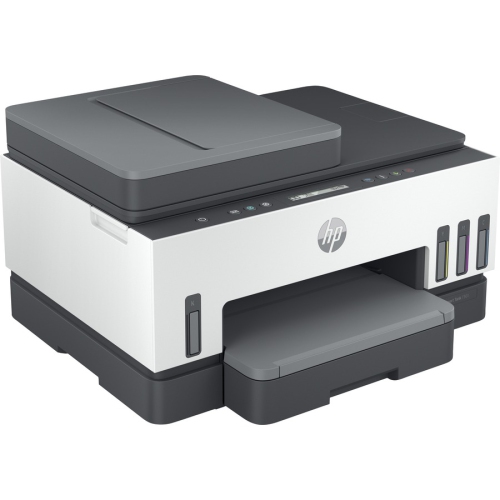
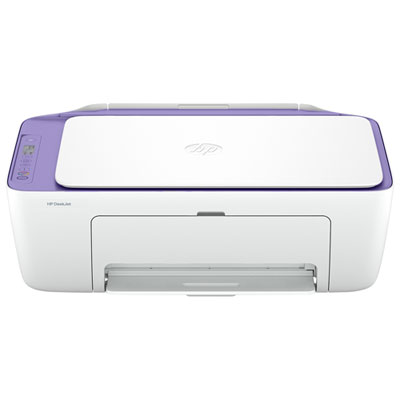
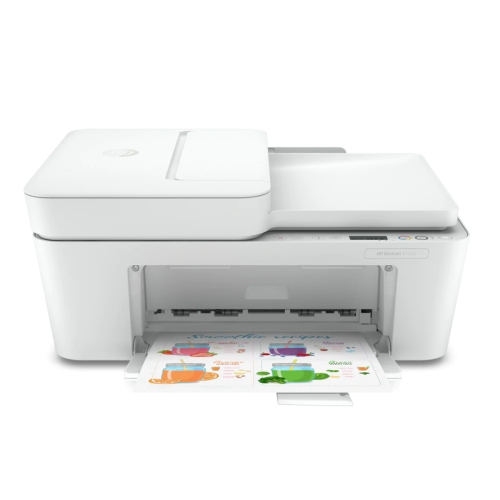
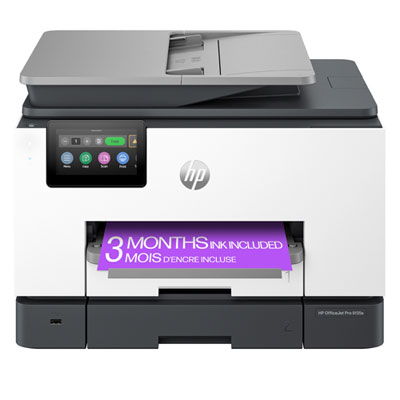
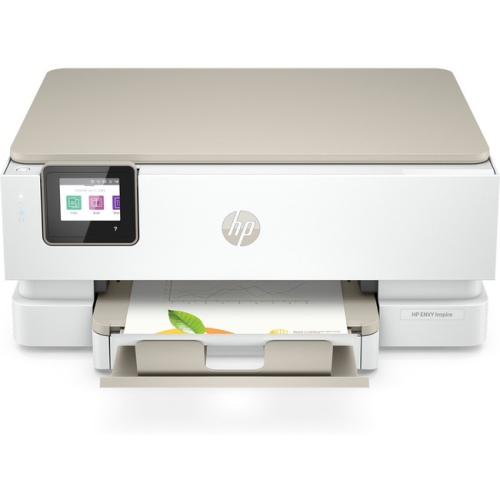
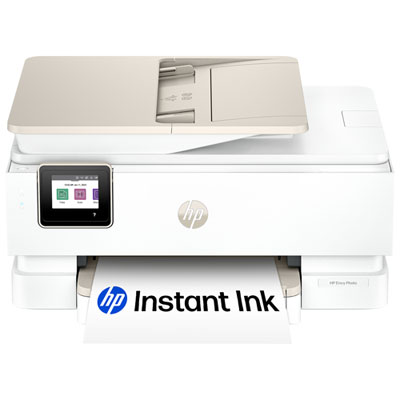
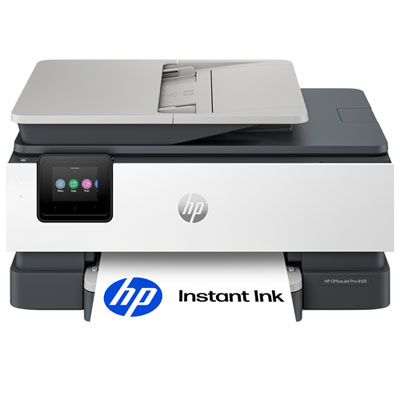
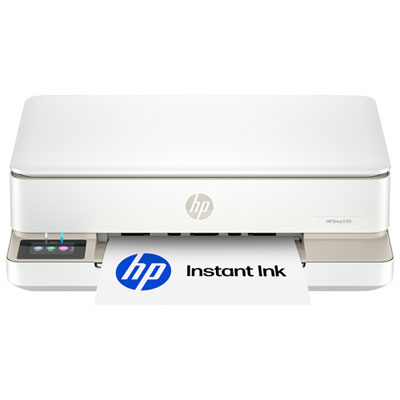
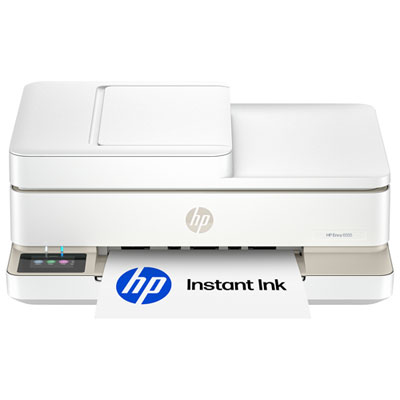
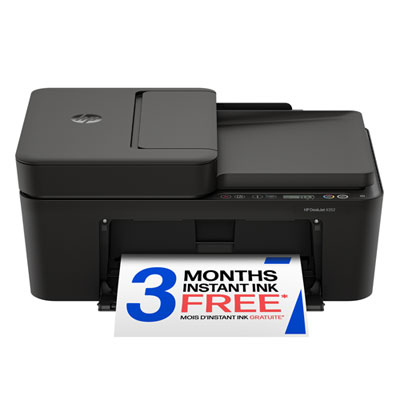
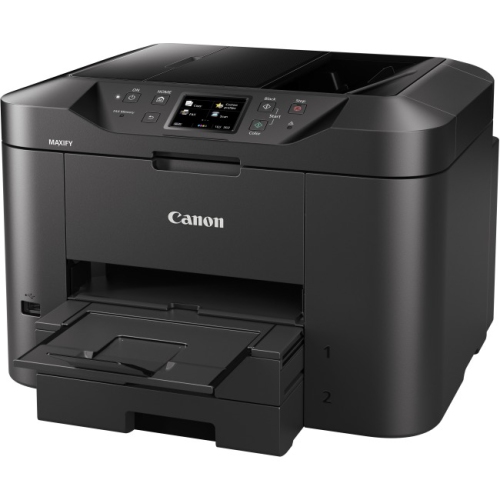
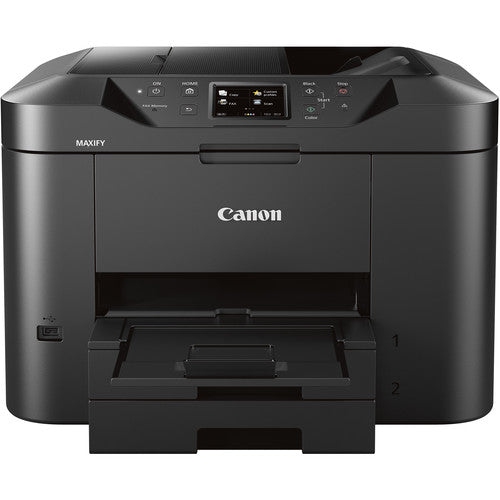
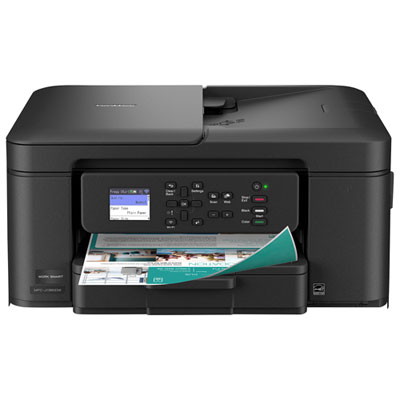
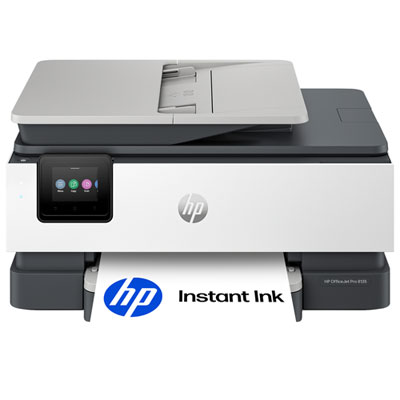
Four everyday office tasks in one device
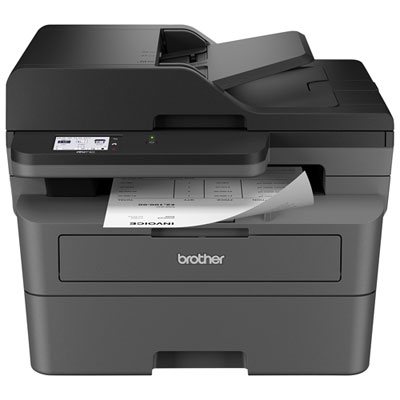
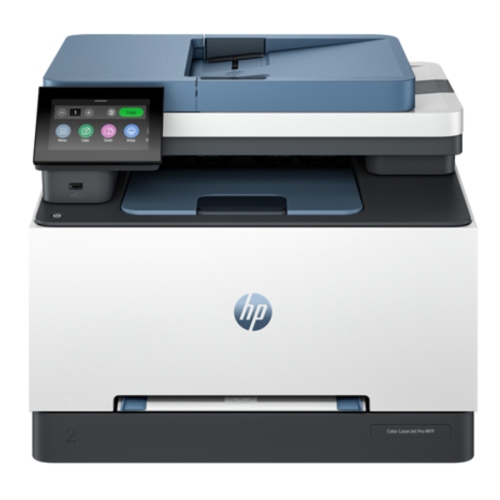
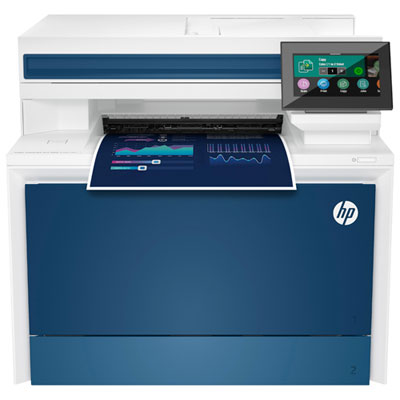
Copier printers, also known as multifunction printers, bring several everyday office tasks together in one device. Depending on the model, they can print documents, make copies, scan pages, and send or receive faxes, helping reduce the amount of equipment needed on a desk, shelf, or shared workroom. They are useful for home offices, student workspaces, small businesses, reception areas, classrooms, and busy family households where forms, receipts, assignments, shipping labels, and reference documents seem to gather in a steady stream. A copier printer can handle the quick jobs that once meant finding a print shop: duplicating a signed form, scanning an identification document, printing a school project, or making several copies of a presentation before a meeting. Wireless connectivity can make printing easier from laptops, phones, and tablets, while USB connections may be useful when working without a network. Some models include mobile printing support, allowing a document stored on a compatible device to move from screen to paper with only a few taps. A compact unit may fit comfortably beside a home computer, while a larger office-oriented machine can serve several users through a wired or wireless network. For shoppers comparing options, it helps to consider the space available, the number of people who will use the printer, and the kinds of documents that will pass through it most often. A household printing occasional recipes and forms may have different needs from a design student producing colour layouts or a small office processing stacks of invoices every day.
The printing method is one of the most important choices. Inkjet copier printers are often well suited to households, schoolwork, photos, graphics, and mixed documents because they can produce detailed colour on a range of paper types. They are commonly chosen for occasional printing and for work where rich colour matters as much as text clarity. Laser copier printers are designed with speed and crisp text in mind, making them a practical choice for offices, shared workspaces, and anyone who regularly prints substantial volumes of black-and-white documents. Colour laser options can also support reports, charts, presentations, and other business materials when fast output is a priority. Look closely at the advertised print speed, but remember that real-world performance can vary depending on document complexity, connection method, and whether the printer is producing colour or monochrome pages. An automatic document feeder can save considerable time by drawing in multiple pages for copying or scanning, especially when dealing with contracts, school notes, or long forms. Automatic two-sided printing can help with double-sided reports and handouts, while two-sided scanning is useful for documents printed on both sides. Paper capacity matters as well: a larger tray can reduce interruptions, whereas a compact tray may be perfectly adequate for occasional home use. Check the supported paper sizes and types if you plan to print envelopes, labels, cardstock, or photographs. Scan resolution, copy enlargement and reduction, touchscreen controls, memory, network compatibility, and security features may also influence the right fit. Businesses should consider user access controls, secure print release, and compatibility with existing computers and office software, while home users may place greater value on straightforward setup, quiet operation, and an uncluttered control panel.
Running costs deserve attention beyond the initial purchase. Compare the expected page yield of replacement cartridges or toner, the availability of high-capacity supplies, and whether the printer provides clear alerts when supplies are running low. If a copier printer will sit unused for long stretches, consider how easily it resumes operation and whether its software can guide you through maintenance. If it will be used daily, look at the recommended monthly duty cycle and choose a machine that matches the workload rather than relying only on the maximum figure. A document feeder, spacious output tray, and simple paper-loading system can make a noticeable difference during a busy afternoon when several people are preparing materials at once. For a home office, the right copier printer might sit beside a monitor and quietly handle invoices, return labels, and scanned receipts. In a family setting, it may become the place where permission slips, study sheets, travel confirmations, and craft templates are prepared. It can also be a useful gift for a student moving into a residence, a relative setting up a home business, or someone creating a dedicated workspace, particularly when printing, copying, and scanning are all part of the routine. During the cooler months, when more work, study, and planning may happen indoors, having these functions close at hand can make small administrative jobs feel less disruptive. Shoppers who need a larger shared-office setup can also browse Office Copiers for equipment designed around higher page volumes and multiple users. Before choosing, measure the intended space, confirm the connection options, estimate typical monthly pages, and decide whether colour, speed, scanning convenience, or low-touch operation matters most. A well-matched copier printer should make routine paperwork easier without taking over the room or adding unnecessary steps to the workday.
The printing method is one of the most important choices. Inkjet copier printers are often well suited to households, schoolwork, photos, graphics, and mixed documents because they can produce detailed colour on a range of paper types. They are commonly chosen for occasional printing and for work where rich colour matters as much as text clarity. Laser copier printers are designed with speed and crisp text in mind, making them a practical choice for offices, shared workspaces, and anyone who regularly prints substantial volumes of black-and-white documents. Colour laser options can also support reports, charts, presentations, and other business materials when fast output is a priority. Look closely at the advertised print speed, but remember that real-world performance can vary depending on document complexity, connection method, and whether the printer is producing colour or monochrome pages. An automatic document feeder can save considerable time by drawing in multiple pages for copying or scanning, especially when dealing with contracts, school notes, or long forms. Automatic two-sided printing can help with double-sided reports and handouts, while two-sided scanning is useful for documents printed on both sides. Paper capacity matters as well: a larger tray can reduce interruptions, whereas a compact tray may be perfectly adequate for occasional home use. Check the supported paper sizes and types if you plan to print envelopes, labels, cardstock, or photographs. Scan resolution, copy enlargement and reduction, touchscreen controls, memory, network compatibility, and security features may also influence the right fit. Businesses should consider user access controls, secure print release, and compatibility with existing computers and office software, while home users may place greater value on straightforward setup, quiet operation, and an uncluttered control panel.
Running costs deserve attention beyond the initial purchase. Compare the expected page yield of replacement cartridges or toner, the availability of high-capacity supplies, and whether the printer provides clear alerts when supplies are running low. If a copier printer will sit unused for long stretches, consider how easily it resumes operation and whether its software can guide you through maintenance. If it will be used daily, look at the recommended monthly duty cycle and choose a machine that matches the workload rather than relying only on the maximum figure. A document feeder, spacious output tray, and simple paper-loading system can make a noticeable difference during a busy afternoon when several people are preparing materials at once. For a home office, the right copier printer might sit beside a monitor and quietly handle invoices, return labels, and scanned receipts. In a family setting, it may become the place where permission slips, study sheets, travel confirmations, and craft templates are prepared. It can also be a useful gift for a student moving into a residence, a relative setting up a home business, or someone creating a dedicated workspace, particularly when printing, copying, and scanning are all part of the routine. During the cooler months, when more work, study, and planning may happen indoors, having these functions close at hand can make small administrative jobs feel less disruptive. Shoppers who need a larger shared-office setup can also browse Office Copiers for equipment designed around higher page volumes and multiple users. Before choosing, measure the intended space, confirm the connection options, estimate typical monthly pages, and decide whether colour, speed, scanning convenience, or low-touch operation matters most. A well-matched copier printer should make routine paperwork easier without taking over the room or adding unnecessary steps to the workday.
Top selling and popular products
-
 Your price for this item is $249.99
 -
 Your price for this item is $89.95
 -
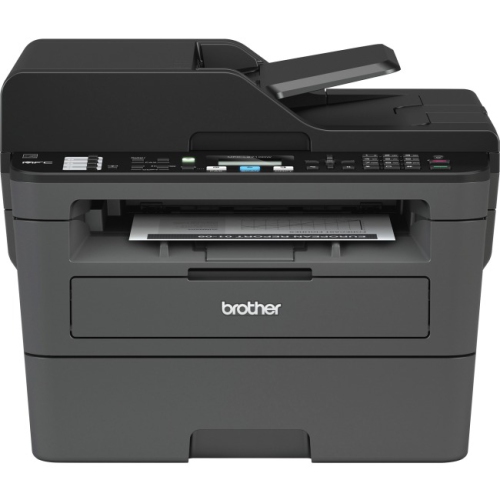 Your price for this item is $309.47
 -
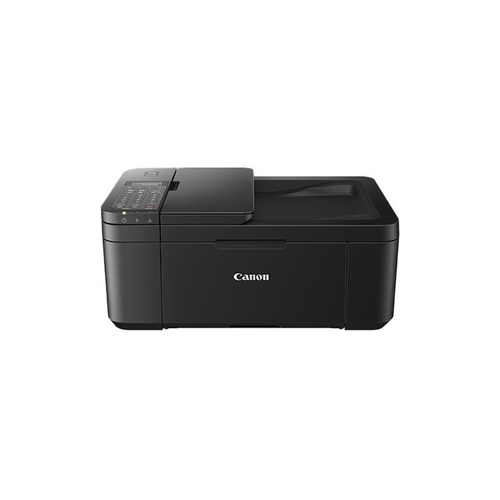 Your price for this item is $247.92
 -
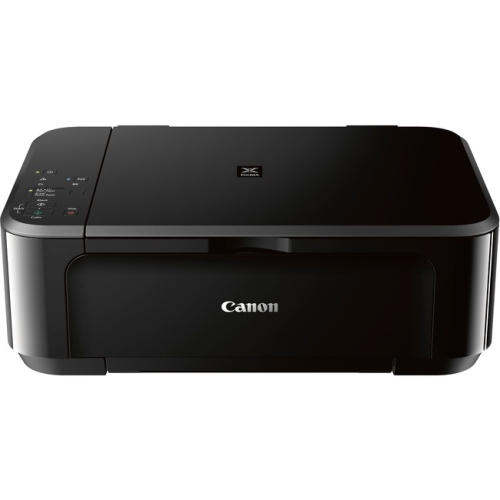 Your price for this item is $89.95
 -
 Your price for this item is $149.99
 -
 Your price for this item is $214.99
 -
 Your price for this item is $129.95
Discover more categories related to Copier Printers
Top Collections:
Pokemon Centers, Best Cameras for Sports Photography, Kindle Devices, Samsung Galaxy Phones, Canon G7X Cameras, Pokémon 30th Celebration Cards, Refurbished Apple Laptops, iPhone 15 Apple, Laptops for Students, Budget Smartphones
Some products may be subject to Environmental Handling Fees
(EHF) depending on your province.
Learn more about EHFs.