Professional Video Conferencing KIts
Upgrade your virtual meetings with our selection of professional video conferencing kits. Stay connected with colleagues, clients, and loved ones in crystal-clear high definition, thanks to these top-of-the-line video conferencing solutions. Whether you're working from home or hosting virtual events, these kits are designed to deliver exceptional audio and video quality for a seamless communication experience. Elevate your online presence and make a lasting impression with our range of professional video conferencing kits that are sure to meet your needs.
Sort
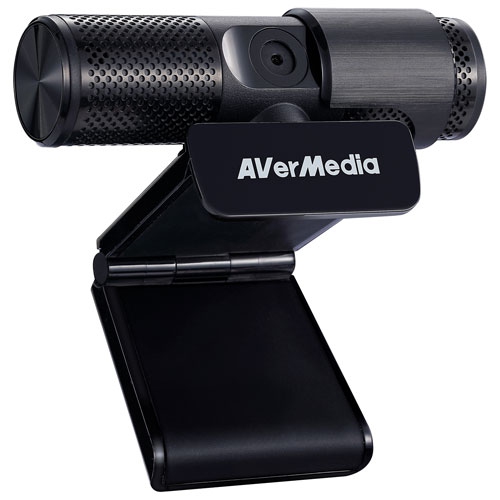
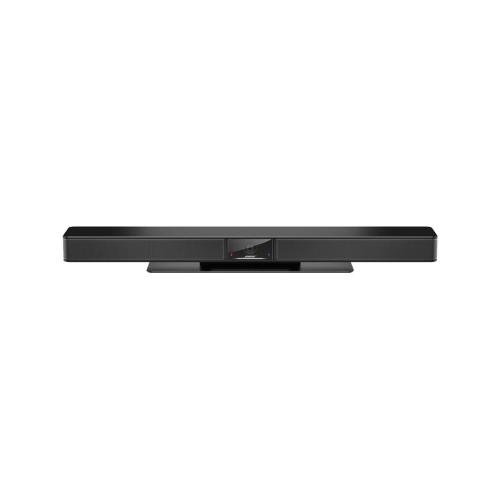

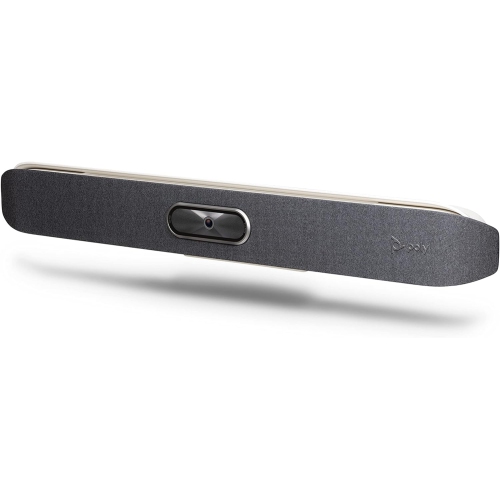
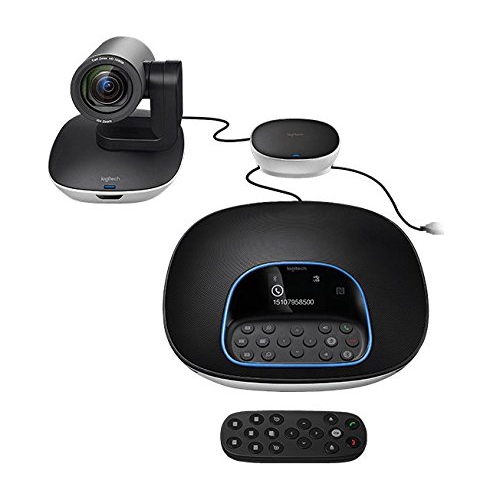
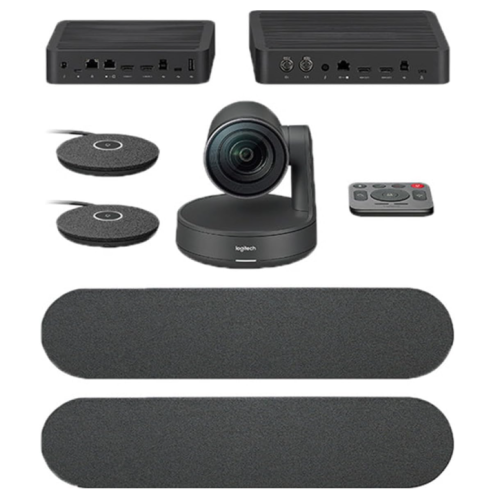
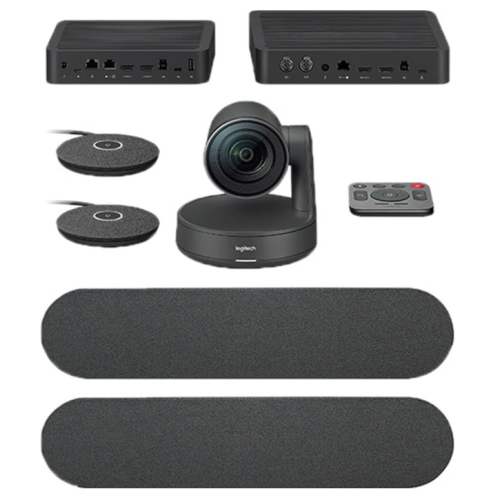
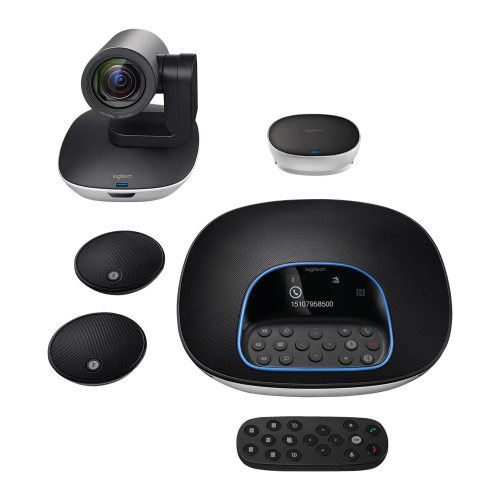
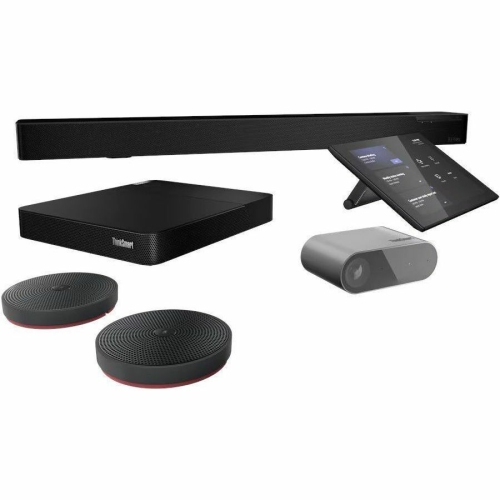
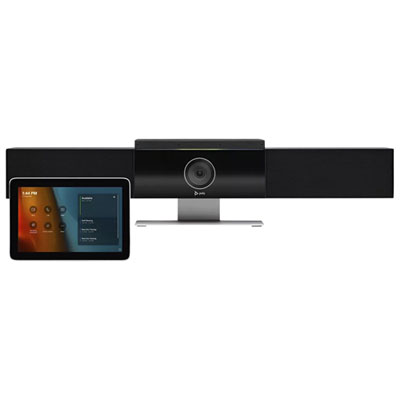
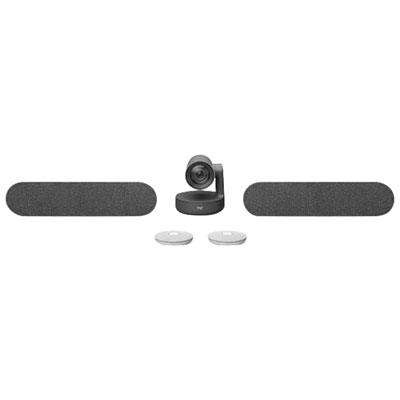
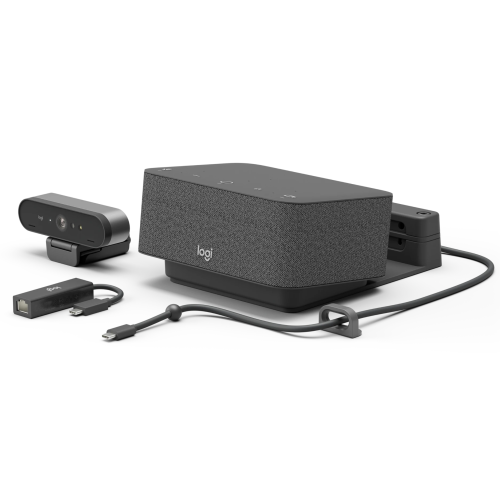
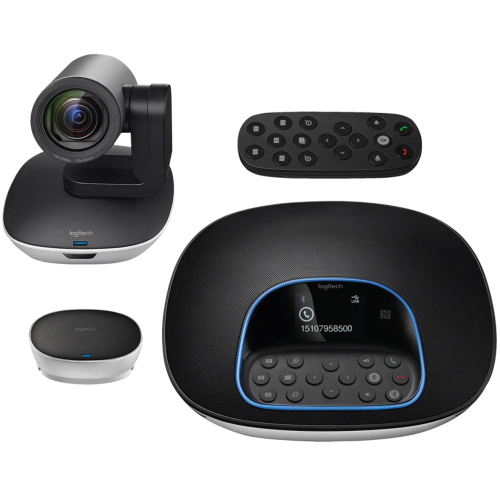


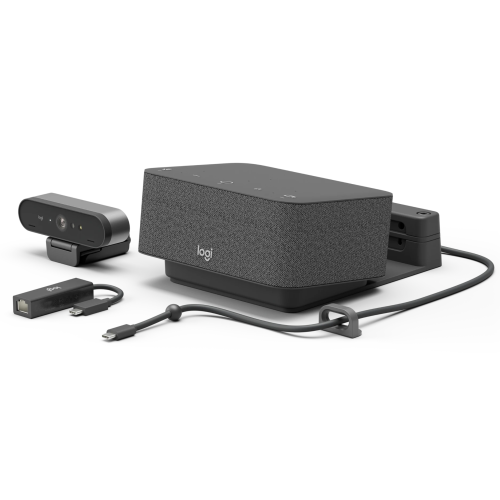
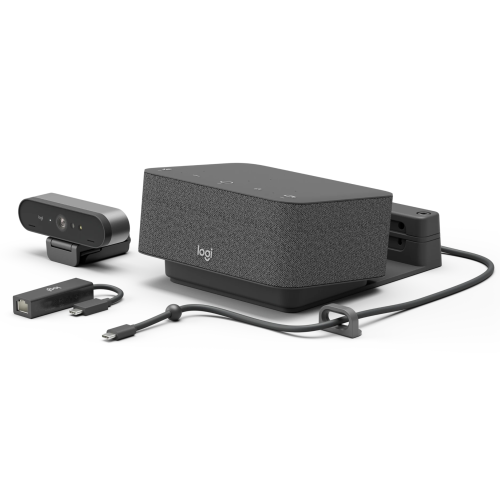
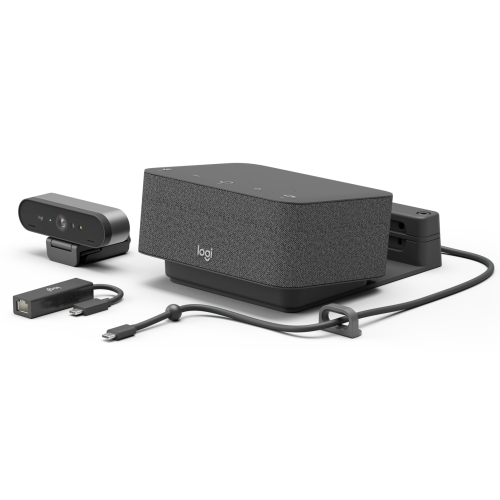
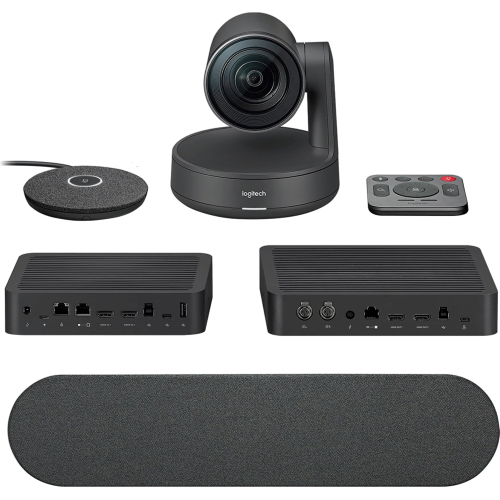

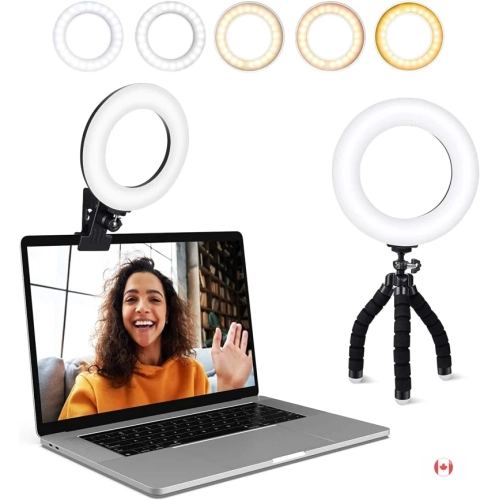
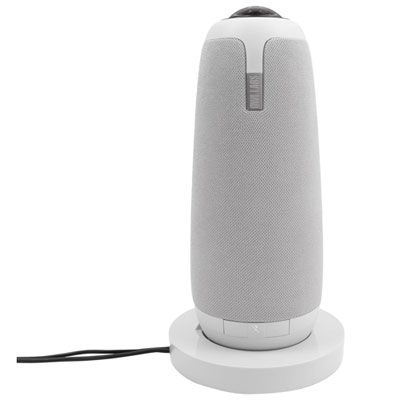
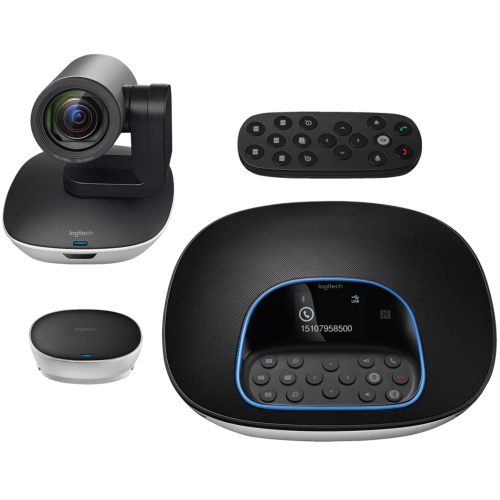
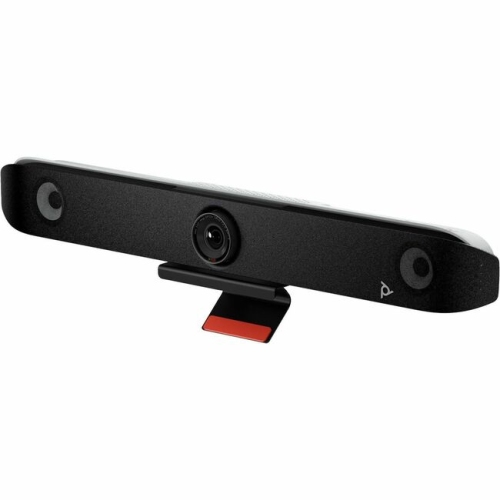
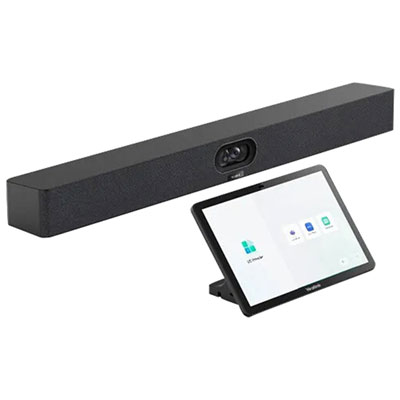
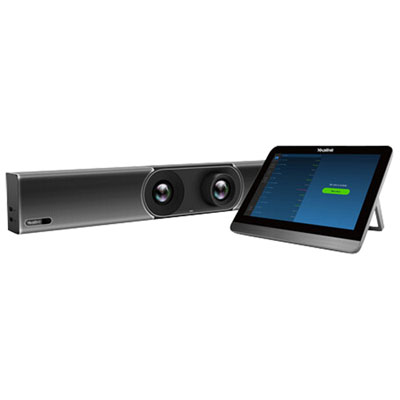

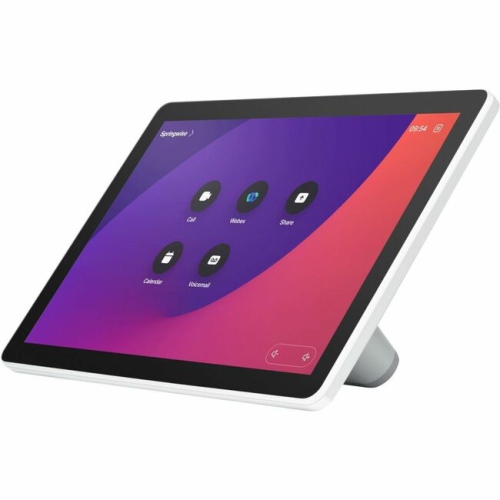

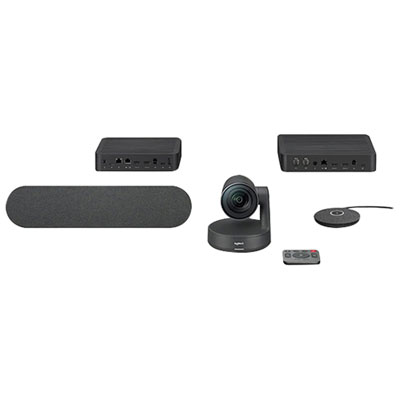
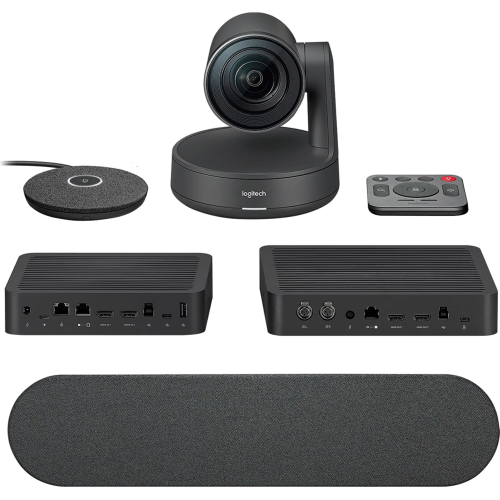
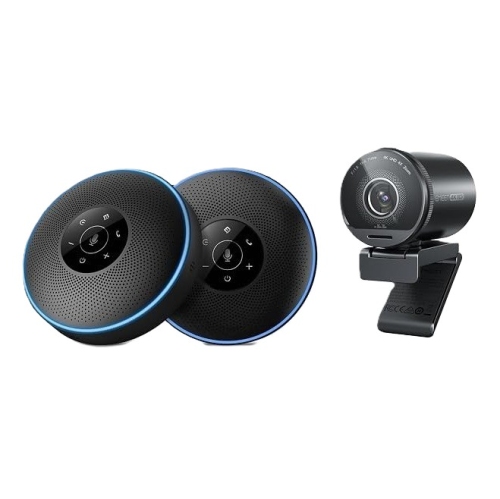
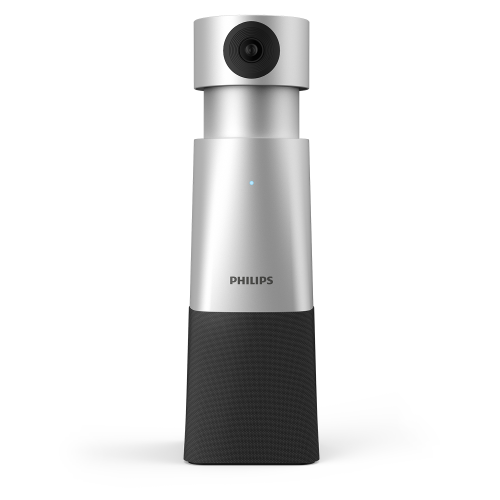
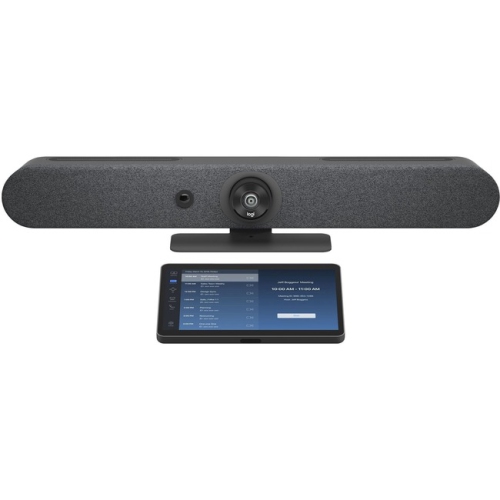
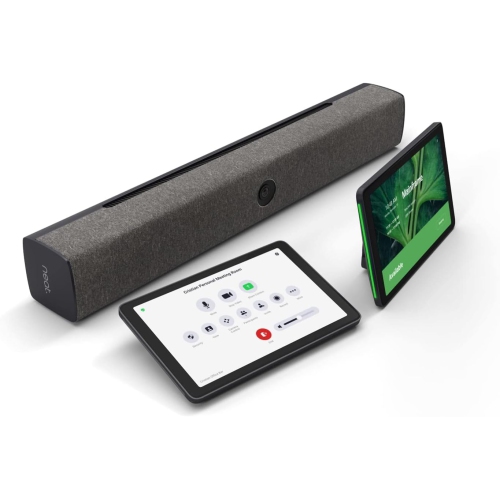
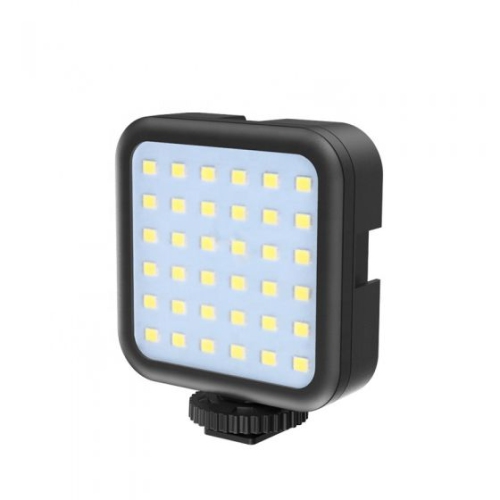

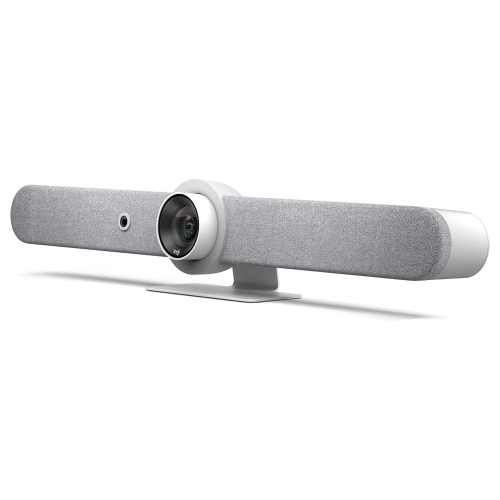
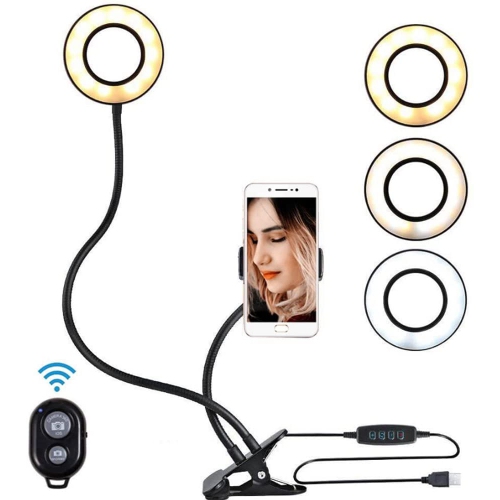

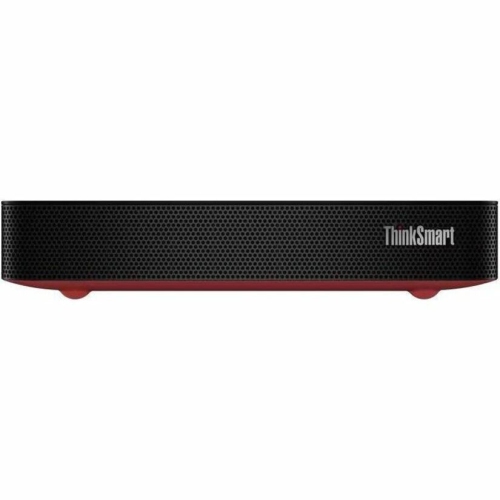
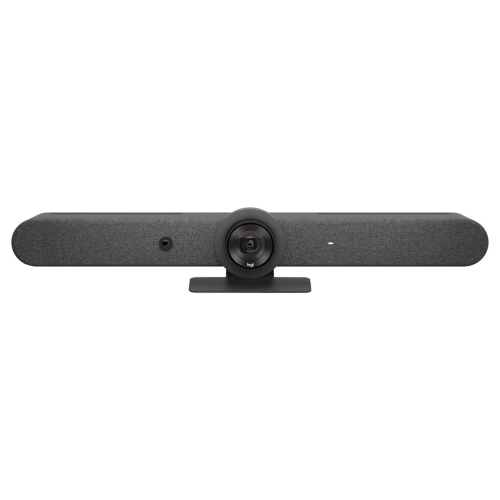
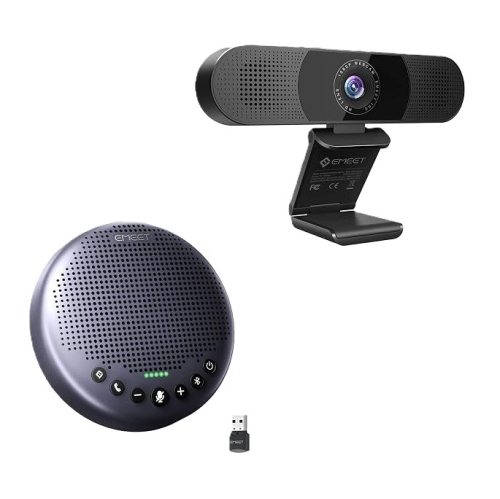
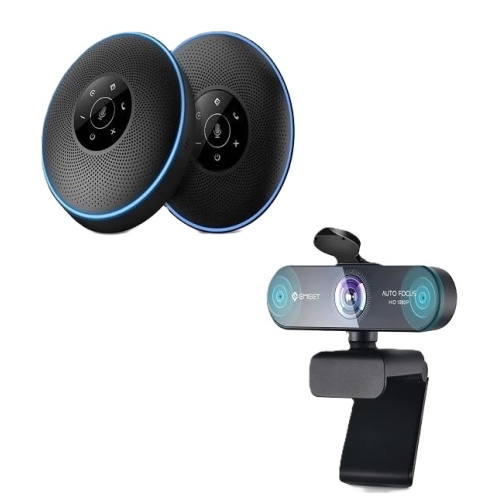
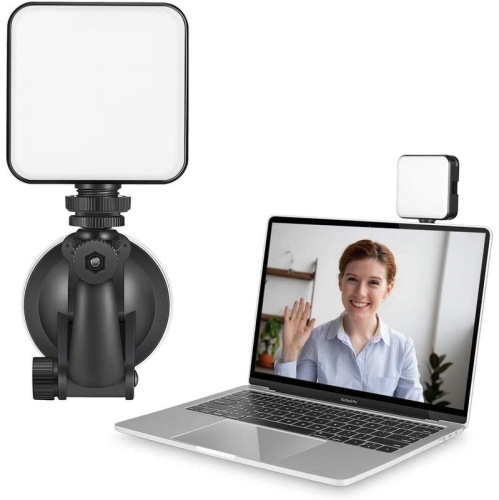
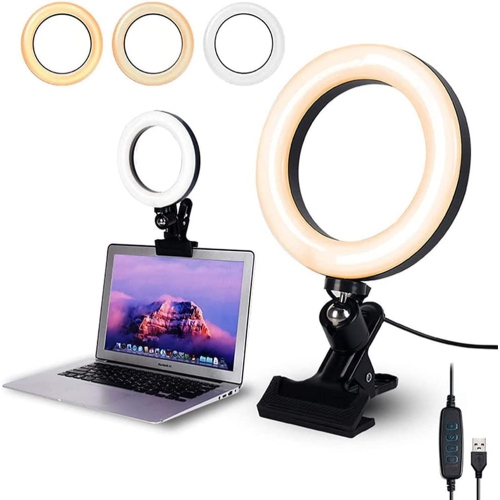
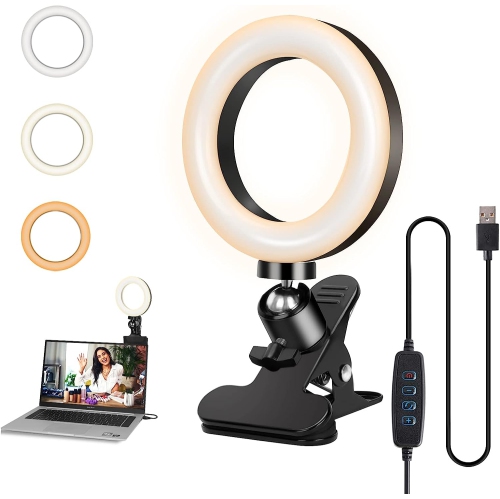
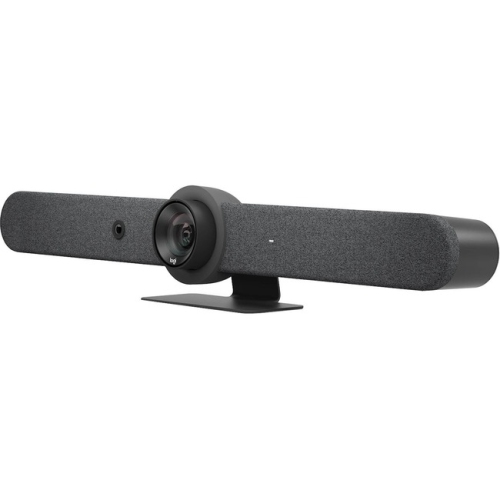

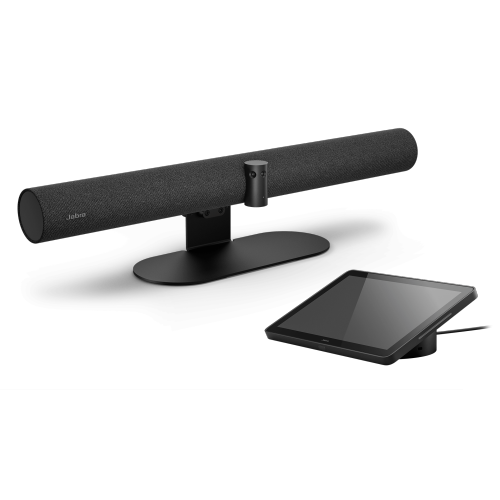
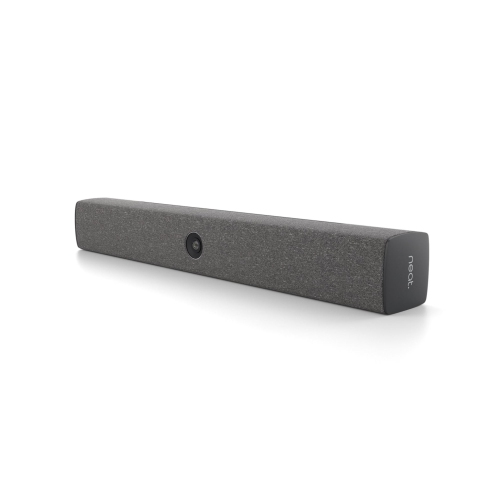
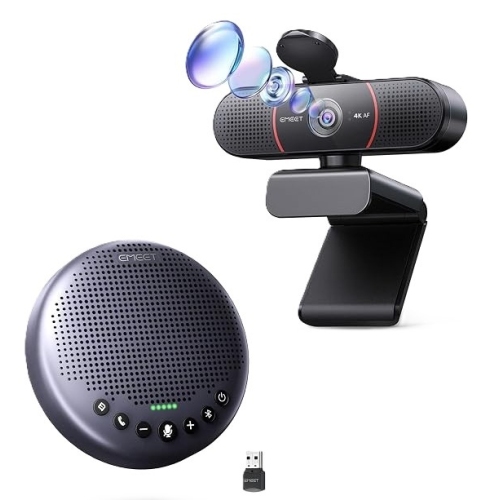
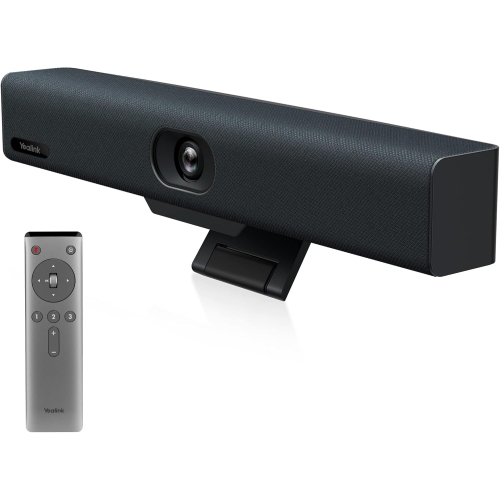
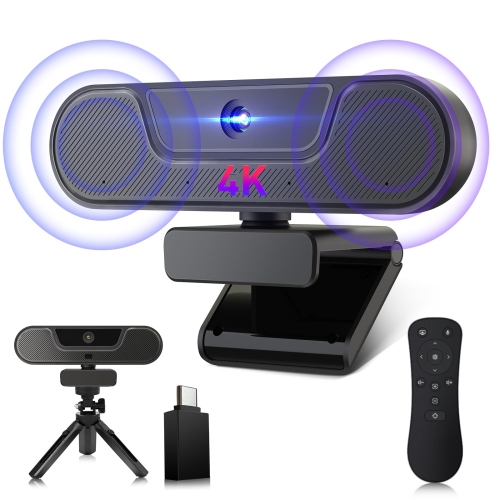
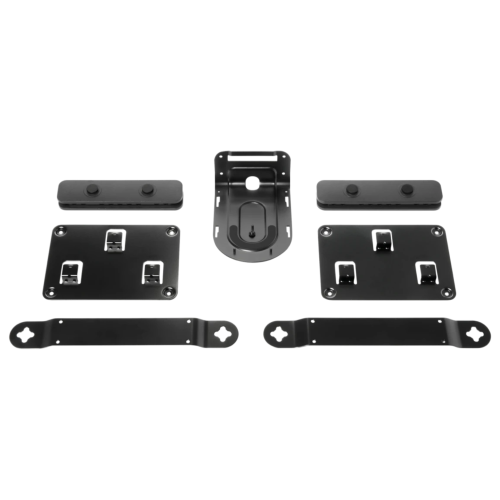
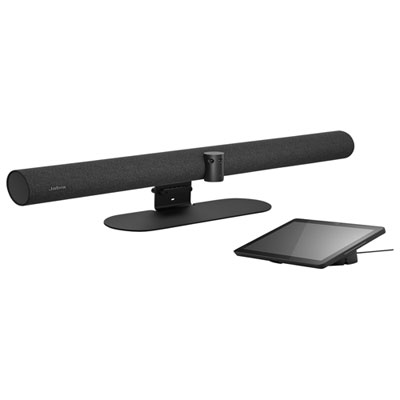
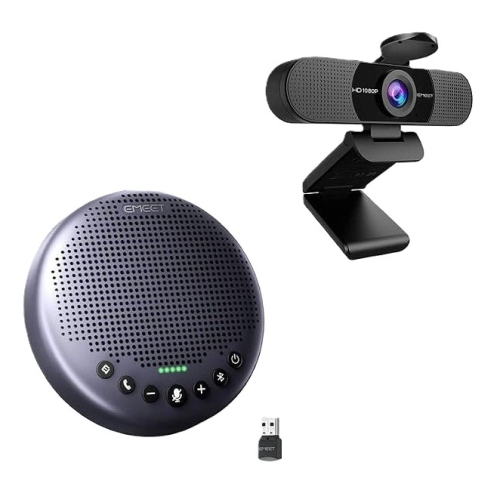

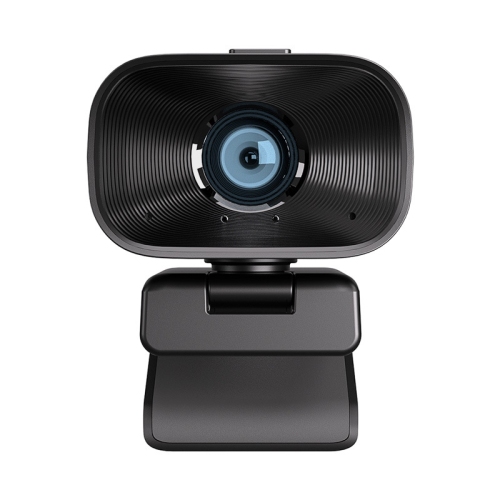
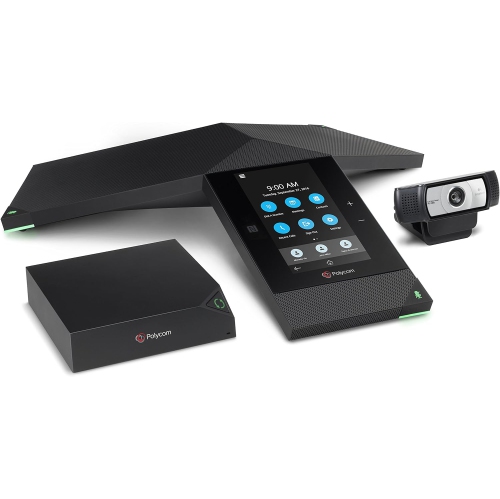

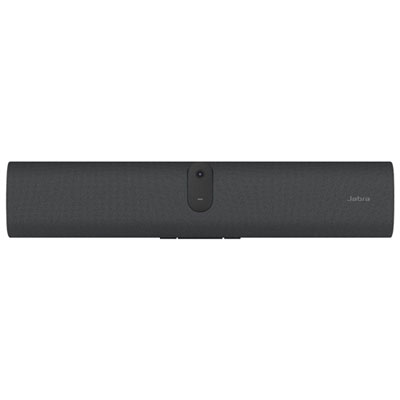
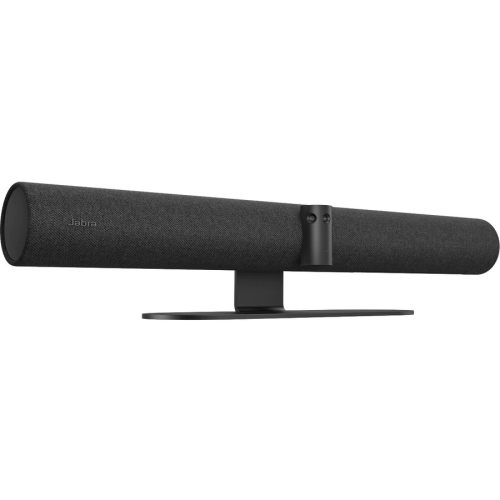
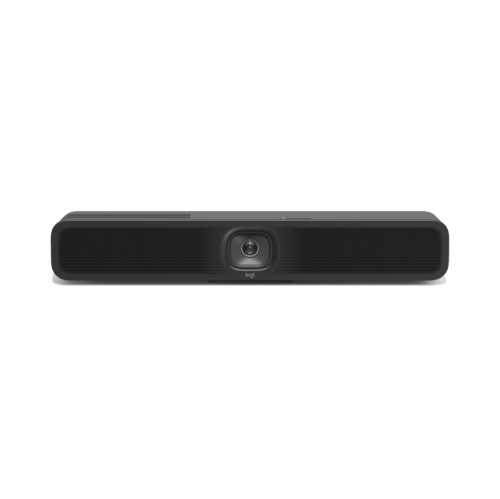
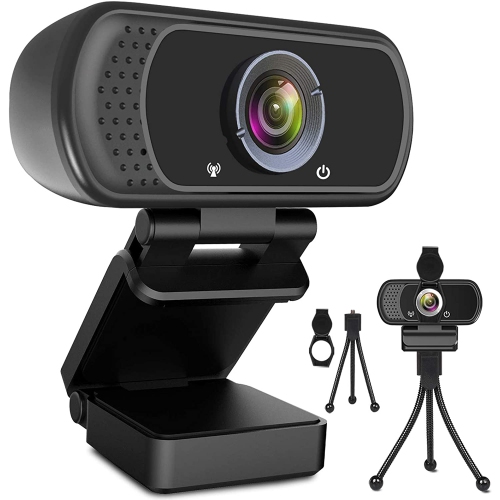


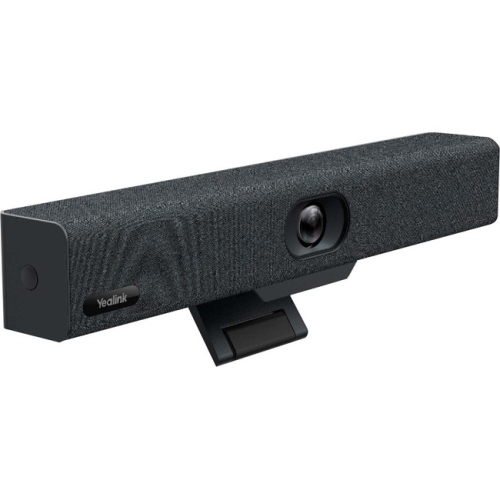
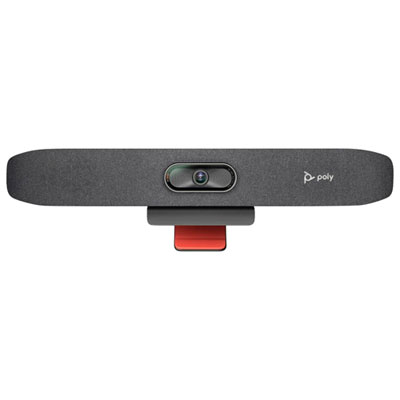
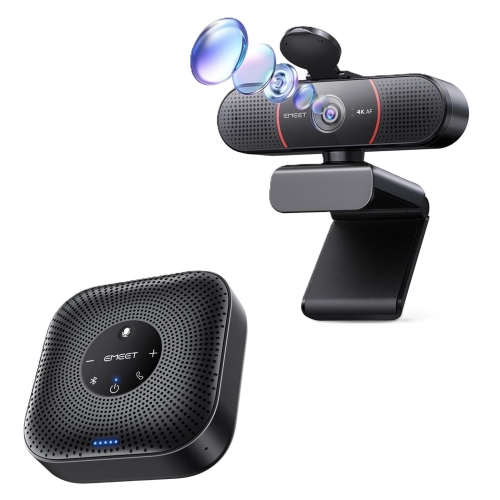

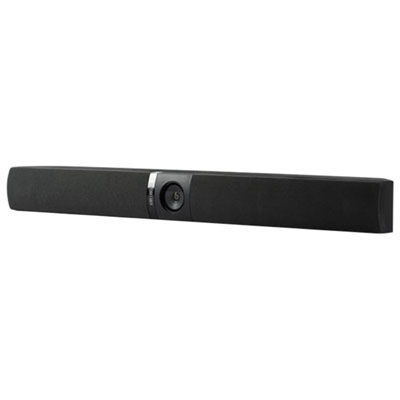
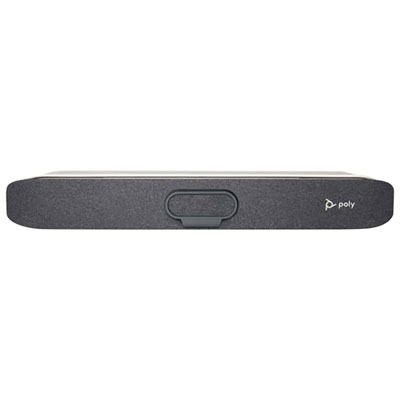

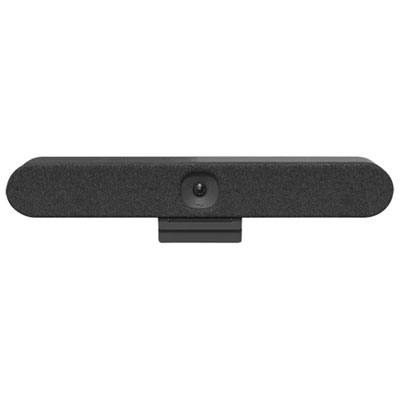

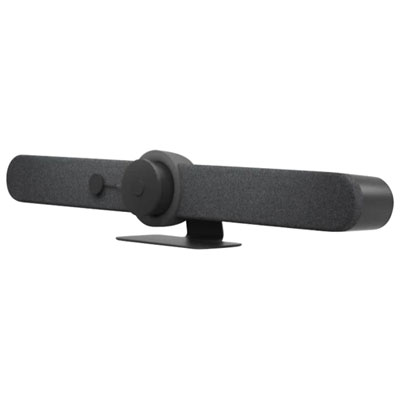
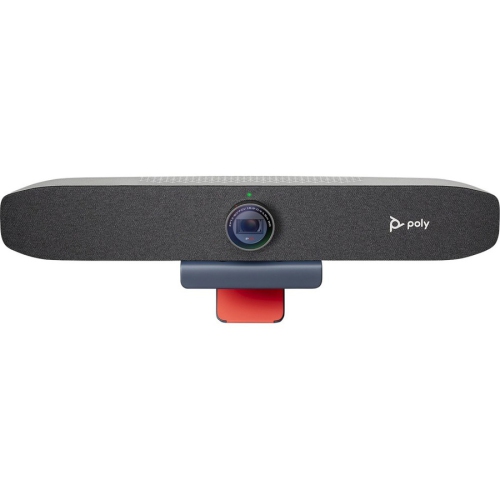
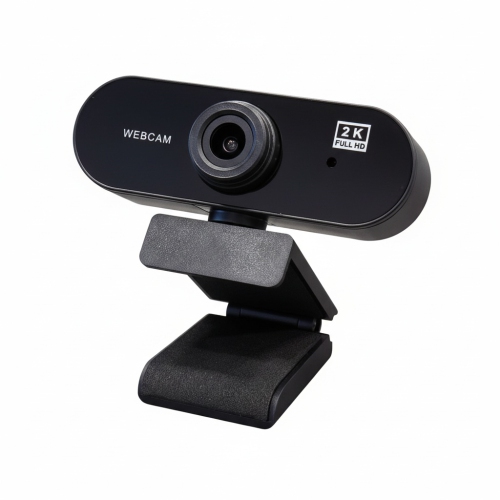


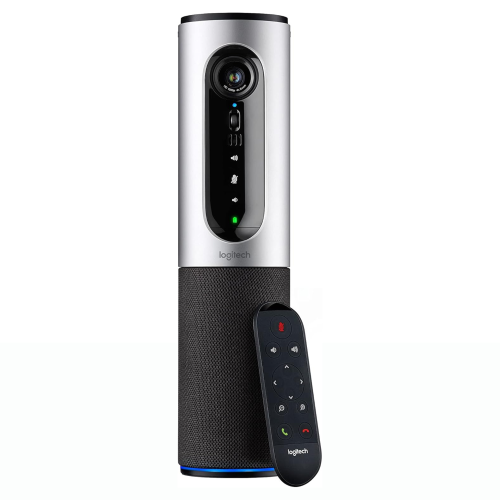
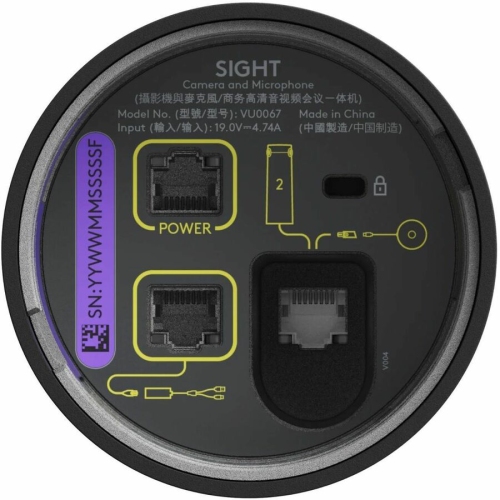
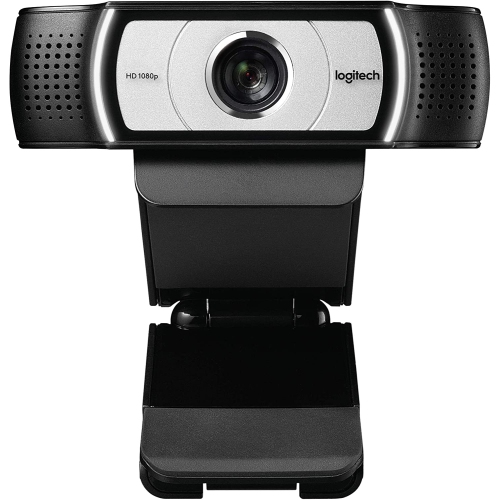
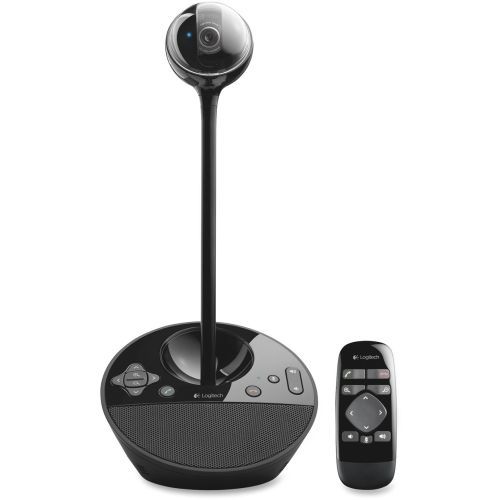
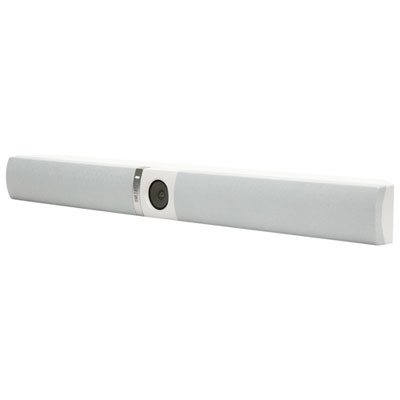
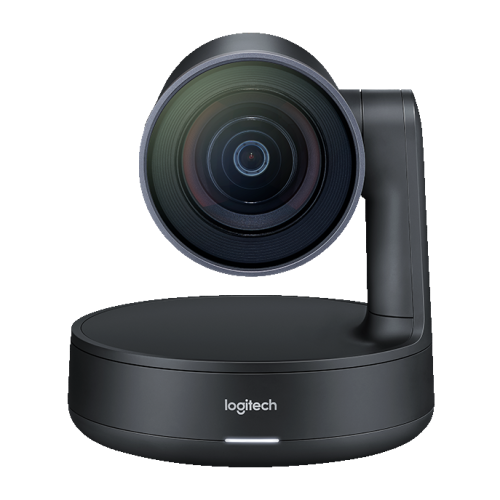
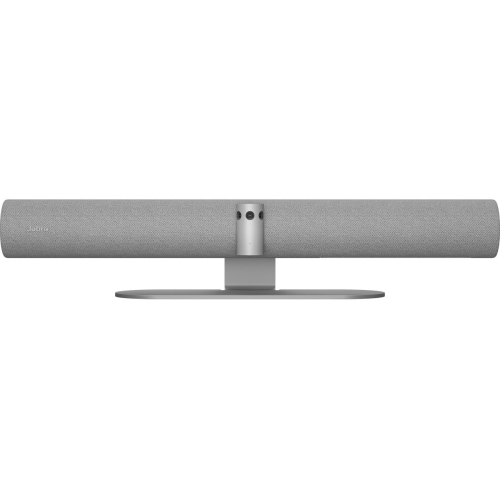
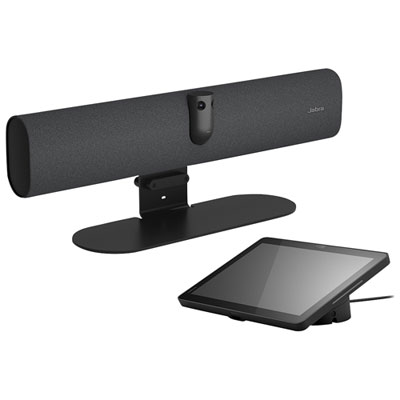
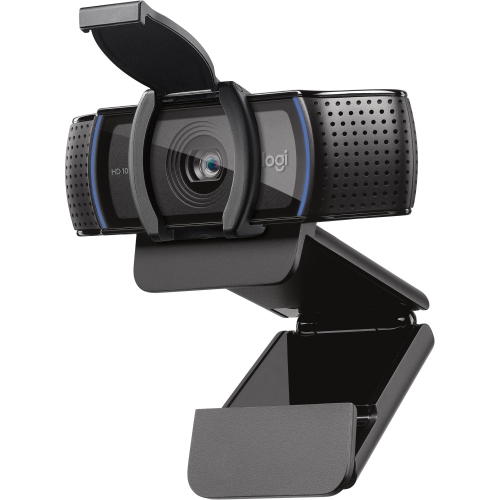

Clearer calls start with equipment that fits your room
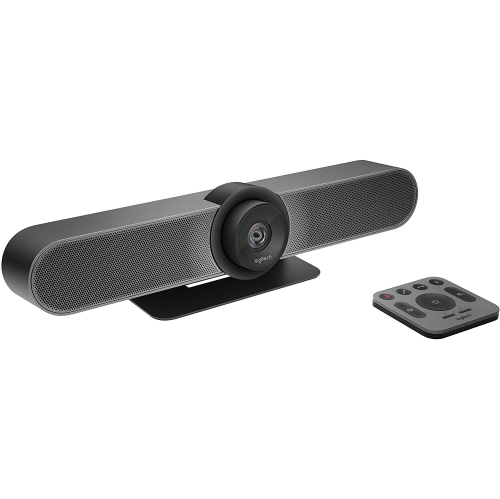
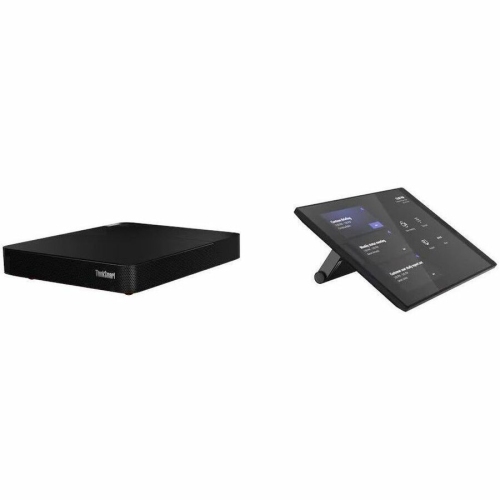
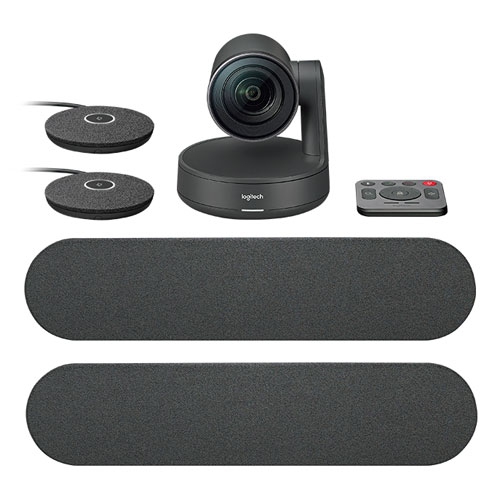
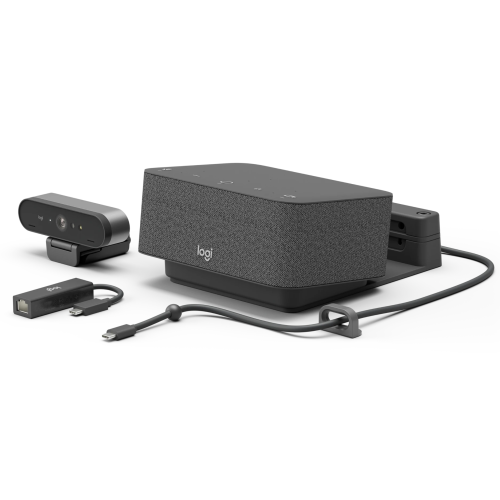
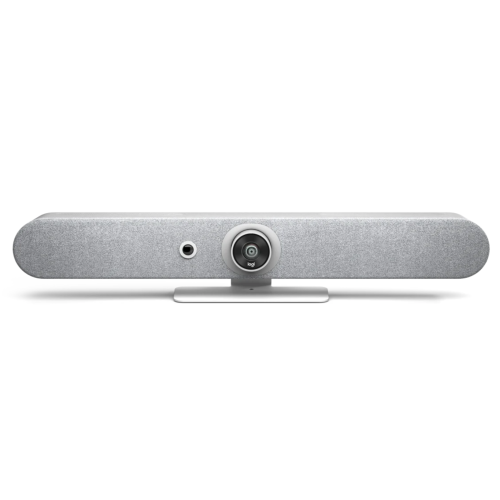
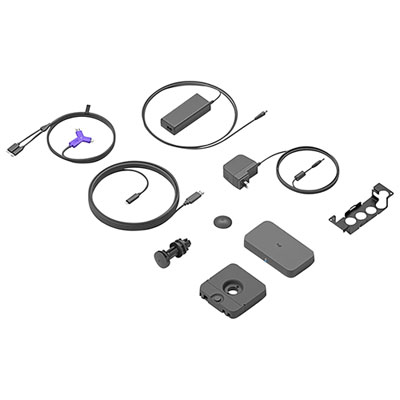
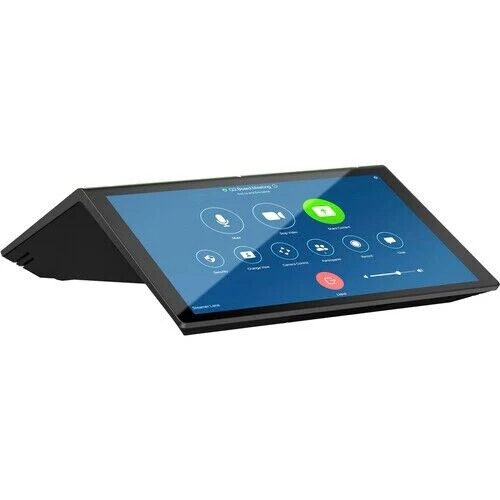
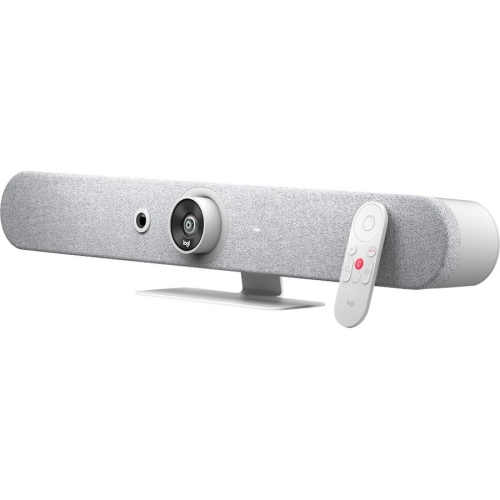
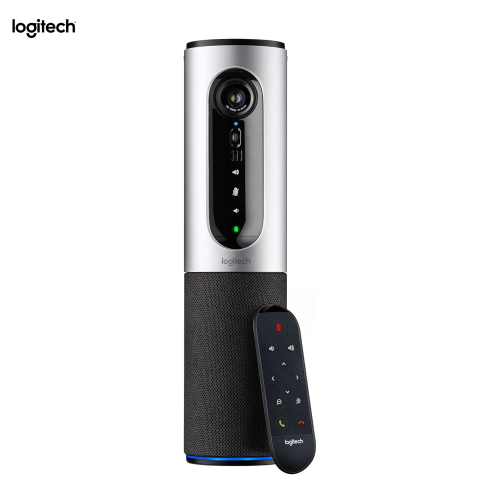
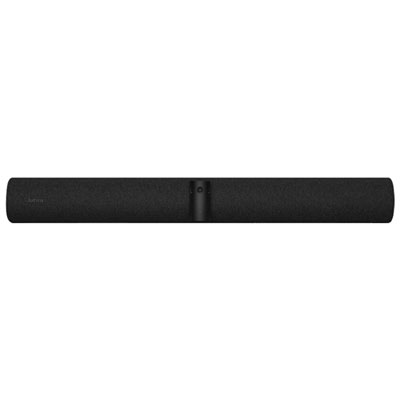
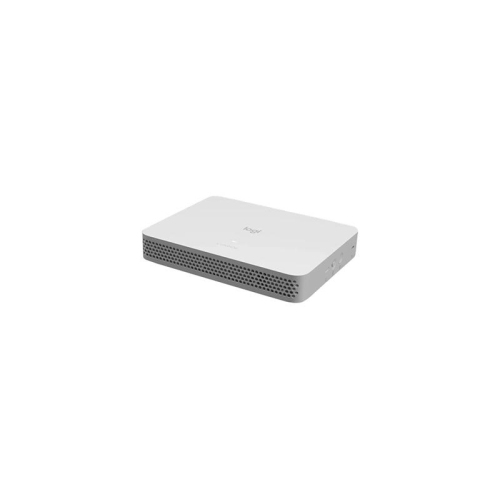
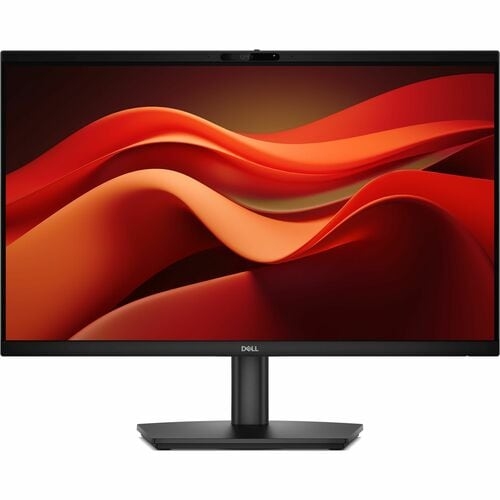
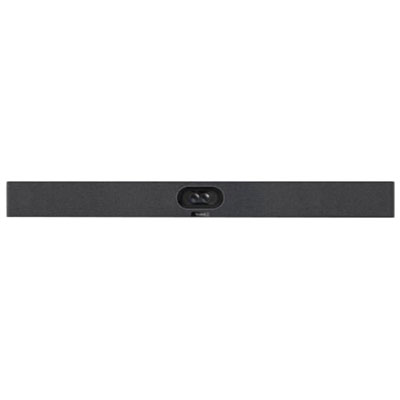
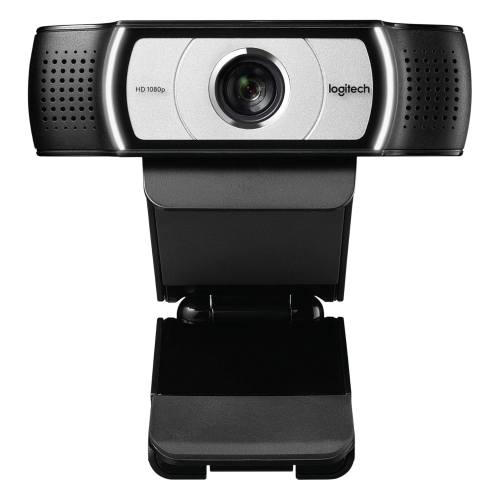
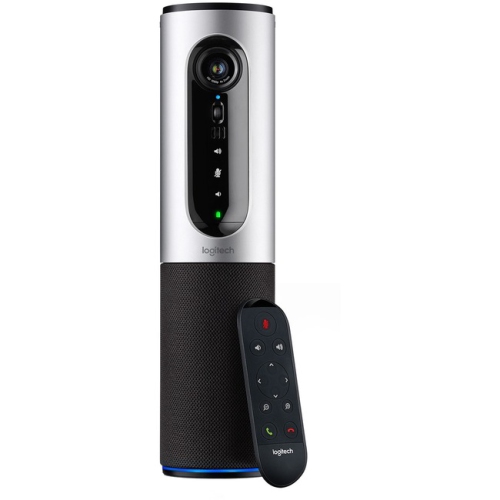
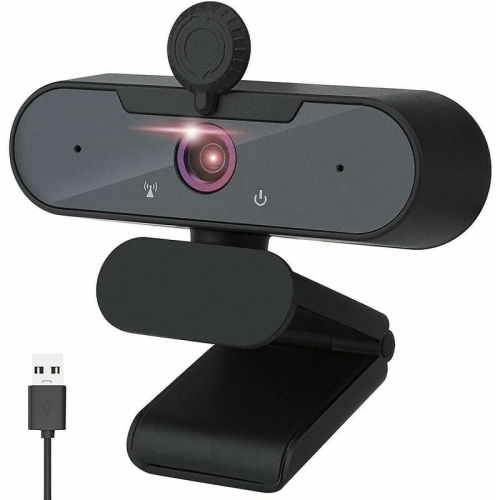
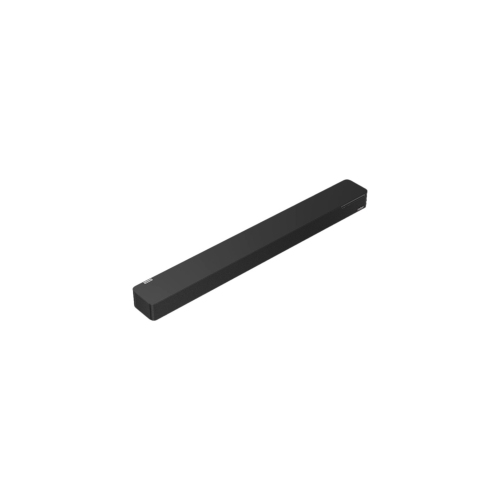
Professional video conferencing kits bring together the camera, microphone, speakers, and connection hardware needed for clear, dependable online meetings. Depending on the configuration, a kit may also include a room controller, mounting hardware, or a dedicated computing unit that runs meeting software. These coordinated setups serve different purposes, from a single professional joining client calls at a desk to a full boardroom hosting presentations with participants across several locations. A personal setup generally focuses on a well-framed image and clear speech at close range, while a room system needs to capture several faces and voices across a table. Small meeting spaces often suit an integrated video bar that combines a camera, microphones, and speakers in one housing. Larger rooms may need separate components, additional microphones, and a camera with optical zoom to show someone seated at the far end of the table. The distinction matters during everyday conversations: a remote colleague should be able to follow a quiet comment from the corner seat as easily as a presentation delivered beside the screen. Professional conferencing equipment can support hybrid teams, consultants, instructors, recruiters, and businesses that regularly meet with clients or suppliers online. It is also useful in shared workspaces where different people need to connect without rearranging the room each time. A coordinated kit can reduce the number of separate accessories to manage, although included components and compatibility vary between configurations. Some systems rely on a connected laptop, while others operate as dedicated meeting room appliances. A display, computer, software licence, or installation service may still be required separately. Across these formats, the purpose is consistent: to make the people in the room easier to see and hear while keeping the meeting controls accessible. The most suitable setup reflects the number of participants, the layout of the space, and how meetings actually unfold, whether that means short daily check-ins, collaborative workshops, or formal presentations.
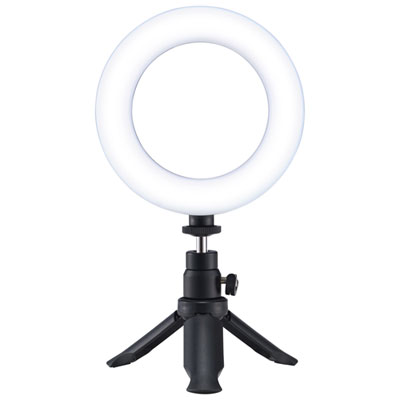
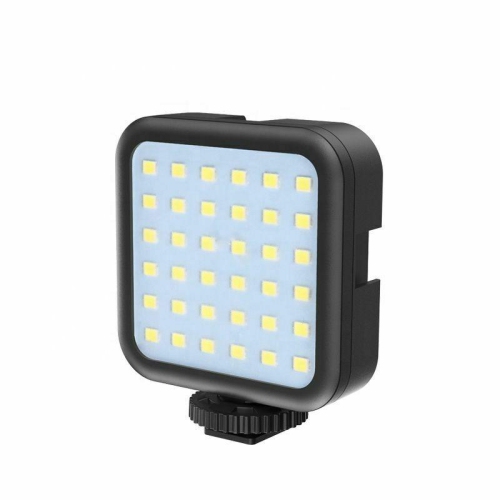
Camera coverage and microphone reach are especially important when matching professional video conferencing kits to a room. A wide field of view helps include people sitting close to a screen in a compact meeting area, but an unnecessarily wide view can leave faces looking small in a deeper room. Optical zoom can provide tighter framing at a distance, while digital zoom may reduce visible detail as the image is enlarged. Higher camera resolution can help preserve detail, but the picture participants receive also depends on the meeting software, network connection, and lighting. Automatic framing and speaker tracking, where supported, can adjust the view as people join the table or take turns speaking. Their usefulness depends on the room layout and meeting style; a fixed group view may feel steadier during a discussion with frequent exchanges. Lighting also makes a noticeable difference. Soft light facing participants usually produces a more readable image than a bright window behind them, even with a capable camera. Audio deserves equal attention because a sharp picture cannot compensate for speech that sounds distant or muffled. Microphone pickup specifications should suit the seating area, and larger tables may benefit from compatible extension microphones rather than relying on a single microphone near the display. Noise reduction can help manage steady background sounds, while acoustic echo cancellation helps keep sound from the room speakers from feeding back into the call. Neither feature replaces thoughtful placement. Bare walls, glass partitions, and hard tabletops can make voices sound hollow; curtains, upholstered seating, and other soft furnishings can help reduce reflected sound. Speakers should deliver intelligible speech across the room without needing excessive volume. For training sessions or collaborative presentations, content-sharing support is another practical consideration. The ability to show a spreadsheet, slide deck, or document alongside the meeting depends on the system’s connections and software capabilities. Looking at the broader range of Video Conferencing Solutions can help place complete kits alongside the supporting equipment needed for a particular workspace.
Connection options, physical fit, and day-to-day care influence how smoothly a conferencing kit works after installation. A laptop-based USB setup can be convenient for professionals who move between desks and meeting rooms, provided the computer has compatible ports and supports the required software. Dedicated room systems offer a different approach, with shared controls and a consistent interface for scheduled meetings. Compatibility with the organisation’s preferred conferencing platform should be confirmed at the system level, since basic video and audio support does not necessarily include every room-control or content-sharing feature. Wired networking can provide a stable connection for fixed installations, while Wi-Fi may offer placement flexibility when supported and when coverage is reliable. Cable length, power access, and the position of the display all affect installation. A compact housing should fit securely beneath or above the screen without blocking the image, and mounting hardware must suit the equipment and mounting surface. Camera placement near seated eye level helps conversations feel more direct; placing it too high can create a distant, downward-looking view. Durable housings, secure brackets, and well-supported cable connections are valuable in rooms used throughout the day. Materials vary, with moulded housings and metal mounting components serving different roles, but overall construction and secure installation matter more than appearance alone. Cables routed away from chair wheels and foot traffic are less likely to be pulled loose, and accessible connections make troubleshooting easier. Routine care is usually straightforward: remove dust with a soft, dry cloth, clean lenses only as directed by the manufacturer, and avoid spraying liquids directly onto equipment. Ventilation openings should remain unobstructed, particularly on systems with built-in computing hardware. Supported software and firmware updates can address reliability and security, while clear microphone-mute indicators and camera privacy features help participants understand when they can be seen or heard. For a busy shared room, the finishing details are often the most useful: a controller within reach, labelled connections, and a clear tabletop let people settle into the conversation rather than spend the opening minutes sorting out equipment.
Camera coverage and microphone reach are especially important when matching professional video conferencing kits to a room. A wide field of view helps include people sitting close to a screen in a compact meeting area, but an unnecessarily wide view can leave faces looking small in a deeper room. Optical zoom can provide tighter framing at a distance, while digital zoom may reduce visible detail as the image is enlarged. Higher camera resolution can help preserve detail, but the picture participants receive also depends on the meeting software, network connection, and lighting. Automatic framing and speaker tracking, where supported, can adjust the view as people join the table or take turns speaking. Their usefulness depends on the room layout and meeting style; a fixed group view may feel steadier during a discussion with frequent exchanges. Lighting also makes a noticeable difference. Soft light facing participants usually produces a more readable image than a bright window behind them, even with a capable camera. Audio deserves equal attention because a sharp picture cannot compensate for speech that sounds distant or muffled. Microphone pickup specifications should suit the seating area, and larger tables may benefit from compatible extension microphones rather than relying on a single microphone near the display. Noise reduction can help manage steady background sounds, while acoustic echo cancellation helps keep sound from the room speakers from feeding back into the call. Neither feature replaces thoughtful placement. Bare walls, glass partitions, and hard tabletops can make voices sound hollow; curtains, upholstered seating, and other soft furnishings can help reduce reflected sound. Speakers should deliver intelligible speech across the room without needing excessive volume. For training sessions or collaborative presentations, content-sharing support is another practical consideration. The ability to show a spreadsheet, slide deck, or document alongside the meeting depends on the system’s connections and software capabilities. Looking at the broader range of Video Conferencing Solutions can help place complete kits alongside the supporting equipment needed for a particular workspace.
Connection options, physical fit, and day-to-day care influence how smoothly a conferencing kit works after installation. A laptop-based USB setup can be convenient for professionals who move between desks and meeting rooms, provided the computer has compatible ports and supports the required software. Dedicated room systems offer a different approach, with shared controls and a consistent interface for scheduled meetings. Compatibility with the organisation’s preferred conferencing platform should be confirmed at the system level, since basic video and audio support does not necessarily include every room-control or content-sharing feature. Wired networking can provide a stable connection for fixed installations, while Wi-Fi may offer placement flexibility when supported and when coverage is reliable. Cable length, power access, and the position of the display all affect installation. A compact housing should fit securely beneath or above the screen without blocking the image, and mounting hardware must suit the equipment and mounting surface. Camera placement near seated eye level helps conversations feel more direct; placing it too high can create a distant, downward-looking view. Durable housings, secure brackets, and well-supported cable connections are valuable in rooms used throughout the day. Materials vary, with moulded housings and metal mounting components serving different roles, but overall construction and secure installation matter more than appearance alone. Cables routed away from chair wheels and foot traffic are less likely to be pulled loose, and accessible connections make troubleshooting easier. Routine care is usually straightforward: remove dust with a soft, dry cloth, clean lenses only as directed by the manufacturer, and avoid spraying liquids directly onto equipment. Ventilation openings should remain unobstructed, particularly on systems with built-in computing hardware. Supported software and firmware updates can address reliability and security, while clear microphone-mute indicators and camera privacy features help participants understand when they can be seen or heard. For a busy shared room, the finishing details are often the most useful: a controller within reach, labelled connections, and a clear tabletop let people settle into the conversation rather than spend the opening minutes sorting out equipment.
Top selling and popular products
-
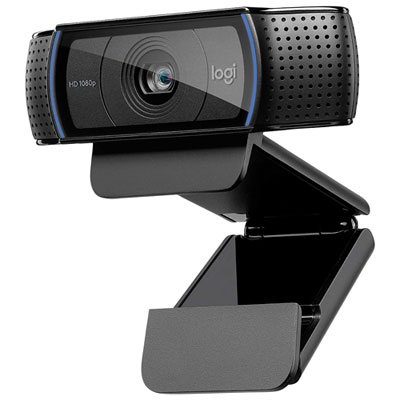 Your price for this item is $69.98
-
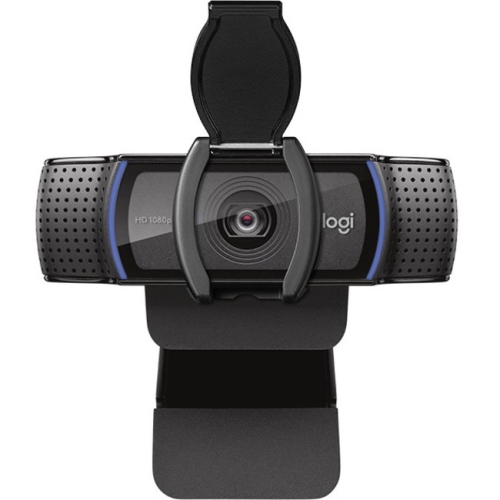 Your price for this item is $123.44
-
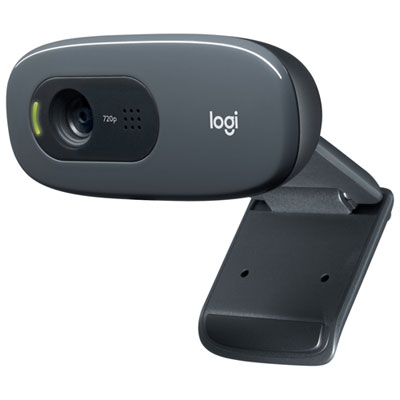 Your price for this item is $27.98
-
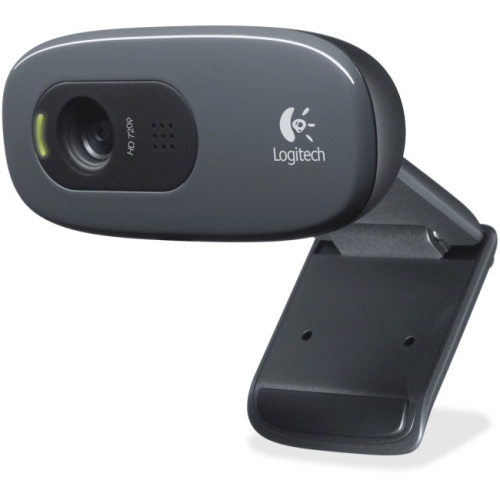 Your price for this item is $48.49
-
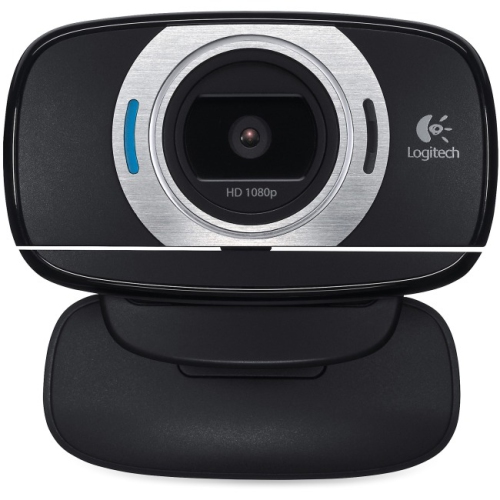 Your price for this item is $106.68
-
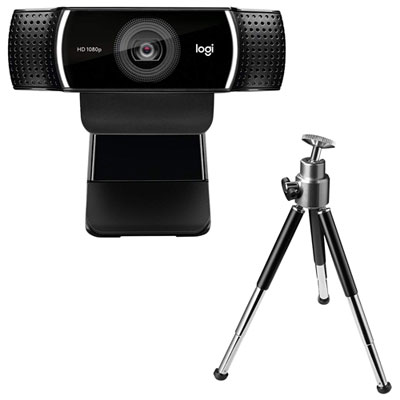 Your price for this item is $149.99
-
 Your price for this item is $130.68
-
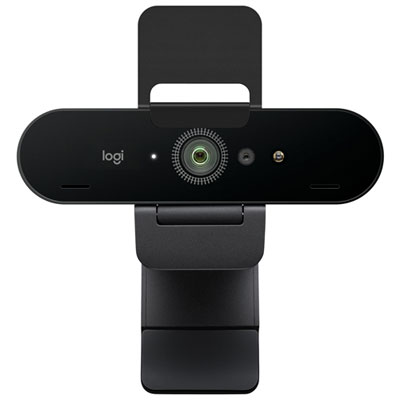 Your price for this item is $249.99
Discover more categories related to Professional Video Conferencing KIts
Top Collections:
Pokemon Centers, Best Black Friday Deals This Year, Best Black Friday Deals On Electronics, Kindle Devices, Best Budget Office Chairs, Best Black Friday Deals On Apple Products, Best Cameras for Sports Photography, Pokémon 30th Celebration Cards, Dyson Airwrap, Canon G7X Cameras
Some products may be subject to Environmental Handling Fees
(EHF) depending on your province.
Learn more about EHFs.