Video Conferencing Solutions
Upgrade your virtual meetings with our wide range of video conferencing solutions. Whether you're working remotely, connecting with colleagues across the globe, or simply catching up with friends and family, our selection of top-notch video conferencing equipment is designed to enhance your communication experience. From high-definition webcams and professional-grade microphones to cutting-edge conference room systems, we have everything you need to ensure crystal-clear audio and sharp video quality. Say goodbye to pixelated screens and garbled audio - embrace seamless and immersive virtual collaborations with our comprehensive collection of video conferencing solutions.
Sort
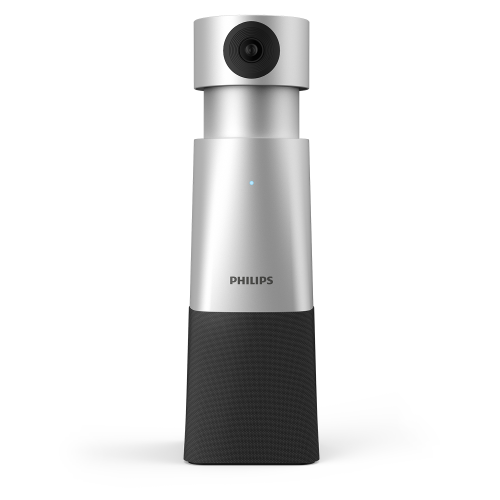
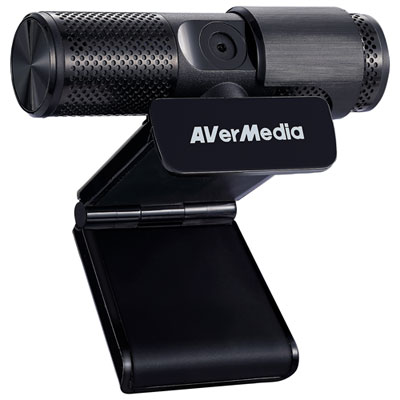
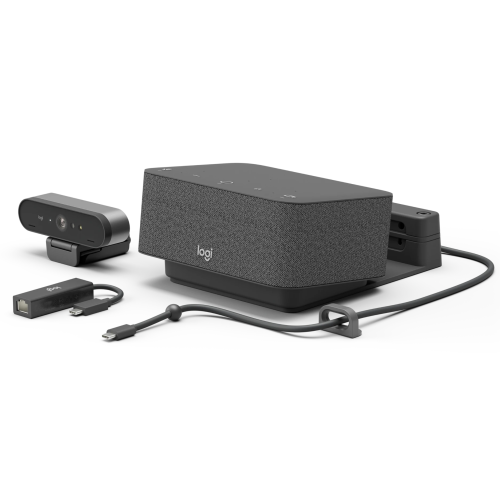

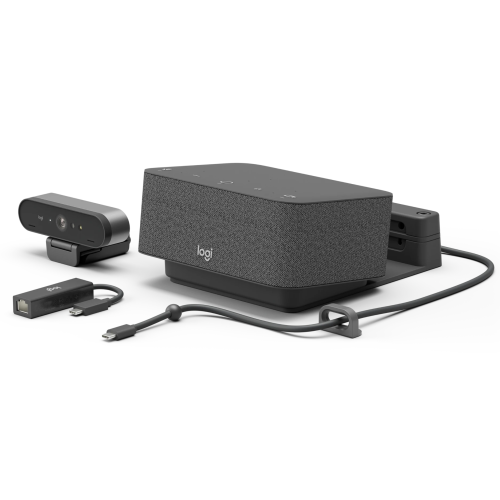
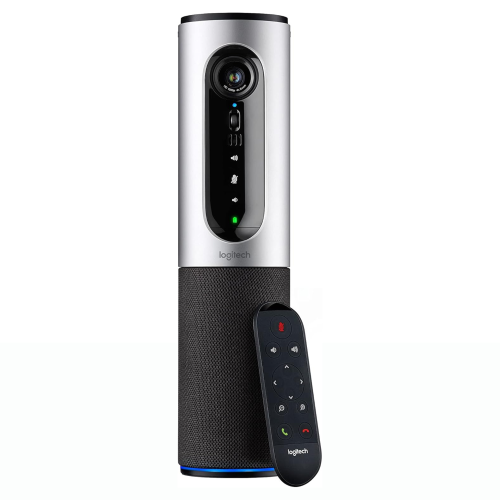
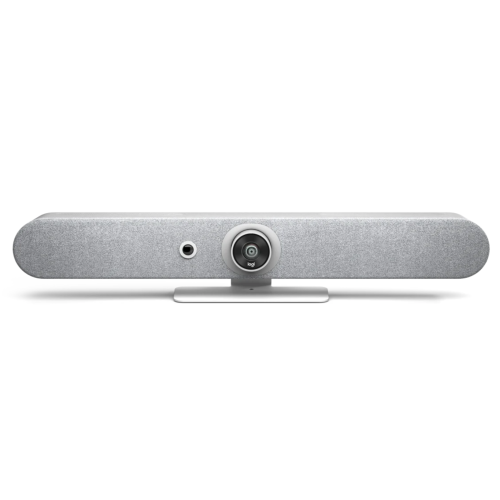
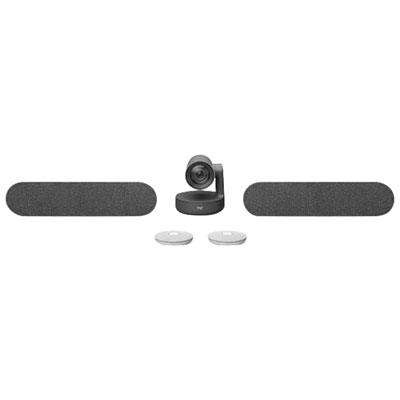
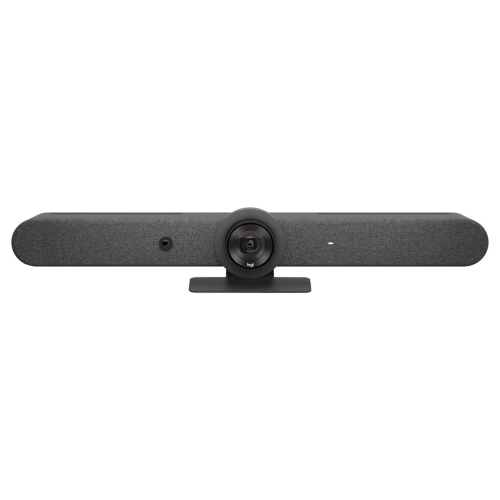
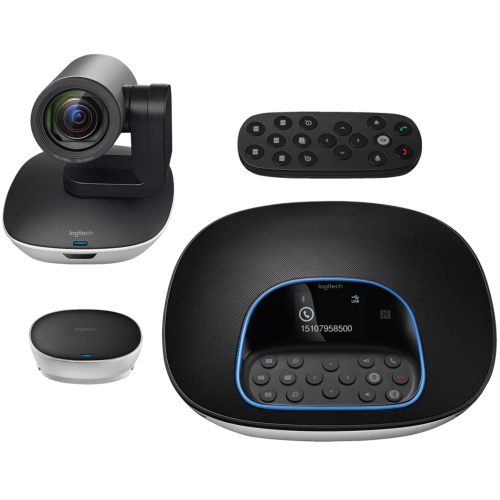

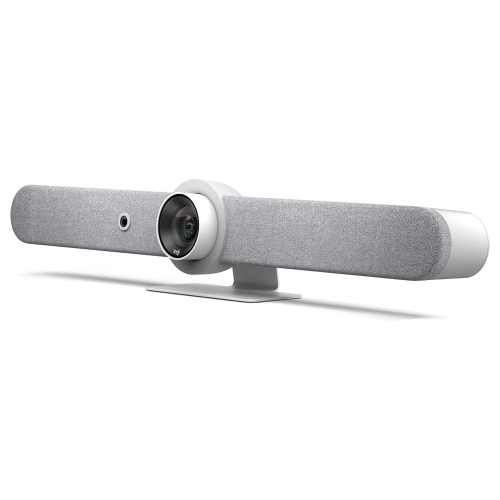
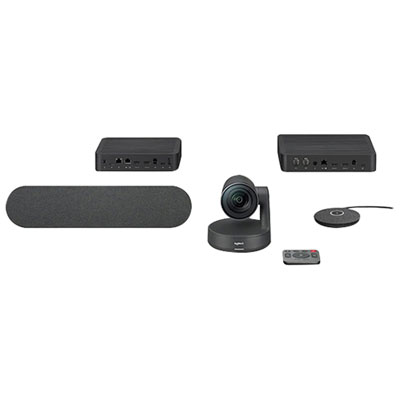
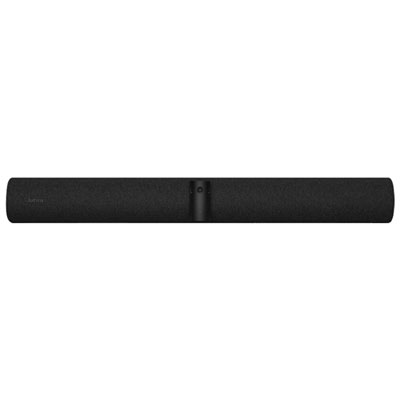
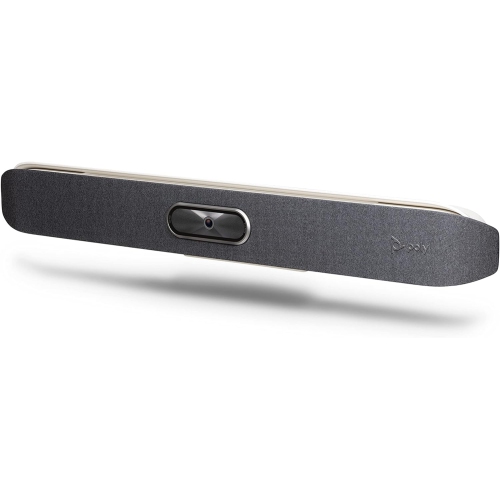

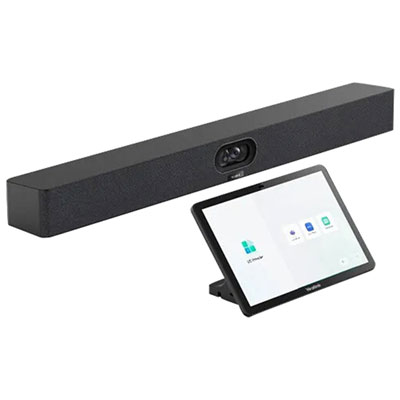
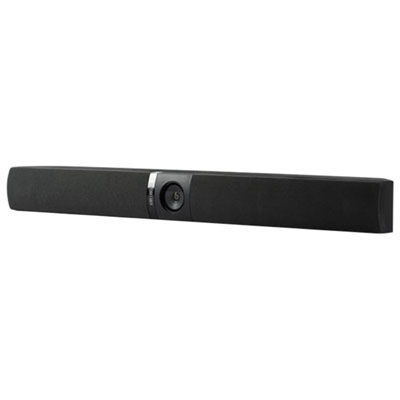

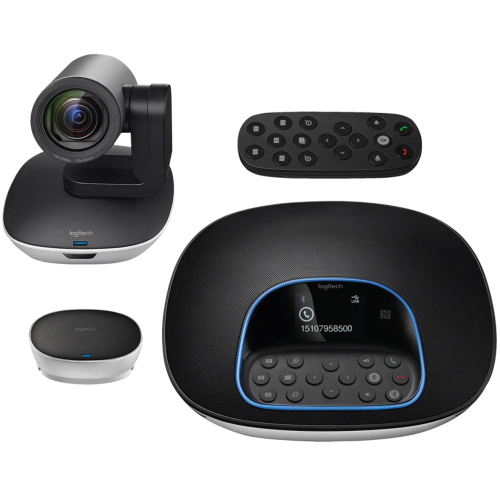
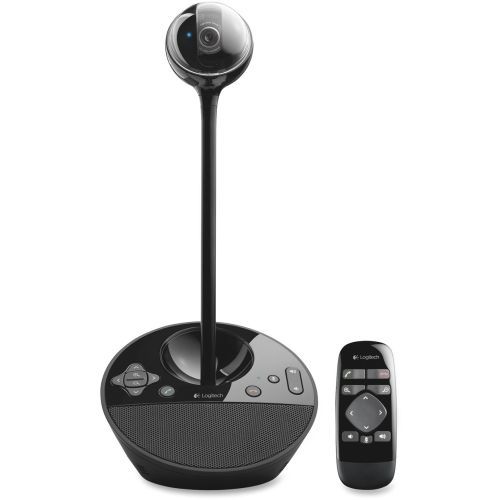
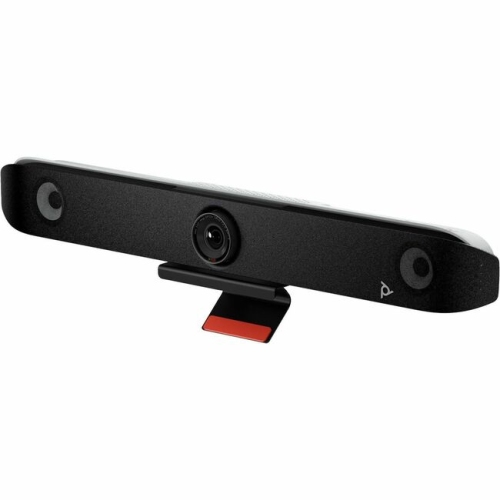
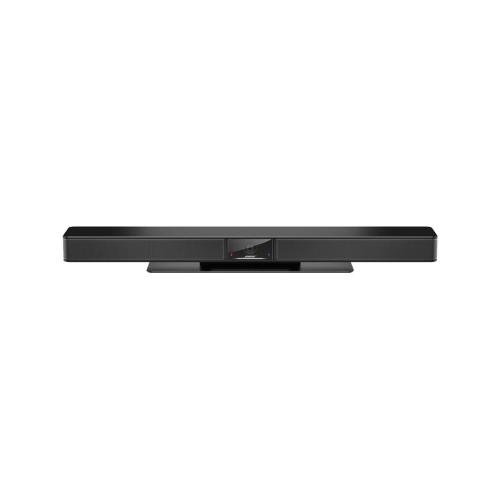
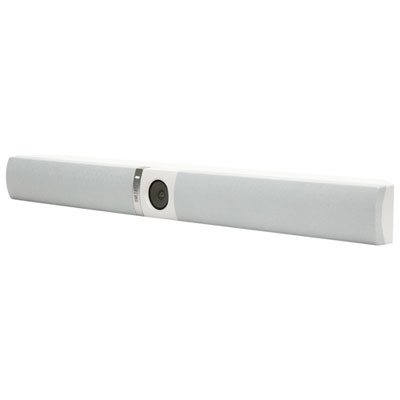





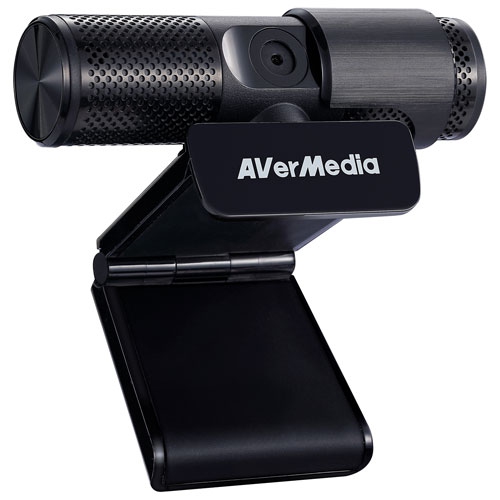
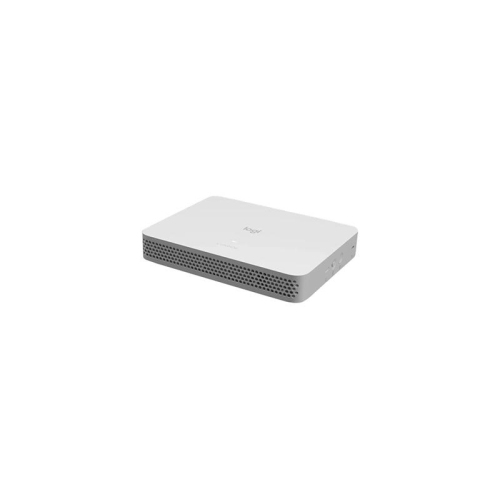
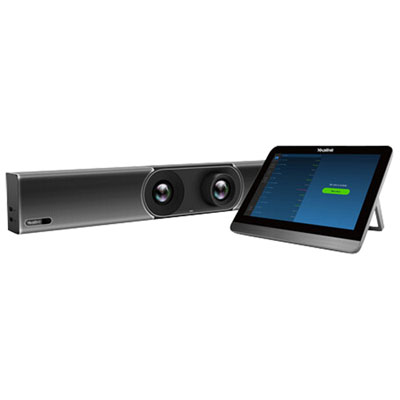
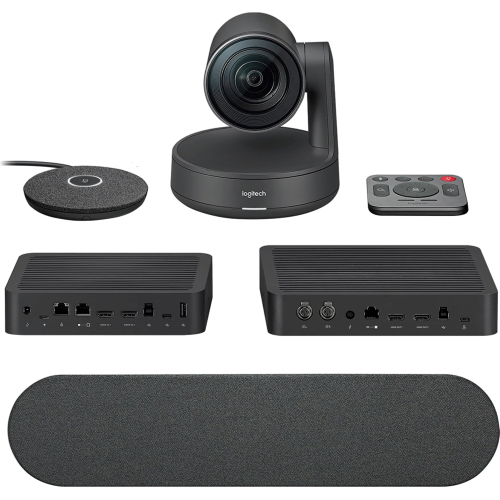
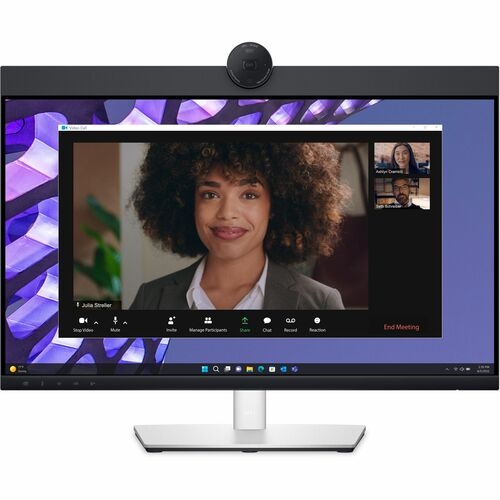
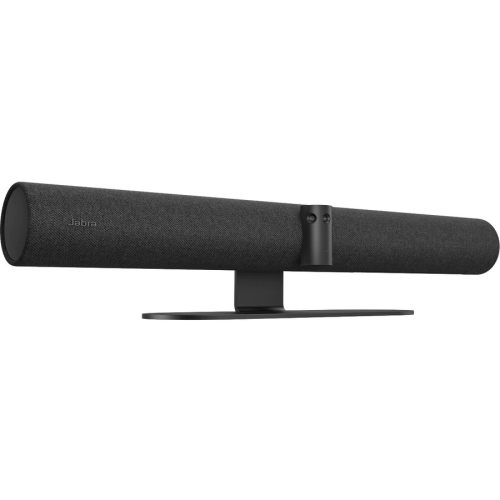

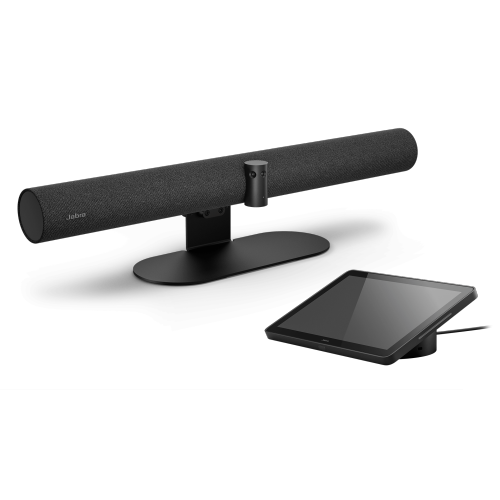
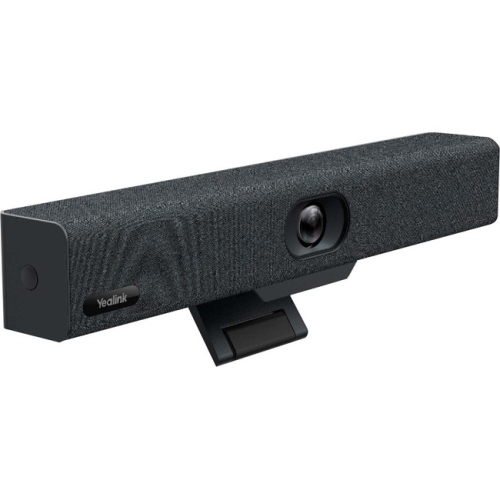

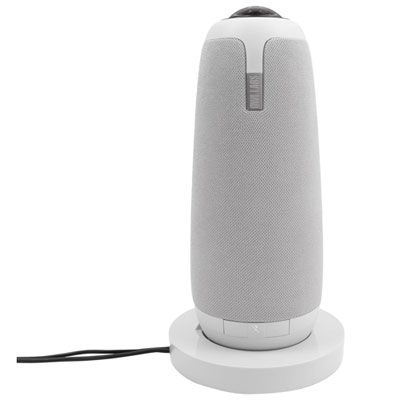
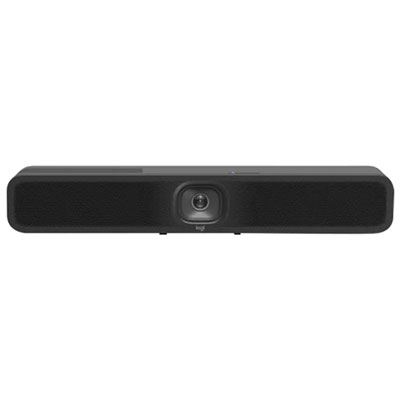
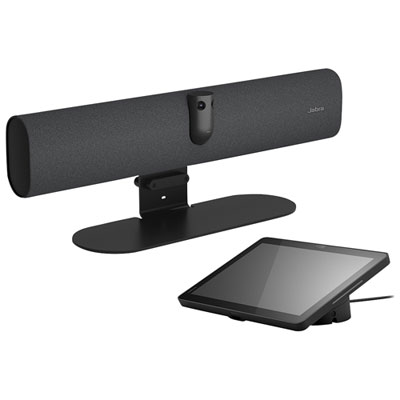
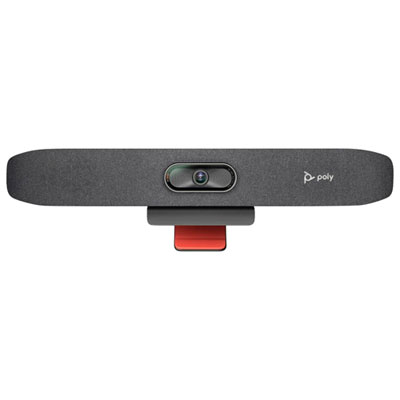

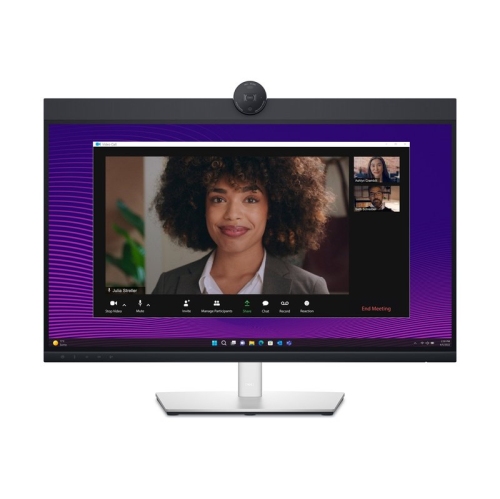
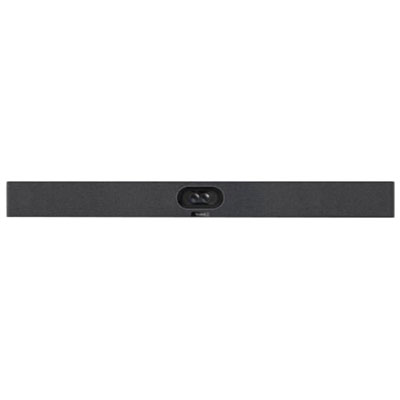
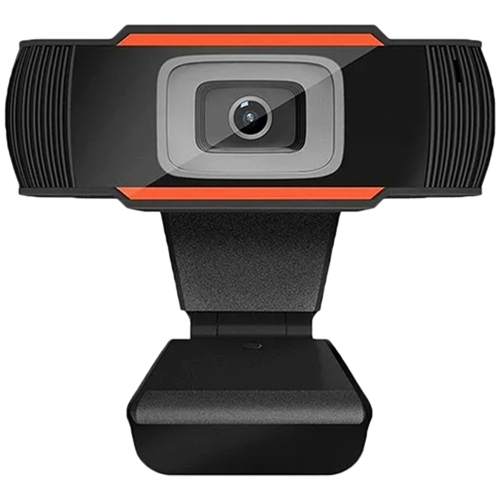


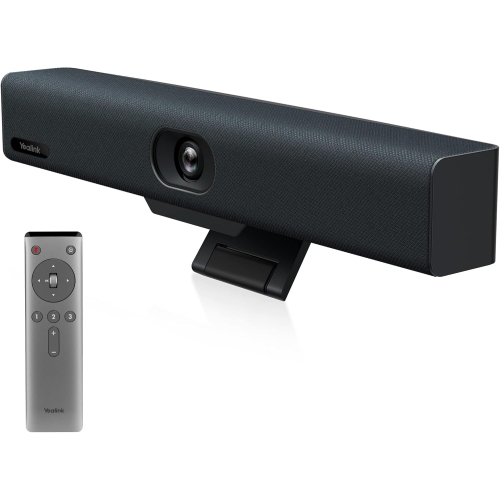
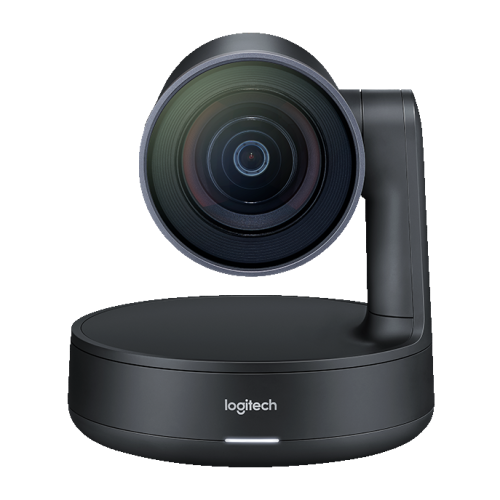
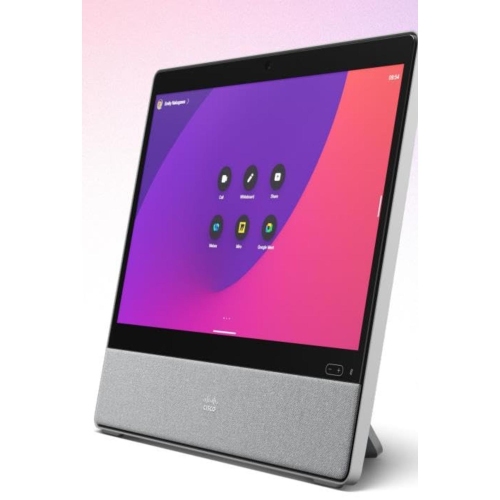

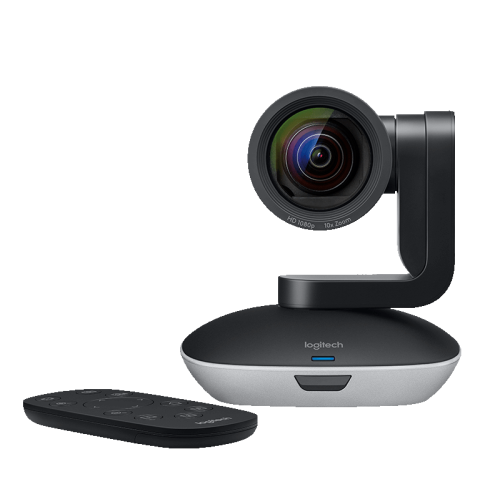
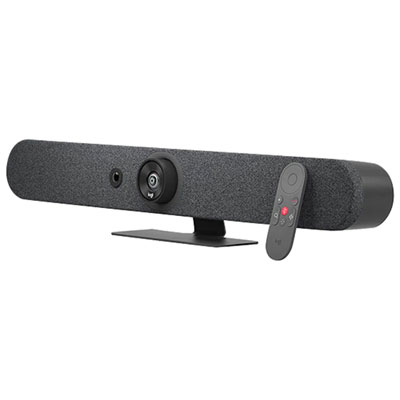
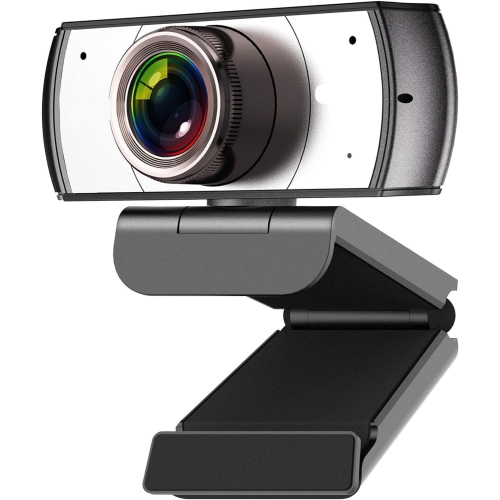
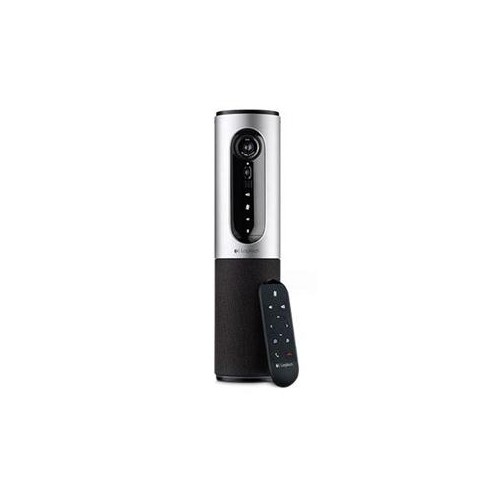
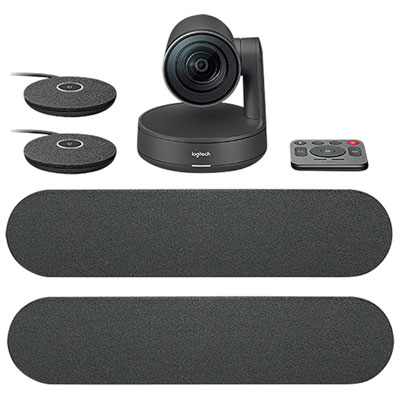
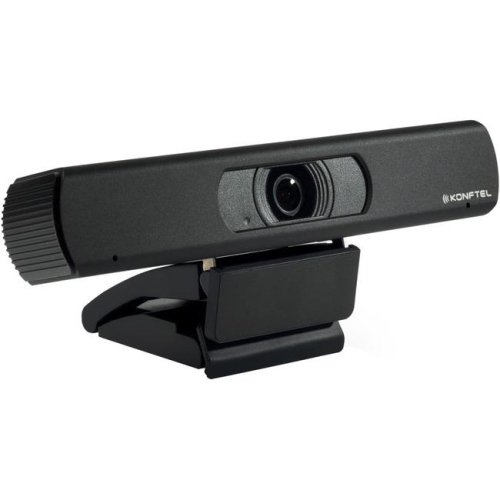
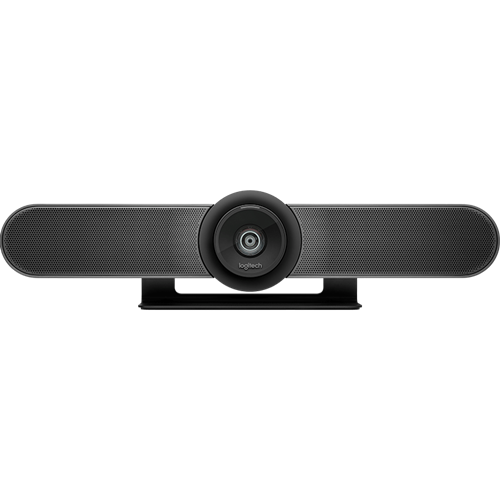

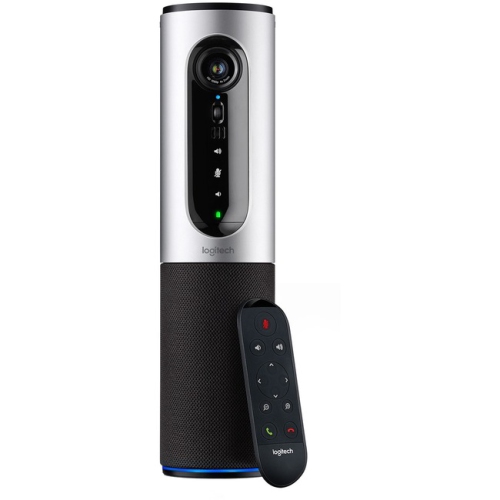
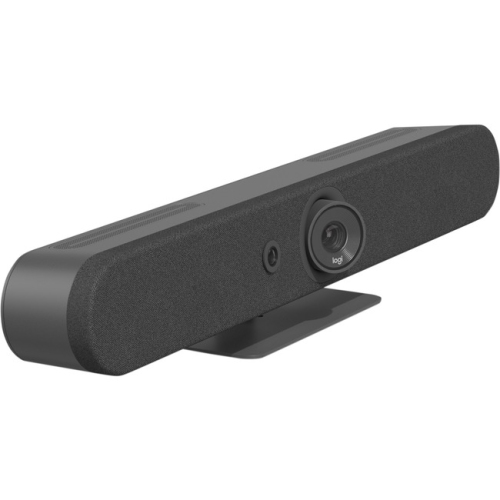

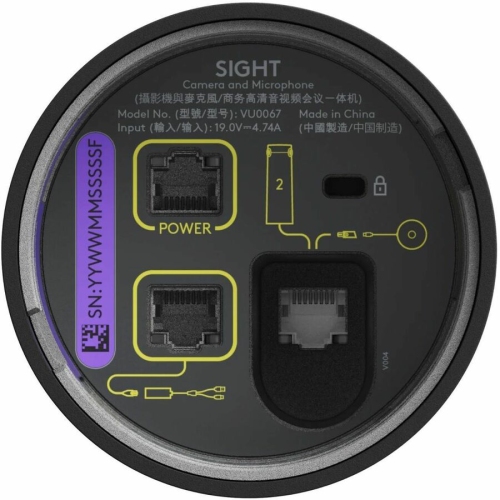
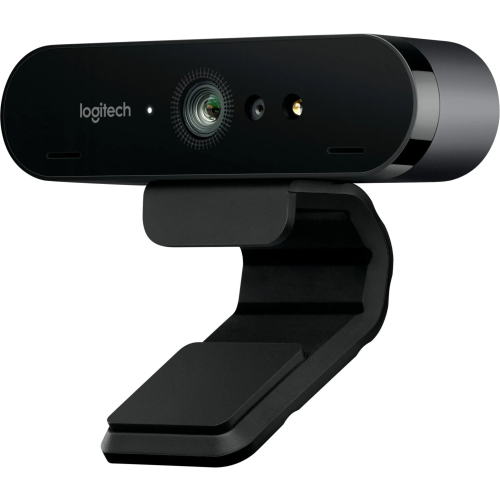
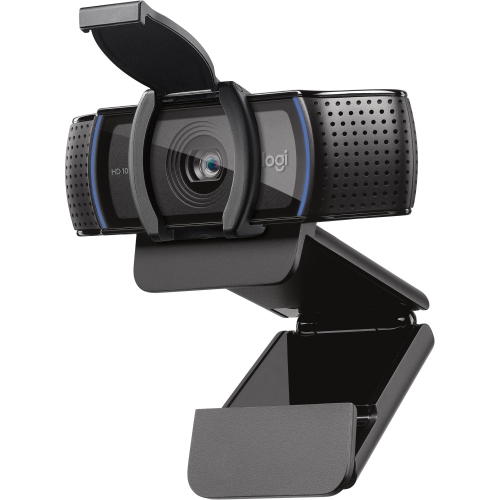
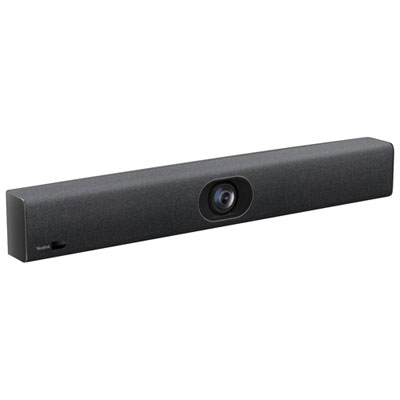
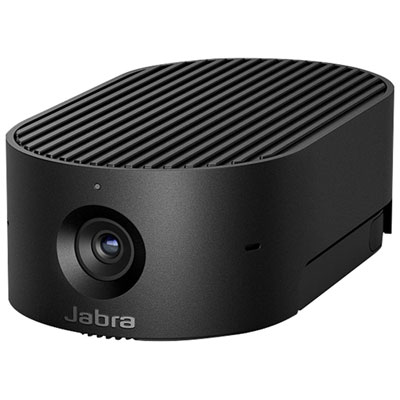




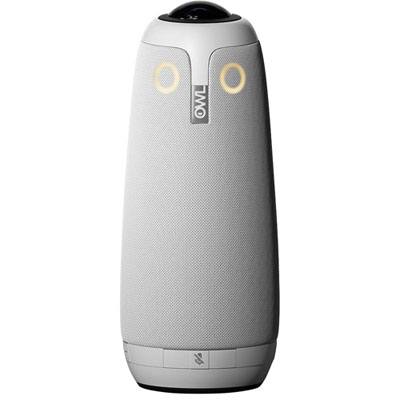

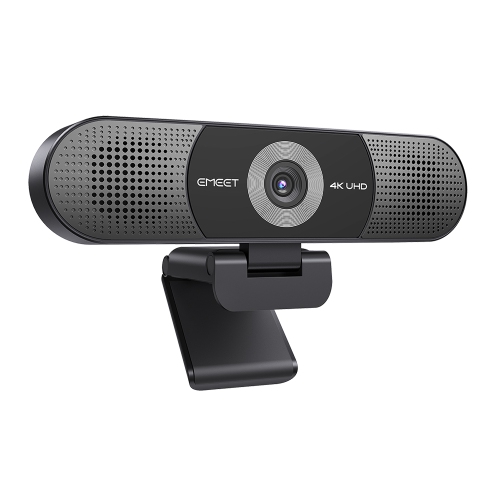
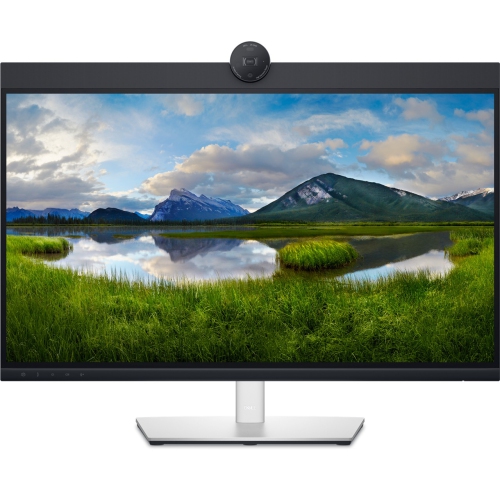
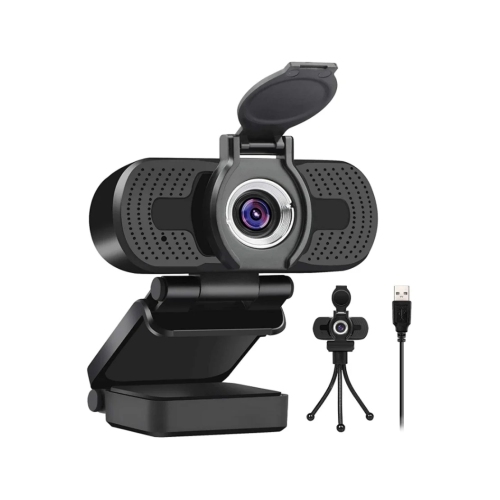
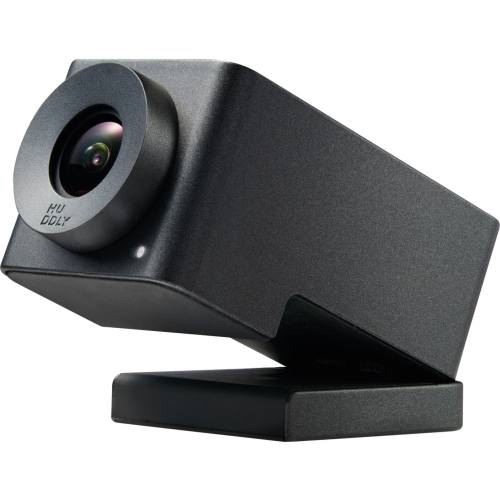
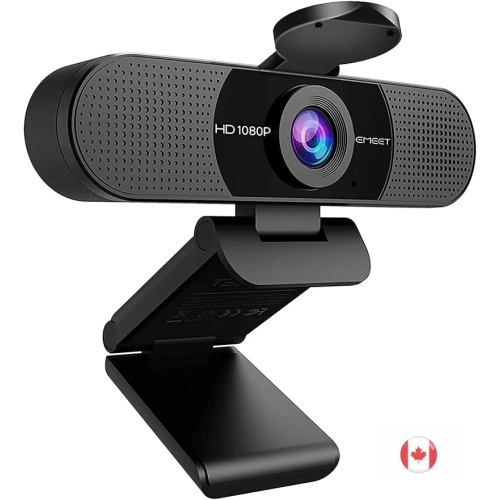
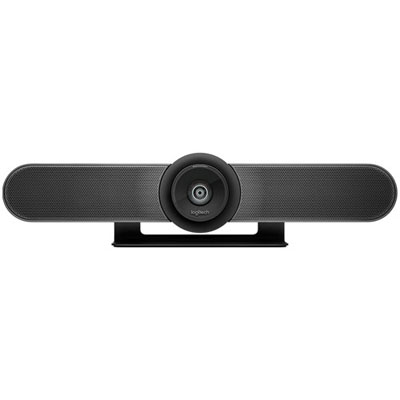
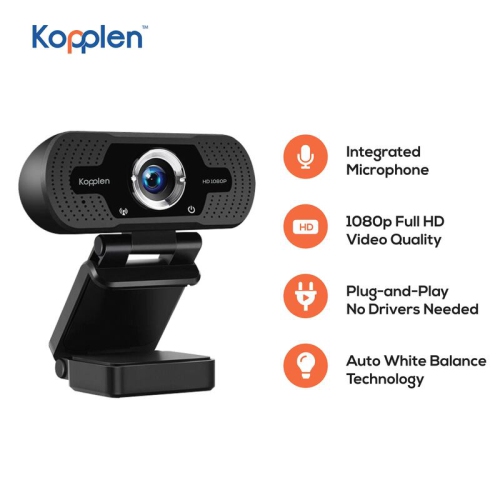


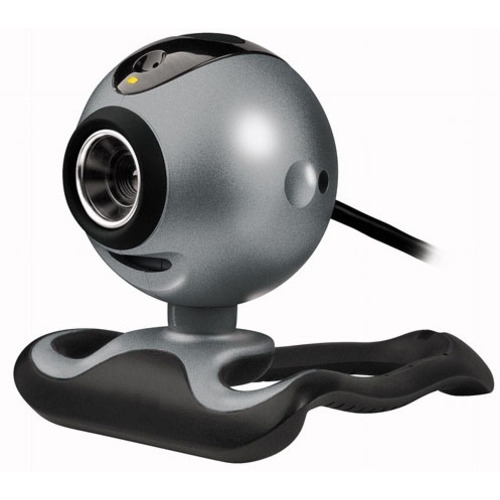
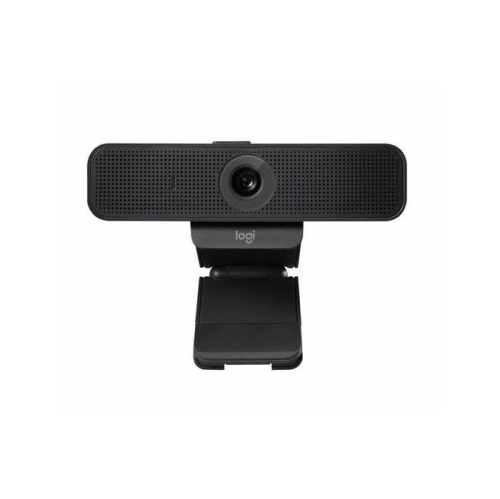
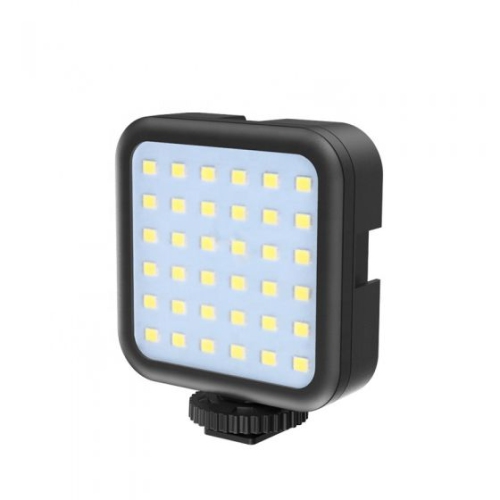
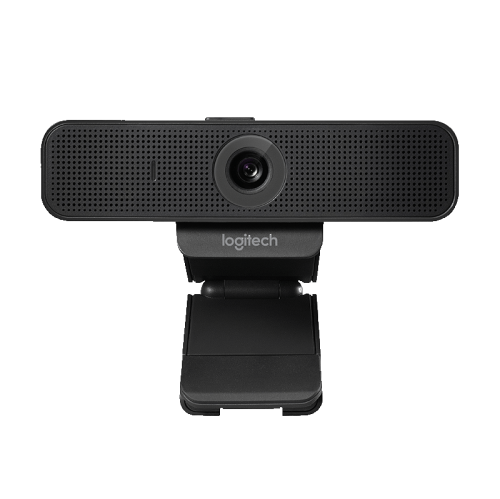
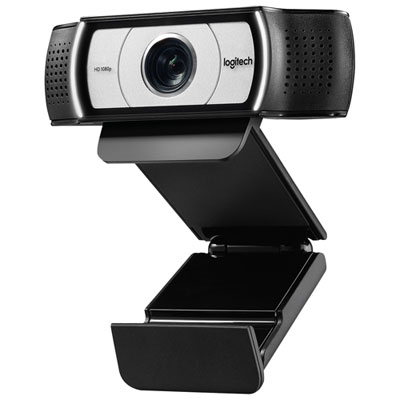
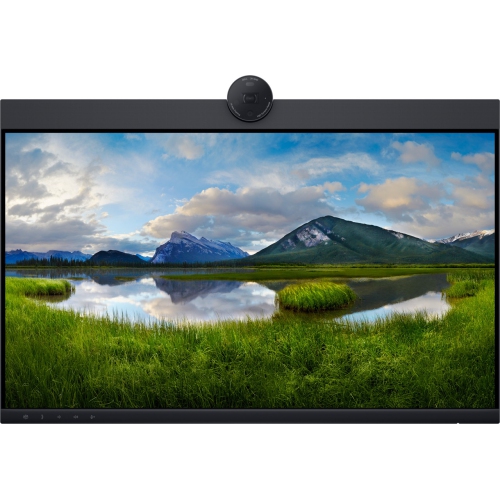
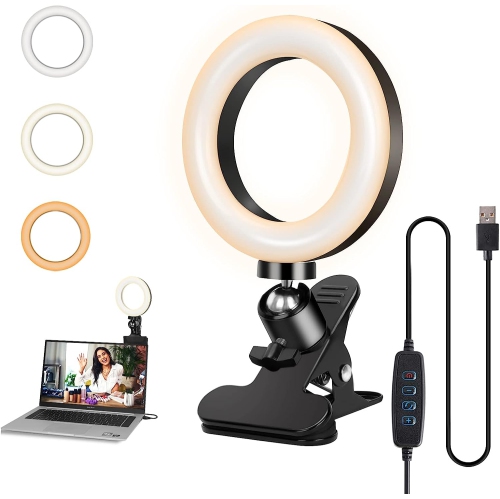
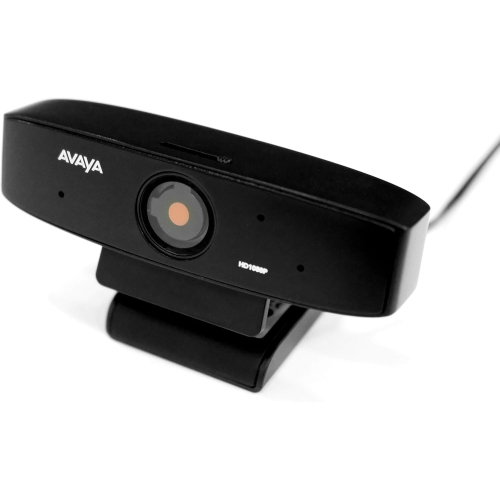
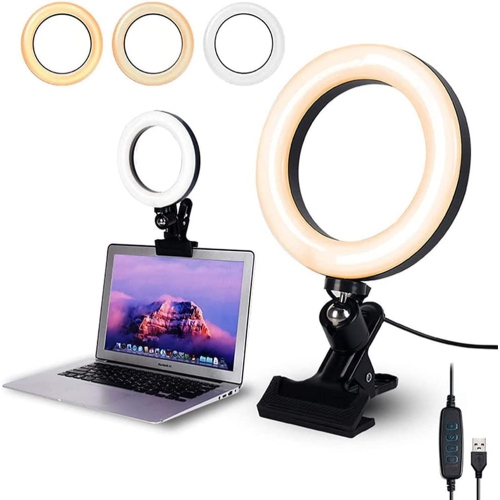
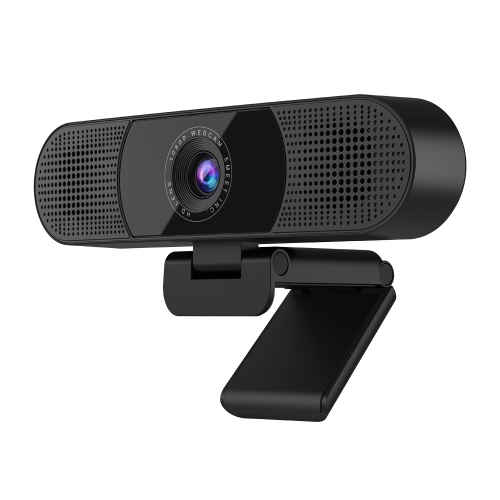
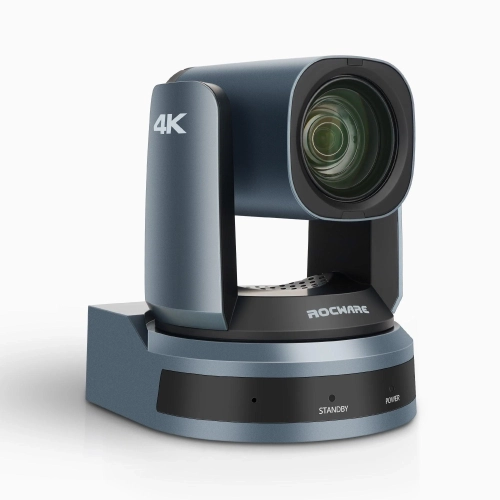
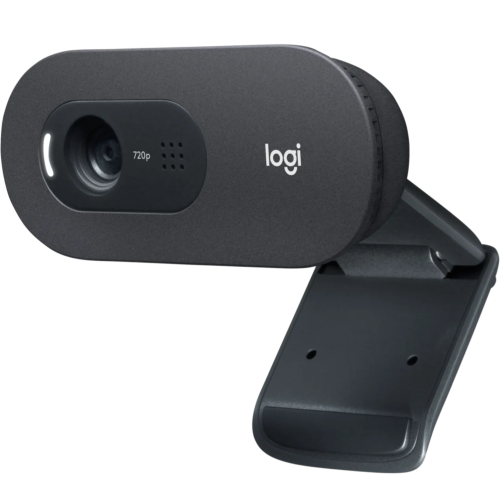
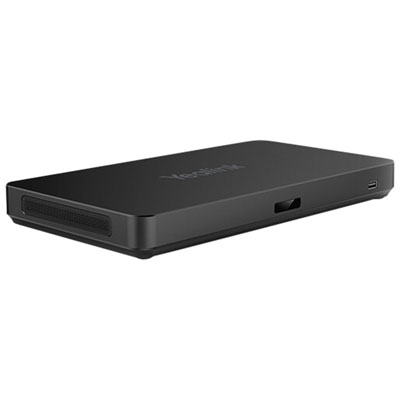

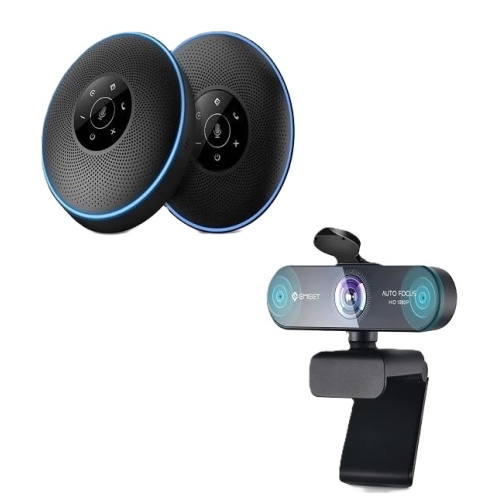
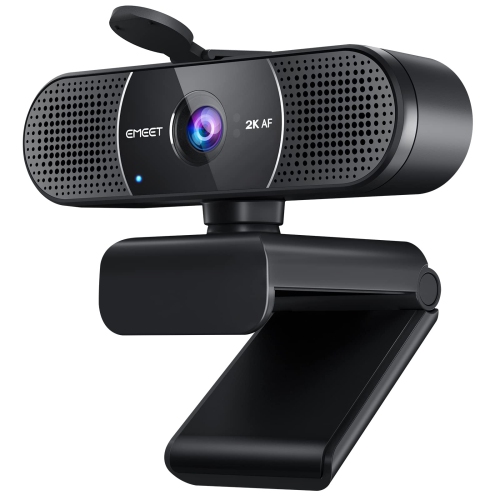
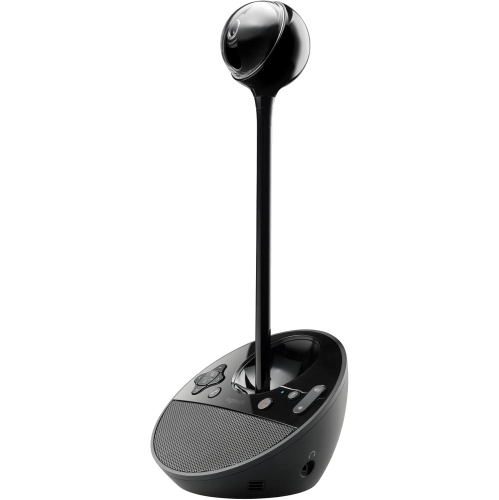
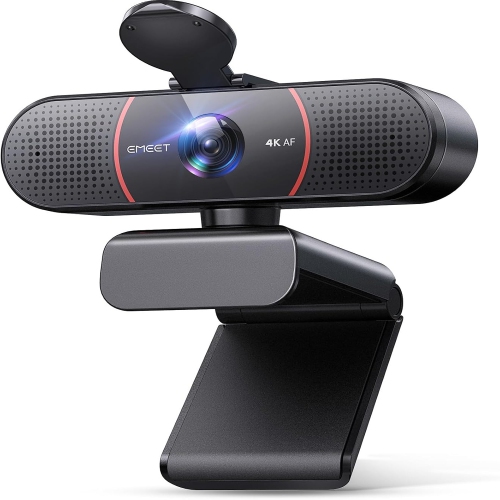
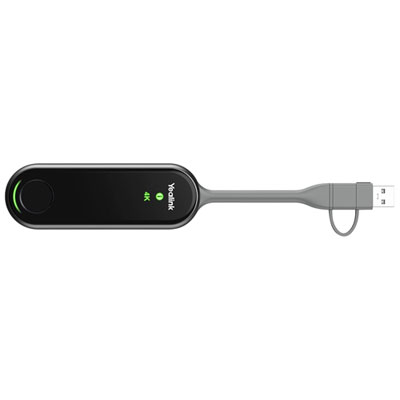

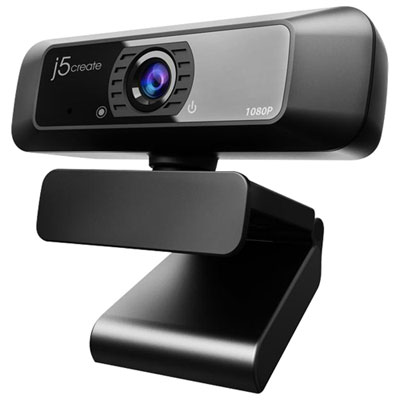
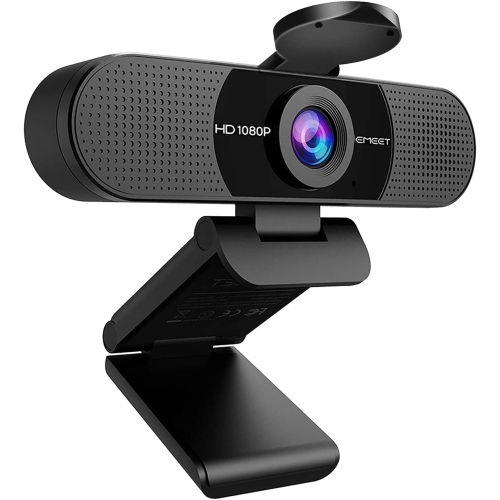
Clearer calls start with equipment suited to your space
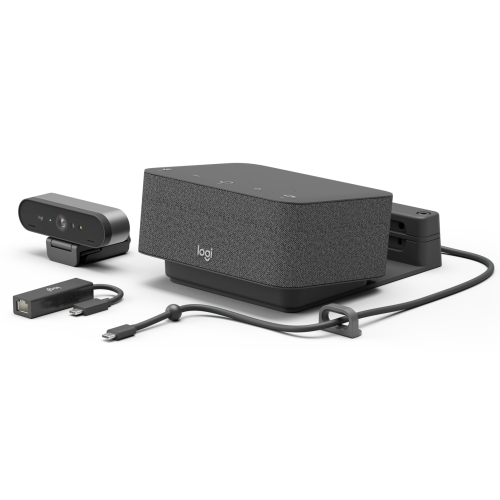
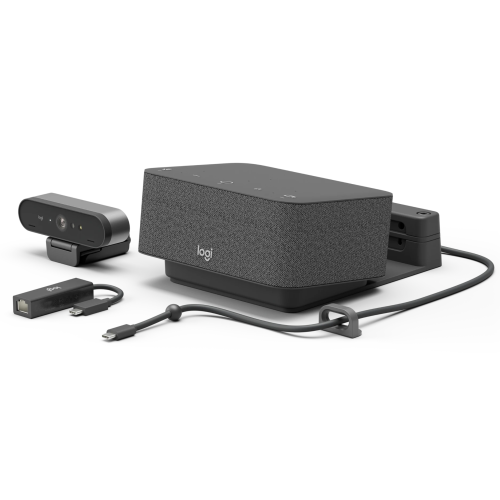
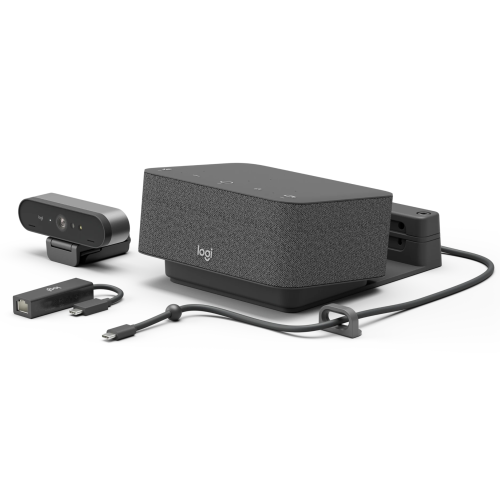
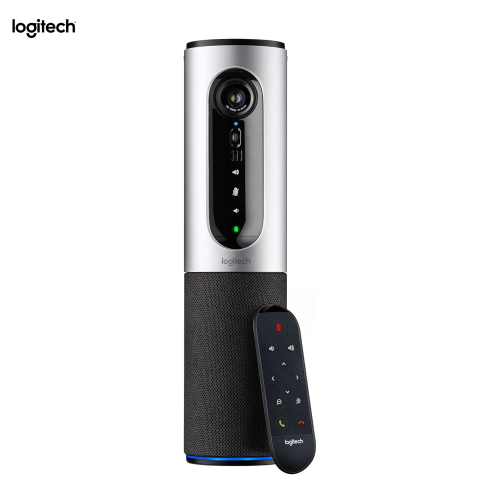
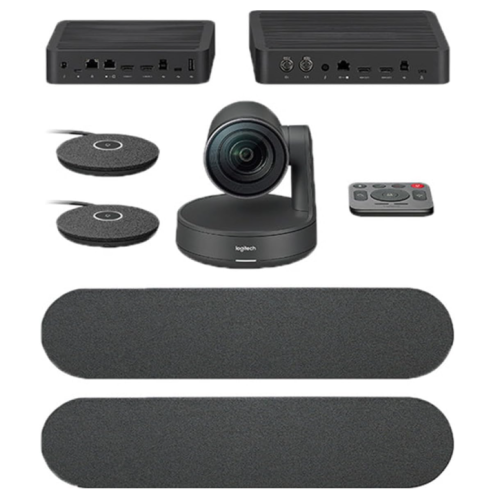
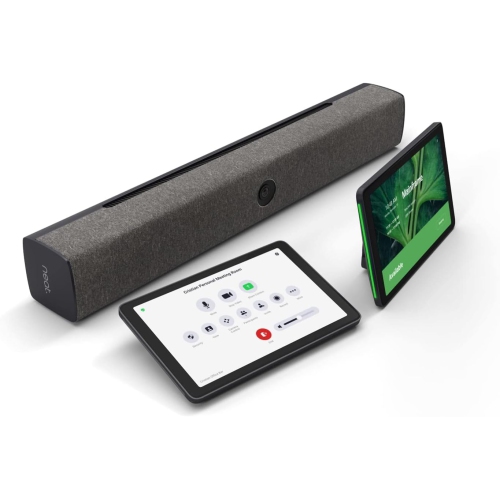
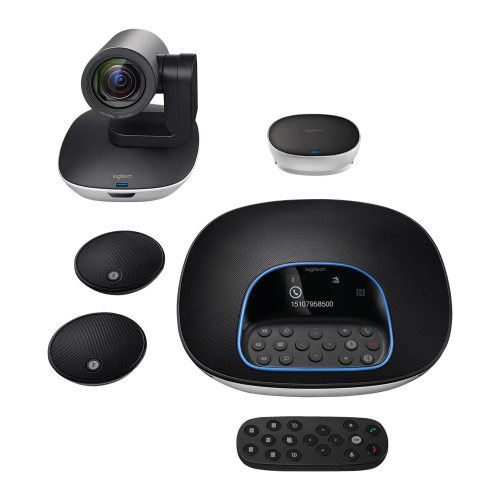
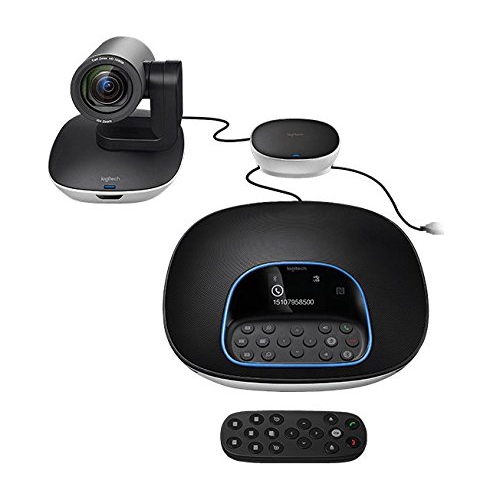
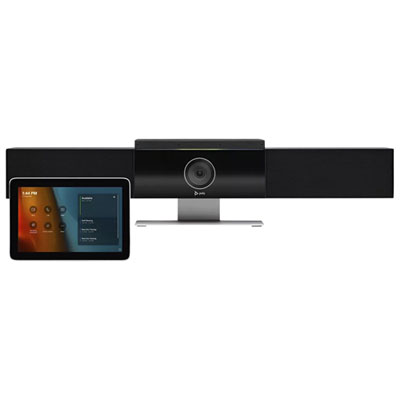
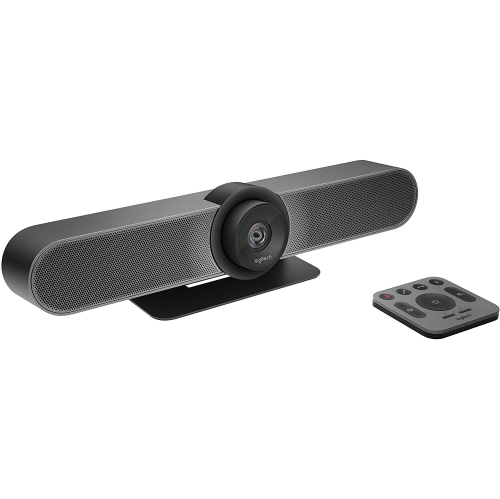
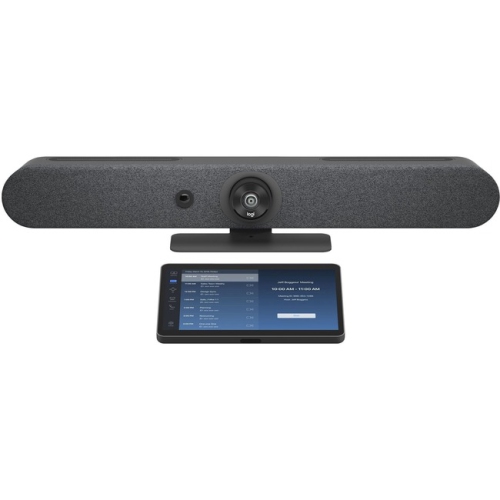
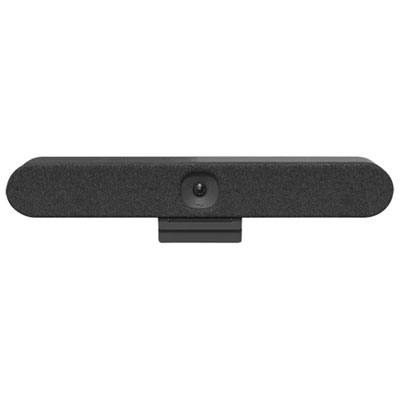
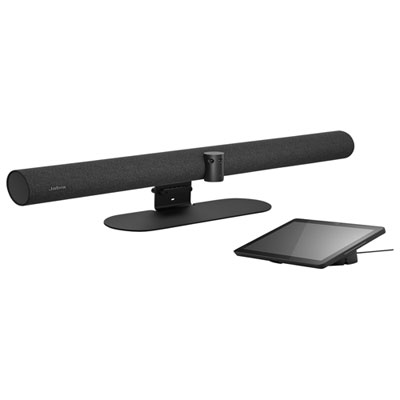
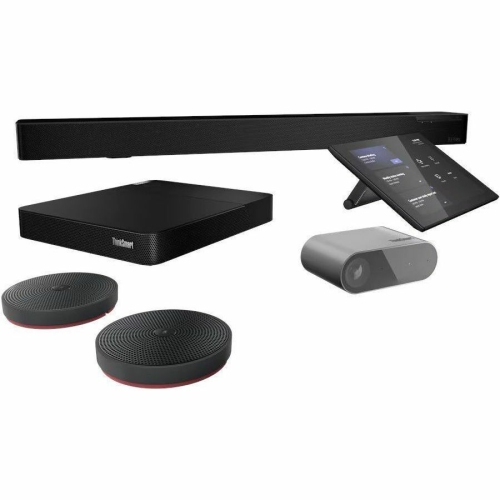
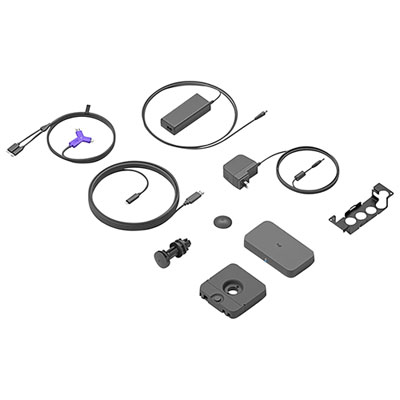
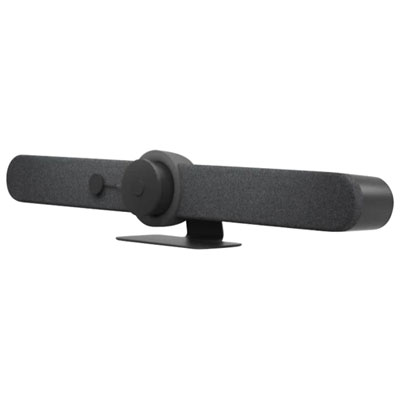
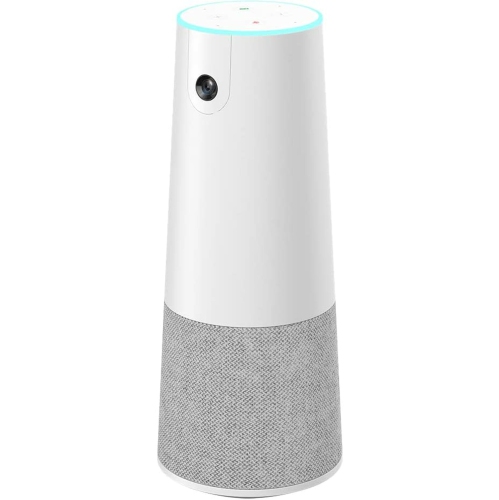
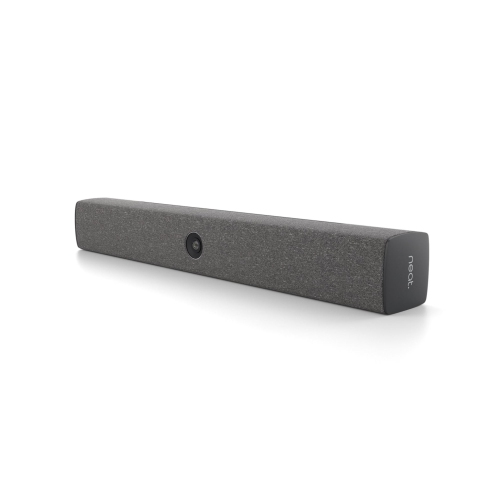
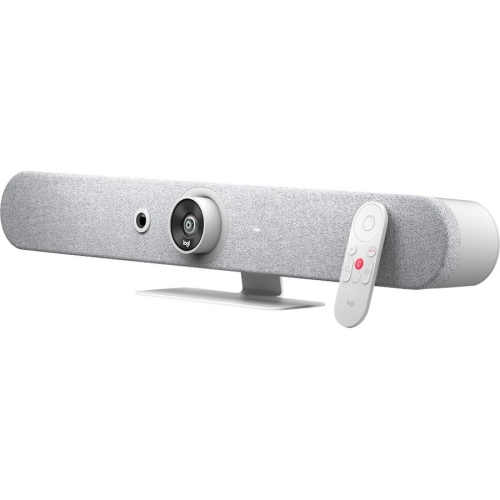
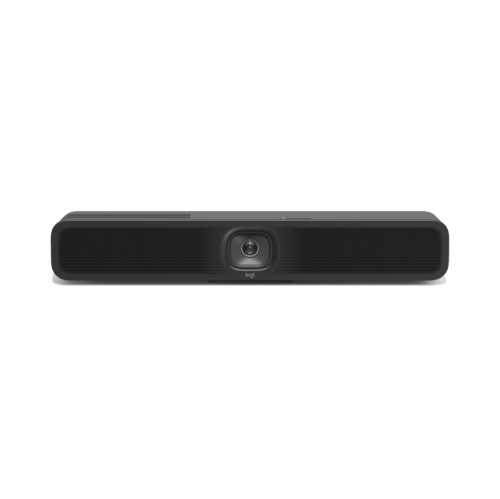
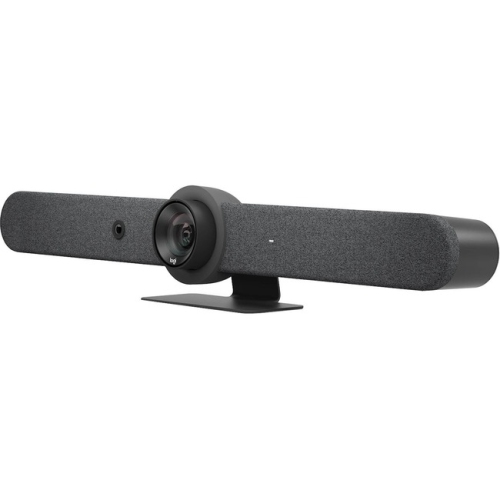
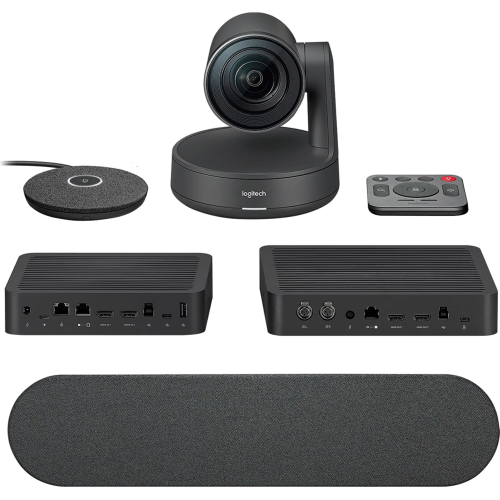
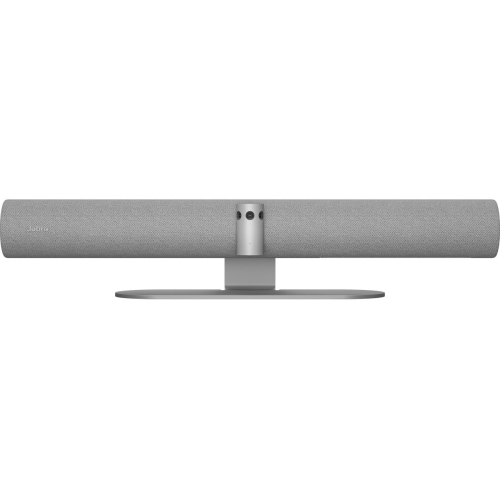
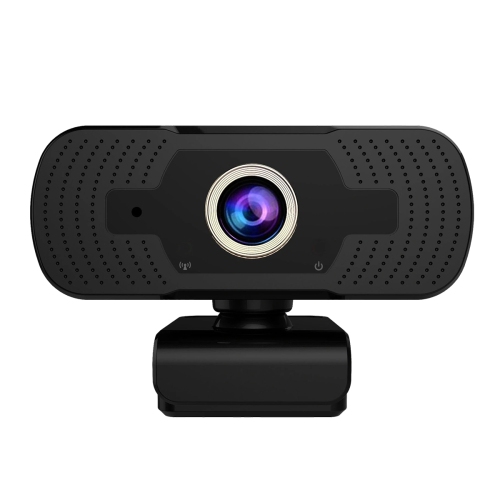
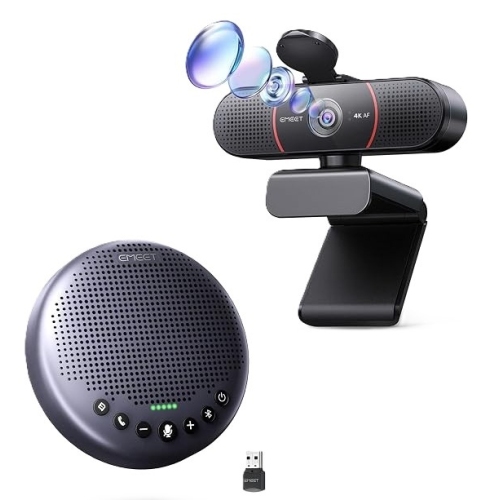
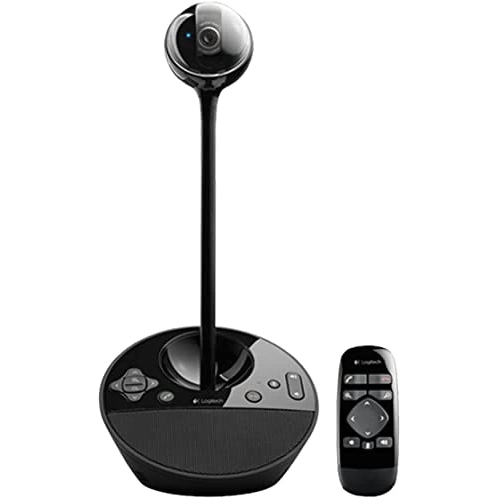
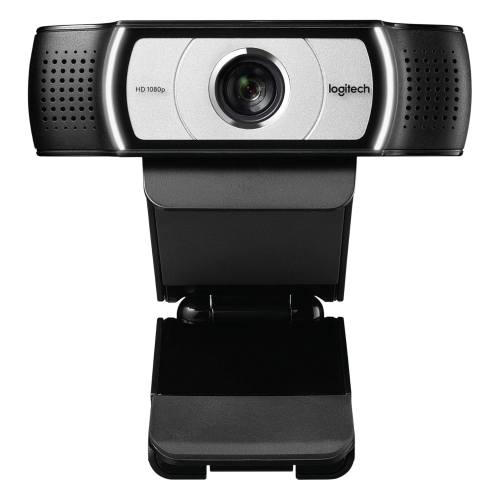
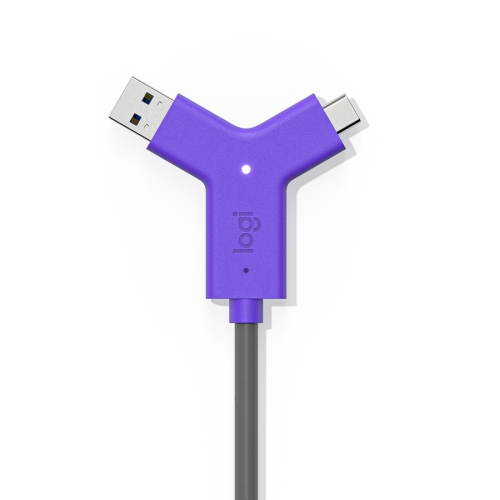
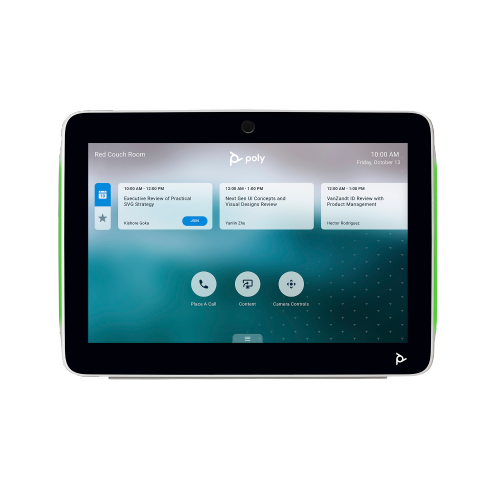
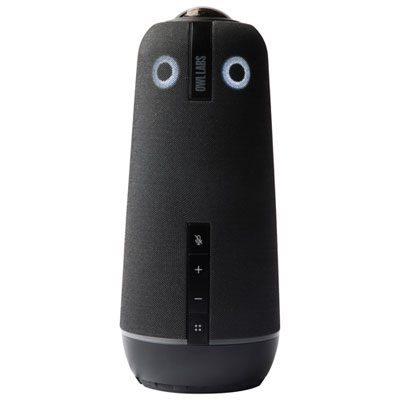
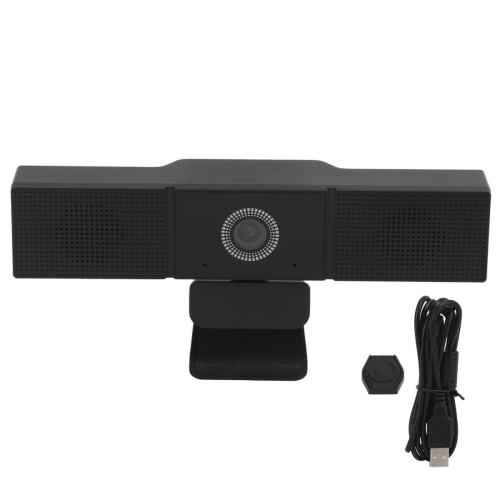
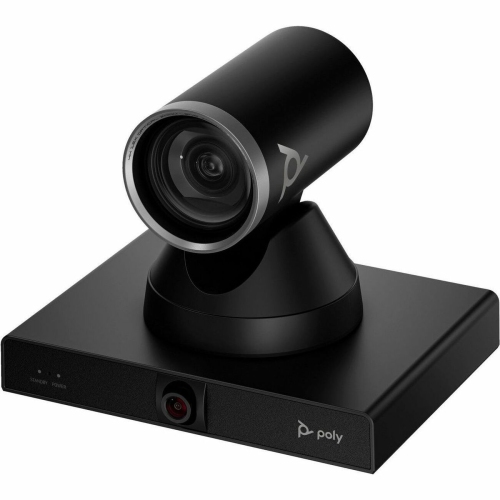
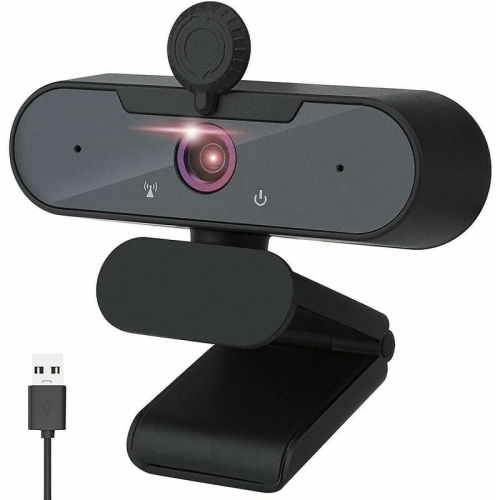
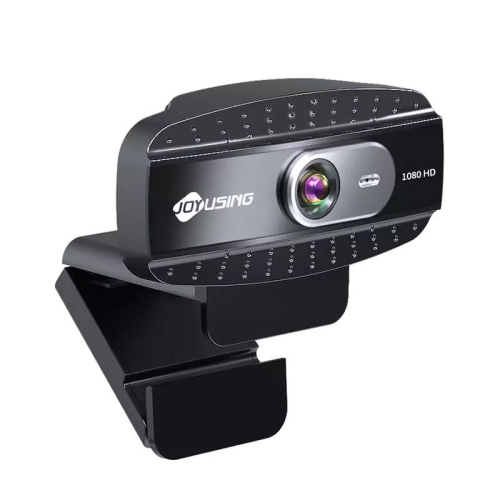
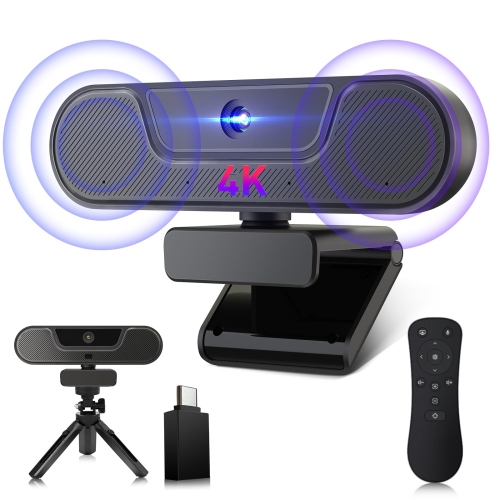
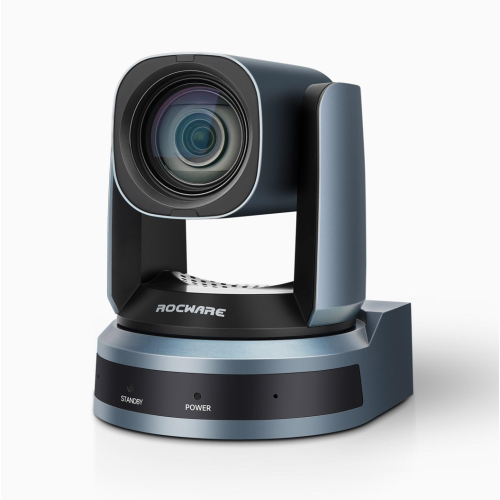
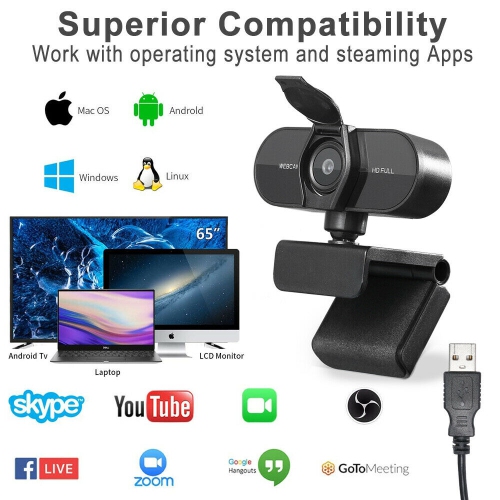
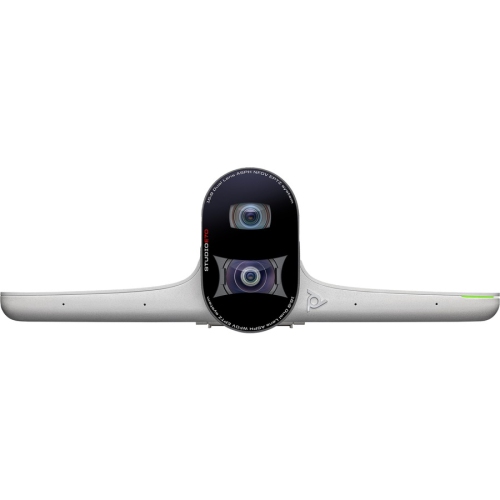
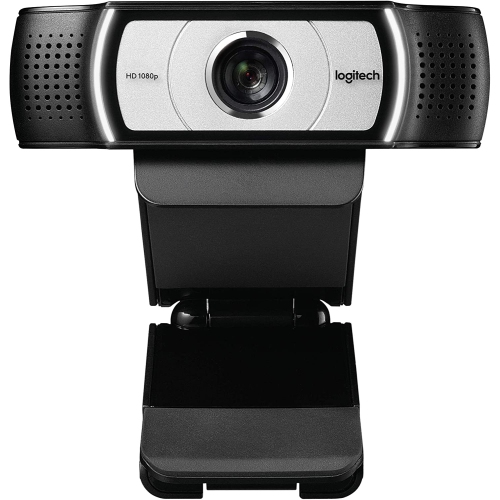
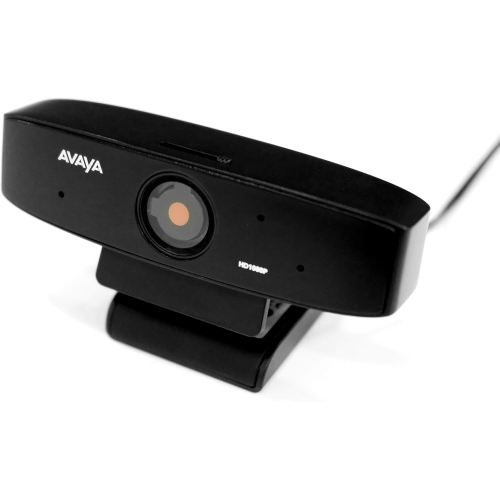
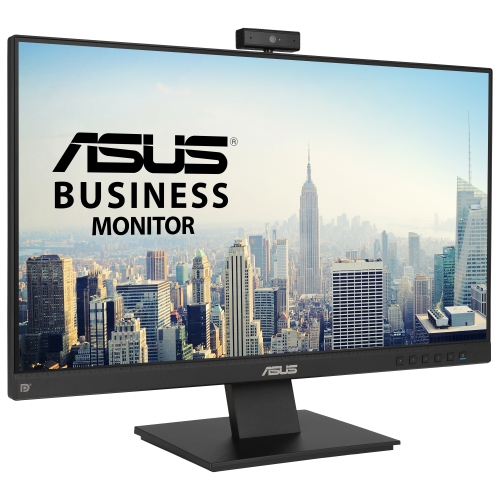
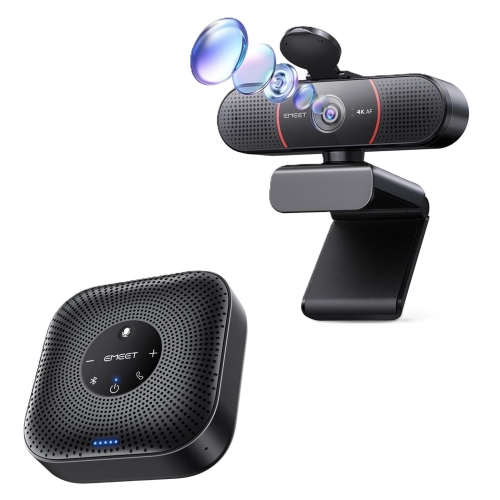
Video conferencing solutions bring together cameras, microphones, speakers, displays, and compatible software to help people see, hear, and collaborate with one another from different locations. The right setup depends on how many people will join from the same space, how far they sit from the camera, and whether calls involve conversation, presentations, or hands-on demonstrations. For an individual workspace, a webcam and a headset may provide the essentials without taking up much desk space. A shared meeting room has different demands: people at either end of a table need to be heard, remote participants need a clear view of the group, and shared documents need to remain readable on screen. All-in-one video bars combine several functions in a single housing, while separate cameras, speakerphones, and microphones allow more flexibility in placement. These types of equipment support everyday uses such as team check-ins, client appointments, interviews, tutoring, and conversations with family members who live far away. Compatibility matters just as much as the hardware itself. A camera that connects to a computer still needs to work with its operating system and the calling application being used, and some advanced controls may depend on additional software. USB connections can simplify a desk setup, but connector type, cable length, and available ports deserve attention, especially when a laptop also connects to an external display and other accessories. A room system may run meetings independently or require a connected computer, so the expected workflow helps determine the appropriate format. For spaces that need a coordinated camera and audio setup, Professional Video Conferencing KIts bring related equipment into a shared configuration, though included components and connection requirements vary. The most useful arrangement is one that suits the people using it: straightforward controls for a shared office, a comfortable headset for frequent calls, or broader camera coverage for a group gathered around a table.
Clear video starts with camera placement and framing rather than resolution alone. A camera positioned close to eye level makes conversation feel more direct, while a stable mount helps prevent distracting movement whenever someone types or adjusts the desk. For a person seated at a computer, a narrower field of view can keep attention on the speaker and show less of the surrounding room. In a small meeting space, a wider view helps include colleagues sitting beside the display, although an excessively wide angle may make faces appear small or distort people near the edges. Larger rooms may benefit from optical zoom or adjustable camera positioning, depending on the distance between the camera and the participants. Automatic framing can help keep a moving presenter or changing group in view when supported, but its behaviour varies by device and software. Resolution describes image detail; it does not guarantee flattering or consistent results. Light falling gently across the face usually gives a clearer picture than a bright window directly behind the speaker, and autofocus can be useful when someone holds up a document or an object during a call. Audio has an equally practical role. If a remote colleague can see everyone but cannot make out a quiet speaker at the far end of the table, the meeting still becomes difficult to follow. Microphone pickup range should suit the seating layout, not just the room’s overall dimensions. A headset keeps the microphone near the mouth and allows more private listening, while a conference speakerphone lets several people participate without wearing individual headsets. Echo cancellation helps reduce the sound of a call’s speakers feeding back into its microphones, and noise reduction may soften distractions such as keyboard taps or ventilation hum. Neither feature replaces sensible placement or a reasonably quiet space. Hard floors, glass walls, and bare tables can make voices sound more hollow; soft furnishings can help reduce reflections. For longer discussions, a display large enough to show both faces and shared content can make spreadsheets, captions, and presentation details easier to follow from each seat.
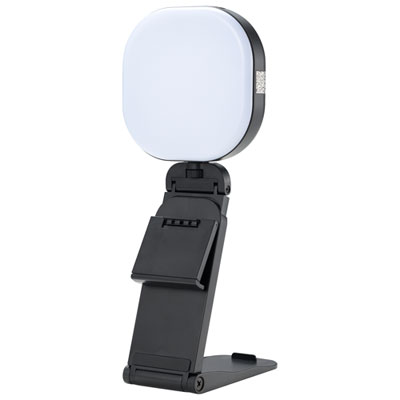
Day-to-day comfort and durability become especially noticeable when video calls fill much of the working day. Headsets should fit securely without excessive pressure, with an adjustable headband and ear cushions suited to the wearer’s preferences. Over-ear designs surround the ears, while on-ear designs rest against them; the more comfortable choice depends on fit, weight, and how long each session lasts. Eyeglass wearers may find that cushion softness affects comfort around the temples. Fabric-covered cushions can feel different from wipeable synthetic surfaces, and removable cushions can make ongoing care easier where supported. For cameras and speakerphones, a stable base, well-fitted hinges, and secure cable connections matter when equipment is moved between a desk, a meeting table, and a laptop bag. Plastic housings can keep portable equipment light, while metal stands or brackets can add rigidity to a fixed installation. Mounting hardware should match the intended surface, and a monitor clip needs to fit without obstructing the screen or pressing awkwardly against a thin display. Care is usually straightforward: follow the manufacturer’s cleaning directions, use an appropriate soft cloth for lenses and exterior surfaces, and avoid spraying liquid directly into openings. Cables routed away from chair wheels and table edges are less likely to be pulled or pinched. For shared rooms, accessible mute controls and a visible camera status indicator help participants understand what is active before a conversation begins. A physical privacy shutter, where included, offers a simple way to cover the lens between calls, but microphone controls remain separate. Reliable connectivity also supports the overall experience; wired Ethernet can provide a consistent connection where practical, while Wi-Fi performance depends on signal strength, network traffic, and placement. Higher-resolution video and multiple active users can increase network demands. A brief test of camera framing, microphone pickup, speaker volume, and screen sharing before an important interview or presentation can reveal issues early. With equipment matched to the room, the software, and the people taking part, video conferencing becomes less about managing devices and more about following the conversation.
Clear video starts with camera placement and framing rather than resolution alone. A camera positioned close to eye level makes conversation feel more direct, while a stable mount helps prevent distracting movement whenever someone types or adjusts the desk. For a person seated at a computer, a narrower field of view can keep attention on the speaker and show less of the surrounding room. In a small meeting space, a wider view helps include colleagues sitting beside the display, although an excessively wide angle may make faces appear small or distort people near the edges. Larger rooms may benefit from optical zoom or adjustable camera positioning, depending on the distance between the camera and the participants. Automatic framing can help keep a moving presenter or changing group in view when supported, but its behaviour varies by device and software. Resolution describes image detail; it does not guarantee flattering or consistent results. Light falling gently across the face usually gives a clearer picture than a bright window directly behind the speaker, and autofocus can be useful when someone holds up a document or an object during a call. Audio has an equally practical role. If a remote colleague can see everyone but cannot make out a quiet speaker at the far end of the table, the meeting still becomes difficult to follow. Microphone pickup range should suit the seating layout, not just the room’s overall dimensions. A headset keeps the microphone near the mouth and allows more private listening, while a conference speakerphone lets several people participate without wearing individual headsets. Echo cancellation helps reduce the sound of a call’s speakers feeding back into its microphones, and noise reduction may soften distractions such as keyboard taps or ventilation hum. Neither feature replaces sensible placement or a reasonably quiet space. Hard floors, glass walls, and bare tables can make voices sound more hollow; soft furnishings can help reduce reflections. For longer discussions, a display large enough to show both faces and shared content can make spreadsheets, captions, and presentation details easier to follow from each seat.
Day-to-day comfort and durability become especially noticeable when video calls fill much of the working day. Headsets should fit securely without excessive pressure, with an adjustable headband and ear cushions suited to the wearer’s preferences. Over-ear designs surround the ears, while on-ear designs rest against them; the more comfortable choice depends on fit, weight, and how long each session lasts. Eyeglass wearers may find that cushion softness affects comfort around the temples. Fabric-covered cushions can feel different from wipeable synthetic surfaces, and removable cushions can make ongoing care easier where supported. For cameras and speakerphones, a stable base, well-fitted hinges, and secure cable connections matter when equipment is moved between a desk, a meeting table, and a laptop bag. Plastic housings can keep portable equipment light, while metal stands or brackets can add rigidity to a fixed installation. Mounting hardware should match the intended surface, and a monitor clip needs to fit without obstructing the screen or pressing awkwardly against a thin display. Care is usually straightforward: follow the manufacturer’s cleaning directions, use an appropriate soft cloth for lenses and exterior surfaces, and avoid spraying liquid directly into openings. Cables routed away from chair wheels and table edges are less likely to be pulled or pinched. For shared rooms, accessible mute controls and a visible camera status indicator help participants understand what is active before a conversation begins. A physical privacy shutter, where included, offers a simple way to cover the lens between calls, but microphone controls remain separate. Reliable connectivity also supports the overall experience; wired Ethernet can provide a consistent connection where practical, while Wi-Fi performance depends on signal strength, network traffic, and placement. Higher-resolution video and multiple active users can increase network demands. A brief test of camera framing, microphone pickup, speaker volume, and screen sharing before an important interview or presentation can reveal issues early. With equipment matched to the room, the software, and the people taking part, video conferencing becomes less about managing devices and more about following the conversation.
Top selling and popular products
-
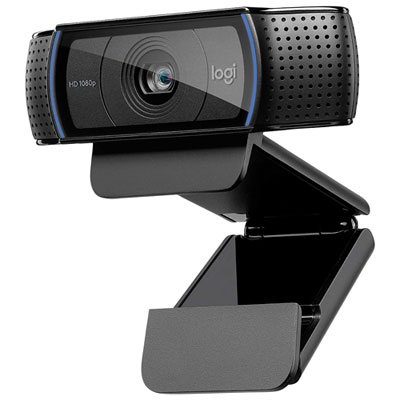 Your price for this item is $69.98
-
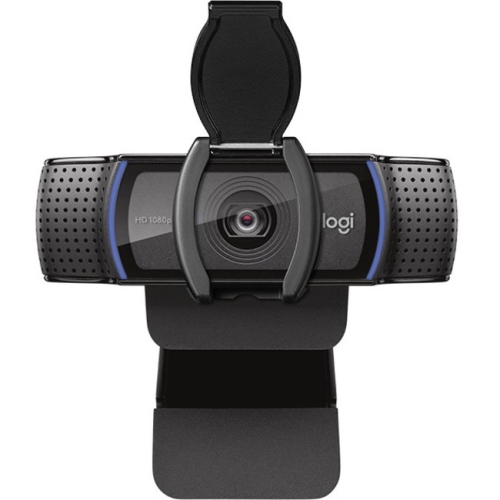 Your price for this item is $123.44
-
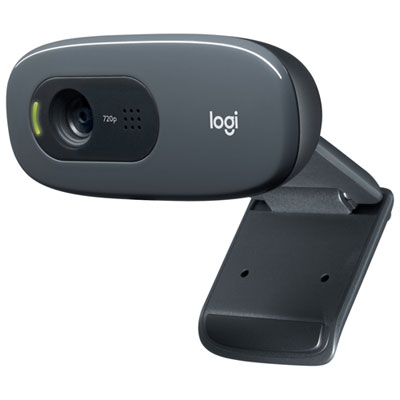 Your price for this item is $27.98
-
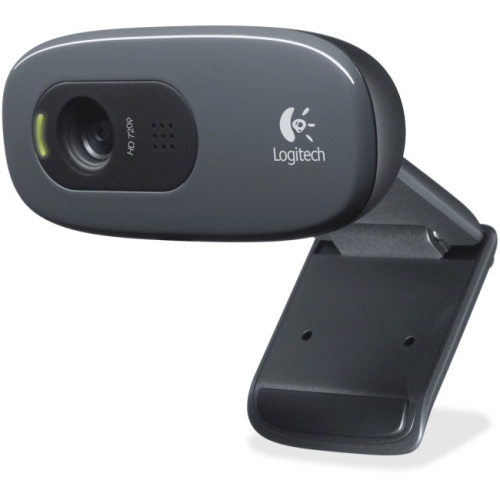 Your price for this item is $48.49
-
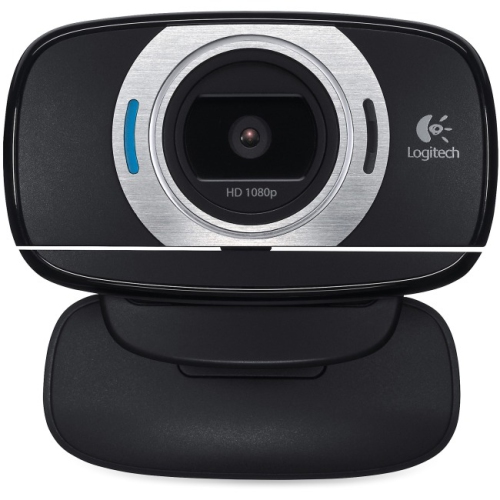 Your price for this item is $106.68
-
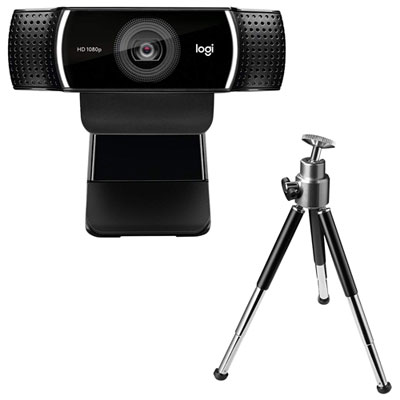 Your price for this item is $149.99
-
 Your price for this item is $130.68
-
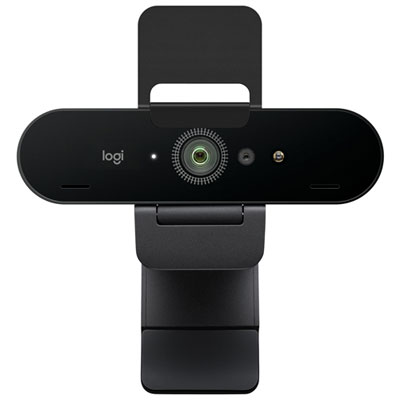 Your price for this item is $249.99
Discover more categories related to Video Conferencing Solutions
Top Collections:
Pokemon Centers, Best Black Friday Deals This Year, Best Black Friday Deals On Electronics, Kindle Devices, Best Budget Office Chairs, Best Black Friday Deals On Apple Products, Best Cameras for Sports Photography, Pokémon 30th Celebration Cards, Dyson Airwrap, Canon G7X Cameras
Some products may be subject to Environmental Handling Fees
(EHF) depending on your province.
Learn more about EHFs.