Professional Work From Home Setup Essentials
Elevate your remote workspace with professional work from home setup essentials designed to boost productivity and comfort. Whether you’re managing meetings, tackling projects, or staying connected with colleagues, the right tools can make all the difference in your daily routine. Explore a curated selection of must-have items that help create an efficient and organized environment, so you can focus on achieving your best work from the comfort of home.
Sort
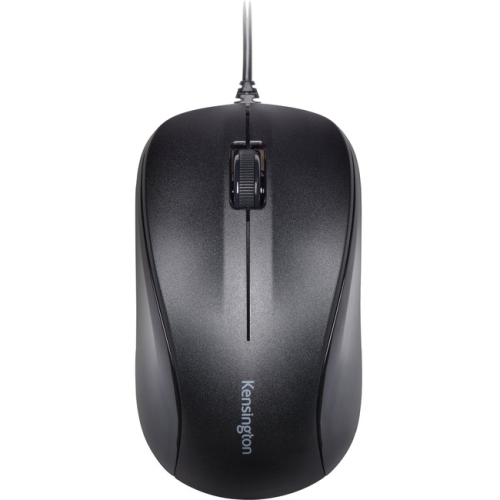
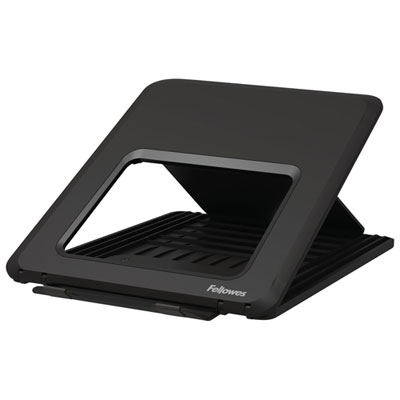
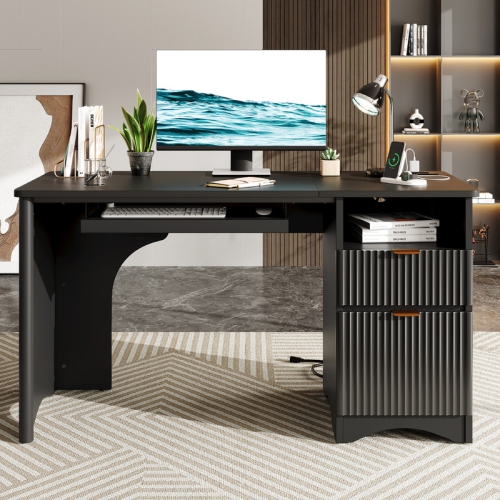
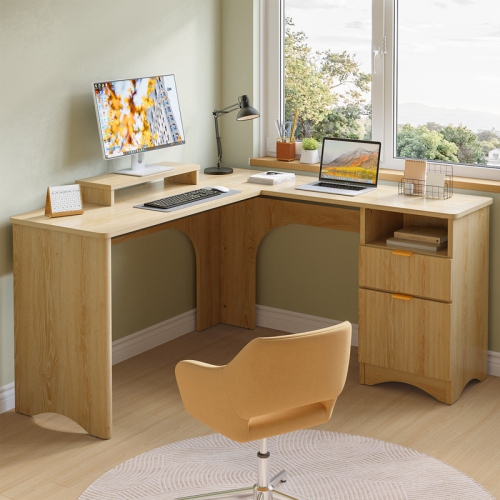

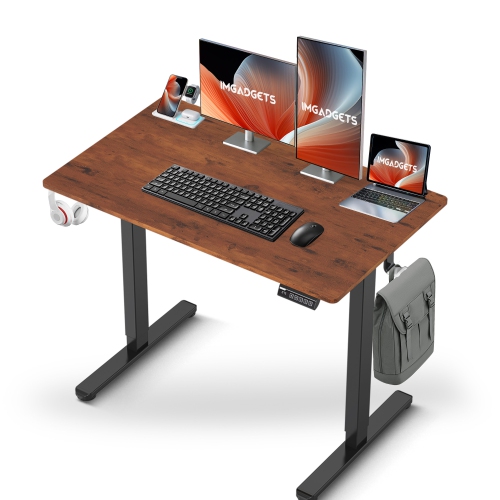
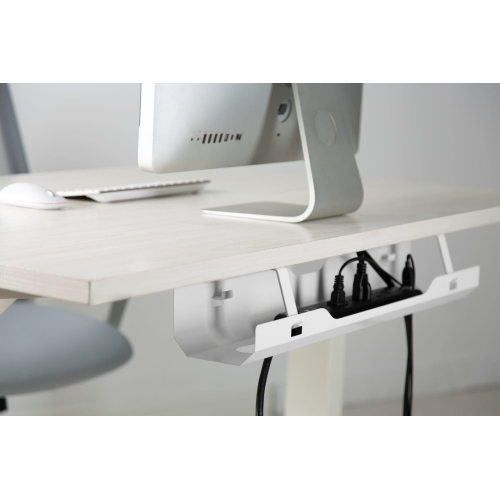
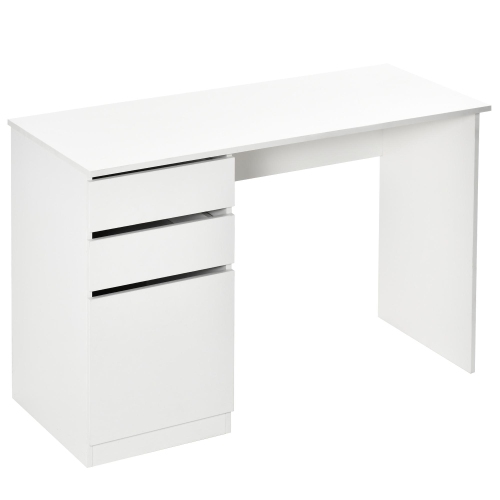
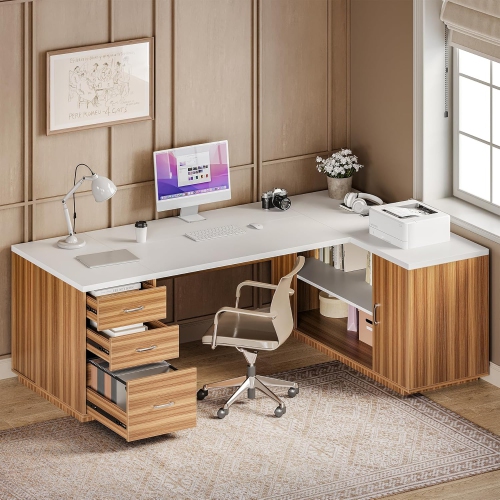

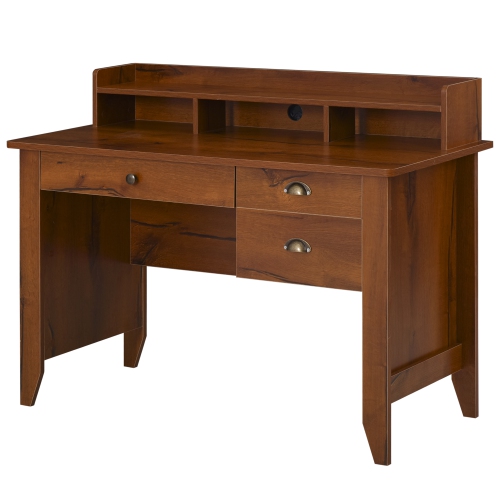
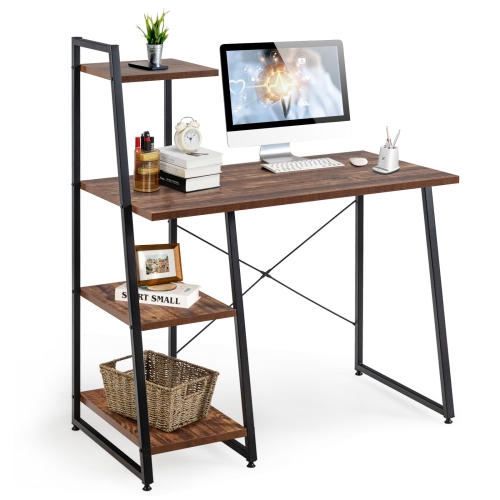
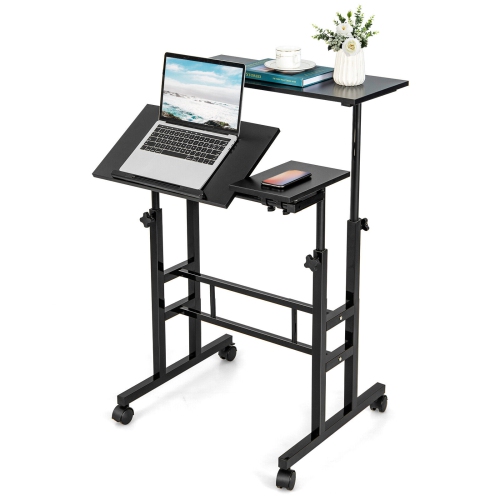
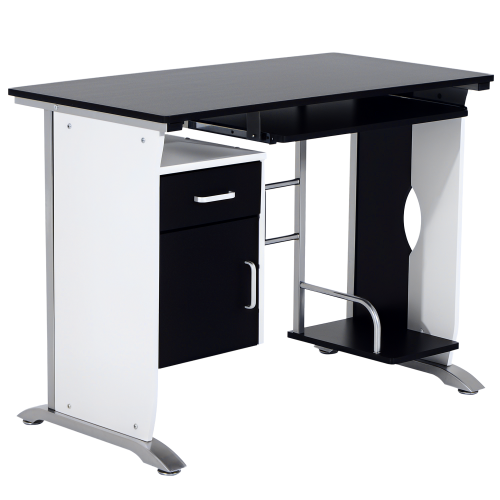
A workstation that fits your room and routine
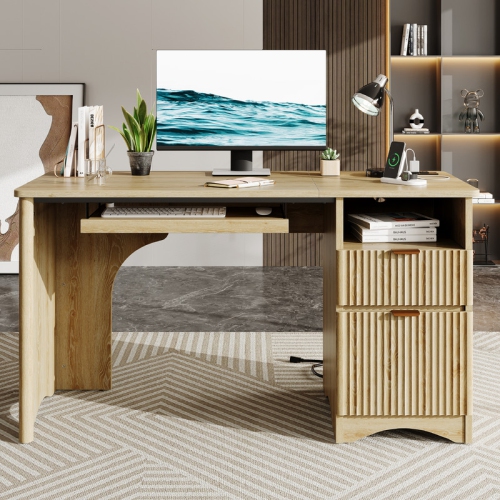
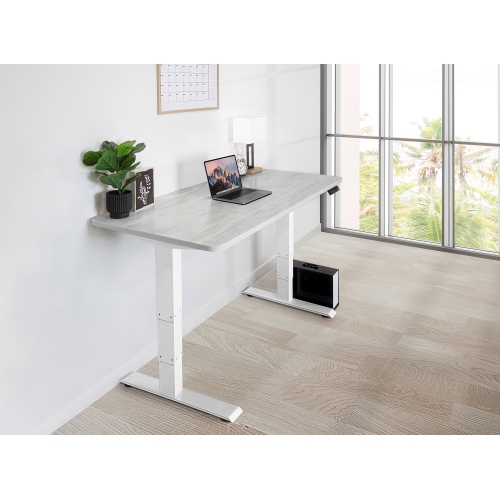
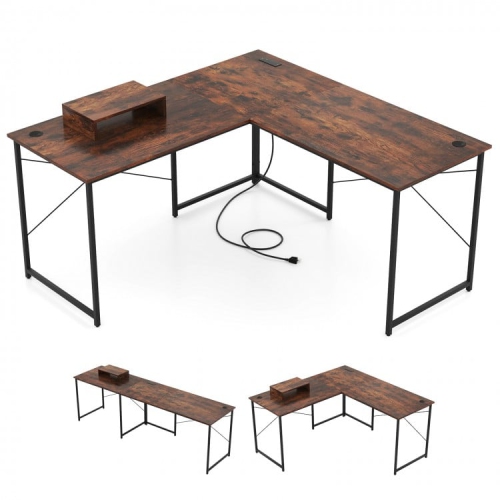
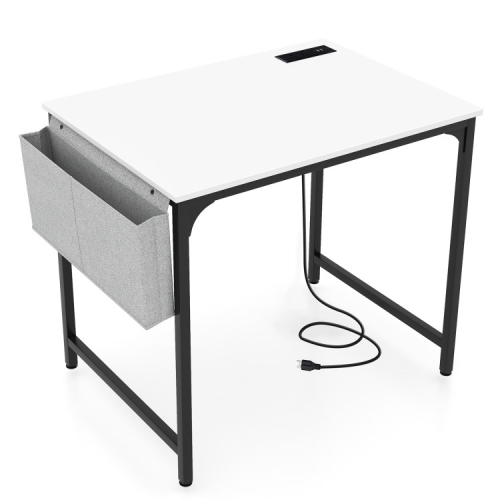
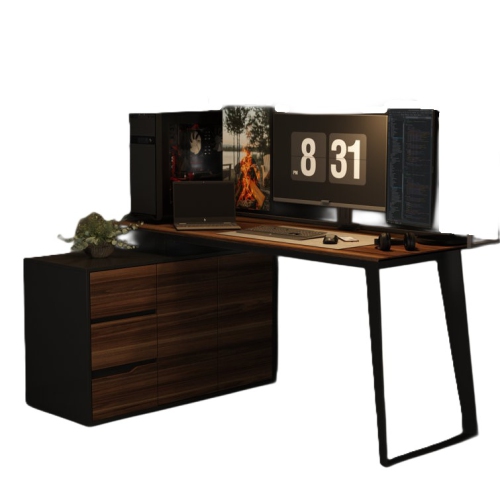
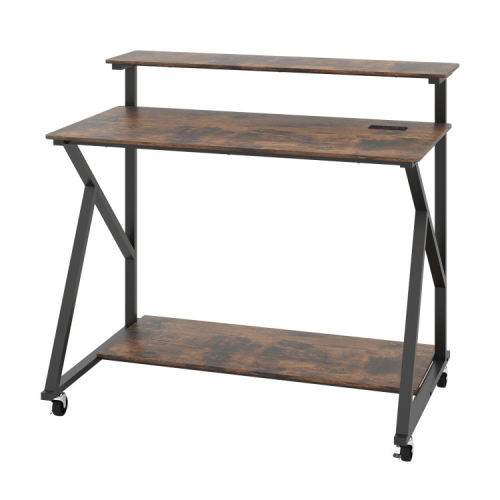
Professional work-from-home setup essentials bring together supportive office furniture, capable computing equipment, reliable connectivity, and clear audio and video for everyday business tasks. A dedicated home office may have room for a generous desk and separate storage, while a workspace in a living room needs furniture that fits comfortably alongside other activities. Desk depth matters as much as width: a surface should accommodate a screen at a comfortable viewing distance, a keyboard and mouse, and space to rest the forearms without crowding the edge. Legroom, nearby outlets, and clearance behind the chair also affect how well the space functions. Height-adjustable desks offer flexibility for alternating between sitting and standing, with lifting capacity and height range worth considering alongside desktop size. A stable frame is particularly useful when typing with the desk raised or using a monitor arm. For seated work, an adjustable office chair with lumbar support, a suitable seat depth, and movable armrests can make it easier to find a supported position. Feet should rest securely on the floor or a footrest, rather than hang below a seat raised to match the desk. Breathable mesh, upholstered fabric, and wipeable finishes each offer different textures and care requirements; fabric may need regular vacuuming, while smooth surfaces typically require cleaning appropriate to their finish. Durable desk surfaces, sturdy joints, and chair components suited to the user’s weight support frequent use. Floor protection also deserves attention, particularly where chair casters move repeatedly over hardwood or carpet. A standing mat can add cushioning during standing tasks, provided it lies flat and does not obstruct chair movement or walkways. Together, these details help create a workstation that suits both the person using it and the room around it, whether the workday involves drafting proposals, handling client appointments, or moving between focused writing and video meetings. A desk that looks compact in a room can still work well when its proportions match the equipment and the user’s reach.
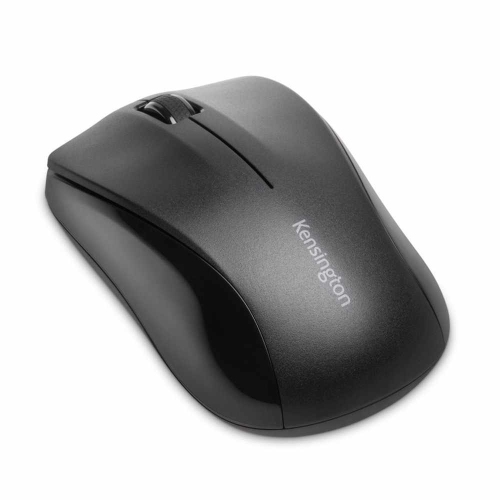
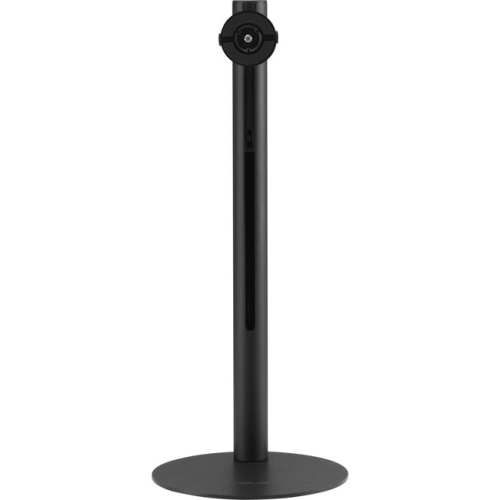
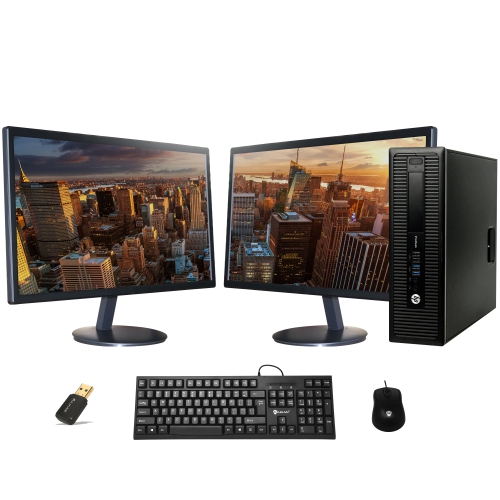
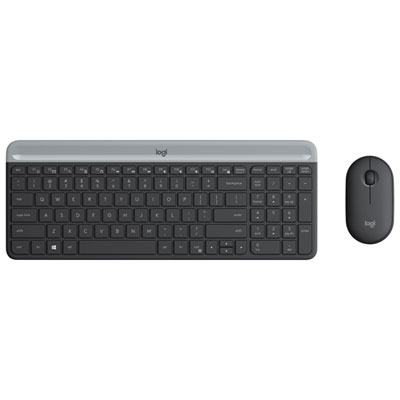
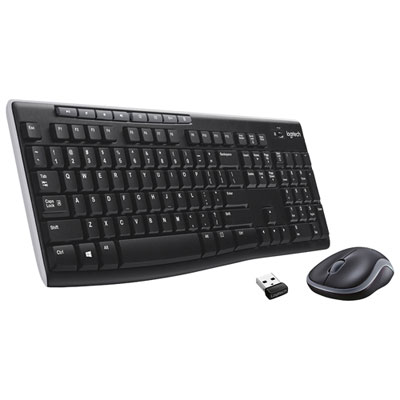
Computers, displays, and input devices shape how efficiently that workspace handles daily work. A laptop offers flexibility for moving between a home desk and another workplace, while a desktop computer suits a more permanent arrangement and may offer additional upgrade options. Processing capability, memory, storage, and software compatibility should reflect the actual workload: email and document editing place different demands on a computer than large spreadsheets, design applications, or video production. External monitors provide more room for comparing documents, keeping a meeting visible beside notes, or reviewing detailed layouts without constantly switching windows. Screen size, resolution, text clarity, and available desk space all matter, especially when two displays will sit side by side. Adjustable monitor stands and compatible arms allow more control over screen height and positioning; arm selection also depends on the display’s mounting pattern and weight, along with the desk’s construction. A laptop riser can bring a built-in display closer to a comfortable viewing height when paired with a separate keyboard and mouse. Keyboard layout, key feel, mouse size, and hand position influence comfort during extended typing or editing, while quieter keys may be welcome in shared rooms. Wireless accessories reduce the number of cables across the work surface, though charging or battery replacement remains part of their upkeep. Docking stations and hubs can connect displays, peripherals, and power through fewer connections, but their ports, supported resolutions, charging output, and computer compatibility need to match the intended setup. Reliable internet access is equally important for cloud applications and calls. An Ethernet connection can provide a consistent wired link where practical, while Wi-Fi coverage depends on router placement, room layout, and household demand. Secure backup storage adds another layer of practicality for important files, particularly when used alongside an employer’s approved file-handling practices. Keeping frequently used connections easy to reach also makes it simpler to disconnect a laptop without disturbing the rest of the desk.
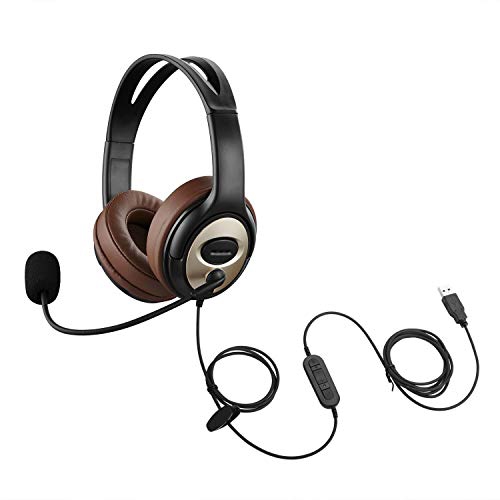
Clear communication, balanced lighting, and organized storage complete a professional home workspace. A headset with a well-positioned microphone keeps conversation close and allows hands-free typing during calls; microphone noise reduction and headphone noise cancellation serve different purposes, so both specifications matter in a shared household. Headband adjustment, ear cushion materials, and overall weight can be as important as audio quality when meetings fill much of the day. For video calls, an external webcam offers flexibility in framing and placement, particularly when a laptop sits off to one side. Positioning the camera near eye level creates a more natural angle, while soft light from in front of the face generally gives a clearer image than a bright window behind it. An adjustable task lamp supports reading and handwritten notes without requiring the entire room to be brightly lit. Shade design, brightness control, and placement help direct light onto the work surface while limiting reflections on screens. Cable trays, reusable ties, and clips keep connections organized beneath or behind the desk, with enough slack for a height-adjustable surface to move freely. Storage drawers, document organizers, and shelving give notebooks, reference material, and small accessories a defined place, leaving the main surface open for work. Lockable storage may be useful for paperwork that needs restricted access, while a suitable shredder supports disposal according to workplace requirements. Care routines help preserve equipment and finishes: screens need manufacturer-approved cleaning methods, upholstery benefits from appropriate spot cleaning, and charging ports and ventilation openings should remain unobstructed. Equipment intended for daily professional use also benefits from accessible controls, replaceable wear components where offered, and a layout that is easy to keep tidy. Related furnishings and accessories in Work From Home Essentials can complement a dedicated office or a compact shared-space workstation. The most useful combination supports the tasks performed every day, with comfortable reach, dependable connections, and a clear place to begin and finish work.
Top selling and popular products
-
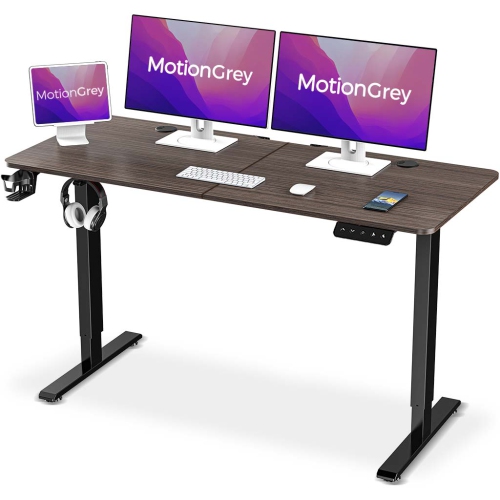 Your price for this item is $133.96
-
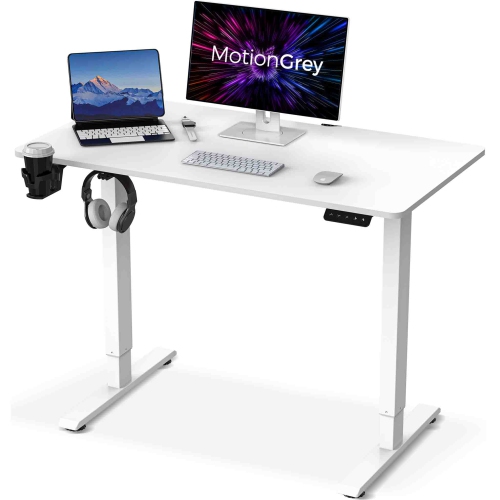 Your price for this item is $122.92
-
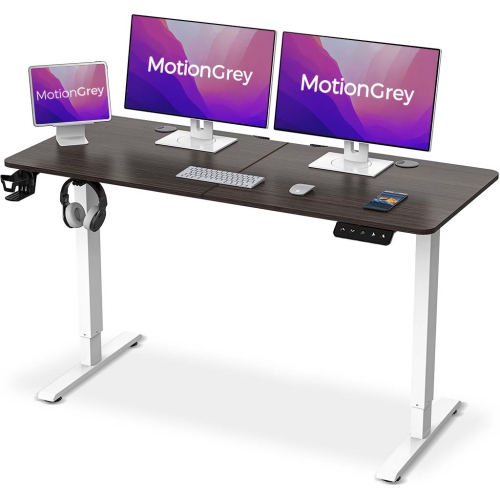 Your price for this item is $132.99
-
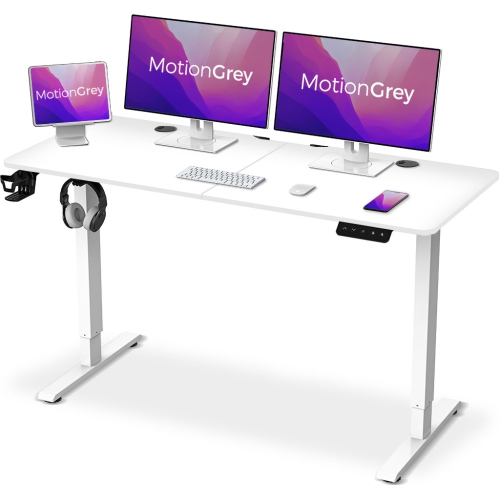 Your price for this item is $149.99
-
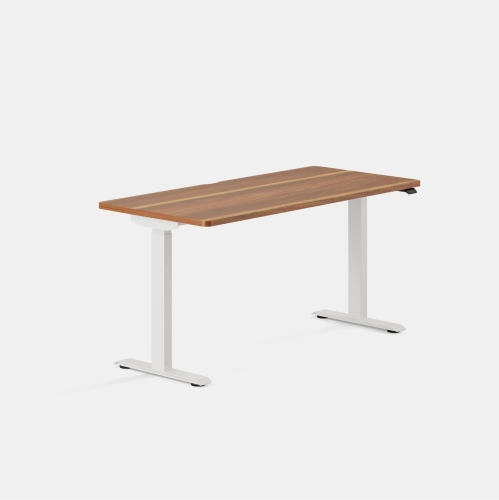 Your price for this item is $679.2
-
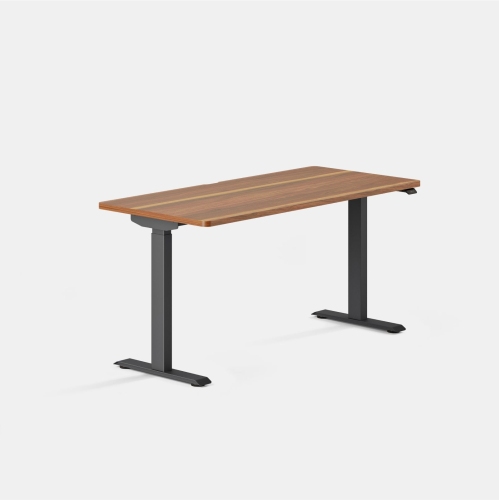 Your price for this item is $679.2
-
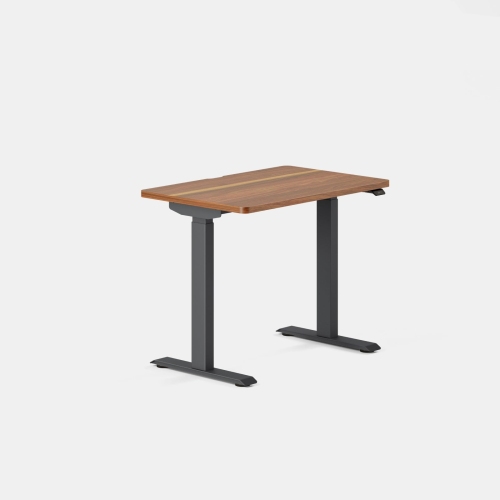 Your price for this item is $519.2
-
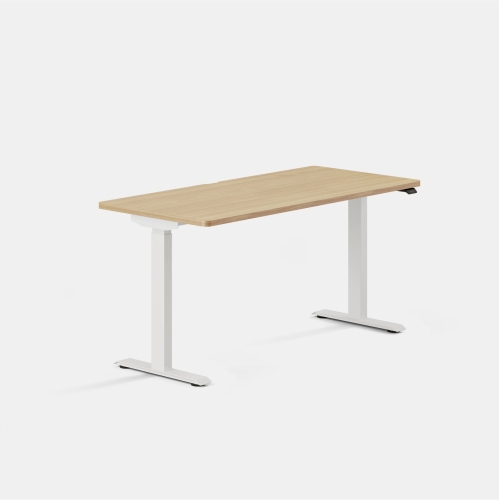 Your price for this item is $679.2
Discover more categories related to Professional Work From Home Setup Essentials
Top Collections:
Best Black Friday Deals This Year, Best Black Friday Deals On Electronics, Kindle Devices, Dyson Airwrap, Best Cameras for Sports Photography, Best Budget Office Chairs, Canon G7X Cameras, PS5 Pro Consoles, Best Black Friday Deals On Apple Products, XBOX One S Consoles
Some products may be subject to Environmental Handling Fees
(EHF) depending on your province.
Learn more about EHFs.