Daily Work Setup Essentials for Home Office
Daily work setup essentials for home office help create a productive and comfortable space where you can tackle tasks efficiently. From ergonomic seating and versatile desks to reliable tech accessories, the right tools make it easier to stay organized and focused throughout your workday. Explore a range of must-have items designed to streamline your workflow and enhance your home office experience.
Sort

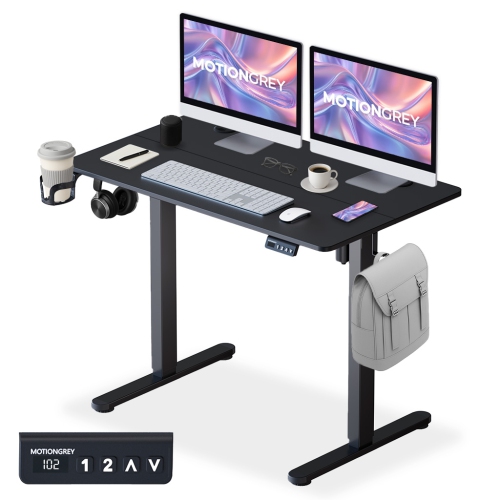
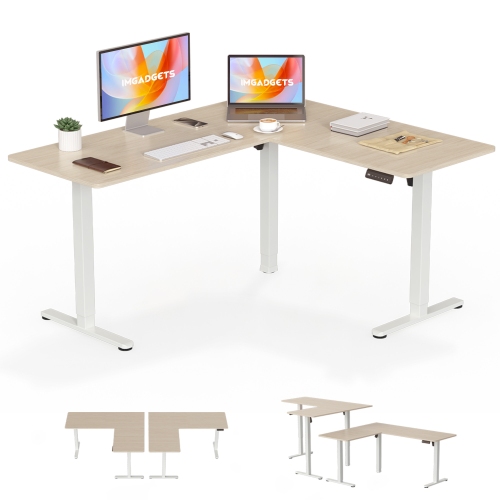
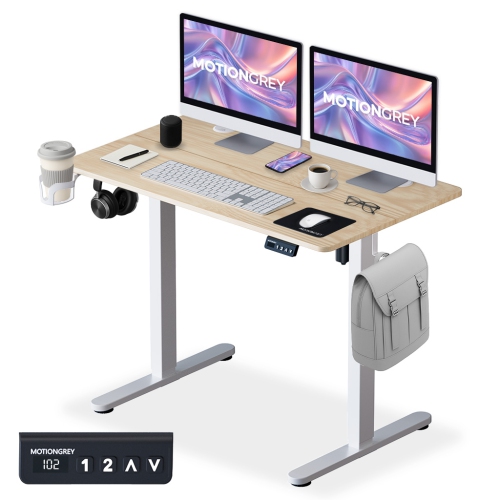
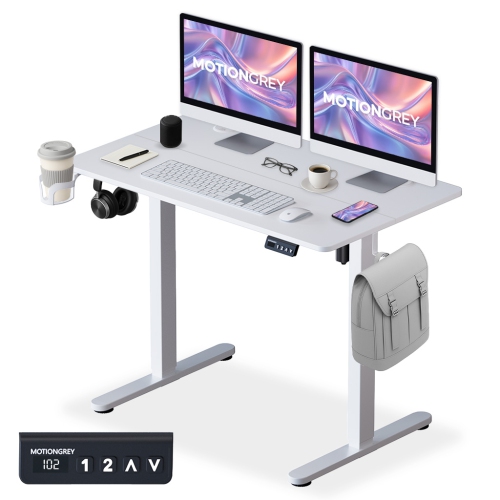
Desk space and daily habits shape a better workspace
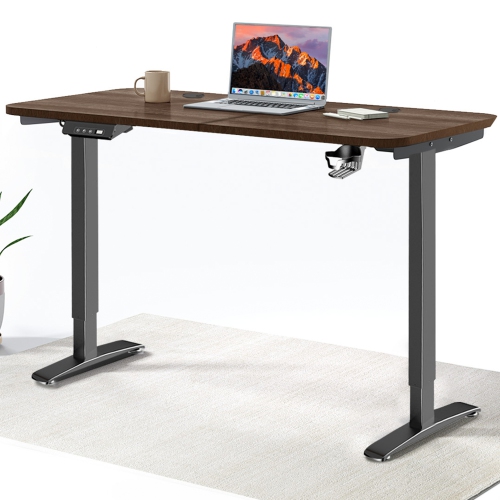
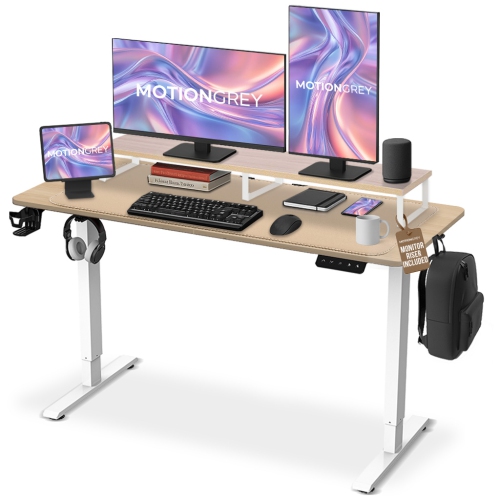
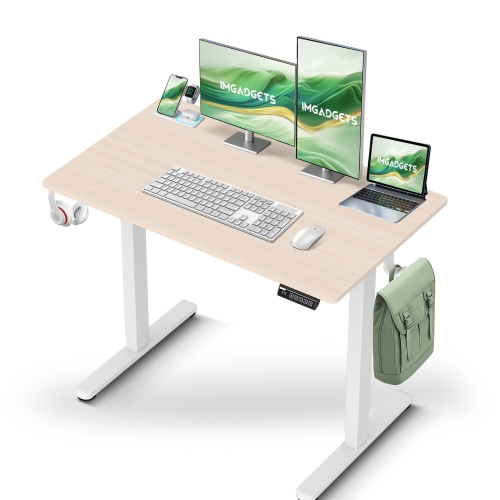
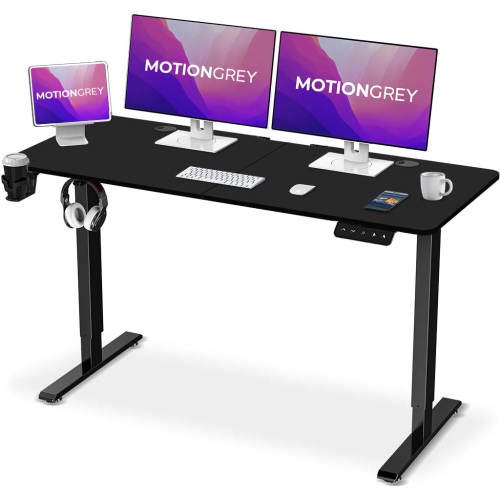
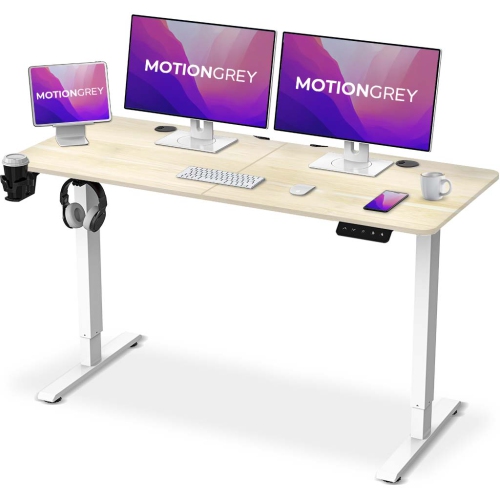
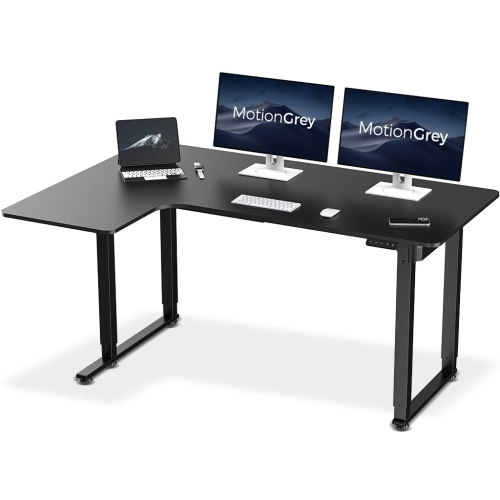
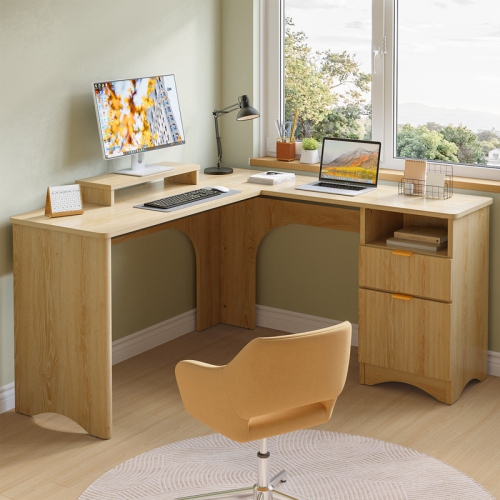
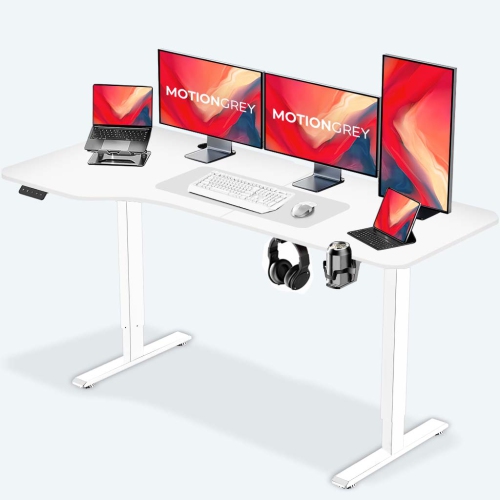
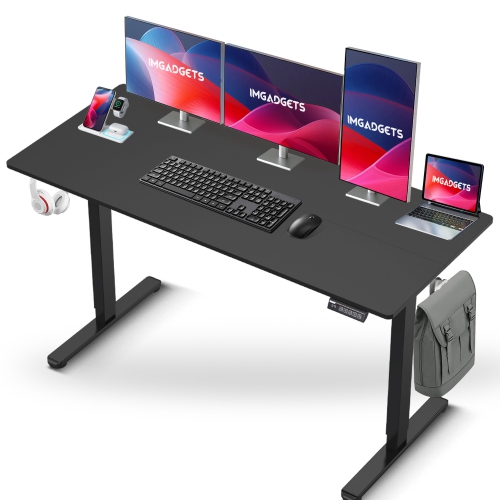
Daily work setup essentials for a home office help turn a spare room, a quiet corner or a shared living space into somewhere that supports a full working day. The right combination depends on what happens at the desk: long stretches of typing, frequent video calls, detailed design work or a mix of screen time and paperwork. A desk needs enough usable depth for a screen at a comfortable viewing distance, with room for a keyboard and mouse without pushing them against the front edge. Width matters just as much when an open notebook, reference documents and a laptop all need a place. Compact desks suit smaller rooms, while wider work surfaces give people handling several tasks more room to spread out. Drawer units and vertical shelving can keep frequently used supplies close without taking over the desktop. Materials affect both the appearance and everyday upkeep of these pieces. Laminated surfaces are often straightforward to wipe clean, wood adds warmth and character, and metal frames can provide a sturdy foundation. Surface finishes, edge construction, hardware and stated weight limits all deserve attention, especially when a desk will hold several screens or a heavier computer. Seating is another part of the setup that gets hours of use. Adjustable seat height, supportive backrests and armrests that fit beneath the desk can make it easier to settle into a comfortable position. Seat depth should leave some space behind the knees, with feet resting on the floor or on a suitable footrest. Breathable mesh, woven upholstery and padded finishes each offer a different feel and have different cleaning needs. For shared home offices, a chair with easy-to-reach adjustments is useful when people of different heights take turns at the same desk. Height-adjustable desks add flexibility for alternating between sitting and standing, provided their adjustment range suits the person using them and their lifting capacity accommodates the complete setup.
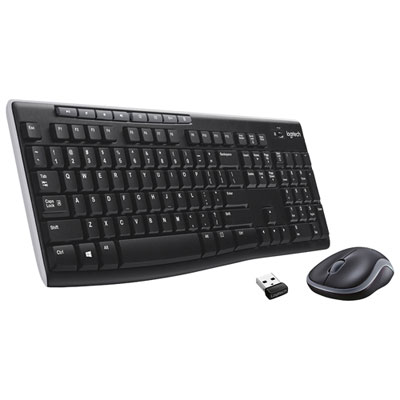
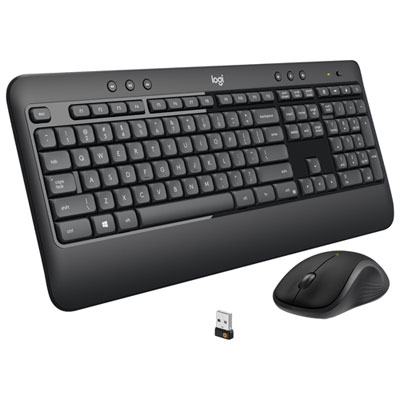
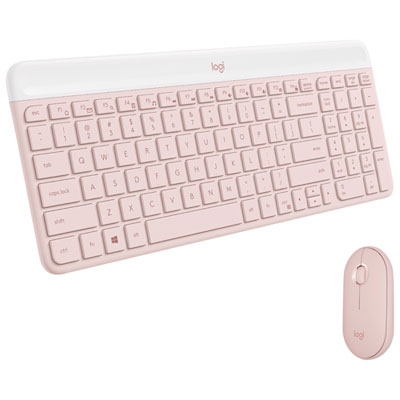
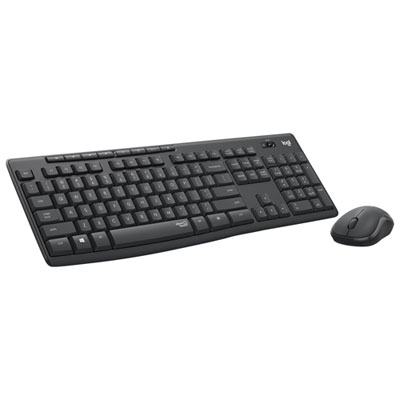
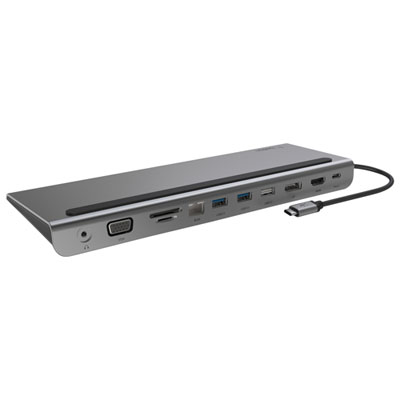
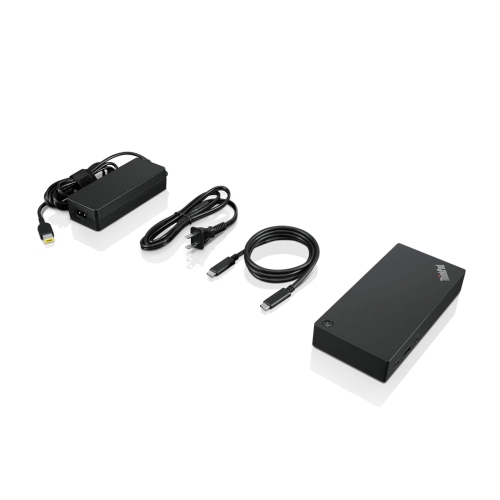
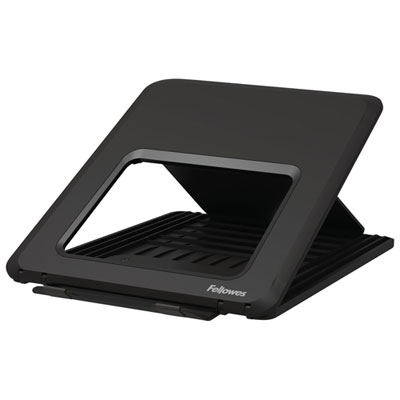
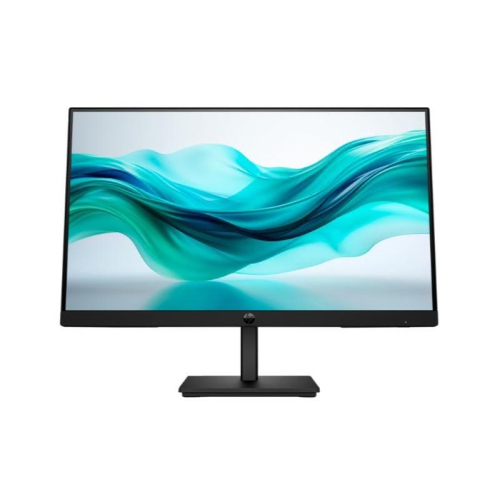
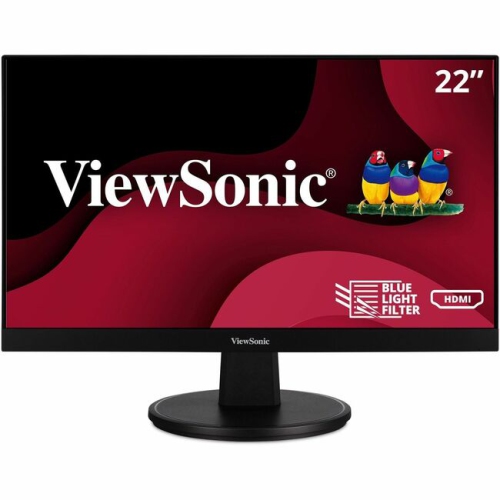
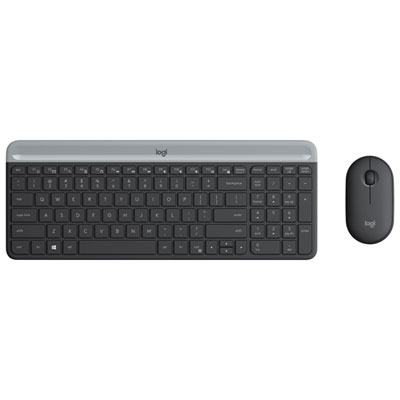
Computers, displays and input accessories shape how smoothly daily tasks move from one to the next. A laptop suits people who carry their work between rooms or between home and an office, while a desktop computer can serve as the centre of a more permanent workstation. An external monitor creates more room for spreadsheets, documents and side-by-side windows without relying entirely on a smaller laptop display. Screen size should make sense for the desk as well as the work: a large display on a shallow surface can feel crowded, while a smaller screen may leave detailed content harder to read. Resolution, text clarity, brightness adjustment and display connections are useful points of comparison. Adjustable monitor stands and compatible arms can free up desktop space and bring the screen closer to a comfortable position, although mounting patterns, supported weight and desk construction need to match. A raised laptop usually works best with a separate keyboard and mouse so that screen height does not dictate hand position. Full-size keyboards provide a dedicated number pad for frequent data entry, while compact layouts leave more space for mouse movement. Key feel, mouse shape, button placement and left- or right-handed use can make a noticeable difference over repeated daily use. Wireless accessories reduce visible cable clutter, while wired connections avoid the need to recharge or replace accessory batteries. Docking stations and USB hubs can simplify a setup with several connected devices, but the ports on a computer do not all support the same charging, display or data functions. Compatibility includes the computer, operating system, cable capabilities and any connected screens. For calls and online collaboration, a headset with a clear microphone helps keep conversation close, particularly in a shared room. A separate webcam can offer more flexible positioning than a built-in camera. Reliable Wi-Fi or a wired network connection also matters when the day includes video meetings, file transfers and remote access to workplace systems.
The smaller details often determine whether a home office feels orderly after several hours of use. Task lighting can brighten paperwork and the keyboard area without relying entirely on an overhead fixture. An adjustable lamp makes it easier to direct light where it is needed, while thoughtful placement helps limit reflections on a screen. For video calls, light falling towards the face is generally more useful than a bright source directly behind the chair. Cable trays, reusable cable ties and desktop cable holders help keep charging leads within reach and away from chair wheels. Any power bar needs to suit the connected equipment and remain within its rated capacity; surge protection is a separate feature rather than something every power bar provides. Document trays, drawer dividers and small storage containers give loose supplies a regular place, which is especially helpful when the desk also serves another purpose outside working hours. A practical collection of work from home office setup essentials can support both focused work and these everyday routines without making a room feel overfilled. Care is part of that routine. Desk finishes benefit from cleaning methods approved for the material, and electronics need their own manufacturer-recommended approach rather than the same treatment as furniture. Washable desk mats and removable upholstery covers can make maintenance simpler where those features are offered. Durable hinges, secure fasteners, stable bases and replaceable components are worth considering for equipment that will be adjusted or moved often. Clear floor space and accessible storage also make the area easier to clean. For remote employees, freelancers, students and anyone managing household paperwork, the most useful setup is one that fits actual habits rather than an imagined office. A compact organizer or comfortable input accessory can also make a thoughtful gift for someone starting a new role, especially when their available space, device compatibility and personal preferences are already known.
Top selling and popular products
-
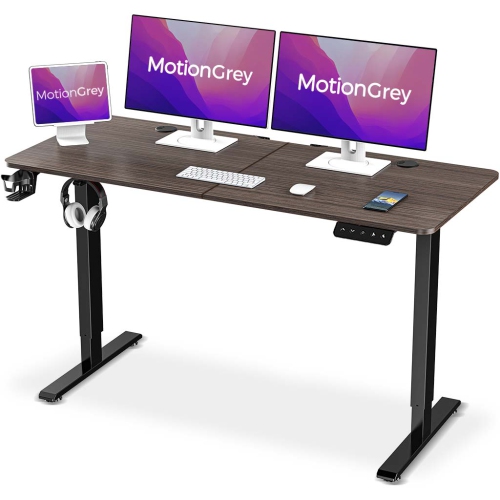 Your price for this item is $133.96
-
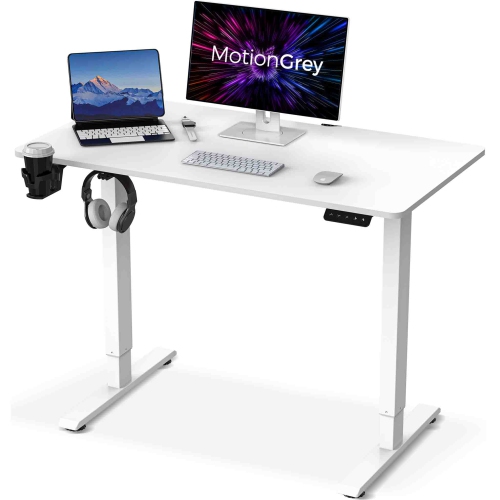 Your price for this item is $122.92
-
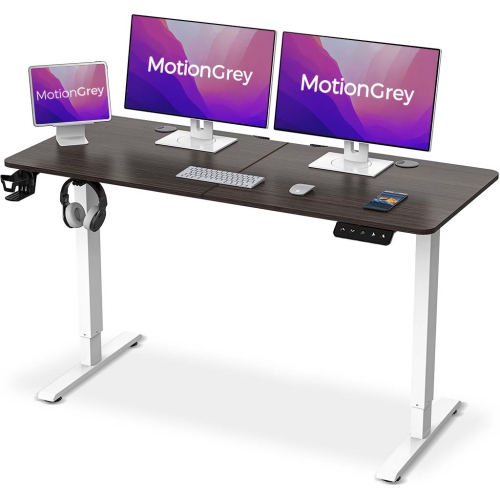 Your price for this item is $132.99
-
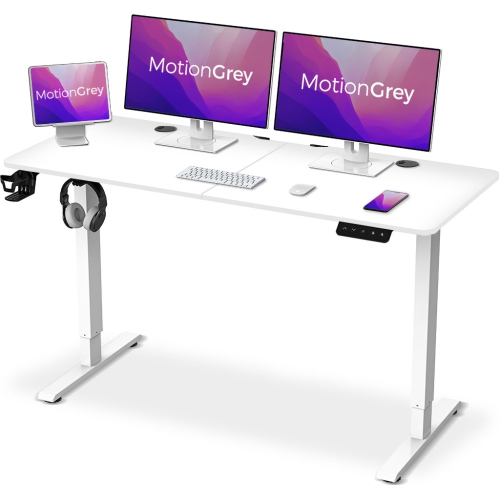 Your price for this item is $149.99
-
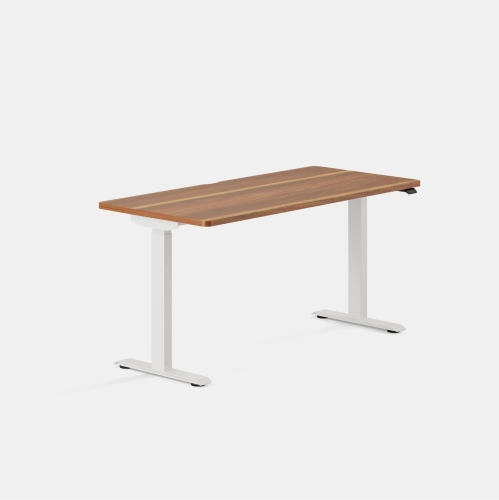 Your price for this item is $679.2
-
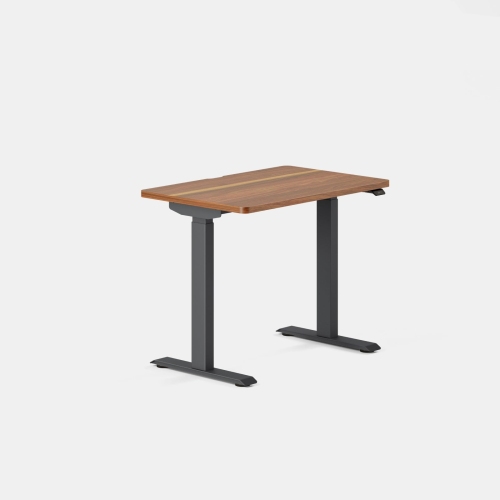 Your price for this item is $519.2
-
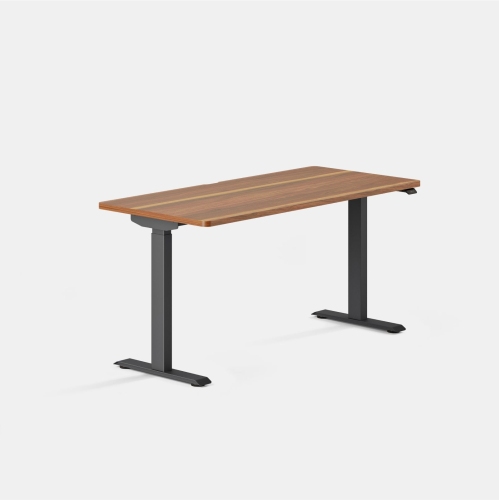 Your price for this item is $679.2
-
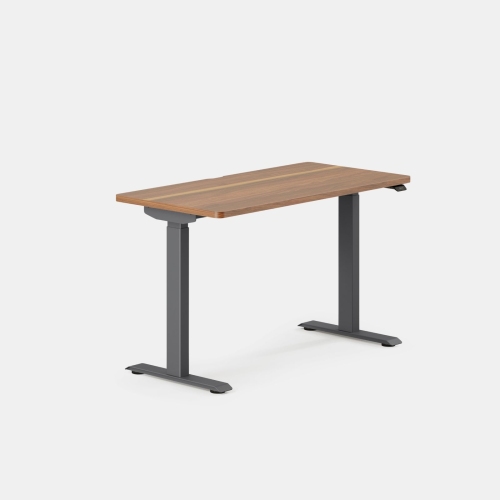 Your price for this item is $599.2
Discover more categories related to Daily Work Setup Essentials for Home Office
Top Collections:
Best Black Friday Deals This Year, Best Black Friday Deals On Electronics, Kindle Devices, Dyson Airwrap, Best Cameras for Sports Photography, Best Budget Office Chairs, Canon G7X Cameras, PS5 Pro Consoles, Best Black Friday Deals On Apple Products, XBOX One S Consoles
Some products may be subject to Environmental Handling Fees
(EHF) depending on your province.
Learn more about EHFs.