Work From Home Desk Essentials for Productivity
Create a comfortable and efficient workspace with work from home desk essentials for productivity. Whether setting up a dedicated office or optimizing a small corner, the right combination of desks, chairs, lighting, organizers, and tech accessories can help you stay focused and organized throughout your day. Explore options designed to support your workflow and enhance your daily routine, making it easier to accomplish tasks and maintain motivation in any home office setup.
Sort

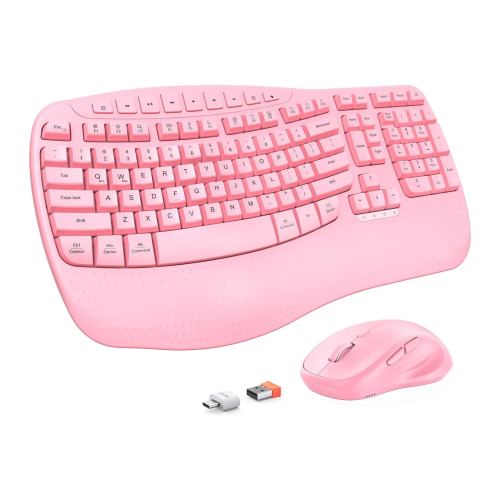
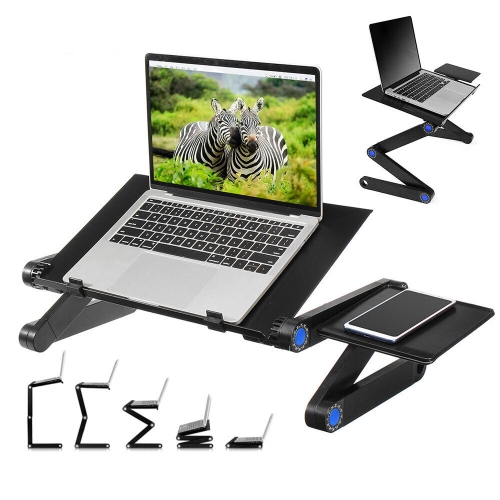
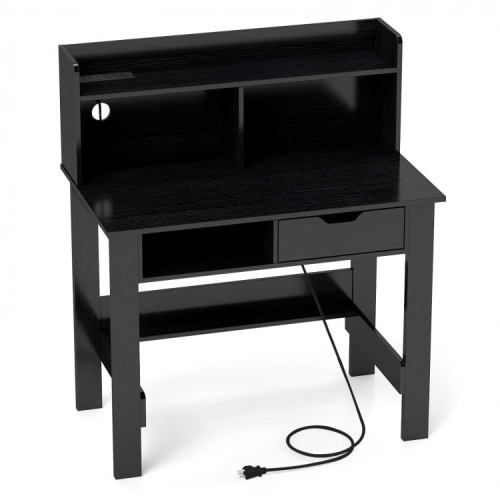

A desk setup that fits your tasks and space
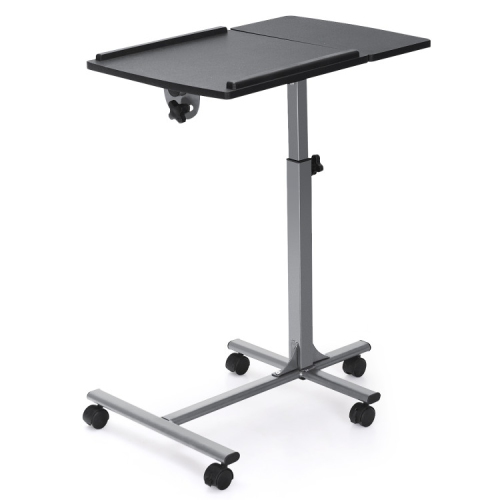
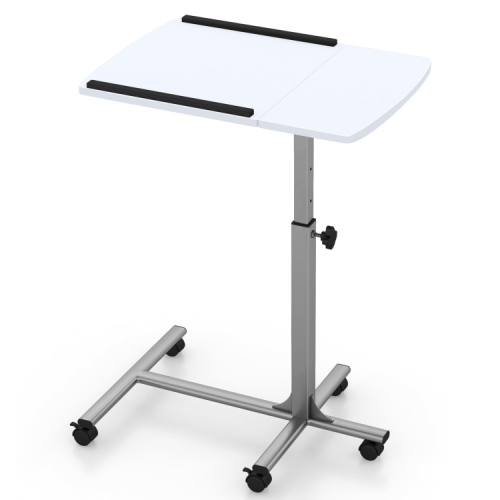
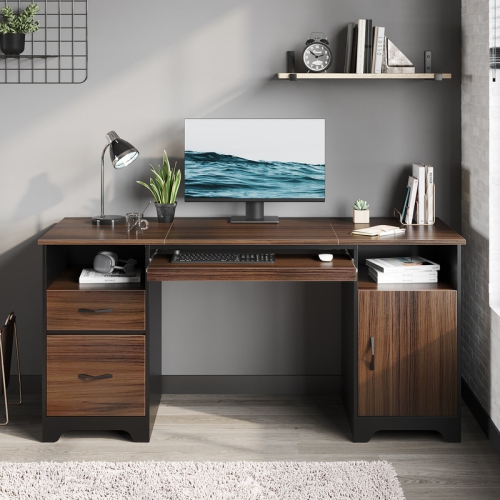
Work-from-home desk essentials for productivity bring together supportive furniture, dependable technology, comfortable lighting, and practical organization. The most useful setup suits both the work being done and the space available, whether that means a dedicated office or a quiet corner shared with other household activities. Someone reviewing spreadsheets needs room to compare information, while a frequent video caller may value clear audio and a tidy camera background. A desk with enough depth for a screen, keyboard, and comfortable viewing distance helps keep those activities from feeling cramped. Width matters, too: space for an open notebook beside a keyboard can be more useful than a large desktop crowded with accessories. Compact desks suit smaller rooms, while broader work surfaces accommodate multiple displays and paperwork. Height-adjustable desks allow changes between sitting and standing, with lifting capacity, adjustment range, and clearance beneath the desktop all affecting fit. A stable frame helps keep screens steady during typing or height changes. For seated work, an adjustable office chair can make it easier to find a position with supported feet, relaxed shoulders, and elbows close to the body. Seat depth, lumbar support, armrest adjustment, and the chair’s fit beneath the desk deserve as much attention as its appearance. Mesh upholstery allows airflow, while padded fabric provides a softer feel; either benefits from a sturdy base and adjustment controls that are easy to reach. A footrest can support feet that do not rest comfortably on the floor, and a cushioned standing mat offers a more forgiving surface during standing tasks. Neither replaces regular movement or a change of position. Materials also influence everyday use: laminate desktops are often straightforward to wipe clean, wood surfaces may require finish-specific care, and metal frames provide structural support. Rounded edges, accessible storage, and sufficient legroom are particularly helpful where a desk serves several purposes throughout the day. Furniture that fits the person, rather than simply filling the room, creates a stronger foundation for focused work.
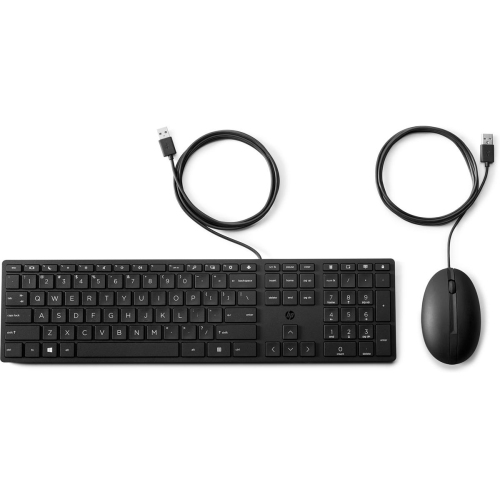
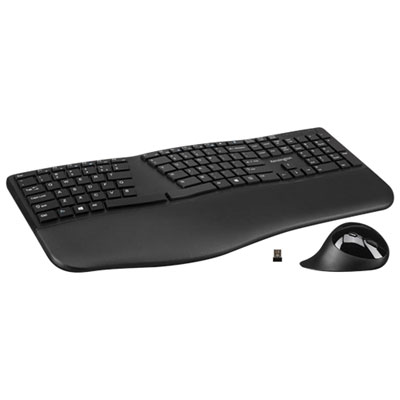
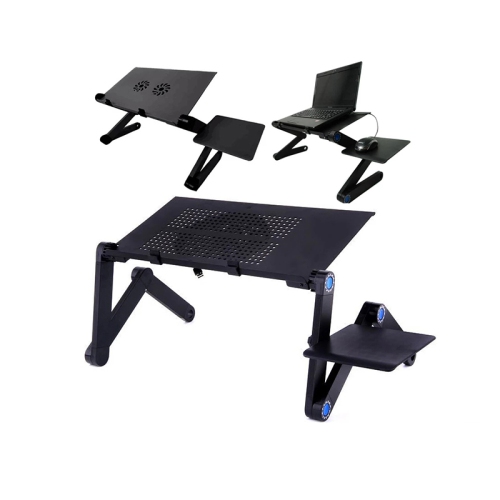
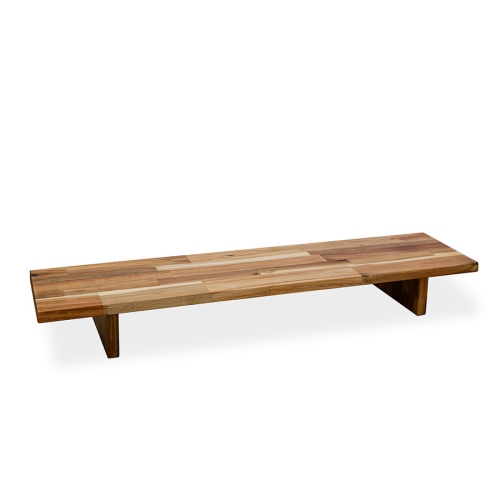
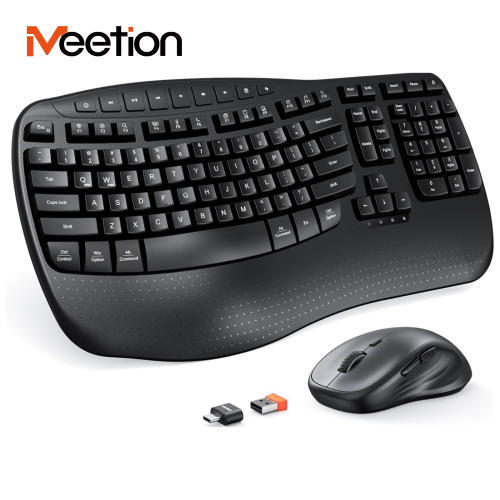
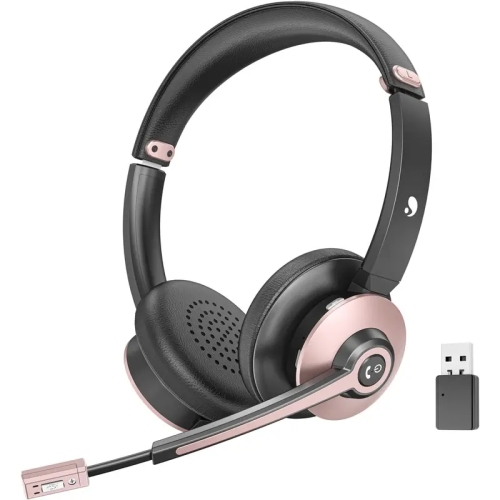
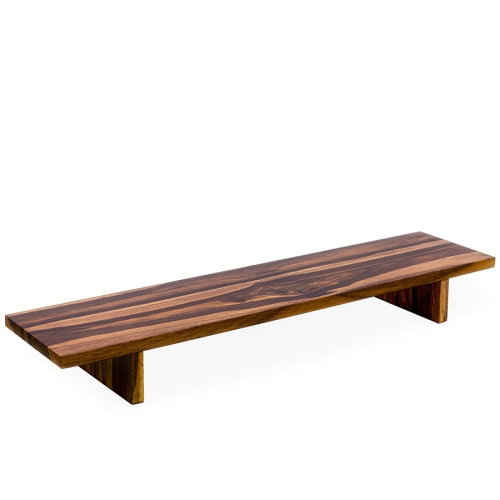
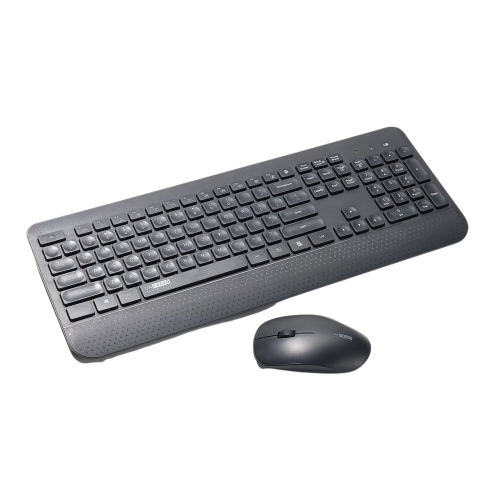
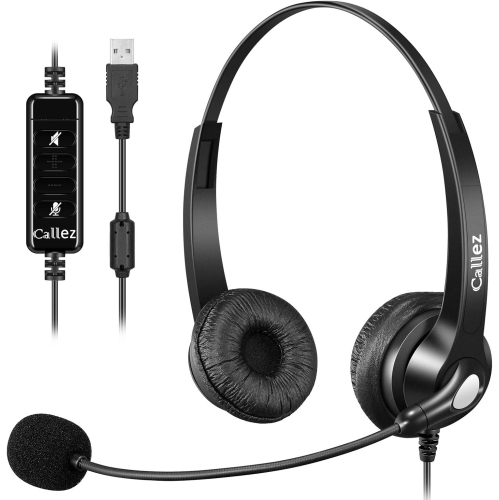
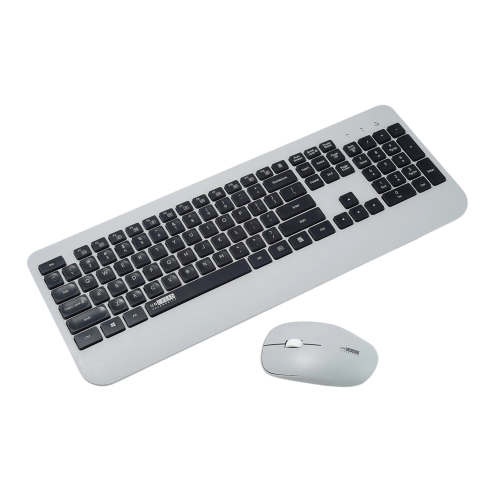
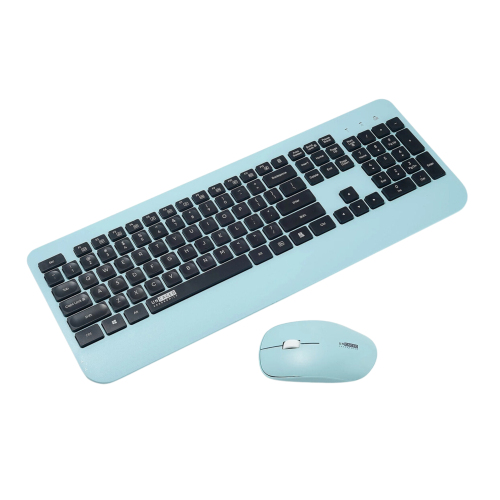
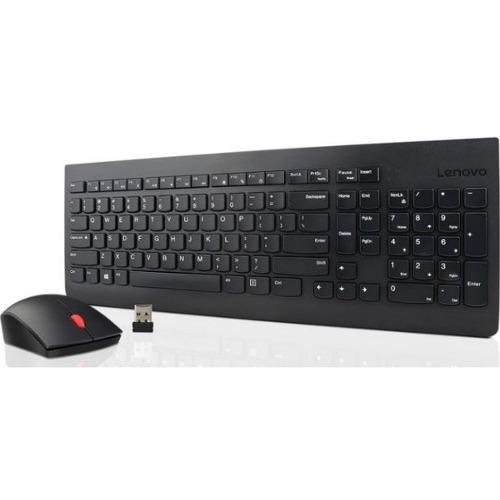
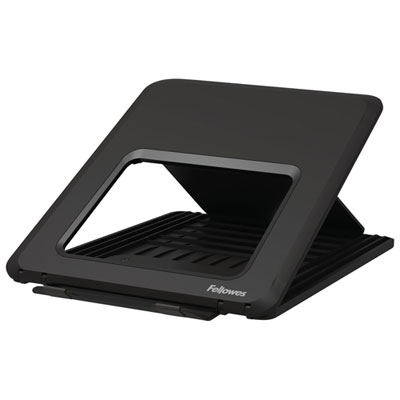
Computer accessories shape how smoothly that workspace handles daily tasks. An external monitor can keep a document visible beside a video meeting or make detailed spreadsheets easier to navigate without repeatedly switching windows. Screen size, resolution, text scaling, and viewing distance work together; a larger display is not automatically more comfortable if the desk places it too close. Monitor stands and arms can raise a screen toward a comfortable viewing height while freeing space underneath. Compatibility depends on the display’s mounting pattern and weight, as well as the desk’s thickness and construction. A clamp-style arm needs a suitable mounting edge and enough clearance behind the desktop. Laptop stands serve a similar purpose, although an external keyboard and mouse are usually needed when the laptop is elevated so hands can remain at a comfortable working height. Keyboards vary in width, key feel, and layout, with compact designs leaving more room for mouse movement and full-size layouts providing a dedicated number pad for data entry. Mouse shape, size, handedness, and button placement affect comfort during repeated use. Wireless connections reduce visible cables, while wired accessories avoid charging interruptions. For laptops with limited ports, a USB-C hub or docking station can connect displays, storage, and other peripherals through fewer cable connections. The connector shape alone does not confirm compatibility: video support, charging output, supported display configurations, and computer requirements all matter. Reliable Wi-Fi or a wired network connection supports online collaboration, particularly when meetings and large file transfers overlap. Audio accessories deserve equal consideration in shared homes. A headset microphone positioned near the mouth can make speech clearer, while microphone noise reduction and active noise cancellation serve different purposes: one helps manage sound picked up for calls, and the other reduces some sound heard by the wearer. Comfortable ear cushions, accessible mute controls, and suitable battery life support frequent meetings. A webcam positioned near eye level, with a privacy cover when not in use, rounds out a communication setup without taking over the work surface.
Smaller desk accessories often make the difference between a workspace that looks organized and one that stays easy to use. Adjustable task lighting puts illumination where reading, writing, or detailed work happens, with brightness and colour temperature controls offering flexibility for different tasks and personal preferences. Positioning a lamp so it does not shine directly into a screen helps limit distracting reflections. Cable trays, reusable cable ties, and cord clips keep charging leads from slipping behind the desk and reduce loose loops around feet or chair wheels. Height-adjustable desks need enough cable slack for their full range of movement, without cords catching on nearby furniture. A desk mat can define the keyboard and mouse area and help protect the desktop from everyday wear, provided its dimensions leave space for other essentials. Drawer organizers, document trays, and upright storage keep frequently used supplies within reach without spreading them across the entire surface. A notebook or task pad provides a visible place for priorities and quick notes, while a separate timer can support focused work periods without opening a phone. These accessories are especially useful when the desk must be cleared after work or shared between people. Care and durability remain practical considerations across the setup: washable or wipeable surfaces, replaceable components, reinforced cable connections, and accessible cleaning areas can simplify upkeep. Electronics need cleaning methods appropriate to their finishes, and liquids should stay away from ports and powered equipment. For anyone furnishing beyond the desk itself, Work From Home Office Setup Essentials offers a broader look at the workspace. Thoughtful desk accessories can also suit a new remote worker, a student balancing coursework and paid work, or someone setting up a home business. The most personal choices account for existing equipment, available space, and daily habits. A well-matched collection leaves room to work comfortably, keeps essential tools accessible, and supports the tasks that happen most often.
Top selling and popular products
-
 Your price for this item is $24.99
-
 Your price for this item is $56.37
-
 Your price for this item is $59.99
-
 Your price for this item is $59.99
-
 Your price for this item is $49.99
-
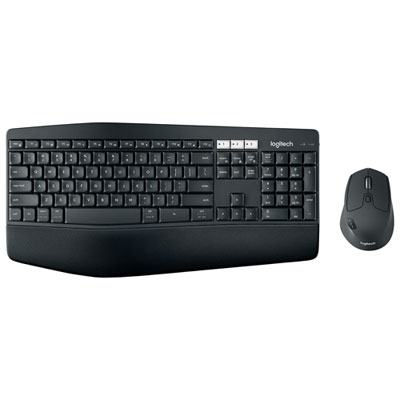 Your price for this item is $99.99
-
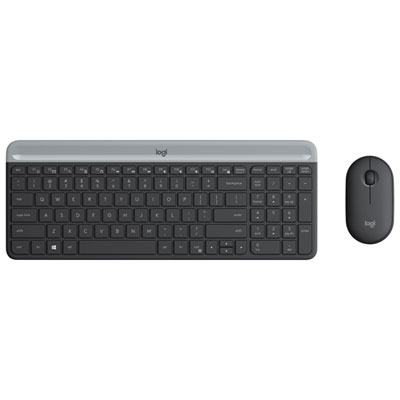 Your price for this item is $49.99
-
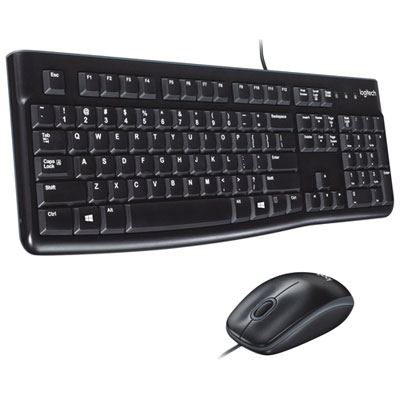 Your price for this item is $20.98
Discover more categories related to Work From Home Desk Essentials for Productivity
Top Collections:
Best Black Friday Deals This Year, Best Black Friday Deals On Electronics, Kindle Devices, Dyson Airwrap, Best Cameras for Sports Photography, Best Budget Office Chairs, Canon G7X Cameras, PS5 Pro Consoles, Best Black Friday Deals On Apple Products, XBOX One S Consoles
Some products may be subject to Environmental Handling Fees
(EHF) depending on your province.
Learn more about EHFs.