Work From Home Office Setup Essentials
Transform your workspace into a productive and comfortable environment with work from home office setup essentials. Whether you're creating a dedicated office or upgrading your current space, the right equipment can make all the difference in your daily routine. Explore a wide range of options designed to help you stay organized, focused, and efficient while working from home. Find everything you need to support your workflow and enhance your home office experience.
Sort

How your space and workload shape your workspace
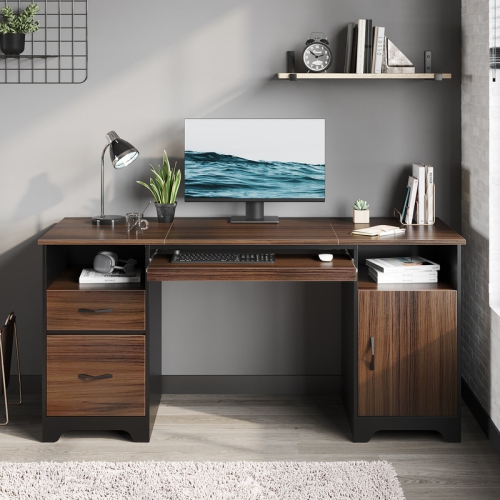
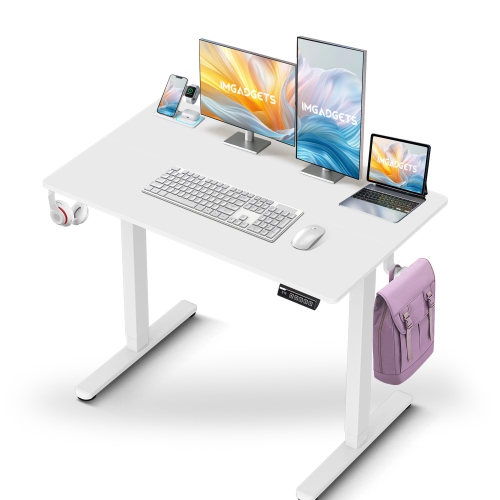
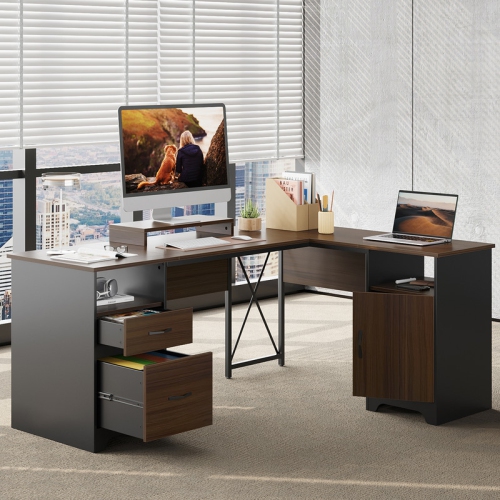
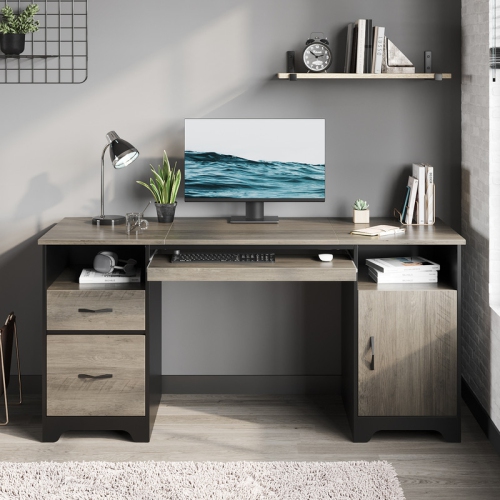
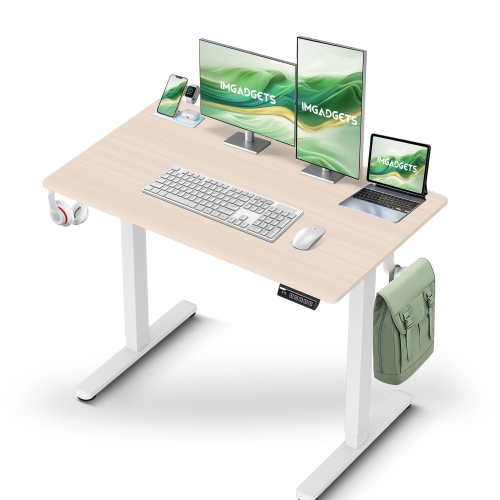
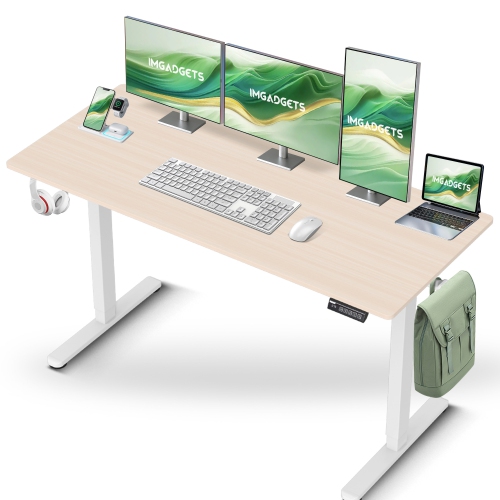
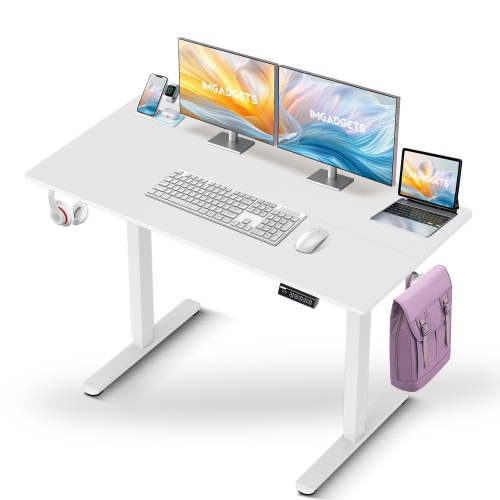
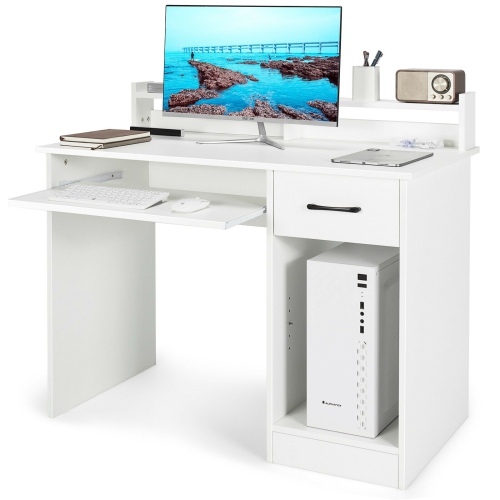
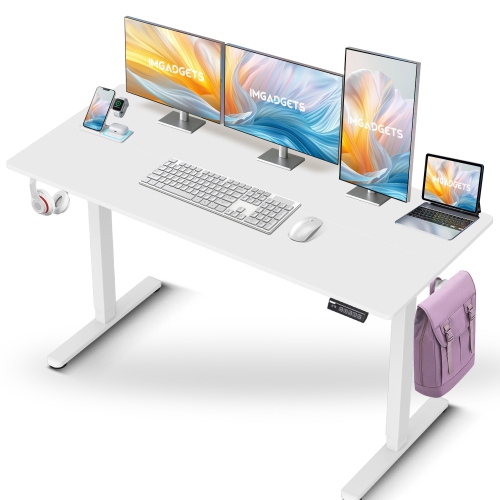
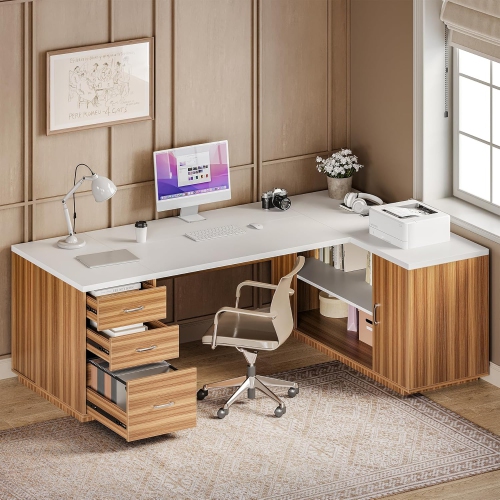
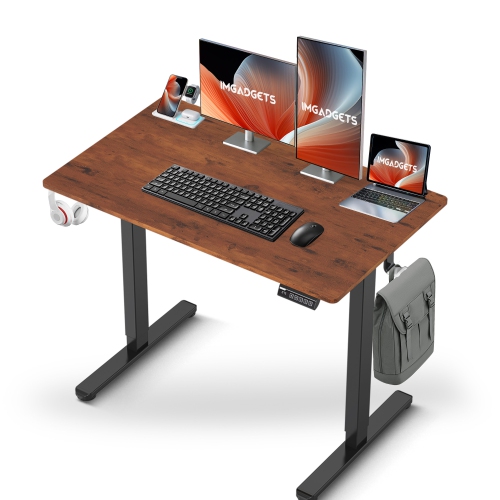
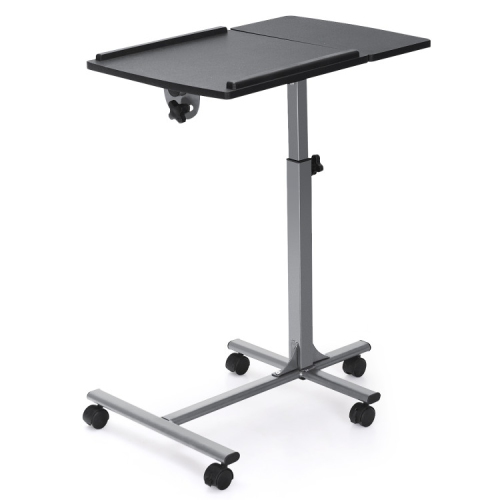
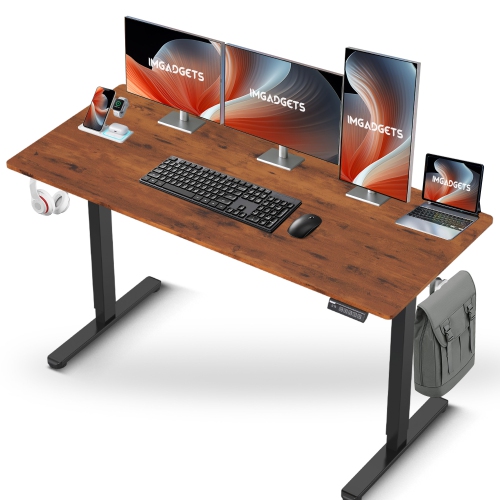
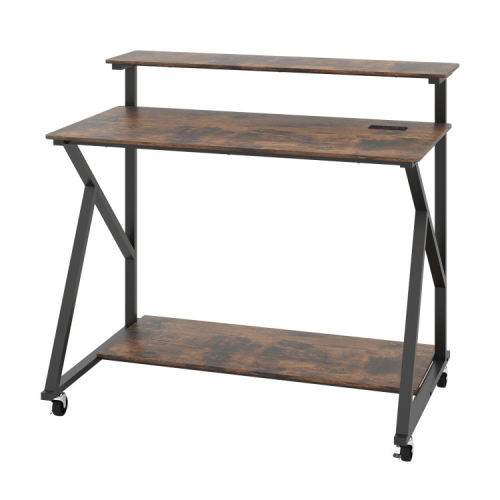
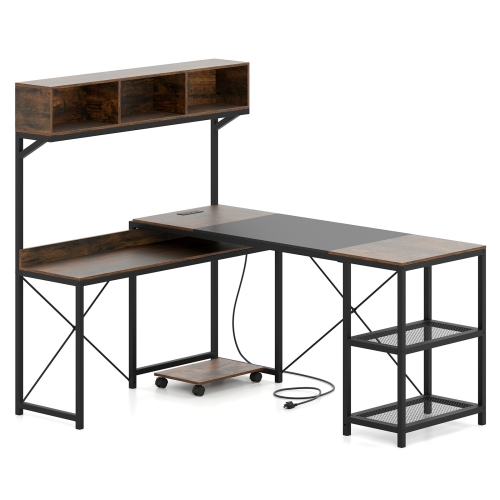
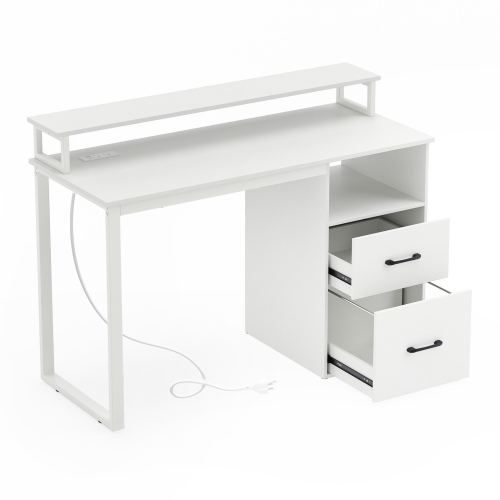
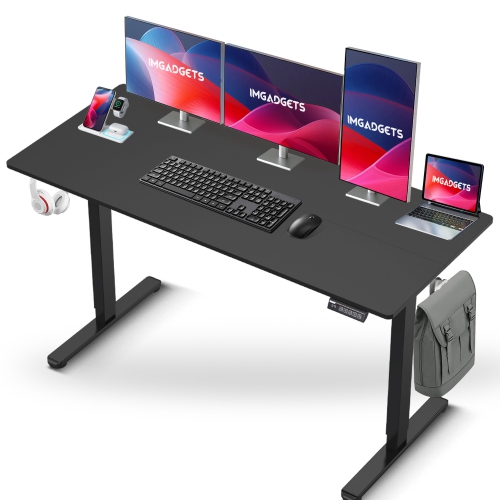
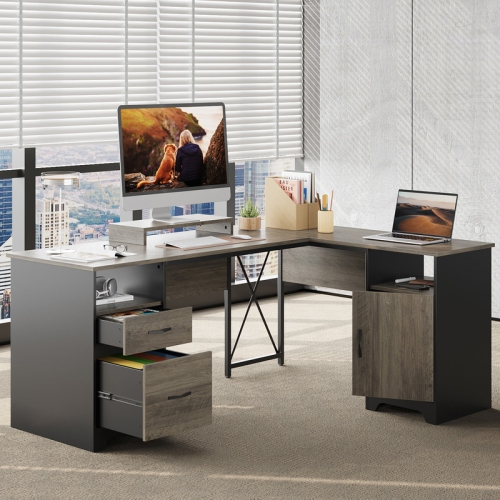
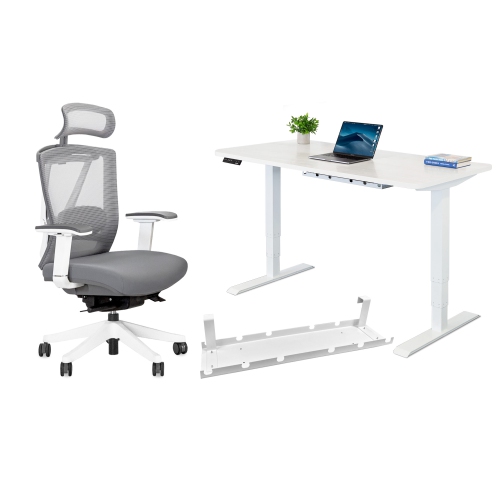
Work-from-home office setup essentials include supportive furniture, a suitable computer and display, comfortable input devices, dependable connectivity, clear call audio, and lighting that makes everyday tasks easier to see. Together, these categories support everything from answering emails at a compact desk to spending a full day reviewing documents, joining video meetings, and working across several applications. The right arrangement depends on the work being done and the space it needs to occupy. A dedicated room can accommodate a deeper desktop and permanent monitor placement, while a corner of a living room may call for furniture with a smaller footprint and storage that keeps work materials contained after hours. Desk dimensions matter beyond whether the furniture fits against a wall: the surface needs enough depth for a comfortable viewing distance, enough width for frequently used equipment, and clear space underneath for legs and movement. Height-adjustable desks offer flexibility for alternating between seated and standing tasks, with adjustment ranges and weight capacities that should suit both the user and the equipment. A supportive office chair complements the desk through adjustable seat height, back support, and armrests that allow shoulders to stay relaxed. Seat depth also matters, since a chair that feels roomy for one person can leave another sitting too far from the backrest. A footrest can provide support when the desk height leaves feet short of the floor. Materials affect both appearance and everyday upkeep. Mesh chair backs allow airflow, upholstered seats offer a softer feel, and smooth surfaces may be easier to wipe clean according to their care instructions. Desk surfaces made from solid wood, engineered wood, or laminate differ in finish and maintenance needs, while a stable frame and secure joints help furniture feel steady during typing and writing. For shared workspaces, easily adjustable furniture can accommodate different users without making the room feel permanently assigned to one person.
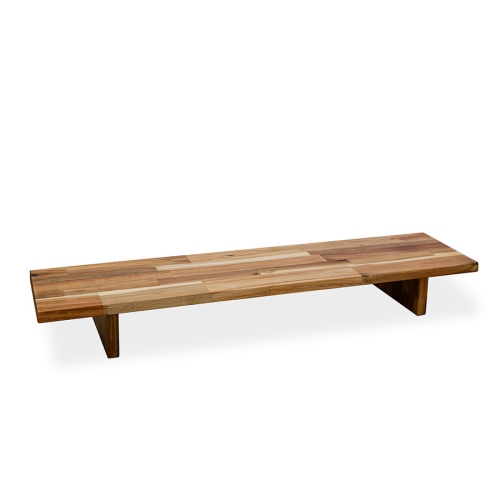
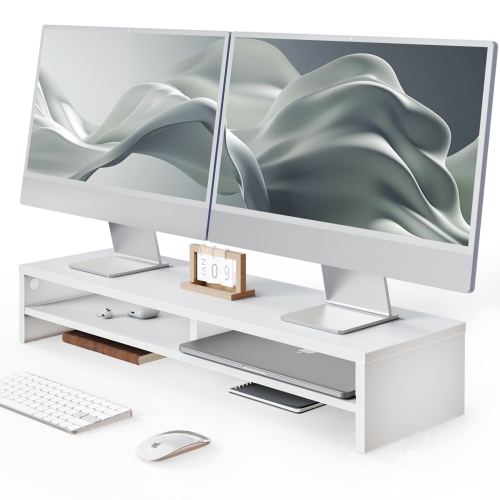
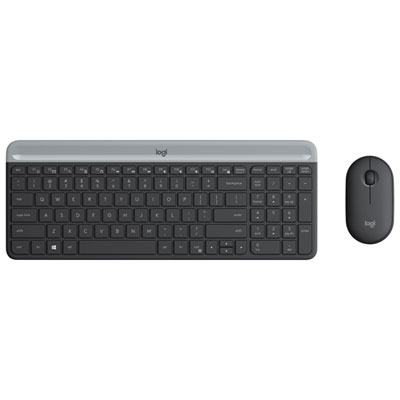
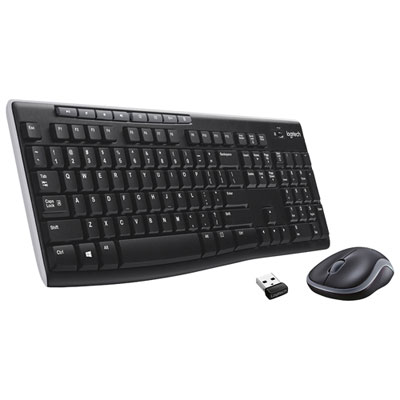
Computers, monitors, and accessories shape how smoothly that workspace handles daily tasks. A laptop suits people who move between rooms or split their time between home and another workplace, while a desktop computer can make sense for a fixed workstation with more demanding processing needs. General administrative work, large spreadsheets, design applications, and video editing place different demands on memory, storage, and graphics performance. Display choices are similarly tied to the job: a larger monitor gives documents and application windows more room, two monitors can separate a video meeting from reference material, and an ultrawide screen provides a broad continuous workspace. Resolution, text scaling, brightness adjustment, and screen position matter alongside size, especially when reading small text for extended periods. A laptop stand raises a portable computer’s display, but a separate keyboard and mouse are usually needed to keep typing and pointing within comfortable reach. Monitor arms can free desktop space and offer positioning flexibility, provided their mounting requirements, supported weight, and desk attachment are compatible. Keyboards range from compact layouts that leave more room for a mouse to full-size designs with number pads for frequent data entry. Mouse size, shape, and button placement should suit the user’s hand and working habits; wireless connections reduce desktop cabling, while wired connections avoid battery charging. Docking stations and USB hubs can simplify connections, although their ports, power delivery, operating-system support, and display capabilities need to match the computer and connected equipment. Reliable internet access is another essential part of remote work. Wi-Fi coverage needs to reach the desk consistently, while a wired Ethernet connection can be useful for a permanent workstation. For calls, a headset with a well-positioned microphone helps keep conversation clear, and noise-cancelling headphones can make household sounds less distracting. An external webcam offers more placement flexibility than a built-in camera, particularly when a laptop sits off to one side. These details matter when a workday moves repeatedly between focused tasks and conversations with colleagues or clients.
Lighting, organization, and practical accessories help turn a collection of equipment into a workspace that is pleasant to use day after day. An adjustable desk lamp puts light where paper documents, handwritten notes, or small details need it, without requiring the whole room to be brightly lit. Brightness controls and selectable colour temperatures allow the light to suit different tasks and preferences. Positioning matters as much as the lamp itself: direct reflections on a monitor can make text harder to read, and a light aimed straight at the face can feel harsh during calls. A softly lit face and an uncluttered background support a clear, professional video presence without requiring a studio-style arrangement. Storage keeps the desktop useful rather than crowded. Drawers hold stationery and charging accessories, vertical organizers keep active paperwork within reach, and closed storage helps separate work materials from the rest of a shared room. Lockable storage may be appropriate for documents that need restricted access. Cable trays, clips, and sleeves keep charging leads and power cords away from feet and moving chair parts, with enough slack left for a height-adjustable desk to move freely. Power bars and surge protectors serve different purposes, so electrical ratings, protection features, and manufacturer directions matter when connecting equipment. An anti-fatigue mat can add cushioning for standing tasks, while chair mats need to suit the flooring and allow stable movement. Durability also depends on routine care: gentle cleaning methods appropriate to each material, prompt attention to spills, and clear ventilation around computers help protect frequently used surfaces and equipment. The broader Work From Home Essentials collection brings related categories together for dedicated offices and multipurpose spaces. For someone beginning a remote role or setting up a shared household workstation, useful additions are those that fit existing equipment, daily routines, and personal preferences. Even a thoughtfully chosen desk accessory can make a practical gift when its dimensions and compatibility are known.
Top selling and popular products
-
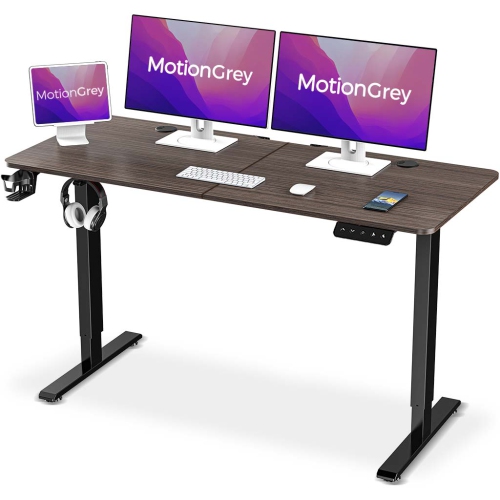 Your price for this item is $133.96
-
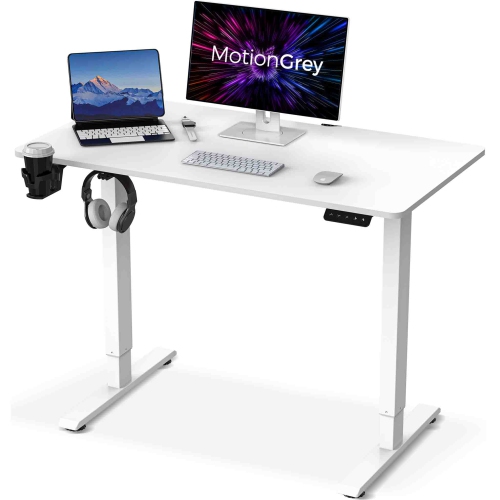 Your price for this item is $122.92
-
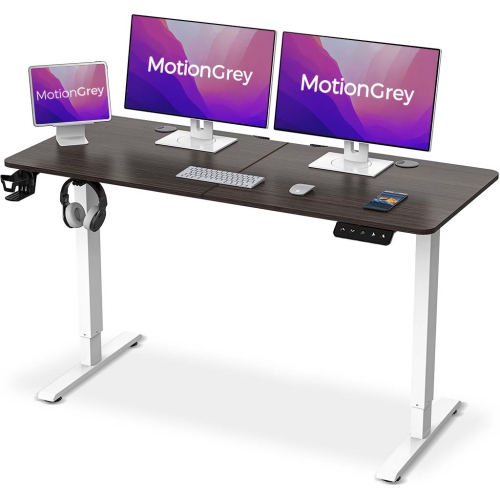 Your price for this item is $132.99
-
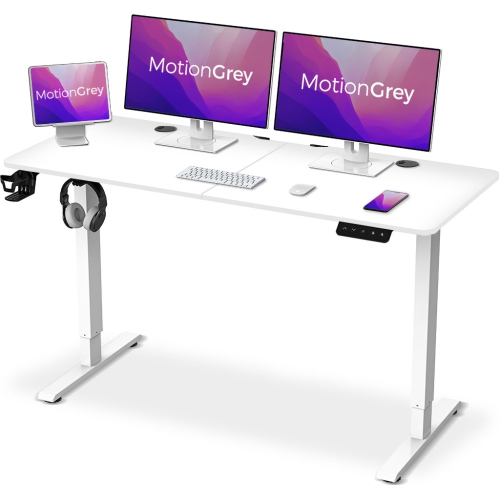 Your price for this item is $149.99
-
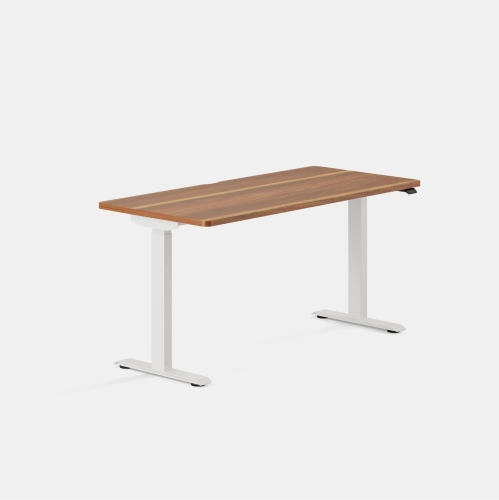 Your price for this item is $679.2
-
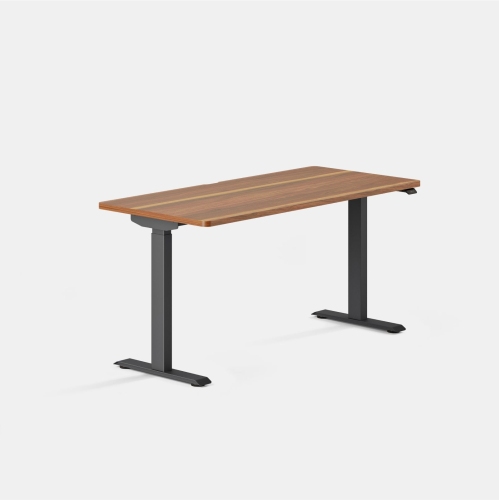 Your price for this item is $679.2
-
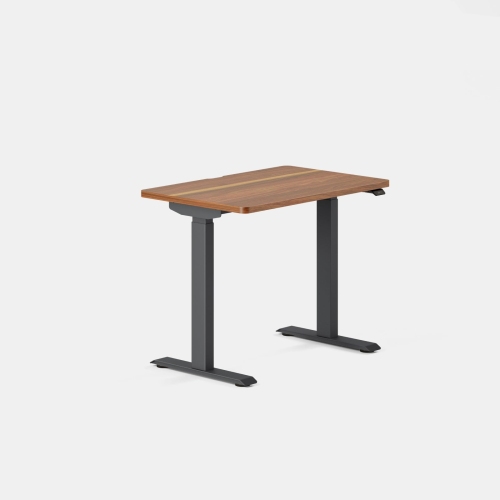 Your price for this item is $519.2
-
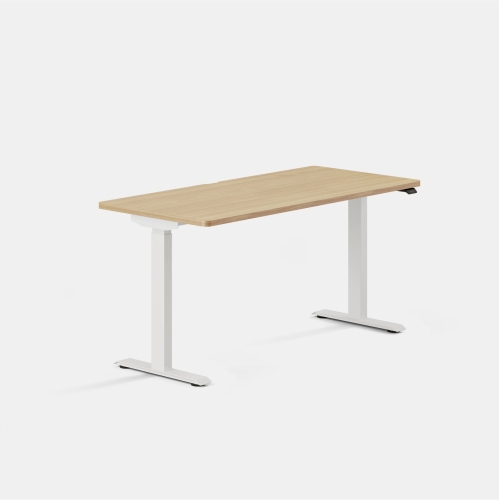 Your price for this item is $679.2
Discover more categories related to Work From Home Office Setup Essentials
Top Collections:
Best Black Friday Deals This Year, Best Black Friday Deals On Electronics, Kindle Devices, Dyson Airwrap, Best Cameras for Sports Photography, Best Budget Office Chairs, Canon G7X Cameras, PS5 Pro Consoles, Best Black Friday Deals On Apple Products, XBOX One S Consoles
Some products may be subject to Environmental Handling Fees
(EHF) depending on your province.
Learn more about EHFs.