Mouse Programmable
A mouse programmable is a computer mouse that allows the user to customize its function and settings. This allows the user to have more control over the mouse, which can help them with certain tasks. Here are some of the best programmable mice available today.
Sort
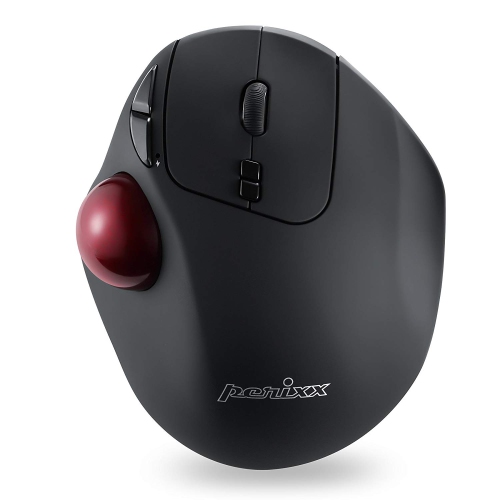
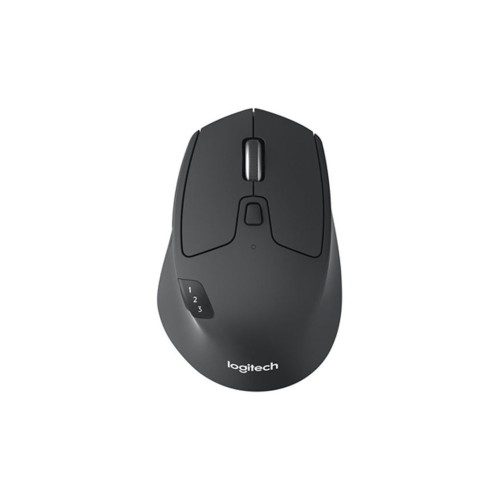
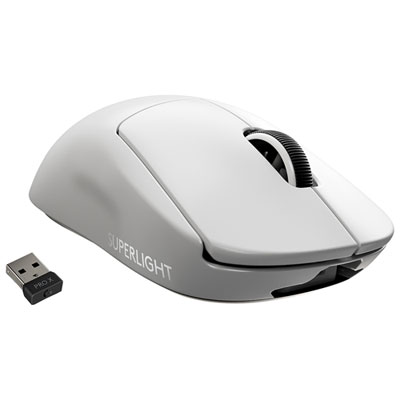
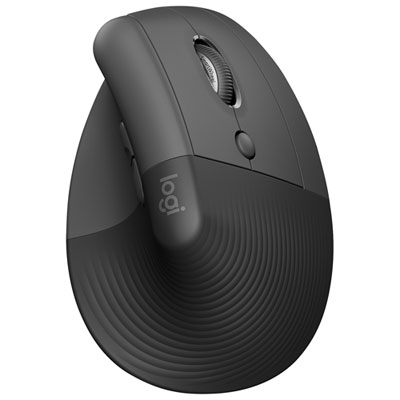
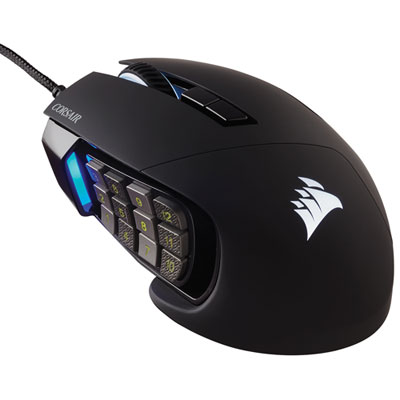
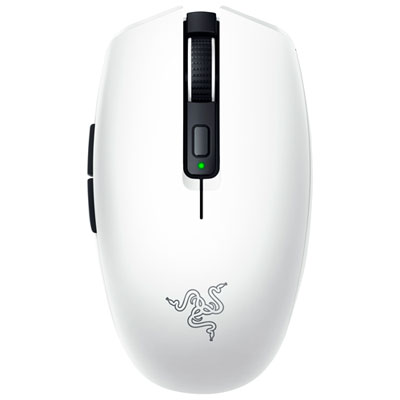
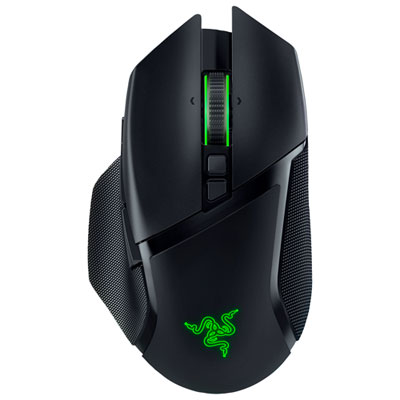
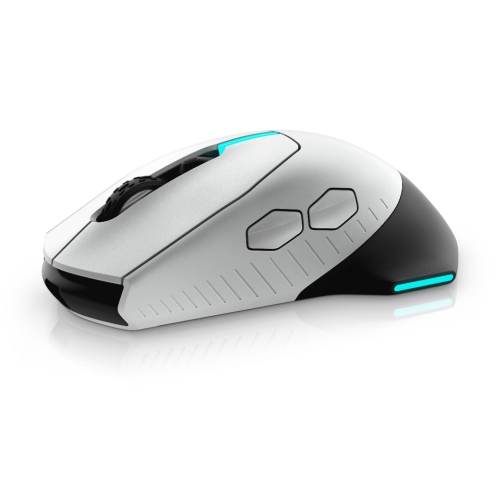
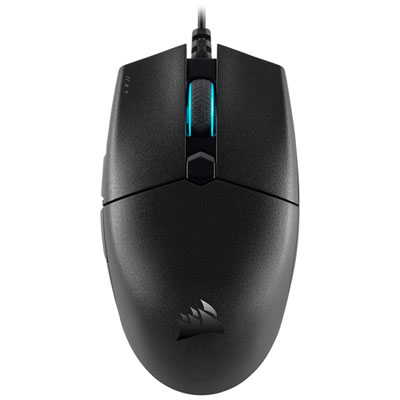
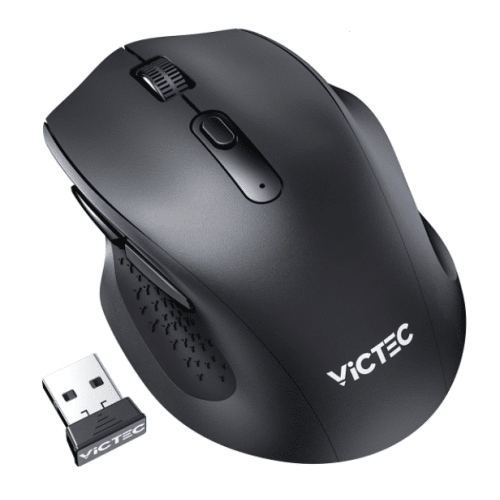
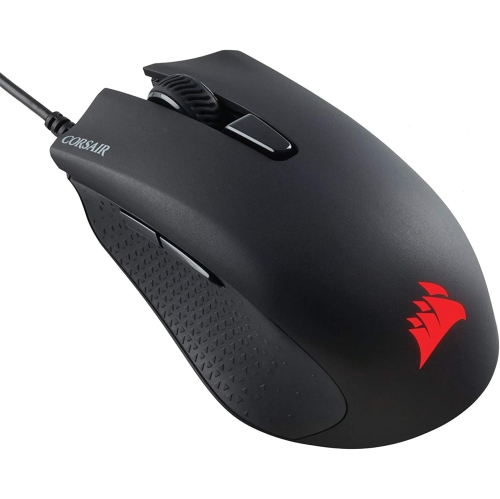
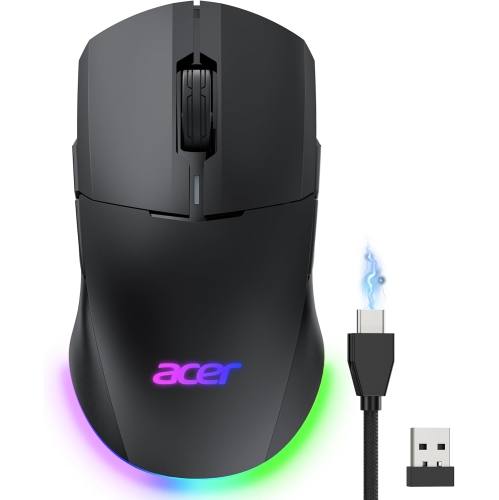
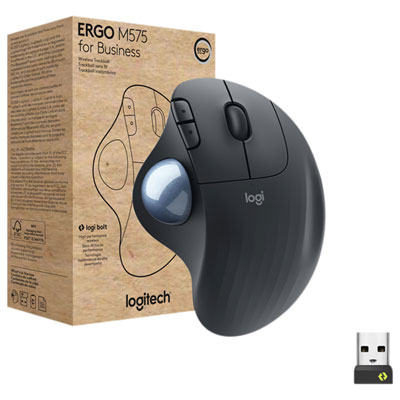

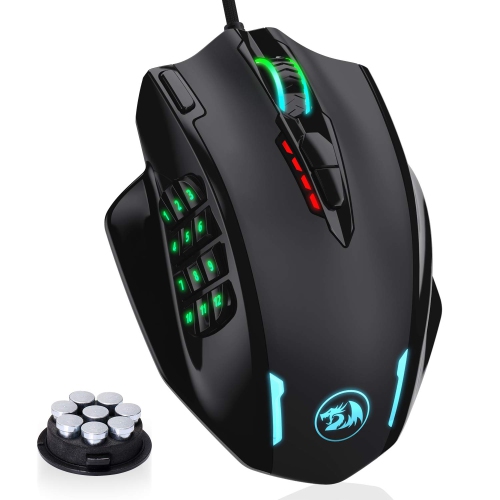
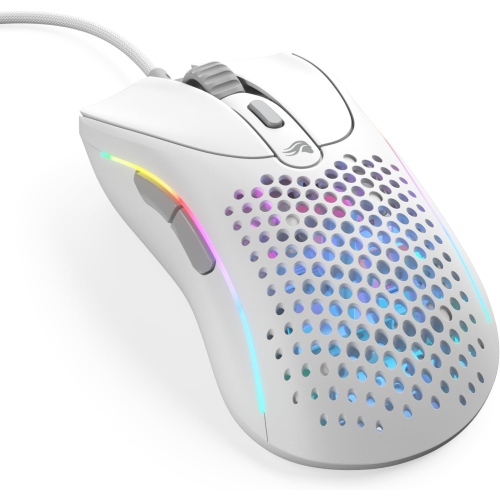
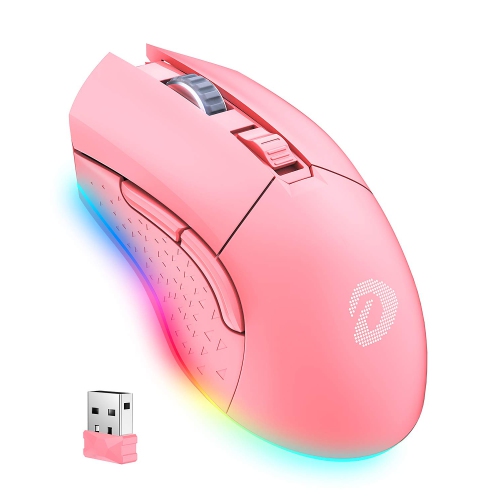

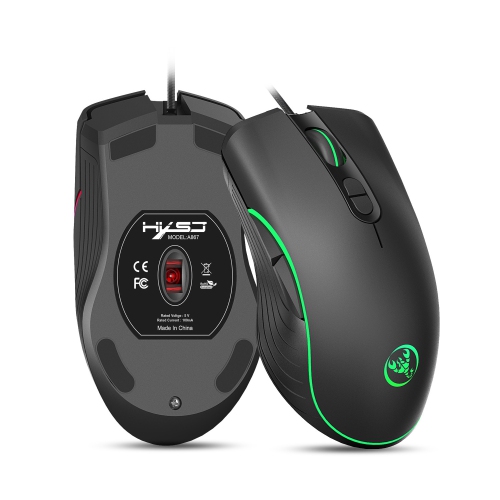
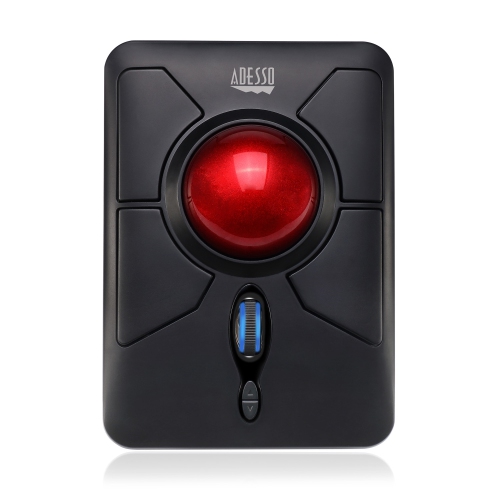
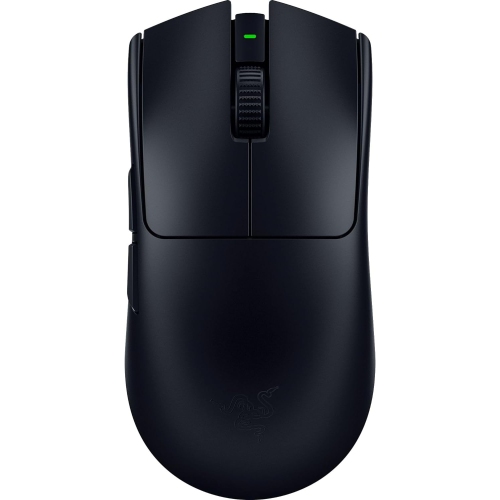
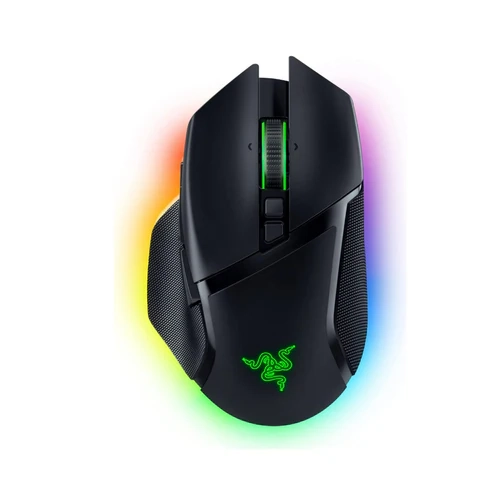

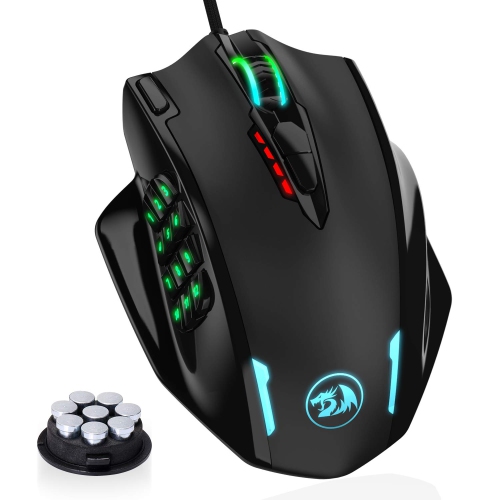
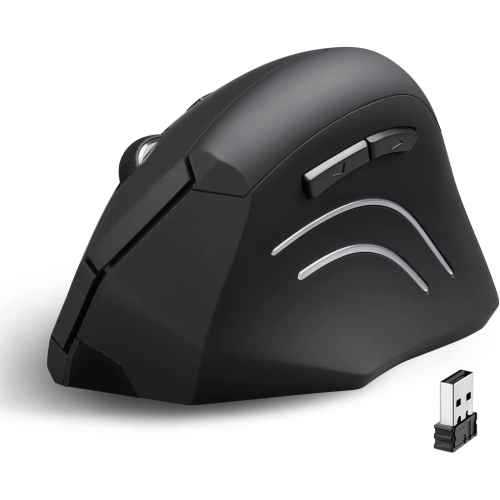
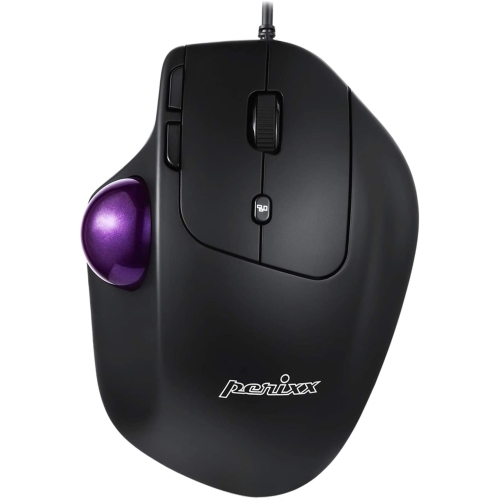


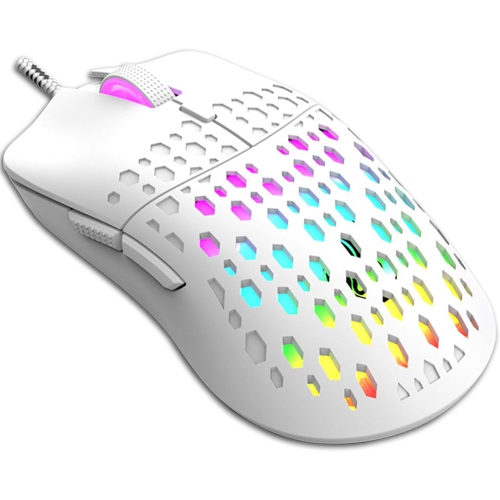
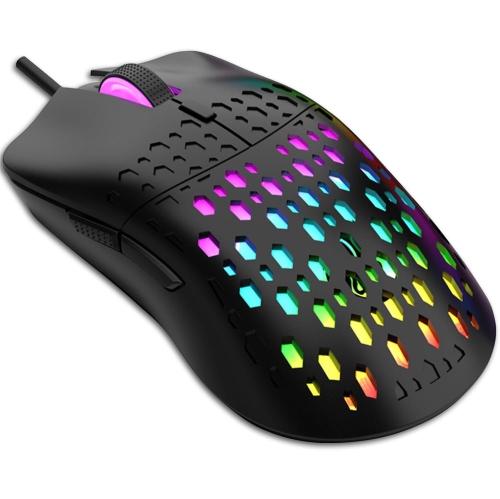
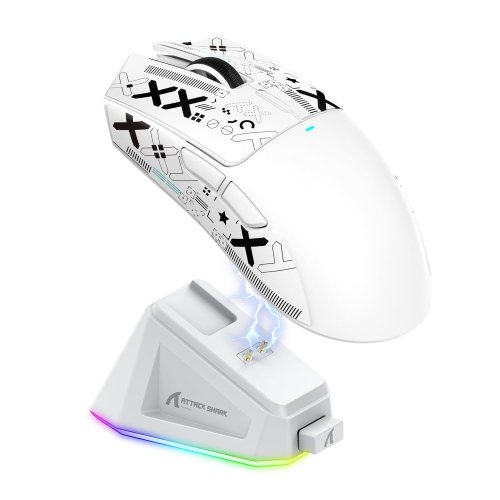
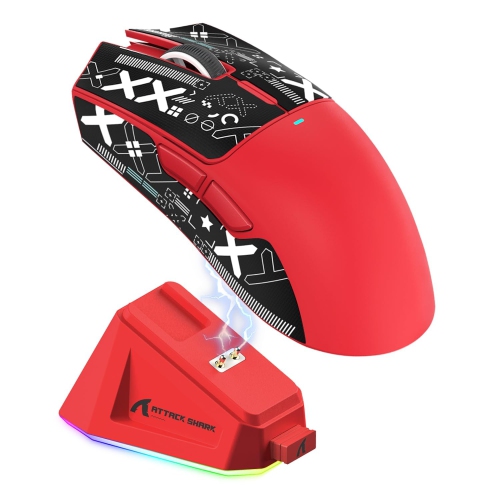
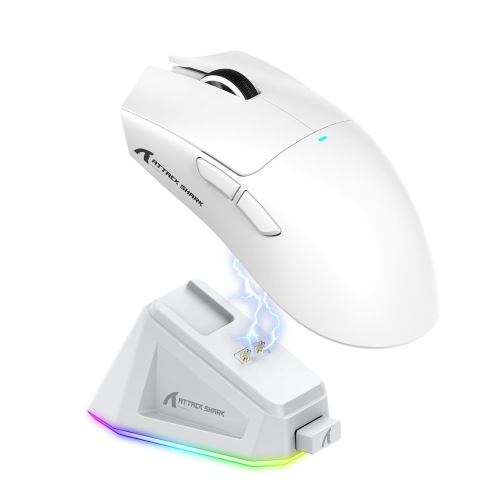
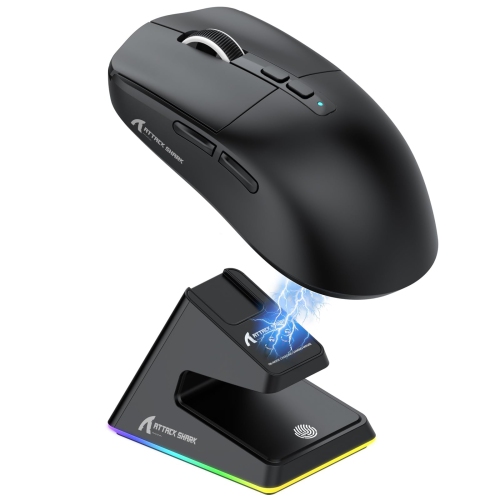
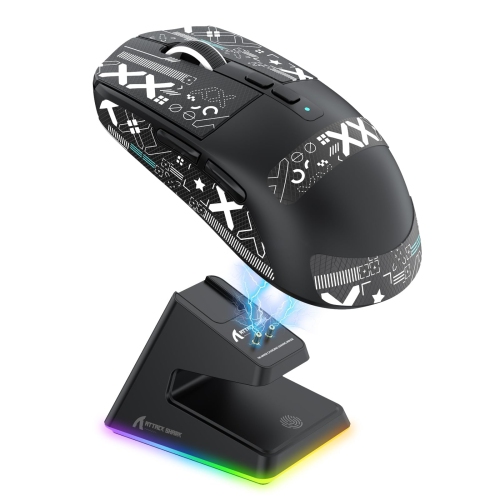
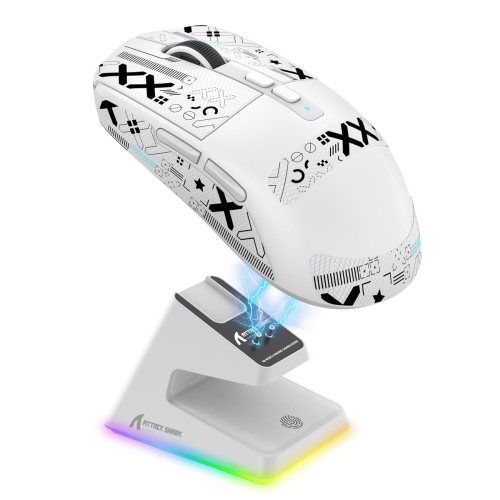
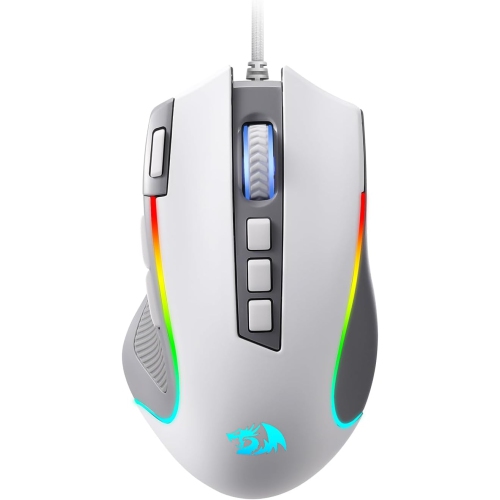
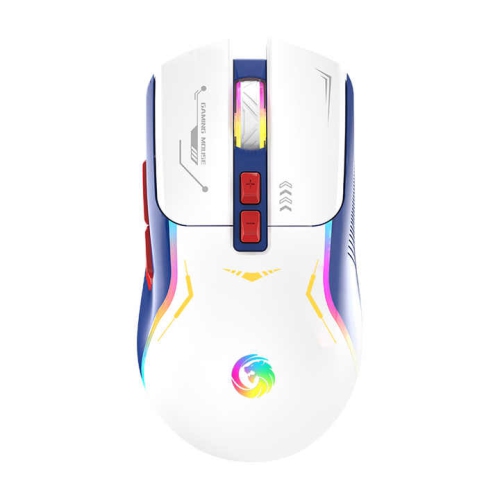
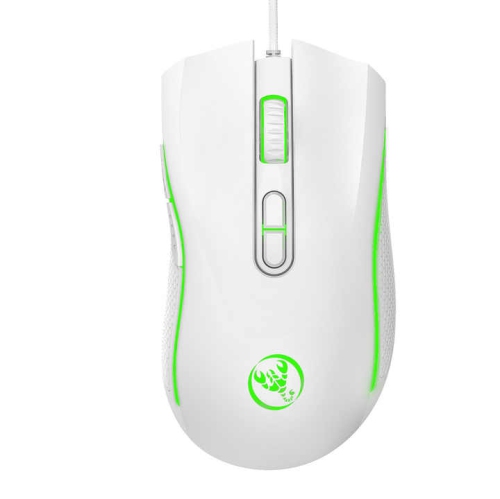
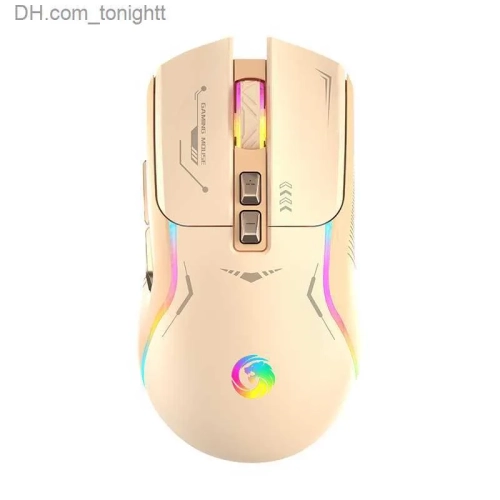
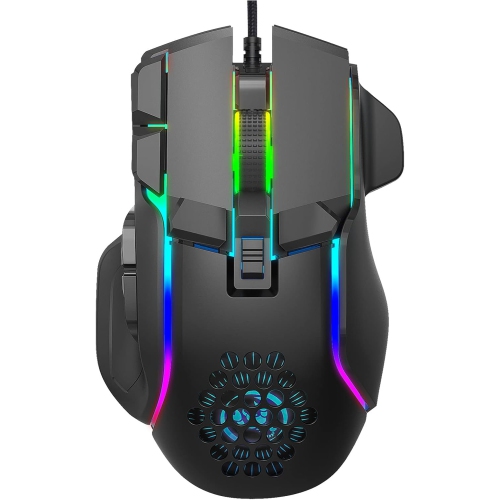

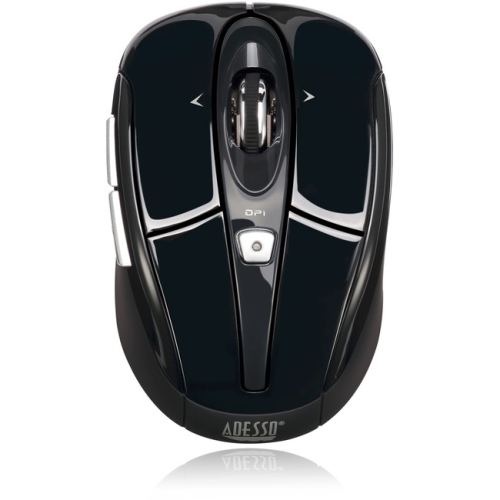
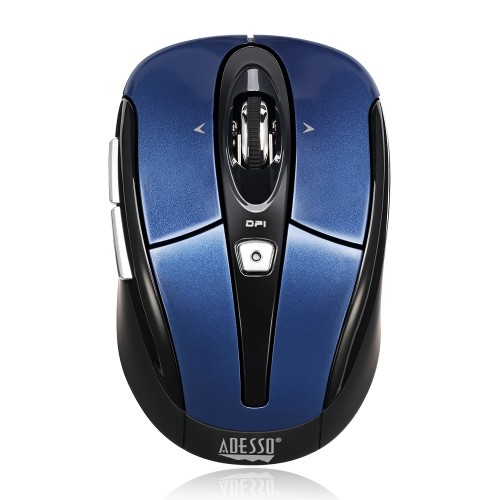
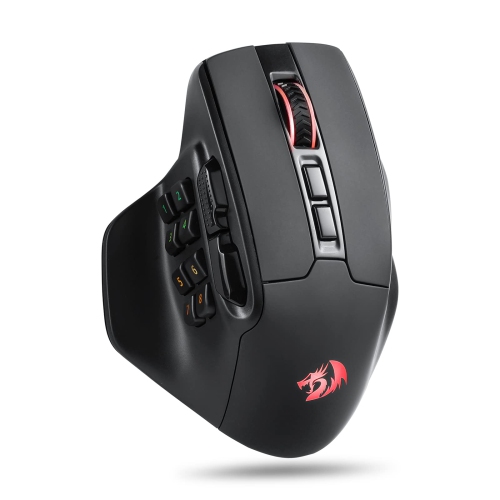
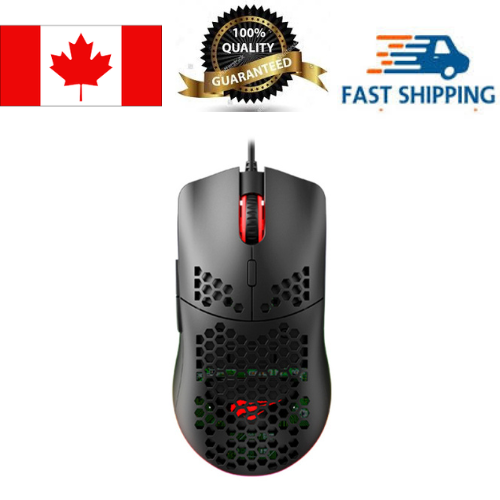
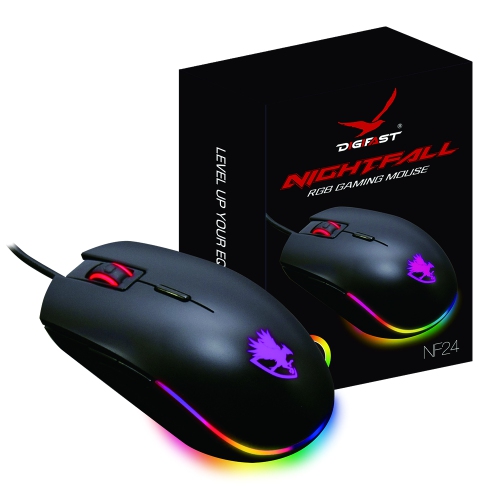
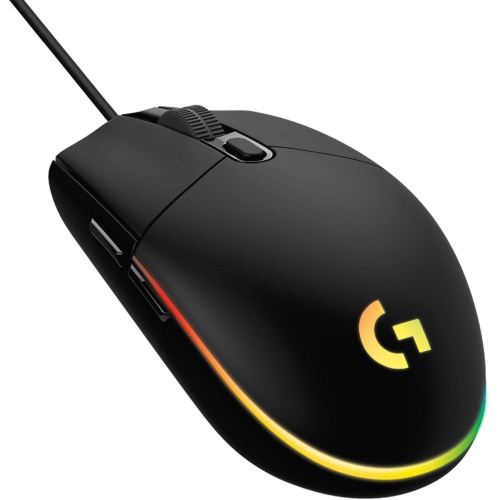

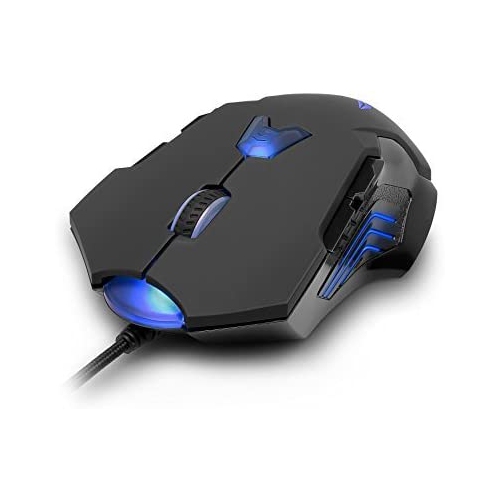
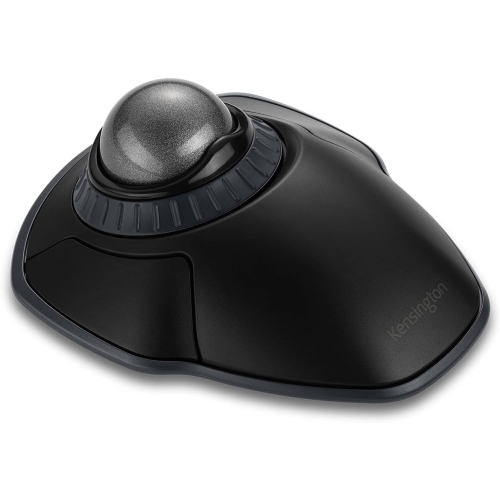
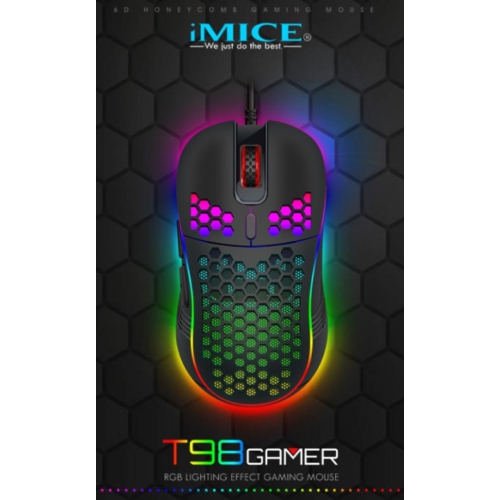
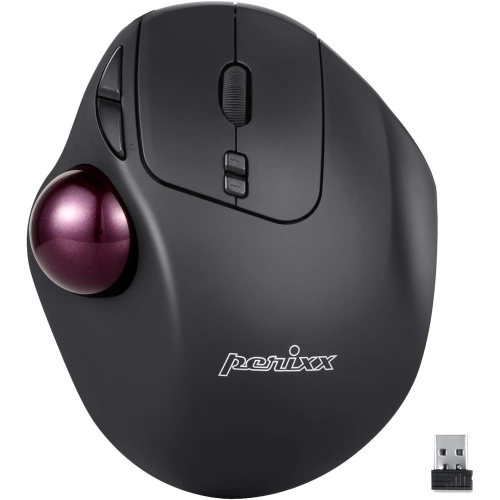
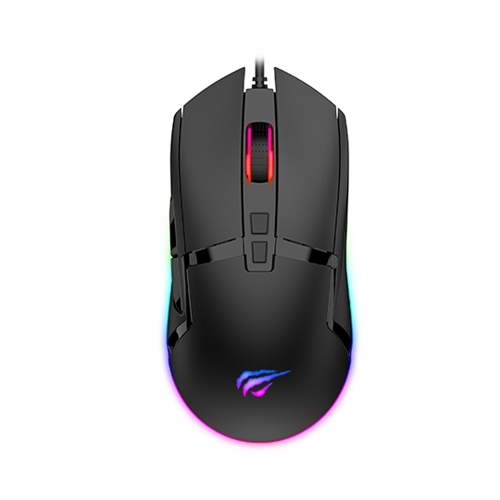
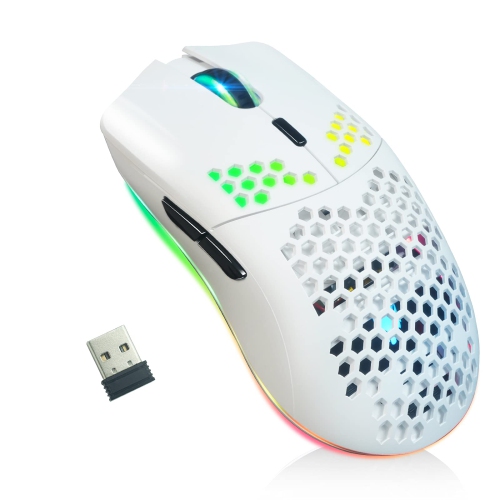
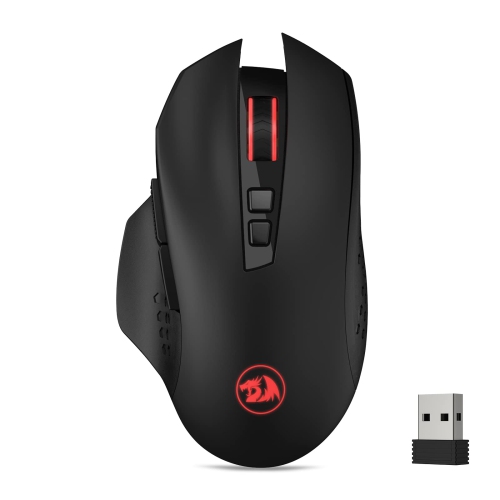
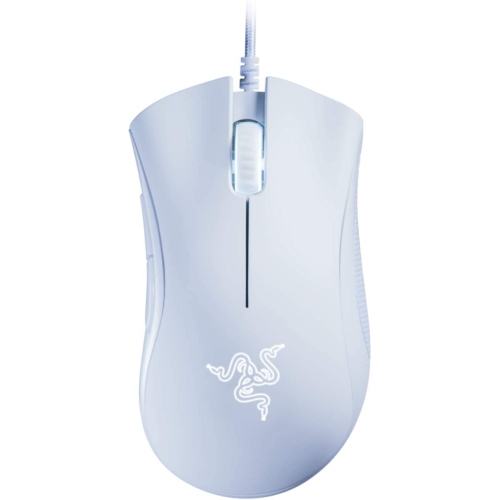
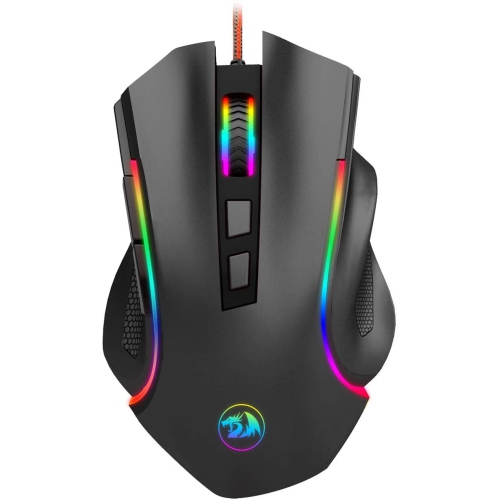
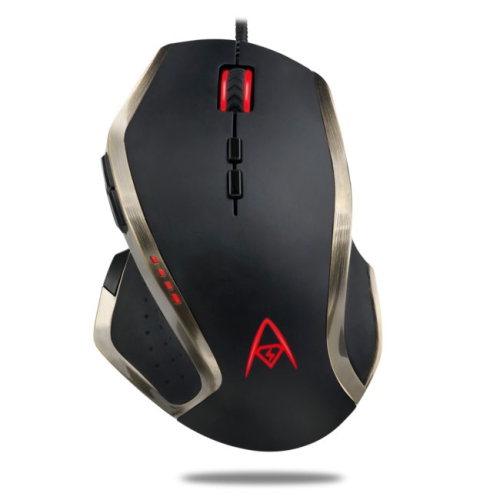
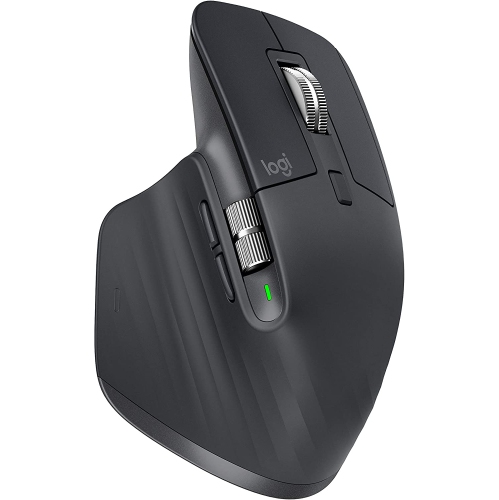
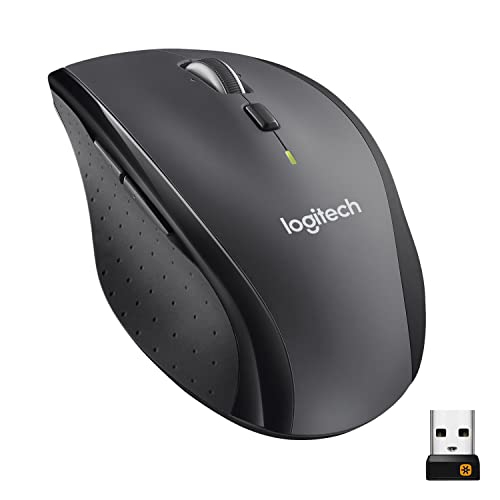
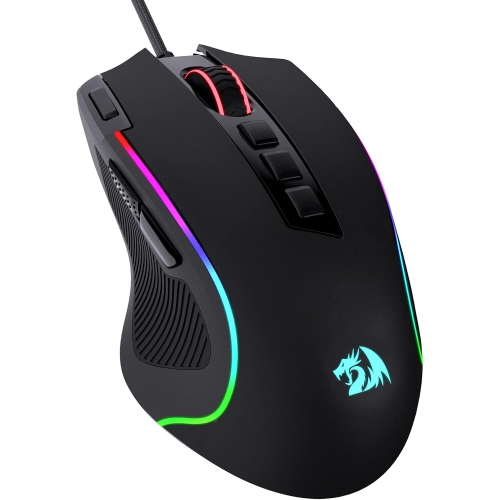
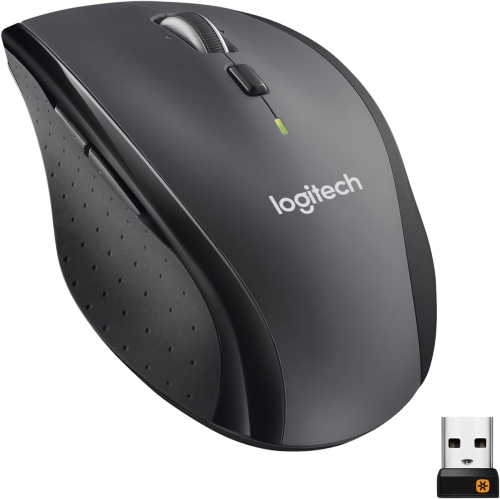
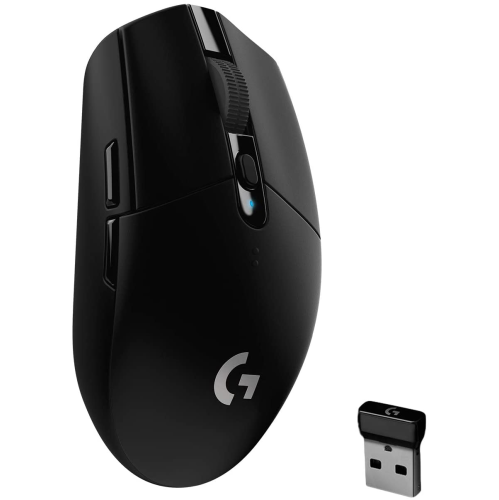
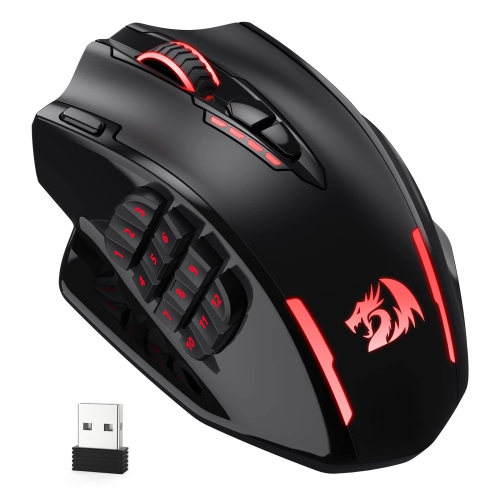
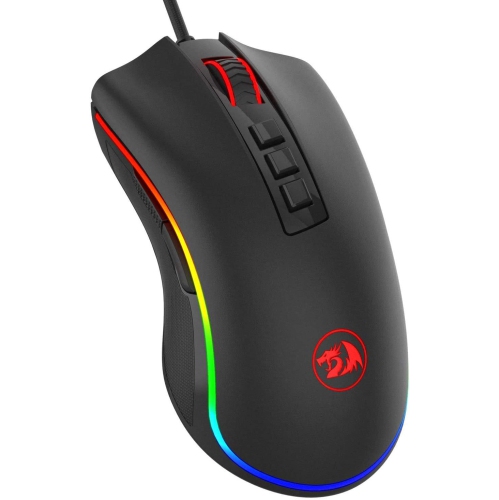
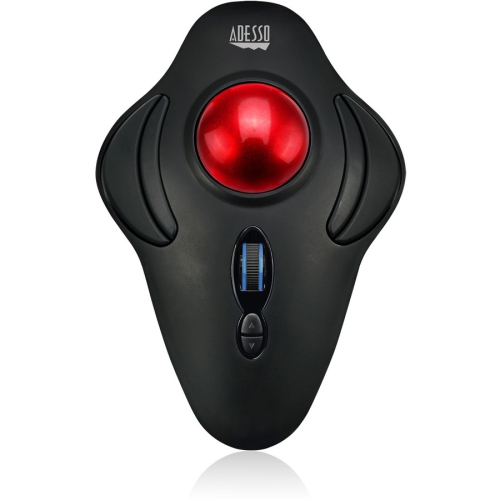
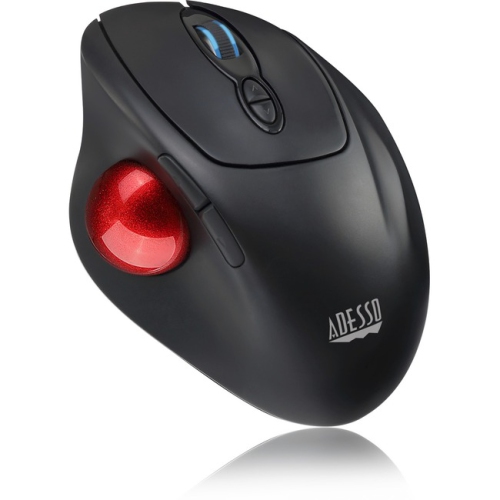

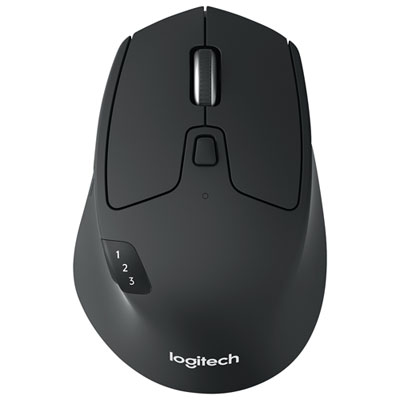
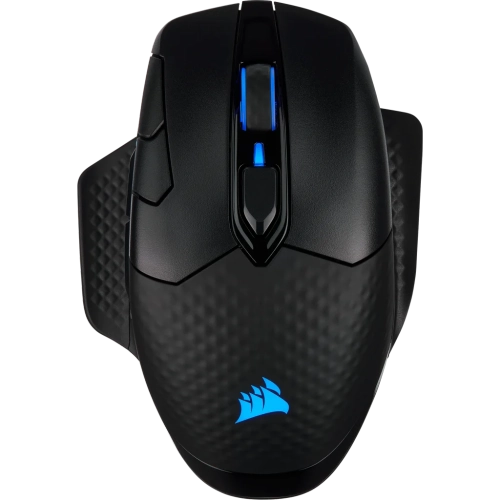
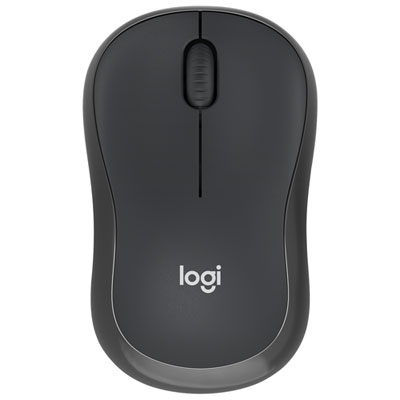
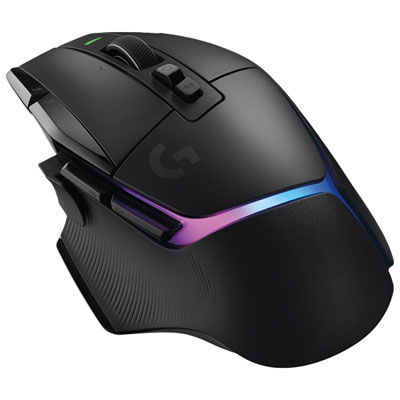
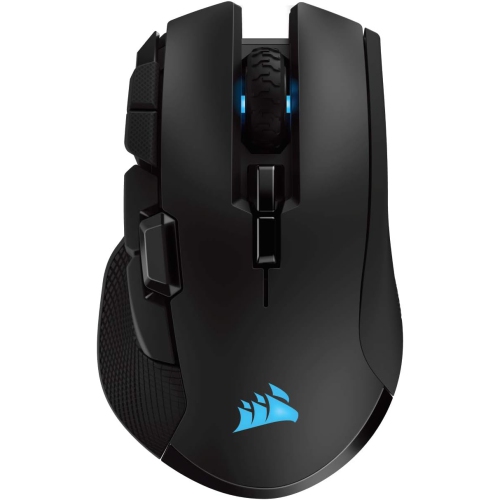
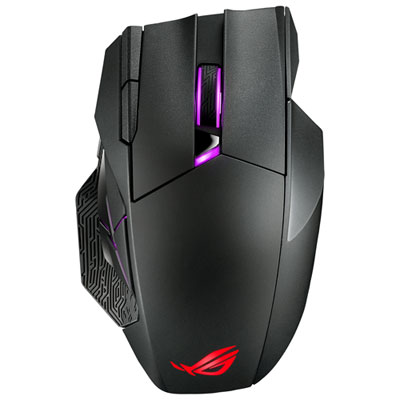
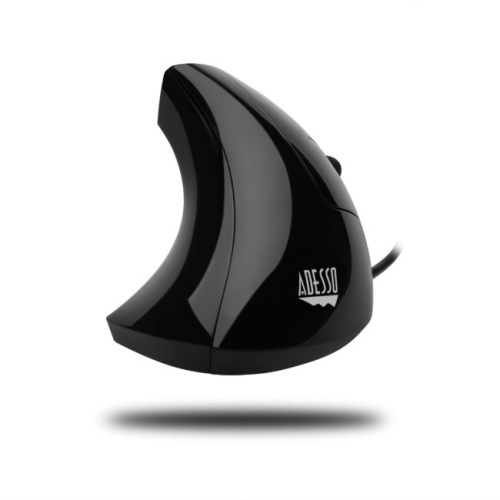
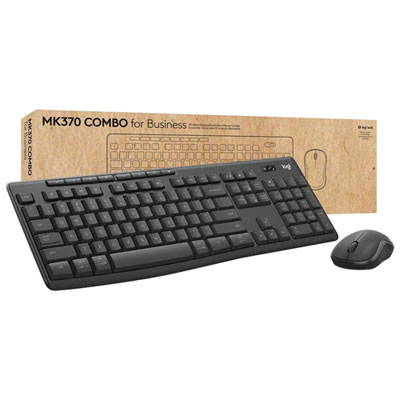
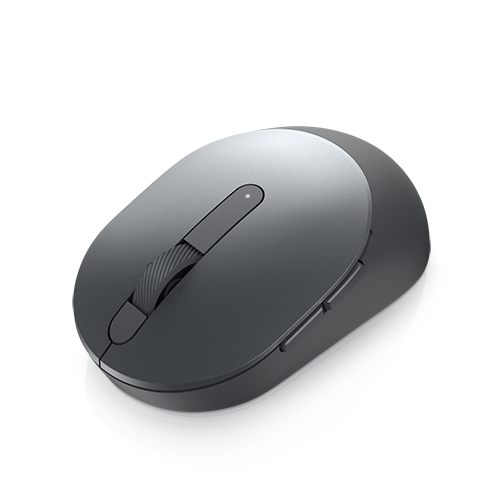

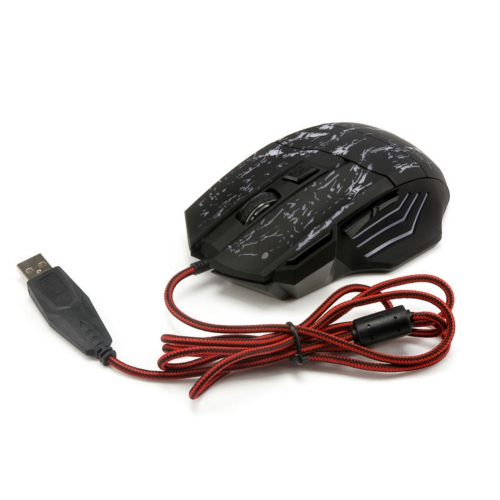
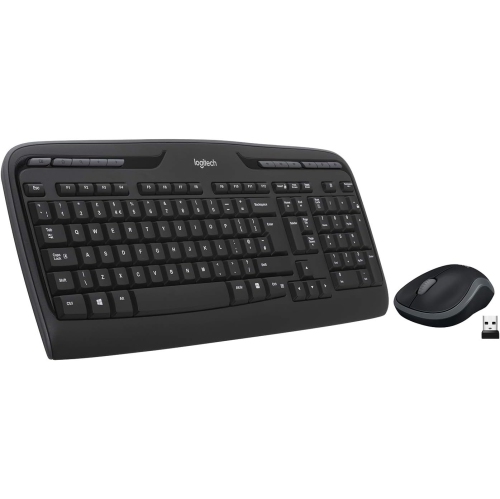
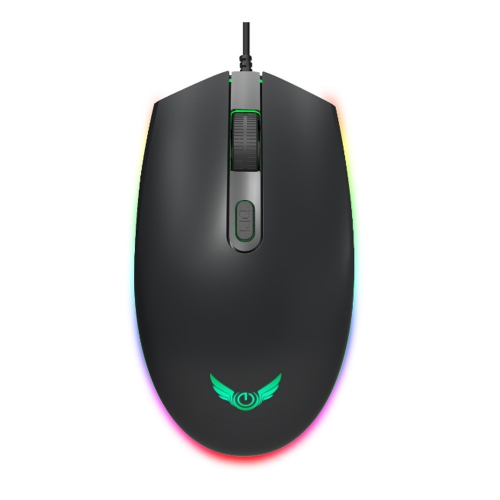
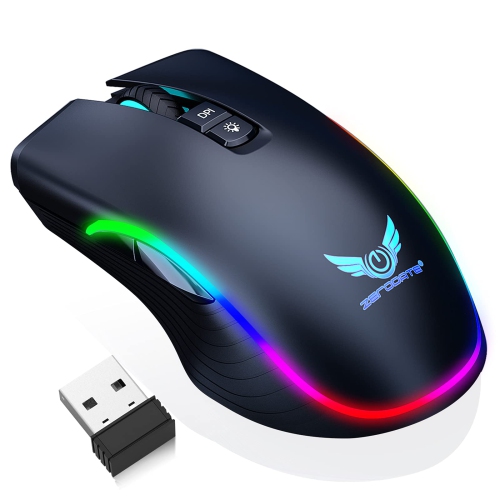
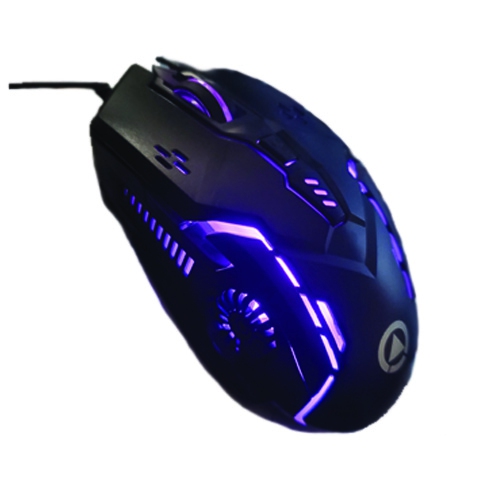
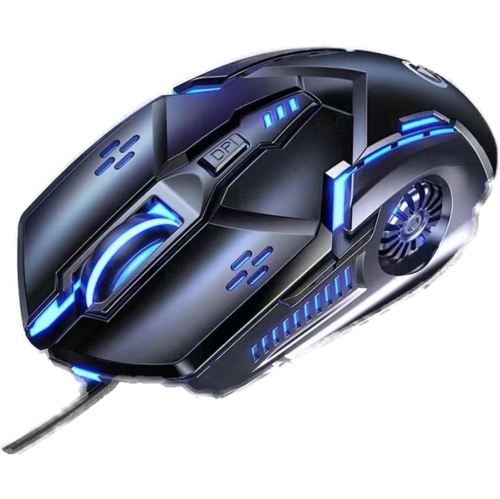
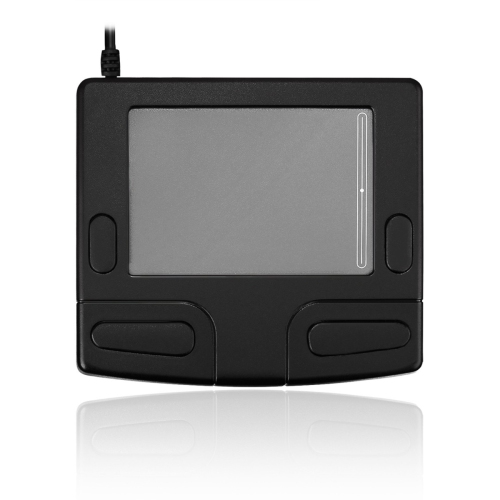
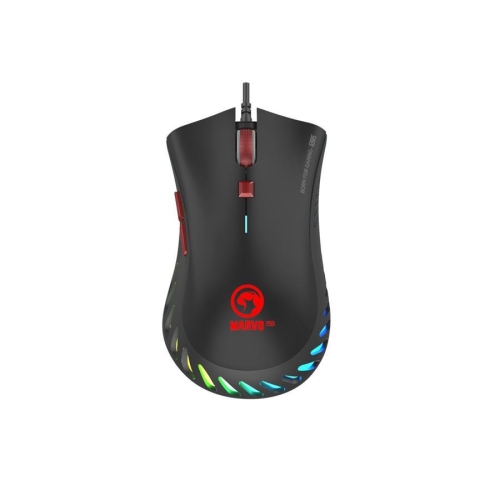
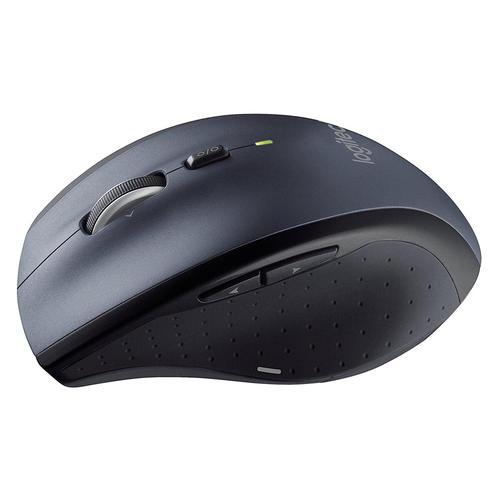
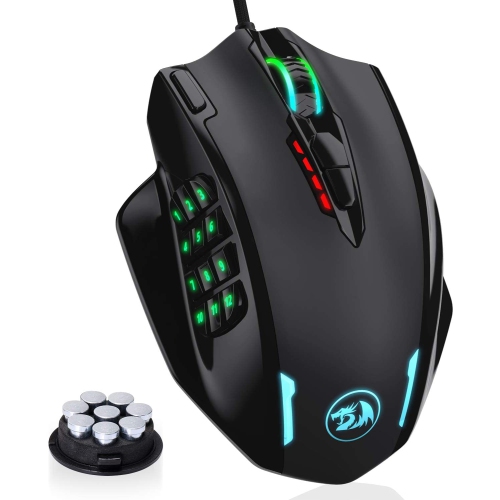
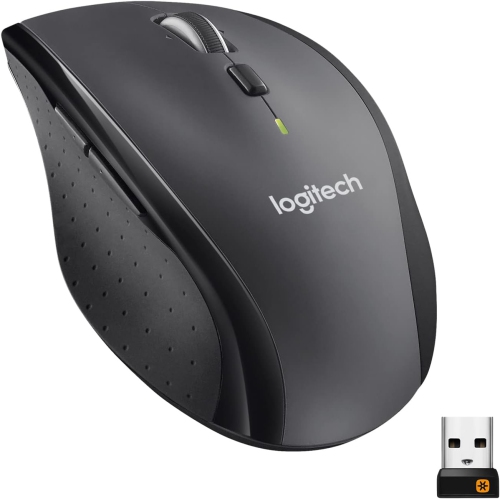
Custom controls and comfortable connections for work or play
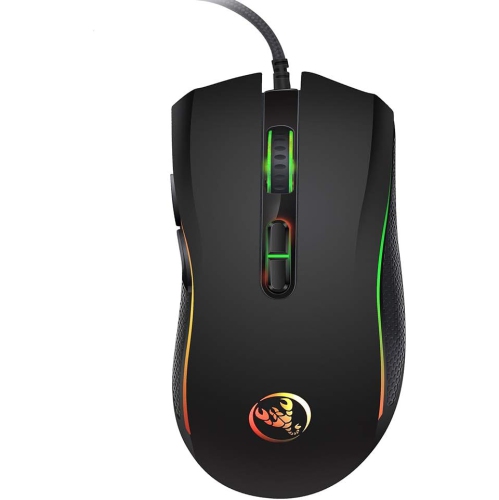
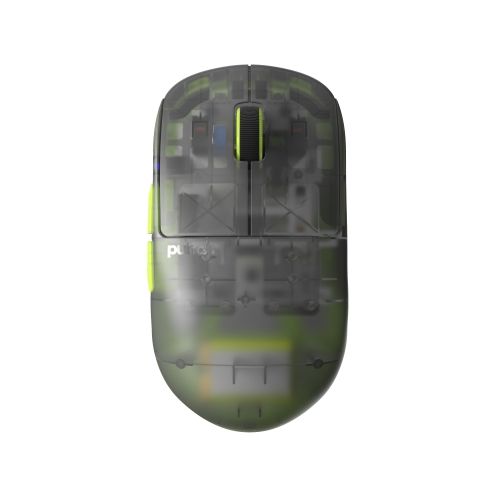
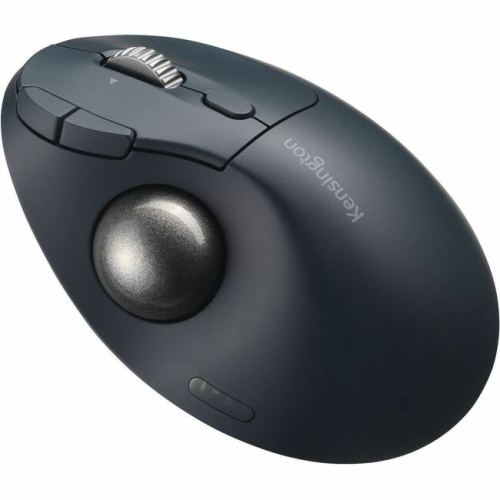
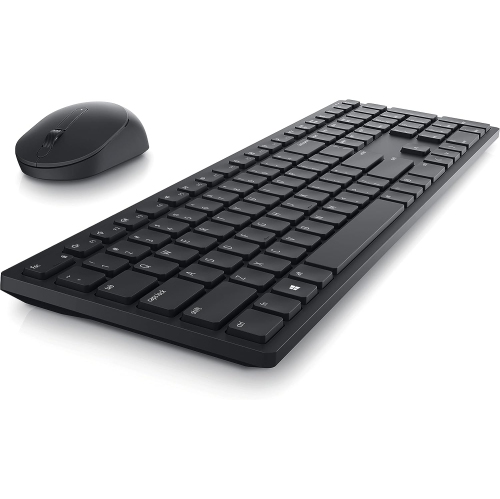
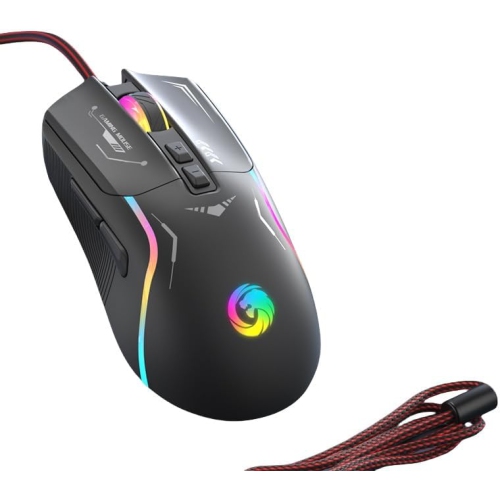
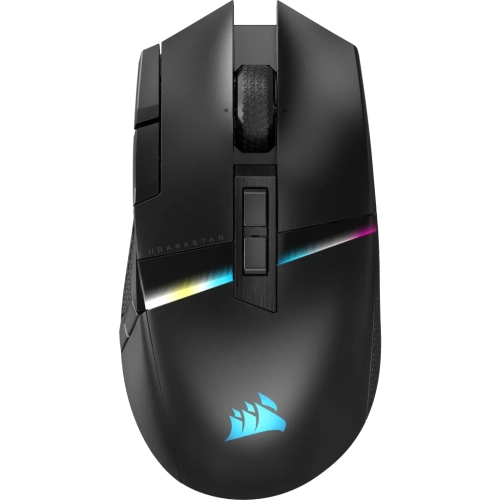
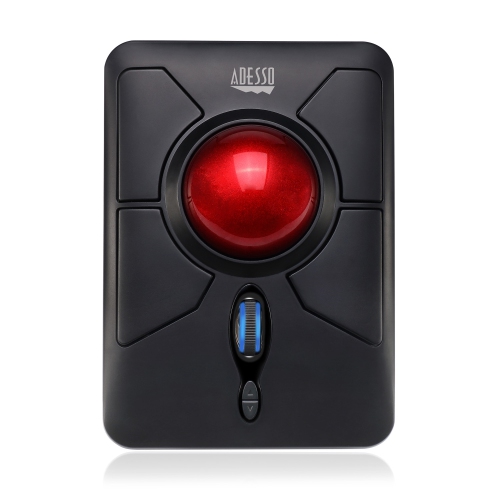
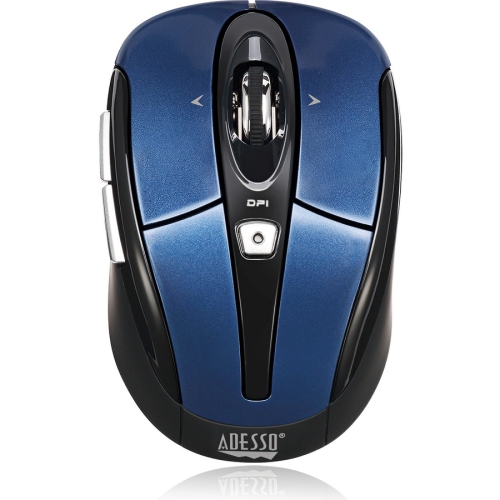
Programmable mice are designed for people who want more control from every click, scroll, and movement. In addition to the standard left and right buttons, these mice may include extra buttons on the side, beneath the thumb, or near the scroll wheel, giving you convenient access to commands that would otherwise require keyboard combinations. Companion software typically lets you assign functions such as copy and paste, application switching, media controls, push-to-talk, or other keyboard shortcuts to these buttons. Some models also support macro recording, allowing a sequence of keystrokes or actions to be triggered with one press. This can be useful for repetitive office tasks, creative applications, coding, streaming, and gaming. A programmable mouse may help reduce the time spent reaching across the keyboard, particularly when your left hand is occupied with movement controls or when you are working through a long series of similar actions. When comparing options, consider how many programmable controls you are likely to use rather than choosing solely by the highest button count. A compact layout with a few well-placed controls can feel more natural for everyday work, while a larger collection of buttons may suit complex software or games that rely on frequent commands. Button placement, click resistance, scroll-wheel feel, and the shape of the mouse all affect comfort, especially during extended sessions.
Connectivity is another important consideration when selecting a programmable mouse. Wired USB models provide a direct connection and do not require charging, making them a practical choice for a fixed desktop setup. Wireless models may use a dedicated 2.4 GHz receiver for a responsive connection, Bluetooth for broader device compatibility, or both so you can switch between computers, tablets, and other compatible devices. Battery life, charging options, receiver storage, and the ability to use the mouse while charging can make a noticeable difference in day-to-day convenience. If you regularly move between a home office, classroom, shared workspace, or gaming area, a wireless model can help keep the desk clear and make it easier to pack your setup away during the cooler months. Onboard memory is worth considering if you want to save button assignments and sensitivity settings directly on the mouse. This feature can be especially helpful when using a work or school computer where installing configuration software may not be permitted. Without onboard storage, custom layouts may depend on companion software and user profiles saved on the connected computer. Check compatibility before buying, since configuration tools and available features can vary between Windows, macOS, and other operating systems. Shoppers using Apple computers can explore Programmable Mice for Mac for options suited to that environment. It is also useful to check whether the mouse supports the applications you use most, since a button assignment that works in a web browser may behave differently in a photo editor, video application, spreadsheet, or game.
The right programmable mouse should feel comfortable after hours of use, not just impressive when viewed on a product page. Look for a size and shape that let your palm rest naturally, with a thumb area that supports your hand without forcing your wrist outward. Grip style matters as well: palm, claw, and fingertip users may prefer different contours, lengths, and weights. Adjustable sensitivity can help you move quickly across a large monitor or make precise selections in detailed creative work, while a dedicated sensitivity button can provide quick access to another setting. A smooth scroll wheel may be helpful for documents and web pages, whereas a notched wheel can offer more controlled movement through menus or timelines. Gaming-focused users may assign abilities, inventory commands, communication controls, or movement functions to the side buttons, while office users might reserve them for navigation, window management, or frequently repeated shortcuts. Video editors, designers, programmers, and students can use programmable controls to keep common tools close at hand and maintain a steadier workflow. These mice can also make thoughtful gifts for PC users, students setting up a study space, remote workers, and gaming enthusiasts who enjoy tailoring their equipment. Before making a choice, consider the recipient’s computer, preferred connection type, desk space, hand size, and the applications they use most often. A programmable mouse is most useful when its controls are easy to reach, its software is straightforward to configure, and its comfort matches the way the person actually works or plays.
Connectivity is another important consideration when selecting a programmable mouse. Wired USB models provide a direct connection and do not require charging, making them a practical choice for a fixed desktop setup. Wireless models may use a dedicated 2.4 GHz receiver for a responsive connection, Bluetooth for broader device compatibility, or both so you can switch between computers, tablets, and other compatible devices. Battery life, charging options, receiver storage, and the ability to use the mouse while charging can make a noticeable difference in day-to-day convenience. If you regularly move between a home office, classroom, shared workspace, or gaming area, a wireless model can help keep the desk clear and make it easier to pack your setup away during the cooler months. Onboard memory is worth considering if you want to save button assignments and sensitivity settings directly on the mouse. This feature can be especially helpful when using a work or school computer where installing configuration software may not be permitted. Without onboard storage, custom layouts may depend on companion software and user profiles saved on the connected computer. Check compatibility before buying, since configuration tools and available features can vary between Windows, macOS, and other operating systems. Shoppers using Apple computers can explore Programmable Mice for Mac for options suited to that environment. It is also useful to check whether the mouse supports the applications you use most, since a button assignment that works in a web browser may behave differently in a photo editor, video application, spreadsheet, or game.
The right programmable mouse should feel comfortable after hours of use, not just impressive when viewed on a product page. Look for a size and shape that let your palm rest naturally, with a thumb area that supports your hand without forcing your wrist outward. Grip style matters as well: palm, claw, and fingertip users may prefer different contours, lengths, and weights. Adjustable sensitivity can help you move quickly across a large monitor or make precise selections in detailed creative work, while a dedicated sensitivity button can provide quick access to another setting. A smooth scroll wheel may be helpful for documents and web pages, whereas a notched wheel can offer more controlled movement through menus or timelines. Gaming-focused users may assign abilities, inventory commands, communication controls, or movement functions to the side buttons, while office users might reserve them for navigation, window management, or frequently repeated shortcuts. Video editors, designers, programmers, and students can use programmable controls to keep common tools close at hand and maintain a steadier workflow. These mice can also make thoughtful gifts for PC users, students setting up a study space, remote workers, and gaming enthusiasts who enjoy tailoring their equipment. Before making a choice, consider the recipient’s computer, preferred connection type, desk space, hand size, and the applications they use most often. A programmable mouse is most useful when its controls are easy to reach, its software is straightforward to configure, and its comfort matches the way the person actually works or plays.
Top selling and popular products
-
 Your price for this item is $59.99
 -
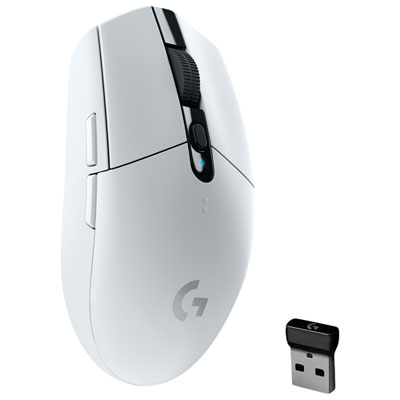 Your price for this item is $69.99
 -
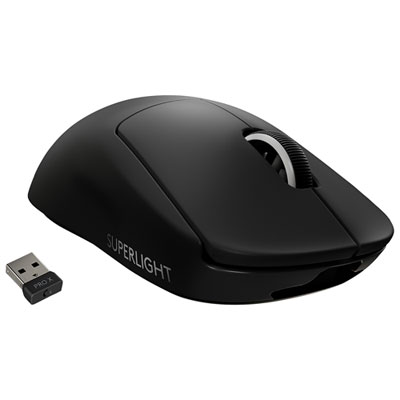 Your price for this item is $199.99
 -
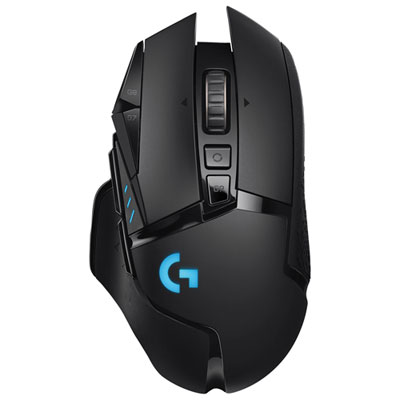 Your price for this item is $149.99
 -
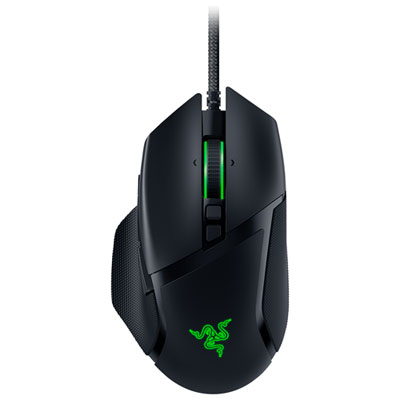 Your price for this item is $47.99
 -
 Your price for this item is $39.99
 -
 Your price for this item is $95.98
 -
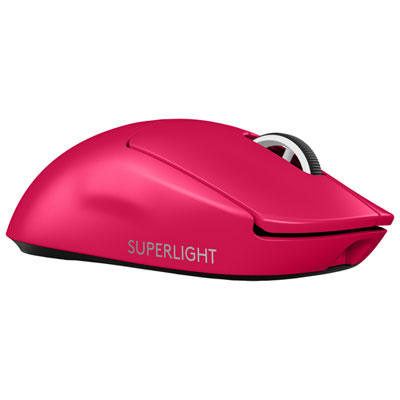 Your price for this item is $219.99
Discover more categories related to Mouse Programmable
Top Collections:
Pokemon Centers, Kindle Devices, Best Budget Office Chairs, Apple iPhones 16, Best Laptops for Writers, iPhone 15 Apple, Canon G7X Cameras, Refurbished Apple Laptops, Alarm Clock, Motorola Razr Phones
Some products may be subject to Environmental Handling Fees
(EHF) depending on your province.
Learn more about EHFs.